For
Categories
All tags
#slicer 12
#cloud 11
#classroom 7
#school 5
#orcaslicer 5
#integration 4
#chromebook 4
#enterprise 3
#comparison 3
#cad 3
#tinkercad 3
#bambustudio 3
#print-farm 3
#print-queue 2
#operations 2
#stl 2
#automation 2
#mobile 2
#bambu 2
#autoprint 2
#sso 1
#security 1
#curriculum 1
#teachers 1
#academy 1
#3dprinteros 1
#polar cloud 1
#printago 1
#safety 1
#stem 1
#rollout 1
#manufacturing 1
#workflow 1
#mes 1
#erp 1
#plm 1
#multi-location 1
#fleet-management 1
#freecad 1
#fusion-360 1
#sketchup 1
#print farm 1
#3d printing business 1
#print queue 1
#online 1
#gcode 1
#beginners 1
#android 1
#forks 1
#no-install 1
#3mf 1
#file-formats 1
#blender 1
#3d-print-toolbox 1
#ai-detection 1
#failure-detection 1
#camera 1
#webcam 1
#ender 1
#prusa 1
#googlebook 1
#2026 1
#ipad 1
#maintenance 1
#checklist 1
#spare-parts 1
#queue 1
#permissions 1
#staggered-start 1
#power 1
#electrical 1
#continuous-printing 1
#prusaslicer 1
#elegooslicer 1
-
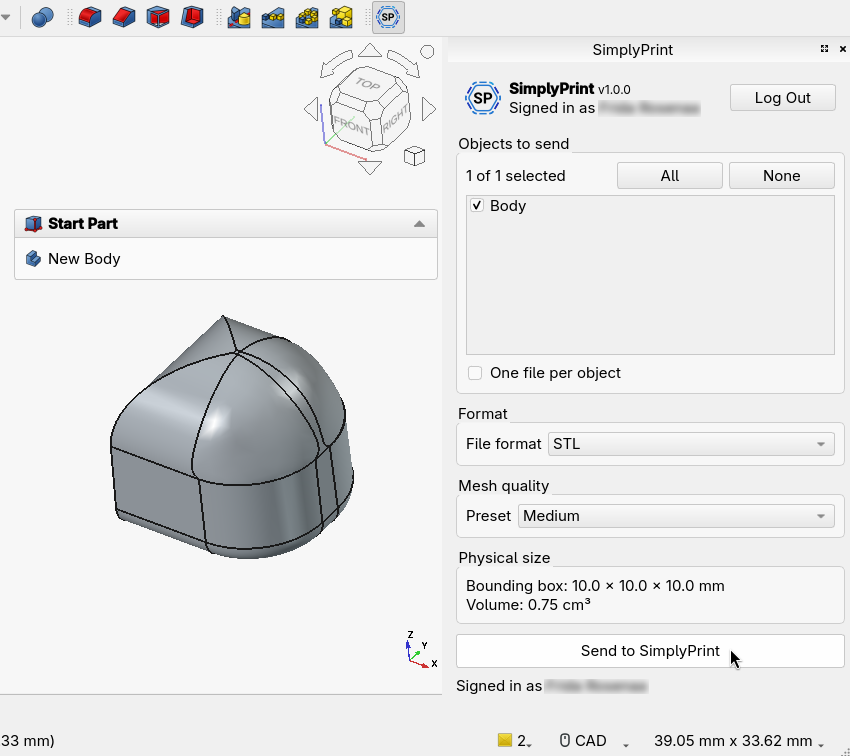
How to 3D print from FreeCAD in one click
How to 3D print from FreeCAD without manual STL export juggling. Send solids straight to the browser with the SimplyPrint addon, slice, and print in one click.
Hobbyists #freecad #integration #slicer -
How to 3D print from Fusion 360 in one click
Learn how to 3D print from Fusion 360: export STL or 3MF, then send your model to the SimplyPrint cloud slicer in one click and print to any printer.
Hobbyists #fusion-360 #integration #slicer -
How to 3D print from SketchUp in one click
How to 3D print from SketchUp without the manual STL export. Fix non-manifold geometry, then send your model straight to the SimplyPrint cloud slicer.
Hobbyists #sketchup #integration #slicer -
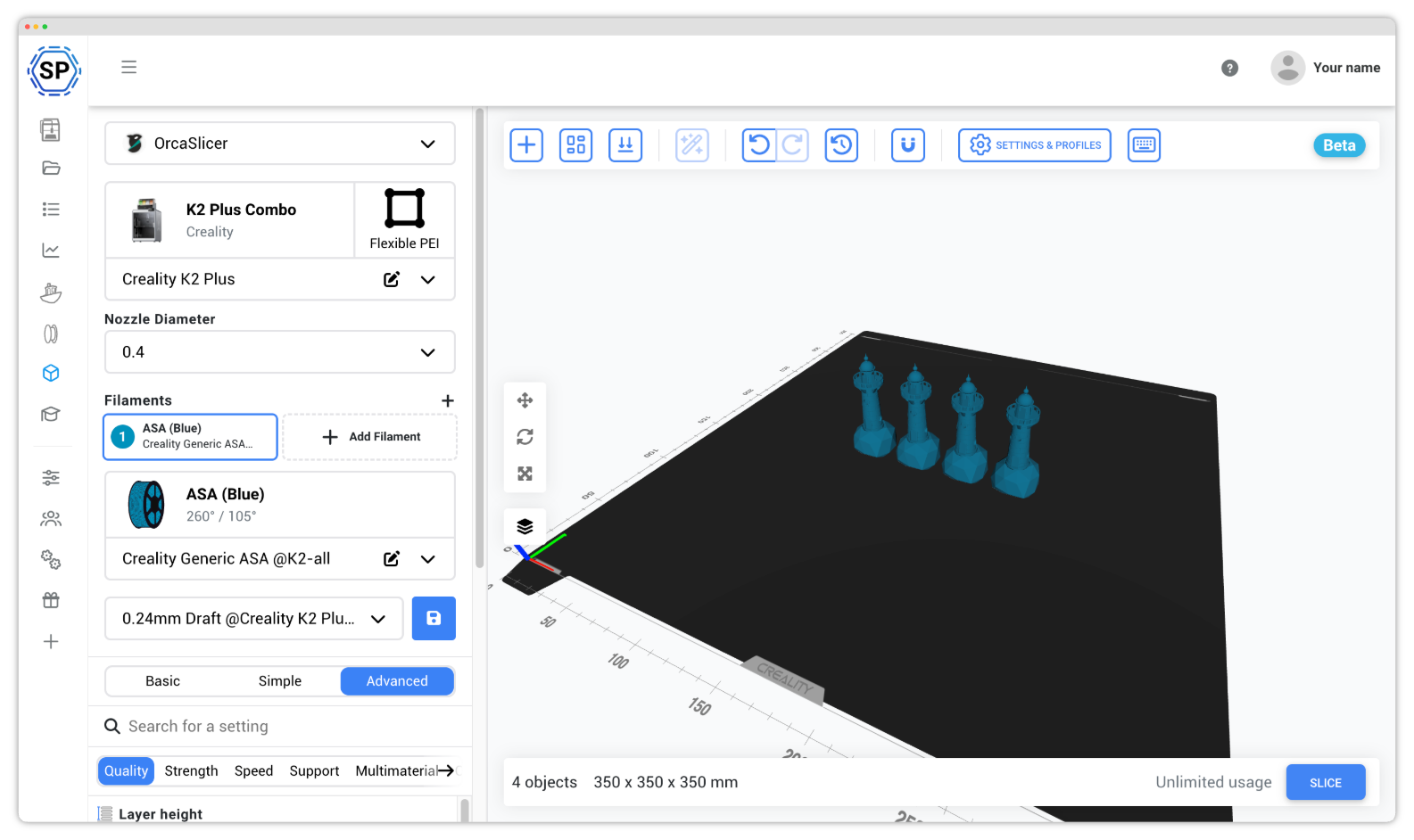
OrcaSlicer vs Bambu Studio: which should you use
OrcaSlicer vs Bambu Studio compared on cost, printer support, calibration, AMS, and ease of use. Both are free and open source. See which slicer fits you.
Hobbyists #orcaslicer #bambustudio #comparison -
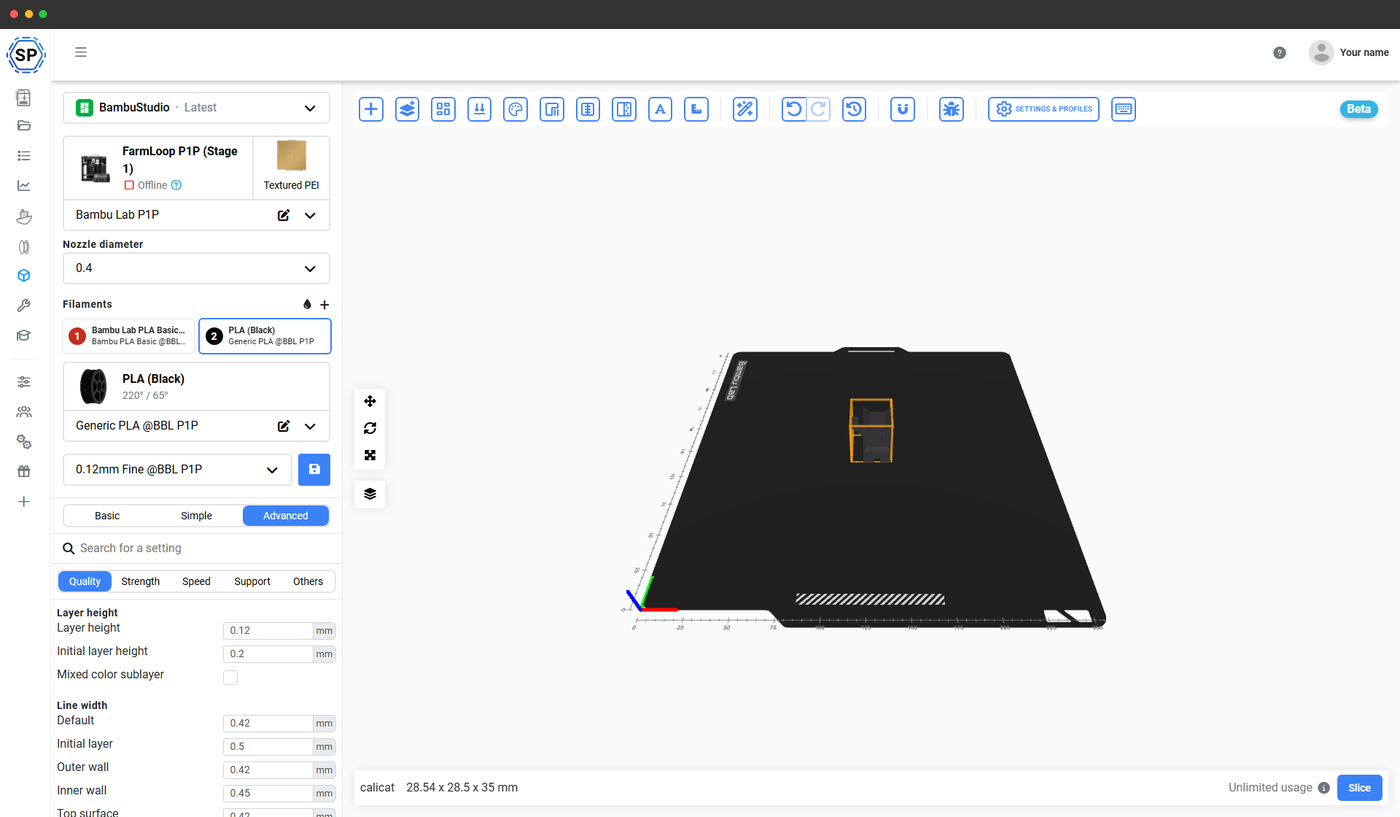
Bambu Studio vs OrcaSlicer: which to use (2026)
Bambu Studio vs OrcaSlicer compared - lineage, profile compatibility, and which slicer wins for a Bambu Lab printer. Plus how to run both in the browser.
Hobbyists #bambustudio #orcaslicer #comparison -
Browser based 3D slicer: slice online, no install
A browser based 3D slicer runs in any browser with no download. Compare the main online slicers and see which one runs the real desktop engines.
Hobbyists #slicer #cloud #online -
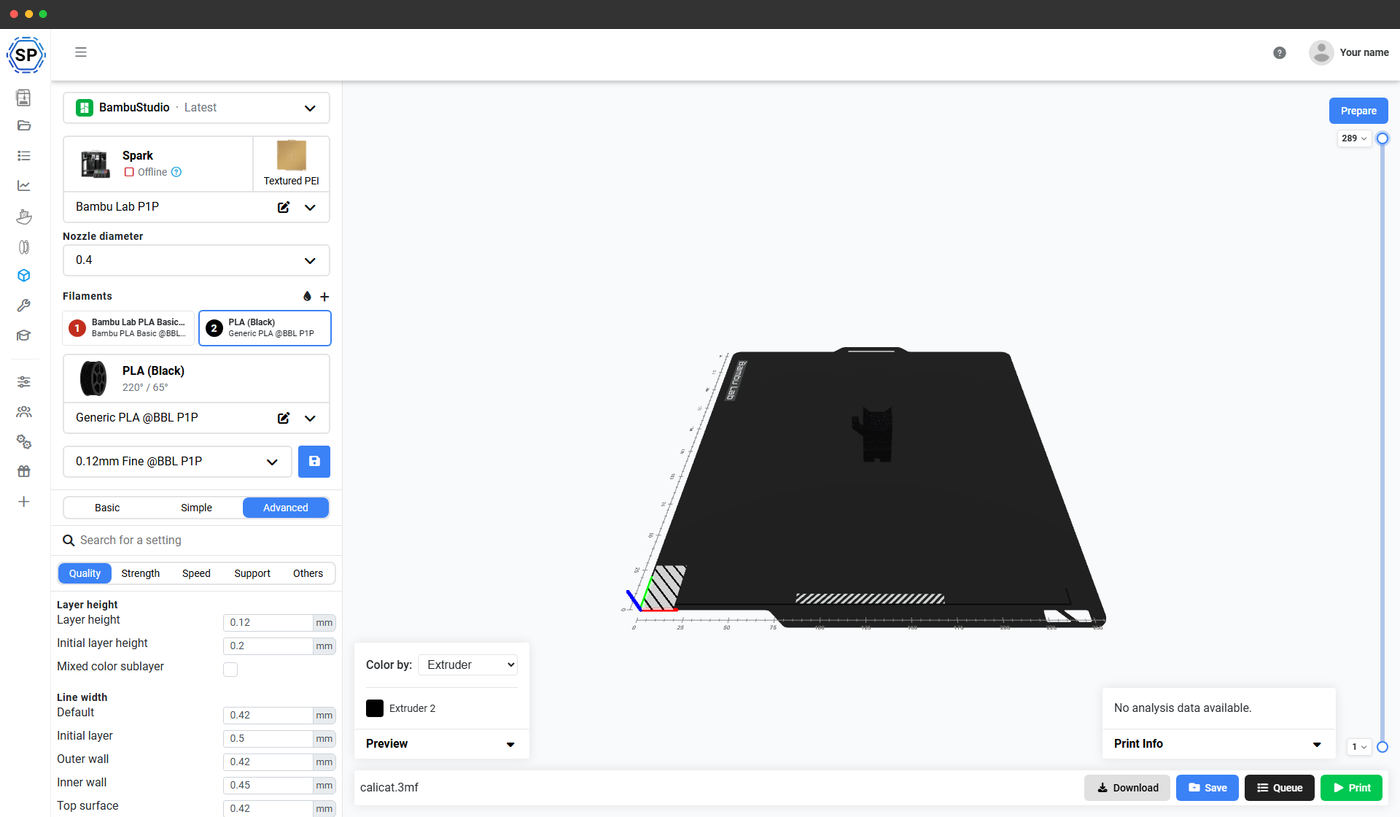
Convert STL to gcode: a free beginner's guide
Convert STL to gcode the right way: the only real conversion is slicing. Do it free in any browser on a Chromebook, tablet, or phone, with no install.
Hobbyists #gcode #stl #beginners -
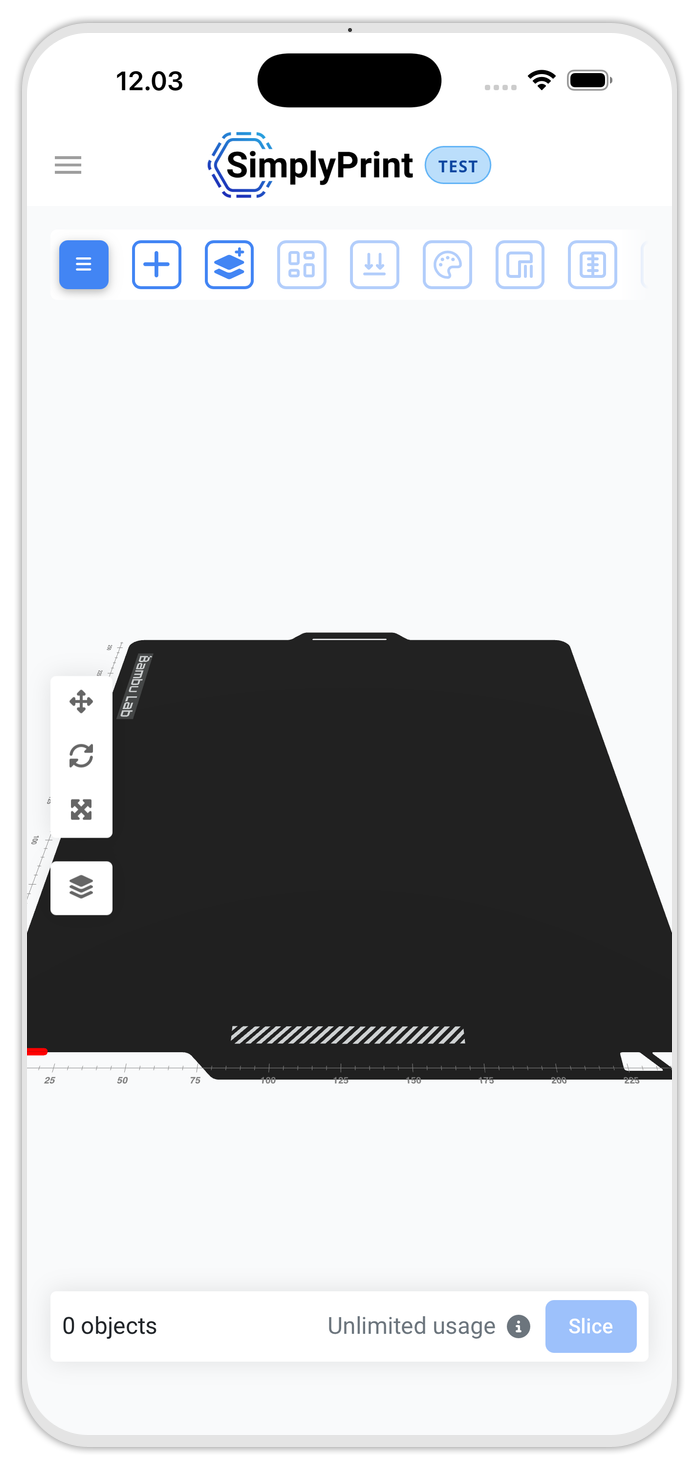
Orca Slicer Android: how to slice on your phone
There is no official Orca Slicer Android or iOS app. Here is how to slice on your phone or tablet in the browser, using the real OrcaSlicer engine.
Hobbyists #orcaslicer #android #mobile -
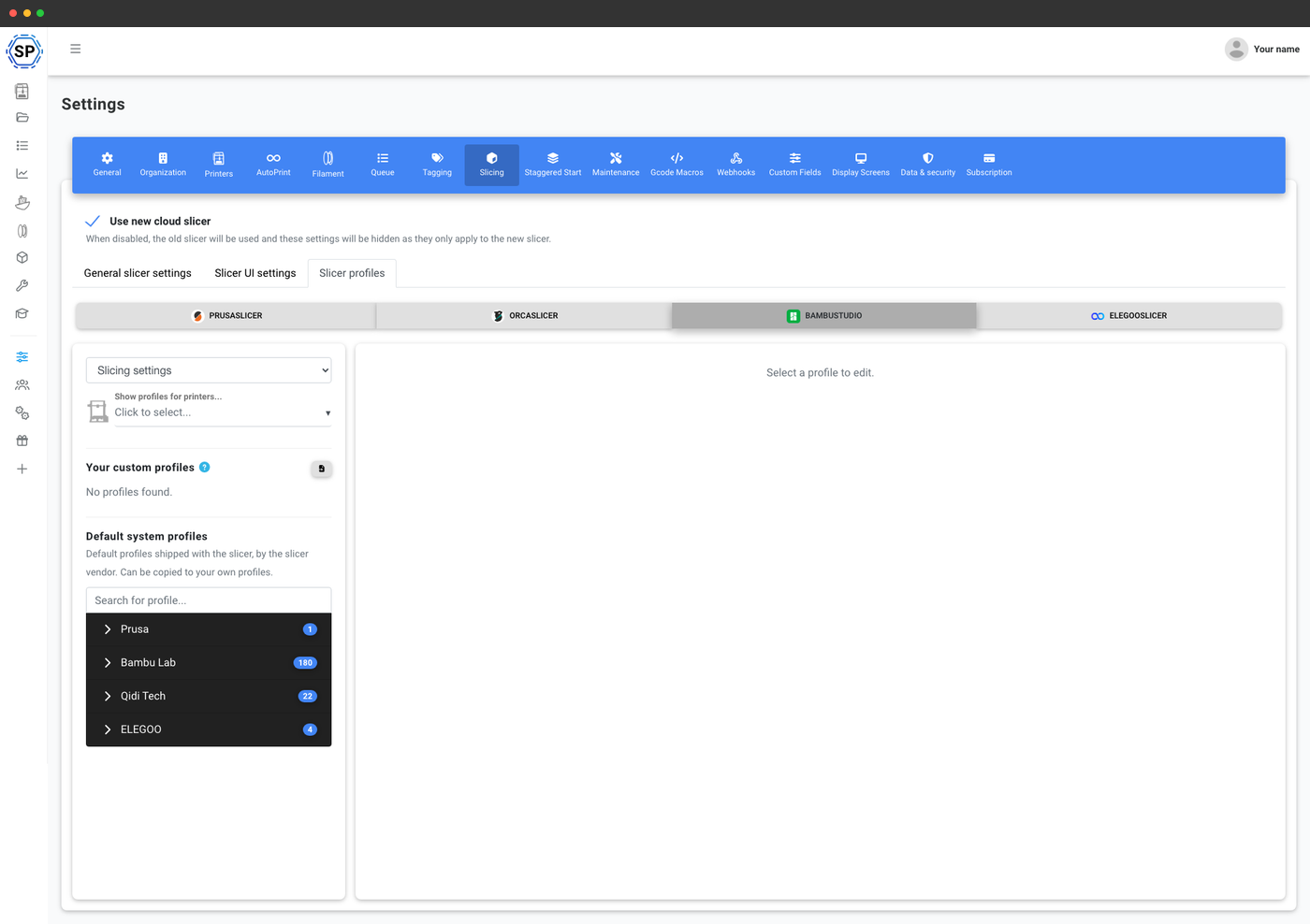
OrcaSlicer forks compared, every brand fork explained
A clear map of every OrcaSlicer fork, the slicer family tree, and whether you actually need your printer's branded fork or can run the engines online.
Hobbyists #orcaslicer #slicer #forks -
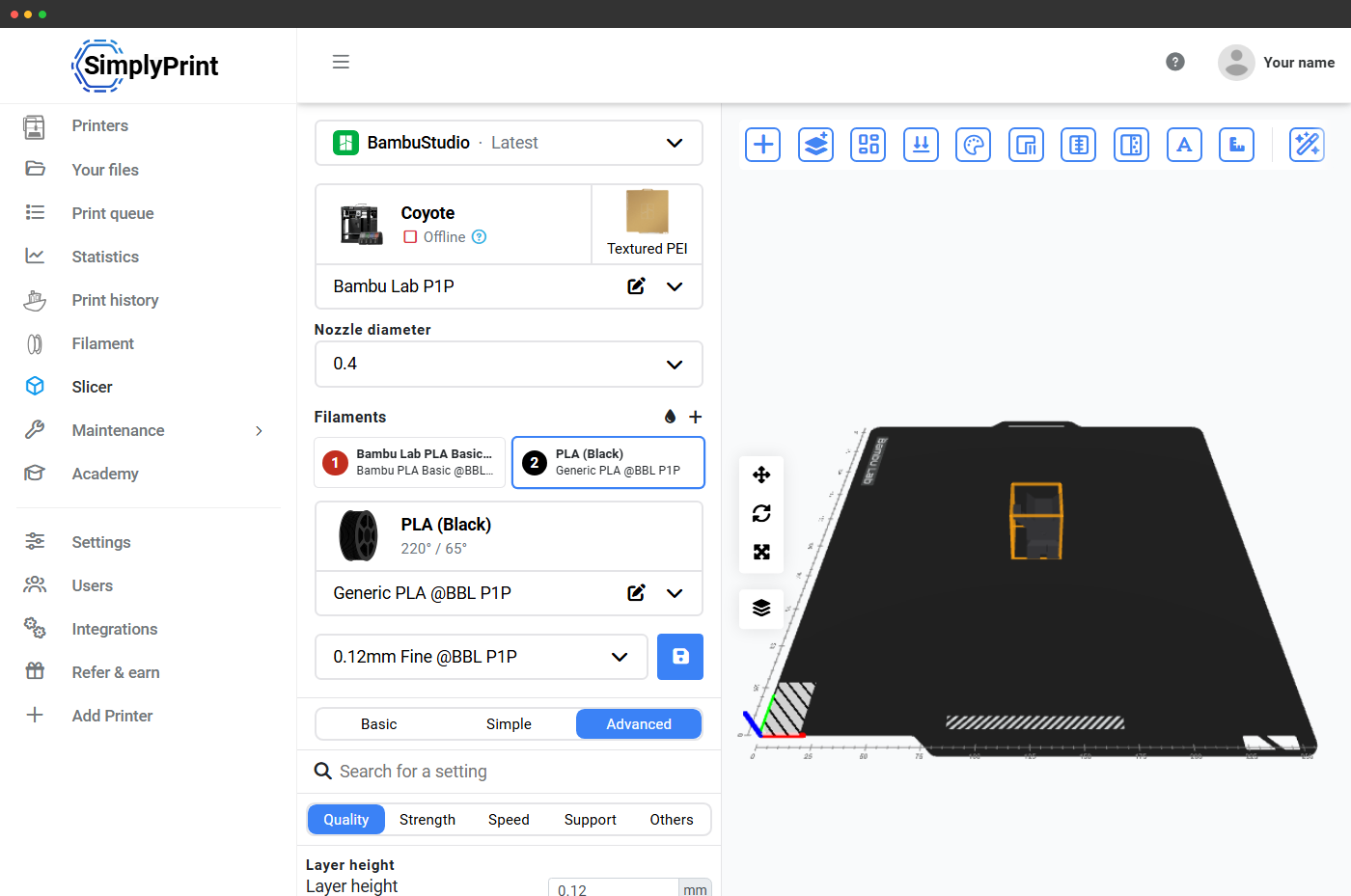
Slice 3D model without installing software
Slice a 3D model without installing software. Upload an STL or 3MF, pick a profile, and download G-code right in your browser on any device, free.
Hobbyists #cloud #no-install #slicer -
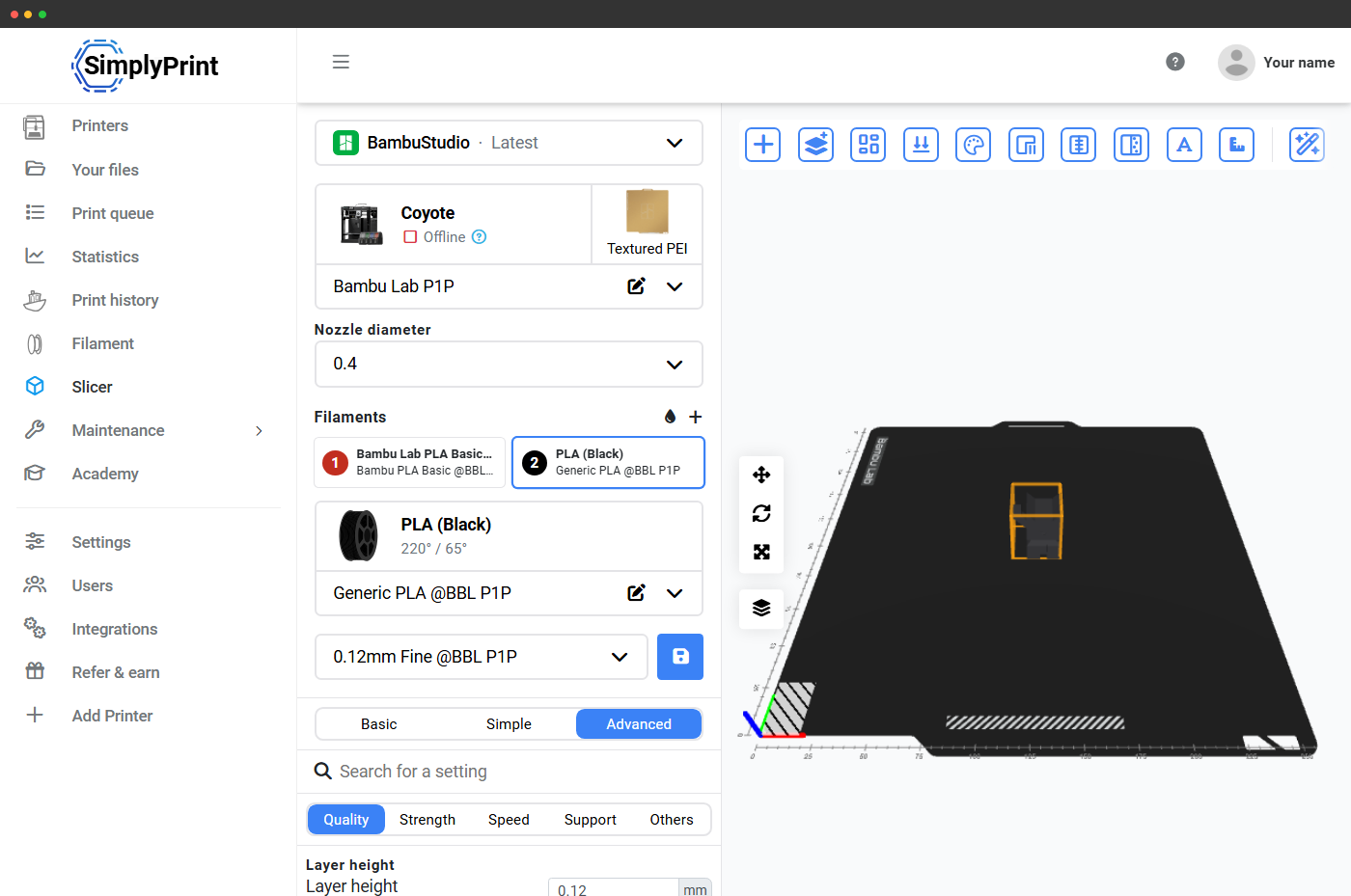
What is a 3MF file? The 3D print format explained
Learn what a 3MF file is, how it differs from STL, what is inside it, and how to open or re-slice a 3MF online with no install on any device.
Hobbyists #3mf #file-formats #slicer -
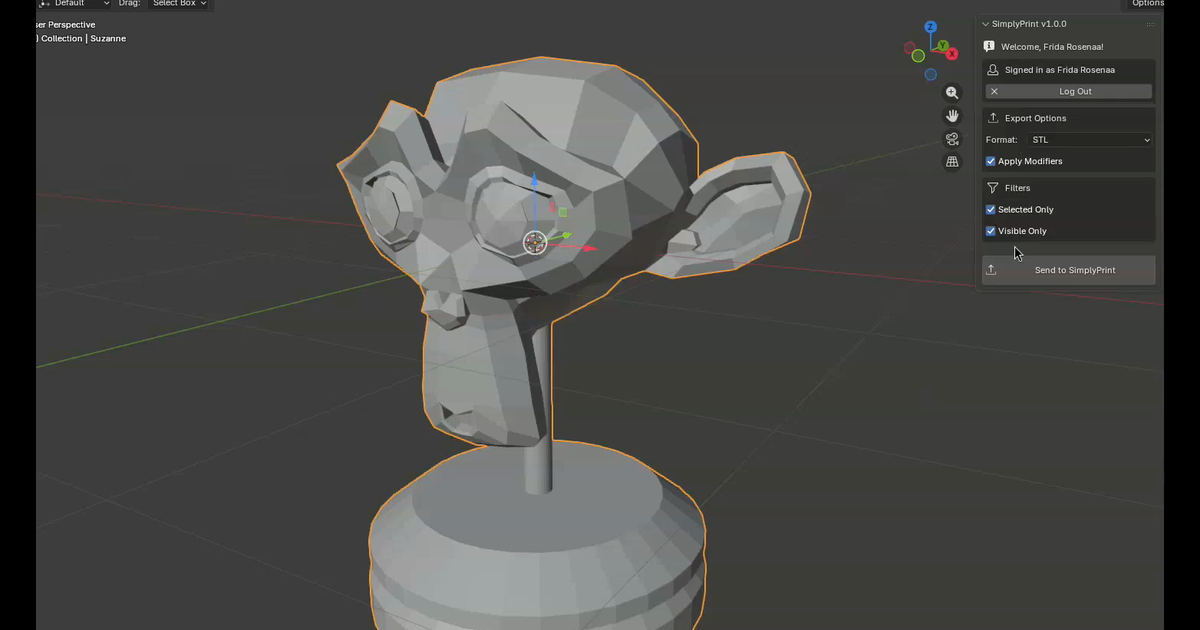
How to 3D print from Blender (the one-click workflow)
How to 3D print from Blender in one click using the SimplyPrint add-on. Export STL, OBJ or 3MF from the N panel, slice in the browser, send to your printer.
Hobbyists #blender #integration #slicer -
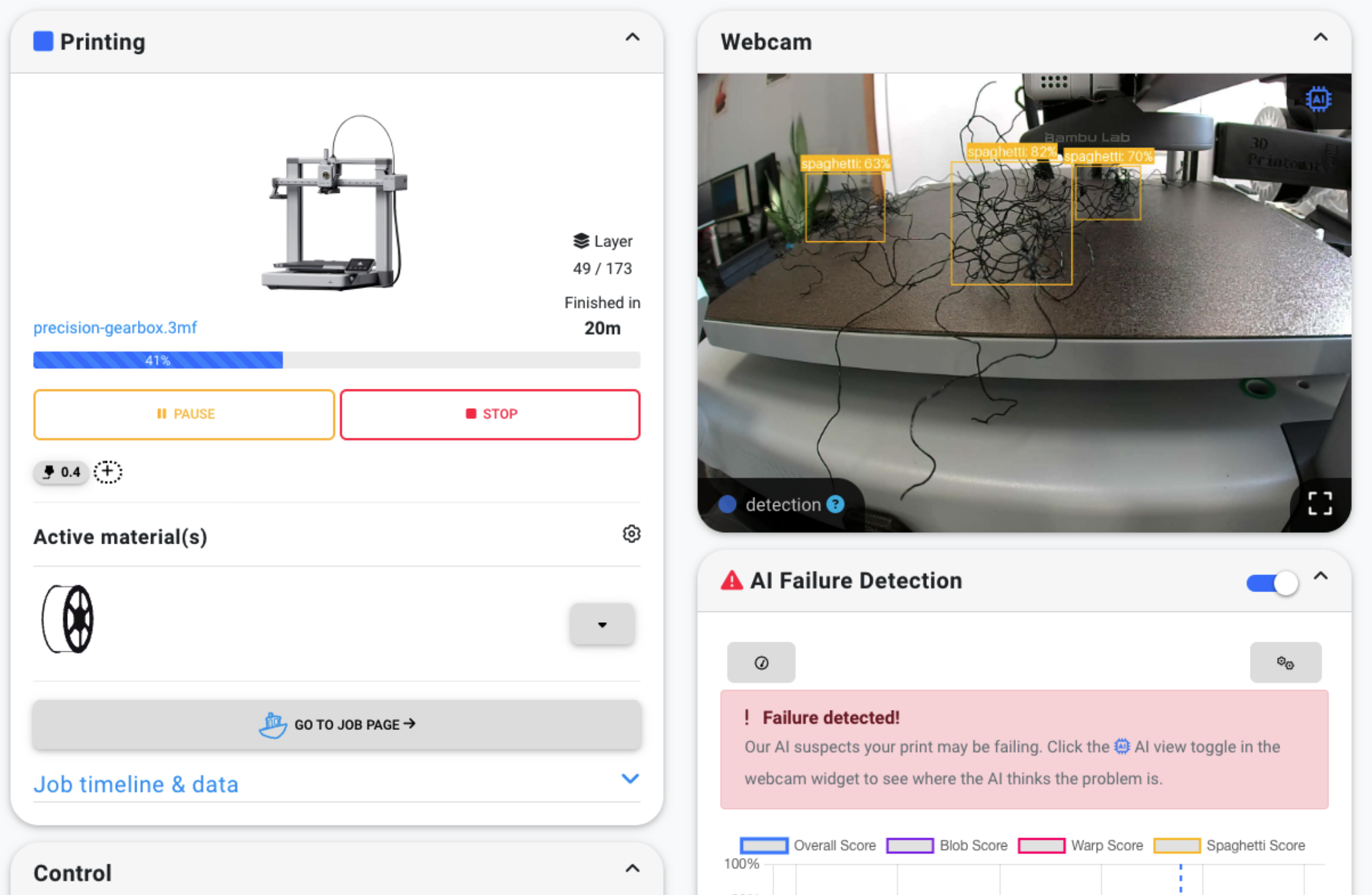
How to add AI failure detection to any 3D printer
Add AI failure detection to any 3D printer with a webcam. Catches spaghetti, warping, and blobbing, auto-pauses, sends a snapshot. No new hardware.
Hobbyists #ai-detection #failure-detection #camera -
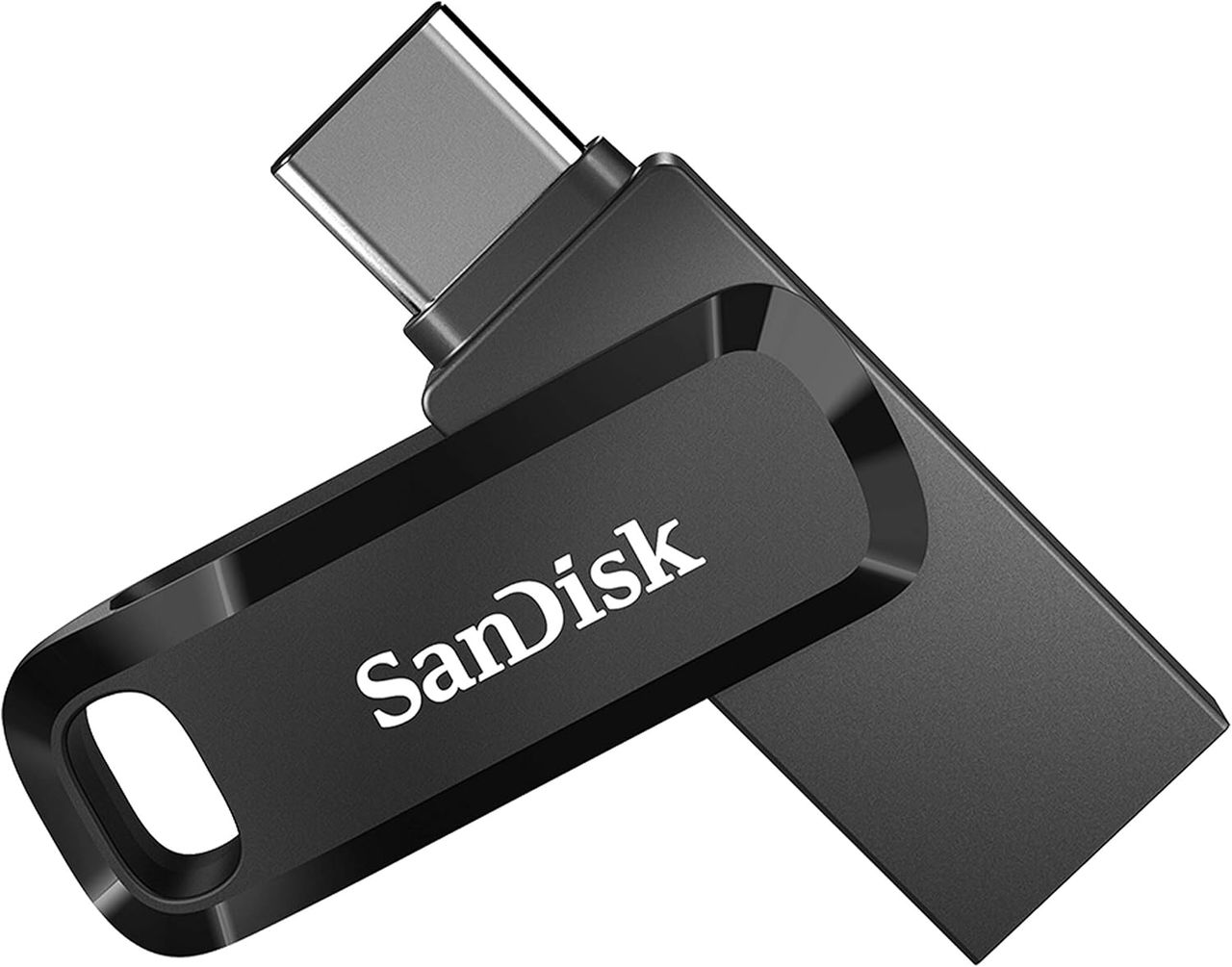
How to print from iPad to 3D printer without a PC
Slice 3D models on iPad, iPhone, Chromebook or Android using SimplyPrint, then transfer the file to your printer with a dual USB-C drive. No PC needed.
Hobbyists #ipad #chromebook #mobile