Used by 200+ educational institutions and makerspaces worldwide, including the Buffalo & Erie County Public Library












Started prints
0
Material usage
0
Hours printed
0
Running classroom and lab printers since 2020
Our very first account was a school. Built in-house by our own developers in Denmark, who ship updates almost every week and answer support questions too.
Read our story and meet the teamReal open labs run on SimplyPrint
A university makerspace open to 2,200 students and staff, school labs, and the Buffalo & Erie County Public Library all run their printers on SimplyPrint. Read the stories from the spaces closest to yours.
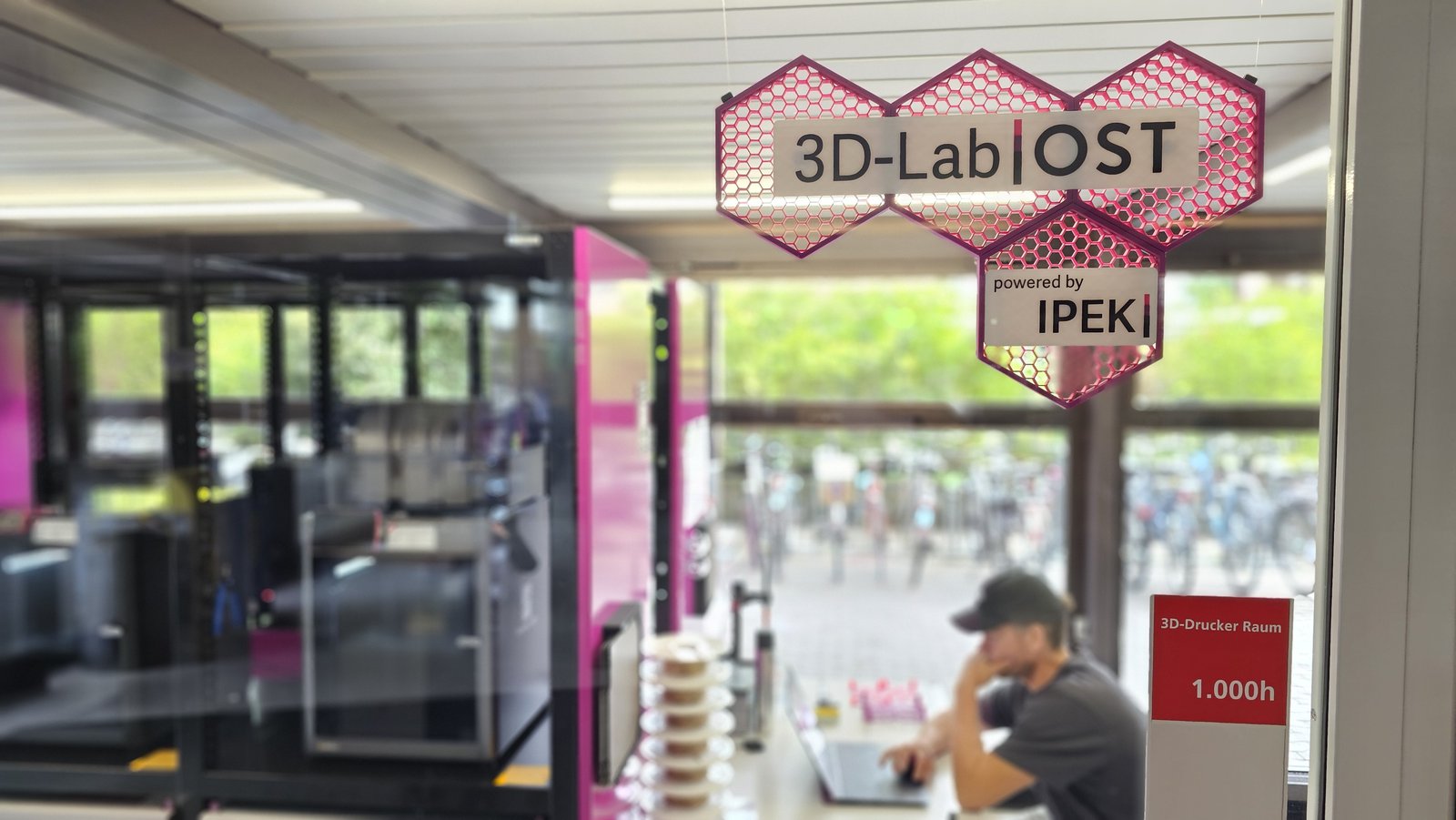
"Without the API it maybe would have been some Excel-shenanigans. Without the custom fields? Not a chance." Read their story
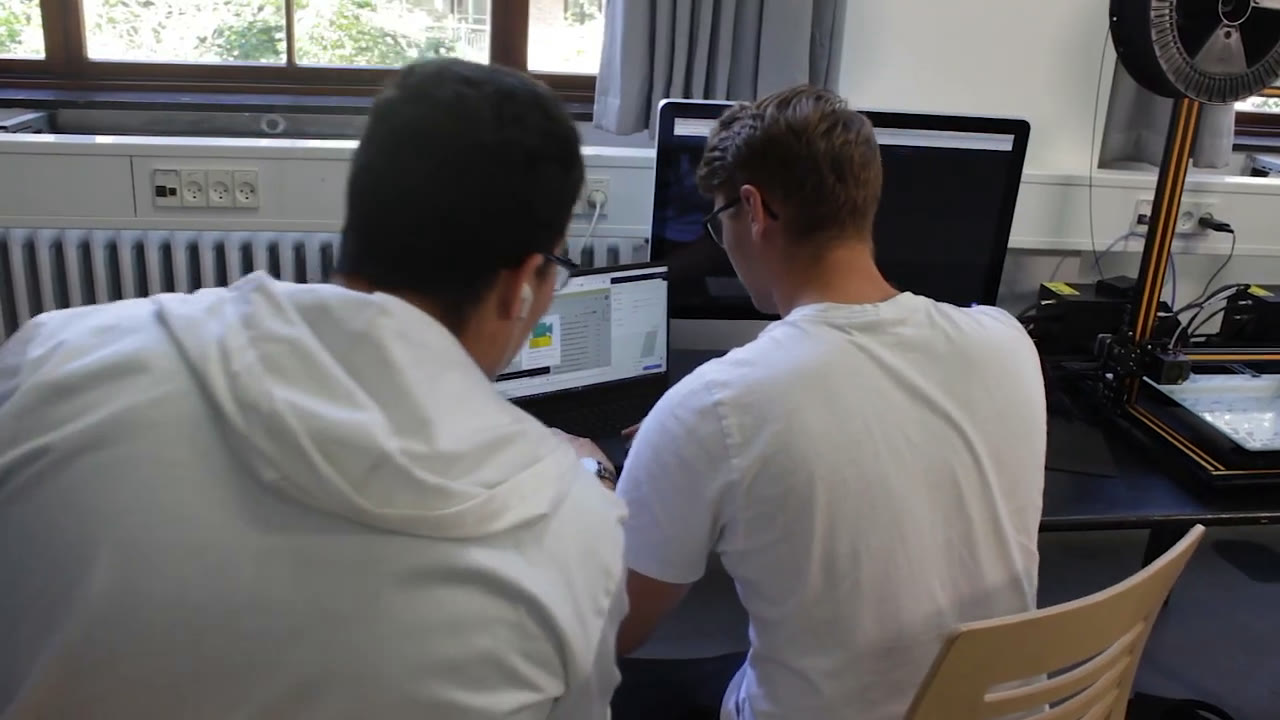
"Before SimplyPrint, our 3D printers were collecting dust. Now everyone can join in, and every teacher has the courage to include it in their teaching." Read their story
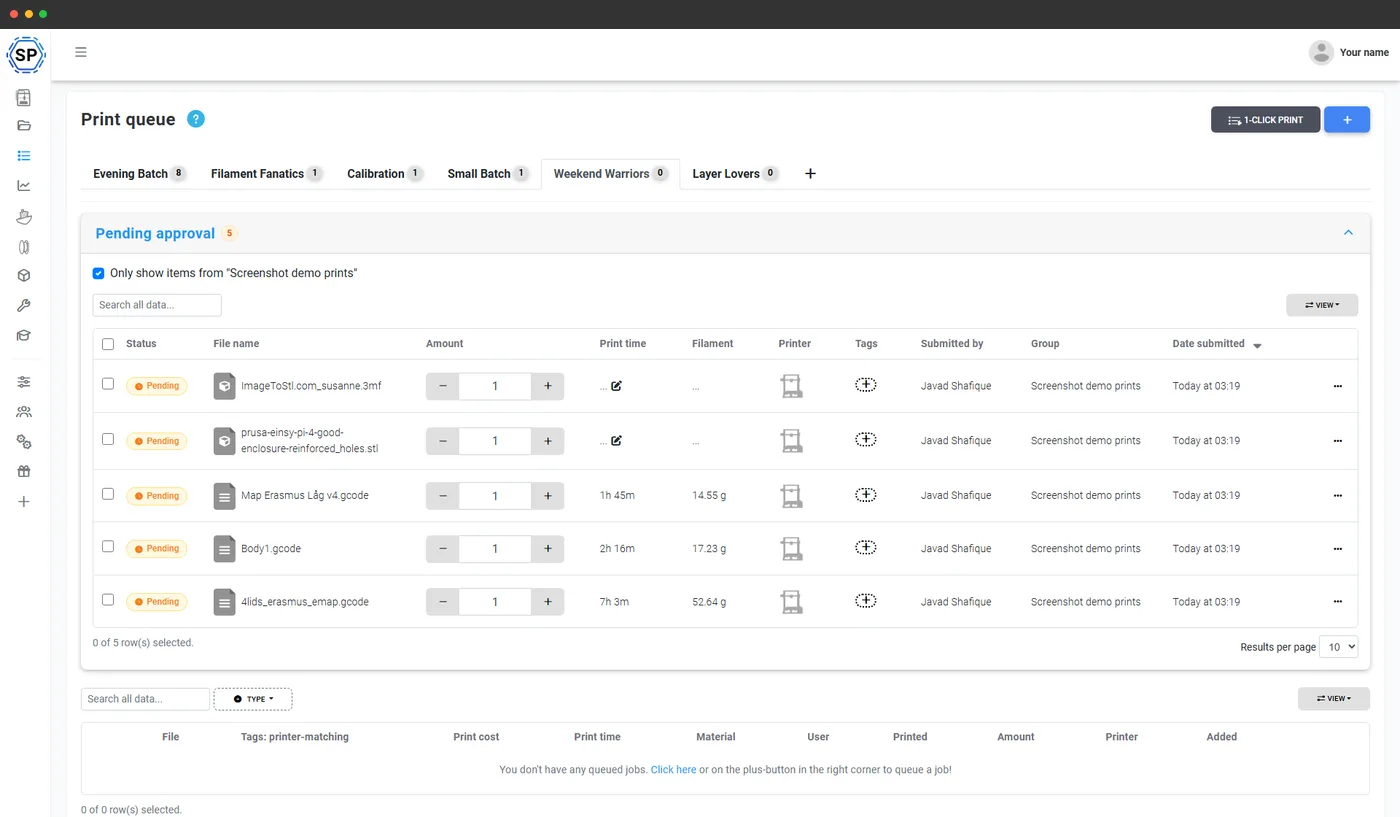
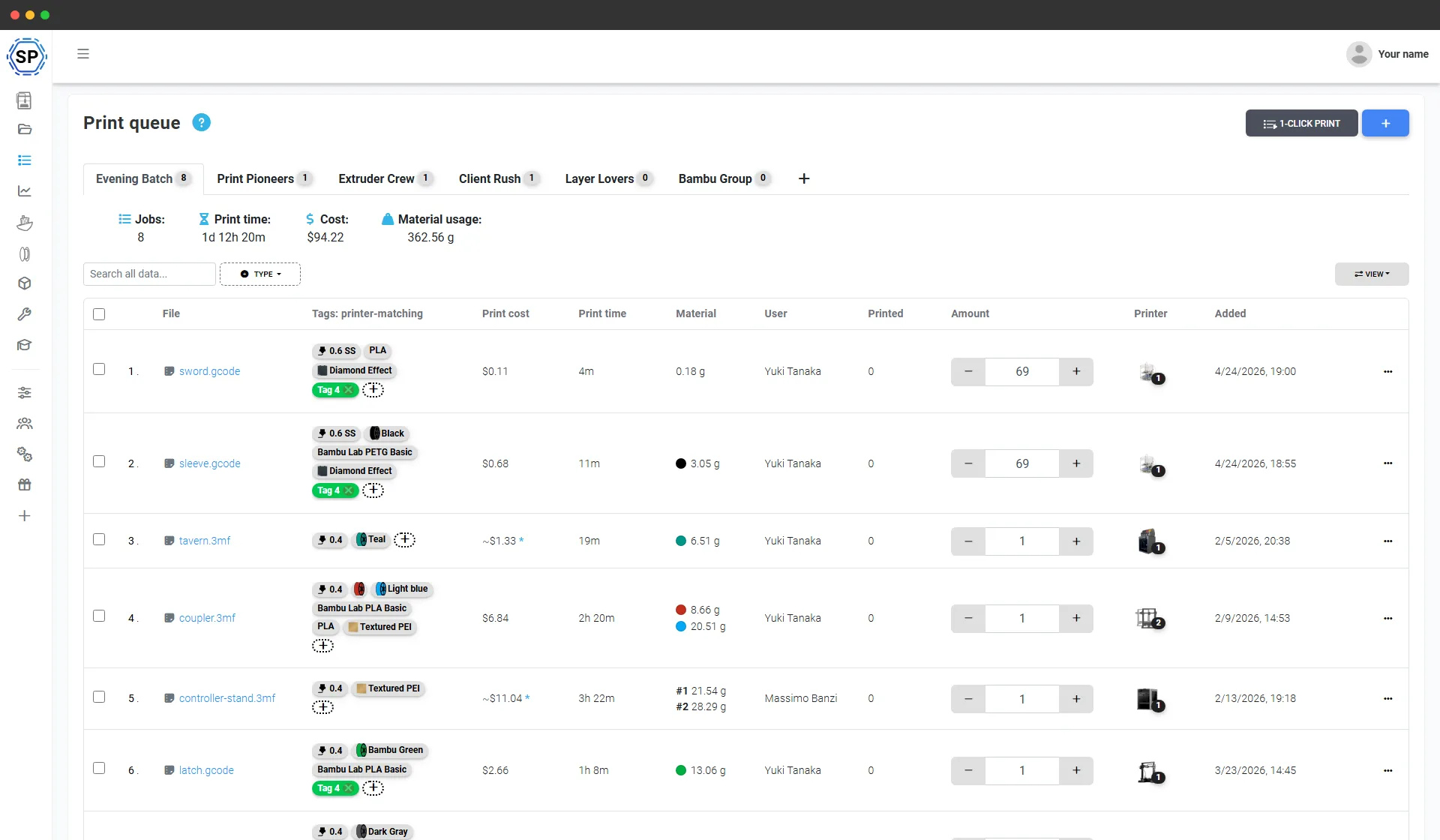
Every print request, in one queue
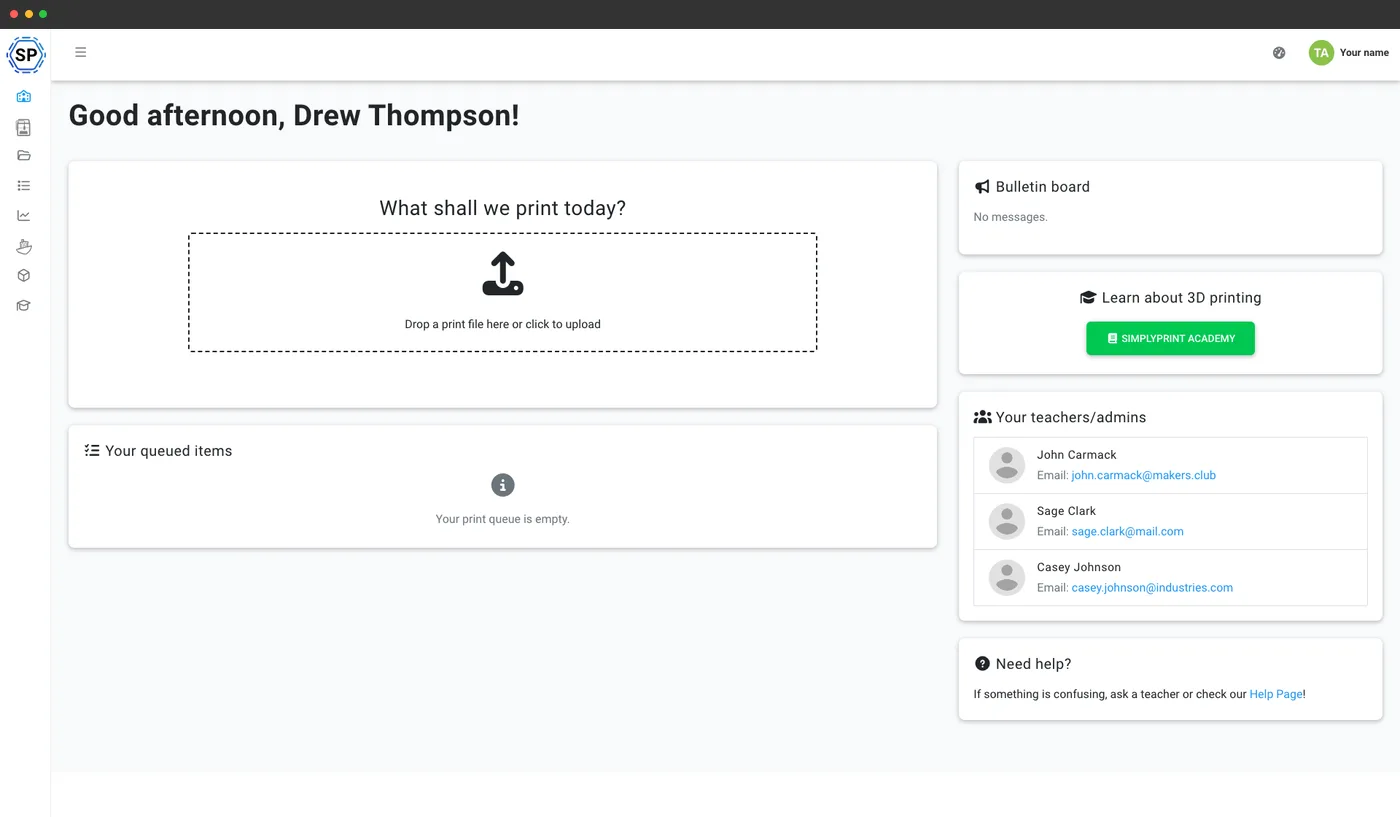
No more STL files on USB sticks at the front desk. Patrons and members send prints from any device, every job stays tied to the person who sent it, and nothing prints until staff approve it - or trusted members print themselves, within the rules you set.
Walk-up printing that knows who's who
The Hub is a simplified screen for the computer next to your printers: just the printers and the queue, no settings to get lost in. Everyone signs in as themselves, and temporary sign-in logs people out automatically - so every print stays attributed to a real person, even on a shared machine.
Want printing to stay in the building? Restrict it to your building's network with an IP allow-list, to staff-approved devices, or both - with granular block levels and your own lockout message. Shared stations can also use PIN or NFC badge sign-in.
See the Hub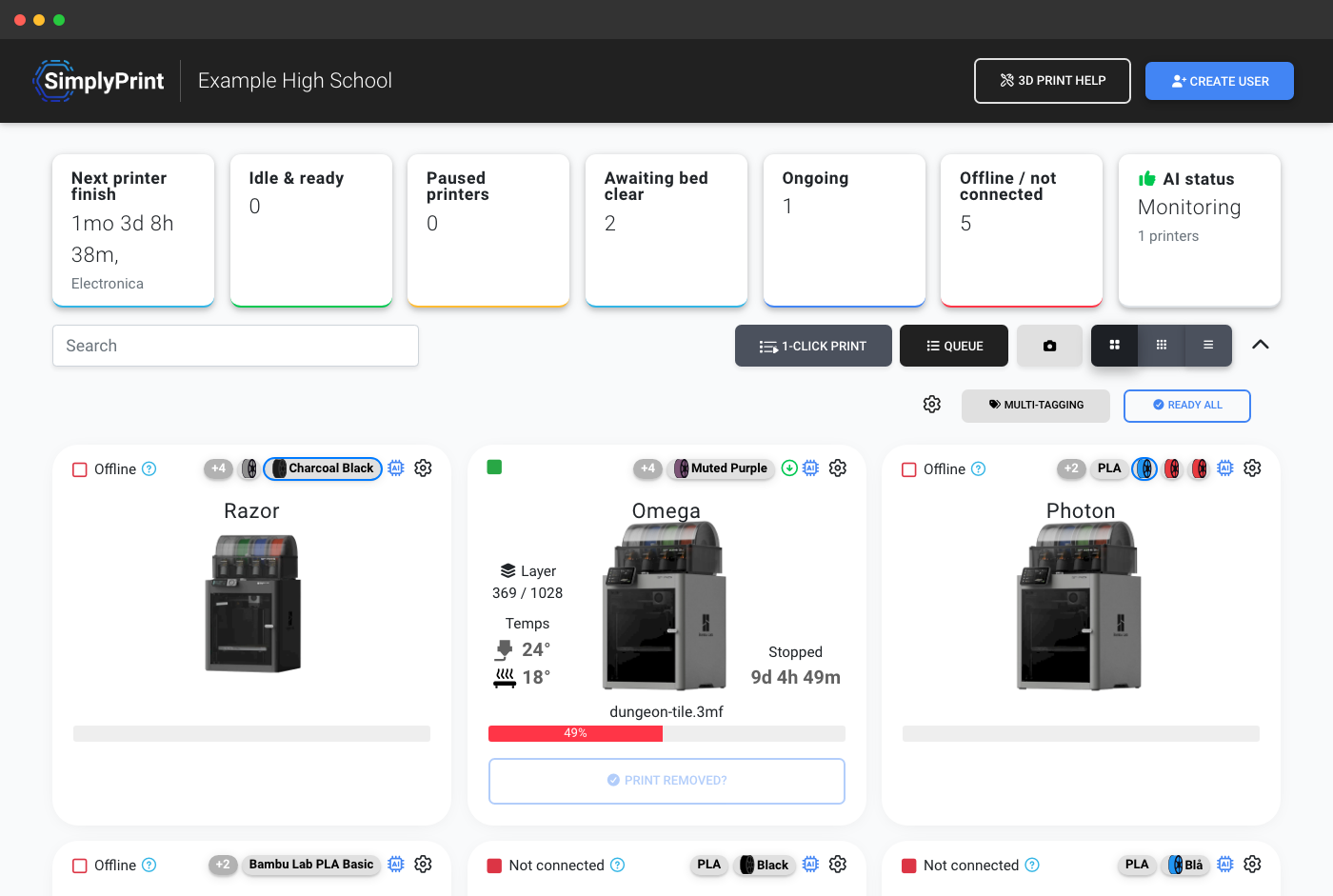
Run it your way
Some libraries run 3D printing as a staffed service. Some makerspaces let inducted members print themselves. Pick a mode per user group - and run both at the same time.
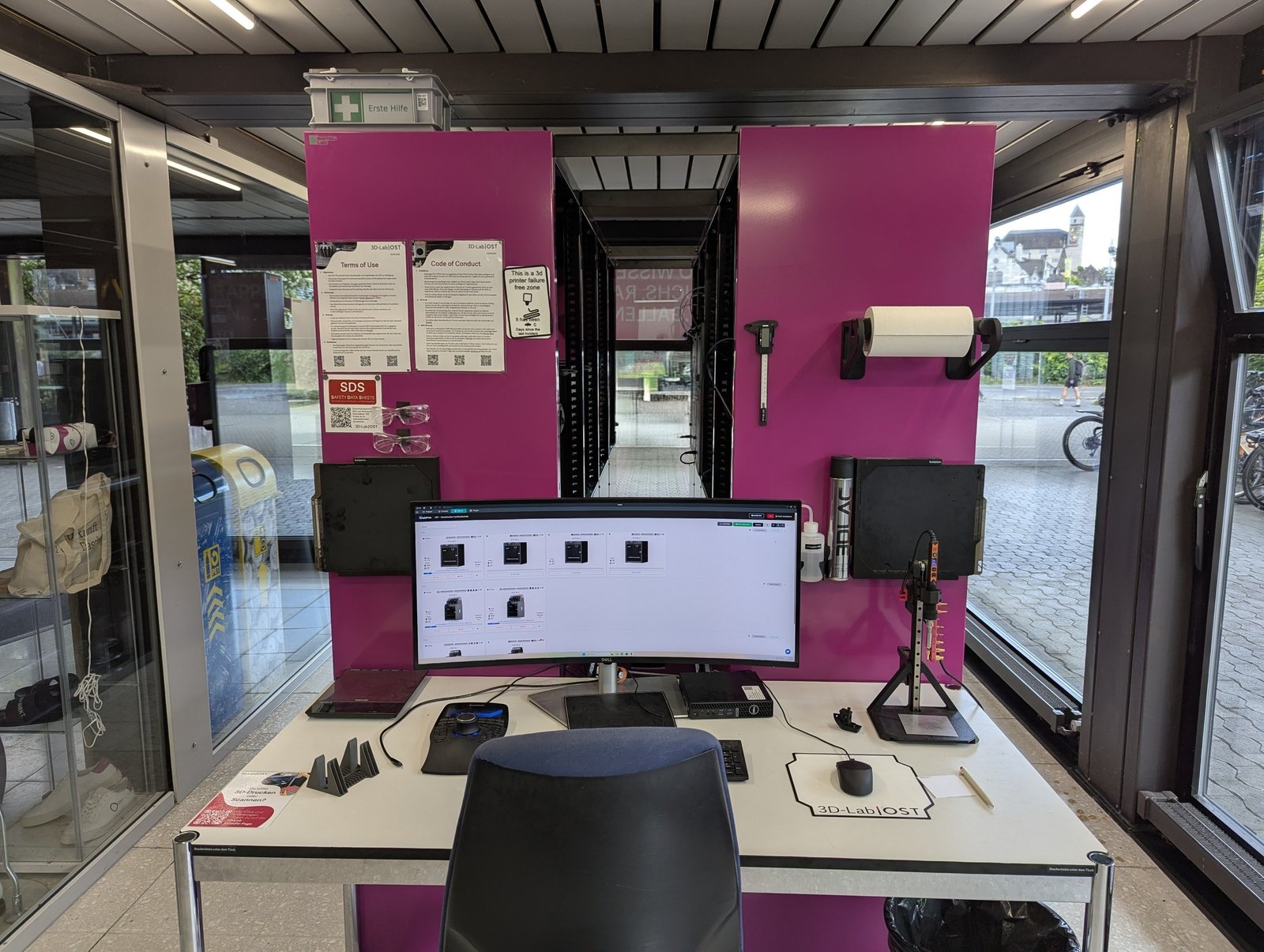
Staff-run: a print service at the front desk
Patrons send requests from any browser, staff review and approve each job in the print queue, start it when a printer is free, and hand the print over at pickup. Material use and cost are tracked per job, automatically.
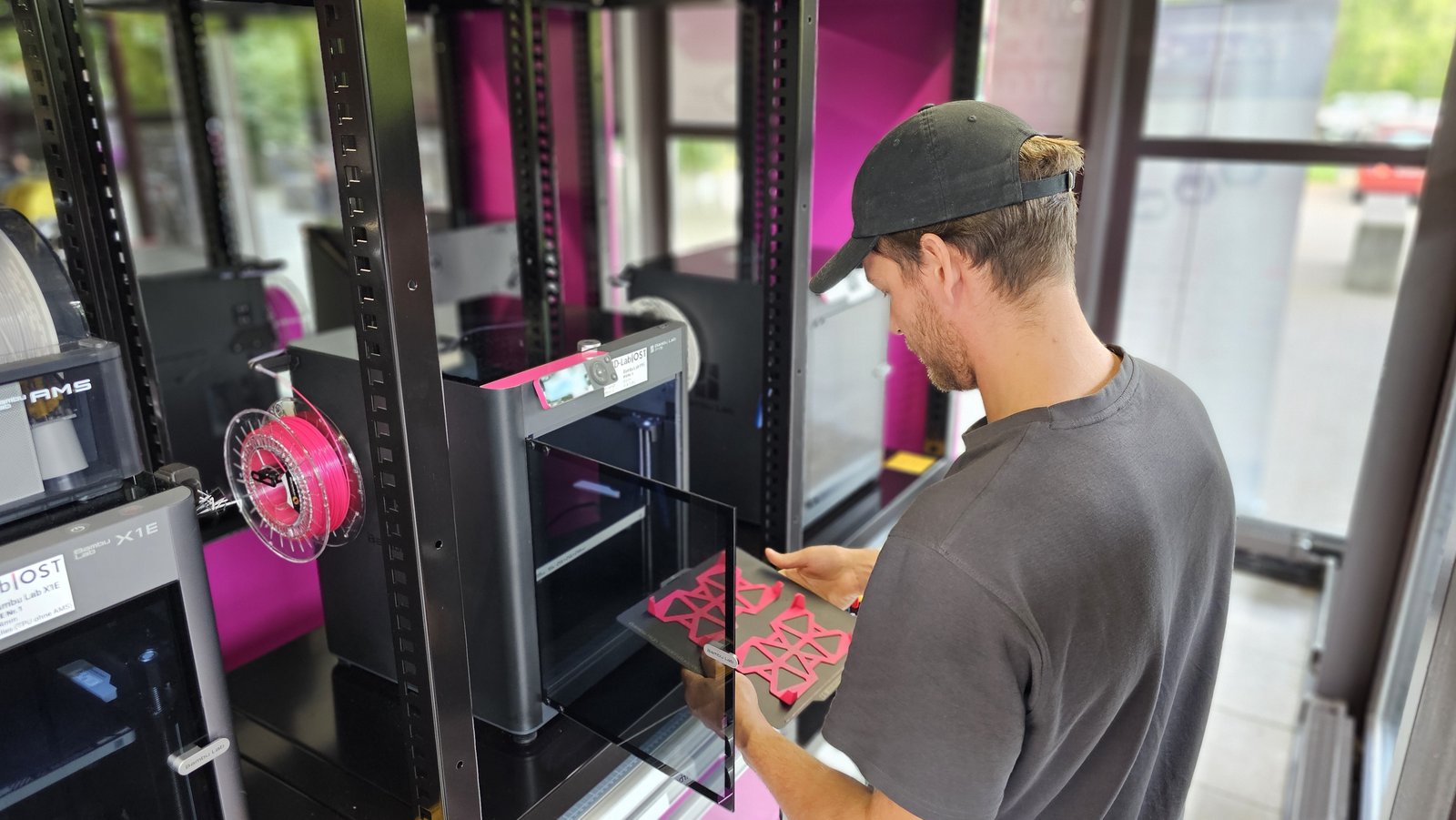
Self-serve: members print themselves, inside your rules
Members slice in the browser with the profiles you approve and start their own prints - after passing your induction course, within their quota or balance, optionally only from your building's network. See how course gating works.
Photos: the OST 3D-Lab, Rapperswil-Jona, Switzerland.
Free 14-day trial · no credit card · nothing to install
Everything in one place
Profiles, groups, quotas and usage all live where the printers are. Nothing to install on public computers, nothing to lose track of.
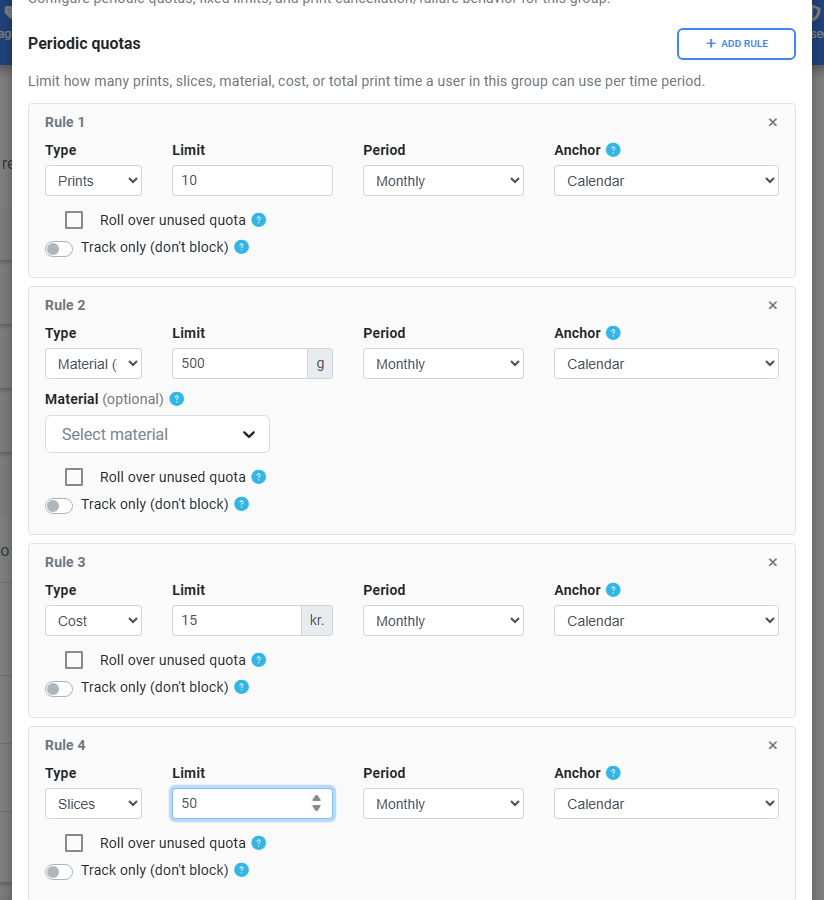
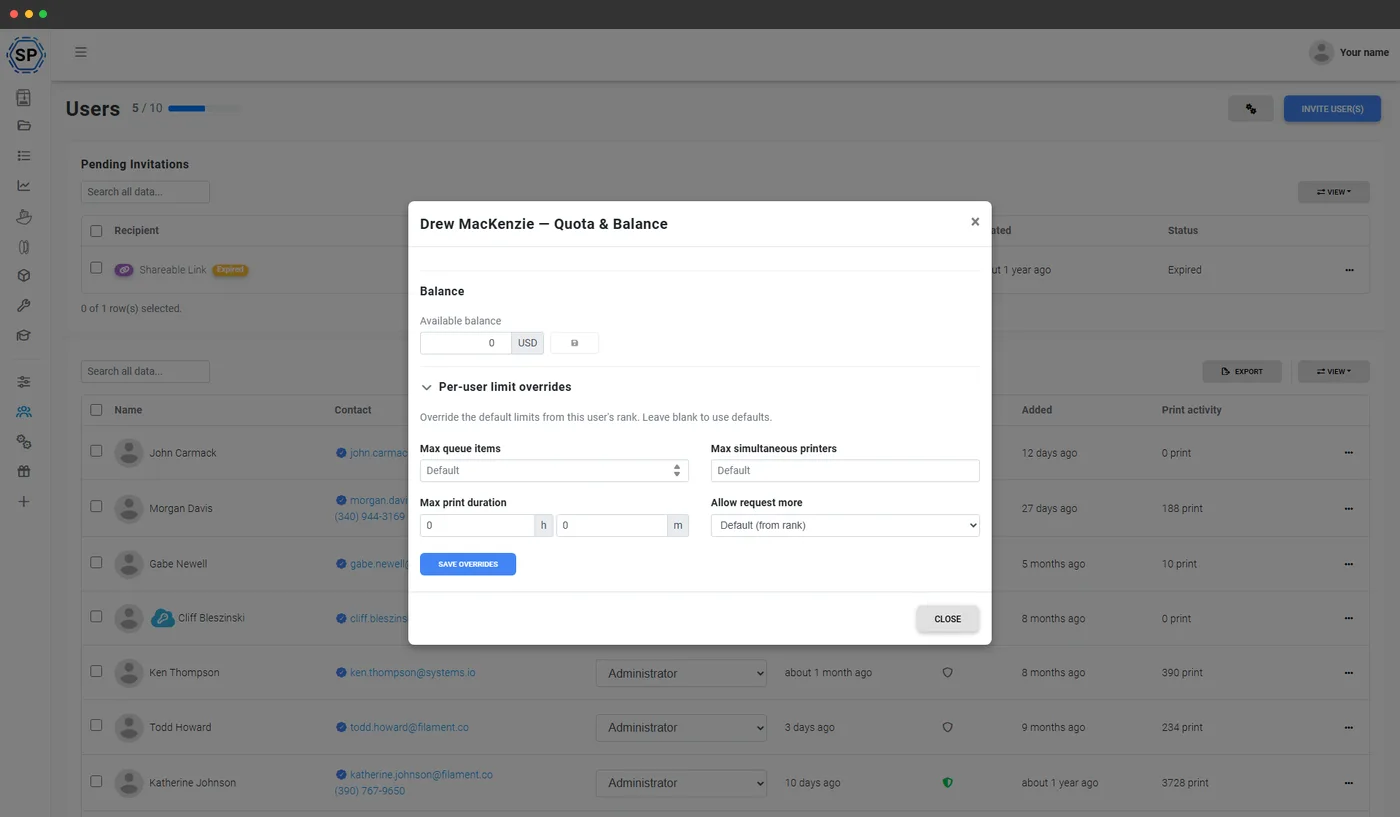
Quotas & balance
Cap prints, material, print time or cost per user group - reset daily, weekly or monthly. Give every member a credit balance that staff top up at the front desk, or your own systems top up via the API.
Learn more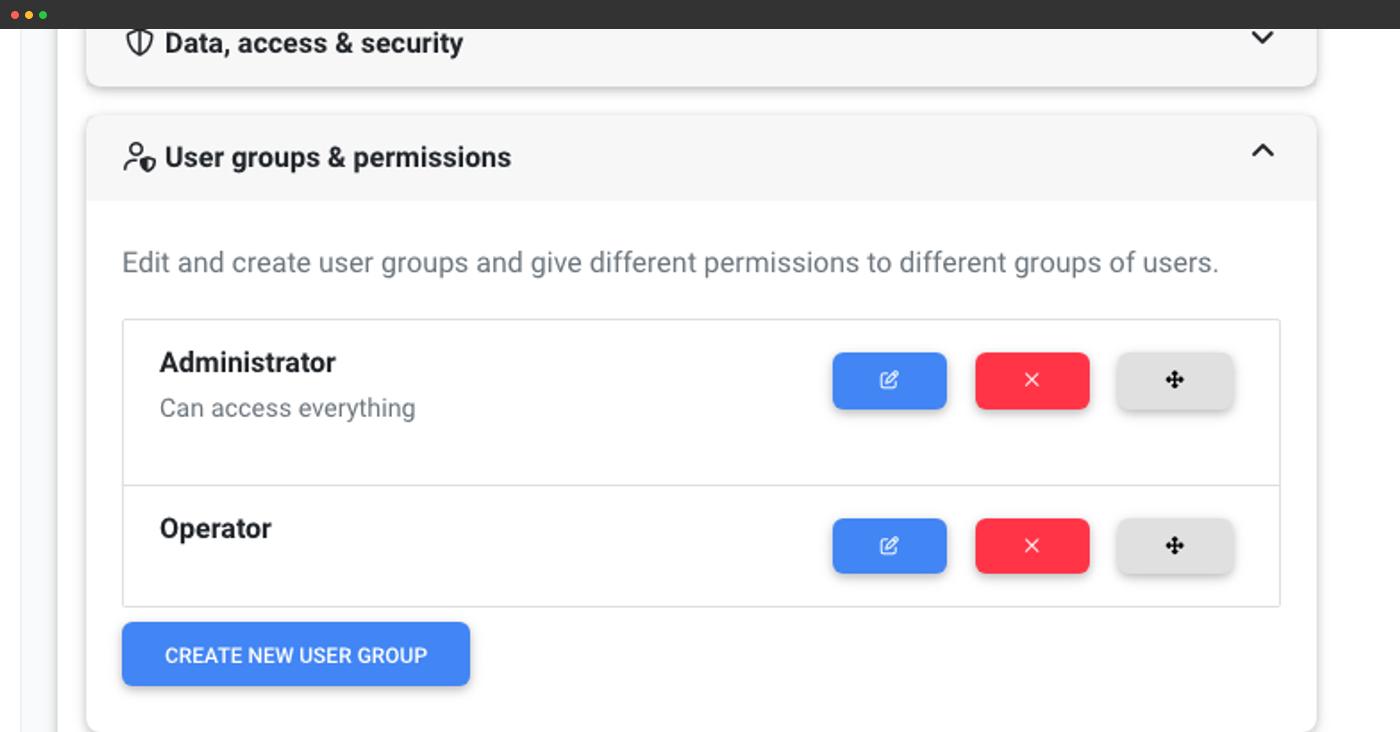
Patron & member groups
Different rules for different people: new patrons wait for staff approval, inducted members print themselves, staff skip the limits. 190+ permissions to tune exactly who may do what.
Learn more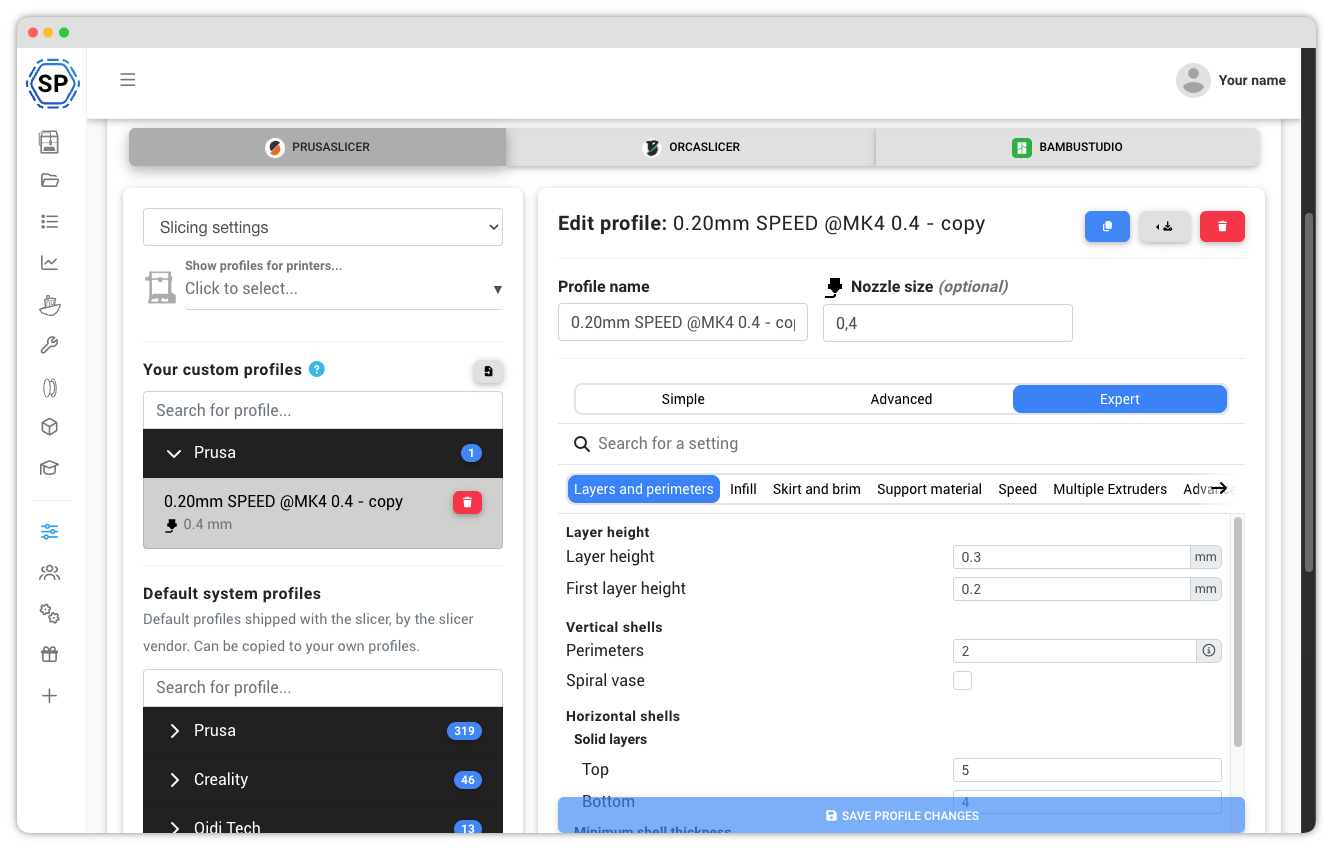
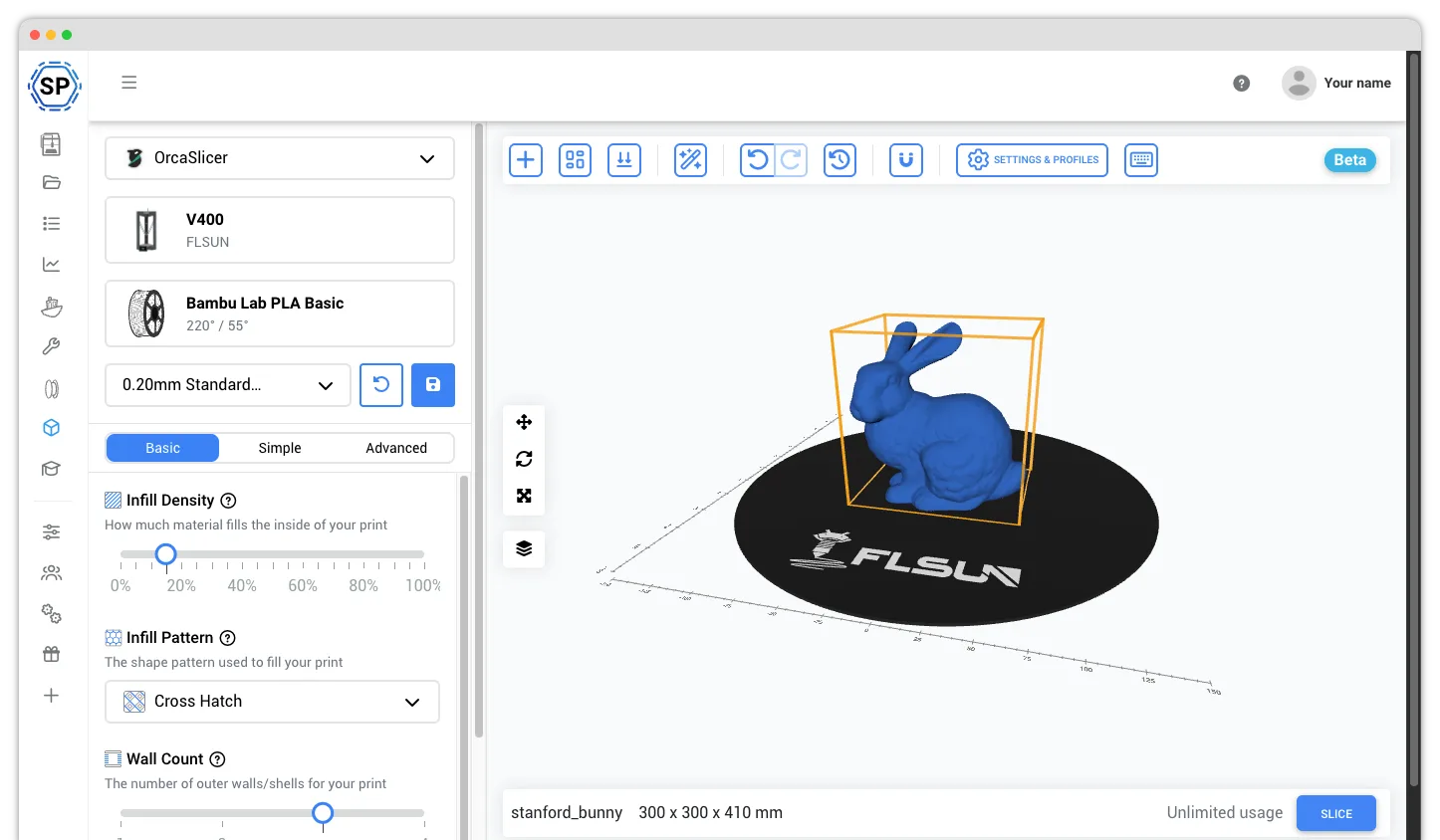
Simple slicing, your profiles
Anyone can slice in the browser with the profiles you approve - Basic mode shows only the essential settings. Nothing to install on public or personal computers.
Learn more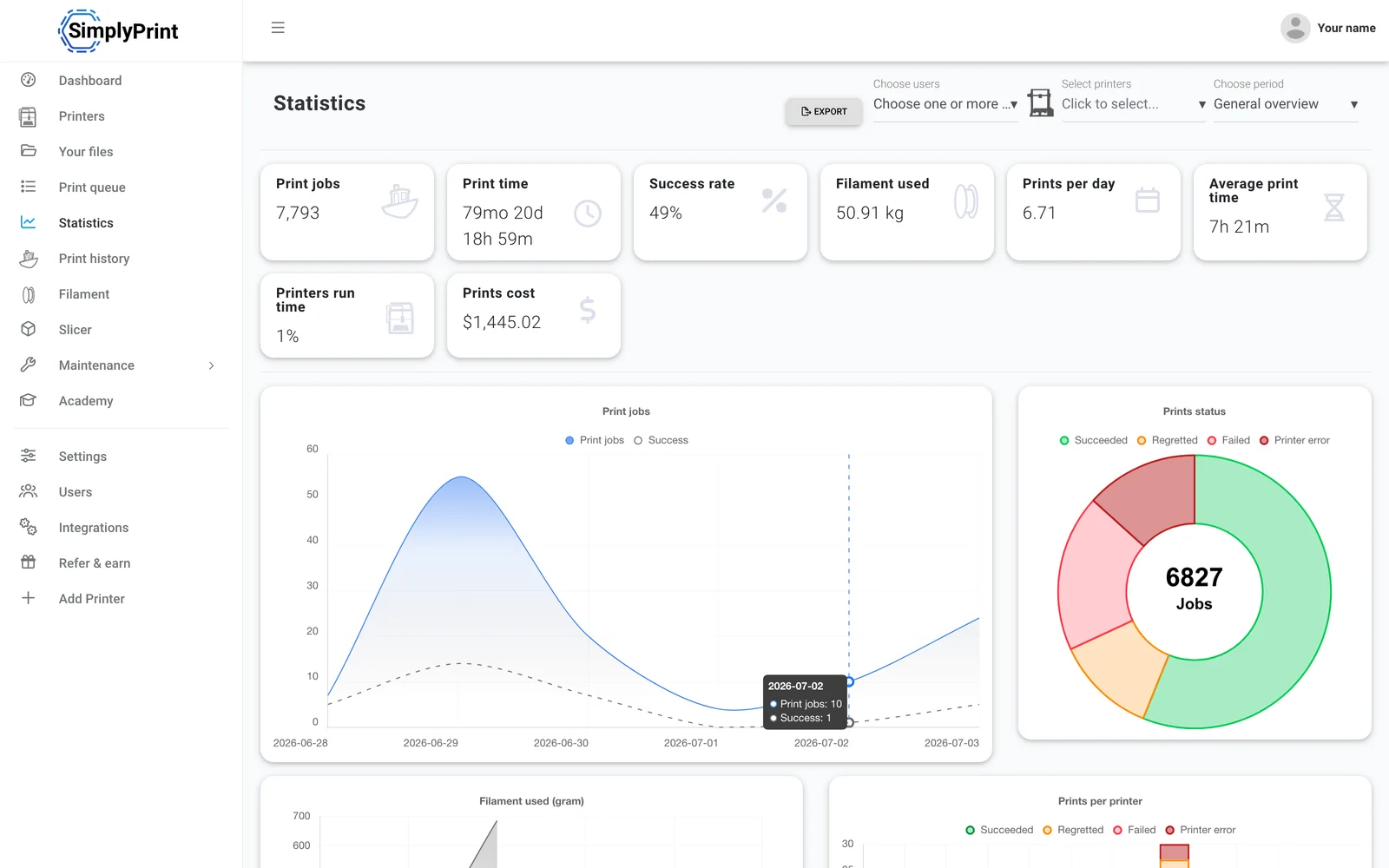
Usage statistics
See what your program actually does: jobs, print time and material per user and per printer - the numbers for your annual report.
Learn moreThe induction comes first
Slide-based courses with quizzes run inside the same panel people print from - no separate learning platform. Use the built-in 3D printing courses or author your own induction.
Assign it as a blocking course and the start-print button stays locked until it's passed - optionally with a signed attestation on top. Passing can promote a member to a more trusted group automatically, and every completion is recorded.
See the Academy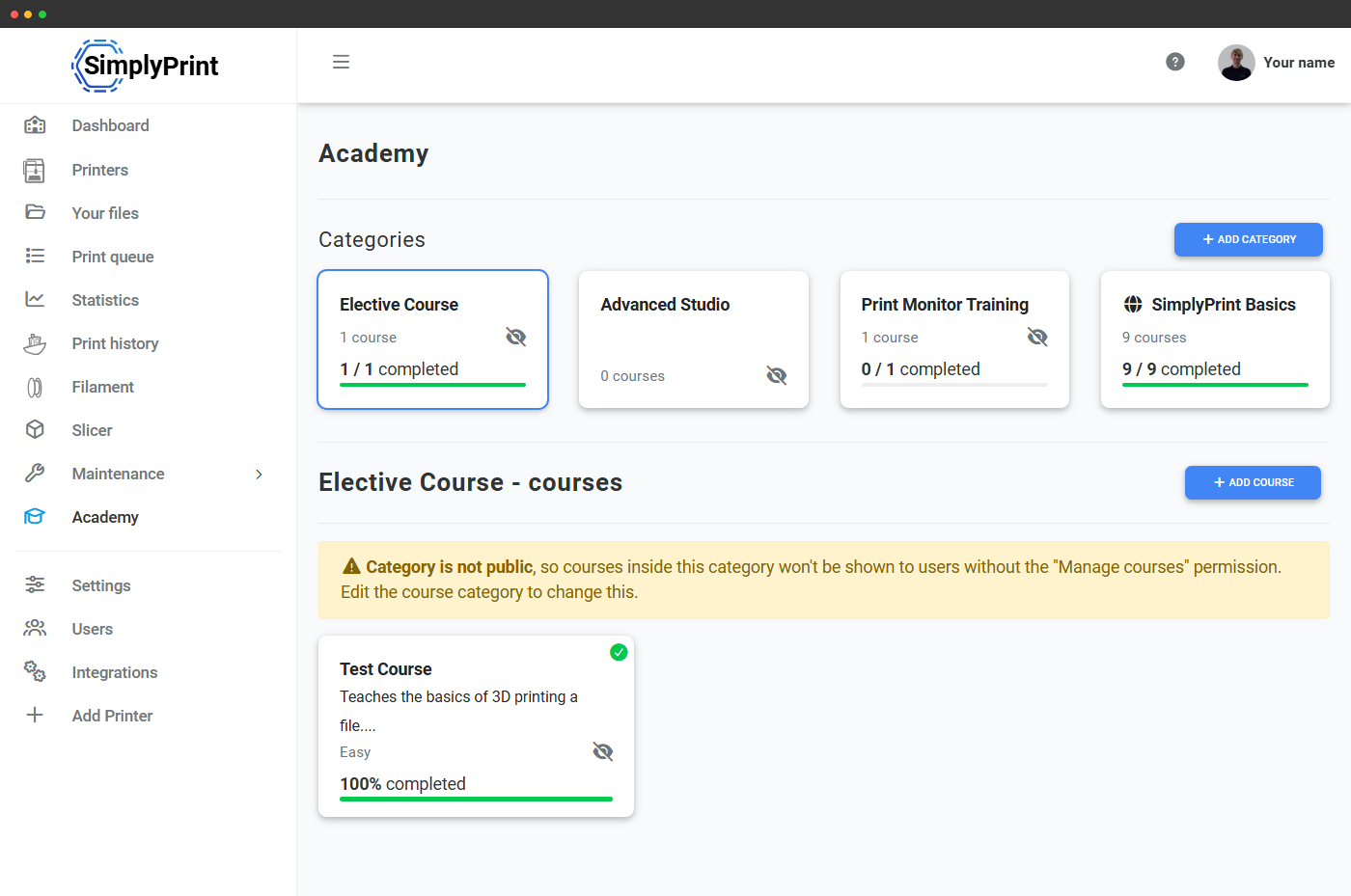
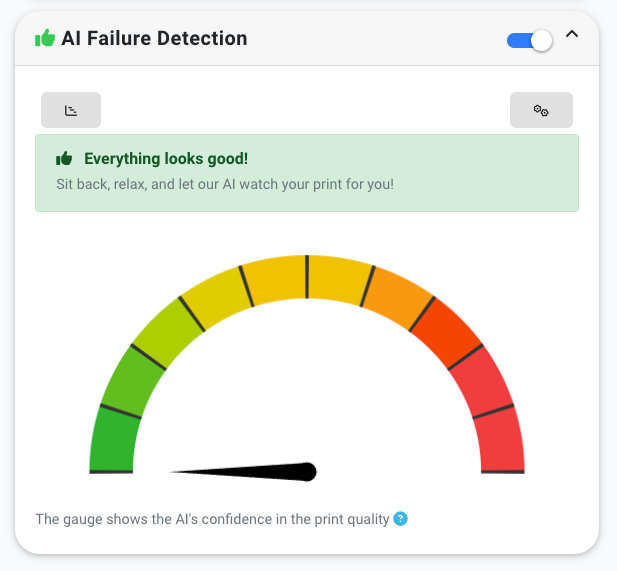
AI watches the printers, so staff don't have to
First prints fail - especially first-timers'. The AI catches spaghetti and warping early and notifies you, so a failed print doesn't waste an afternoon, a spool of filament, or a printer nobody was watching.
And don't worry: we do not train our AI on your prints unless you specifically opt in.
More about AI failure detectionBuilt for public institutions
The answers your IT department, your board and your patrons will ask for.
Patron privacy
We never track, profile or market to your users, and never sell data. Running youth programs? SimplyPrint is FERPA and COPPA aligned.
GDPR & EU hosting
Fully GDPR compliant and EU-hosted by default - a Danish company, founded 2020.
Accessibility
We target WCAG 2.2 AA and publish a VPAT 2.5 for procurement. Browser-based, keyboard-navigable, screen-reader friendly.
Learn moreSingle sign-on
SAML and OIDC: Microsoft Entra ID, Google Workspace, Okta and any standards-compliant provider - ready for municipal IT.
Learn moreWe sign DPAs
Ready for public-sector procurement: we sign custom data processing agreements - email [email protected].
Serious infrastructure
Built on SOC 2 and ISO 27001 certified infrastructure, with 99.9%+ uptime tracked live on our public status page.


SimplyPrint is GDPR compliant; SOC 2 and ISO/IEC 27001 certifications are held by our hosting infrastructure.
Certifications & standards Security practicesComparing platforms? See SimplyPrint vs 3DPrinterOS · Running a school or university lab? See SimplyPrint for education
SimplyPrint is a cloud 3D printing platform - and not just for libraries and makerspaces. It also runs print farms, schools and businesses, across 150+ brands and 770+ printer models. Check your printers.
Fewer "is my print done?" questions
Patrons and members get notified when their print finishes or fails, and staff can check any printer's camera from their phone. Free apps for iOS and Android.


SimplyPrint ⚫ Now
Print started on Printer 1
Estimated print time is 3d 4h
SimplyPrint ⚫ Now
Failure detected on Printer 2!
Want to pause or cancel?

Don't just take our word for it
Prefer a walkthrough? Book a demo
Pick a time and we'll show you SimplyPrint for your institution.