Used by 500+ print farms and businesses worldwide




















Started prints
0
Material usage
0
Hours printed
0
Running print farms since 2020
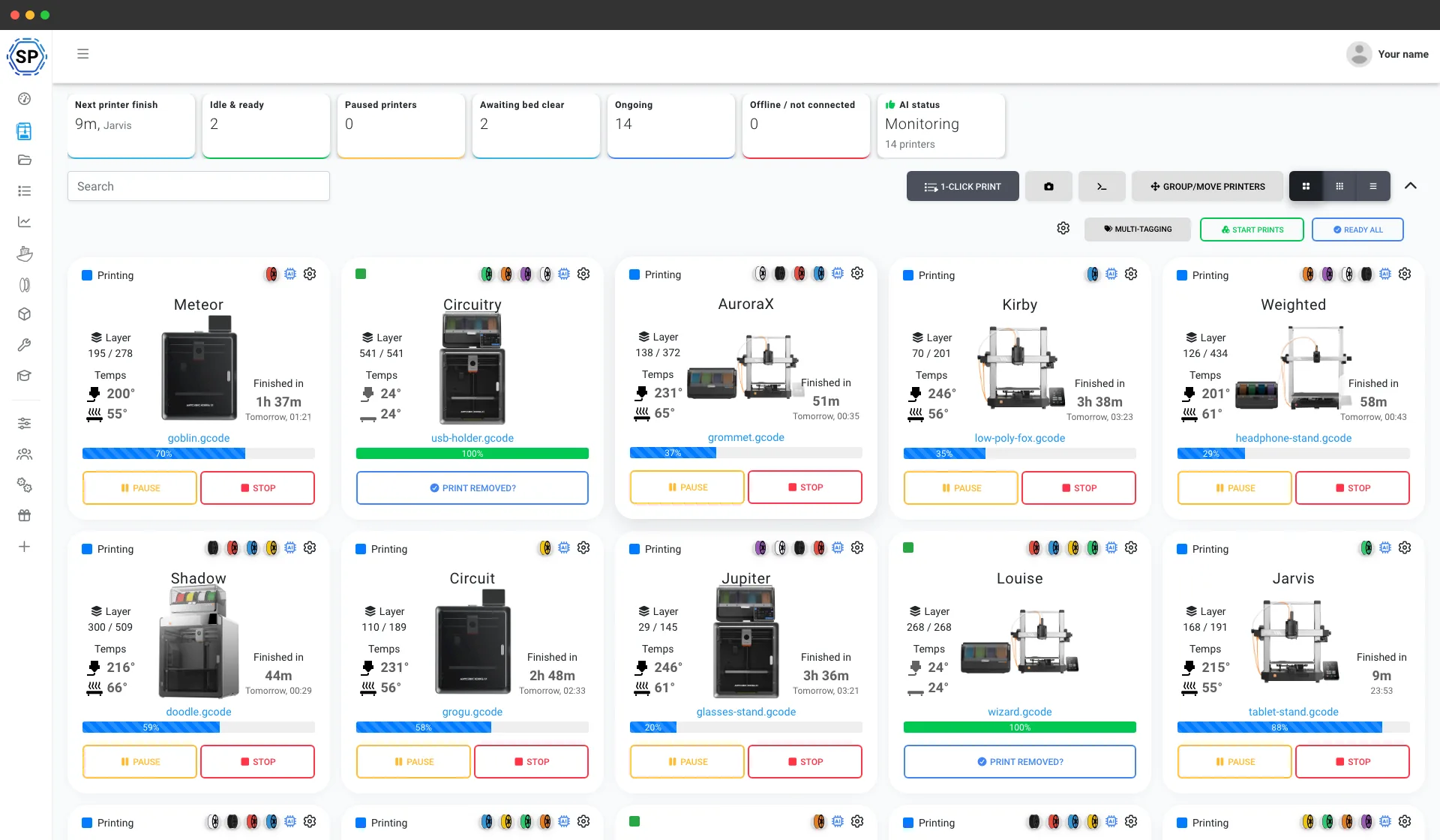
Built in-house by our own developers in Denmark, who ship updates almost every week and answer support questions too.
Read our story and meet the teamReal print farms run on SimplyPrint
From a bench of five printers to a warehouse of 150+, these are real farms running their whole operation from one screen, and getting hours back every week.
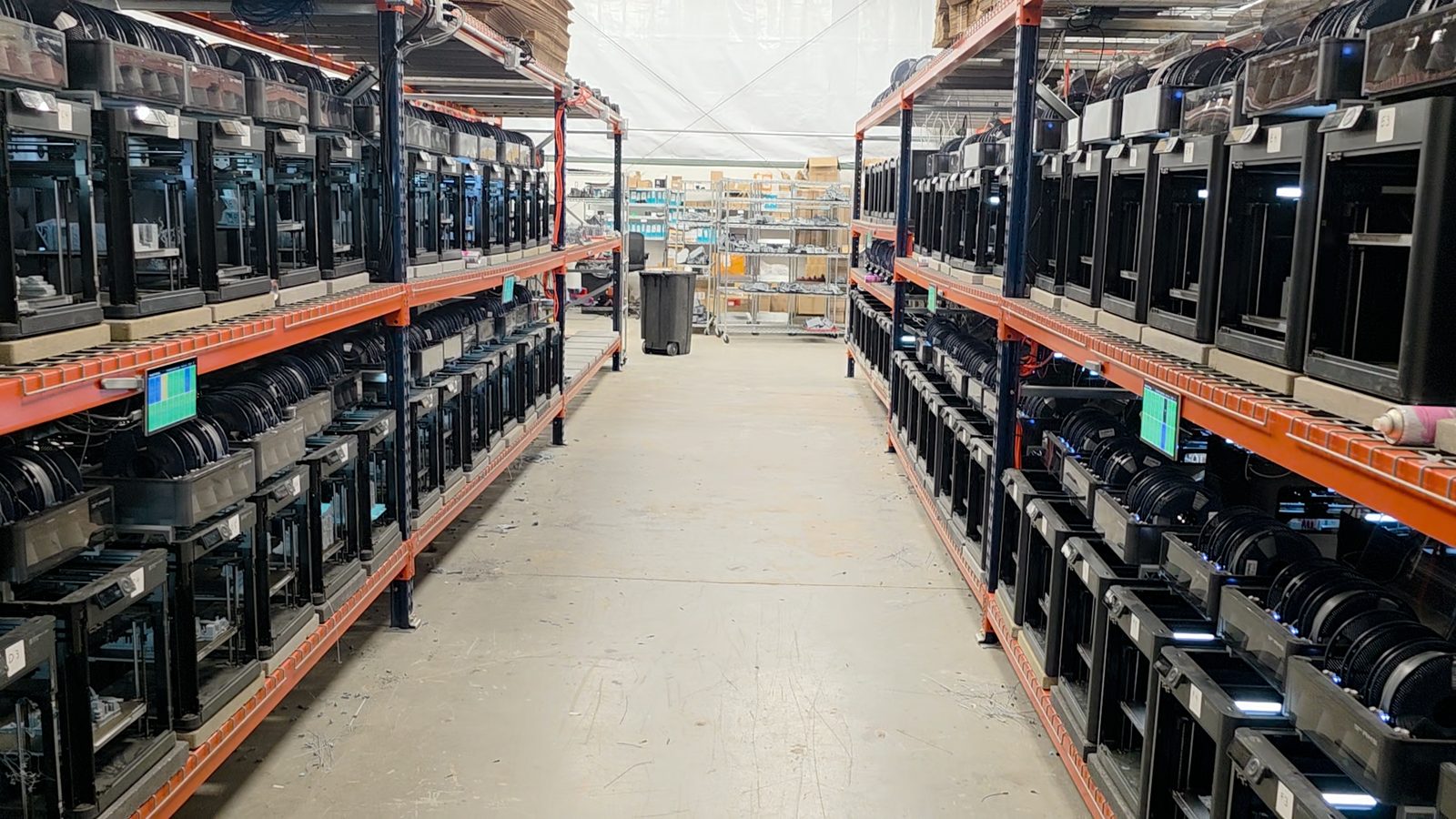
"Trying to do it now without SimplyPrint would be insane." Read their story
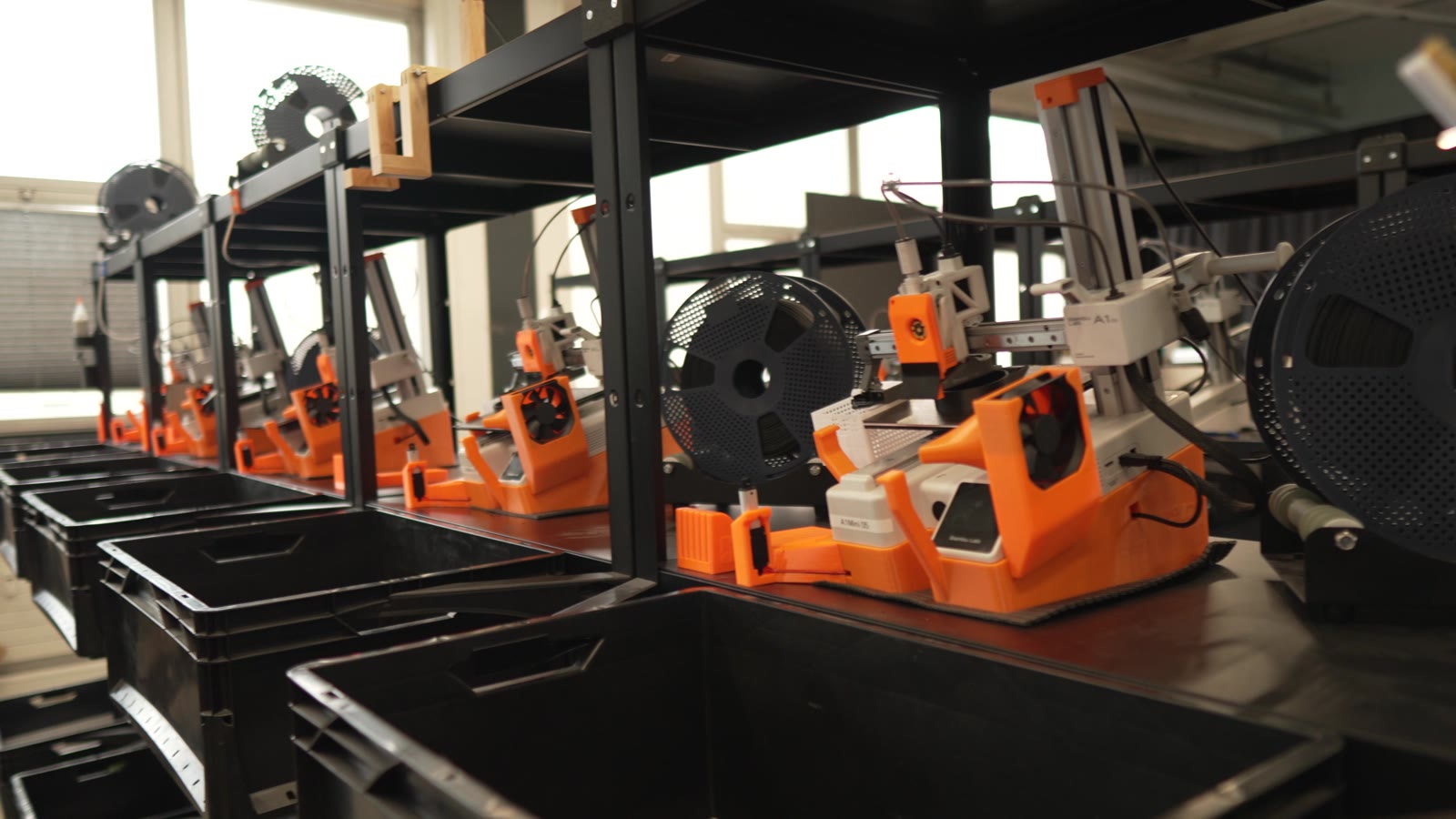
"Without automation, we would simply never be profitable here." Read their story
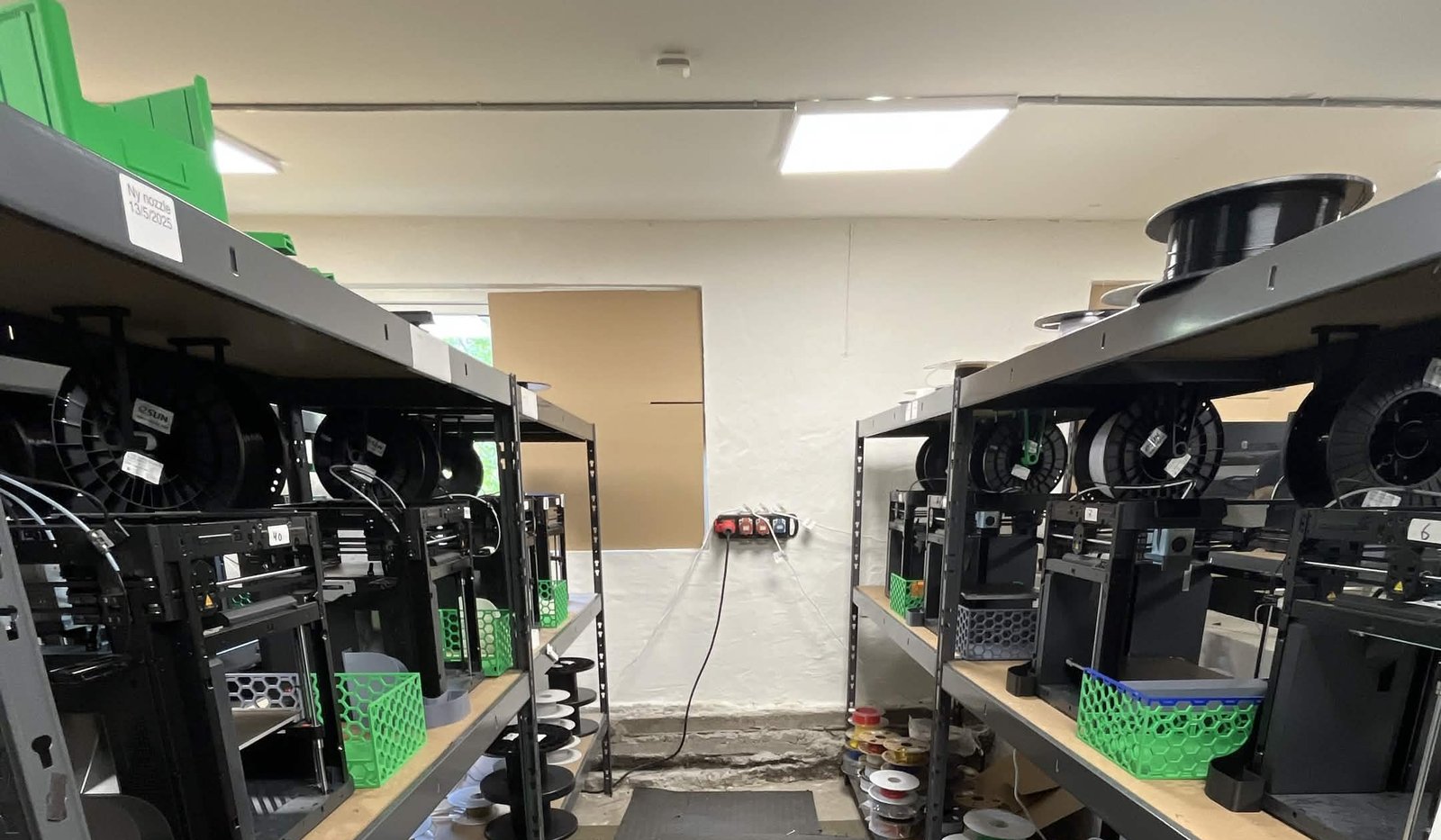
"We have always had the approach that the farm should be able to run even when we are not there." Read their story
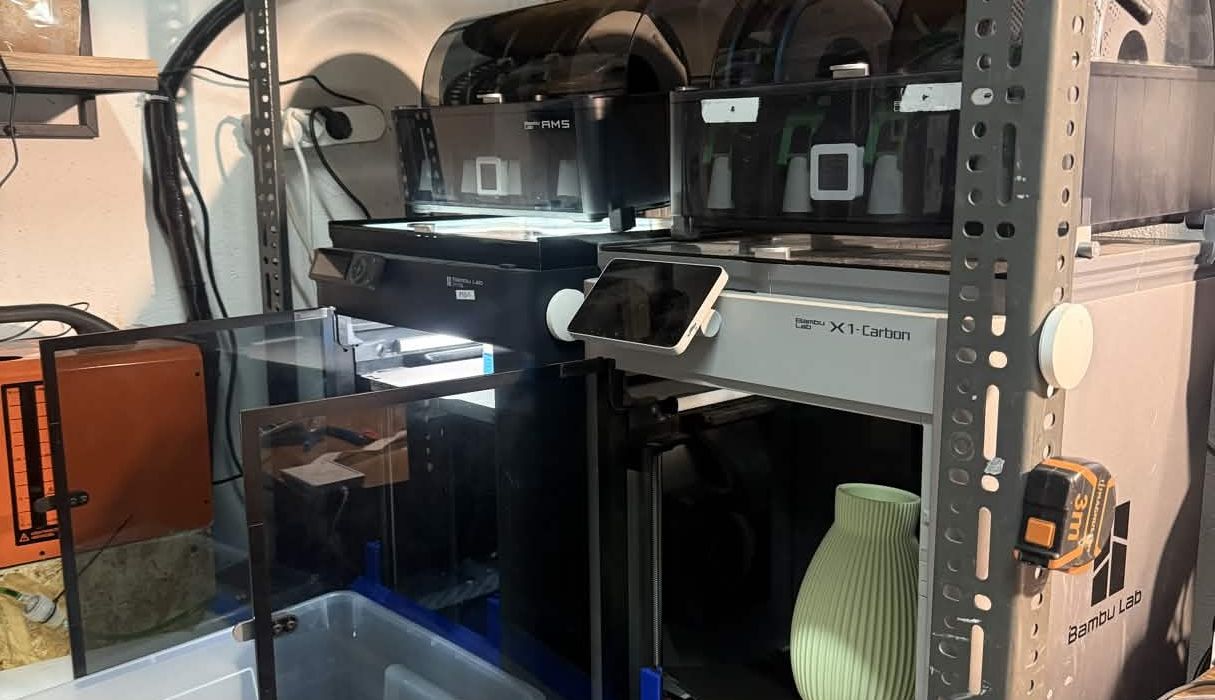
"Without software, the operator becomes the system. That might work with one printer, but it doesn't scale well." Read their story
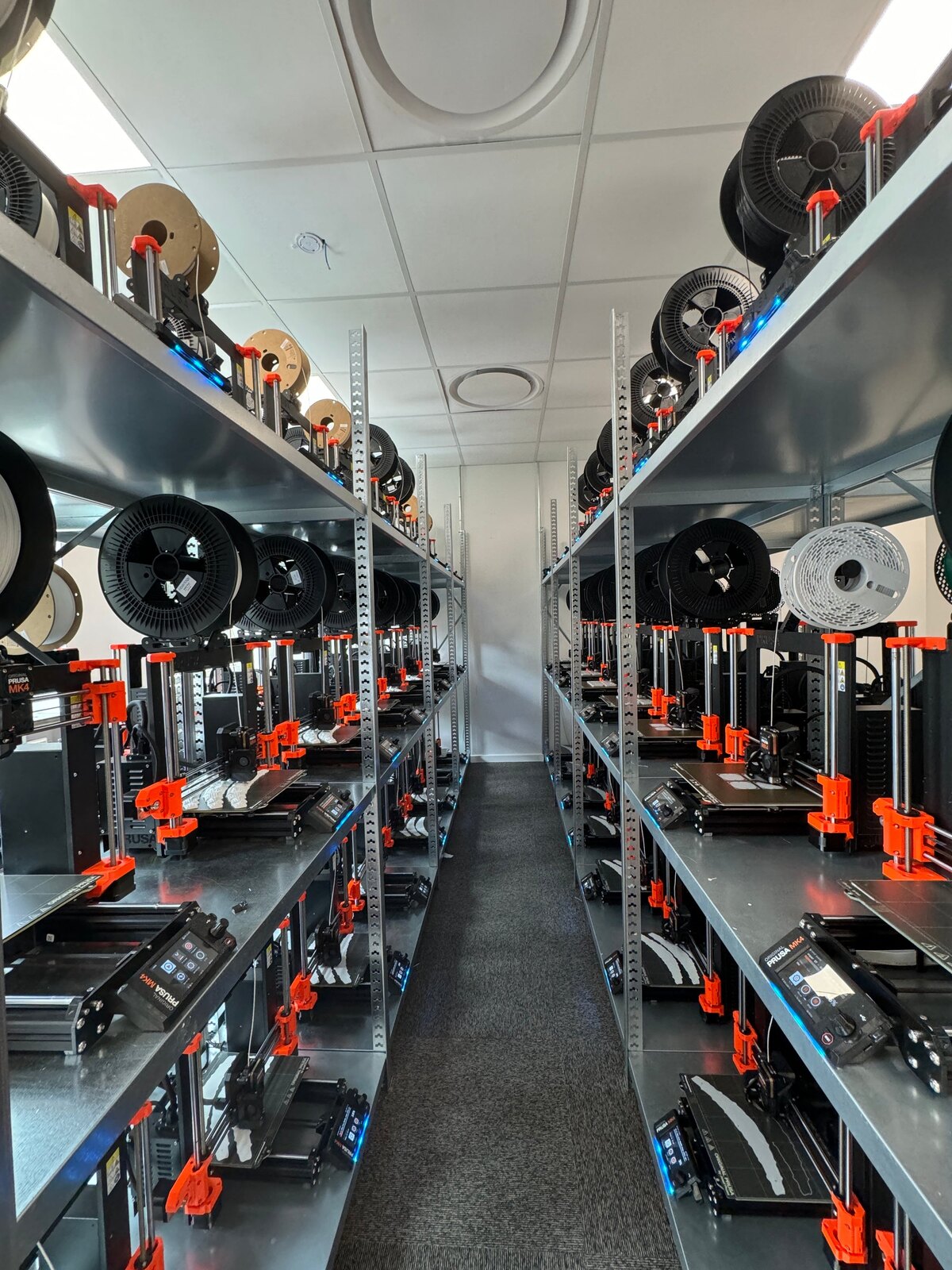
"It'd literally be impossible to run our farm at this scale without SimplyPrint." Read their story
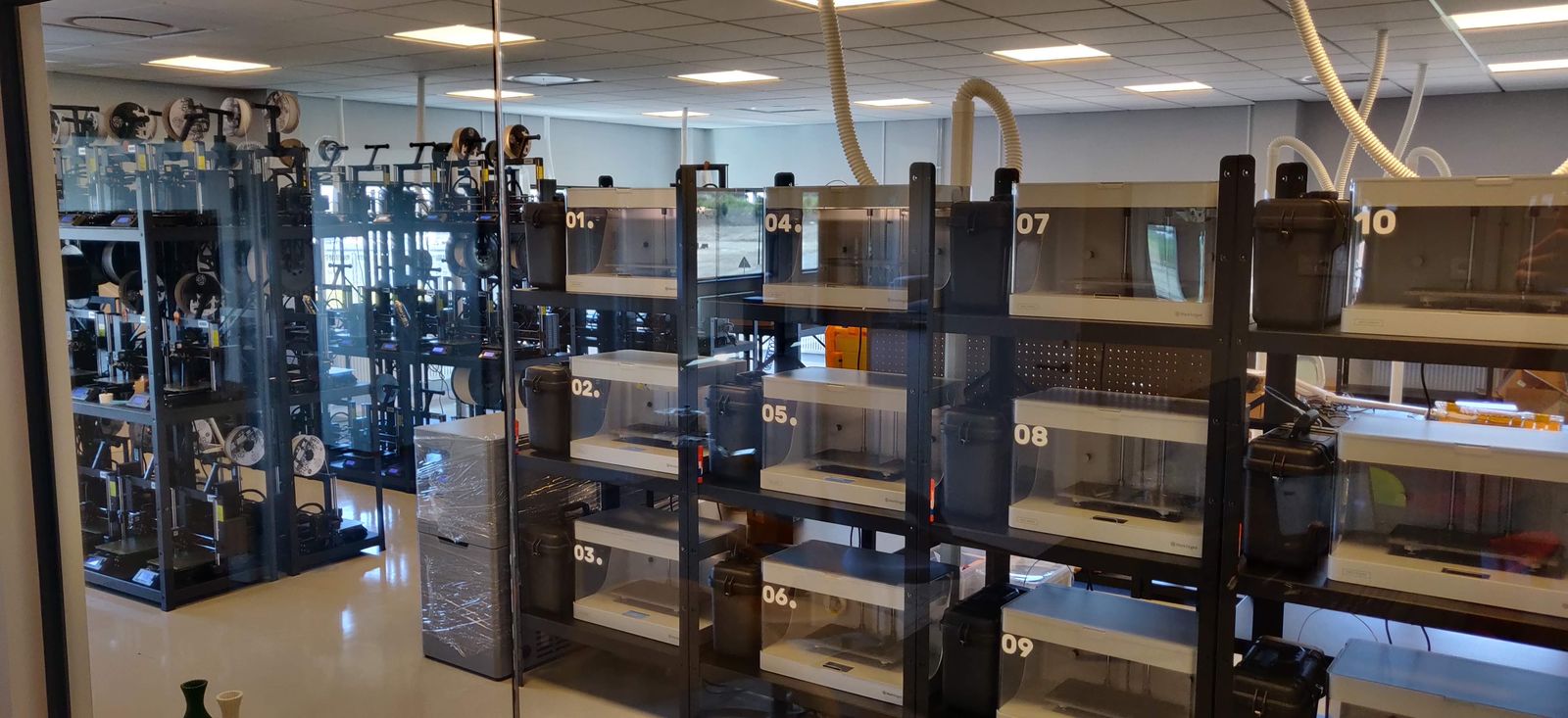
"We don't just know which material went into a part. We know the exact spool, on the exact print, at the exact time - and that's what makes a product passport real instead of a slogan." Read their story
One print queue for the whole Anycubic fleet
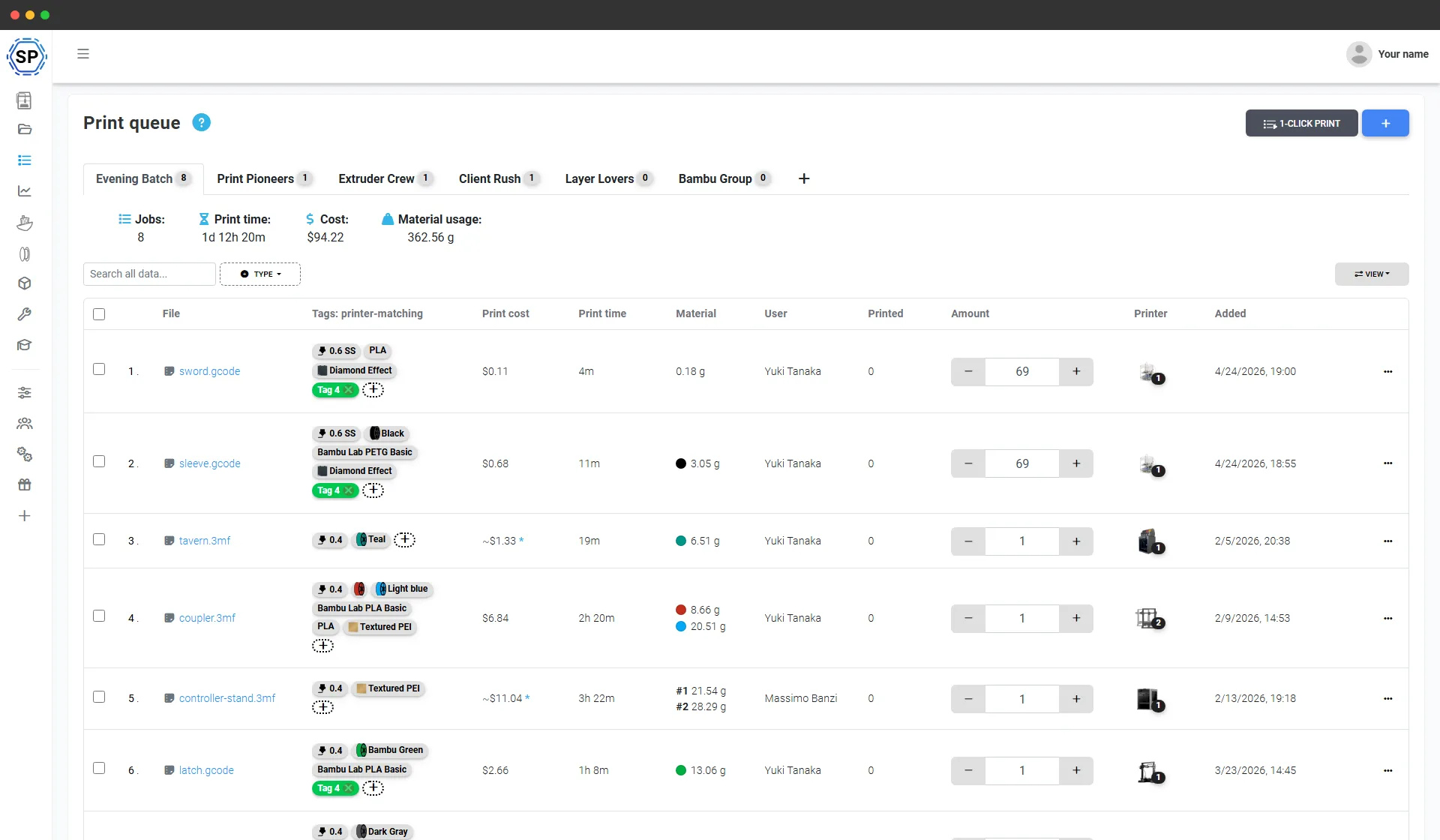
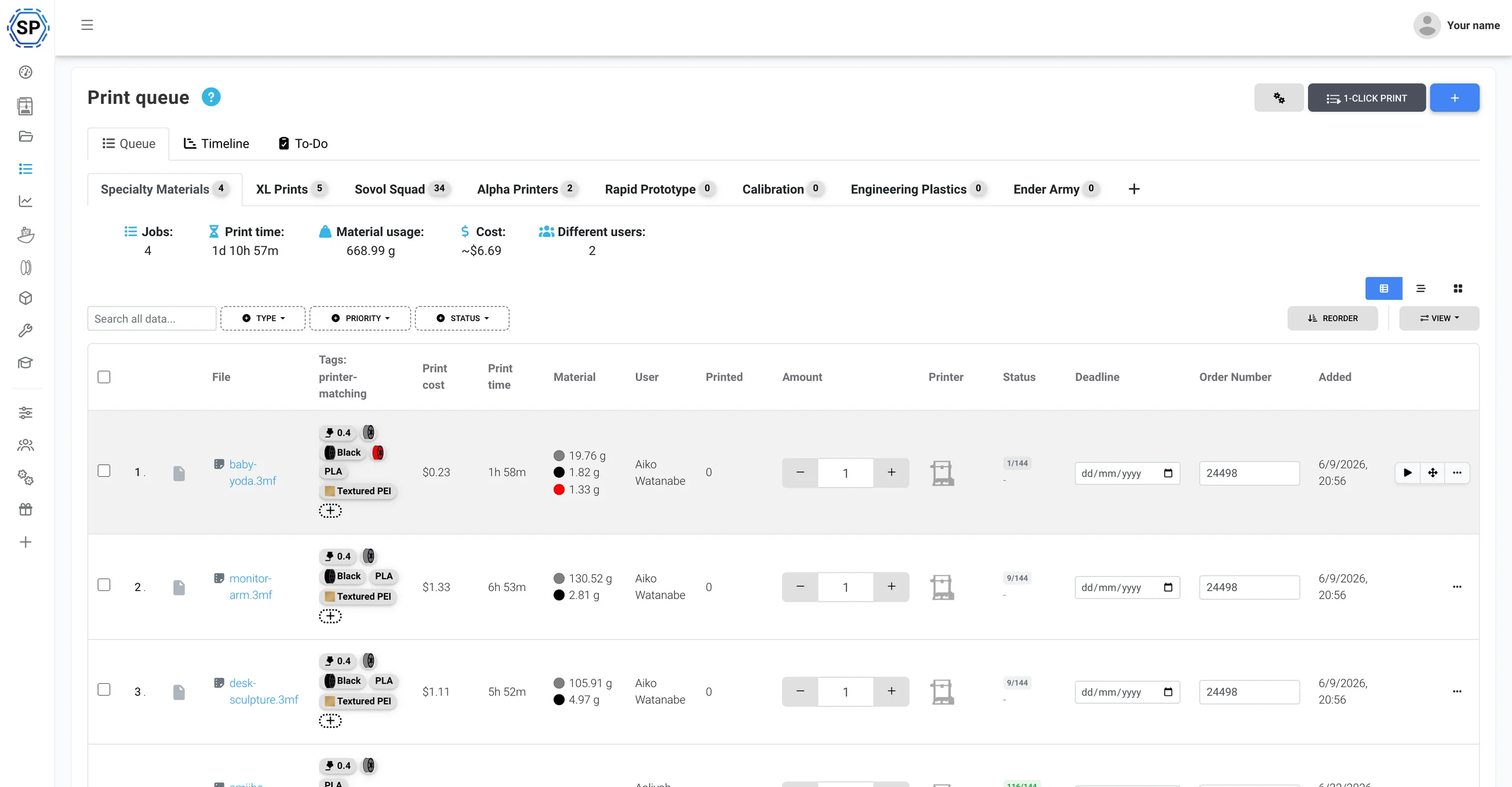
Drop in everything you need to make and set how many of each - SimplyPrint feeds every job to an Anycubic printer that can actually run it, matching material, nozzle and bed against each machine's live state. One click starts a whole batch across the rack. No SD cards, no exporting plate by plate, no spreadsheet of who-printed-what.
First-class support for the Anycubic ACE Pro
SimplyPrint runs Anycubic printers in the cloud and speaks the ACE Pro natively: a live 4-slot view, spool tracking through your filament inventory, and native ACE NFC tags you can write for any spool - one panel for all of it.
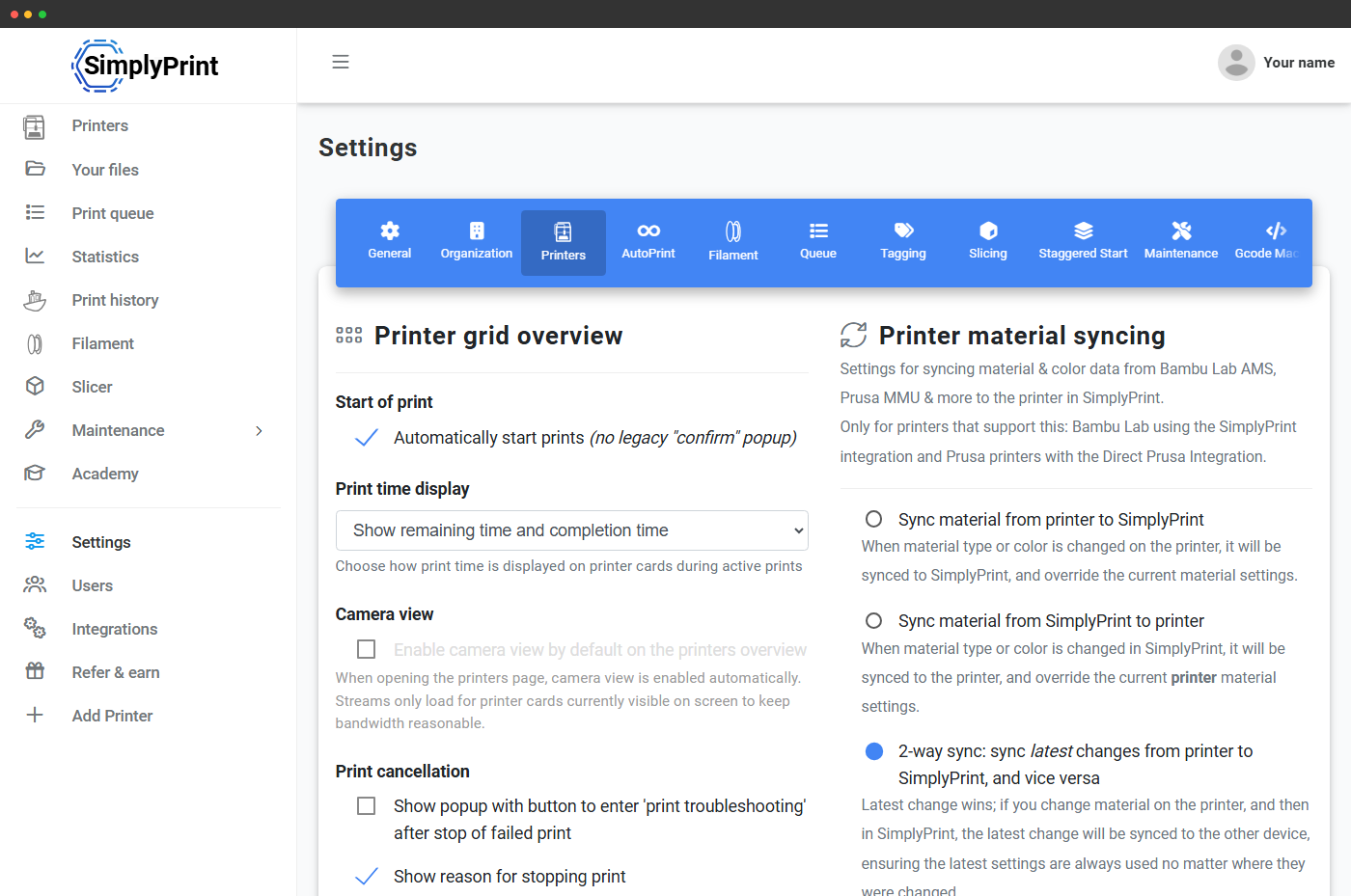
The Anycubic ACE Pro (Automated Color Engine) is Anycubic's 4-slot multi-material system, with on-board drying and the ability to chain up to 4 units for 16 colours. Connect through the SimplyPrint Client and SimplyPrint reads every slot live, syncs each slot's loaded material and colour into your panel, and shows one continuous slot strip per nozzle across a whole chain. First-class multi-material handling, the way we treat the Bambu AMS. Explore the ACE Pro integration
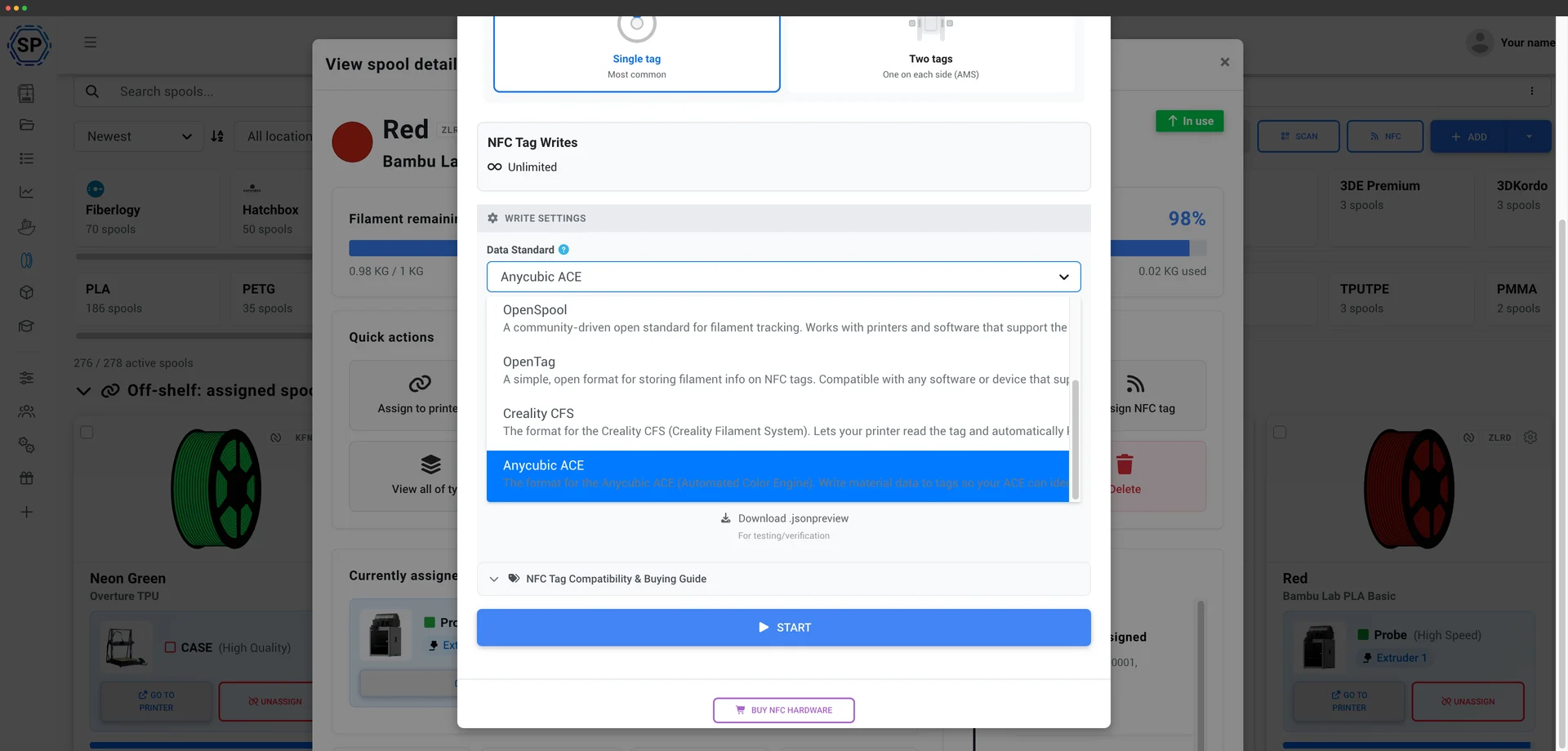
SimplyPrint reads and writes the ACE's NFC tags natively - the same as we do for the Creality CFS. The ACE Pro validates a SKU field on each tag, and SimplyPrint auto-generates a valid one, so you can tag your own spools - even non-Anycubic filament - and the ACE will read them and load the right material profile instead of you setting each slot by hand. Write a tag straight from your filament inventory with the mobile app or a USB reader. How ACE tags work
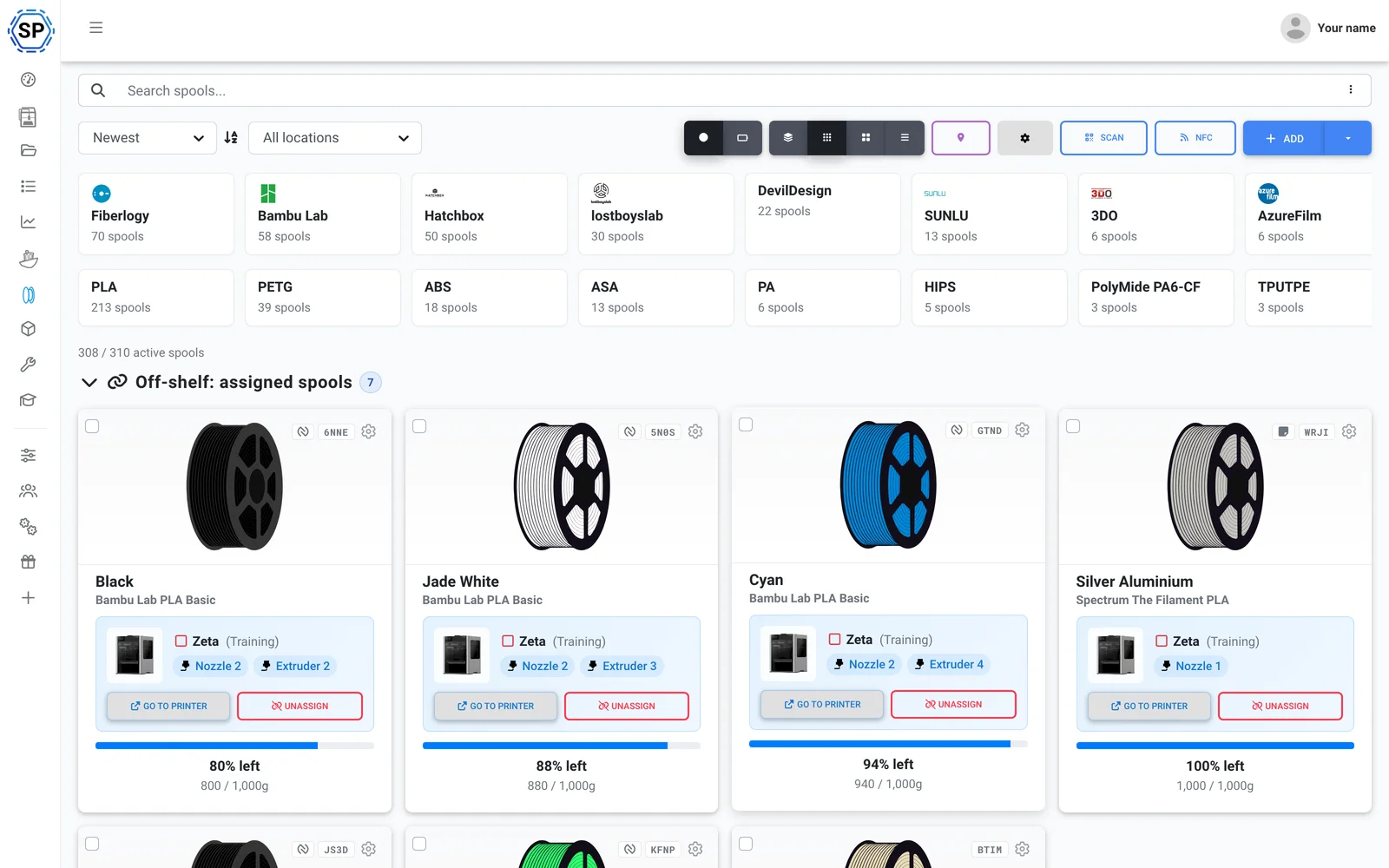
Run whatever filament you like. SimplyPrint tracks usage from the G-code itself, deducting exactly what each print used from the loaded spool - even as the ACE swaps colours mid-print - so inventory stays accurate across the fleet, tag or no tag. See filament management
Also in the box: multi-color slicing for the ACE in the browser (OrcaSlicer, BambuStudio and PrusaSlicer engines), per-printer maintenance and usage tracking, bulk actions across the fleet, and the whole farm on one screen. ACE slot mapping is sent at print start when connected through the SimplyPrint Client - see what's supported today.
Up and running in an afternoon
SimplyPrint installs across a whole farm fast - no new hardware to buy. Add your printers and the whole fleet lands in one panel the same day.
Built for Anycubic - every FDM model supported, from the Kobra 3 to the Kobra S1 and Kobra S1 Max. Mixed fleet? 130+ brands work side by side.
Create an account
Connect your printers
The SimplyPrint Client, Klipper/Moonraker (Rinkhals), or OctoPrint
Fill the queue

Print at full capacity
An all-Anycubic farm? You're covered - and never boxed in
Anycubic is one of the most-used printer brands on SimplyPrint - 2,400+ connected - and SimplyPrint runs it natively, ACE Pro included. But it isn't Anycubic-only: add a Bambu, a Prusa or a Creality later and it lands in the same panel too - 130+ brands run side by side, same queue, same screen. See the full print-farm platform.
The Kobra 3 and Kobra S1 series connect through the SimplyPrint Client - webcam, core controls and print starts, with nothing to flash on the printer - or through Klipper/Moonraker via the community Rinkhals firmware for full Klipper control. Older Anycubic printers connect through OctoPrint or a direct install. No proprietary gateway, no lock-in.
Everything else an Anycubic farm runs on
Maintenance, automation, filament, statistics and more - here the moment you need them.
Explore all features
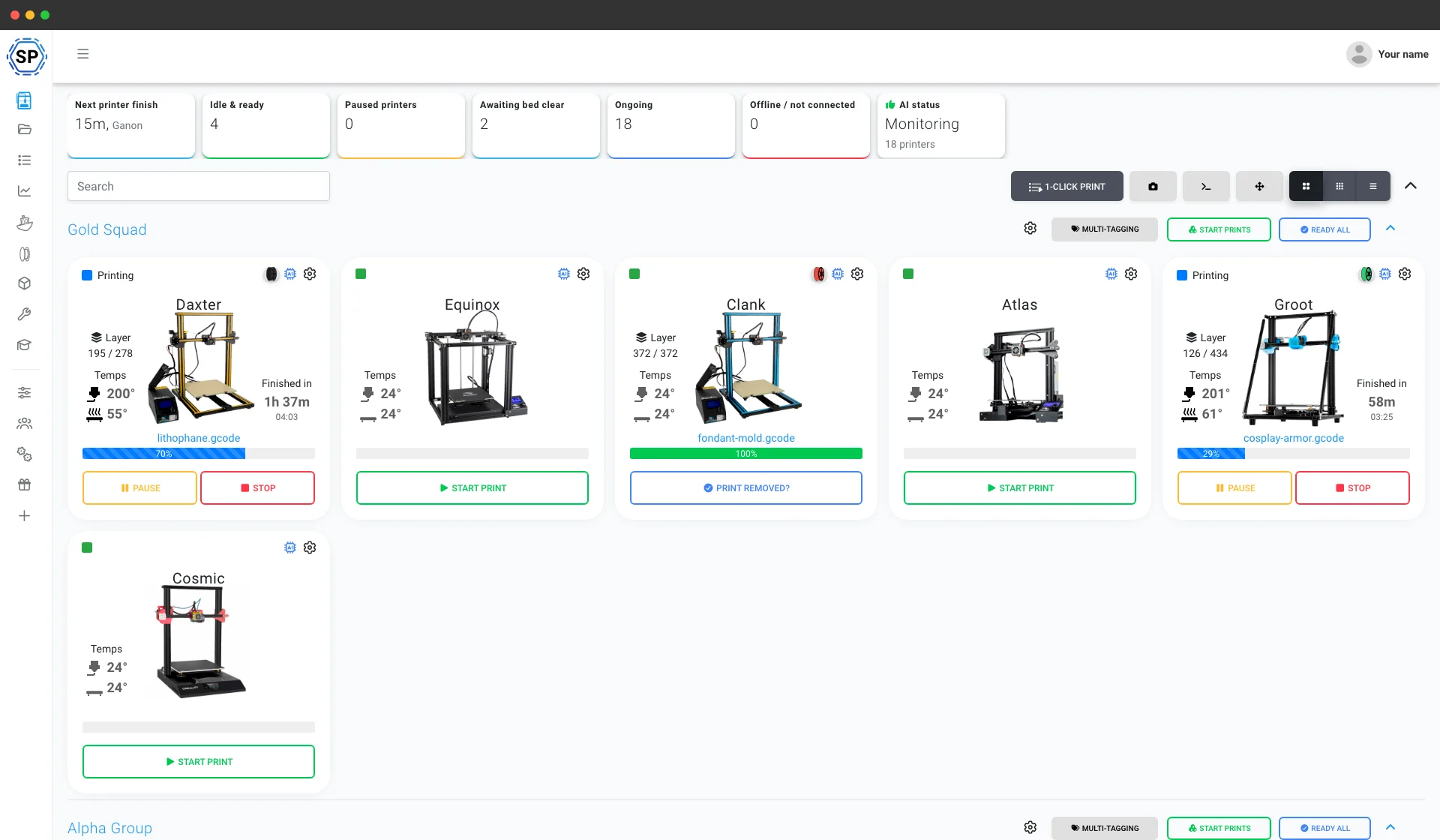
1-Click bulk start
Start every matching job across a whole rack of Anycubic printers in one click. No SD cards, no walking the floor.
Learn more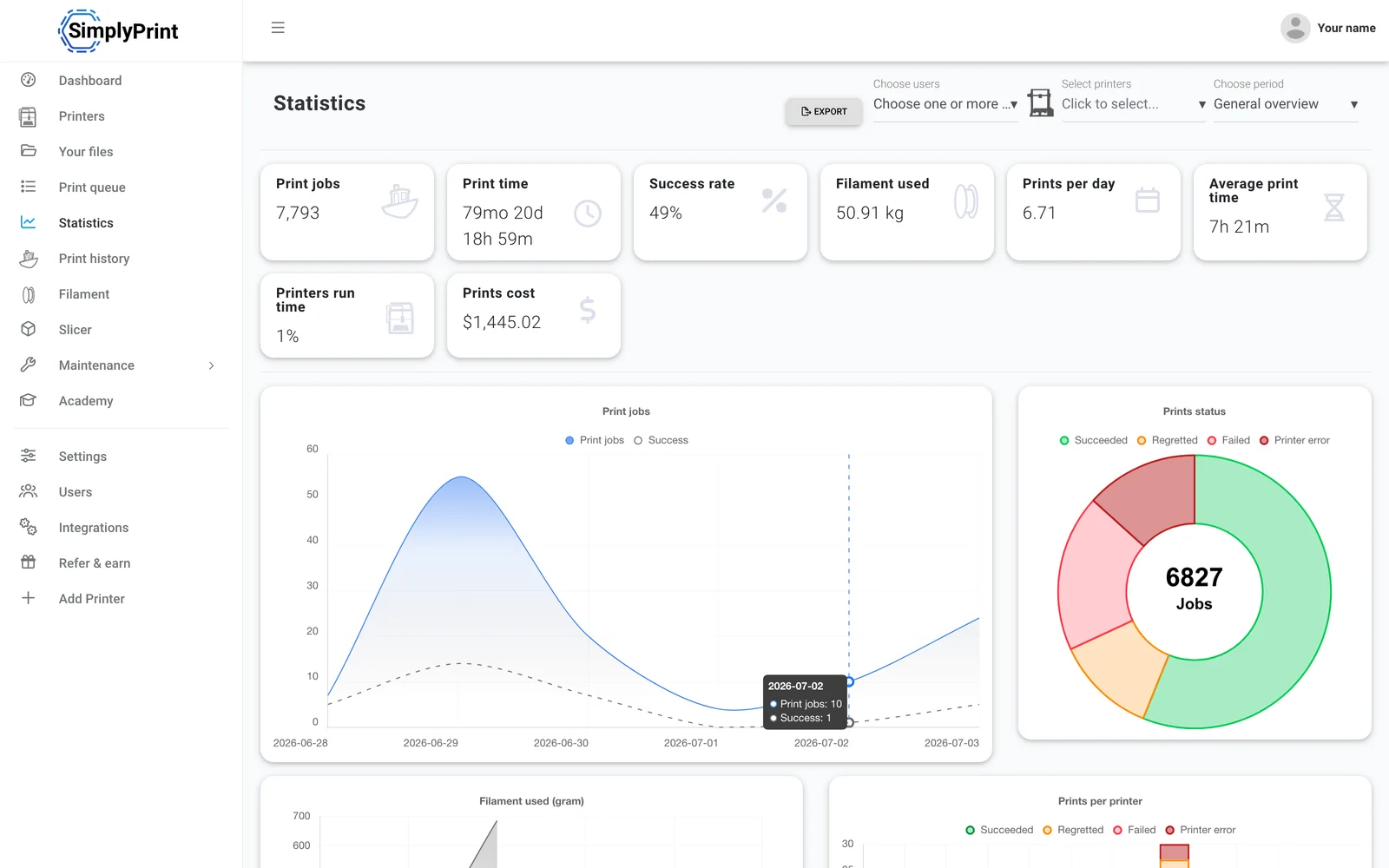
Statistics
Print hours, success rates, filament use and costs - the numbers to run a business on.
Learn more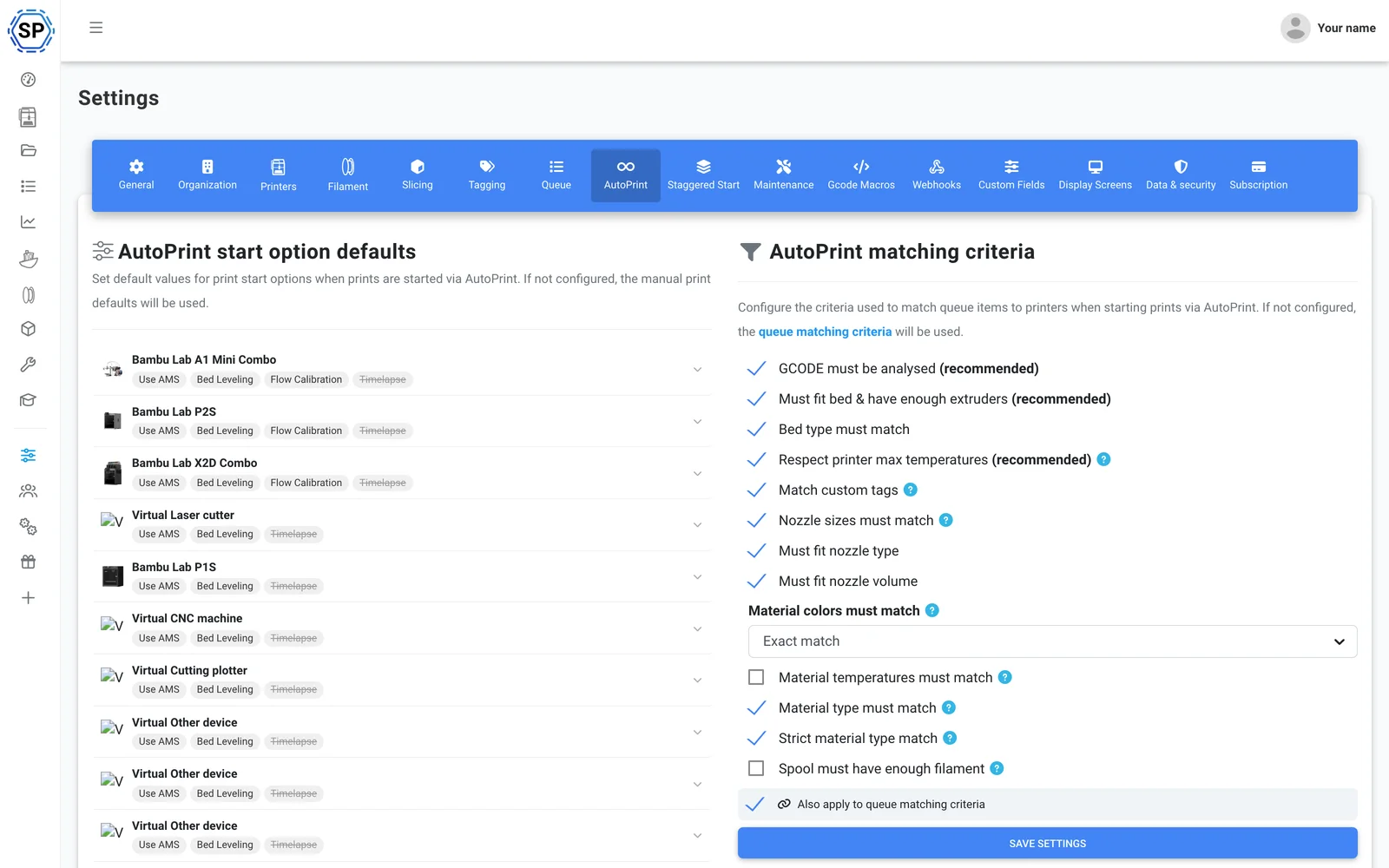
AutoPrint
Continuous printing, hands-off: SimplyPrint clears each finished bed and starts the next matching job on its own.
Learn more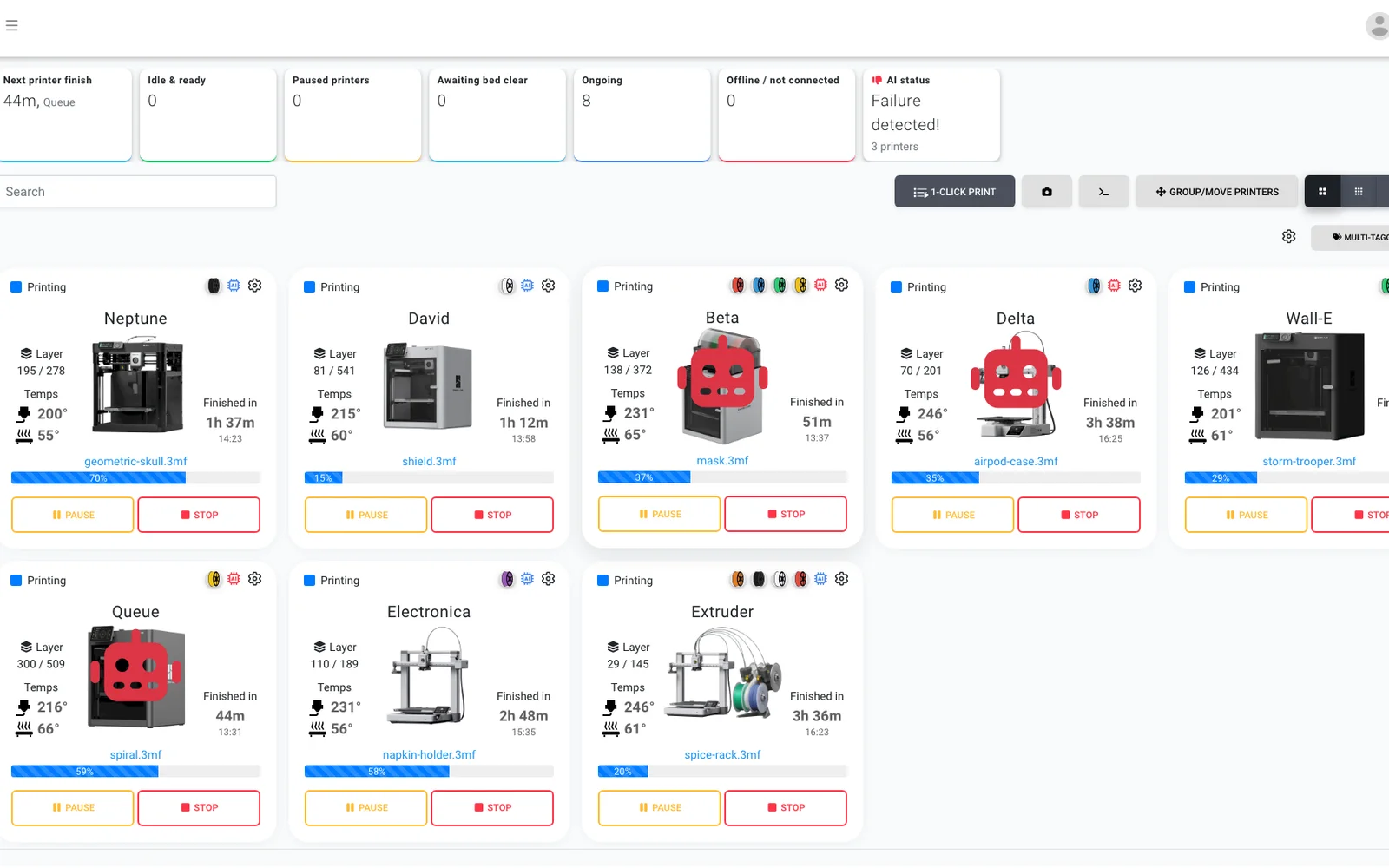
AI failure detection
A second pair of eyes on every camera, on any Anycubic printer - so even a Kobra with no onboard AI gets failure detection, and the AI confirms each bed is clear before the next job starts.
Learn more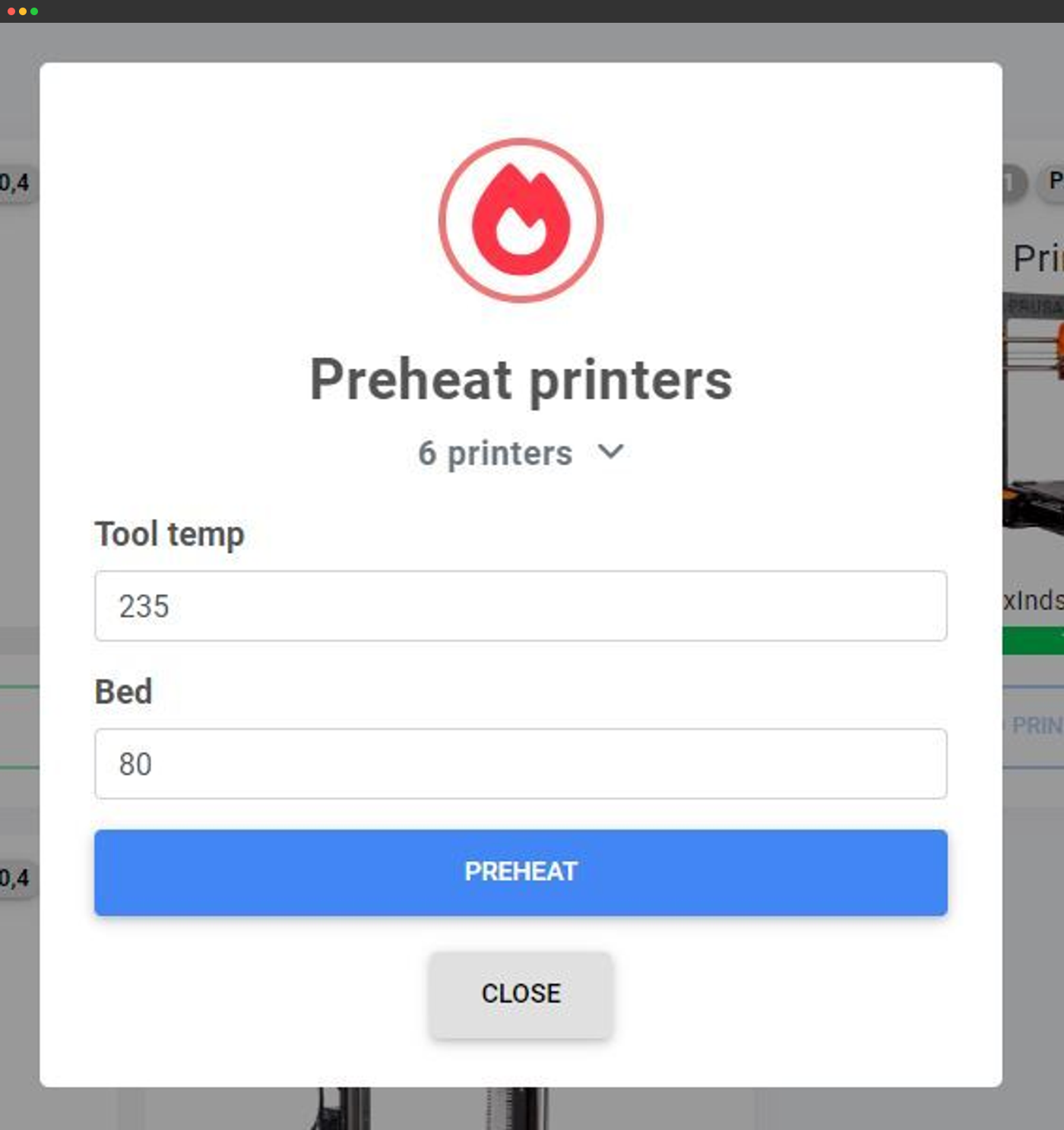
Bulk actions
Preheat, send G-code or act on dozens of printers at once from one screen.
Learn more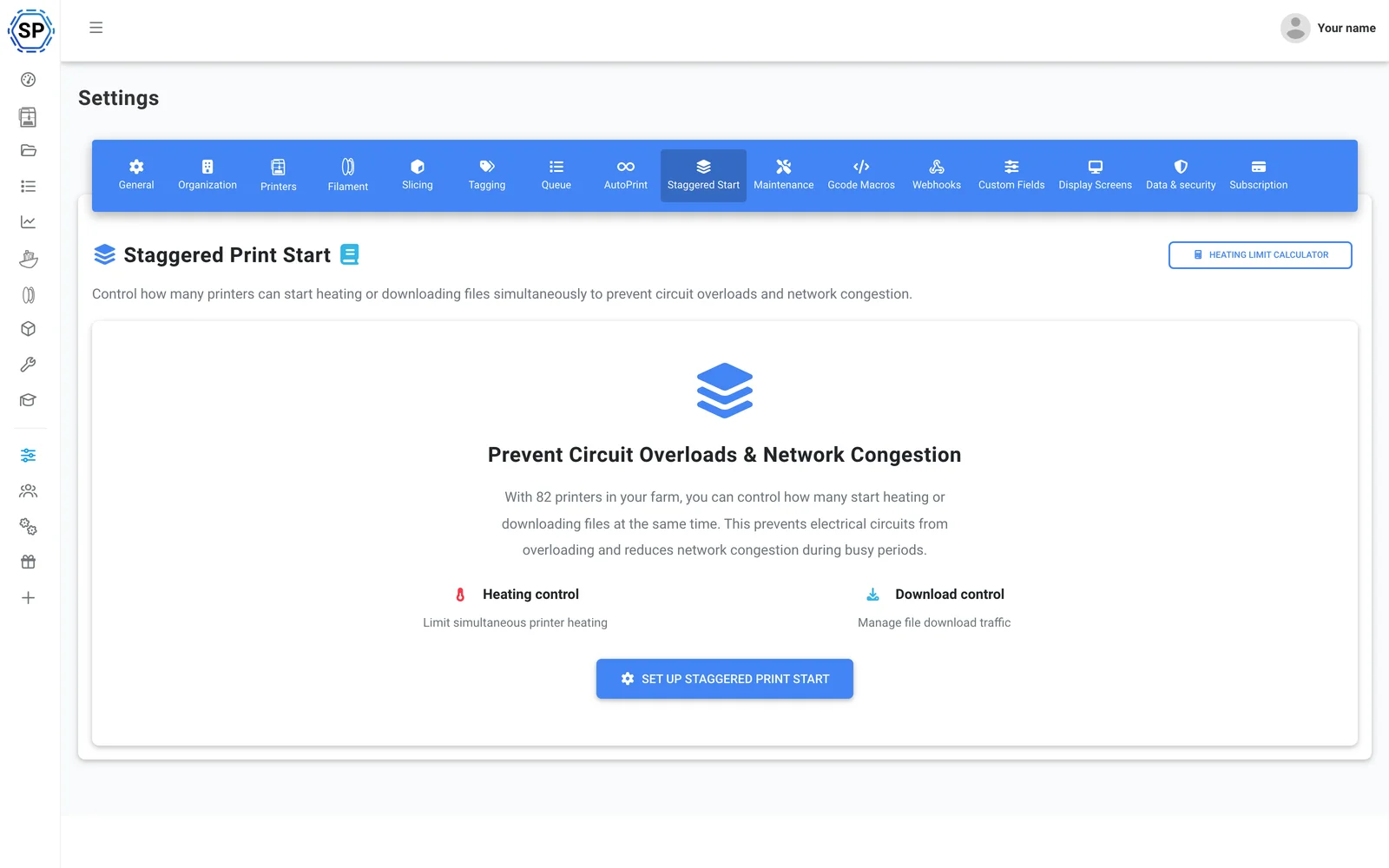
Staggered Start
Lots of printers per circuit? Cap how many preheat at once so a packed rack never trips the breaker.
Learn more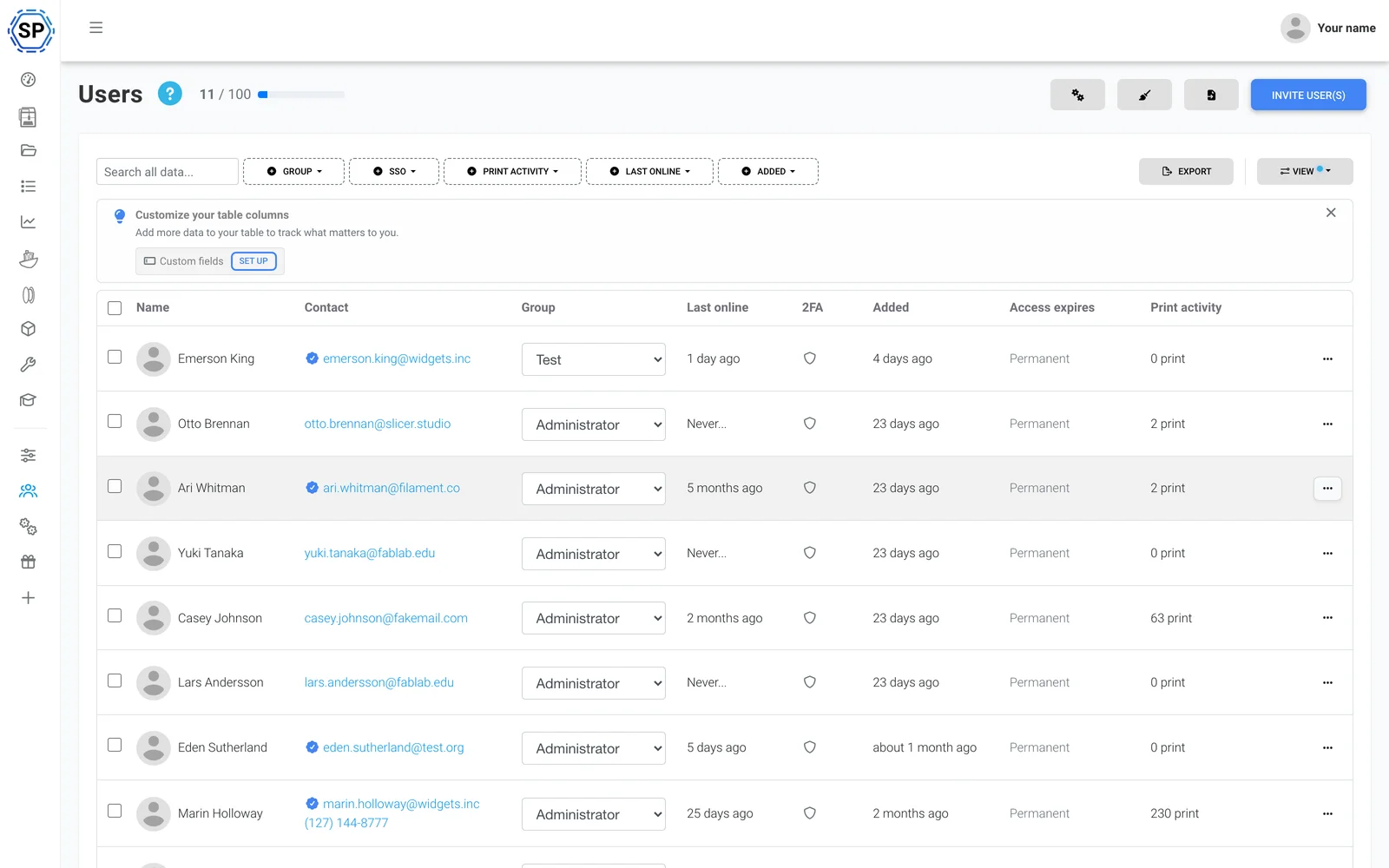
Team & permissions
Run the farm with your colleagues, with tailored permissions per user or group.
Learn more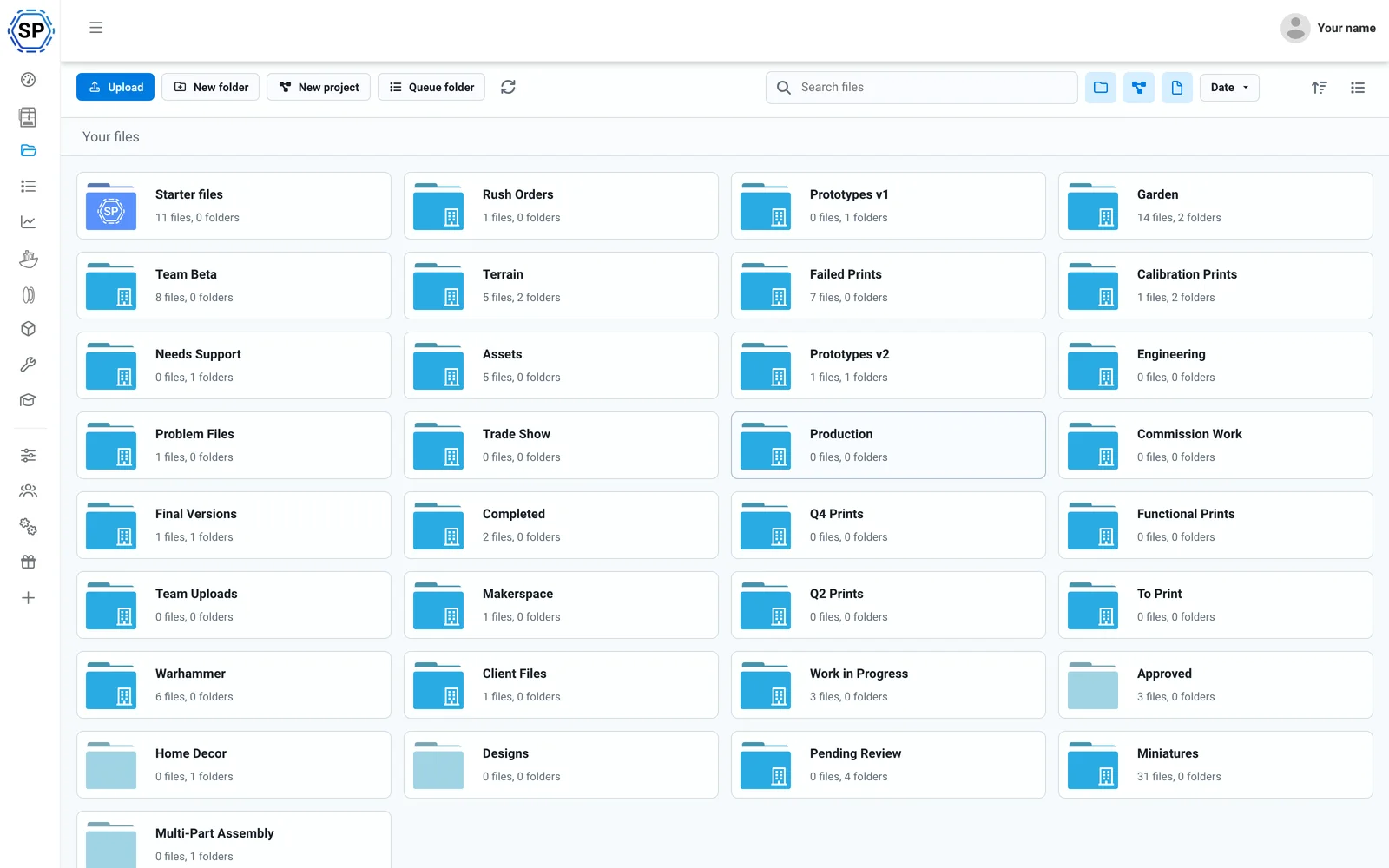
Cloud files & history
Every G-code in one shared cloud, with print counts, shared folders and a full history log.
Learn more
Filament manager
Automatic usage tracking and inventory - ACE-aware, and accurate even with third-party spools loaded.
Learn more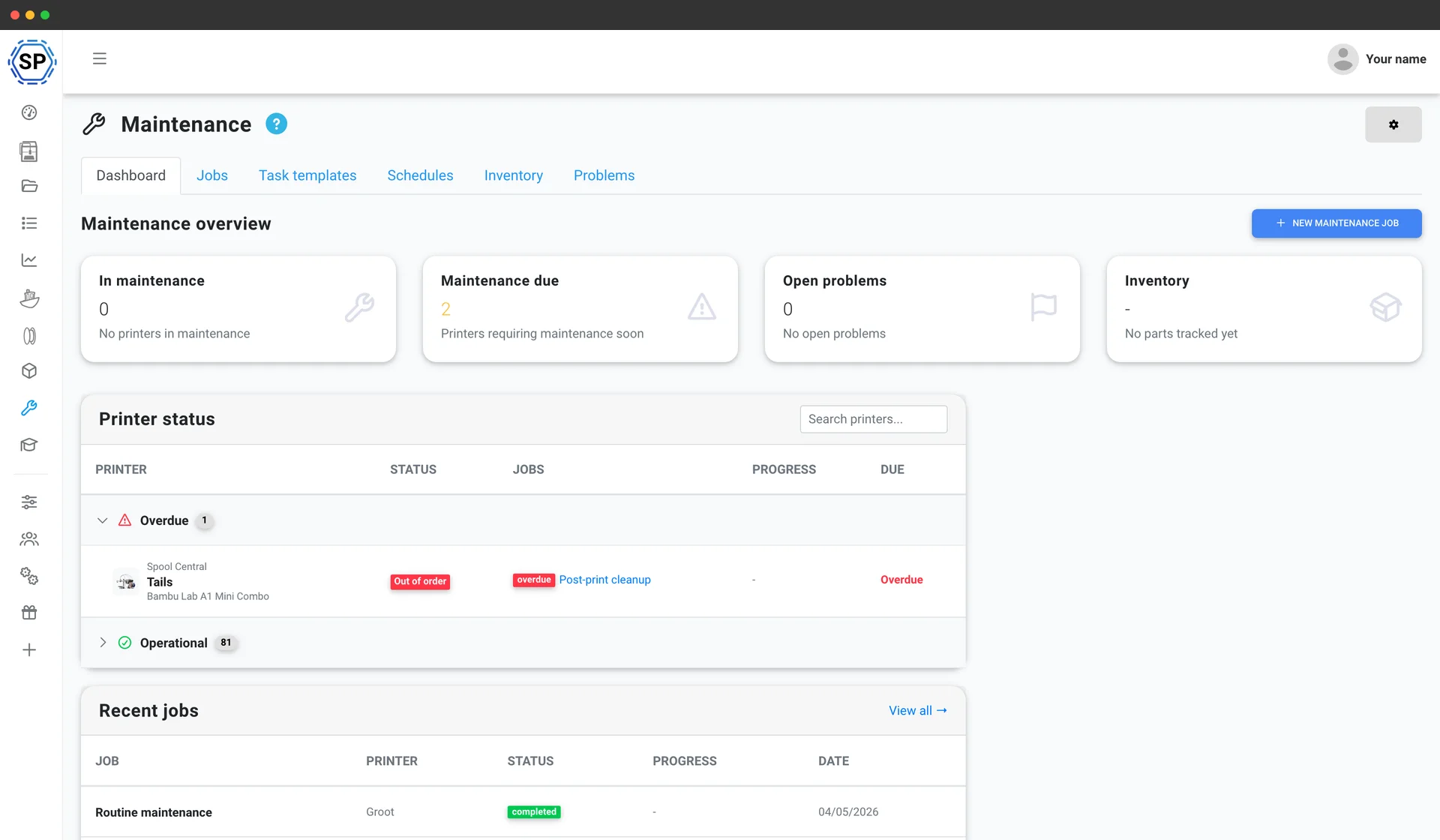
Printer maintenance
Usage-based service schedules, spare-parts inventory and a health overview for every machine, so the fleet never grinds to a halt.
Learn more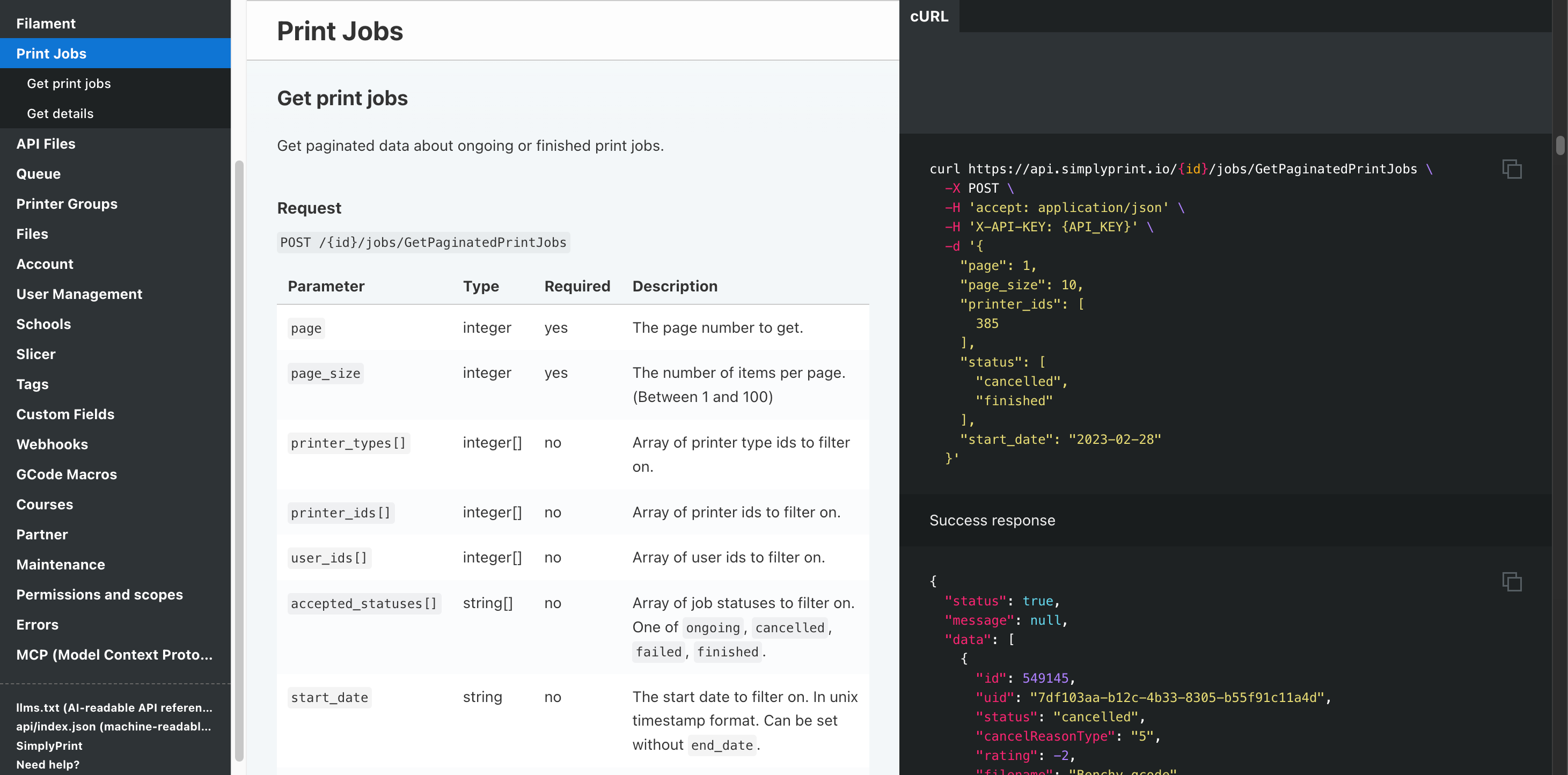
Automation & API
Push orders from your storefront into the queue via the REST API, get a webhook when each job finishes, and let Zapier, n8n or an AI assistant handle the busywork.
Learn moreEvery Anycubic FDM printer, supported
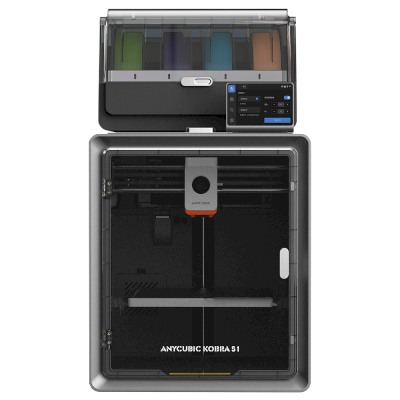
The Anycubic FDM line-up - the Kobra 3 and Kobra S1 series, the Kobra Max and Neo, and the classic Mega and i3 range. Click any model for compatibility details and its setup guide.
Kobra S1 Combo
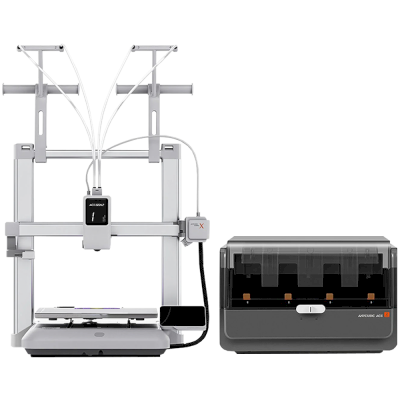
Kobra X Combo
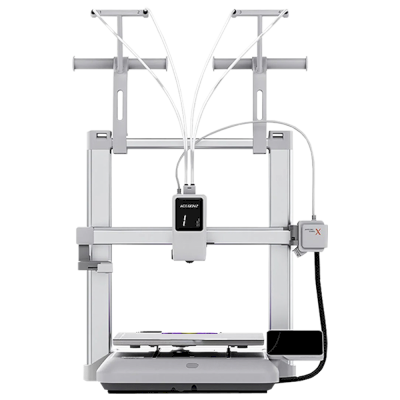
Kobra X
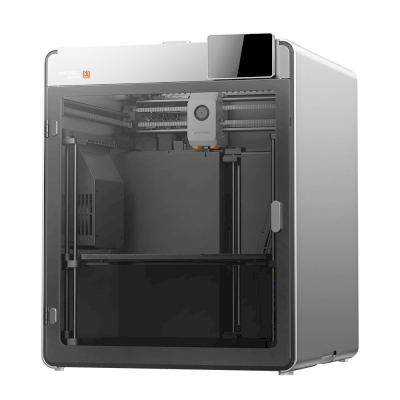
Kobra S1 Max
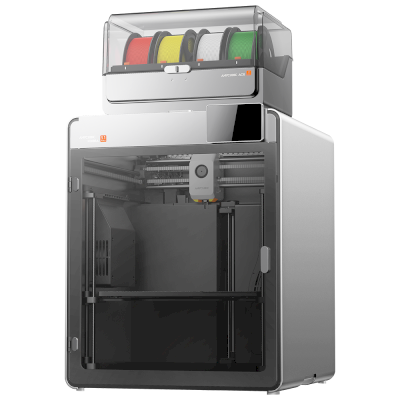
Kobra S1 Max Combo
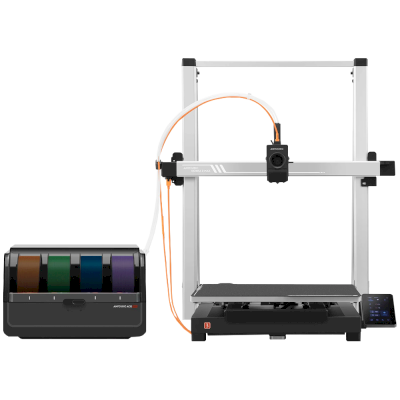
Kobra 3 Max Combo
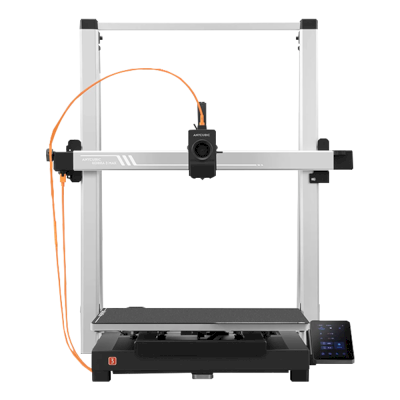
Kobra 3 Max
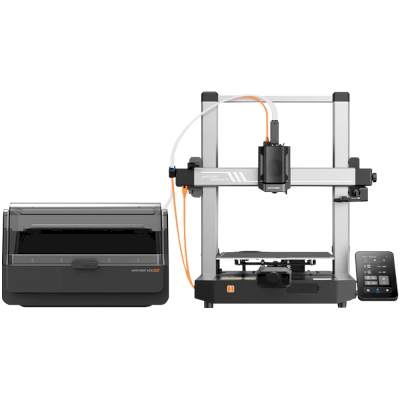
Kobra 3 V2 Combo
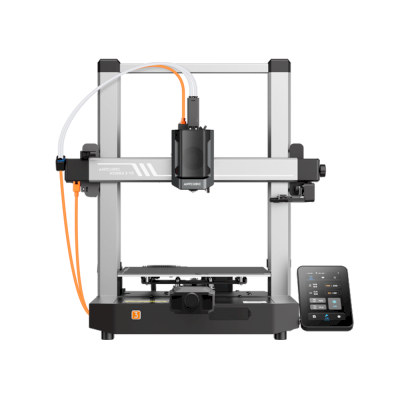
Kobra 3 V2
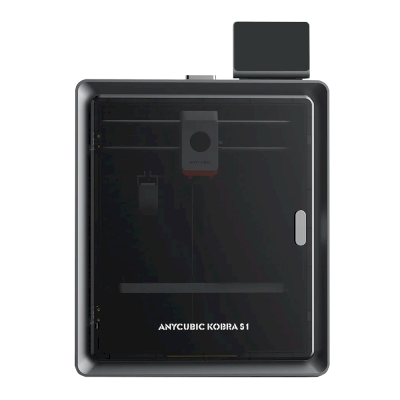
Kobra S1
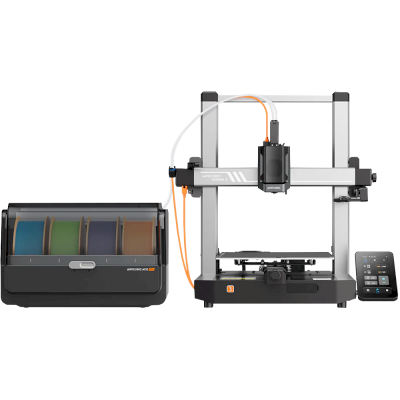
Kobra 3 Combo
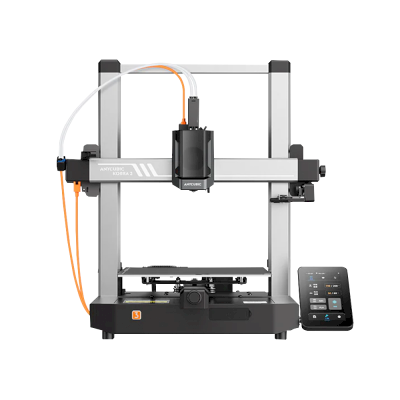
Kobra 3
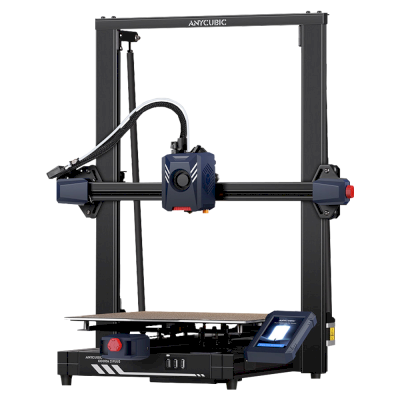
Kobra 2 Plus
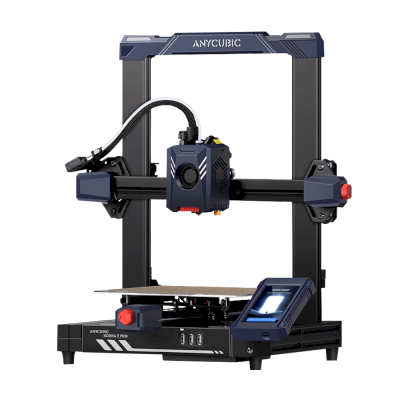
Kobra 2 Pro
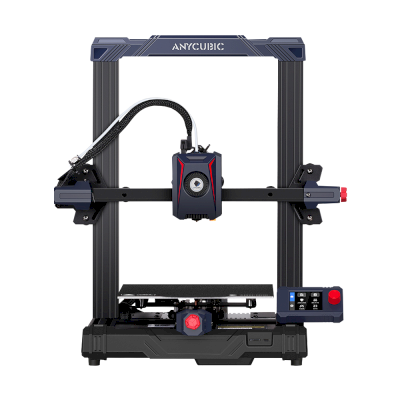
Kobra 2 Neo
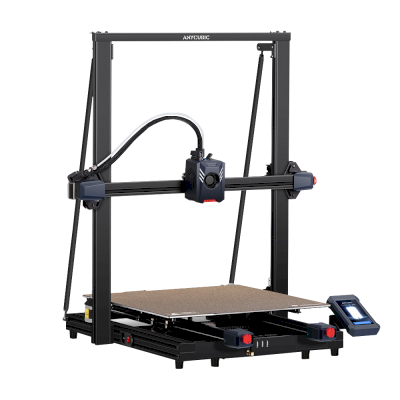
Kobra 2 Max
/product_photo_md.png?cacheid=652d2d24a731c)
Kossel (Pulley)
/product_photo_md.png?cacheid=652d18d120e93)
Kossel (Linear Plus)
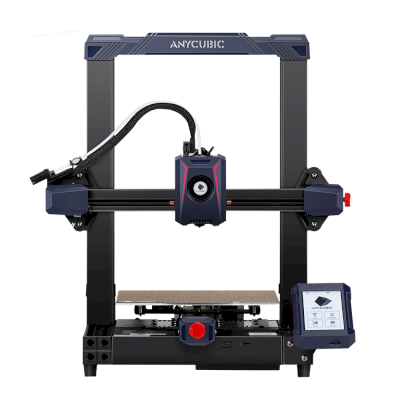
Kobra 2
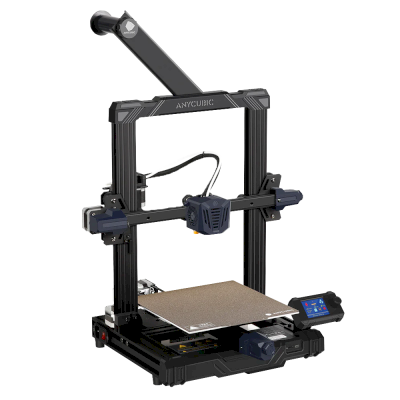
Kobra Go
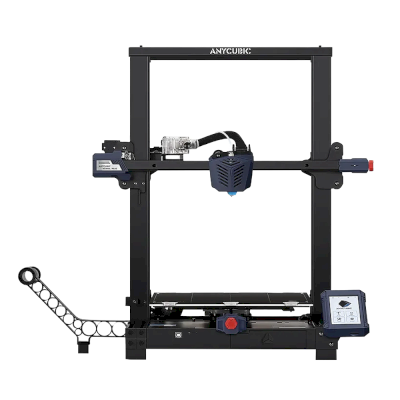
Kobra Plus
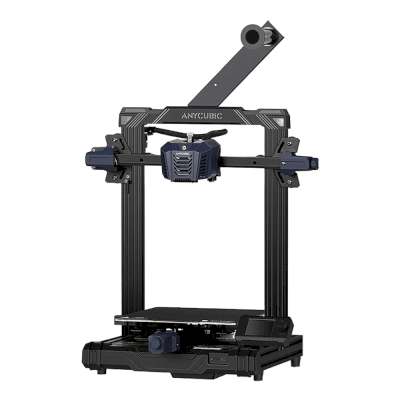
Kobra Neo
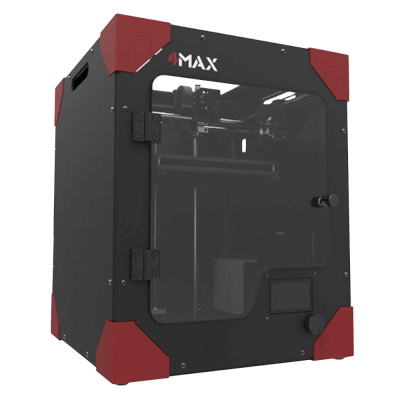
4Max
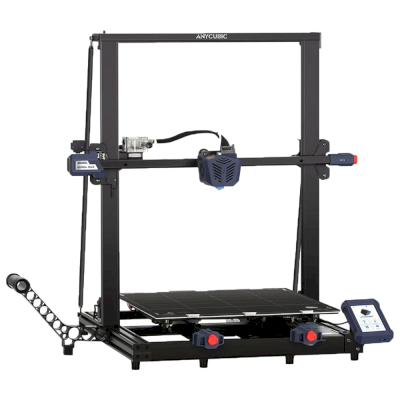
Kobra Max
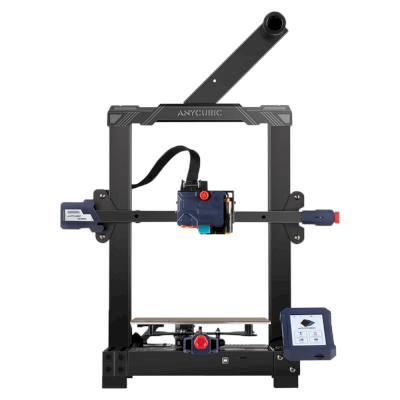
Kobra
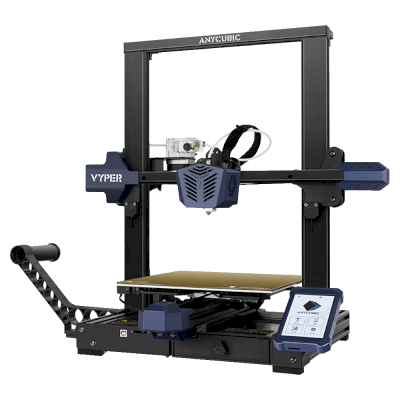
Vyper
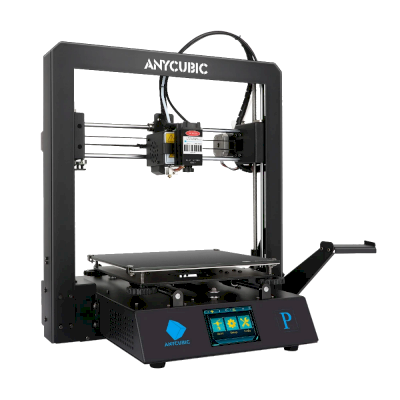
Mega Pro
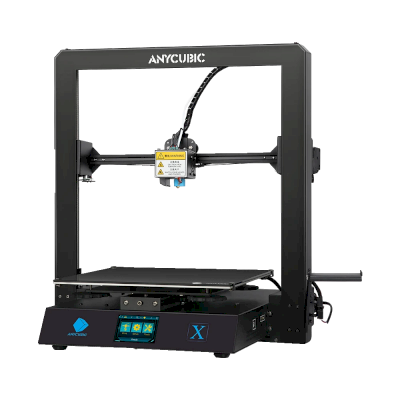
Mega X
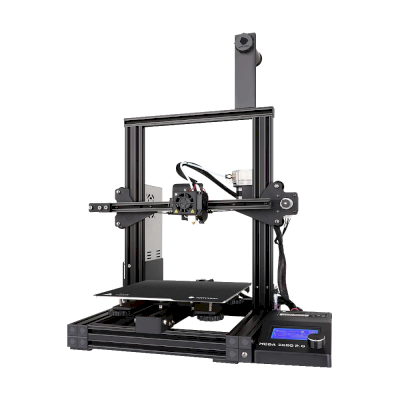
Mega Zero 2.0
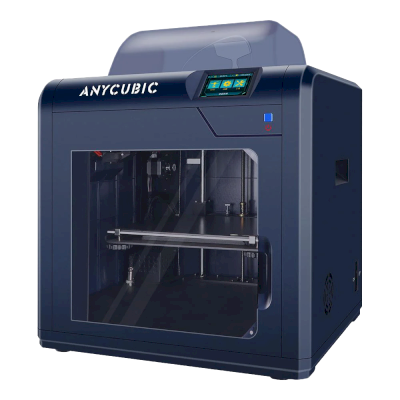
4Max Pro
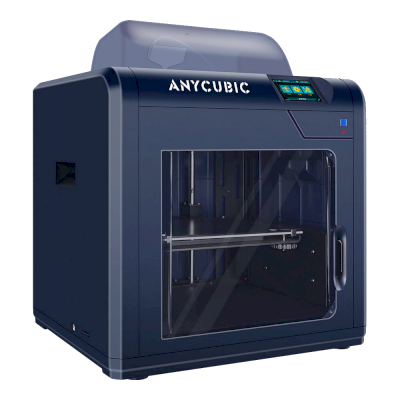
4Max Pro 2.0
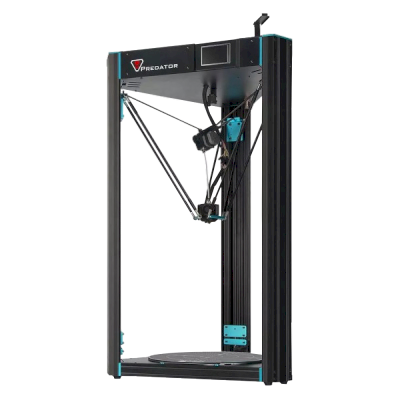
Predator
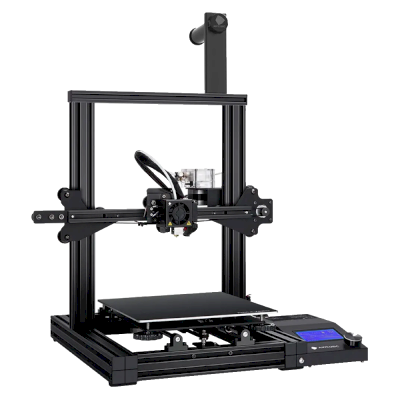
Mega Zero
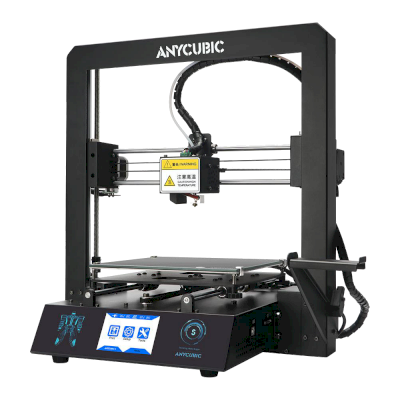
i3 Mega S
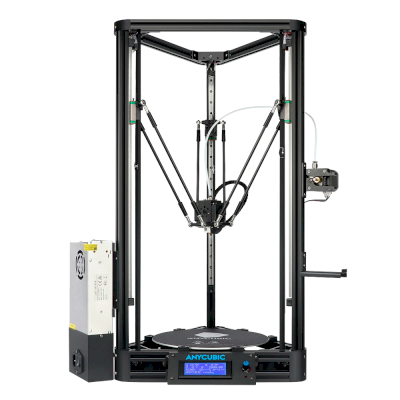
Kossel
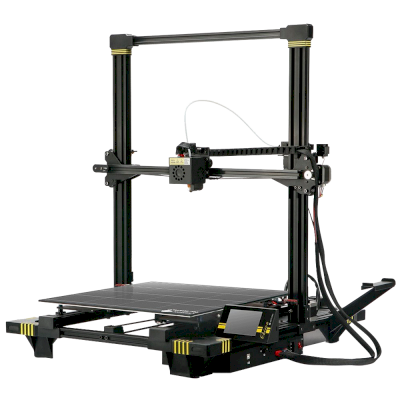
Chiron
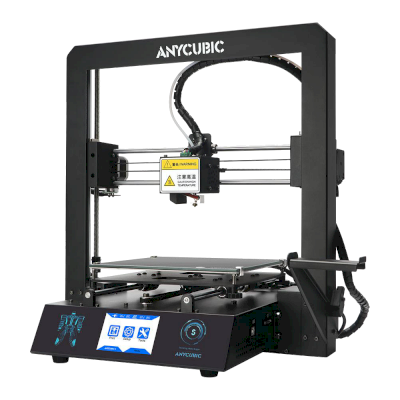
i3 Mega
Not only Anycubic? SimplyPrint runs 130+ brands and 610+ printer models side by side. Browse the full compatibility list or see the print-farm platform.
Your customers' designs stay private
Files in your cloud are visible only to your team, never exposed to the internet. SimplyPrint is GDPR compliant, EU-hosted, and built on infrastructure with SOC 2 and ISO 27001 certifications - with 99.9%+ uptime.


Certifications and standards SimplyPrint and its hosting infrastructure are covered by.
Security & compliance detailsPrint updates along the way
Run the farm from your pocket. Get notified on finish, pause and filament runout, watch any printer's camera, and stop a job from anywhere.


SimplyPrint ⚫ Now
Print started on Printer 1
Estimated print time is 3d 4h
SimplyPrint ⚫ Now
Failure detected on Printer 2!
Want to pause or cancel?

Don't just take our word for it
Mixed fleet, or a different brand? The full print-farm platform · Bambu Lab · Prusa · Creality · ELEGOO · Flashforge
SimplyPrint runs Anycubic alongside 130+ brands and 610+ printer models - one queue, one screen. Check your printers.