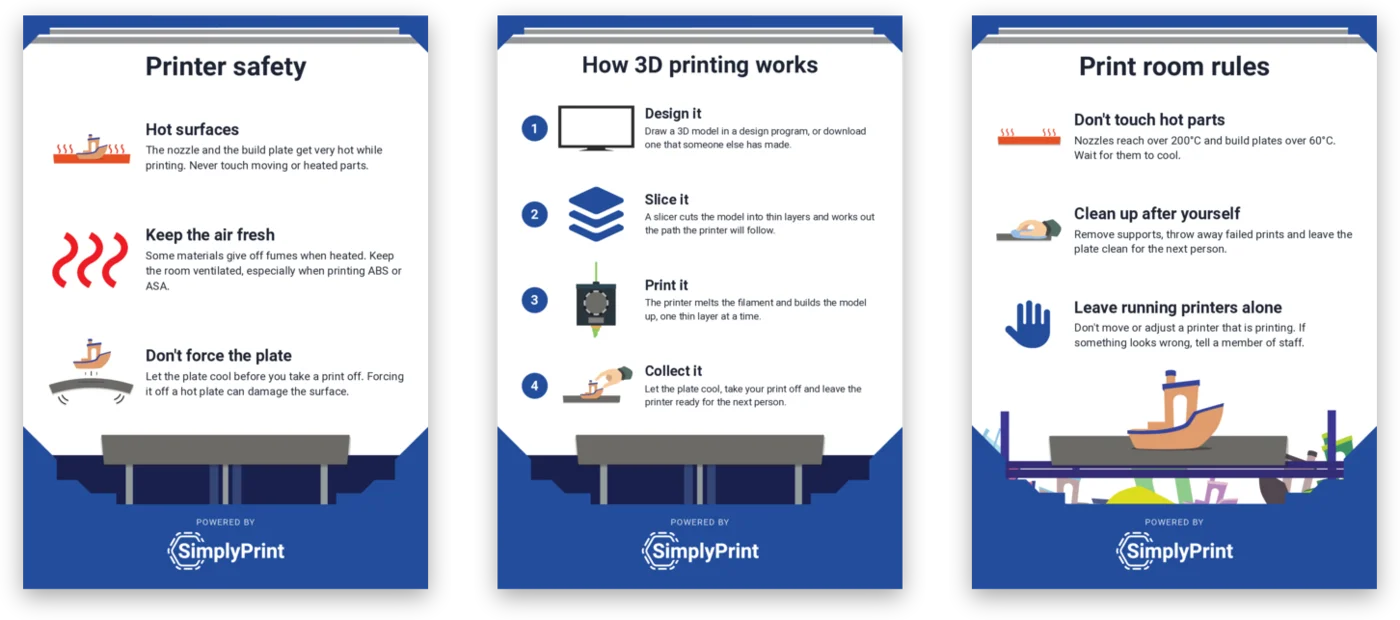
Pick a poster, print it, pin it up
Each poster is a one-page PDF for A4 or US Letter paper. Download as many as you like.
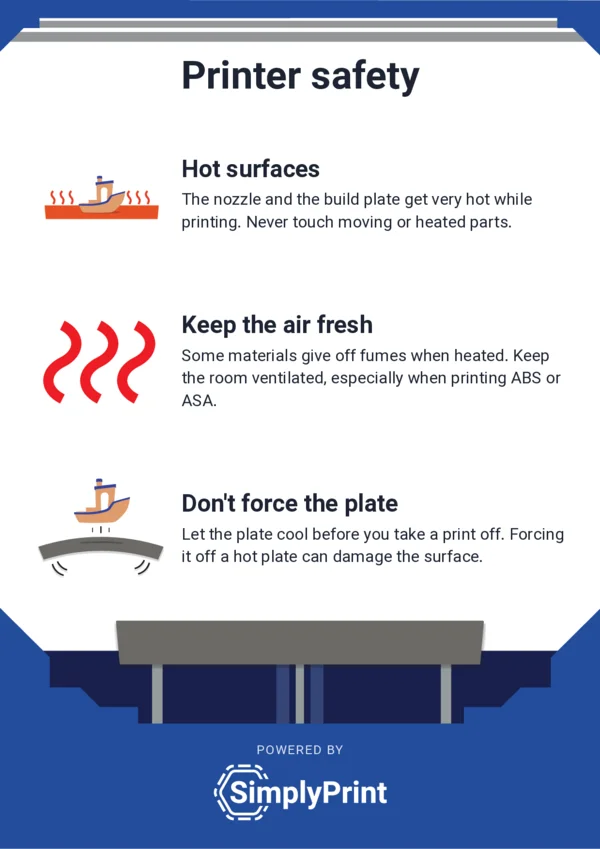
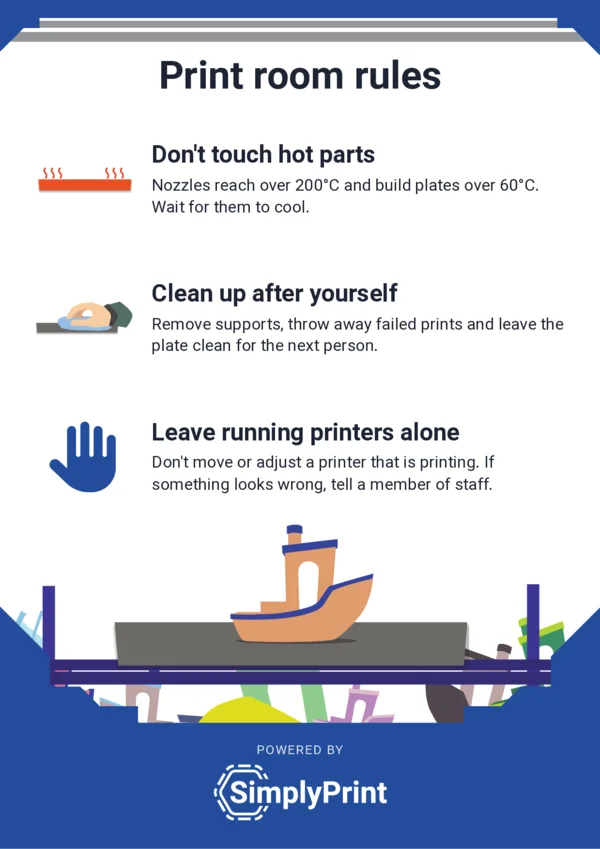
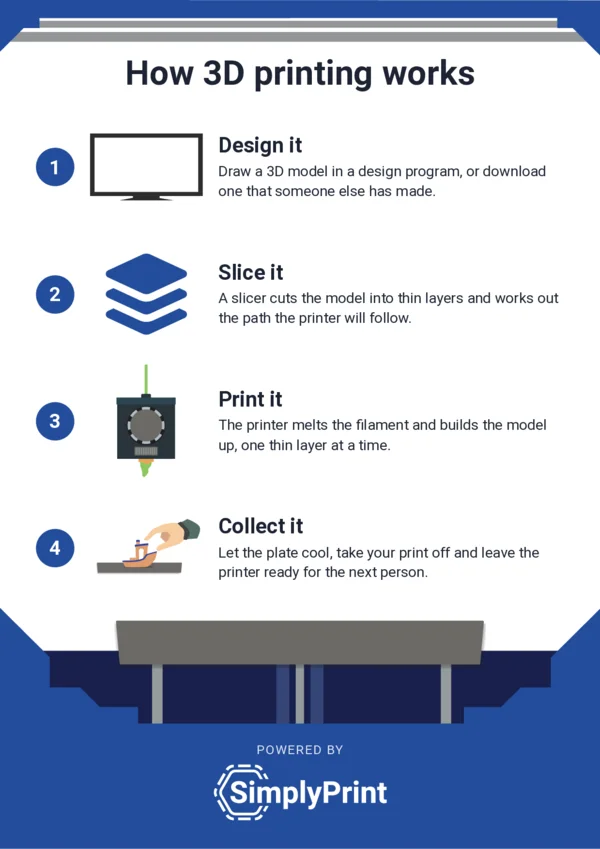
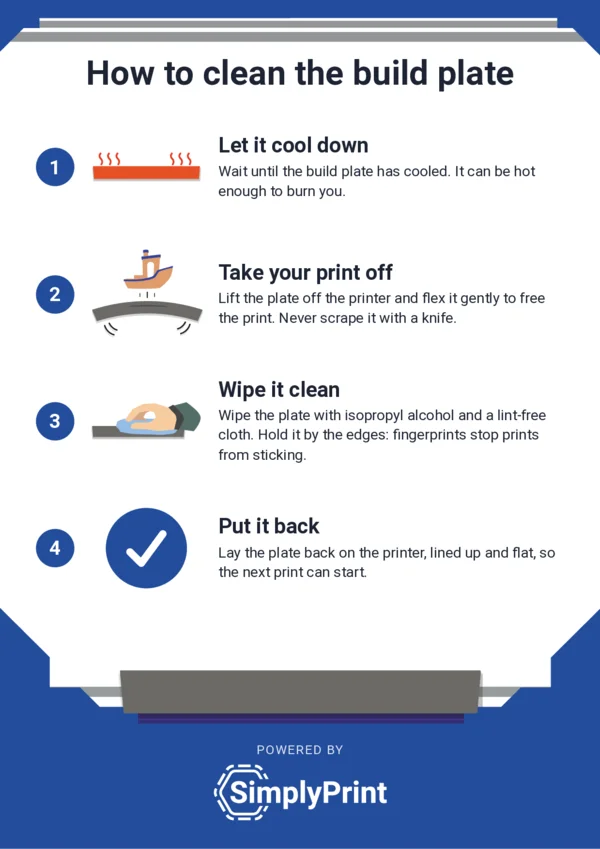
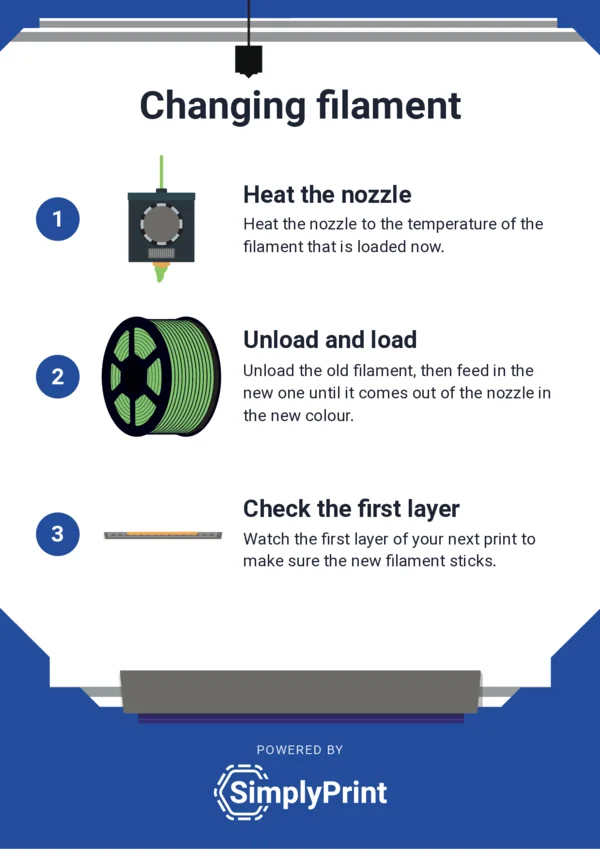
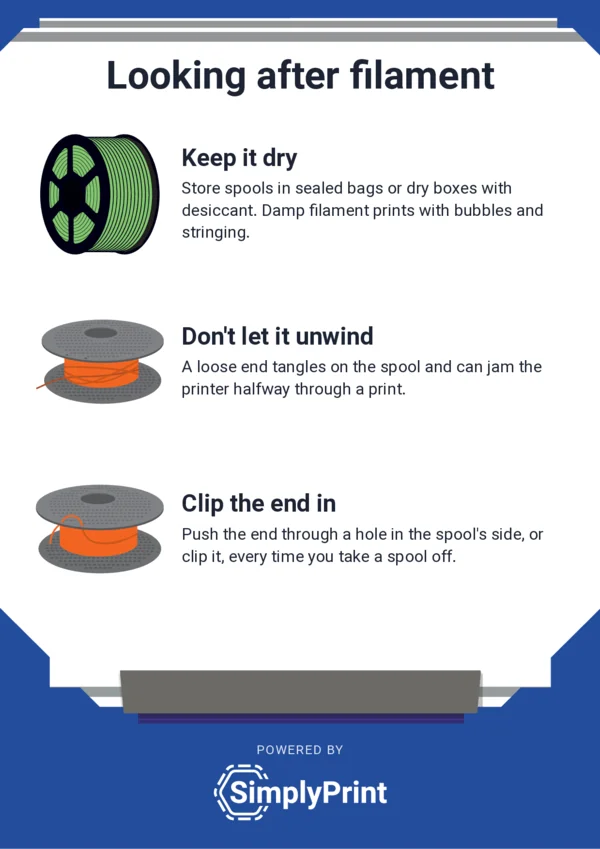
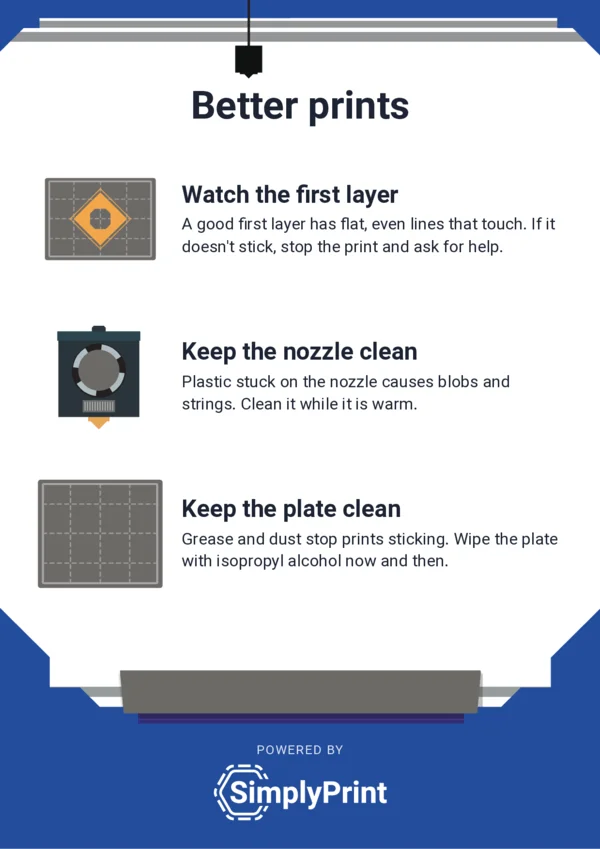
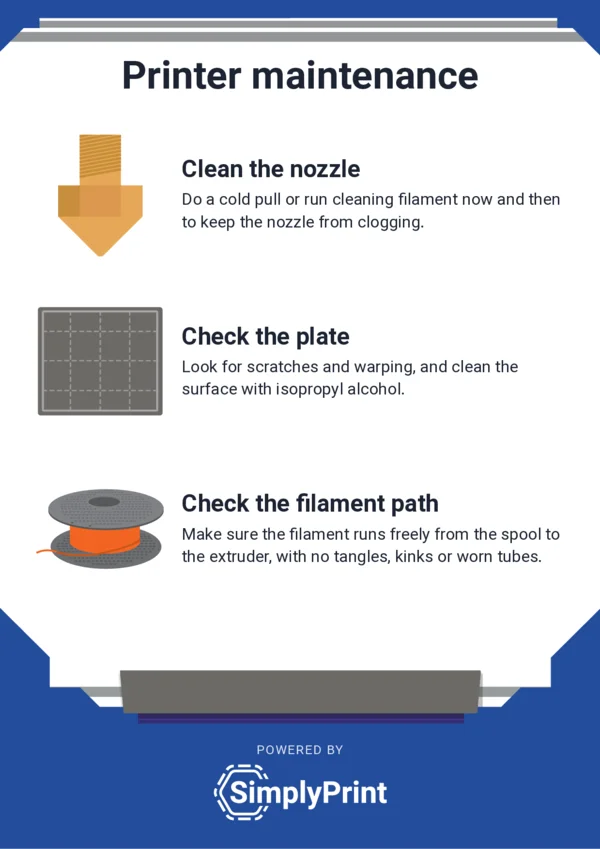
Free to print, copy and share. Please don't sell them or remove the SimplyPrint name.
Where to put them
A poster works best where people need it, at the moment they need it.
Printing them
Any office printer will do. If yours cuts off the edges, choose Fit to page in the print dialog. For something bigger, a copy shop can enlarge the A4 poster on a copier, or print it to fit A3 or A2 with a thin white edge.
The posters are a reminder, not a replacement for your printer manufacturer's instructions: follow those, and your school's or space's own safety rules. For ventilation and where the printers should go, read Approaches to Safe 3D Printing from NIOSH, written for schools, libraries and makerspaces.
Make your own
Schools on SimplyPrint have these posters in the panel too, with more ways to use them. They print every size from A4 and Letter up to A0 and 24 × 36 in, download print-ready PDFs with the extra edge (bleed) each print shop asks for, and see print shops suggested for their country. They can change the words and pictures or make their own with their own photos, add a QR code that leads to their own sign-up page, and keep their posters saved for the whole account. Read how the posters work.
Run the print room behind the posters
SimplyPrint manages the 3D printers themselves, from one classroom to a whole fleet.