With 3 detection types - and more to come
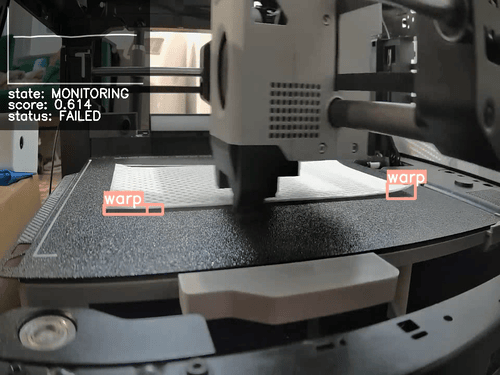
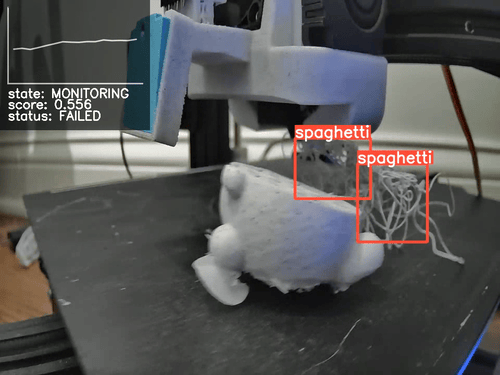
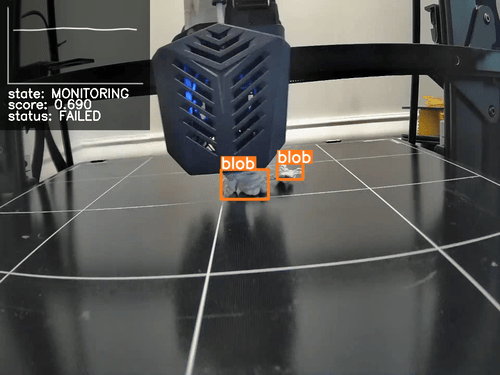
The SimplyPrint Failure Detection AI currently detects Spaghetti, Warping and Blobbing. Soon, we'll be adding more detection types, such as layer shift, stringing & zits.
Warping detection
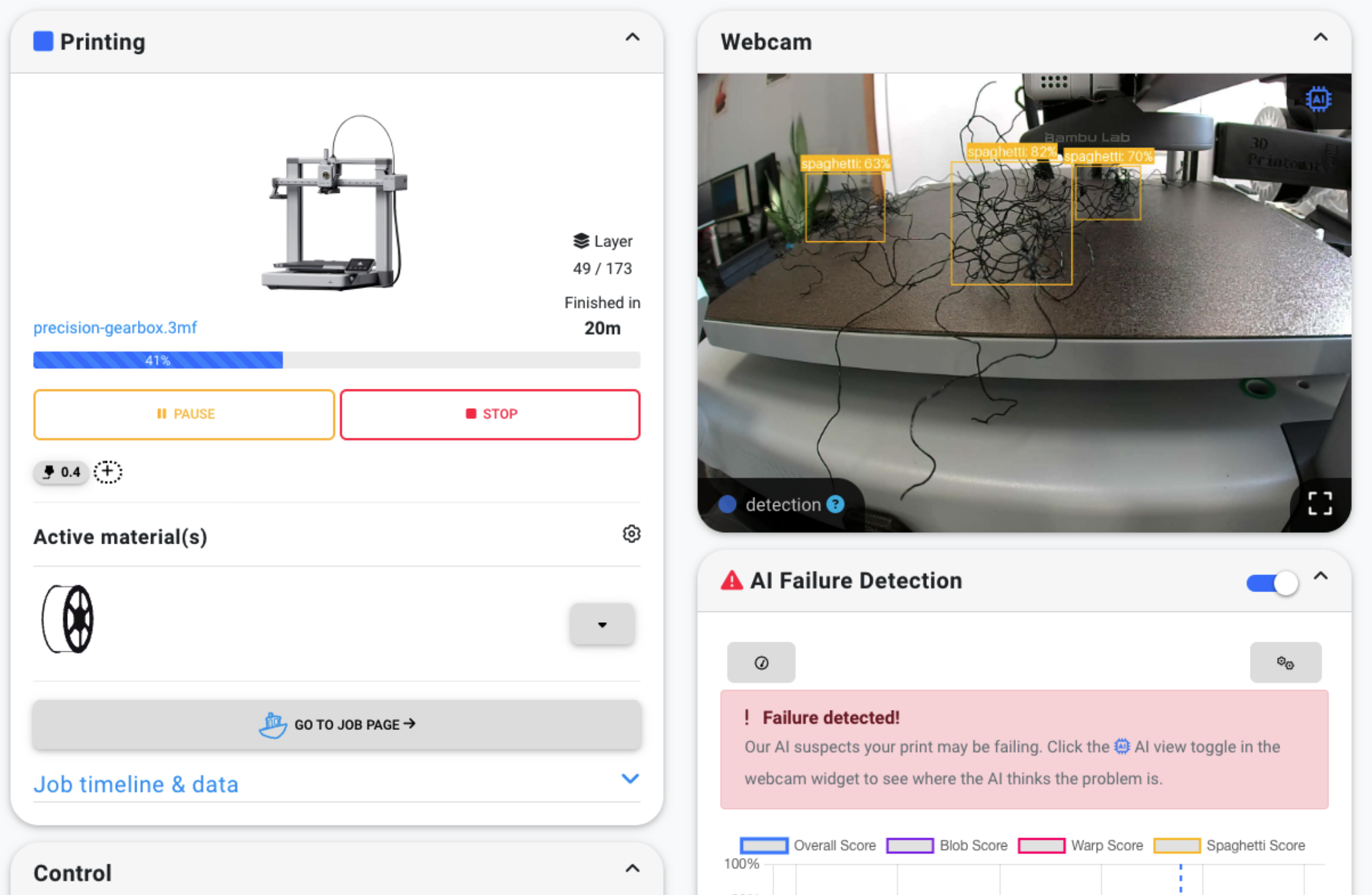
Spaghetti detection
Blobbing detection
1-Click AI Failure Detection
Enabling AI Failure Detection is as easy as clicking a button. The AI analyzes images from your printer's camera while it prints and notifies you if it detects a failure. On Basic and higher, it can also pause or cancel the print automatically based on your settings.
- Enable AI failure detection with 1 click
- If we start to spot an error, we'll notify you
- On Basic and higher, the AI can pause or cancel the print automatically based on your settings
Works with (almost) any 3D printer
SimplyPrint is compatible with over 500 different 3D printers; chances are, that yours is one of them! Any printer has the ability to become smart, and AI-enabled; no matter if it has a camera built in, or you add an external one!
Check our compatibility list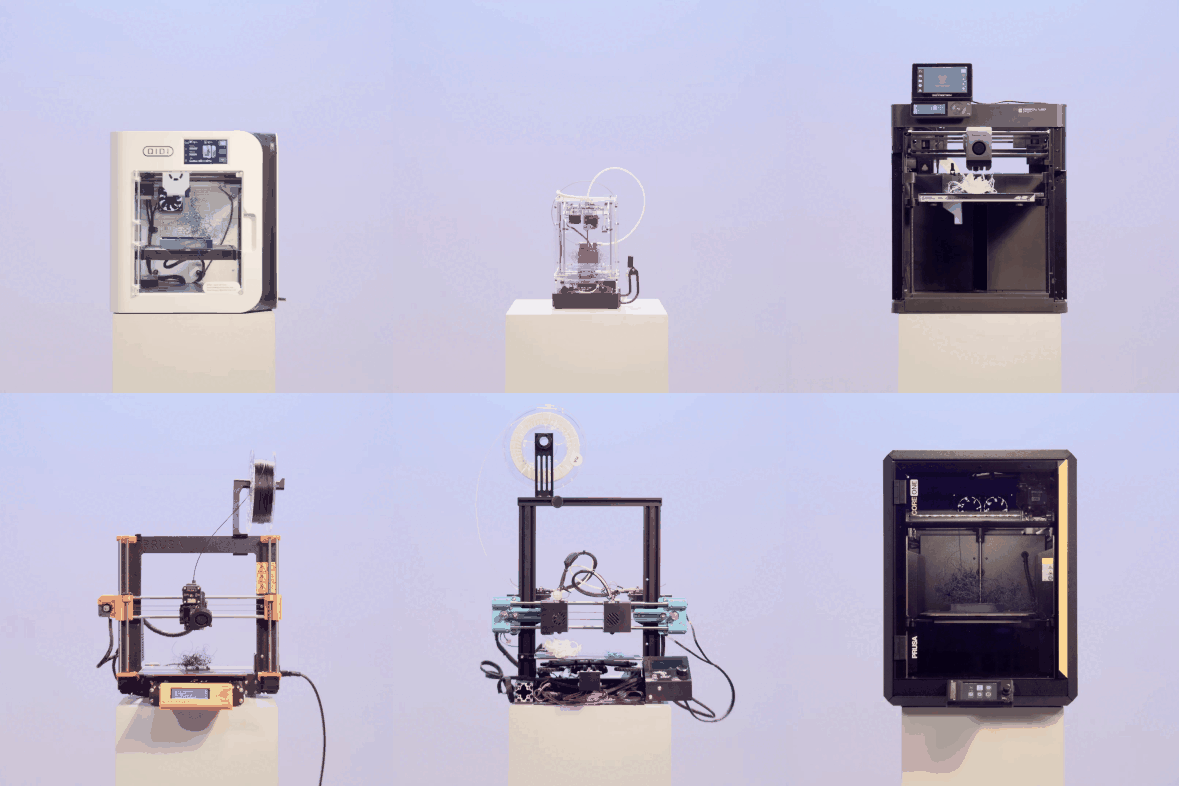
Don't just take our word for it: see for yourself!
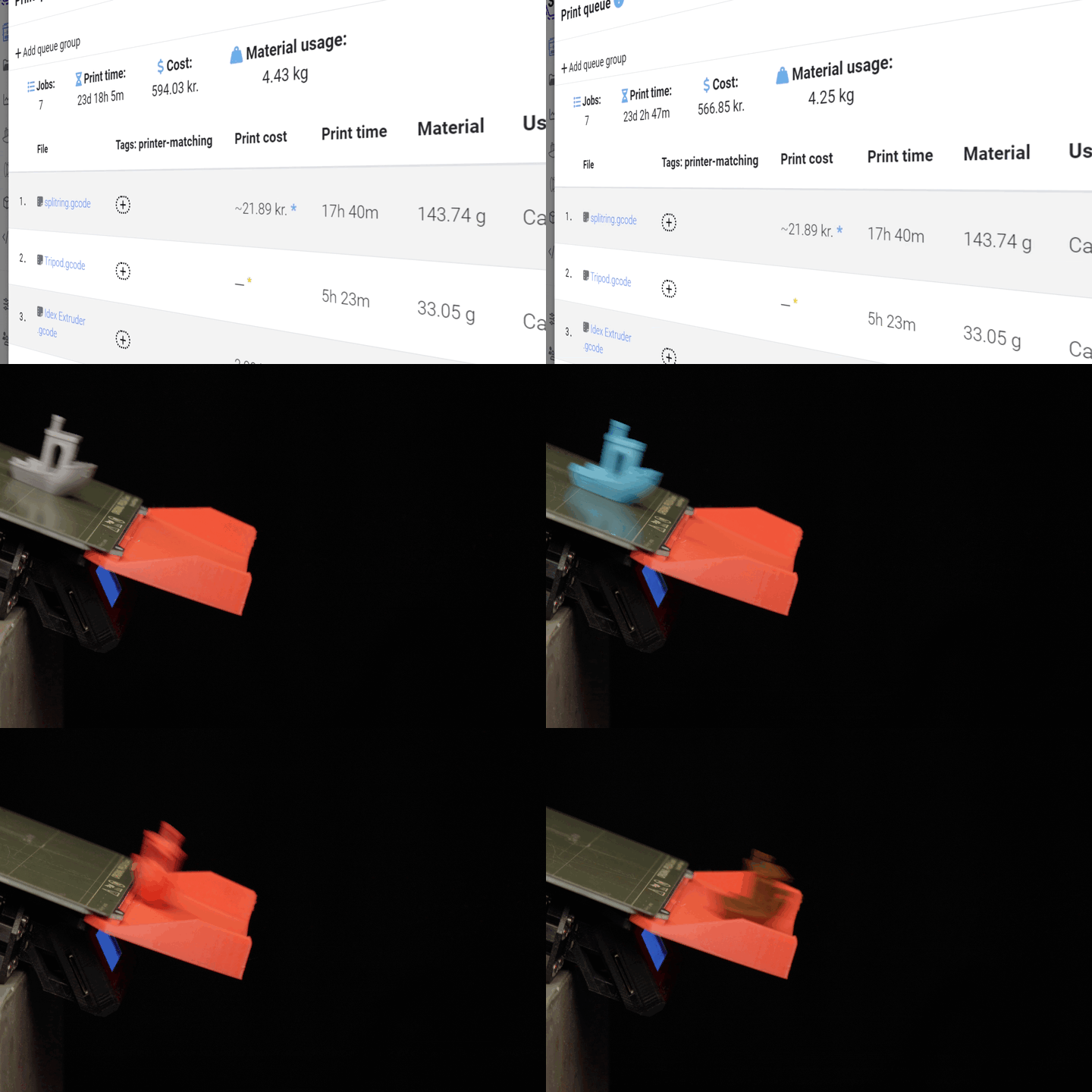
Here are some timelapses of failed prints, detected by the SimplyPrint AI Failure Detection.
An integrated part of the SimplyPrint ecosystem
SimplyPrint is more than just AI failure detection. It's a complete ecosystem for managing your 3D printers with ease. The AI seamlessly integrates with our powerful platform, giving you failure detection, remote control, print history, analytics, and much more - all in one place.
Inside the printer panel
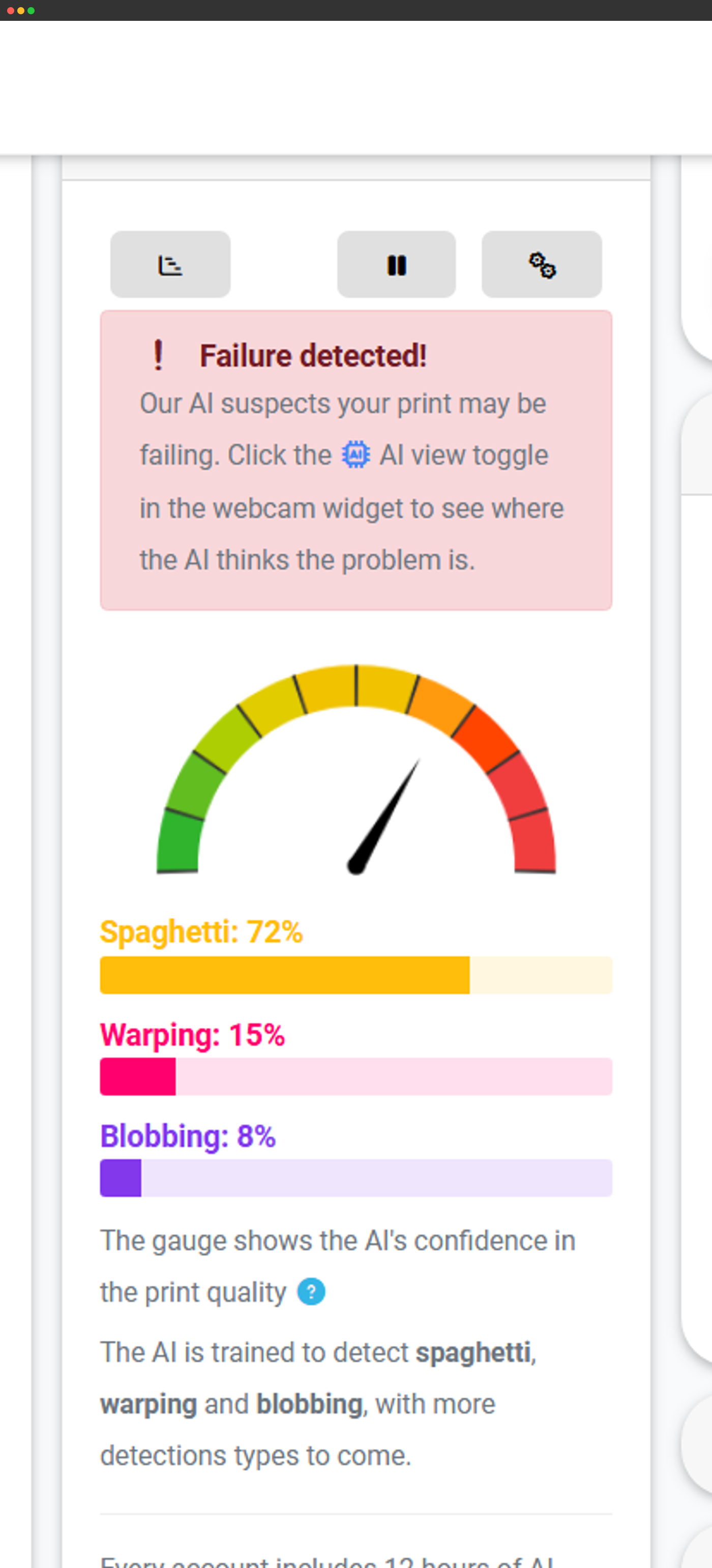
AI predictions render directly in the printer panel in real time.
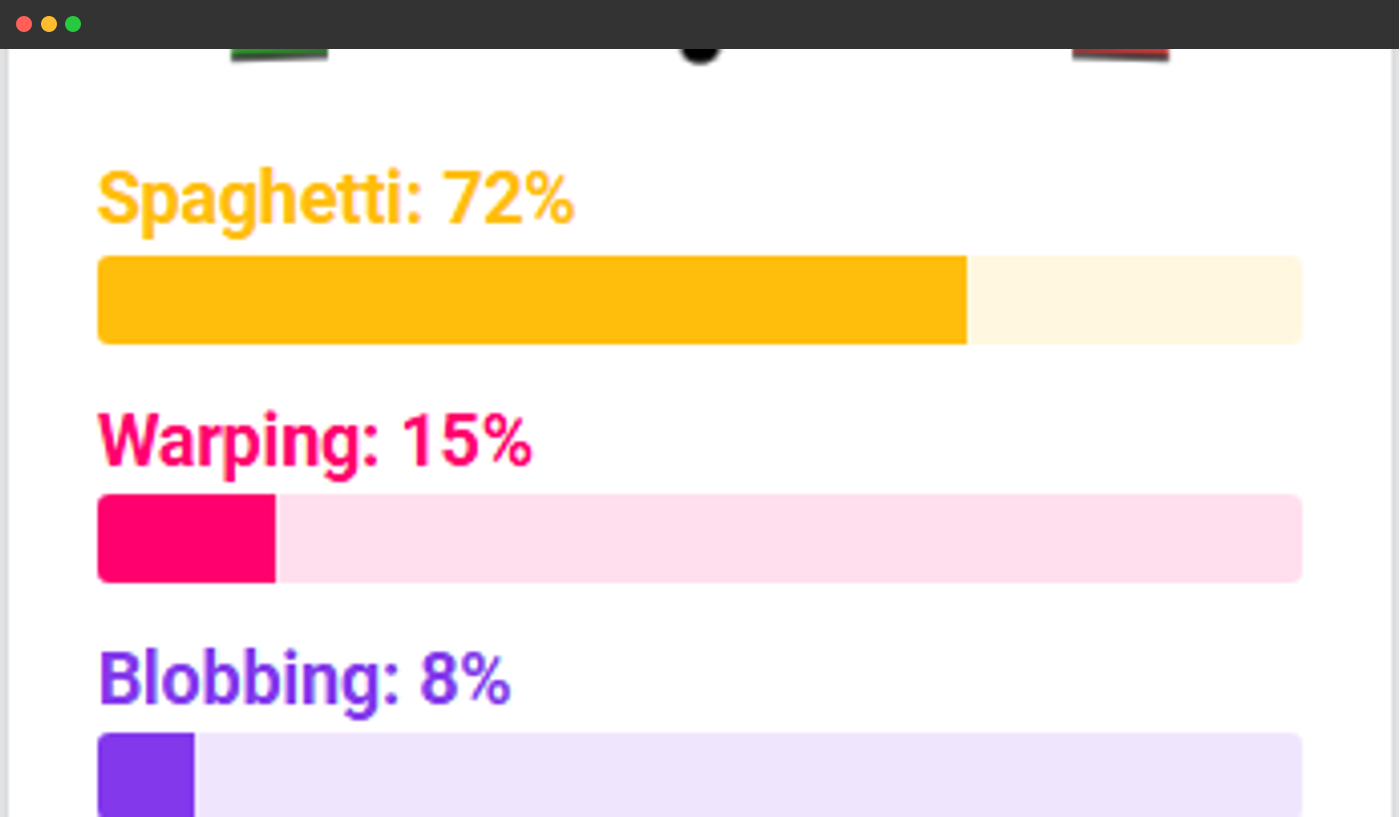
Quick gauge overview
A gauge view of detected failures, tracked over time.
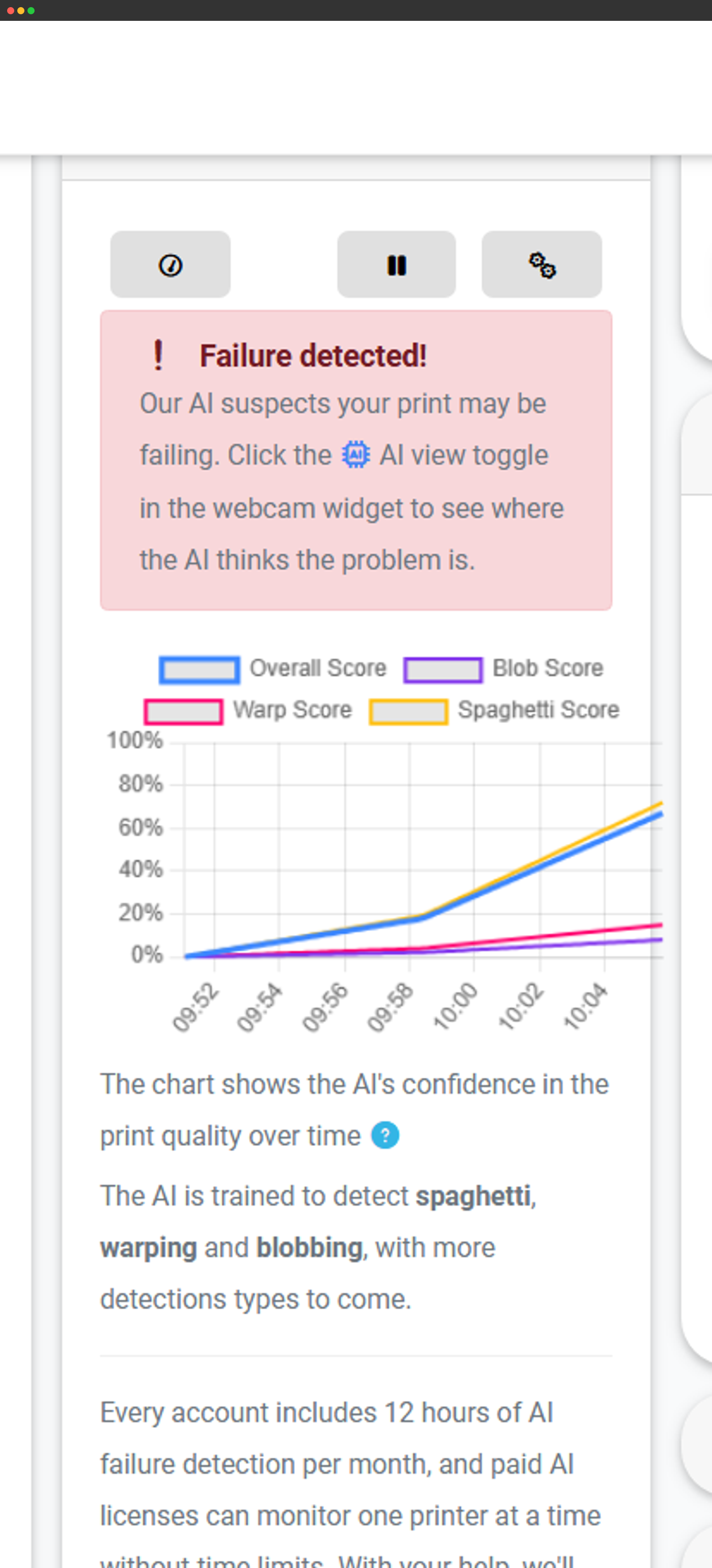
Graph view
Detected failures plotted as a graph over the print's duration.
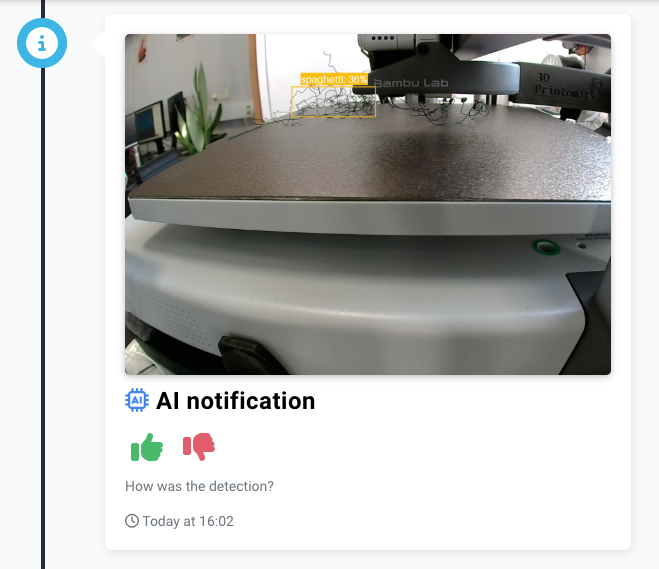
Timeline + statistics
AI detections also appear in the job timeline and account stats.
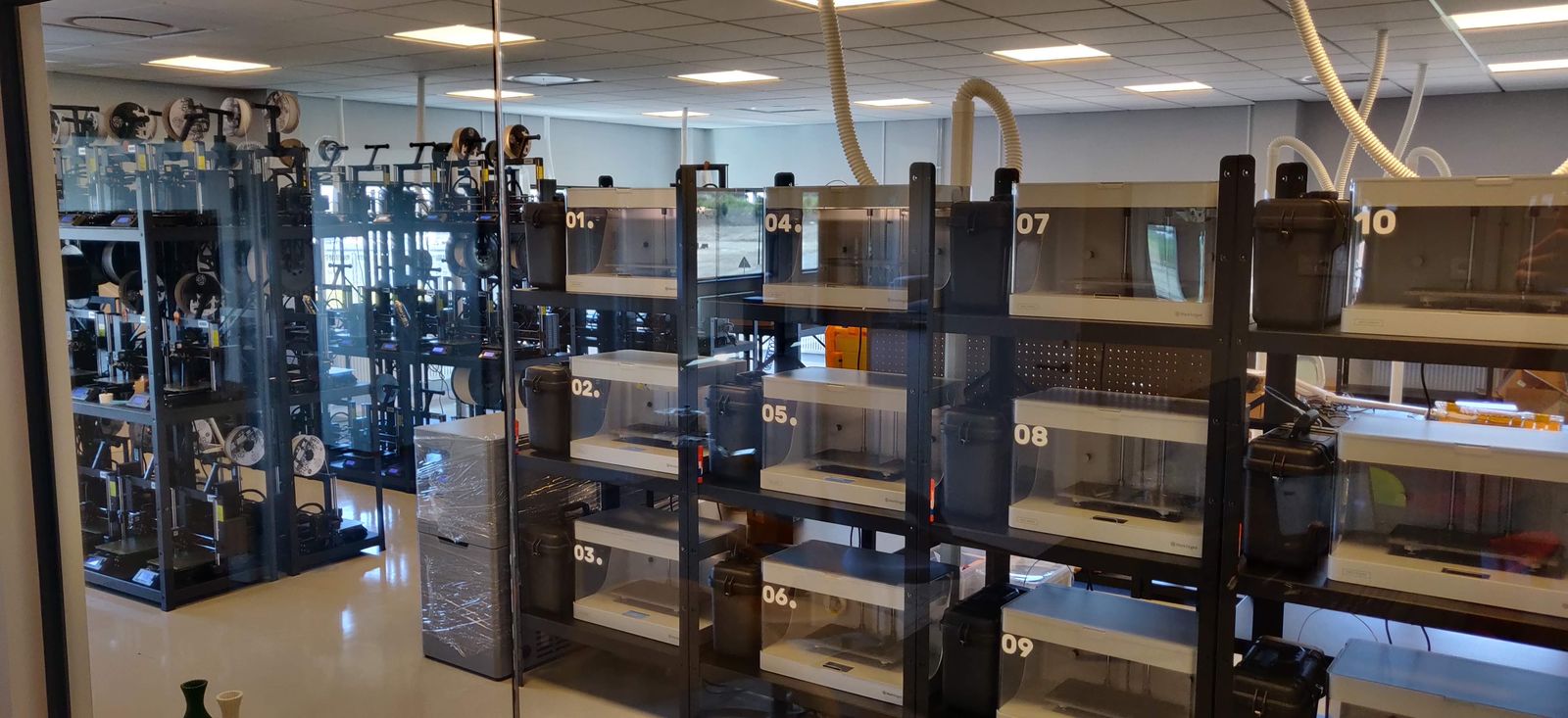
See how lostboyslab uses AI Failure Detection to run ~100 printers across 3 farms (Prusa, Markforged, Voron, Modix)
When you print in your own recycled material, a failed print is expensive. The AI failure detection catches it early, and across a hundred printers that saving adds up fast.
Get notified when a failure is detected
The SimplyPrint AI alerts you as soon as it detects a possible failure. You decide whether to pause or let it continue. If the AI becomes more certain that the print has failed, it can automatically pause or cancel it - based on your settings.


SimplyPrint ⚫ Now
Print started on Printer 1
Estimated print time is 3d 4h
SimplyPrint ⚫ Now
Failure detected on Printer 2!
Want to pause or cancel?

AI your way: customizable settings
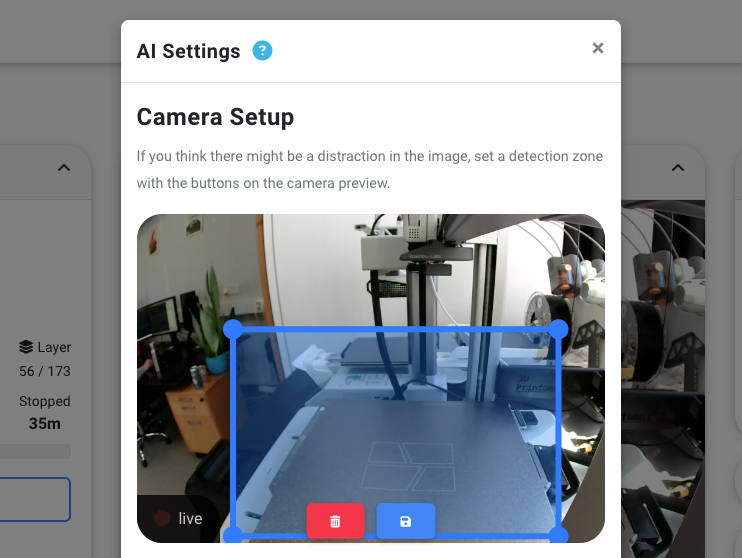
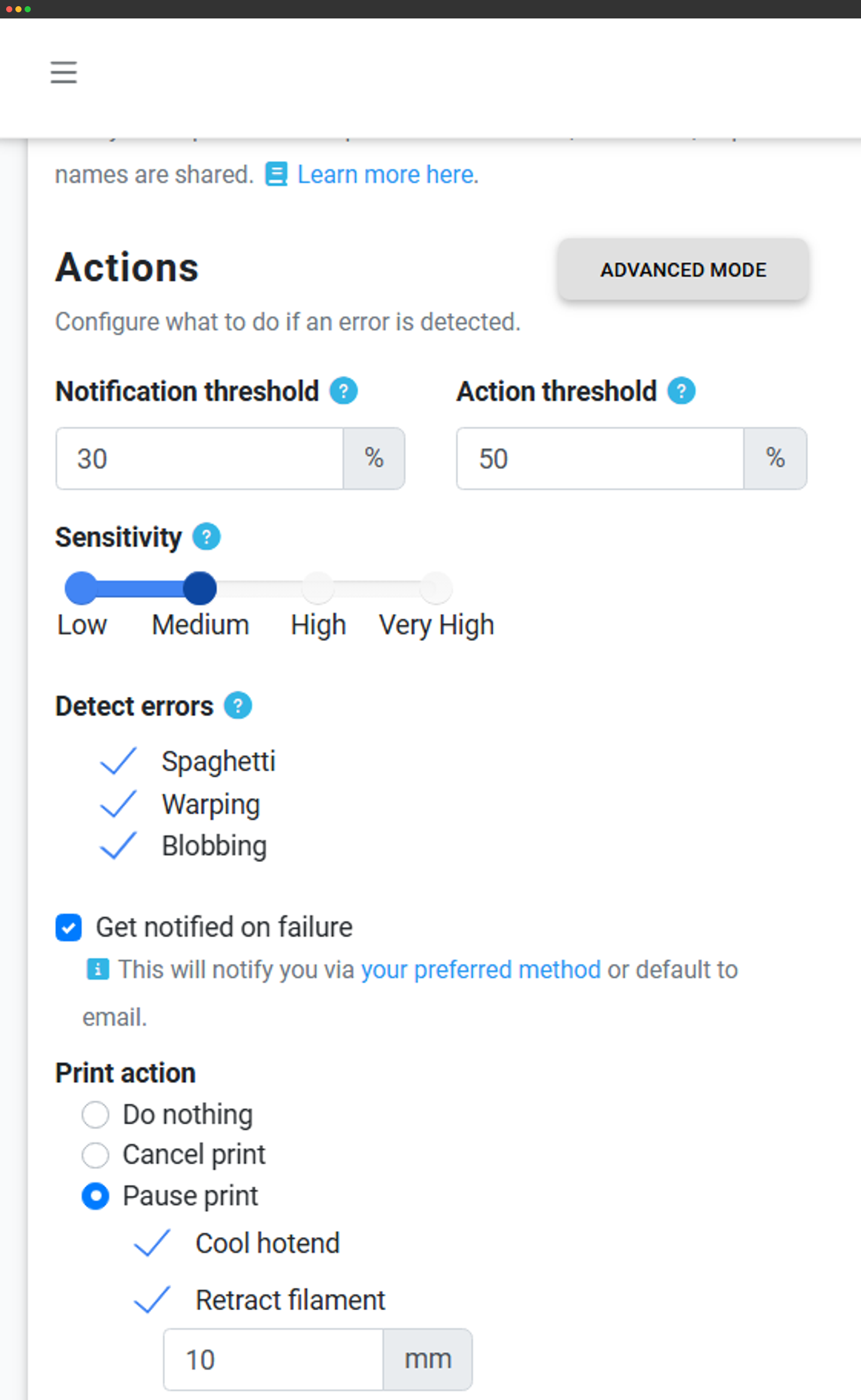
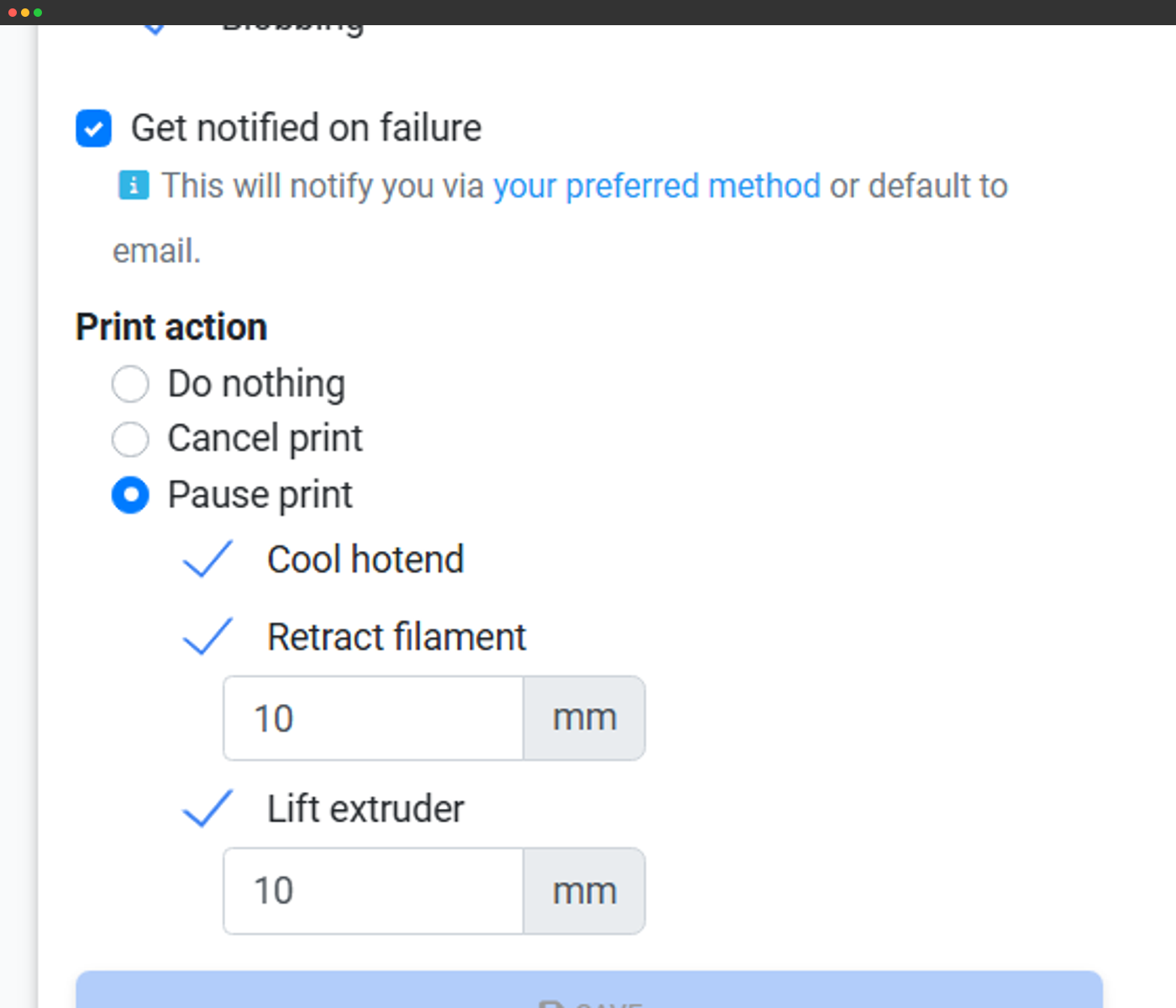
You can tune the AI Failure Detection to your liking, by adjusting the detection zones, the sensitivity of the AI model, as well as action & notification settings.
Detection zones
You can adjust the detection zones to fit your printer's build volume.
Sensitivity & action settings
You can adjust the sensitivity of the AI model, as well as the actions to take when a failure is detected.
Settings per action
If you want, you can adjust the action settings for each detection type.
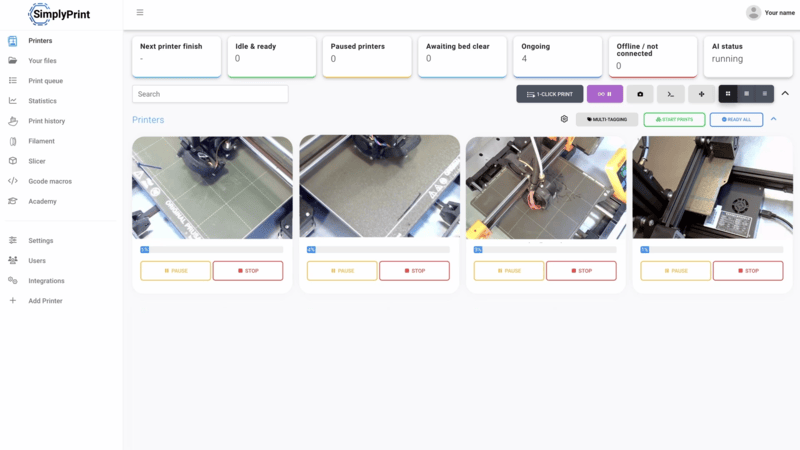
Multiple printers? Print Farm? School? We've got you!
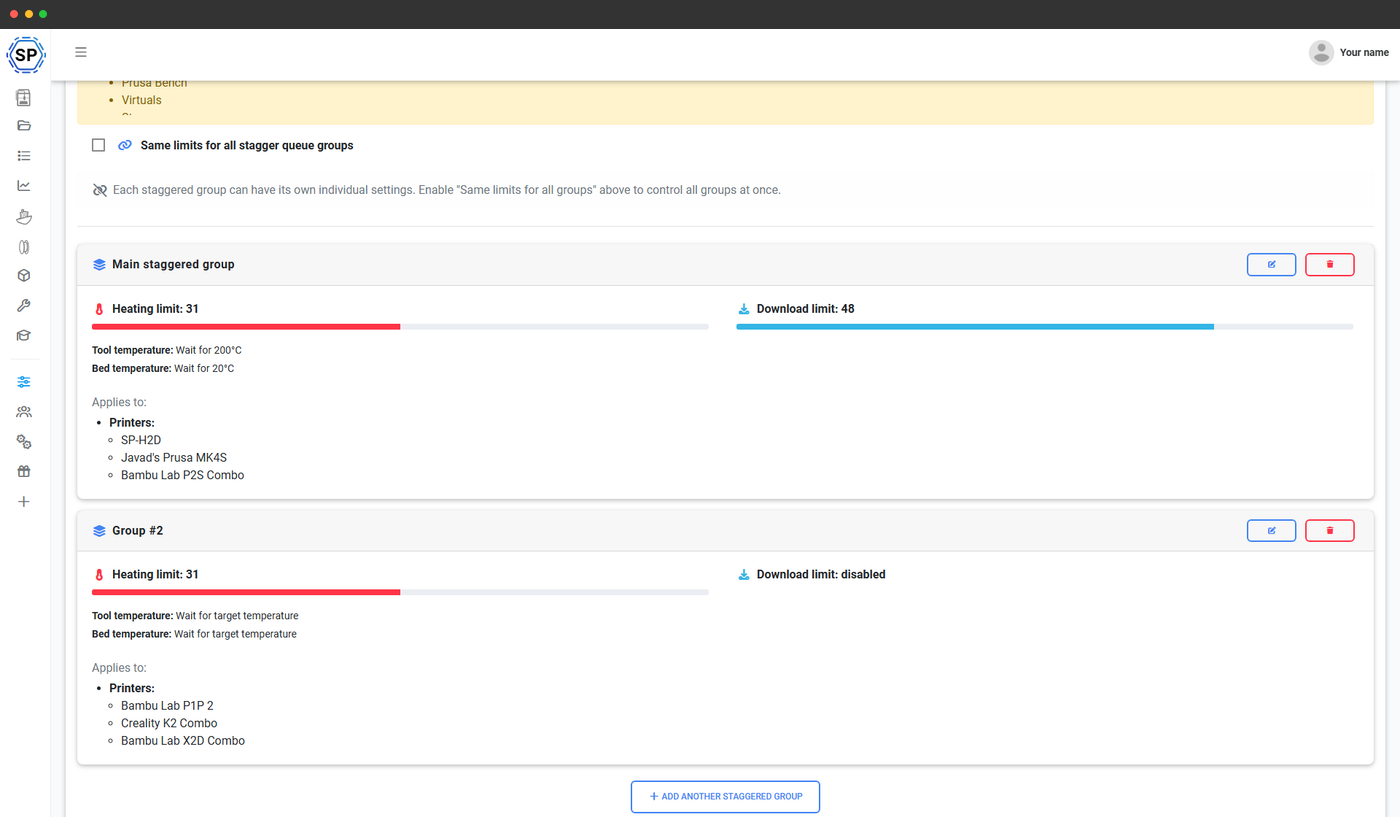
The SimplyPrint AI is not just designed to work with a single printer; it's designed to work with multiple printers, in a print farm, or in a school setting. So no matter what kind of setup you're running, there's time, money and filament to be saved!
Frequently asked questions
Does the AI model get trained on my prints? (opt-in data sharing; default off)
TLDR; No. If you don't want us to train the AI model on your prints, we won't.
How does the AI work?
Is the SimplyPrint AI free?
Does my printer need a camera? / my printer doesn't have a built-in camera
Does my printer need to be connected to the internet?
How our AI is built & trained
5,000,000+
Hours of print time analyzed
1,000s
Different printer models trained
5+ Years
AI training since 2020
Developed with leading AI experts
At SimplyPrint, we build intuitive 3D print management - but we're not AI experts. That's why we partnered with the brilliant minds at Printpal, as seen in Forbes, ensuring our AI isn't just good - it's industry-leading.
Your data stays yours
Your privacy is our priority. We host the AI exclusively on SimplyPrint's secure servers, meaning no third parties can access or control your sensitive data. Once your webcam image has been analyzed, it's immediately discarded - gone forever.
- No AI training on your data unless you explicitly opt in
- Complete privacy - images analyzed once and never stored without consent

See what our AI sees
Our AI has analyzed over 5 million hours of prints since 2020, learning from thousands of printers and hundreds of models. It spots defects through advanced computer vision - long before they ruin your print.