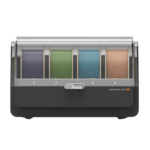
The Anycubic Automated Color Engine, in your SimplyPrint panel
ACE Pro is to Anycubic what AMS is to Bambu Lab - a slot hub for unattended multi-colour printing. SimplyPrint tracks every slot, every chained unit, in real time across your fleet. The Anycubic ACE Pro is Anycubic's official multi-material system - 4 slots per unit, on-board filament drying, and the ability to chain up to 4 units together for 16 colours on supported Anycubic printers. SimplyPrint reads which slot has which spool, displays the live slot strip in the printer panel, and lets you track every spool through your Filament Manager.
Every slot tracked, every spool counted
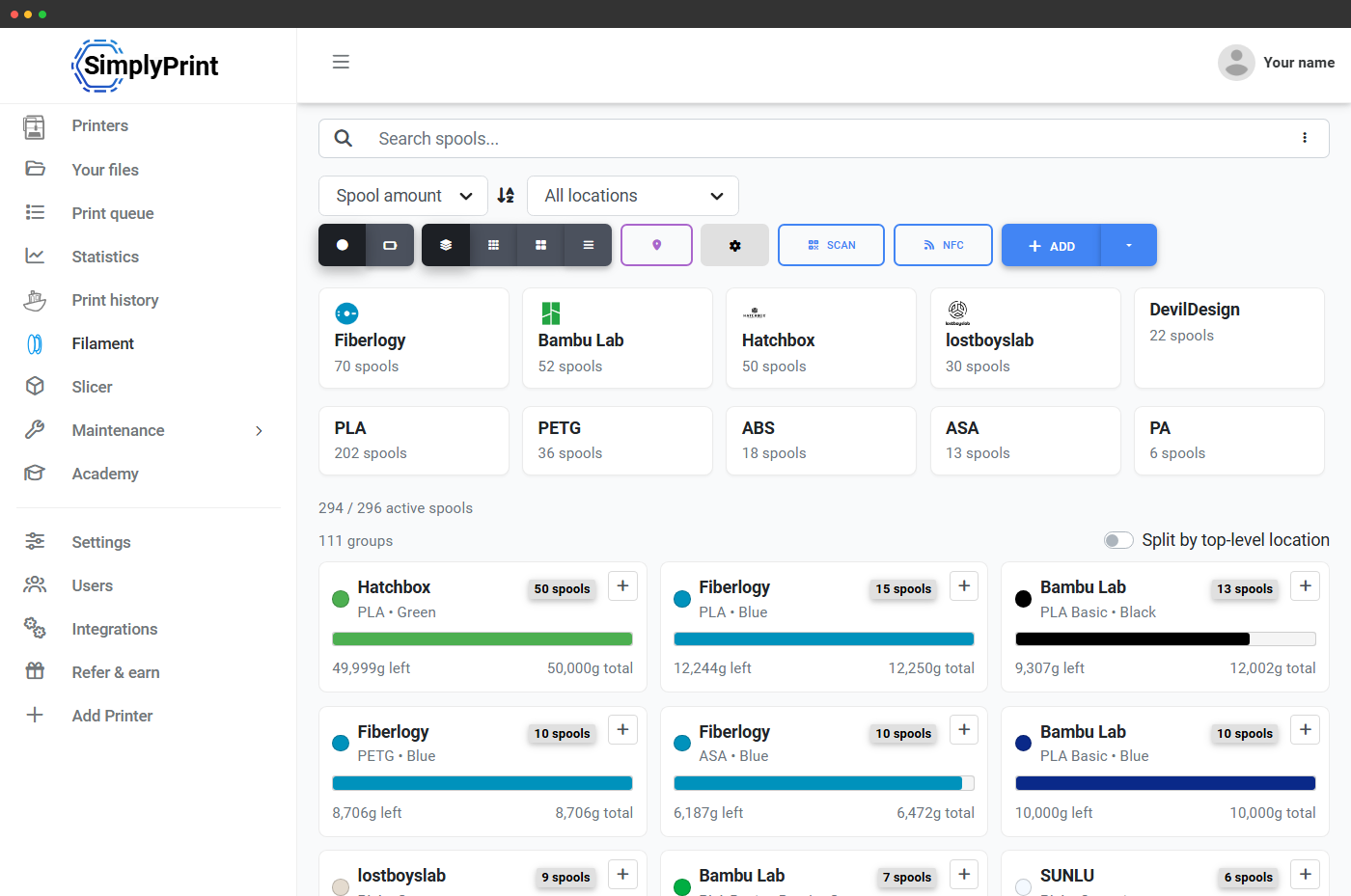
Each ACE slot in SimplyPrint carries the loaded spool's colour, brand, material type and remaining weight. When a multi-color print finishes, the right amount comes off the right spool in your Filament Manager - so your inventory stays accurate even as the ACE swaps colours mid-print. No spreadsheets, no "which one did I use".
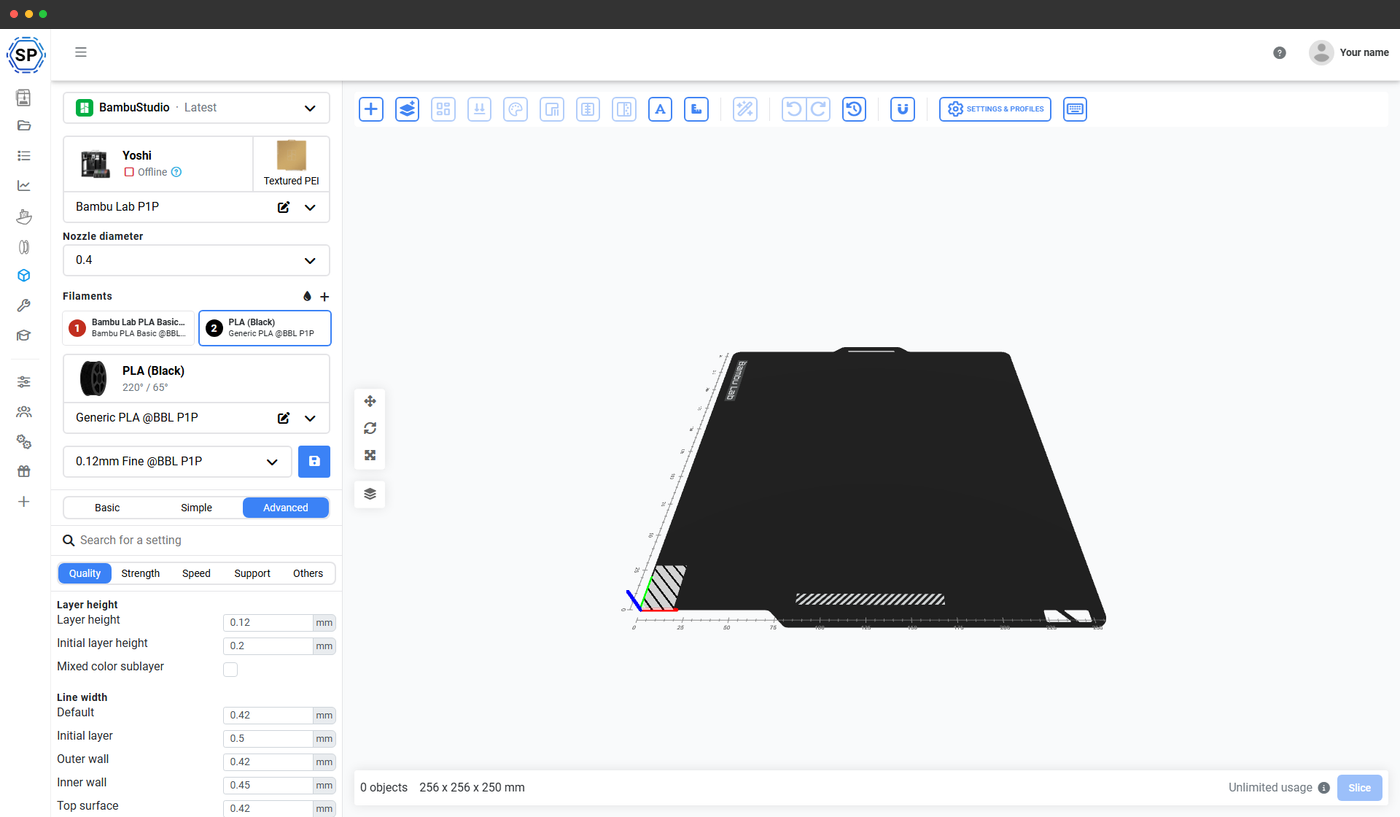
Slice multi-color files online - on any device
SimplyPrint's online slicer (OrcaSlicer, BambuStudio and PrusaSlicer engines) handles multi-color slicing for ACE-equipped printers. Add up to 4 filaments per ACE (16 across a chained x4 setup), assign colours to bodies or modifiers, slice, and queue - all from your browser, on any device. Even a Chromebook will do.
Learn more about the online slicerChain up to 4 ACEs - one unified slot list
SimplyPrint treats a chained ACE setup as one continuous slot list per nozzle. Two chained ACEs show 8 slots in the panel; four chained ACEs show 16. Multi-color jobs can reference any slot across the chain, and the live slot view stays in sync with which spools are actually loaded.
Slot mapping at print start
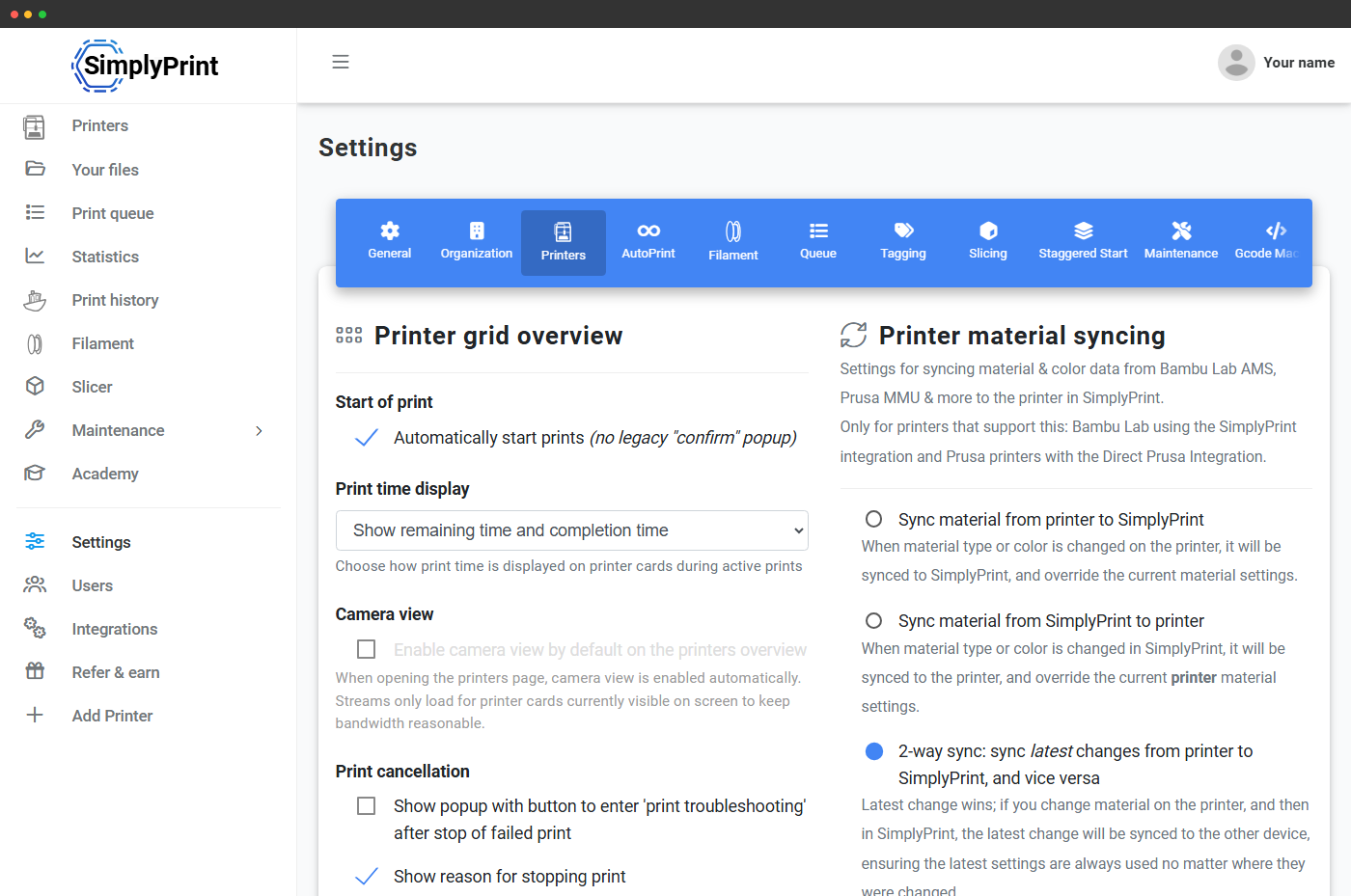
ACE slot mapping is sent at print start when your printer is connected through the SimplyPrint Client - SimplyPrint sends your slicer's slot assignment with the print, the same as it does for the Bambu AMS. On a Klipper/Moonraker connection the mapping isn't sent printer-side; the slot strip in the panel tells you exactly which colour sits in which slot, so you can match your slicer assignment in a few seconds, and Filament Manager deduction stays accurate either way.
Works on every ACE-compatible Anycubic printer
ACE Pro slots into the Anycubic lineup wherever the printer is ACE-ready. SimplyPrint supports the ACE on each of them, with the same live slot strip and Filament Manager tracking.
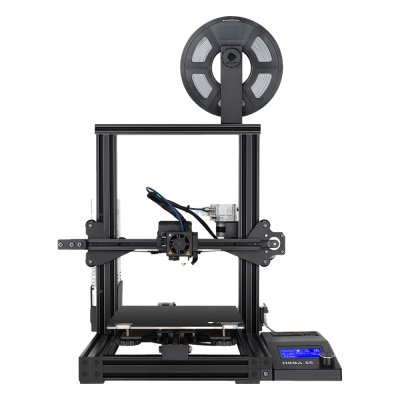
Mega SE
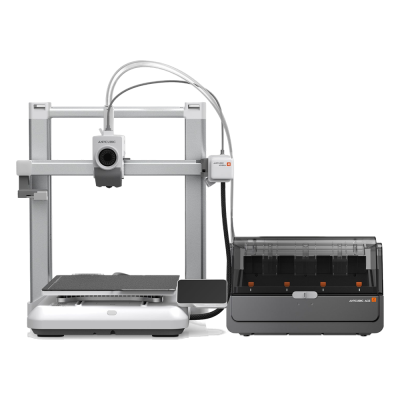
Kobra 4 Combo
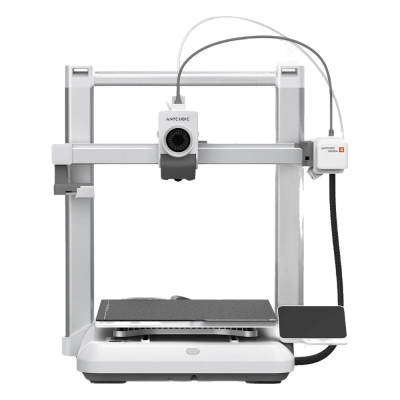
Kobra 4

Kobra 3 Max V2 Combo
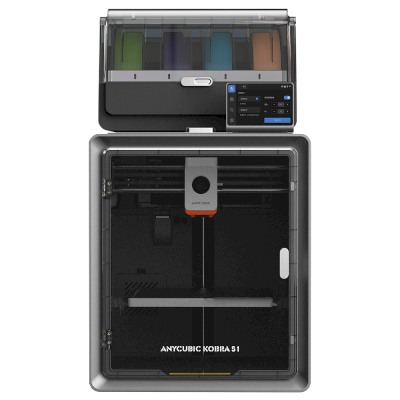
Kobra S1 Combo
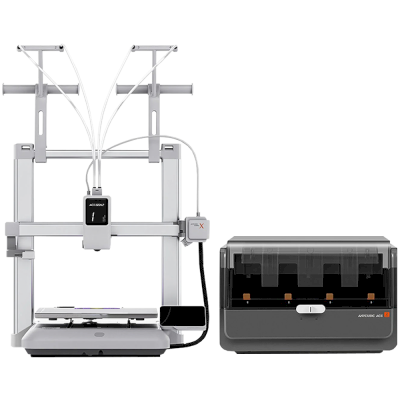
Kobra X Combo
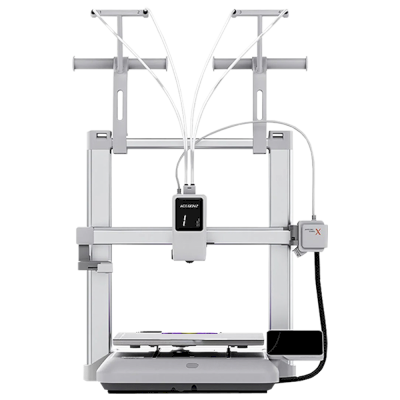
Kobra X
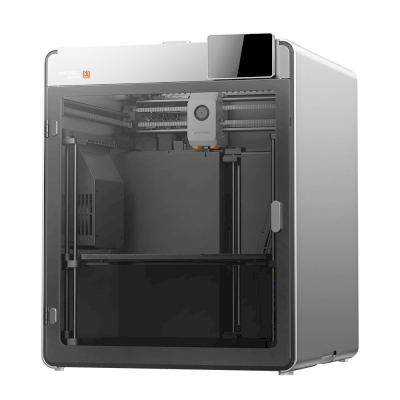
Kobra S1 Max
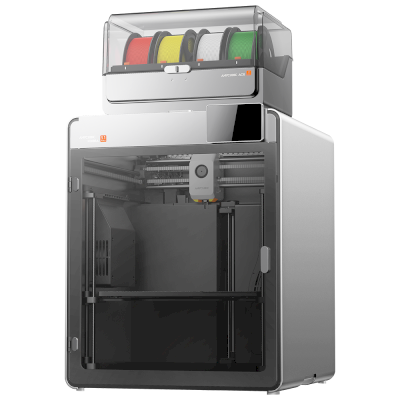
Kobra S1 Max Combo
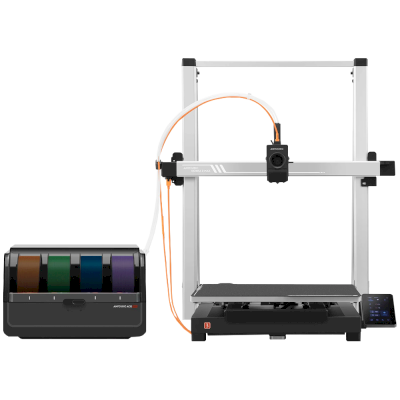
Kobra 3 Max Combo
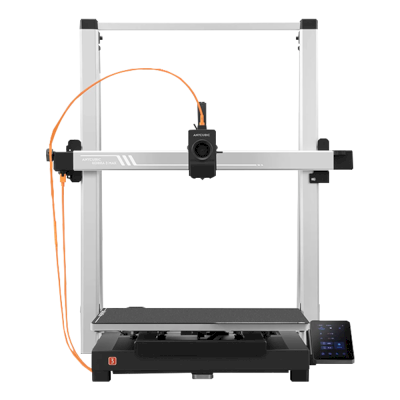
Kobra 3 Max
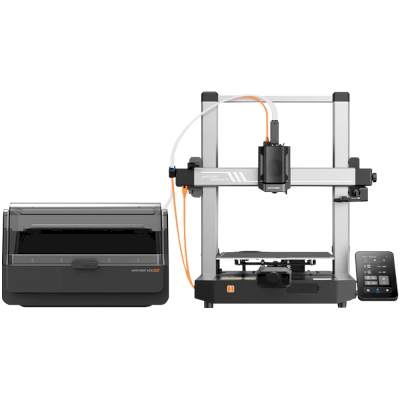
Kobra 3 V2 Combo
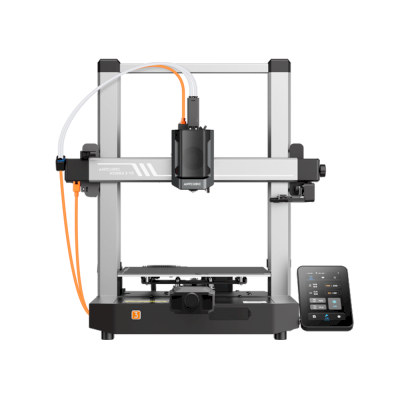
Kobra 3 V2
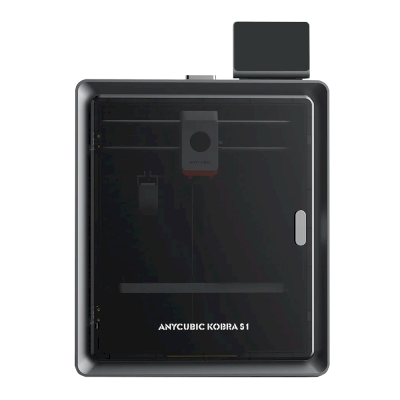
Kobra S1
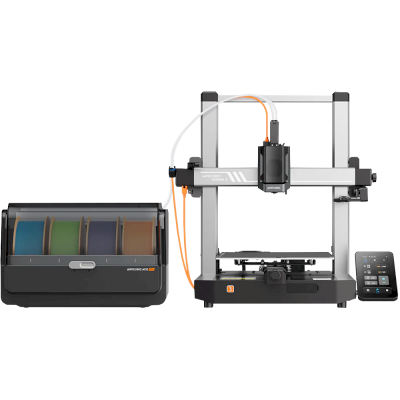
Kobra 3 Combo
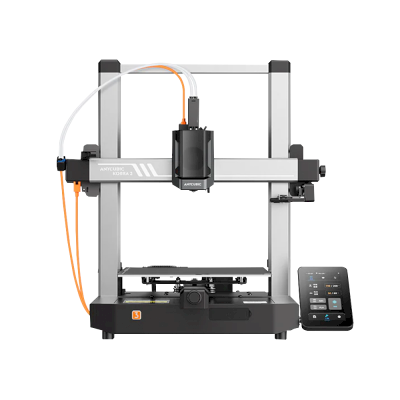
Kobra 3
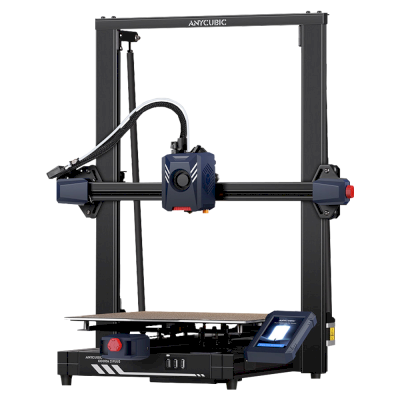
Kobra 2 Plus
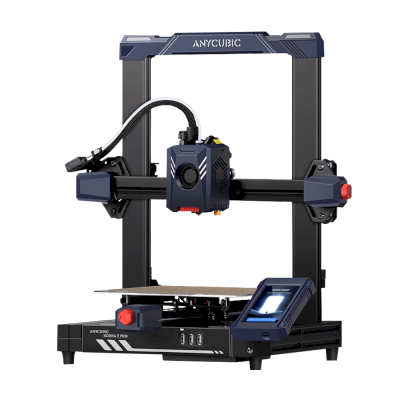
Kobra 2 Pro
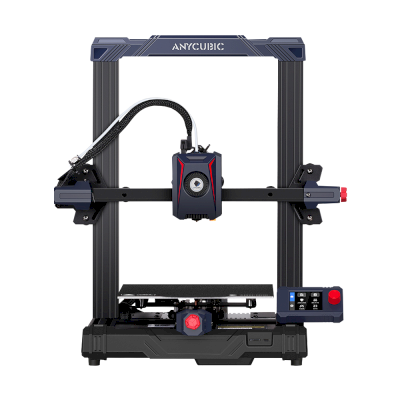
Kobra 2 Neo
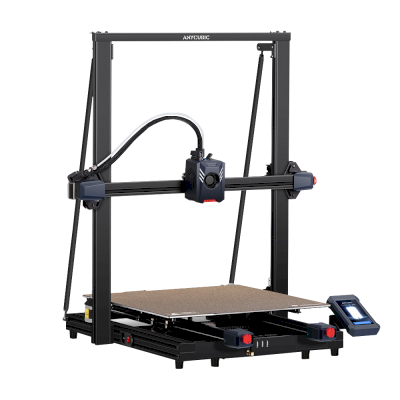
Kobra 2 Max
/product_photo_md.png?cacheid=652d2d24a731c)
Kossel (Pulley)
/product_photo_md.png?cacheid=652d18d120e93)
Kossel (Linear Plus)
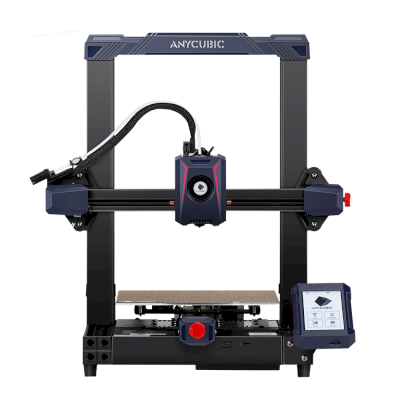
Kobra 2
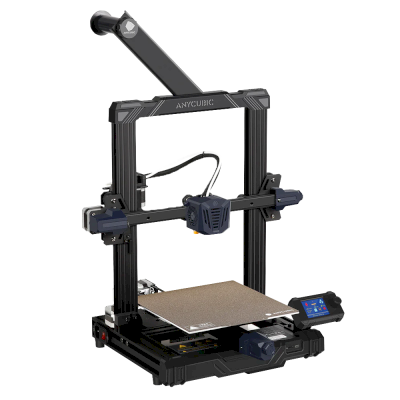
Kobra Go
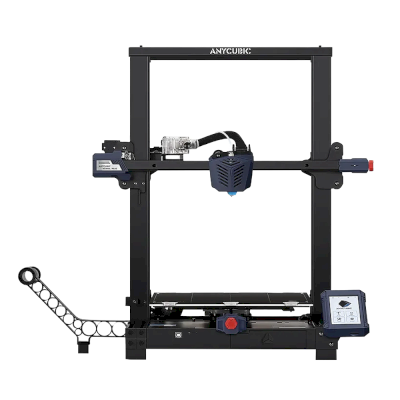
Kobra Plus
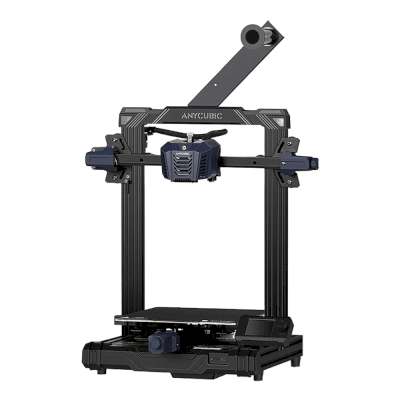
Kobra Neo
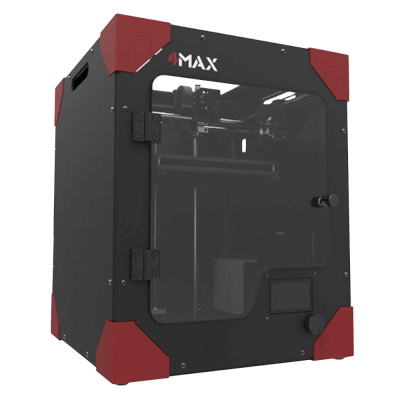
4Max
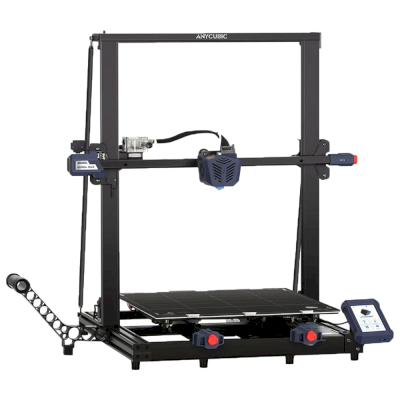
Kobra Max
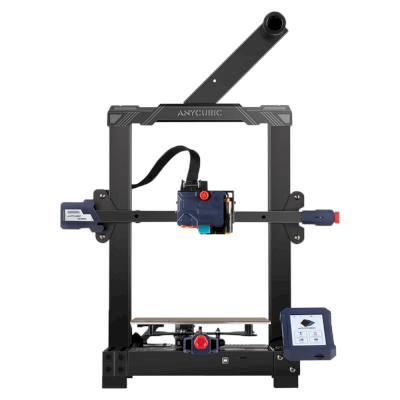
Kobra
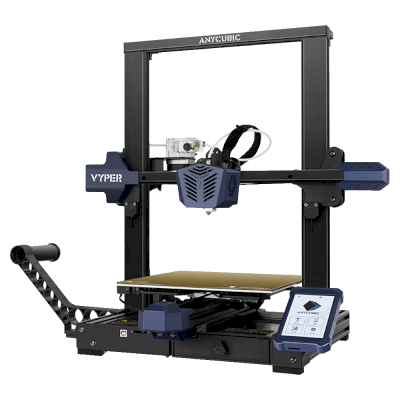
Vyper
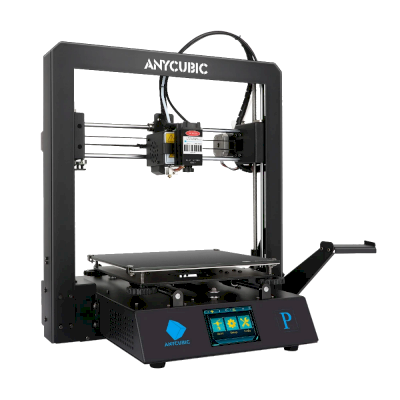
Mega Pro
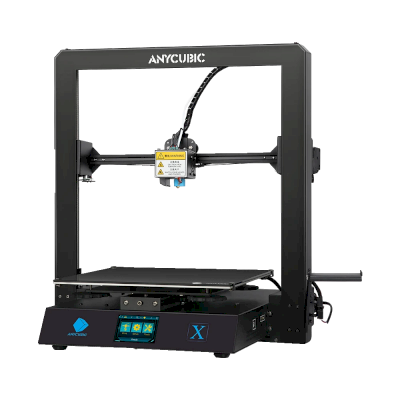
Mega X
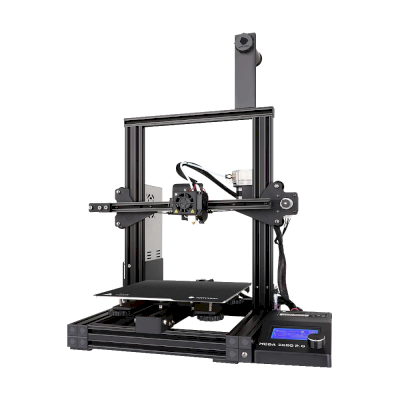
Mega Zero 2.0
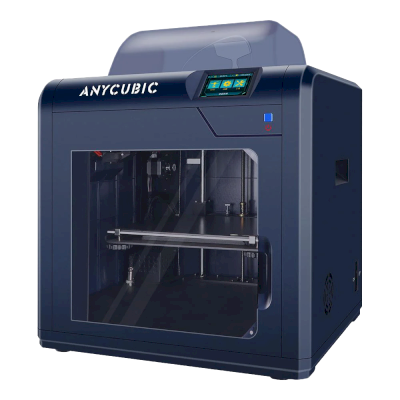
4Max Pro
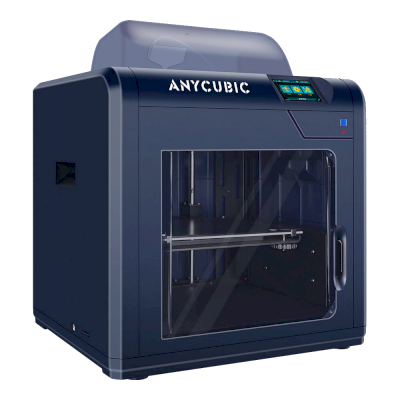
4Max Pro 2.0
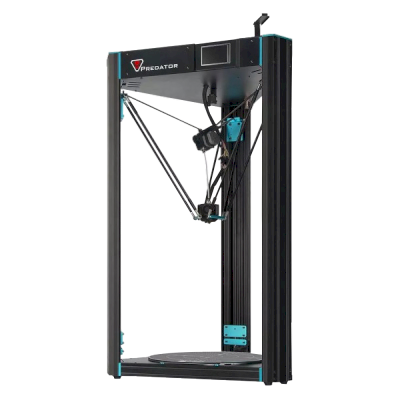
Predator
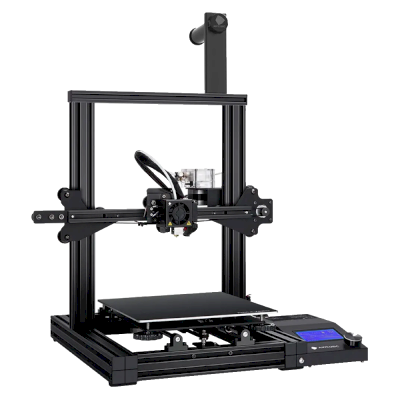
Mega Zero
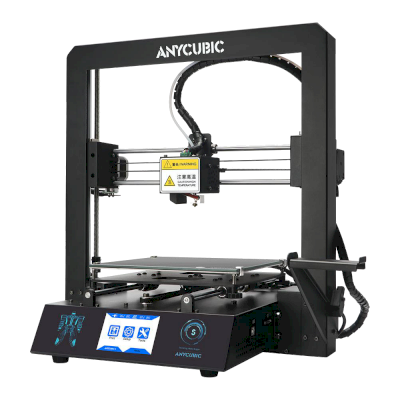
i3 Mega S
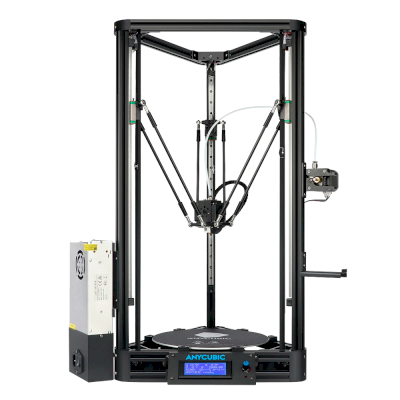
Kossel
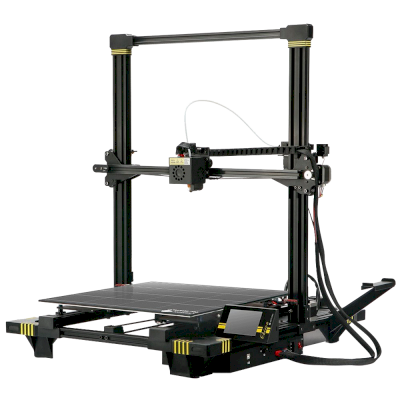
Chiron
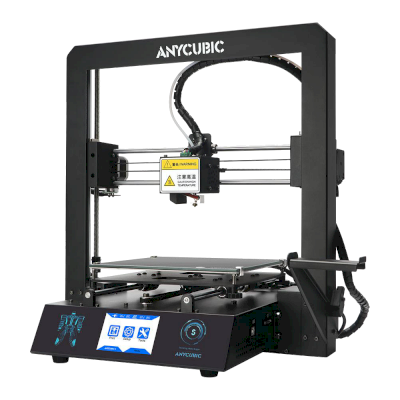
i3 Mega
Learn more about multi-material printing and other systems
Anycubic ACE Pro is one of several multi-material systems SimplyPrint supports. Explore the parent feature page for the full picture and the other sub-pages for Bambu Lab AMS, Creality CFS, Prusa MMU, Mosaic Palette and more.
Multi-material printing
AMS, ACE, CFS, MMU, Palette and more - one unified workflow
View Multi-material printing overview