One event, any tool
SimplyPrint is a cloud platform for managing 3D printers of any brand - and every automation here follows the same shape: a trigger fires in SimplyPrint (print finished, print failed, AI failure detected, queue item added), and an action runs somewhere else - or the other way around, where an event in your other tools queues a job or starts a print here. You build the recipe once, in the platform you prefer, and it runs every time.
Pick your automation platform
Same triggers and actions on every platform - pick the one that fits how your team works. Each connects to your account over OAuth2 in a couple of clicks.
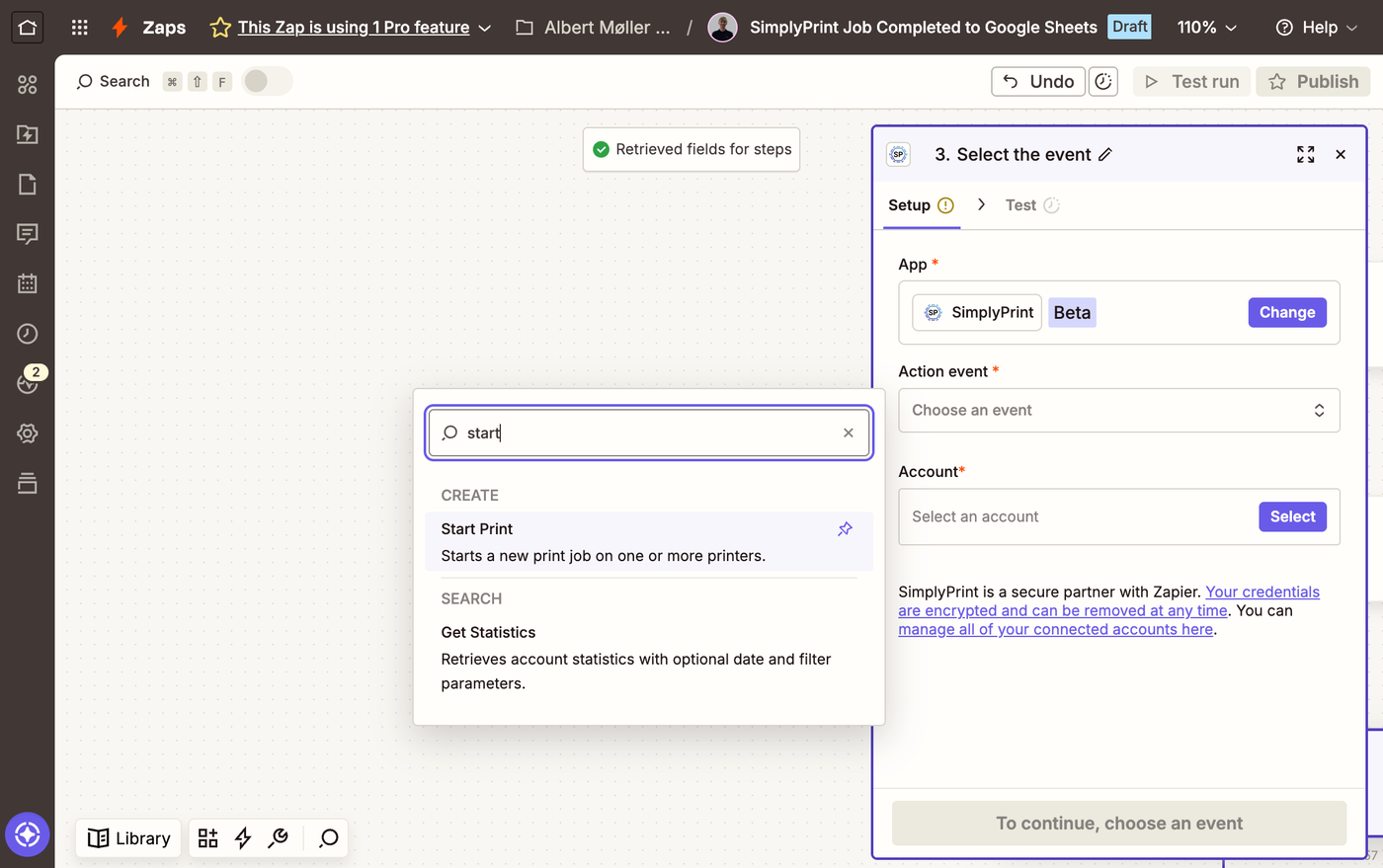
The biggest app library: connect print events to 8,000+ apps with simple zaps.
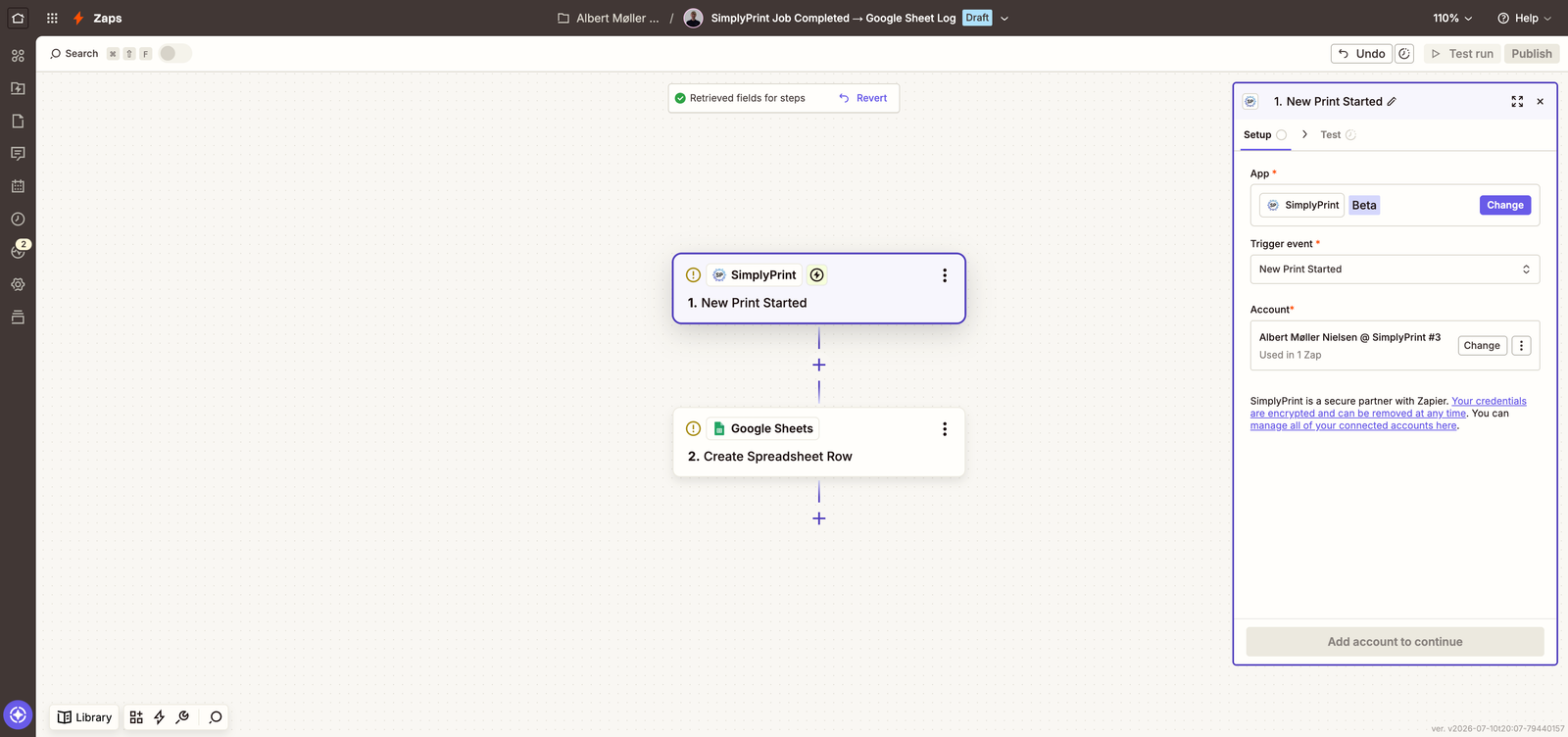
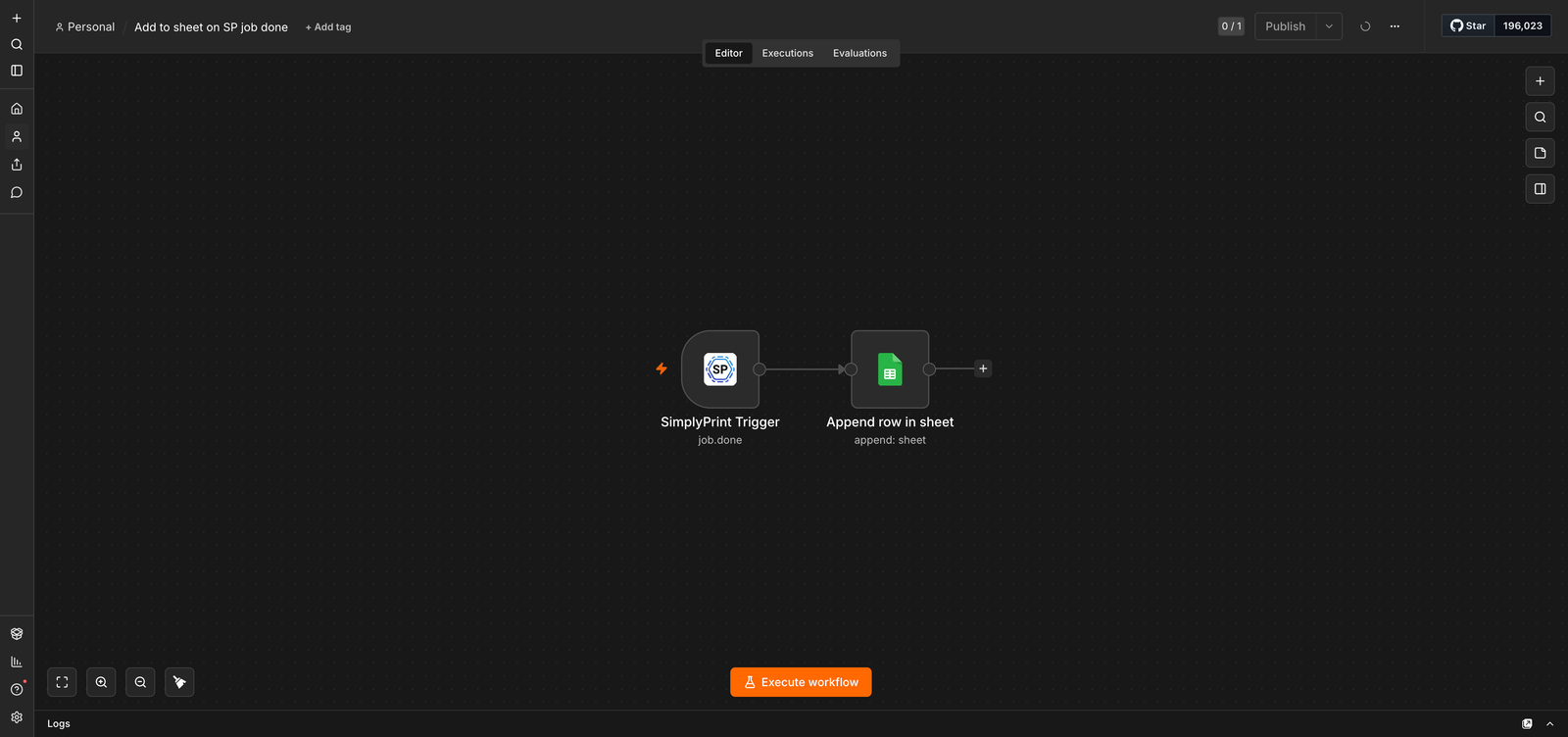
Node-based workflows, self-hostable - keep automation data on your own infrastructure.
Open source and self-hostable, with the same drag-and-drop simplicity.
Visual drag-and-drop scenarios. The SimplyPrint app is under review on Make.
ChatGPT, Claude and Gemini CLI manage your fleet in plain English via MCP.
The busywork you never do again
Think of every small thing you do after a print - the message, the spreadsheet row, the order update. Each one is a recipe you set up once, in a drag-and-drop editor, and never think about again:
- A print finishes - the team channel gets a message, the job logs itself to Google Sheets, the order line flips to produced. You never opened a tab.
- An order lands in your storefront - it drops straight into the print queue, and the moment the job completes your fulfilment flow hears about it.
- A print fails at 2 AM - a ticket opens, the operator gets pinged, the queue holds on that printer. You find a handled problem, not a surprise.
- Spare part stock runs low - the supplier email writes itself, or a line lands in the procurement sheet.
- Every morning at 8 - yesterday's stats post themselves as a digest to the team channel, before your coffee is done.
"A centralized cloud hub with integrated slicing, printer control, API integration, inventory management... to control any brand and number of 3D printers."
Print farm owner, 39 printers - 2026 print farm survey
Two clicks to connect - no code, no API keys
You never touch code or paste a key. Click Connect, sign in to SimplyPrint, approve what the workflow is allowed to do - done. The connection can only do what you approved and only what your own account can do, and one click in your account settings unplugs it again. Recipes react within seconds of the event, not on some polling timer. (Developers: underneath it's the same REST API and webhooks the panel uses - dig in here.)
How webhooks workLet an AI assistant run the busywork
Beyond fixed recipes, SimplyPrint runs an official MCP server - the open standard AI assistants use to call outside tools. Connect ChatGPT, Claude (including Claude Code) or Gemini CLI once, and ask in plain English: "queue five copies of the bracket", "which spools are below 100 grams?", "approve the pending items from Sarah". Access is scope-gated and revocable at any time.
The SimplyPrint MCP server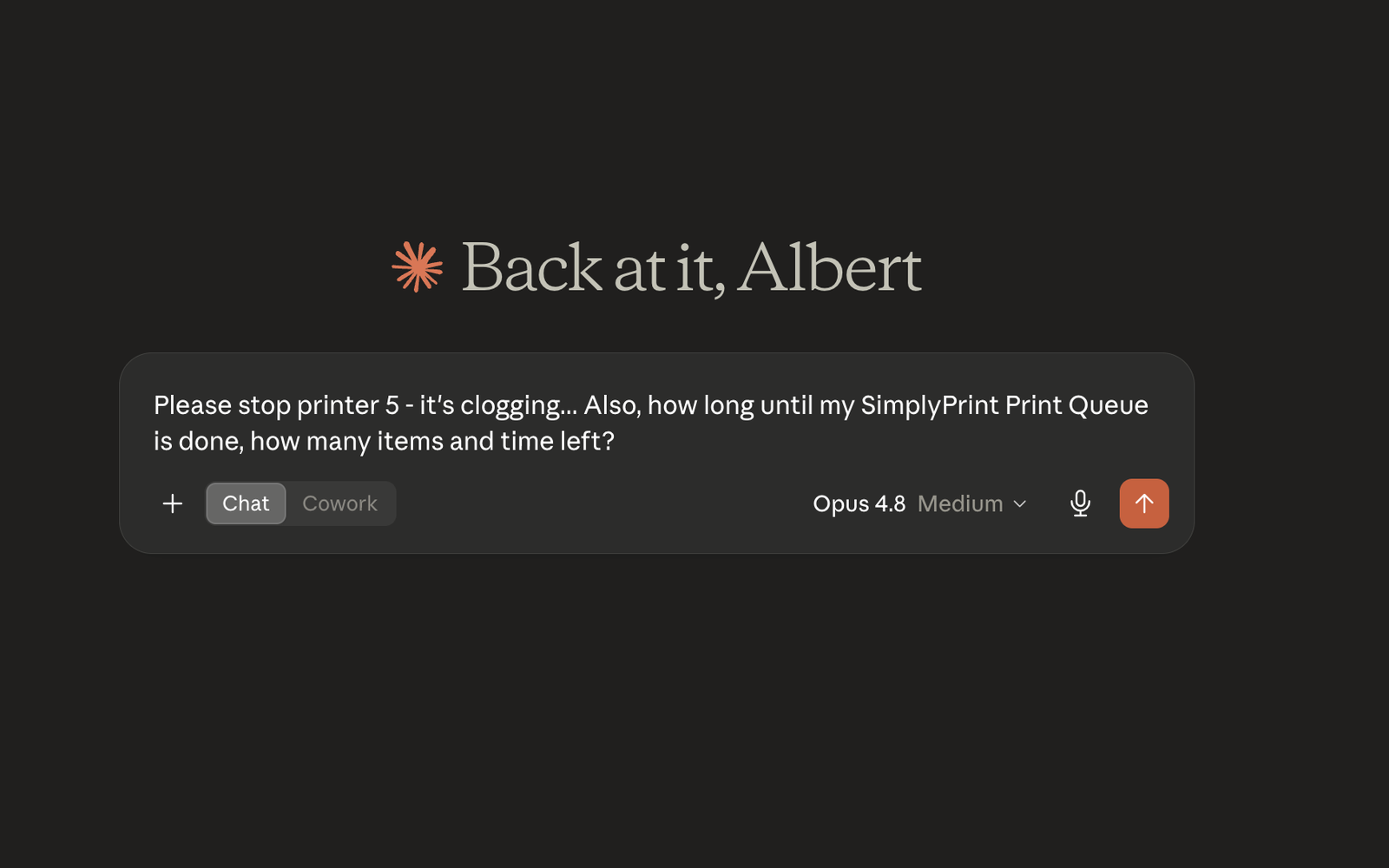
Looking for hands-off continuous printing?
This page is about workflow automation - moving data between SimplyPrint and your other tools. If you want the printers themselves to run hands-off, that's AutoPrint: the bed clears (or an operator confirms it), and the next queued job starts on its own. The two pair well - AutoPrint keeps the machines busy while your workflows keep the paperwork honest.
See AutoPrintPlan access: which plans include automation?
The automation platforms ride your API access, so they're included from the Pro plan and up - no extra automation fee. Higher plans raise the API tier and add hand-rolled webhooks.
| Feature / Limit | Free | Basic | Pro | Print Farm | Enterprise | School | Cloud Slicer | Filament Manager |
|---|---|---|---|---|---|---|---|---|
|
Zapier, n8n & Activepieces
Connect the no-code platforms from Pro and up. Connections use OAuth2 and inherit your API tier's limits.
|
||||||||
|
AI assistants via MCP
The full MCP tool surface for ChatGPT, Claude, Gemini CLI and any MCP-aware client, from Pro and up.
|
||||||||
|
REST API
Basic API from Pro; Enhanced API (file uploads, queue mutations that start prints) from Print Farm. Your automations share these limits.
|
||||||||
|
Webhooks
Webhooks you create yourself are Print Farm and above. Webhooks created by a connected integration work on any plan that includes that integration.
|
Want to learn more about our plans?
View full pricing & feature comparisonFrequently asked questions
Which plan do I need for Zapier or n8n?
When is the Make integration coming?
Can my Etsy or Shopify orders queue prints automatically?
Zapier, n8n or Activepieces - which should I pick?
Can I self-host the automation engine?
Is this the same as AutoPrint?
What can the AI assistants actually do?
How do I revoke an automation's access?
Step-by-step setup guides
Start with the integrations overview in the helpdesk, or the AI assistant walkthrough for MCP setup on Claude, ChatGPT and Gemini CLI. Each platform's own page under integrations has the connect steps.