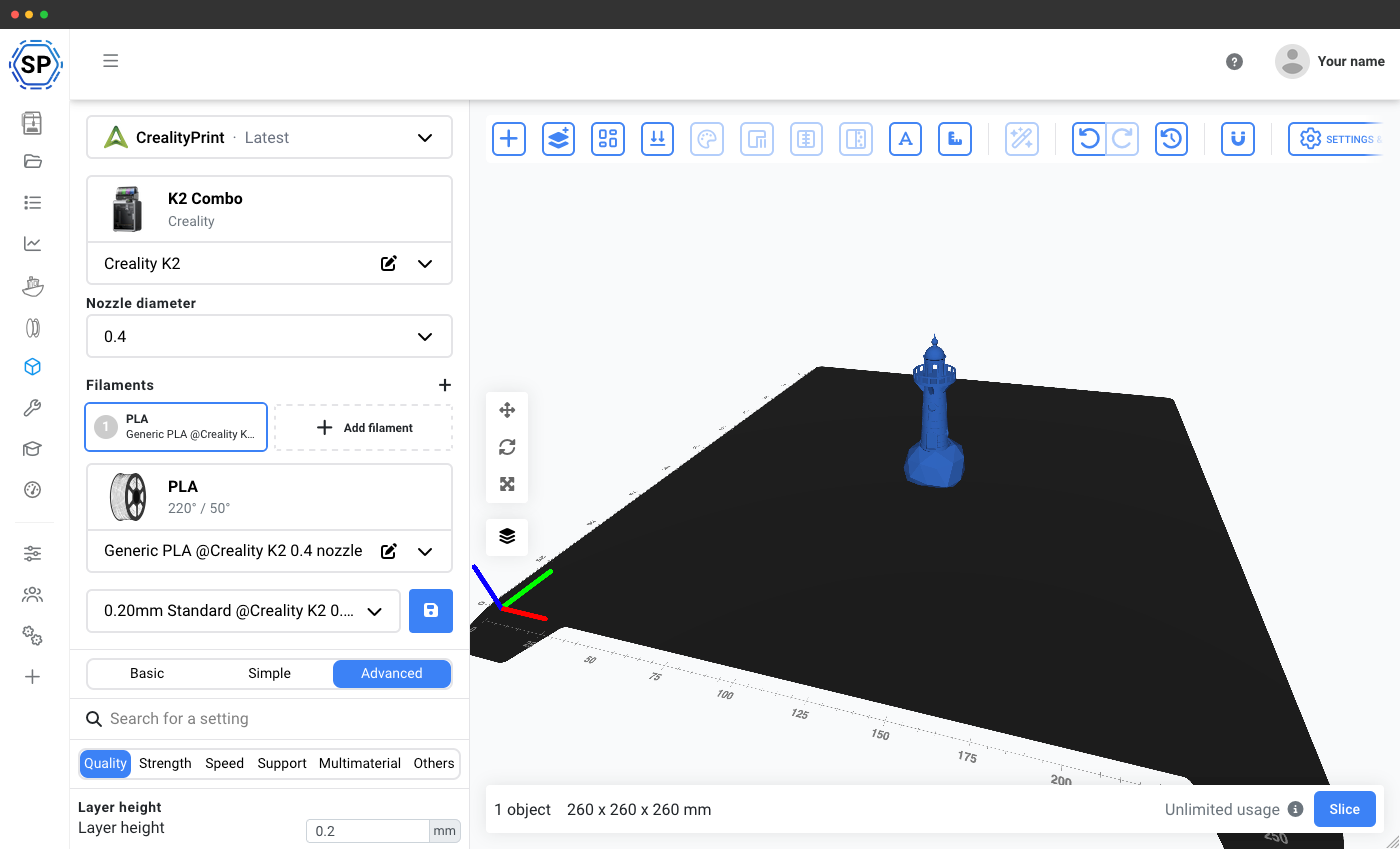
Why use CrealityPrint online?
CrealityPrint is Creality's official slicer - an OrcaSlicer-based engine maintained by Creality at github.com/CrealityOfficial/CrealityPrint and downloadable from Creality's official software channels. It ships with native machine profiles for Creality printers across the K series, Ender series, CR series and more.
Because CrealityPrint is based on OrcaSlicer, you get OrcaSlicer's advanced calibration tools and active feature set - but with Creality-first defaults out of the box. It's the recommended slicer if your farm is primarily Creality.
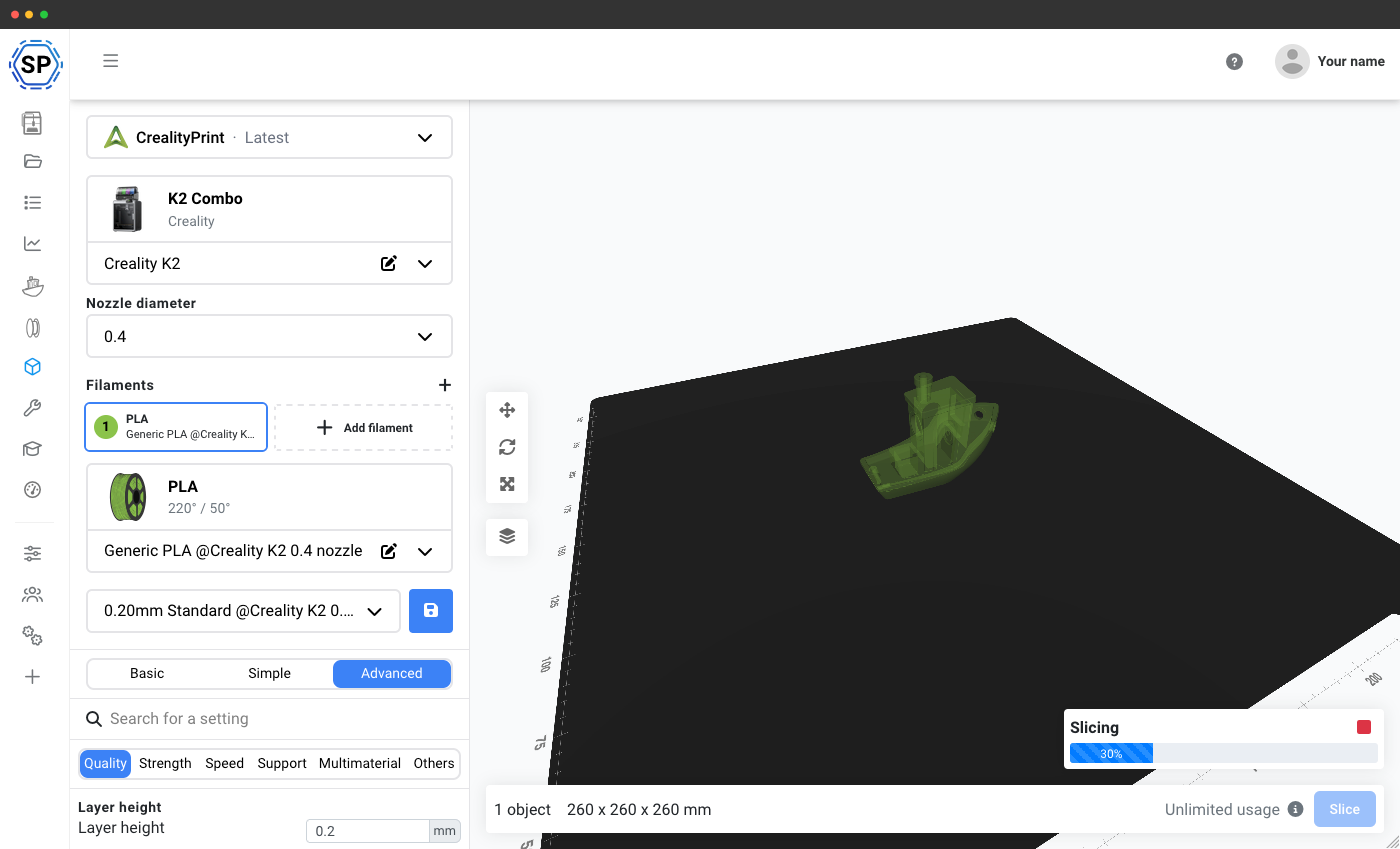
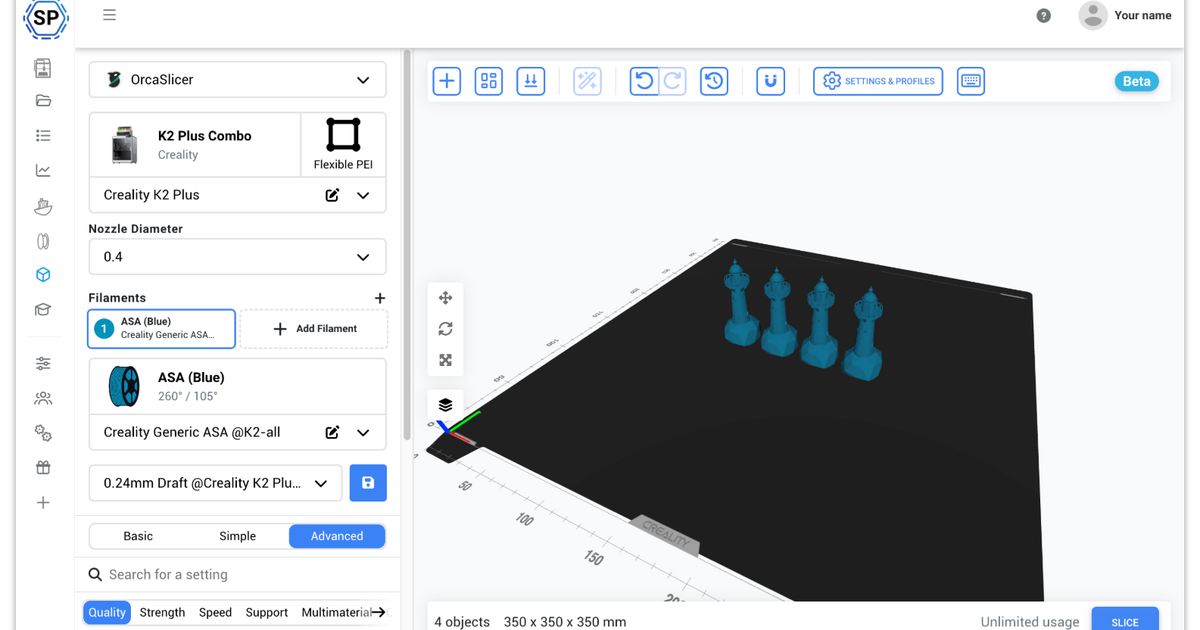
With SimplyPrint's cloud implementation, you can now access CrealityPrint's full power from anywhere, on any device - without installing anything on your computer. Use it on tablets, smartphones, and Chromebooks just as easily as on your desktop!
Complete CrealityPrint experience - all settings and profiles available
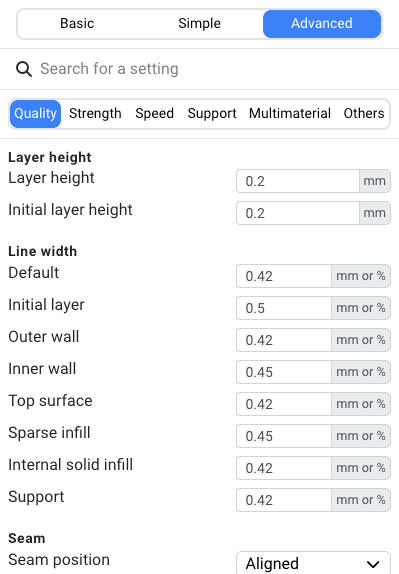
We use the unmodified official CrealityPrint engine, which means you get 100% of the profiles and 100% of the settings from the desktop version. Every Creality printer profile, filament preset, and print setting is available.
Whether you're dialing in a K-series CoreXY printer or running an Ender farm, all the capabilities and Creality-specific profiles are at your fingertips in the cloud.
Inspect every layer: full line-type coloring & toolpath preview
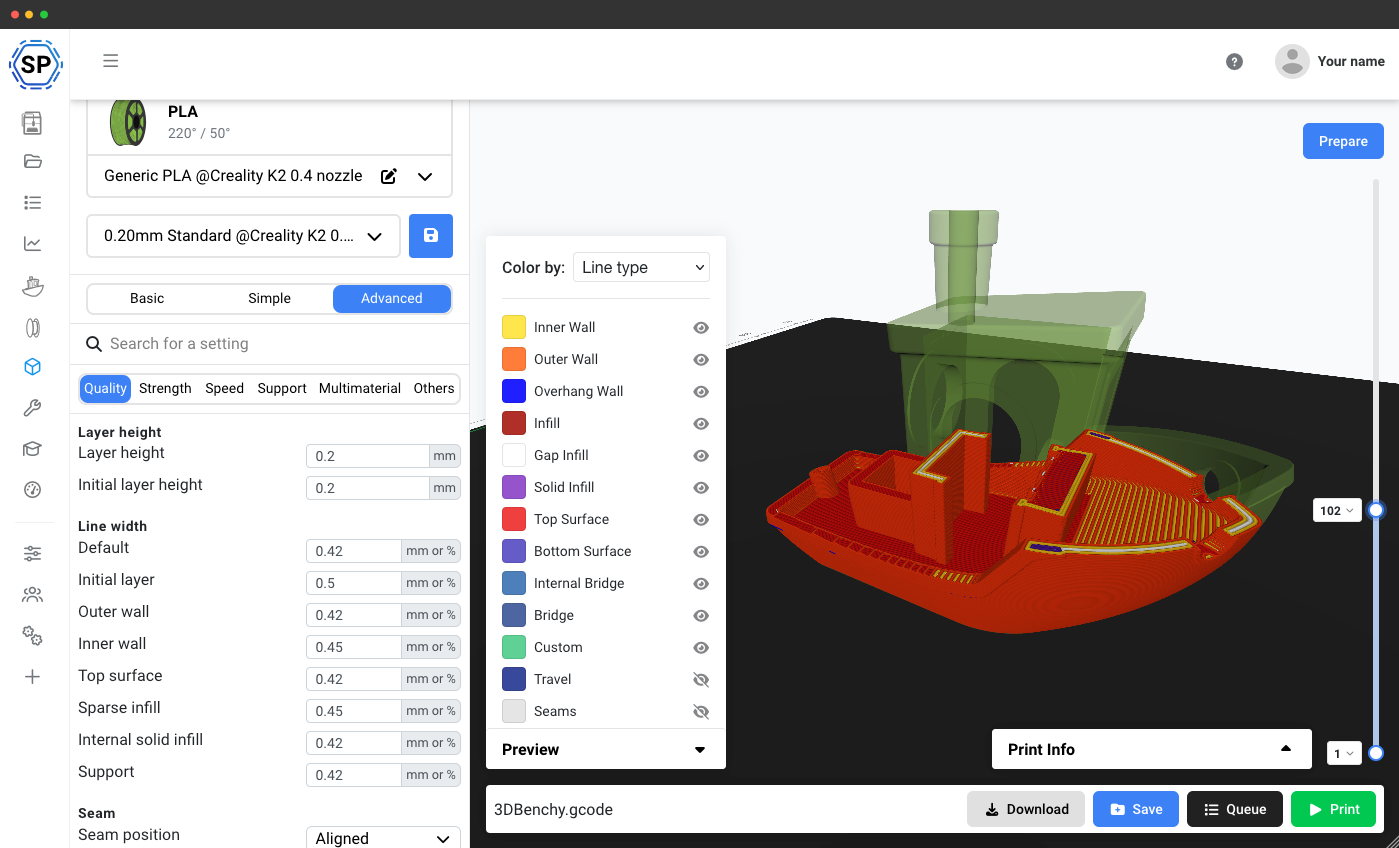
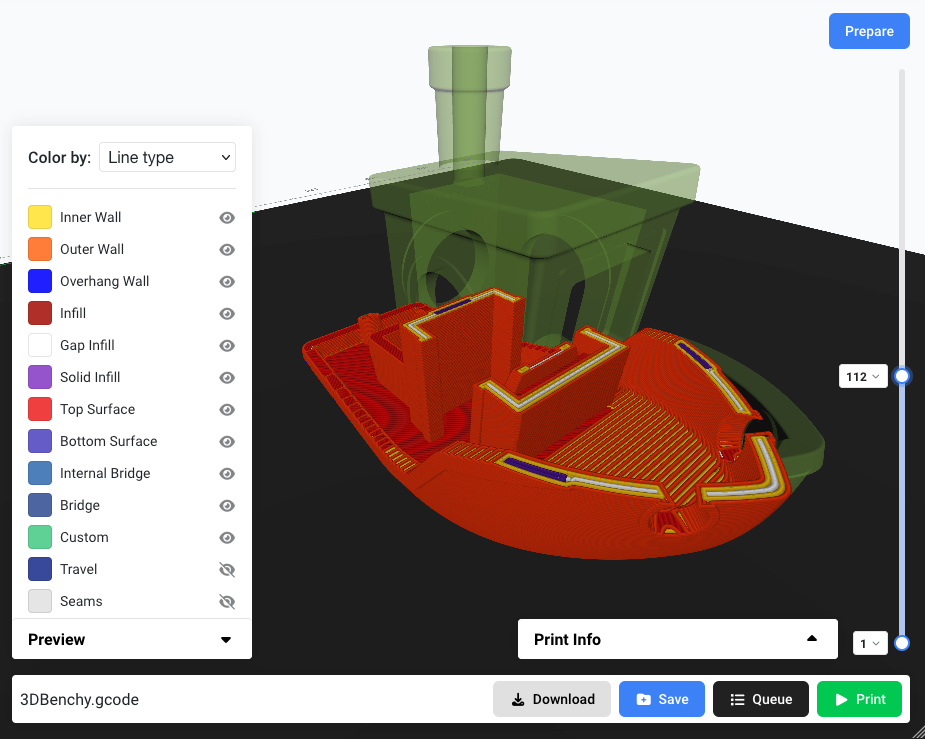
After slicing, scrub through every layer of your print with the same line-type coloring you know from desktop CrealityPrint - inner walls, outer walls, infill, top/bottom surfaces, bridges, travel moves and seams, all color-coded so you can catch problems before the filament hits the bed.
The full toolpath preview runs in your browser on top of the actual Creality bed model.
Multicolor, text-on-model and full per-object control
CrealityPrint inherits OrcaSlicer's multicolor pipeline and SimplyPrint exposes it directly in the browser: assign different filaments to different parts, emboss text directly onto your model, paint colors per object, and tune extruder offsets - all from the cloud slicer panel.
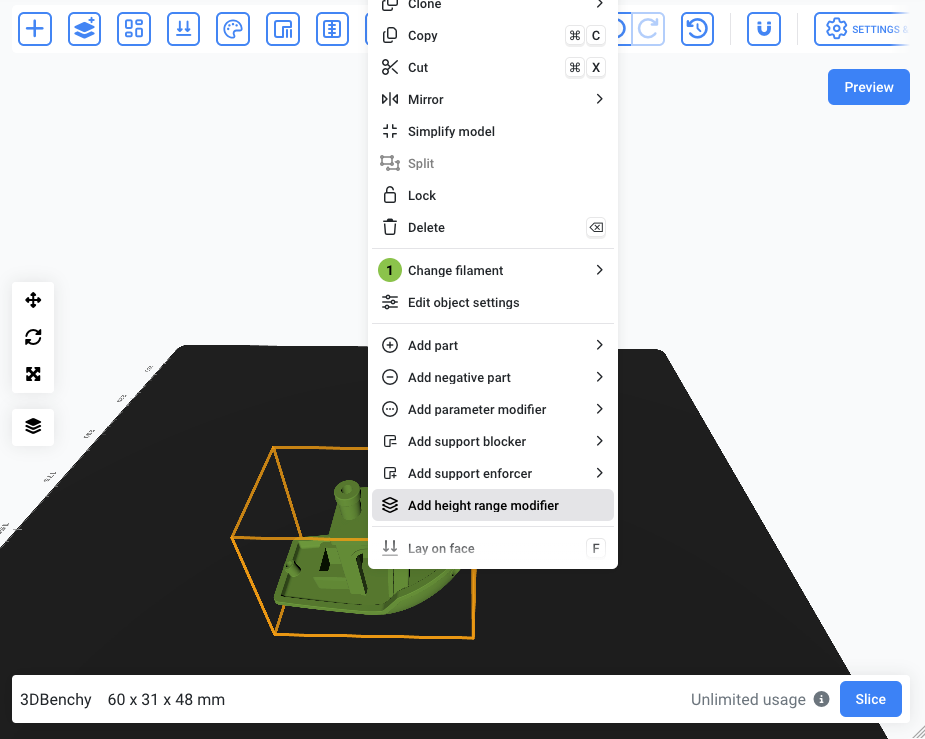
Right-click any object to access split, lock, smart-rotate, lay-on-face, add support blockers/enforcers, parameter modifiers, height range modifiers and more.
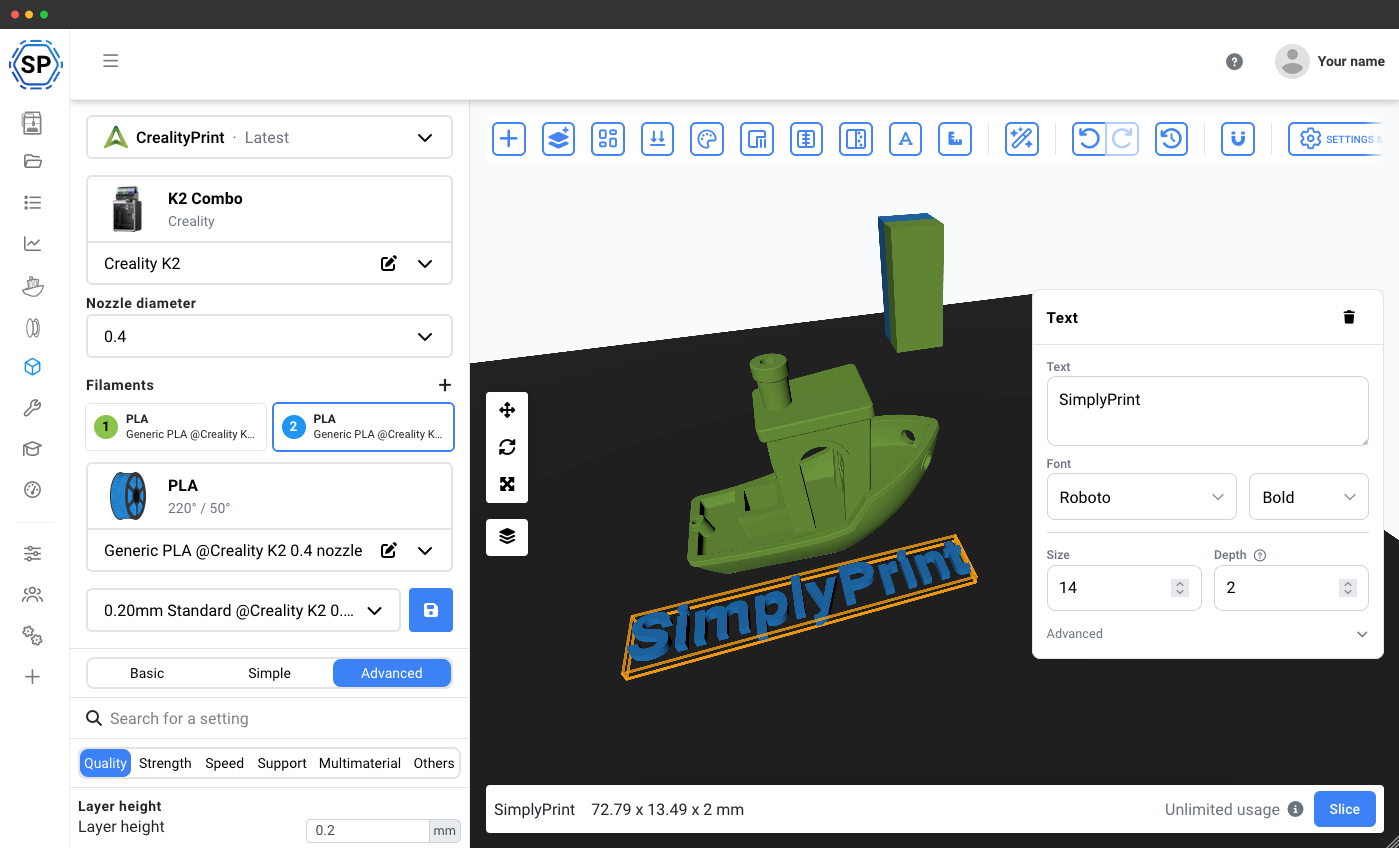
Use CrealityPrint on a Chromebook, tablet or phone: no install needed
Desktop CrealityPrint doesn't run on ChromeOS, iPadOS, Android or iOS - but our cloud version of CrealityPrint does. Every Creality printer profile, every filament preset and every print setting is available in any modern web browser, on any device.
Why this matters for Creality owners:
- Chromebooks (schools & classrooms): classroom Chromebooks can't install desktop CrealityPrint, but they can run our cloud CrealityPrint in Chrome. Perfect for school 3D printing labs running Creality fleets.
- iPads & Android tablets: design on the couch, slice and send to your Creality printer without ever touching a desktop. The full CrealityPrint UI is touch-friendly and adapts to smaller screens.
- Phones (iPhone & Android): need to re-slice and re-send a print from across the room? Open Safari or Chrome and you have full CrealityPrint.
- Low-spec laptops & older Macs: slicing happens on our servers, not your machine. A 5-year-old laptop can slice a complex Creality print in seconds.
- Linux users: no need to compile CrealityPrint or work around distro-specific builds - cloud CrealityPrint runs in Firefox, Chrome or any browser on any Linux distribution.
More than just slicing: print, queue and save anywhere
SimplyPrint allows you to slice and print from anywhere; our platform doesn't just offer slicing - it offers a 3D printing ecosystem.
After slicing, see the full per-slice metadata (filename, print cost, time, filament usage, temperatures, print size, slicer + version, layer count) and then download, save to the cloud, queue for later, or print directly to any connected Creality printer - all from one click.
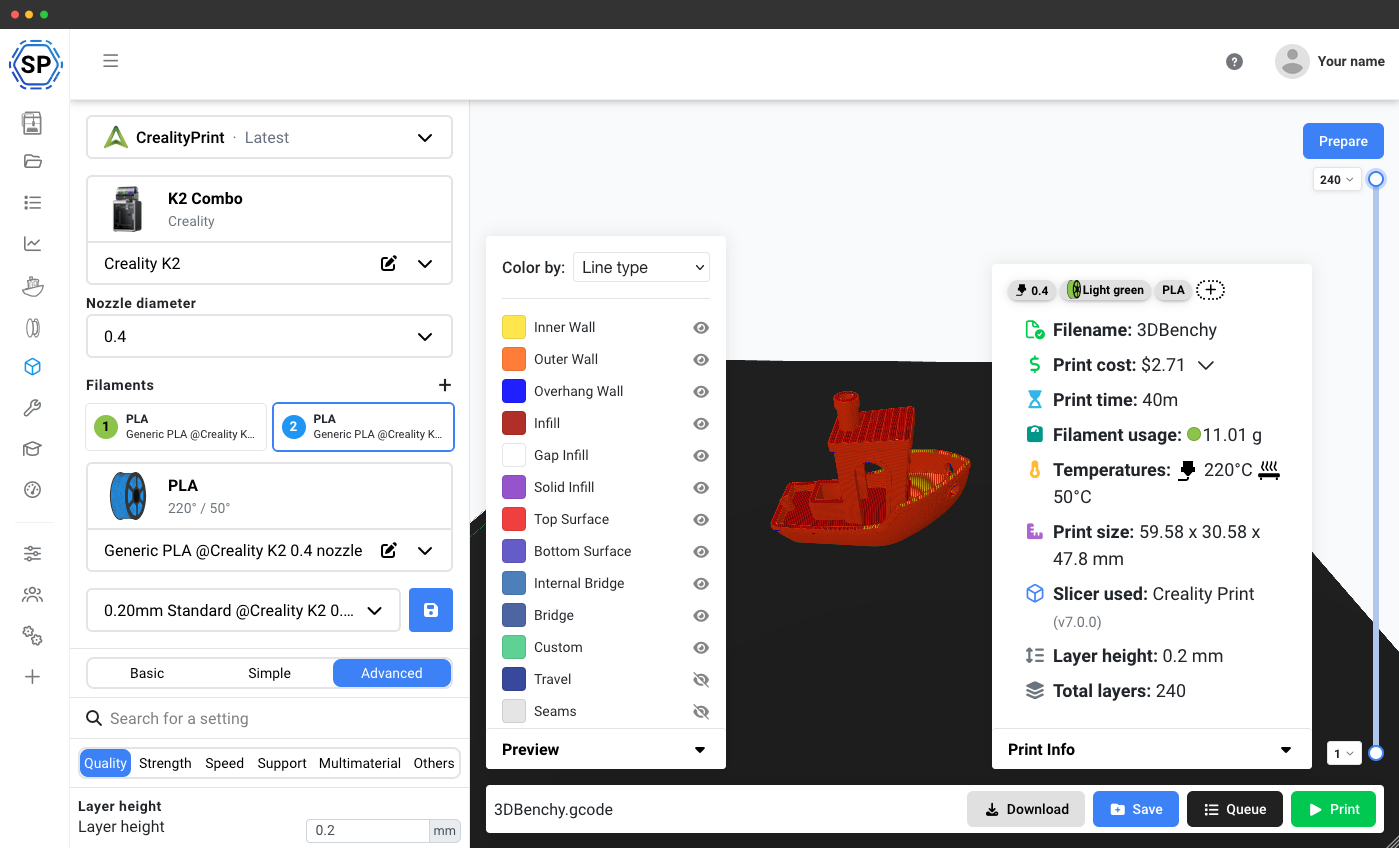
CrealityPrint cloud features at a glance
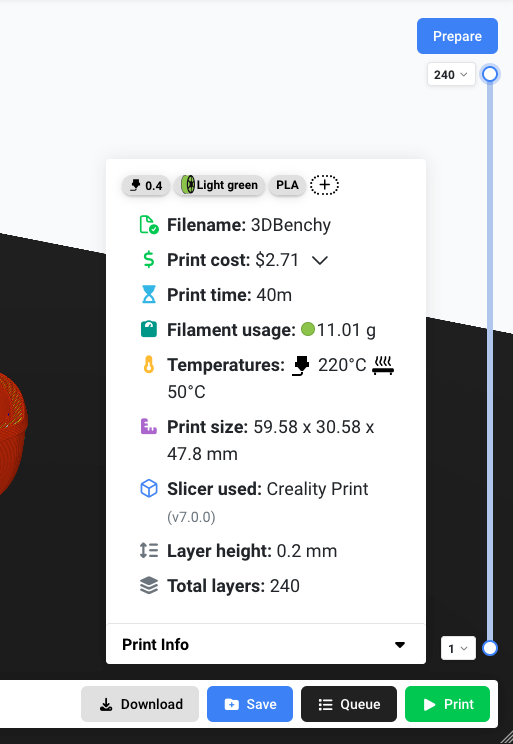
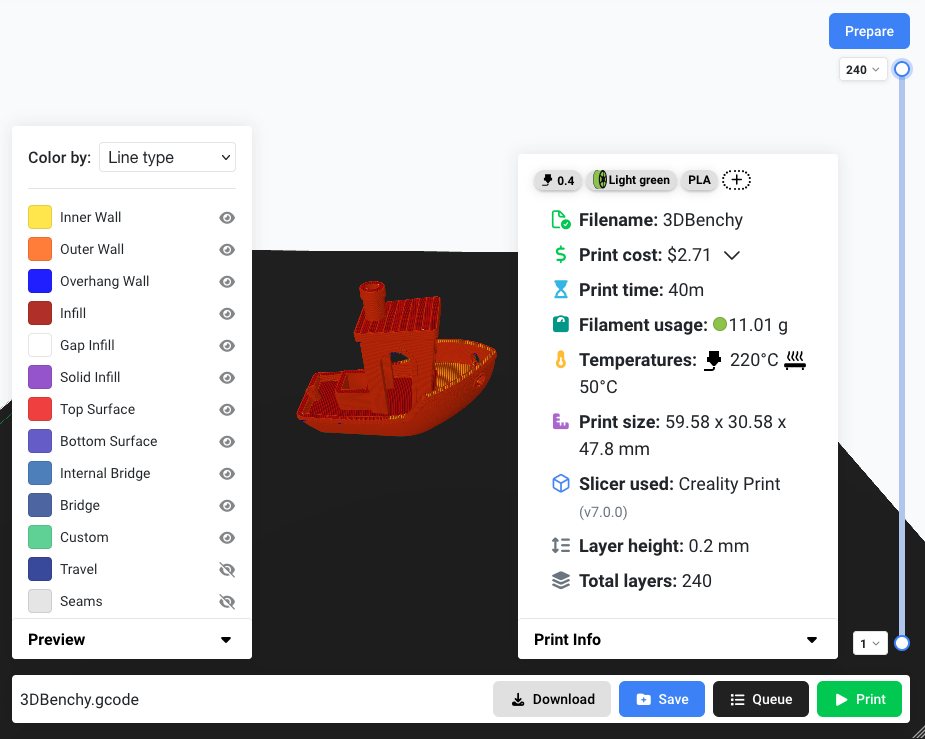
Per-slice metadata
Cost, time, filament usage, temperatures and exact slicer version on every sliced file
Full toolpath legend
Color-by-line-type just like the desktop version, in your browser
Per-object actions
Split, lock, smart-rotate, lay-on-face, support modifiers, and more
Layer scrubbing
Drag the layer slider to inspect any layer of your print
Learn more about our slicer & our other supported slicing engines
CrealityPrint is just one of the powerful slicing engines we support. Explore our complete cloud-based slicer solution and discover our other engines: PrusaSlicer, OrcaSlicer, BambuStudio, ElegooSlicer, Cura & Kiri:Moto.
Online Cloud-Based Slicer
Use PrusaSlicer, OrcaSlicer, BambuStudio, ElegooSlicer, CrealityPrint, Cura & Kiri:Moto online in the cloud - on any device, anywhere!
View Online Cloud-Based Slicer overviewAlso Available

PrusaSlicer Online
Use PrusaSlicer online in the cloud - on any device, anywhere!
OrcaSlicer Online
Use OrcaSlicer online in the cloud - on any device, anywhere!

BambuStudio Online
Use BambuStudio online in the cloud - on any device, anywhere!

ElegooSlicer Online
Use ElegooSlicer online in the cloud - on any device, anywhere!

Cura Online
Use Cura online in the cloud - on any device, anywhere!
Kiri:Moto Online
Slice with Kiri:Moto in our cloud, or entirely inside your own browser.
We support all Creality printers: SimplyPrint is more than just slicing too
From the K series and Ender series to CR and Sermoon machines - remote monitoring, live camera feeds, print queue management, filament tracking, and so much more. SimplyPrint gives you complete control over your entire Creality 3D printer farm.

Sermoon V1 Pro
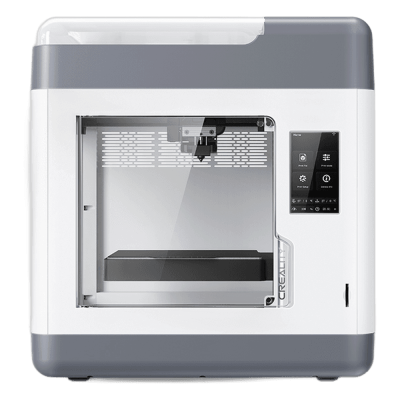
Sermoon V1
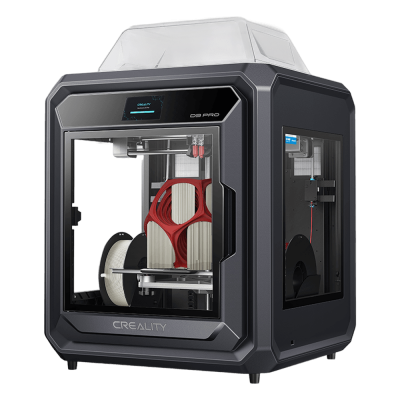
Sermoon D3 Pro
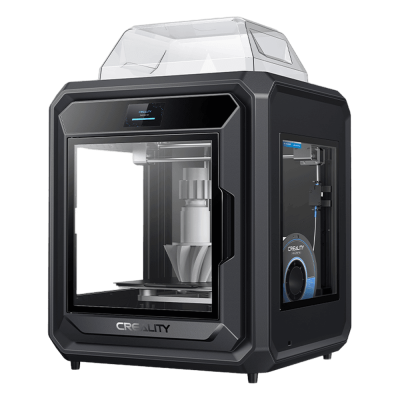
Sermoon D3

K3
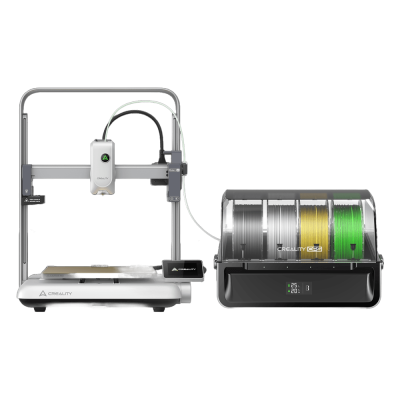
Ender-3 V4 Combo
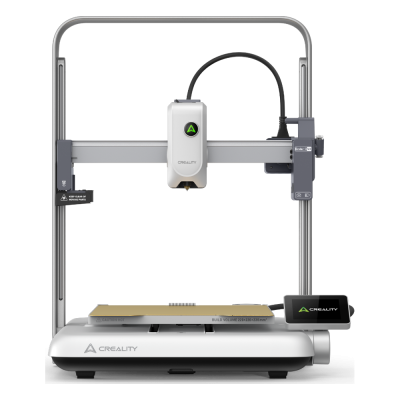
Ender-3 V4
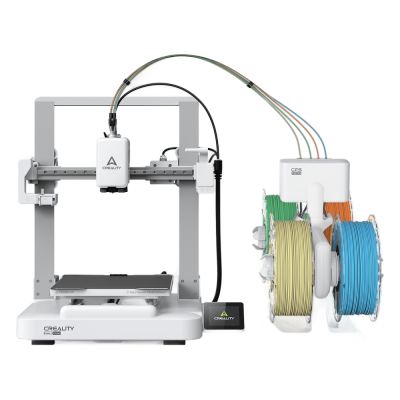
Ender-3 V3 Neo Combo
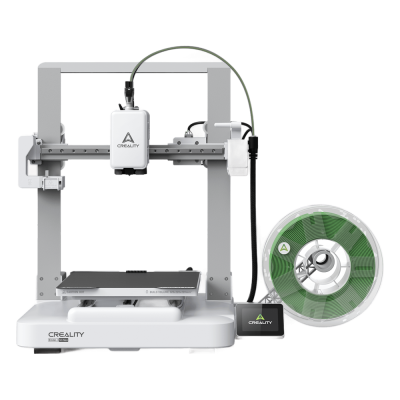
Ender-3 V3 Neo
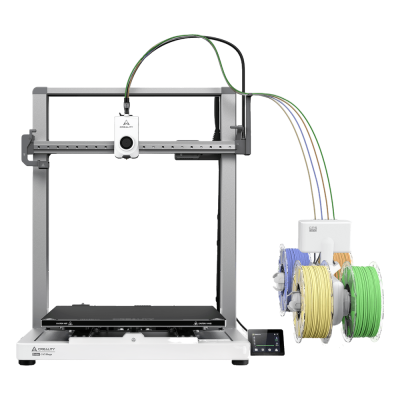
Ender-3 V3 Mega Combo
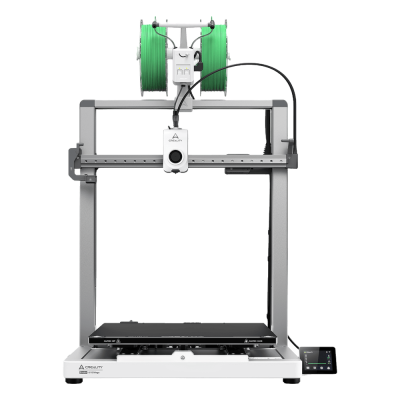
Ender-3 V3 Mega

Ender-3 V3
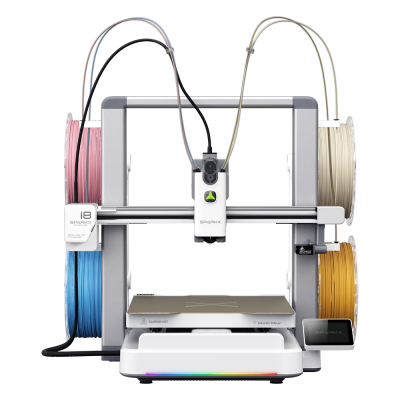
SPARKX i8 Combo

SPARKX i8
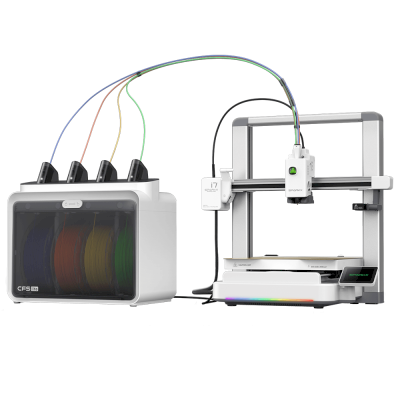
SPARKX i7 Combo
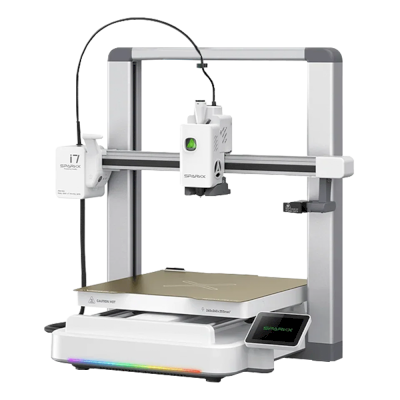
SPARKX i7

K2 SE
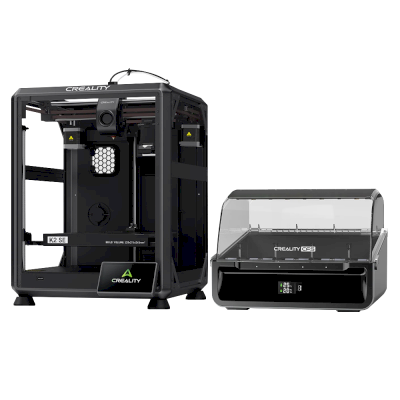
K2 SE Combo
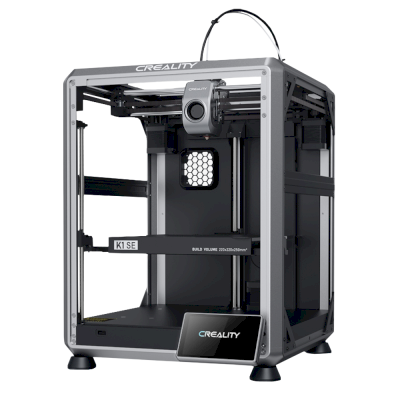
K1 SE
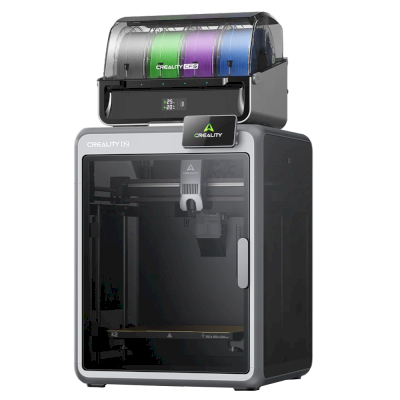
K2 Combo
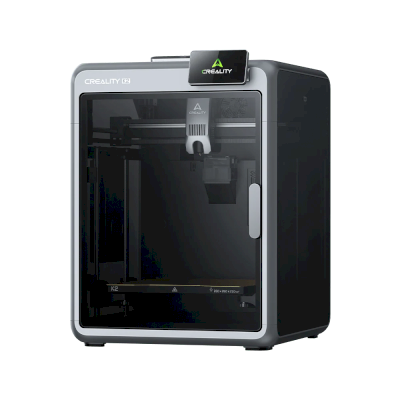
K2
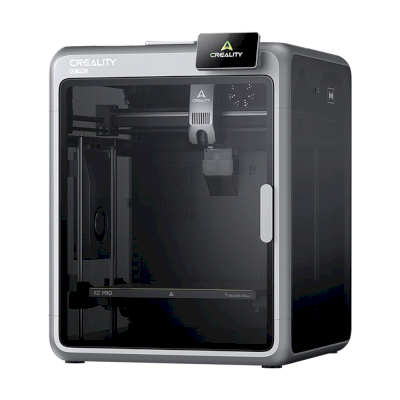
K2 Pro
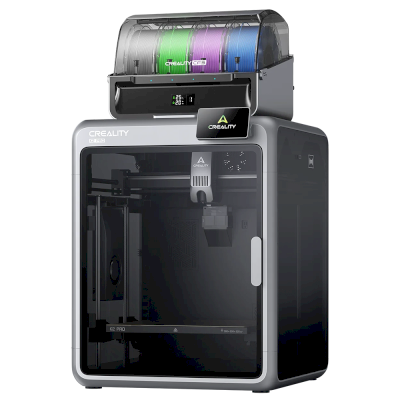
K2 Pro Combo
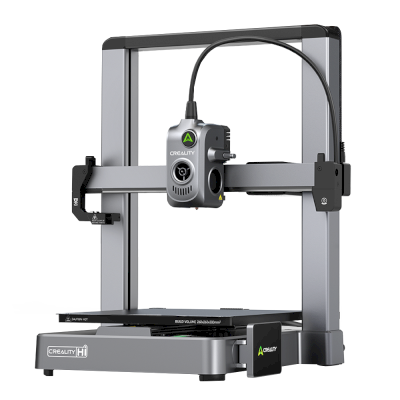
Hi
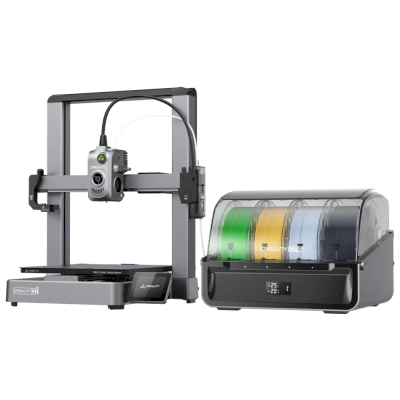
Hi Combo
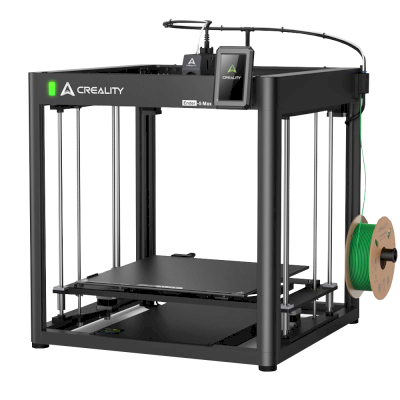
Ender 5 Max
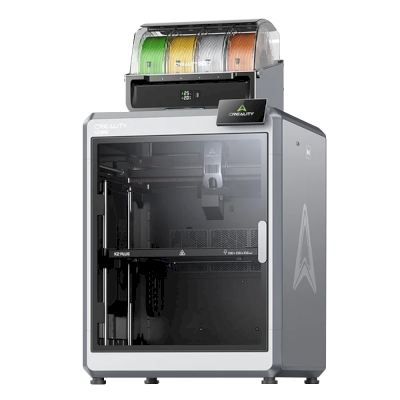
K2 Plus Combo
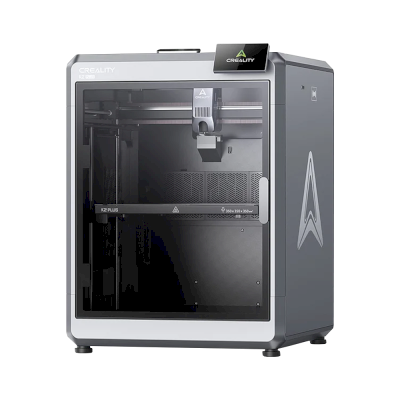
K2 Plus
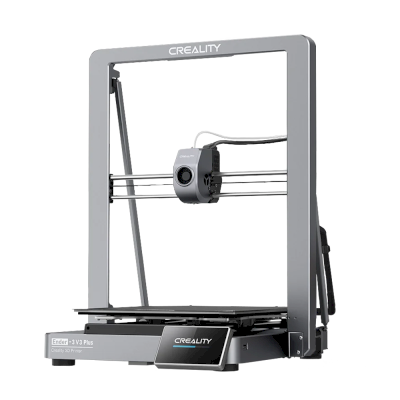
Ender-3 V3 Plus
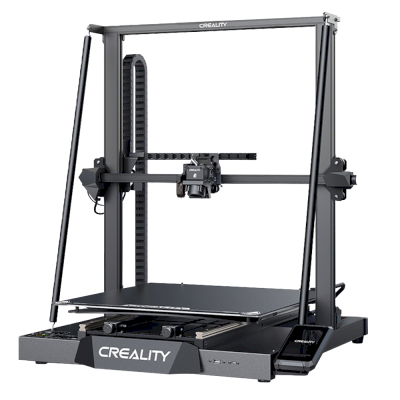
CR-M4
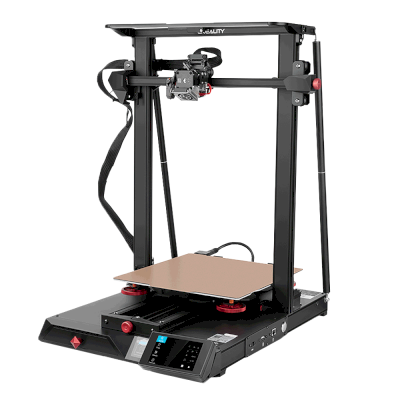
CR-10 Smart Pro
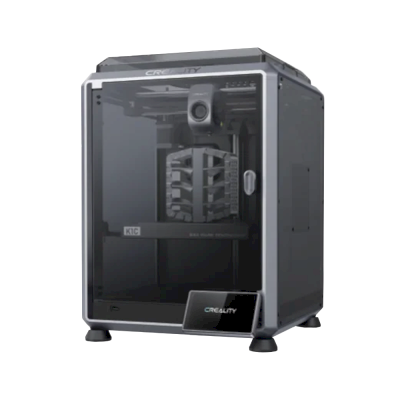
K1C
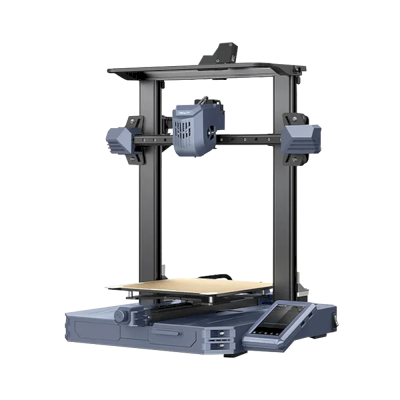
CR-10 SE
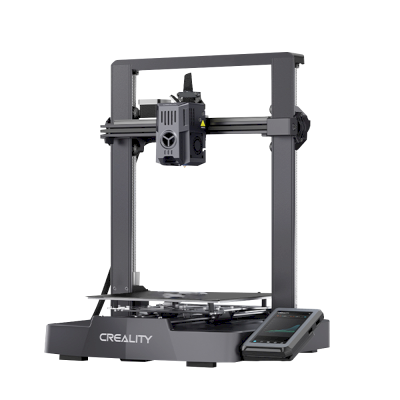
Ender-3 V3 KE
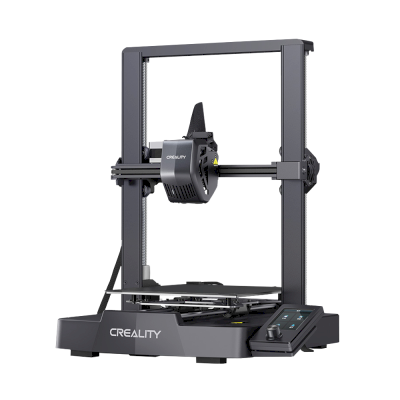
Ender-3 V3 SE
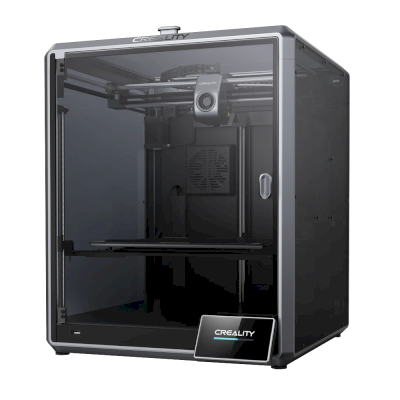
K1 Max
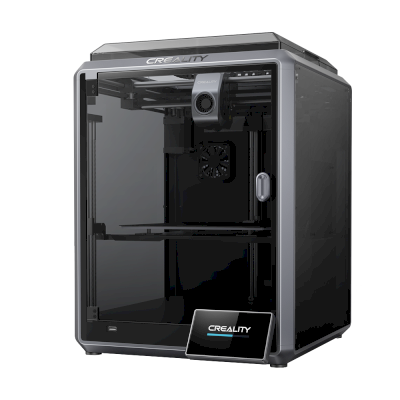
K1
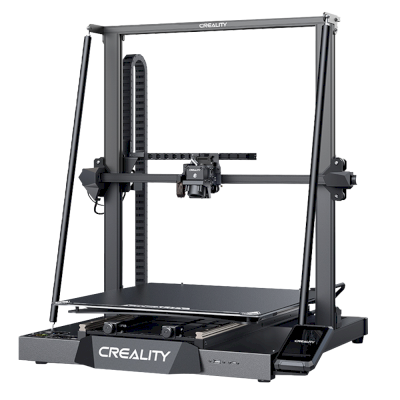
CR-M4
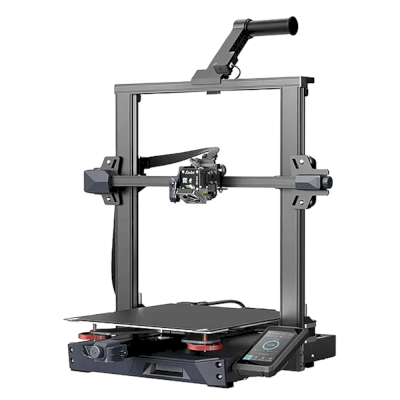
Ender-3 S1 Plus
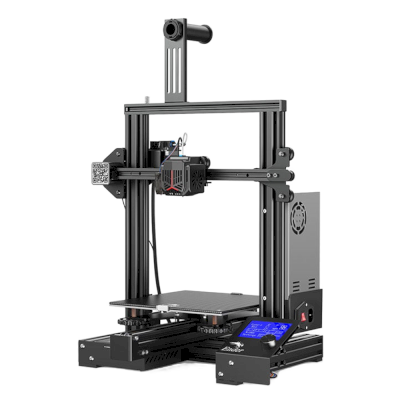
Ender-3 Neo
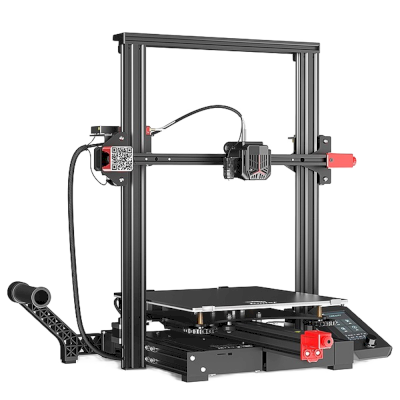
Ender-3 Max Neo
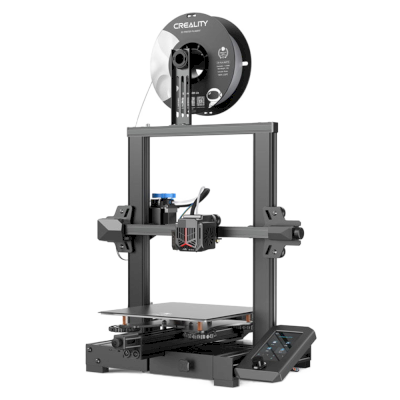
Ender-3 V2 Neo
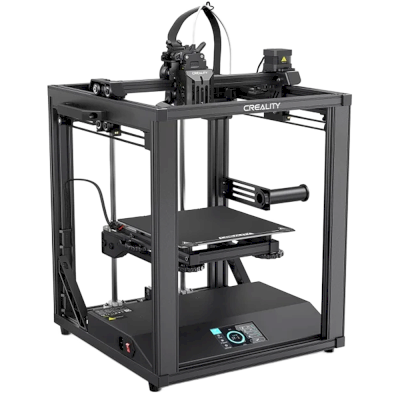
Ender-5 S1
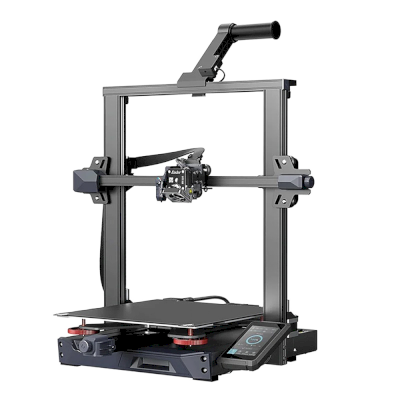
Ender-3 S1 Pro
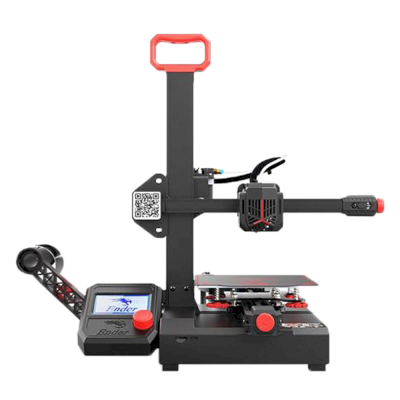
Ender-2 Pro
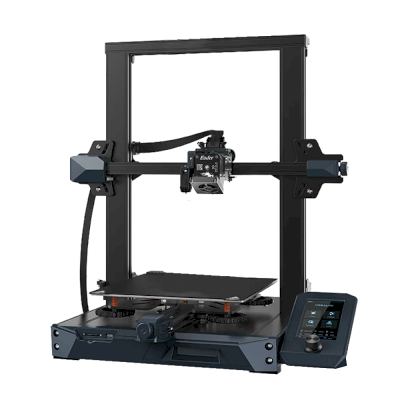
Ender 3 S1
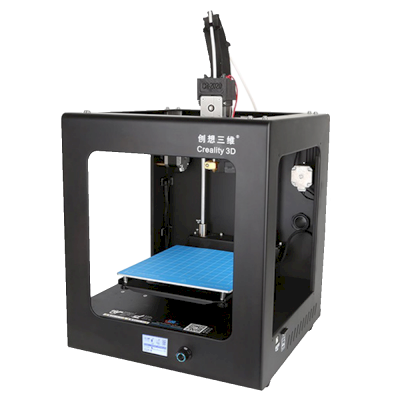
CR-2020
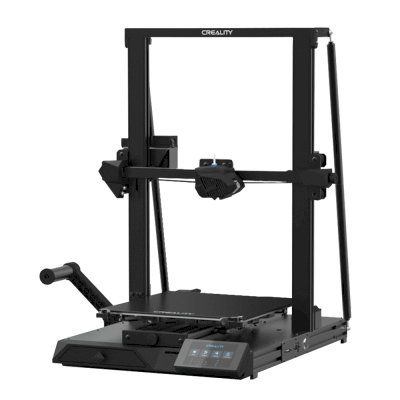
CR-10 Smart
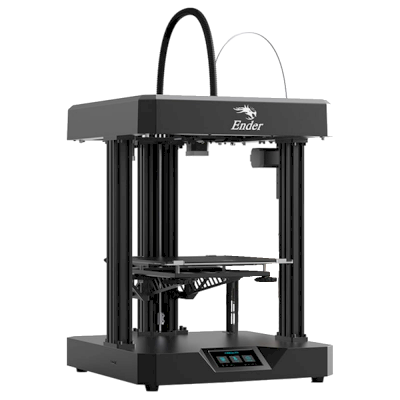
Ender 7
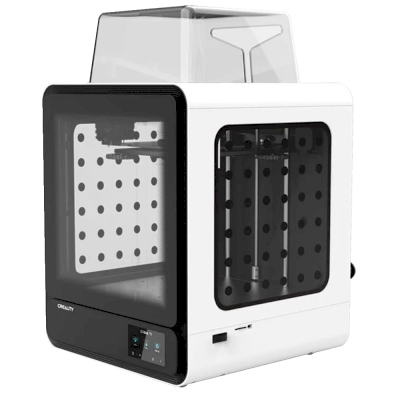
CR-200B

Frequently Asked Questions
Is this really CrealityPrint or a modified version?
The main difference that you'll experience is the interface: we have made our own web-based slicer interface for not just CrealityPrint, but also PrusaSlicer, OrcaSlicer, BambuStudio, ElegooSlicer, Cura & Kiri:Moto.