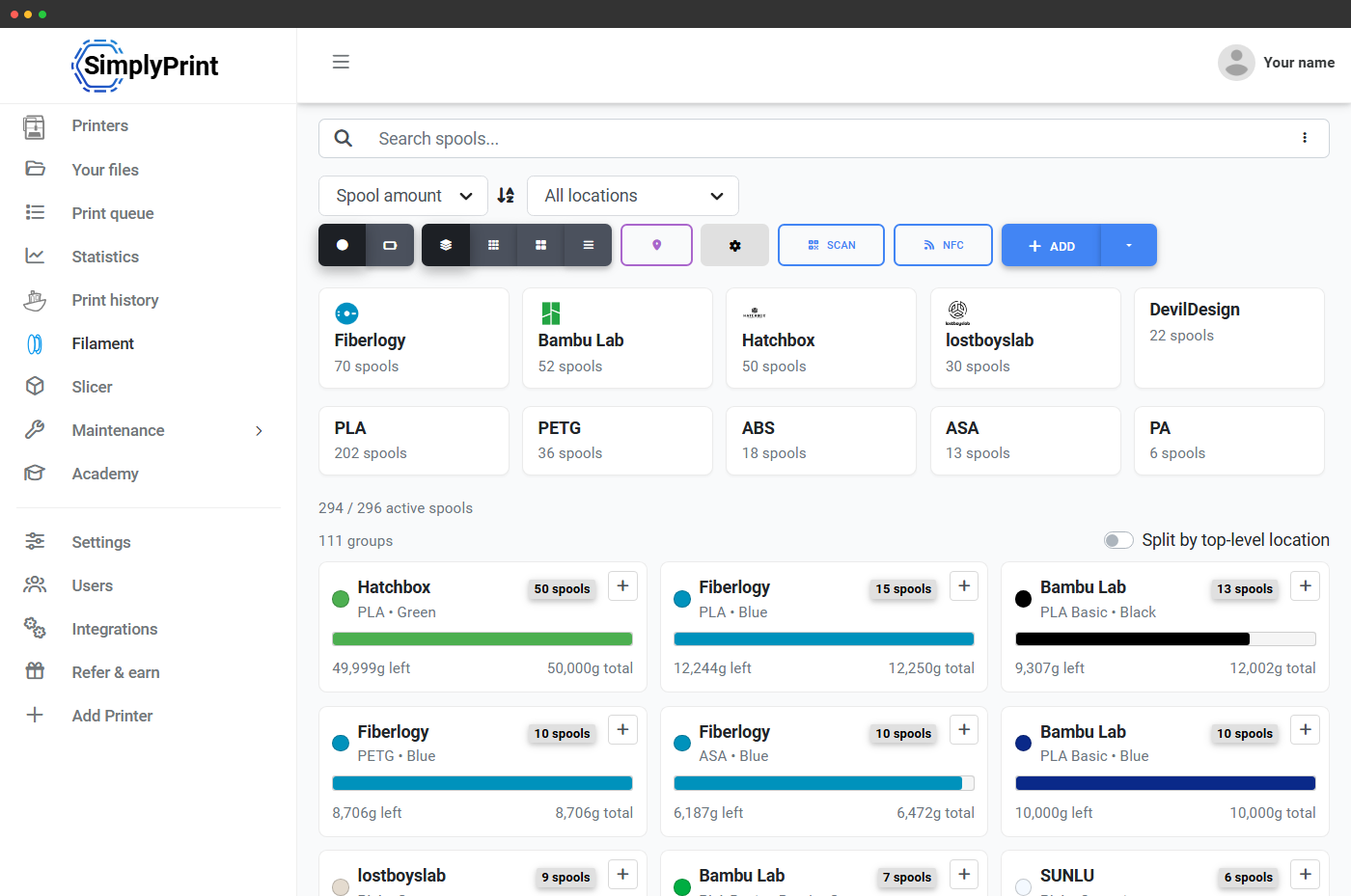
Native Creality NFC / RFID spool tags
Creality publishes its own NFC / RFID material tag standard for the CFS, and SimplyPrint reads and writes it natively. Scan a Creality-tagged spool with the SimplyPrint scanner (or write your own tags with material data) and the spool drops straight into your Filament Manager, ready to assign to a CFS slot. No re-typing brand, material or colour - the tag carries it all. Creality spools shipped with the material standard come pre-tagged from the factory; for third-party spools, you can write your own tags from the SimplyPrint app. And because a tag you write through SimplyPrint carries the spool's own ID, the CFS can auto-create or auto-assign that spool hands-free when it syncs - factory or untagged spools sync as material and colour only.
Set up your Creality printerThe Creality Filament System, in your SimplyPrint panel
The Creality CFS is Creality's automatic filament management unit - 4 slots per CFS, with chaining up to 4 units for 16 colours on compatible printers. SimplyPrint reads which slot has which spool and renders the live slot strip in the printer panel, so you always know what's loaded and what's free.
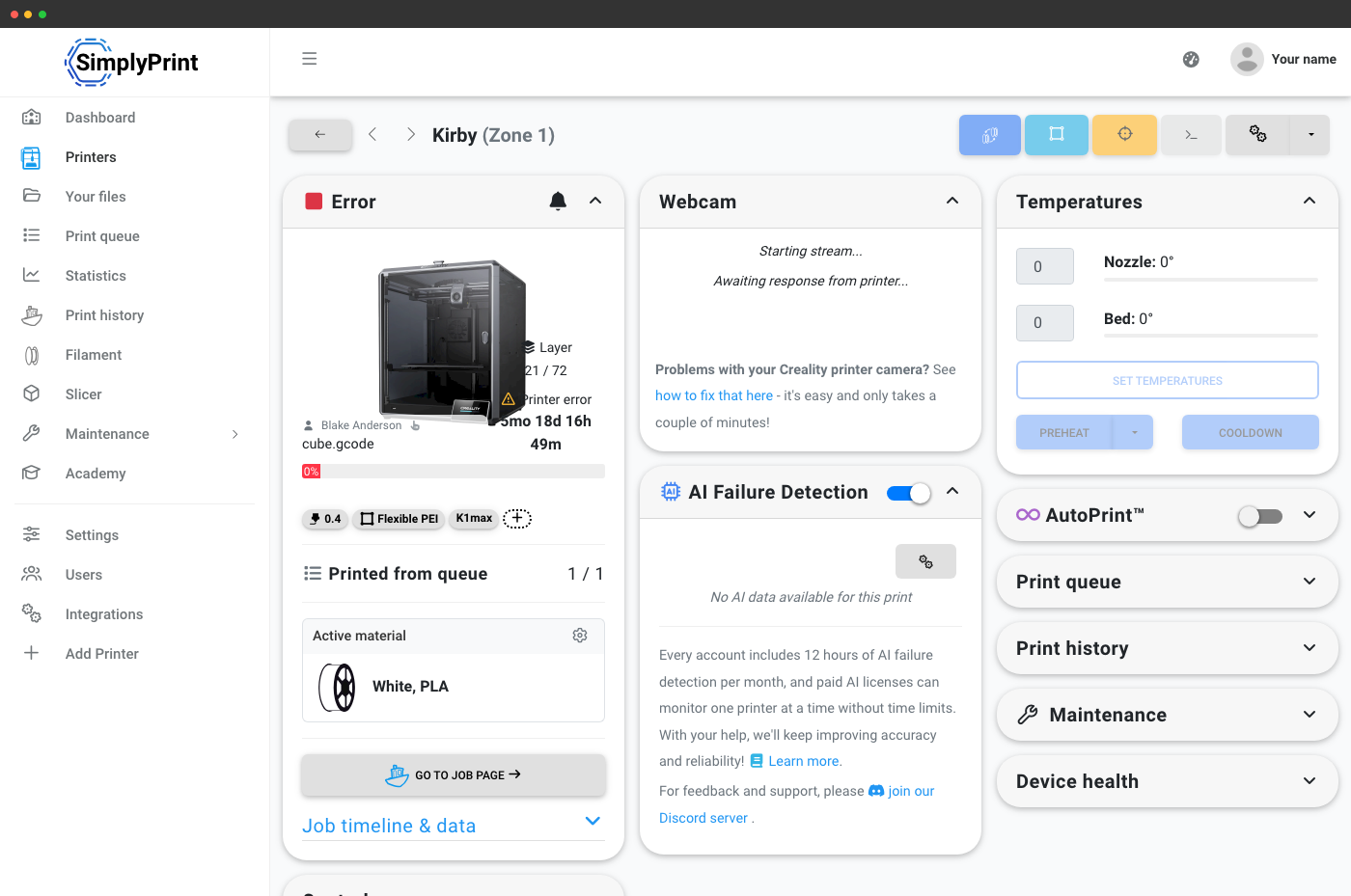
Every slot tracked, every spool counted
Each CFS slot in SimplyPrint carries the loaded spool's colour, brand, material type and remaining weight. Multi-color prints deduct from the right spools as they finish, so your inventory stays accurate even on long unattended runs.
Slice multi-color files online - on any device
SimplyPrint's online slicer handles multi-color slicing for CFS-equipped printers. Add up to 4 filaments per CFS (16 across a chained x4 setup), assign colours to bodies or modifiers, slice in your browser and queue. The sliced file's extruder assignments flow into the print queue and into the panel.
Learn more about the online slicer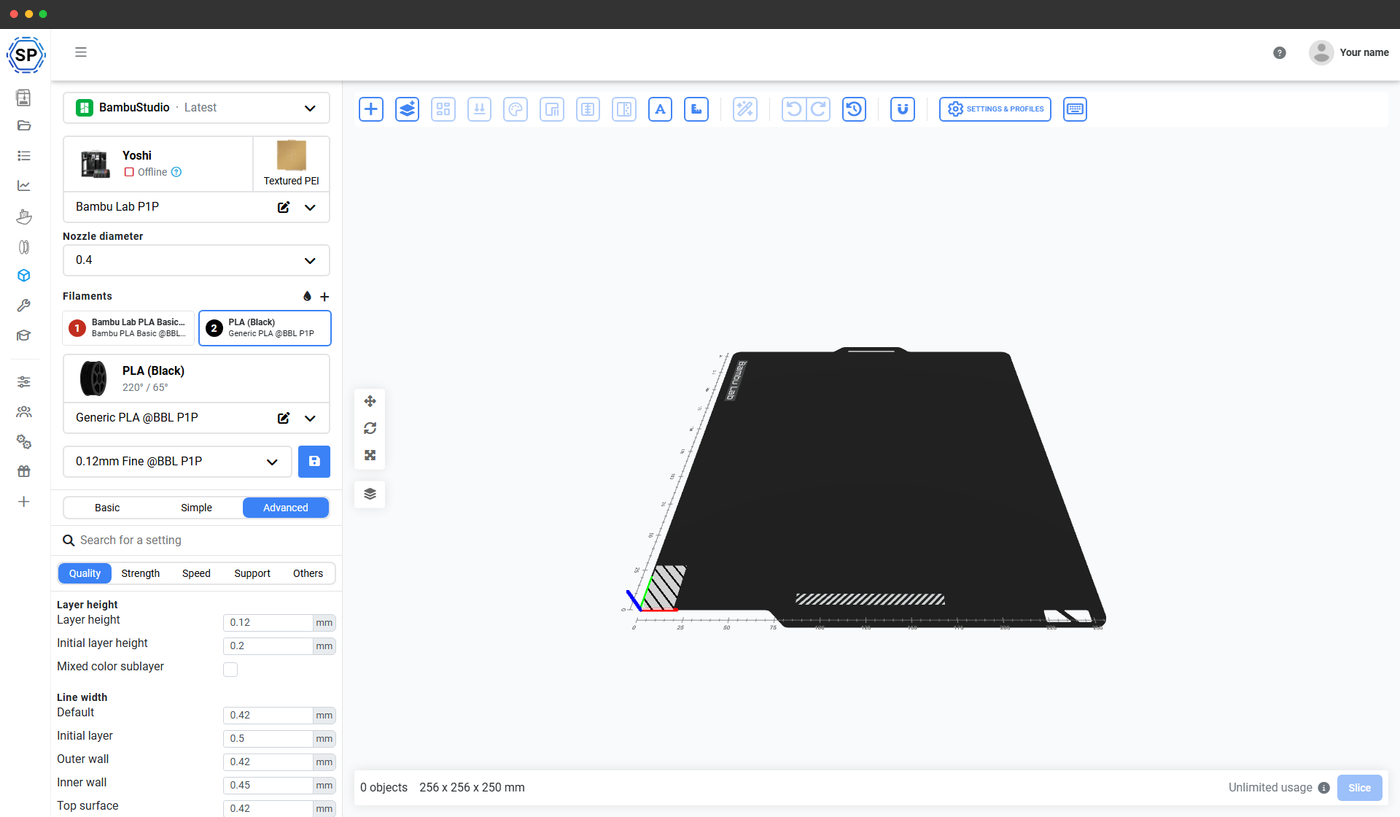
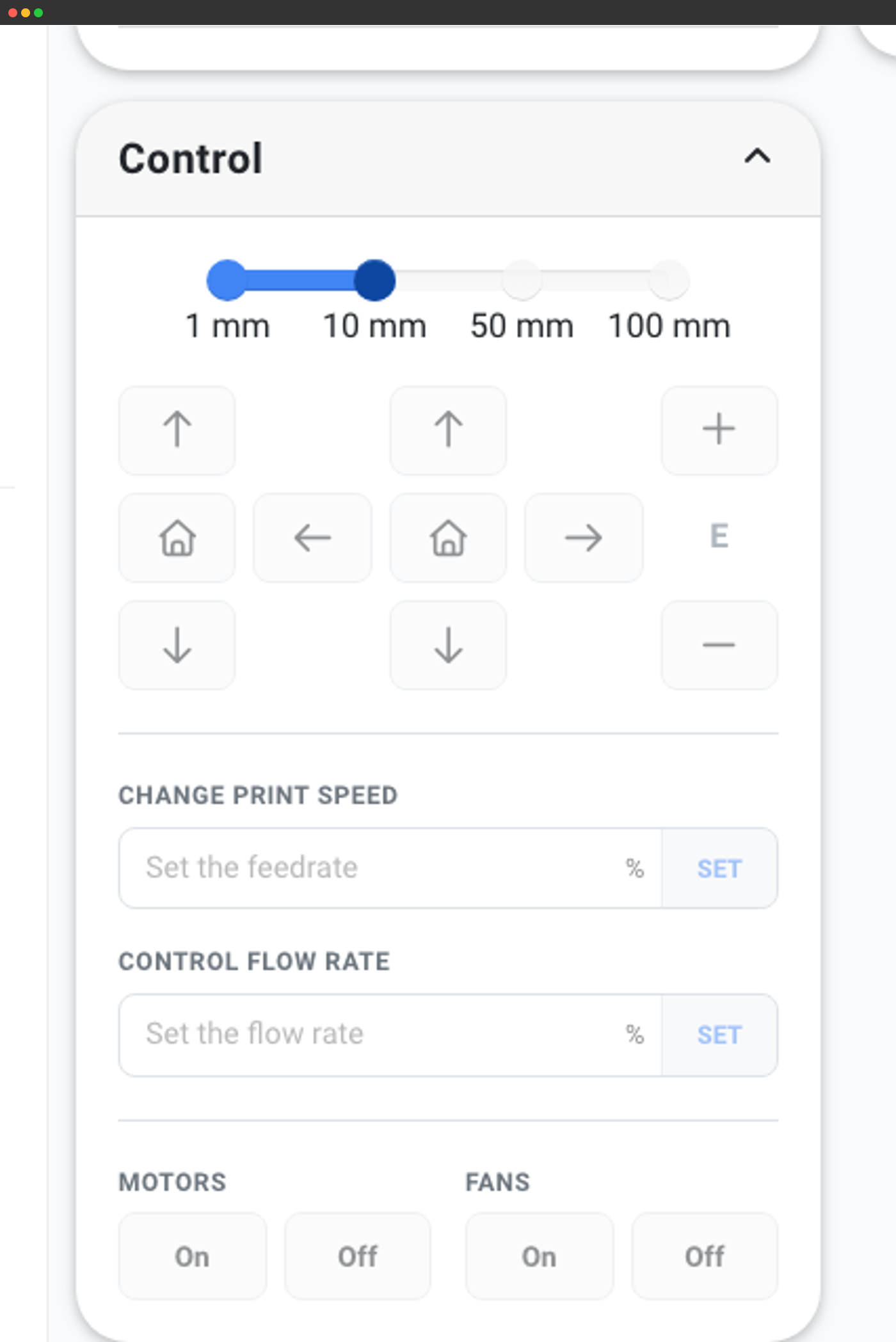
Mapping support today, and what's coming
SimplyPrint currently tracks which slot has which spool and uses that for live display, Filament Manager deduction and queue routing - so a 4-colour print won't get sent to a CFS-equipped printer that doesn't have all 4 colours loaded. Sending mapping G-code so you don't have to physically reload slots in a specific order is on the roadmap; it'll ship once Creality publishes or stabilises the CFS mapping interface.
Until then, the slot strip in the panel tells you exactly which colour sits in which slot, so you can match your slicer assignment to the physical order quickly.
Works on every CFS-compatible Creality printer
CFS plugs into the Creality printers that have CFS support built in - the K2 Plus and other CFS-ready models. SimplyPrint supports the CFS on each of them with the same live slot strip, NFC tag scanning and Filament Manager tracking.
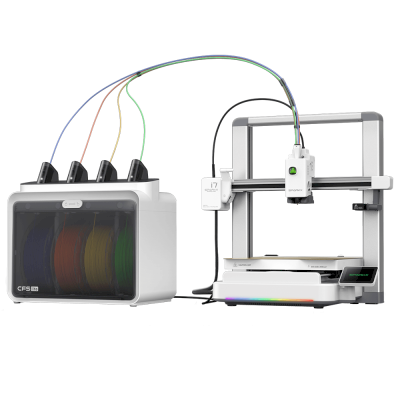
SPARKX i7 Combo
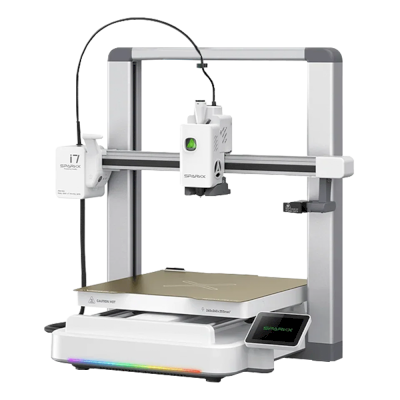
SPARKX i7

K2 SE
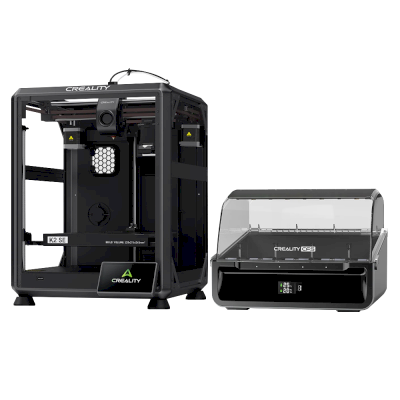
K2 SE Combo
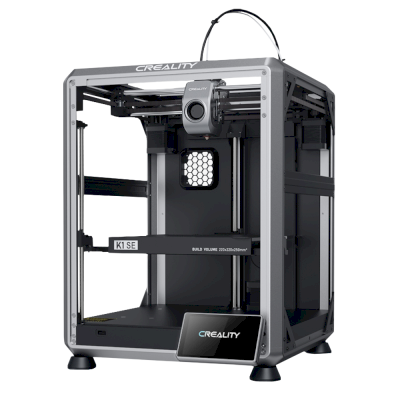
K1 SE
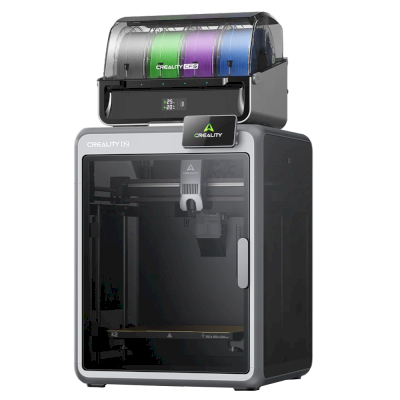
K2 Combo
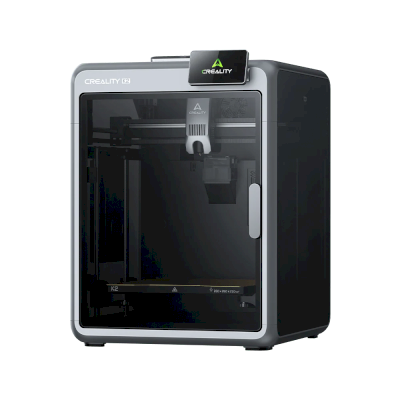
K2
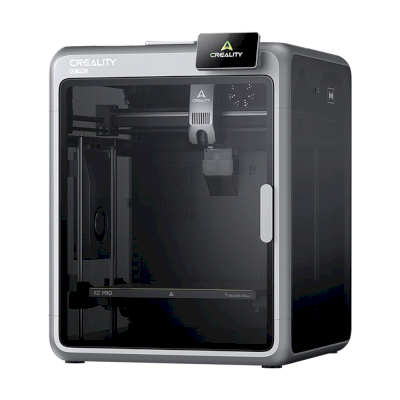
K2 Pro
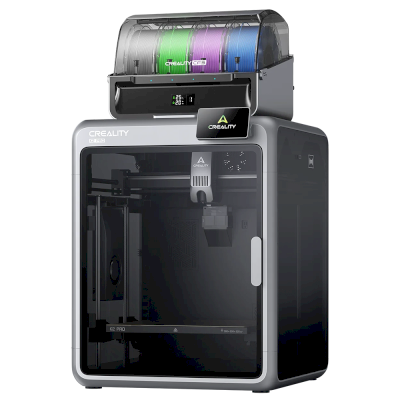
K2 Pro Combo
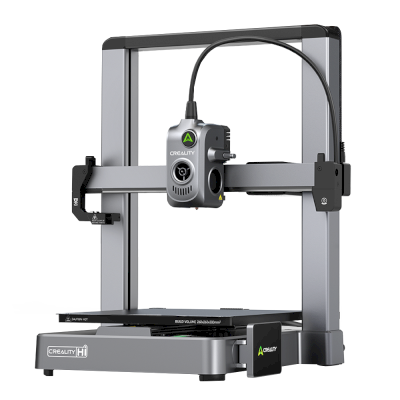
Hi
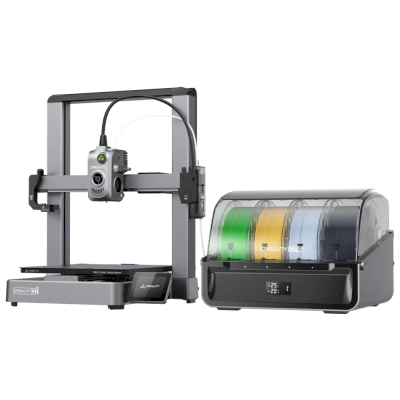
Hi Combo
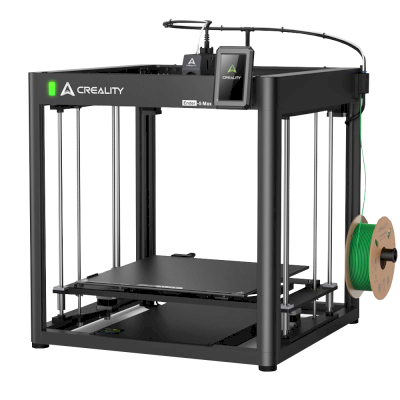
Ender 5 Max
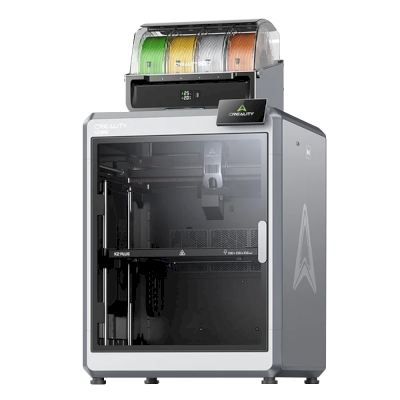
K2 Plus Combo
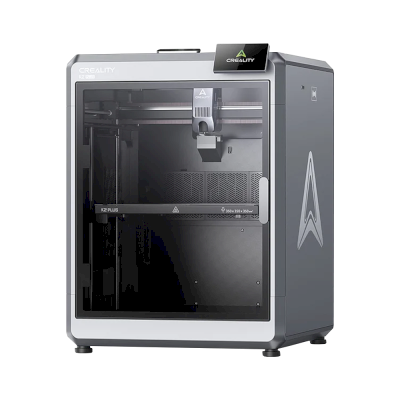
K2 Plus
Ender-3 V3 Plus
CR-M4
CR-10 Smart Pro

K1C
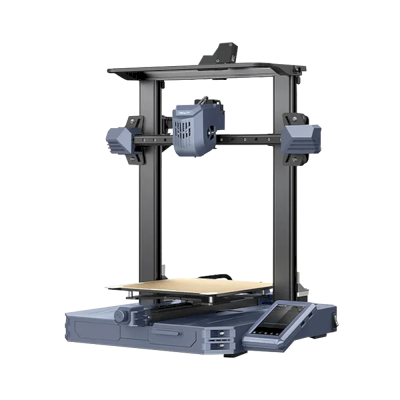
CR-10 SE
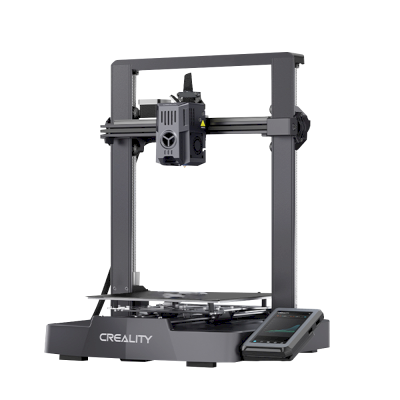
Ender-3 V3 KE
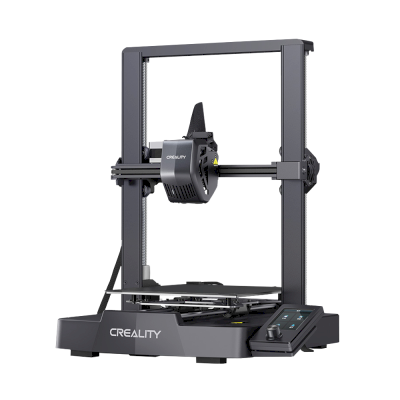
Ender-3 V3 SE

K1 Max
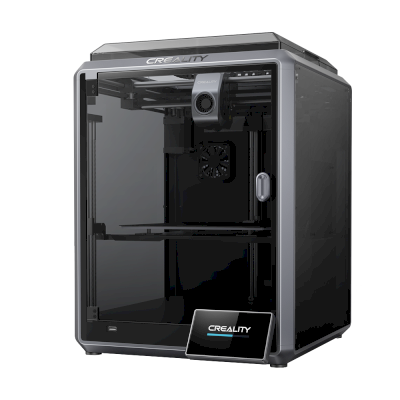
K1
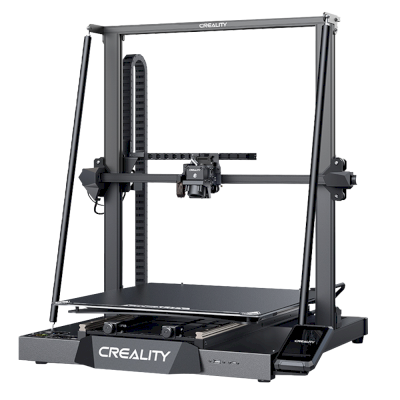
CR-M4
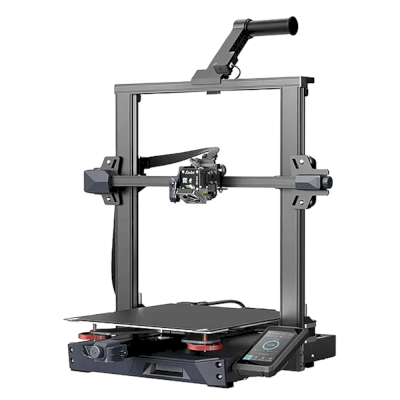
Ender-3 S1 Plus
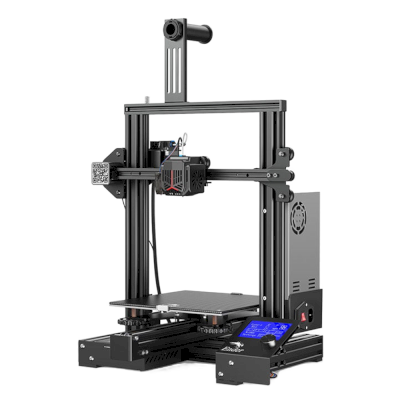
Ender-3 Neo
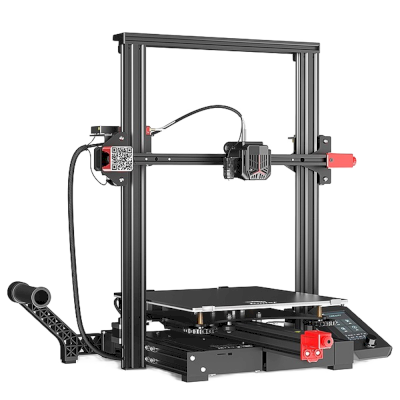
Ender-3 Max Neo
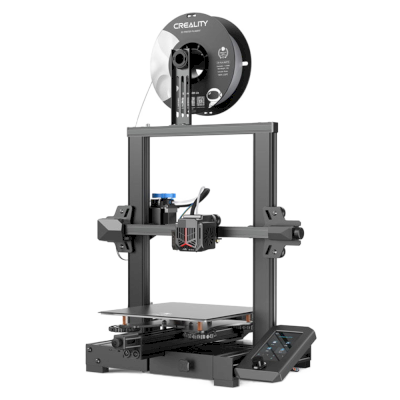
Ender-3 V2 Neo
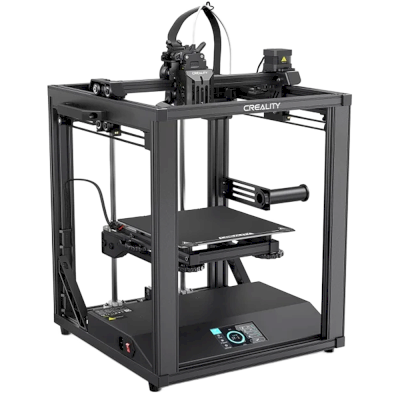
Ender-5 S1
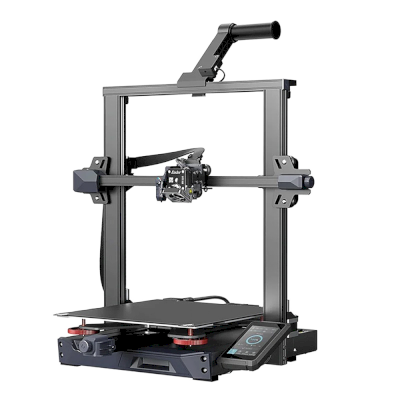
Ender-3 S1 Pro
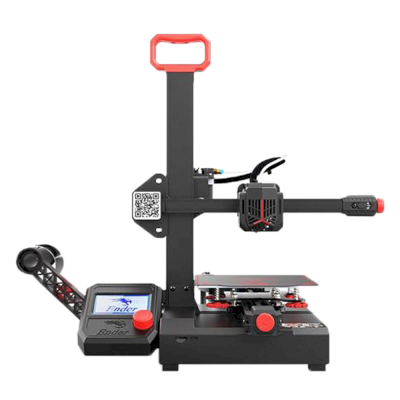
Ender-2 Pro
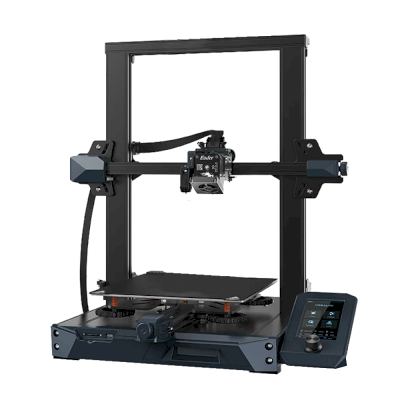
Ender 3 S1
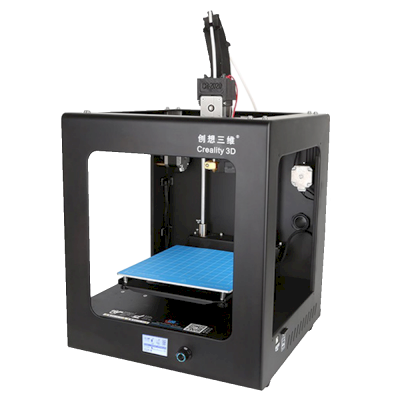
CR-2020
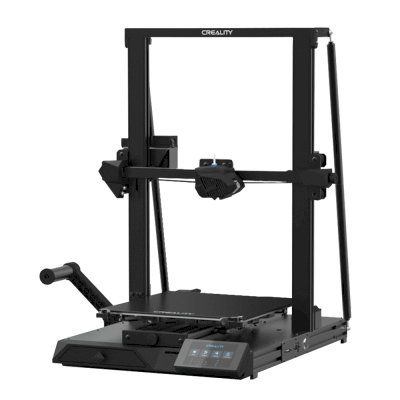
CR-10 Smart
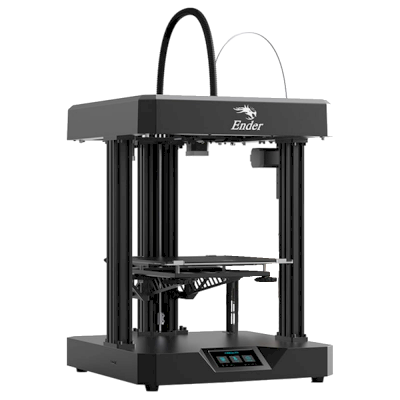
Ender 7
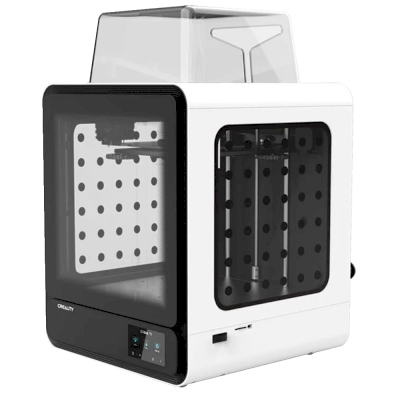
CR-200B
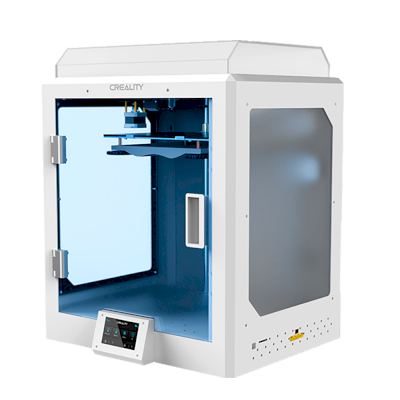
CR-5 Pro H
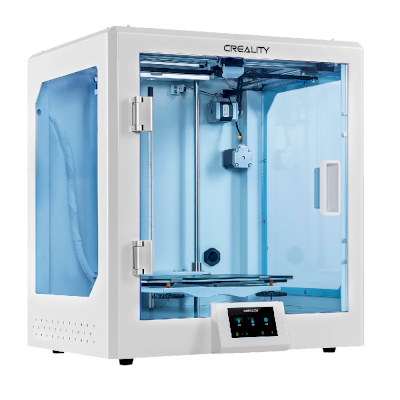
CR-5 Pro
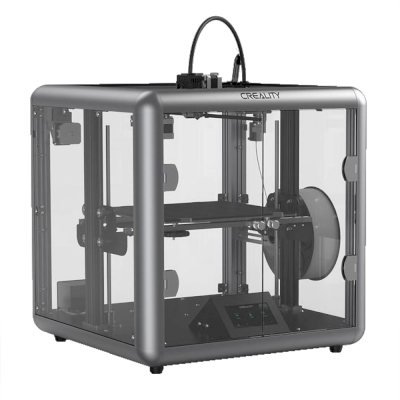
Sermoon D1
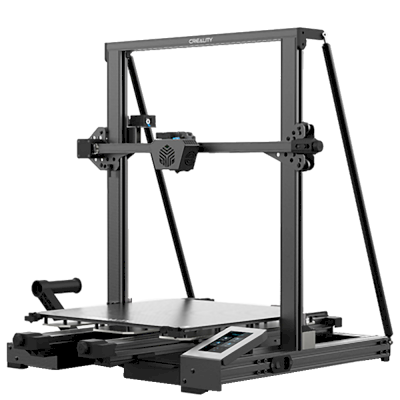
CR-6 Max
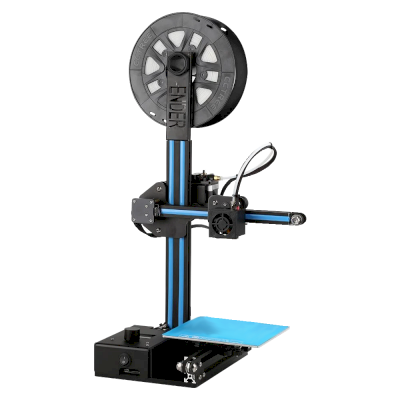
Ender-2
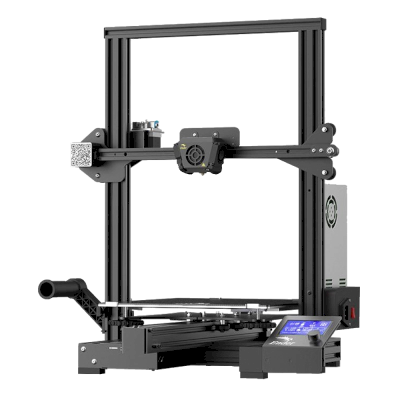
Ender-3 Max
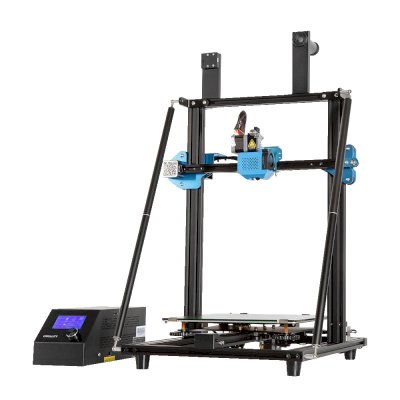
CR-10 V3
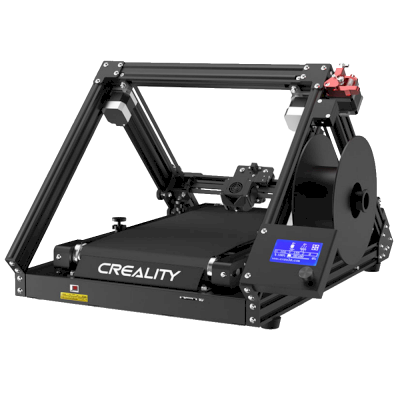
CR-30
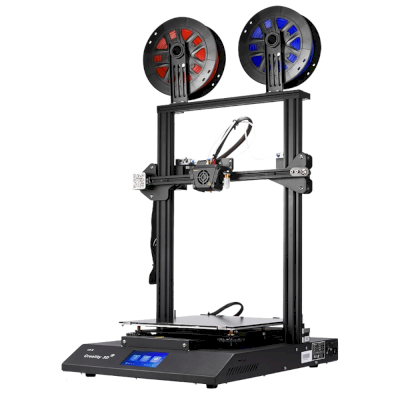
CR-X

Ender-6
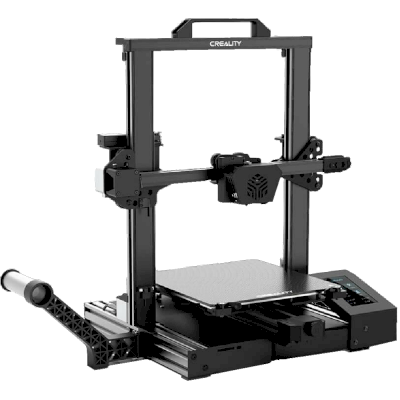
CR-6 SE

Ender-3 v2

Ender-5 Pro

CR-20 Pro
Learn more about multi-material printing and other systems
Creality CFS is one of several multi-material systems SimplyPrint supports. Explore the parent feature page for the full picture and the other sub-pages for Bambu Lab AMS, Anycubic ACE Pro, Prusa MMU, Mosaic Palette and more.
Multi-material printing
AMS, ACE, CFS, MMU, Palette and more - one unified workflow
View Multi-material printing overview