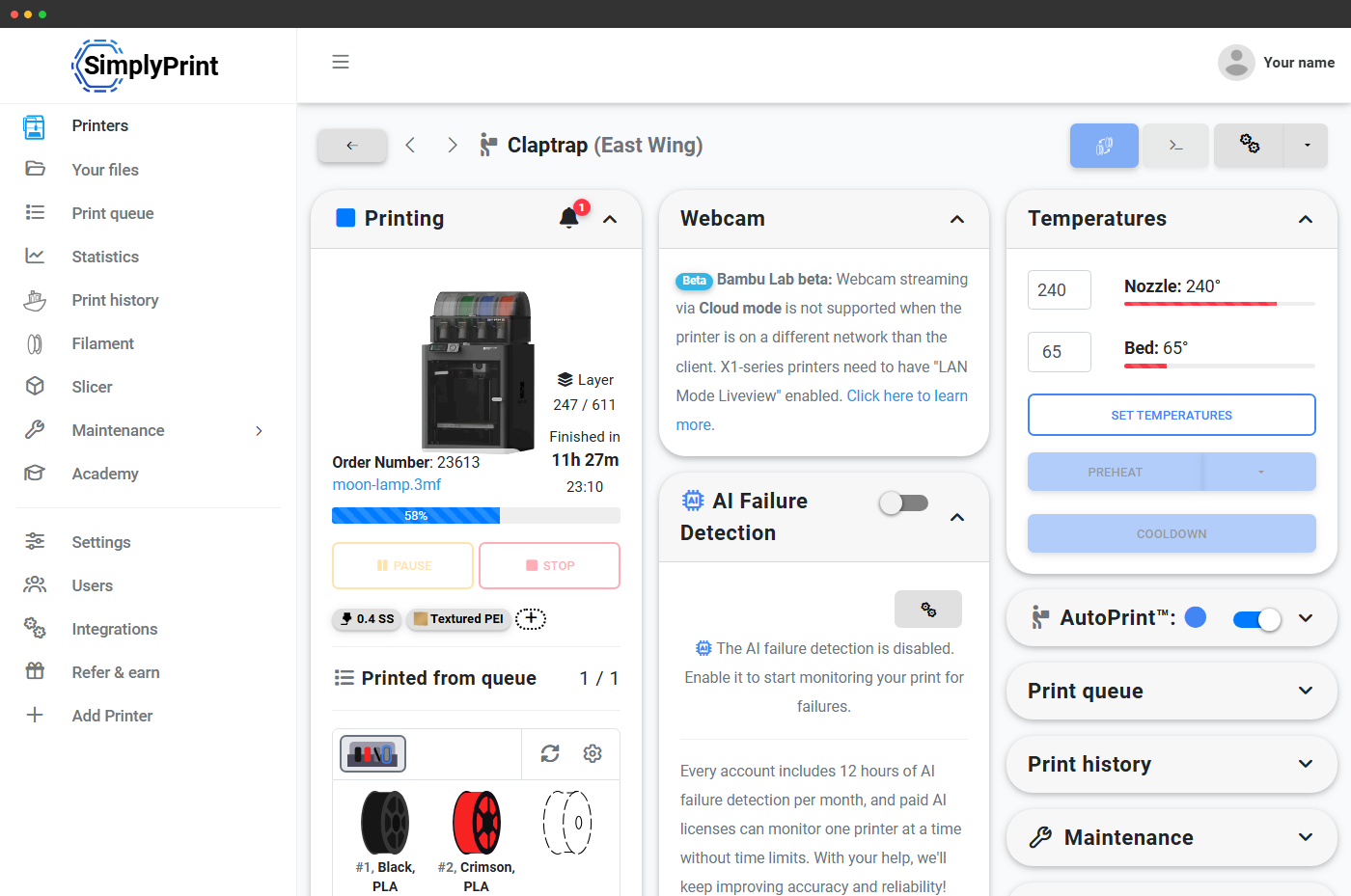
Reads spool state straight from the printer's hub
Filament Manager reads spool state straight from the printer's hub, so what you see in SimplyPrint matches what's actually loaded. Every spool you load is tracked. Every slot has a colour. Every multi-color print routes to the right machine automatically.
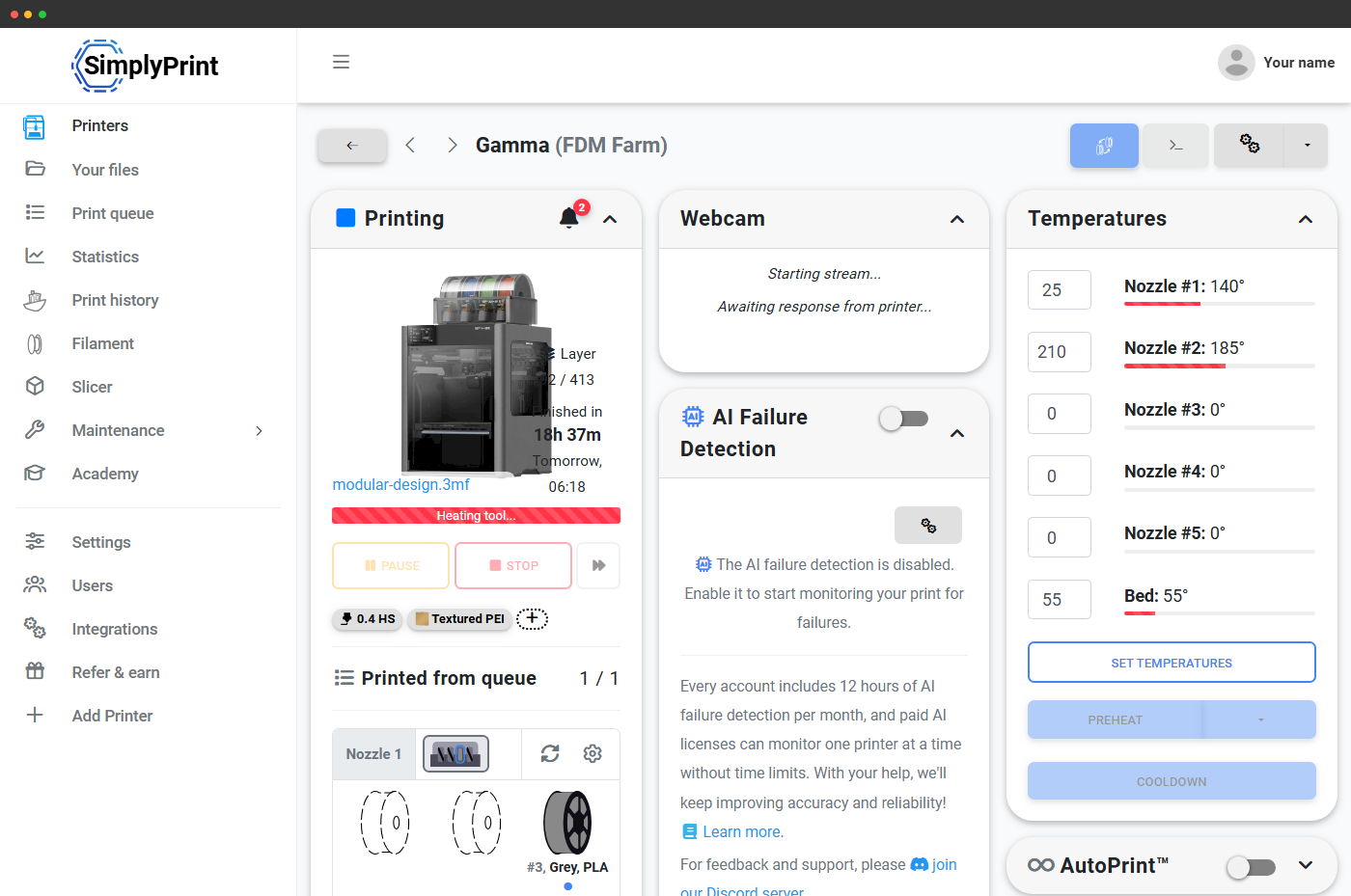
See every slot, on every printer, live
Each multi-material printer gets a live slot strip in its panel: one row per nozzle, one tile per slot, with the loaded spool's colour, brand, material type and slot number rendered right there. Empty slots are shown as dashed placeholders so you instantly know what's loaded and what's free. Chained units (AMS Hubs, ACE chains, CFS chains) all render as one continuous strip per nozzle.
Auto-map slicer extruders to physical slots
Sliced a multi-color file for extruders 1, 2, 3 and 4 but your printer has them loaded in slots 3, 1, 4 and 2? SimplyPrint maps for you. Our color matcher walks the spools currently loaded in each slot, compares them to the filaments your slicer expects, and produces a mapping so the right colour comes out of the right nozzle - without you re-slicing.
For systems that accept mapping G-code (Bambu Lab AMS, AMS 2 Pro, AMS HT, AMS Lite, BoxTurtle), the mapping is sent to the printer at print start. For systems that don't yet (Anycubic ACE Pro, Creality CFS), the map is calculated for tracking and Filament Manager deduction - you load the slots in whatever order, we still know which spool printed what.
2-way material sync between printer and SimplyPrint
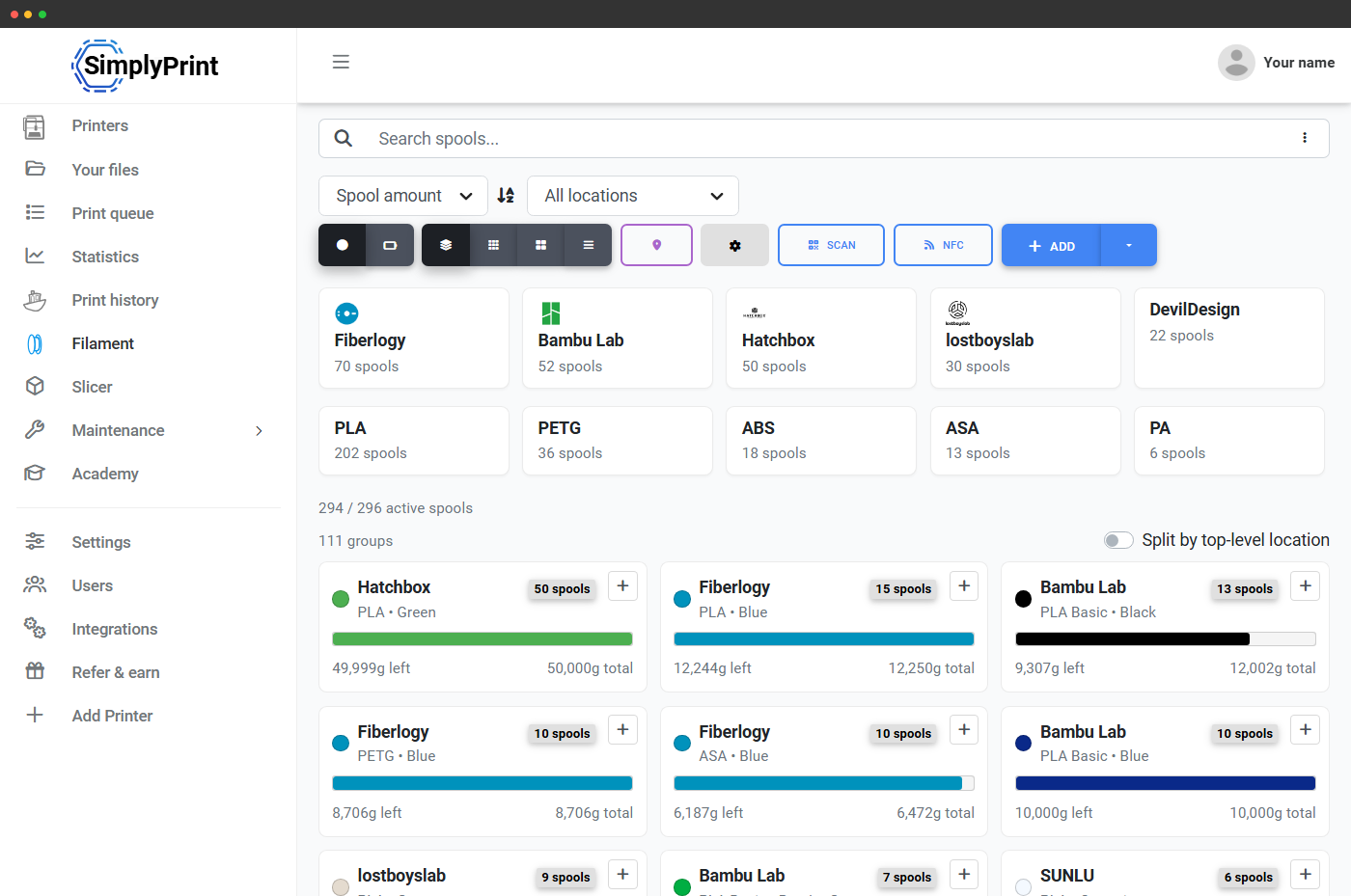
Swap a spool at the printer and SimplyPrint catches it. Change material data in SimplyPrint and the printer catches it. Each printer has a sync mode: printer to SimplyPrint, SimplyPrint to printer, 2-way (latest change wins), or off. Auto-create spools and auto-assign-to-slot are both optional toggles, so a new colour loaded in the AMS appears as a new spool in your Filament Manager - no manual data entry.
Supported on Bambu Lab printers via the SimplyPrint Bambu integration and on Prusa printers via the Direct Prusa Integration.
Every major multi-material system - supported
SimplyPrint has first-class support for every multi-material system worth printing on, plus a generic "Custom" mode for niche setups. Each system has different chaining limits, mapping G-code support, and material-sync behaviour - see the sub-pages for full per-system details. Each system has its own slot count, mapping behaviour, and quirks - we handle them so you don't have to.
AMS, AMS Lite, AMS 2 Pro and AMS HT, chained up to 16 colours.
4 slots per unit, chains up to 4 units with live tracking.
4 slots per unit, chains up to 4 units with live tracking.
5-slot multi-material for Prusa, with full slot tracking.
Palette 2 / 2S are single-extruder filament splicers, not slot hubs - SimplyPrint tracks the input spool that feeds the splicer.
Open-source AFC changer with full mapping G-code support.
Universal 4-filament changer for single-extruder printers.
For multi-material setups SimplyPrint doesn't have a native integration for, you can still track spools manually in Filament Manager and use slicer-side multi-material profiles - just without the live sync.
Multi-color slicing - online, in your browser
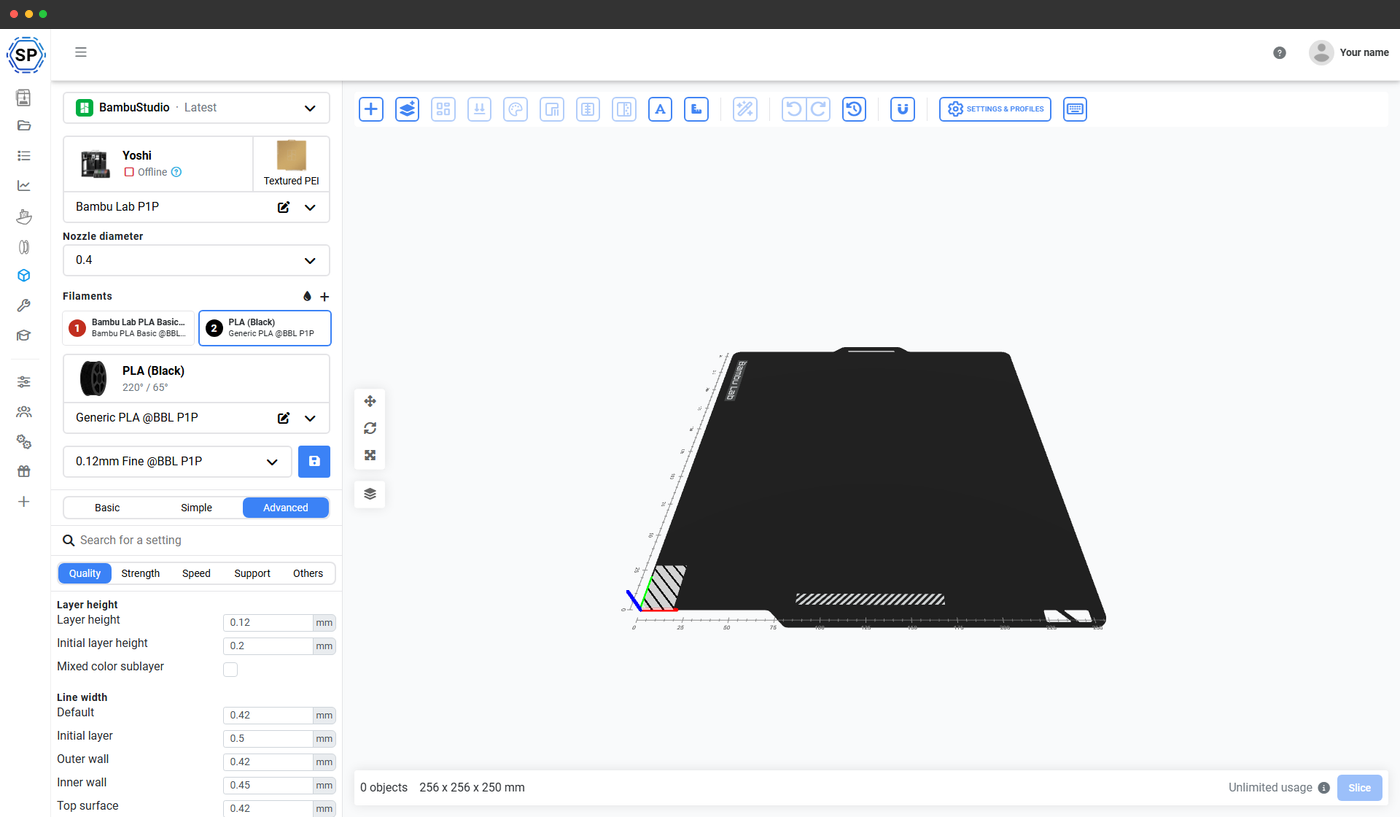
SimplyPrint's online slicer (PrusaSlicer, OrcaSlicer, BambuStudio, ElegooSlicer, CrealityPrint, Cura & Kiri:Moto engines) fully supports multi-material slicing. Add a filament, pick a colour, assign it to a model body or modifier, and slice - all from your browser, on any device. The sliced file carries its extruder assignments through to the print queue, and the mapping step at print start ties those virtual extruders to whichever physical slots happen to be loaded.
Learn more about the online slicerMulti-material systems in detail
Each major system gets its own page with the specifics: how many slots, chaining behaviour, supported materials, mapping support, and how it lights up inside SimplyPrint.
Bambu Lab AMS support
AMS, AMS Lite, AMS 2 Pro and AMS HT - mapped, tracked, synced
Anycubic ACE Pro support
4-slot Automated Color Engine, tracked and chained in SimplyPrint
Creality CFS support
4-slot Creality Filament System, tracked and chained in SimplyPrint
Per-print: use AMS, or skip it
Not every print needs the AMS. SimplyPrint's print-start dialog respects each printer model's own start options - including the Use AMS toggle on Bambu Lab printers - so you can mix single-spool and multi-colour prints on the same machine without re-configuring anything. Defaults are remembered per printer model.
The queue knows what's loaded - and routes accordingly
Drop a multi-color file into the print queue and SimplyPrint matches it to a printer whose loaded slots can satisfy the colour list. A 4-colour print won't get sent to a printer with only black PLA loaded - it'll wait for, or route to, a machine with the right combination of materials in its slots. That makes multi-material printing actually usable on a print farm, not just on a single hobby printer.
Learn more about smart routing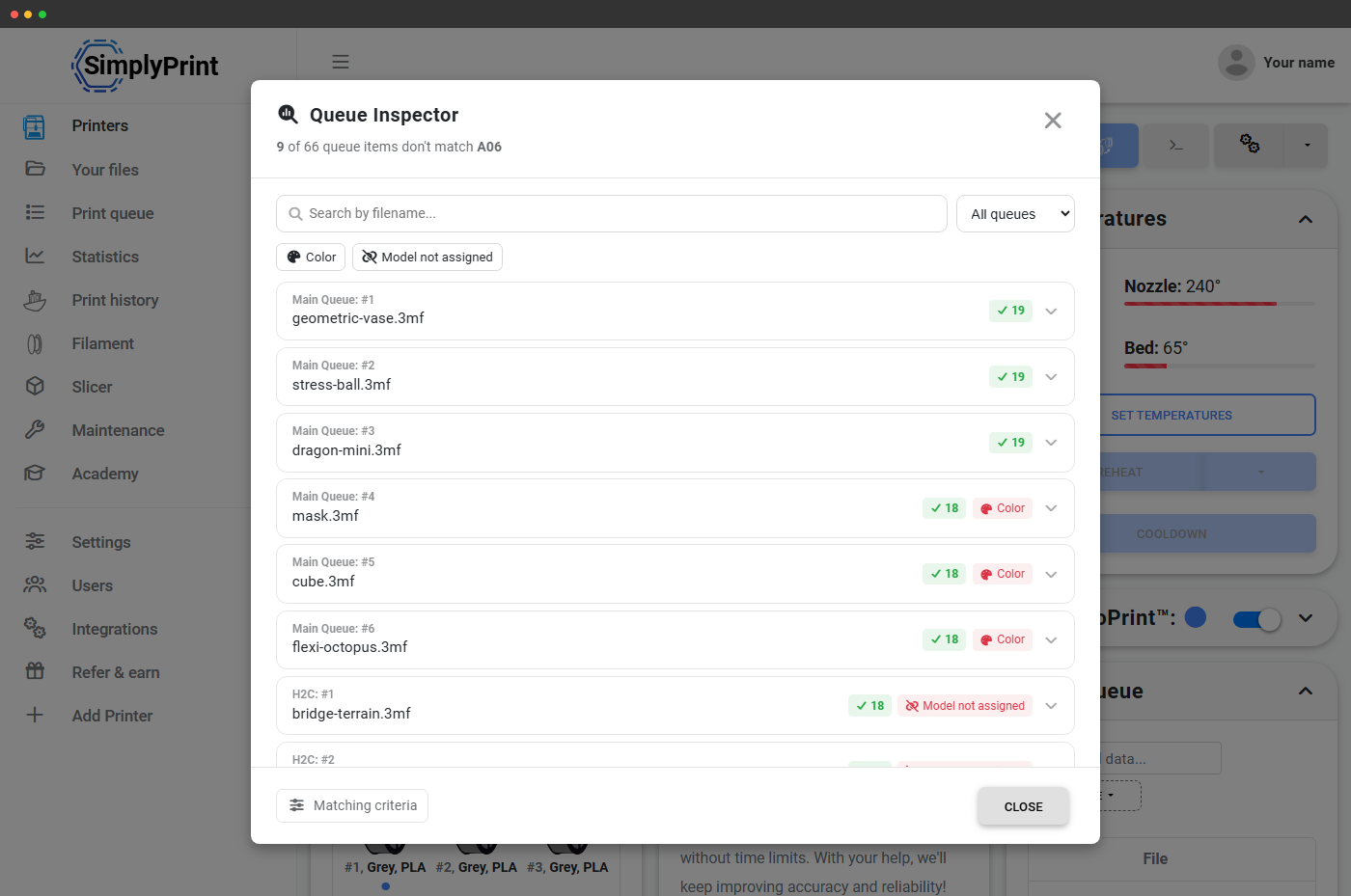
Plan access: what's required to use multi-material printing?
Multi-material printing itself - the slot strip, the live spool view, the auto-mapping, slicing multi-color files - is included on every plan, including Free. The advanced filament management features (auto-deduction, NFC / RFID, custom fields) follow the Filament Manager plan tiers.
| Feature / Limit | Free | Basic | Pro | Print Farm | Enterprise | School | Cloud Slicer | Filament Manager |
|---|---|---|---|---|---|---|---|---|
|
Filament Manager
Spool inventory, slot tracking, colour swatches and usage deduction. Available on every plan, including Free.
|
||||||||
|
Change filament
Per-slot eject and load, with an extruder selector for multi-material printers. Available on every plan, including Free.
|
||||||||
|
Auto eject and auto load
Material-aware temperatures, custom lengths and fine-tune buttons during slot swaps. Included on Basic, Pro, Print Farm, Enterprise and School.
|
||||||||
|
Online slicer (multi-color)
Slice multi-color files online via the PrusaSlicer, OrcaSlicer, BambuStudio, ElegooSlicer, CrealityPrint, Cura & Kiri:Moto engines. Quota'd on Free and Filament Manager plans; unlimited from Basic upwards.
|
15 | 15 | ||||||
|
Print queue with auto-routing
Multi-color jobs auto-matched to printers with the right colours loaded. Included from Pro upwards.
|
Want to learn more about our plans?
View full pricing & feature comparison