 China
YXPOLYER PPS at a glance
YXPOLYER PPS is PPS filament by YXPOLYER, a brand from China. Print it with the nozzle at 320 °C. It comes in 1 colour, on 1 kg spools.
- Material
- PPS
- Nozzle
- 320 °C
- Diameter
- 1.75 mm
- Spool sizes
- 1 kg
- Colours
- 1
YXPOLYER PPS colours
-
- Black
Where to buy YXPOLYER PPS
We don't know a shop that sells it yet. Amazon may have it.
Search Amazon for the YXPOLYER PPS. The link opens your own country's Amazon where there is one.
Affiliate disclosure: Some links on this page are affiliate links. We may earn a commission if you make a purchase, at no extra cost to you. As an Amazon Associate, we earn from qualifying purchases.
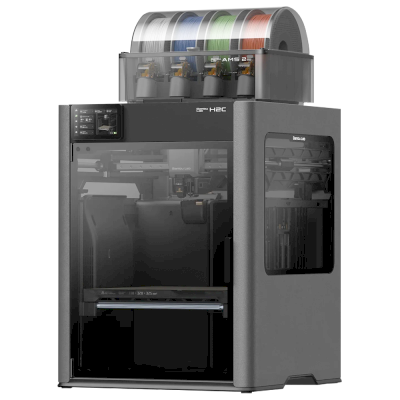
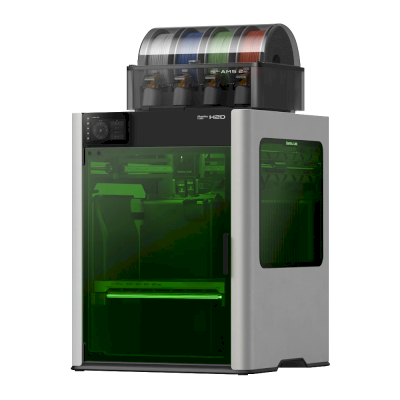
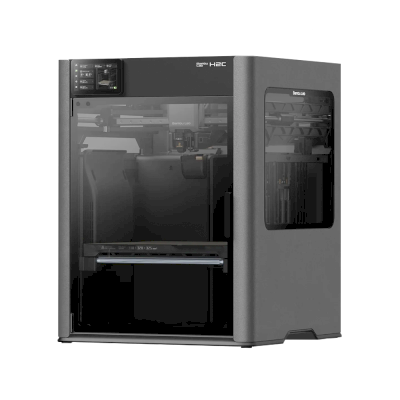
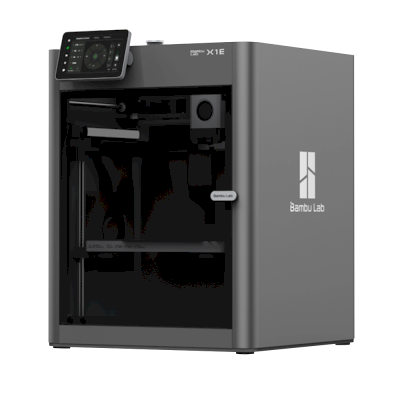
Printers that print YXPOLYER PPS well
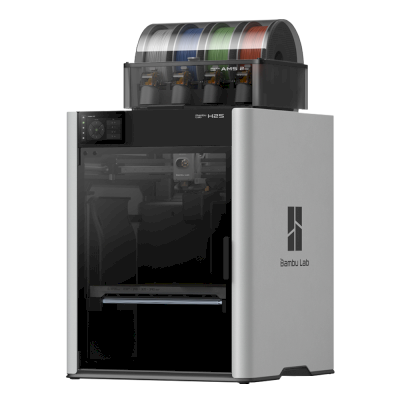
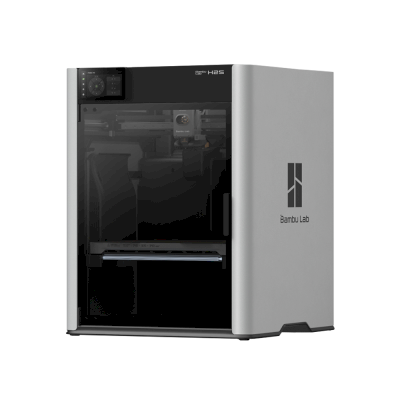
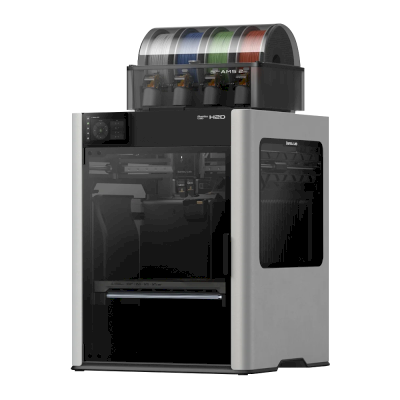
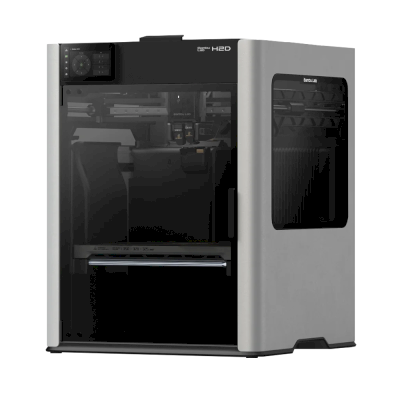
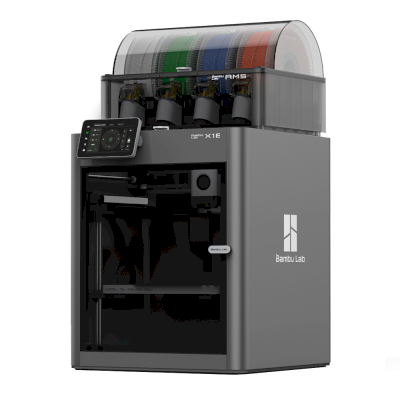
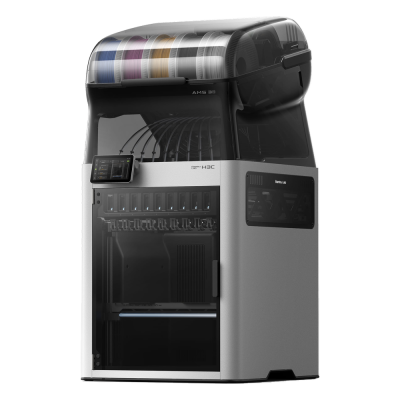
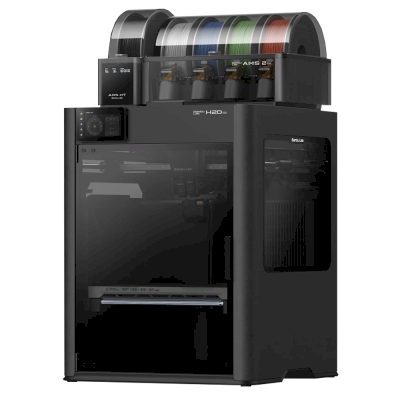
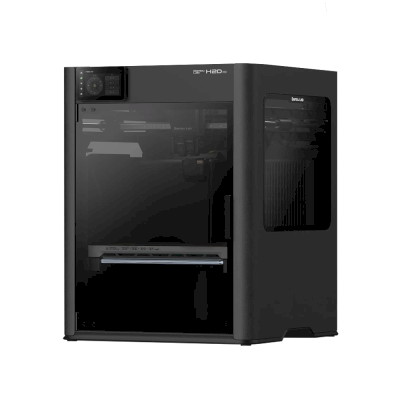
28 printers in our catalog print High-temperature (PEI, PEEK, PEKK) well, judged from their temperatures, enclosure and extruder. The ones most used with SimplyPrint first.
YXPOLYER PPS in an AMS, CFS or ACE Pro, and its NFC tag
In a multi-material unit
The Open Filament Database doesn't record the spool's size or whether it is cardboard yet: check that it fits your unit.
NFC and RFID tags
YXPOLYER puts no tag on its spools that we know of. SimplyPrint writes one for the system you use, so the spool works like the system maker's own:
OpenPrintTag: SimplyPrint writes a tag for this spool, so Prusa printers read it like their own.
QidiTech: SimplyPrint writes a tag for this spool, so QIDI printers read it like their own.
OpenSpool: SimplyPrint writes an open OpenSpool tag, which any OpenSpool reader can read.
OpenTag: SimplyPrint writes an open OpenTag tag, which any OpenTag reader can read.
Creality CFS: SimplyPrint writes a tag for this spool, so Creality printers read it like their own.
Anycubic ACE: SimplyPrint writes a tag for this spool, so Anycubic printers read it like their own.
ELEGOO Canvas: SimplyPrint writes a tag for this spool, so ELEGOO printers read it like their own.
TigerTag: SimplyPrint writes an open TigerTag tag, which any TigerTag reader can read.
Bambu Lab and Snapmaker U1 tags are signed by the printer maker, so we can't write them, but we can write the others. On those printers, SimplyPrint keeps track of the spool instead.
YXPOLYER PPS slicer profiles
No slicer has a profile of its own for it that we know of. Start from your slicer's generic PPS profile and set the temperatures above.
YXPOLYER PPS specifications
Temperatures, material and spools, as YXPOLYER gives them in the Open Filament Database.
Printing
| Nozzle temperature | 320 °C |
|---|---|
| Bed temperature | Unknown |
| Hardened nozzle | Unknown |
Material
| Material | PPS |
|---|---|
| Properties | Unknown |
| Density | 1.38 g/cm³ |
| Brand from | China |
Spools
| Diameter | 1.75 mm |
|---|---|
| Spool sizes | 1 kg |
| Colours | 1 |
| Refills without a spool | Unknown |
Is this data wrong? Edit it in the Open Filament Database: the fix reaches this page with the next import. The filament's file on GitHub
Compare YXPOLYER PPS with similar filaments
The same kind of filament from other brands, with a similar finish and temperatures, that you can buy.
Frequently asked questions
What temperature do I print YXPOLYER PPS at?
YXPOLYER gives a nozzle temperature of 320 °C. Start in the middle of the range and adjust for your printer.
Which 3D printers can print YXPOLYER PPS?
28 printers in our catalog print it well, judged from their temperatures, enclosure and extruder, for example the Bambu Lab H2S Combo, Bambu Lab H2S and Bambu Lab H2D Combo.
Does YXPOLYER PPS have an NFC or RFID tag?
Not from YXPOLYER, as far as we know. SimplyPrint can write a tag for it for the OpenPrintTag, QidiTech, OpenSpool, OpenTag, Creality CFS, Anycubic ACE, ELEGOO Canvas and TigerTag, so the spool works like the system maker's own.
Is there a slicer profile for YXPOLYER PPS?
Not one of its own that we know of. Use your slicer's generic PPS profile with the temperatures above.
Filament data: the Open Filament Database, an open, community-kept catalog that SimplyPrint helps run. Usage figures, printer ratings and NFC support are SimplyPrint's own.