Built for the ELEGOO Canvas RFID standard
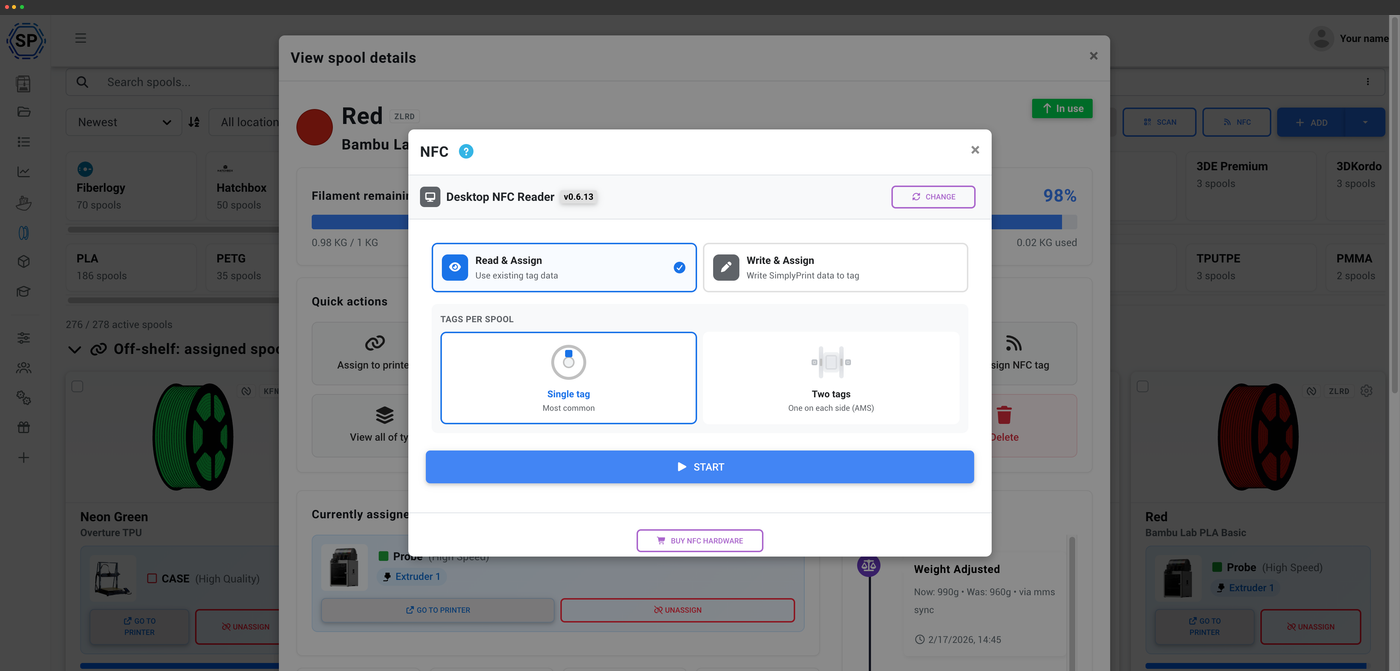
ELEGOO spools ship with an NTAG213 tag that the ELEGOO Canvas - ELEGOO's four-spool module for the Centauri Carbon - reads to identify the filament. SimplyPrint reads those tags and can write them for any spool you own.
Auto-detect any ELEGOO spool
ELEGOO filament spools carry an NTAG213 RFID tag, read by the ELEGOO Canvas - ELEGOO's four-spool multi-material module for the Centauri Carbon. Scan one into SimplyPrint and it auto-detects the spool instantly - it reads the brand, material, color, diameter and weight and matches it to the ELEGOO entry in the filament database. No typing, no guesswork.
Write an ELEGOO tag for any spool
Have filament that did not come with a tag - even third-party brands? Write an ELEGOO-format tag so your ELEGOO printer recognizes it. Here is how it works.
What gets stored on the tag
Each tag carries the brand key, the material type and variant, the full RGB color, the diameter, the original weight and the recommended nozzle temps. ELEGOO tags are not encrypted and not password-protected - they are standard NTAG213, so reading and writing is simple and reliable.
Two things to know before you write
First, an ELEGOO printer always displays the brand as "ELEGOO" because the brand is a fixed key in the firmware, not free text - the real brand and spool stay correct everywhere in SimplyPrint, this only affects the printer's own on-screen label. Second, the material has to be one ELEGOO recognizes (PLA, PLA-CF, PLA Matte, PETG, PETG-CF, ABS, ASA, TPU, PA, PC, PVA, BVOH, HIPS, PP, PPA, PPS and similar variants). SimplyPrint maps to the closest match automatically, and an unrecognized material falls back to the closest base type so the tag is still accepted.
Usage tracks itself, tag or no tag
Whether or not a spool carries a tag, SimplyPrint tracks filament usage automatically from the G-code and deducts it from the spool. Tags make identifying a spool effortless, but they are not required for accurate usage tracking.
How automatic tracking worksPlan access: what's included?
Reading and tracking is on every plan. Writing tags uses your monthly NFC tag write allowance.
| Feature / Limit | Free | Basic | Pro | Print Farm | Enterprise | School | Cloud Slicer | Filament Manager |
|---|---|---|---|---|---|---|---|---|
|
Filament manager
Spool records and automatic usage deduction, on every plan including Free.
|
||||||||
|
NFC tag writes per month
How many NFC tags you can write to spools each month.
|
10 | 30 | 100 | 10 |
Want to learn more about our plans?
View full pricing & feature comparison