Filament management

Run any filament in your QIDI Box

The QIDI Box reads NFC tags to identify your spools. SimplyPrint can write QIDI Box compatible tags for any filament you own, and read QIDI-tagged spools by scanning - so every brand is recognised, not just the ones that came pre-tagged.

View NFC filament tags overview Get started for free More info & how-to
Feature image

Any brand, recognised by your QIDI Box

Tag any spool with a QIDI Box compatible NFC tag, or read the tags QIDI already wrote - all from one filament manager.

Write and read QIDI Box tags

The QIDI Box identifies spools from NFC tags. SimplyPrint writes QIDI Box compatible tags for whatever filament you have on hand, and reads back QIDI-tagged spools when you scan them - so the box sees the right material and colour every time, regardless of brand.

Three steps to a tagged spool

From an untagged roll to a spool your QIDI Box recognises.

Pick the spool

Choose any spool in your filament manager. SimplyPrint maps it to the closest QIDI material and colour automatically.

Write the tag

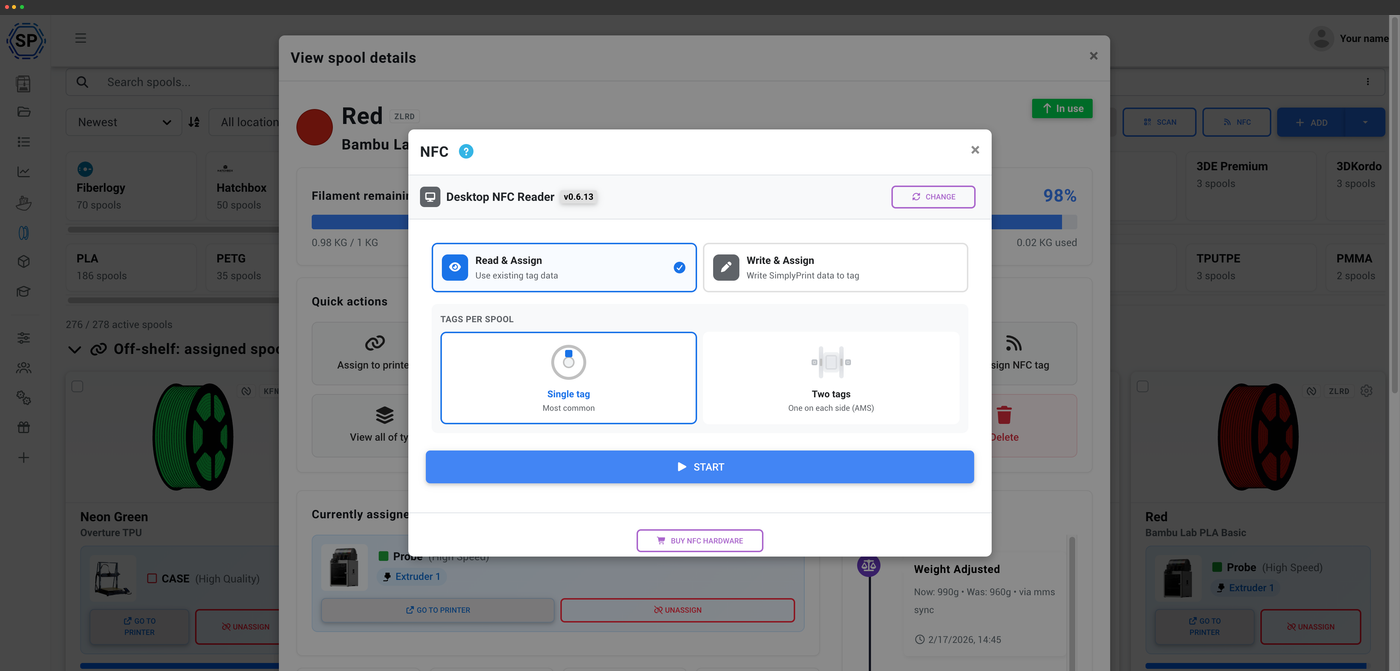
Hold a blank tag to a USB reader and write it with the desktop NFC Agent. QIDI uses MIFARE Classic 1K, which iPhones cannot read or write, so writing QIDI tags is desktop only.

Load and print

Pop the tagged spool into your QIDI Box. It reads the tag and knows exactly what is loaded - scan it in SimplyPrint any time to identify it.

Closest QIDI material and colour, picked for you

QIDI uses a fixed set of materials and a fixed 24-colour indexed palette, not free RGB. SimplyPrint maps each spool to the closest QIDI material and colour automatically, and shows a clear note if a material has no QIDI equivalent - so you always know what the box will read.

Usage tracks itself, tag or no tag

Whether or not a spool carries a QIDI tag, SimplyPrint deducts filament usage automatically from the G-code. There is no automatic sync from the QIDI Box itself today - assign the spool in SimplyPrint after loading and tracking takes over from there.

How automatic tracking works

Plan access: what's included?

Filament management is on every plan. Writing NFC tags uses a monthly tag-write allowance.

Feature / Limit Free Basic Pro Print Farm Enterprise School Cloud Slicer Filament Manager
Filament manager
Spool records and automatic usage deduction, on every plan including Free.
NFC tag writes per month
How many NFC tags you can write to spools each month.
10 30 100 10

Want to learn more about our plans?

View full pricing & feature comparison

Frequently asked questions

Yes. SimplyPrint writes a QIDI Box compatible tag for whatever spool you have, so the box recognises any brand - not only filament that shipped pre-tagged.
QIDI tags use MIFARE Classic 1K (QIDI Box / FM11RF08S compatible). iPhones cannot read or write MIFARE Classic - that is an Apple hardware limitation. Write QIDI tags with the desktop NFC Agent and a USB reader instead.
MIFARE Classic 1K (QIDI Box / FM11RF08S compatible) only. SimplyPrint writes exactly this tag type so the box can read it.
QIDI uses a fixed set of materials and a fixed 24-colour indexed palette. SimplyPrint maps your spool to the closest QIDI material and colour automatically, and shows a clear note if a material has no QIDI equivalent.
Not today. SimplyPrint supports the QIDI Box as an RFID tag format - scan to identify a spool and write tags for any brand - but a multi-material integration that reads the QIDI Box's loaded slots into SimplyPrint isn't available yet. Assign the spool after loading it; usage tracks automatically from there.
Yes. SimplyPrint deducts filament usage automatically from the G-code whether or not a spool carries a tag.

Table of Contents