 USA
USA
3DXTech PES at a glance
3DXTech PES is PES filament by 3DXTech, a brand from USA. Print it with the nozzle at 340-390 °C and the bed at 140-160 °C. It comes in 1 colour, on 1 kg spools.
- Material
- PES
- Nozzle
- 340-390 °C
- Bed
- 140-160 °C
- Diameter
- 1.75 mm
- Spool sizes
- 1 kg
- Colours
- 1
3DXTech PES colours
-
- ThermaX Natural
Where to buy 3DXTech PES
We don't know a shop that sells it yet. Amazon may have it.
Search Amazon for the 3DXTech PES. The link opens your own country's Amazon where there is one.
Affiliate disclosure: Some links on this page are affiliate links. We may earn a commission if you make a purchase, at no extra cost to you. As an Amazon Associate, we earn from qualifying purchases.
Printers that print 3DXTech PES well
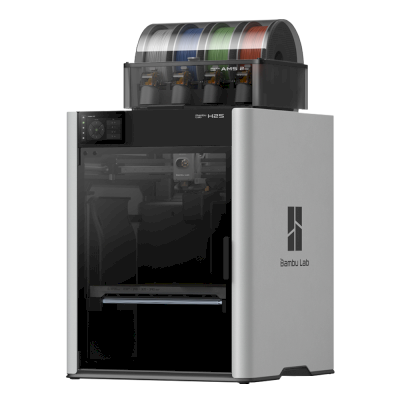
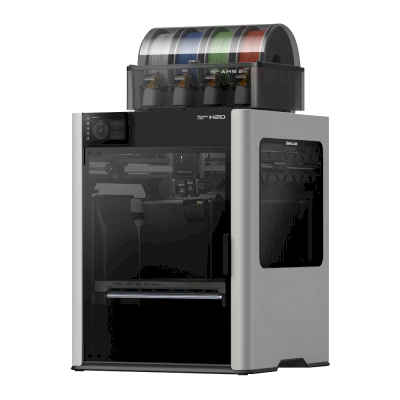
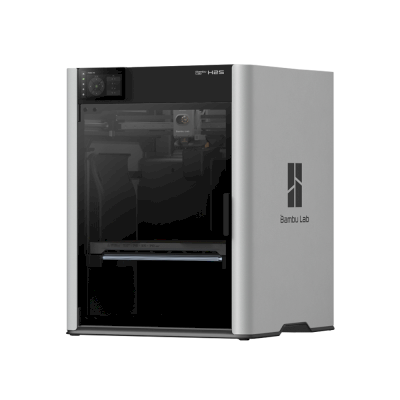
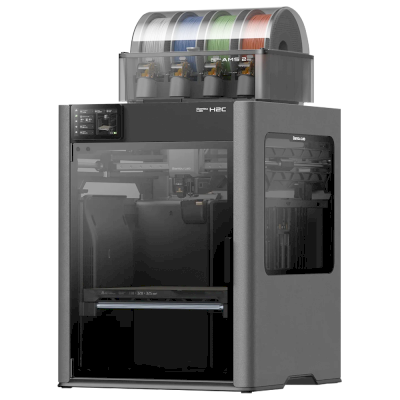
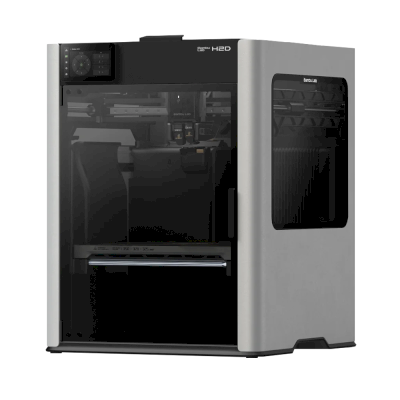
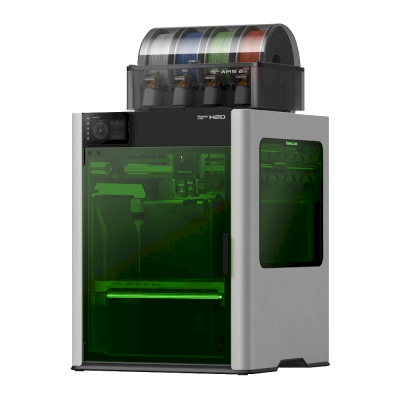
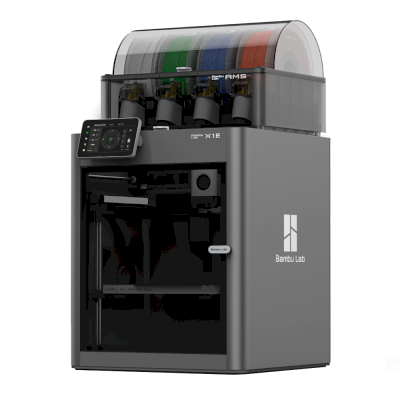
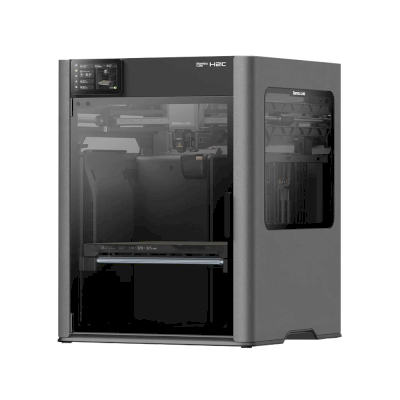
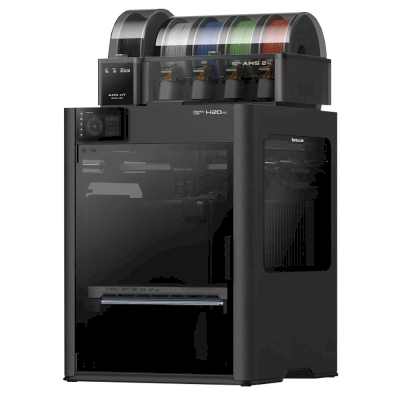
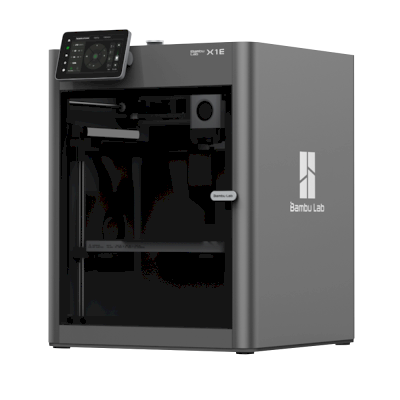
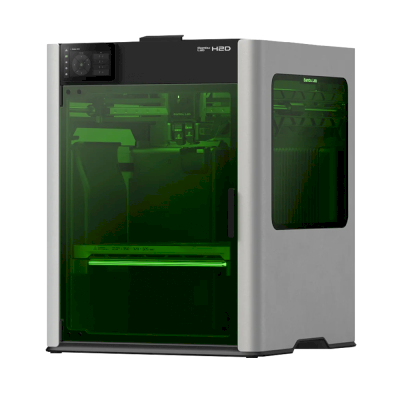
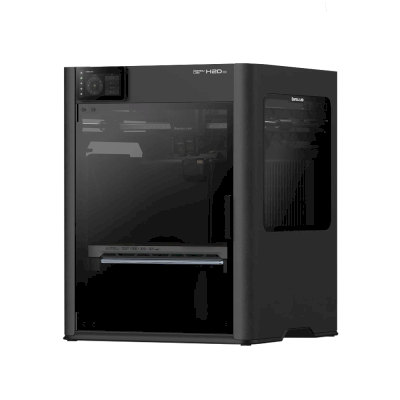
21 printers in our catalog print High-temperature (PEI, PEEK, PEKK) well, judged from their temperatures, enclosure and extruder. The ones most used with SimplyPrint first.
3DXTech PES in an AMS, CFS or ACE Pro, and its NFC tag
In a multi-material unit
The Open Filament Database doesn't record the spool's size or whether it is cardboard yet: check that it fits your unit.
NFC and RFID tags
3DXTech puts no tag on its spools that we know of. SimplyPrint writes one for the system you use, so the spool works like the system maker's own:
Creality CFS: SimplyPrint writes a tag for this spool, so Creality printers read it like their own.
Anycubic ACE: SimplyPrint writes a tag for this spool, so Anycubic printers read it like their own.
OpenPrintTag: SimplyPrint writes a tag for this spool, so Prusa printers read it like their own.
ELEGOO Canvas: SimplyPrint writes a tag for this spool, so ELEGOO printers read it like their own.
OpenSpool: SimplyPrint writes an open OpenSpool tag, which any OpenSpool reader can read.
QidiTech: SimplyPrint writes a tag for this spool, so QIDI printers read it like their own.
OpenTag: SimplyPrint writes an open OpenTag tag, which any OpenTag reader can read.
TigerTag: SimplyPrint writes an open TigerTag tag, which any TigerTag reader can read.
Bambu Lab and Snapmaker U1 tags are signed by the printer maker, so we can't write them, but we can write the others. On those printers, SimplyPrint keeps track of the spool instead.
3DXTech PES slicer profiles
No slicer has a profile of its own for it that we know of. Start from your slicer's generic PES profile and set the temperatures above.
3DXTech PES specifications
Temperatures, material and spools, as 3DXTech gives them in the Open Filament Database.
Printing
| Nozzle temperature | 340-390 °C |
|---|---|
| Bed temperature | 140-160 °C |
| Hardened nozzle | Unknown |
Material
| Material | PES |
|---|---|
| Properties | Unknown |
| Density | 1.37 g/cm³ |
| Brand from | USA |
Spools
| Diameter | 1.75 mm |
|---|---|
| Spool sizes | 1 kg |
| Colours | 1 |
| Refills without a spool | Unknown |
Documents
| Technical data sheet | Download from 3DXTech |
|---|
Is this data wrong? Edit it in the Open Filament Database: the fix reaches this page with the next import. The filament's file on GitHub
Compare 3DXTech PES with similar filaments
The same kind of filament from other brands, with a similar finish and temperatures, that you can buy.
Frequently asked questions
What temperature do I print 3DXTech PES at?
3DXTech gives a nozzle temperature of 340-390 °C and a bed temperature of 140-160 °C. Start in the middle of the range and adjust for your printer.
Which 3D printers can print 3DXTech PES?
21 printers in our catalog print it well, judged from their temperatures, enclosure and extruder, for example the Bambu Lab H2S Combo, Bambu Lab H2D Combo and Bambu Lab H2S.
Does 3DXTech PES have an NFC or RFID tag?
Not from 3DXTech, as far as we know. SimplyPrint can write a tag for it for the Creality CFS, Anycubic ACE, OpenPrintTag, ELEGOO Canvas, OpenSpool, QidiTech, OpenTag and TigerTag, so the spool works like the system maker's own.
Is there a slicer profile for 3DXTech PES?
Not one of its own that we know of. Use your slicer's generic PES profile with the temperatures above.
Filament data: the Open Filament Database, an open, community-kept catalog that SimplyPrint helps run. Usage figures, printer ratings and NFC support are SimplyPrint's own.