Pick the guide for your audience
Classroom management and fleet management are fundamentally different problems. A school needs queue approval and per-student quotas; a print farm needs balance in usage-tracking mode and an API. The hub below gives you the universal pieces - invites, user groups, the kiosk Hub. The two audience guides cover the rest.
Schools and education
Classroom dashboards, per-student quotas, queue approval, Google / Microsoft / Auth0 / Clever-compatible SAML SSO, GDPR and SDPC compliance for K-12 districts. The schools guide goes deep on the bits the School plan was built for.
Open the schools guidePrint farms and enterprise
Bulk operator provisioning, rank-policy permissions across 168 controls, usage-tracking balance for departmental chargeback, API and MCP access, audit logs and (on Enterprise) SAML SSO and a signed SLA. The farms / enterprise guide goes deep on the bits commercial operations and IT-led buyers actually care about.
Open the farms / enterprise guide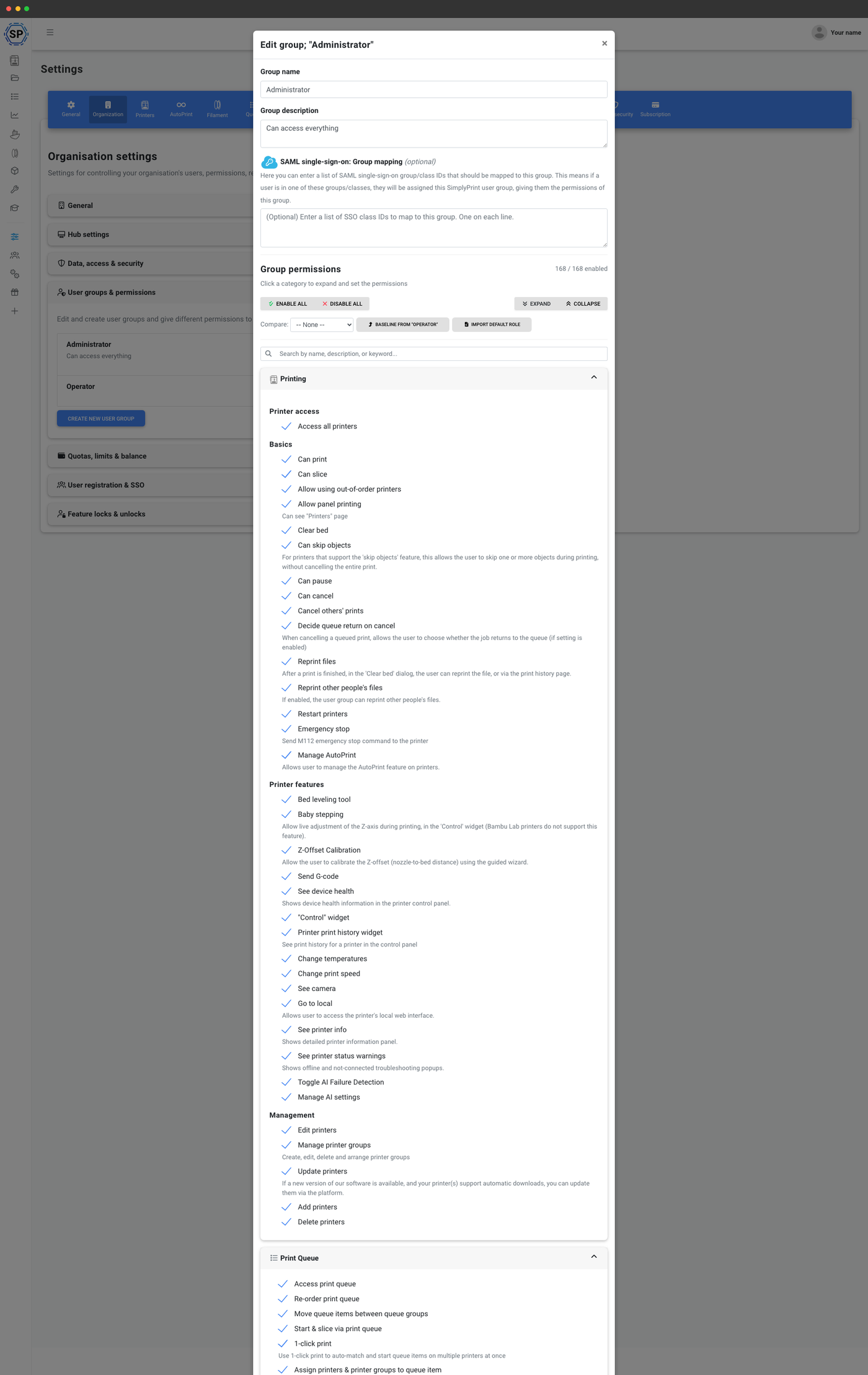
General team page
Smaller teams sharing a Pro or Print Farm account, without the deep classroom or fleet machinery: the universal multiple-users feature page covers invites, permissions and the audit basics.
Open the multiple-users pageSix sections, one settings tab, your whole shared operation
The Organisation tab in your account settings is the single command centre for everything multi-user. Each section below maps to a real area of the panel, and the audience guides above go deeper into the bits each audience actually cares about.
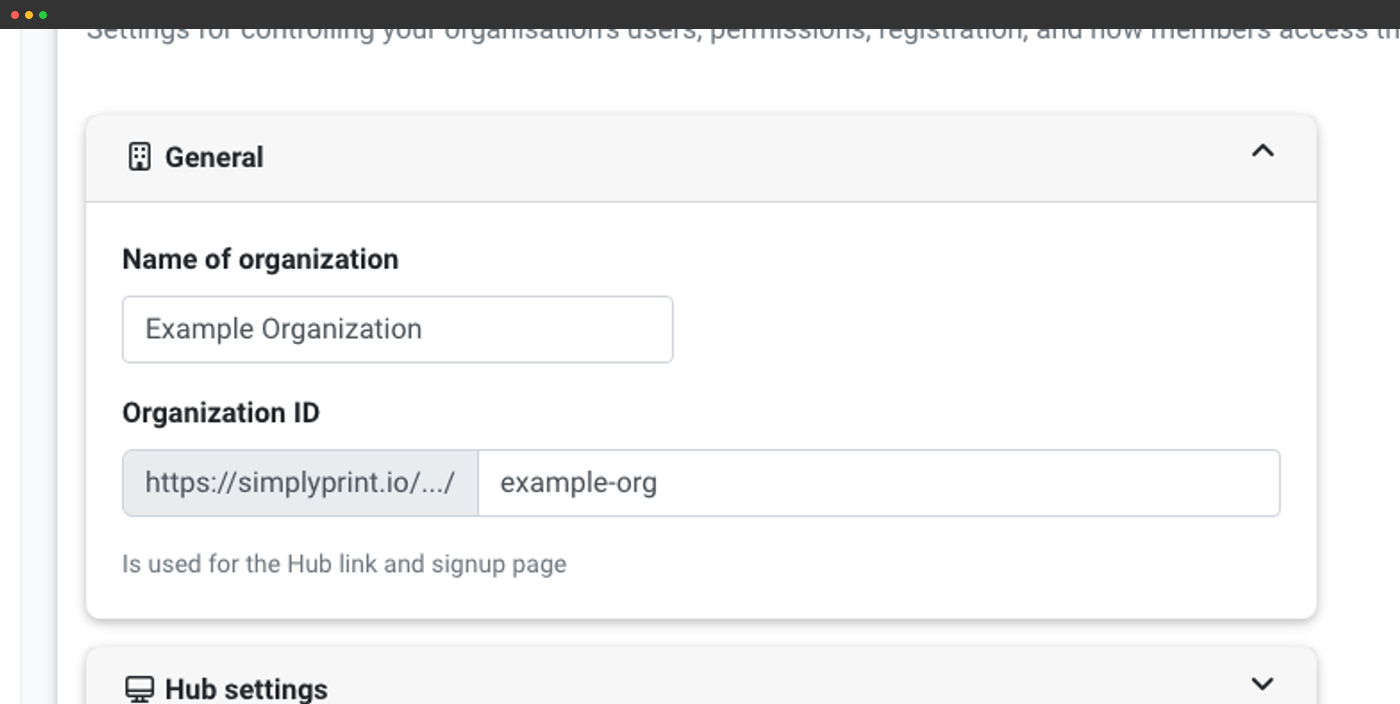
Name, ID, tax / CVR and the URL slug for Hub and signups.
Unlimited groups with permissions across 8 categories.
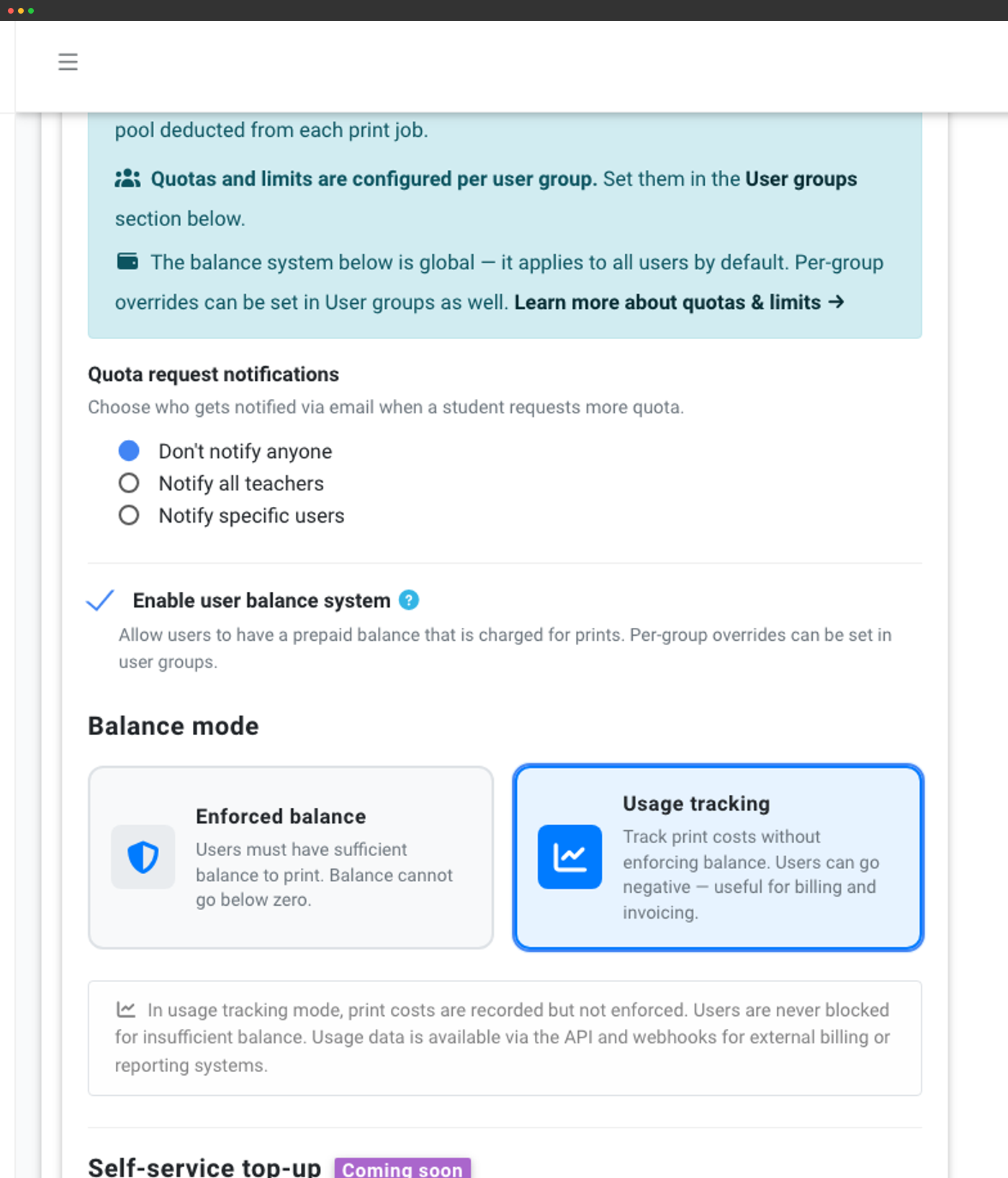
Periodic quotas and prepaid balance (School and Enterprise).
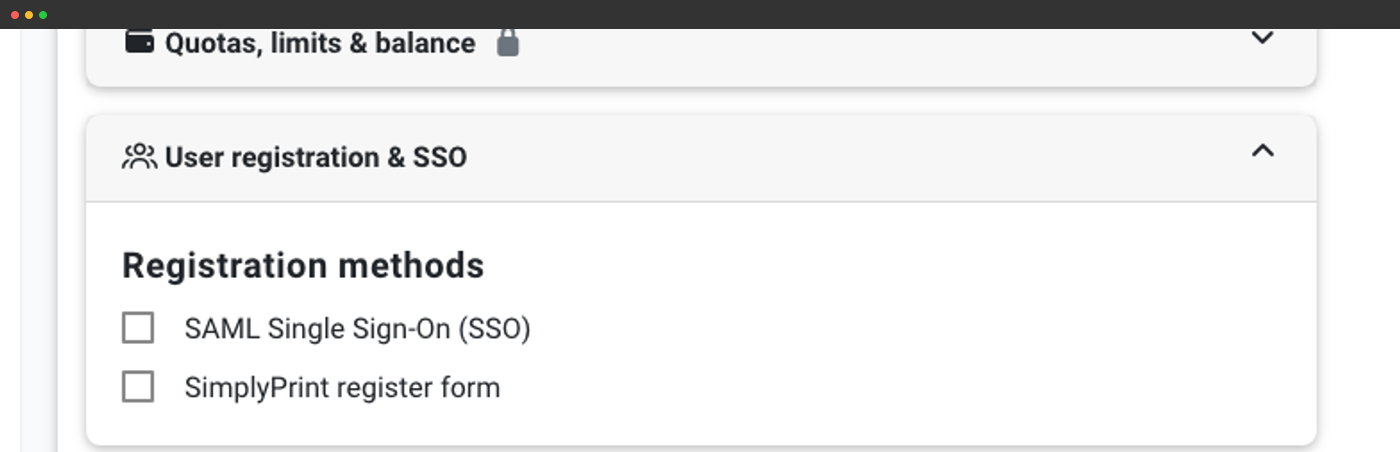
Self-signup, domain locking, manual approval or SAML SSO.
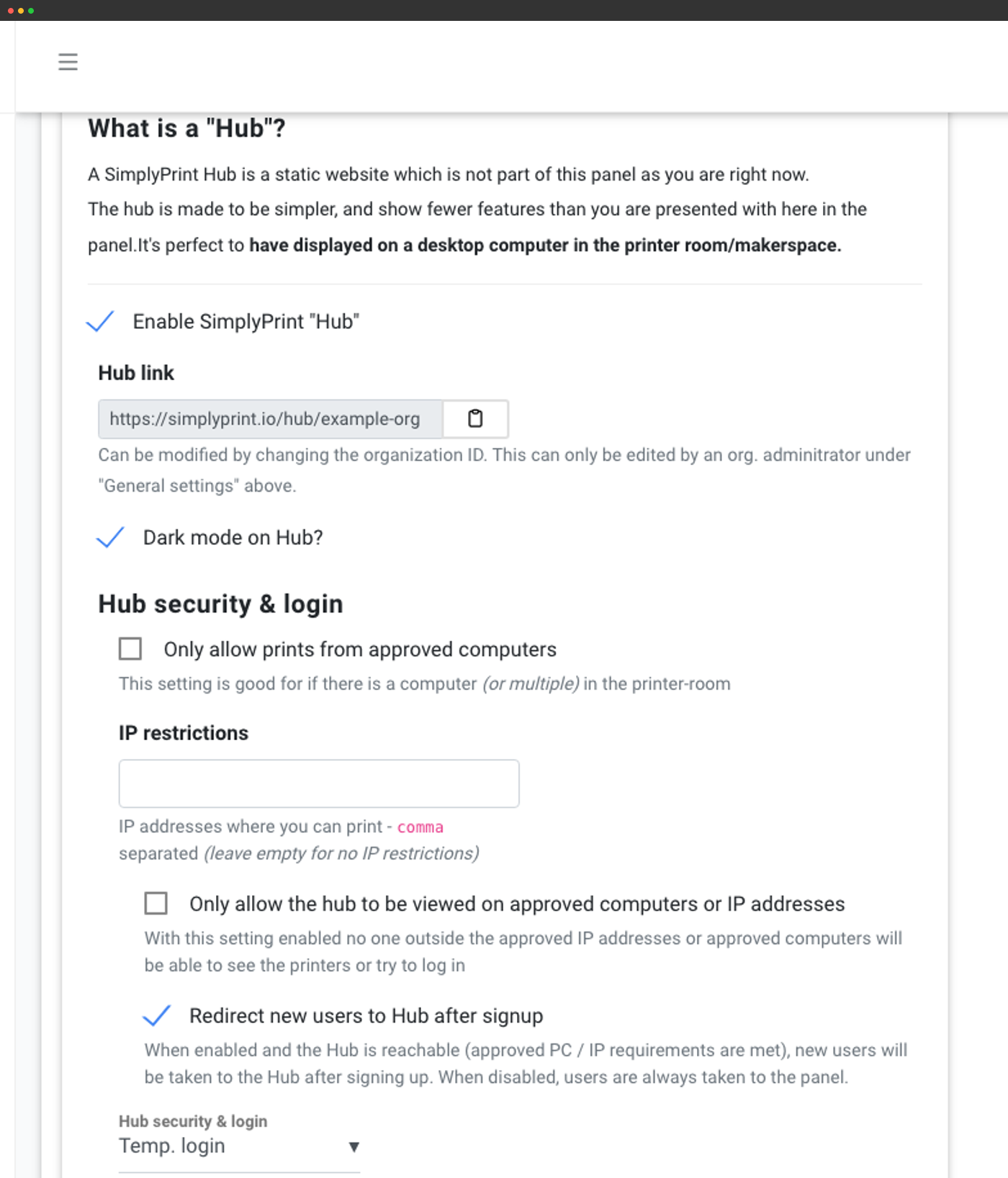
A kiosk-style printer-room page with IP restrictions and login modes.
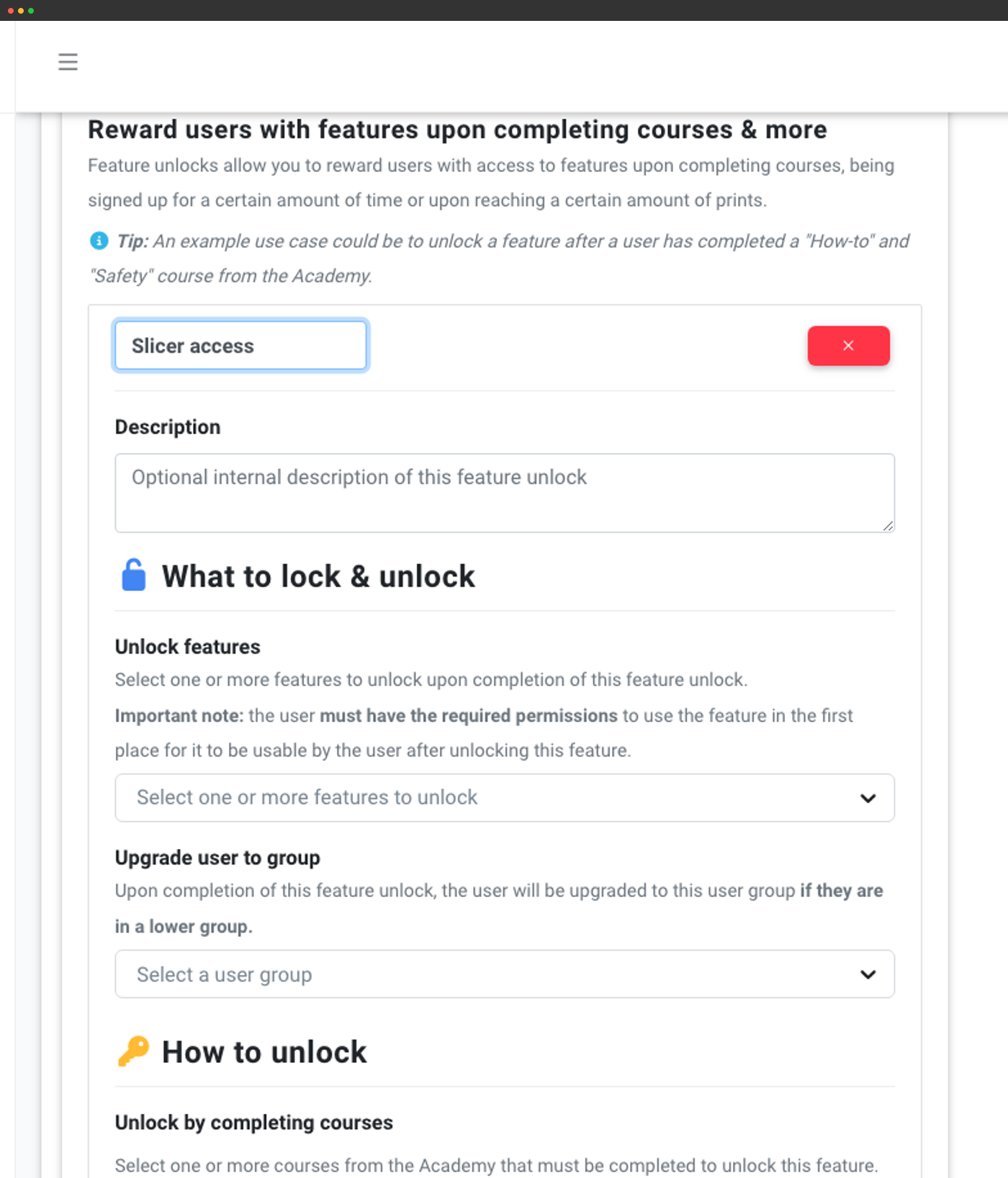
Grant new permissions after courses, prints or time-in-org.
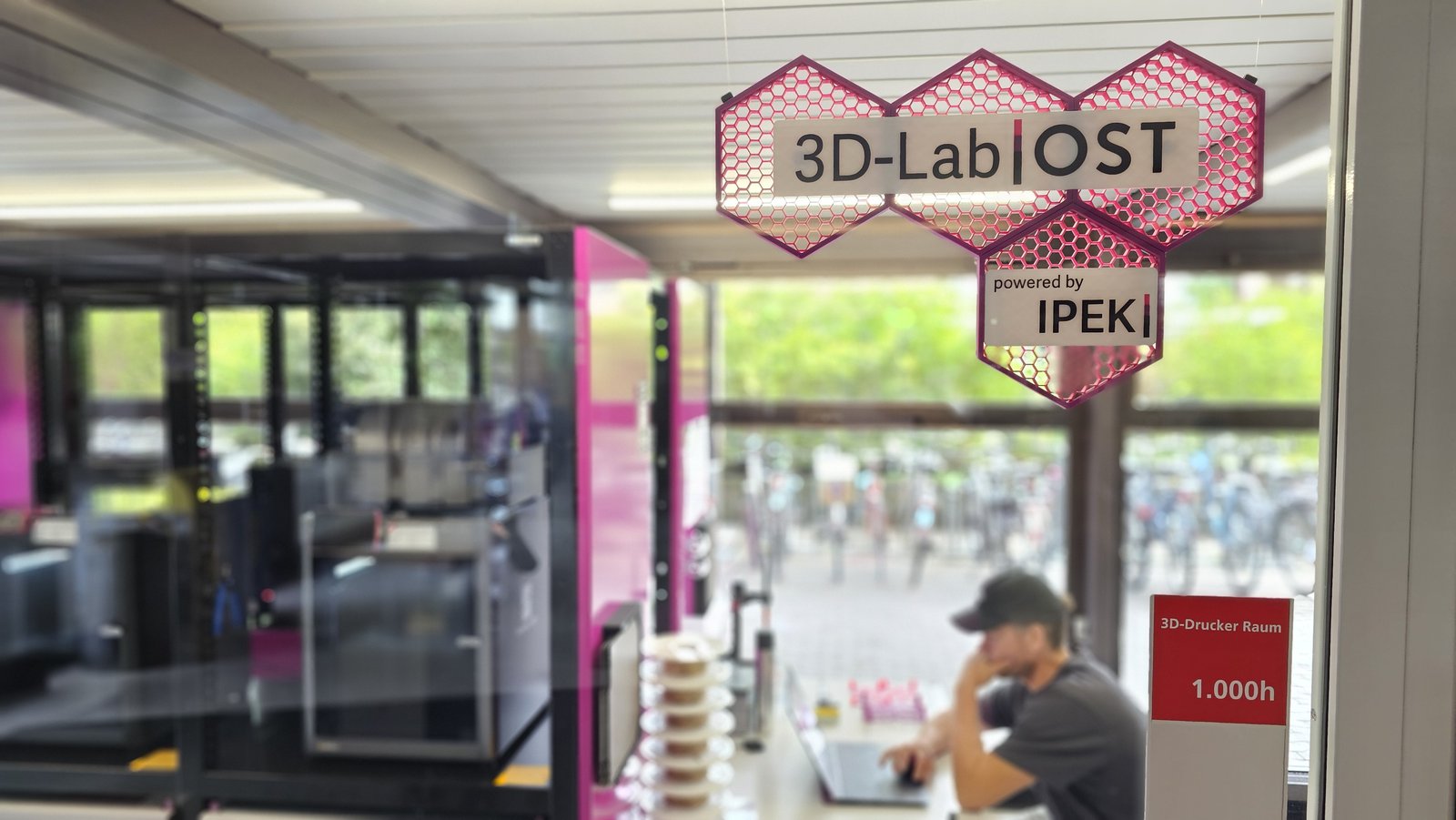
See how OST 3D-Lab uses Multi-Users to run 8 printers (expanding to 12)
Fair, automated cost-allocation across a whole university: OST wired the SimplyPrint API and custom fields into SAP so every print bills to the right module or person, and opened the lab from one department to all 2,200 students and staff.
User groups with 168 fine-grained permissions across 8 categories
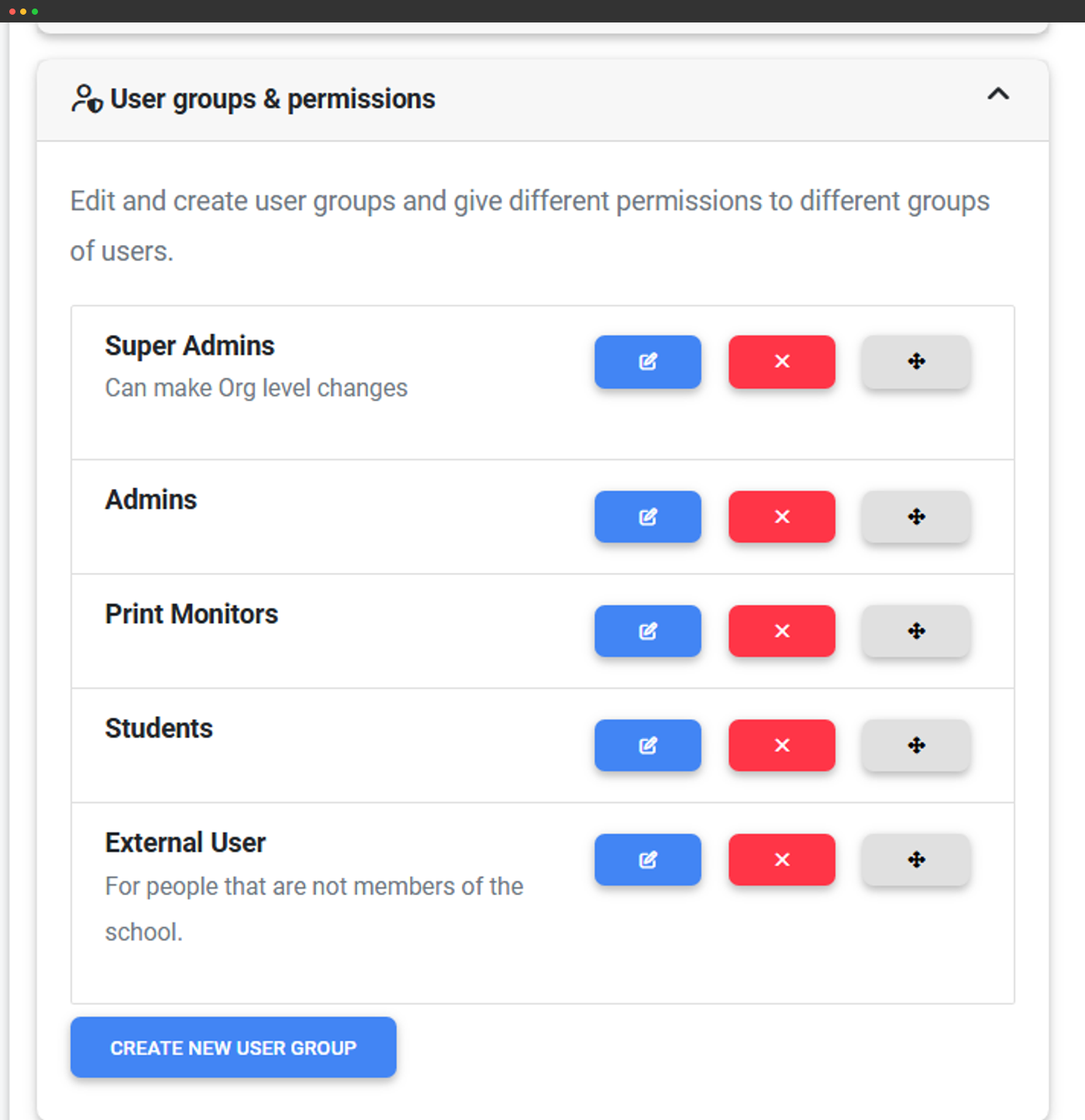
Every shared organisation needs the answer to "who can do what". SimplyPrint ships with two starter groups - Administrator and Operator - and lets you create unlimited custom groups. Each group binds to a permission matrix of 168 permissions organised into 8 categories: Printing, Print Queue, Slicer, Courses, Filament System, Users, Organisation Management and Maintenance. Search by keyword, expand a single category, compare two groups side-by-side, or baseline a new group against an existing one.
For audience-specific permission patterns (Teacher vs Student vs Lab assistant for schools, or Shift lead vs Operator vs Contractor for farms), see the audience guides above. Our helpdesk article user groups and permissions: what each one controls documents every permission in plain English.
Invite users by email or by shareable link
Two invite paths fit two operational realities. Direct email invites pre-assign group, language and locale, then let the user accept on their own time. Invite links are great for hiring waves, class rosters and contractor onboarding: generate a link tied to a specific user group, set an expiry, send it out, every accepted invite lands in the right group automatically.
Step-by-step: how to invite users, approving new members and importing users from a CSV or directory export.
The Hub: a kiosk-style interface for your shared printer room
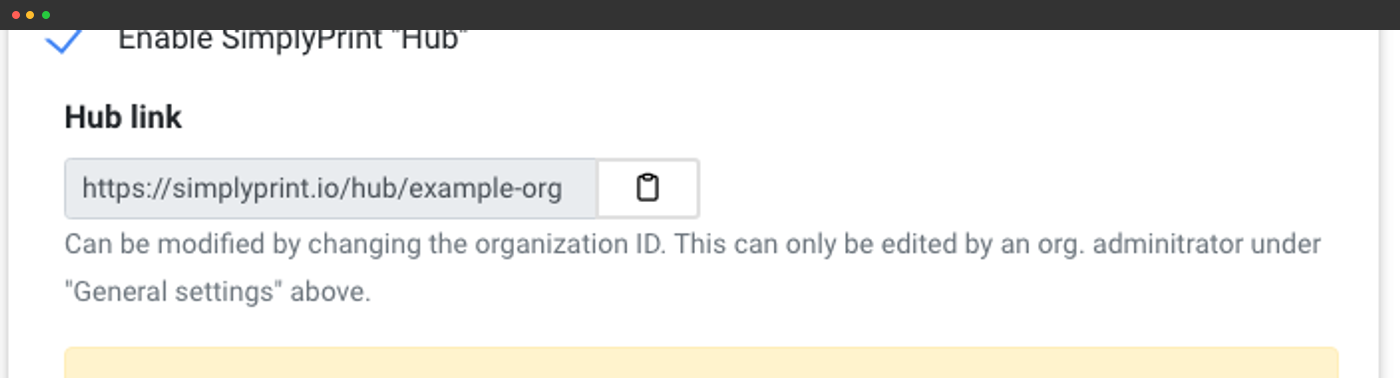
Your organisation gets a dedicated public-facing Hub page at simplyprint.io/hub/{your-org-id} - a stripped-down, distraction-free interface designed to live on a desktop computer in the printer room or makerspace. Same logins as the main panel, way less to click through. Available on the Print Farm, School and Enterprise plans.
Your kiosk-ready Hub URL
Every account gets a Hub URL tied to the organisation ID, ready for the printer-room terminal.
Lock to computers or IPs
Restrict prints or viewing to approved computers and IP ranges.
Temp or permanent login
Auto-logout for shared terminals or remember-me for staff.
Auto-redirect new signups
Send first-time users to the simplified Hub instead of the full panel.
Which organisation features come on which plan
Multi-user collaboration with user groups, ranks and the full permission matrix comes in on the Print Farm plan, alongside the Hub, custom fields and feature unlocks. Queue approval, the quota and balance system, SSO and the company audit log are reserved for the School and Enterprise plans - dig into the audience guides above for the details on each.
| Feature / Limit | Free | Basic | Pro | Print Farm | Enterprise | School | Cloud Slicer | Filament Manager |
|---|---|---|---|---|---|---|---|---|
|
Multiple users
Invite teammates, students or contractors to your account.
|
||||||||
|
Public Hub interface
Your kiosk-style printer-room page at simplyprint.io/hub/{your-id}.
|
||||||||
|
Custom fields
Capture arbitrary metadata on prints, queue items, users and more.
|
||||||||
|
Feature unlocks
Reward users with new permissions after courses, prints or time thresholds.
|
||||||||
|
Queue approval workflow
Route every submission past a teacher / approver before it hits the live queue.
|
||||||||
|
Quotas, limits and balance
Periodic quotas, per-job limits, prepaid balance with enforced or tracking modes.
|
||||||||
|
SAML single sign-on
Google Workspace, Microsoft Entra ID, Auth0, Federation-based SAML or any SAML 2.0 IdP.
|
||||||||
|
Teacher and student dashboards
School-only: per-persona dashboards with classes, pending approvals and quota request inboxes.
|
||||||||
|
Company audit log
Full history of organisation actions - approvals, permission changes, balance adjustments.
|
Want to learn more about our plans?
View full pricing & feature comparison