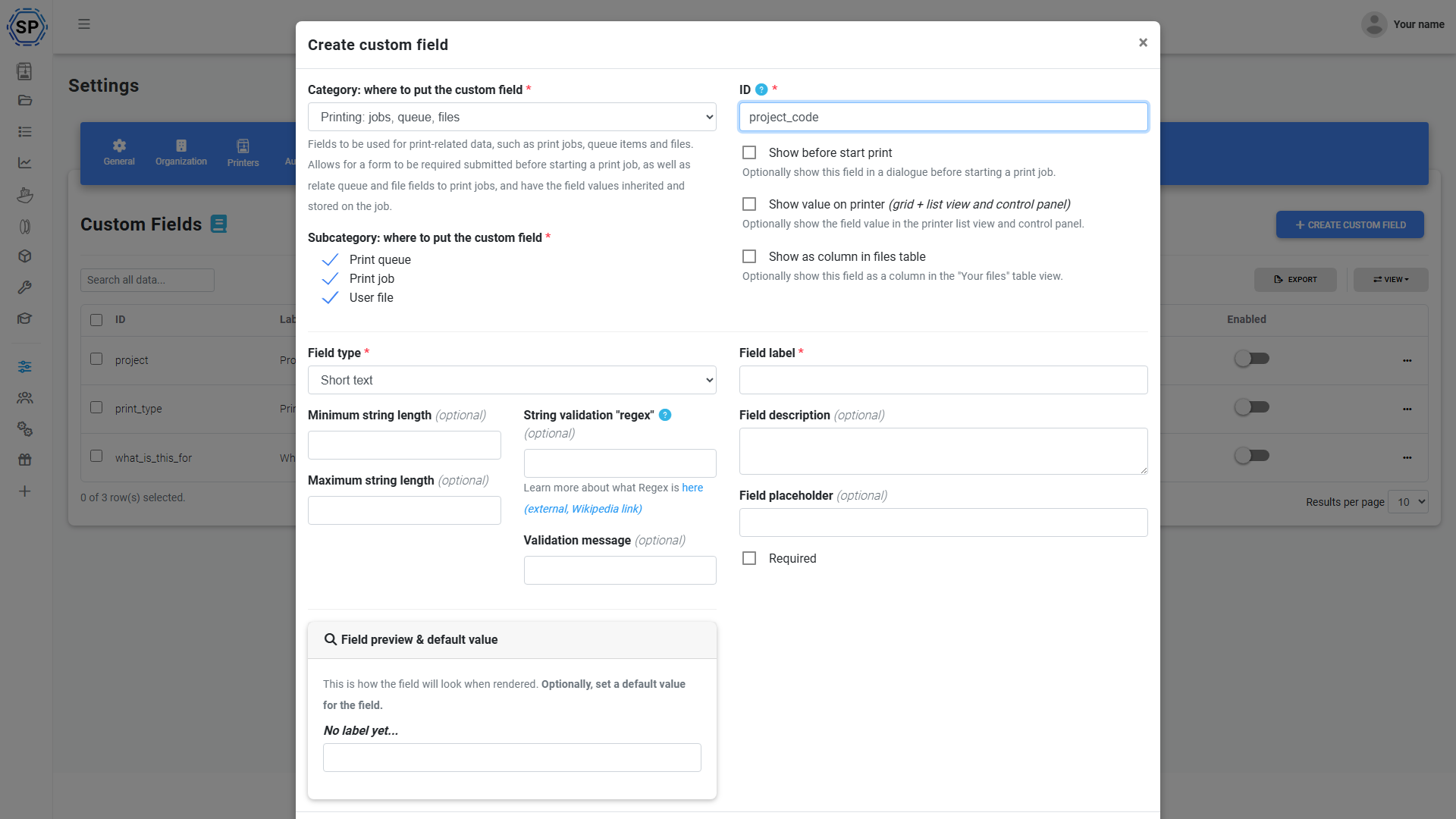
One definition. Every print surface. End-to-end.
Define a custom field once at the account level and it becomes available on queue items, files, filament and jobs - with inline editing, list-view columns, CSV export, webhook payloads and full API support carrying the data the whole way through.
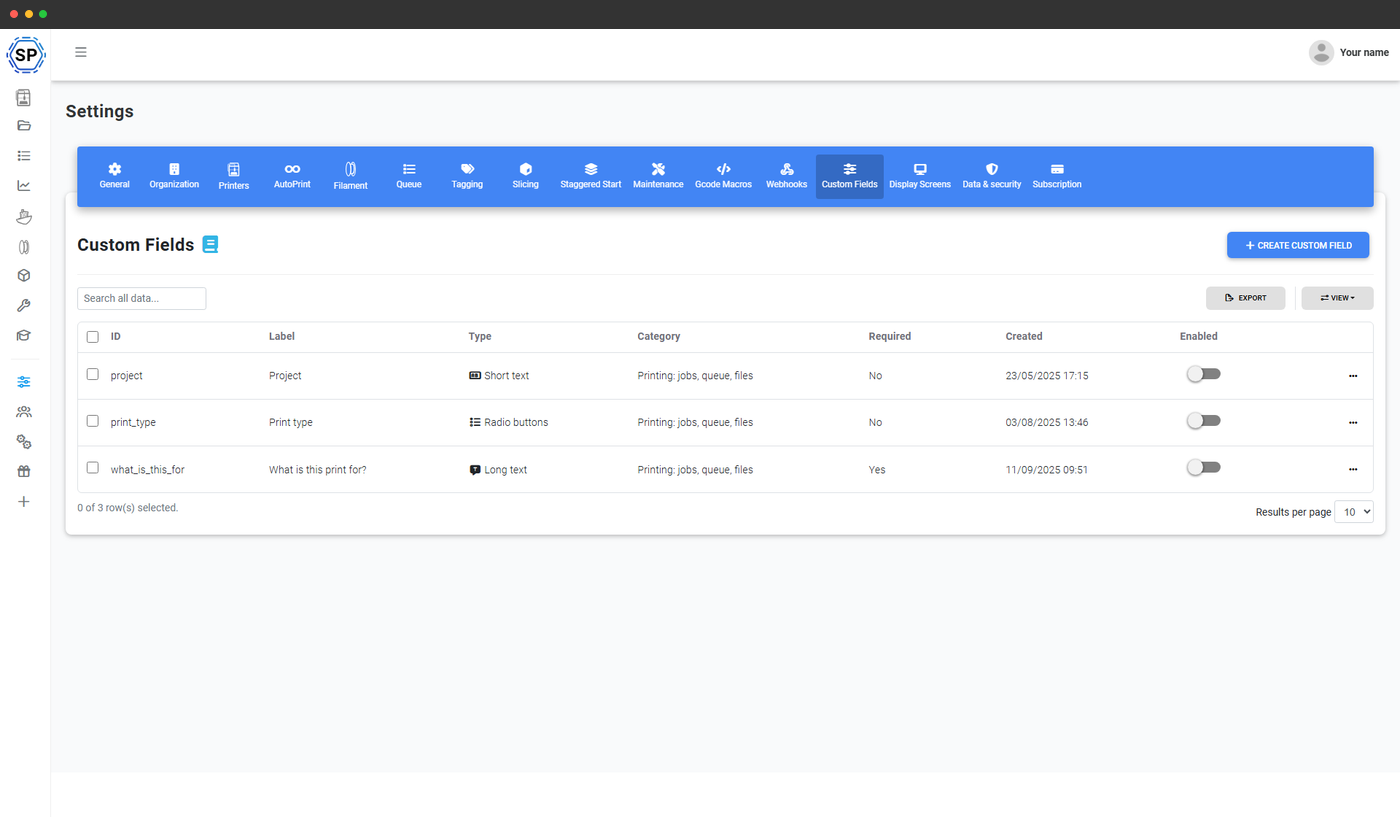
Define the fields your workflow needs
Pick from 13 field types - text, long-form text, number, date, datetime, dropdown, multi-select, radio, checkbox, email, phone, URL and boolean - then choose which surfaces they apply to: queue items, files, filament, jobs and the maintenance records (templates, tasks, problems, inventory). Reorder, mark as required, restrict to admins. One Custom Fields settings page controls them all.
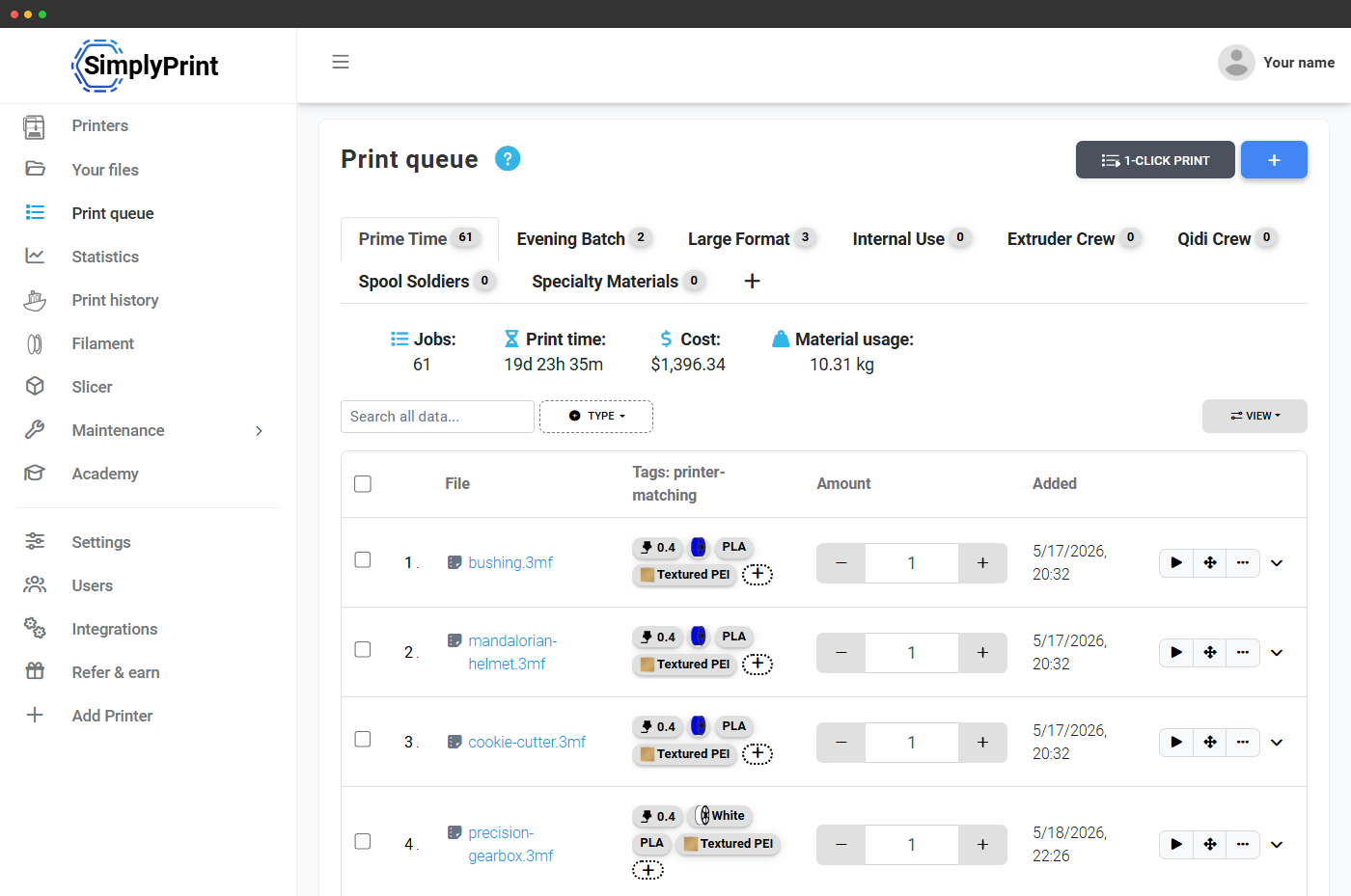
Inline editing right in the queue table
Custom fields show up as extra columns on the print queue. Click a cell to edit - values save instantly. No modal, no round-trip - the same in-place editing pattern you get on a spreadsheet.
Values follow the print: file → queue → job → history
Set a custom field on a file - say customer = "Acme Robotics" - and it carries forward automatically. The file's values pre-fill on any queue item that uses that file. The queue item's values stamp onto the print job the moment it starts. The job keeps them forever in print history and in the jobs CSV export. One value, one source of truth, propagated through every record - no re-typing, no drift.
First-class in the SimplyPrint API
Custom fields aren't a bolted-on add-on - they're a first-class part of the API. Submit values when you create a queue item via POST /queue/AddItem, attach them on file upload via POST /files/Upload, fetch the field definitions for any category through GET /custom_fields/GetFieldsFor, and manage the schema itself through POST /custom_fields/Save, /SetEnabled and /Delete. Every webhook payload carries the field values too, so n8n, Zapier and your own ERP integration get the data without extra mapping work.
That makes custom fields the right tool when you're integrating SimplyPrint into a wider system - feed in the order ID from your shop, the ticket ID from your help desk, the student ID from your LMS, and let SimplyPrint propagate it through the whole print life-cycle.
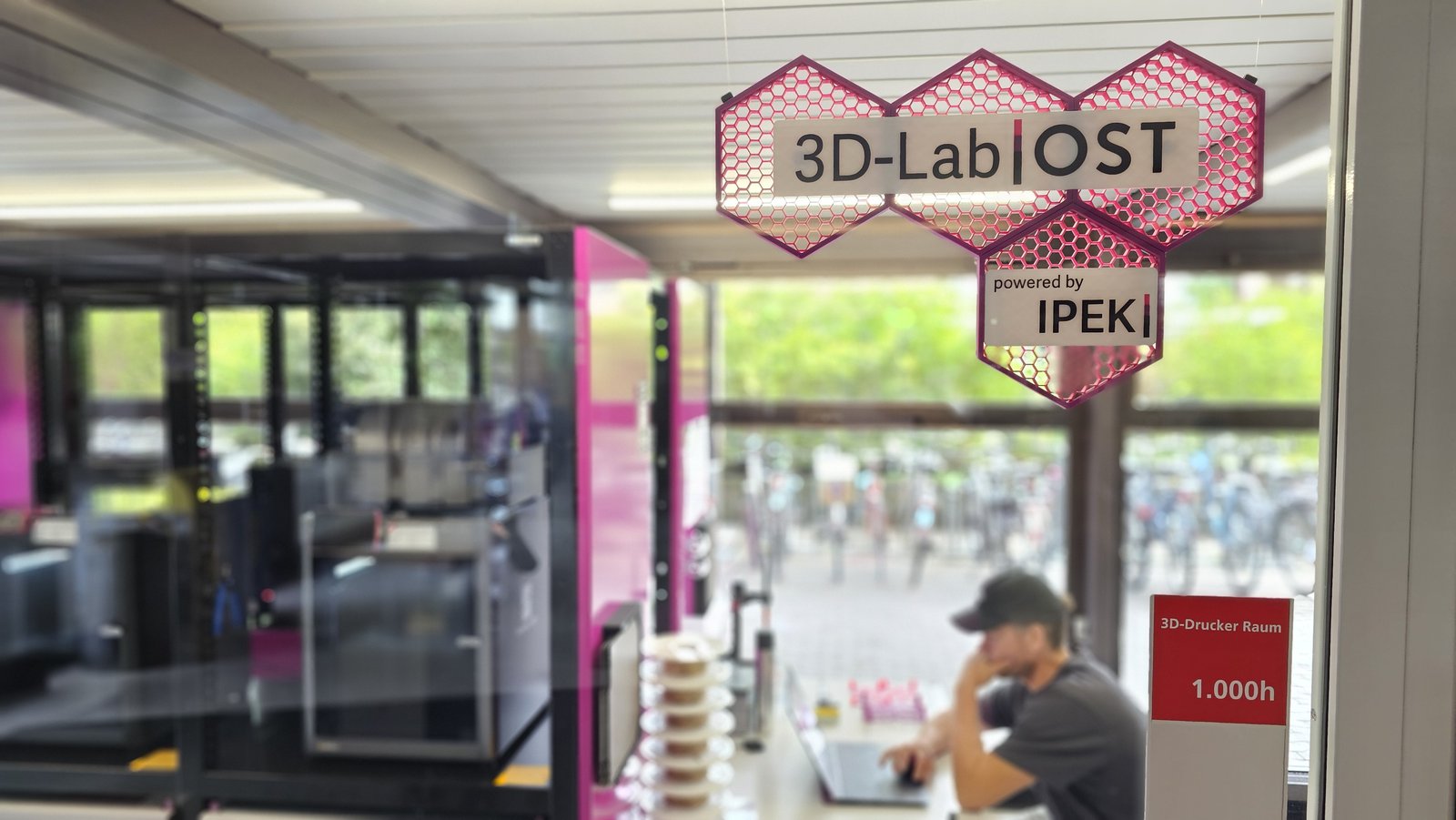
See how OST 3D-Lab uses Custom Fields to run 8 printers (expanding to 12)
Thanks to the custom fields feature, which SimplyPrint developed (mostly) for us, we are able to do that. Before a print is started you must enter the specific SAP-number or label the print as private.
Custom fields on maintenance records too
Same definition engine, applied to maintenance jobs, templates, tasks, problems and inventory. Track vendor PO numbers on inventory, ticket IDs on problems, technician sign-offs on tasks - your maintenance records carry the same metadata as your prints. Filter the maintenance views by your own taxonomy, export to CSV with your columns included, and feed the data through the same webhook payloads.
See printer maintenanceNon-destructive deletes - the data stays even when the column doesn't
Deleting a field is non-destructive: existing values stay on the records they were attached to, just hidden from the column views. You can re-enable the field later to restore visibility, or leave the data quietly in place for audit purposes. The same safety net applies when you rename or restrict a field - the old values aren't rewritten, they're just remapped to the new definition.
Custom fields on filament spools too
Same definition engine, applied to your filament inventory. Track lot numbers, supplier IDs, expiry dates, batch codes, dye-lot numbers - per spool. Filter the filament library by your own taxonomy, and let the data flow into print jobs and webhook payloads the same way.
Push field values to Discord, n8n, Zapier or your own URL
Every webhook event includes the custom field values for the relevant queue item, file or job. So when a print finishes with customer = "Acme Robotics", your Slack channel sees the customer name in the message - no extra automation glue, no second API call.
See webhooksCSV export, ready for your billing software
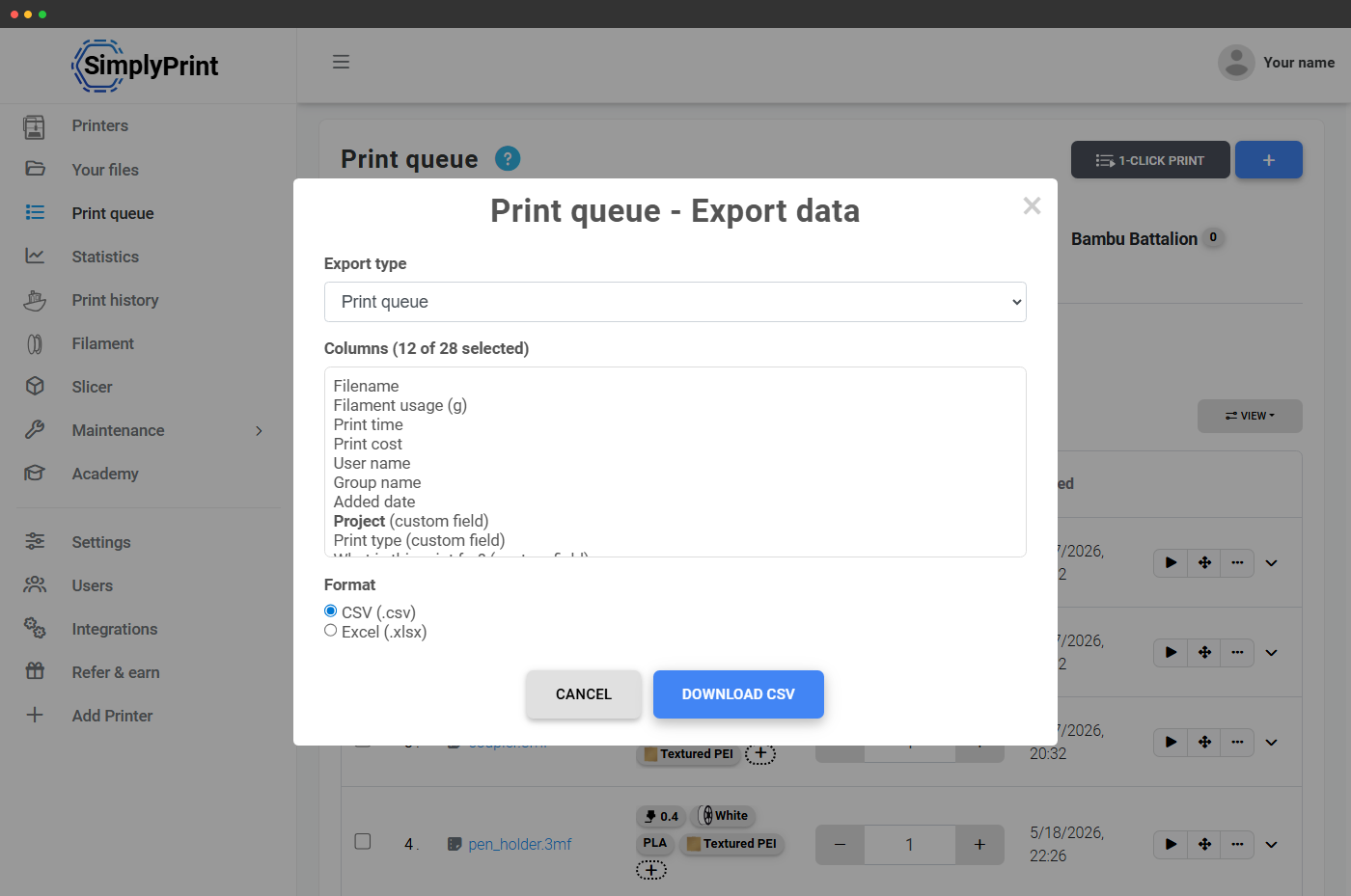
Every custom field becomes a column in the queue and jobs CSV export. Hand the file to accounting, drop it into a spreadsheet, or feed it into your ERP - the data is structured the way you defined it.
Plan availability
Custom fields are a Print Farm and above feature - included on the Print Farm, Enterprise and School plans. Free, Basic and Pro plans use the built-in tag and nozzle tag systems instead.
| Feature / Limit | Free | Basic | Pro | Print Farm | Enterprise | School | Cloud Slicer | Filament Manager |
|---|---|---|---|---|---|---|---|---|
|
Custom fields on queue, files & jobs
Available on Print Farm and above. Define unlimited fields, edit inline, export to CSV, send through webhooks, read and write via the API.
|
||||||||
|
Custom fields on filament spools
Same definitions, applied to filament inventory - track lot numbers, supplier IDs, expiry dates per spool. Print Farm and above.
|
||||||||
|
CSV export with custom fields included
CSV export carries every custom field as its own column. Print Farm and above.
|
Want to learn more about our plans?
View full pricing & feature comparisonFrequently asked questions
Who can edit a custom field value?
Do field values follow the print job to history?
Can I set custom fields when uploading a file via the API?
POST /files/Upload and POST /queue/AddItem accept a custom_fields parameter (array of field-key / value pairs). Fetch the available field definitions for a category via GET /custom_fields/GetFieldsFor before submitting.