 OctoPrint API alternative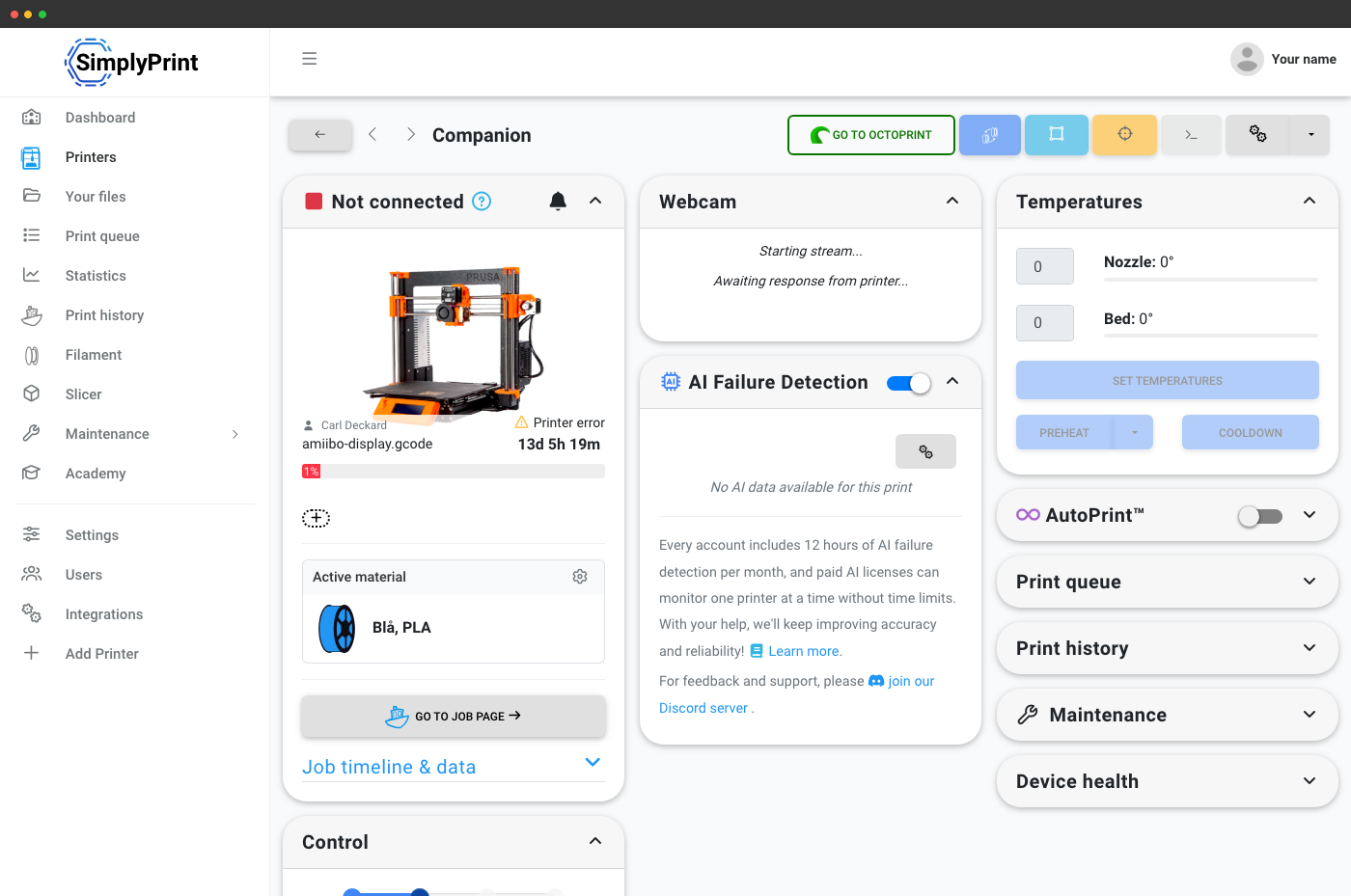
OctoPrint + SimplyPrint = a fleet-wide cloud REST API
SimplyPrint runs alongside OctoPrint - it does not replace OctoPrint locally on the Pi. The SimplyPrint OctoPrint plugin connects your existing OctoPrint hosts to our cloud, and your existing OctoPrint API integrations on those hosts keep working. The win is fleet-wide REST: one base URL for every printer.
One REST API for every printer, not one per Pi
If you've been talking to http://pi-1.local/api/printer, http://pi-2.local/api/printer, and so on, you know the pain: per-host auth, per-host firewall holes, per-host SSL, no shared queue, no shared filament inventory. SimplyPrint replaces that with one cloud REST API across the whole fleet.
# Queue a print on a printer connected via the SimplyPrint OctoPrint plugin
curl -X POST "https://api.simplyprint.io/{companyId}/queue/AddItem" \
  -H "X-API-KEY: your_api_key_here" \
  -H "Content-Type: application/json" \
  -d '{
    "fileId": "your_gcode_file_id",
    "amount": 1,
    "for_printers": "17",
    "position": "top"
}'How it connects: the SimplyPrint OctoPrint plugin
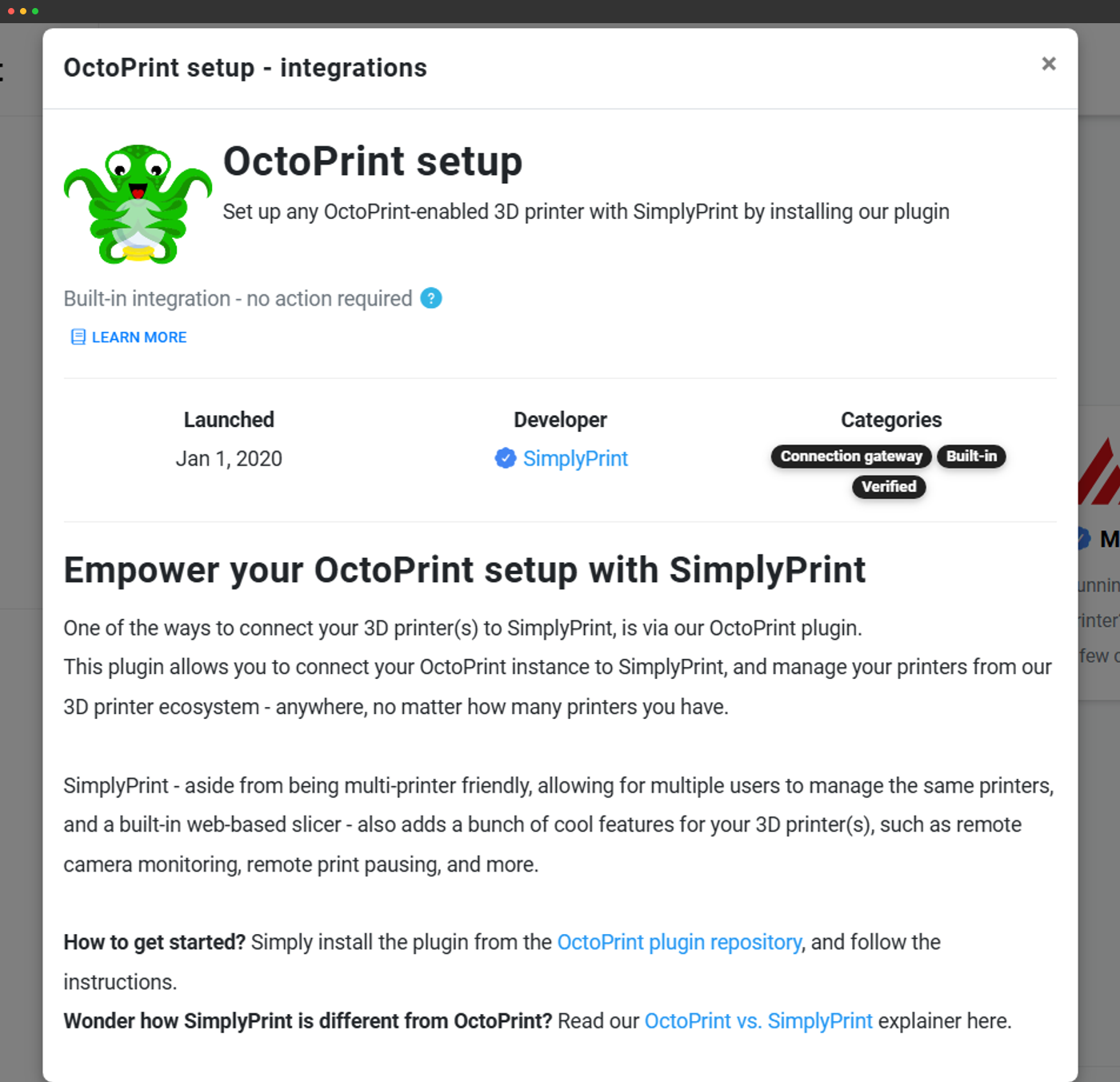
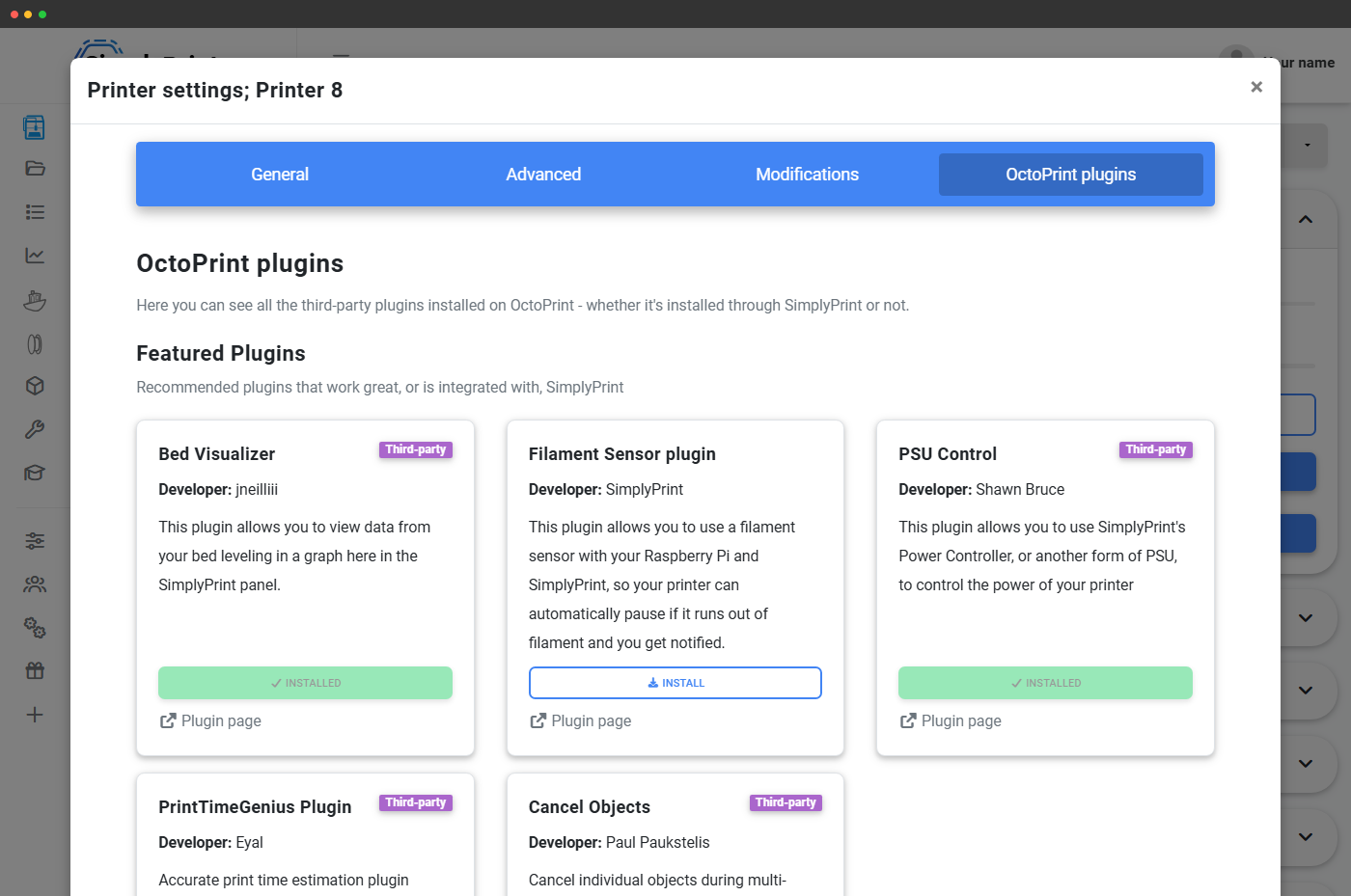
SimplyPrint connects to OctoPrint-hosted printers through our official OctoPrint plugin. Install it once per host, the plugin links the printer to your SimplyPrint account, and from then on the printer shows up as a standard printer object in the SimplyPrint API.
- OctoPrint keeps running: your existing OctoPrint UI, your existing OctoPrint plugins, and your existing OctoPrint REST integrations on that host all keep working.
- SimplyPrint adds a fleet layer: the cloud panel, the cloud REST API, OAuth2, webhooks, file storage, multi-printer queue. None of that requires touching OctoPrint's own configuration.
- Skip OctoPrint where supported: Prusa MK4-family printers can use SimplyPrint's open-source firmware bundle (currently in beta, no webcam yet), and Klipper printers connect via Moonraker on the existing Klipper host instead of OctoPrint. Either way the API treats them as the same printer object.
Read printer state, send commands
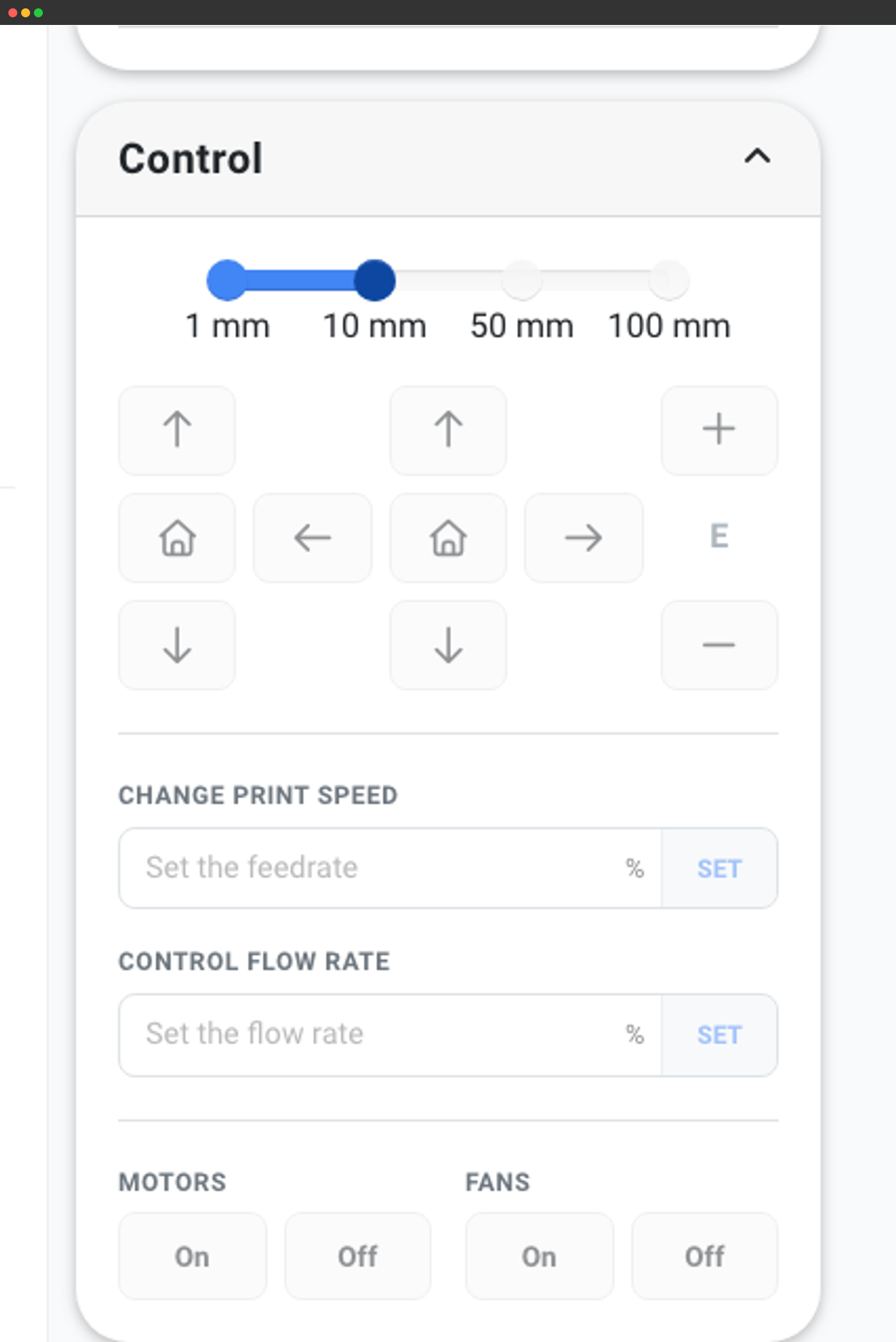
Every printer-control endpoint works the same way whether the printer is hosted by OctoPrint or connected by another route. Pass the printer ID, get JSON back.
# List every printer in the account - identical shape regardless of host
curl "https://api.simplyprint.io/{companyId}/printers/Get" \
-H "X-API-KEY: your_api_key_here"# Send a one-off G-code line through the SimplyPrint OctoPrint plugin
curl -X POST "https://api.simplyprint.io/{companyId}/printers/actions/SendGcode" \
-H "X-API-KEY: your_api_key_here" \
-H "Content-Type: application/json" \
-d '{ "pid": 17, "gcode": "M115" }'What SimplyPrint adds beyond OctoPrint's REST API
OctoPrint's REST is per-host and printer-focused. SimplyPrint adds the fleet primitives. Multi-printer queue, webhooks, and persistent job history are the three most-used SimplyPrint capabilities that don't exist in OctoPrint's REST API:
- Multi-printer queue with approval and routing: /queue/AddItem picks a compatible printer automatically, or you target a specific one. No more bespoke "which Pi is free" code.
- Webhook push events: SimplyPrint POSTs queue, file, printer, job and filament events to your URL the moment they happen. No polling loops, no missed events.
- OAuth2 partner-app flow: let other shops connect their own SimplyPrint account to your tool via consent screen - not a viable pattern on a per-host OctoPrint REST.
- Filament Manager: read every spool in your shop, not just whatever is loaded into the printer's hot-end. Per-print weight tracking, brand/material/colour, drying state.
- Job history + statistics endpoints: filter past jobs, archive them, pull cost and time data across the whole fleet, not per host.
- MCP server for AI agents: the same fleet exposed to Claude, ChatGPT and Gemini as a native tool surface.
Migrating from an OctoPrint REST integration
If you have working OctoPrint REST code today, the migration is incremental - both can run side-by-side while you switch over:
- 1. Install the SimplyPrint OctoPrint plugin on every host that already runs OctoPrint. The plugin doesn't disable OctoPrint's REST - both surfaces stay live.
- 2. Generate a SimplyPrint API key from account settings → API.
- 3. Port one endpoint at a time - start with read-only (/printers/Get, /queue/GetItems) before moving to writes.
- 4. Wire webhooks to replace whatever OctoPrint event-listener pattern you were using - SimplyPrint pushes events to your URL rather than running a plugin loop on each Pi.
- 5. Drop the per-host endpoints once your code reads and writes through the central SimplyPrint API.
Plan access for the SimplyPrint cloud REST API
Same plan-gating as the main SimplyPrint API. Free and Basic plans don't expose an API; Pro and above unlock Basic API; Print Farm and above unlock Enhanced (write capability for queue mutations and starting prints).
| Feature / Limit | Free | Basic | Pro | Print Farm | Enterprise | School | Cloud Slicer | Filament Manager |
|---|---|---|---|---|---|---|---|---|
|
API requests per minute
Rolling per-minute limiter shared across all API calls for the account.
|
- | - | 60 | 180 | 600 | 180 | - | - |
|
Basic API access
Read printer state, queue, jobs and history for every connected printer.
|
||||||||
|
Enhanced API (start prints, send G-code)
Unlocks file uploads, queue mutations that start prints, direct G-code send.
|
||||||||
|
Webhooks (replace OctoPrint event listeners)
Print Farm and above. Push events for queue, files, printers, jobs and filament.
|
Want to learn more about our plans?
View full pricing & feature comparison