Turn one Bambu A1 into a hands-off mini print farm
The Innocube3D Swapmod is a physical plate swapper for the Bambu Lab A1. SimplyPrint AutoPrint starts each queued job, the Swapmod ejects the finished plate and loads a fresh one from the stack, and the next job begins automatically, no firmware changes and no babysitting.
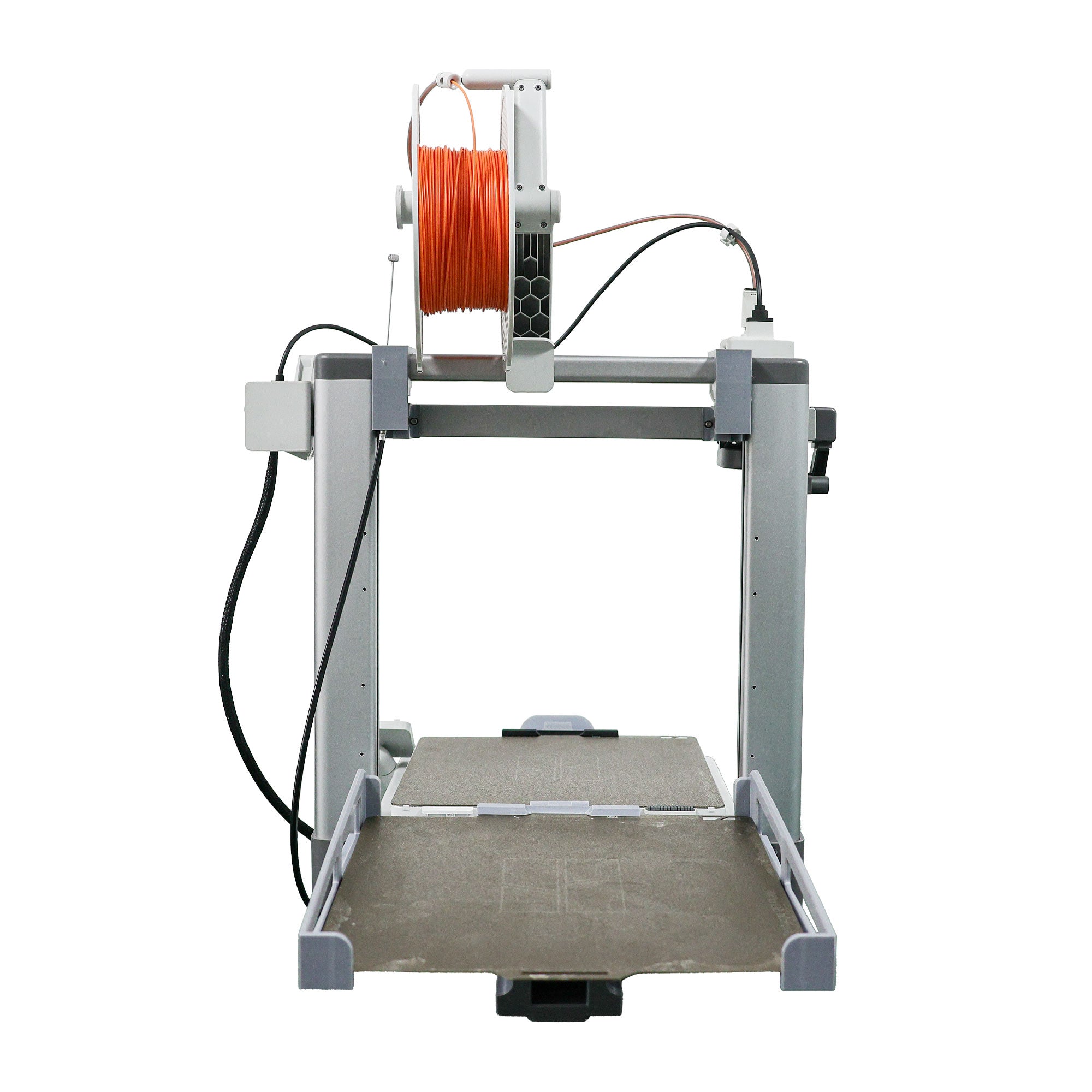
What is the Innocube3D Swapmod?
A mechanical plate-swapping bed clearing method
The Innocube3D Swapmod is a fully mechanical plate swapper built specifically for the Bambu Lab A1. After a print finishes, it ejects the entire build plate and loads a fresh blank plate from a finite stack, so the printer can keep going on its own for several plates in a row.
Because it relies on motion alone, there are no firmware flashes and no wiring changes to your A1. The Swapmod installs in about 5 minutes. In SimplyPrint, it is handled as a cycle-dependent clearing method: you set how many plates the stack holds, and AutoPrint counts down each swap so the fleet stops cleanly when the stack runs out.
This page covers the SimplyPrint side, how AutoPrint, the print queue and smart matching drive the Swapmod, and how to set it up. For full product details and to buy the hardware, see the Innocube3D Swapmod integration page.
How it works in SimplyPrint
Once the Swapmod is mounted on your A1, getting it running in SimplyPrint takes three steps.
See the Swapmod on a Bambu A1
Real photos of the Innocube3D Swapmod mounted and swapping plates.
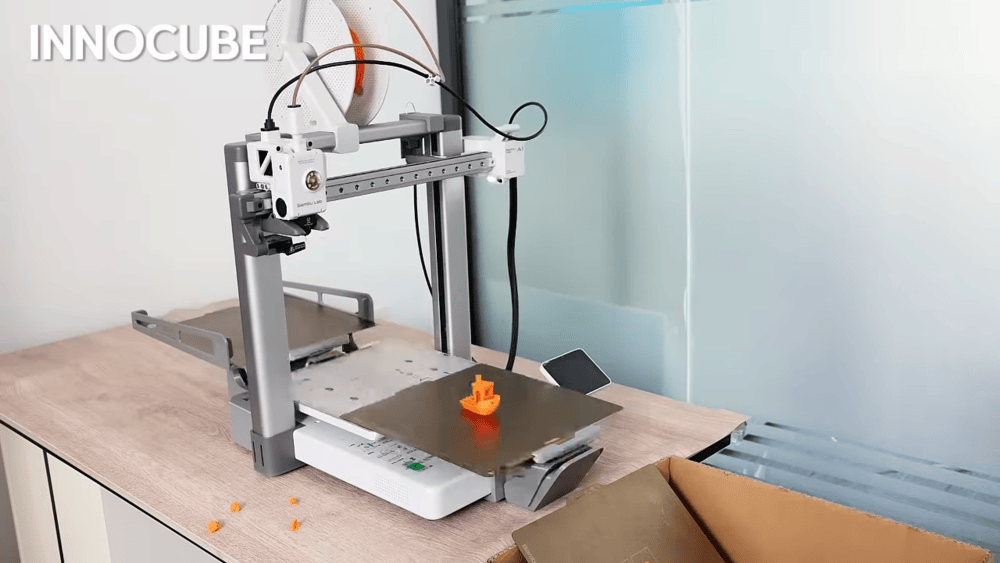
The Swapmod ejecting a finished plate and loading a fresh one between queued jobs.
Front view of the Swapmod fitted to a Bambu Lab A1.
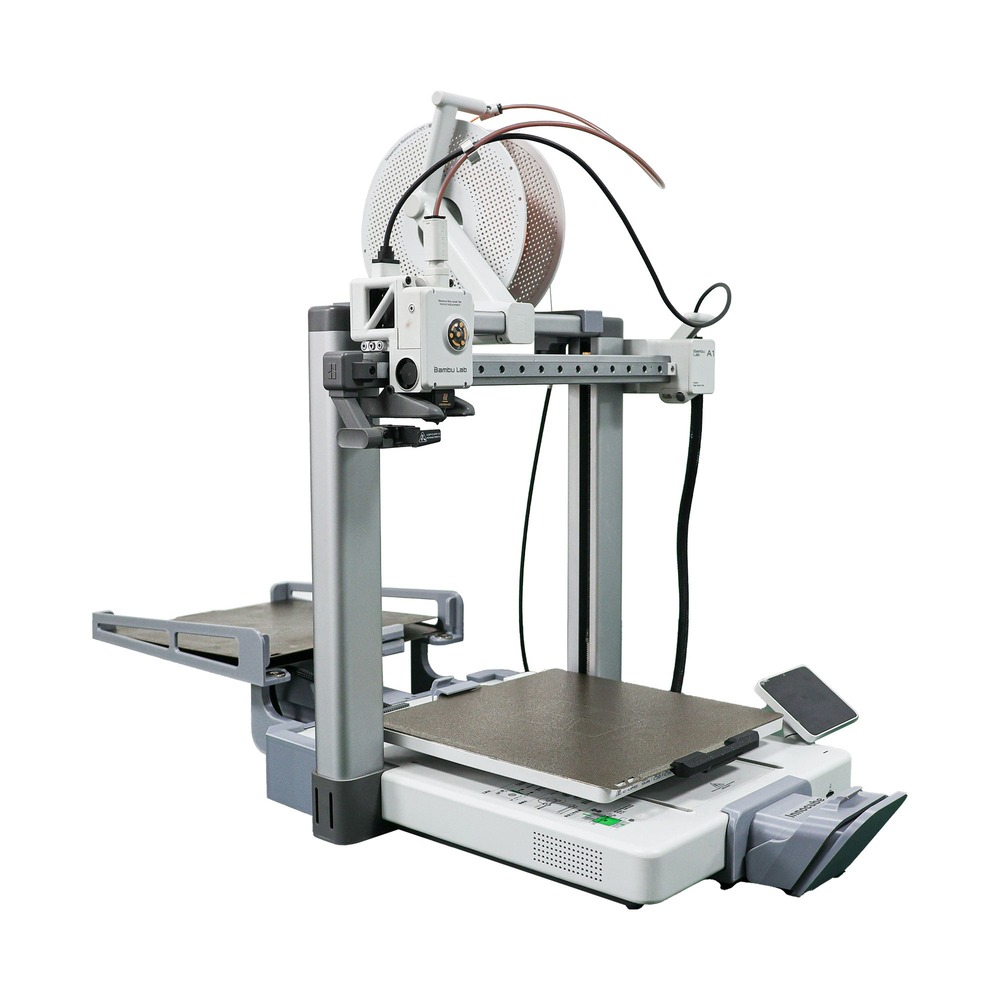
Side view showing how the plate stack and swapper sit alongside the printer.
Which printers does it work with?
The Innocube3D Swapmod is purpose-built for one printer, so it fits perfectly with no compromises.
Get the hardware
The Innocube3D Swapmod is sold by Innocube3D. Grab it directly, then connect your A1 in SimplyPrint to start running plates unattended.
You can read the full product details, install notes and what is in the box on the Innocube3D Swapmod integration page.
Plan access: what plan do I need?
AutoPrint is included on Pro as 1 license (up to 5 total). Print Farm, Enterprise and Education include unlimited AutoPrint licenses. The Innocube3D Swapmod hardware is purchased separately from Innocube3D.
| Feature / Limit | Free | Basic | Pro | Print Farm | Enterprise | School | Cloud Slicer | Filament Manager |
|---|---|---|---|---|---|---|---|---|
|
AutoPrint licenses
One AutoPrint license drives one printer's bed clearing, including a Bambu A1 running the Swapmod.
|
1 included Up to 5 total · $3.00/mo per extra license |
Want to learn more about our plans?
View full pricing & feature comparison