Eject, reload, print again - no hands needed
AutoSwap is a physical plate-swapper that lifts the finished plate out and drops a fresh blank one in from a stack. Set a max plate count in SimplyPrint and AutoPrint will run that many jobs back to back, then stop cleanly when the stack runs out.
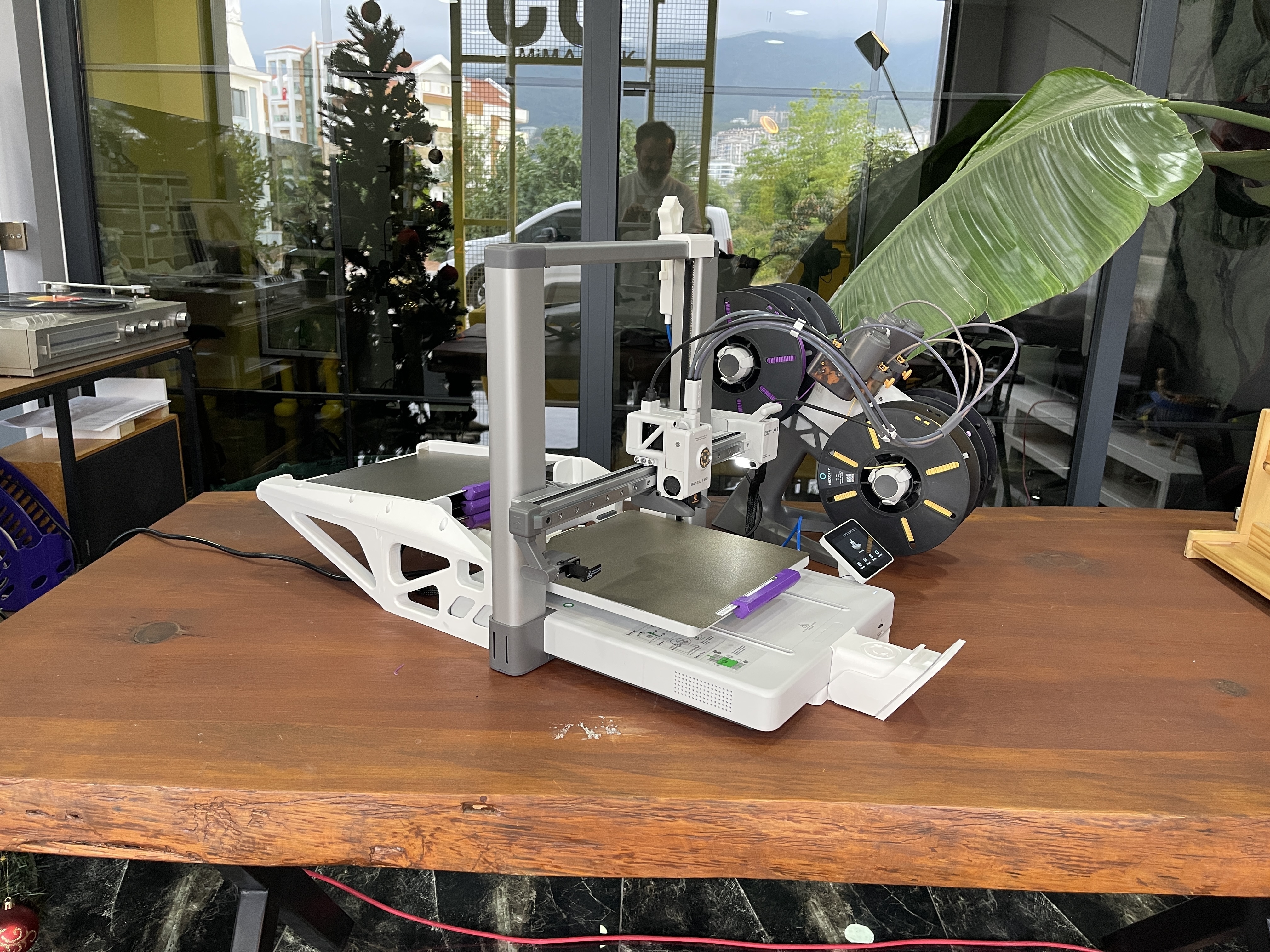
What is AutoSwap?
AutoSwap is an automatic plate changer (a bed-clearing add-on) for desktop 3D printers, with editions for the Bambu Lab A1 and the Anycubic Kobra 3. When a print finishes, AutoSwap ejects the whole build plate and loads a fresh blank plate from a finite stack, so the printer can keep going completely unattended for as many plates as you have loaded.
In SimplyPrint this is a cycle-dependent clearing method: because the plate supply is finite, you set a maximum plate (cycle) count. AutoPrint counts each completed swap and stops the printer cleanly once the stack is exhausted, so you never end up printing onto an empty carriage. Pair it with the print queue and AutoPrint handles the start, the swap, and the next job for you.
How AutoSwap works in SimplyPrint
Fit the AutoSwap hardware to your printer, then turn it on in SimplyPrint in a few clicks.
See AutoSwap in action
The same plate-swapping approach, with a dedicated edition for each supported printer.
The AutoSwap edition built for the Bambu Lab A1.
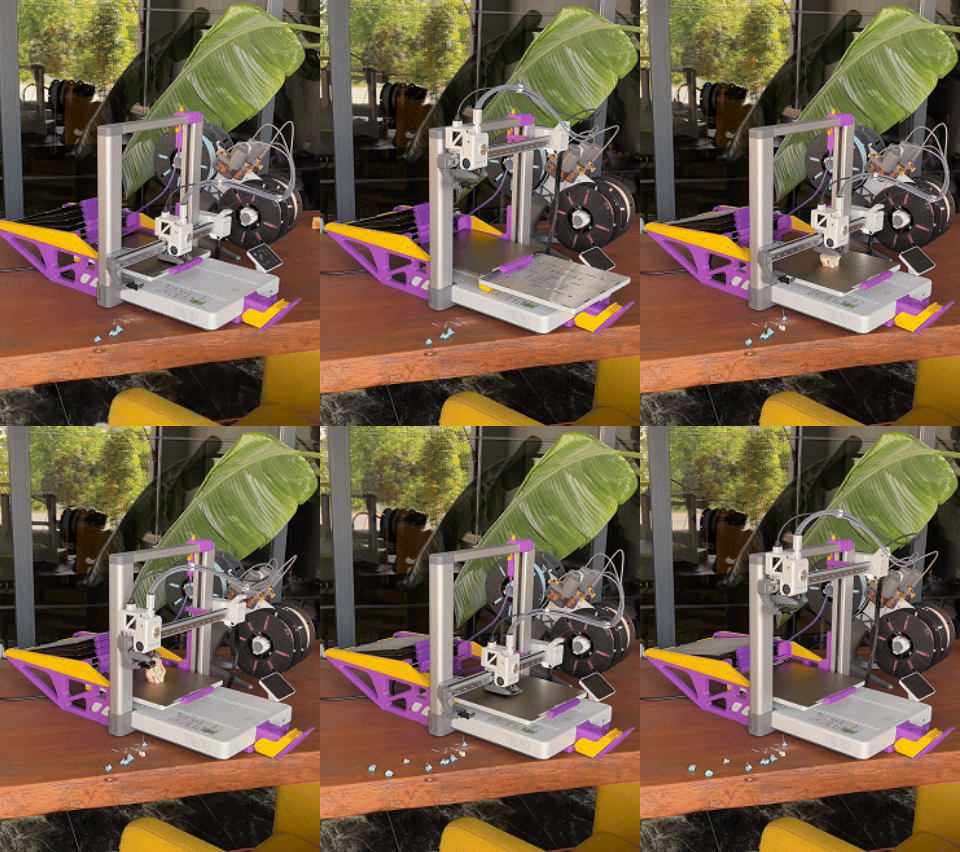
AutoSwap ejecting a finished plate and loading a fresh one.
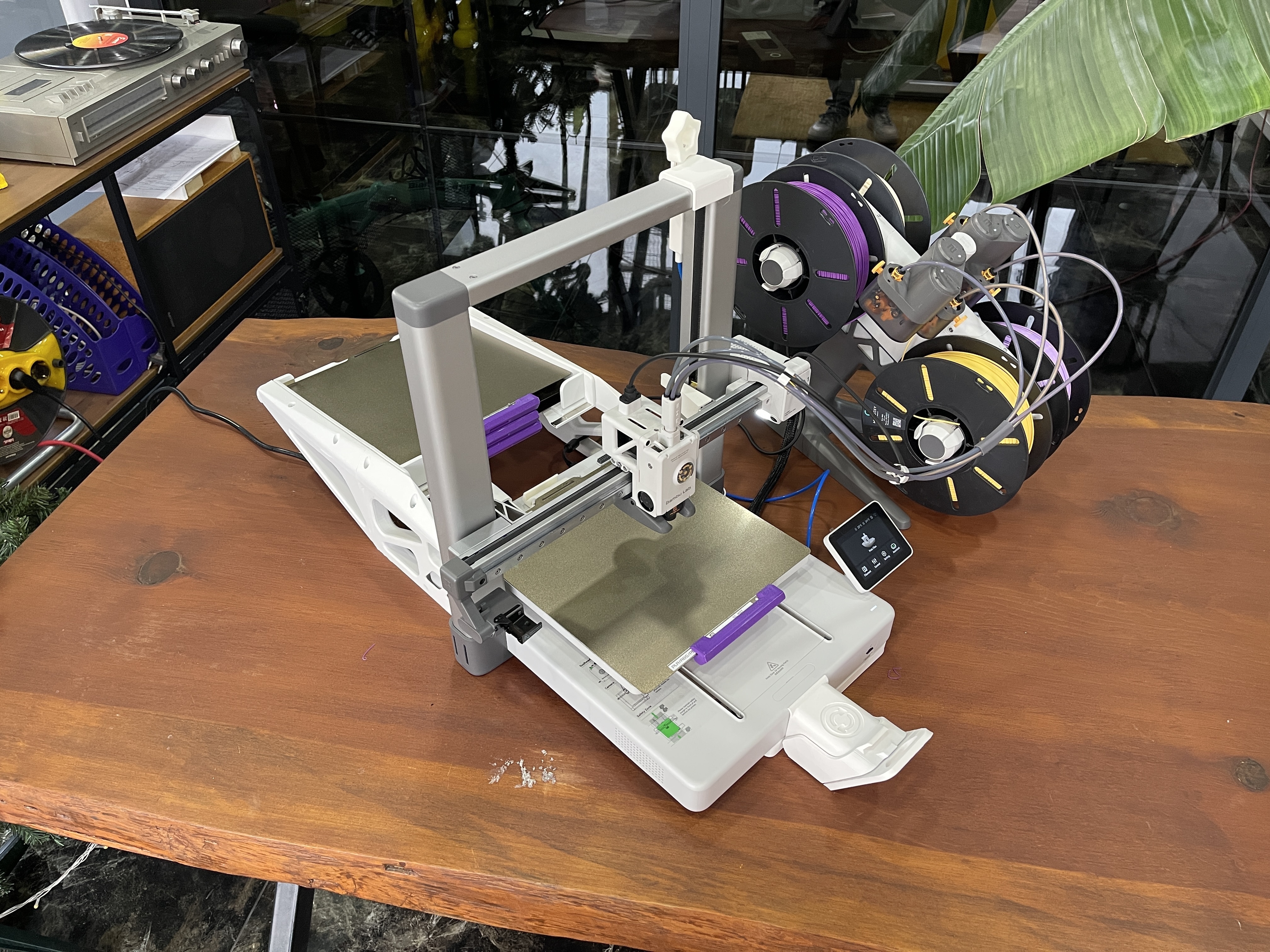
A closer look at the AutoSwap mechanism.
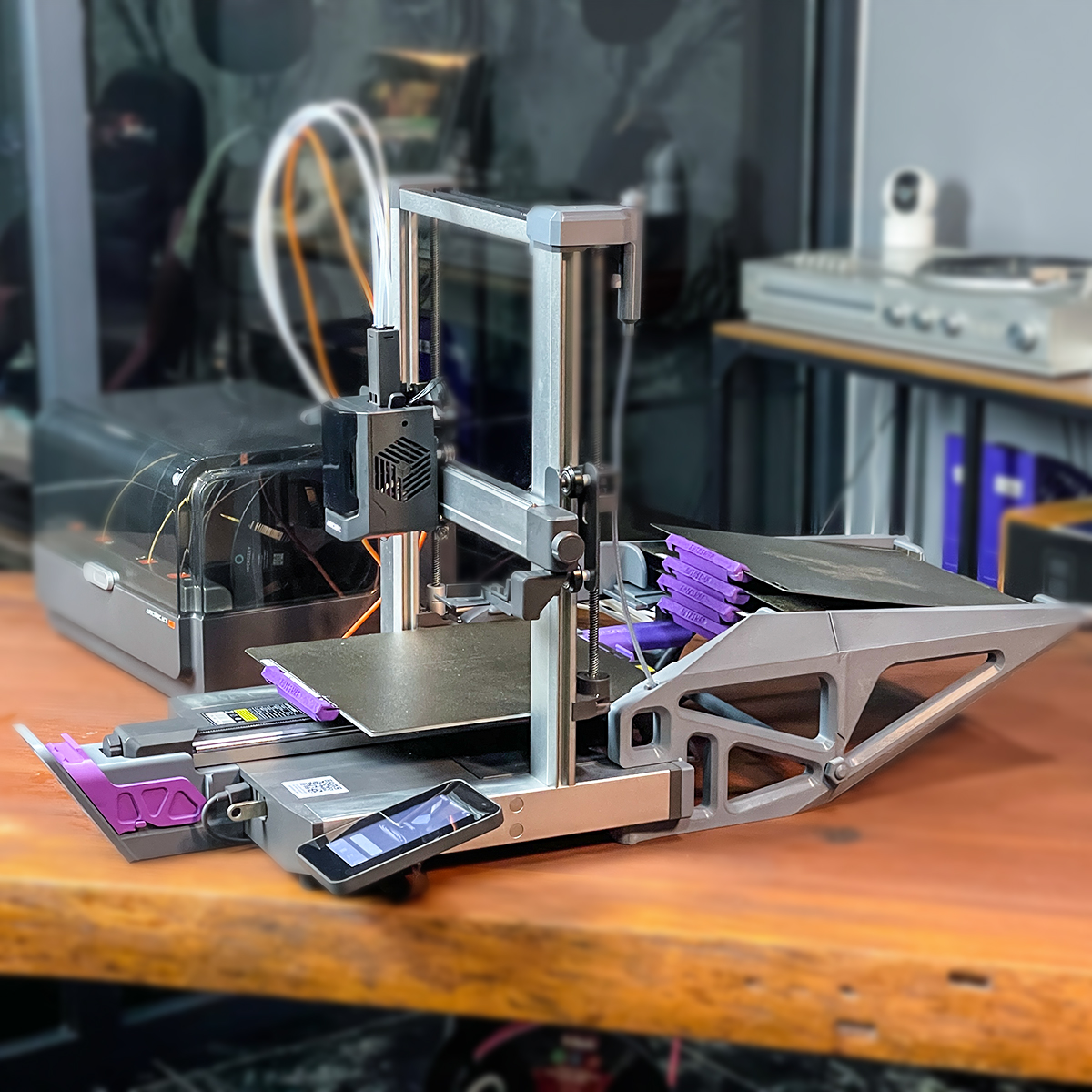
The AutoSwap edition built for the Anycubic Kobra 3.
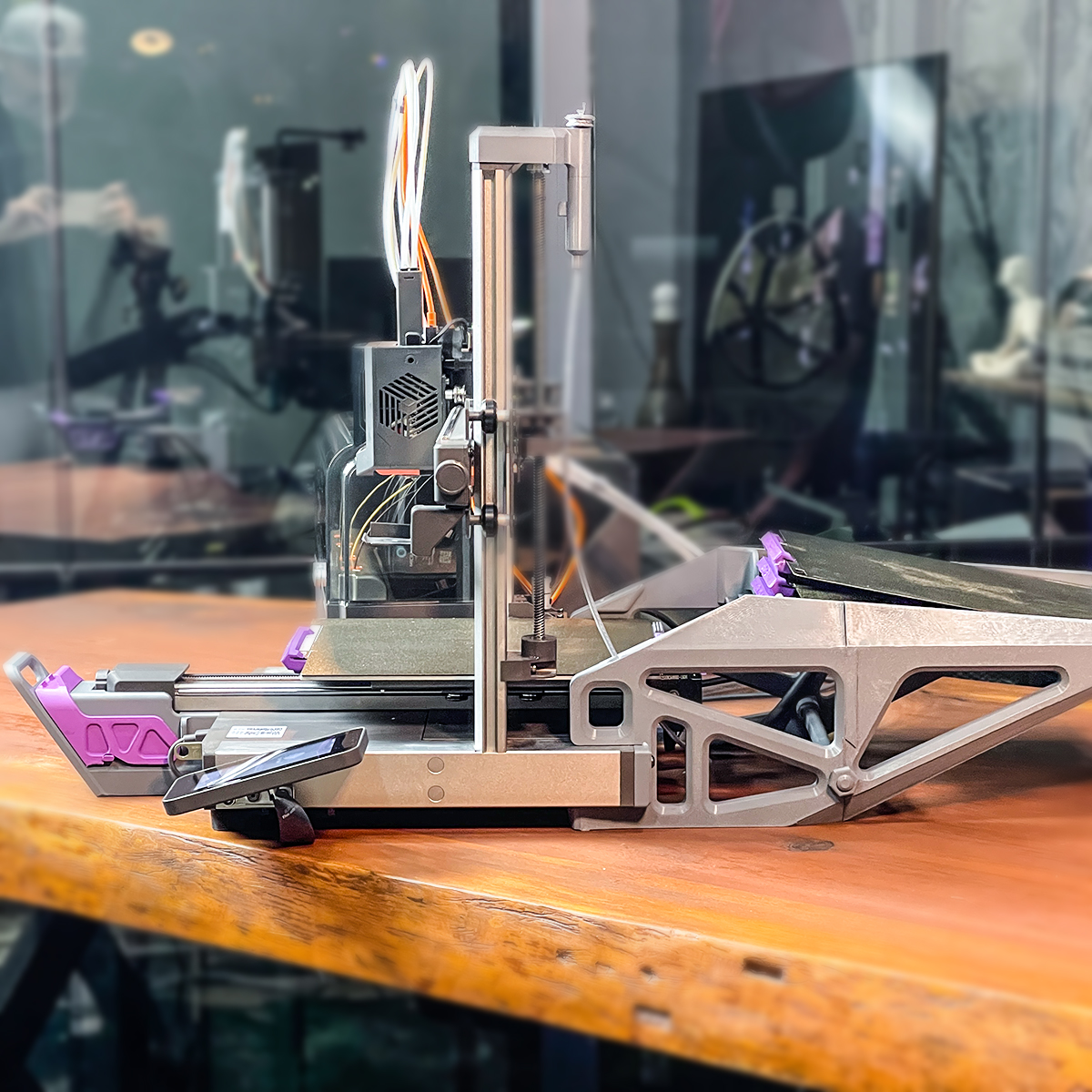
A closer look at the AutoSwap edition for the Anycubic Kobra 3.
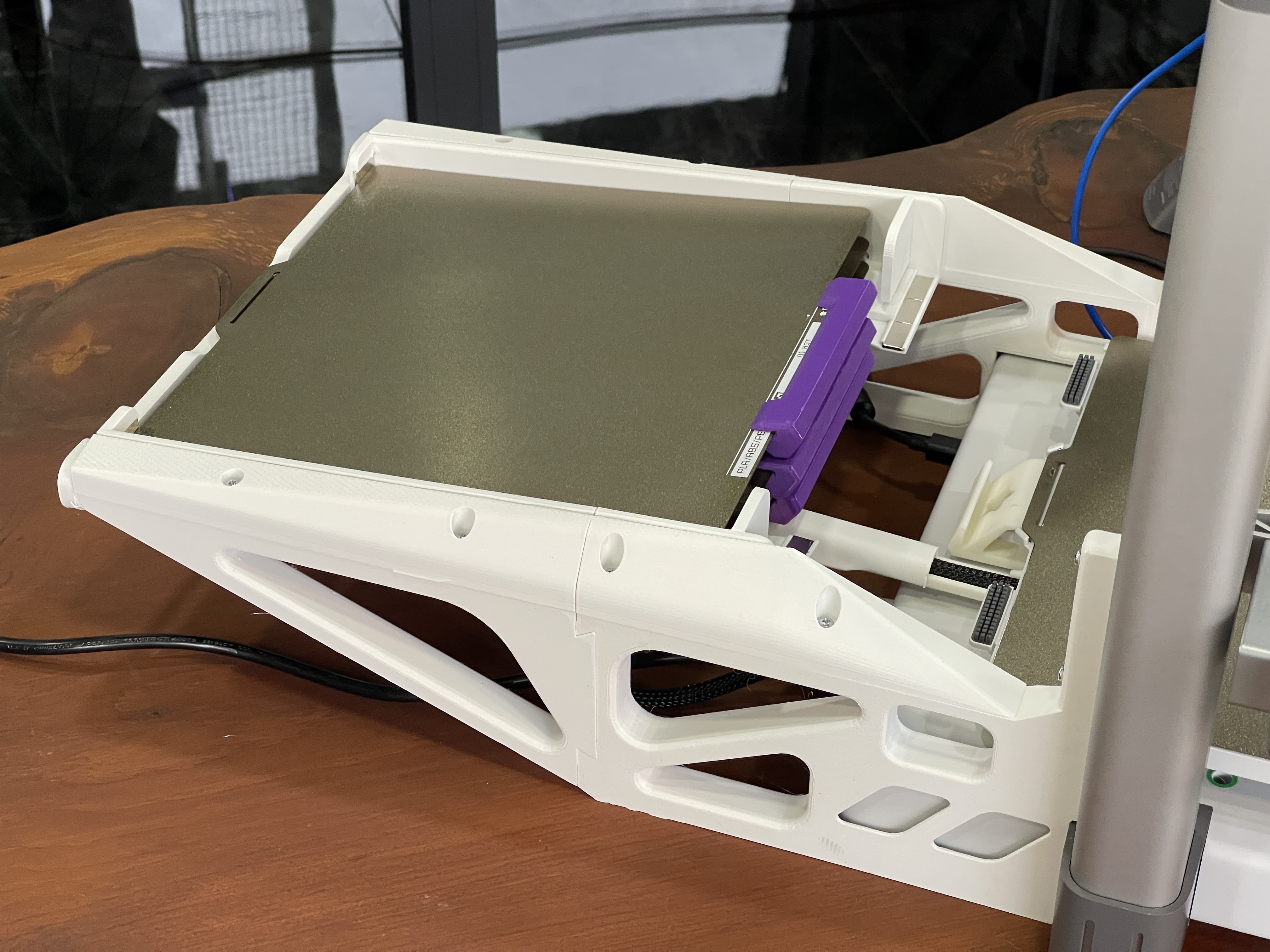
Another view of AutoSwap on the Bambu Lab A1.
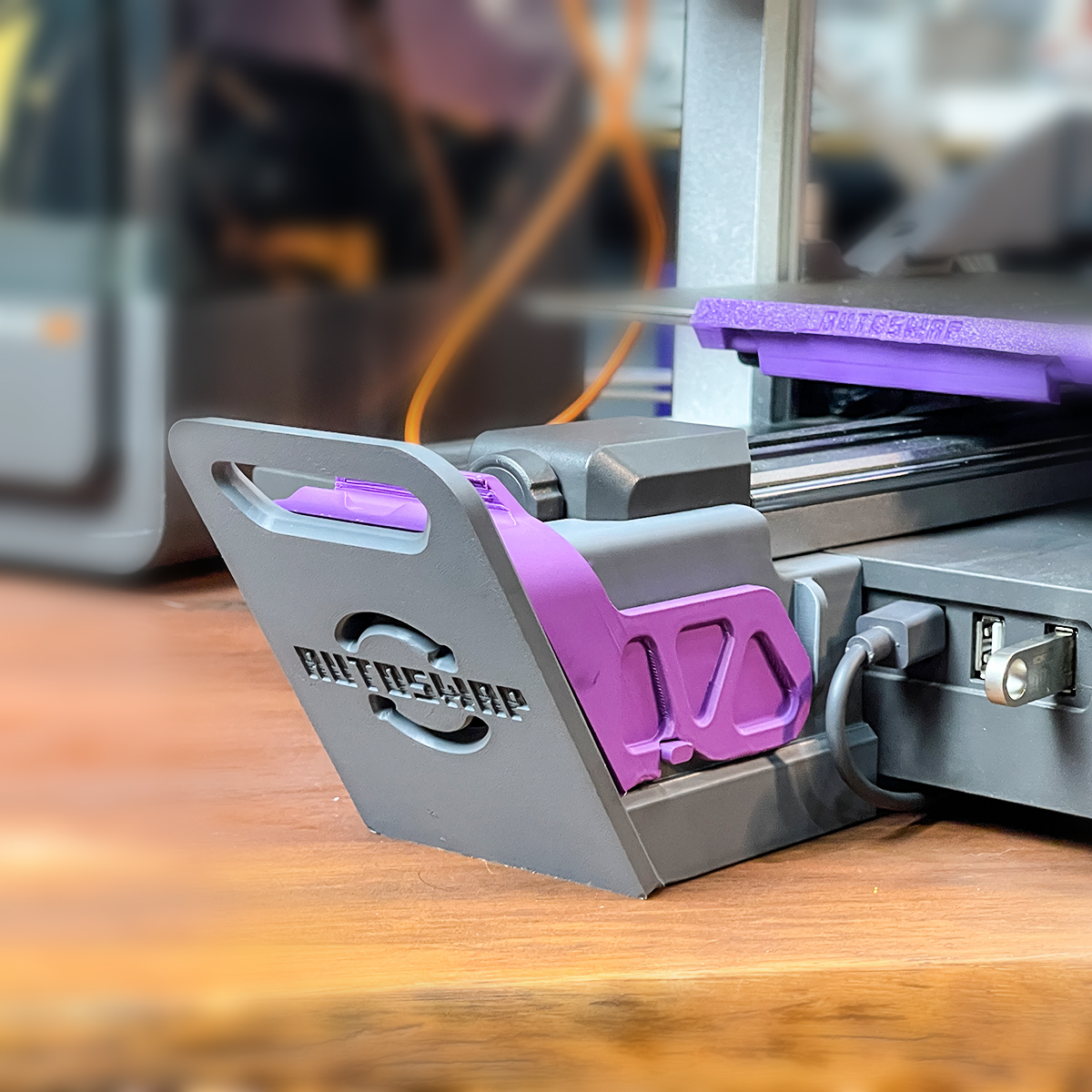
Another view of the AutoSwap edition for the Anycubic Kobra 3.
Works with these printers
AutoSwap ships in two editions, one for each supported printer. Pick the edition that matches your machine.
Get the AutoSwap hardware
AutoSwap is a third-party hardware add-on. You buy the kit for your printer from AutoSwap, then connect the printer to SimplyPrint and enable the AutoSwap clearing method.
Want the full product details, specs and editions? Read the AutoSwap integration page on SimplyPrint.
Learn more
Plan access: what plan do I need?
AutoSwap runs on AutoPrint. AutoPrint is included on Pro as 1 license (up to 5 total). Print Farm, Enterprise and Education include unlimited AutoPrint licenses.
| Feature / Limit | Free | Basic | Pro | Print Farm | Enterprise | School | Cloud Slicer | Filament Manager |
|---|---|---|---|---|---|---|---|---|
|
AutoPrint licenses
One AutoPrint license drives one printer with AutoSwap.
|
1 included Up to 5 total · $3.00/mo per extra license |
Want to learn more about our plans?
View full pricing & feature comparison