One Bambu Lab A1, a stack of plates, zero babysitting
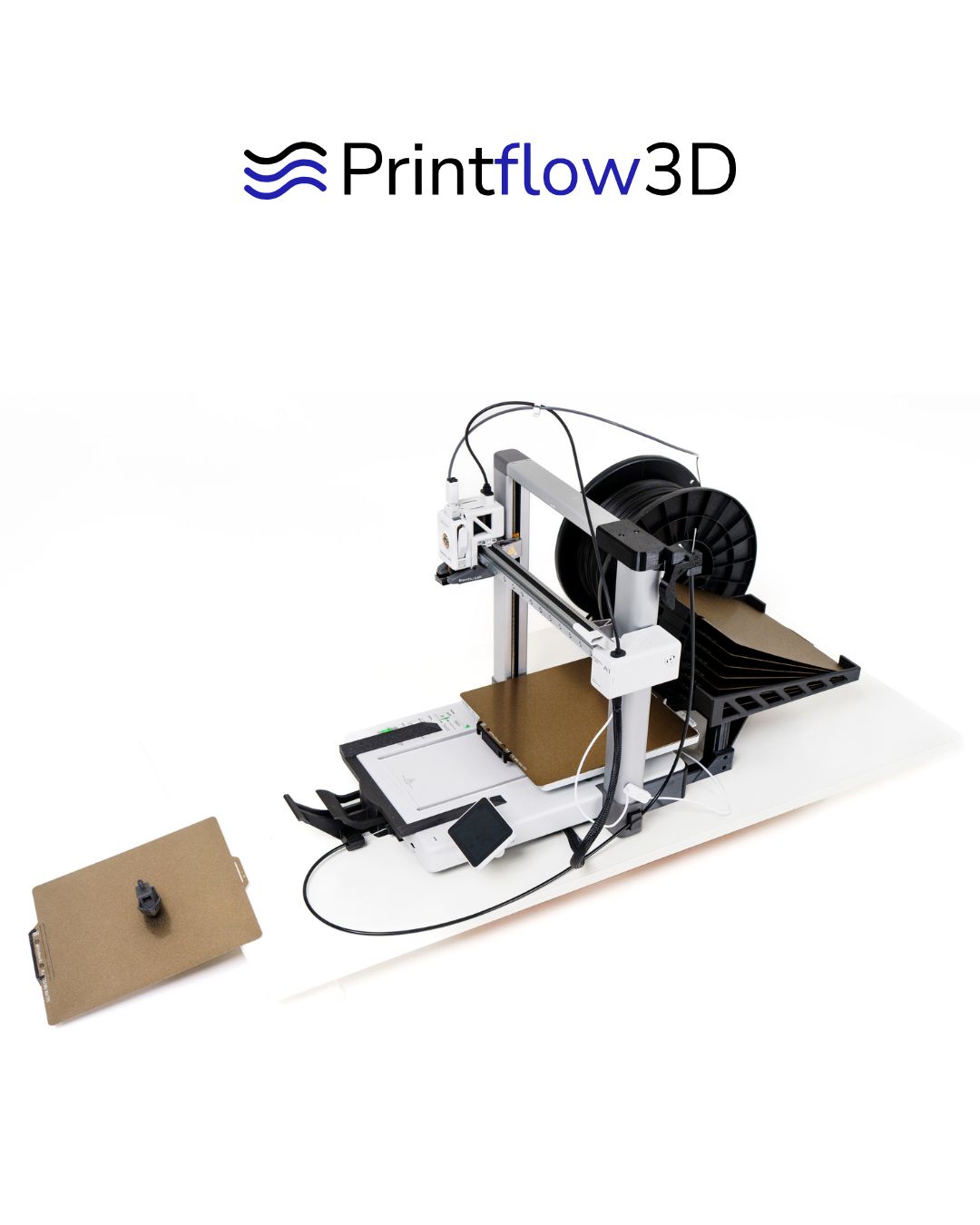
Printflow3D is a physical plate changer for the Bambu Lab A1. SimplyPrint AutoPrint treats it as a cycle-dependent clearing method: set a max plate count, queue your jobs, and the printer swaps each finished plate for a fresh one and starts the next print on its own until the stack runs out.
What is Printflow3D?
Printflow3D is an automatic plate changer for the Bambu Lab A1. When a print finishes, it seamlessly swaps the finished build plate for another, pulling a fresh blank plate from a finite stack so the printer can keep going without anyone touching it.
In SimplyPrint this is a cycle-dependent clearing method for AutoPrint. Because the stack of fresh plates is limited, you set a maximum plate count, and AutoPrint stops cleanly once that many swaps are done instead of trying to print onto a plate that is no longer there.
How it works in SimplyPrint
Once the Printflow3D plate changer is fitted to your A1, turning it into a hands-off station takes three steps in your account.
See Printflow3D in action
Real photos of the Printflow3D plate changer fitted to a Bambu Lab A1 and swapping a finished plate for a fresh one.
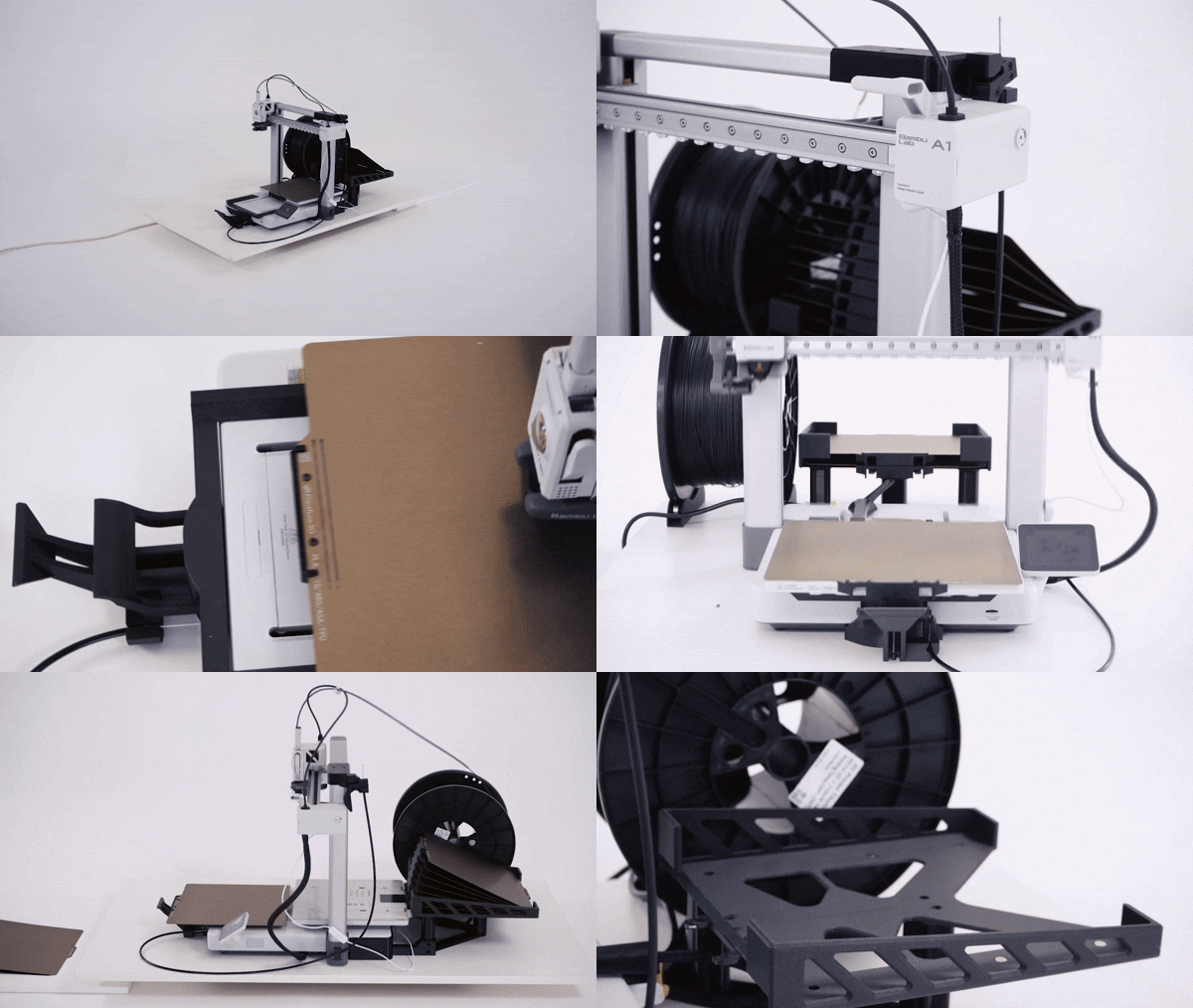
Printflow3D ejecting a finished plate and loading a fresh blank one so AutoPrint can start the next job.
The Printflow3D plate changer, built for the Bambu Lab A1.
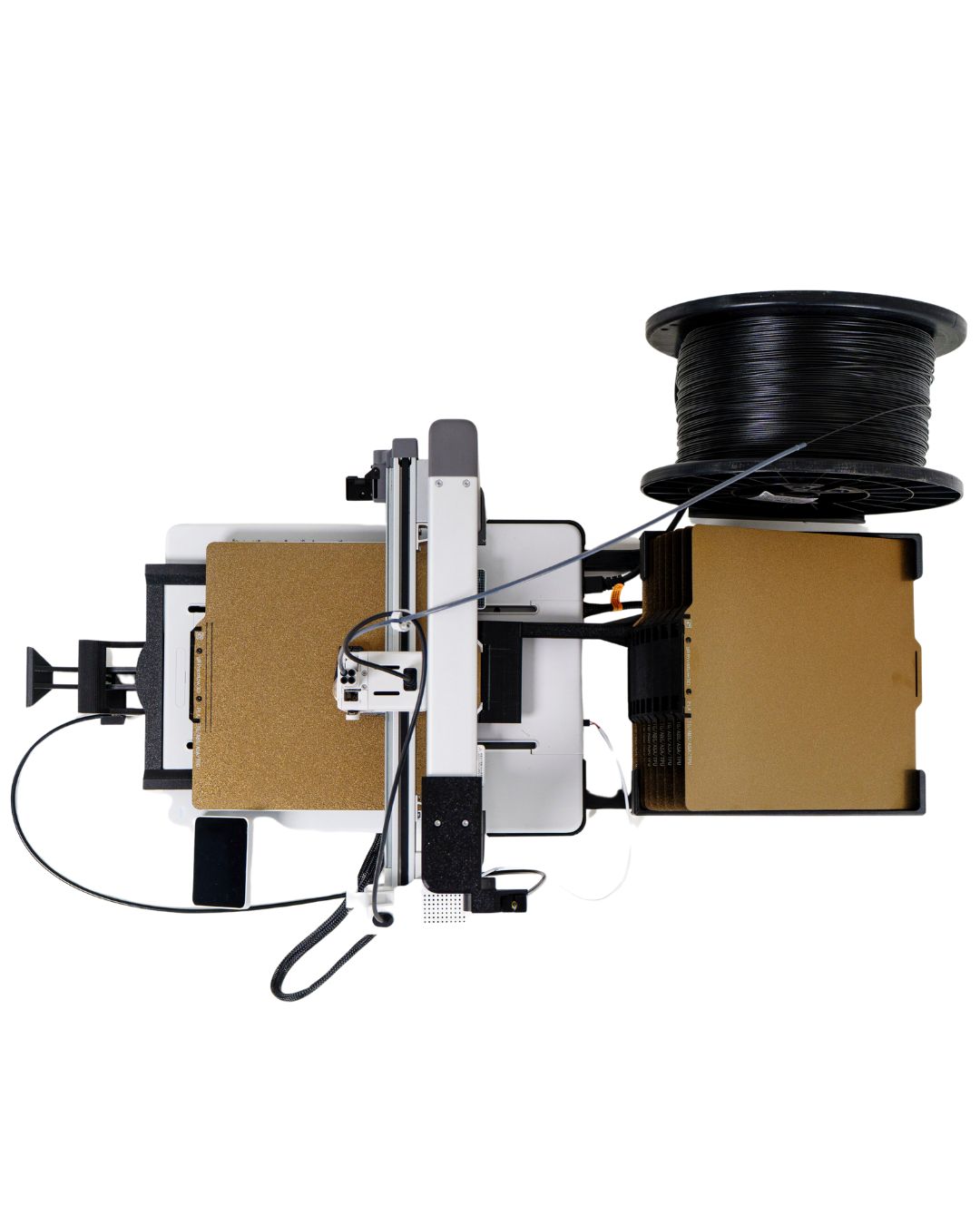
A closer look at the Printflow3D plate-swapping mechanism.
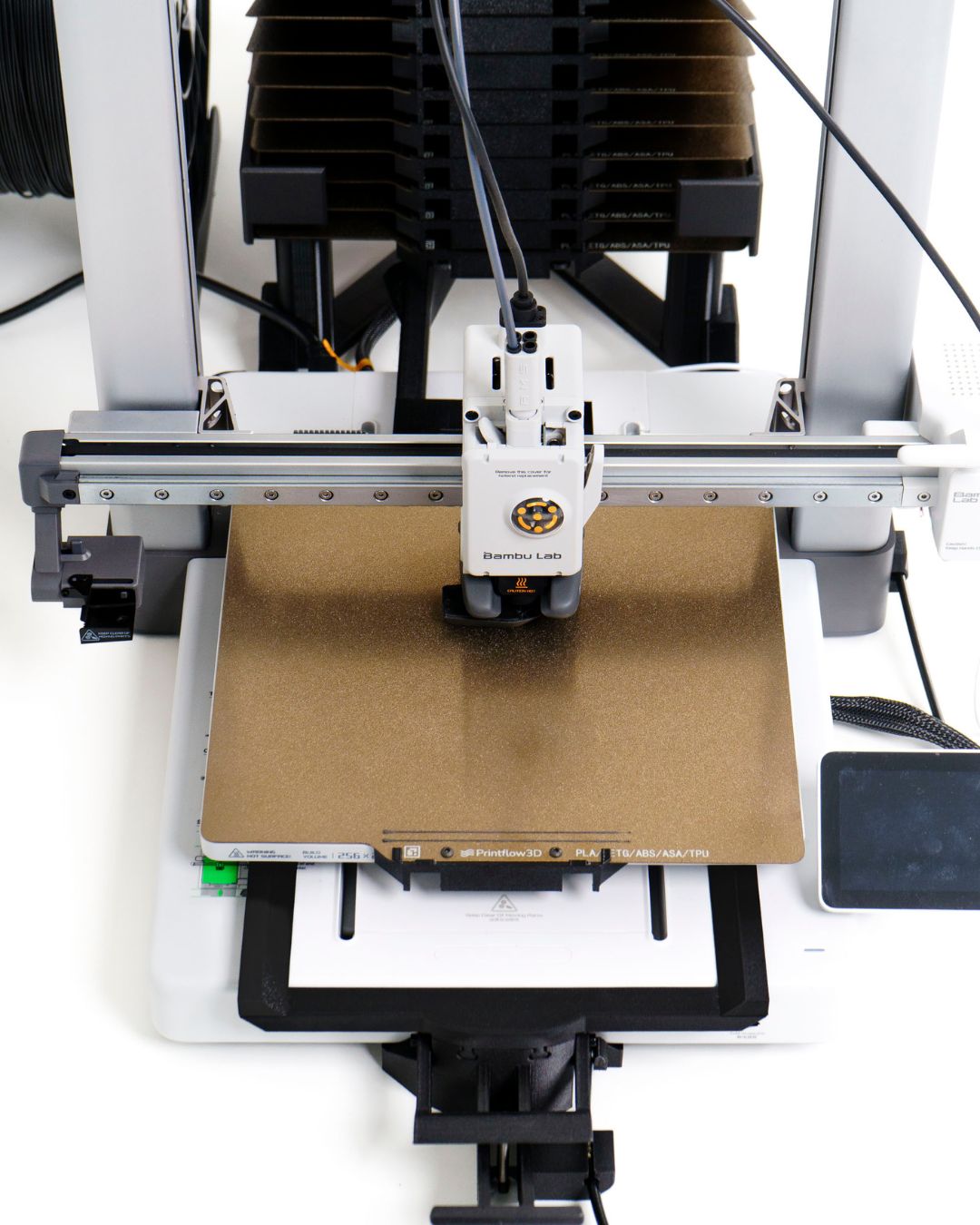
Printflow3D mounted on a Bambu Lab A1, ready to keep the queue moving.
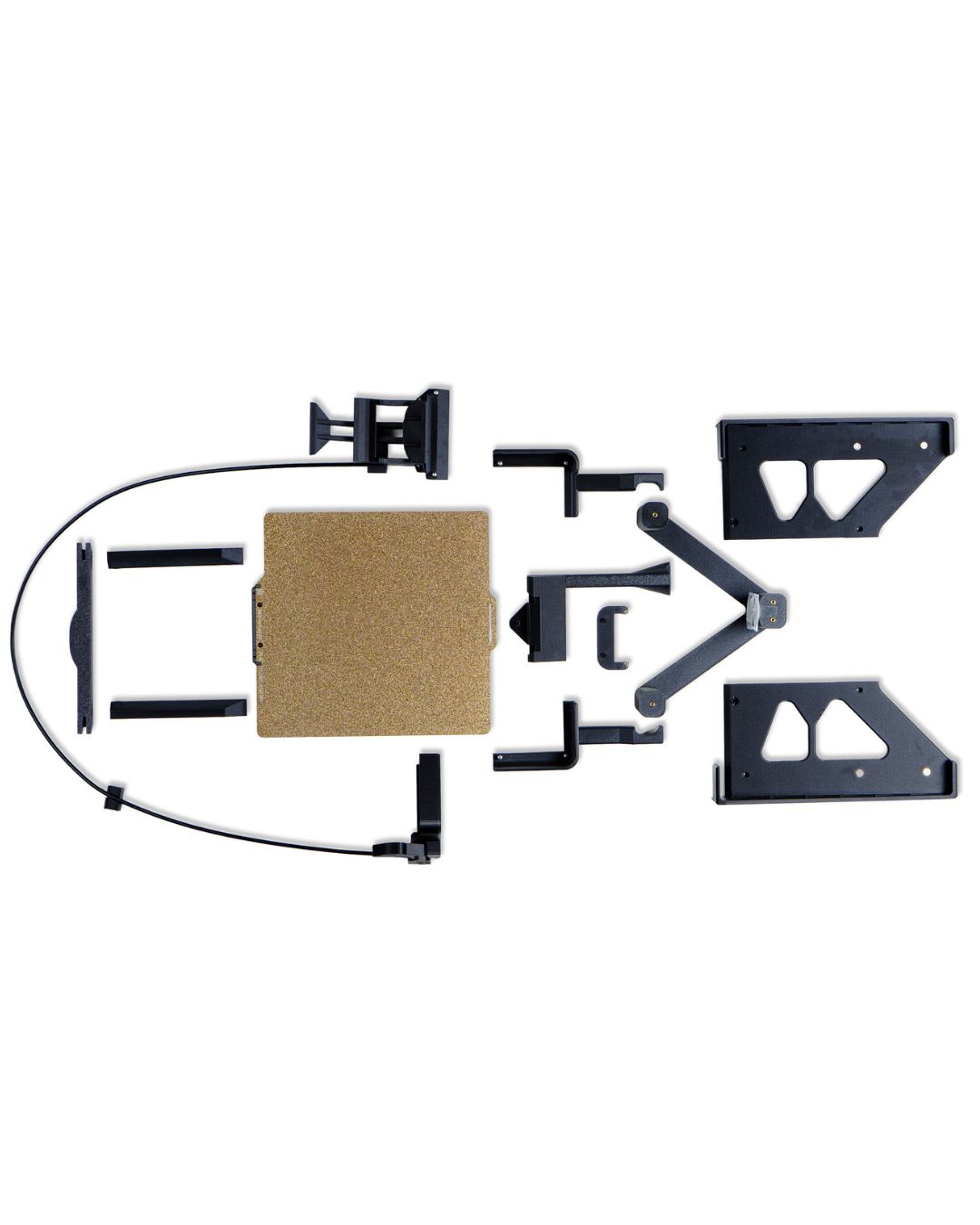
Another view of the Printflow3D plate changer on the Bambu Lab A1.
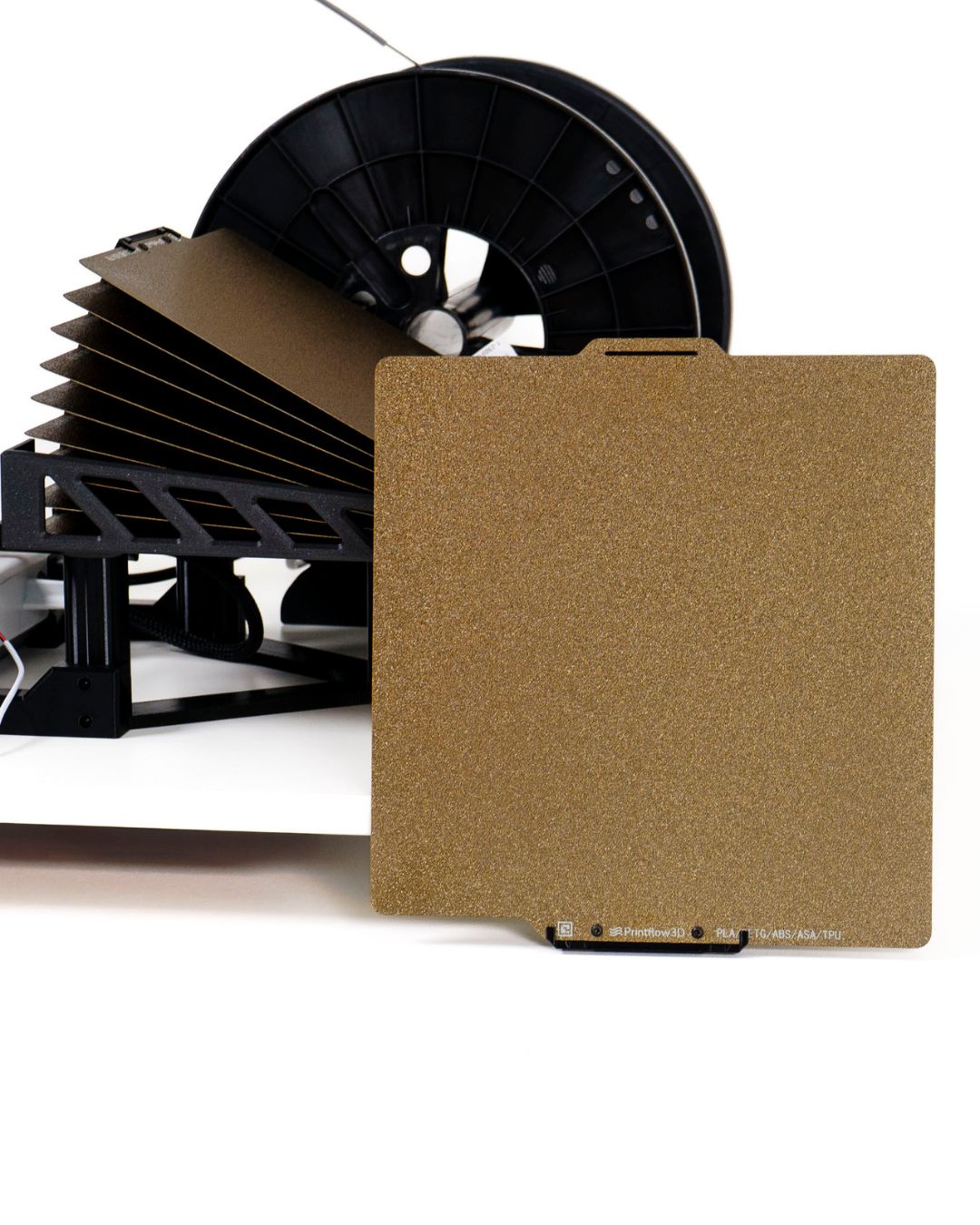
A closer look at the Printflow3D plate changer.
Which printers does it work with?
The Printflow3D plate changer is purpose-built for one printer.
Get the hardware
The Printflow3D plate changer is sold by Printflow3D. Read the full product details on our integration page, then grab it from Printflow3D - use code SIMPLYPRINT for 10% off at checkout.
Buy Printflow3D (code SIMPLYPRINT for 10% off)Full product details
Want the buyer's-eye view first?
Plan access: what plan do I need?
Plate-swapping with Printflow3D runs on SimplyPrint AutoPrint. AutoPrint is included on Pro as 1 license (up to 5 total). Print Farm, Enterprise and Education include unlimited AutoPrint licenses.
| Feature / Limit | Free | Basic | Pro | Print Farm | Enterprise | School | Cloud Slicer | Filament Manager |
|---|---|---|---|---|---|---|---|---|
|
AutoPrint licenses
One license powers one printer running AutoPrint, including the Printflow3D clearing method.
|
1 included Up to 5 total · $3.00/mo per extra license |
Want to learn more about our plans?
View full pricing & feature comparison