Enclosed Bambu printers, finally on autopilot
On an enclosed Bambu, the door stands between a finished print and the next job. AutoClear One handles that: it opens the door, clears the bed and lets AutoPrint roll straight into the next print in your queue - no one standing by the printer.
What is AutoClear One?
AutoClear One is a clearing method for AutoPrint that opens the printer's door and clears the finished print off the bed on the enclosed Bambu Lab X1C and P1S. When a print finishes, SimplyPrint runs your on-end G-code and then the AutoClear cycle: the door opens, the part is pushed clear, and the printer is ready for the next job. It exists because enclosed Bambu printers keep parts behind a closed door, so the door has to open before anything can be removed - AutoClear One does that step for you so the fleet doesn't sit idle.
Availability: as of June 2026 the AutoClear One is still sold by 3DJake while stocks last. The maker's own website is offline, so to our knowledge it may have been discontinued, though we can't confirm.
How AutoClear One works in SimplyPrint
Set it up once and your enclosed Bambu printers keep clearing themselves.
See the clear cycle
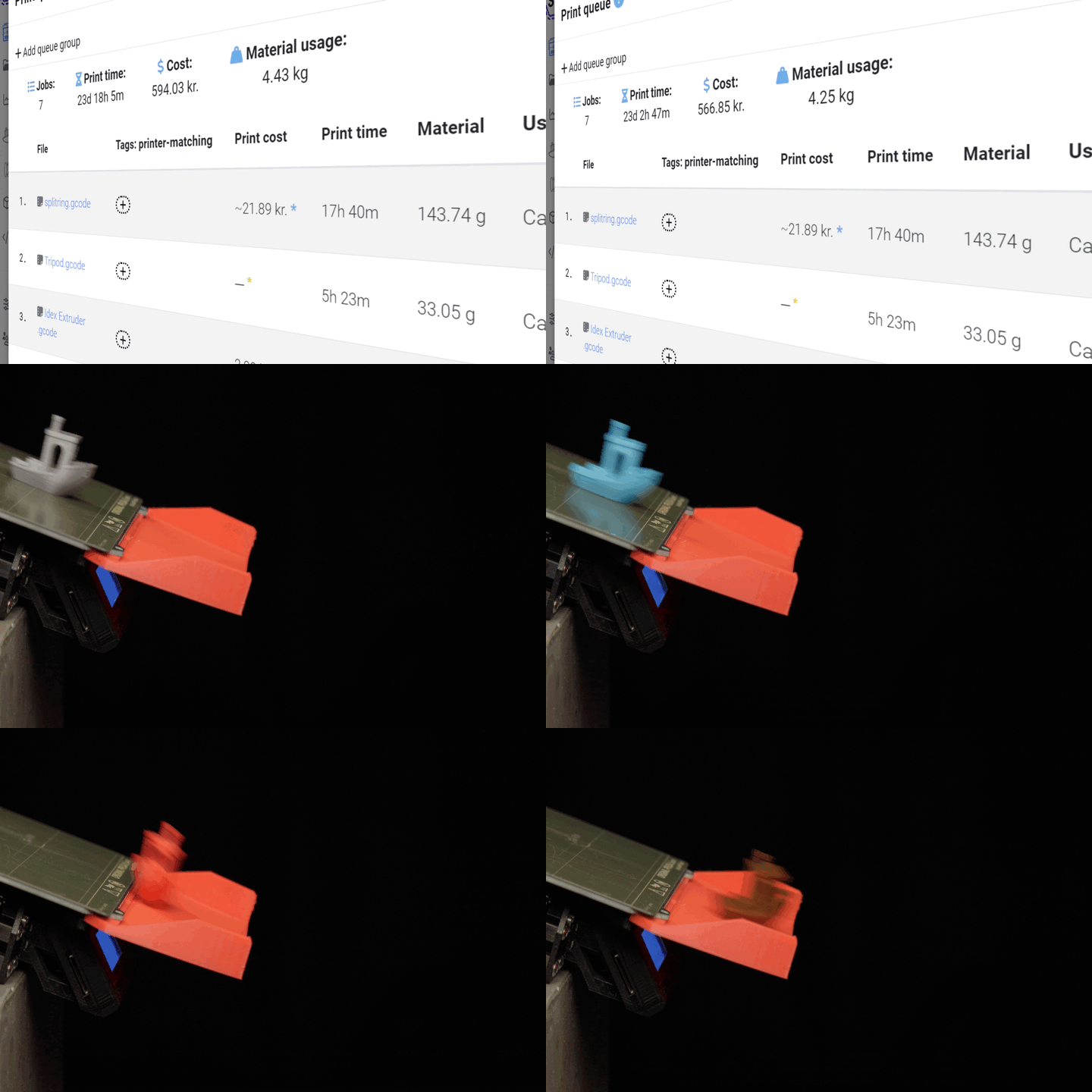
The clear cycle, step by step
On-end G-code finishes, the door opens and the finished part is cleared off the bed, then the next queued job begins - all driven by SimplyPrint AutoPrint.
Clearing happens at the right moment
AutoClear One doesn't fire blind. SimplyPrint runs your on-end G-code - the moves and any bed cooldown you've set so the part releases cleanly - and only then runs the AutoClear cycle to open the door and clear the bed. Because SimplyPrint controls the sequence, the door opens after the print is actually done and the part is ready to come off, not before.
Works with these enclosed Bambu printers
AutoClear One is built for enclosed Bambu Lab printers, where the door has to open before a part can be cleared.
Get the AutoClear One hardware
AutoClear One is the hardware add-on that opens the door and clears the bed. SimplyPrint drives it through AutoPrint. You can get it from 3DJake (see the availability note above), and read the full product details and compatibility notes on our integration page.
Buy AutoClear One at 3DJakeLearn more about AutoClear
Where to read the product details and the setup guide.
Plan access: what plan do I need?
AutoClear One runs through AutoPrint. AutoPrint is included on Pro as 1 license (up to 5 total). Print Farm, Enterprise and Education include unlimited AutoPrint licenses.
| Feature / Limit | Free | Basic | Pro | Print Farm | Enterprise | School | Cloud Slicer | Filament Manager |
|---|---|---|---|---|---|---|---|---|
|
AutoPrint licenses
One AutoPrint license per printer you want clearing itself with AutoClear One.
|
1 included Up to 5 total · $3.00/mo per extra license |
Want to learn more about our plans?
View full pricing & feature comparison