Built by 3D Farmers, maintained by SimplyPrint - the official AutoPrint method for Bambu Lab
FarmLoop is the official, SimplyPrint-maintained AutoPrint clearing method, and one of the most popular on the platform. It is a bed-clearing mod for Bambu Lab A, P, X and H series printers that pushes the finished print off the plate so the printer never sits idle. It is currently in public beta and free to use during the beta. Pair it with the print queue and smart matching and the right job lands on the right printer, hands-off.
What is FarmLoop?
FarmLoop is a bed-clearing mod for Bambu Lab printers, built by 3D Farmers and maintained as an official AutoPrint clearing method inside SimplyPrint. When a job finishes, SimplyPrint runs dedicated on-end gcode and then the FarmLoop clear cycle: the finished print is pushed off the plate, clearing the bed so the next queued job can start immediately.
Because SimplyPrint orchestrates the whole sequence, FarmLoop is not just a one-off macro - it runs every cycle, on every printer you've enabled it on, as part of your normal print queue. It supports multi-stage configurations (a stage 1 / stage 2 clear) for setups that need more than a single sweep to fully clear the plate.
See FarmLoop run in our interactive demo
What it does for a farm's capacity
In our 2026 SimplyPrint print-farm feedback survey of 22 operators, automation - AutoPrint together with bed-clearing and plate mods - was the clearest win for capacity: respondents reported output up 20-50%, with several doubling their throughput and one quadrupling it. Letting the bed clear itself is what turns overnight and weekend hours into print time.
How FarmLoop works in SimplyPrint
Three steps to a Bambu farm that clears its own beds and keeps printing.
FarmLoop in action on a real print farm
Real footage from a 3D Farmers print farm running FarmLoop on Bambu Lab A1 mini printers, alongside the SimplyPrint smart matching that decides what prints next.
A 3D Farmers farm clearing finished prints off the bed and starting the next job, completely hands-off.
Hours of unattended FarmLoop printing on a Bambu A1 mini farm, condensed into a few seconds.
The farm keeps cycling through the queue while no one is in the room.
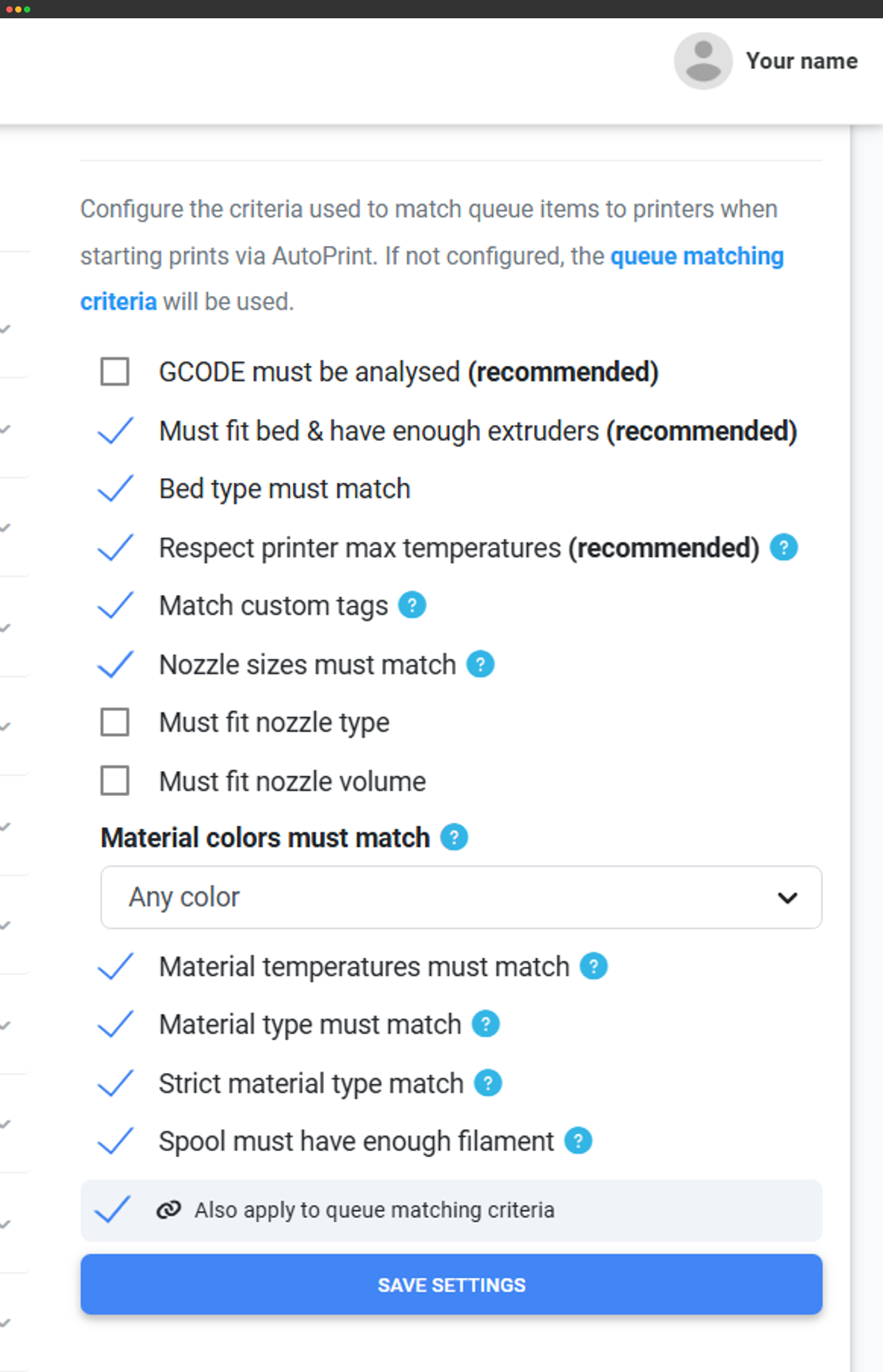
Matching rules pick the right job for each printer, so the right file always lands on the right Bambu.
How the clear cycle works
When a print finishes, SimplyPrint runs the FarmLoop on-end gcode and the finished part is pushed off the plate. The moment the bed is clear, the next job from your queue begins - no one needs to be at the printer. Setups that need more than one sweep can run a stage 1 / stage 2 clear, and SimplyPrint runs the stages in order before releasing the next job.
Works with these Bambu Lab printers
FarmLoop supports a wide range of Bambu Lab printers. It works with the A1 and A1 mini, the P1P, P1S and P2S, the X1C, and the newer H2D and H2S. Run a mixed Bambu fleet and SimplyPrint manages the FarmLoop cycle on each one independently, so you can put your whole farm on autopilot.
Get the FarmLoop hardware
FarmLoop is made by 3D Farmers. Order it from them and use code SIMPLYWIN10 for 10% off. Want the full product details, what's in the box and which exact mounts fit your printer? Read the product breakdown on the integration page - this page covers the SimplyPrint feature side: how AutoPrint drives FarmLoop and how to run it across a fleet.
Buy FarmLoop at 3D Farmers (code SIMPLYWIN10)Where to go next
Plan access: what plan do I need?
FarmLoop runs through AutoPrint. It is free to use during the public beta, and will become a paid add-on after the beta ends - we'll be upfront when that changes. AutoPrint is included on Pro as 1 license (up to 5 total), and unlimited on Print Farm, Enterprise and Education.
| Feature / Limit | Free | Basic | Pro | Print Farm | Enterprise | School | Cloud Slicer | Filament Manager |
|---|---|---|---|---|---|---|---|---|
|
AutoPrint licenses
Each printer you run FarmLoop on uses one AutoPrint license.
|
1 included Up to 5 total · $3.00/mo per extra license |
Want to learn more about our plans?
View full pricing & feature comparison