 Bambu Lab API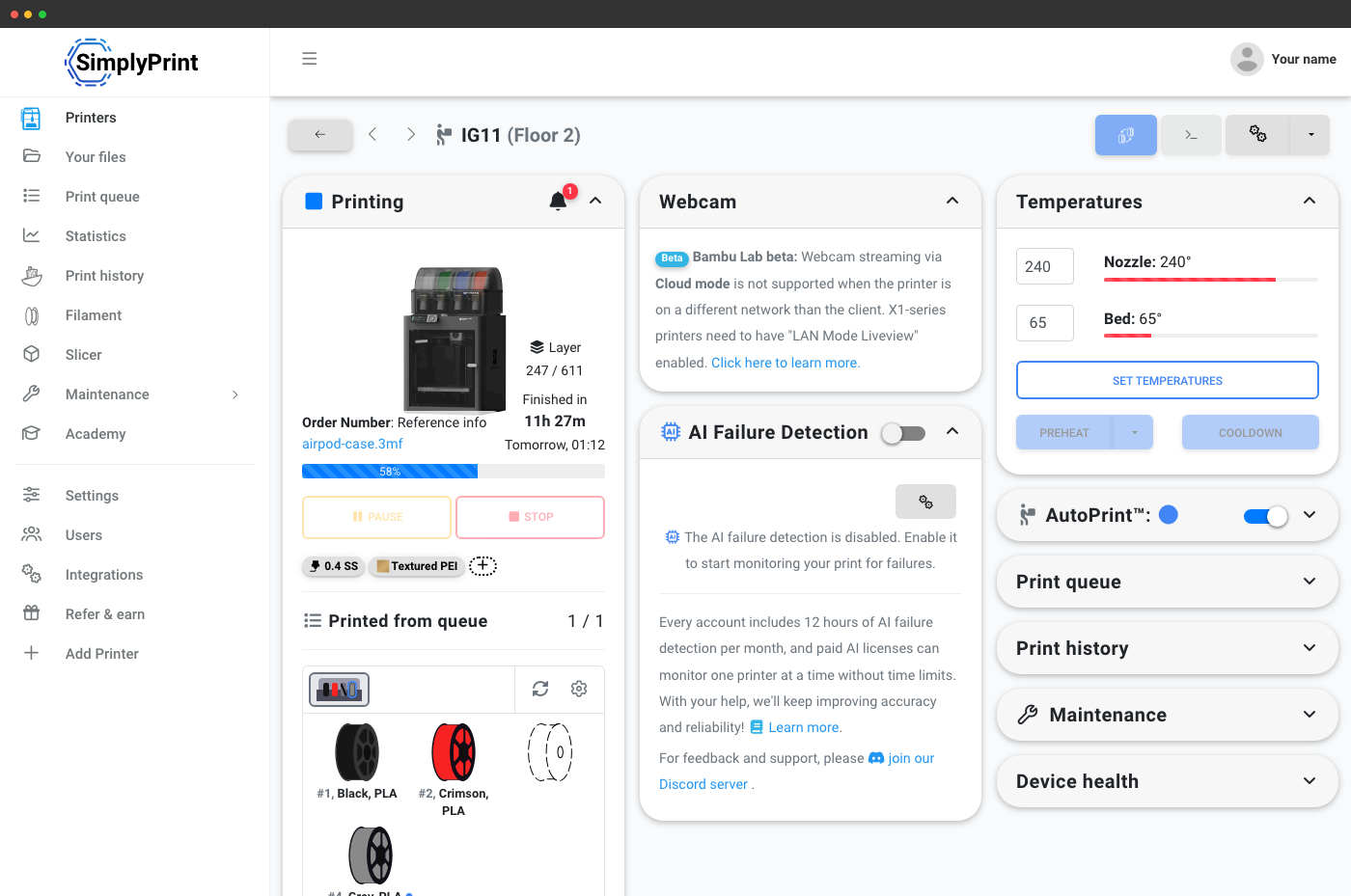
Compatible with the full Bambu Lab lineup
X1C, X1E, P1S, P1P, A1, A1 Mini and H2D - all connect to SimplyPrint and all expose the same API surface. AMS, AMS Lite, AMS 2 Pro and AMS HT are recognised; loaded spools show up in the same filament-inventory response as printers connected by any other route.
Queue a print on a specific Bambu Lab in one API call
POST a 3MF or G-code file ID, target a Bambu Lab printer by ID, and SimplyPrint queues it. Multi-color 3MFs slice through the same engine the panel uses, and the queue routes the job to a printer whose AMS has the required colours loaded.
# Queue a print on a specific Bambu Lab X1C (printer id 84)
curl -X POST "https://api.simplyprint.io/{companyId}/queue/AddItem" \
  -H "X-API-KEY: your_api_key_here" \
  -H "Content-Type: application/json" \
  -d '{
    "fileId": "multi_color_3mf_file_id",
    "amount": 1,
    "for_printers": "84",
    "position": "top"
}'How SimplyPrint connects to your Bambu Lab printer
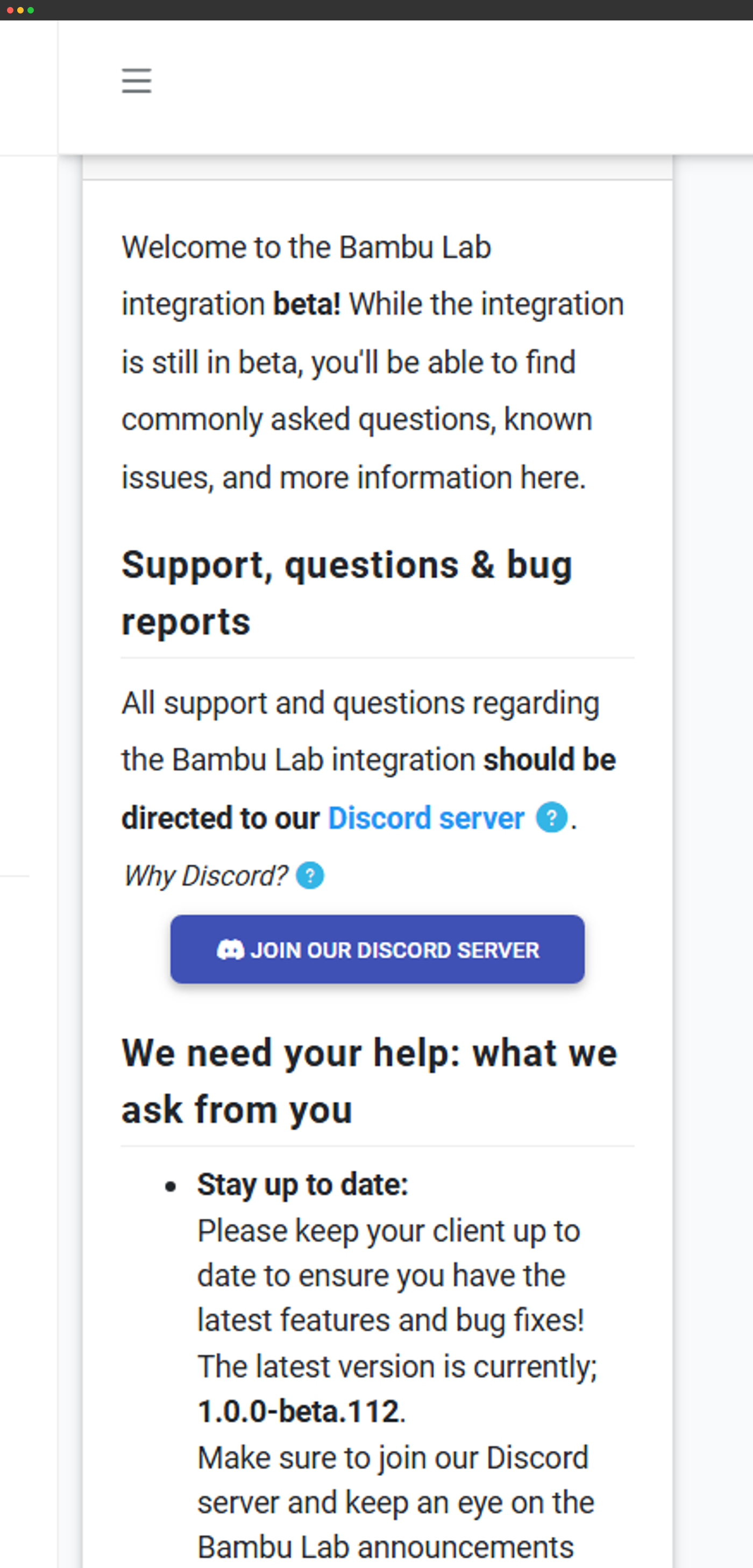
Full control of a Bambu Lab printer from SimplyPrint requires the SimplyPrint Bambu Lab Client - a small bridge process that runs on your network on a Raspberry Pi, mini PC, or any always-on Mac/Windows/Linux machine. The bridge sits on the same LAN as your printers and talks to them locally; it then connects to SimplyPrint's cloud over the internet on your behalf. The printers themselves never need a public connection - they stay LAN-only while you keep full remote control from anywhere.
- Full control (start prints, AMS, temperature, movement, webcam): printer in LAN-only Mode with Developer Mode enabled, plus the SimplyPrint Bambu Lab Client running as the bridge. This is the supported path on current Bambu firmware.
- Monitor only (status, progress, AMS state, webcam, statistics): printer in Cloud mode + the SimplyPrint Bambu Lab Client. You see everything but cannot start prints from SimplyPrint - Bambu's Authorization Control System (ACS, 2025) blocks third-party write actions over Bambu's cloud.
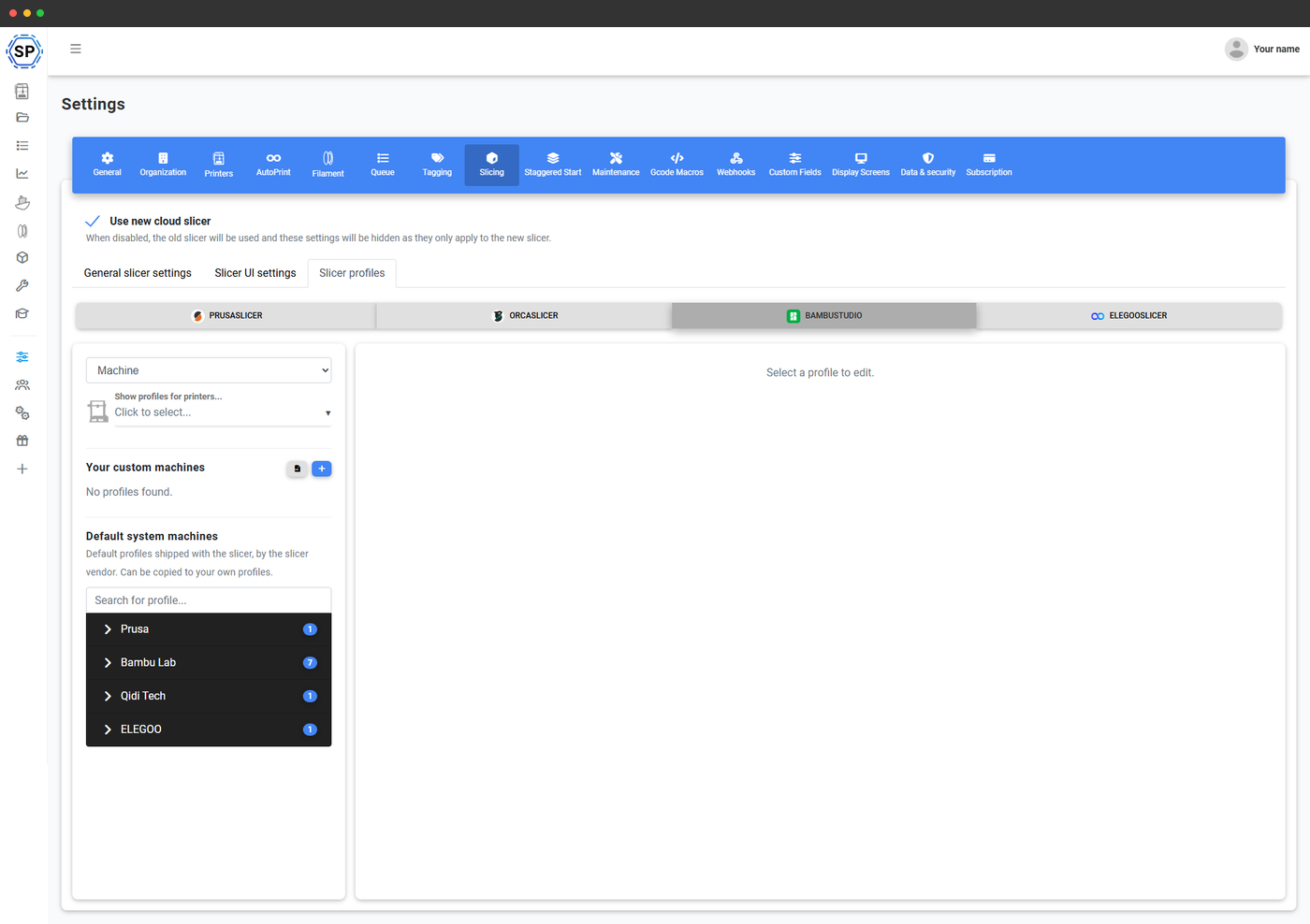
- No printer connection: do not add the printer at all. The Cloud Slicer, Filament Manager, file storage and label tools still work; you start prints from Bambu Studio / Bambu Handy as usual.
Use SimplyPrint alongside Bambu Studio Cloud
You don't have to pick one or the other. Keep using Bambu Studio and Bambu Handy as your slicer and quick-control app, and let SimplyPrint sit on top for fleet queue, AMS-aware routing, filament inventory and the REST API. Both read from the same printer connection - there is no conflict, no exclusivity flag and no extra setup on the printer to make them coexist.
Read state, control prints, send G-code
Every printer-control endpoint works the same way on a Bambu Lab as on any other printer. Pass the printer ID, get JSON back.
# List every printer - response includes loaded AMS spools per Bambu Lab unit
curl "https://api.simplyprint.io/{companyId}/printers/Get" \
-H "X-API-KEY: your_api_key_here"# Pause a Bambu Lab print mid-run
curl -X POST "https://api.simplyprint.io/{companyId}/printers/actions/Pause" \
-H "X-API-KEY: your_api_key_here" \
-H "Content-Type: application/json" \
-d '{ "pid": 84 }'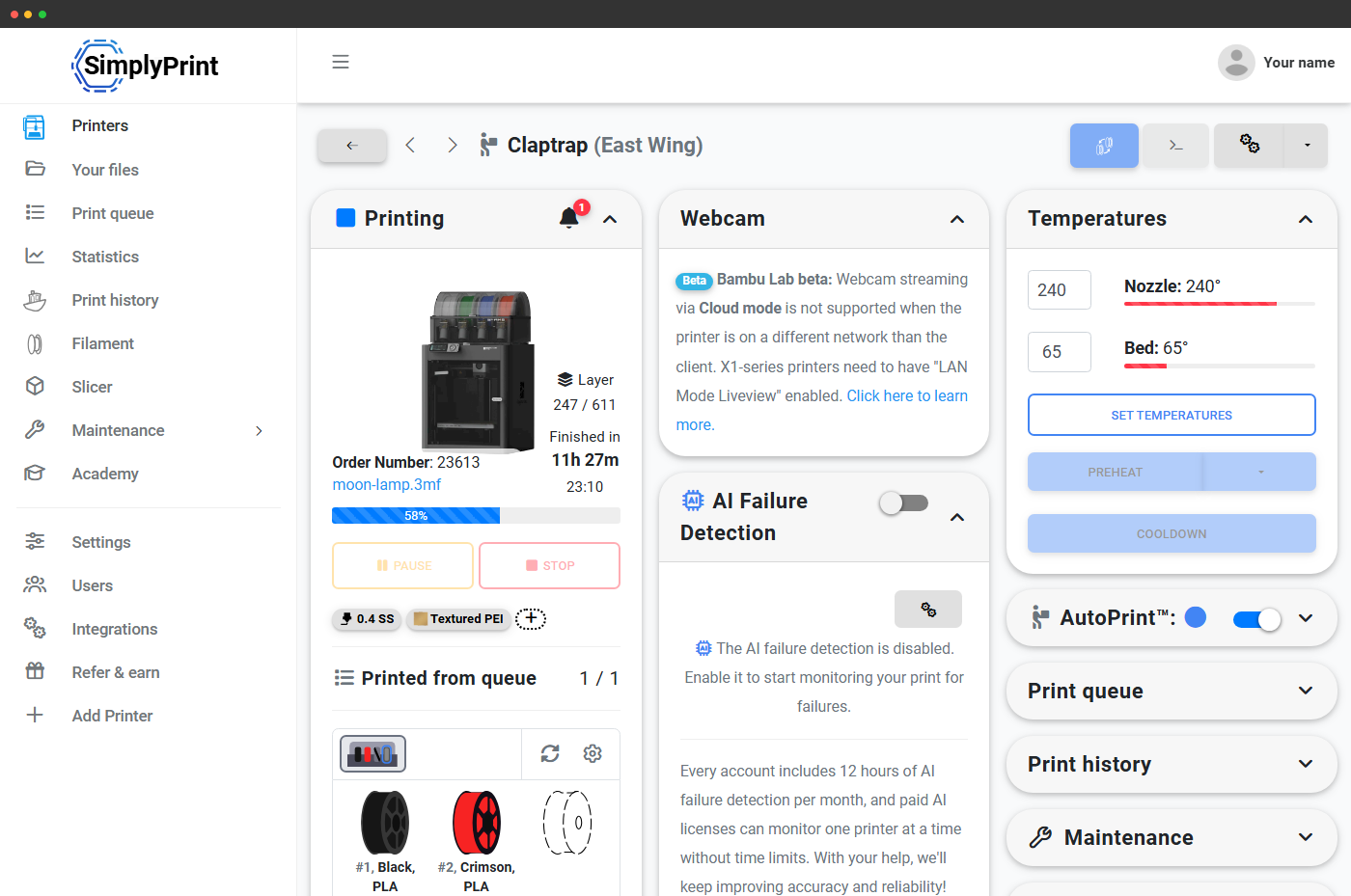
AMS-aware automation: read the loaded spools, queue the right job
Each Bambu Lab printer's AMS slots are tracked as filament spools in the SimplyPrint Filament Manager. The API exposes the same data: each spool's brand, material, colour, remaining weight and which slot it sits in. Your automation can check what's loaded right now and either queue a print that matches, or page a human to swap a spool.
# Inspect filament spools - useful for AMS-aware automation
curl "https://api.simplyprint.io/{companyId}/filament/GetFilament" \
-H "X-API-KEY: your_api_key_here"What people build with the Bambu Lab API
- Shopify / WooCommerce hooks: a multi-color order lands and a SimplyPrint queue item is auto-created against the Bambu Lab whose AMS already has the right palette loaded.
- Fleet dashboards: wall-mounted Grafana / Notion / custom-Svelte dashboards showing live state of every X1C, P1S and A1 in the shop, with AMS slot data per printer.
- Slack / Discord bots: bots that pause a runaway print, report "the P1S just finished print #128", or summarise filament usage across the Bambu fleet over a week.
- Education / makerspace bookings: a booking system reserves a P1S, queues the student's G-code, then archives the job to the student's transcript when it finishes.
Why use SimplyPrint instead of Bambu's own cloud?
Bambu Handy and Bambu Studio cloud give you Bambu Lab's own remote panel and prints from the Bambu Studio slicer. SimplyPrint sits alongside, giving your fleet things Bambu's first-party cloud doesn't:
- Cross-brand fleet API: the same code that drives a Bambu Lab X1C also drives a Prusa MK4, an Anycubic Kobra, or anything OctoPrint-compatible.
- Queue, approval and routing logic: not just printer-by-printer control - a real multi-printer queue with approval workflows, per-user permissions and auto-routing.
- Filament inventory across the whole shop: not just what's loaded in one AMS, but every spool in your Filament Manager, with cost-per-gram tracking.
- OAuth2 for partner integrations: ship an integration your users connect to their own SimplyPrint account, instead of needing them to share Bambu credentials.
- Webhook push events: SimplyPrint POSTs the moment something happens, no polling.
Plan access for the Bambu Lab API
Same plan-gating as the main SimplyPrint API. Free and Basic plans don't expose an API; Pro and above unlock Basic API; Print Farm and above unlock Enhanced (write capability for queue mutations and starting prints).
| Feature / Limit | Free | Basic | Pro | Print Farm | Enterprise | School | Cloud Slicer | Filament Manager |
|---|---|---|---|---|---|---|---|---|
|
API requests per minute
Rolling per-minute limiter shared across all API calls for the account.
|
- | - | 60 | 180 | 600 | 180 | - | - |
|
Basic API access
Read printer state, queue, jobs and history for every Bambu Lab in the account.
|
||||||||
|
Enhanced API (start prints, send G-code)
Unlocks file uploads, queue mutations that start prints, direct G-code send.
|
Want to learn more about our plans?
View full pricing & feature comparison