
Claude
Connect SimplyPrint to Claude - run your print farm from claude.ai, Claude Desktop or Claude Code with natural language
Add connector in claude.ai Read the full setup guide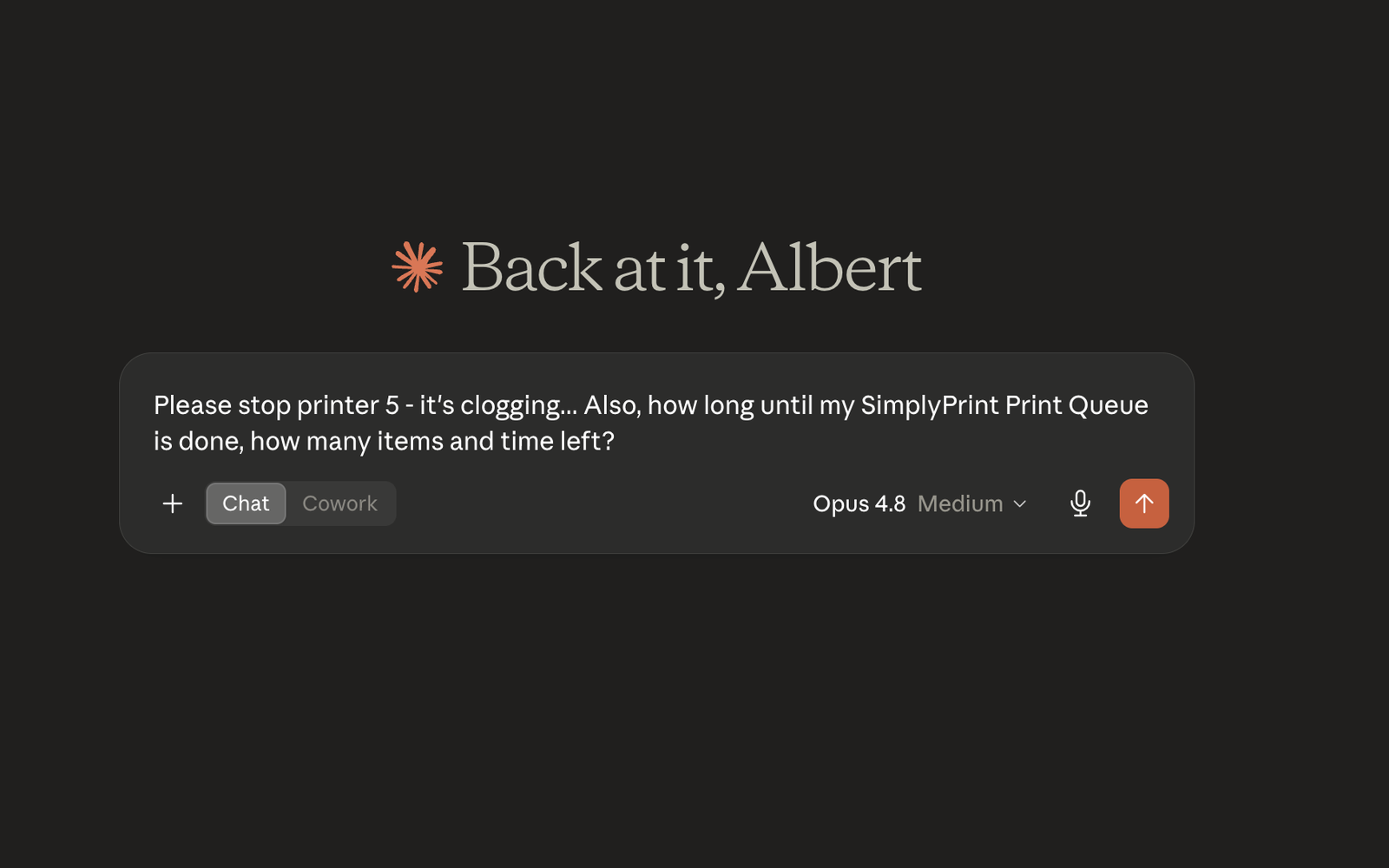
Connect SimplyPrint to Claude - run your print farm from claude.ai, Claude Desktop or Claude Code with natural language
Add connector in claude.ai Read the full setup guide
SimplyPrint is not endorsed by or affiliated with Anthropic. We use trademarks and images only to indicate compatibility with our platform. Use of Anthropic hardware with SimplyPrint may not be as intended by Anthropic. All rights belong to respective owners.
With the SimplyPrint + Claude integration, Anthropic's Claude can read and control your SimplyPrint account directly. Ask Claude in plain English to check which printers are busy, pause the farm to change filament, queue a job, diagnose a failure, or summarise this week's success rate - and it drives SimplyPrint for you.
The integration is powered by the SimplyPrint MCP server. MCP (Model Context Protocol) is Anthropic's open standard for plugging tools into AI assistants, so the same connector works in every Claude surface.
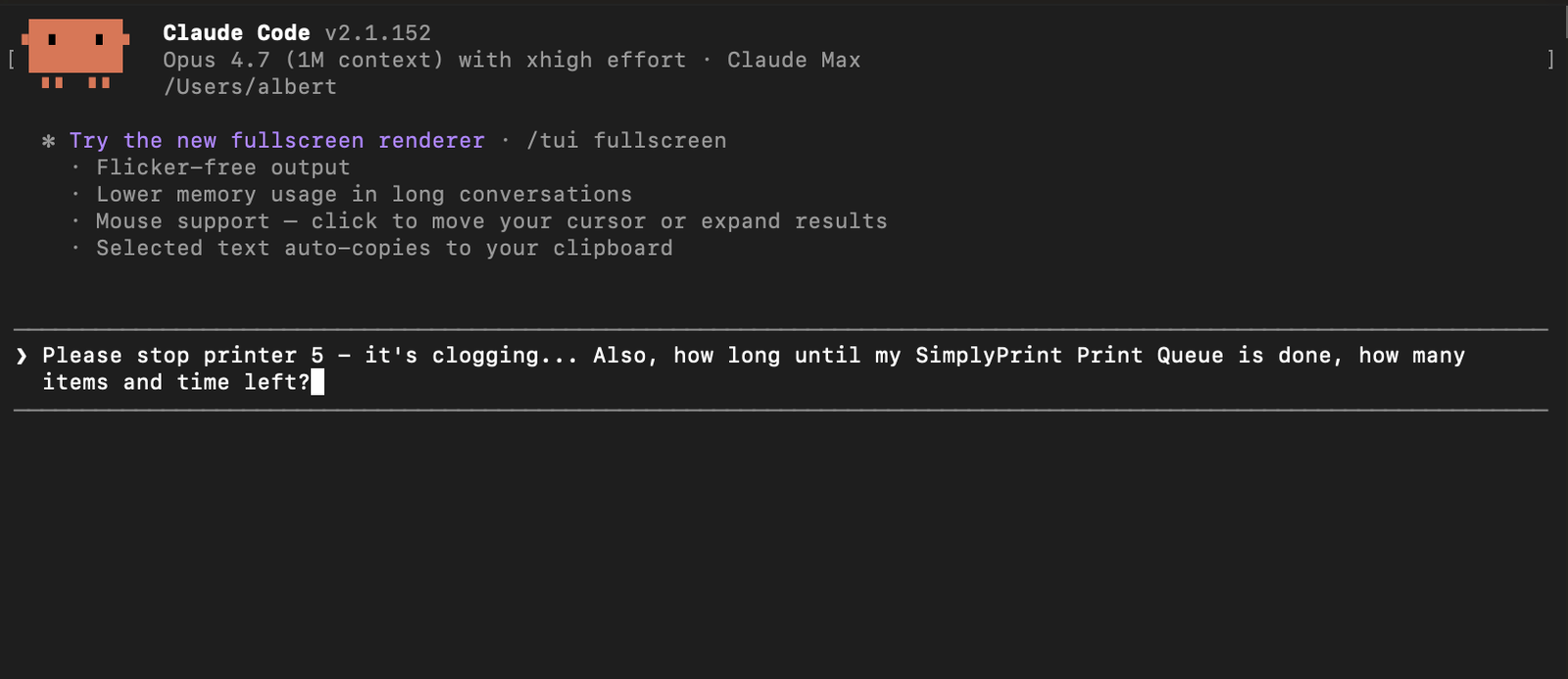
From any Claude Code session:
/plugin marketplace add simplyprint/simplyprint-claude-plugin/plugin install simplyprint@simplyprintThe first time Claude Code calls a SimplyPrint tool it opens a browser for OAuth - same consent screen as the web flow. Tokens are cached locally; you only authorize once.
Once connected, Claude can call any SimplyPrint action your scopes allow - list and control printers, manage the queue, inspect files, adjust filament spools, pull stats and history. It asks before doing destructive things like cancelling a print.
Full step-by-step screenshots and the complete scope reference are in the Claude help desk article. For other AI assistants that speak MCP, see the generic MCP integration.
Open claude.ai or Claude Desktop
Sign in at claude.ai or open Claude Desktop - both share the same Connectors screen.
Open Connectors
In the left sidebar click Customize, then Connectors. Custom connectors require a Claude Pro, Max, Team or Enterprise plan.
Add the custom connector
Click +, choose Add custom connector, and enter name SimplyPrint and URL https://simplyprint.io/api/mcp.
Approve access
Open a new chat and ask Claude about your printers. Claude prompts for access - log in to SimplyPrint and approve the scopes you want. No API keys, revocable at any time.
You're connected
Claude now answers with live data from your SimplyPrint account. Using Claude Code instead? Install the official plugin - two commands, shown above.
Yes. Connected to SimplyPrint, Claude can check printer status, queue jobs, manage filament, inspect files and pull stats for any printer SimplyPrint supports - 140+ brands and 600+ models. It asks before destructive actions like cancelling a print.
Custom connectors on claude.ai and Claude Desktop require a Claude Pro, Max, Team or Enterprise plan. The Claude Code plugin works on any Claude plan.
Through the SimplyPrint MCP server at https://simplyprint.io/api/mcp, with tools covering printers, queue, files, filament and stats. MCP (Model Context Protocol) is the open standard created by Anthropic for connecting AI assistants to tools.
Install the official plugin: /plugin marketplace add simplyprint/simplyprint-claude-plugin, then /plugin install simplyprint@simplyprint. The first tool call opens a browser for the same OAuth consent, and tokens are cached locally.
You stay in control. The connection uses OAuth2 with per-user, scoped tokens - grant read-only or full control - and you can revoke access at any time from your SimplyPrint account. No API keys are pasted into the chat.
Yes - the same MCP server powers the ChatGPT and Gemini CLI integrations, and any MCP-aware client like Cursor or Windsurf via the generic MCP integration.
Integration for SimplyPrint allows for applications to interact with your 3D printers, and your 3D printers to interact with other applications. This allows for endless possibilities, and we strongly believe that your 3D printer should be able to function as an IOT device, working together with any and all applications you can imagine!
This is why the team behind SimplyPrint work to provide official integrations for the most popular platforms, slicer and applications, while also allowing our users to create custom integrations using our API, or for approved third party vendors to create integrations to be used by all SimplyPrint users, using a "Log in with SimplyPrint" method (using the "OAuth2" method).
If you're a developer interested in creating an integration for SimplyPrint, please read our documentation on the subject.
If you're not a developer yourself, but would like to see an integration for a specific application, go check if it's already on our roadmap or suggestion list, and if not, feel free to suggest it!