
Filament usage that tracks itself

Automatic filament tracking, with no scales and no manual entry

Start a print through SimplyPrint and your filament inventory keeps itself accurate. We read the G-code, work out exactly how much filament the job uses, convert it to grams, and deduct it from the assigned spool the moment the print ends. You never weigh a spool or type a number again.

View Filament Management overview Get started for free More info & how-to
Feature image

How automatic filament tracking works

Assign a spool to a printer, then print as normal. For every print started through SimplyPrint on a connected printer, we analyze the sliced G-code to compute the extrusion length, convert millimetres to grams using the spool's diameter and material density, and subtract the result from that spool. Live usage is shown while the print runs, and the final amount is committed when the print ends - across as many printers as you run.

G-code analysis converts extrusion length into grams

When you start a print through SimplyPrint, we read the G-code and add up exactly how much filament the job extrudes. That extrusion length in millimetres is converted to grams using the spool's filament diameter and the material's density, then deducted from the spool assigned to that printer when the print finishes.

Cancel or fail a print partway through and we deduct roughly the completed percentage instead of the full amount, so your remaining weight still reflects reality. On printers with more than one extruder, each extruder's spool is tracked independently.

Watch usage deduct itself

A live look at automatic deduction - the spool drains as the print lays down filament.

Start a print through SimplyPrint and watch the assigned spool's weight drop on its own. We read the G-code, work out the grams, and deduct them. No scale, no spreadsheet, no typing.

Printing now Voron 2.4
calicat_v3.gcode
0% Heating
Used so far 0 g
This print needs 230 g
Time left 2h 22m
G-code extrusion → grams using 1.75 mm PLA at 1.24 g/cm³
Assigned spool on Voron 2.4
Galaxy Black
Polymaker PLA
Remaining 1,000 g
100% of 1,000 g left
Spool usage history logged automatically when each print ends
  • benchy.gcode -12 g 2 hours ago
  • cable-clips-x8.3mf -31 g yesterday
Feature image

Spool history shows which print used which spool

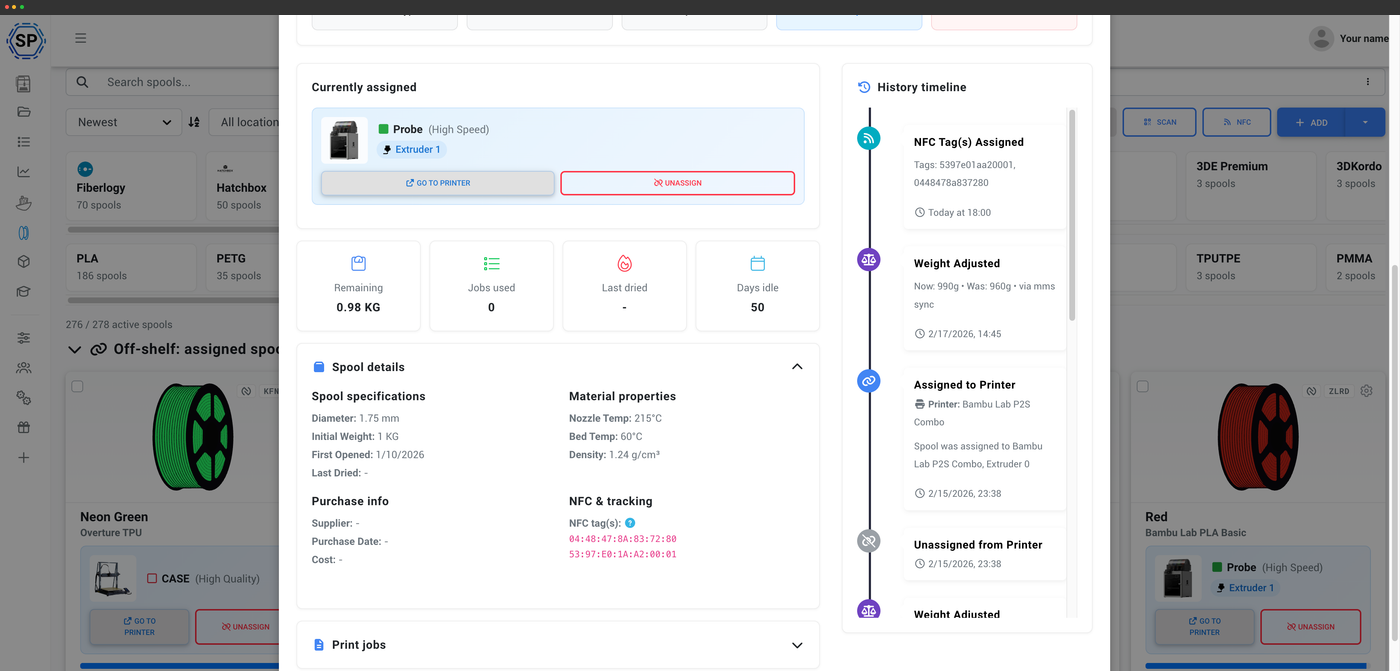
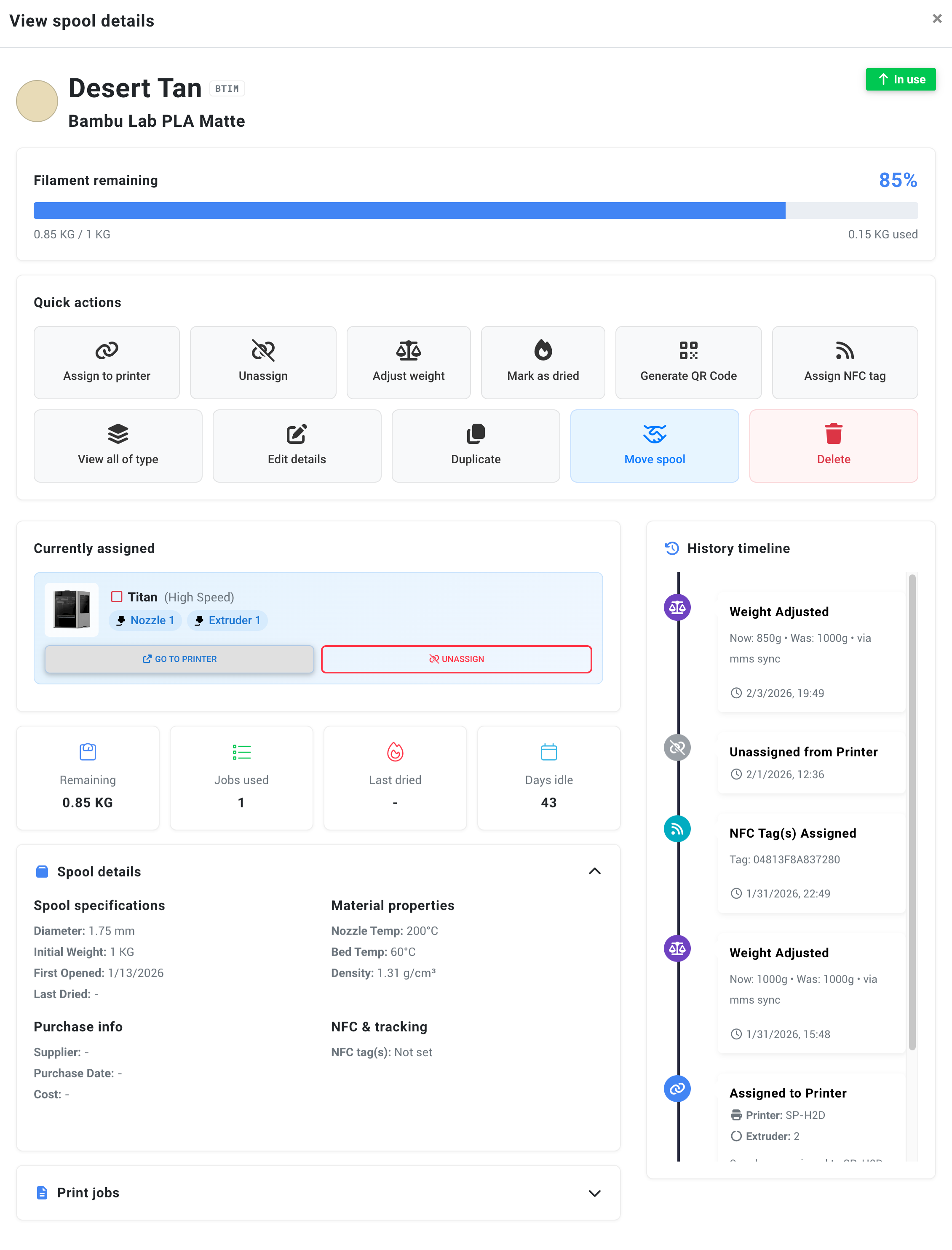
Every job writes a filament history record: which spool was used, which printer ran it, and how many grams it consumed. Open any spool to see its full usage history, or look back across a printer to see what it's been eating through. It's the audit trail behind your remaining weights - and the data that makes per-job material cost possible.

Filament tracking without scales or spreadsheets

Manual spool trackers and spreadsheets all share the same flaw: someone has to remember to update them. You weigh the spool, do the math, type the number, and hope you didn't forget after the last print. SimplyPrint removes the human step entirely - usage is deducted automatically in the background, so the figure you see is the figure that's actually left. People running real workloads stop touching Excel the day they switch.

Bambu Lab AMS: auto-create spools and sync the weight both ways

Load an official Bambu Lab RFID spool into an AMS and SimplyPrint can automatically create the spool, assign it to the right AMS slot, and sync the AMS-calculated weight - keeping the AMS and your SimplyPrint inventory in agreement in both directions. Third-party filament in an AMS slot is assigned manually once, then tracked automatically from G-code analysis like any other spool.

Bambu AMS spools, created and synced for you

Official AMS spools appear in your inventory and keep their weight in sync, with no manual entry.

Filament inventory 0 synced
Jade White Auto-created
Bambu Lab · PLA Basic AMS slot 1
0 g synced
Lime Green Auto-created
Bambu Lab · PETG HF AMS slot 2
0 g synced
Charcoal Auto-created
Bambu Lab · PLA Matte AMS slot 3
0 g synced
Bambu Red Auto-created
Bambu Lab · ABS AMS slot 4
0 g synced
Official Bambu Lab spools are created and assigned automatically, then the remaining weight stays in sync.

Automatic tracking works across every brand of printer

Automatic deduction isn't tied to one ecosystem. As long as the print is started through SimplyPrint on a connected printer with a spool assigned, the G-code analysis runs the same way whether you're on a Bambu Lab, a Creality, a Prusa, a Voron, or anything else SimplyPrint supports. One tracking method, every fleet.

Tied into your print queue and statistics

Because every job records its real filament usage, that data flows straight into the rest of SimplyPrint. Your print queue knows the material cost behind each job, and statistics roll usage up across printers and time so you can see exactly how much filament - and how much money - a week, a project or a whole farm has consumed.

See the print queue
Feature image

Filament usage rolled up in statistics

Every gram deducted feeds your SimplyPrint statistics: filament used per printer, per material, per period, and the cost behind it. It's the same automatic data, aggregated - no extra logging on your part.

Explore statistics

Plan access: what's required for automatic tracking?

Automatic filament tracking is part of the filament manager and is included on every SimplyPrint plan, all the way down to Free. Spool records, automatic usage deduction and runout notifications are always free - higher plans add the richer views, scanning and locations.

Feature / Limit Free Basic Pro Print Farm Enterprise School Cloud Slicer Filament Manager
Filament manager
Spool records and automatic usage deduction, on every plan including Free.

Want to learn more about our plans?

View full pricing & feature comparison

Frequently asked questions

For prints you start through SimplyPrint on a connected printer, we analyze the G-code to calculate the extrusion length, convert it to grams using the spool's diameter and material density, and deduct it from the assigned spool when the print ends. There's no scale and no manual entry - you just need a spool assigned to the printer.
We deduct roughly the completed percentage rather than the full job. A print that fails at the halfway mark deducts about half the filament, so your remaining weight still reflects what was actually used.
Yes. Each extruder is tracked independently against the spool assigned to it, so a multi-extruder, IDEX or AMS-style setup deducts the right amount from the right spool.
Prints started outside SimplyPrint - from an SD card or the printer's own screen - aren't analyzed, so they aren't deducted. Purging and priming that isn't part of the analyzed G-code also isn't counted. You can always adjust a spool's weight manually to reconcile.
No. Tracking is computed entirely from the G-code and the spool's saved diameter and material density - no scale, no smart sensor, no extra hardware required.
Yes. For official Bambu spools with RFID tags, SimplyPrint can automatically create the spool, assign it to the right AMS slot and sync the AMS-calculated weight both ways. Third-party filament in the AMS is assigned manually, then tracked automatically from G-code like any other spool.

Table of Contents