One library, three audiences
Academy is built for print farm operators learning a new workflow, students learning to 3D print for the first time, and partners certifying installer teams. Reading courses is included on every plan.
What is SimplyPrint Academy?
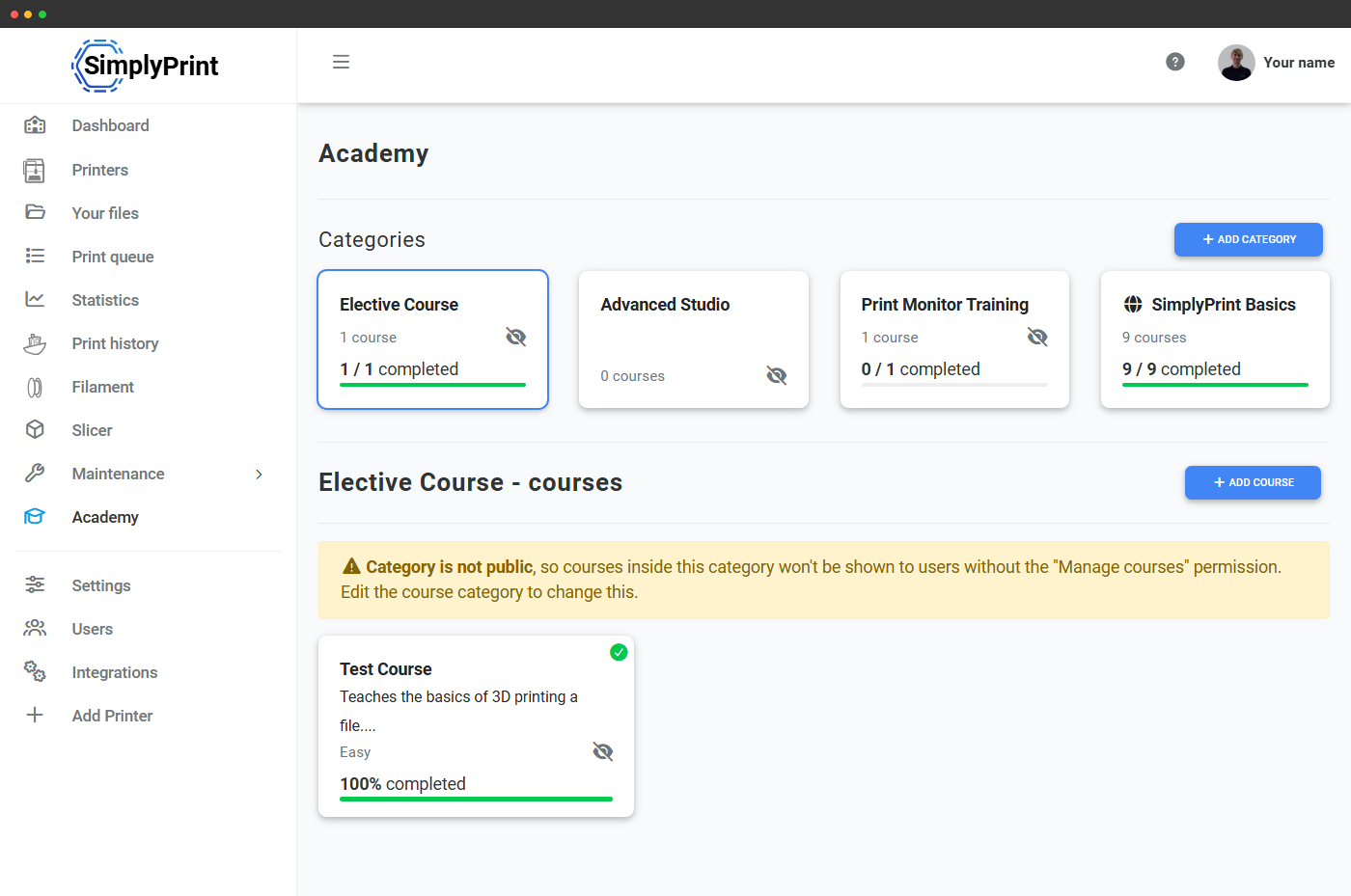
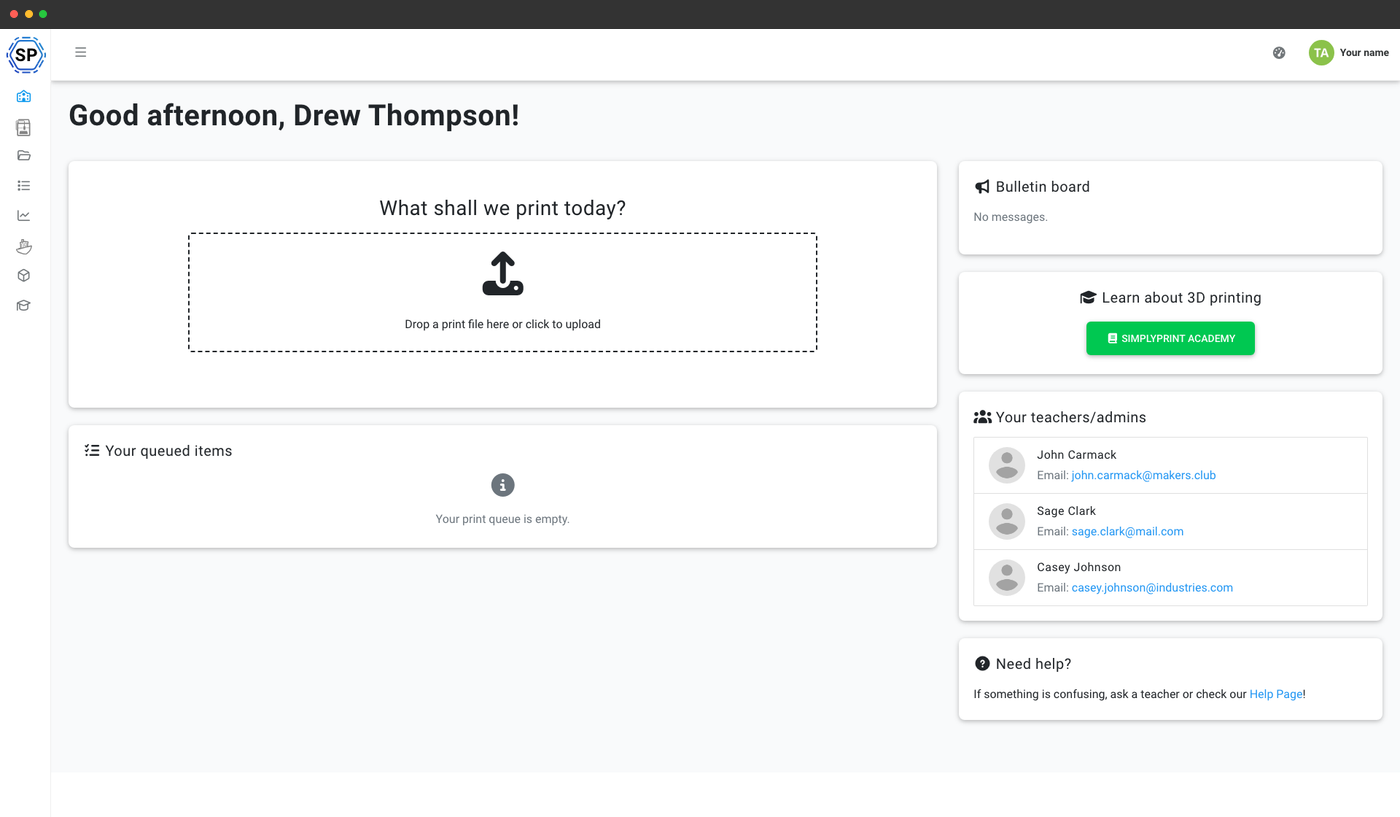
Academy is the in-panel course player at /panel/academy. Each course is a sequence of slides (text, images, videos and quizzes) with progress tracking and a completion screen that can unlock rewards configured per course. Open to every plan, no add-on needed.
Author your own courses
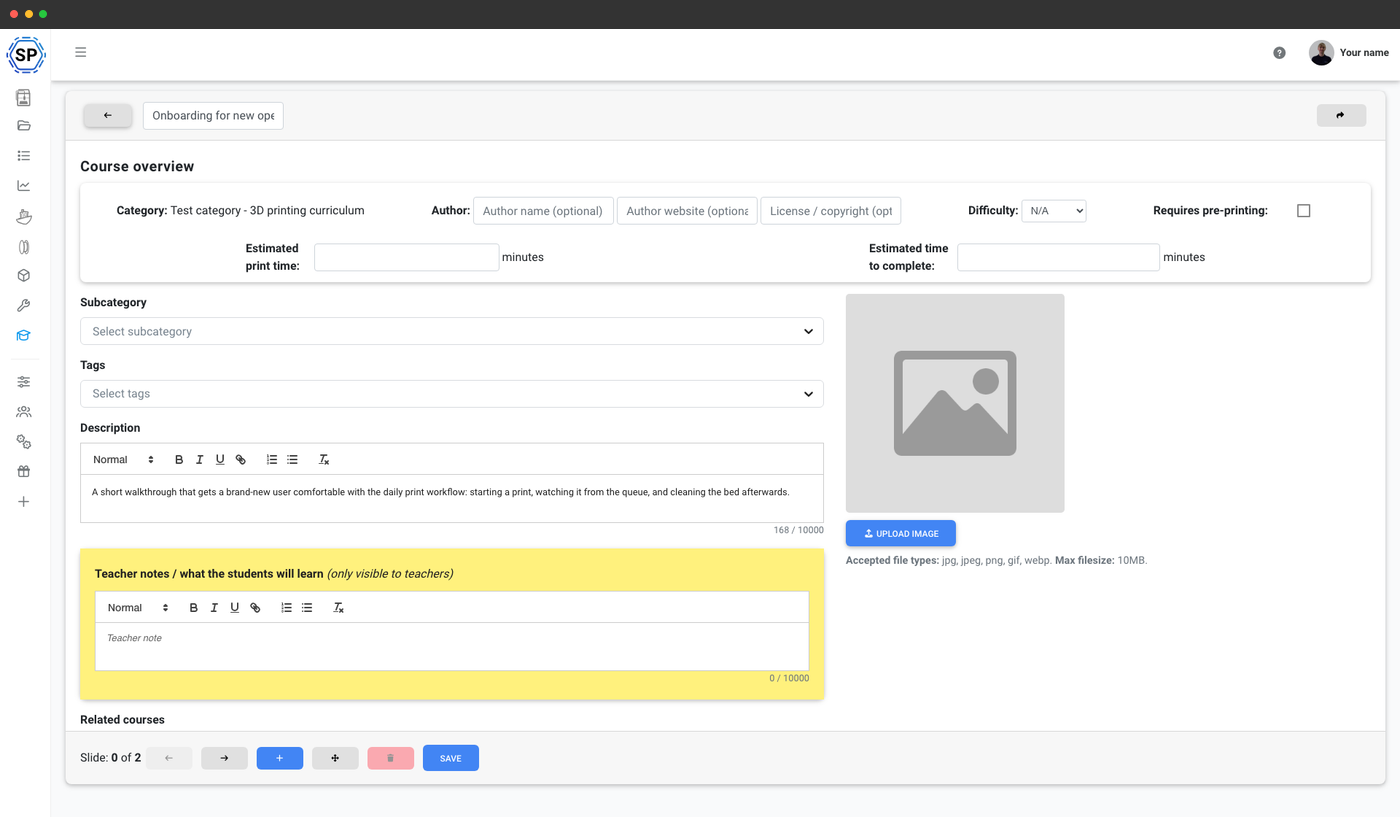
Enterprise and School plans unlock the course editor: write your own slides, embed YouTube videos, add quizzes and ship internal training your team can complete from the panel. Print Farm subscribers from before the Enterprise launch are grandfathered in.
Sample courses you might author
A starter set of courses most accounts end up running in some form. Use them as a starting point, edit slides to match your equipment and workflow:
- 3D printer safety essentials (~15 min) - appropriate PPE, hot surfaces, what to never touch
- Slicer basics: from STL to G-code (~25 min) - slicing settings, print orientation, supports
- Reading a failed print (~20 min) - common failures, what they mean, what to do
- Loading and changing filament (~15 min) - manual change flow, jams, swap procedures
- Maintaining your printer between prints (~10 min) - bed cleaning, nozzle wiping, regular checks
Three ways teams use Academy
Same authoring engine, three very different use cases. Pick the one that matches how your team operates.
Train new print-farm staff before they touch a $5k machine - SOPs, recovery drills, the bits of your workflow that don't fit in a quick demo.
Gate printer access on safety quiz completion - students can't start a print until they pass the don't-touch-the-nozzle module.
Equip resellers and installers with a baseline curriculum before they deploy. Same authoring tools, partner-scoped delivery.
How the e-learning loop works in practice
On the School plan with the e-learning space unlocked, the lifecycle of a student through Academy is a clean five-step loop:
- Student enrolls in a course (or is enrolled automatically by their class assignment)
- Completes gated lessons in order - quizzes confirm comprehension before the next slide unlocks
- Unlocks the next course in the curriculum when they pass
- Unlocks printer access once mandatory safety and slicer courses are complete
- Instructor sees the progress matrix at any point - who's done what, who's stalled, where to intervene
A full e-learning space for classrooms
On the School plan, Academy becomes a structured e-learning environment: require a safety course before students can start a print, require a how-a-slicer-works course before they touch the slicer, gate the bed-clear step on a what-makes-a-good-print walkthrough. Teachers see a separate view with teacher notes; students see a polished course with a clear path through it. Auto-promote students into the next class or user rank when they pass.
Academy for schoolsCompletion screen and rewards
Finishing a course shows a celebratory completion screen and can unlock rewards (badges, credits) configured per course. Useful for onboarding new operators, certifying student users before they can submit jobs, or running partner installer training.
What's included on each plan
Reading Academy courses is free on every plan. Authoring custom courses requires Enterprise or School. The full e-learning workflow is School-only.
| Feature / Limit | Free | Basic | Pro | Print Farm | Enterprise | School | Cloud Slicer | Filament Manager |
|---|---|---|---|---|---|---|---|---|
|
Custom Academy courses
Author your own slides, videos and quizzes.
|
||||||||
|
Academy e-learning space
Progression, unlock-on-completion, teacher / student views, teacher notes.
|
Want to learn more about our plans?
View full pricing & feature comparison