A label printer that prints from a web page
SimplyPrint generates a QR-code or 1D barcode label (Code-128 or Code-39) for any spool in your inventory and sends it straight to your DYMO. Because the labels carry the spool's brand, material, color and ID, a quick scan later pulls that exact spool back up on screen - and printing them is as simple as picking a spool and clicking print.
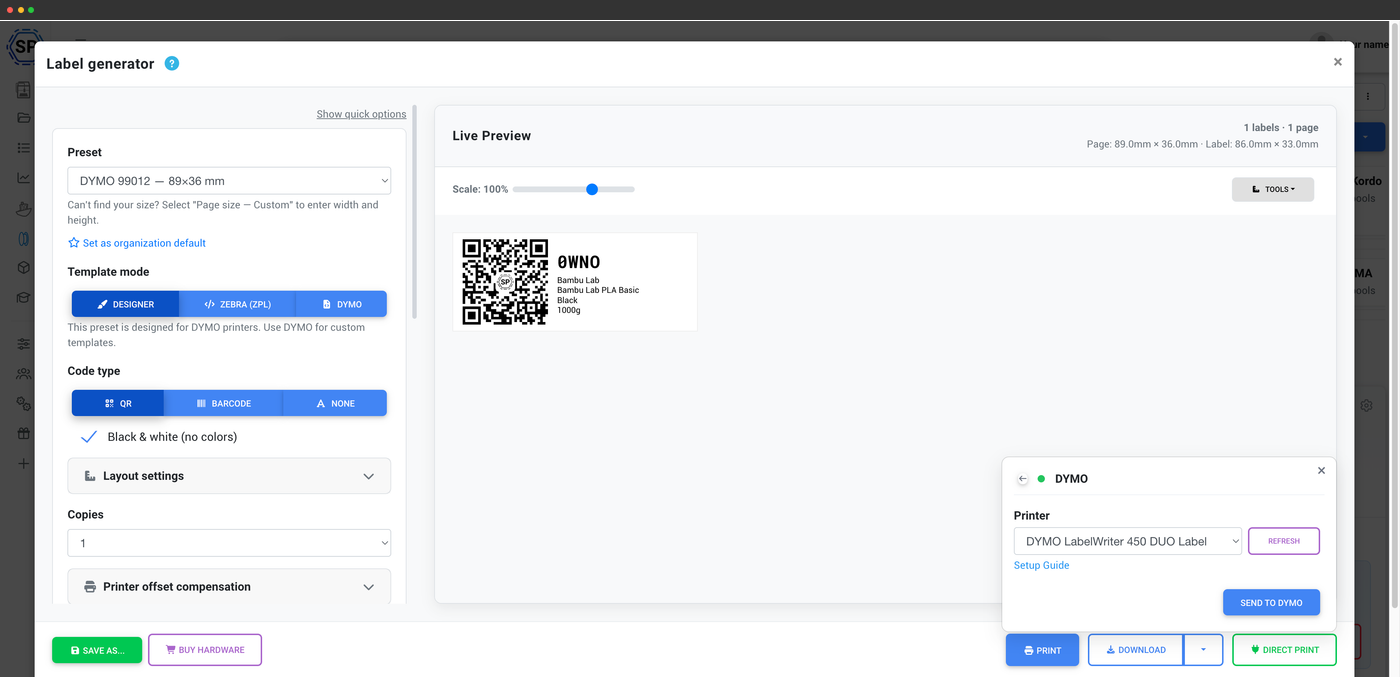
How direct printing to a DYMO works
A small desktop client bridges the browser and the USB printer
A normal web page can't talk to a USB label printer on its own. SimplyPrint gets around that with DYMO Connect, a small free desktop client from DYMO for Mac and Windows. With DYMO Connect running, SimplyPrint in your browser hands the label straight to your LabelWriter over USB - so you stay in the inventory and the label just prints, with no download or import step in between.
A DYMO template editor with live preview
Lay out exactly what lands on the label
Design your label in a built-in DYMO template editor and watch it update live as you go. Choose what to show - QR code or barcode, brand, material, color and weight - and the preview reflects your DYMO label stock so what you see is what feeds out of the printer. A printer-offset calibration (horizontal, vertical and scale) nudges the print into place if a label lands slightly off-center, and you can save the result as a preset to reuse.
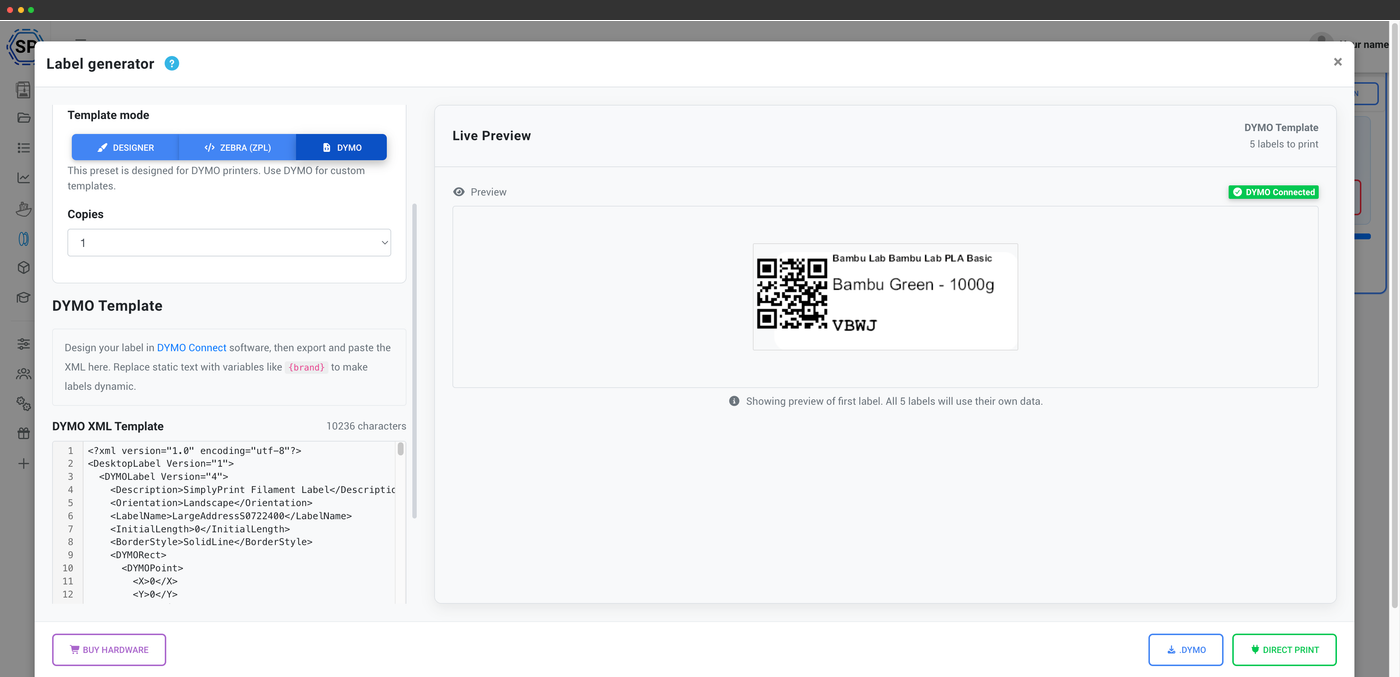
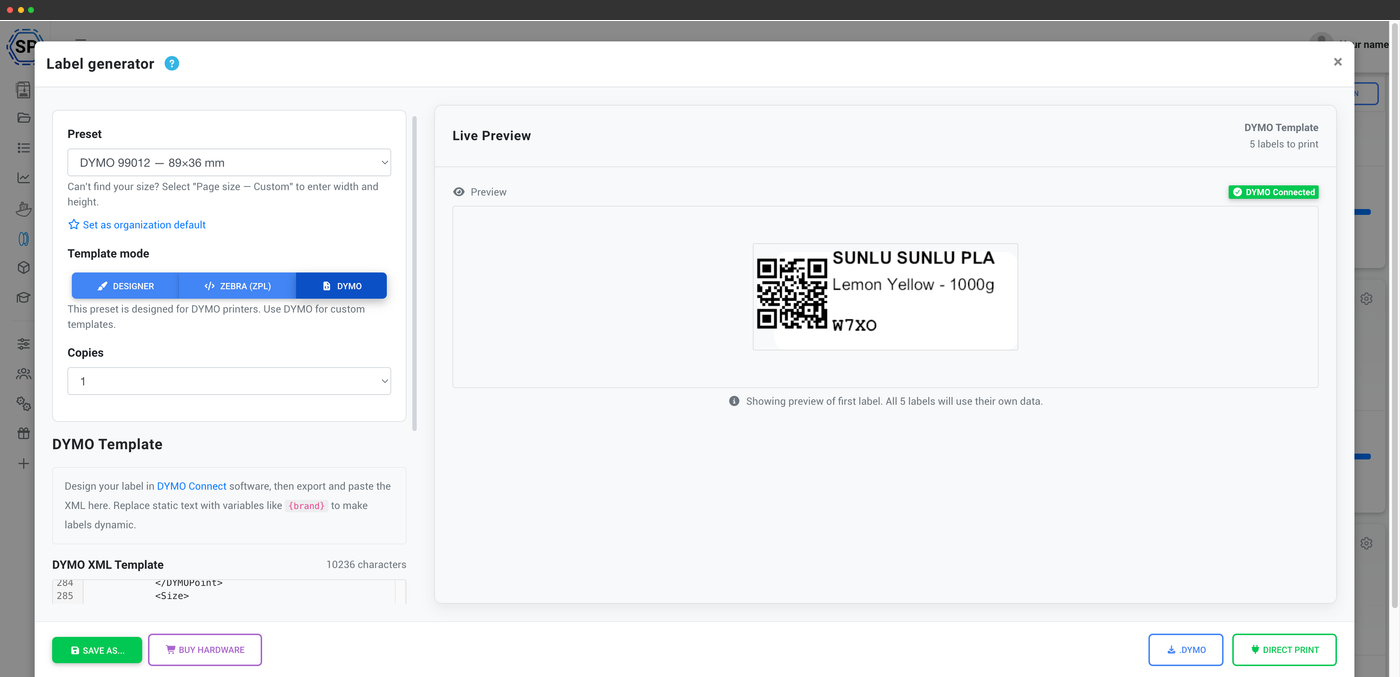
Layouts for label rolls or full sheets
DYMO label rolls, or A4 / A5 / Letter / custom pages
Print to a continuous DYMO label roll, or lay labels out across an A4, A5, Letter or custom page if you'd rather batch them onto a sheet on a regular printer. Either way you can fit as many labels as you need and keep the layout saved as a preset for next time.
Printing in action
From spool to printed label in one click
Pick a spool, hit print, and the DYMO feeds out a finished QR-code or barcode label ready to stick on. Below: a QR label and a barcode label printing straight from SimplyPrint on a DYMO LabelWriter.
Supported DYMO LabelWriter models
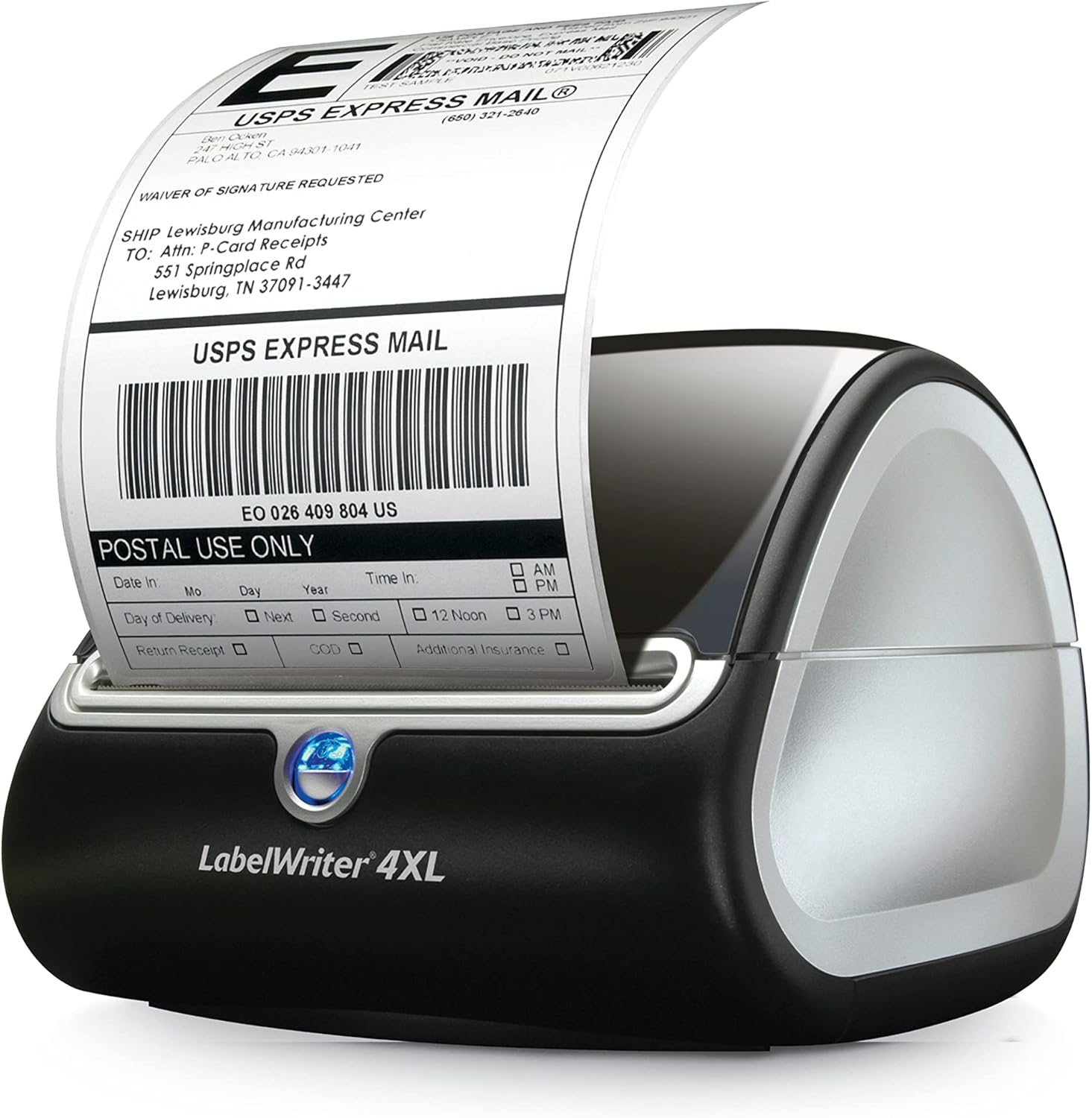
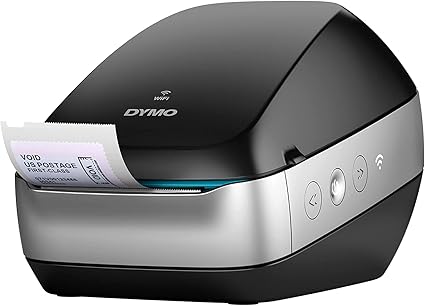
Direct printing works with the popular DYMO LabelWriter lineup, including the LabelWriter 450 Duo, 450 Turbo, 550 Turbo, 4XL, 5XL and Wireless. If your LabelWriter works with DYMO Connect, it works with SimplyPrint.
Use official DYMO labels
We recommend genuine DYMO-brand labels. DYMO LabelWriters expect official label stock to feed and size correctly, and third-party labels can cause feed or recognition issues that throw off alignment. Stick with official DYMO labels and the printer-offset calibration is usually all you'll ever need to touch.
Plan access: what's required for DYMO printing?
Generating and customizing labels unlocks the editor; direct printing to a DYMO thermal printer is on the higher plans. The filament manager behind it all is free on every SimplyPrint plan.
| Feature / Limit | Free | Basic | Pro | Print Farm | Enterprise | School | Cloud Slicer | Filament Manager |
|---|---|---|---|---|---|---|---|---|
|
Label generator: QR customization
Generate and customize the QR-code and barcode labels for your spools.
|
||||||||
|
Label generator: thermal printer support
Print directly to thermal label printers like DYMO and Zebra.
|
Want to learn more about our plans?
View full pricing & feature comparisonFrequently asked questions
Do I need extra software to print to a DYMO?
Which DYMO models are supported?
Can I use third-party labels in my DYMO?
My labels print slightly off-center - can I fix that?
What gets encoded on a DYMO label?
DYMO LabelWriters and official labels
Print spool labels directly from SimplyPrint in your browser to any of these DYMO LabelWriters via the free DYMO Connect client. Pair them with official DYMO label stock for reliable feeding.
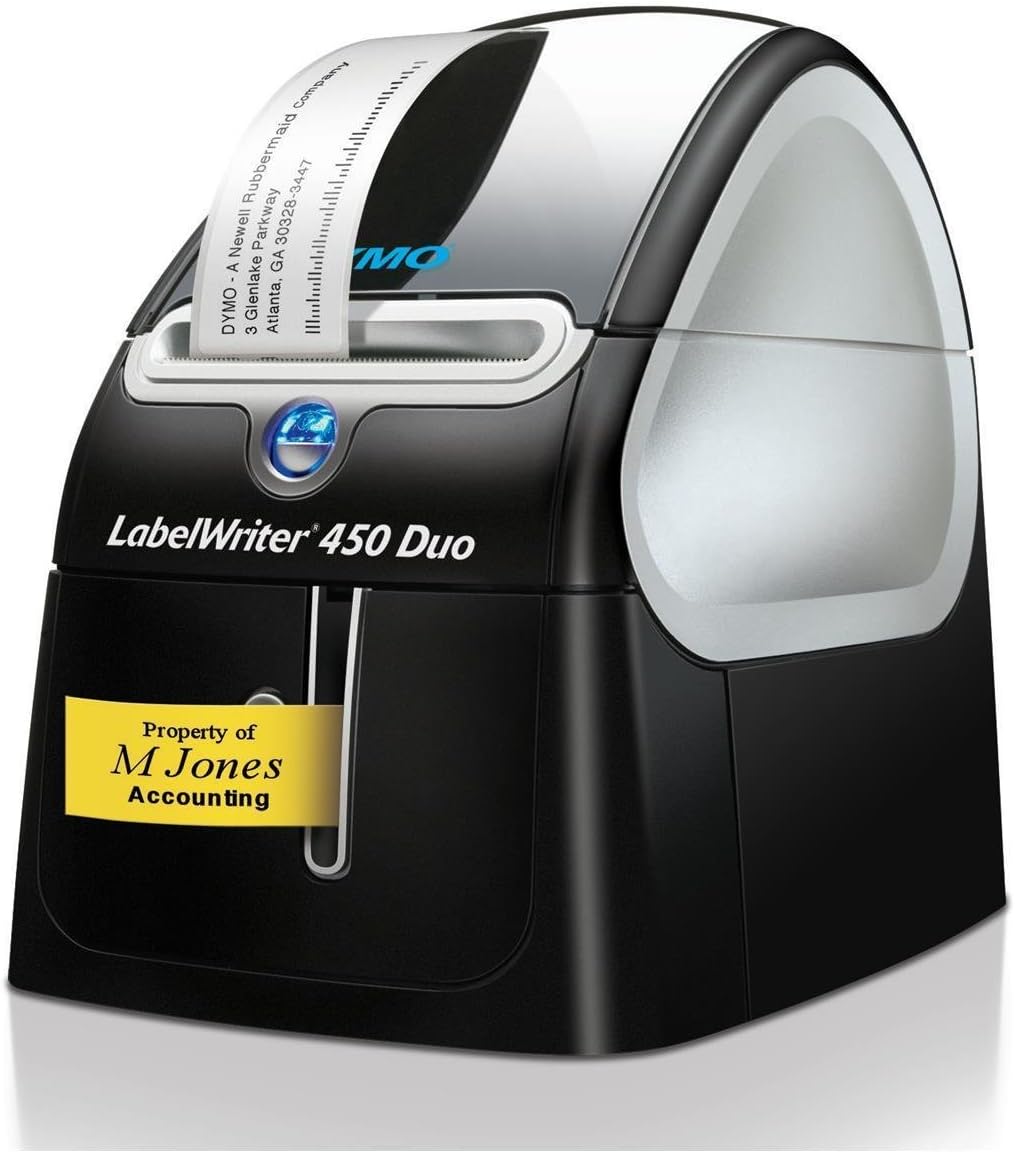
DYMO LabelWriter 450 Duo
Dual-purpose printer for labels and plastic tape. A reliable, well-tested DYMO option.
View product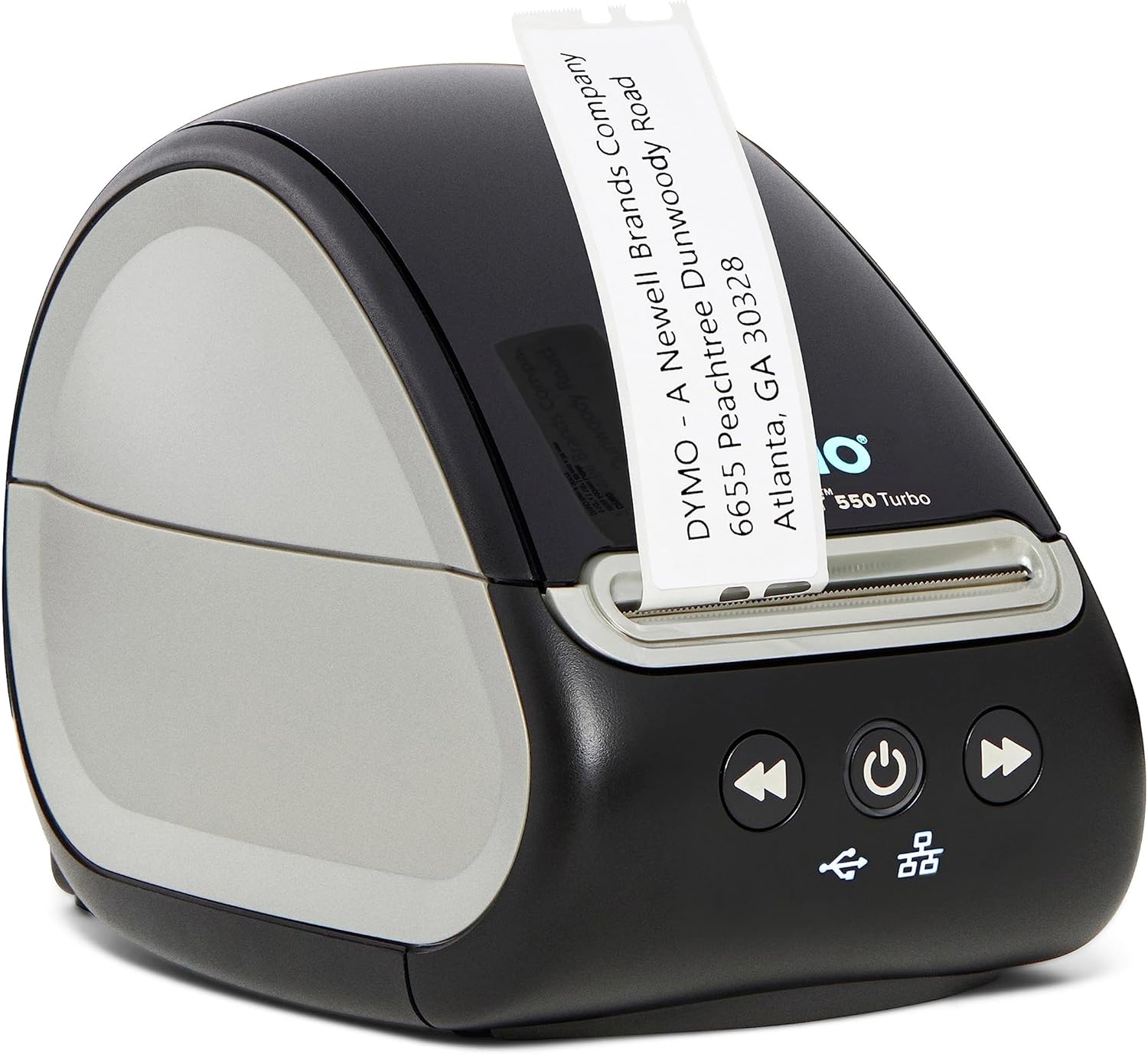
DYMO LabelWriter Wireless
Wi-Fi LabelWriter for printing without a USB cable at the desk.
View product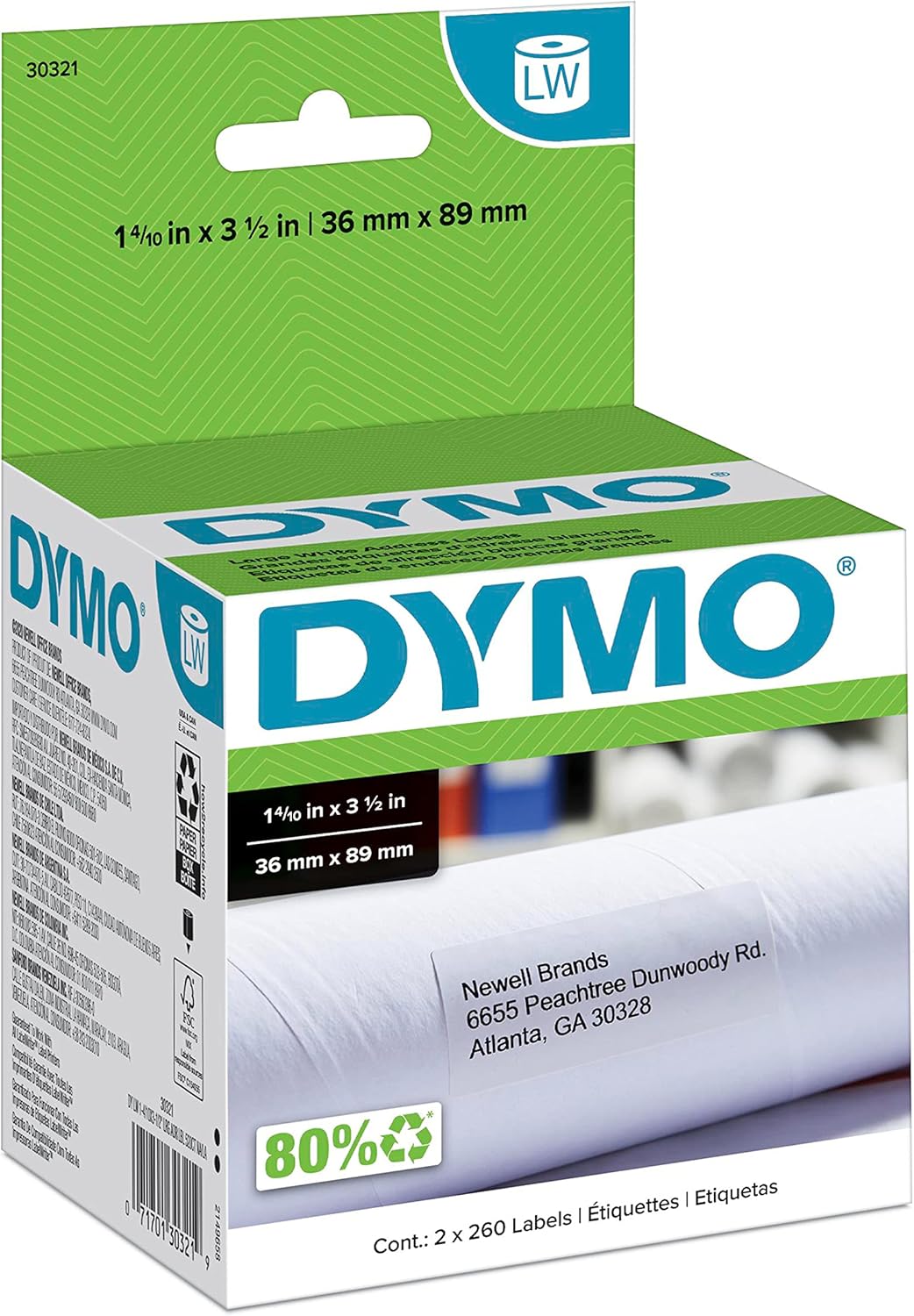
DYMO large address labels (36x89mm)
Official DYMO label stock, a good size for spool labels with a QR code.
View product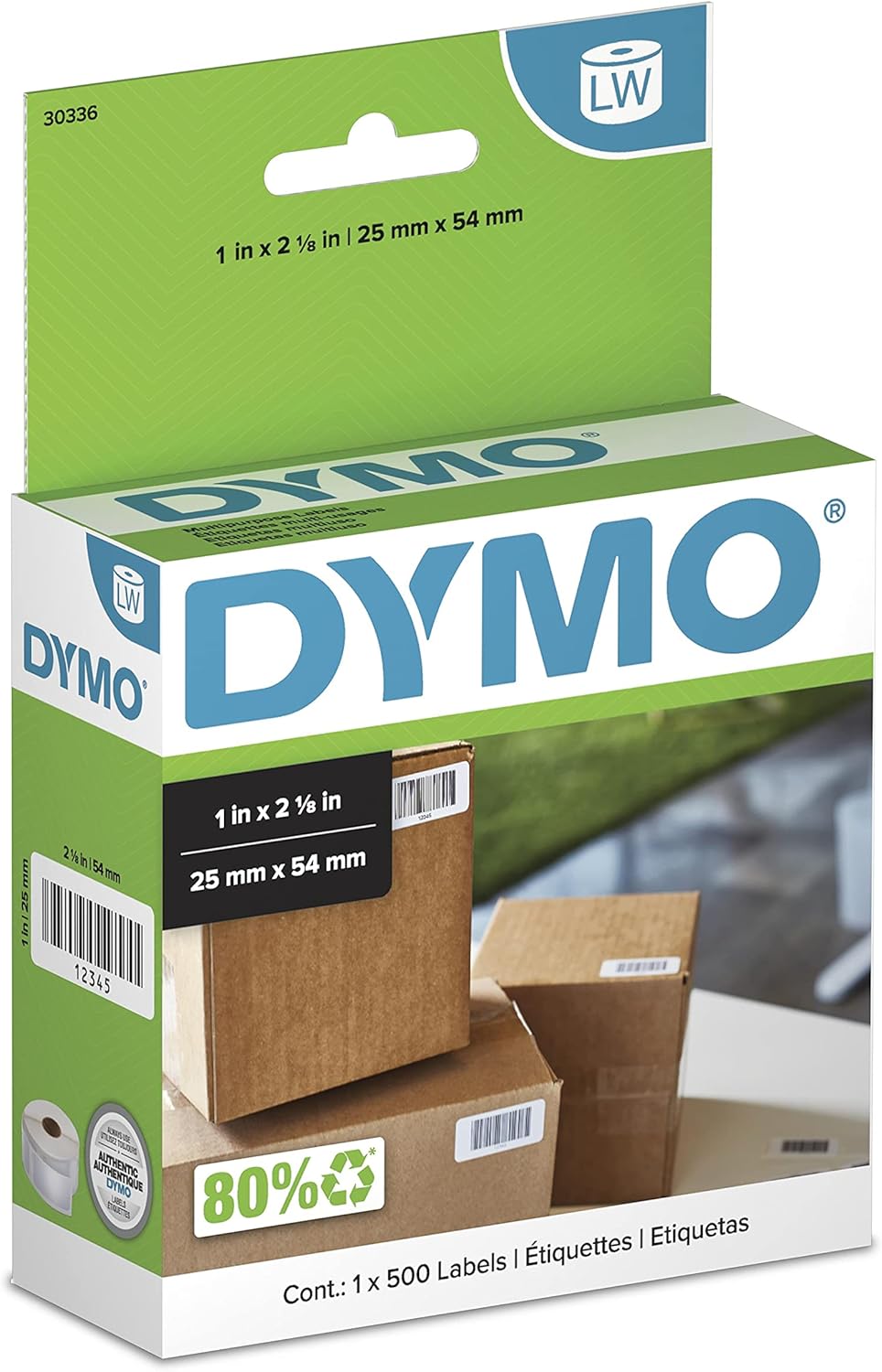
DYMO return address labels (25x54mm)
Smaller official DYMO labels for compact spool or bin tags.
View productNo label printer? You can still use the label generator and print on any regular paper printer.
Some links are affiliate links - SimplyPrint may earn a commission, at no cost to you.