您可在此查看平台上已正式添加并支持的152个不同品牌的778台打印机列表。
SimplyPrint是云端3D打印机管理平台。连接任意受支持的打印机,即可在浏览器中切片、将任务加入队列并启动打印、查看摄像头,并从一处管理整个机群,任何设备均可使用。打印机可通过内置集成、OctoPrint或Klipper(Moonraker)连接。
正在选购打印机?按成型体积、多材料等筛选,并并排比较打印机。 或者查看2026年最佳3D打印机,按此列表排名。
不在列表中?两分钟即可确认。
Combo或配有多材料单元的打印机使用其常规打印机型号:选择该型号,然后在打印机设置中添加该单元。 配备硬件改装件(如自动出件装置或换板装置)的打印机,请选择其常规打印机型号,然后在打印机的AutoPrint设置中配置改装件。
您的打印机尚未在我们的列表中
大多数打印机都能与SimplyPrint配合使用。回答几个关于您打印机的问题,我们会告诉您是否可用以及如何连接。大约需要两分钟。
检查您的打印机是否兼容或者查看常见问题,了解如何自行检查兼容性。

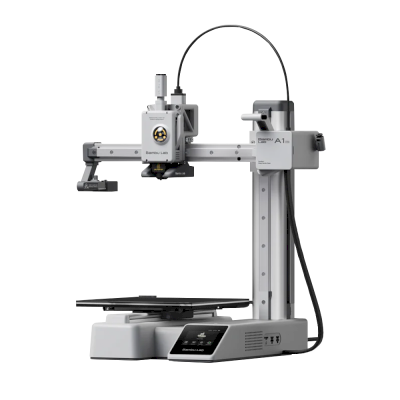
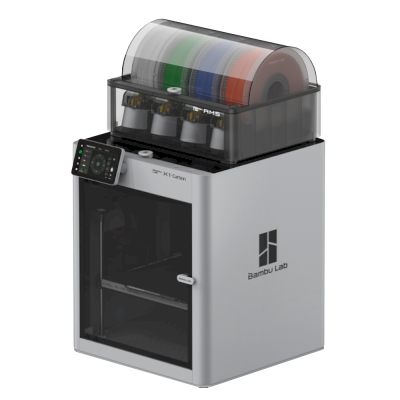
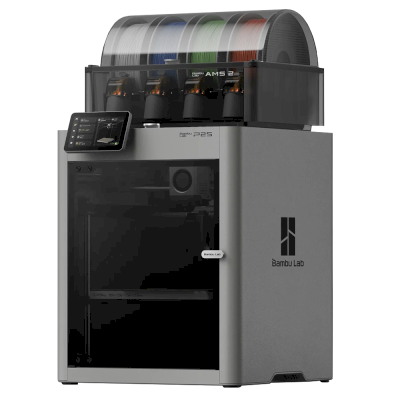
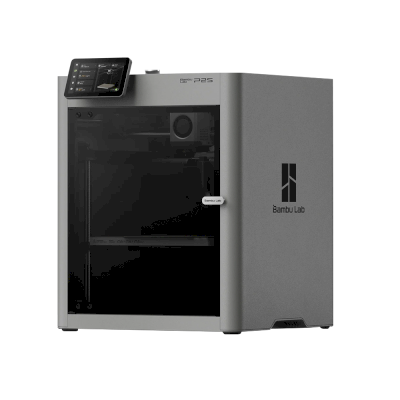
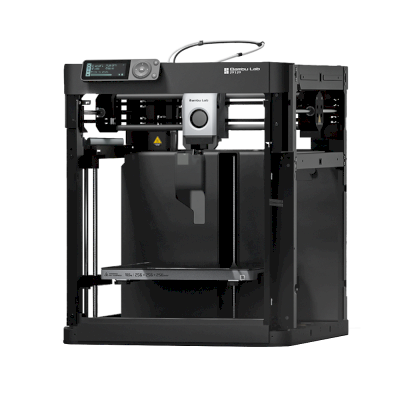
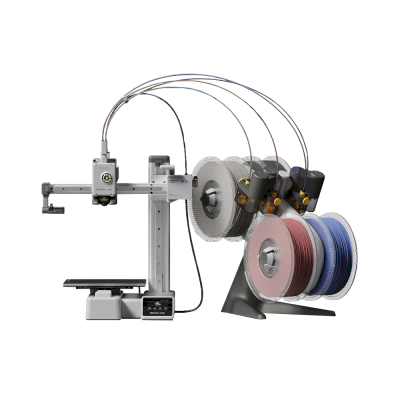
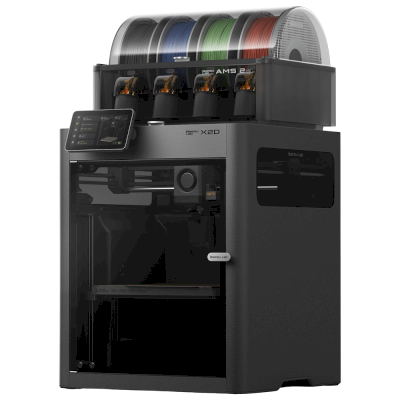
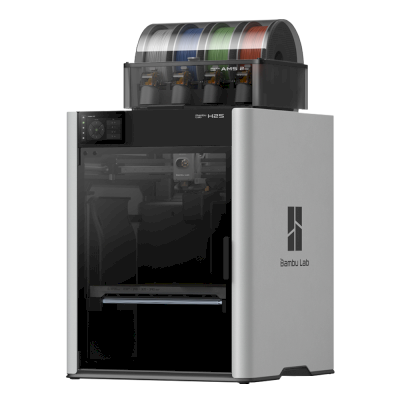
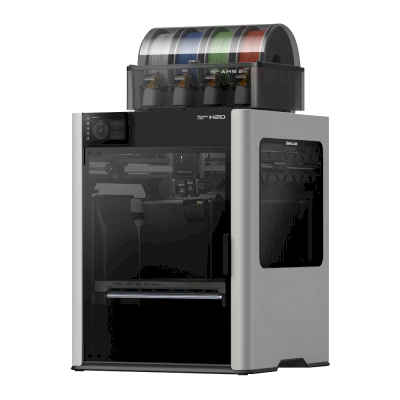
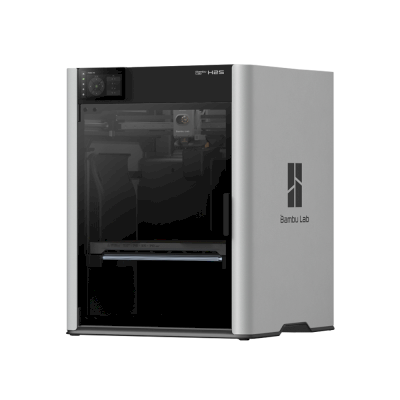
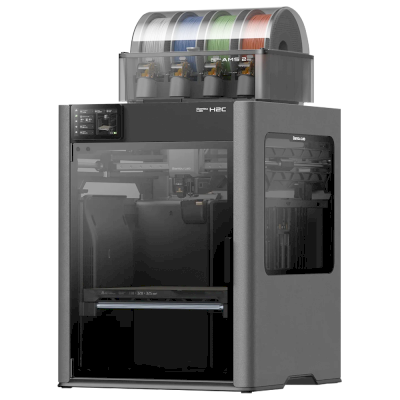
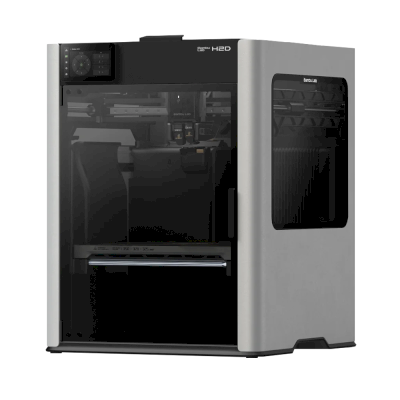
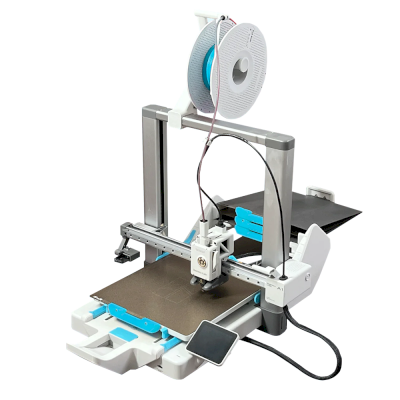
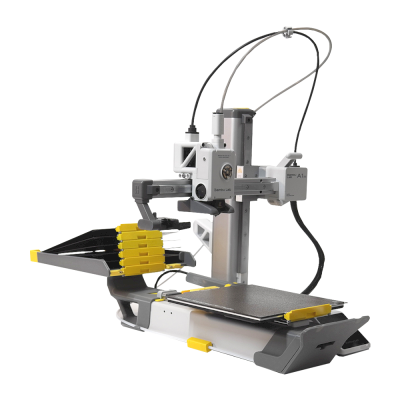

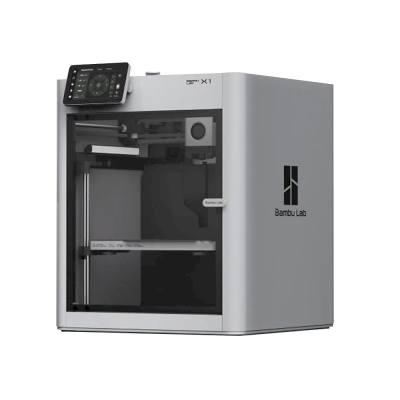
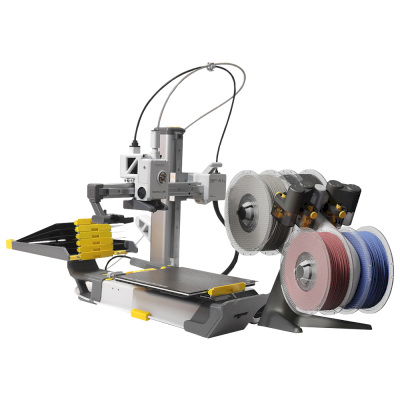
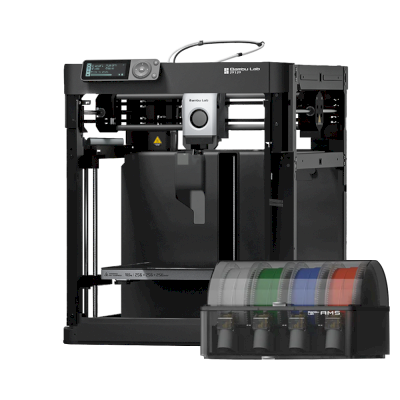
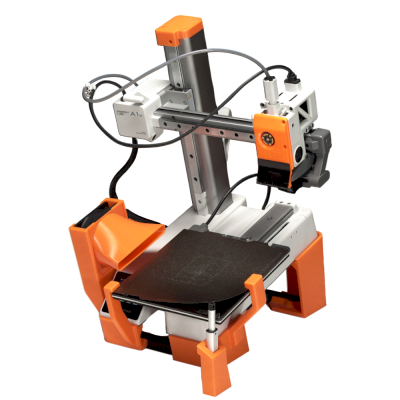
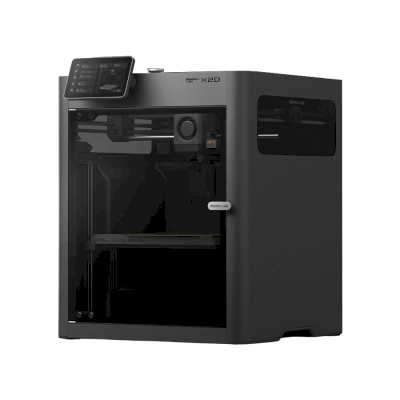
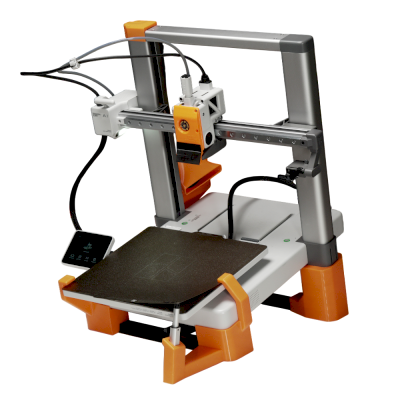

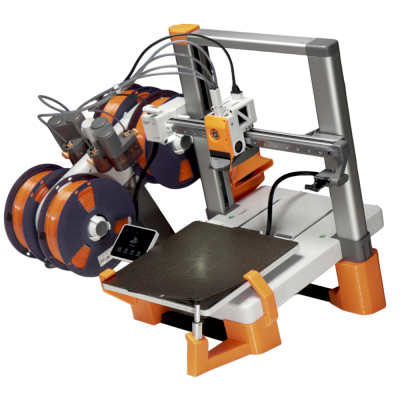
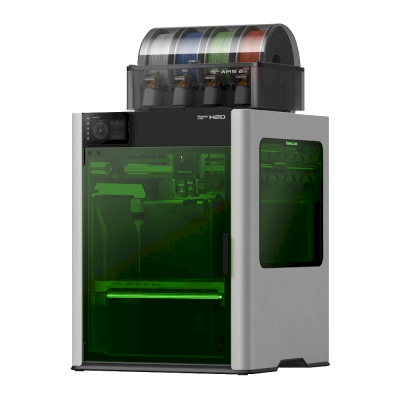

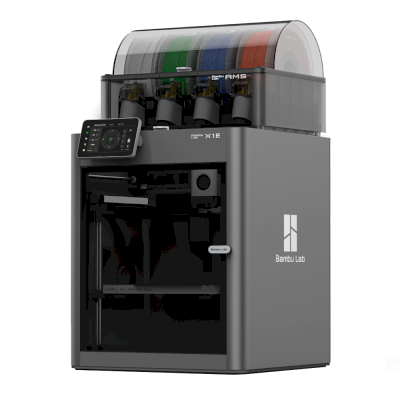

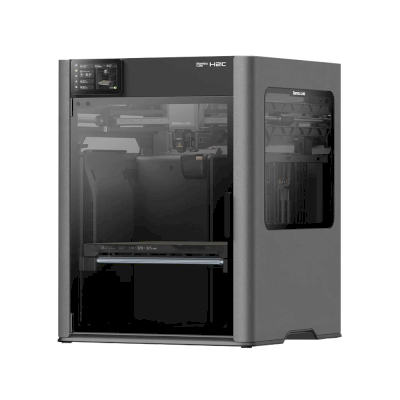

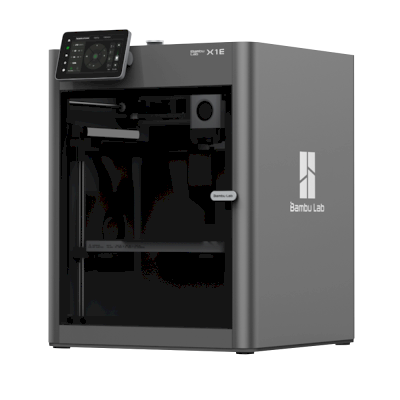
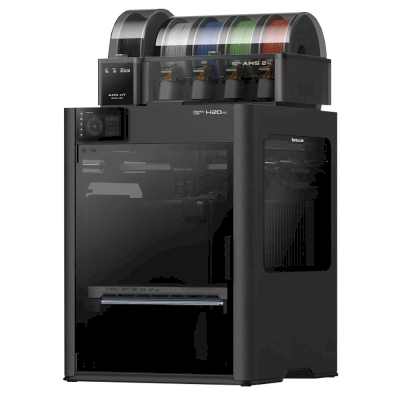


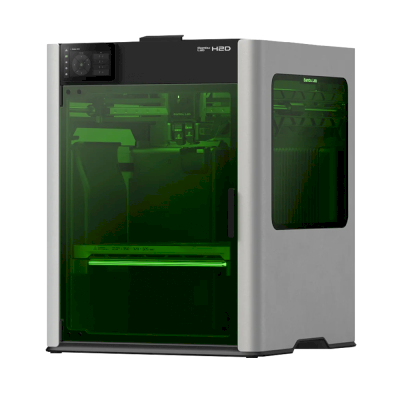
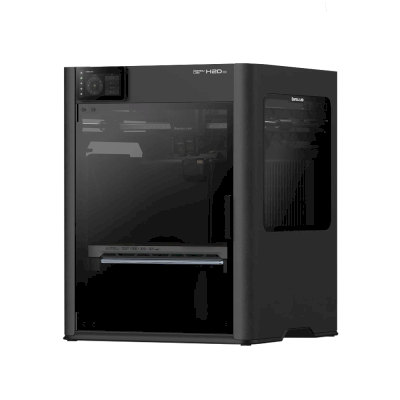
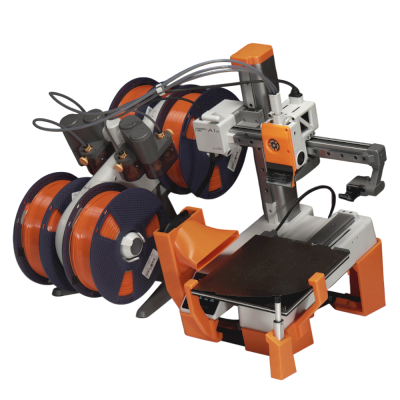


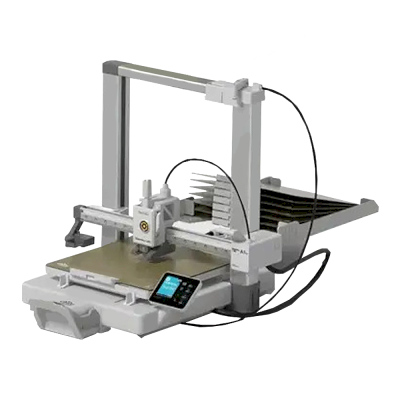
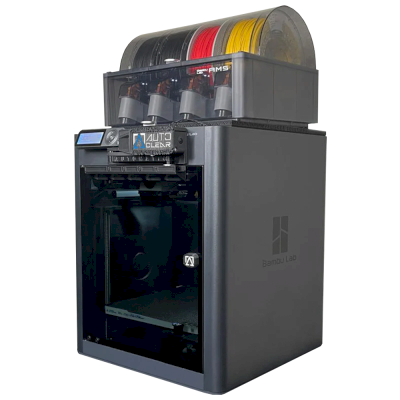
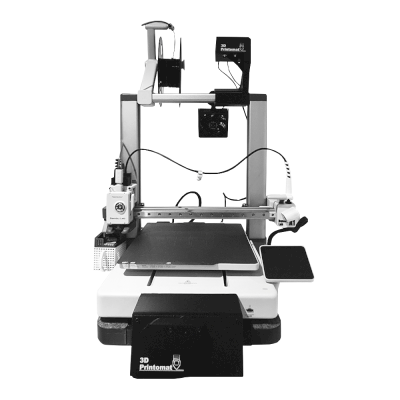
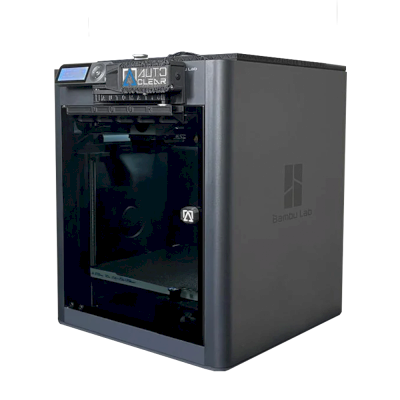
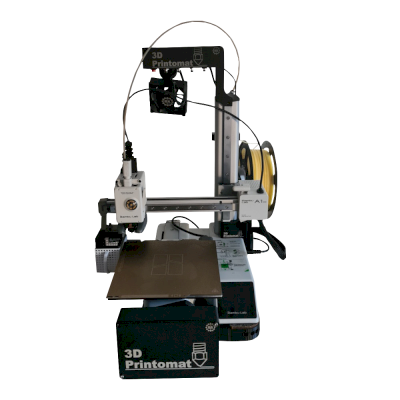


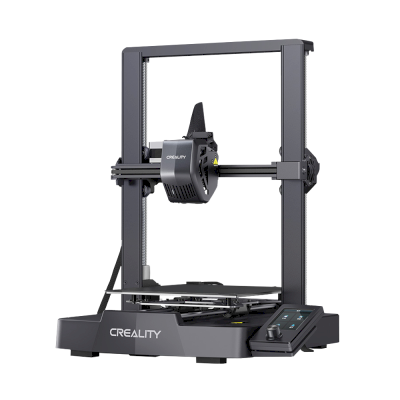


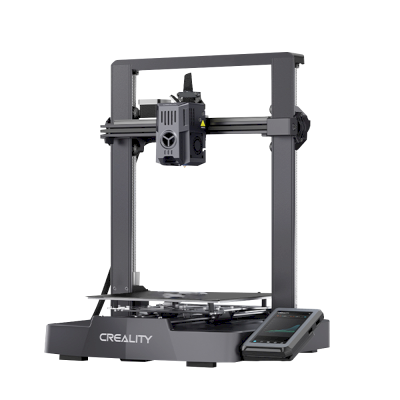
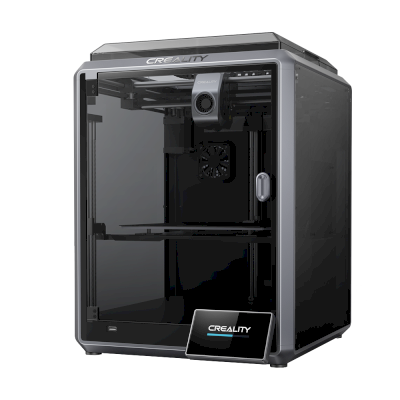
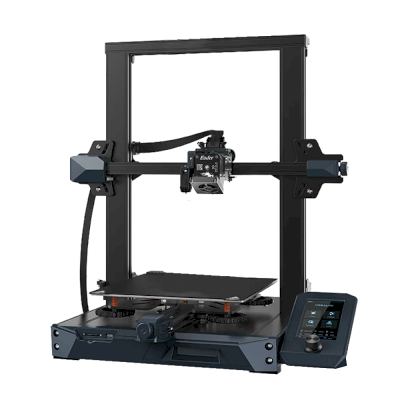
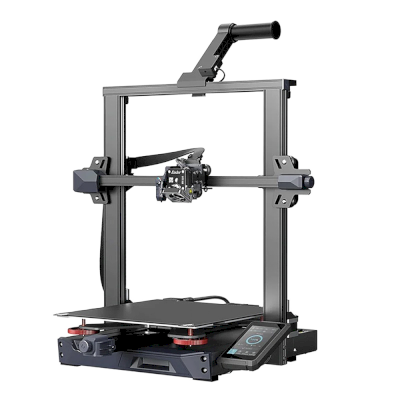
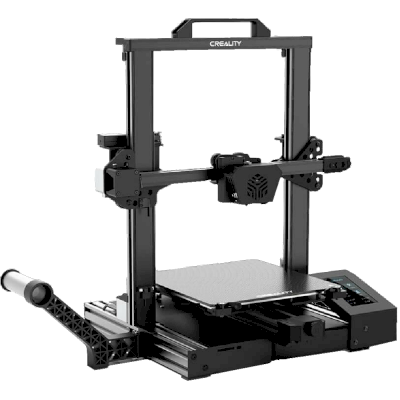
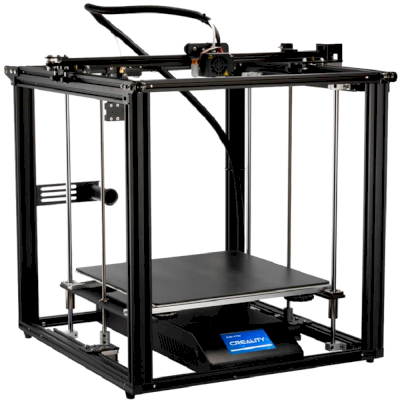

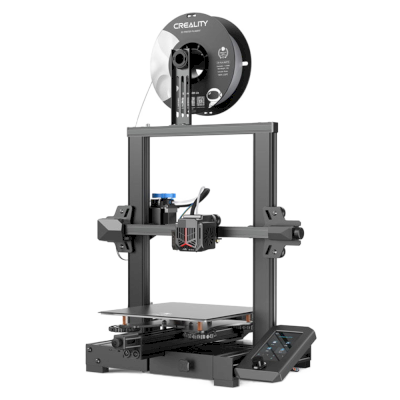
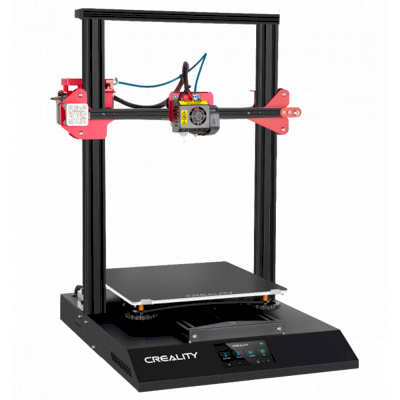
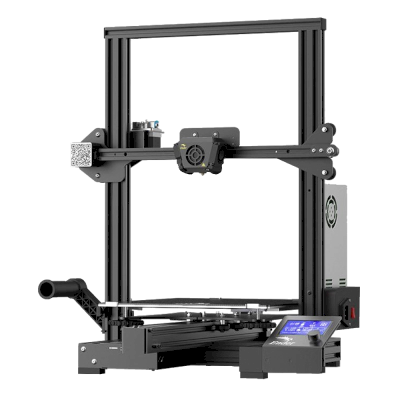
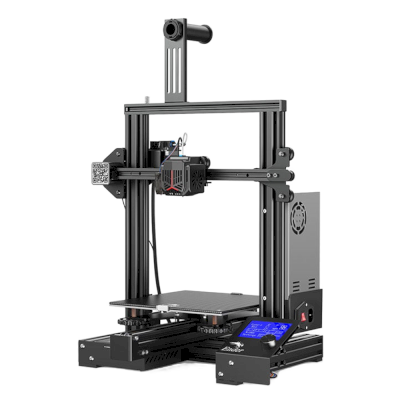
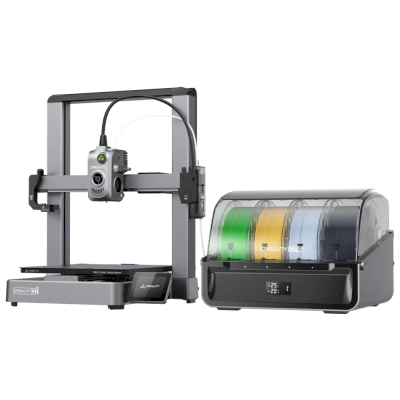
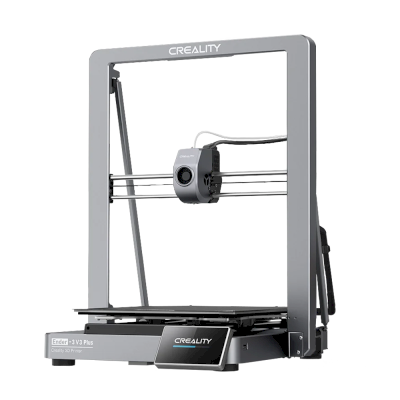
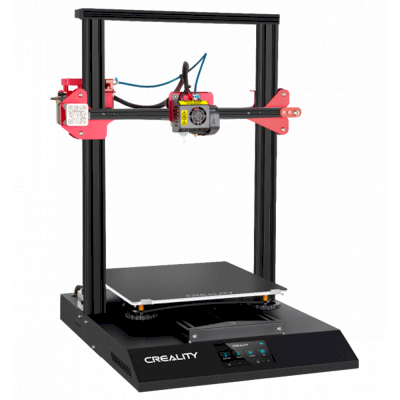
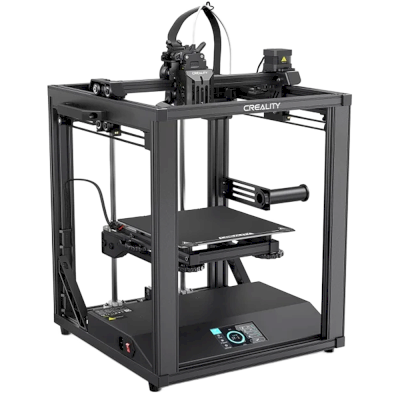

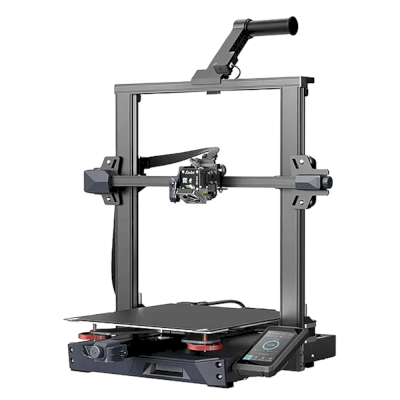
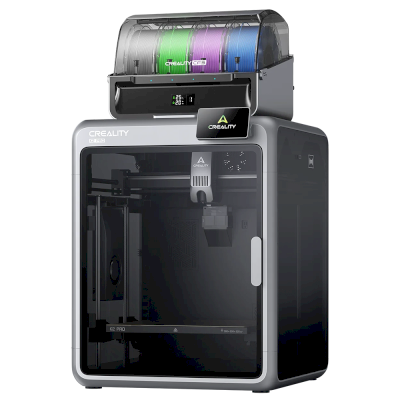
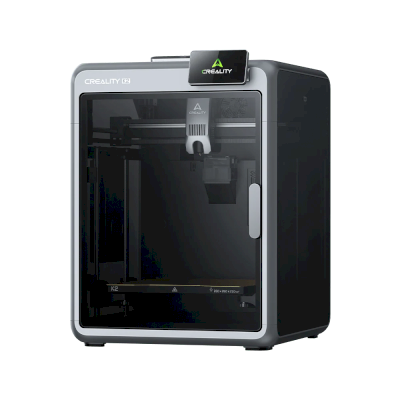
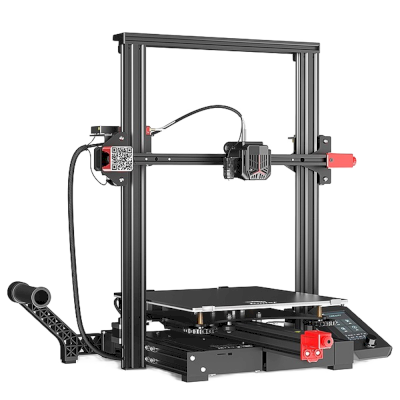
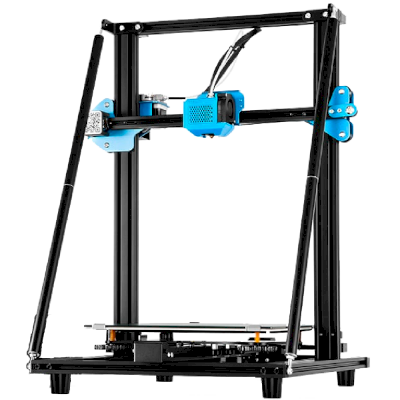
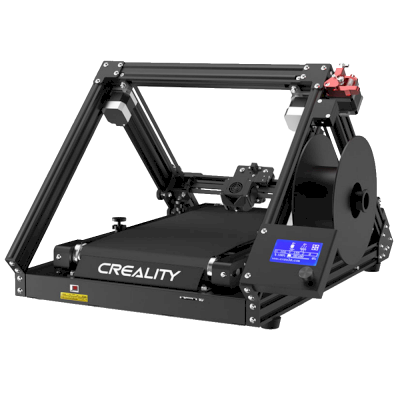
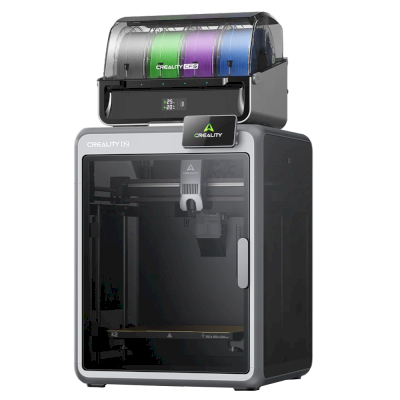
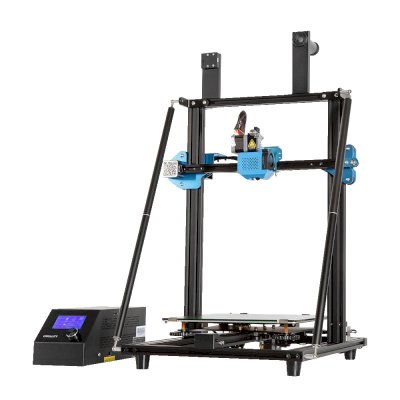
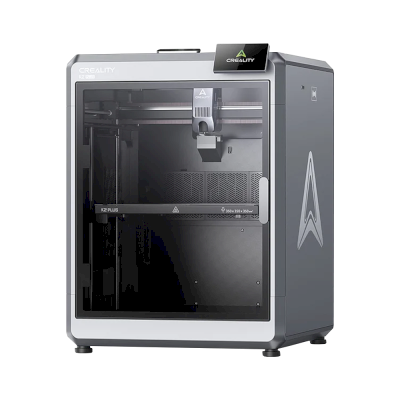
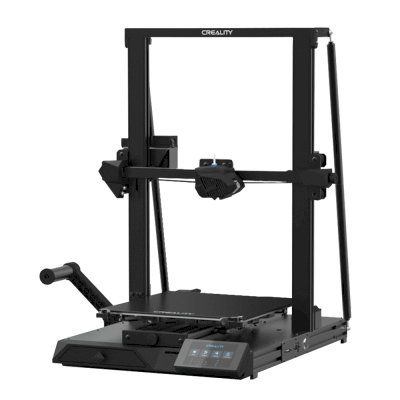
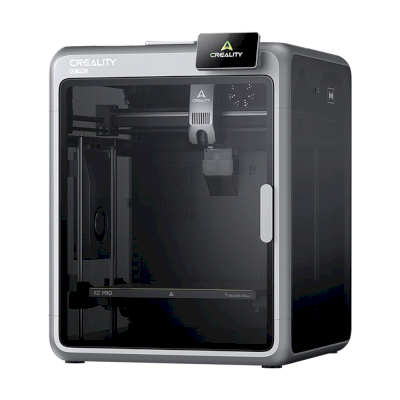
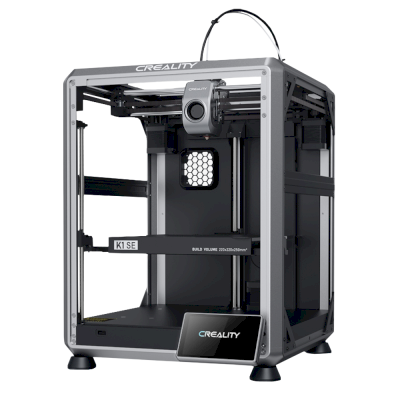
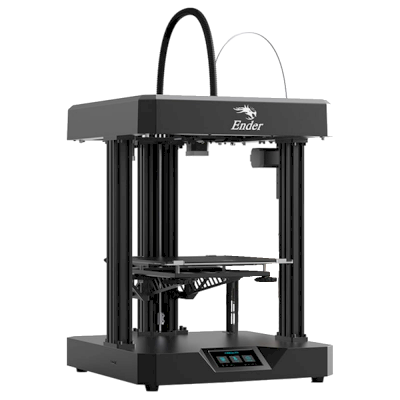
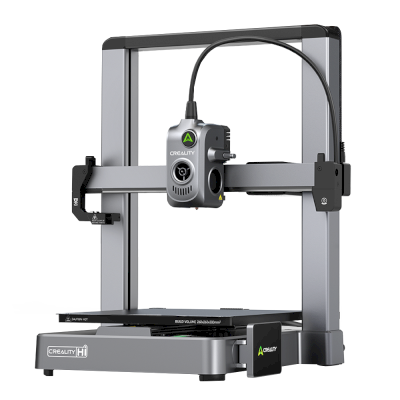
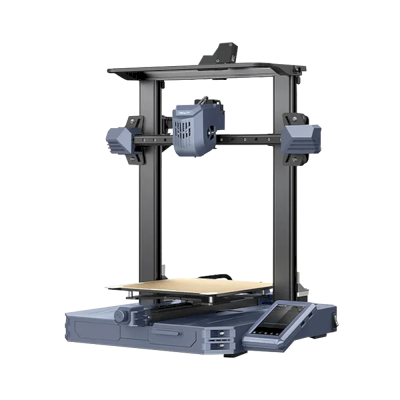
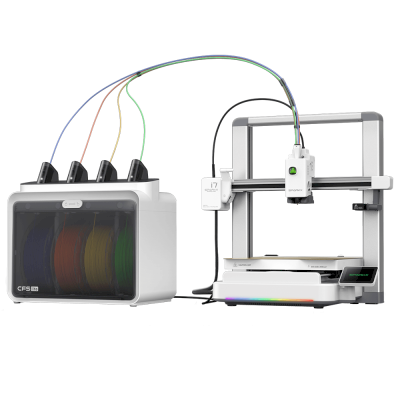
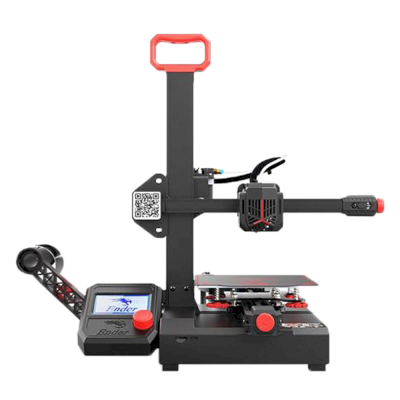
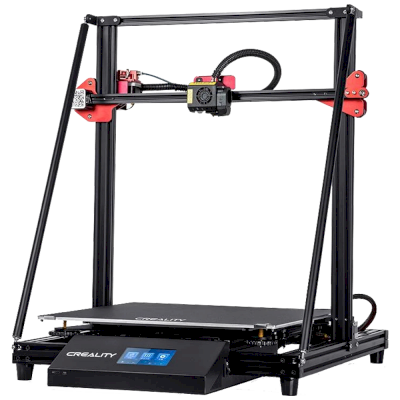
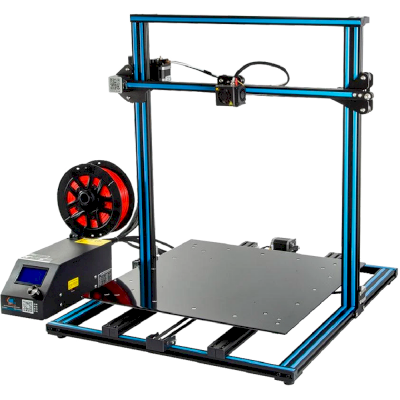
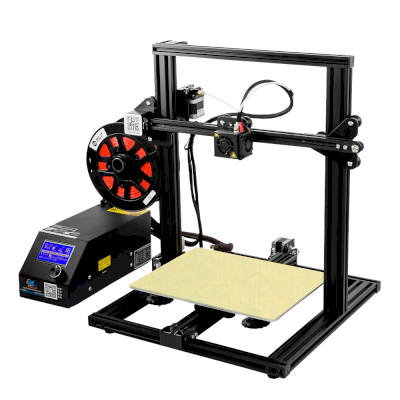

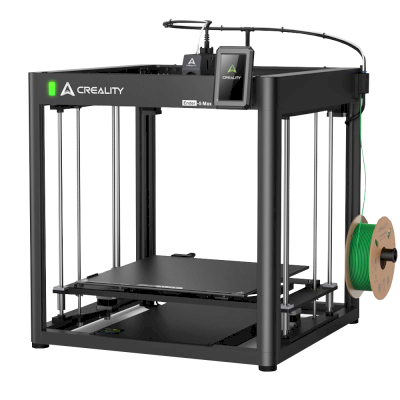
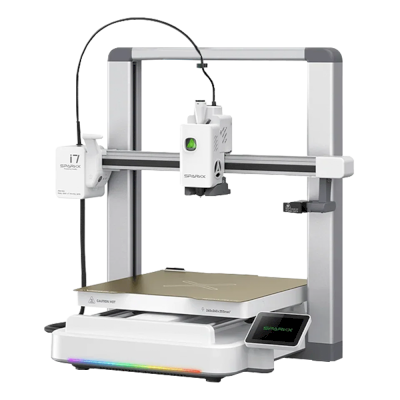
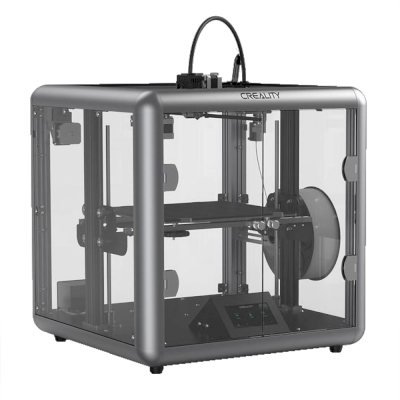
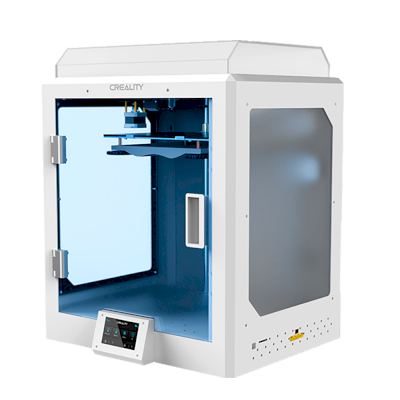
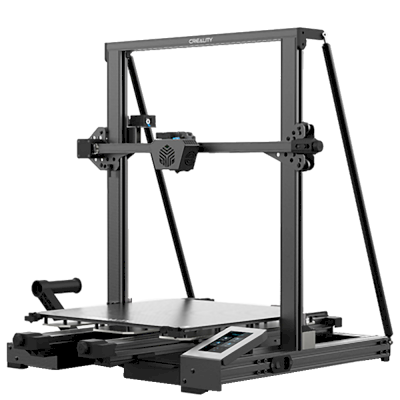
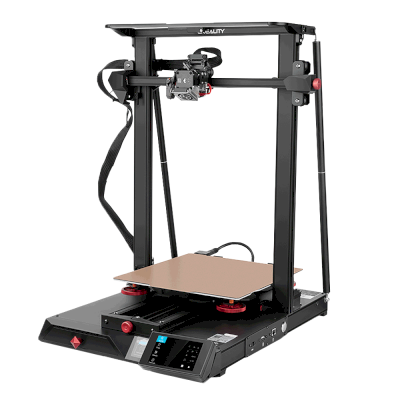

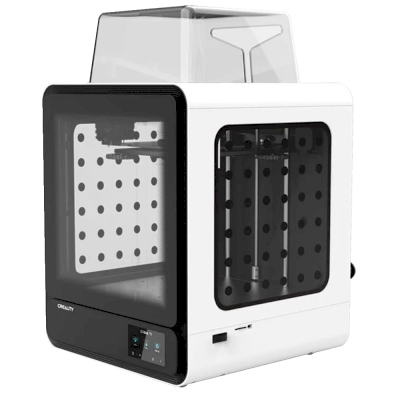
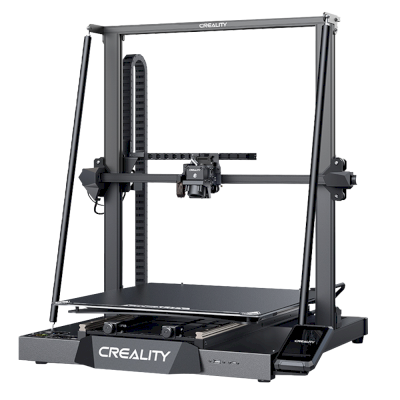
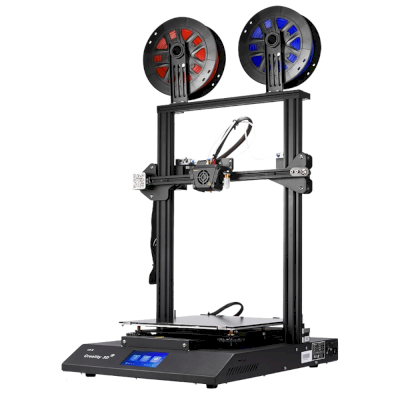
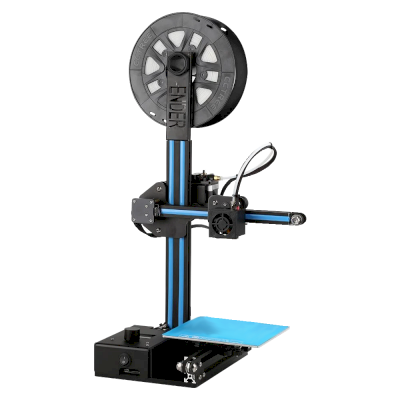
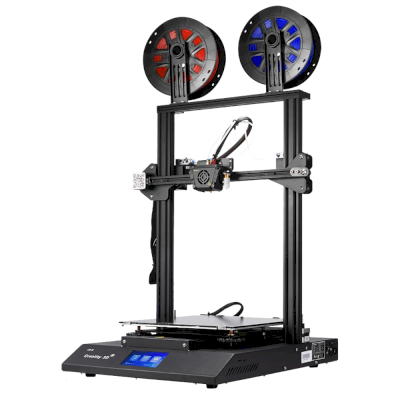
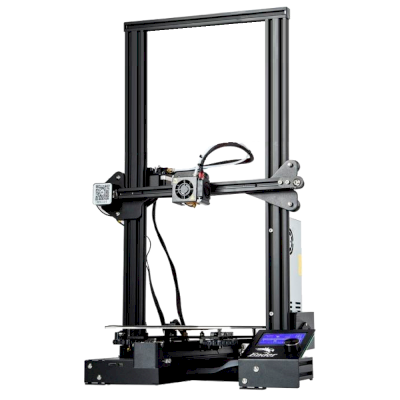
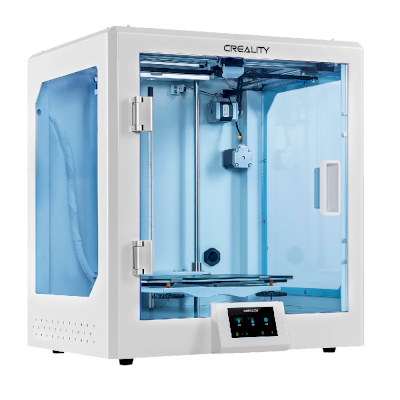
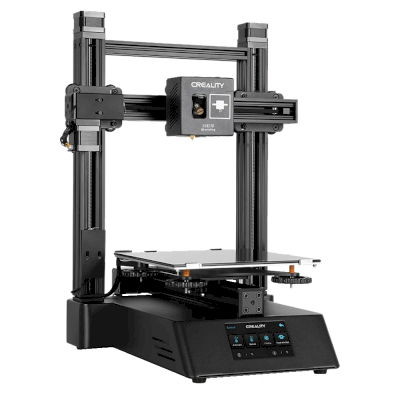
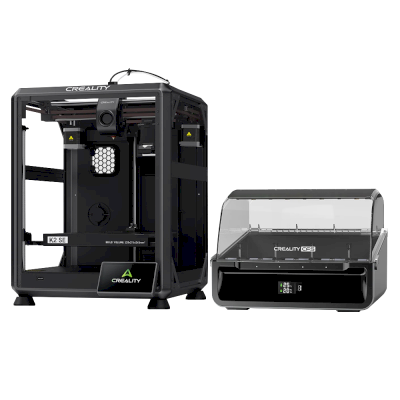

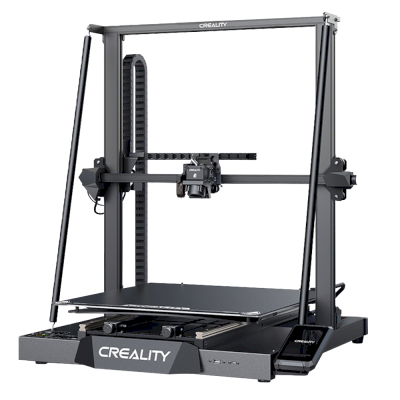

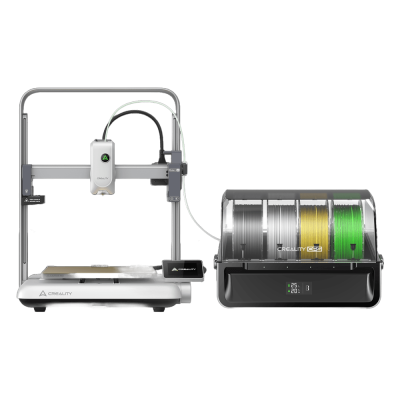

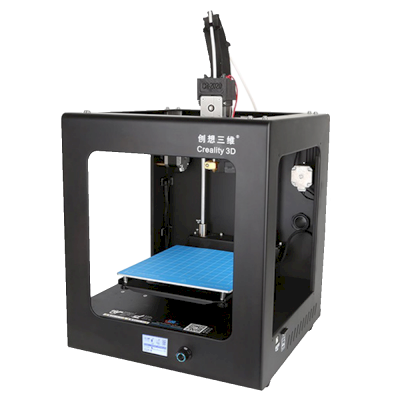

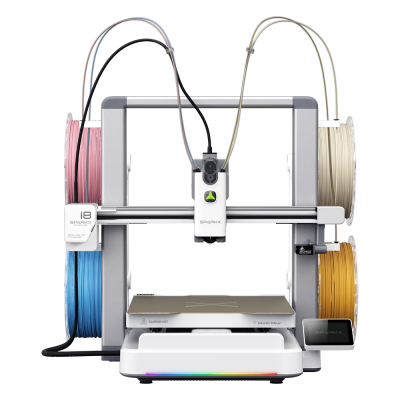
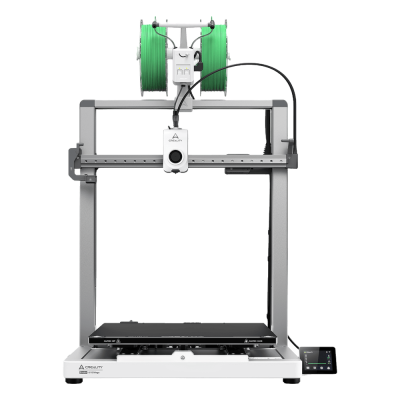
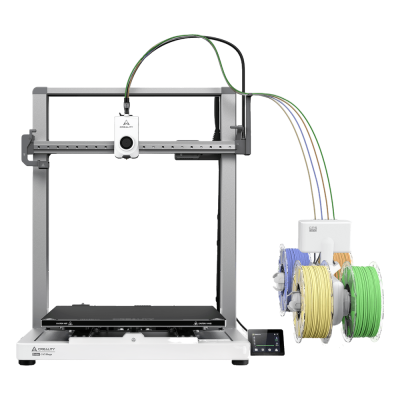
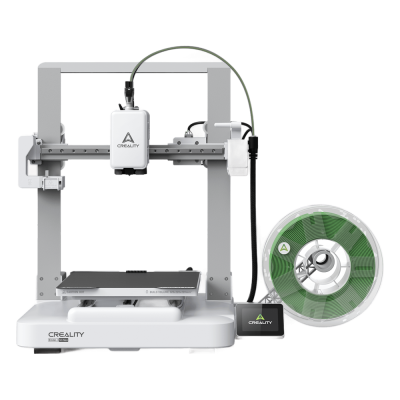
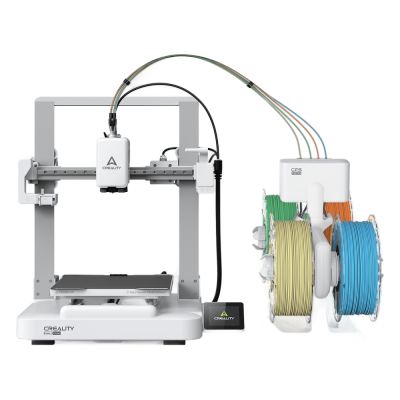
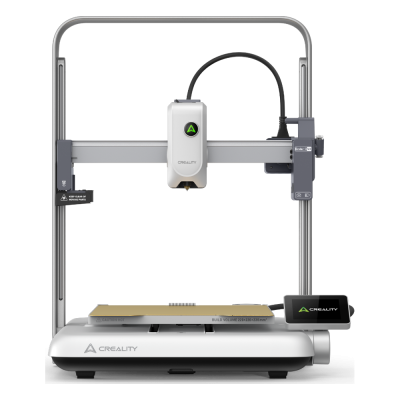

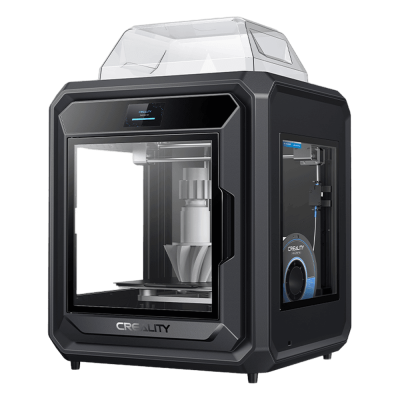
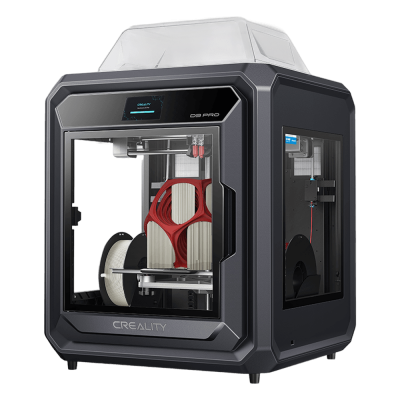
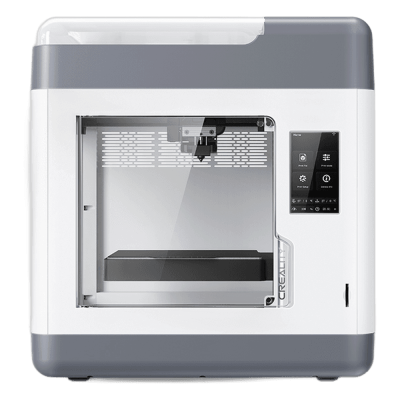

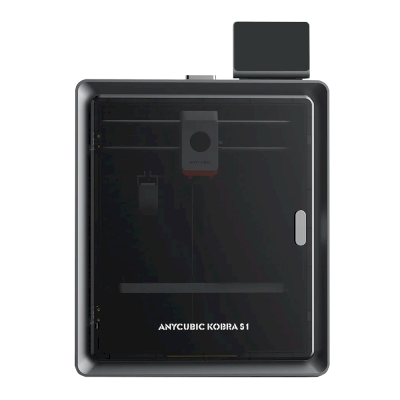
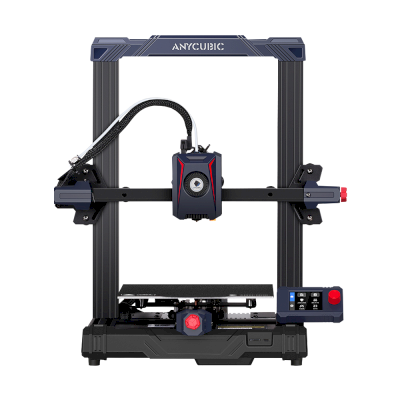
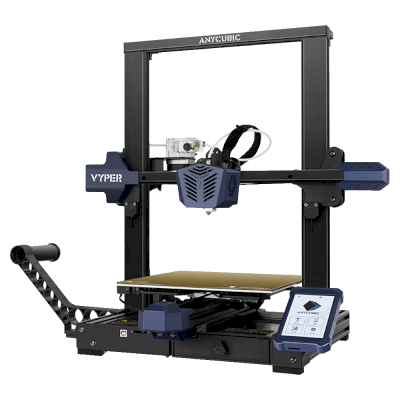
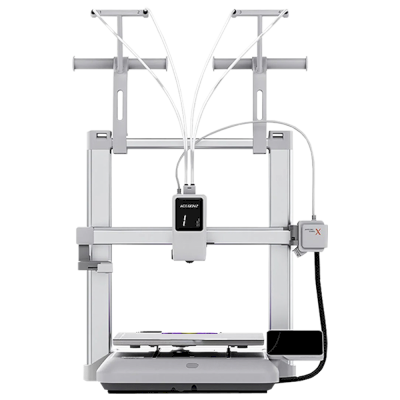
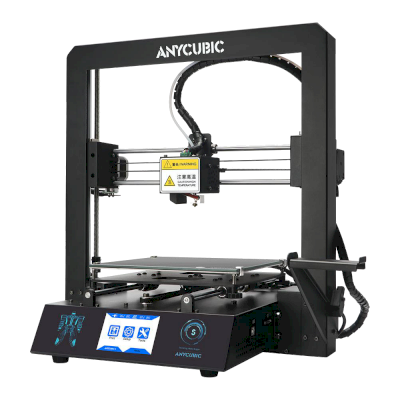
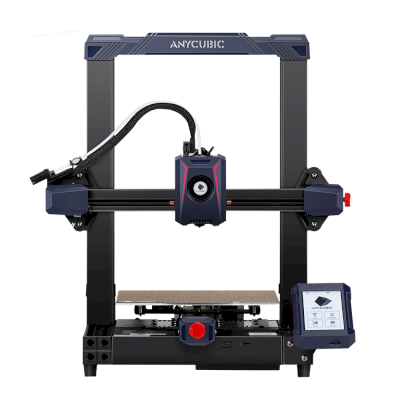
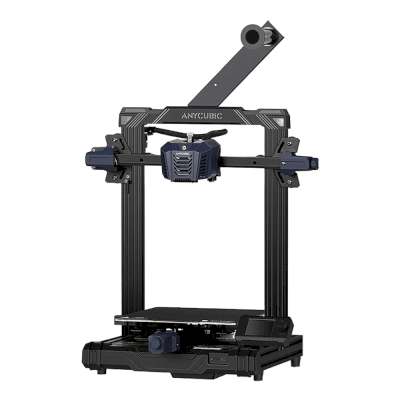
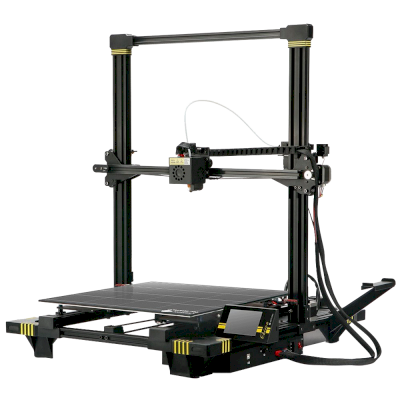
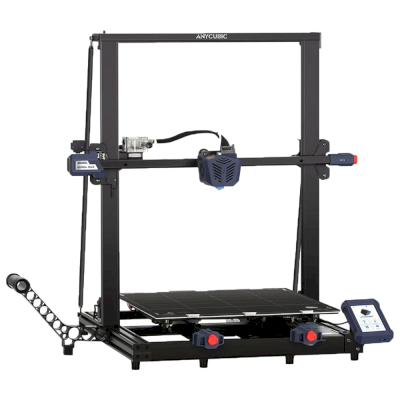
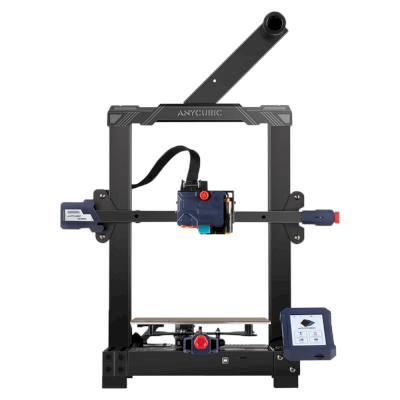
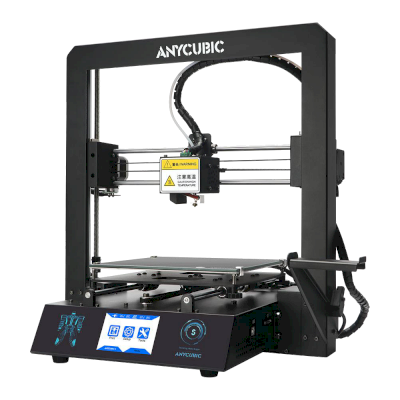
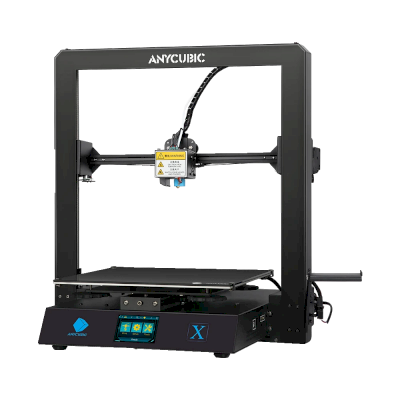
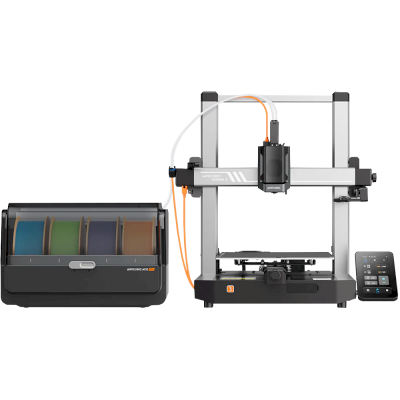
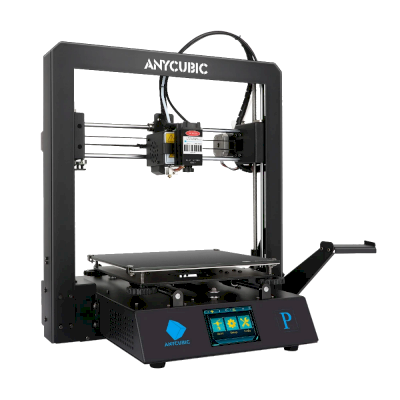
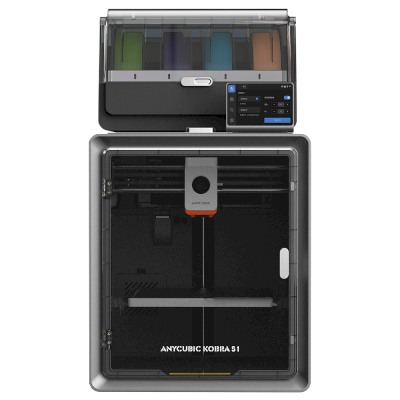
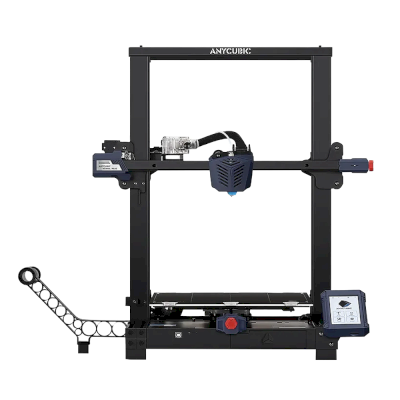
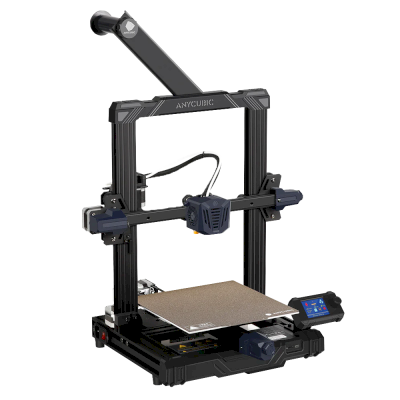
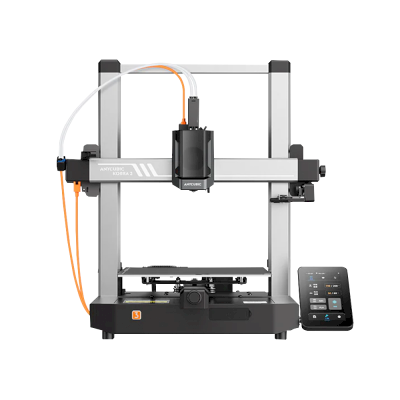
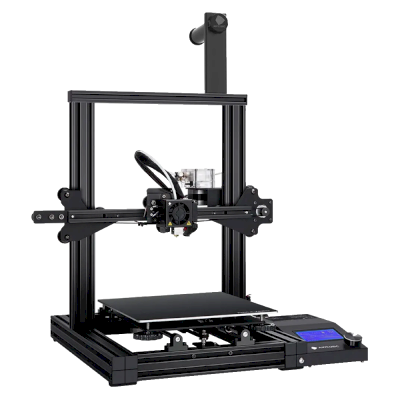
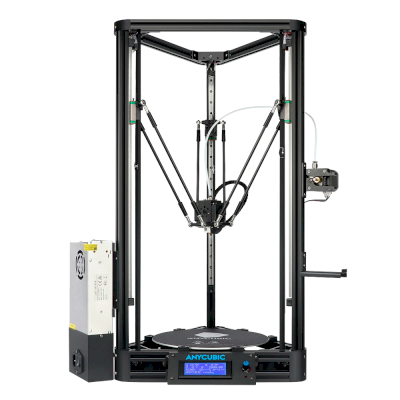
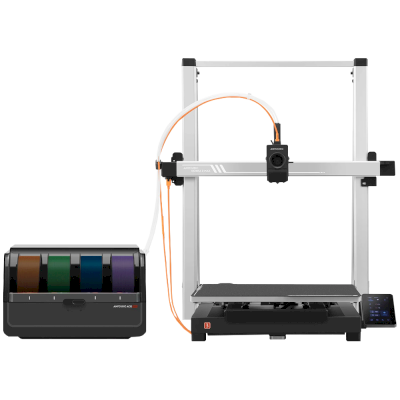
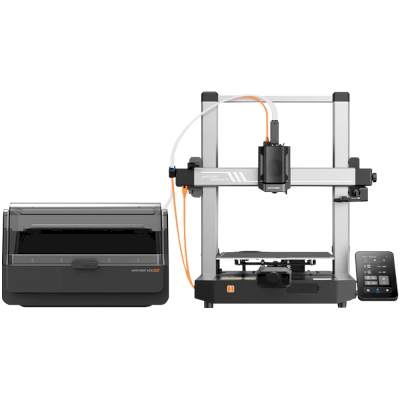
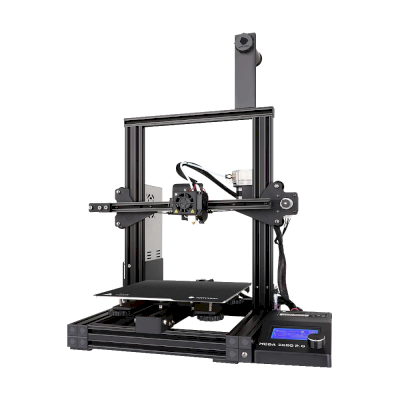
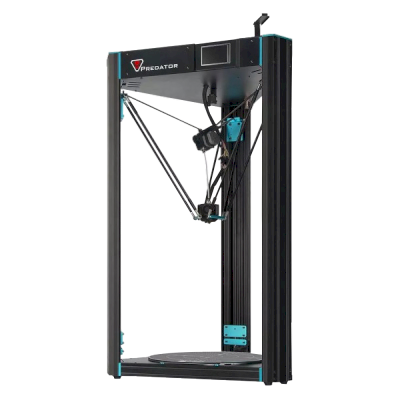
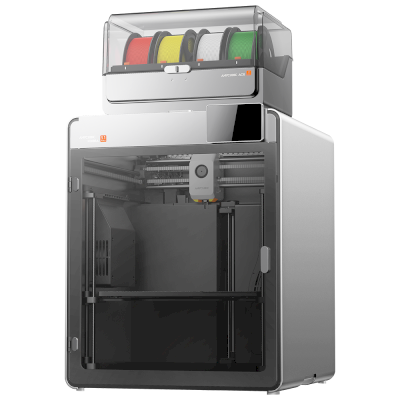
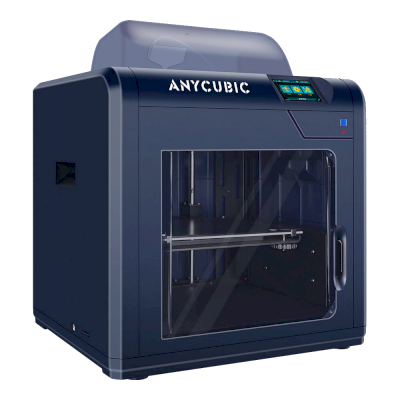
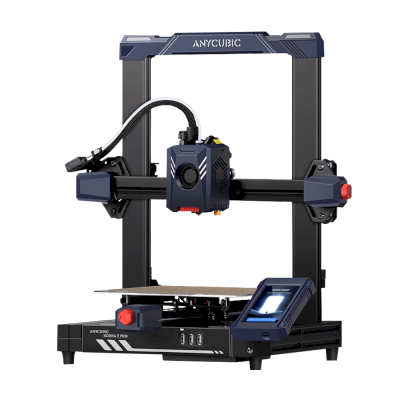
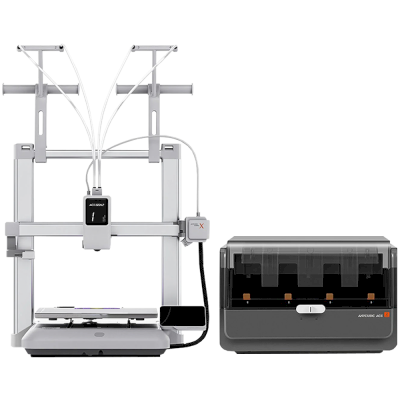
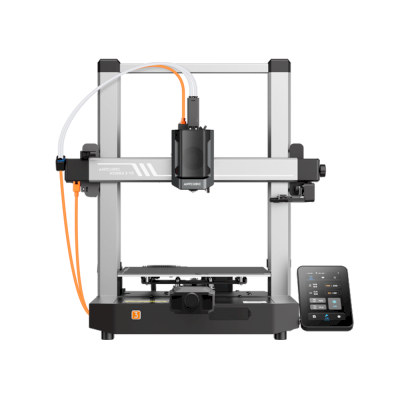
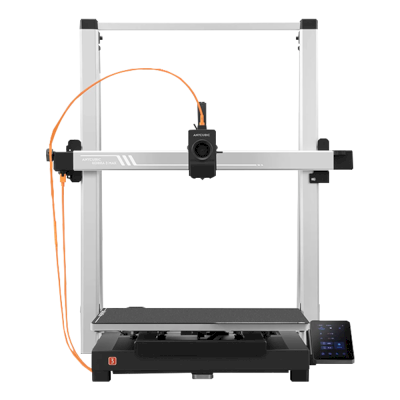
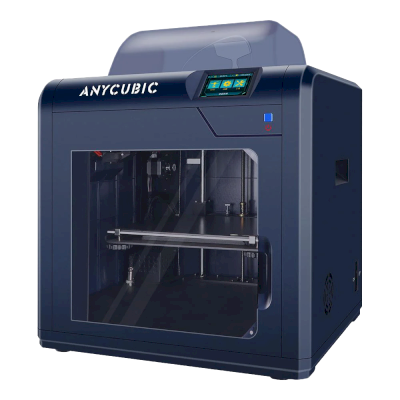
/product_photo_md.png?cacheid=652d18d120e93)
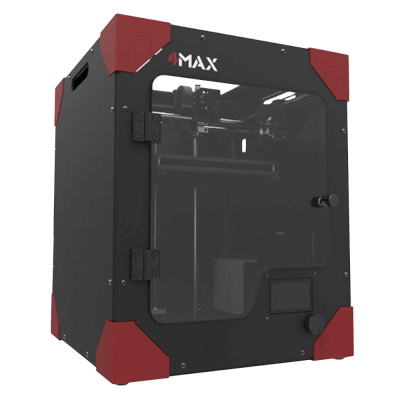
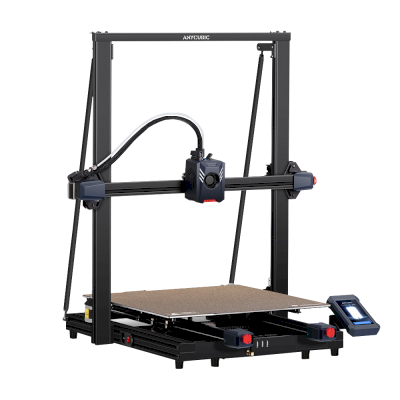
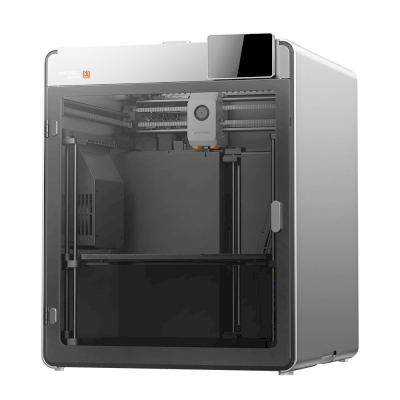
/product_photo_md.png?cacheid=652d2d24a731c)
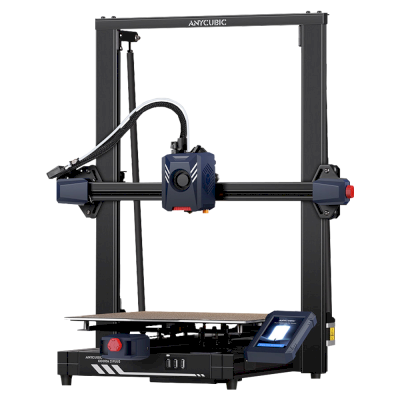

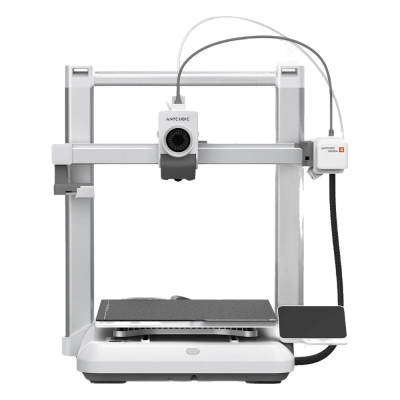
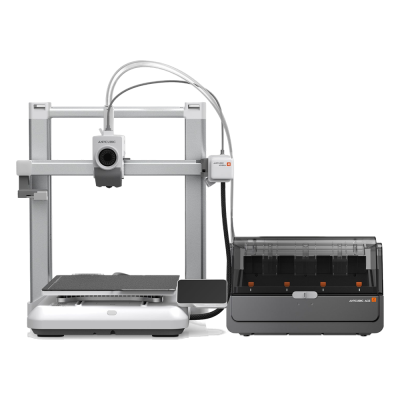
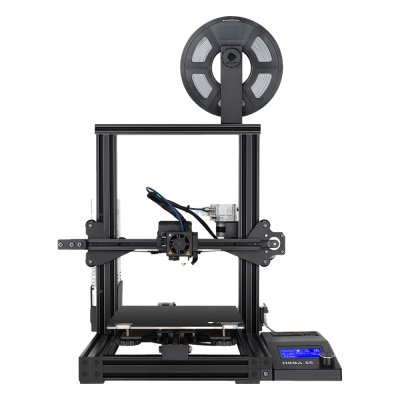

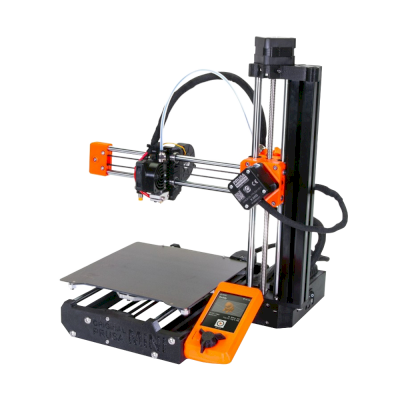
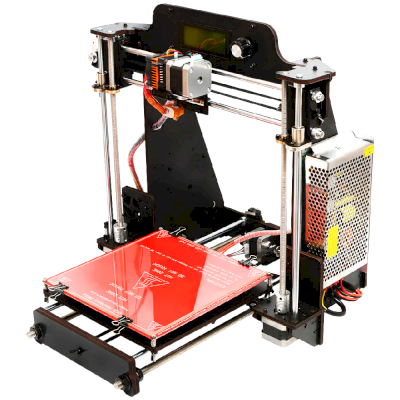
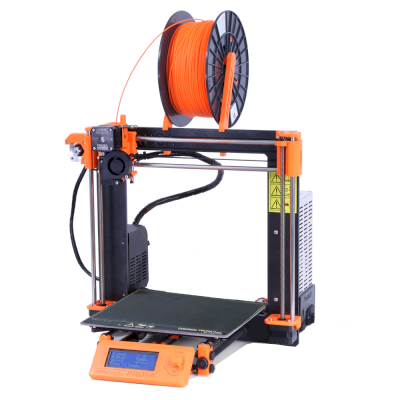
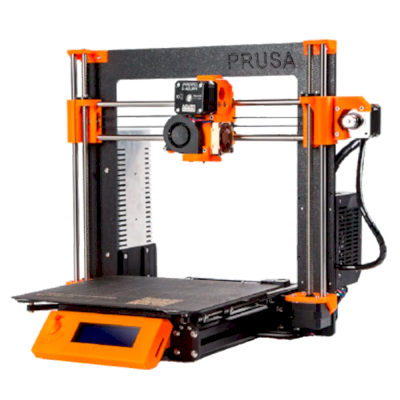
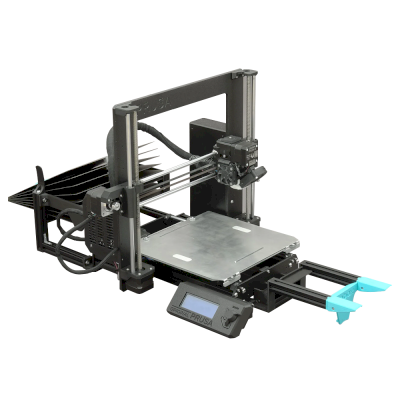
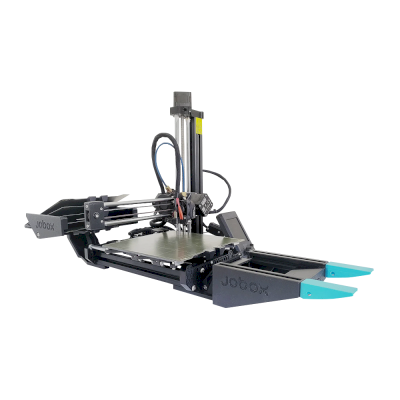
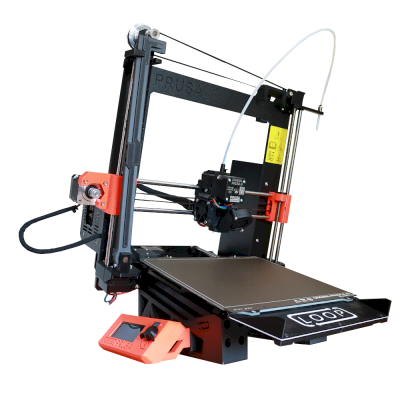
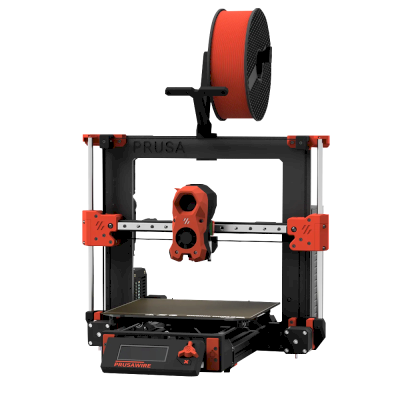

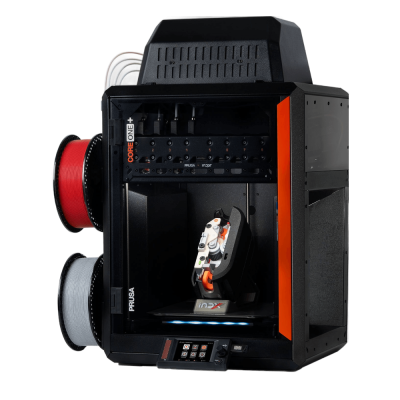


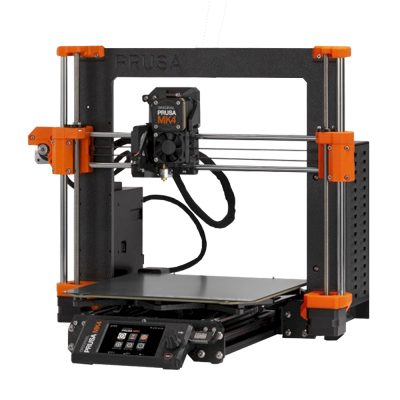
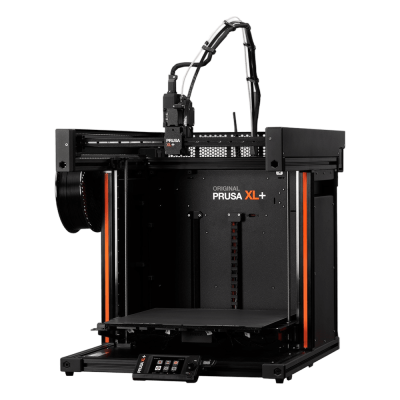

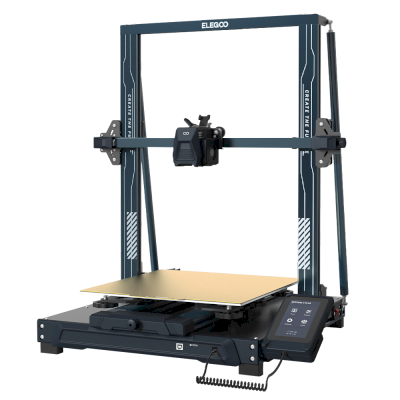
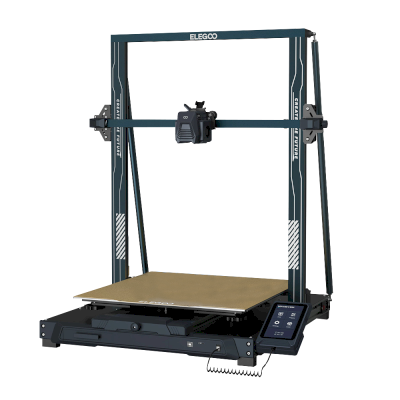
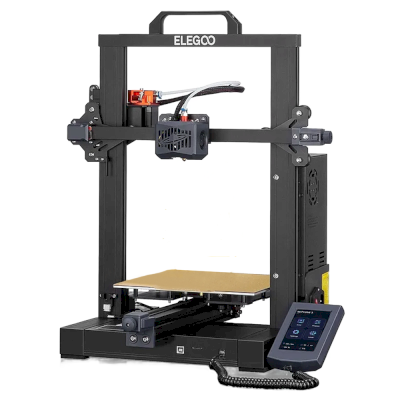
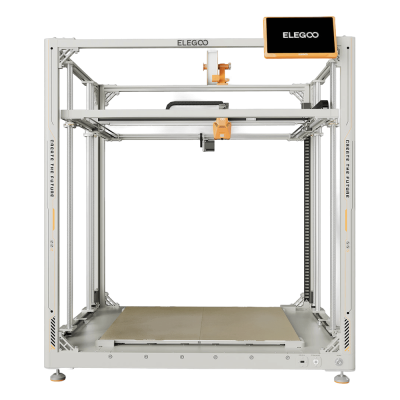

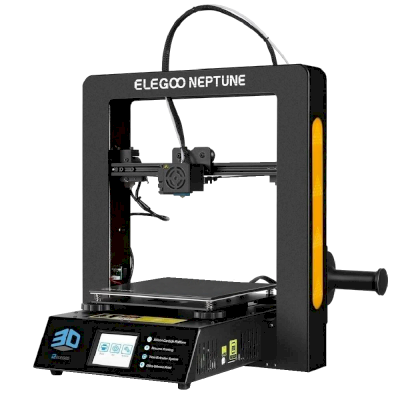
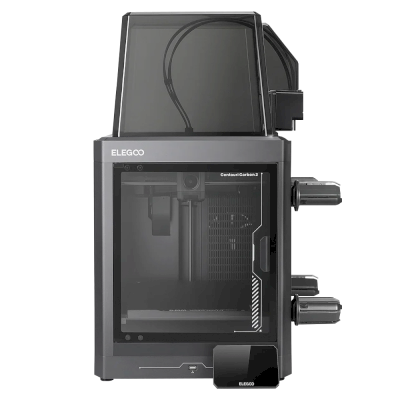
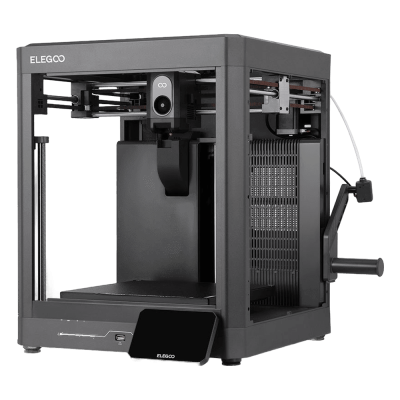
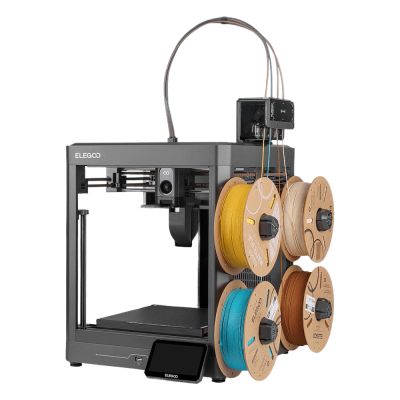
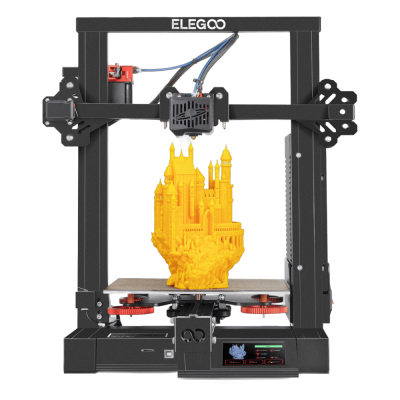
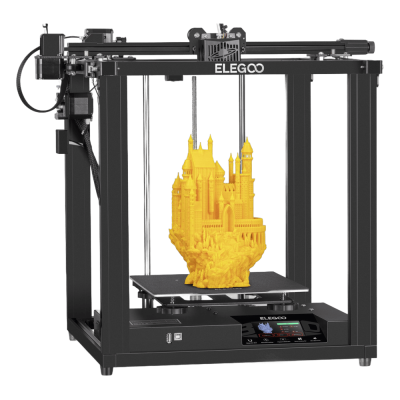

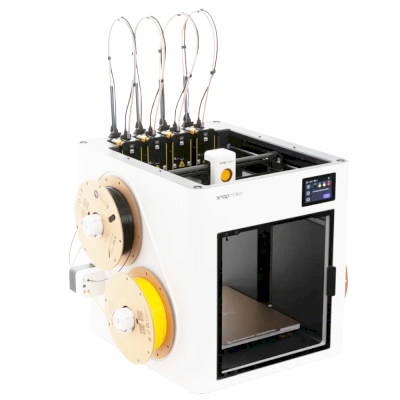
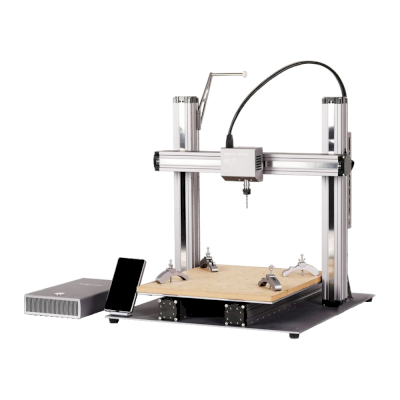
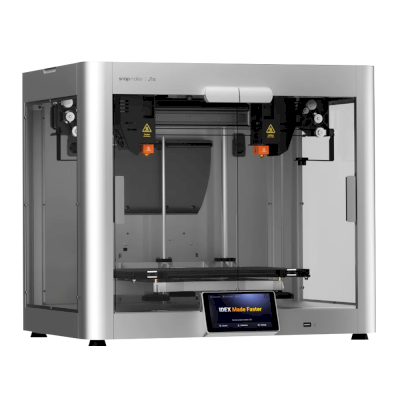
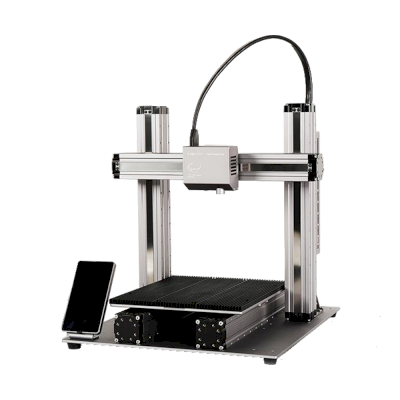
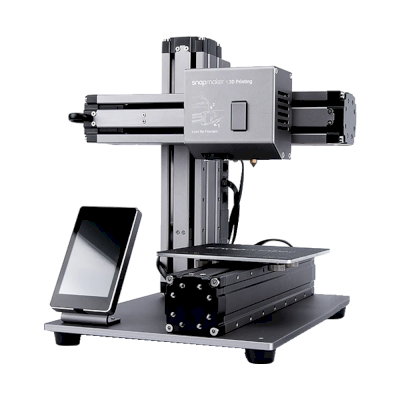
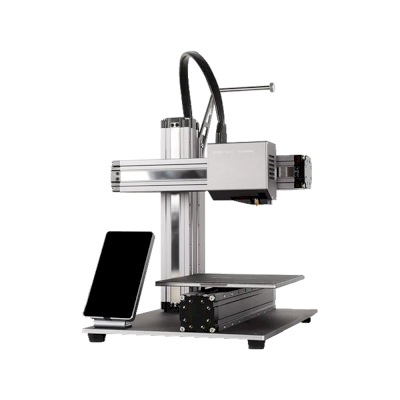

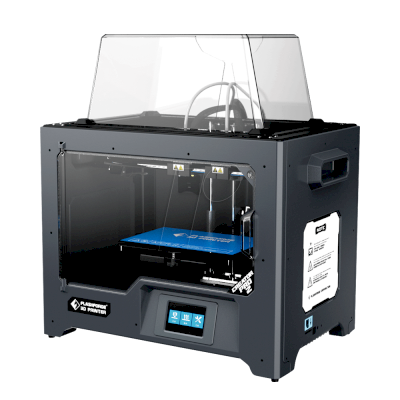
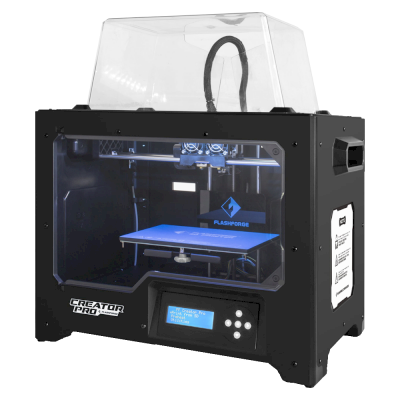

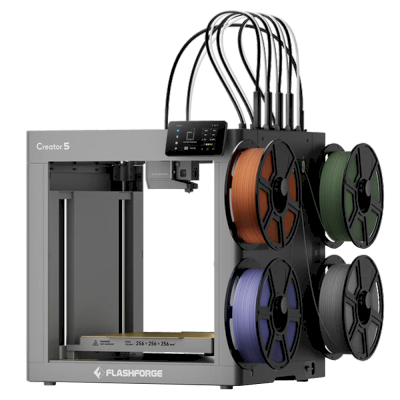
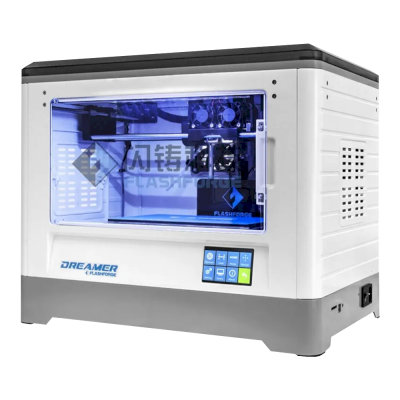
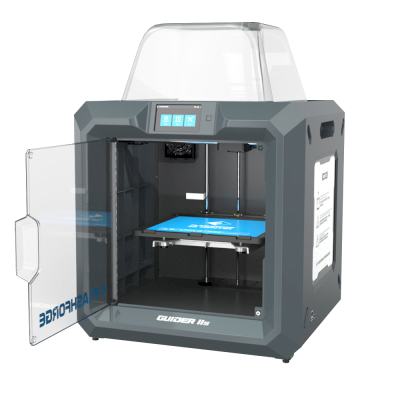
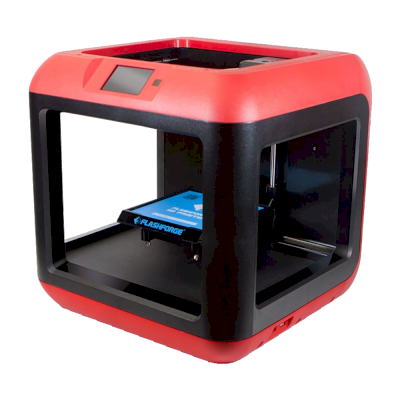
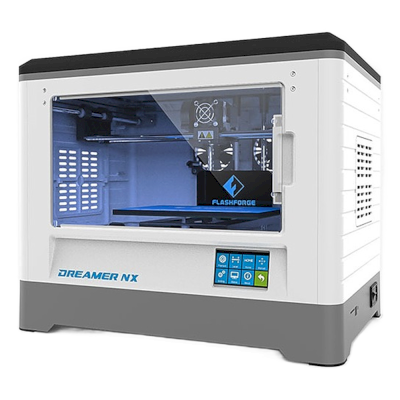
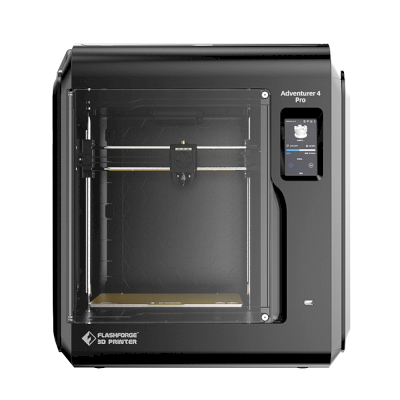
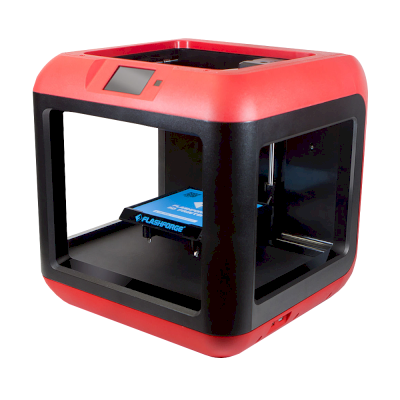
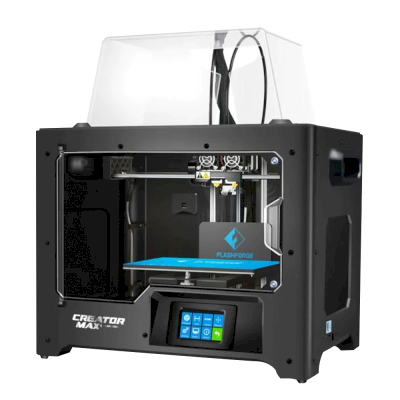
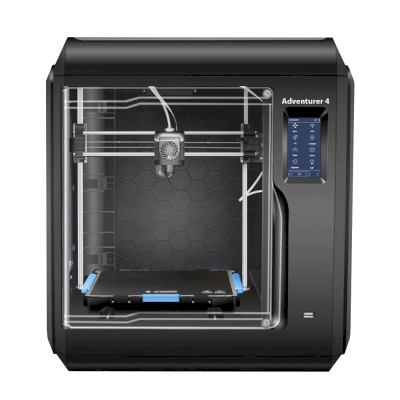
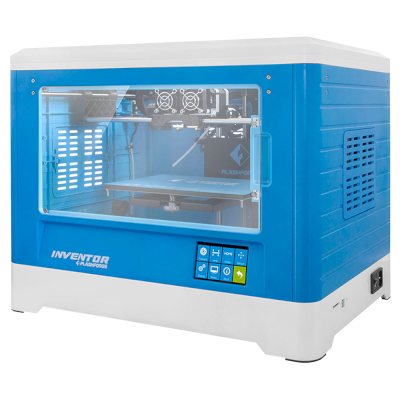





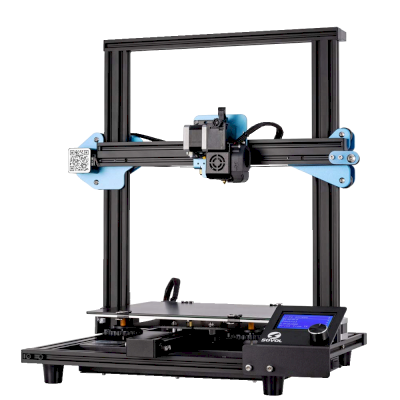
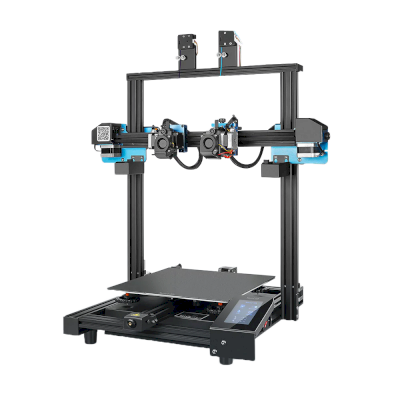
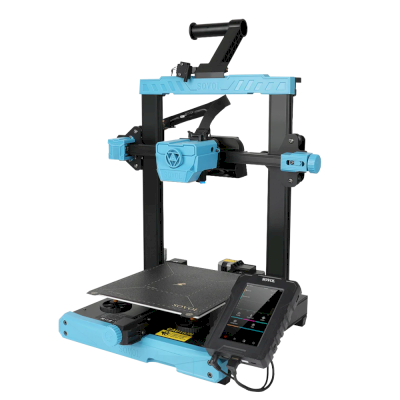
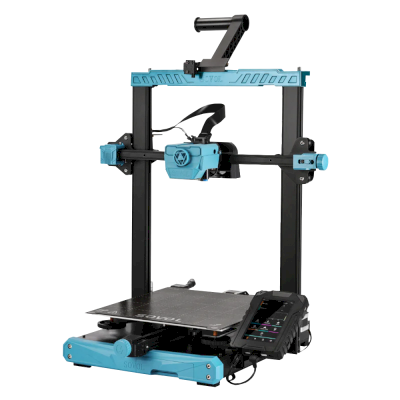
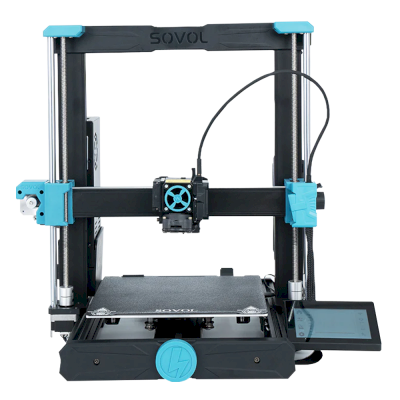
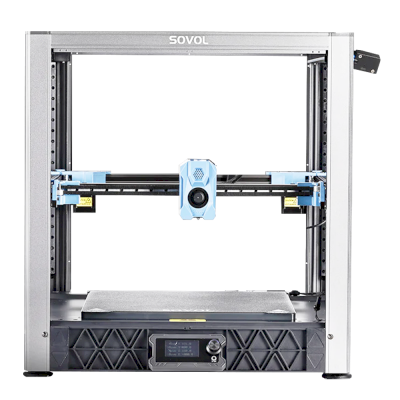
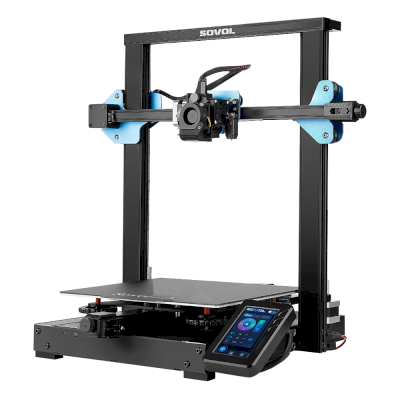
/product_photo_md.png?cacheid=6924cc4d28d34)
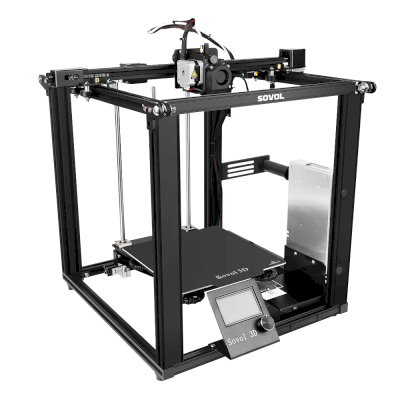
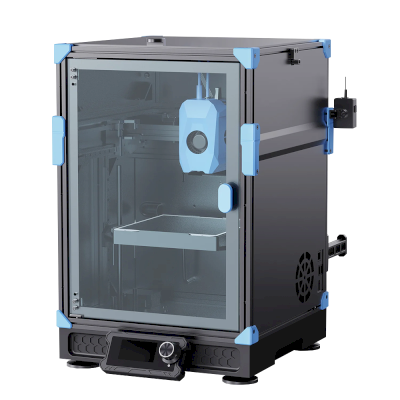
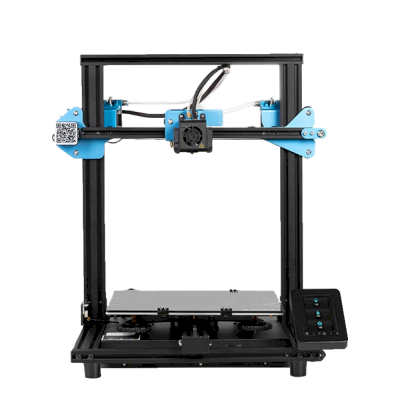
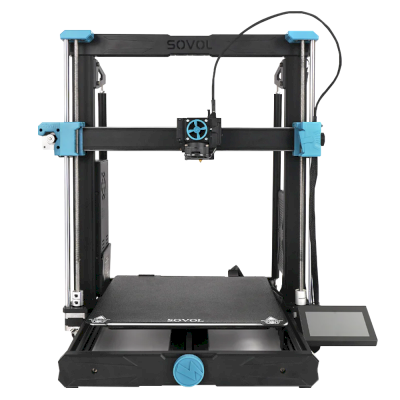
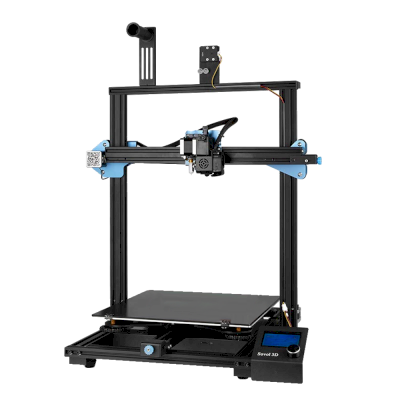
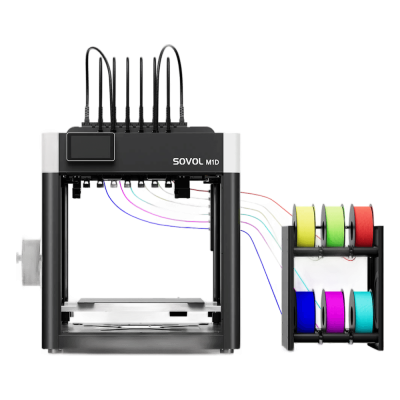


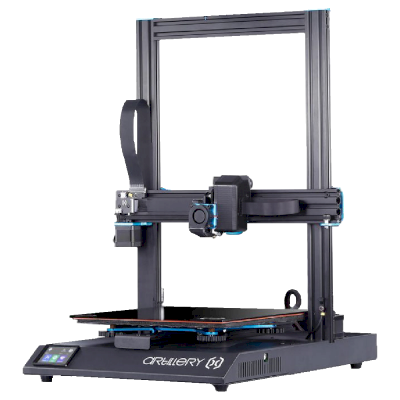
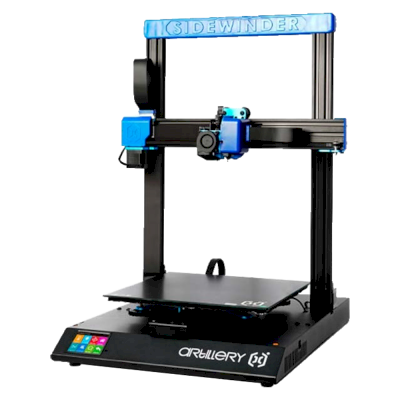

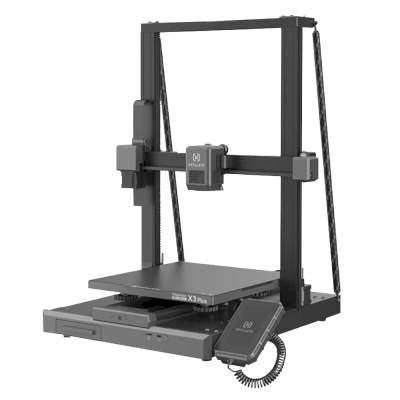
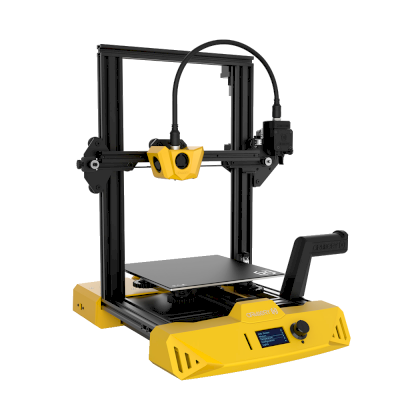
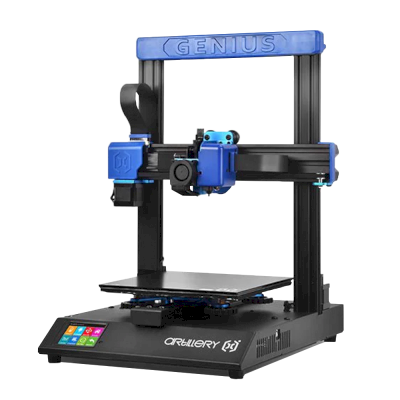
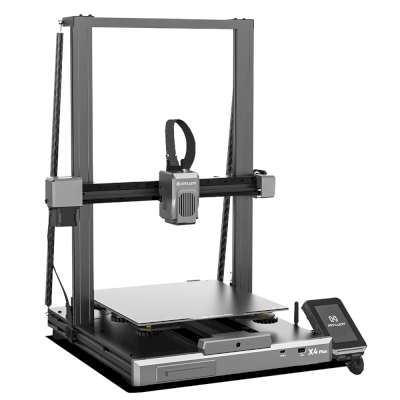
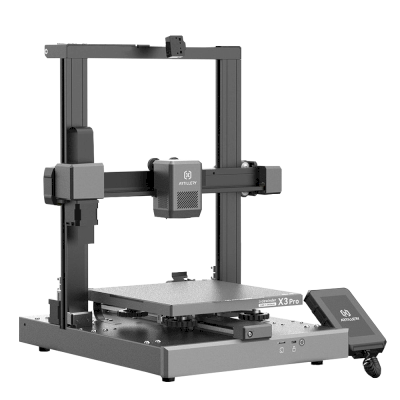
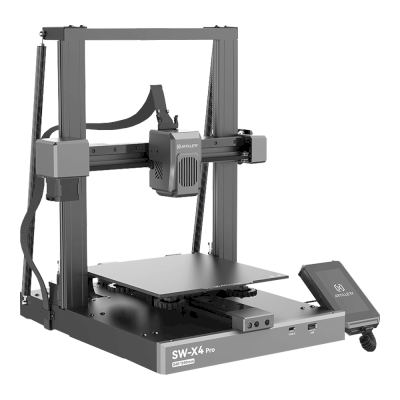
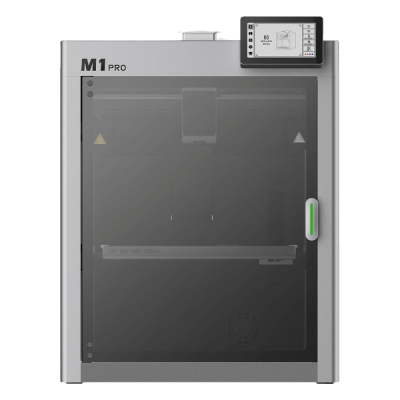

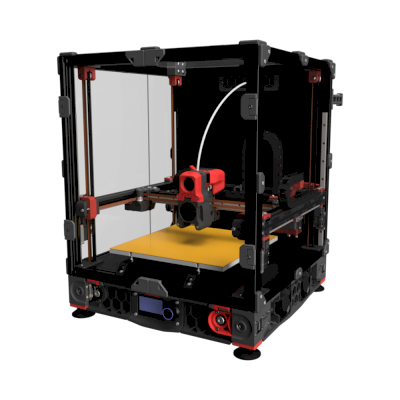
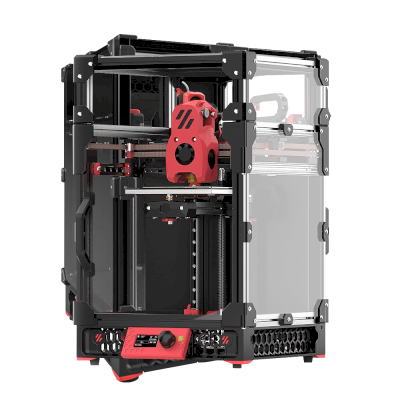
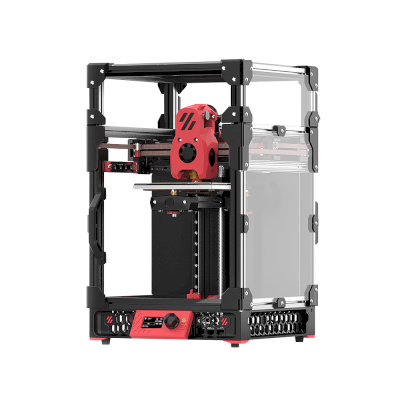
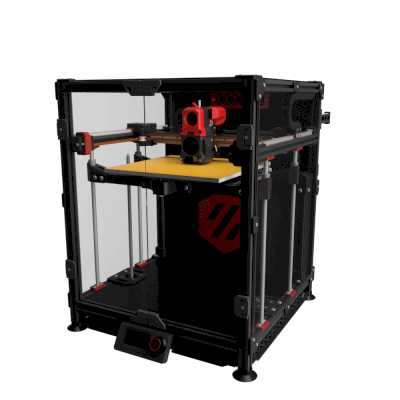
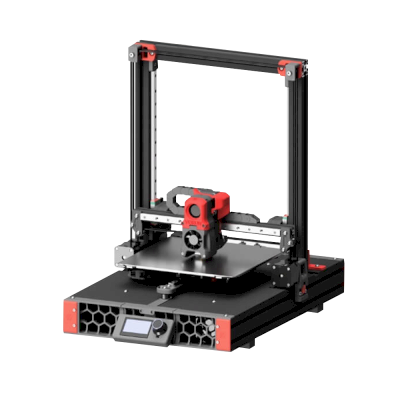

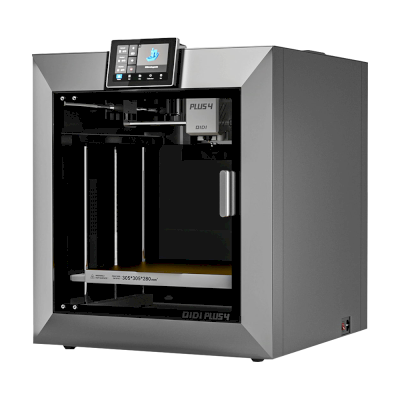

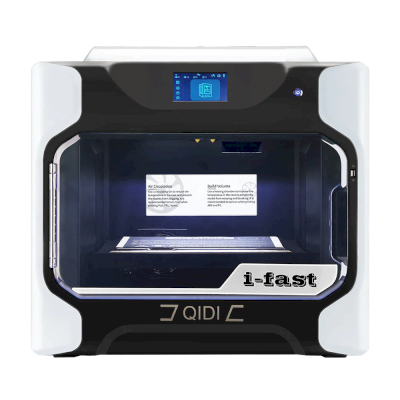
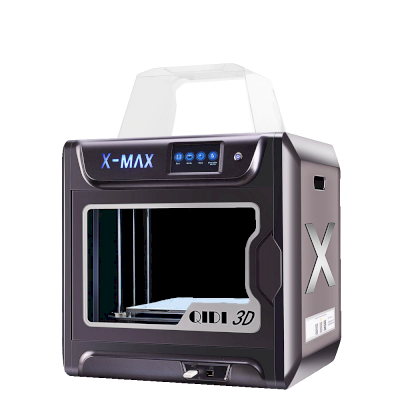
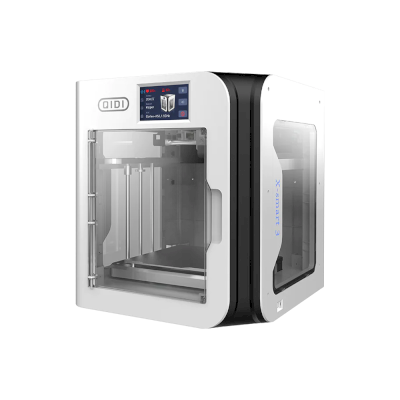
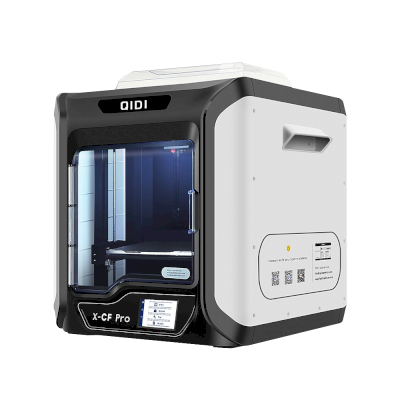
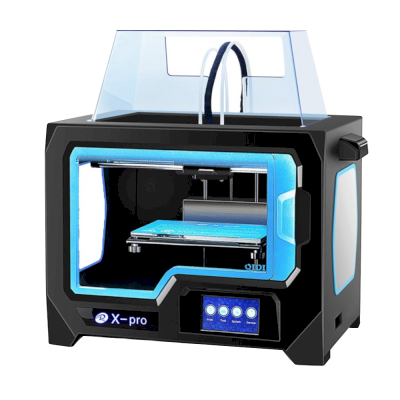
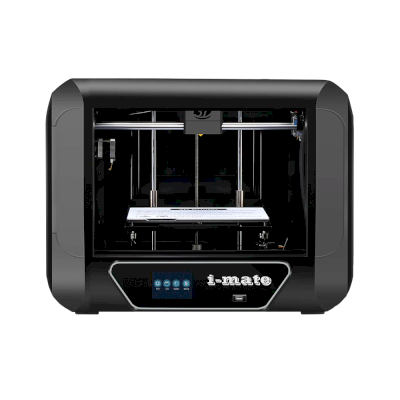
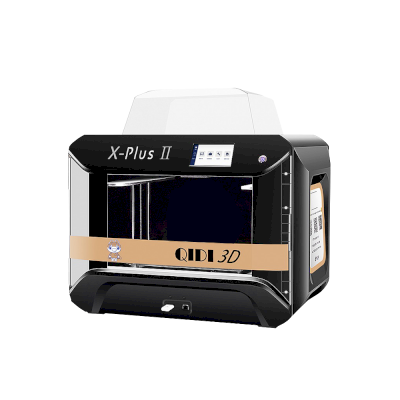

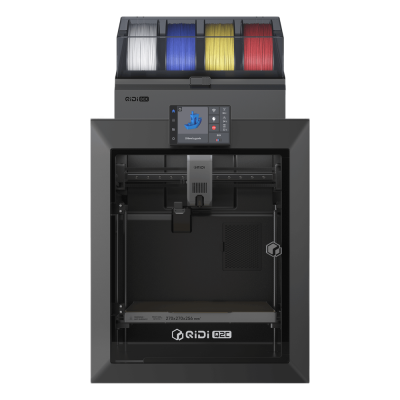

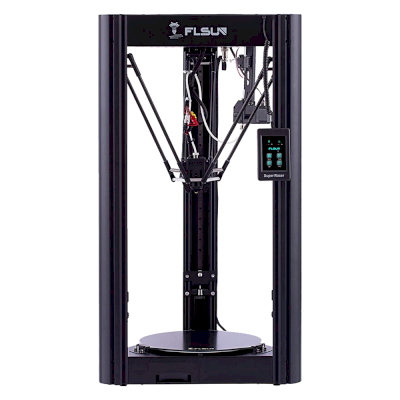
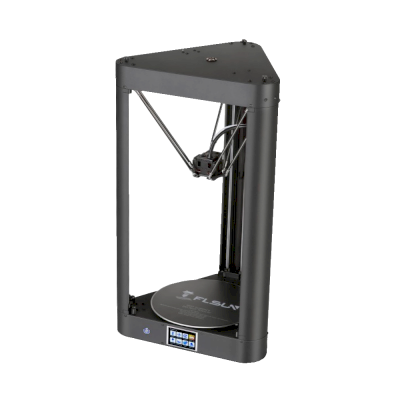
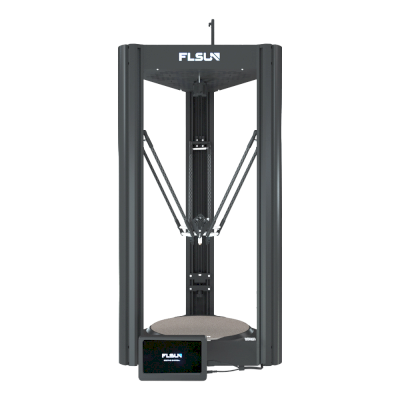

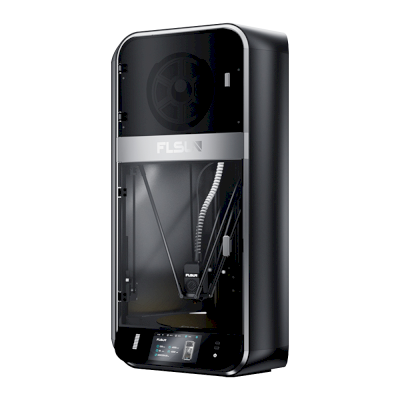
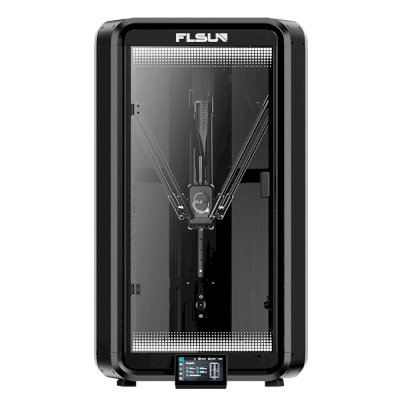
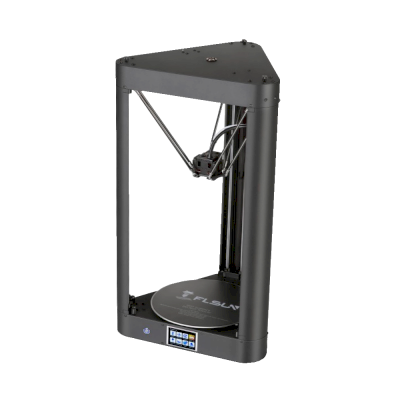
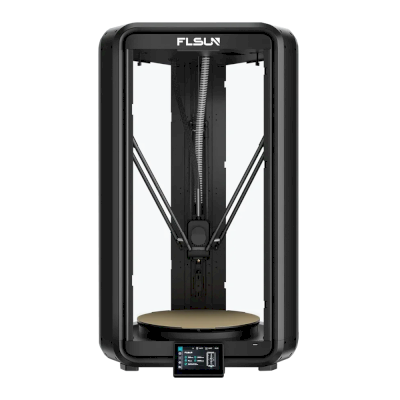
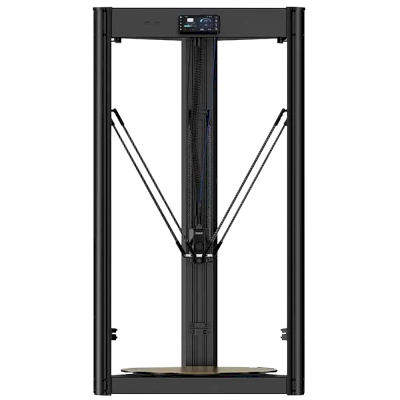
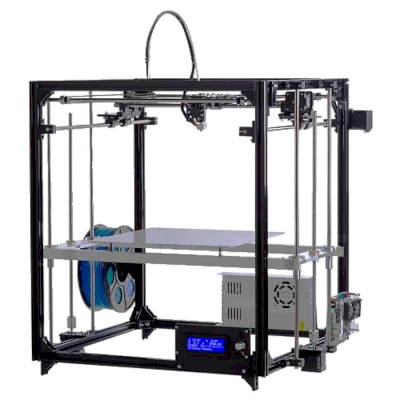



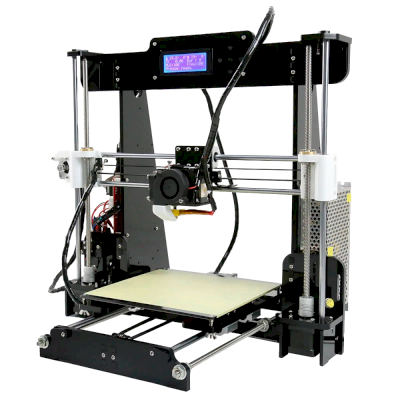

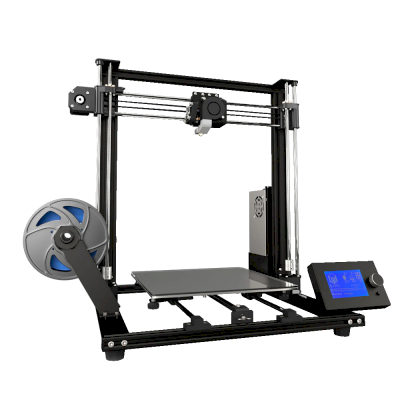
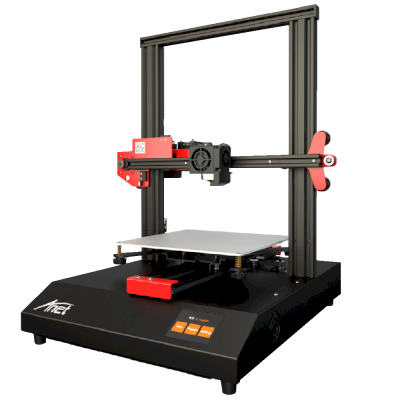
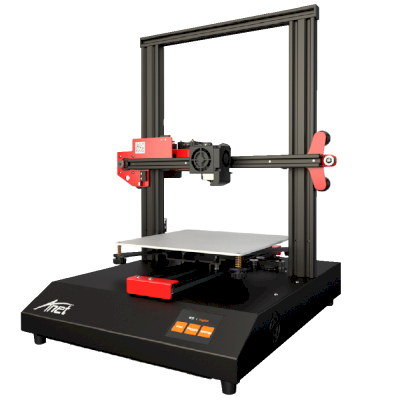
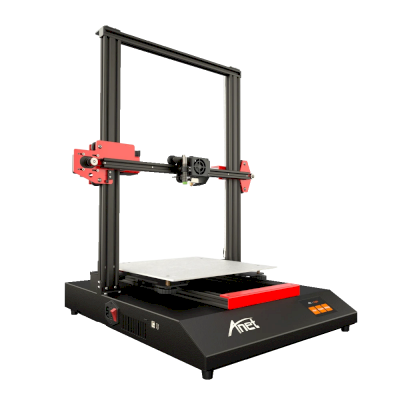
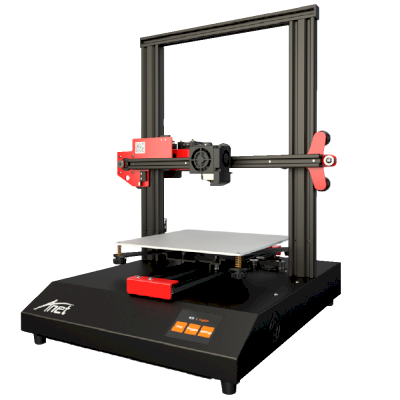
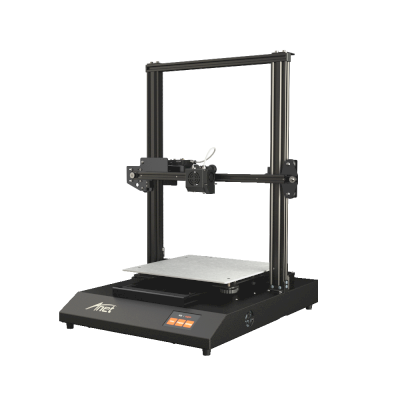
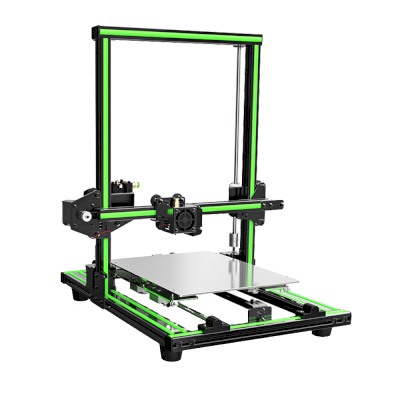



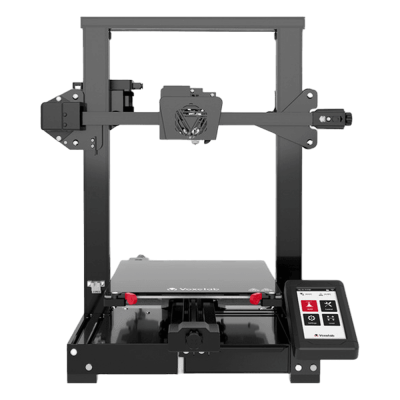


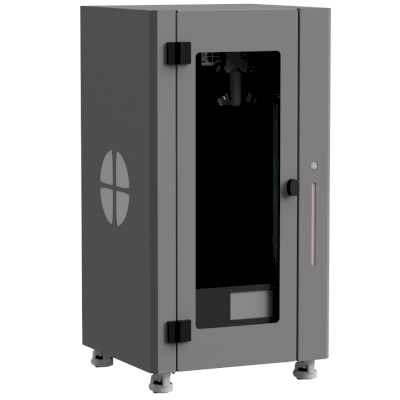
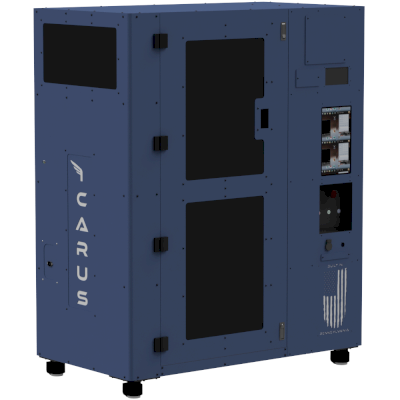



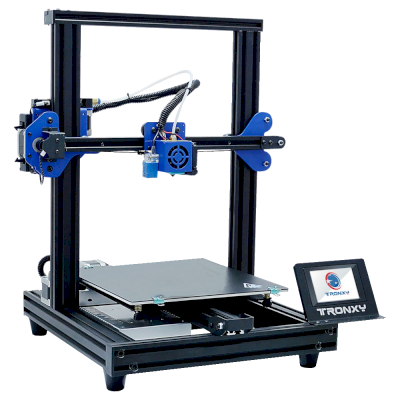
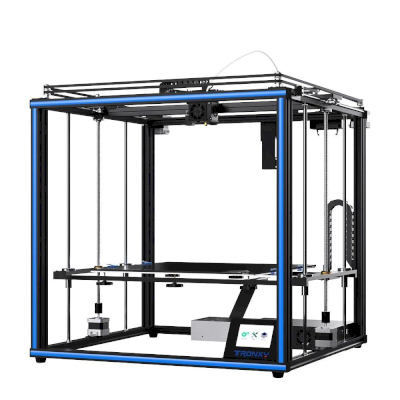
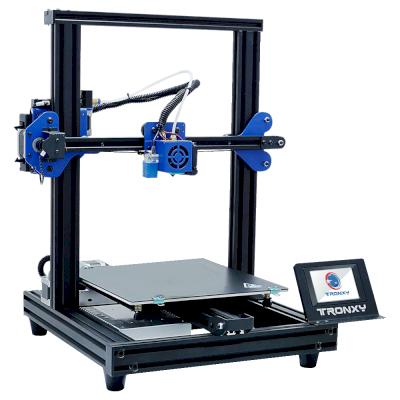
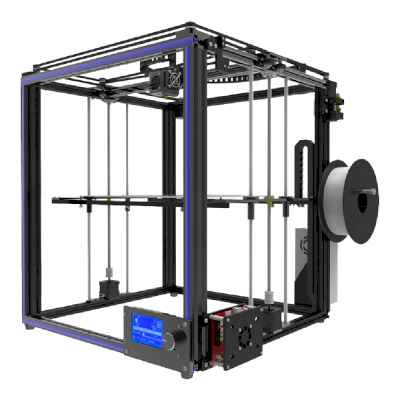
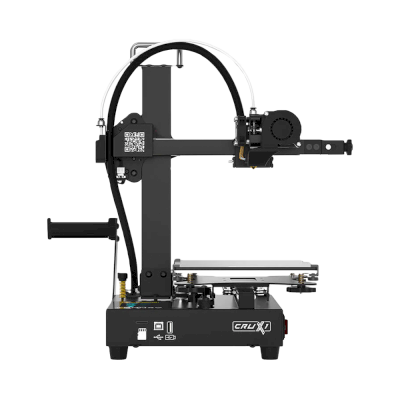
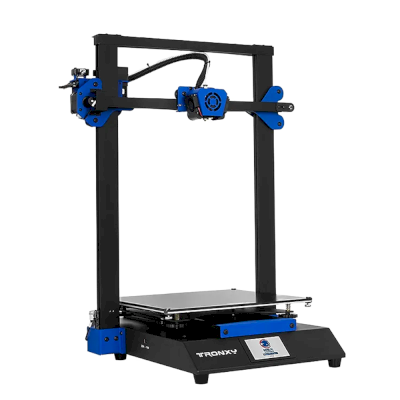
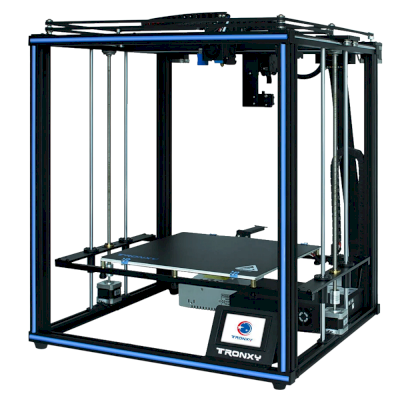
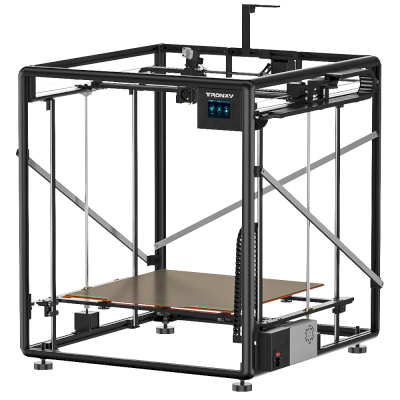
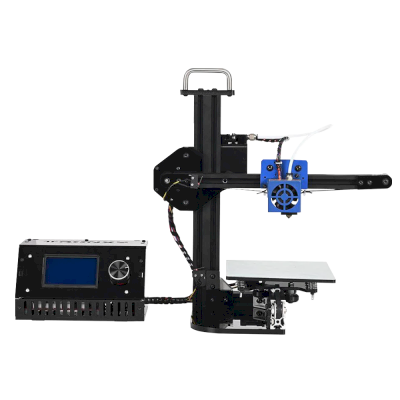
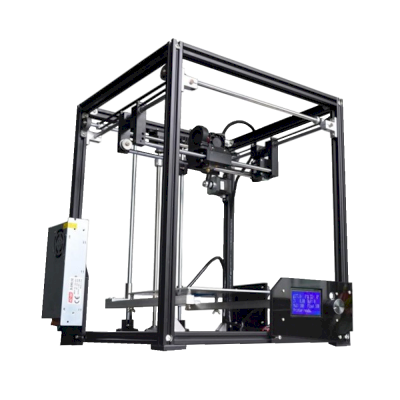
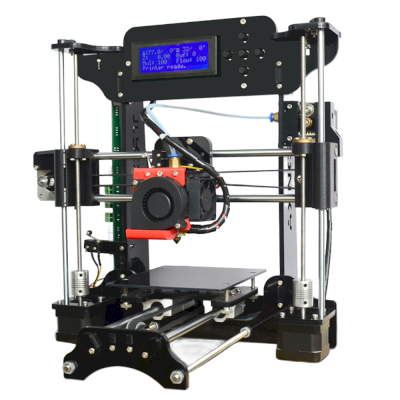
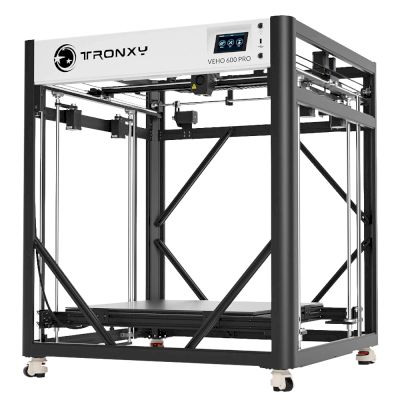
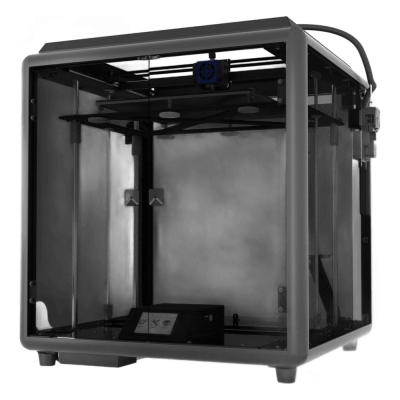


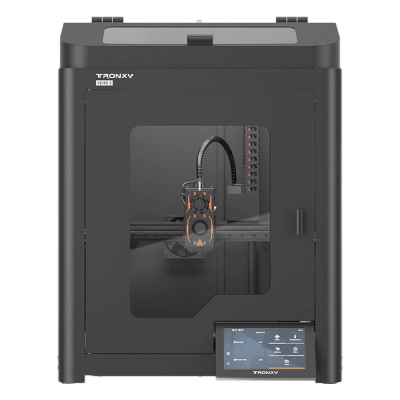


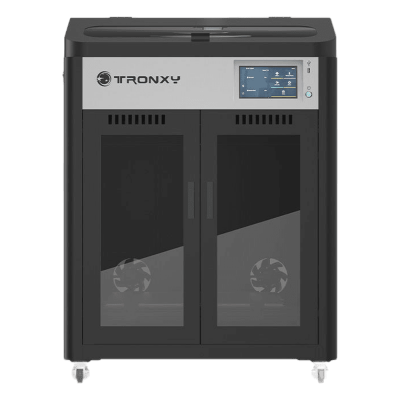
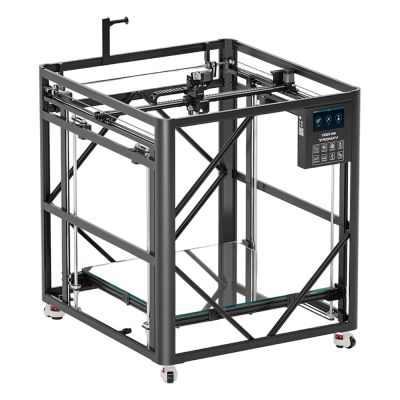



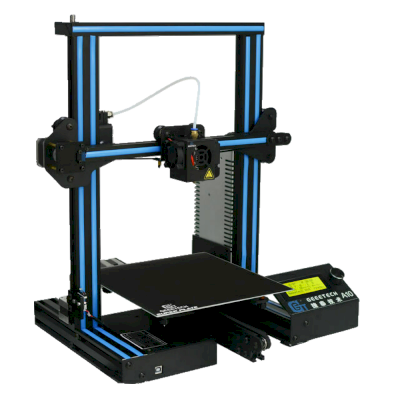
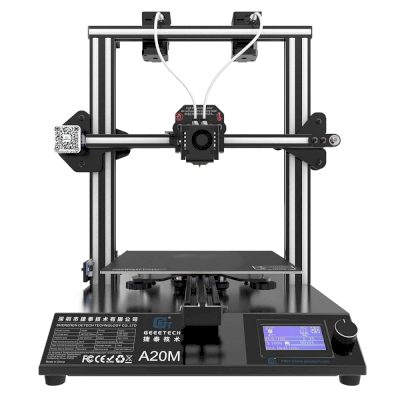
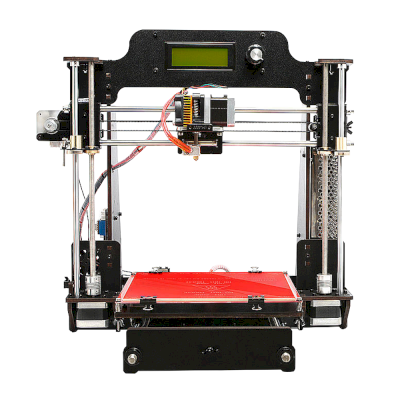
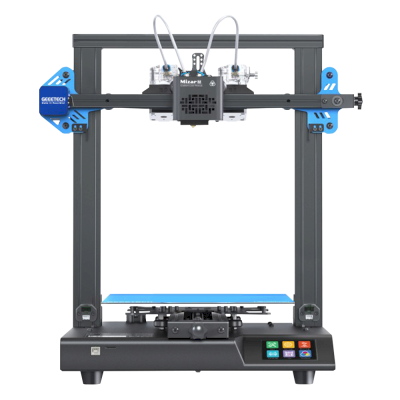
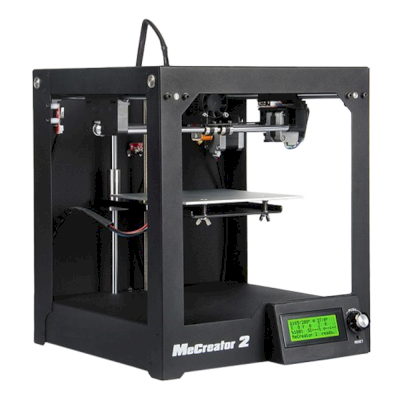
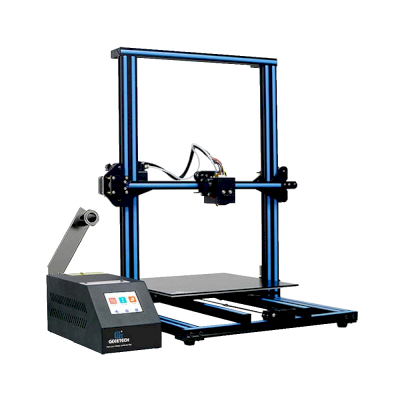
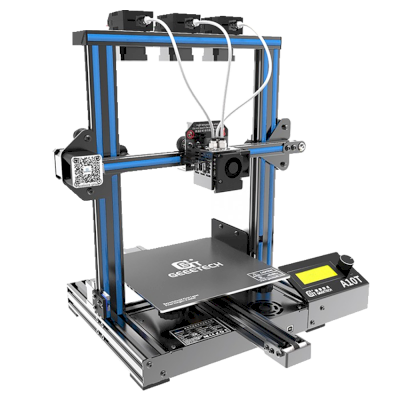
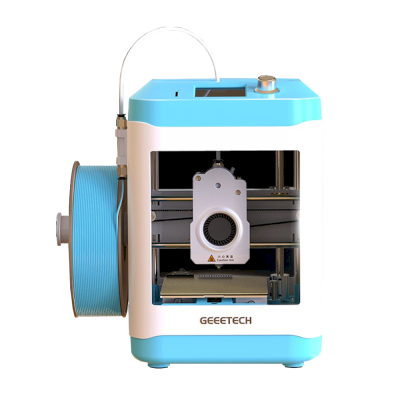
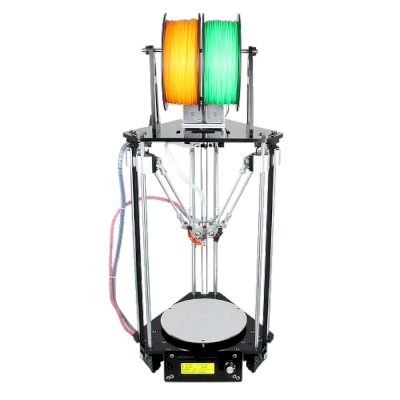
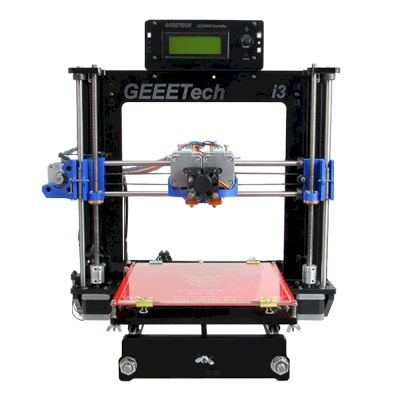
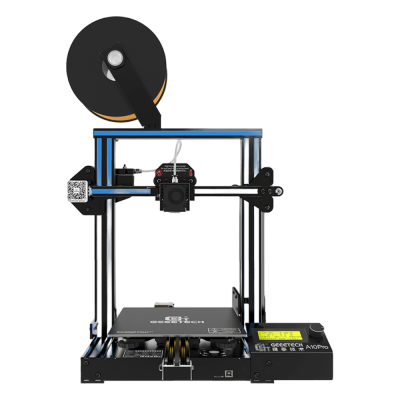


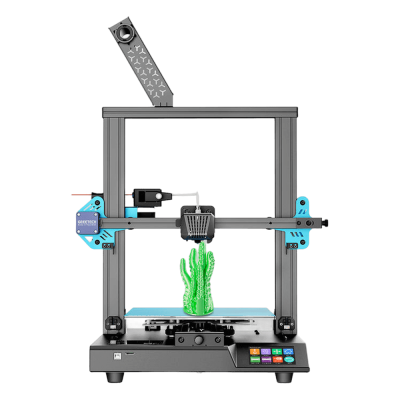


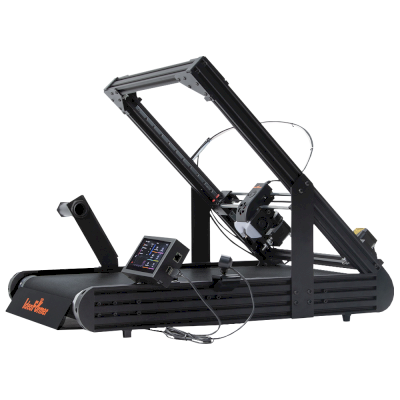
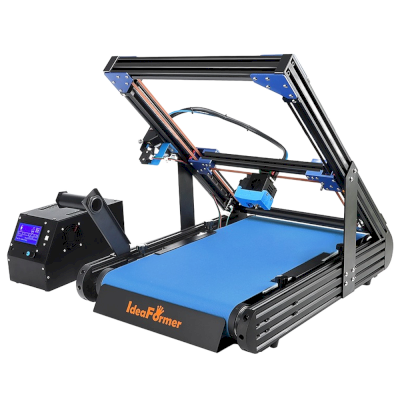
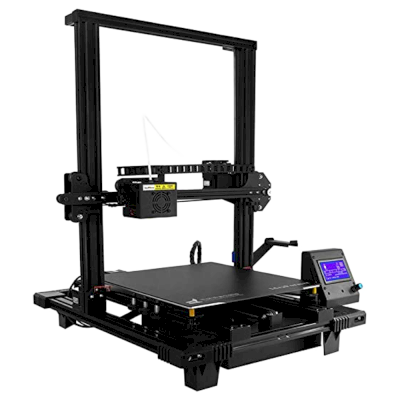
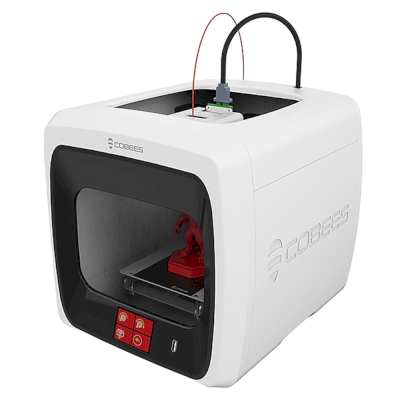

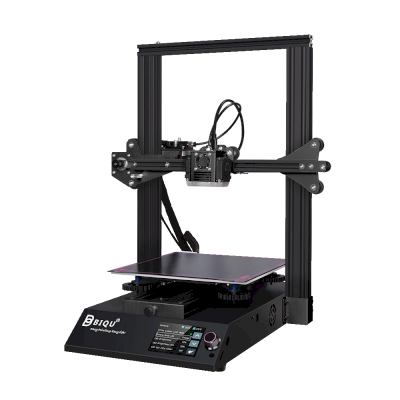
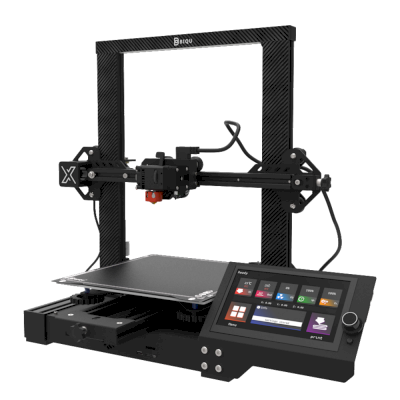
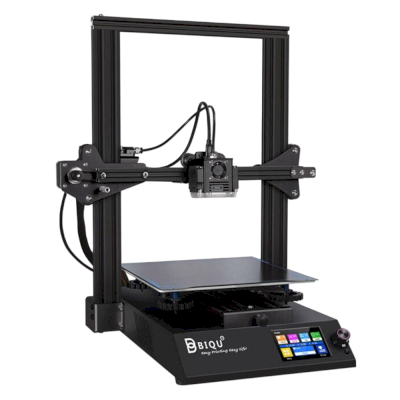
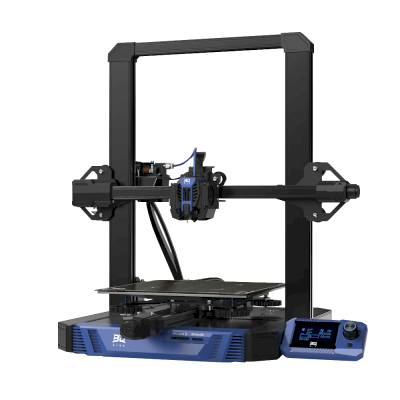
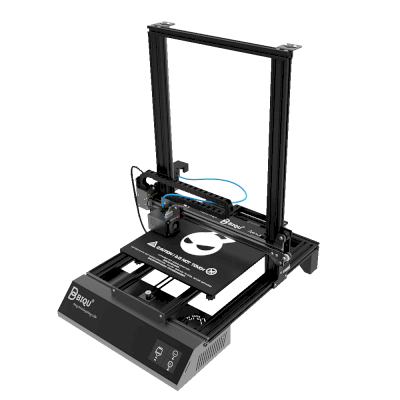

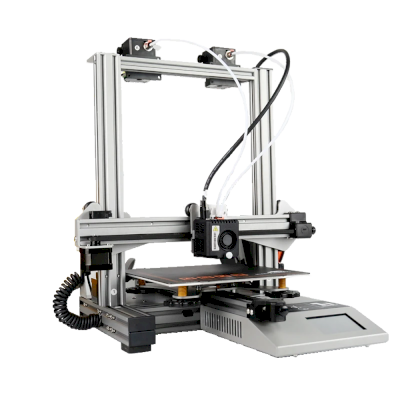

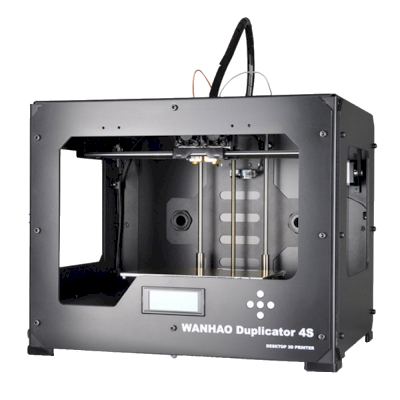
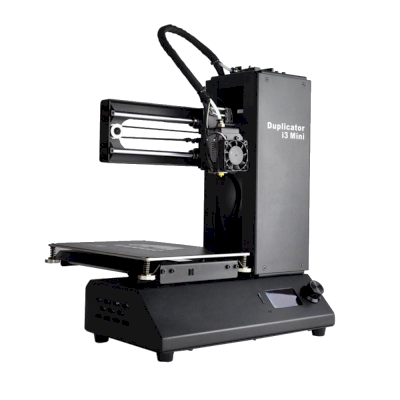

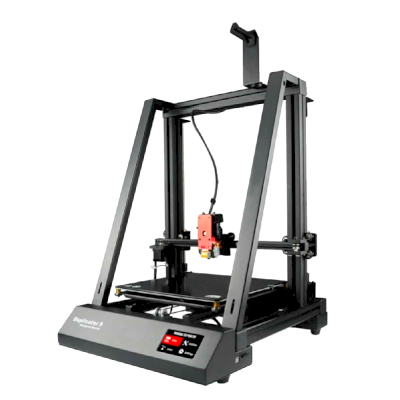
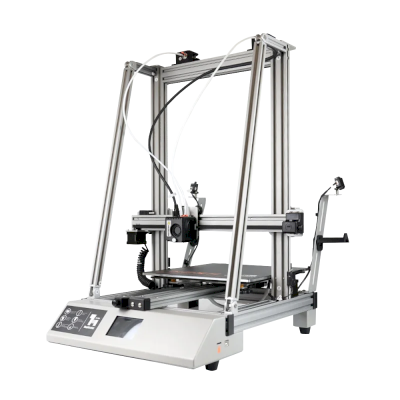


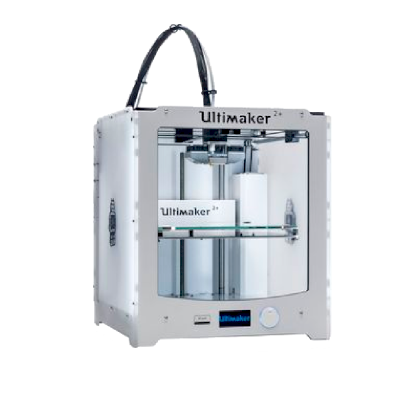
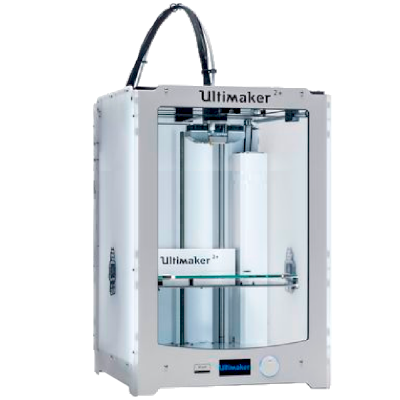

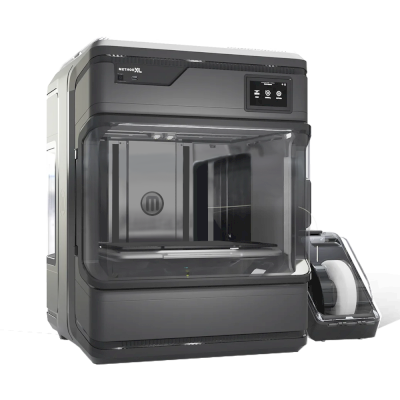

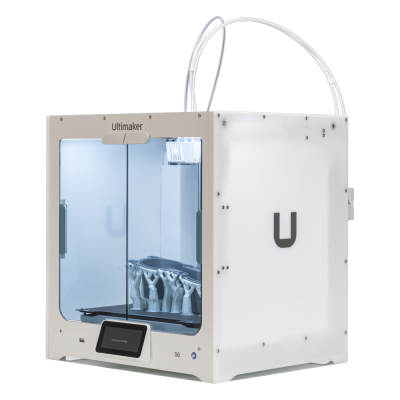

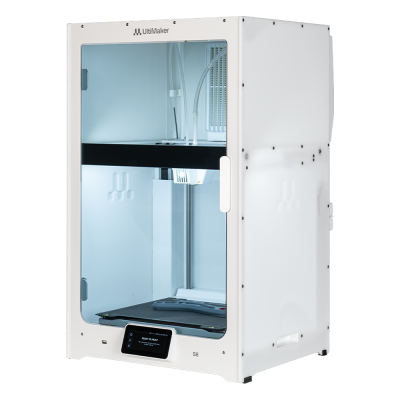


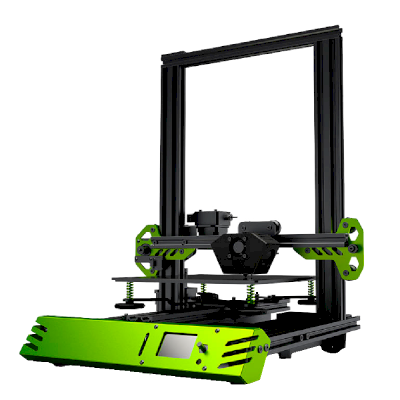
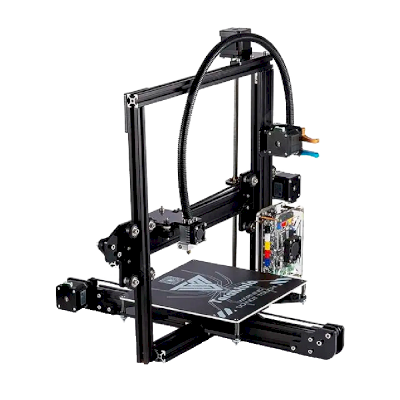
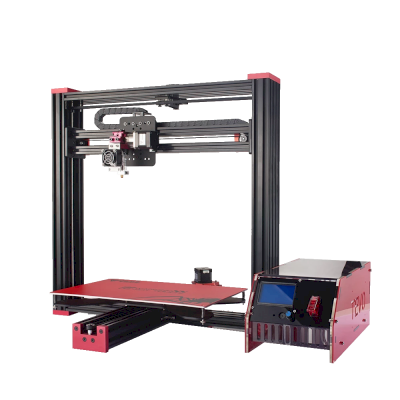
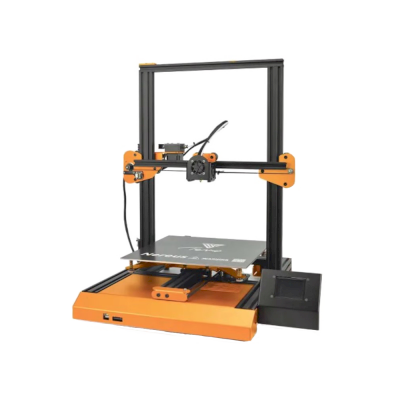
5台Tevo打印机可与SimplyPrint配合使用。
前往Tevo页面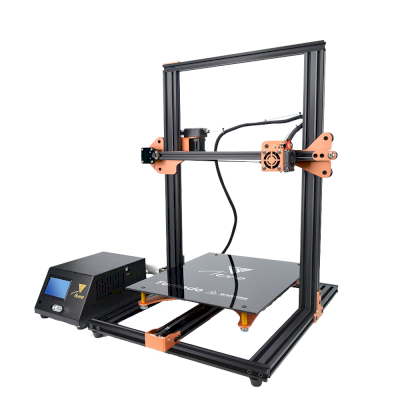

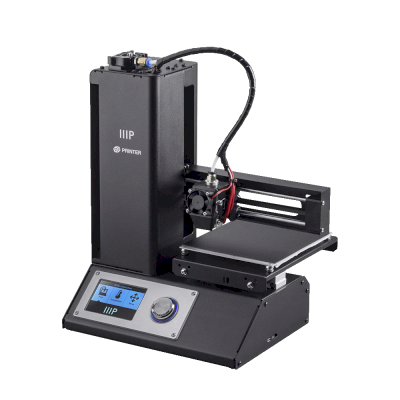
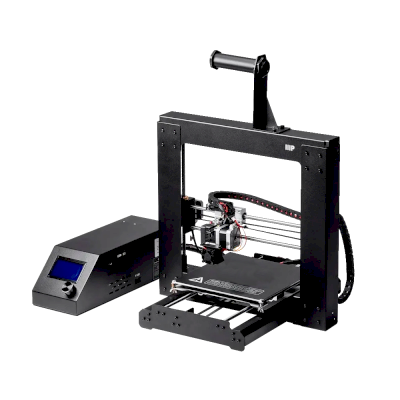
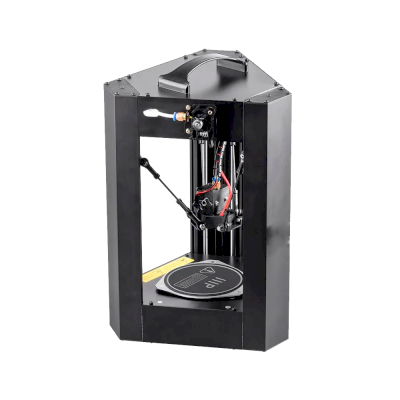
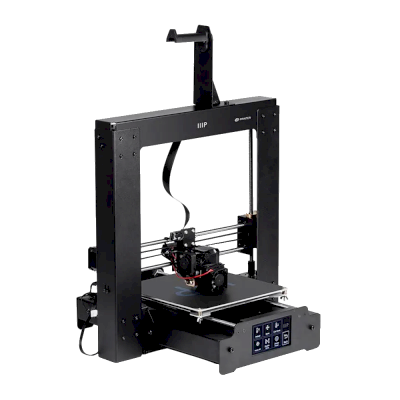
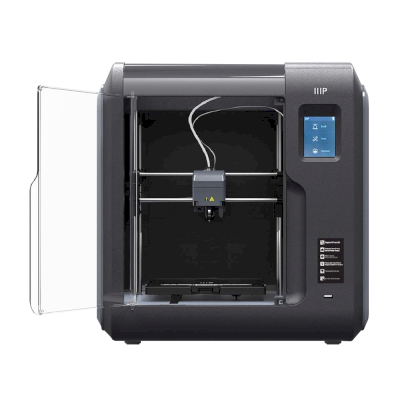
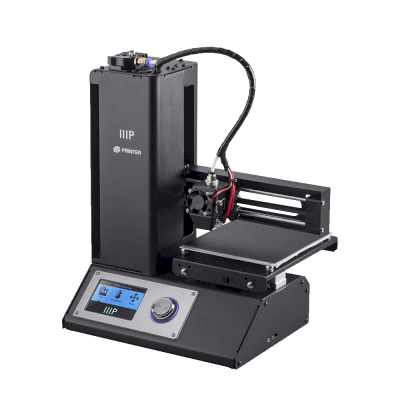
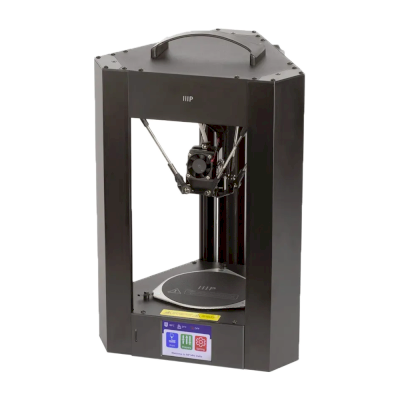
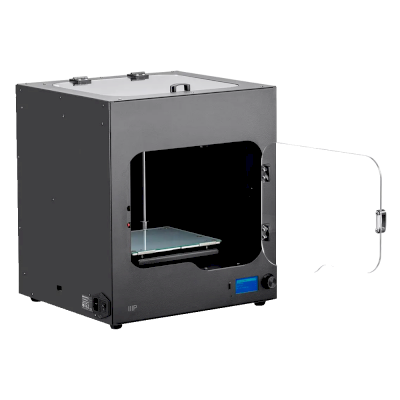
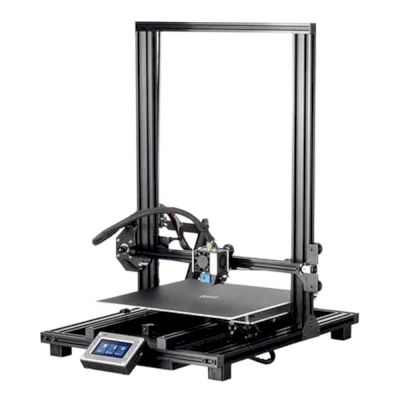
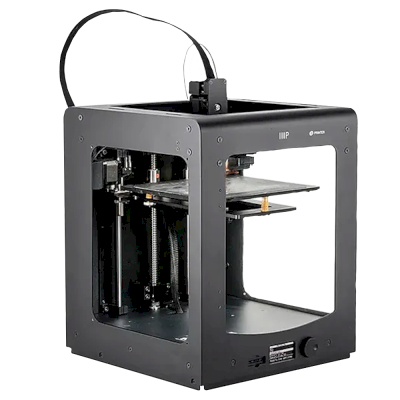
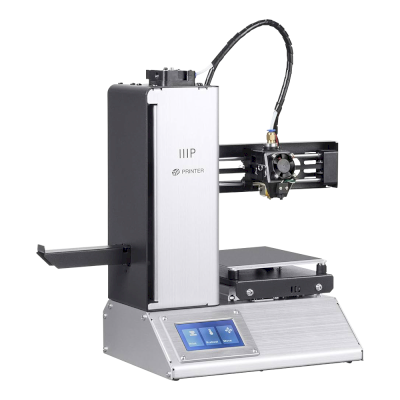
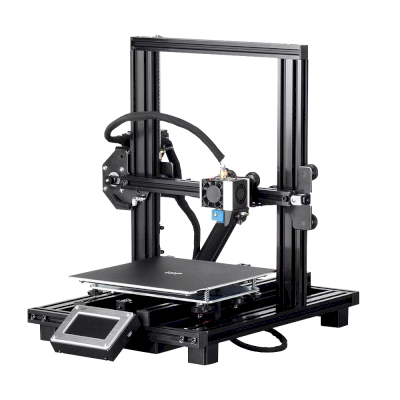


/product_photo_md.png?cacheid=617fd3ec0f4c4)
/product_photo_md.png?cacheid=61807572ada49)
/product_photo_md.png?cacheid=617fd45336c02)
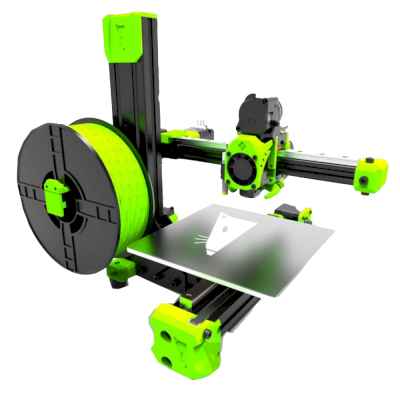
/product_photo_md.png?cacheid=67b5c58ce5c1f)
/product_photo_md.png?cacheid=67b5c80a1ea47)
/product_photo_md.png?cacheid=67b5c2cf08c2b)
/product_photo_md.png?cacheid=67b5c37c0230e)
/product_photo_md.png?cacheid=67b5c7a9e35c4)
/product_photo_md.png?cacheid=67b61612c5617)
/product_photo_md.png?cacheid=67b5c743ab3a3)
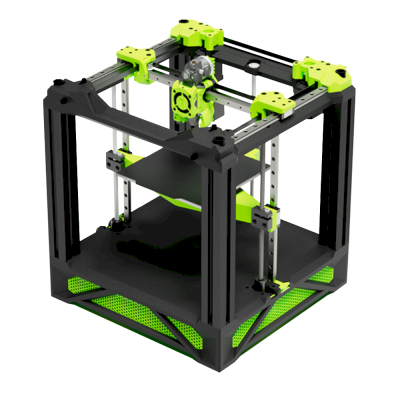



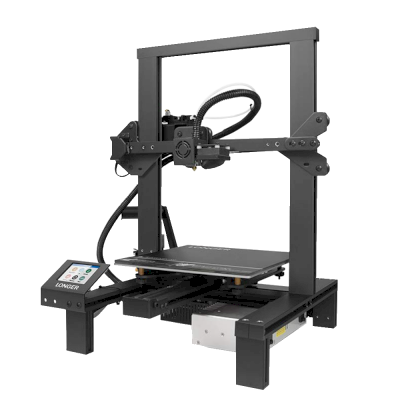
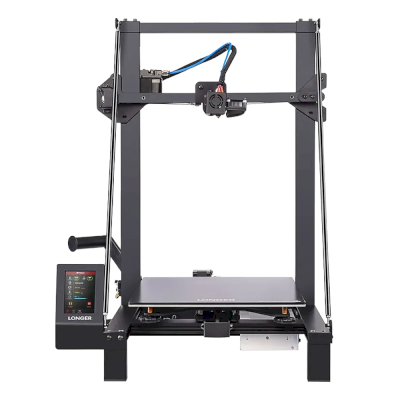



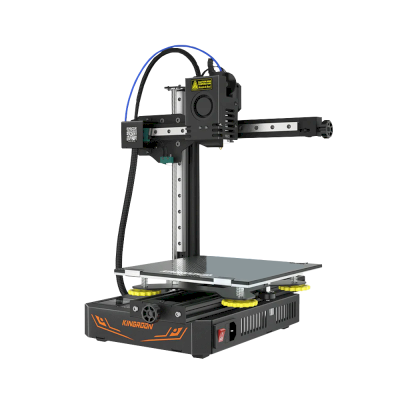
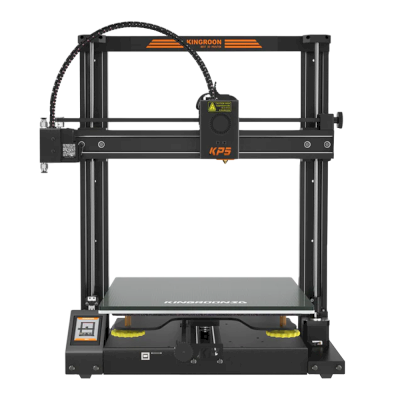
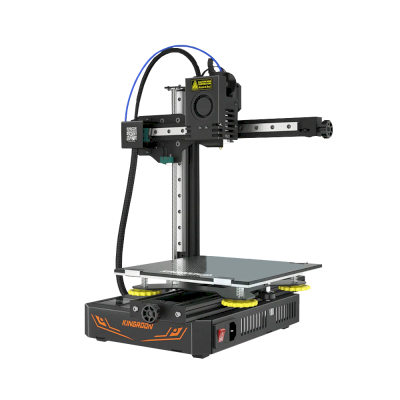
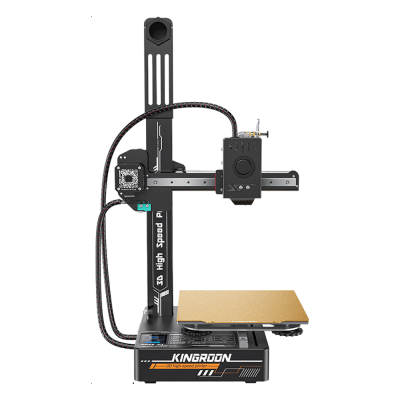
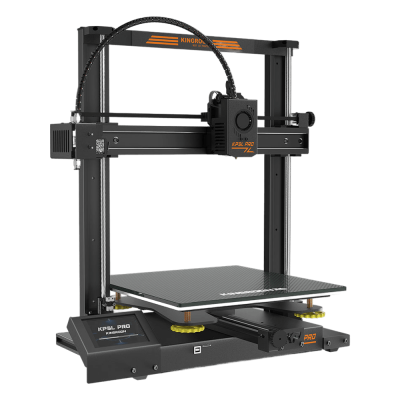

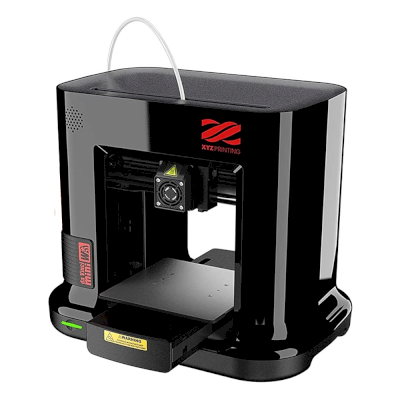
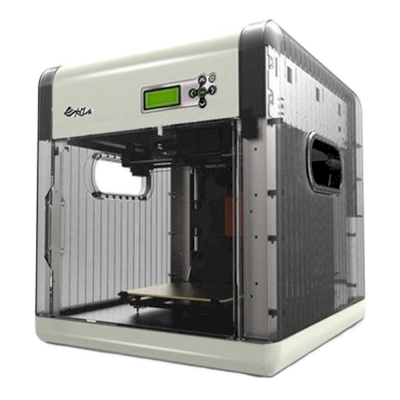
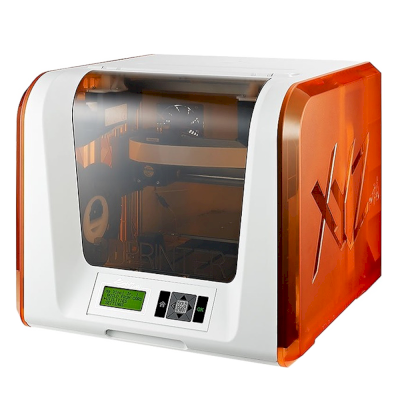

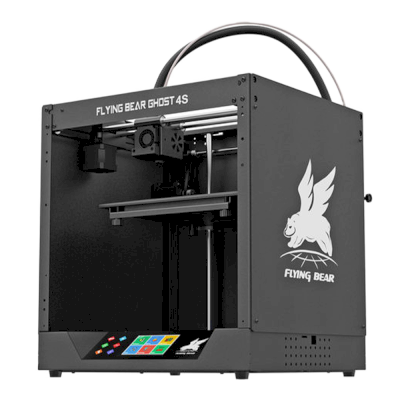

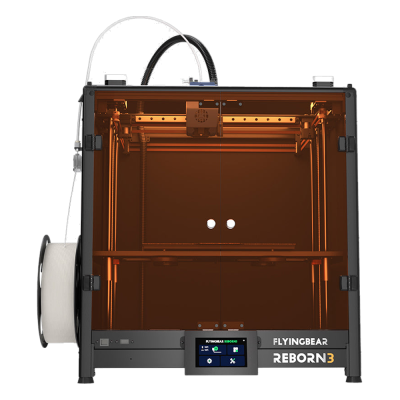
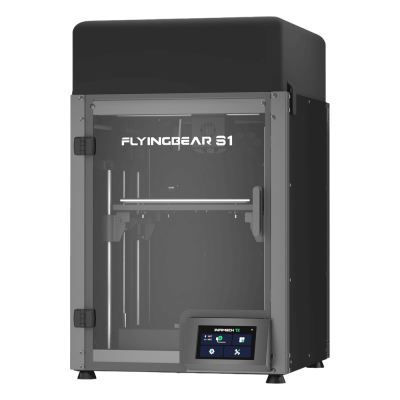

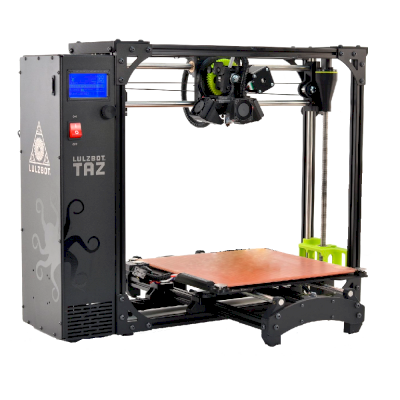
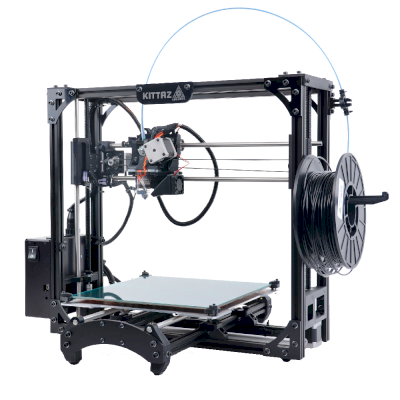
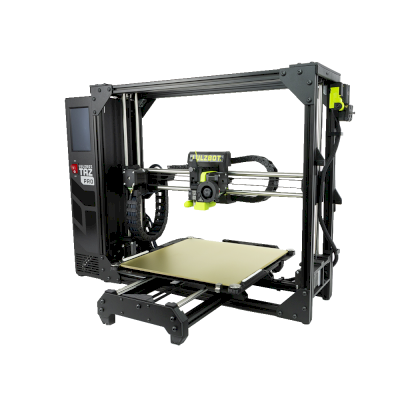


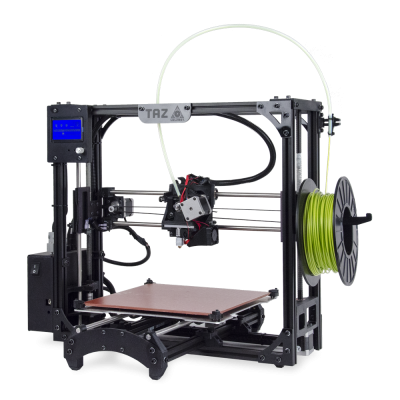

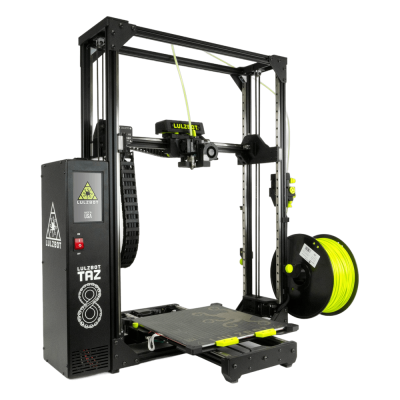

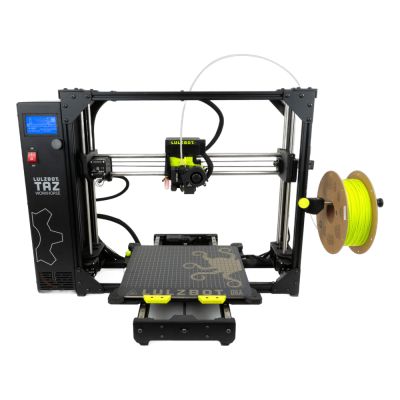

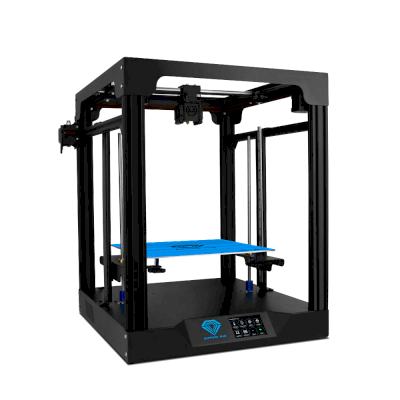
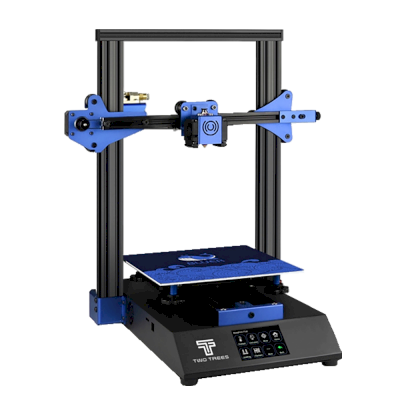


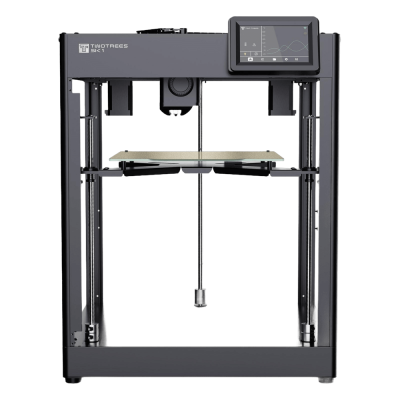


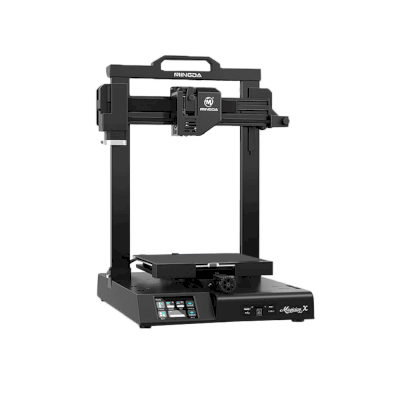
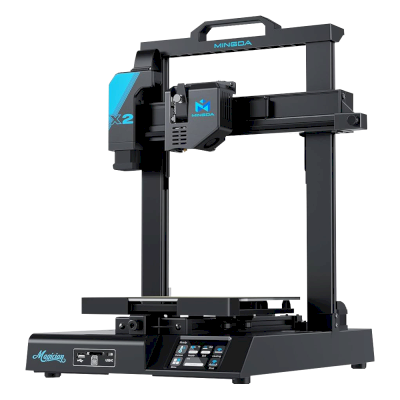
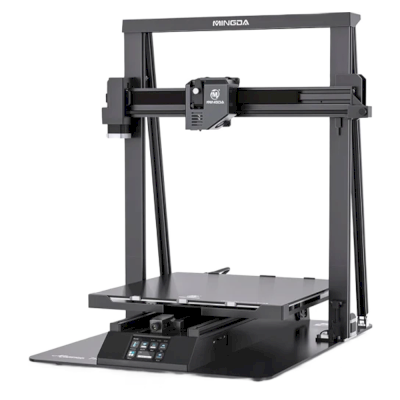
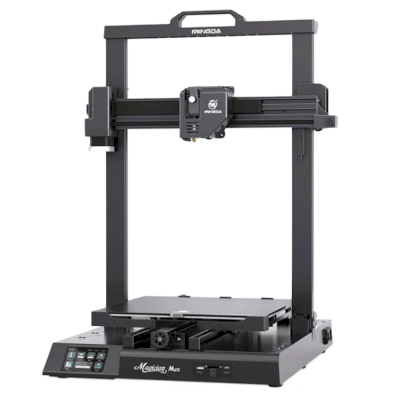

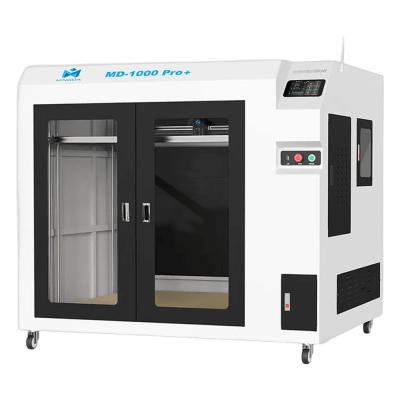

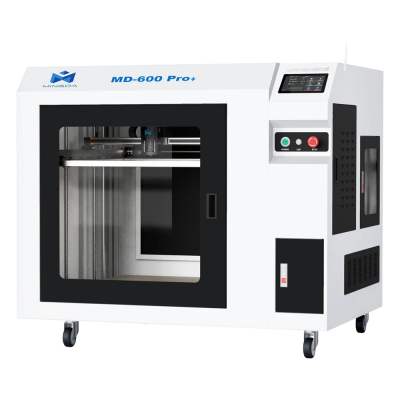
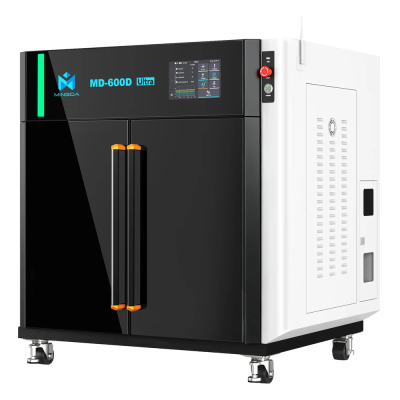



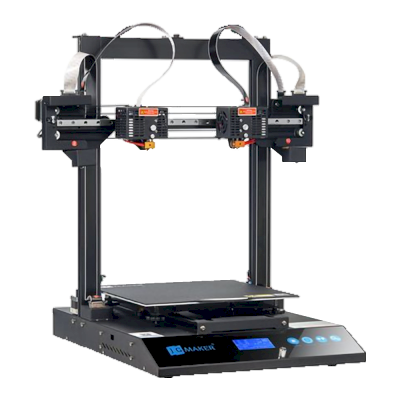
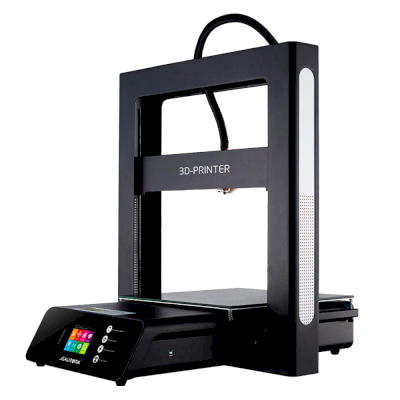
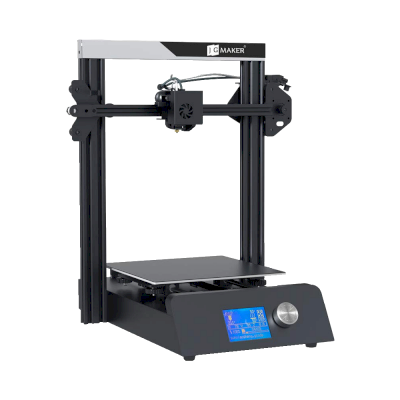
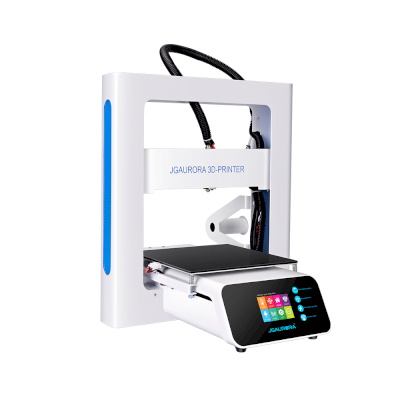

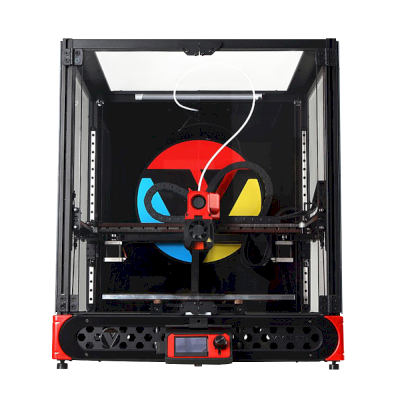
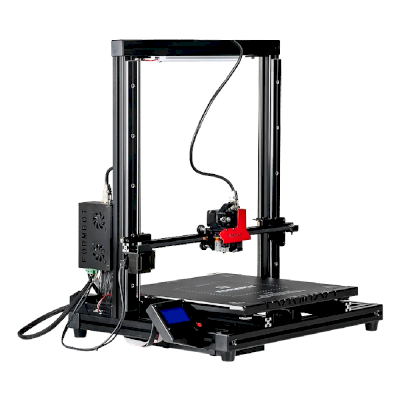
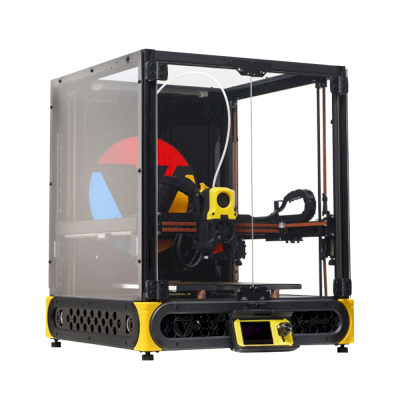
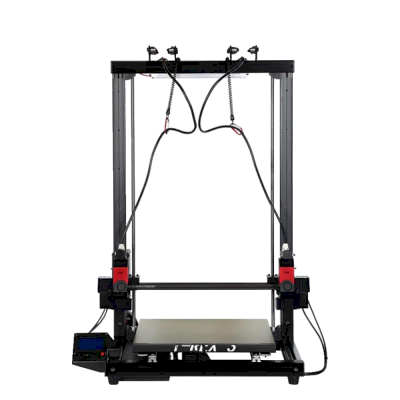
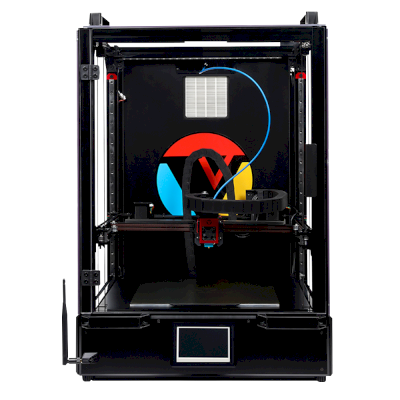


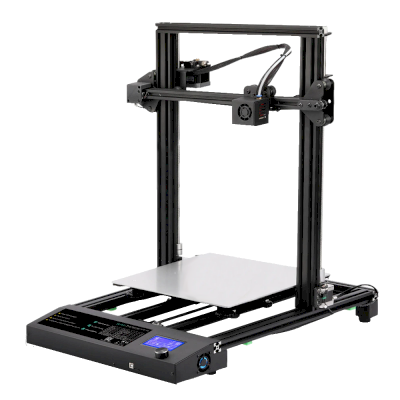
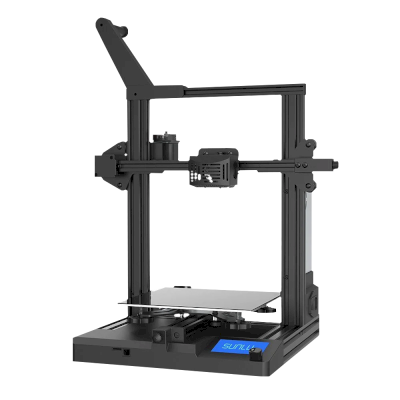
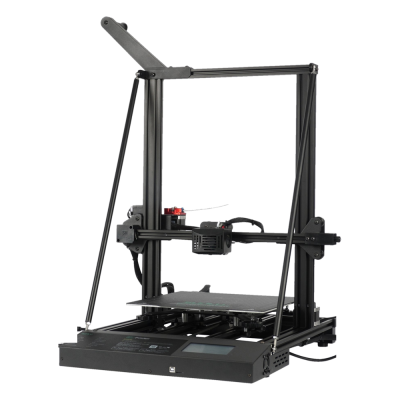
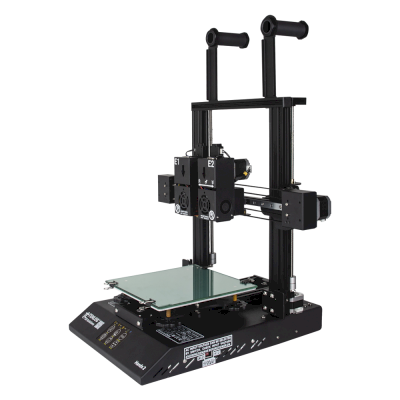
2台Tenlog打印机可与SimplyPrint配合使用。
前往Tenlog页面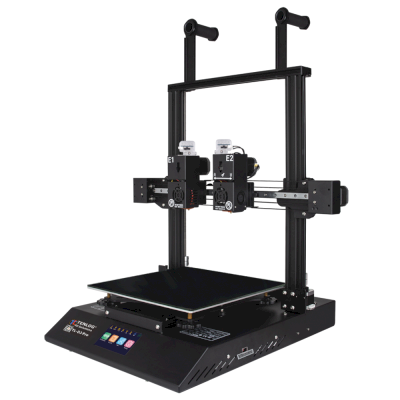
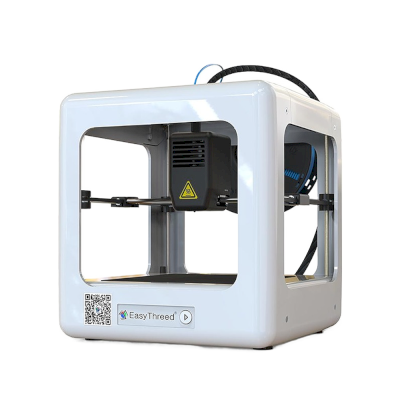
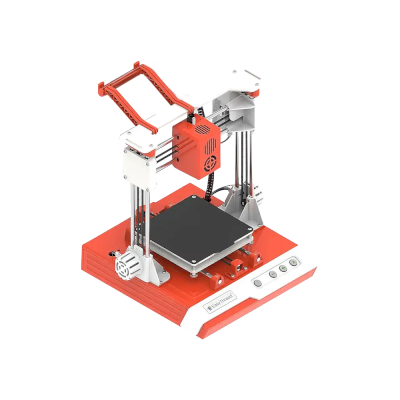
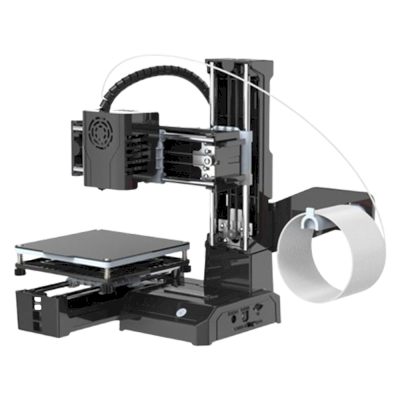
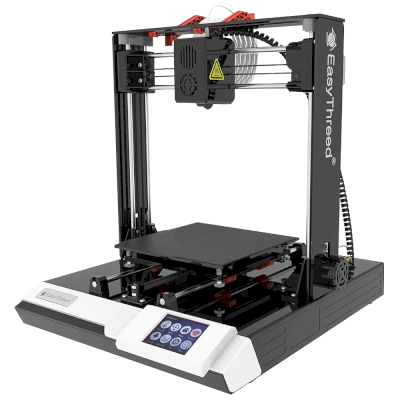
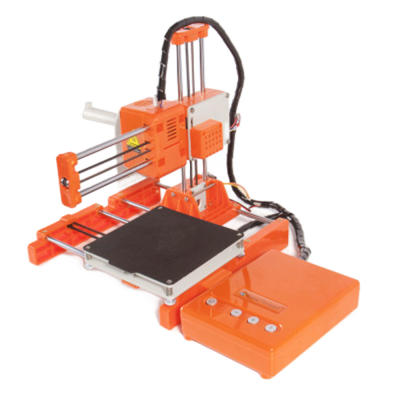
5台Easythreed打印机可与SimplyPrint配合使用。
前往Easythreed页面
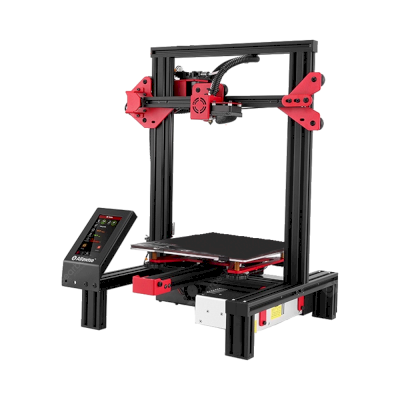
3台Alfawise打印机可与SimplyPrint配合使用。
前往Alfawise页面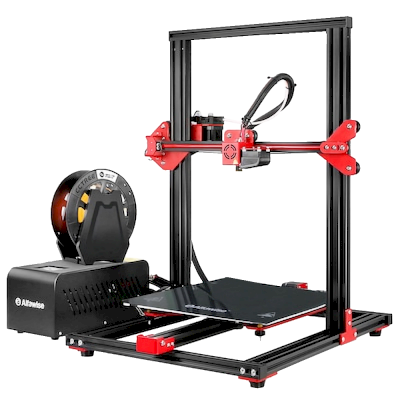
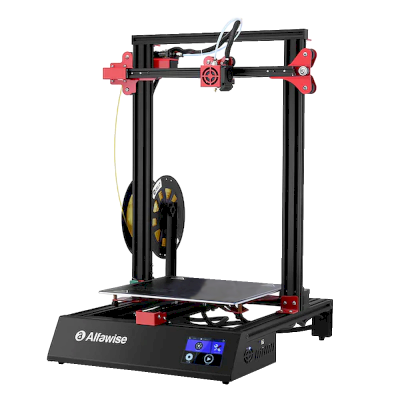

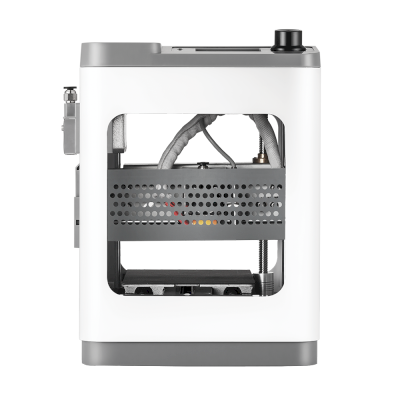
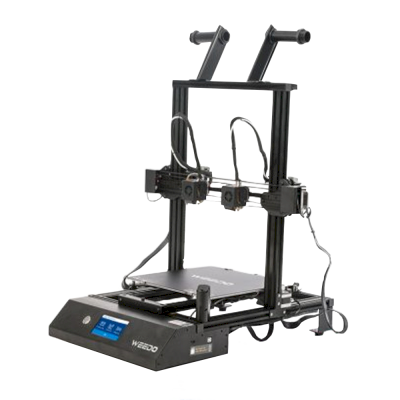
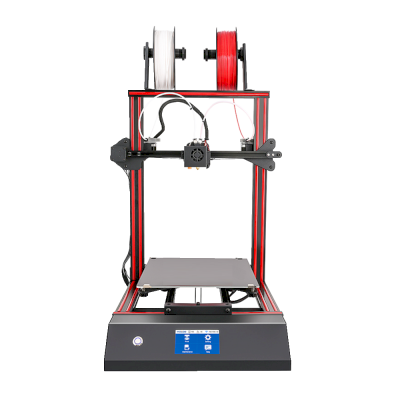


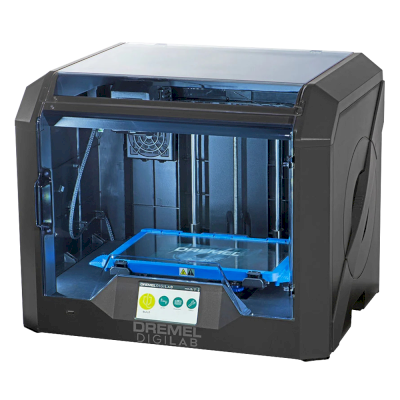
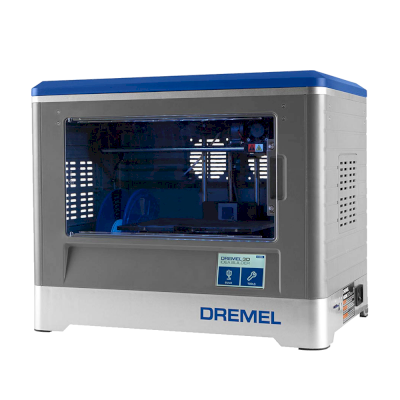
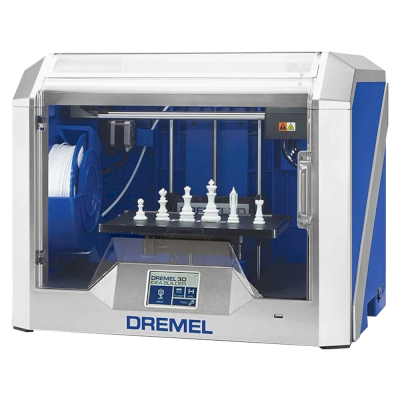
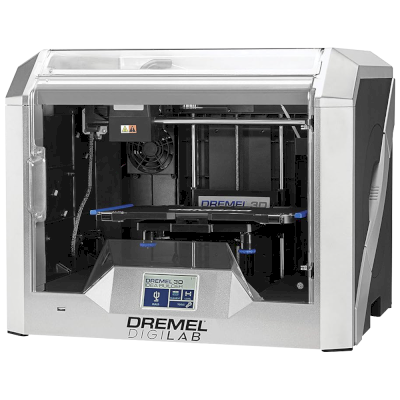

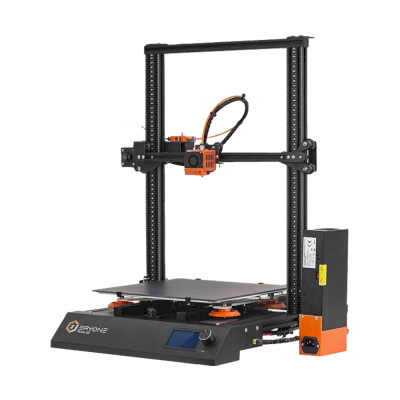
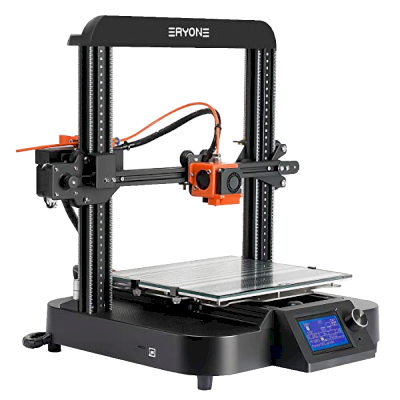

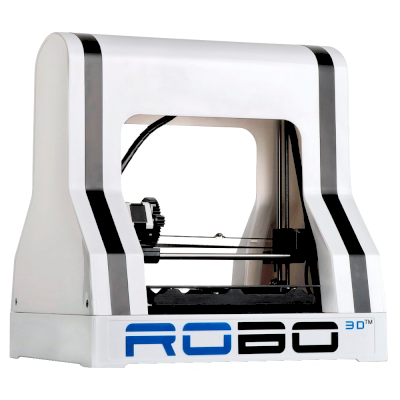
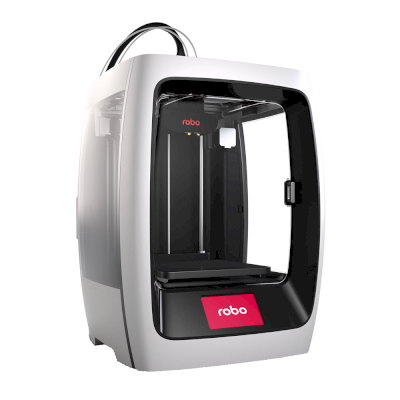
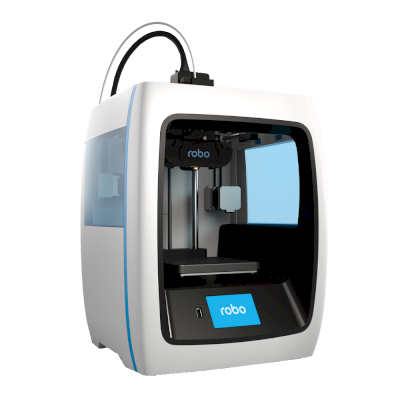

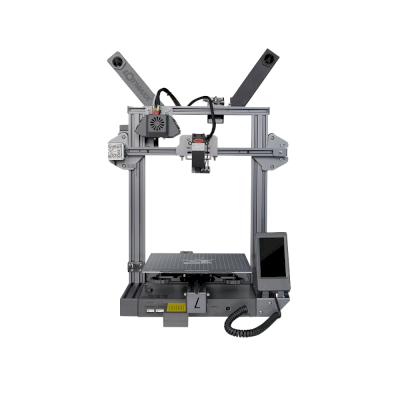
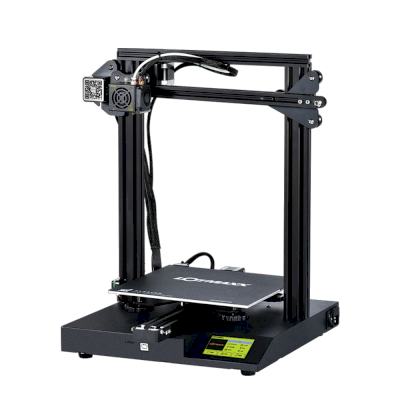

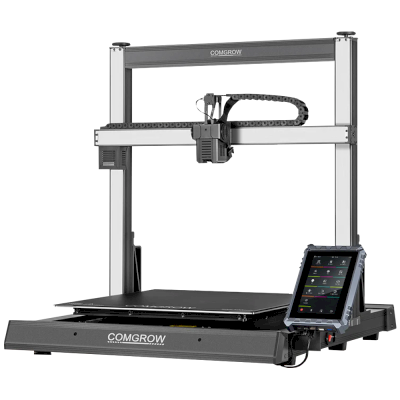
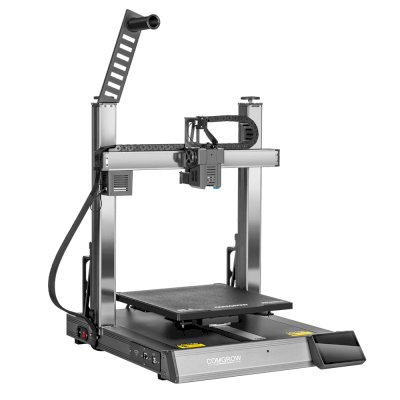

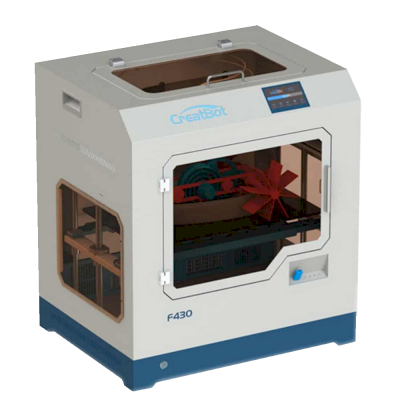
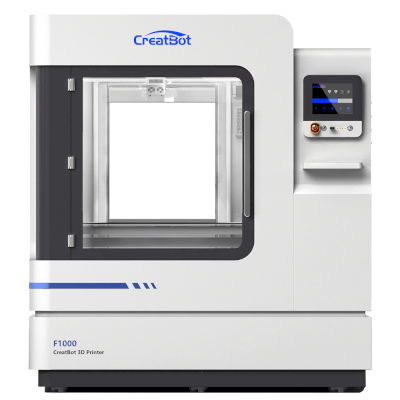
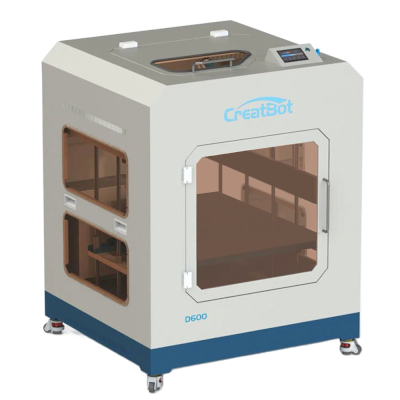
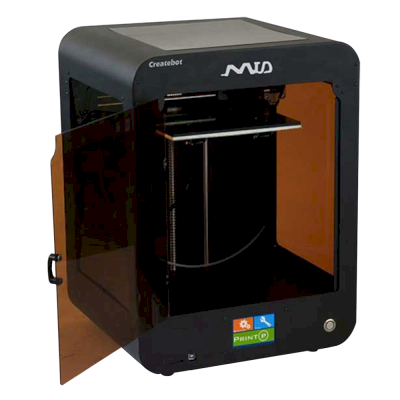

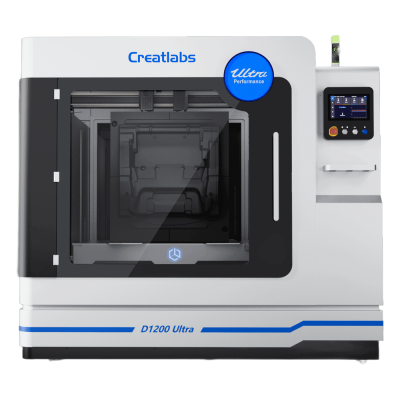

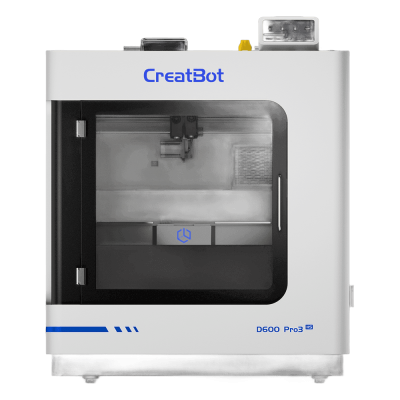


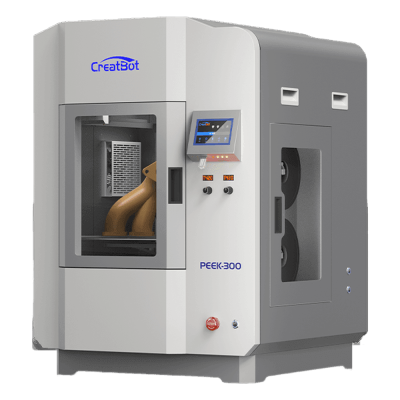
1台Hypercube打印机可与SimplyPrint配合使用。
前往Hypercube页面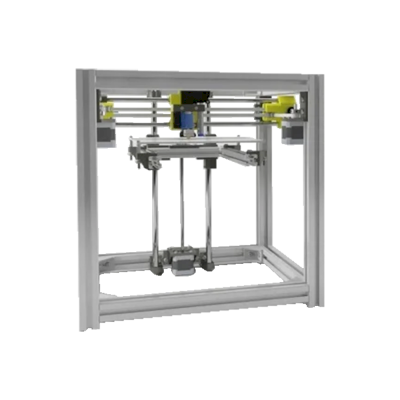

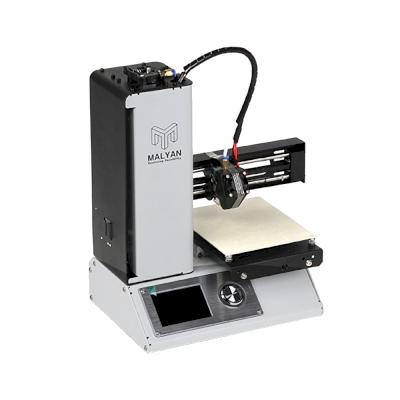
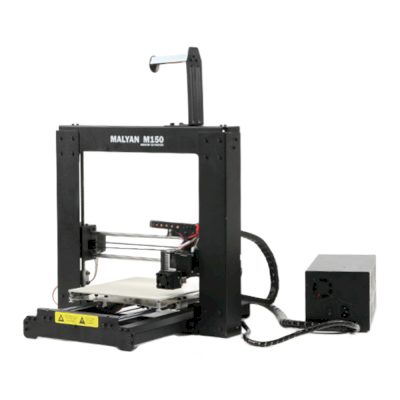
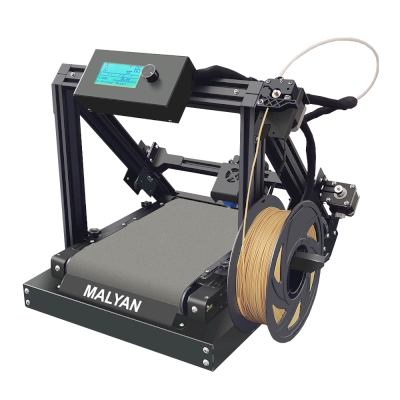

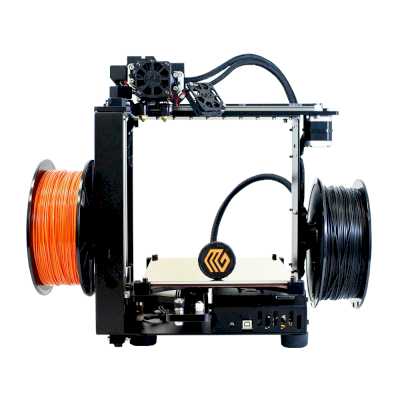

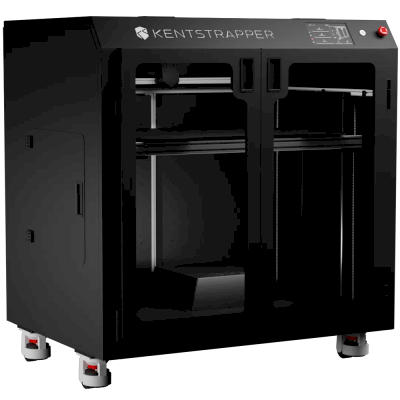
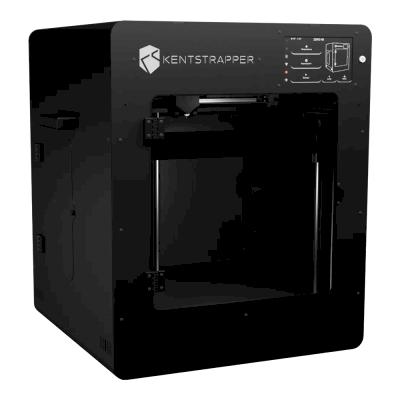
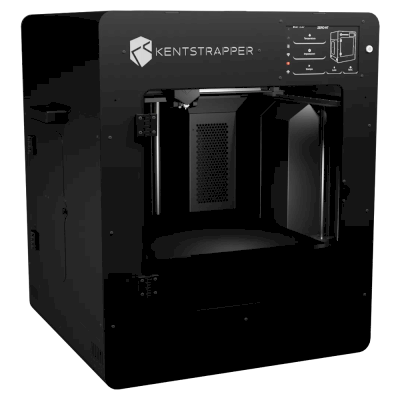
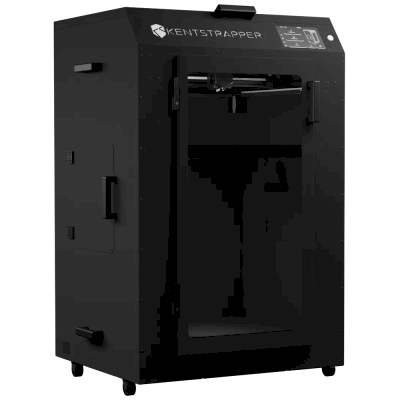
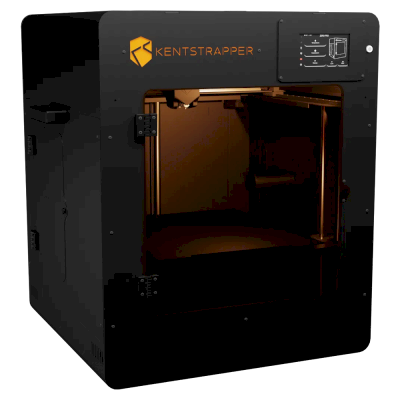
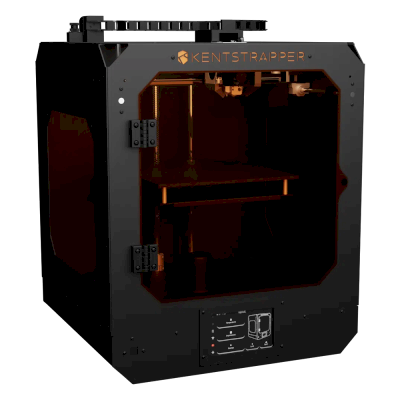
1台Fokoos打印机可与SimplyPrint配合使用。
前往Fokoos页面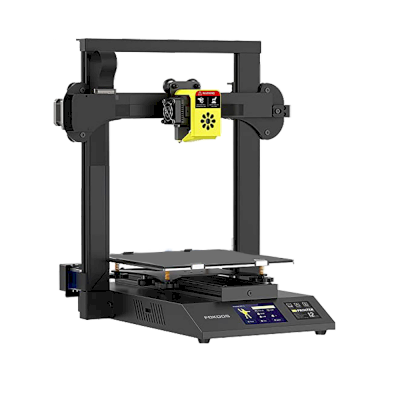


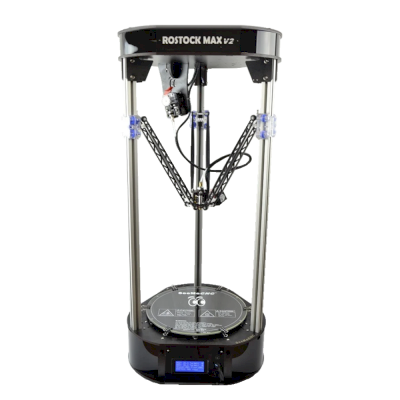
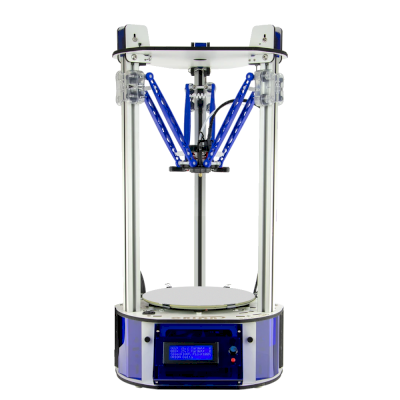
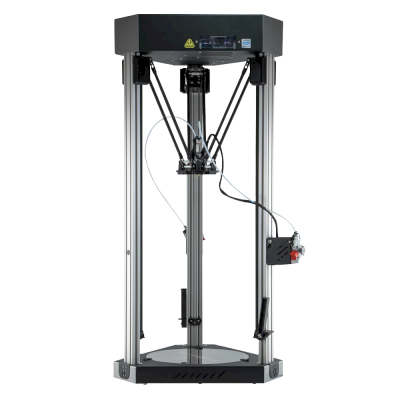
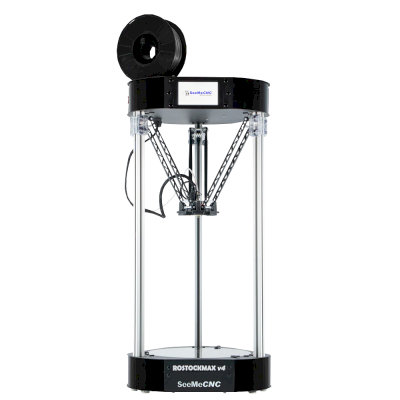

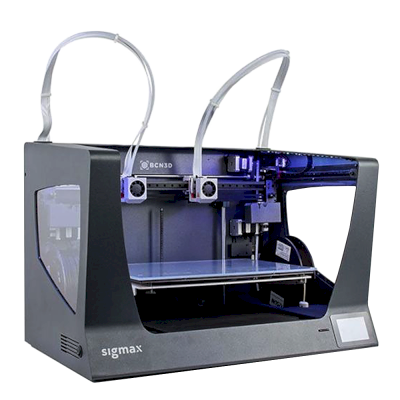
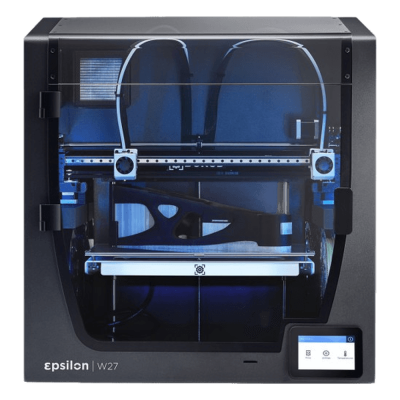
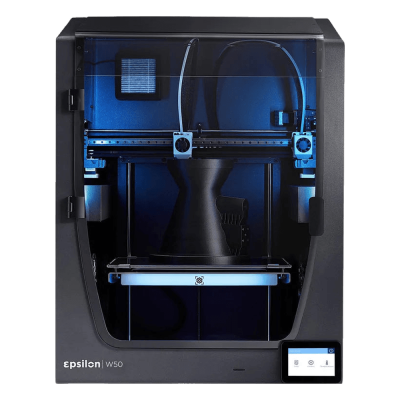
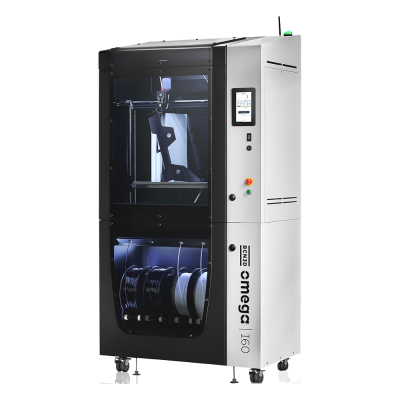



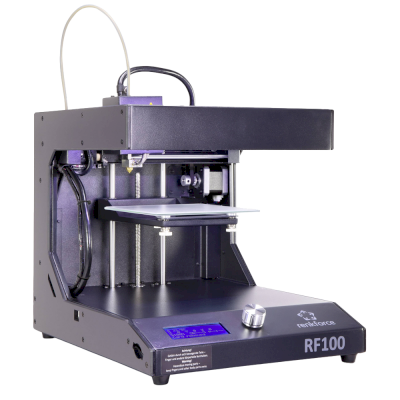
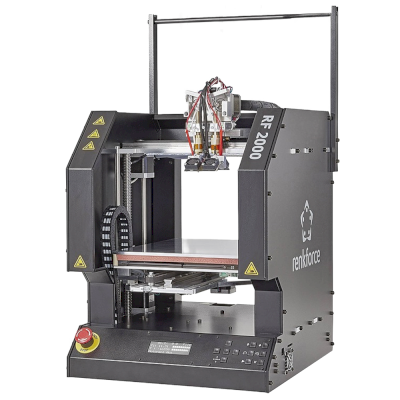
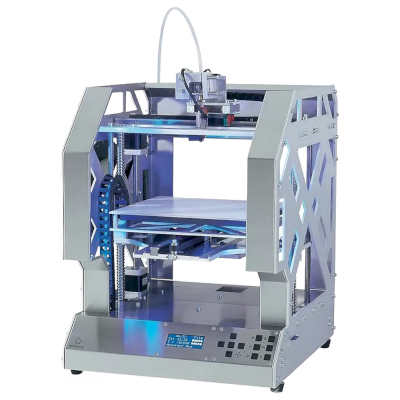
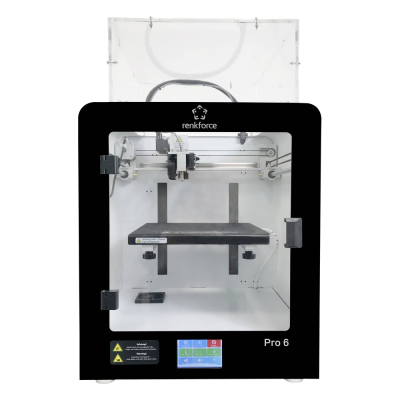
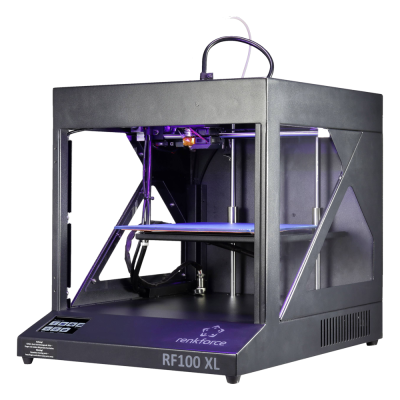

2台CTC打印机可与SimplyPrint配合使用。
前往CTC页面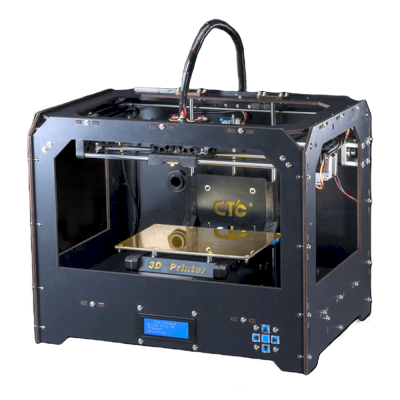
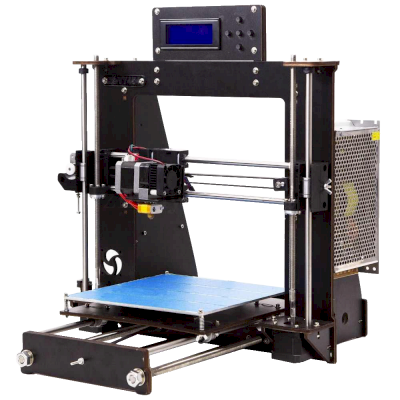
3台LABISTS打印机可与SimplyPrint配合使用。
前往LABISTS页面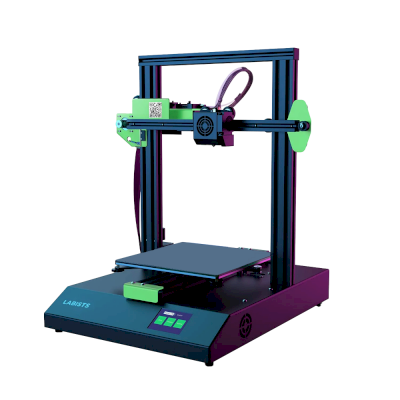

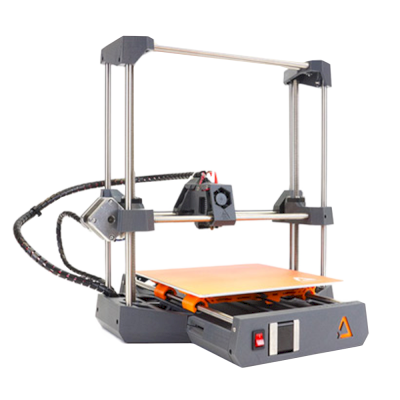

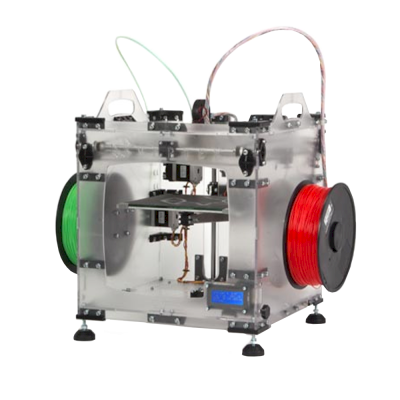
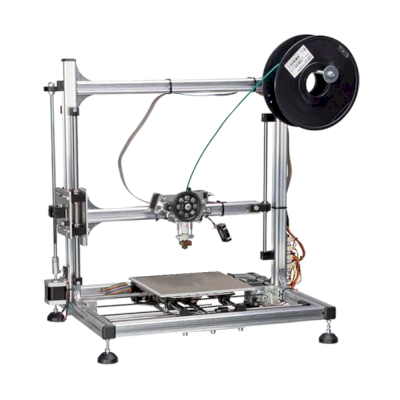
1台AdimLab打印机可与SimplyPrint配合使用。
前往AdimLab页面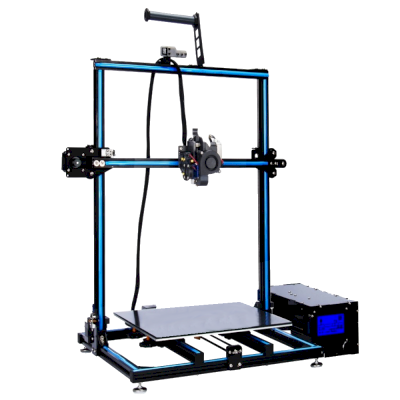

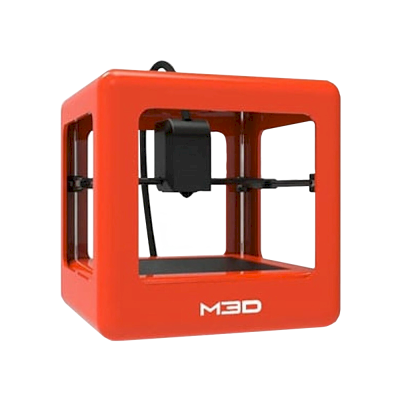
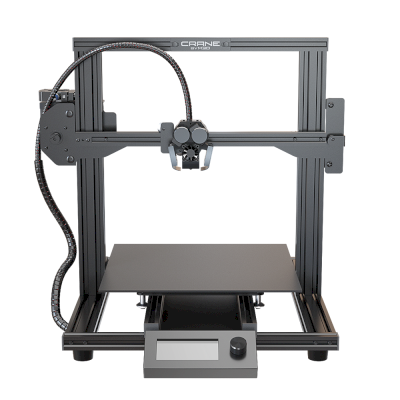

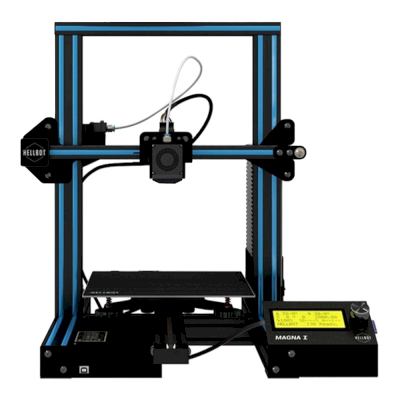
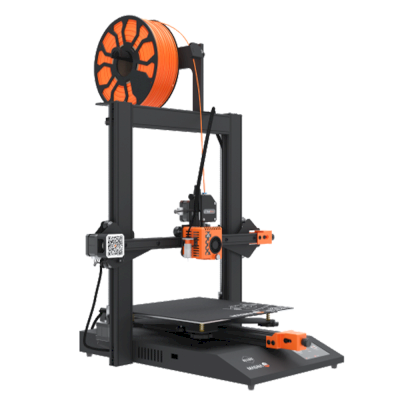
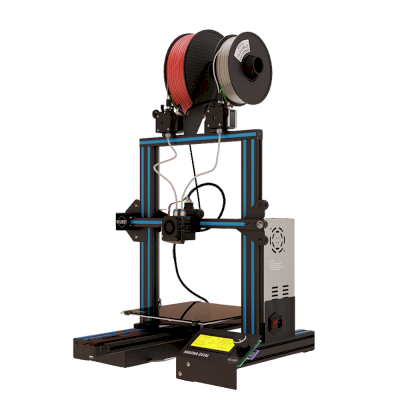
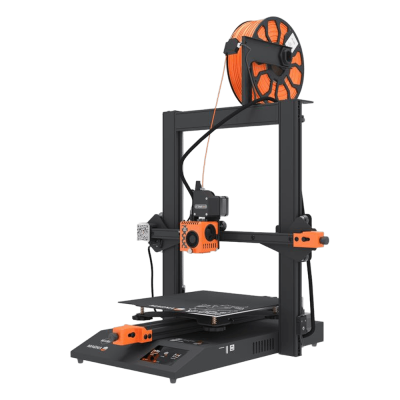

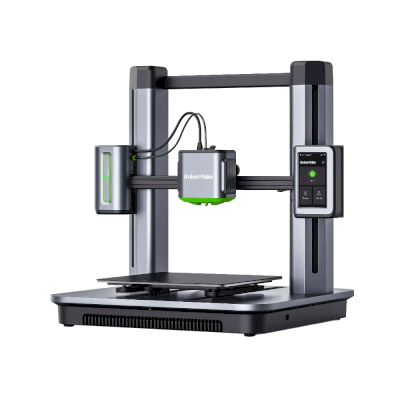
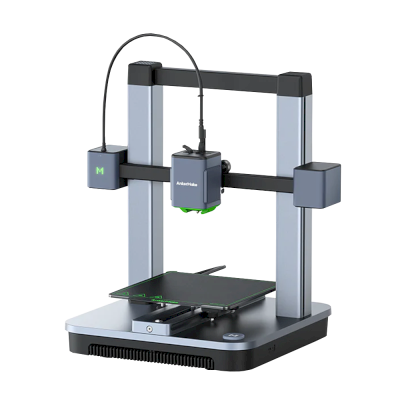


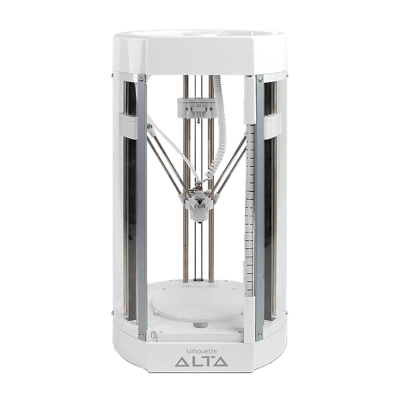
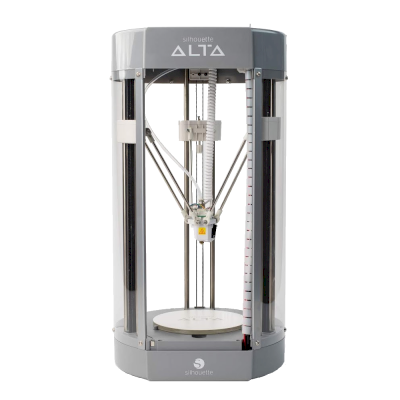

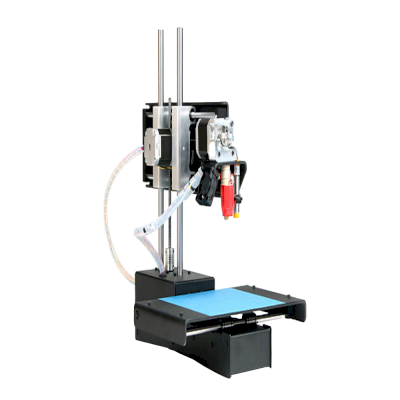
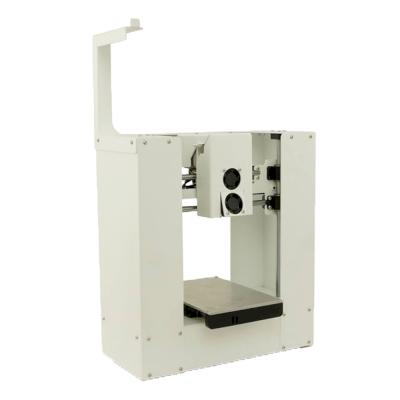

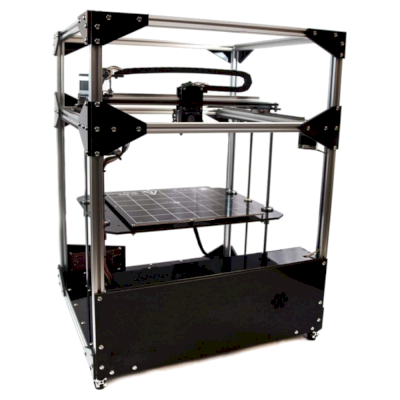
1台Creativity打印机可与SimplyPrint配合使用。
前往Creativity页面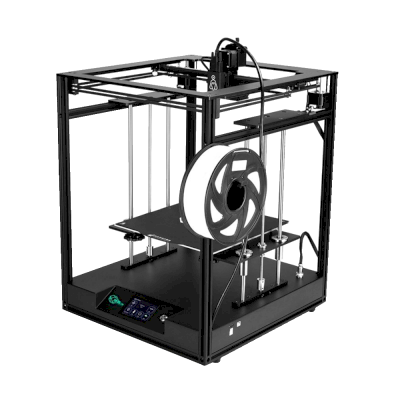

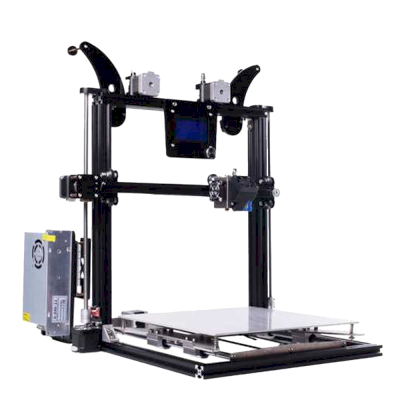



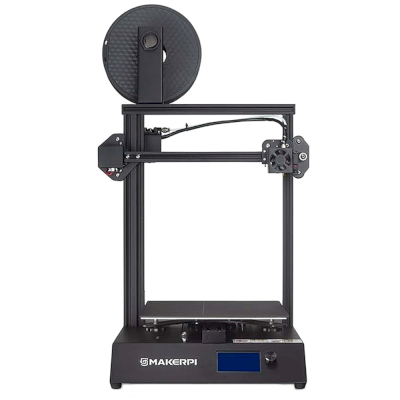
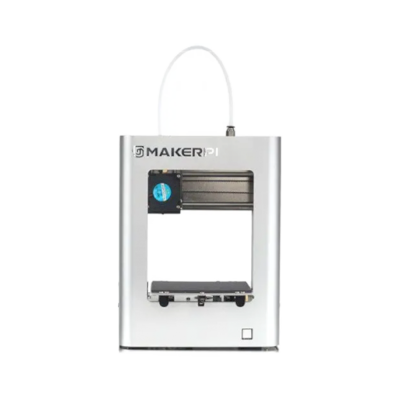
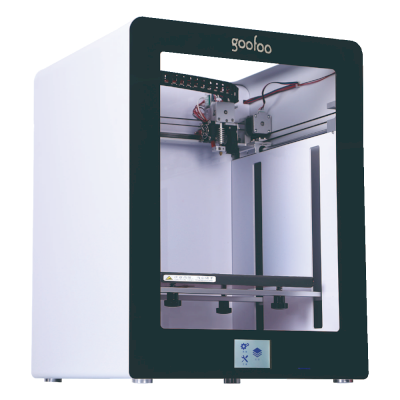
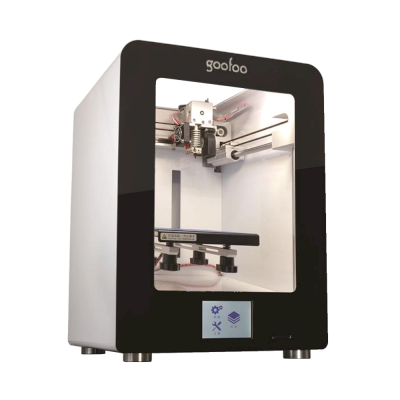
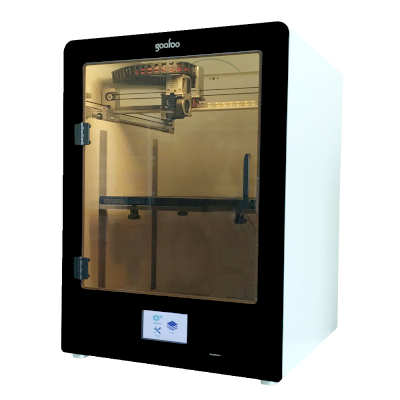
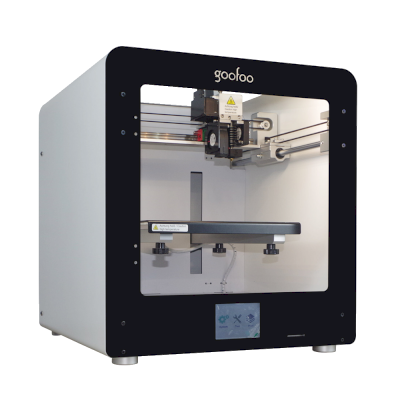
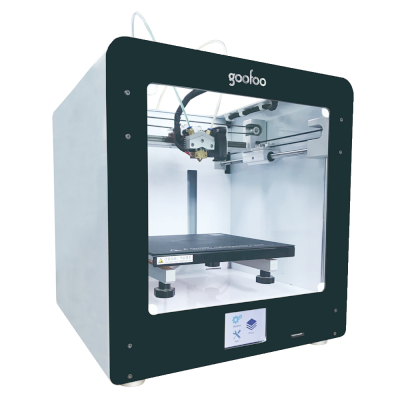
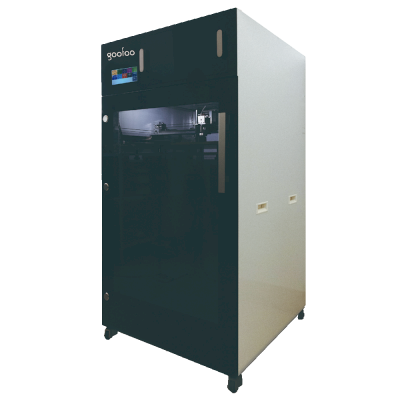
9台Goofoo打印机可与SimplyPrint配合使用。
前往Goofoo页面
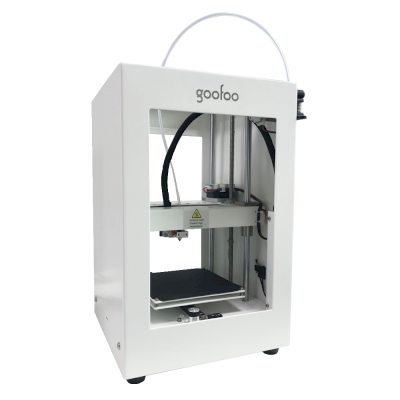
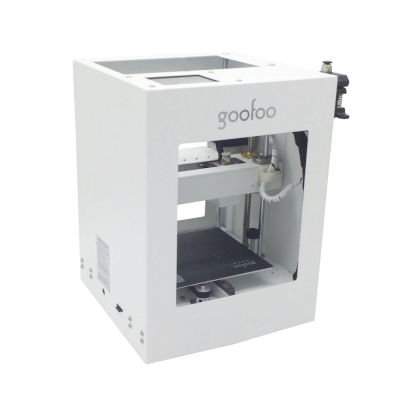
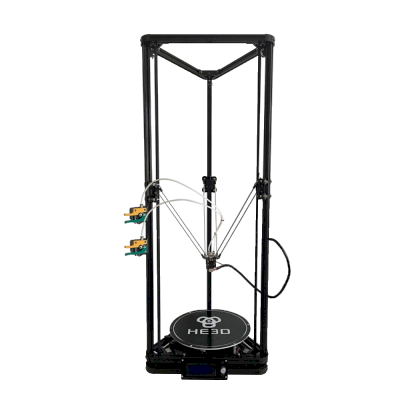

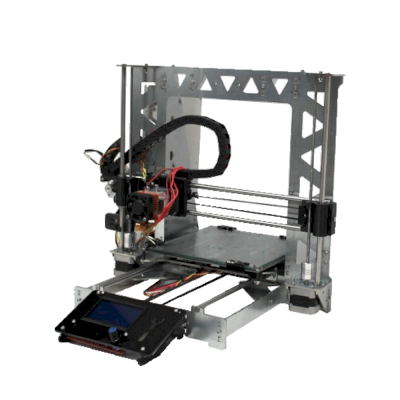
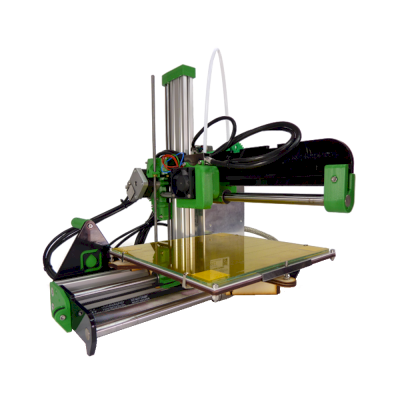
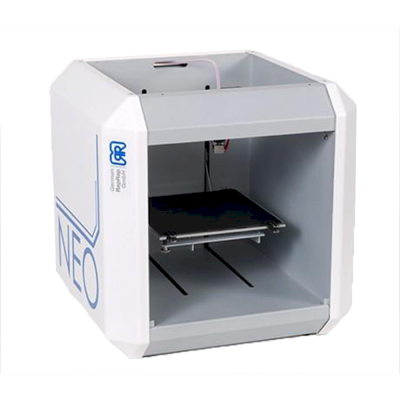

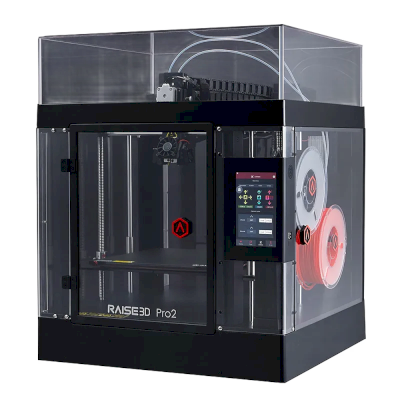
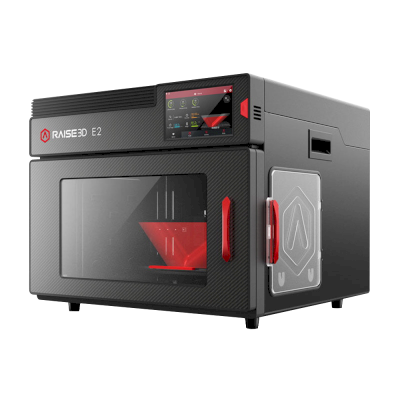


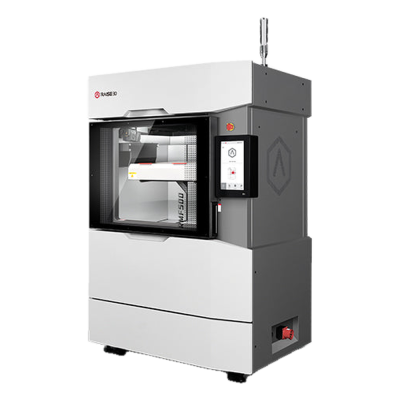
1台Spark 3D打印机可与SimplyPrint配合使用。
前往Spark 3D页面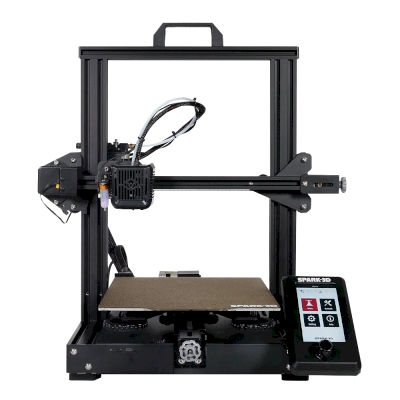
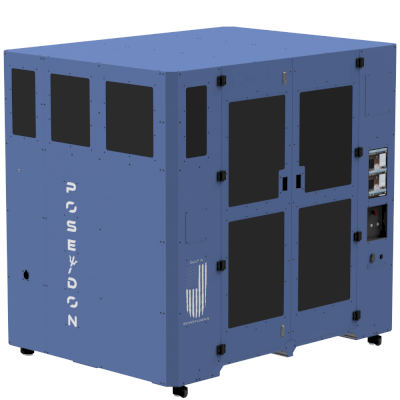
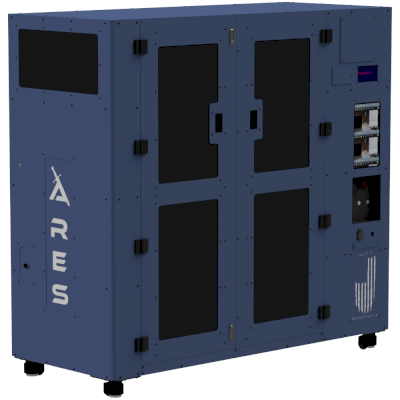
1台Pantheon打印机可与SimplyPrint配合使用。
前往Pantheon页面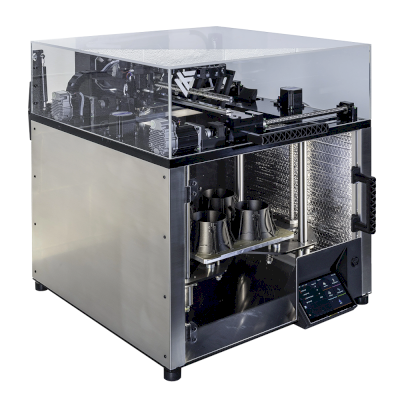

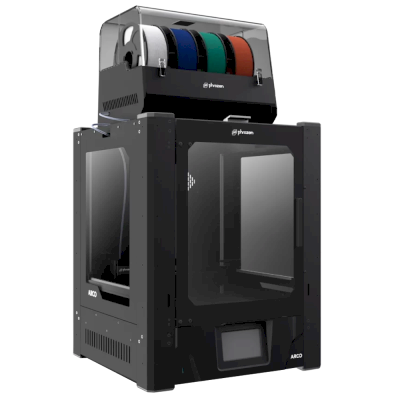


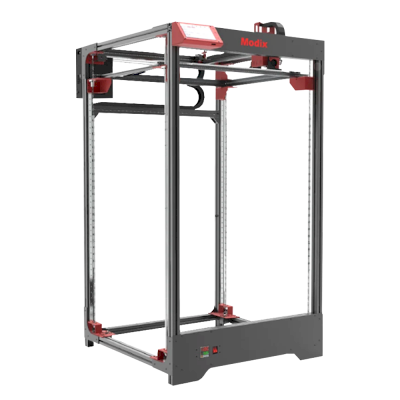
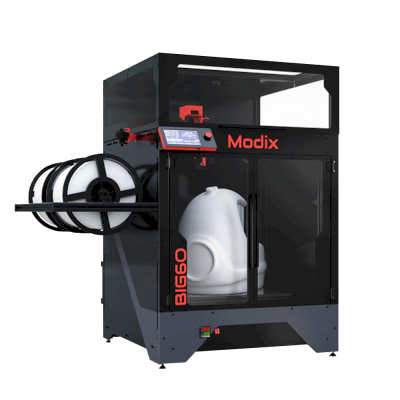



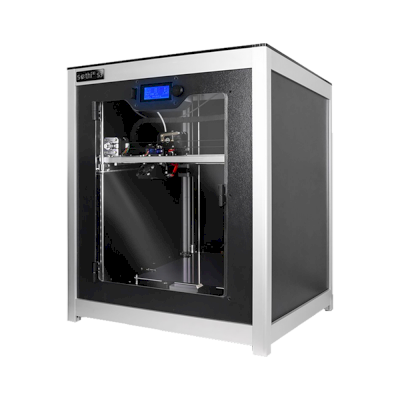
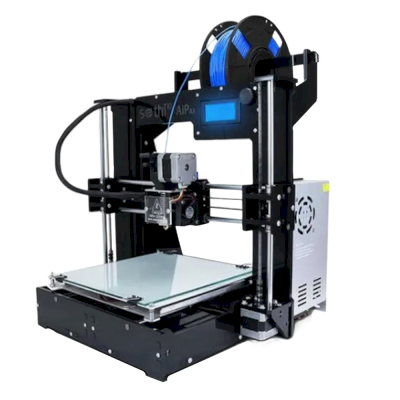
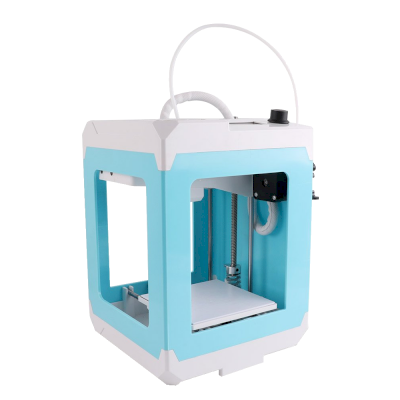
1台Micromake打印机可与SimplyPrint配合使用。
前往Micromake页面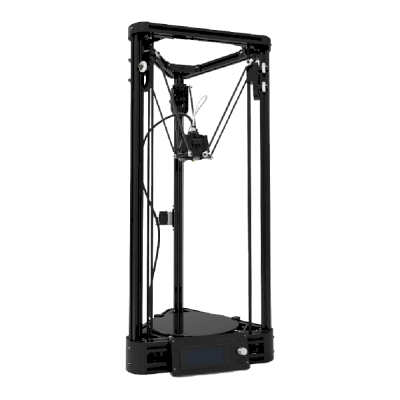

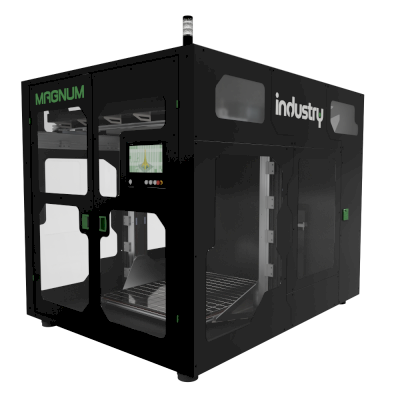
1台Balco打印机可与SimplyPrint配合使用。
前往Balco页面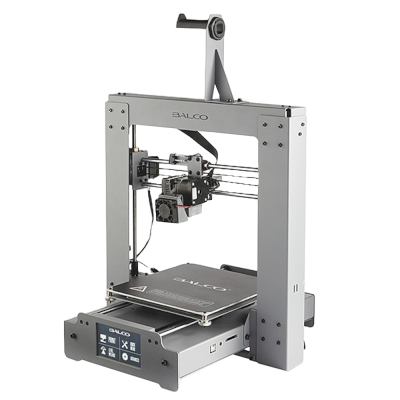

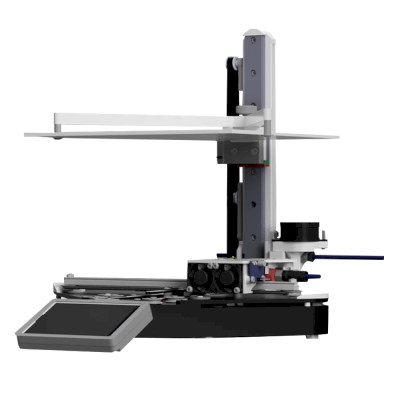


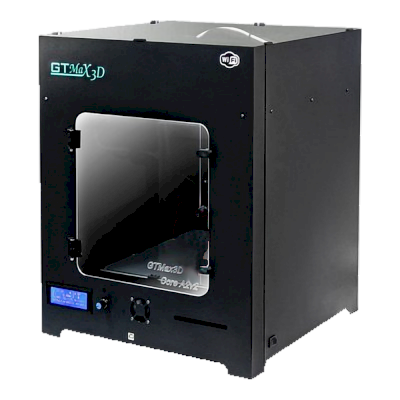

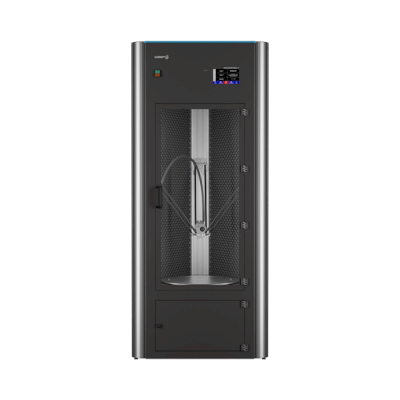
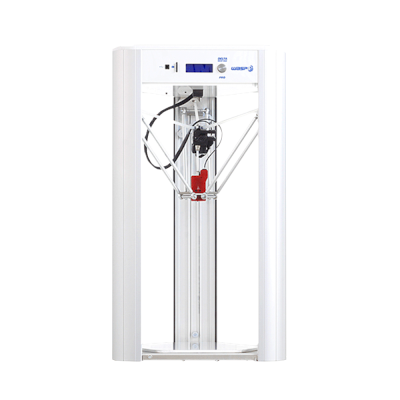
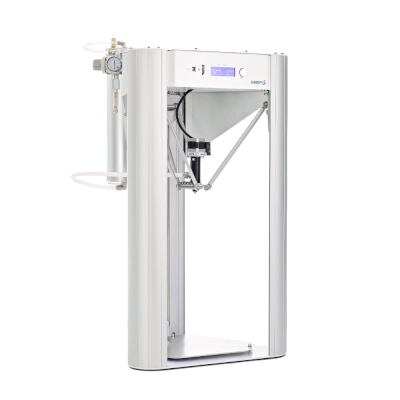
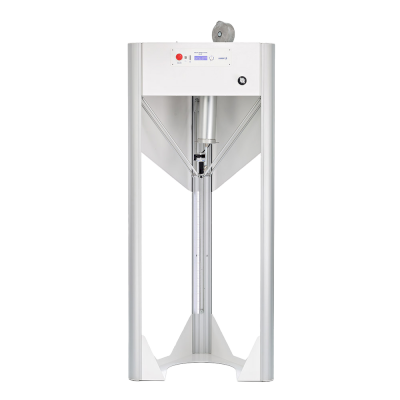
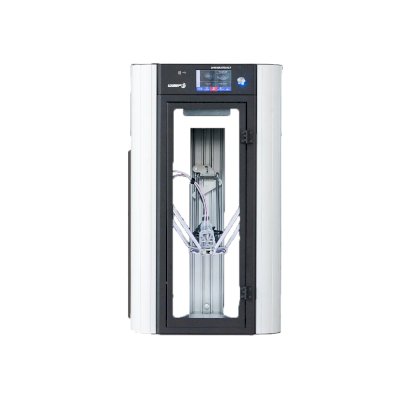
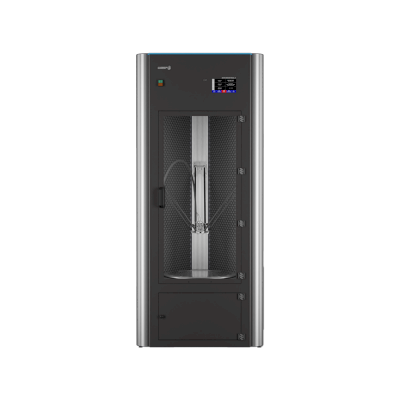
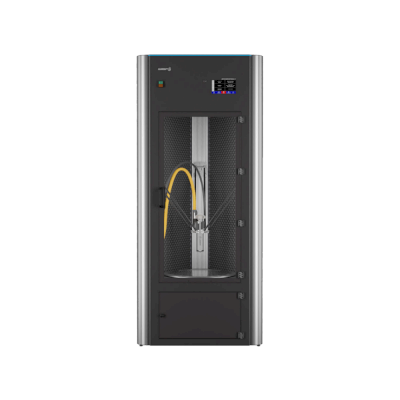
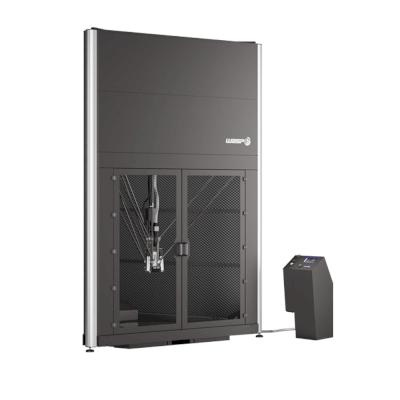
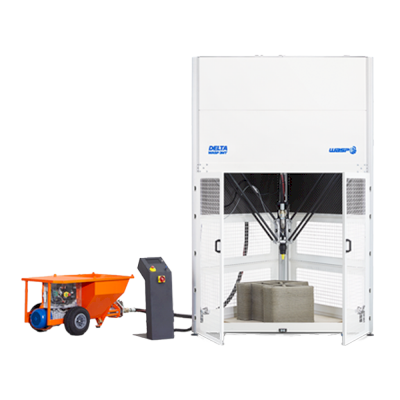
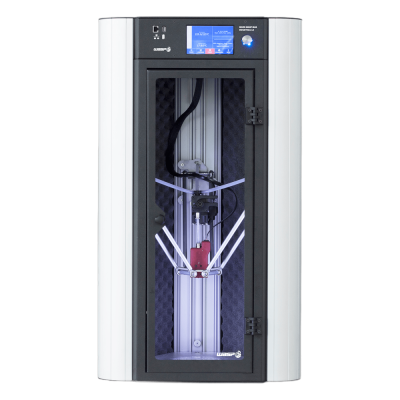
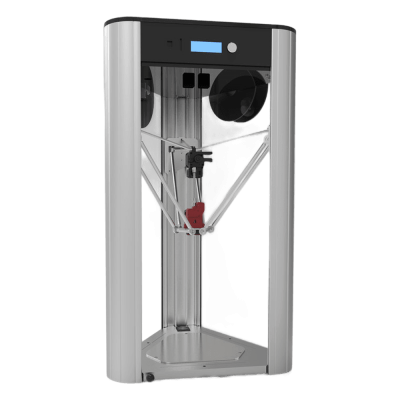
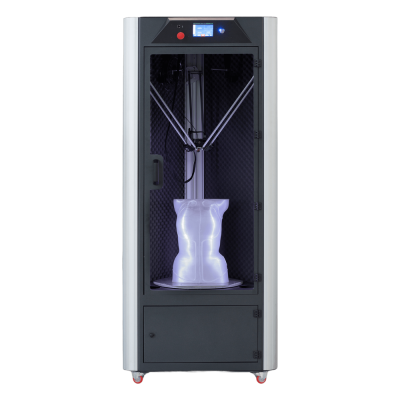
1台SpiderMaker打印机可与SimplyPrint配合使用。
前往SpiderMaker页面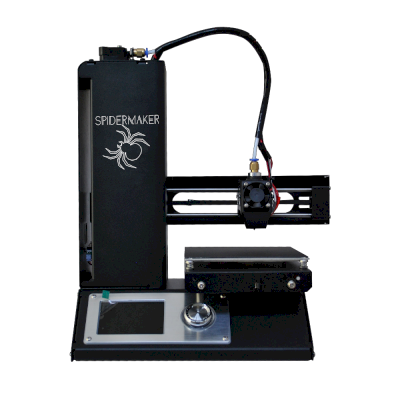
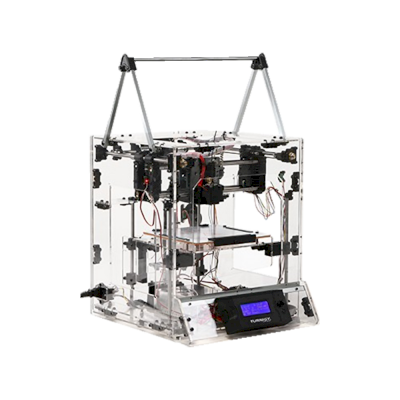
2台Turnigy打印机可与SimplyPrint配合使用。
前往Turnigy页面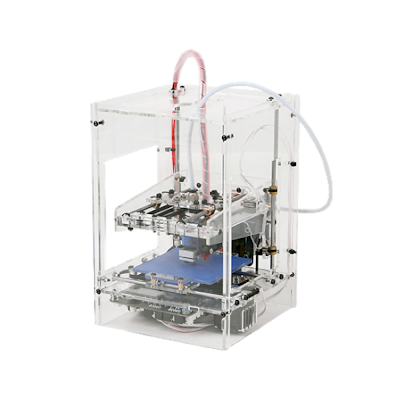
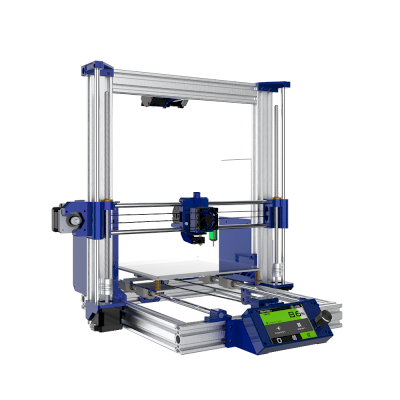

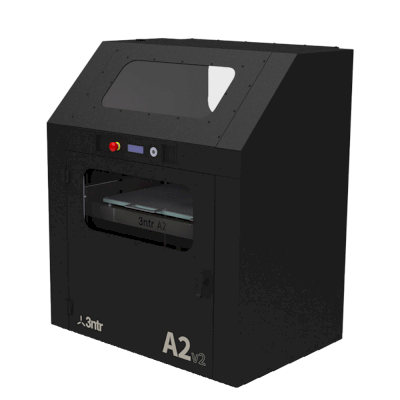
1台Hictop打印机可与SimplyPrint配合使用。
前往Hictop页面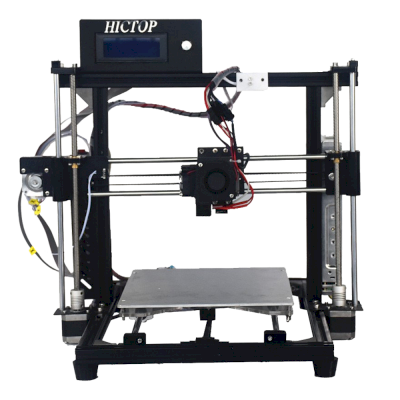

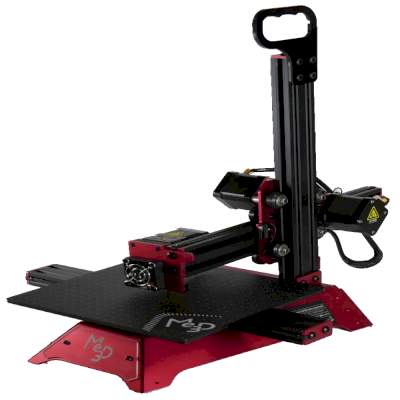

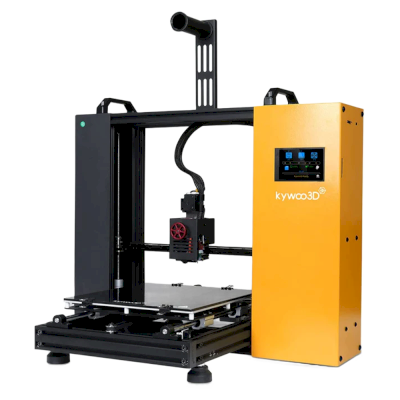
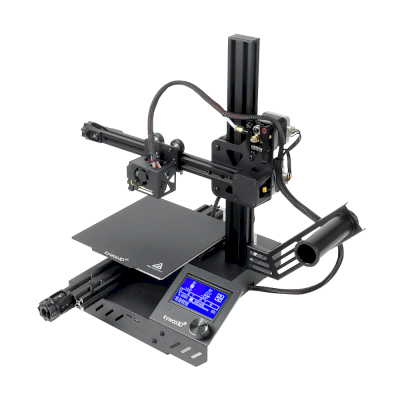

1台Creasee打印机可与SimplyPrint配合使用。
前往Creasee页面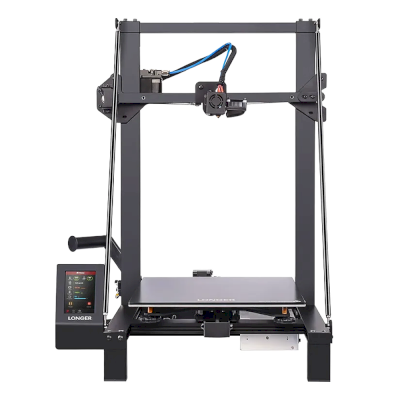

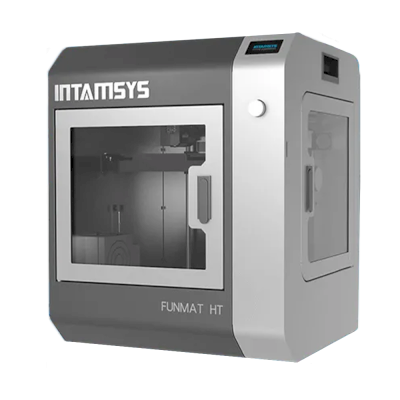
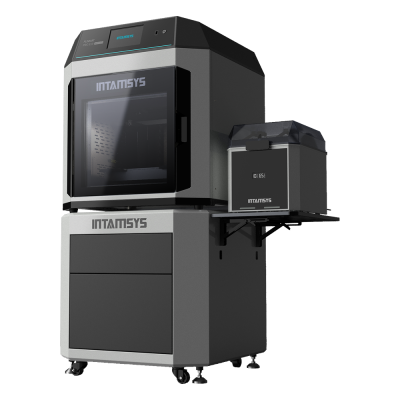

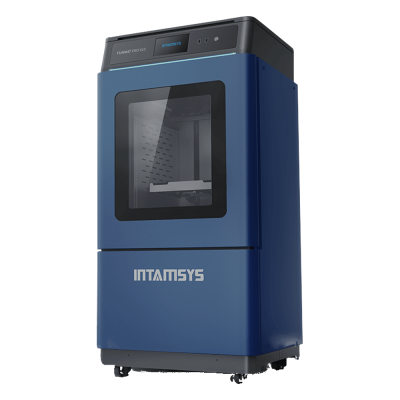
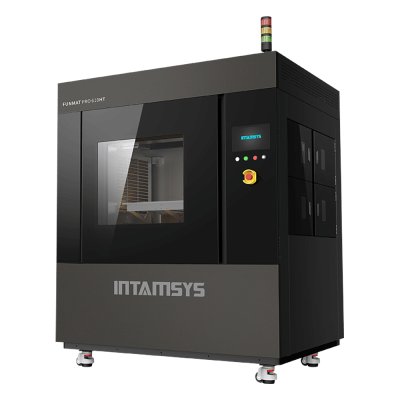

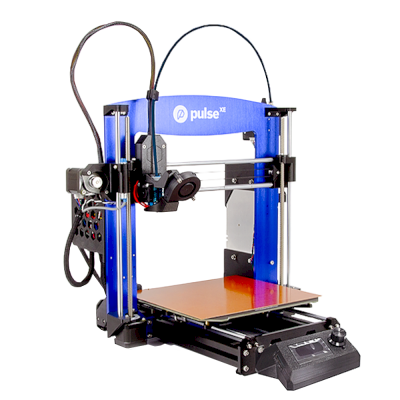
1台ToAuto打印机可与SimplyPrint配合使用。
前往ToAuto页面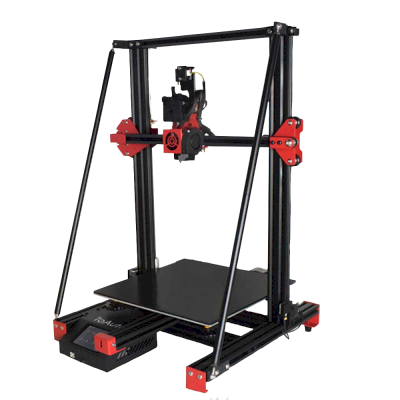
1台DIGGRO打印机可与SimplyPrint配合使用。
前往DIGGRO页面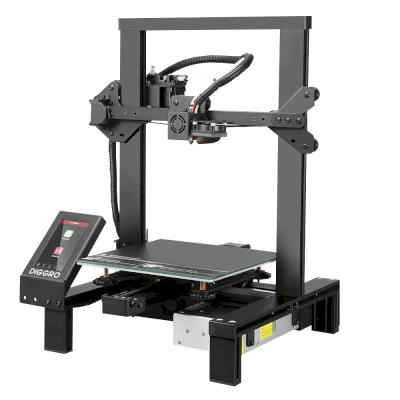

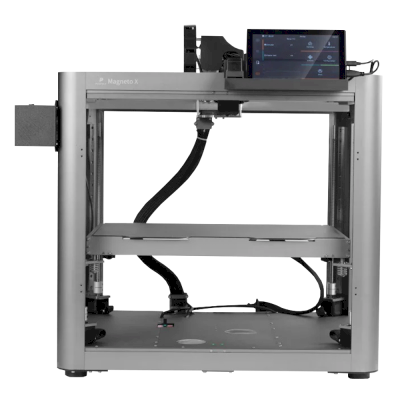
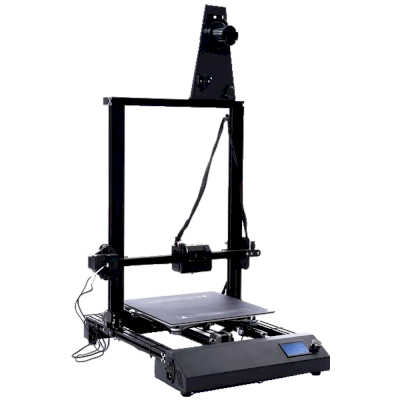
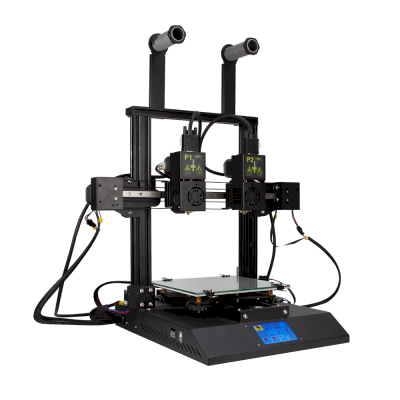


1台GridBot打印机可与SimplyPrint配合使用。
前往GridBot页面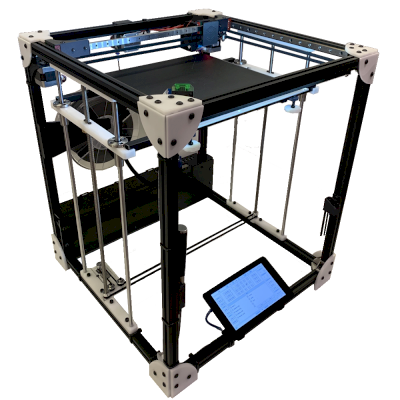

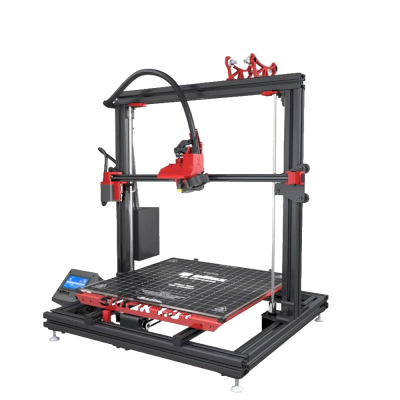
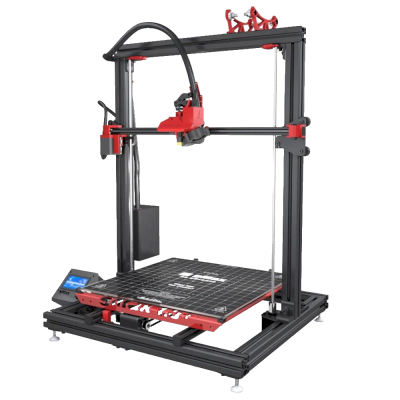
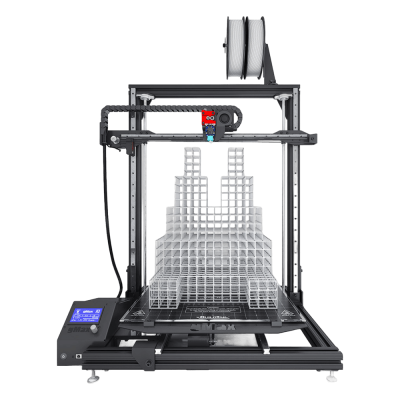
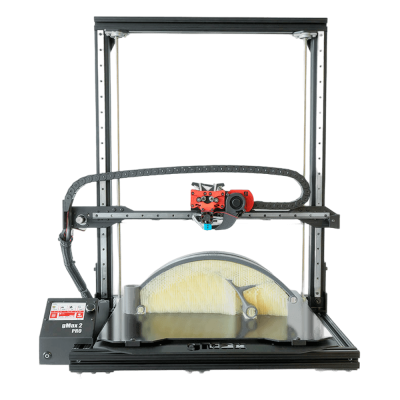

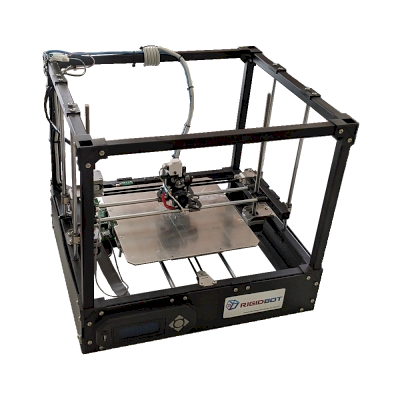

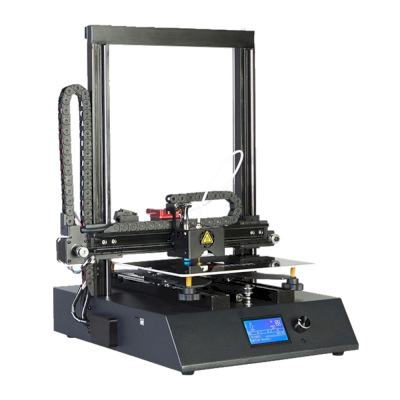
1台Febtop Tech打印机可与SimplyPrint配合使用。
前往Febtop Tech页面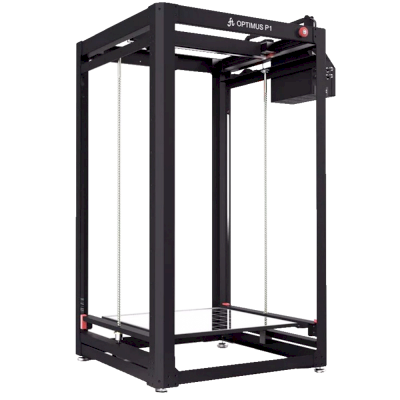

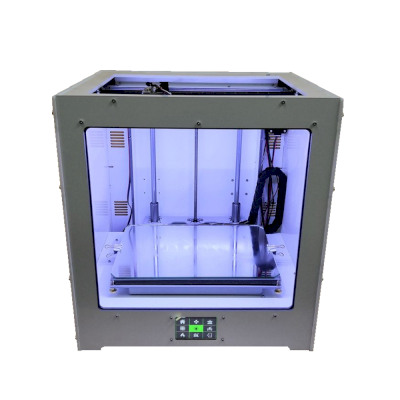

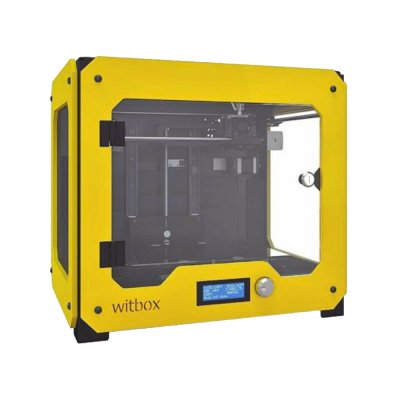
1台Reliabot 打印机可与SimplyPrint配合使用。
前往Reliabot 页面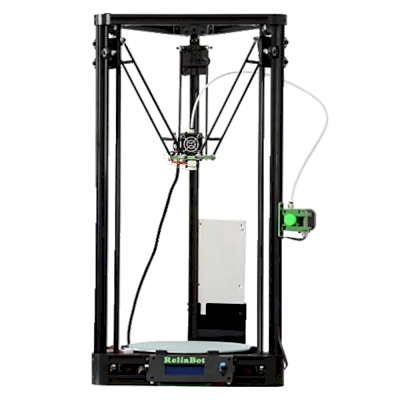

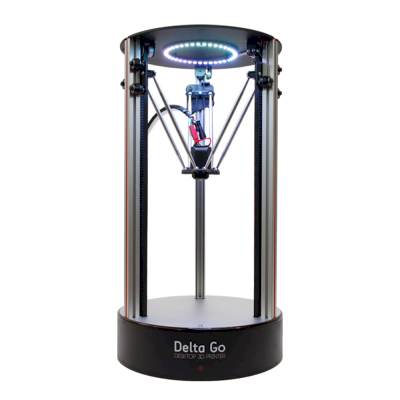

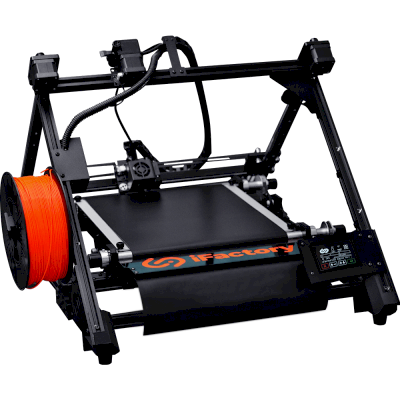
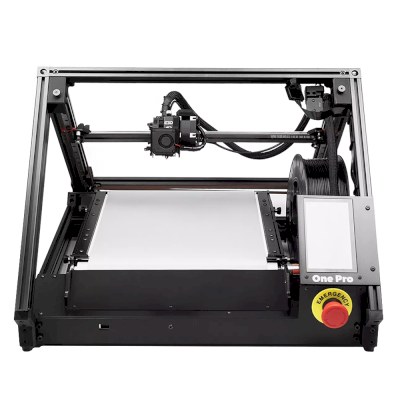

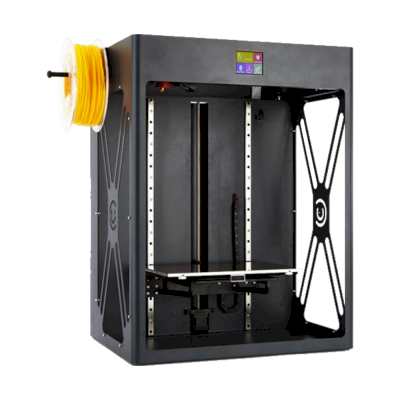
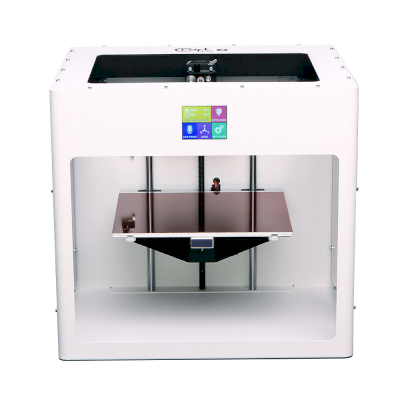


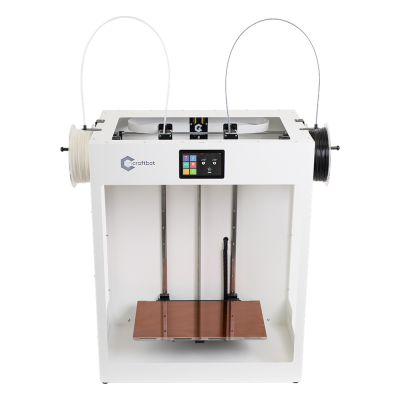
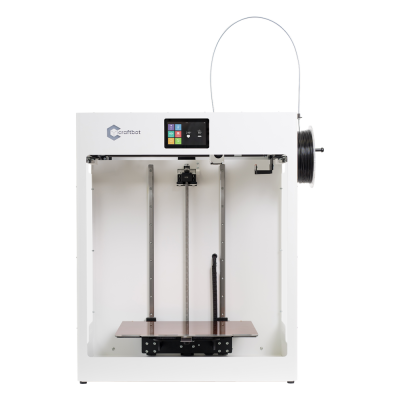
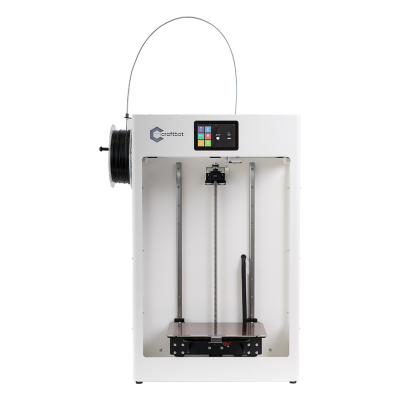


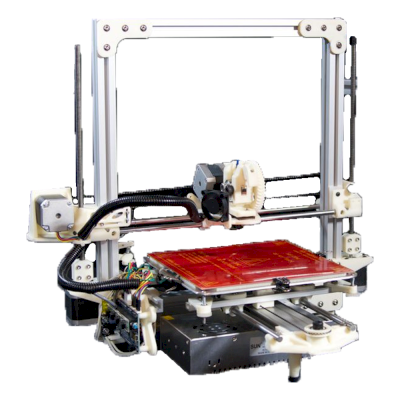

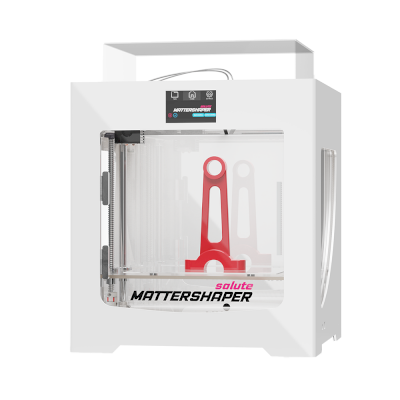
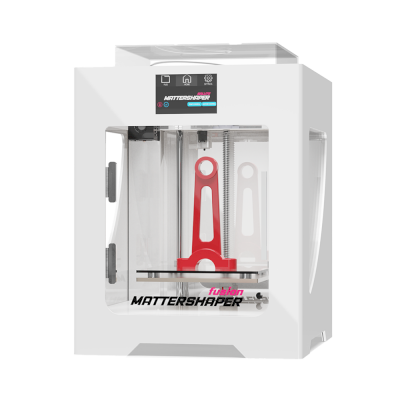
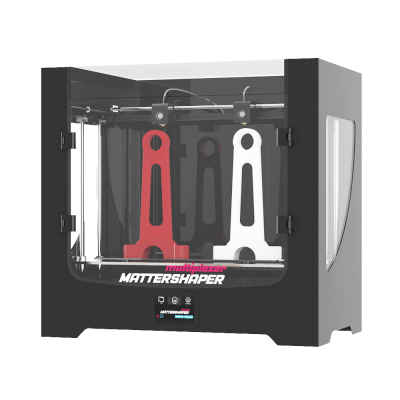

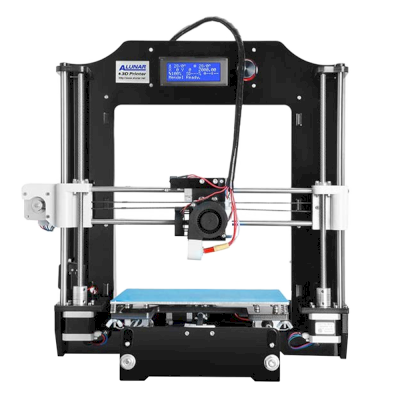
1台PrimaCreator打印机可与SimplyPrint配合使用。
前往PrimaCreator页面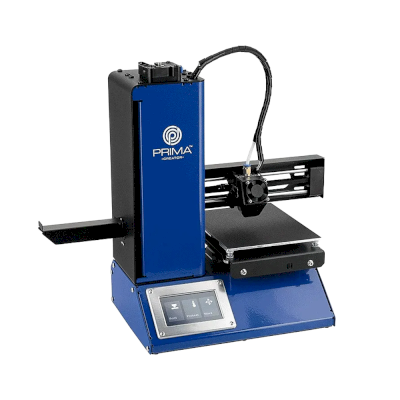
1台Keytec打印机可与SimplyPrint配合使用。
前往Keytec页面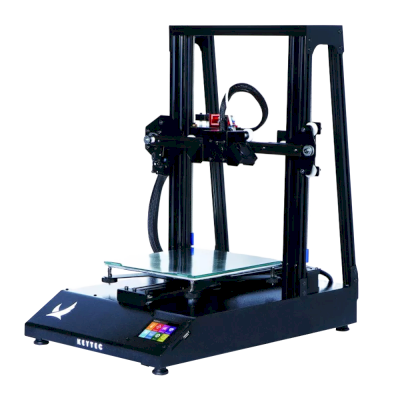

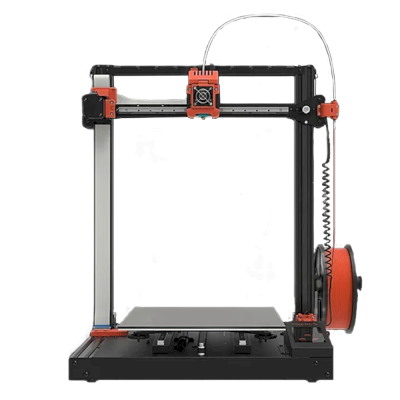
1台Koonovo打印机可与SimplyPrint配合使用。
前往Koonovo页面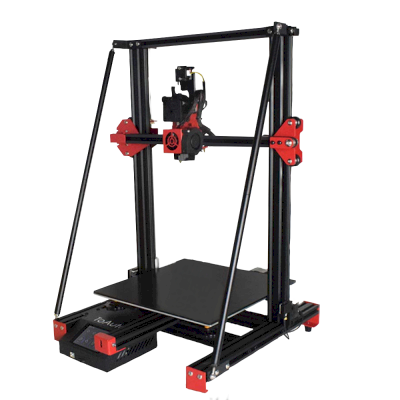


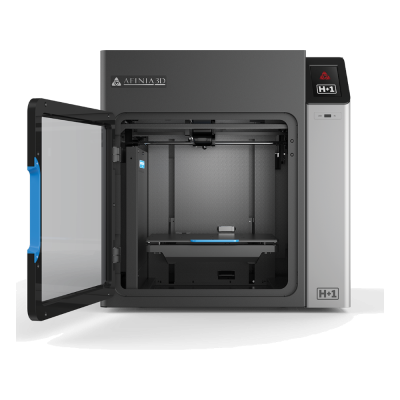
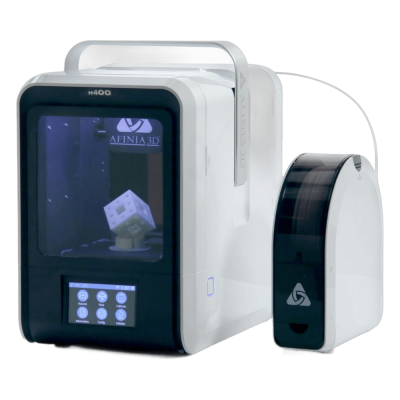
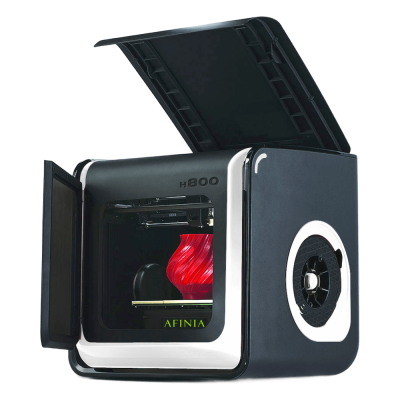
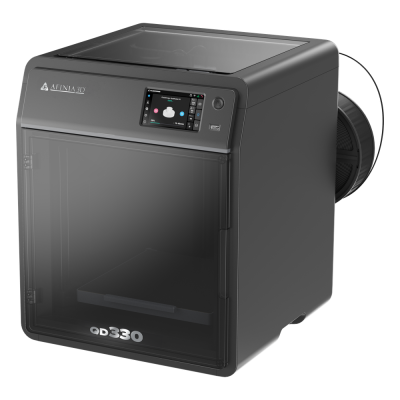

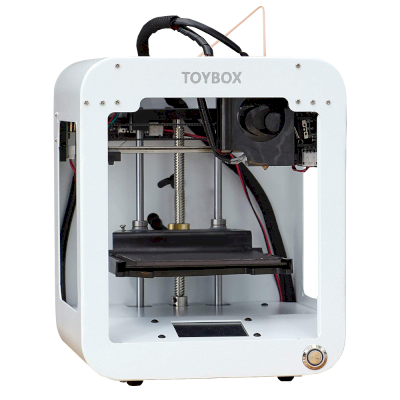
1台Afinibot打印机可与SimplyPrint配合使用。
前往Afinibot页面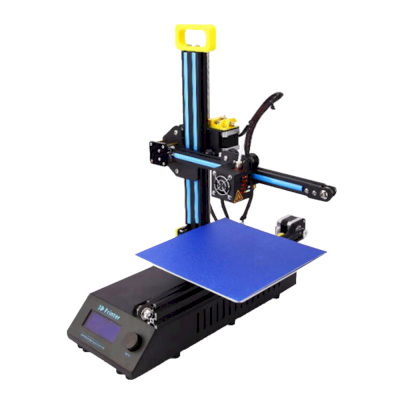
1台Bluemaker打印机可与SimplyPrint配合使用。
前往Bluemaker页面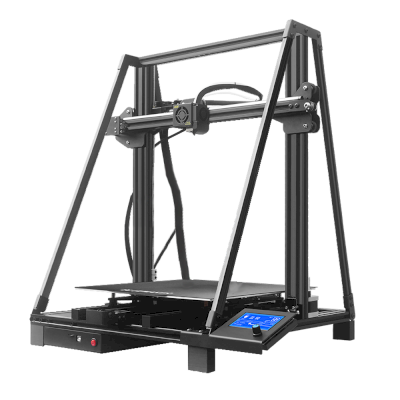



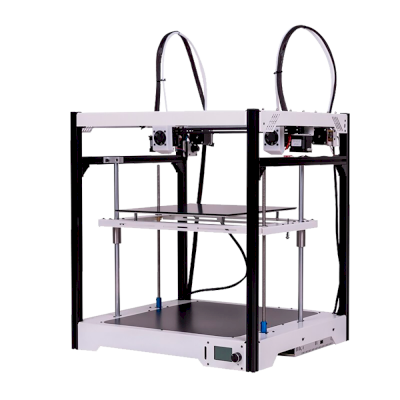

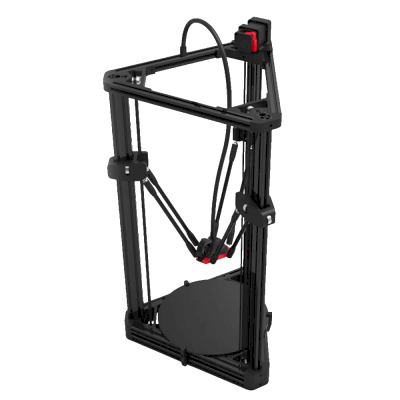

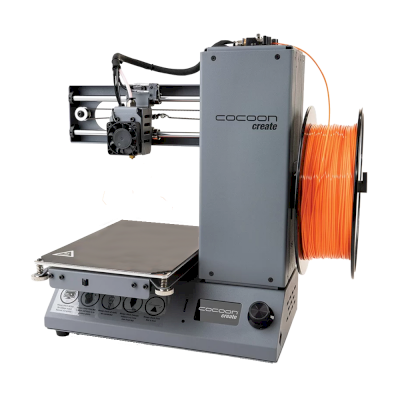

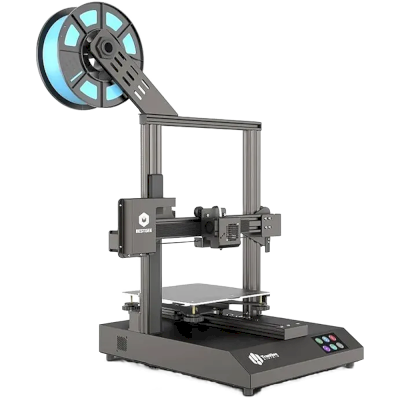
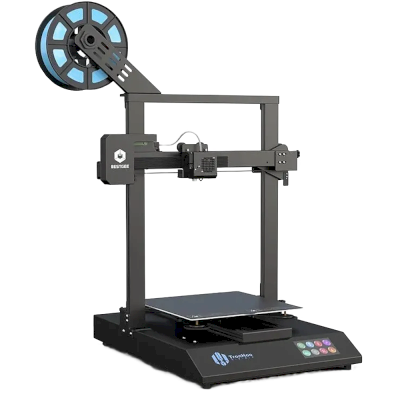
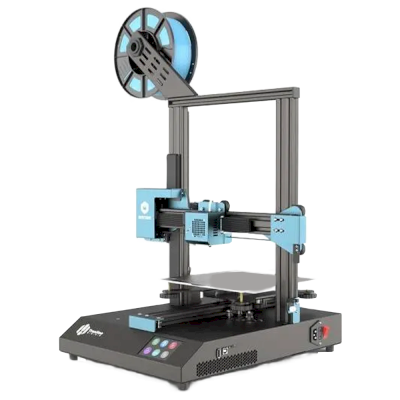
1台Junco打印机可与SimplyPrint配合使用。
前往Junco页面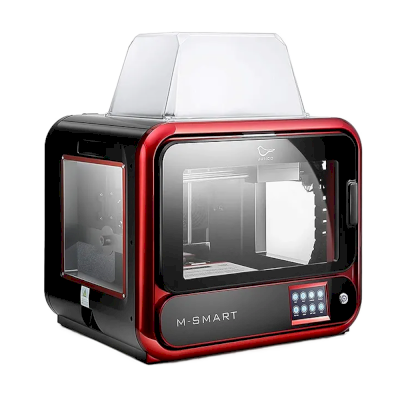

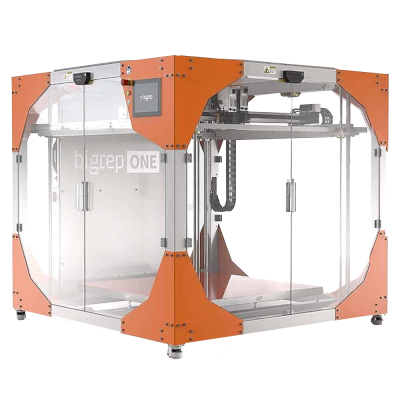
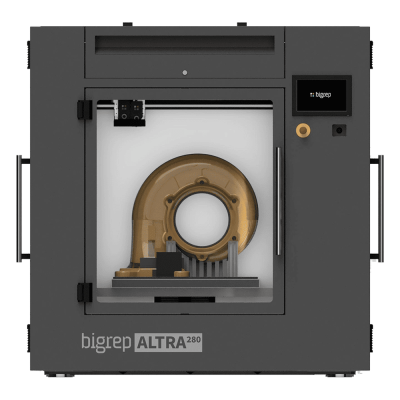


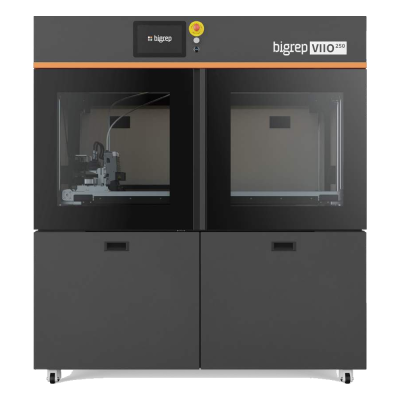
1台Cadx打印机可与SimplyPrint配合使用。
前往Cadx页面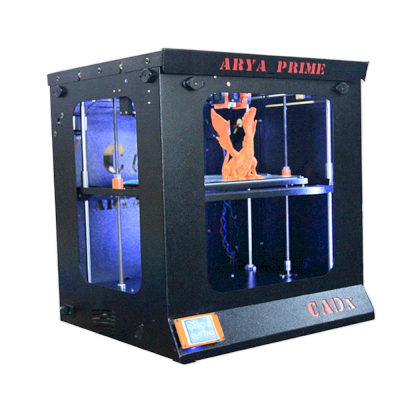
1台Rapide打印机可与SimplyPrint配合使用。
前往Rapide页面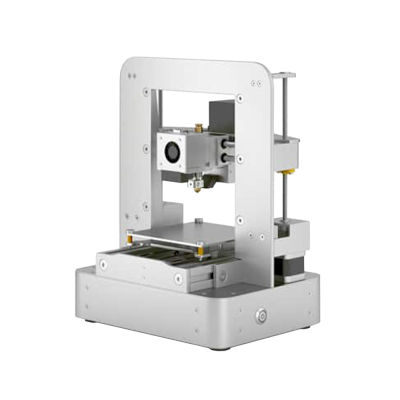

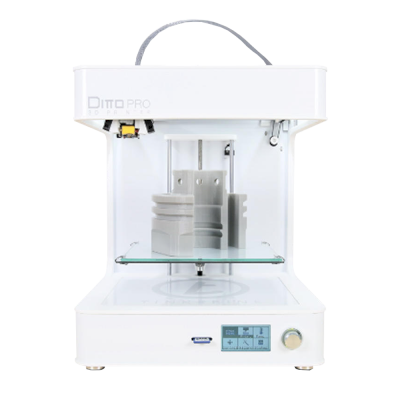
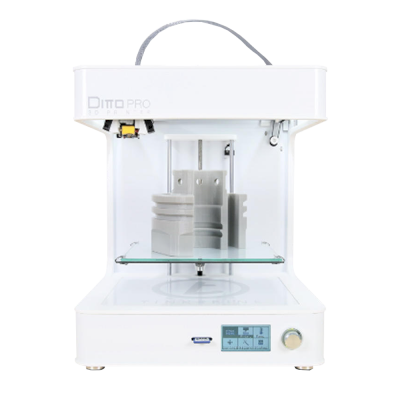

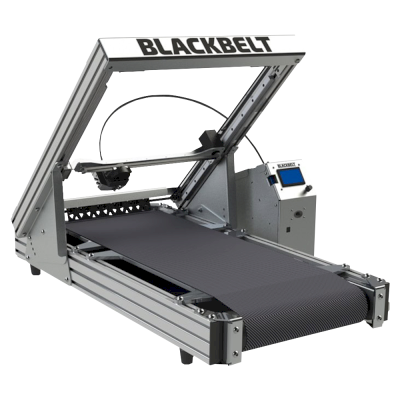

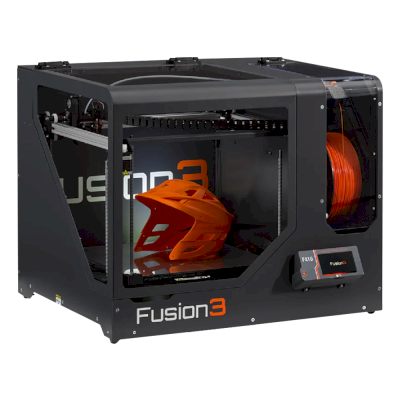
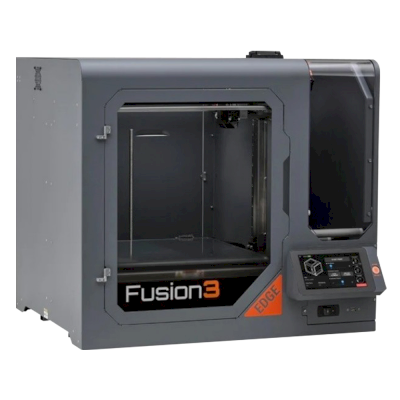
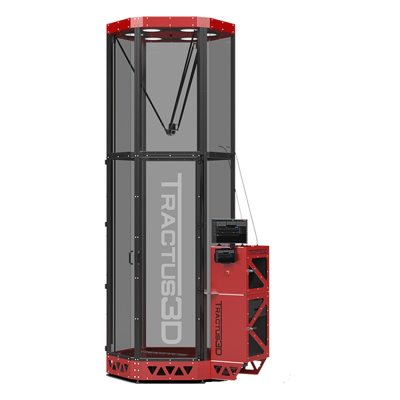
4台Tractus3D打印机可与SimplyPrint配合使用。
前往Tractus3D页面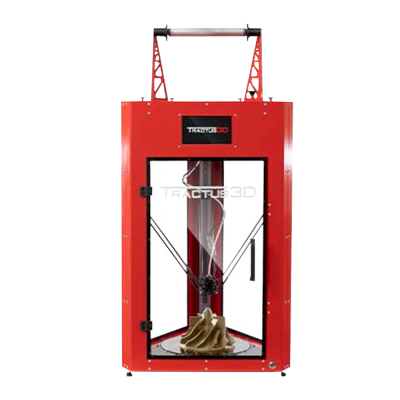



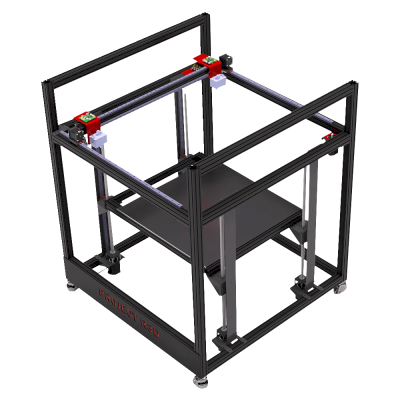
1台RailCore Labs / Project R3D打印机可与SimplyPrint配合使用。
前往RailCore Labs / Project R3D页面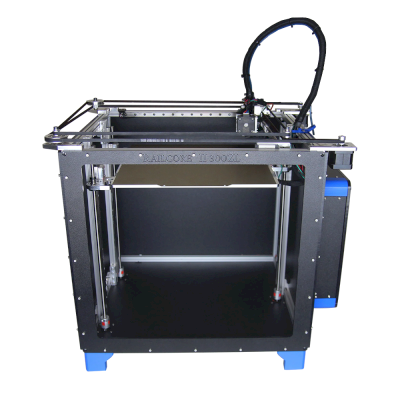
2台lhndo打印机可与SimplyPrint配合使用。
前往lhndo页面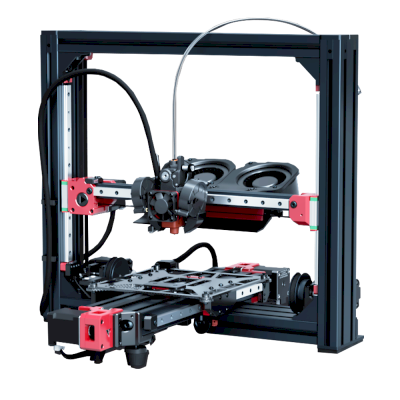
/product_photo_md.png?cacheid=69111427dc147)


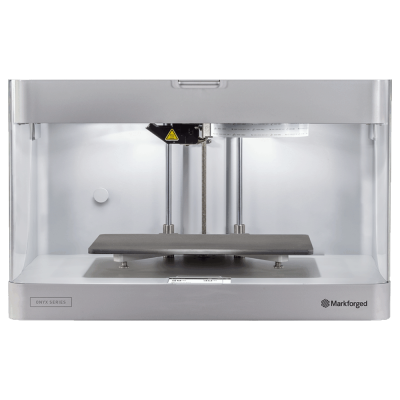




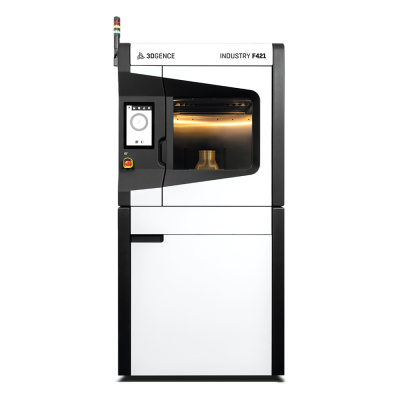

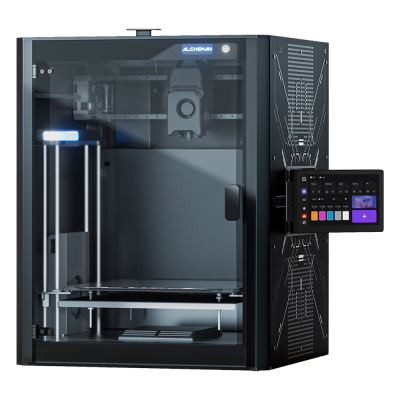

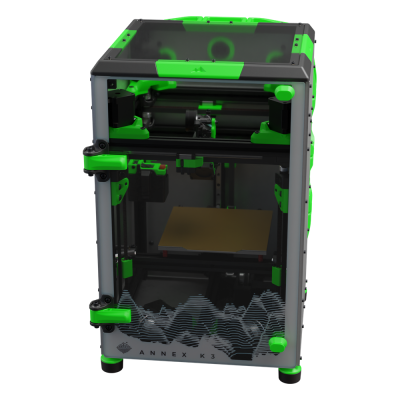
尚未确认列表中的任何AtomForm打印机可与SimplyPrint配合使用。
前往AtomForm页面




尚未确认列表中的任何CEL打印机可与SimplyPrint配合使用。
前往CEL页面尚未确认列表中的任何Co Print打印机可与SimplyPrint配合使用。
前往Co Print页面
尚未确认列表中的任何FibreSeek打印机可与SimplyPrint配合使用。
前往FibreSeek页面
尚未确认列表中的任何FrankenVoron打印机可与SimplyPrint配合使用。
前往FrankenVoron页面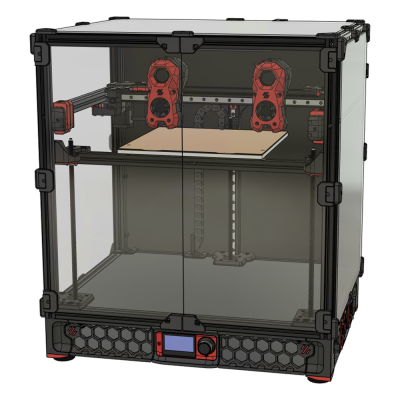




尚未确认列表中的任何Kidoodle打印机可与SimplyPrint配合使用。
前往Kidoodle页面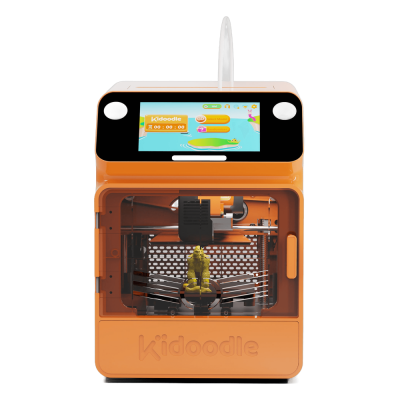



尚未确认列表中的任何LightMake打印机可与SimplyPrint配合使用。
前往LightMake页面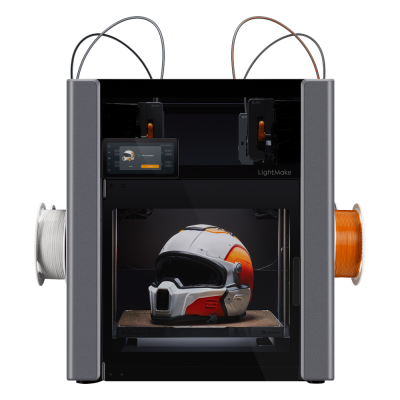



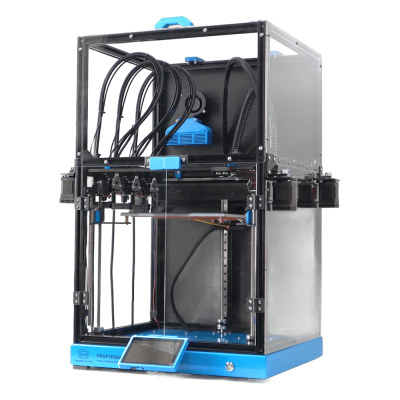
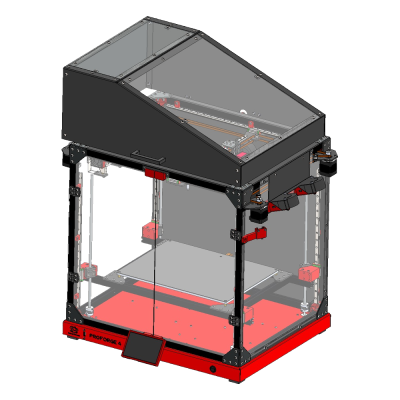
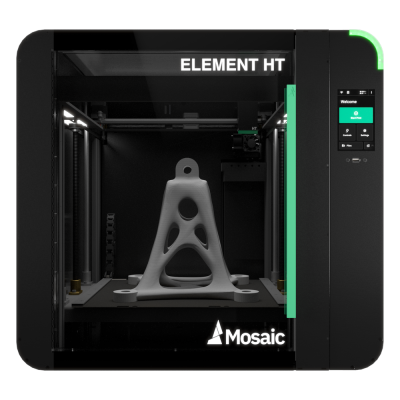
尚未确认列表中的任何Mosaic Manufacturing打印机可与SimplyPrint配合使用。
前往Mosaic Manufacturing页面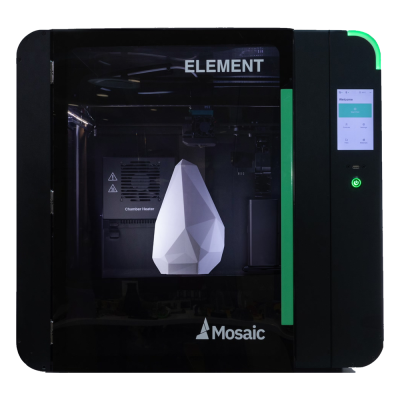
1台MSzturc打印机可与SimplyPrint配合使用。
前往MSzturc页面













1台Vision Miner打印机可与SimplyPrint配合使用。
前往Vision Miner页面





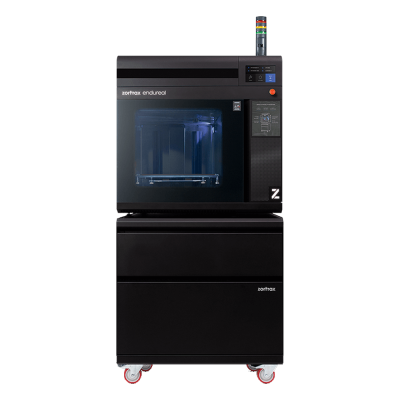


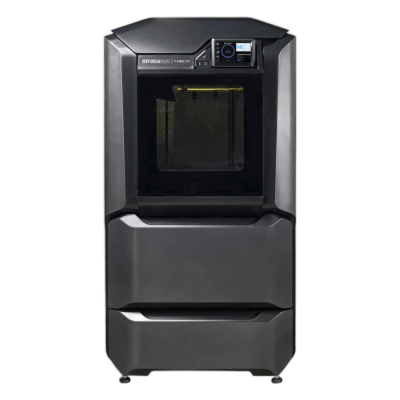
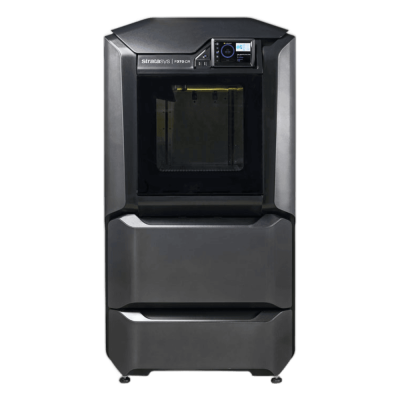
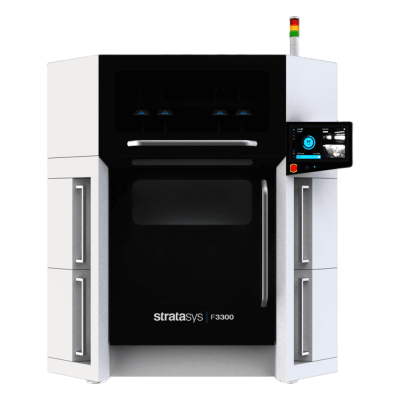
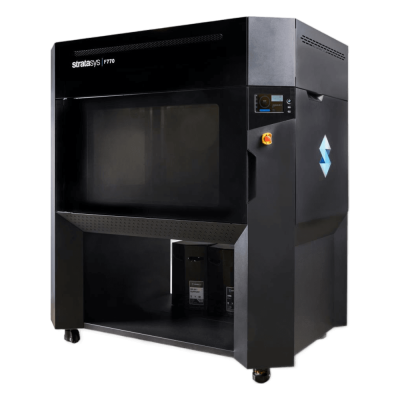
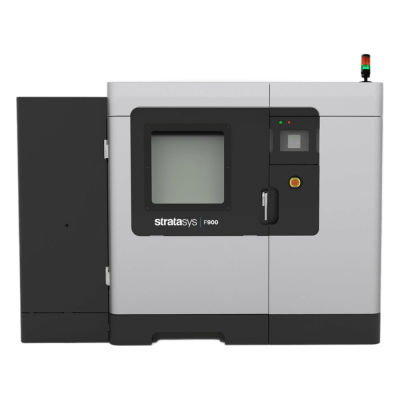
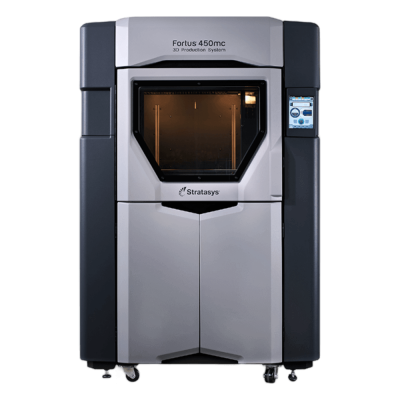
尚未确认列表中的任何Stratasys打印机可与SimplyPrint配合使用。
前往Stratasys页面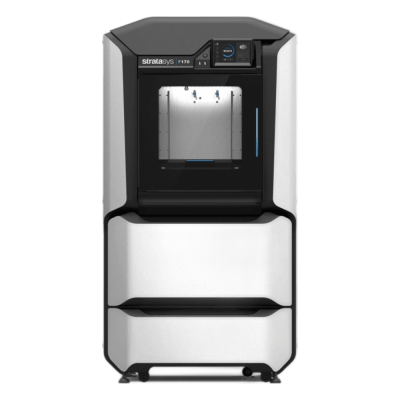
© 2026 SimplyPrint。保留所有权利。本兼容性列表及其基础数据归SimplyPrint所有,未经事先书面许可,不得全部或部分复制、抓取、转载或重新发布。打印机图片归各自制造商所有,仅用于识别;SimplyPrint不主张对其拥有所有权。
常见问题
如何确认您的3D打印机是否兼容SimplyPrint?
在此列表中搜索,或打开您的打印机页面。SimplyPrint支持来自150+个品牌的700+台FDM打印机,可通过内置集成、OctoPrint或Klipper(Moonraker)连接。如果您的打印机运行Marlin或Klipper固件,几乎肯定可以使用。
哪些3D打印机支持Orca Slicer、PrusaSlicer和Bambu Studio?
SimplyPrint提供由Orca、PrusaSlicer和Bambu引擎驱动的免费浏览器切片软件,因此此列表中的大多数打印机都可在线切片,无需安装桌面软件,并可立即开始打印。如果此处支持某款打印机,您便可在浏览器中为其切片。
SimplyPrint支持哪些类型的3D打印机?
支持FDM(耗材)3D打印机,从单台桌面设备到打印农场机群。暂不支持树脂打印机(SLA、DLP、LCD)、CNC机床、SLS及大多数工业打印机。
SimplyPrint可与Bambu Lab、Creality和Prusa打印机配合使用吗?
是的。支持Bambu Lab、Creality、Prusa、Anycubic、Elegoo及100多个其他品牌。Bambu Lab以及许多Creality和Prusa机型通过内置集成连接,其他机型通过OctoPrint或Klipper连接。
SimplyPrint如何判断OctoPrint兼容性?
我们根据打印机是否支持串口打印来判断其与OctoPrint的兼容性。如果打印机无法通过串口通信,我们会标记为不兼容OctoPrint。部分打印机可通过专用插件获得支持。
您可以使用SimplyPrint运营打印农场吗?
是的。SimplyPrint可从单台打印机扩展至完整打印农场,提供共享打印队列、一键批量打印,以及在所有受支持打印机上错峰启动。查看我们的打印农场软件。
SimplyPrint适用于学校和大学吗?
是的。学校和大学可在Chromebook和iPad的浏览器中切片,管理学生访问权限和配额,并在所有支持的打印机上集中管理打印机配置文件。请参阅面向学校的SimplyPrint。
SimplyPrint免费吗?
是的。SimplyPrint提供免费套餐,让您可连接一台打印机、在浏览器中切片和打印。付费套餐增加更多打印机、更多用户和打印农场自动化功能。