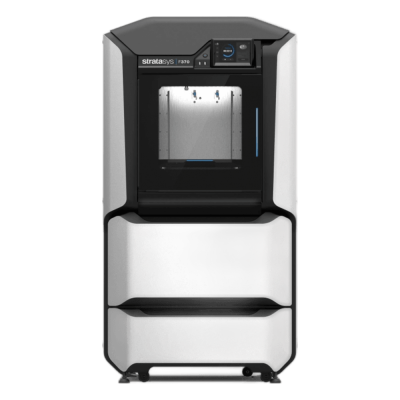
Stratasys F370概览
The largest standard model of Stratasys's F123 Series: a 355 x 254 x 355 mm tray, a heated build chamber, four material bays and the widest material choice in the series. It is built for prototyping and manufacturing aids in engineering teams.
- 成型尺寸
- 355 × 254 × 355 mm
- 封闭式机箱
- 全封闭
- 打印效果好
- PLA, TPU和柔性材料, ABS & ASA, Nylon(PA), 碳纤维和玻璃纤维填充
- 内置摄像头
- 是
- 连接性
- 以太网, Wi-Fi
将Stratasys F370连接至SimplyPrint
这台Stratasys F370 3D打印机是否兼容SimplyPrint、OctoPrint、Mainsail和Fluidd? 每种连接方式、所需条件及设置方法。
-
制造商的云服务
可以,尚未实现
Prints through Stratasys's GrabCAD Print, and GrabCAD's SDK gives software vendors APIs to connect Stratasys FDM printers to their systems. SimplyPrint could build support on it, but it isn't built yet. 来源
-

SimplyPrint客户端
不兼容
Runs Stratasys's closed controller and takes jobs only through Stratasys's own software, such as GrabCAD Print. 来源
-


Klipper(Moonraker)
不兼容
Runs Stratasys's closed controller and prints from Stratasys's own software; no Klipper or Moonraker is documented. 来源
-

OctoPrint
通过USB直接连接
不兼容
Runs Stratasys's closed controller and takes jobs only through Stratasys's own software, such as GrabCAD Print; no OctoPrint or serial control is documented. 来源
Stratasys F370应使用什么切片软件
据我们所知,SimplyPrint云端的切片软件均无法为Stratasys F370切片,因为它不使用标准G-code。请使用其制造商推荐的切片软件。
没有适用于Stratasys F370的配置文件
 PrusaSlicer
 OrcaSlicer
 BambuStudio
 ElegooSlicer
 CrealityPrint
 Cura
Cura Kiri:Moto
我们只列出可在SimplyPrint云端使用的切片软件,因此Stratasys F370可能还有其他可用的切片软件。
Stratasys F370不支持在线切片
Stratasys F370规格:打印床尺寸、打印高度等
其尺寸、温度、多材料支持和连接方式,来自制造商资料及我们的研究。 阅读制造商提供的更多信息
大小
| 成型尺寸 | 355 × 254 × 355 mm |
|---|---|
| 打印床类型 | Rectangle |
| 打印床尺寸 | 355 × 254 mm |
| 最大打印高度 | 355 mm |
打印
| 封闭式机箱 | 全封闭 |
|---|---|
| 最高挤出机温度 | 330 °C |
| 配备热床 | 否 |
| 加热腔 | 是 |
| 喷嘴数量 | 1 |
| 工具头 | 2 |
| 直驱 | 否 |
| 探针工具/自动调平 | 否 |
| 耗材宽度 | 1.75 mm |
正在连接
| 连接性 | 以太网, Wi-Fi |
|---|---|
| 内置摄像头 | 是 |
| 支持串口打印 | 否 |
| 随设备提供的固件 | 制造商自有 |
文件和切片
| 支持的文件格式 | G-code(.gcode、.gco、.g) |
|---|
打印机
| 打印机制造商/品牌 | Stratasys |
|---|---|
| 打印机型号名称 | F370 |
| 上线日期 | 二月 2017 |
| 仍在生产 | 是 |
免责声明: 我们致力于让这些信息尽可能保持最新和准确,但无法保证其完整性或可靠性。我们的数据来源于用户提交内容和制造商参考资料。
Stratasys F370可以打印哪些耗材?
Stratasys F370的耗材兼容性:Stratasys列出的可用材料。 它仅使用Stratasys自有材料。
| 耗材 | 适用性 | 备注 |
|---|---|---|
| PLA | 太好了 | 在制造商列出的该打印机材料清单中。 |
| PETG | 不太理想 | 不在制造商列表中,且此打印机仅使用制造商自有耗材。 |
| TPU和柔性材料 | 太好了 | 在制造商列出的该打印机材料清单中。 |
| ABS & ASA | 太好了 | 在制造商列出的该打印机材料清单中。 |
| Nylon(PA) | 太好了 | 在制造商列出的该打印机材料清单中。 |
| Polycarbonate(PC) | 不太理想 | 不在制造商列表中,且此打印机仅使用制造商自有耗材。 |
| 碳纤维和玻璃纤维填充 | 太好了 | 在制造商列出的该打印机材料清单中。 |
提示:这是基于打印机规格的一般指南,请始终查看耗材的推荐设置。使用SimplyPrint,您可以为每个料盘保存配置,并准确追踪库存中的耗材。
何时选择Stratasys F370
Choose it over the F170 when you need the bigger tray, four material bays, or PC-ABS, ABS-ESD7 and Diran. For carbon-fibre nylon, the F370CR is the composite-ready version.
优点
- Four material bays: two model, two support.
- Prints PLA, ABS-M30, ASA, PC-ABS, ABS-ESD7, Diran 410MF07, ABS-CF10 and TPU 92A.
- Soluble support material for complex geometry.
- Wired Ethernet and Wi-Fi, with GrabCAD Print and Insight software.
缺点
- Not supported by SimplyPrint yet: support could be built on GrabCAD's SDK.
- Runs Stratasys's closed controller with GrabCAD Print, so there is no OctoPrint or Klipper route.
- Prints only Stratasys's own material spools.
- No carbon-fibre nylon: that needs the F370CR.
适合谁
-
学校 适合
Enclosed and quiet, and GREENGUARD certified with ABS, ASA and QSR support.
-
业余爱好者 不太适合
An industrial machine with proprietary materials and a price to match.
-
企业 非常适合
A broad engineering material range with soluble support and repeatable accuracy.
-
打印农场 可用
GrabCAD Print queues jobs across Stratasys printers, but SimplyPrint cannot manage it today.
根据制造商信息和独立评测编写。 阅读制造商提供的更多信息
Stratasys F123系列
该系列的所有Stratasys打印机,按从旧到新排序。
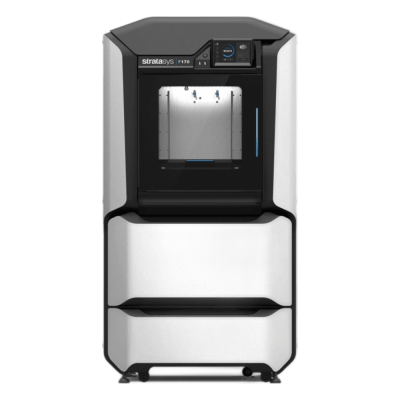
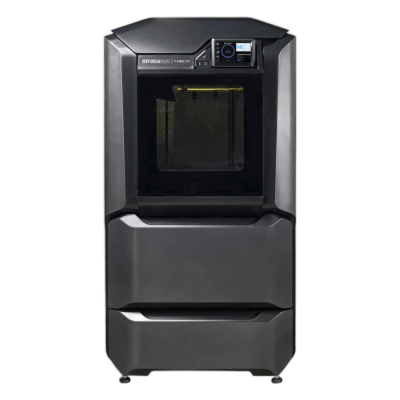
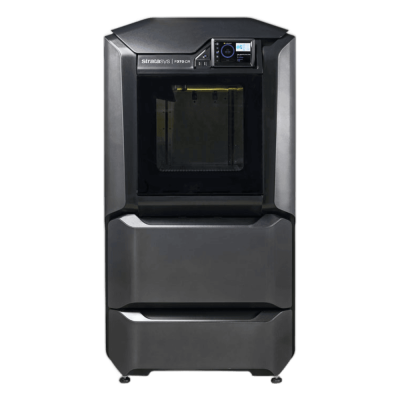
与Stratasys F370类似且可与SimplyPrint配合使用的打印机
与它同一制造商、尺寸相近、可打印相同工程材料或同样支持多材料打印,且目前可购买并已知可与SimplyPrint配合使用的打印机。
-
Bambu Lab H2S Combo
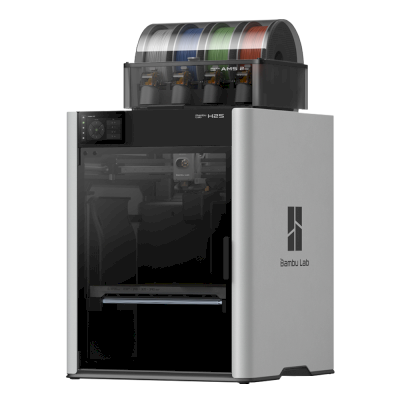 340 × 320 × 340 mm发布于2025年8月26日连接方式: SimplyPrint客户端相近的打印体积 · 也可打印ABS & ASA, Nylon(PA), 碳纤维和玻璃纤维填充已由SimplyPrint验证
 -
Bambu Lab H2D Combo
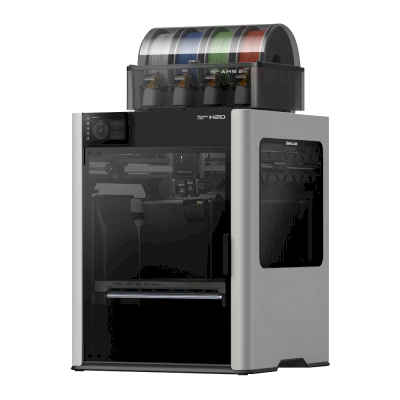 325 × 320 × 325 mm发布于2025年3月25日连接方式: SimplyPrint客户端相近的打印体积 · 也可打印ABS & ASA, Nylon(PA), 碳纤维和玻璃纤维填充已由SimplyPrint验证
 -
Bambu Lab H2C Combo
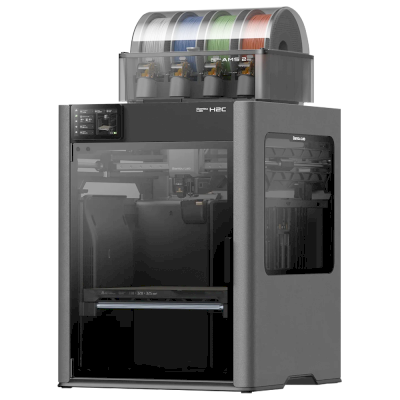 330 × 320 × 325 mm发布于2025年11月18日连接方式: SimplyPrint客户端相近的打印体积 · 也可打印ABS & ASA, Nylon(PA), 碳纤维和玻璃纤维填充已由SimplyPrint验证
 -
Pantheon HS3
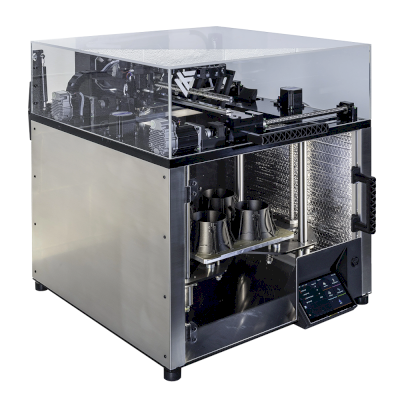 300 × 300 × 300 mm发布于2025连接方式: Klipper(Moonraker)相近的打印体积 · 也可打印ABS & ASA, Nylon(PA), 碳纤维和玻璃纤维填充兼容
常见问题
Stratasys F370与SimplyPrint兼容吗?
尚未支持。制造商的软件可让SimplyPrint连接到Stratasys F370,但我们尚未开发。
Stratasys F370 应使用哪款切片软件?
据我们所知,SimplyPrint云端的切片软件均无法为Stratasys F370切片,因为它不使用标准G-code。请使用其制造商推荐的切片软件。
Stratasys F370可以打印哪些耗材?
Stratasys列出F370适用的PLA, ABS & ASA, TPU和柔性材料, 碳纤维和玻璃纤维填充和Nylon(PA)。 它仅使用Stratasys自有材料。
Stratasys F370的打印床尺寸和构建体积是多少?
Stratasys F370的打印床尺寸为355 x 254 mm,最大打印高度为355 mm,构建体积约为355 x 254 x 355 mm。请查看上方完整规格表,了解打印床类型、温度等信息。
Stratasys F370何时发布?
Stratasys于二月 2017推出F370。
© 2026 SimplyPrint。保留所有权利。本页面及其兼容性、规格和评价数据由SimplyPrint编制,未经事先书面许可,不得全部或部分复制、抓取、转载或再发布。打印机图片归各自制造商所有,仅用于识别用途;SimplyPrint不主张对其拥有所有权。引用的评价归其作者所有。