
Zapier
Connect SimplyPrint to 7,000+ apps and automate your 3D printing workflows - no code required
Connect on Zapier Read the full setup guide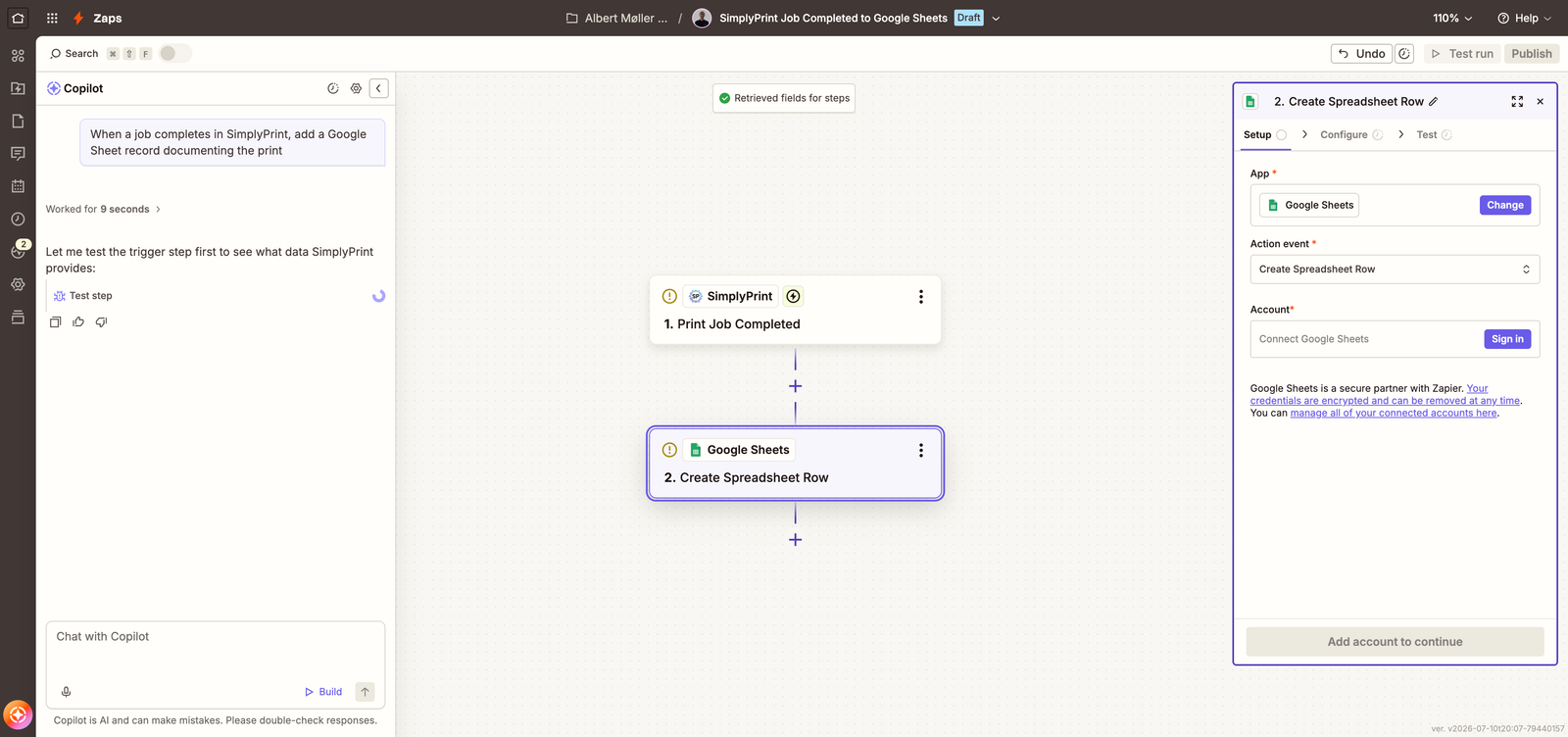
Connect SimplyPrint to 7,000+ apps and automate your 3D printing workflows - no code required
Connect on Zapier Read the full setup guide
SimplyPrint is not endorsed by or affiliated with Zapier. We use trademarks and images only to indicate compatibility with our platform. Use of Zapier hardware with SimplyPrint may not be as intended by Zapier. All rights belong to respective owners.
With the SimplyPrint + Zapier integration, you can connect SimplyPrint to thousands of apps you already use - Slack, Google Sheets, Discord, Gmail, Airtable, Notion, Trello, ShipStation and more - and automate workflows without writing a single line of code.
Set up triggers like print job completed, print job failed, queue item added, or spare part low stock, and have Zapier run the actions you want: post to a channel, log to a spreadsheet, send an invoice, notify a customer, or kick off a new job in SimplyPrint.
Zapier's builder is embedded below: pick a suggested SimplyPrint Zap or start from scratch, connect your apps, and you're automated in minutes - without leaving this page.
The builder is served by Zapier - it's Zapier's own embed, not something SimplyPrint built or tracks you with. It only loads on this page, and only after you choose to load it.
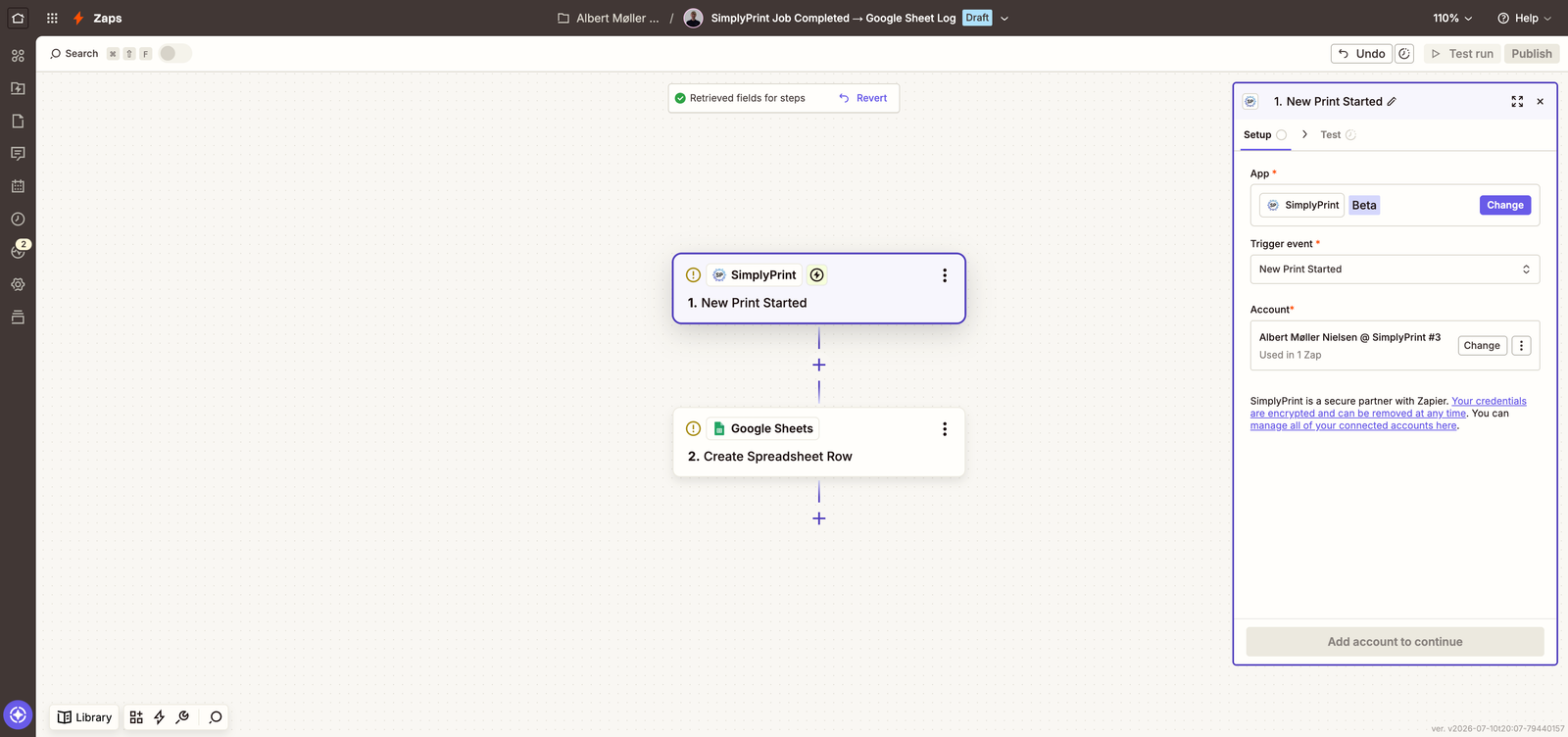
Tell Copilot what you want in plain English - "when a job completes in SimplyPrint, add a Google Sheet record documenting the print" - and it assembles the trigger and actions for you.
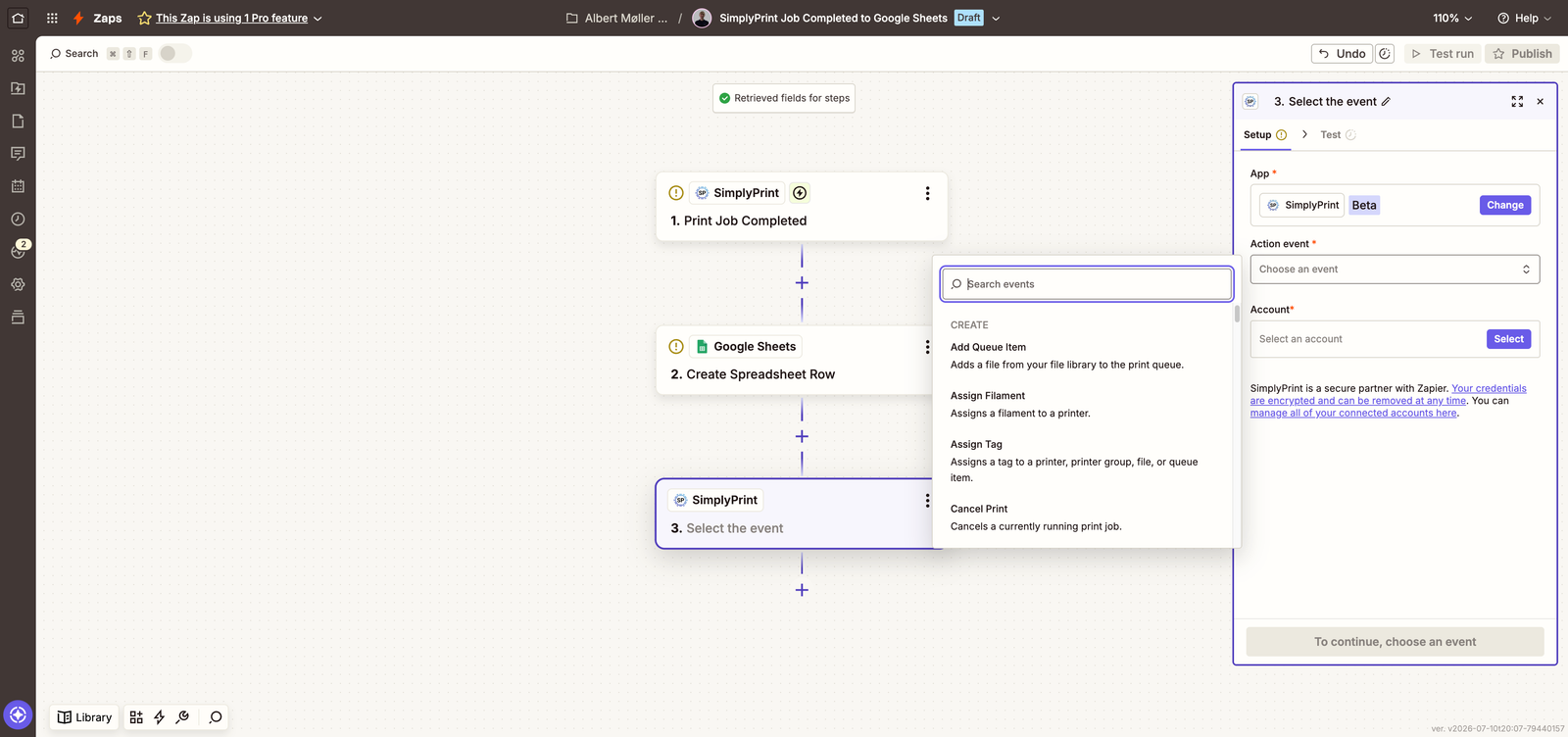
Sped-up recording of Zapier Copilot building a SimplyPrint Zap. The video is hosted on our own CDN - nothing loads from Zapier until you opt in above.
Open the SimplyPrint app on Zapier
Head to the SimplyPrint app on Zapier, or use the embedded builder higher up this page, and click Connect.
Sign in and approve access
Log in with your SimplyPrint account (Pro plan and up) and approve the permissions Zapier asks for. The connection uses OAuth2, so it's scoped to your user and revocable at any time.
Pick a Zap or start from scratch
Choose one of the suggested SimplyPrint Zaps, build your own trigger and action combo, or describe what you want to Zapier Copilot.
Test and turn it on
Run the built-in test and flip the Zap on - triggers fire within seconds of the event, delivered as real-time webhooks.
Anything that starts with a SimplyPrint event or should end in a SimplyPrint action. Popular Zaps: post to Slack or Discord when a print finishes, log every completed job to Google Sheets, email a customer when their queued part is done, or add a queue item from a new e-commerce order.
The Zapier integration is included from the SimplyPrint Pro plan and up - the same plans that include API access. On Zapier's side, a free Zapier account is enough to get started.
Within seconds. SimplyPrint triggers are delivered as real-time webhooks rather than polling, so Zaps fire right after the event on every Zapier plan - and the webhooks the integration creates work on any SimplyPrint plan that includes the integration.
Yes. Zapier connects through OAuth2 with per-user, scoped tokens: you approve exactly what Zapier can do, no API keys are pasted anywhere, and you can revoke access at any time from your SimplyPrint account.
50+ triggers spanning print jobs, printers, queue, filament, maintenance and billing, and around 60 actions such as start a print, add to queue, send G-code and manage filament, files and tags.
No. Zaps are built visually, and Zapier Copilot can assemble one from a plain-English description - like "when a job completes in SimplyPrint, log it to a Google Sheet".
Integration for SimplyPrint allows for applications to interact with your 3D printers, and your 3D printers to interact with other applications. This allows for endless possibilities, and we strongly believe that your 3D printer should be able to function as an IOT device, working together with any and all applications you can imagine!
This is why the team behind SimplyPrint work to provide official integrations for the most popular platforms, slicer and applications, while also allowing our users to create custom integrations using our API, or for approved third party vendors to create integrations to be used by all SimplyPrint users, using a "Log in with SimplyPrint" method (using the "OAuth2" method).
If you're a developer interested in creating an integration for SimplyPrint, please read our documentation on the subject.
If you're not a developer yourself, but would like to see an integration for a specific application, go check if it's already on our roadmap or suggestion list, and if not, feel free to suggest it!