DYMO label printers
Print filament QR-code and barcode labels straight to a DYMO LabelWriter from SimplyPrint
See how it works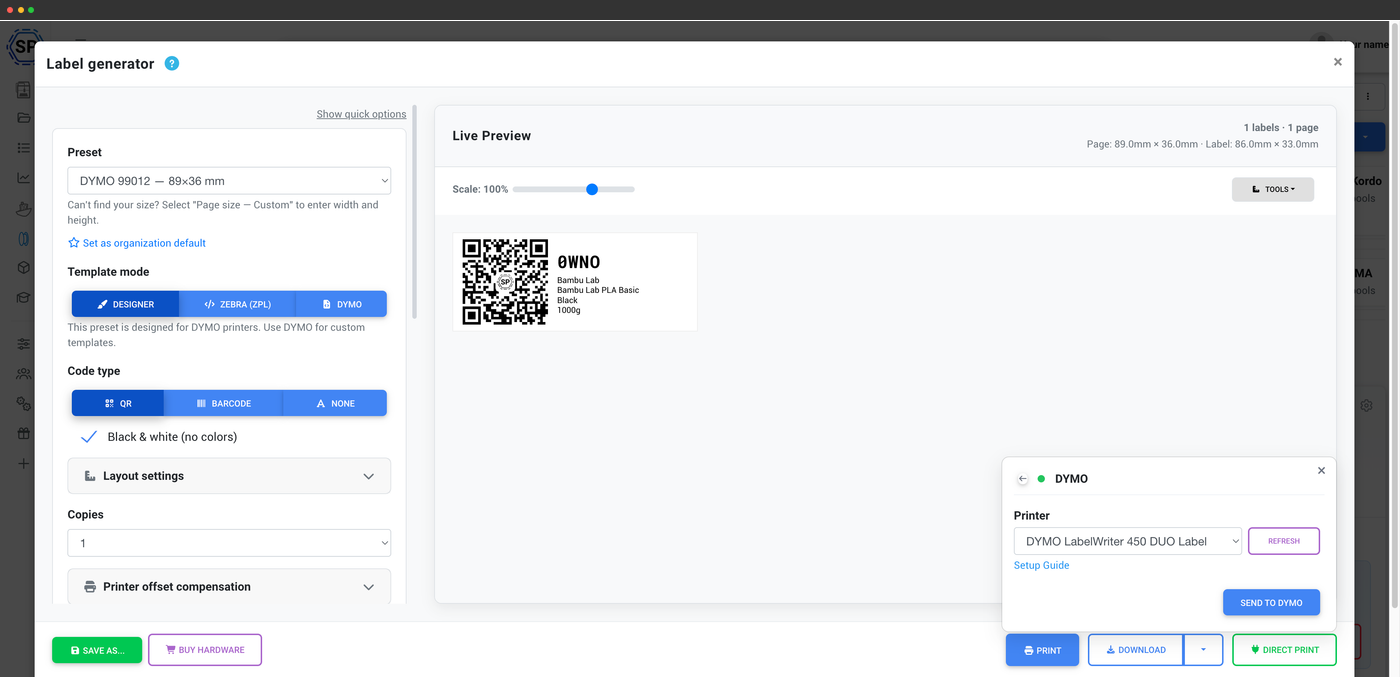
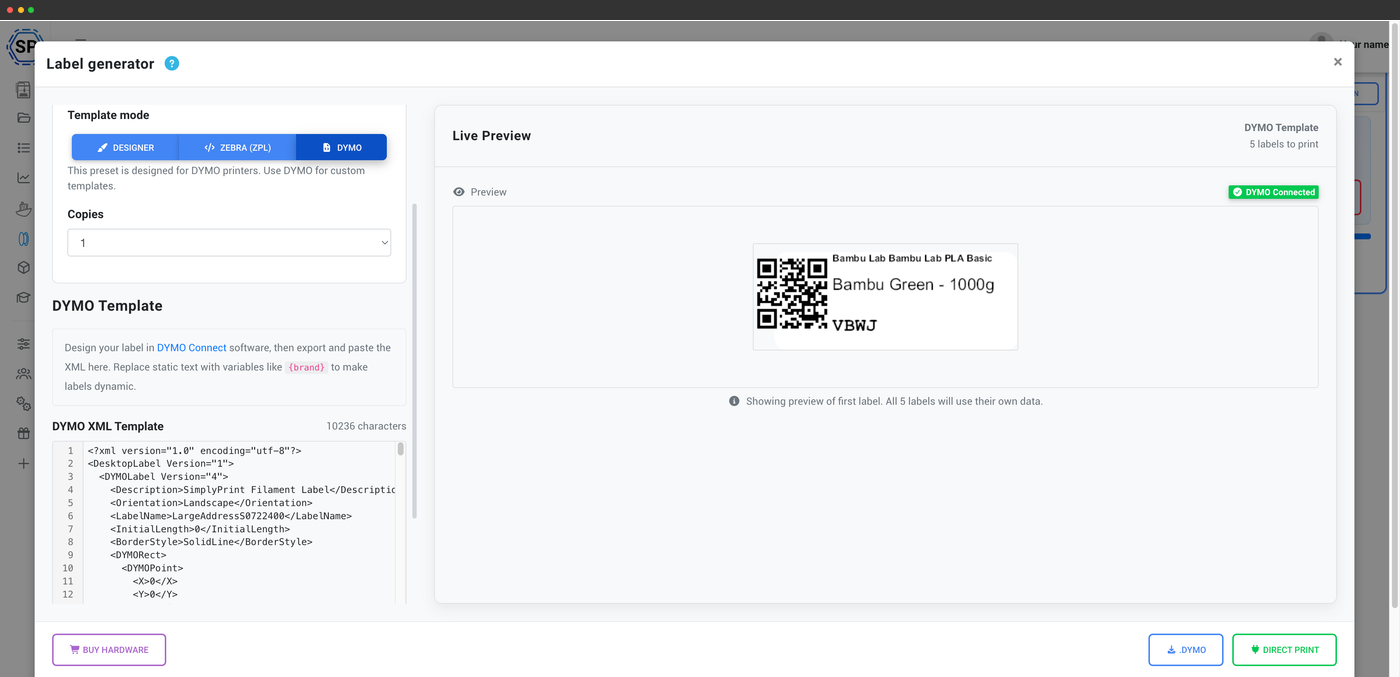
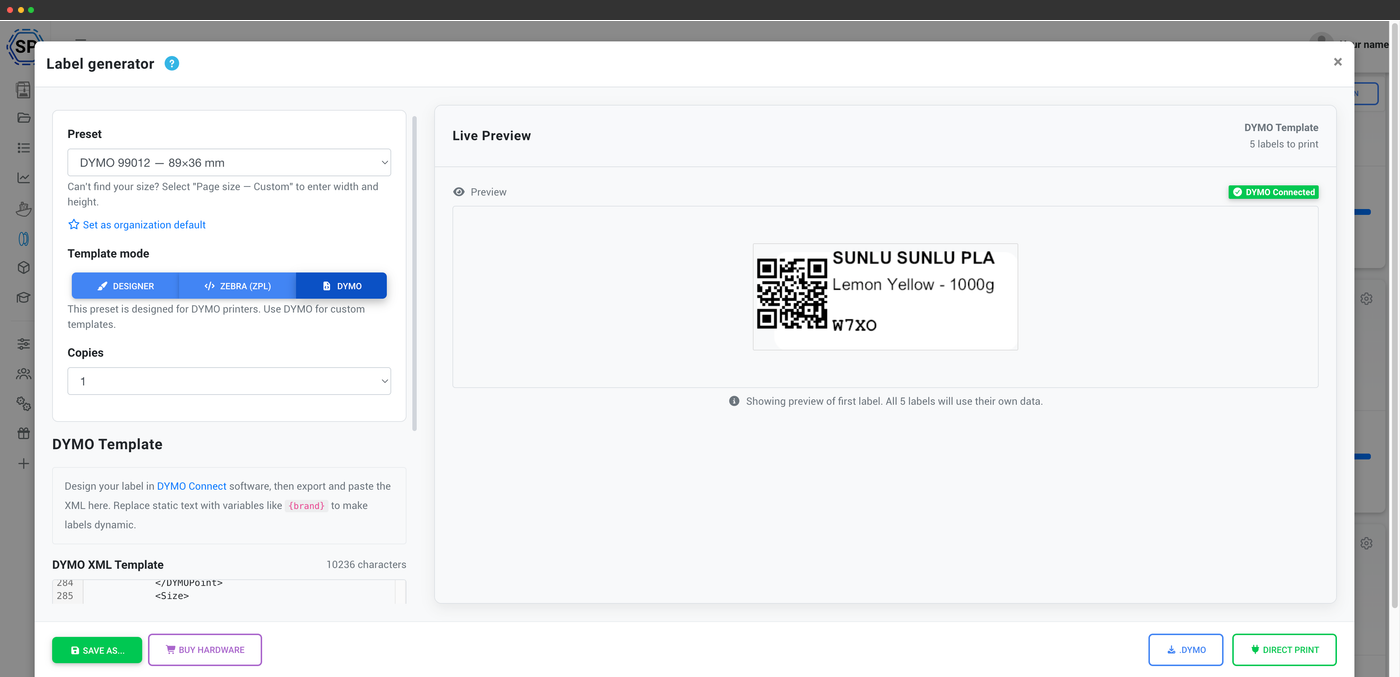
Print filament QR-code and barcode labels straight to a DYMO LabelWriter from SimplyPrint
See how it works
SimplyPrint is not endorsed by or affiliated with DYMO. We use trademarks and images only to indicate compatibility with our platform. Use of DYMO hardware with SimplyPrint may not be as intended by DYMO. All rights belong to respective owners.
Give every spool in your SimplyPrint filament inventory a QR-code or barcode label and send it straight to your DYMO LabelWriter - right from the browser, with no PDF and no separate app to fiddle with.
A small free desktop client, DYMO Connect, bridges the browser and your USB LabelWriter, while a built-in DYMO template editor with live preview and printer-offset calibration let you lay the label out exactly how you want it. Pick a spool, click print, and a finished label feeds out ready to stick on - we recommend genuine DYMO-brand label stock for reliable feeding.
Integration for SimplyPrint allows for applications to interact with your 3D printers, and your 3D printers to interact with other applications. This allows for endless possibilities, and we strongly believe that your 3D printer should be able to function as an IOT device, working together with any and all applications you can imagine!
This is why the team behind SimplyPrint work to provide official integrations for the most popular platforms, slicer and applications, while also allowing our users to create custom integrations using our API, or for approved third party vendors to create integrations to be used by all SimplyPrint users, using a "Log in with SimplyPrint" method (using the "OAuth2" method).
If you're a developer interested in creating an integration for SimplyPrint, please read our documentation on the subject.
If you're not a developer yourself, but would like to see an integration for a specific application, go check if it's already on our roadmap or suggestion list, and if not, feel free to suggest it!