
n8n
Source-available workflow automation. Connect SimplyPrint to 400+ apps and run the whole engine on your own server
View on n8n.io Read the full setup guide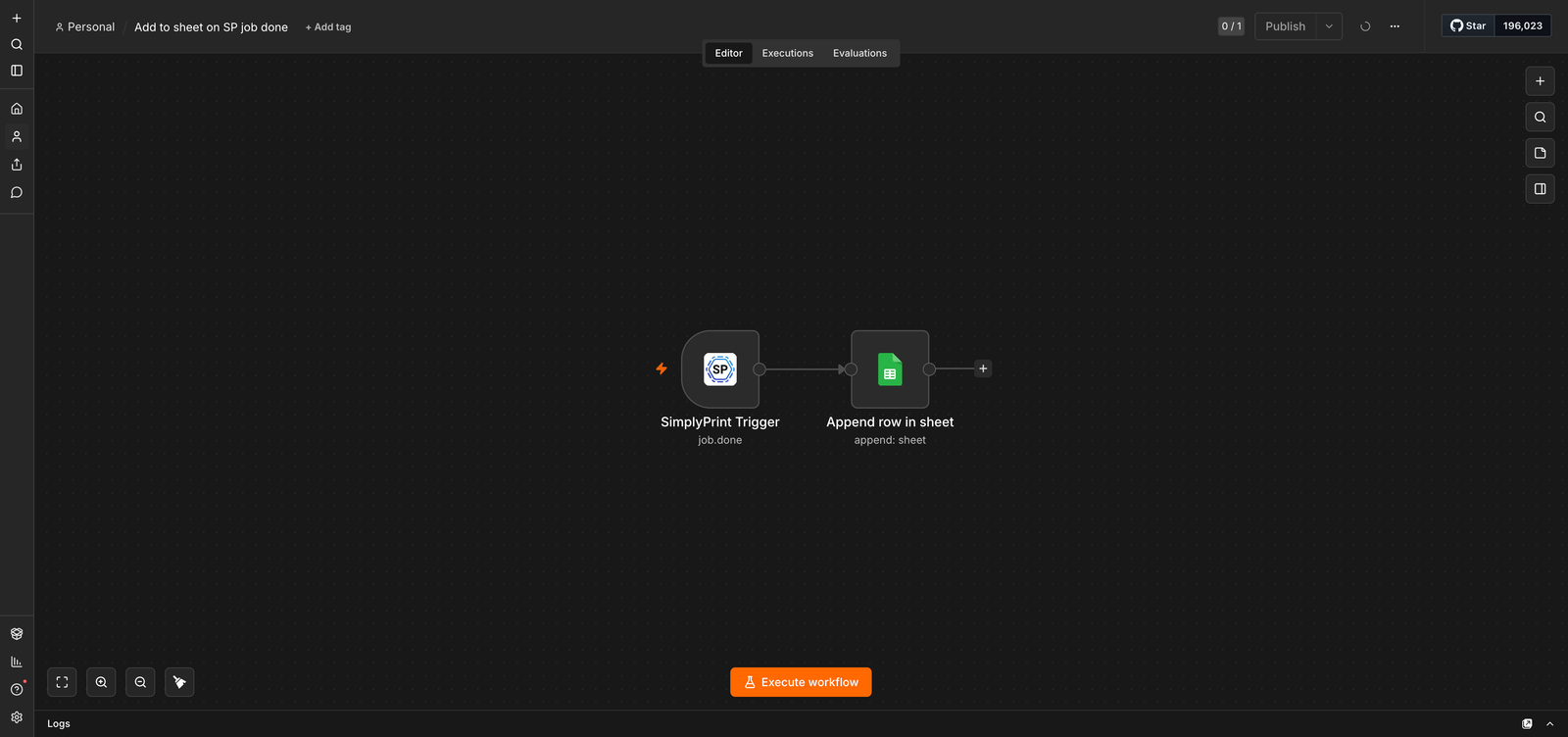
Source-available workflow automation. Connect SimplyPrint to 400+ apps and run the whole engine on your own server
View on n8n.io Read the full setup guide
SimplyPrint is not endorsed by or affiliated with n8n. We use trademarks and images only to indicate compatibility with our platform. Use of n8n hardware with SimplyPrint may not be as intended by n8n. All rights belong to respective owners.
With the SimplyPrint + n8n community node, you can connect SimplyPrint to hundreds of services (Slack, Google Sheets, Discord, Gmail, Airtable, Notion and more) and build automated workflows on your own server, or on n8n Cloud.
n8n is source-available under a fair-code licence, which means you can run the whole automation engine on your own infrastructure, fork the source, and keep every byte of data inside your own network. If you're a workshop, school or enterprise with data-residency or compliance requirements, that's the big draw over closed automation platforms.
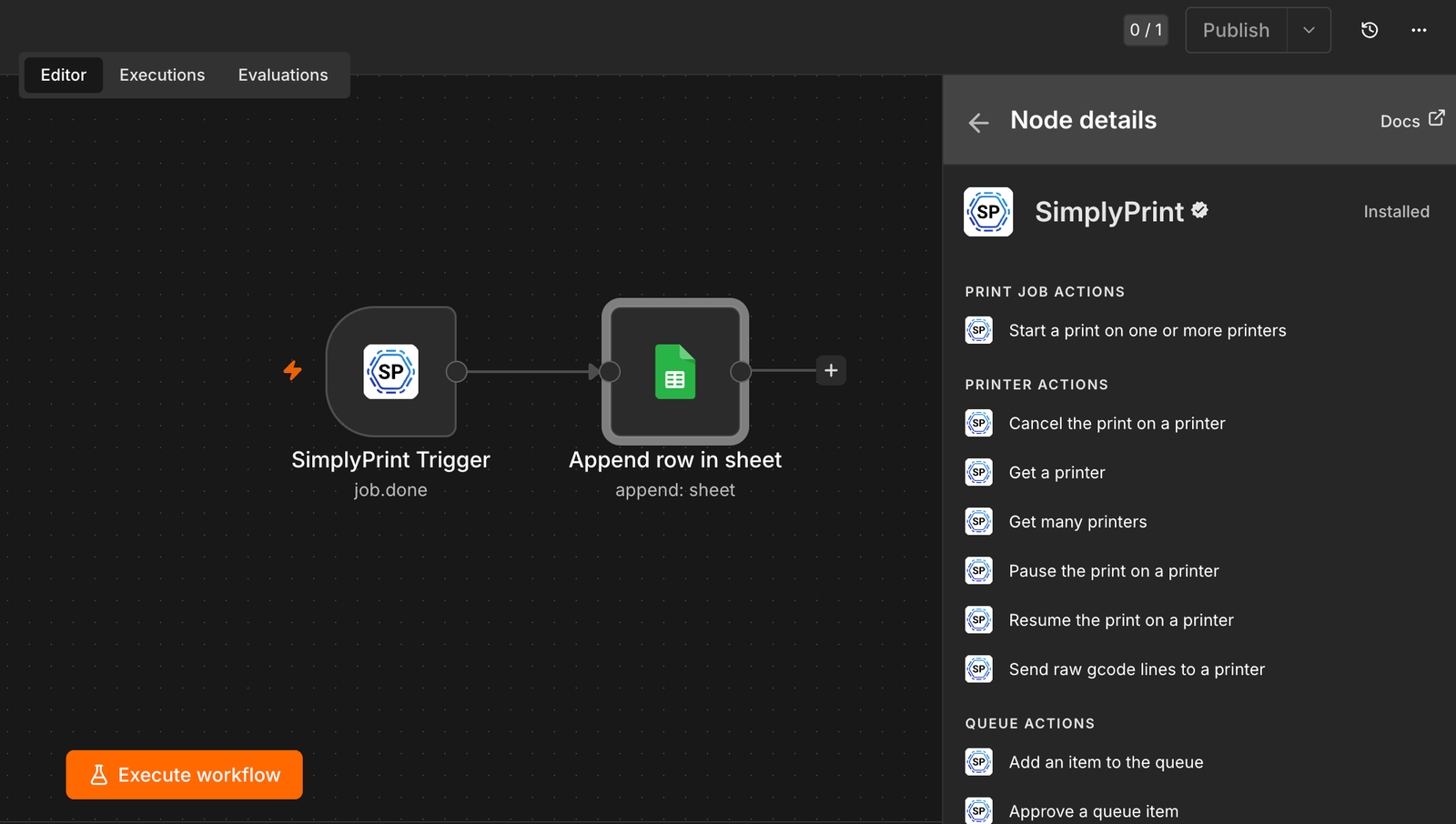
Set up triggers like print finished, print failed, filament assigned, AI failure detected or maintenance overdue, and have n8n run the actions you want: post to a channel, log to a spreadsheet, send an invoice, kick off the next queue item, or loop back into SimplyPrint to upload a file and start a print.
The npm package is published at https://www.npmjs.com/package/@simplyprint/n8n-nodes-simplyprint.
Open Community Nodes
In n8n, open Settings -> Community Nodes and click Install.
Enter the npm package
Enter @simplyprint/n8n-nodes-simplyprint as the package name.
Confirm and install
Tick the community-node confirmation box and click Install - n8n pulls the package from npm and registers the node.
Add a trigger or action
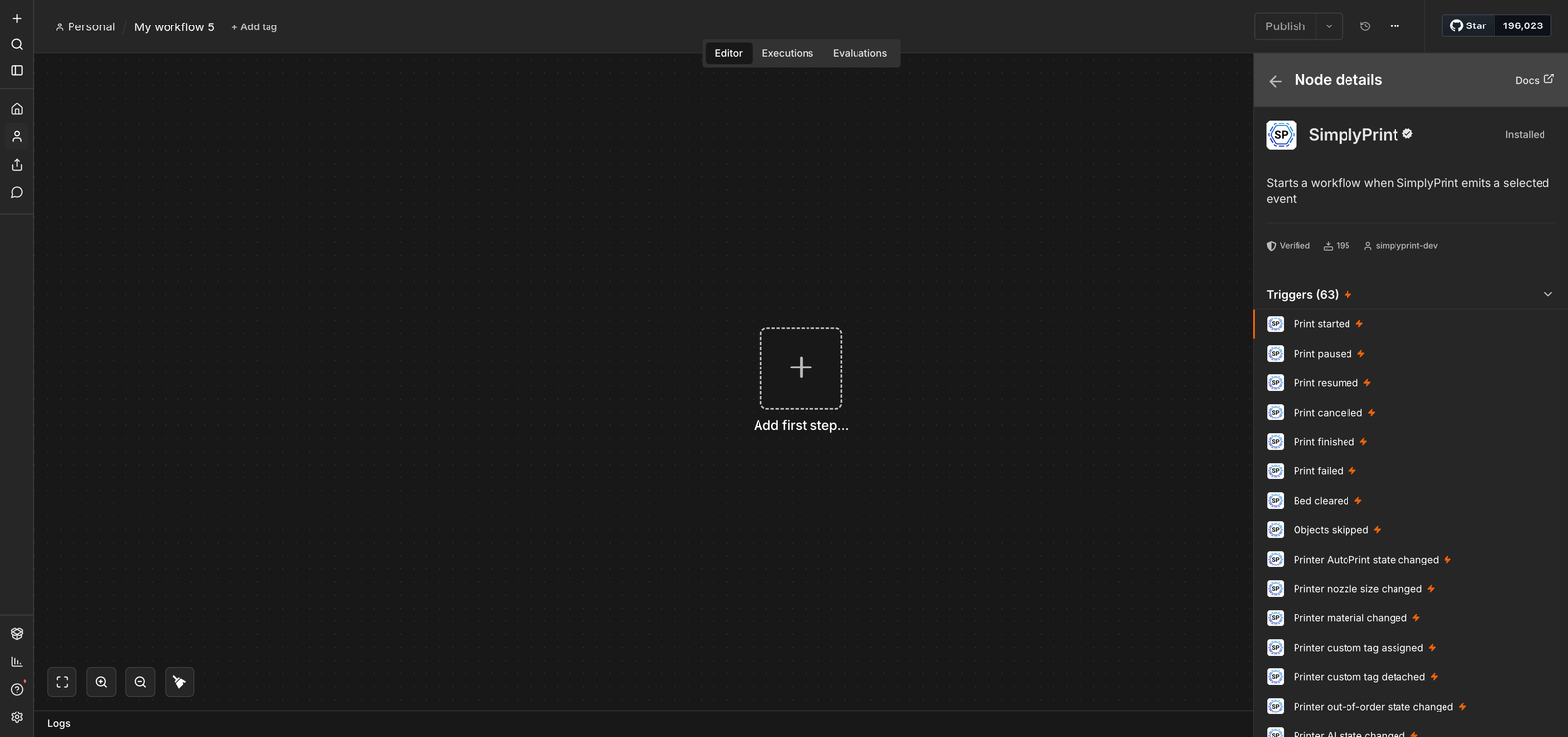
Create a workflow and add a SimplyPrint trigger (e.g. Print Finished) or action node.
Create the credential
Click Create Credential, pick OAuth2 or API Key, and approve the consent in SimplyPrint.
Build and activate
Wire up the steps to run after the trigger fires, then activate the workflow.
Install the community node from npm: in n8n open Settings -> Community Nodes and install @simplyprint/n8n-nodes-simplyprint. The nodes are also listed in the official n8n integrations directory at n8n.io/integrations/simplyprint.
Yes - that's the point. n8n is source-available, so you can run the whole automation engine on your own server and keep every byte of data inside your own network. The node works the same on n8n Cloud.
The n8n integration is included from the SimplyPrint Pro plan and up - the same plans that include API access. Any n8n setup works, self-hosted or Cloud.
Within seconds. The trigger node registers a real-time webhook in SimplyPrint, so workflows run right after the event - and the webhooks the integration creates work on any SimplyPrint plan that includes the integration.
OAuth2 with per-user, scoped tokens (an API key option exists too). You approve exactly what n8n can access, and you can revoke the token at any time from your SimplyPrint account.
Use the Custom API Call action to reach any SimplyPrint endpoint the node doesn't wrap - or contribute: the node is open source at github.com/simplyprint/n8n-nodes-simplyprint.
Integration for SimplyPrint allows for applications to interact with your 3D printers, and your 3D printers to interact with other applications. This allows for endless possibilities, and we strongly believe that your 3D printer should be able to function as an IOT device, working together with any and all applications you can imagine!
This is why the team behind SimplyPrint work to provide official integrations for the most popular platforms, slicer and applications, while also allowing our users to create custom integrations using our API, or for approved third party vendors to create integrations to be used by all SimplyPrint users, using a "Log in with SimplyPrint" method (using the "OAuth2" method).
If you're a developer interested in creating an integration for SimplyPrint, please read our documentation on the subject.
If you're not a developer yourself, but would like to see an integration for a specific application, go check if it's already on our roadmap or suggestion list, and if not, feel free to suggest it!