Made for the computer next to your printers
Makerspaces, school labs and print farms all run on shared printers. The Hub is the screen you put on the shared computer so anyone can walk up, find a printer and get a print going in seconds - while every action stays tied to a real person.
Two ways to sign in
Pick the login mode that fits your space, under organization settings. It changes how people sign in and how long they stay signed in.
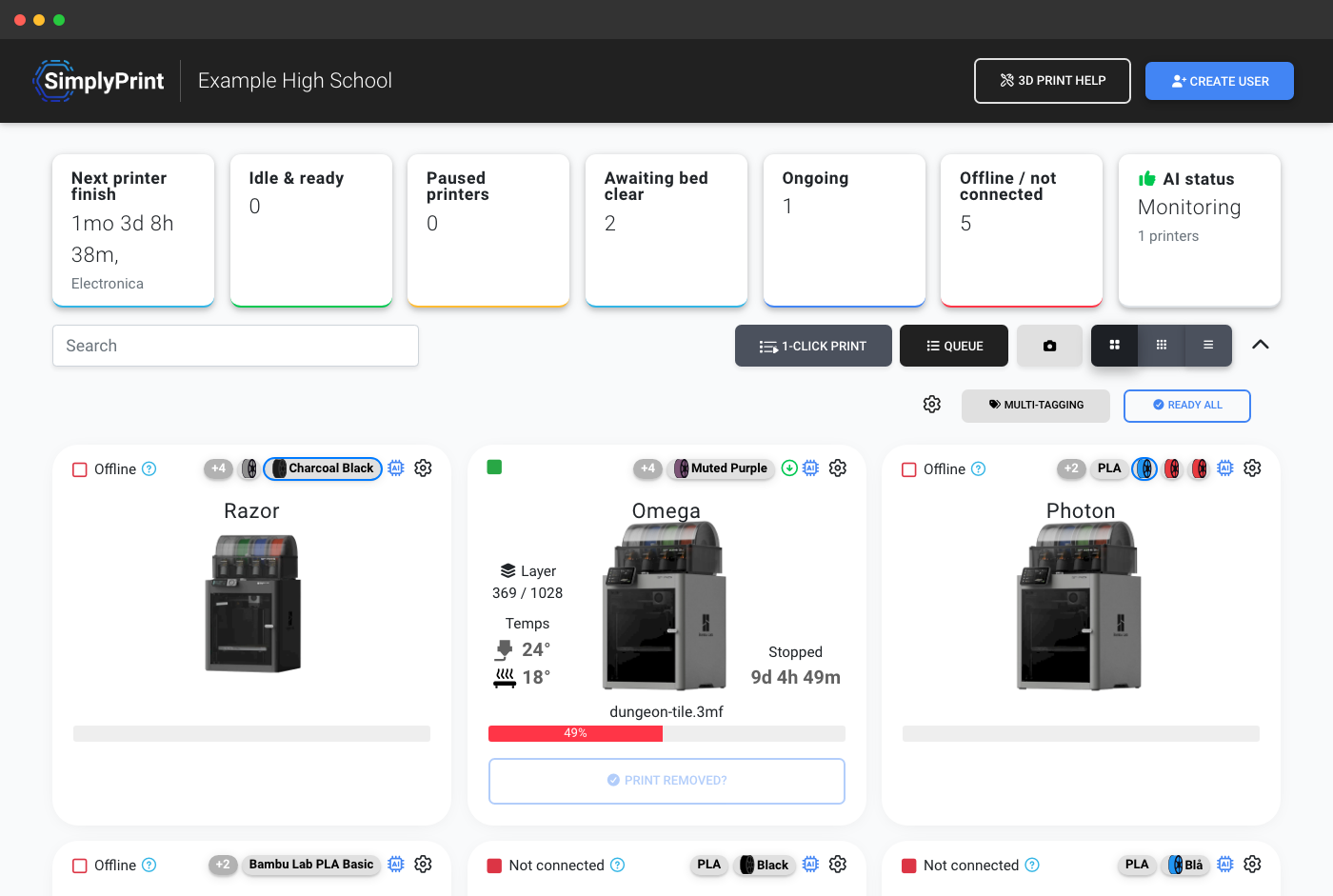
Sign in once and stay signed in - the Hub shares the same login as the rest of SimplyPrint. Best for a trusted screen, and kept private until someone logs in.
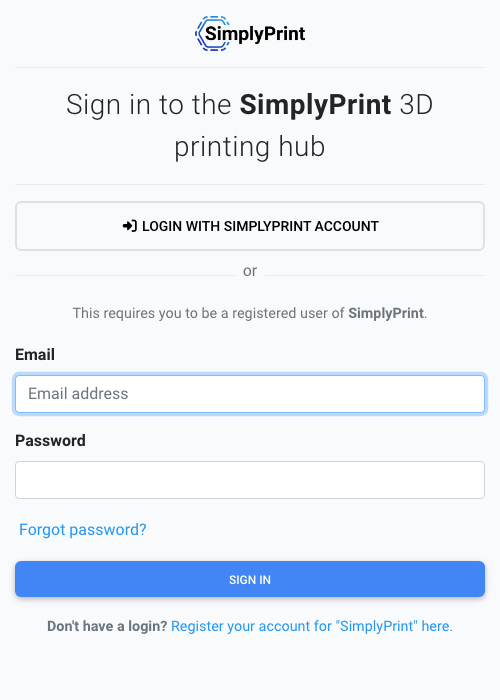
Anyone with the link can watch the printers; the Hub asks people to sign in before any action, then signs them back out after a couple of minutes - so the next person always prints as themselves, never under someone else's name.
Lock the Hub to your room
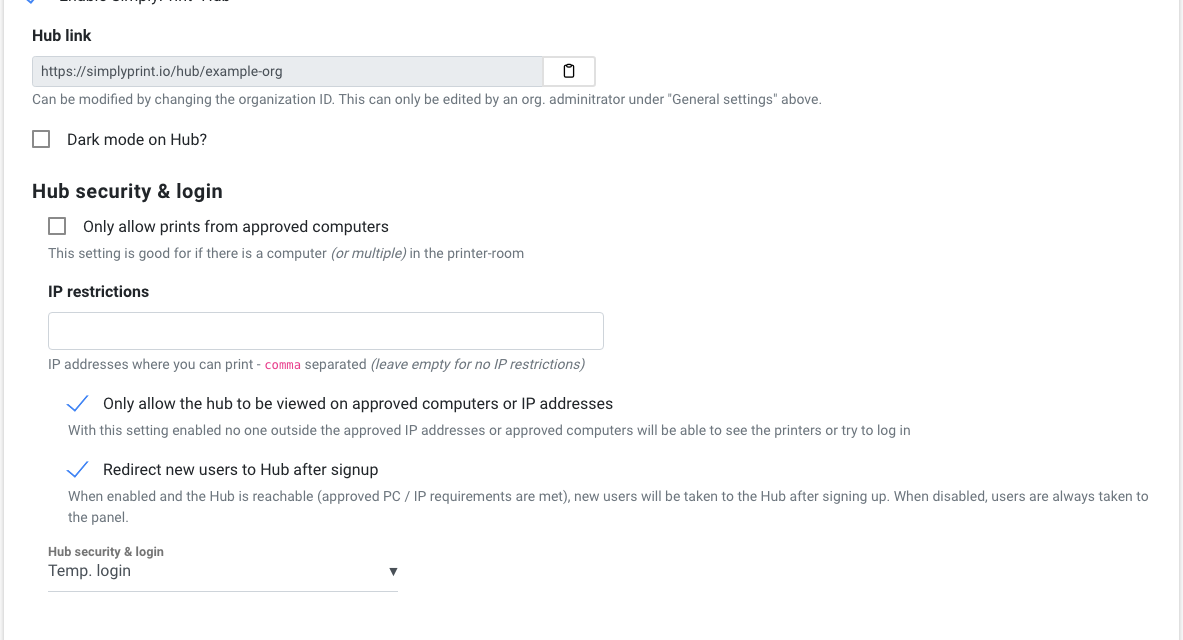
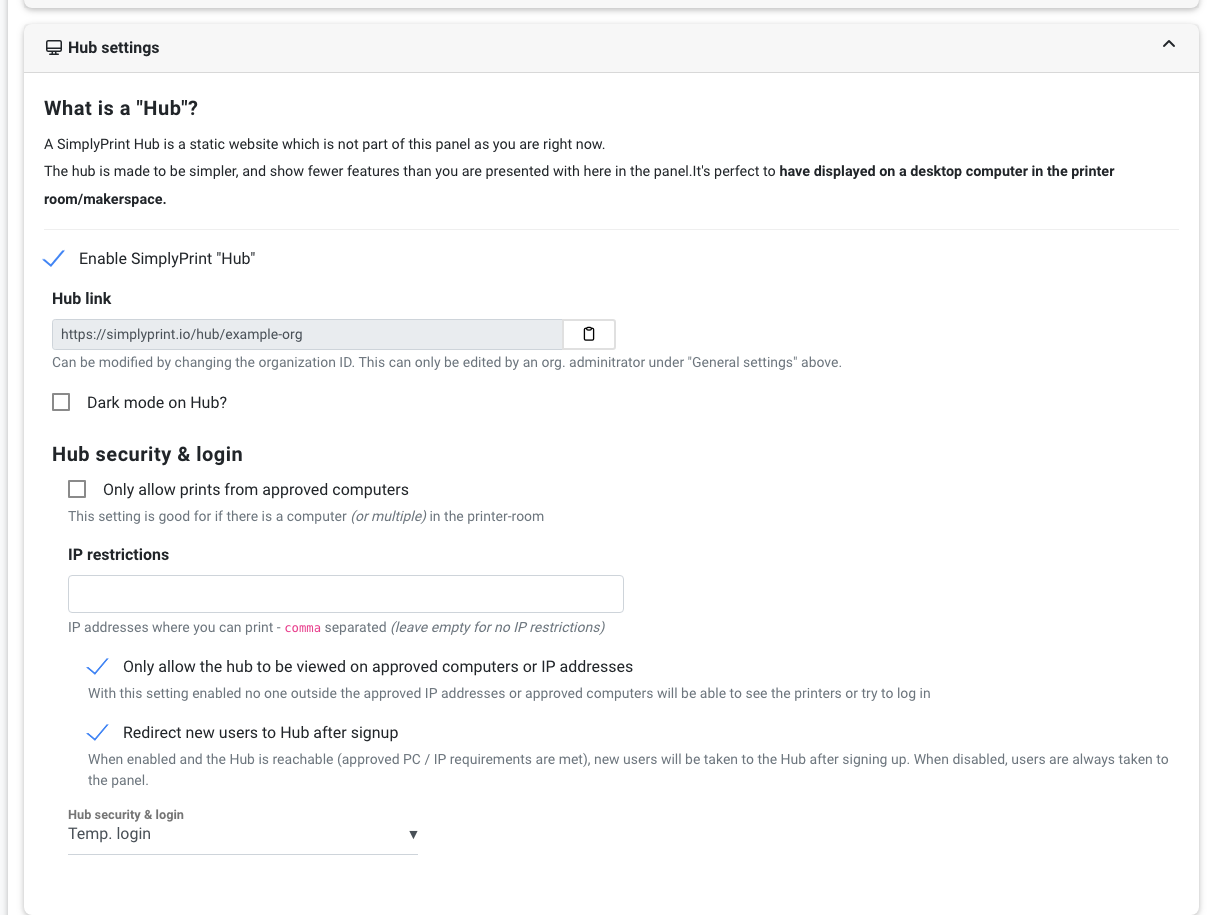
Keep the printer room as open or as private as you like. Restrict the Hub to approved computers - click a button on each computer you trust and only those devices get in. Limit access to your building's network with IP restrictions. Or keep printers fully private with permanent login, where people must sign in before they can see anything at all.
Your printers, your rules
You decide which printers show up with a per-printer Show on Hub toggle, run the screen in dark mode for a wall display, and send brand-new members straight to the Hub after they sign up. And because it's the same SimplyPrint underneath, the Hub respects the exact same permissions as the panel - if a user can't start prints in your organization, they can't start them on the Hub either.
Built for shared 3D printing accounts
The Hub is one piece of how SimplyPrint runs a shared account. Explore the rest:
Plans that include the Hub
The Hub arrives on the Print Farm plan, alongside the rest of SimplyPrint's multi-user tools, and is included on the School and Enterprise plans too.
| Feature / Limit | Free | Basic | Pro | Print Farm | Enterprise | School | Cloud Slicer | Filament Manager |
|---|---|---|---|---|---|---|---|---|
|
The Hub
Your kiosk-style printer-room page at simplyprint.io/hub/{your-id}.
|
||||||||
|
Multiple users
Invite teammates, students or members to your account, each with their own login.
|
||||||||
|
Single sign-on
Sign people in with your organization's existing SAML or OIDC identity provider.
|
||||||||
|
Quotas, limits and balance
Periodic quotas, per-job limits and prepaid balance for shared printers.
|
Want to learn more about our plans?
View full pricing & feature comparison