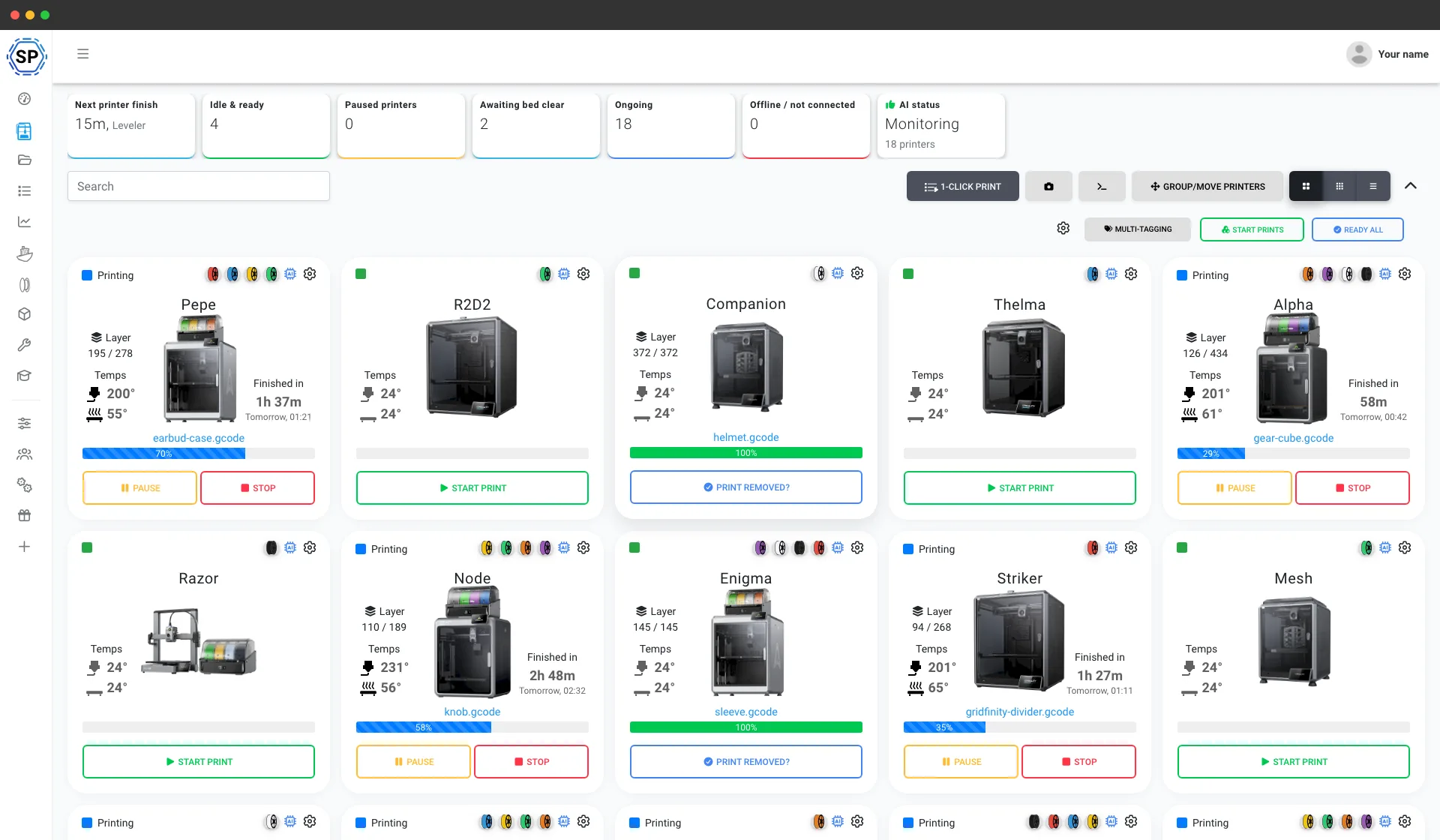
दुनिया भर में 500+ प्रिंट फार्म और व्यवसाय इस्तेमाल करते हैं





















शुरू किए गए प्रिंट
0
मटीरियल उपयोग
0
प्रिंट किए गए घंटे
0
2020 से print farm चला रहे हैं
डेनमार्क में हमारे अपने डेवलपरों द्वारा इन-हाउस बनाया गया, जो लगभग हर हफ्ते अपडेट जारी करते हैं और सहायता प्रश्नों का जवाब भी देते हैं।
हमारी कहानी पढ़ें और टीम से मिलेंअसली प्रिंट फार्म SimplyPrint पर चलते हैं
पाँच प्रिंटर वाली बेंच से 150+ प्रिंटर वाले वेयरहाउस तक, ये असली फार्म हैं जो अपना पूरा संचालन एक स्क्रीन से चलाते हैं और हर हफ़्ते घंटों का समय बचाते हैं।
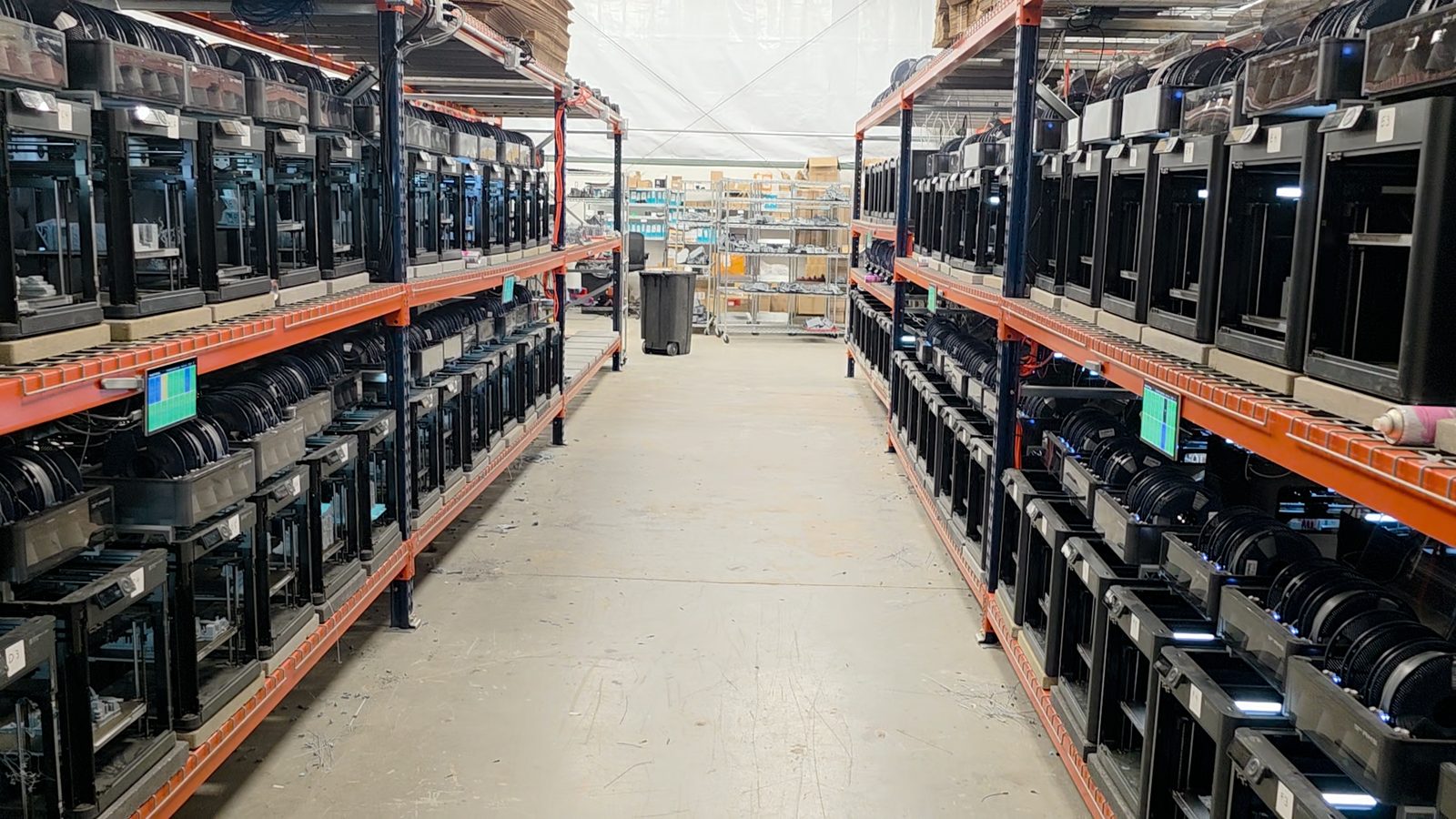
"Trying to do it now without SimplyPrint would be insane." उनकी story पढ़ें
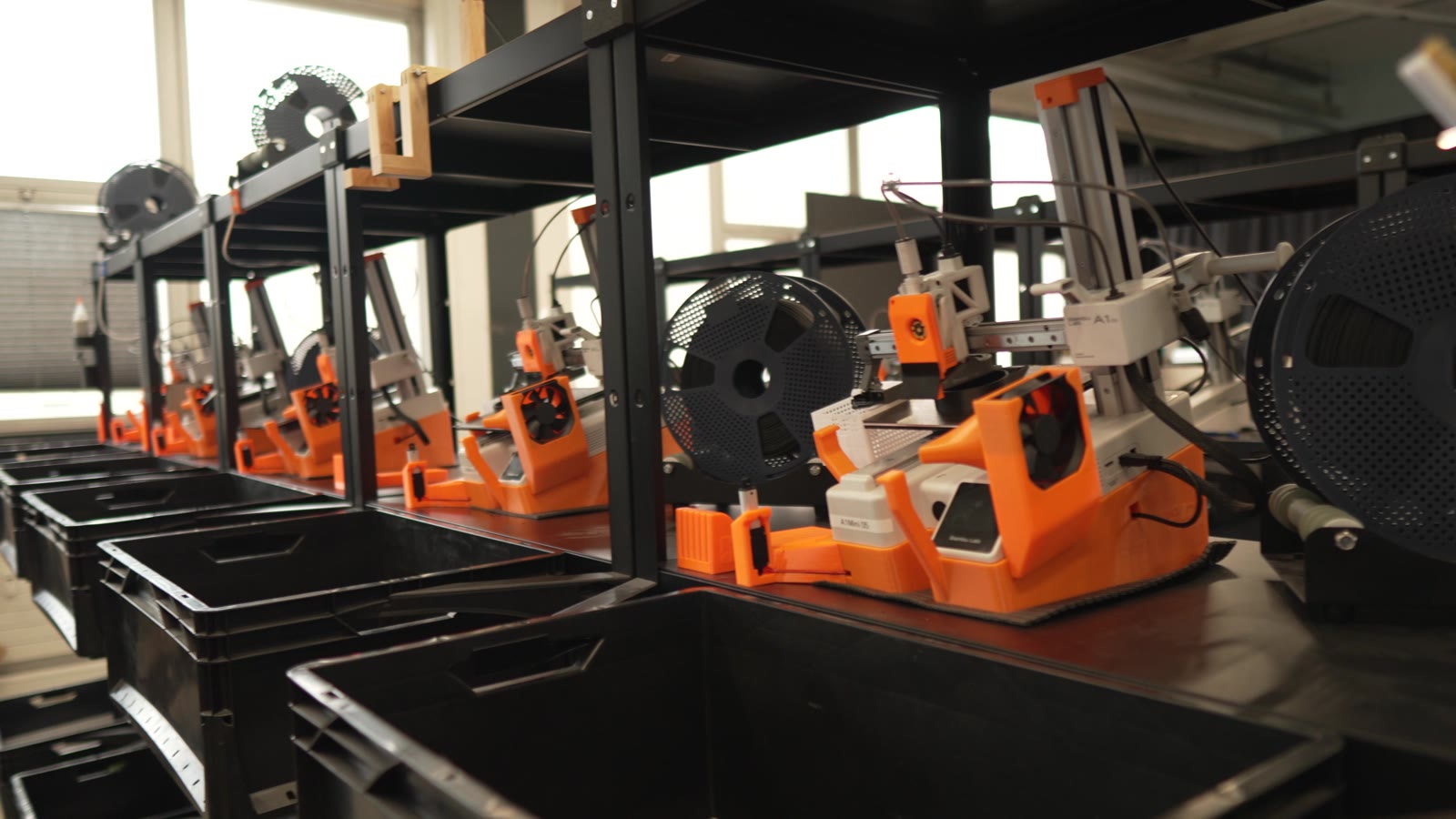
"Without automation, we would simply never be profitable here." उनकी story पढ़ें
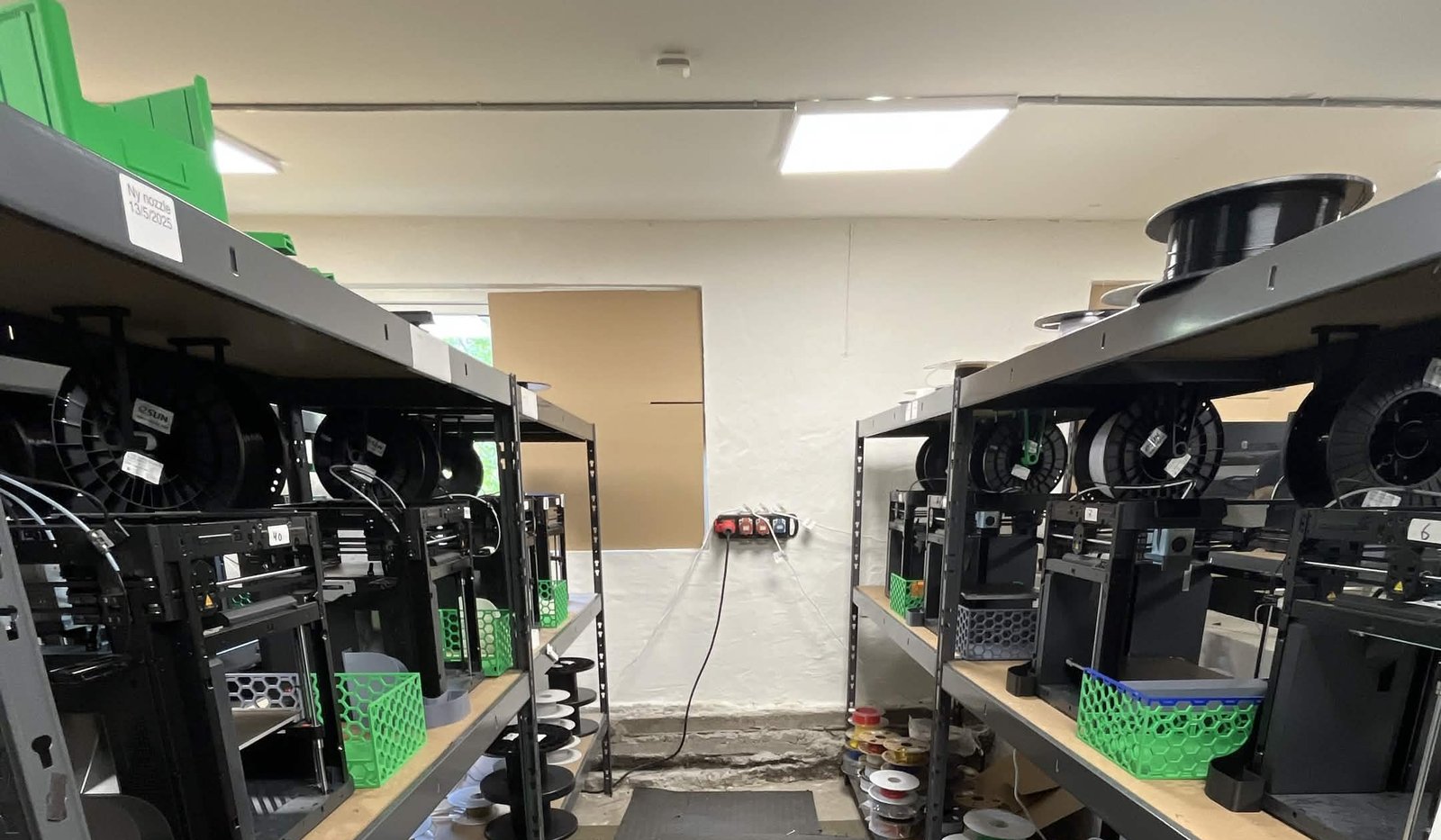
"We have always had the approach that the farm should be able to run even when we are not there." उनकी story पढ़ें
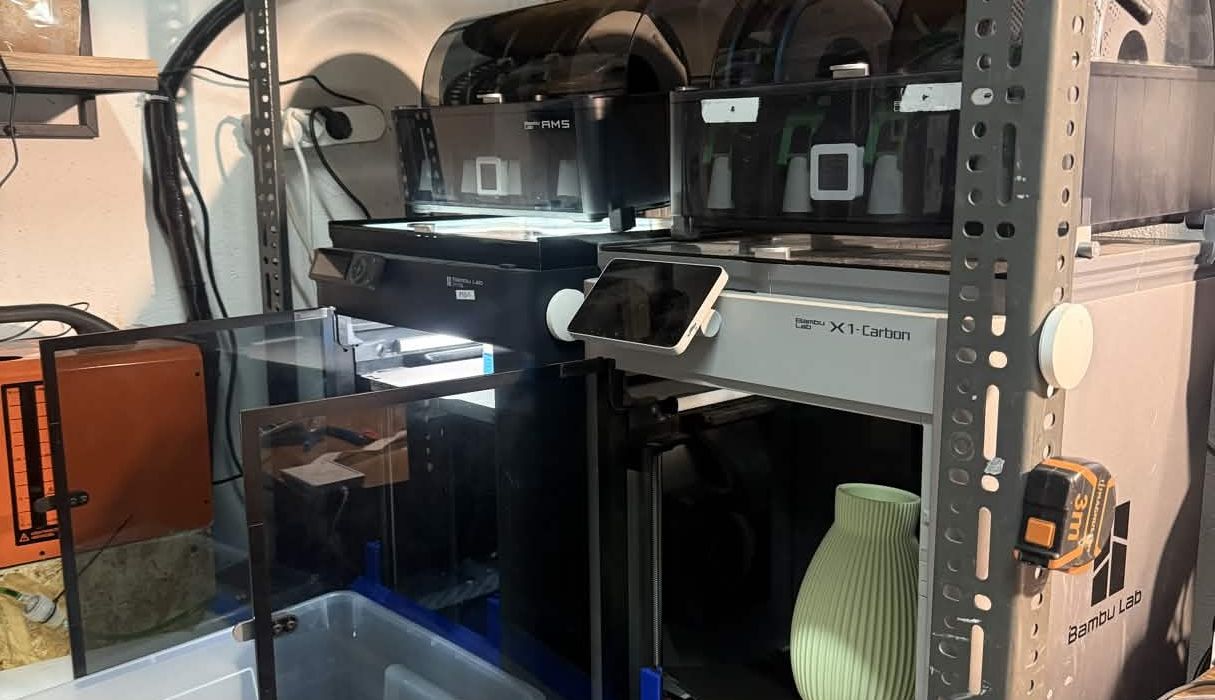
"Without software, the operator becomes the system. That might work with one printer, but it doesn't scale well." उनकी story पढ़ें
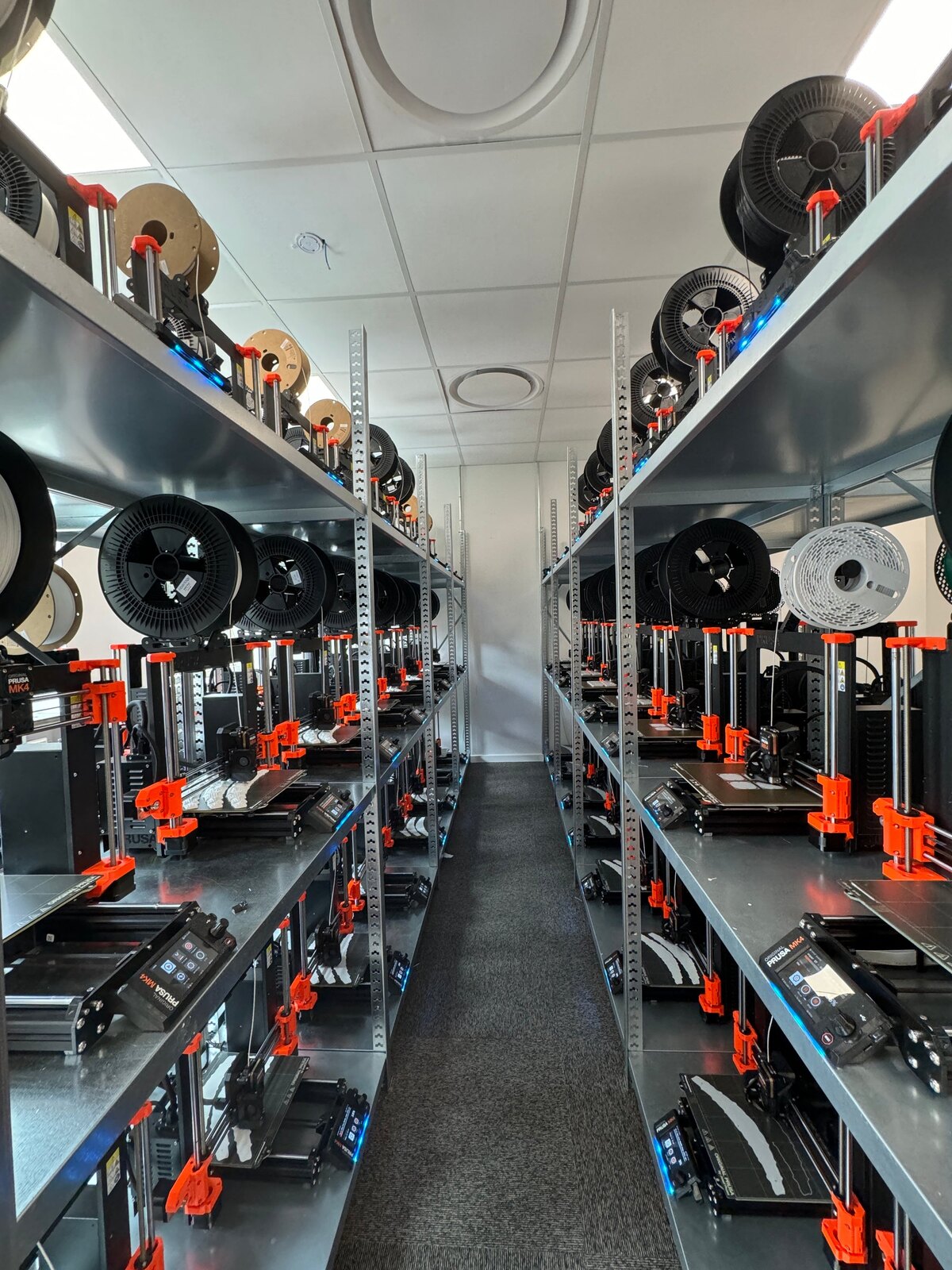
"It'd literally be impossible to run our farm at this scale without SimplyPrint." उनकी story पढ़ें
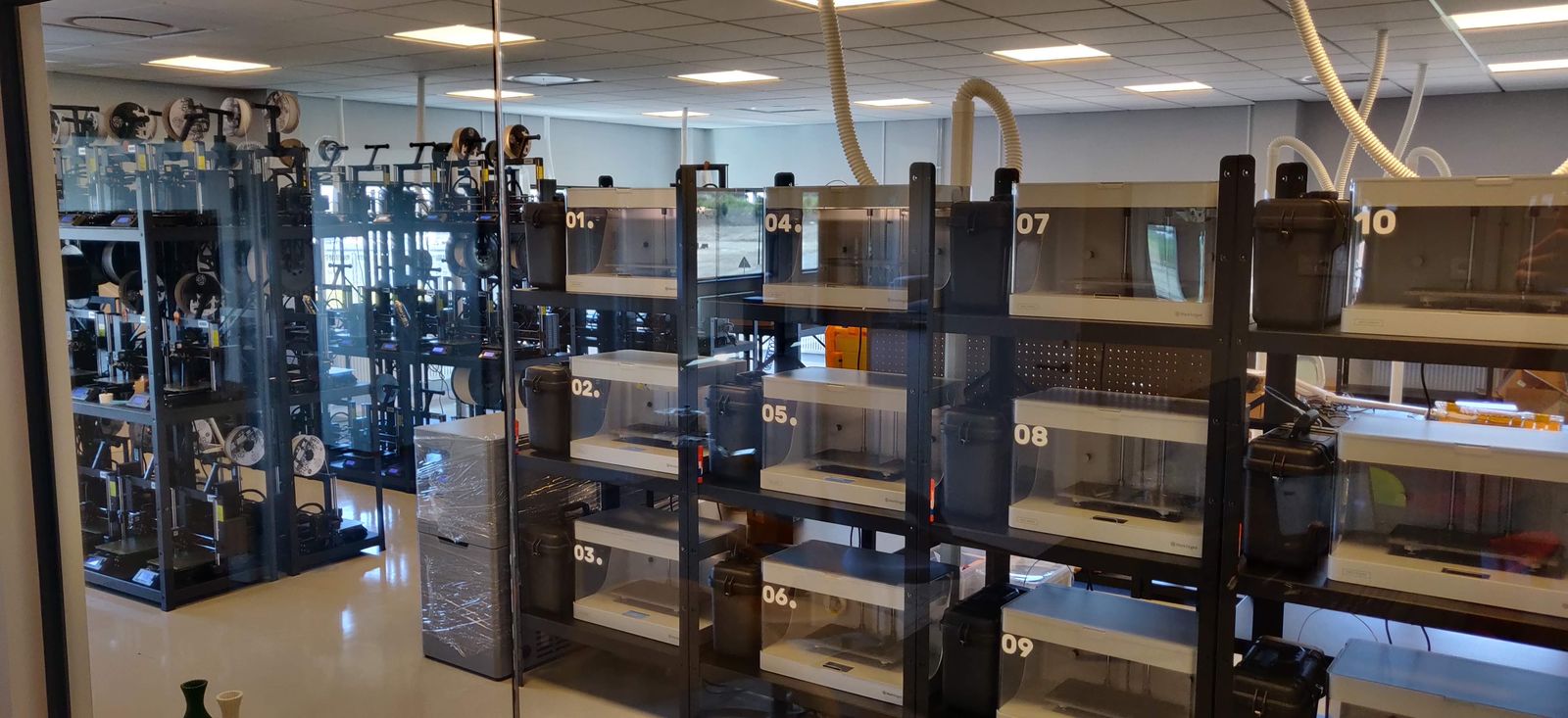
"We don't just know which material went into a part. We know the exact spool, on the exact print, at the exact time - and that's what makes a product passport real instead of a slogan." उनकी story पढ़ें
पूरे Creality फ्लीट के लिए एक प्रिंट कतार
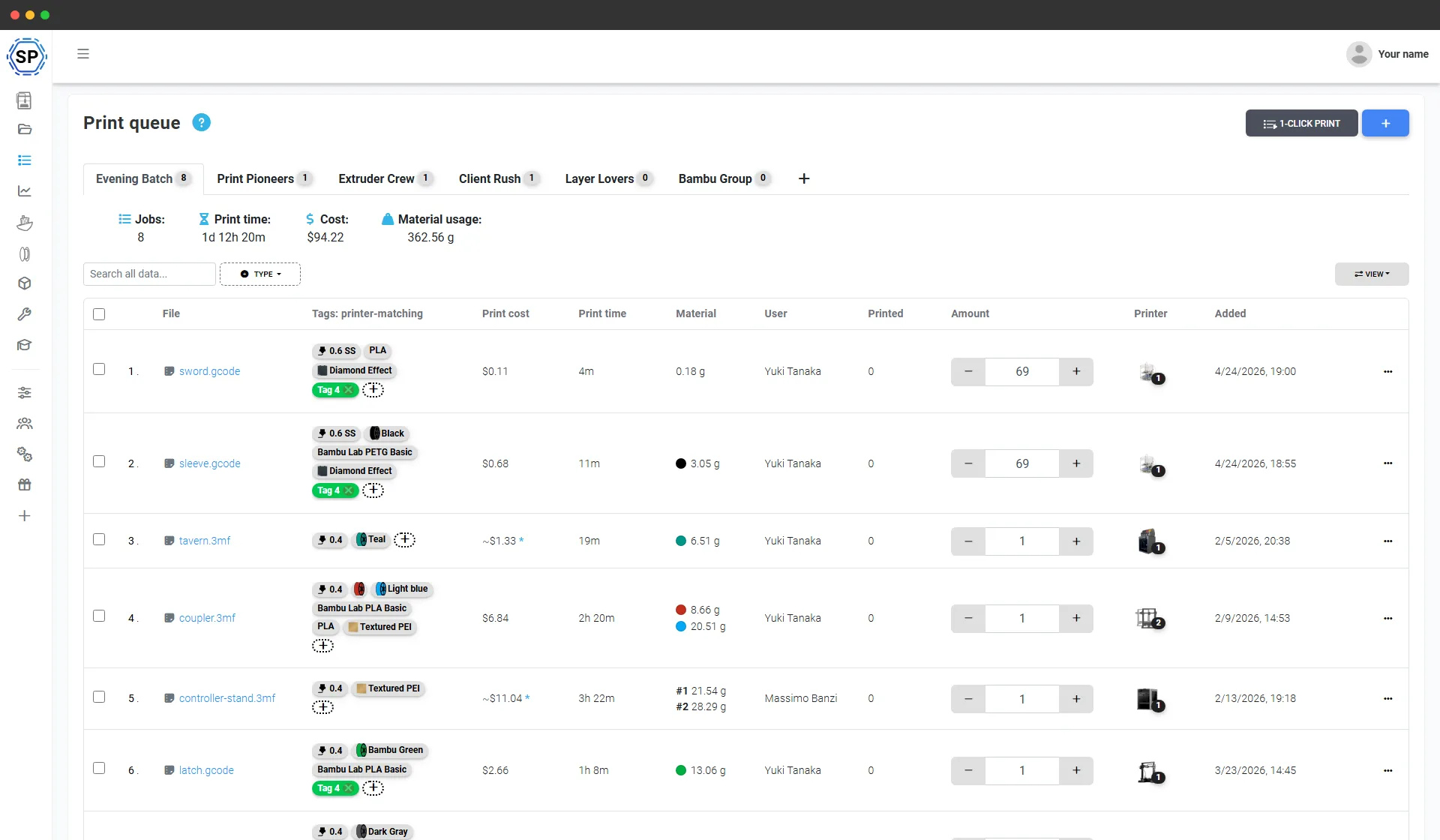
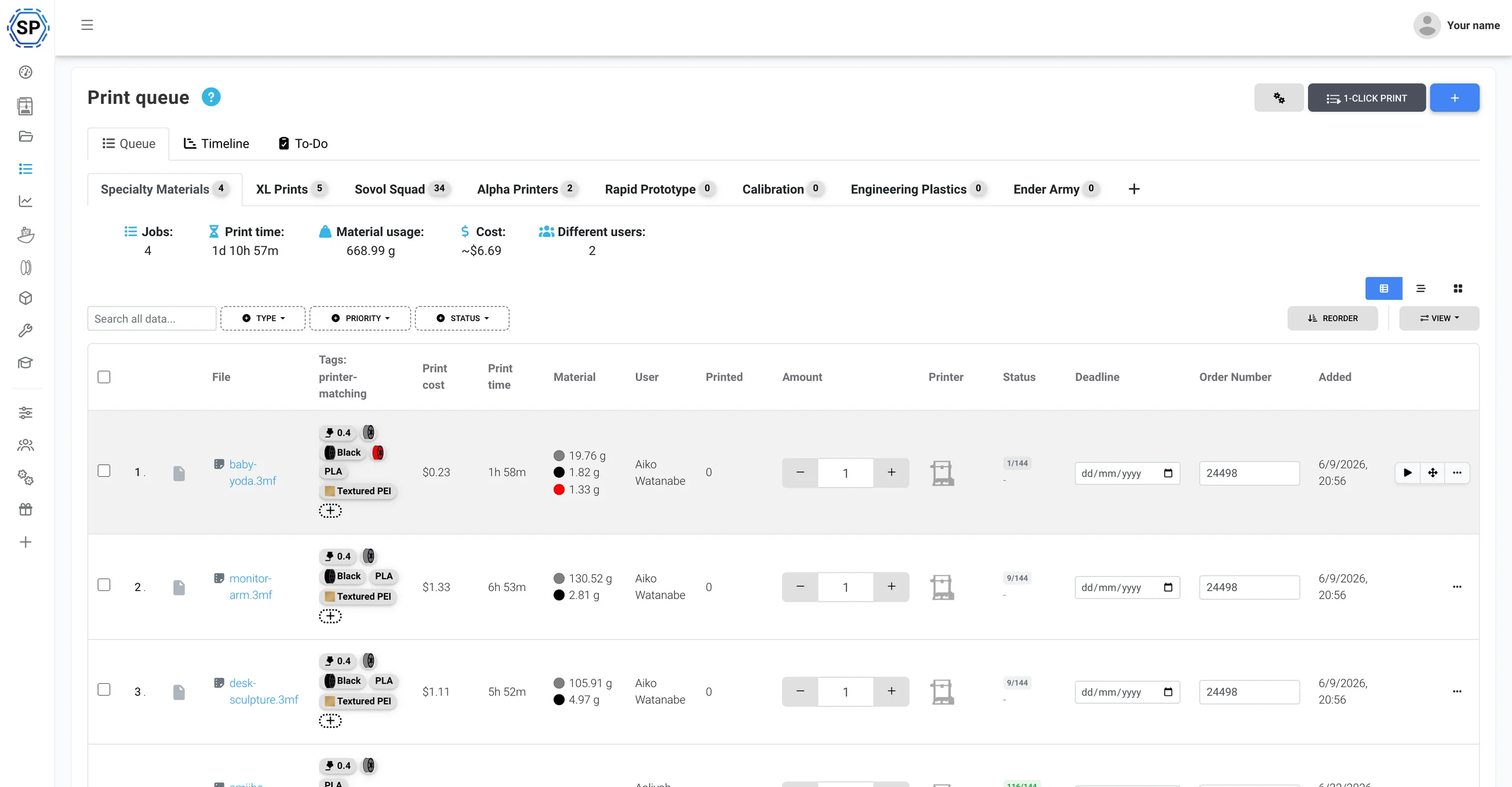
आपको जो कुछ बनाना है, वह सब जोड़ें और हर आइटम की संख्या तय करें। SimplyPrint मटेरियल, nozzle और bed (CFS रंगों सहित) का हर मशीन की लाइव स्थिति से मिलान करके प्रत्येक जॉब ऐसे Creality प्रिंटर को देता है जो उसे वास्तव में चला सके। एक क्लिक से पूरी कतार के प्रिंटरों पर पूरा बैच शुरू हो जाता है। न SD कार्ड, न हर प्लेट को अलग export करना, न किसने-क्या-प्रिंट-किया वाली स्प्रेडशीट।
Creality के साथ गहरा integration
SimplyPrint क्लाउड में Creality प्रिंटर प्रबंधित करता है और इकोसिस्टम के साथ नेटिव रूप से काम करता है: CFS, K-series पर Klipper, filament NFC टैग और पूरा फ़ार्म कंट्रोल, इन सबके लिए एक पैनल।
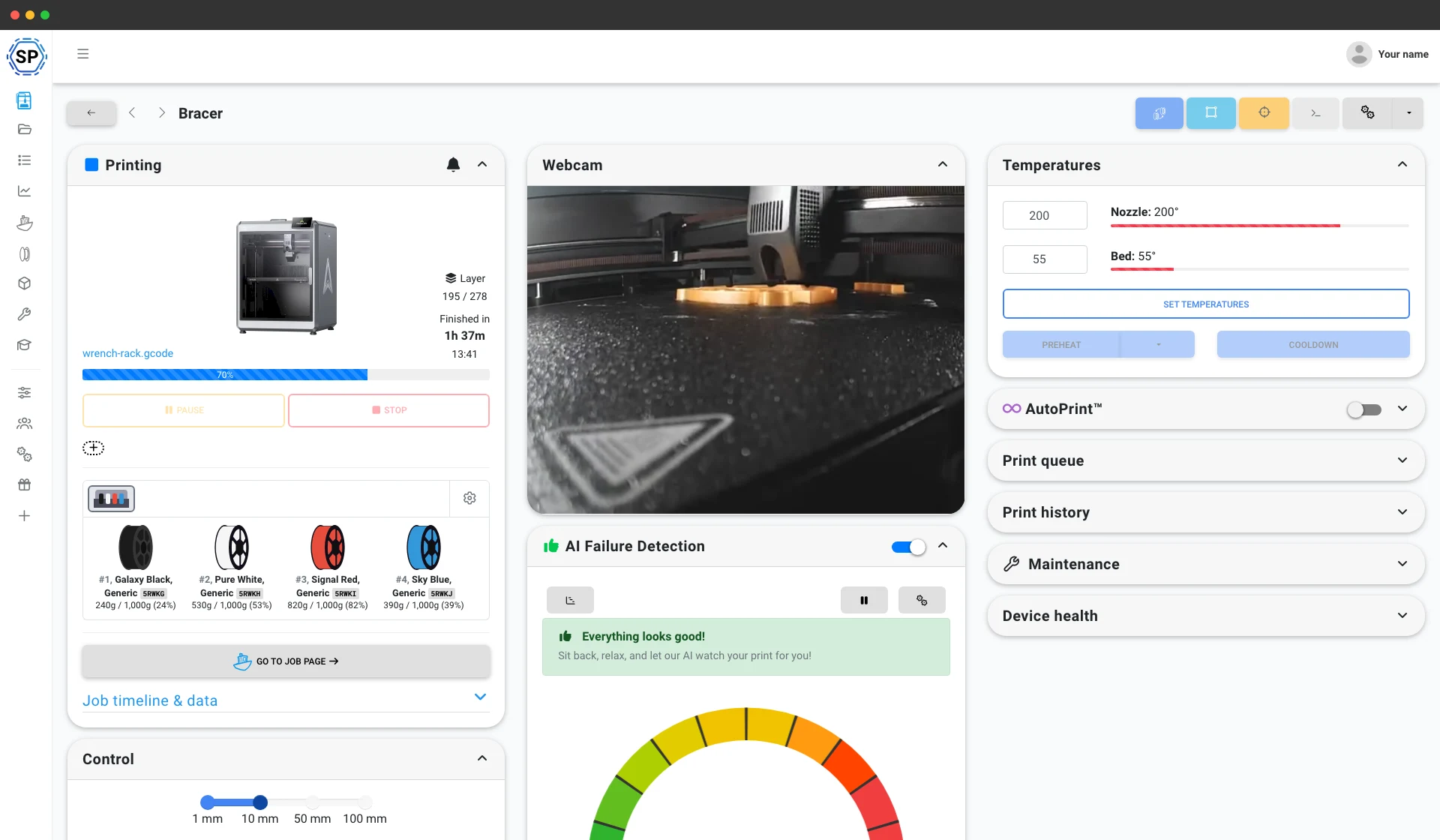
SimplyPrint Client से कनेक्ट करें और SimplyPrint हर CFS स्लॉट को लाइव पढ़ता है, सभी चार स्लॉट और अधिकतम चार चेन की गई यूनिट, 16 रंग, हर spool के मटेरियल और रंग को आपके filament इन्वेंट्री में सिंक करता है और जॉब शुरू होने पर CFS स्लॉट को आपके प्रिंट से अपने आप मैप करता है। Bambu AMS की तरह ही उत्कृष्ट मल्टी-मटेरियल प्रबंधन। CFS इंटीग्रेशन देखें
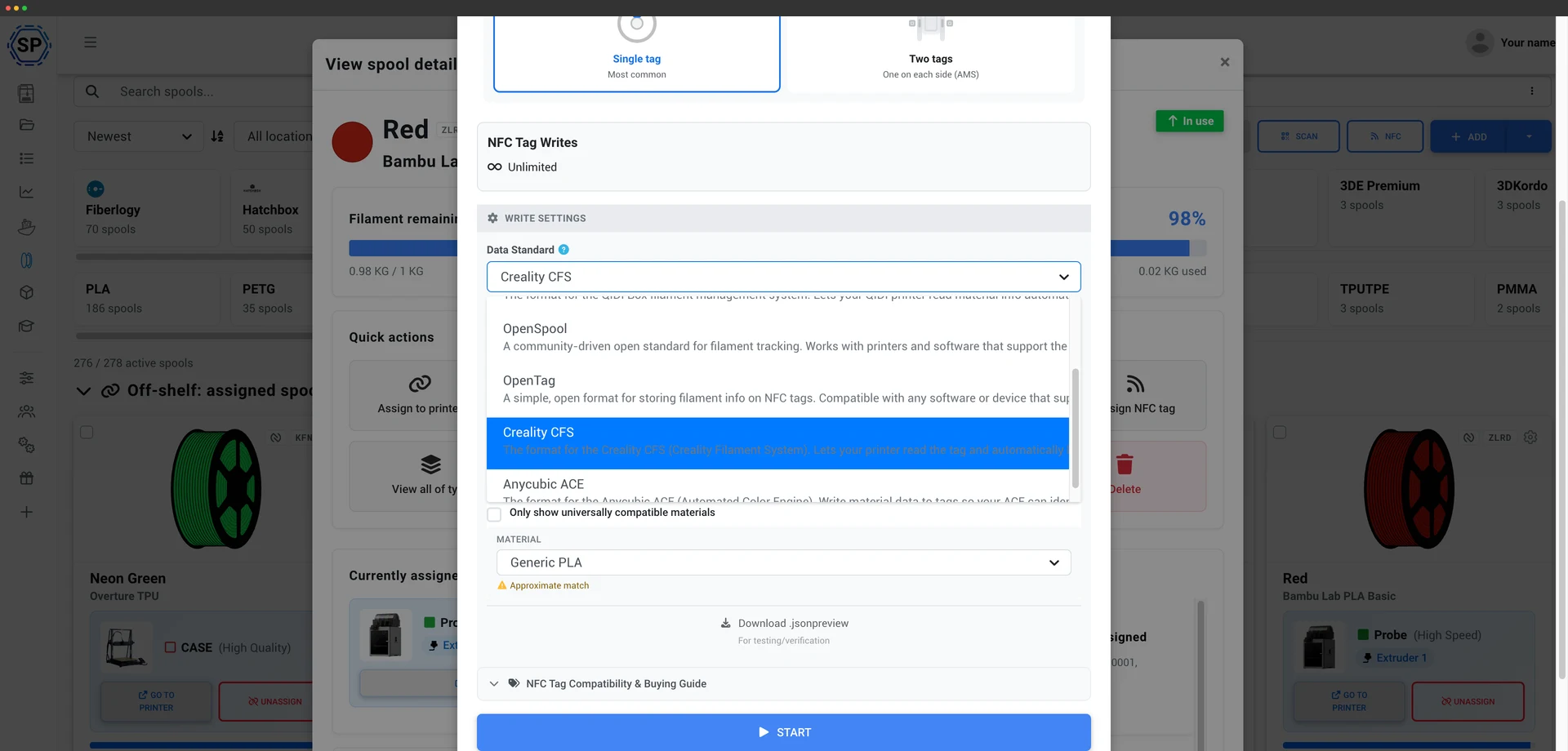
SimplyPrint CFS के NFC टैग को सीधे पढ़ता और लिखता है, जो Bambu टैग के केवल-पढ़ने वाले उपयोग से एक कदम आगे है। इसका मतलब है कि आप अपने खुद के spools पर टैग लगा सकते हैं, गैर-Creality filament पर भी, ताकि CFS उन्हें पढ़े और हर स्लॉट को हाथ से सेट करने के बजाय सही material profile अपने आप लोड करे। Android ऐप या USB NFC रीडर से अपने filament inventory से सीधे टैग लिखें। CFS टैग कैसे काम करते हैं
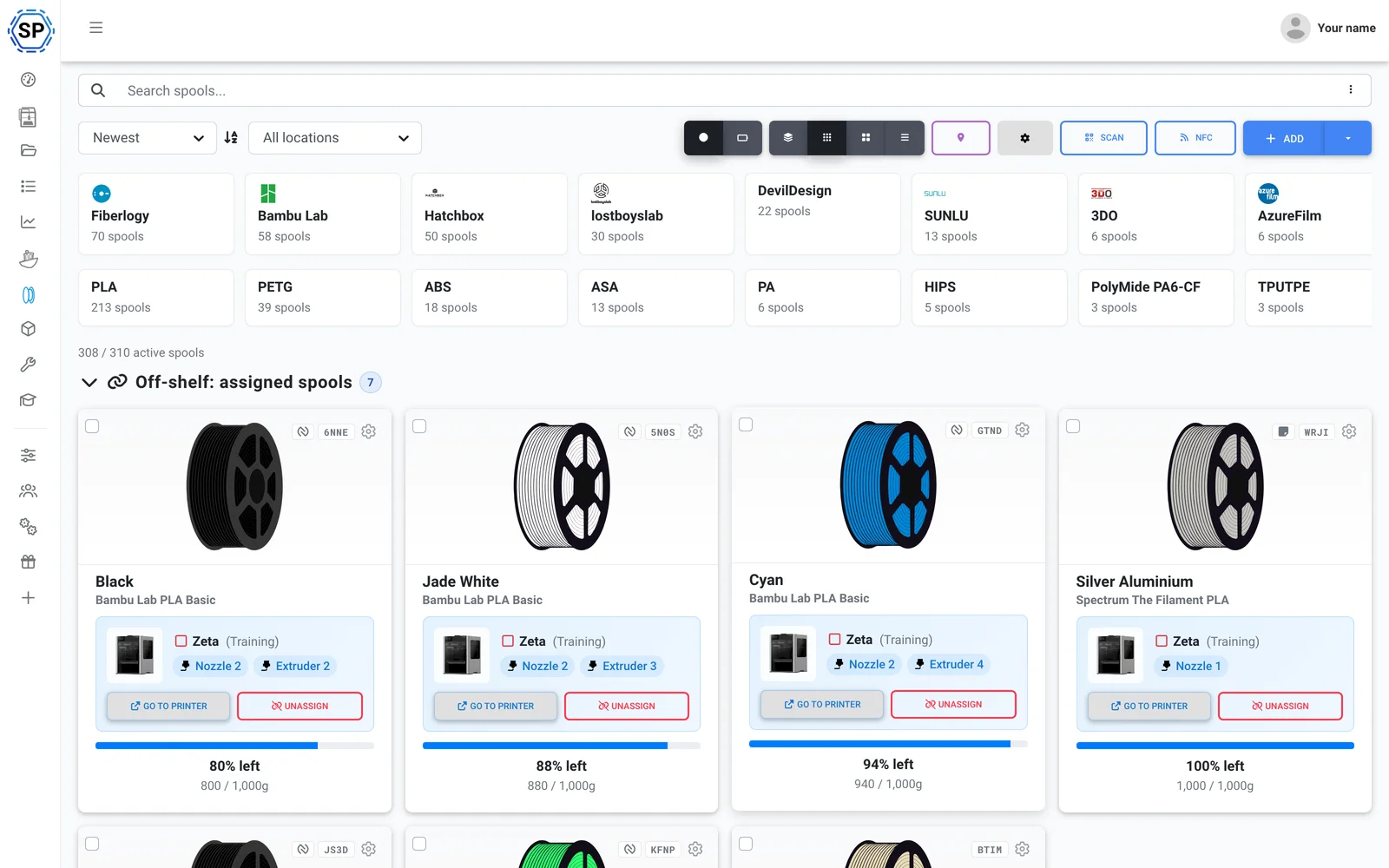
अपनी पसंद का कोई भी filament इस्तेमाल करें। SimplyPrint G-code से ही उपयोग ट्रैक करता है और हर प्रिंट में जितना इस्तेमाल हुआ, उतना लोडेड spool से घटाता है, जिससे पूरे fleet में इन्वेंट्री सटीक रहती है, Creality Hyper spools, सामान्य PLA या इनके बीच का कुछ भी हो। filament प्रबंधन देखें
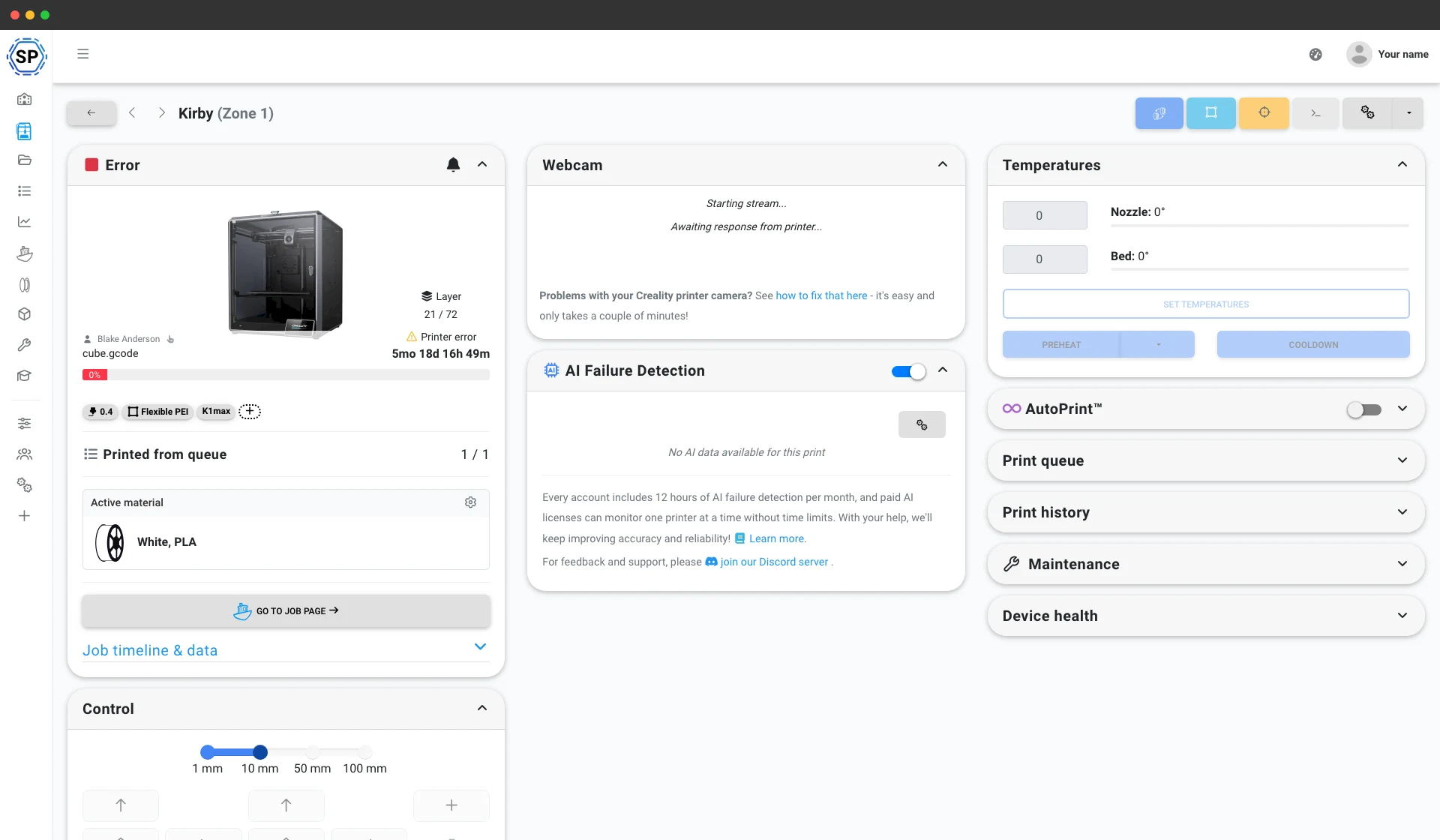
K1, K1 Max, K1C, K2 और Hi Klipper चलाते हैं, इसलिए SimplyPrint उनसे Klipper/Moonraker या SimplyPrint Client के ज़रिए जुड़ता है, किसी भी browser से पूर्ण webcam, controls, macros और print starts। आपकी Ender और CR मशीनें भी इसी तरह या direct install से कनेक्ट होती हैं। printer control देखें
इसमें यह भी है: CrealityPrint online (Creality का आधिकारिक OrcaSlicer-आधारित engine, आपके ब्राउज़र में), प्रति-प्रिंटर मेंटेनेंस व उपयोग ट्रैकिंग, पूरे फ्लीट पर बल्क कार्रवाइयाँ और एक स्क्रीन पर पूरा फार्म।
एक दोपहर में तैयार
SimplyPrint पूरे फार्म में तेज़ी से इंस्टॉल हो जाता है, नया हार्डवेयर खरीदने की ज़रूरत नहीं। अपने प्रिंटर जोड़ें और उसी दिन पूरा फ्लीट एक पैनल में आ जाता है।
Creality के लिए बनाया गया, Ender-3 से K1 Max, K2 और Hi सीरीज तक हर मॉडल सपोर्टेड है। मिश्रित फ्लीट? 150+ ब्रांड साथ-साथ काम करते हैं।
खाता बनाएँ
अपने प्रिंटर कनेक्ट करें
Klipper/Moonraker, SimplyPrint Client या सीधा इंस्टॉल
कतार भरें

पूरी क्षमता पर प्रिंट करें
सिर्फ Creality वाला फ़ार्म? Creality, SimplyPrint पर सबसे ज़्यादा इस्तेमाल होने वाला ब्रांड है
Creality, SimplyPrint पर सबसे आम printer brand है: 10,100+ जुड़े हुए, किसी अन्य ब्रांड से अधिक, और SimplyPrint इसे बहुत अच्छी तरह चलाता है। यह केवल Creality के लिए नहीं है। बाद में Bambu, Prusa या Elegoo जोड़ें और वह भी उसी panel में आता है। 150+ ब्रांड एक साथ, एक ही कतार और screen पर चलते हैं। पूरा प्रिंट फ़ार्म प्लेटफ़ॉर्म देखें।
Creality प्रिंटर Klipper/Moonraker (K1, K2 और Hi में Klipper पहले से होता है), SimplyPrint Client, या पुराने Ender और CR मशीनों पर सीधे इंस्टॉल के जरिए कनेक्ट होते हैं। किसी खास हार्डवेयर की जरूरत नहीं, कोई लॉक-इन नहीं।
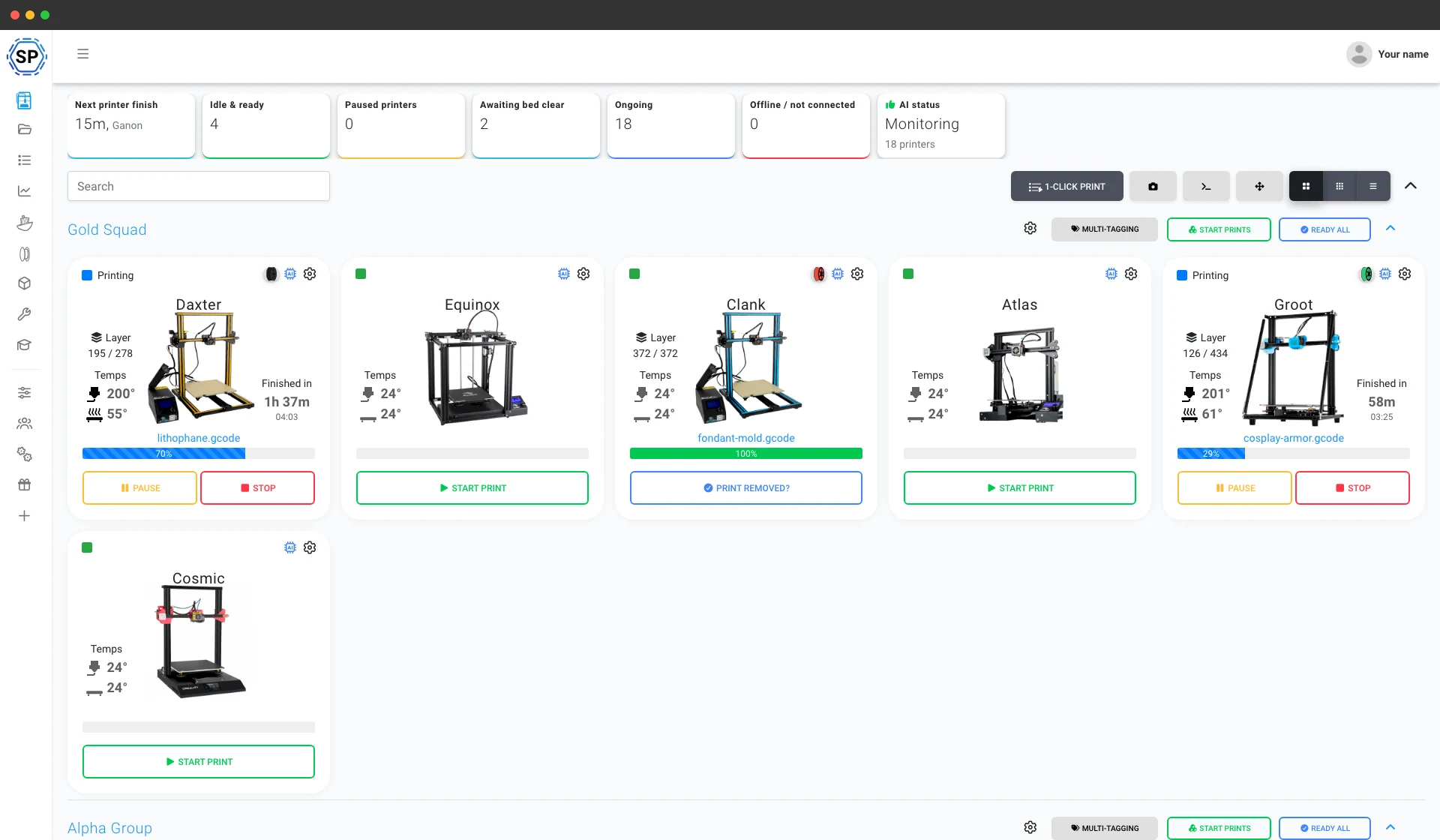
Creality farm के लिए बाकी सब कुछ
मेंटेनेंस, ऑटोमेशन, filament, आंकड़े और बहुत कुछ, ज़रूरत पड़ते ही उपलब्ध।
सभी सुविधाएँ जानें
1-क्लिक में बल्क स्टार्ट
Creality printers की पूरी wall पर हर matching job एक click में शुरू करें। SD cards या floor पर घूमना नहीं।
और जानें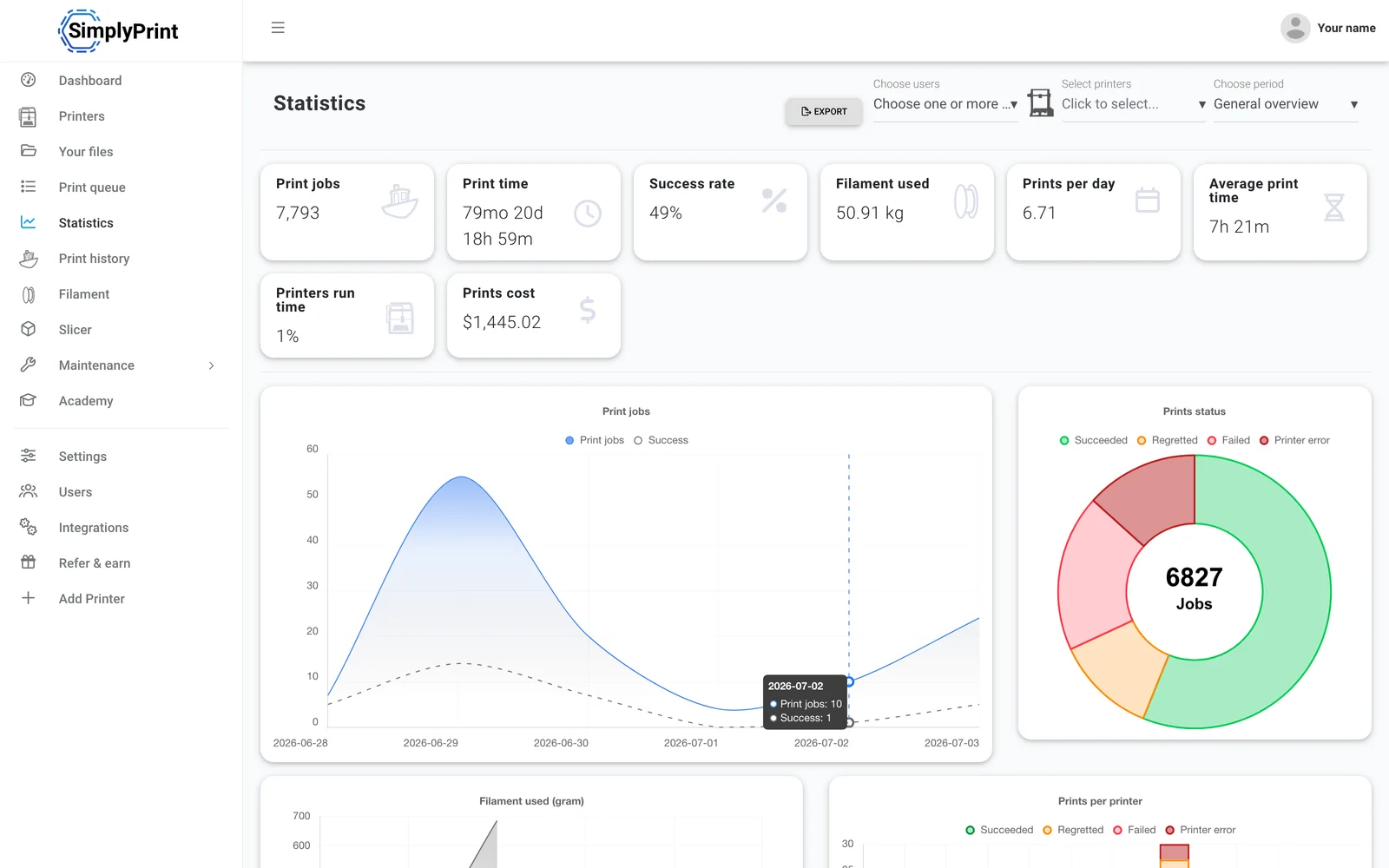
आंकड़े
प्रिंट घंटे, सफलता दर, filament उपयोग और लागत, व्यवसाय चलाने के जरूरी आंकड़े।
और जानें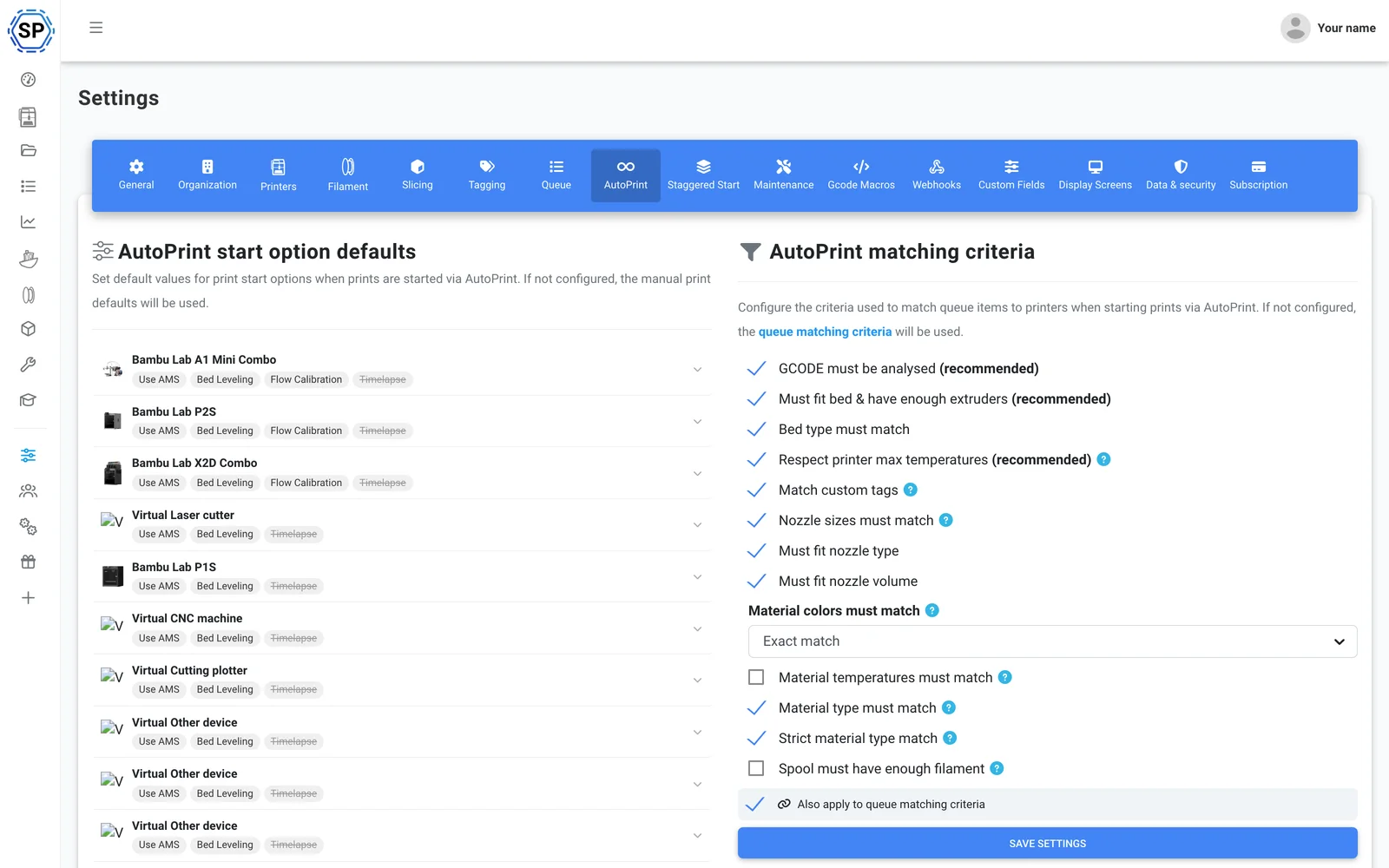
AutoPrint
बिना हस्तक्षेप निरंतर प्रिंटिंग: SimplyPrint हर प्रिंट पूरा होने पर bed खाली करके अगला उपयुक्त जॉब खुद शुरू करता है।
और जानें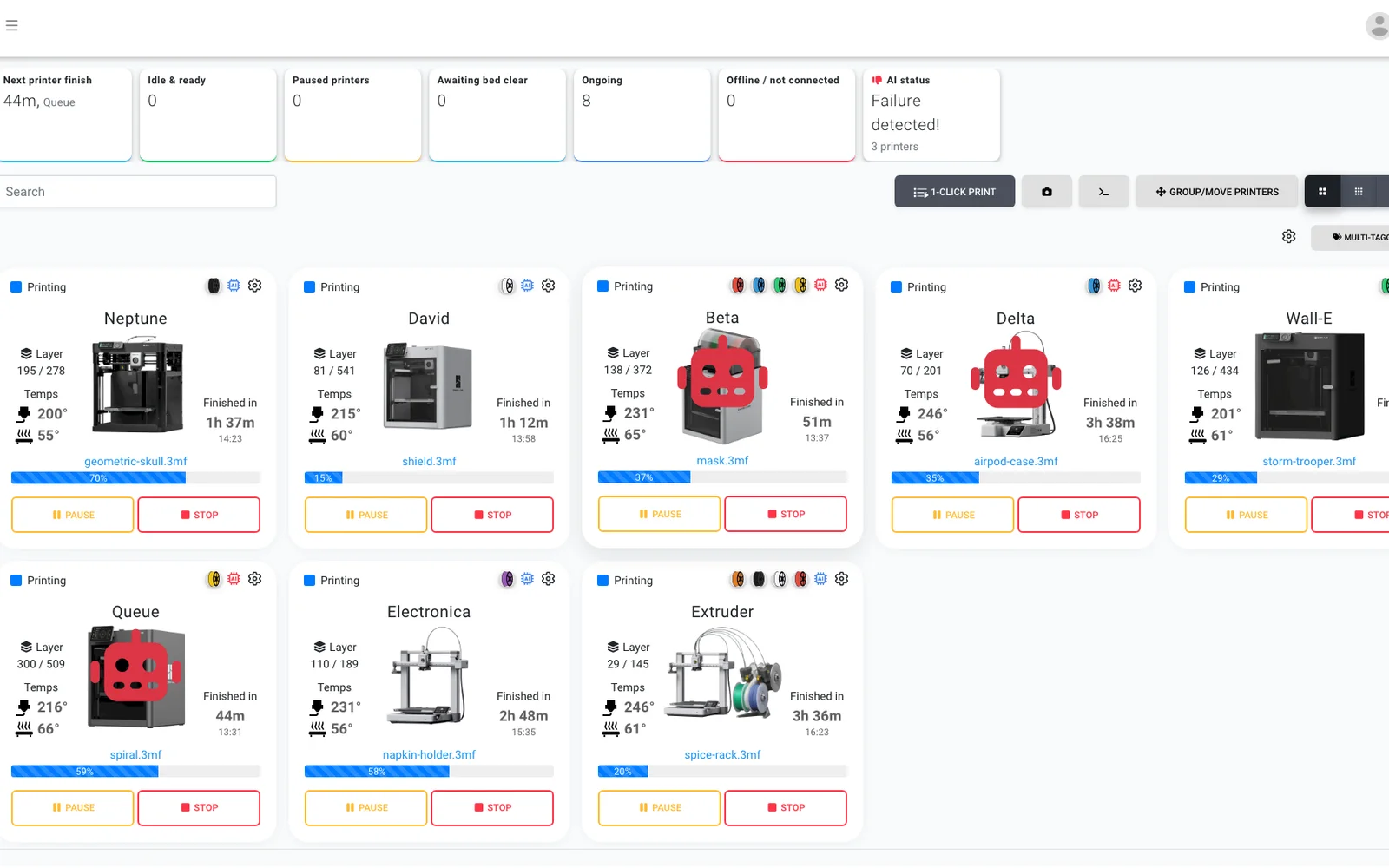
AI फेलियर डिटेक्शन
हर कैमरे पर दूसरी नजर, किसी भी Creality प्रिंटर पर, इसलिए बिना ऑनबोर्ड AI वाले Ender में भी फेलियर डिटेक्शन मिलता है और अगला जॉब शुरू होने से पहले AI पुष्टि करता है कि हर बेड खाली है।
और जानें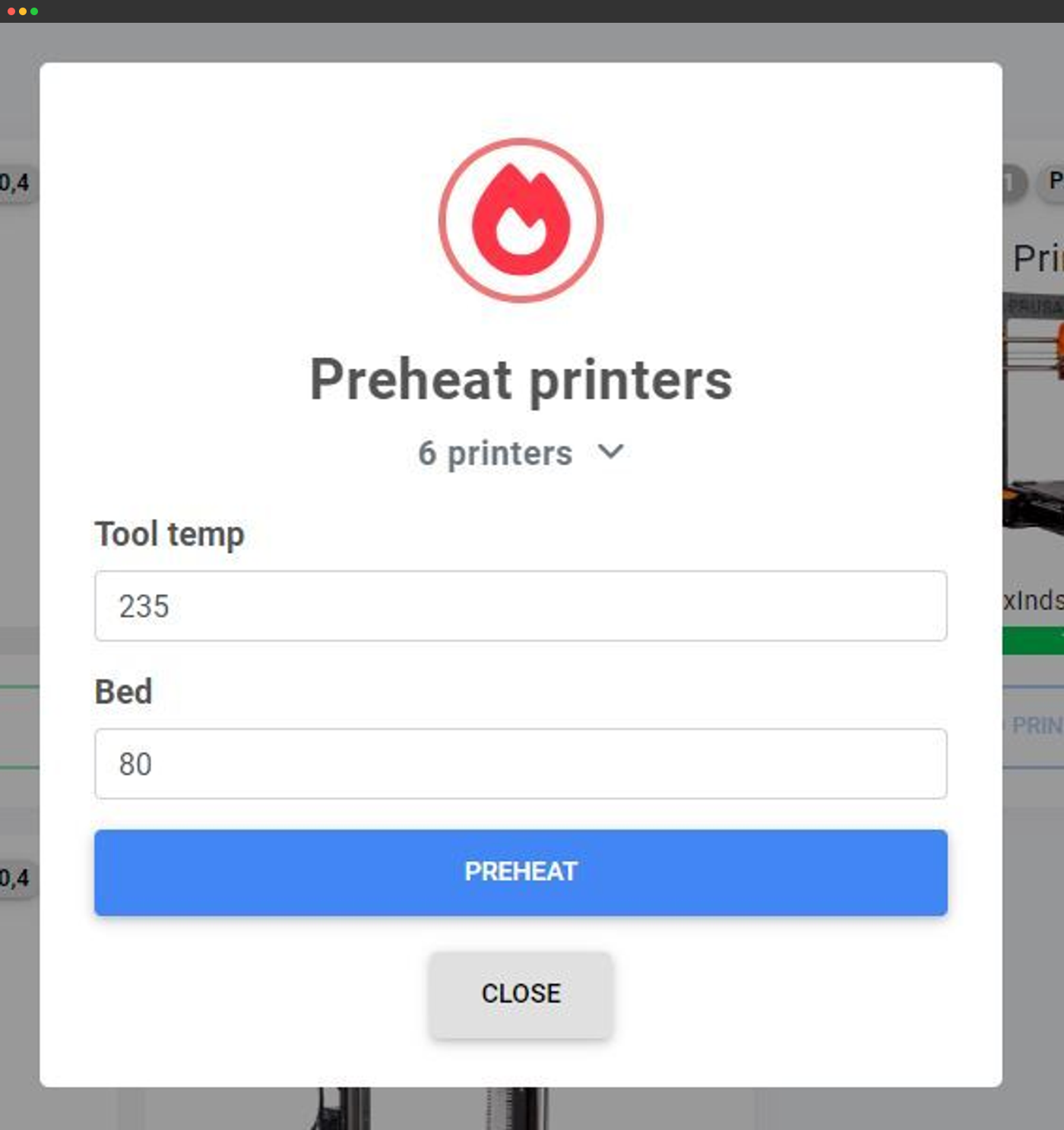
बल्क एक्शन
एक स्क्रीन से दर्जनों प्रिंटरों को एक साथ preheat करें, G-code भेजें या उन पर कार्रवाई करें।
और जानें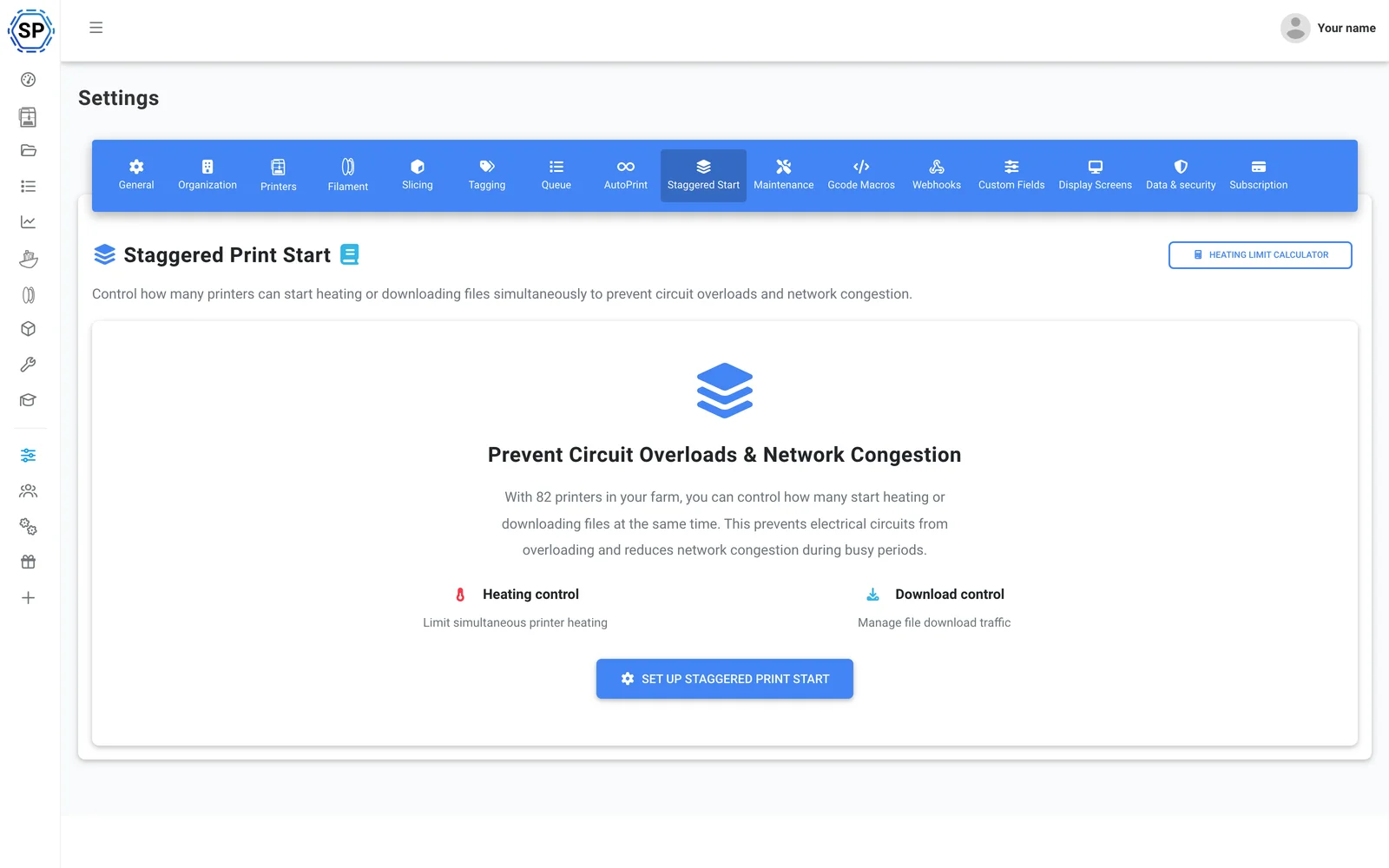
स्टैगर्ड स्टार्ट
एक सर्किट पर बहुत से प्रिंटर हैं? एक बार में preheat होने वाले प्रिंटरों की सीमा तय करें, ताकि भरा हुआ रैक कभी ब्रेकर ट्रिप न करे।
और जानें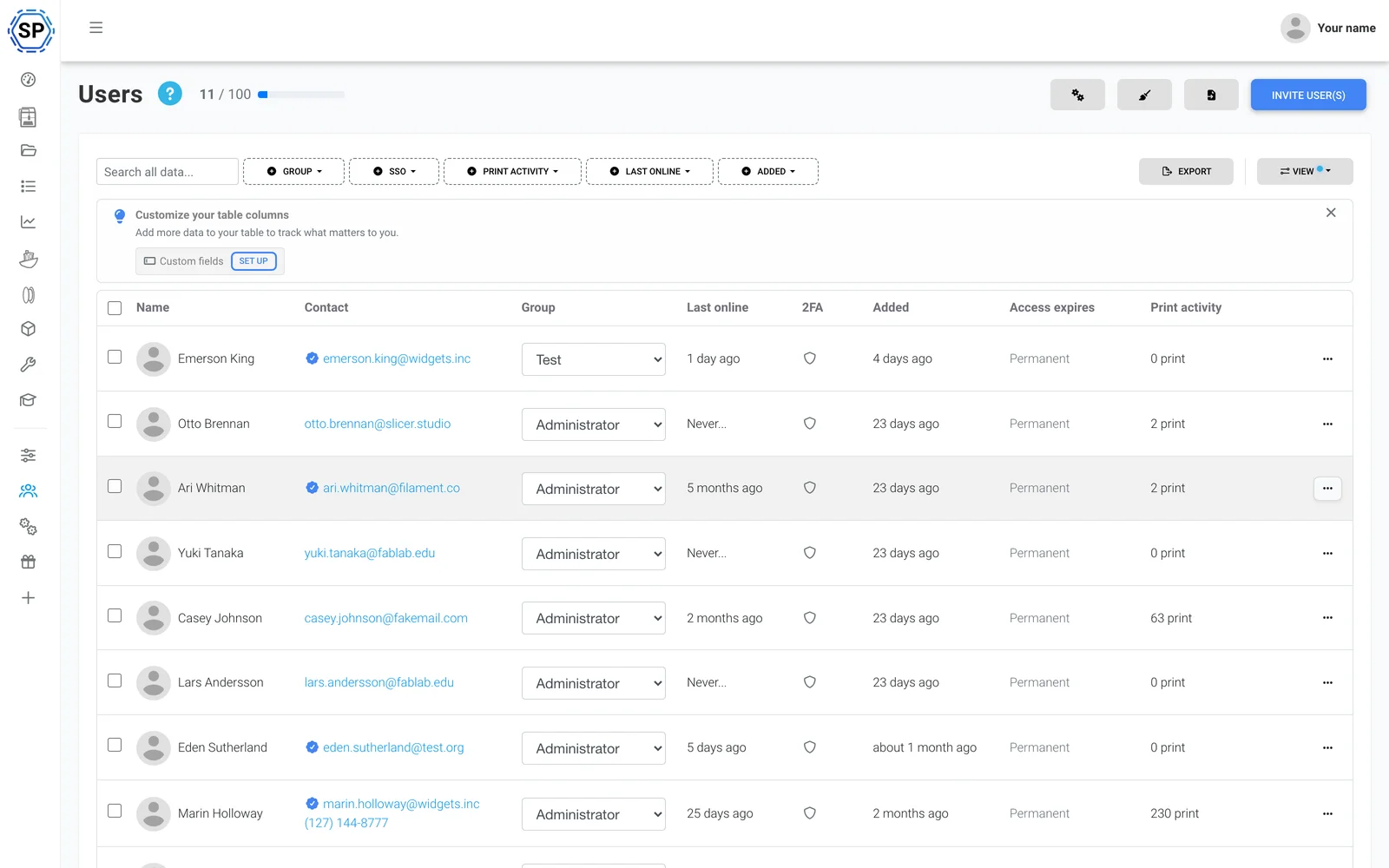
टीम और अनुमतियाँ
फार्म को सहकर्मियों के साथ चलाएँ, हर उपयोगकर्ता या समूह के लिए अनुकूलित अनुमतियों के साथ।
और जानें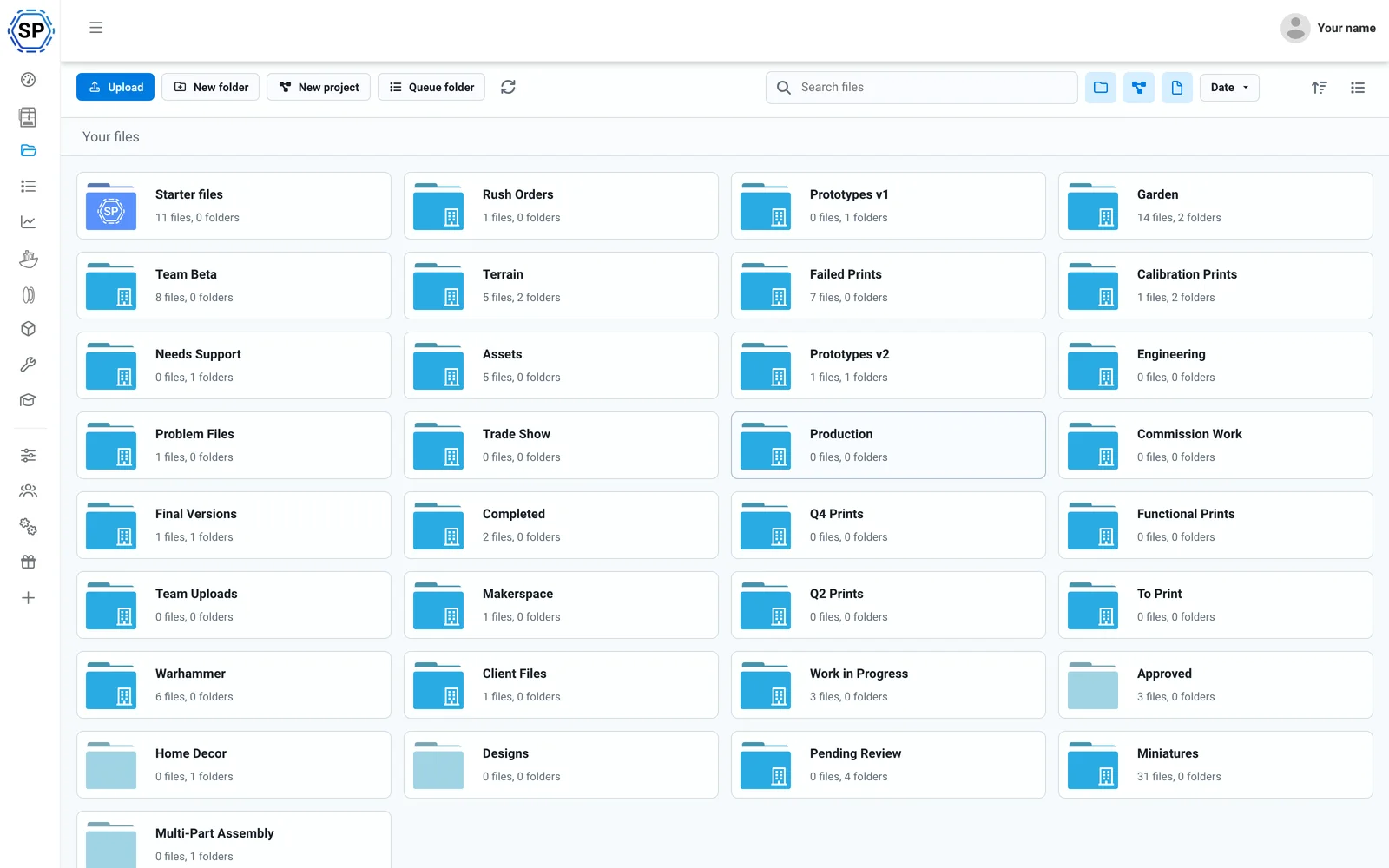
Cloud files और इतिहास
हर G-code एक साझा क्लाउड में, प्रिंट गिनती, साझा फोल्डर और पूरे हिस्ट्री लॉग के साथ।
और जानें
फिलामेंट मैनेजर
उपयोग की स्वचालित ट्रैकिंग और इन्वेंट्री: CFS के अनुकूल और third-party spool लगे होने पर भी सटीक।
और जानें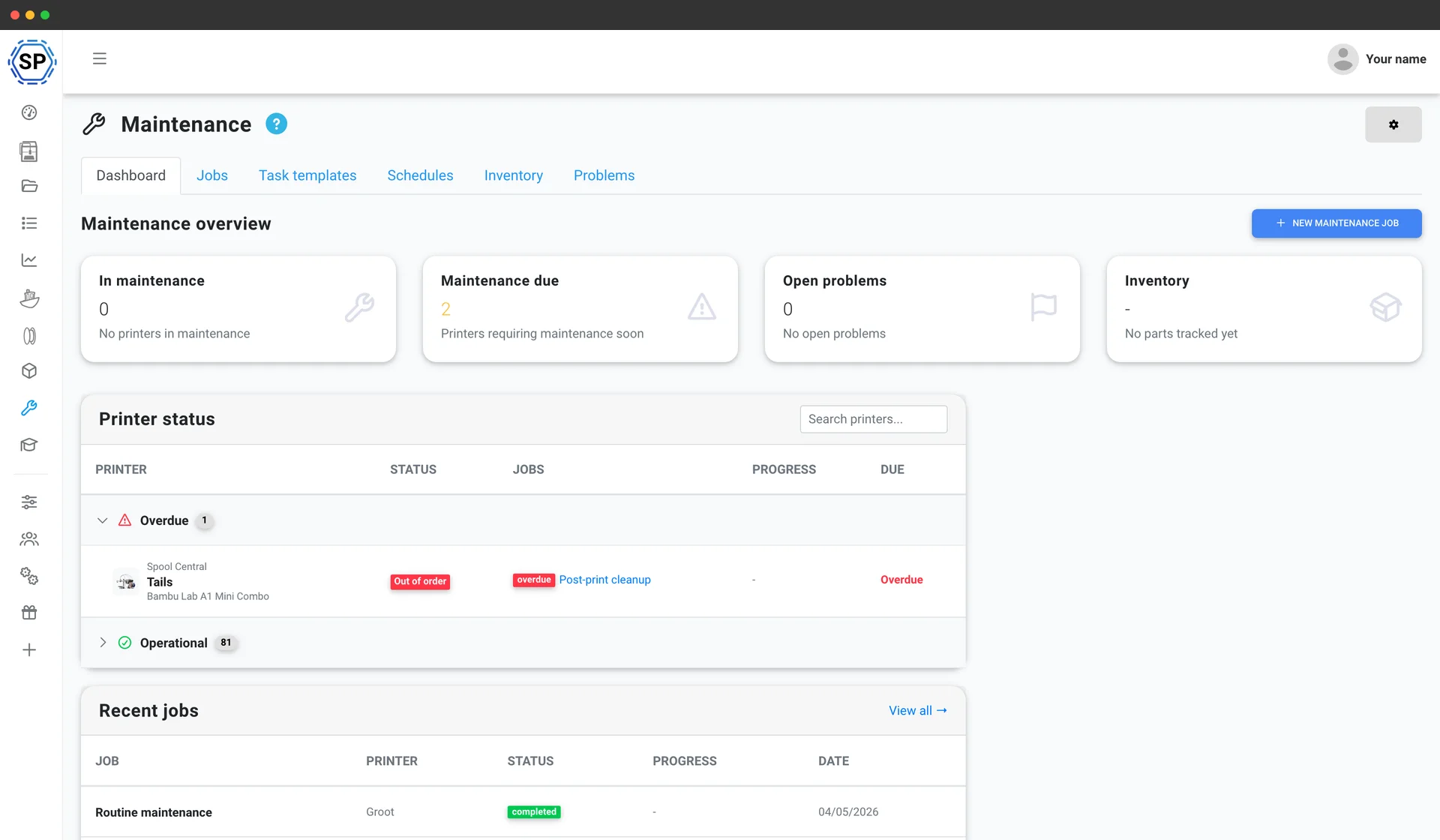
प्रिंटर मेंटेनेंस
हर machine के usage-based service schedules, spare-parts inventory और health overview, ताकि fleet कभी halt न हो।
और जानें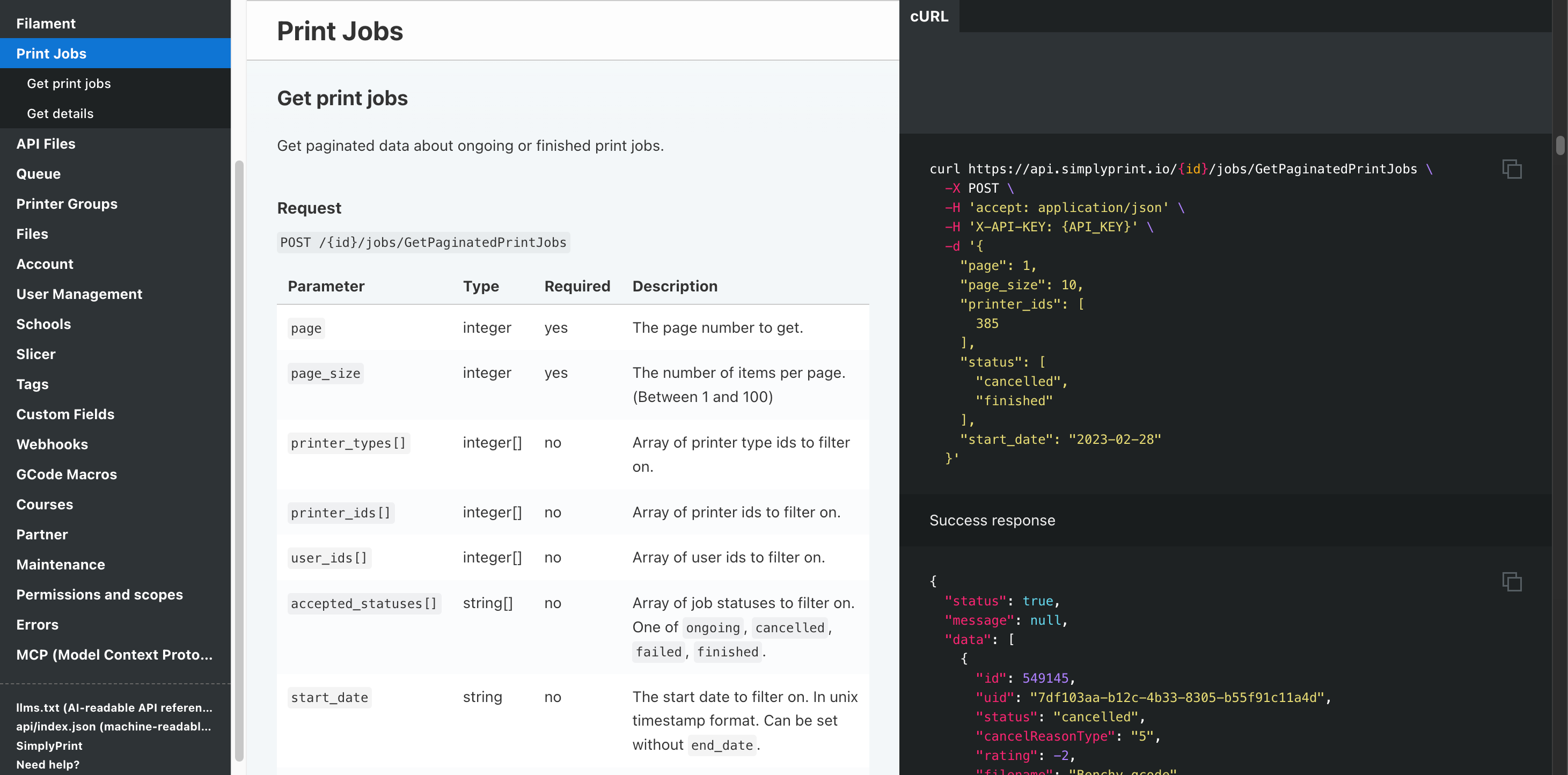
Automation और API
अपने storefront से REST API द्वारा orders को कतार में भेजें, हर job पूरा होने पर webhook पाएँ, और Zapier, n8n या AI assistant को बाकी काम सँभालने दें।
और जानेंहर Creality प्रिंटर सपोर्टेड है
मौजूदा Creality lineup में K1 और K2 series, Hi, Sermoon, CR range और पूरी Ender family शामिल हैं। Compatibility और setup guide के लिए किसी मॉडल पर क्लिक करें।

Sermoon V1 Pro
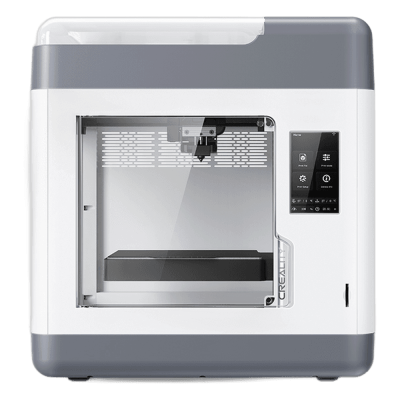
Sermoon V1
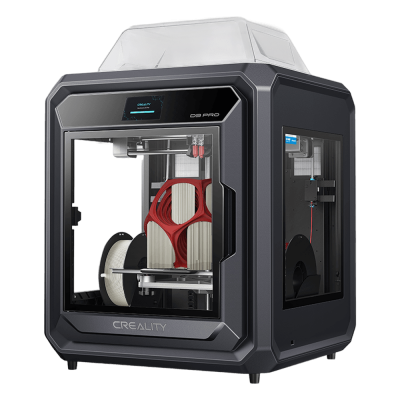
Sermoon D3 Pro
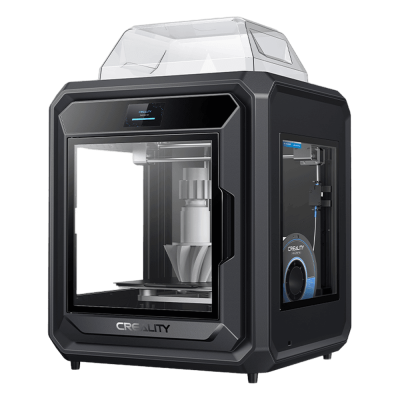
Sermoon D3

K3
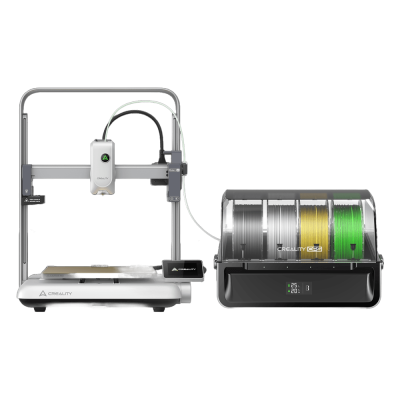
Ender-3 V4 Combo
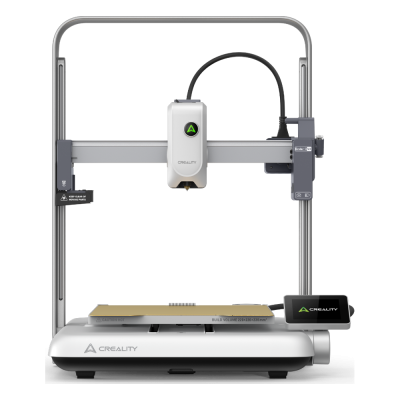
Ender-3 V4
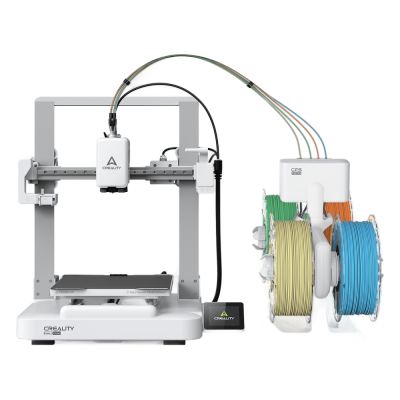
Ender-3 V3 Neo Combo
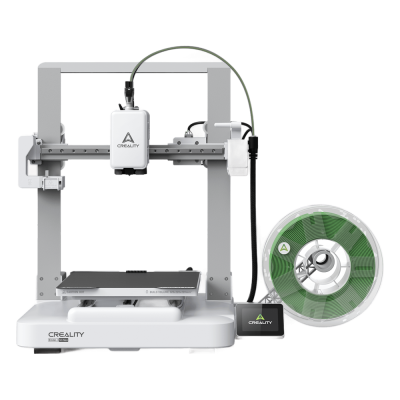
Ender-3 V3 Neo
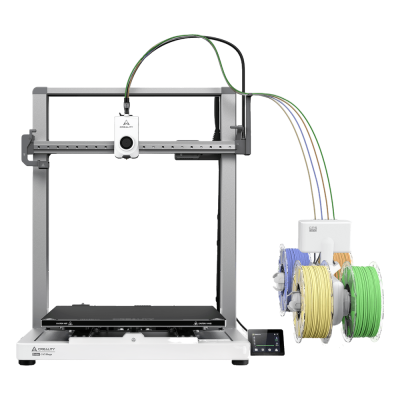
Ender-3 V3 Mega Combo
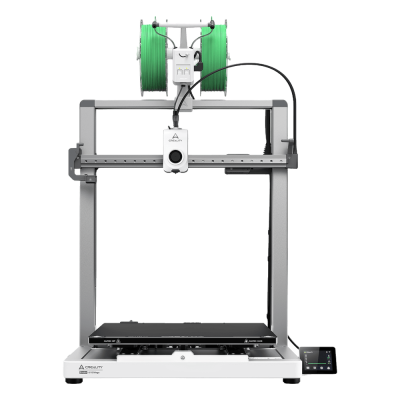
Ender-3 V3 Mega

Ender-3 V3
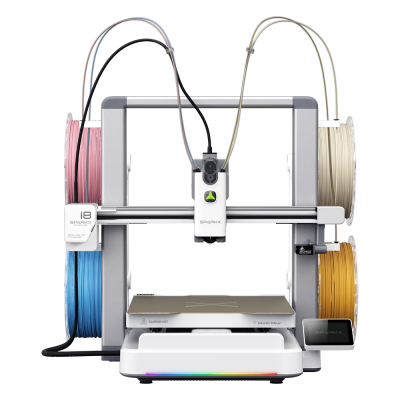
SPARKX i8 Combo

SPARKX i8
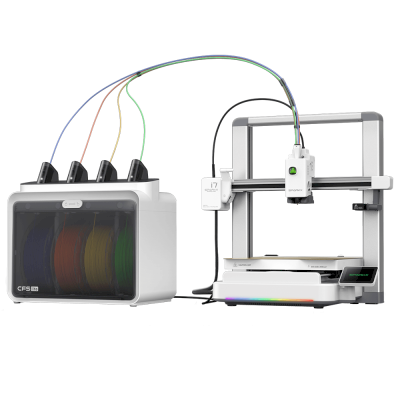
SPARKX i7 Combo
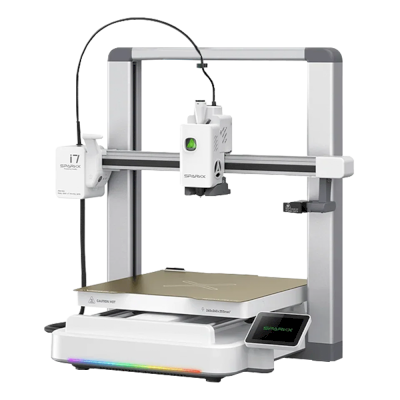
SPARKX i7

K2 SE
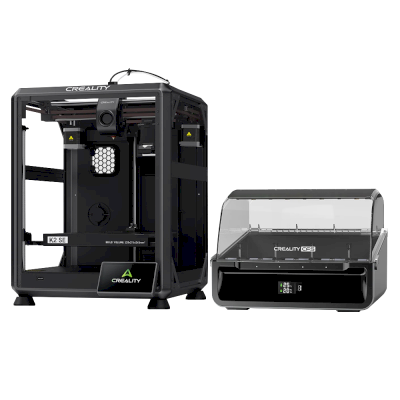
K2 SE Combo
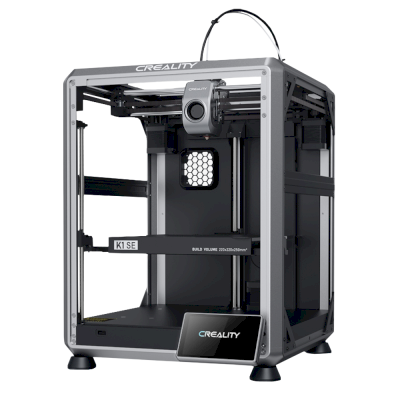
K1 SE
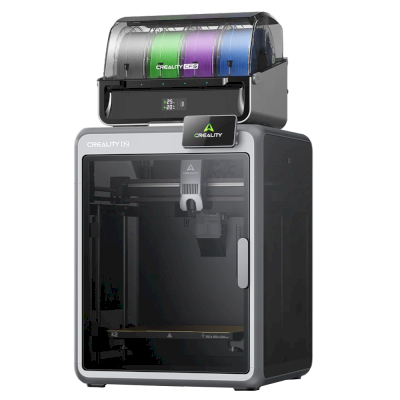
K2 Combo
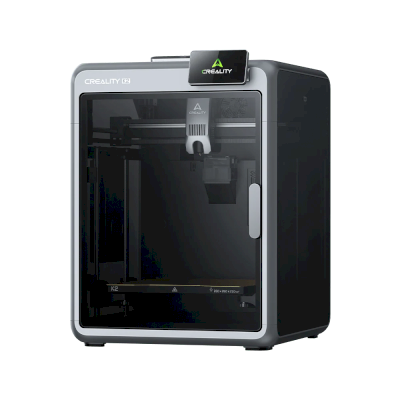
K2
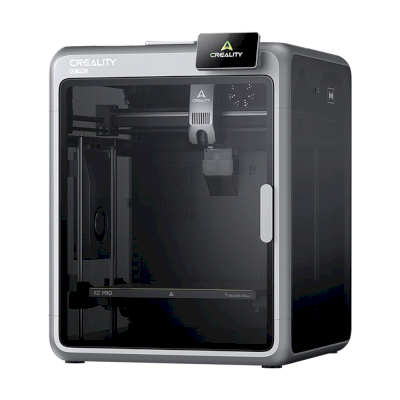
K2 Pro
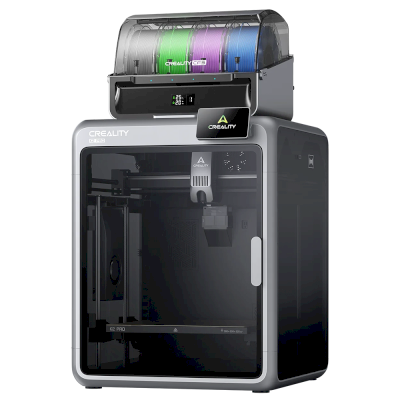
K2 Pro Combo
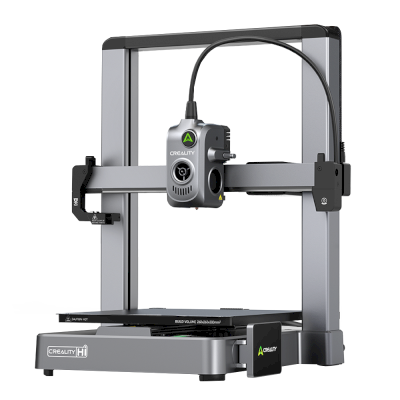
Hi
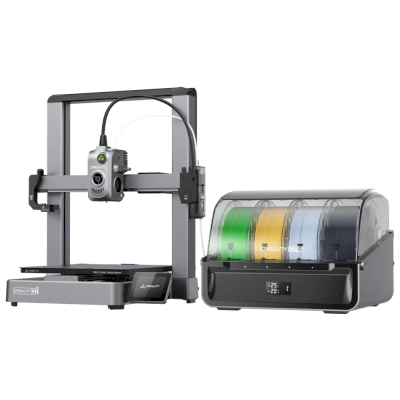
Hi Combo
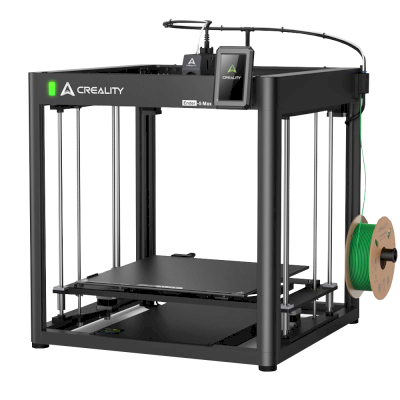
Ender 5 Max
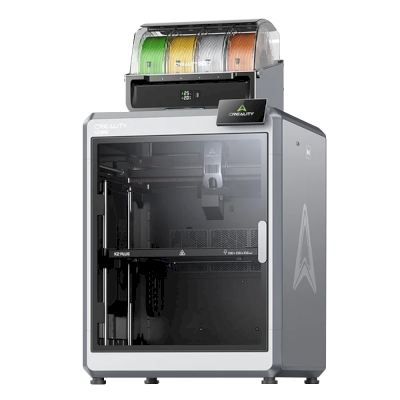
K2 Plus Combo
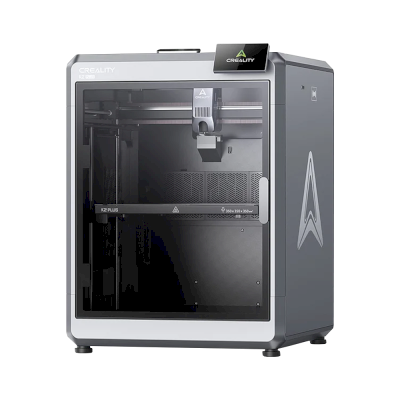
K2 Plus
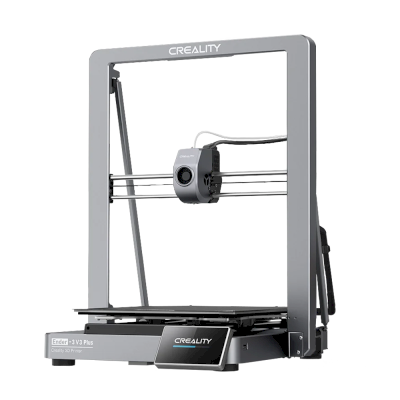
Ender-3 V3 Plus
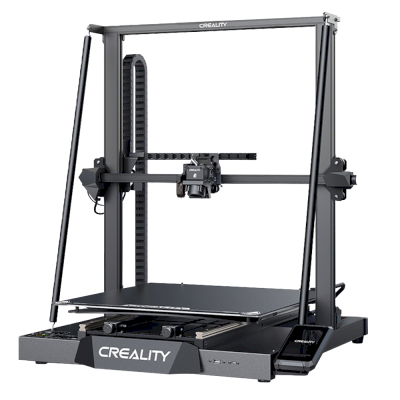
CR-M4
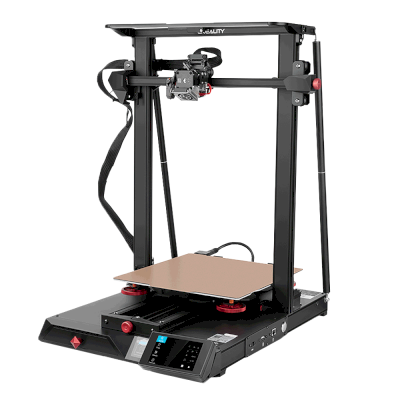
CR-10 Smart Pro

K1C
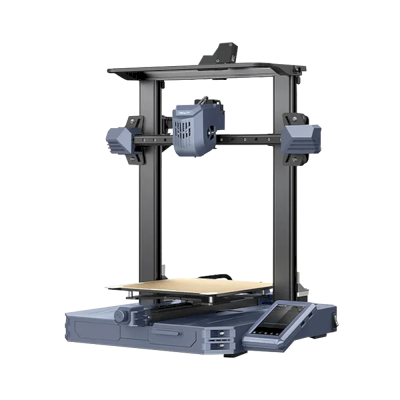
CR-10 SE
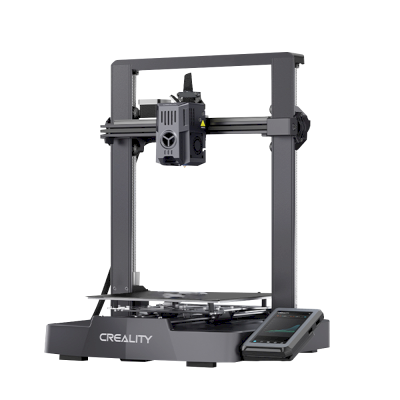
Ender-3 V3 KE
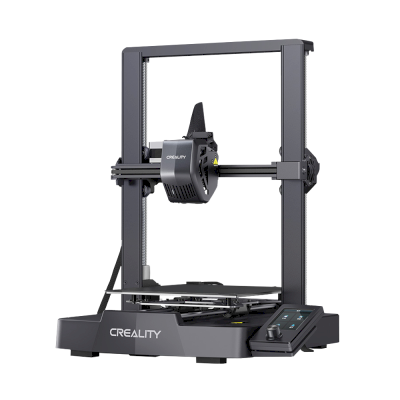
Ender-3 V3 SE

K1 Max
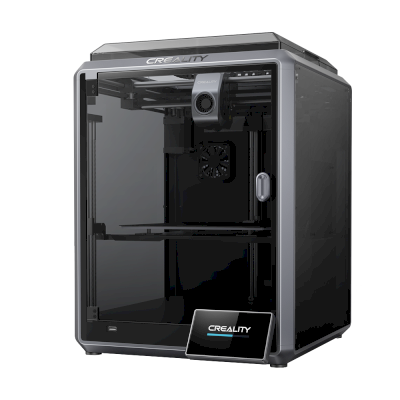
K1
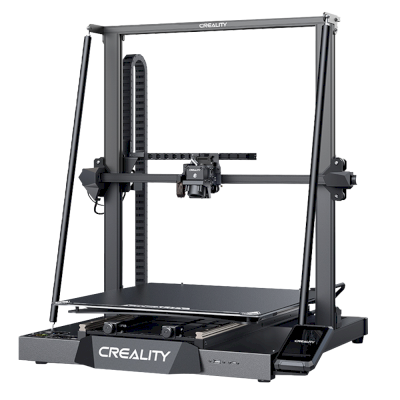
CR-M4
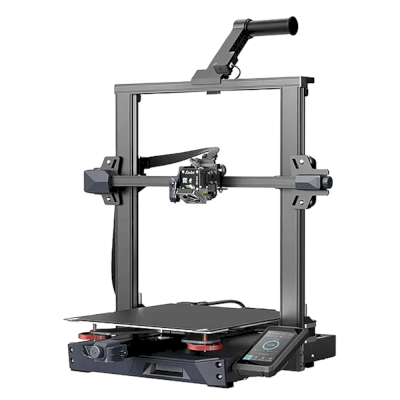
Ender-3 S1 Plus
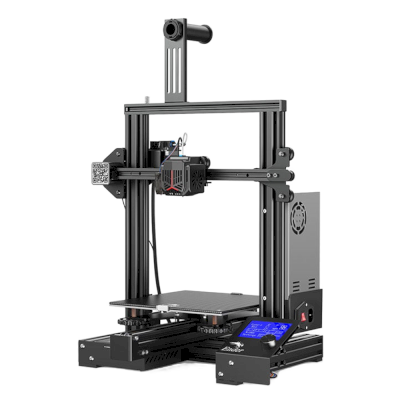
Ender-3 Neo
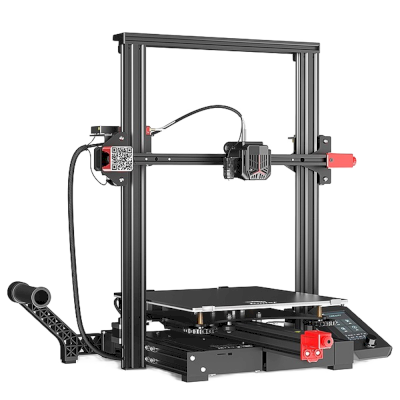
Ender-3 Max Neo
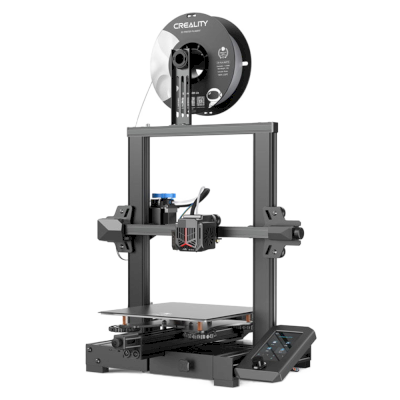
Ender-3 V2 Neo
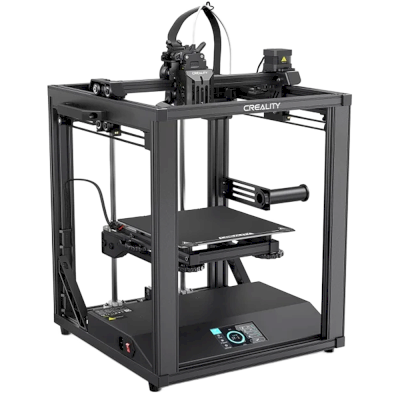
Ender-5 S1
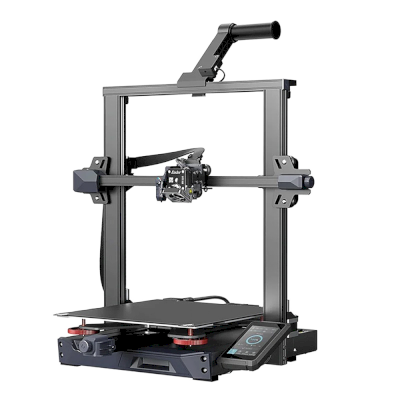
Ender-3 S1 Pro
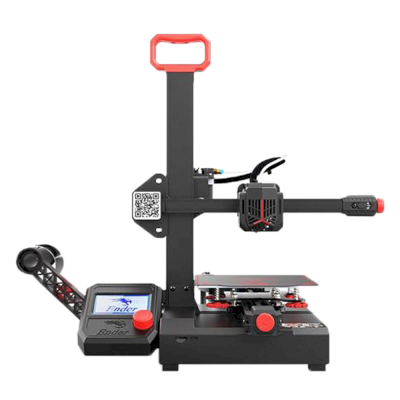
Ender-2 Pro
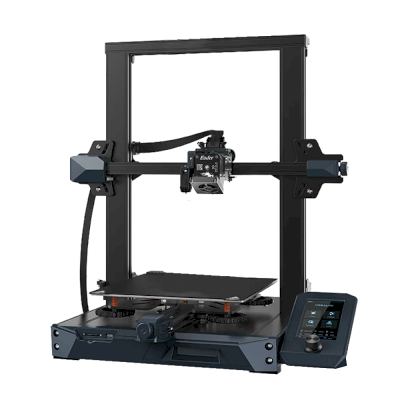
Ender 3 S1
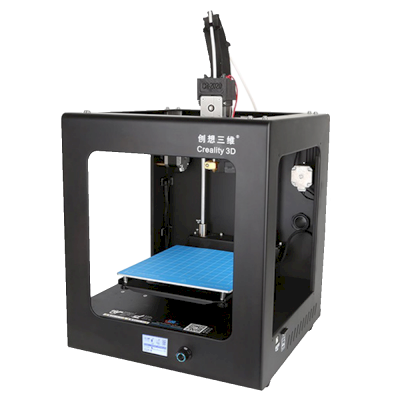
CR-2020
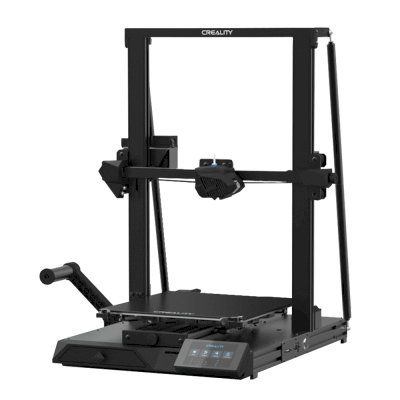
CR-10 Smart
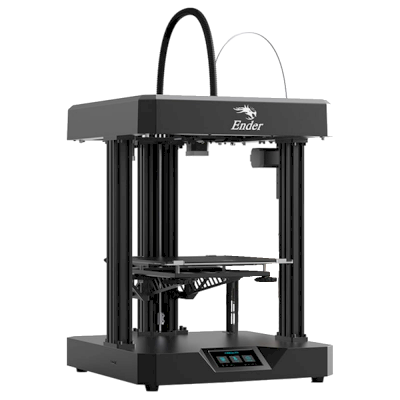
Ender 7
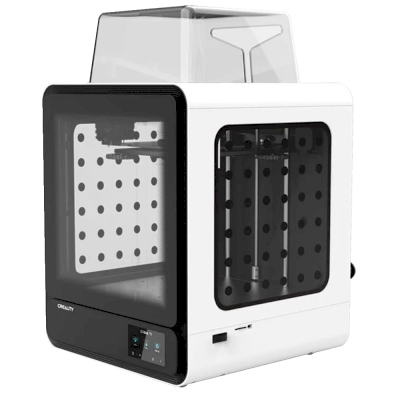
CR-200B
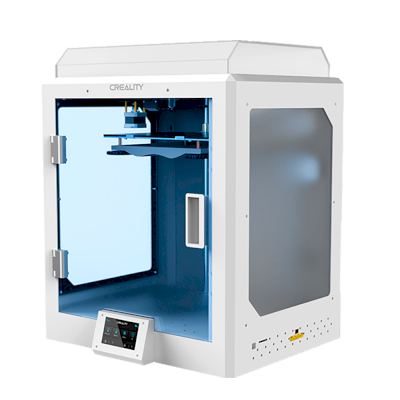
CR-5 Pro H
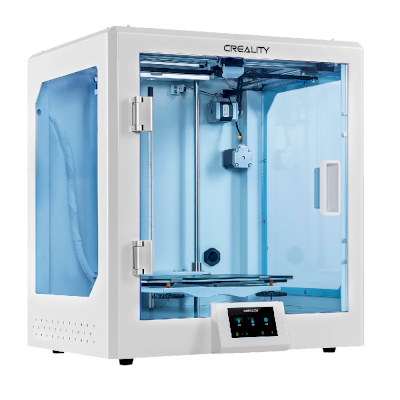
CR-5 Pro
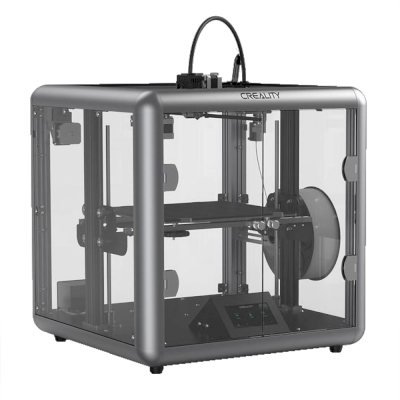
Sermoon D1
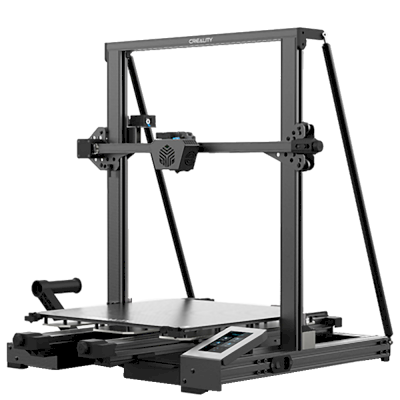
CR-6 Max
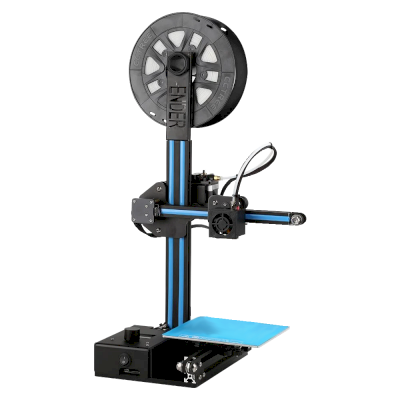
Ender-2
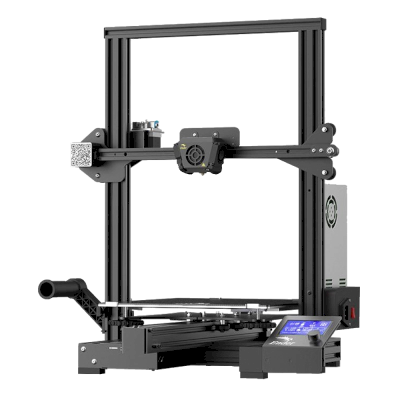
Ender-3 Max
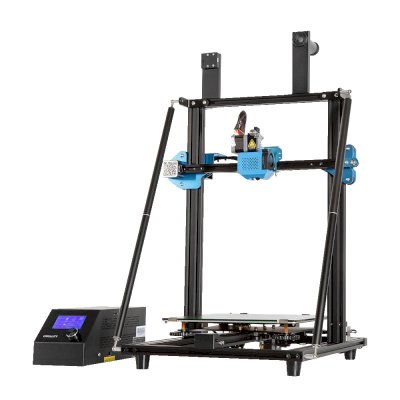
CR-10 V3
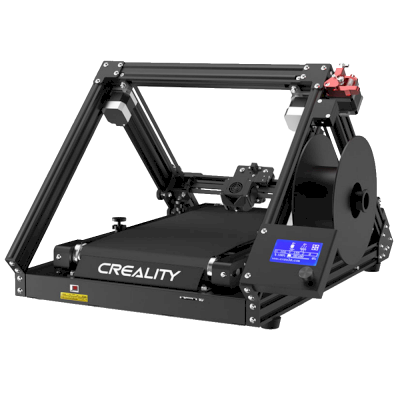
CR-30
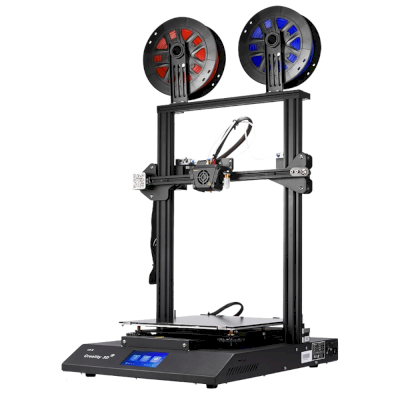
CR-X

Ender-6
सिर्फ़ Creality नहीं? SimplyPrint, 150+ ब्रांड और 770+ प्रिंटर मॉडल को साथ-साथ चलाता है। पूरी संगतता सूची देखें या प्रिंट फार्म प्लेटफ़ॉर्म देखें।
आपके ग्राहकों के डिज़ाइन निजी रहते हैं
आपके क्लाउड की फ़ाइलें केवल आपकी टीम को दिखाई देती हैं, इंटरनेट पर कभी नहीं। SimplyPrint GDPR अनुपालक है, EU में होस्टेड है और SOC 2 तथा ISO 27001 प्रमाणनों वाले इन्फ्रास्ट्रक्चर पर बना है, साथ ही 99.9%+ अपटाइम देता है।


वे प्रमाणन और मानक जिनके दायरे में SimplyPrint और इसका hosting infrastructure आता है।
सुरक्षा और अनुपालन की जानकारीरास्ते में प्रिंट अपडेट
अपनी जेब से फार्म चलाएँ। प्रिंट पूरा होने, रुकने और filament खत्म होने की सूचनाएँ पाएँ, किसी भी प्रिंटर का कैमरा देखें और कहीं से भी जॉब रोकें।


SimplyPrint ⚫ अभी
Printer 1 पर प्रिंट शुरू हुआ
अनुमानित प्रिंट समय 3d 4h है
SimplyPrint ⚫ अभी
प्रिंटर 2 में विफलता का पता चला!
रोकना या रद्द करना चाहते हैं?

सिर्फ़ हमारी बात पर भरोसा न करें
मिश्रित फ्लीट, या कोई दूसरा ब्रांड? पूरा प्रिंट फार्म प्लेटफ़ॉर्म · Bambu Lab · Prusa · Anycubic · ELEGOO · Flashforge
SimplyPrint, Creality को 150+ ब्रांड और 770+ प्रिंटर मॉडल के साथ चलाता है, एक कतार, एक स्क्रीन। अपने प्रिंटर जाँचें।