दुनिया भर में 500+ प्रिंट फार्म और व्यवसाय इस्तेमाल करते हैं





















शुरू किए गए प्रिंट
0
मटीरियल उपयोग
0
प्रिंट किए गए घंटे
0
2020 से print farm चला रहे हैं
डेनमार्क में हमारे अपने डेवलपरों द्वारा इन-हाउस बनाया गया, जो लगभग हर हफ्ते अपडेट जारी करते हैं और सहायता प्रश्नों का जवाब भी देते हैं।
हमारी कहानी पढ़ें और टीम से मिलेंअसली प्रिंट फार्म SimplyPrint पर चलते हैं
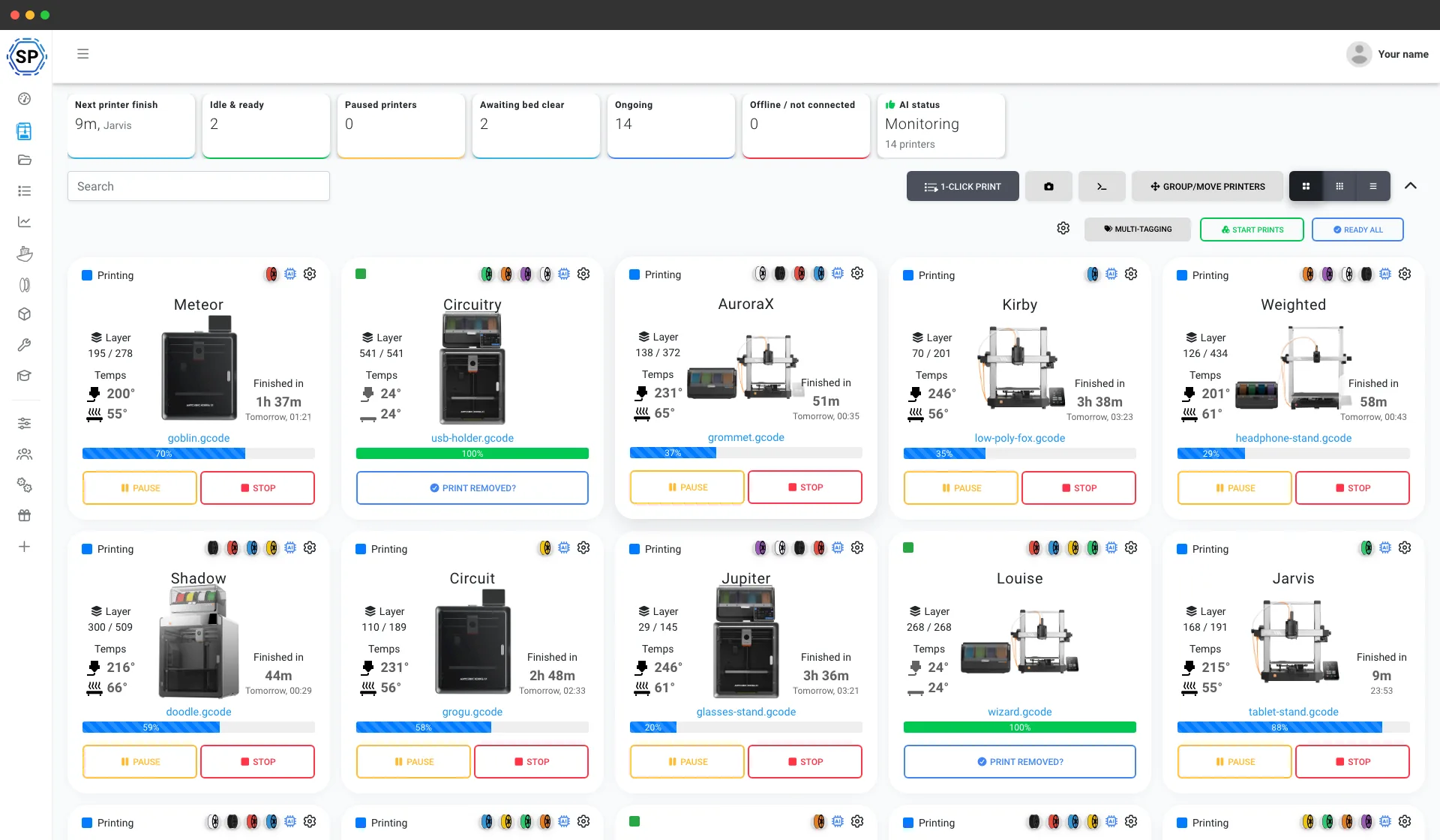
पाँच प्रिंटर वाली बेंच से 150+ प्रिंटर वाले वेयरहाउस तक, ये असली फार्म हैं जो अपना पूरा संचालन एक स्क्रीन से चलाते हैं और हर हफ़्ते घंटों का समय बचाते हैं।
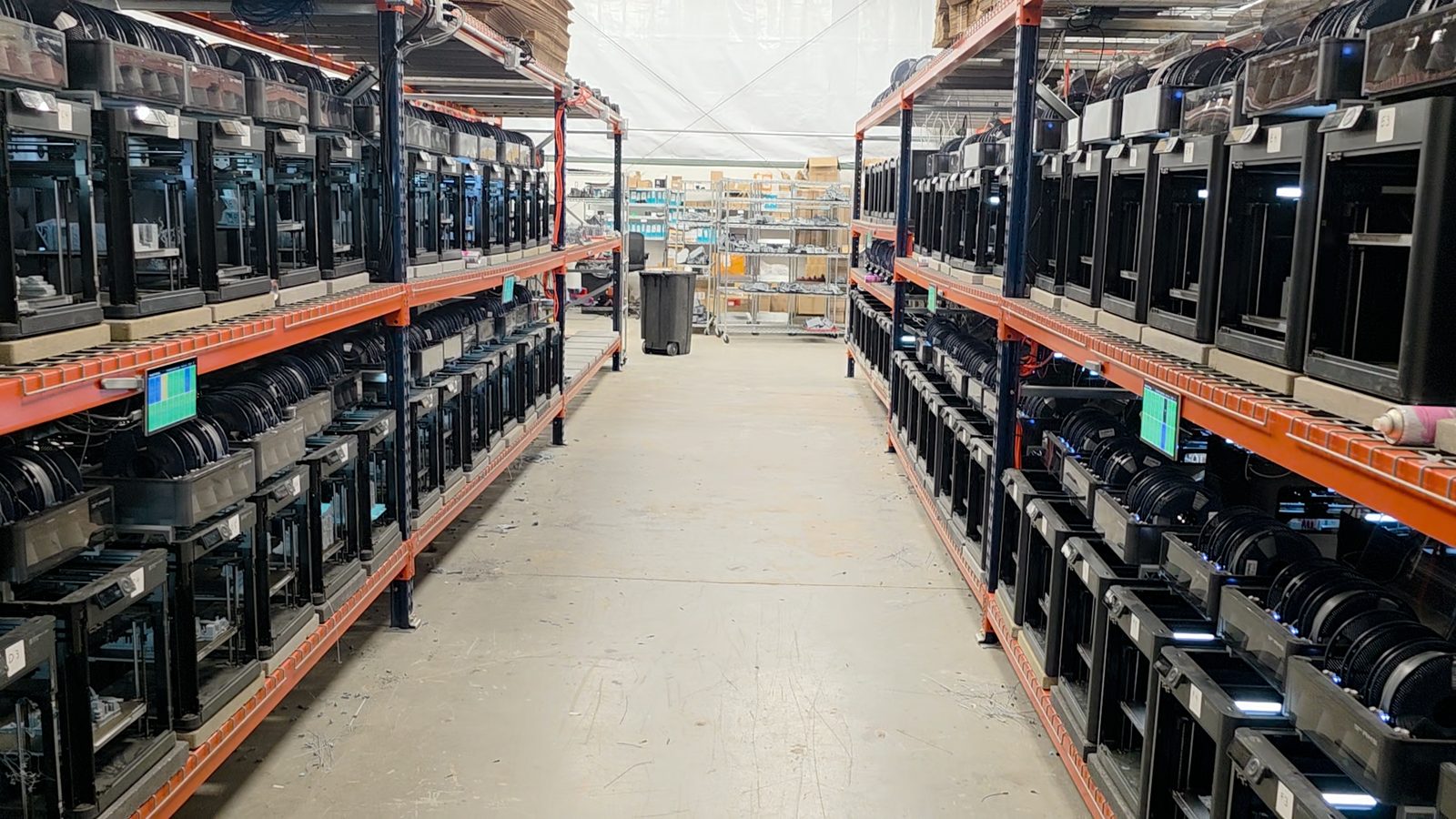
"Trying to do it now without SimplyPrint would be insane." उनकी story पढ़ें
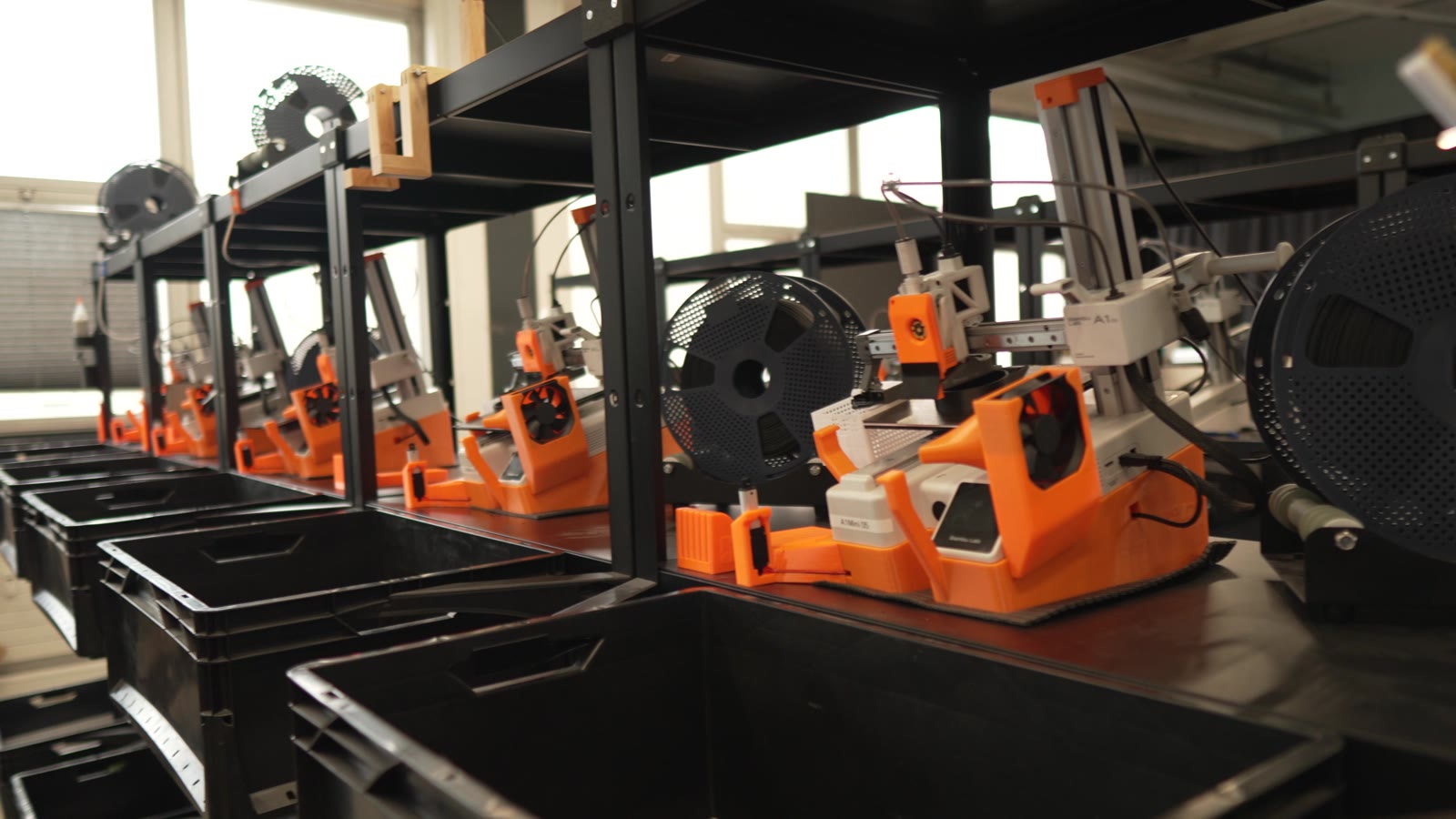
"Without automation, we would simply never be profitable here." उनकी story पढ़ें
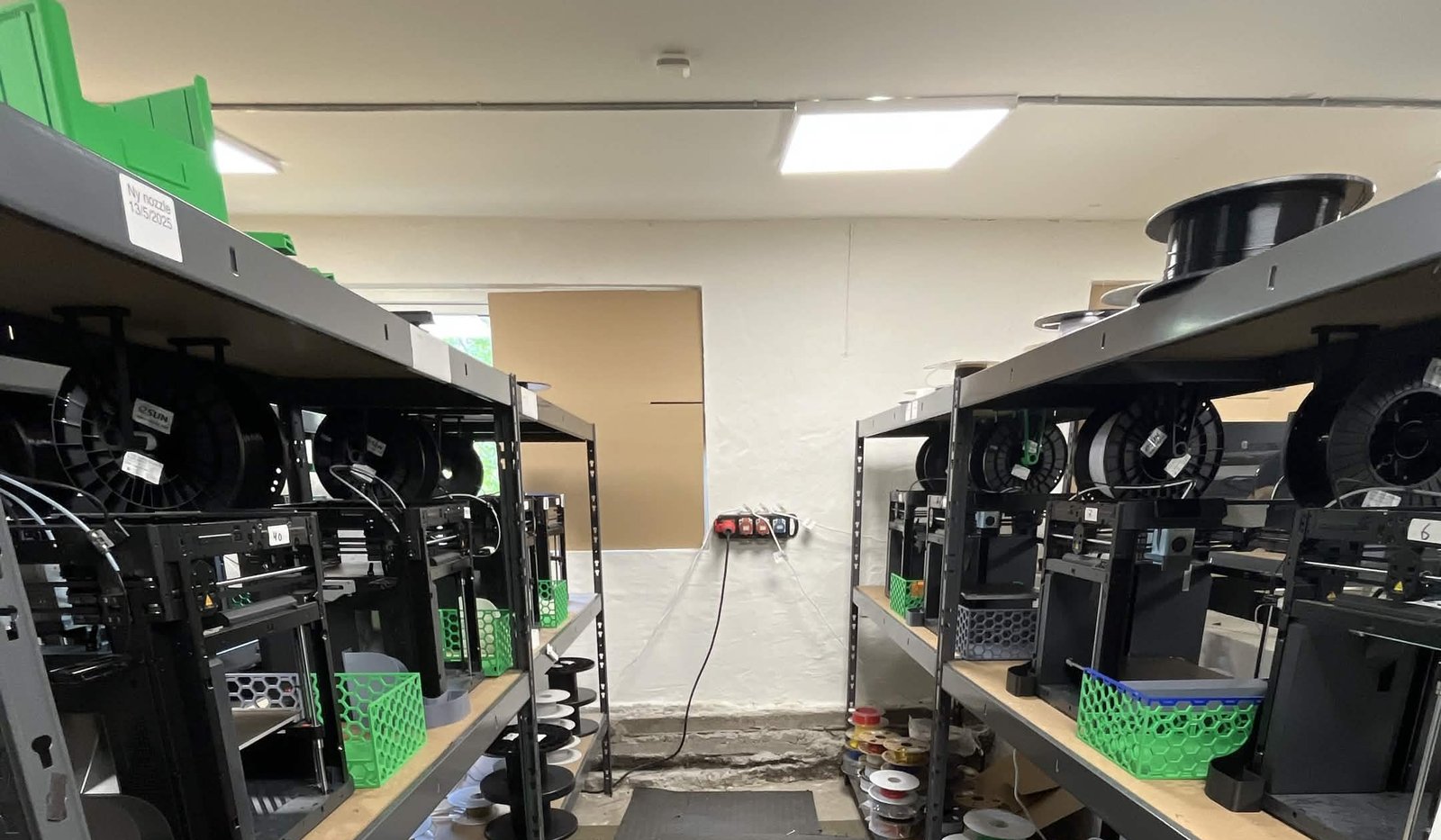
"We have always had the approach that the farm should be able to run even when we are not there." उनकी story पढ़ें
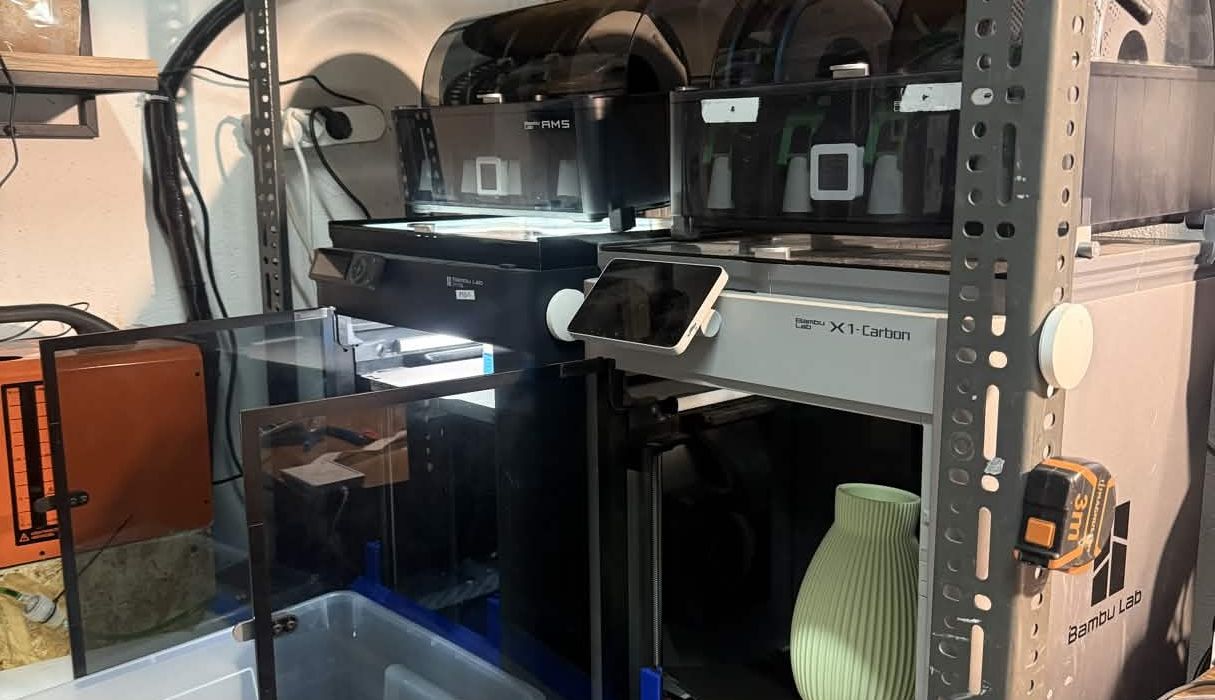
"Without software, the operator becomes the system. That might work with one printer, but it doesn't scale well." उनकी story पढ़ें
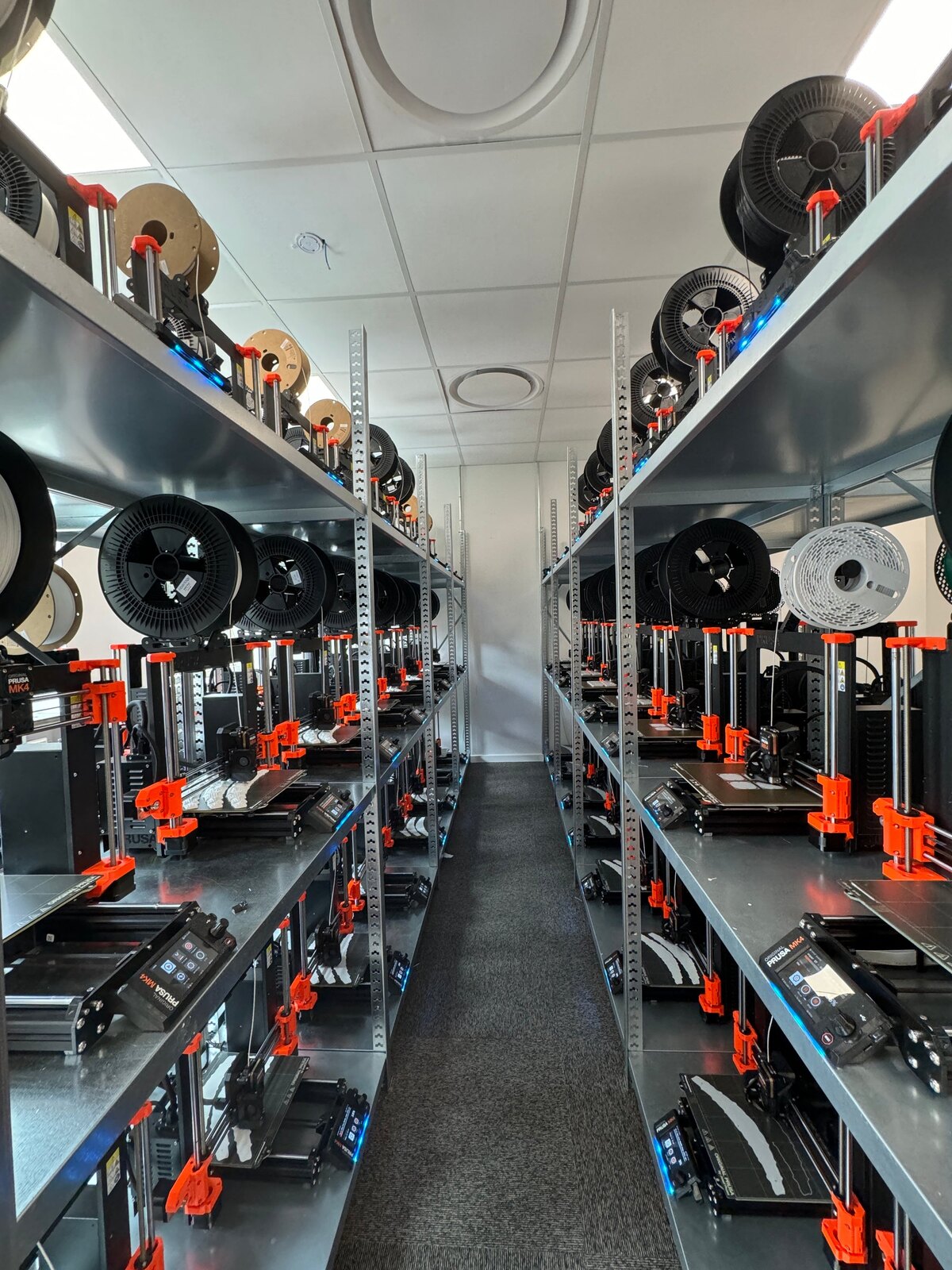
"It'd literally be impossible to run our farm at this scale without SimplyPrint." उनकी story पढ़ें
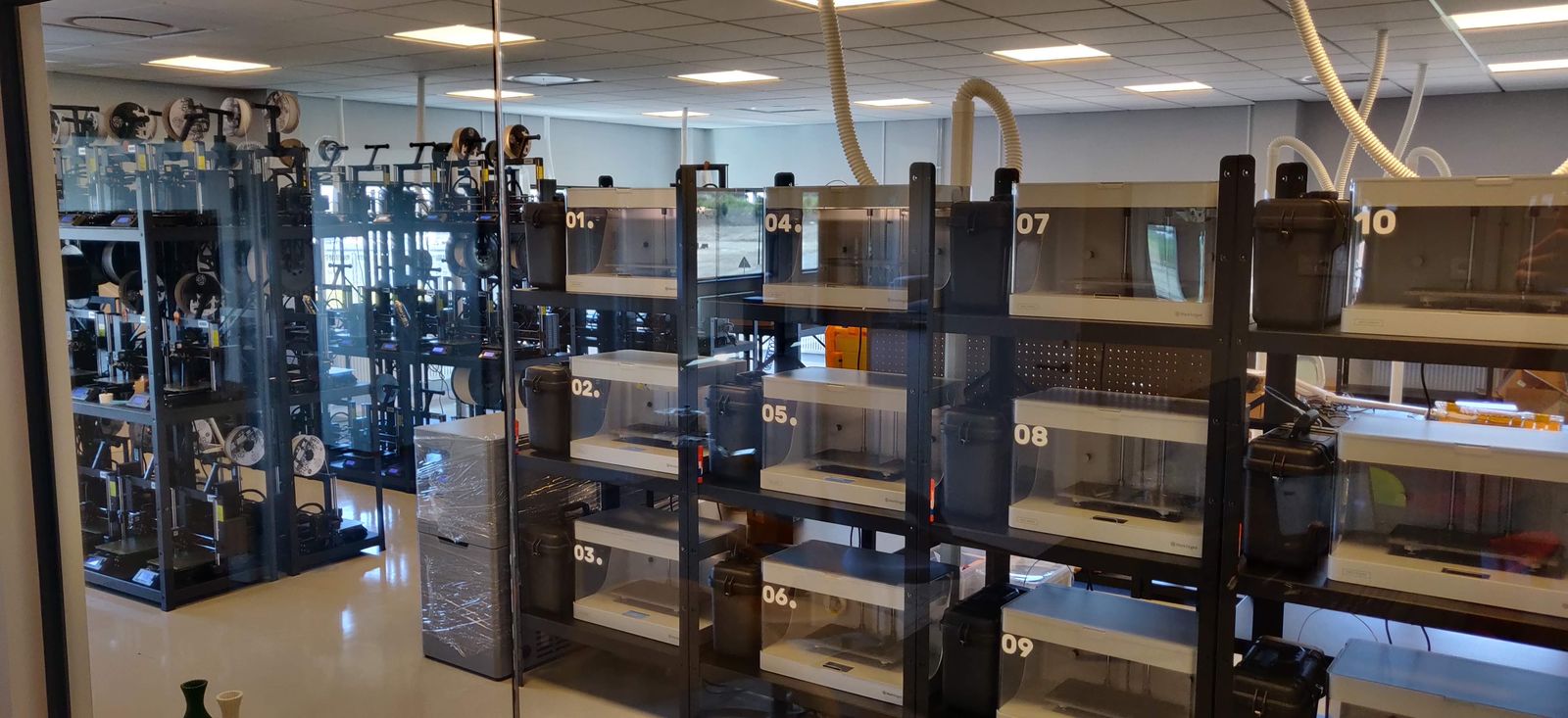
"We don't just know which material went into a part. We know the exact spool, on the exact print, at the exact time - and that's what makes a product passport real instead of a slogan." उनकी story पढ़ें
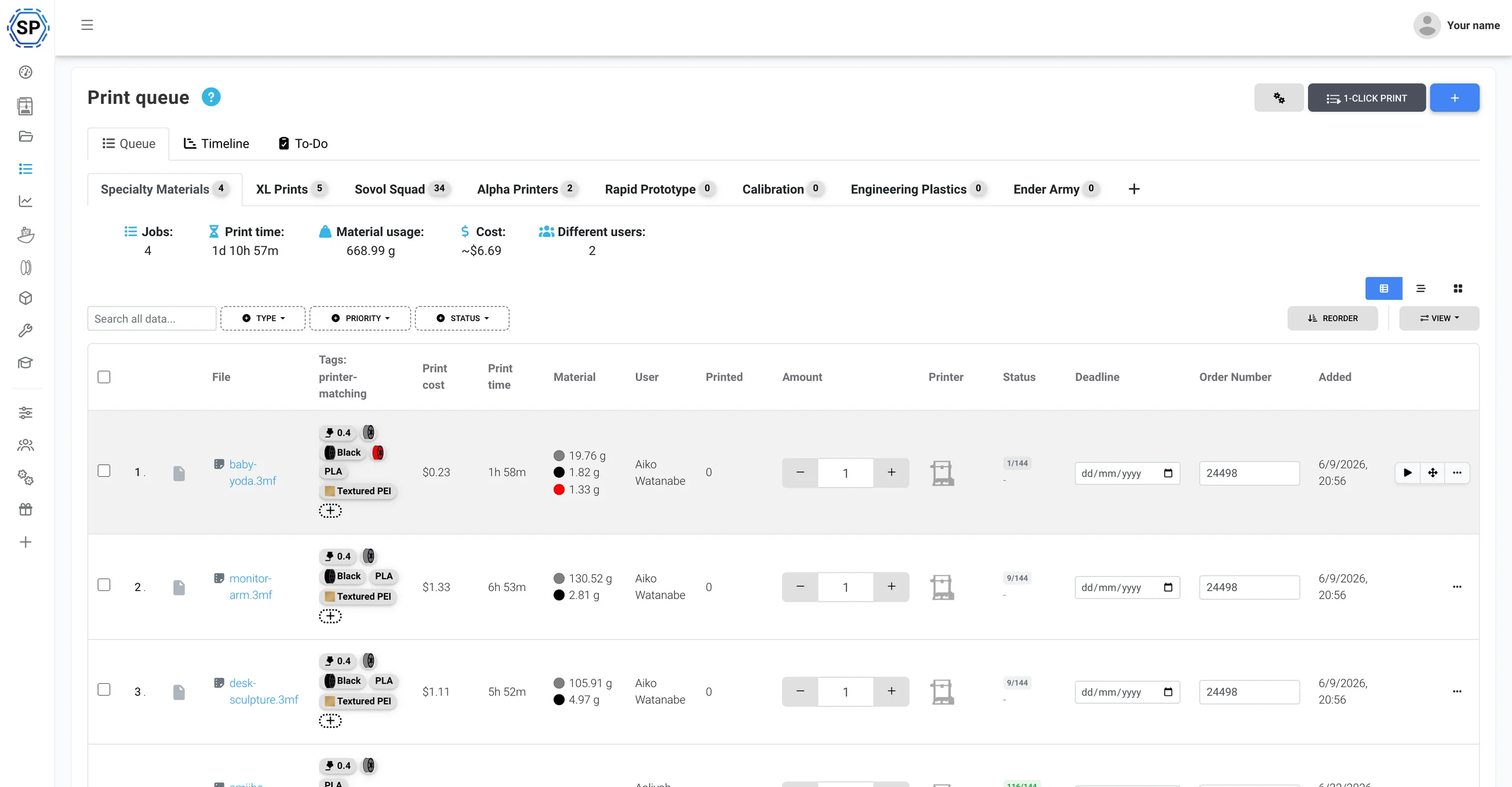
पूरे Anycubic फ्लीट के लिए एक प्रिंट कतार
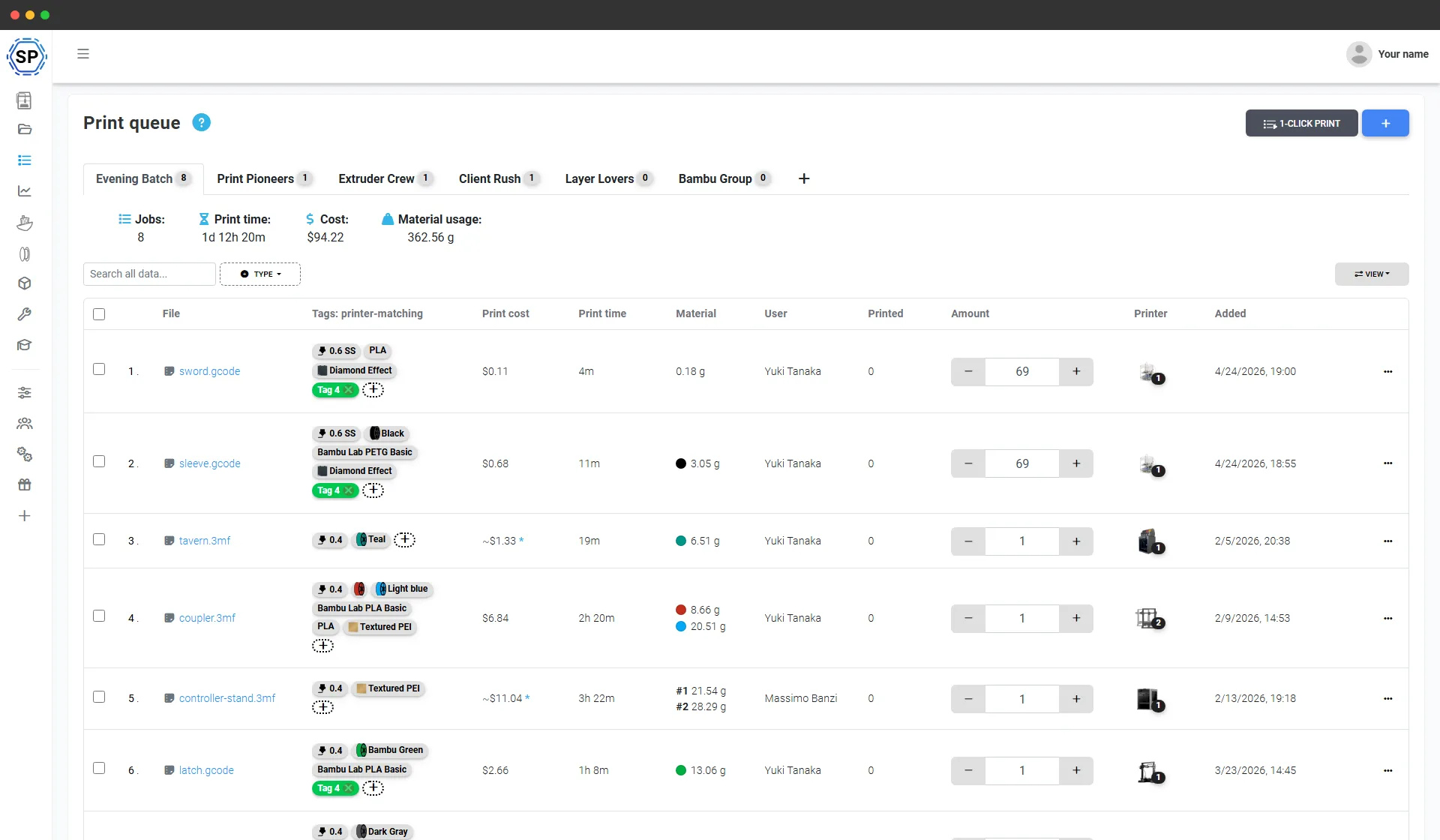
आपको जो कुछ बनाना है, वह सब जोड़ें और हर आइटम की संख्या तय करें। SimplyPrint मटेरियल, nozzle और bed का हर मशीन की लाइव स्थिति से मिलान करके प्रत्येक जॉब ऐसे Anycubic प्रिंटर को देता है जो उसे वास्तव में चला सके। एक क्लिक से पूरे रैक पर पूरा बैच शुरू हो जाता है। न SD कार्ड, न हर प्लेट को अलग export करना, न किसने-क्या-प्रिंट-किया वाली स्प्रेडशीट।
Anycubic ACE Pro के लिए बेहतरीन सपोर्ट
SimplyPrint Anycubic प्रिंटरों को क्लाउड में चलाता है और ACE Pro से सीधे जुड़ता है: लाइव 4-स्लॉट दृश्य, आपके filament inventory से spool tracking और किसी भी spool के लिए लिखे जा सकने वाले अंतर्निहित ACE NFC टैग, सबके लिए एक panel।
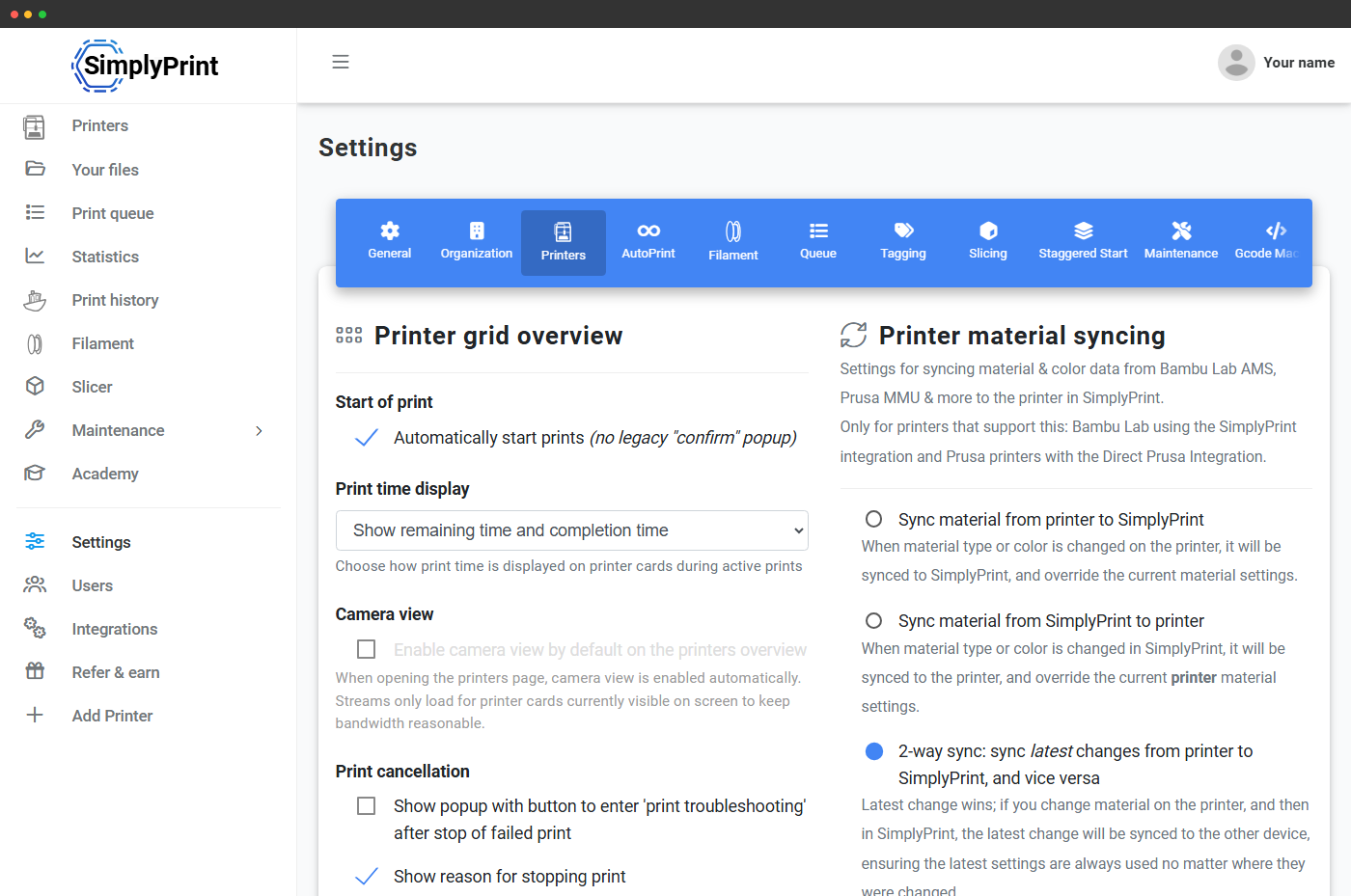
Anycubic ACE Pro, Automated Color Engine, Anycubic का 4-slot multi-material system है, on-board drying और 4 units तक chain करके 16 colours का support। SimplyPrint Client से connect करें और SimplyPrint हर slot live पढ़ता, loaded material और colour panel में sync करता और पूरी chain में हर nozzle के लिए continuous slot strip दिखाता है। Bambu AMS जैसा first-class multi-material handling। ACE Pro integration देखें
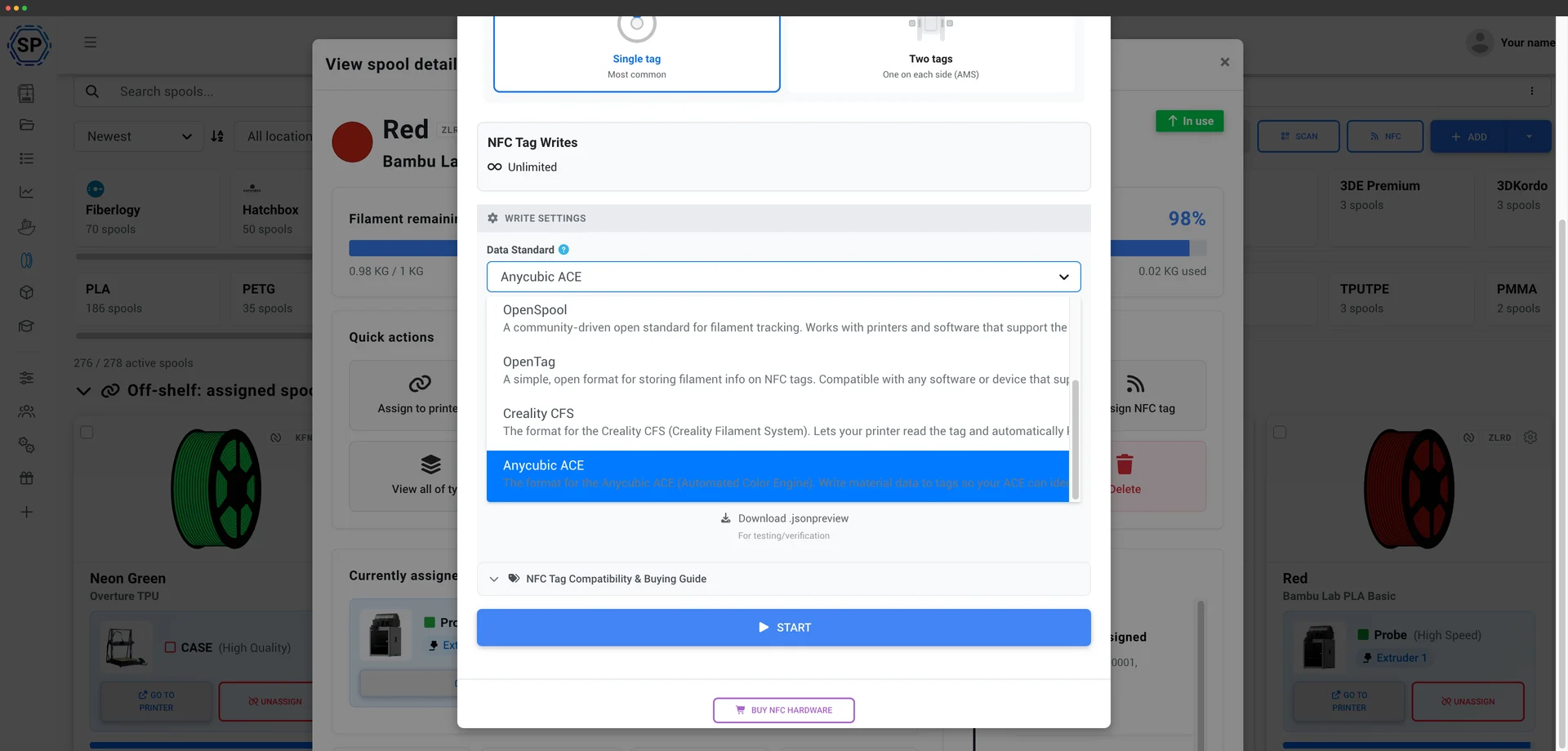
SimplyPrint ACE के NFC टैग को सीधे पढ़ता और लिखता है, ठीक वैसे ही जैसे Creality CFS के लिए करता है। ACE Pro हर टैग पर SKU फ़ील्ड सत्यापित करता है और SimplyPrint अपने आप एक मान्य फ़ील्ड बनाता है, इसलिए आप अपने खुद के spools पर टैग लगा सकते हैं, गैर-Anycubic filament पर भी, और ACE उन्हें पढ़कर हर स्लॉट को हाथ से सेट करने के बजाय सही material profile लोड करेगा। मोबाइल ऐप या USB रीडर से अपने filament inventory से सीधे टैग लिखें। ACE टैग कैसे काम करते हैं
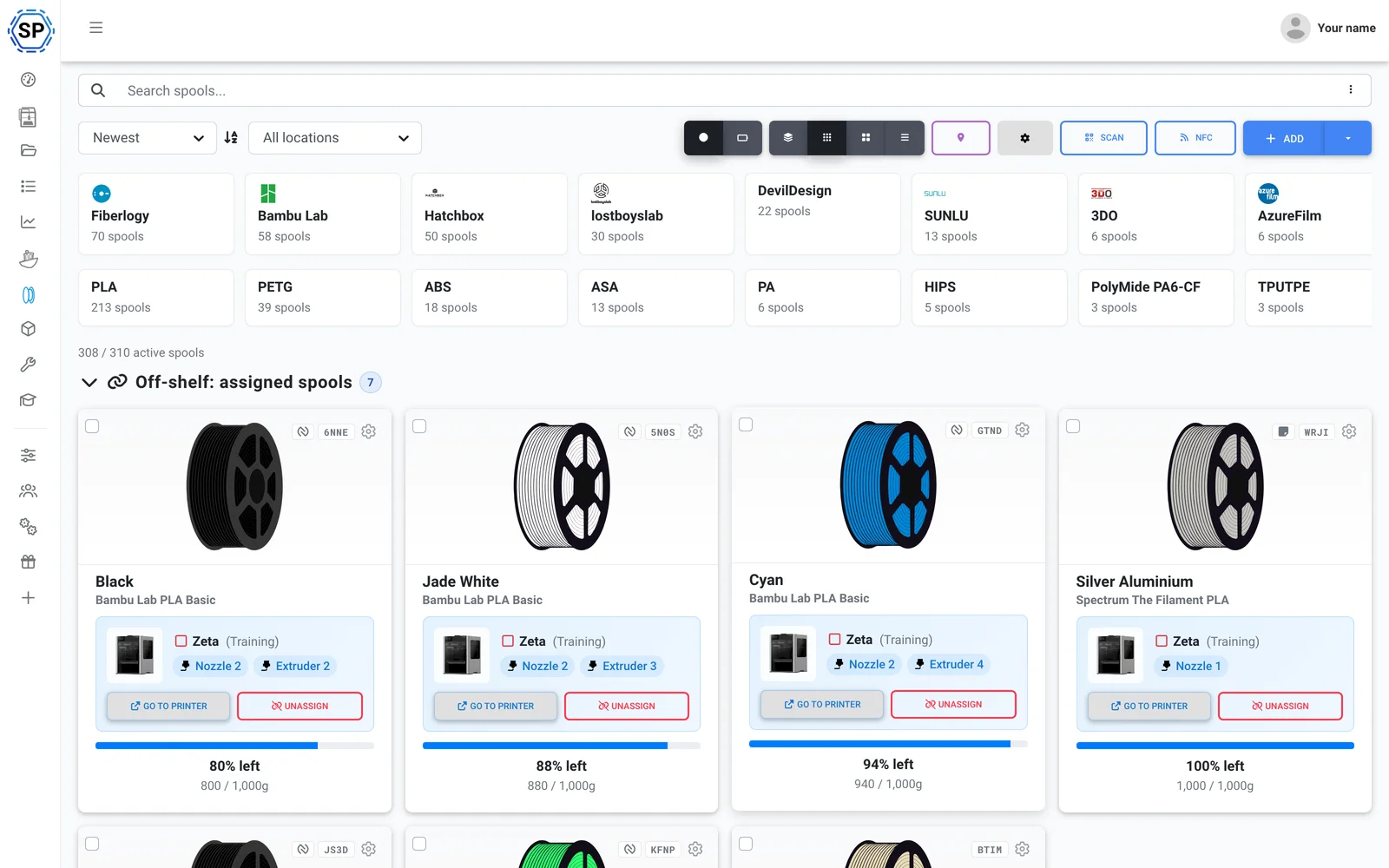
अपनी पसंद का कोई भी filament इस्तेमाल करें। SimplyPrint G-code से ही उपयोग ट्रैक करता है और हर प्रिंट में जितना इस्तेमाल हुआ, उतना लोडेड spool से घटाता है, ACE के प्रिंट के बीच में रंग बदलने पर भी। इससे पूरे fleet में इन्वेंट्री सटीक रहती है, टैग हो या नहीं। filament प्रबंधन देखें
इसमें यह भी है: ब्राउज़र में ACE के लिए मल्टी-कलर slicing (OrcaSlicer, BambuStudio और PrusaSlicer engines), प्रति-प्रिंटर मेंटेनेंस व उपयोग ट्रैकिंग, पूरे फ्लीट पर बल्क कार्रवाइयाँ और एक स्क्रीन पर पूरा फार्म। SimplyPrint Client से कनेक्ट होने पर ACE slot mapping प्रिंट शुरू होने पर भेजी जाती है, आज क्या सपोर्ट है देखें।
एक दोपहर में तैयार
SimplyPrint पूरे फार्म में तेज़ी से इंस्टॉल हो जाता है, नया हार्डवेयर खरीदने की ज़रूरत नहीं। अपने प्रिंटर जोड़ें और उसी दिन पूरा फ्लीट एक पैनल में आ जाता है।
Anycubic के लिए बनाया गया, Kobra 3 से Kobra S1 और Kobra S1 Max तक हर FDM मॉडल सपोर्टेड है। मिश्रित फ्लीट? 150+ ब्रांड साथ-साथ काम करते हैं।
खाता बनाएँ
अपने प्रिंटर कनेक्ट करें
SimplyPrint Client, Klipper/Moonraker (Rinkhals), या OctoPrint
कतार भरें

पूरी क्षमता पर प्रिंट करें
सिर्फ Anycubic वाला फ़ार्म? चिंता न करें, यह पूरी तरह सपोर्टेड है और आप किसी बंधन में नहीं पड़ेंगे
Anycubic, SimplyPrint पर सबसे अधिक इस्तेमाल होने वाले प्रिंटर ब्रांड में से एक है: 2,400+ जुड़े हुए, और SimplyPrint इसे ACE Pro सहित नेटिव रूप से चलाता है। लेकिन यह केवल Anycubic तक सीमित नहीं है। बाद में Bambu, Prusa या Creality जोड़ें और वह भी उसी panel में आता है। 150+ ब्रांड एक साथ, एक ही कतार और screen पर चलते हैं। पूरा प्रिंट फ़ार्म प्लेटफ़ॉर्म देखें।
Kobra 3 और Kobra S1 series, SimplyPrint Client से webcam, मुख्य controls और print starts के साथ कनेक्ट होती हैं, प्रिंटर पर कुछ flash नहीं करना पड़ता। पूर्ण Klipper control के लिए community Rinkhals firmware के जरिए Klipper/Moonraker भी उपयोग कर सकते हैं। पुराने Anycubic प्रिंटर OctoPrint या direct install से कनेक्ट होते हैं। कोई proprietary gateway या lock-in नहीं।
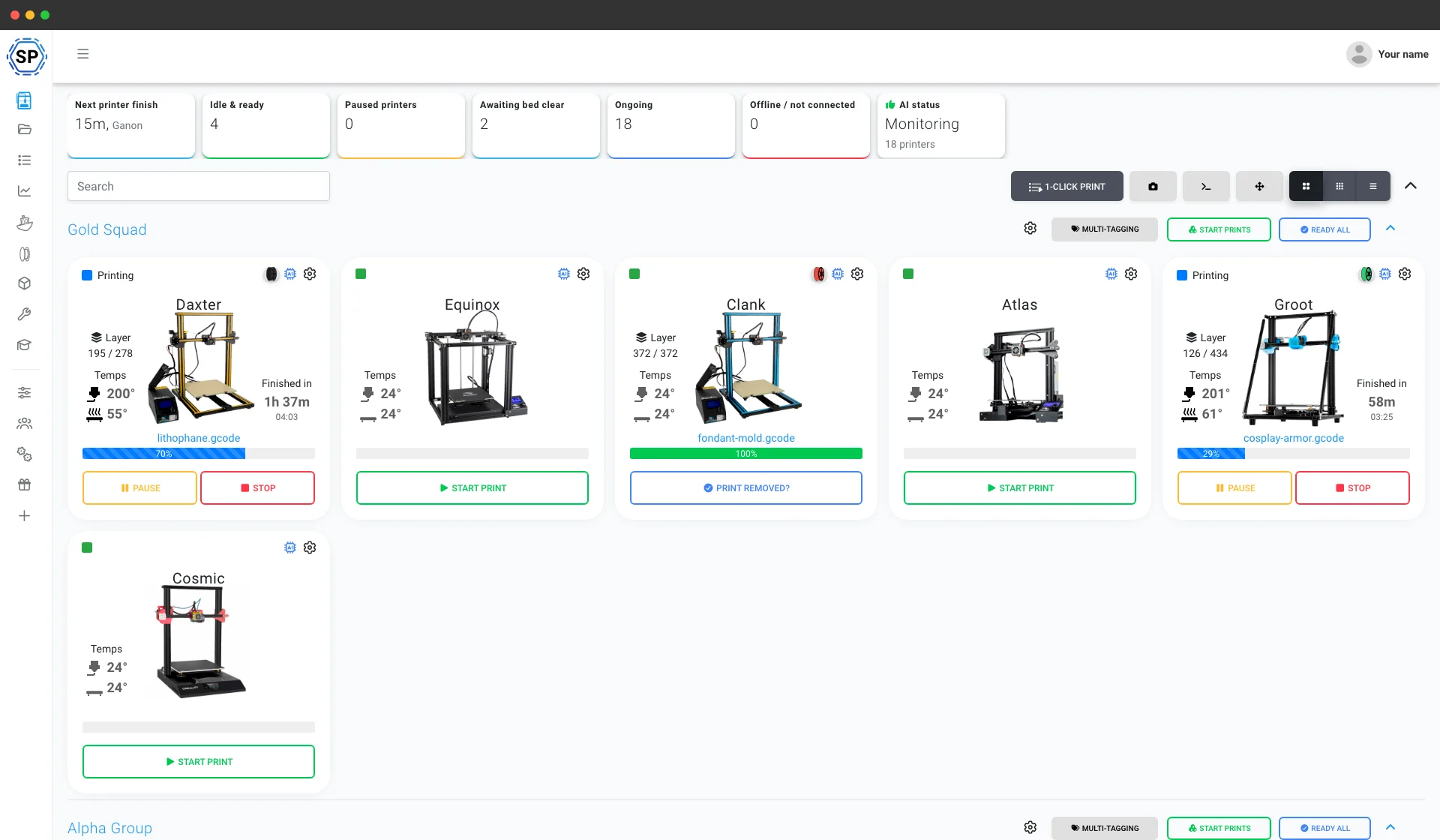
Anycubic farm के लिए बाकी सब कुछ
मेंटेनेंस, ऑटोमेशन, filament, आंकड़े और बहुत कुछ, ज़रूरत पड़ते ही उपलब्ध।
सभी सुविधाएँ जानें
1-क्लिक में बल्क स्टार्ट
Anycubic printers की पूरी rack पर हर matching job एक click में शुरू करें। SD cards या floor पर घूमना नहीं।
और जानें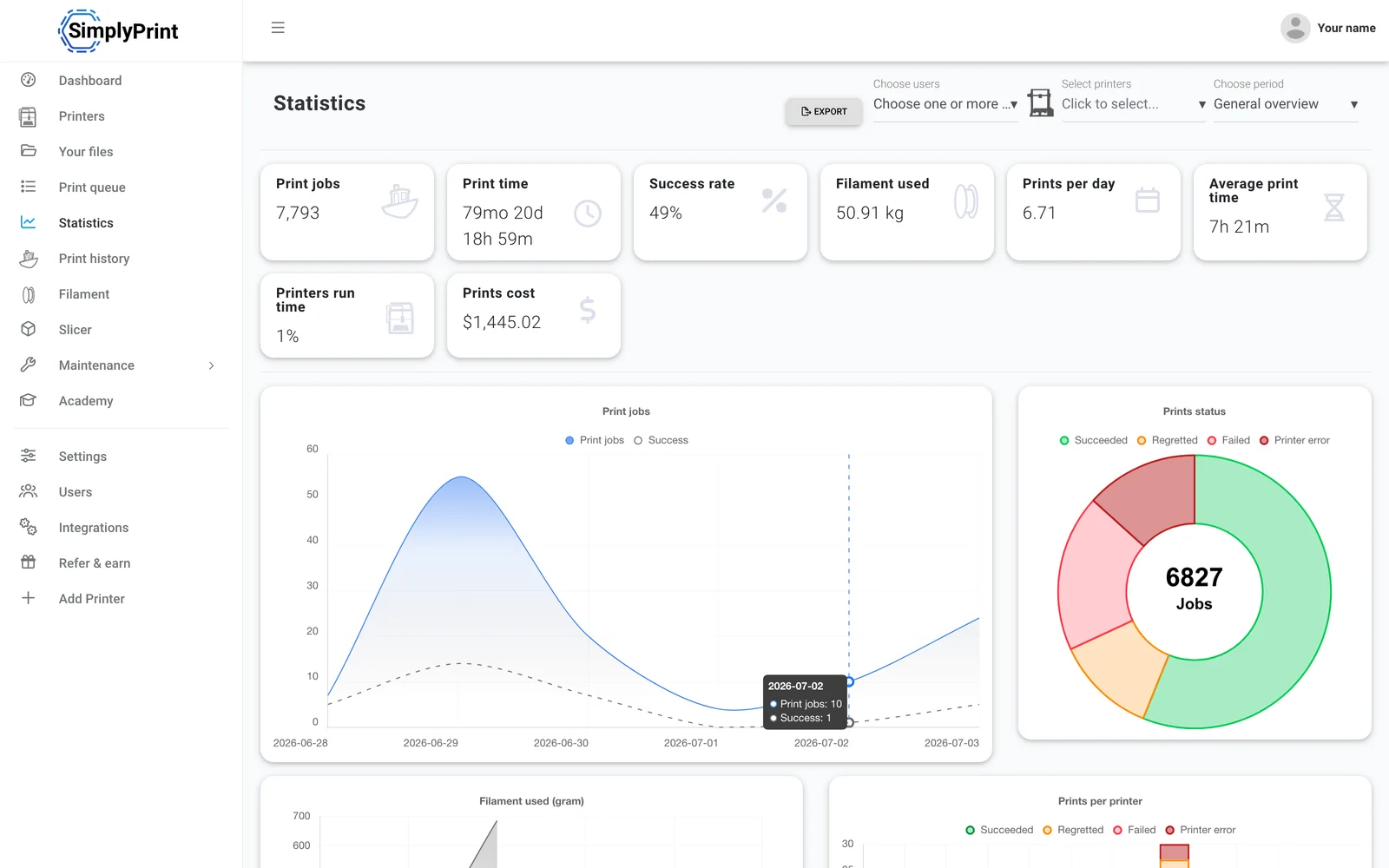
आंकड़े
प्रिंट घंटे, सफलता दर, filament उपयोग और लागत, व्यवसाय चलाने के जरूरी आंकड़े।
और जानें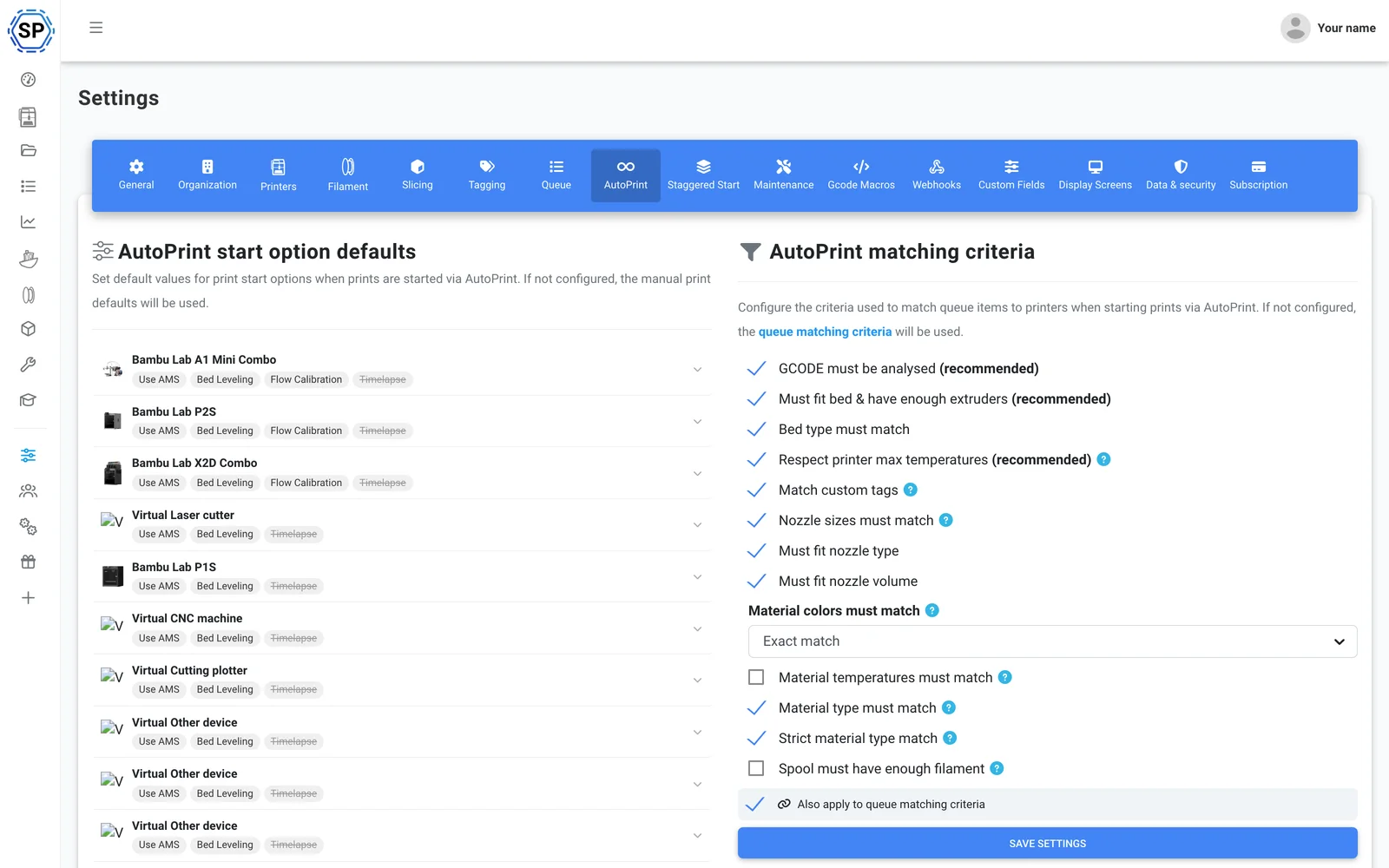
AutoPrint
बिना हस्तक्षेप निरंतर प्रिंटिंग: SimplyPrint हर प्रिंट पूरा होने पर bed खाली करके अगला उपयुक्त जॉब खुद शुरू करता है।
और जानें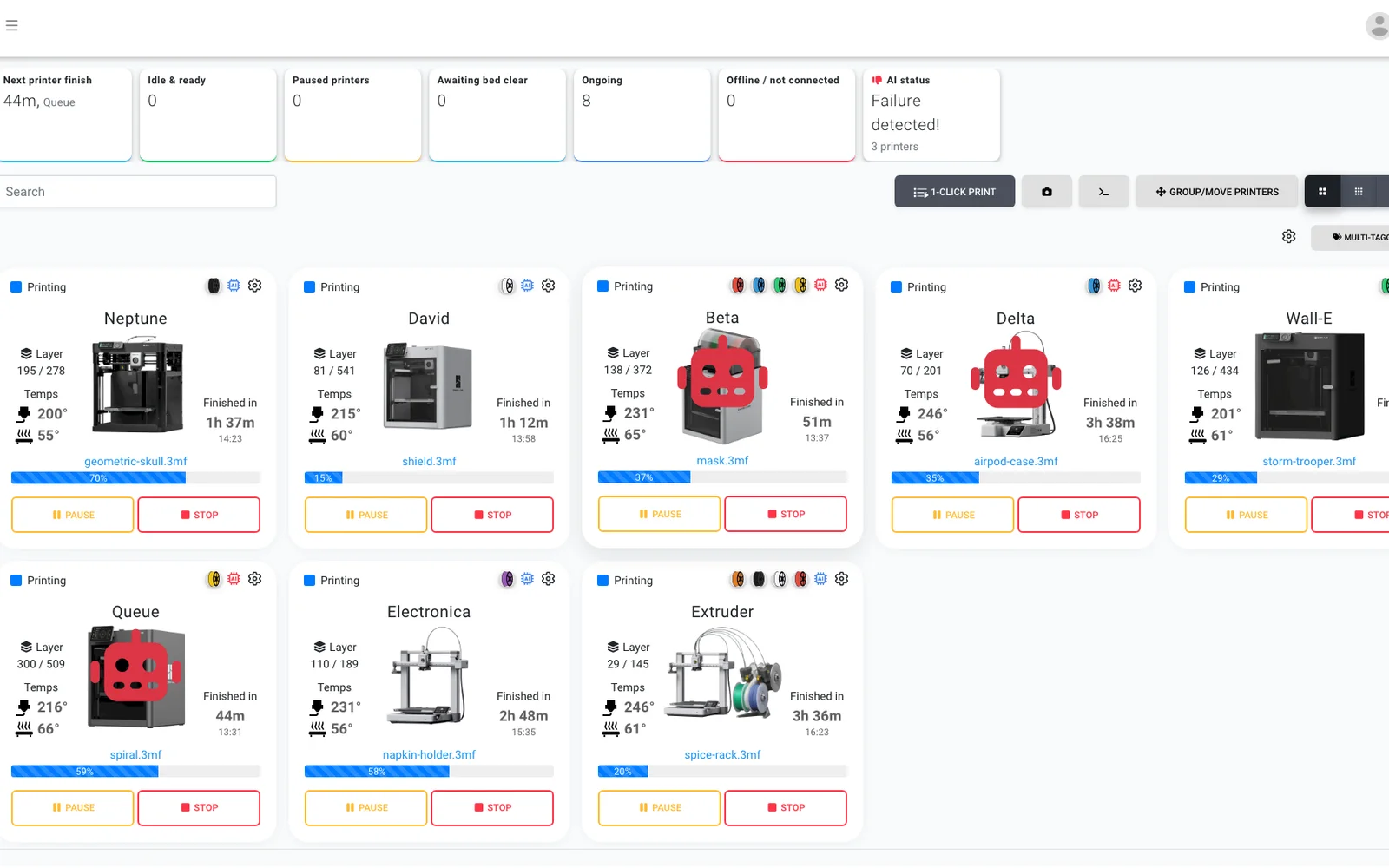
AI फेलियर डिटेक्शन
हर Anycubic प्रिंटर के हर camera पर दूसरी नज़र: बिना onboard AI वाले Kobra को भी विफलता पहचान मिलती है और अगला जॉब शुरू होने से पहले AI पुष्टि करता है कि हर बेड खाली है।
और जानें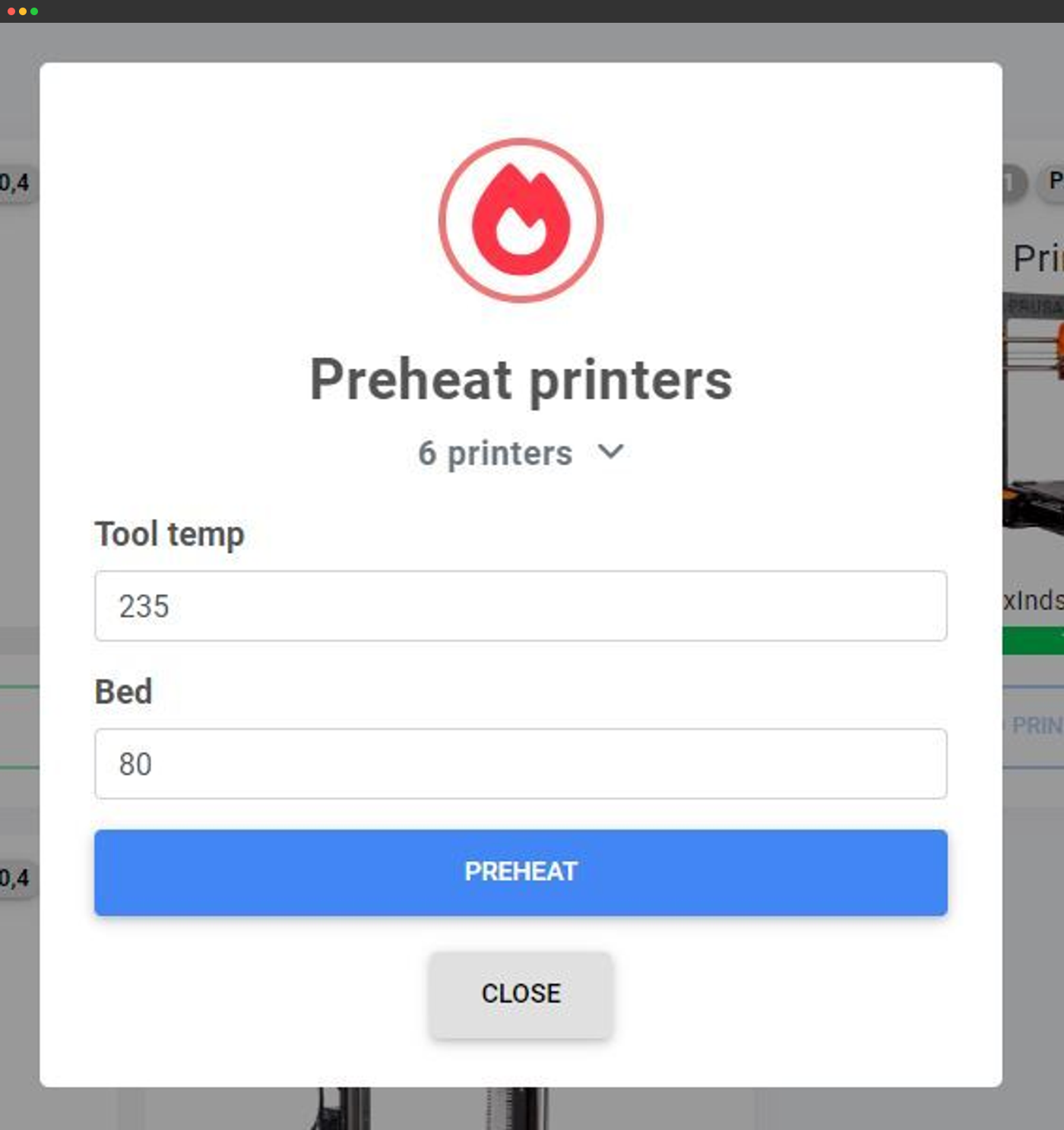
बल्क एक्शन
एक स्क्रीन से दर्जनों प्रिंटरों को एक साथ preheat करें, G-code भेजें या उन पर कार्रवाई करें।
और जानें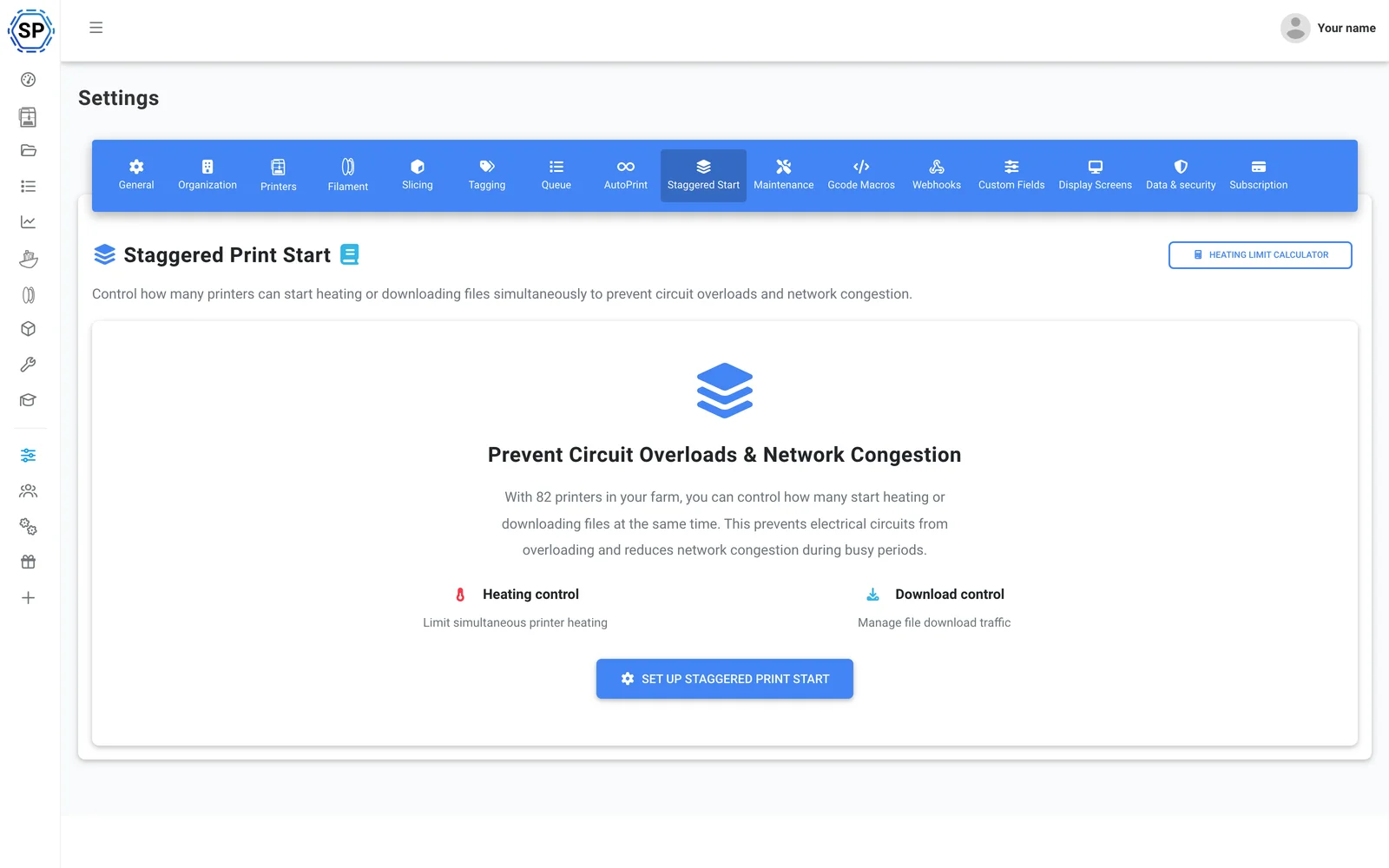
स्टैगर्ड स्टार्ट
एक सर्किट पर बहुत से प्रिंटर हैं? एक बार में preheat होने वाले प्रिंटरों की सीमा तय करें, ताकि भरा हुआ रैक कभी ब्रेकर ट्रिप न करे।
और जानें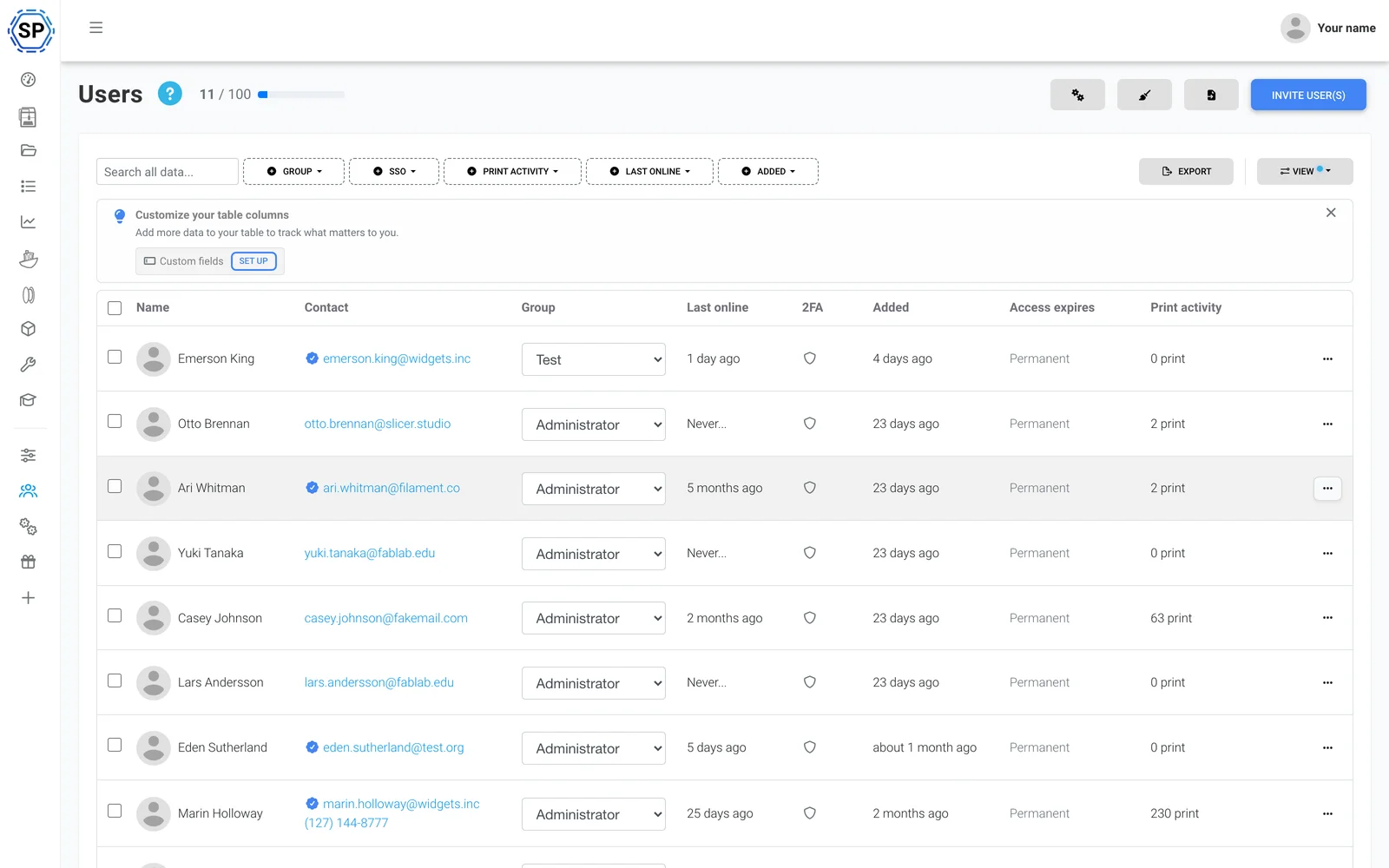
टीम और अनुमतियाँ
फार्म को सहकर्मियों के साथ चलाएँ, हर उपयोगकर्ता या समूह के लिए अनुकूलित अनुमतियों के साथ।
और जानें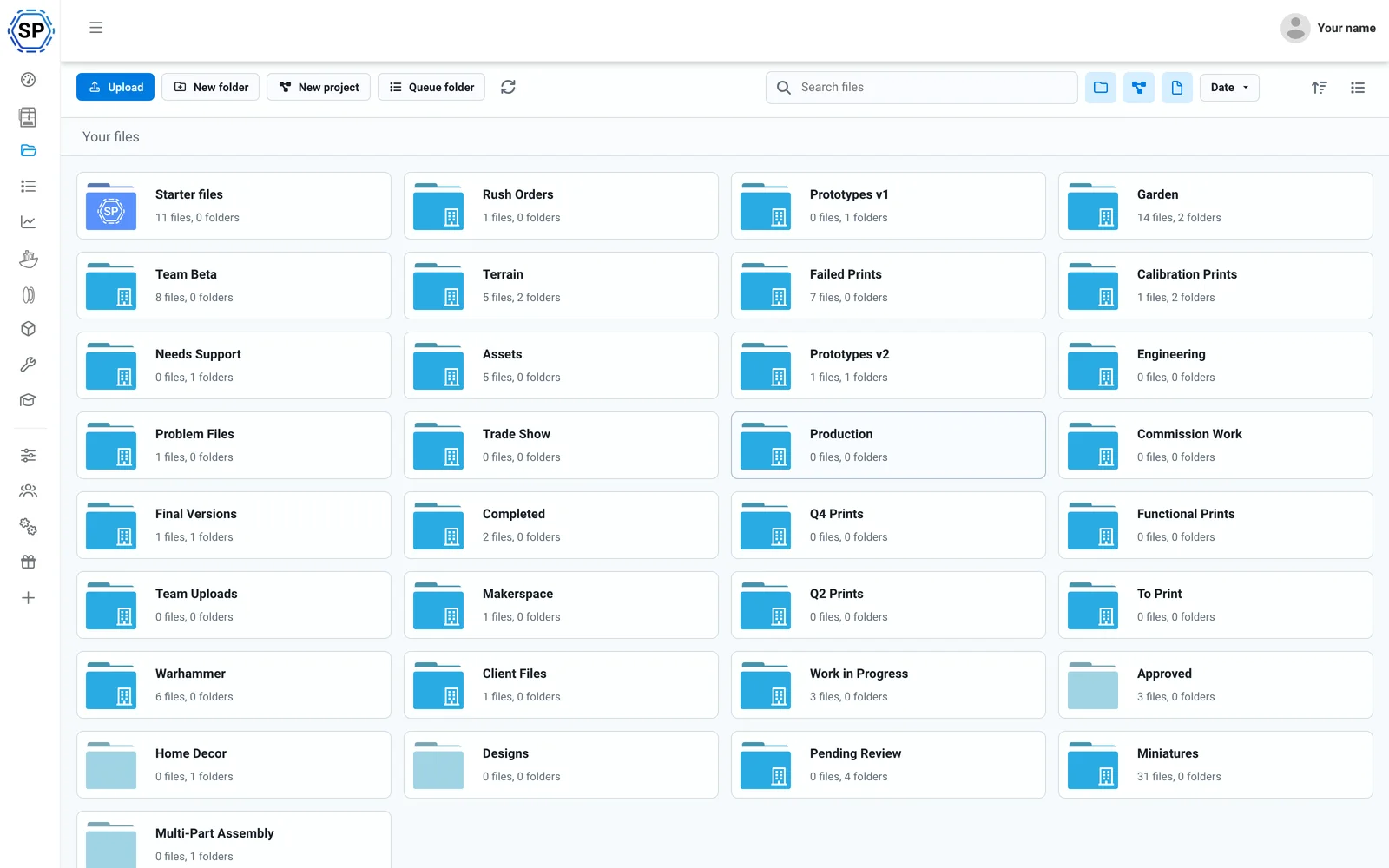
Cloud files और इतिहास
हर G-code एक साझा क्लाउड में, प्रिंट गिनती, साझा फोल्डर और पूरे हिस्ट्री लॉग के साथ।
और जानें
फिलामेंट मैनेजर
अपने आप उपयोग tracking और इन्वेंट्री: ACE को समझती है और third-party spool लगे होने पर भी सटीक।
और जानें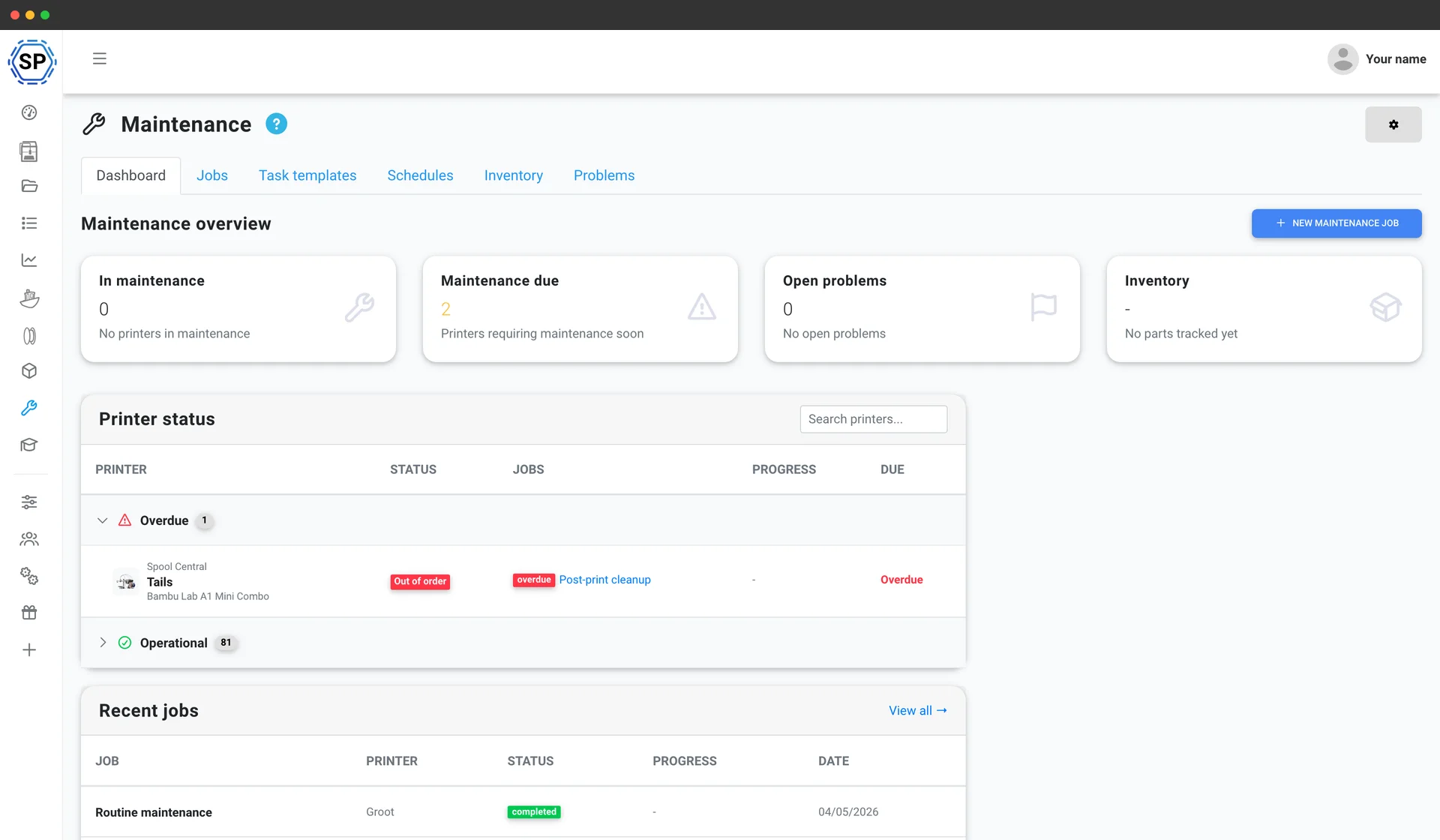
प्रिंटर मेंटेनेंस
हर machine के usage-based service schedules, spare-parts inventory और health overview, ताकि fleet कभी halt न हो।
और जानें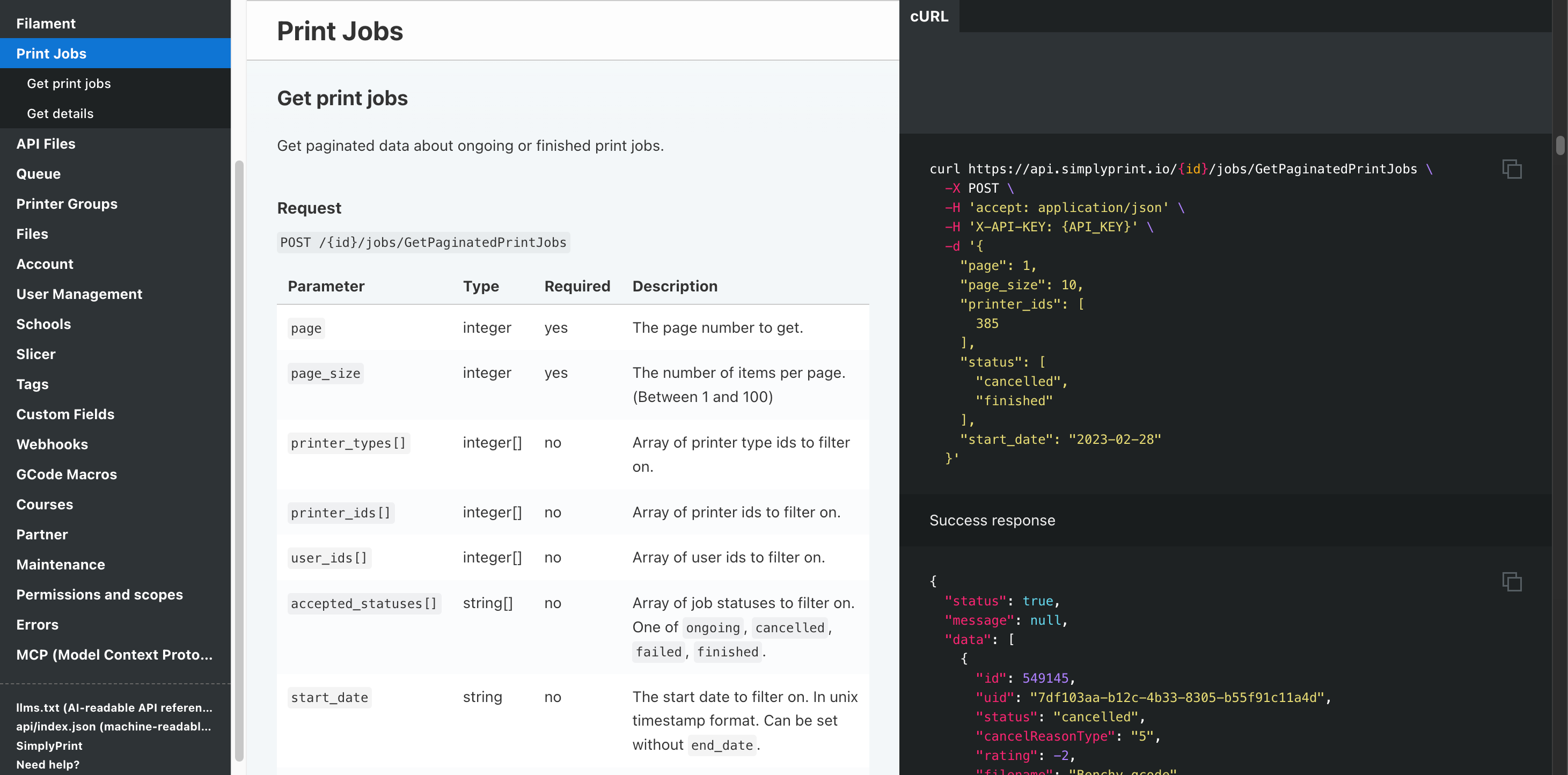
Automation और API
अपने storefront से REST API द्वारा orders को कतार में भेजें, हर job पूरा होने पर webhook पाएँ, और Zapier, n8n या AI assistant को बाकी काम सँभालने दें।
और जानेंहर Anycubic FDM प्रिंटर सपोर्टेड
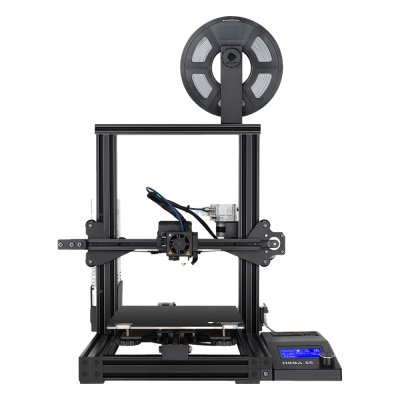
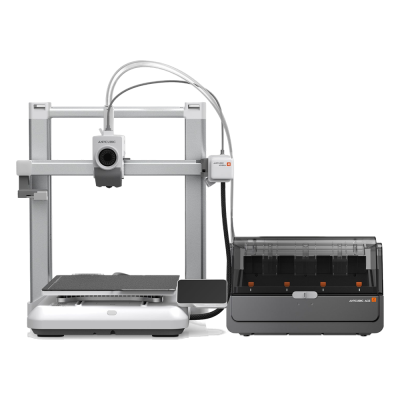
Anycubic FDM lineup में Kobra 3 और Kobra S1 series, Kobra Max और Neo तथा classic Mega और i3 range शामिल हैं। Compatibility और setup guide के लिए किसी मॉडल पर क्लिक करें।
Mega SE
Kobra 4 Combo
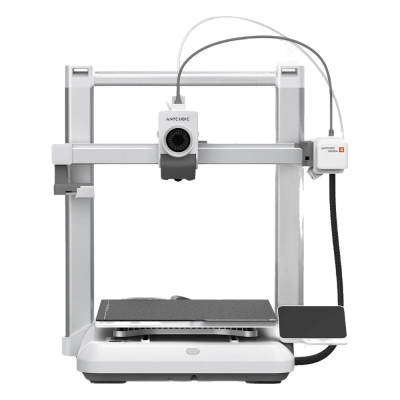
Kobra 4

Kobra 3 Max V2 Combo
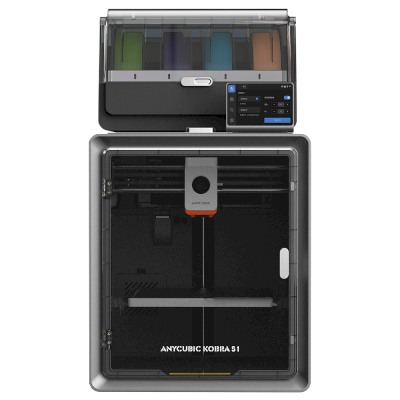
Kobra S1 Combo
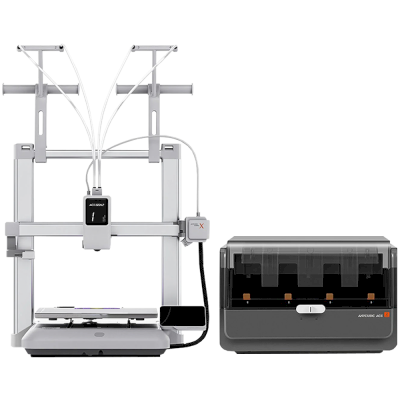
Kobra X Combo
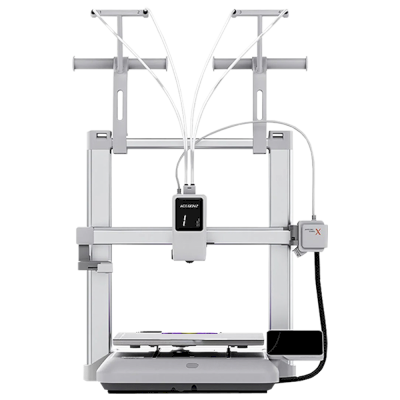
Kobra X
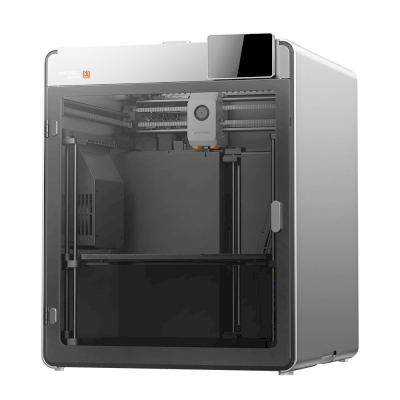
Kobra S1 Max
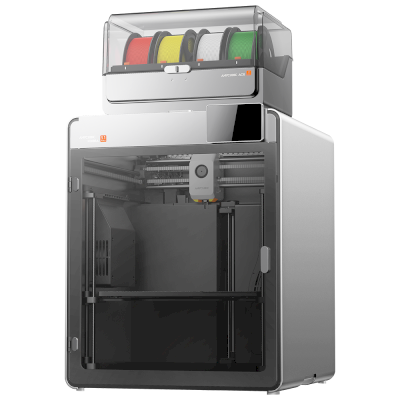
Kobra S1 Max Combo
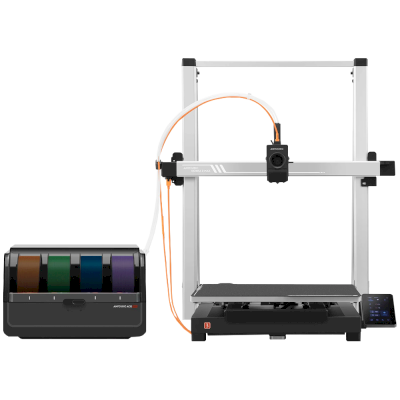
Kobra 3 Max Combo
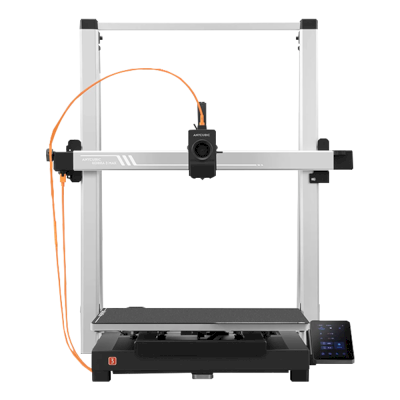
Kobra 3 Max
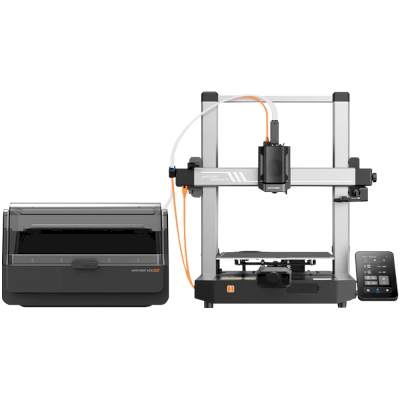
Kobra 3 V2 Combo
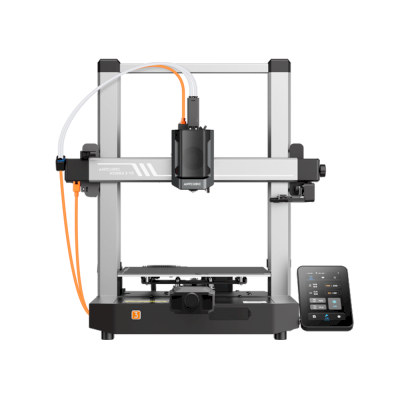
Kobra 3 V2
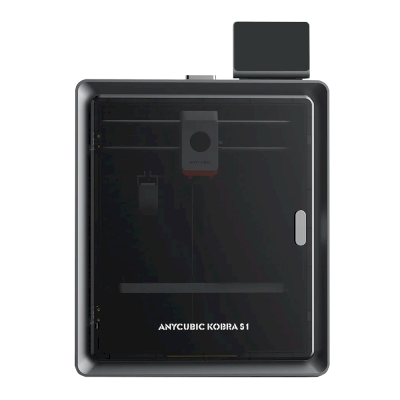
Kobra S1
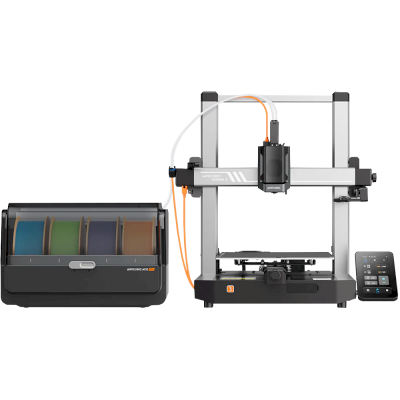
Kobra 3 Combo
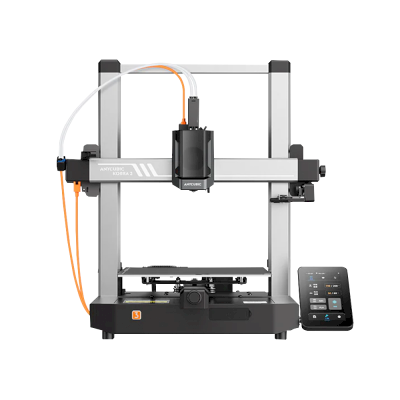
Kobra 3
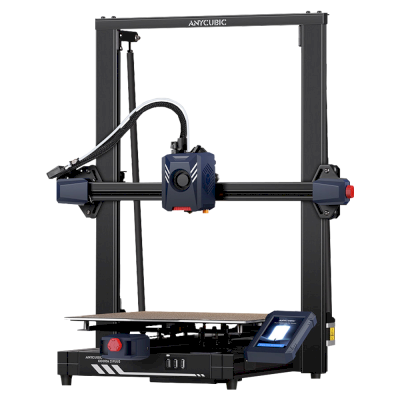
Kobra 2 Plus
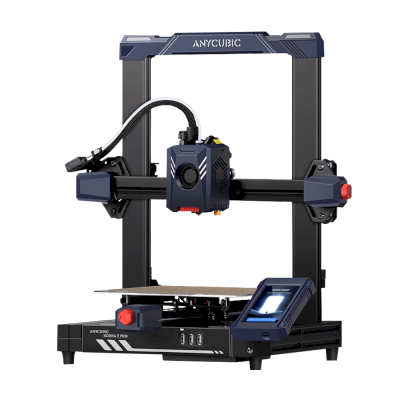
Kobra 2 Pro
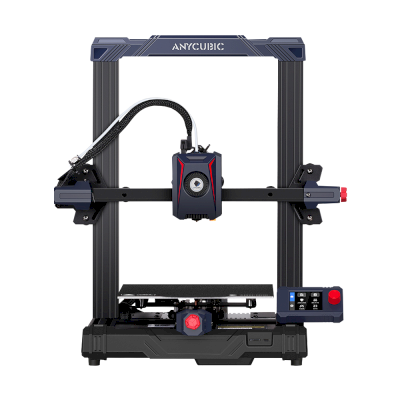
Kobra 2 Neo
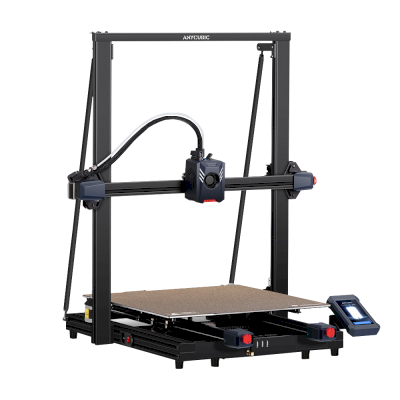
Kobra 2 Max
/product_photo_md.png?cacheid=652d2d24a731c)
Kossel (Pulley)
/product_photo_md.png?cacheid=652d18d120e93)
Kossel (Linear Plus)
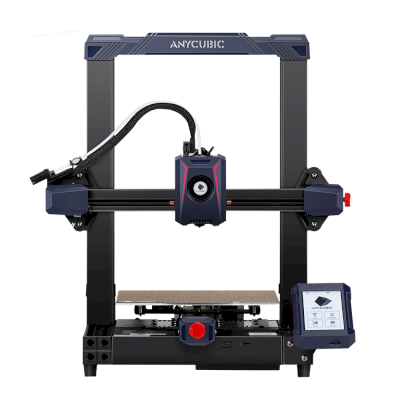
Kobra 2
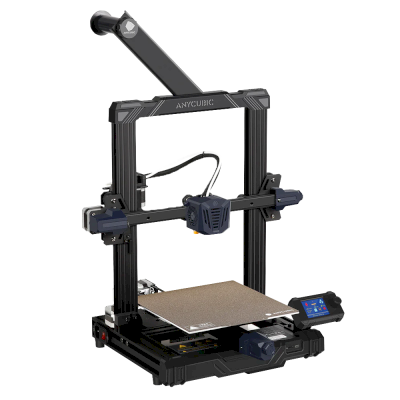
Kobra Go
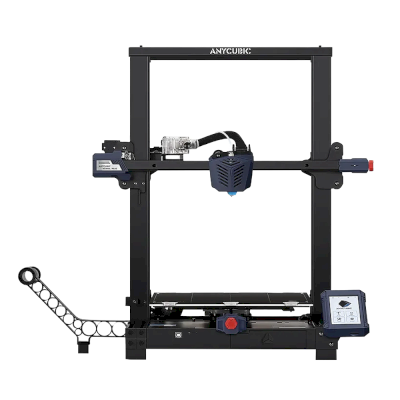
Kobra Plus
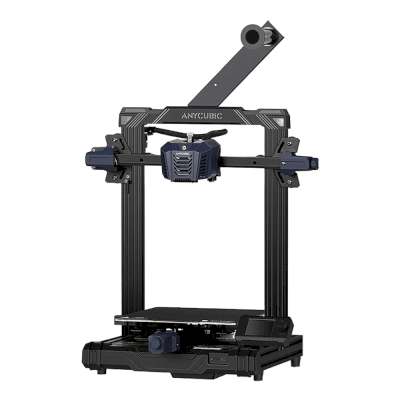
Kobra Neo
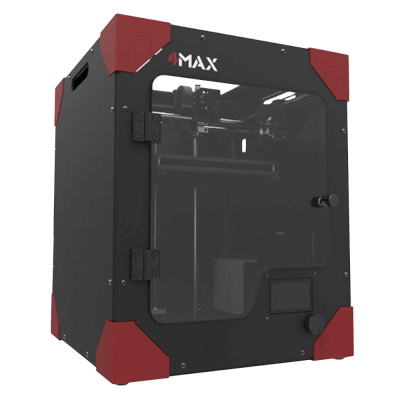
4Max
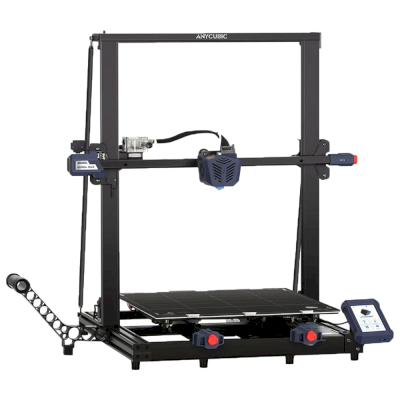
Kobra Max
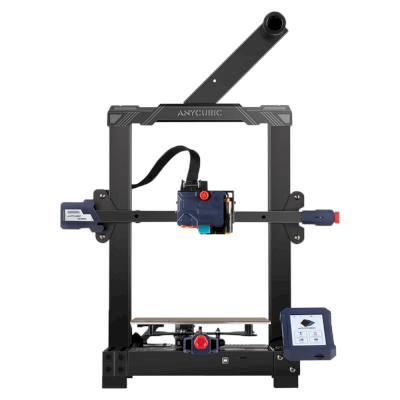
Kobra
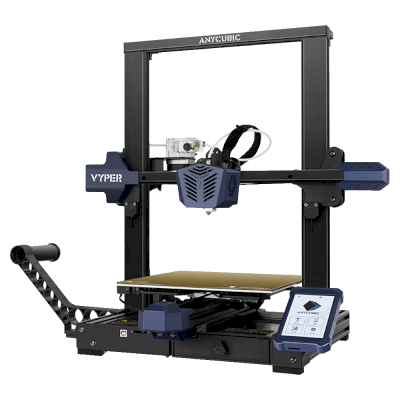
Vyper
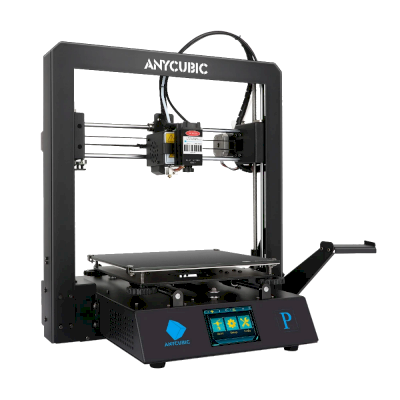
Mega Pro
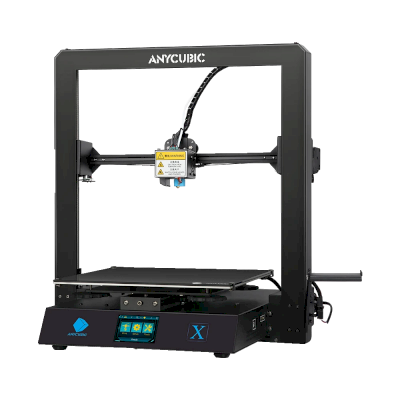
Mega X
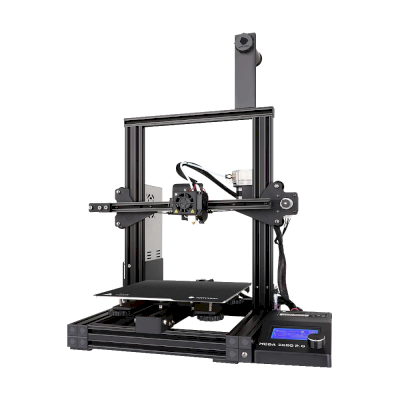
Mega Zero 2.0
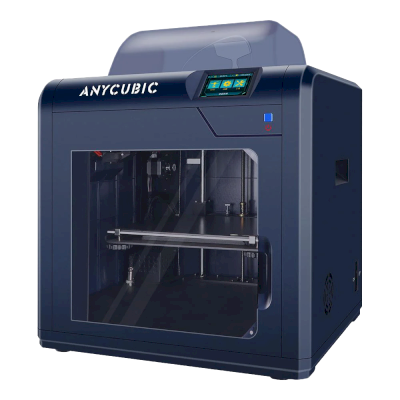
4Max Pro
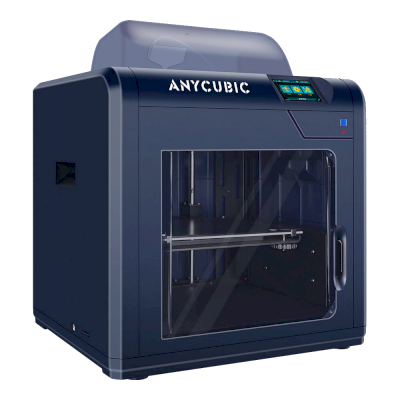
4Max Pro 2.0
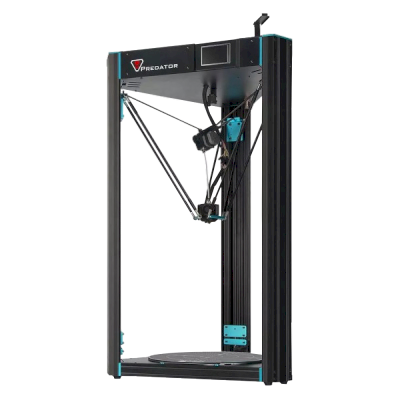
Predator
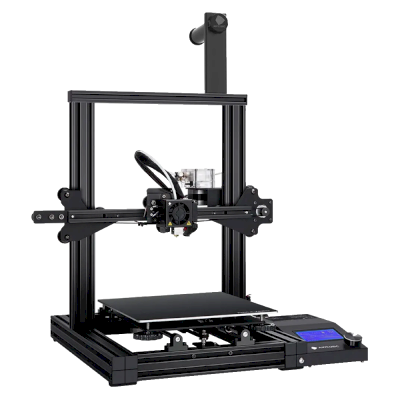
Mega Zero
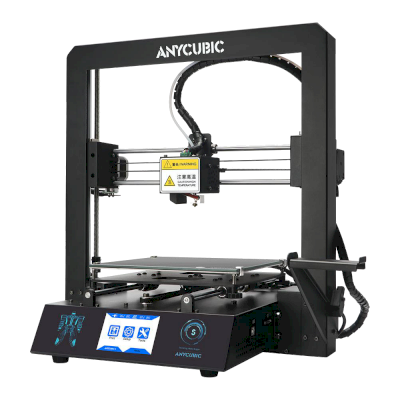
i3 Mega S
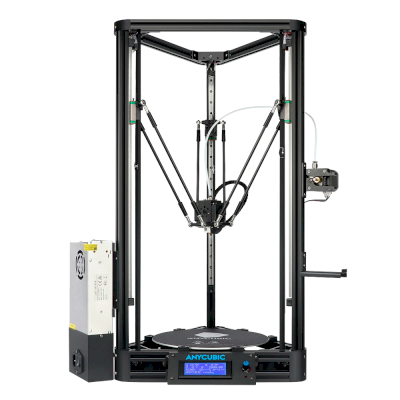
Kossel
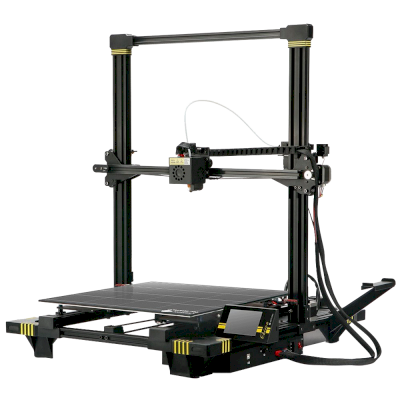
Chiron
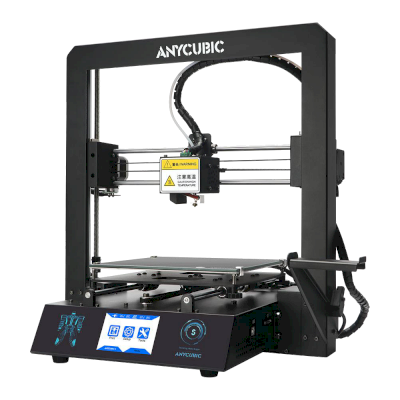
i3 Mega
सिर्फ़ Anycubic नहीं? SimplyPrint, 150+ ब्रांड और 770+ प्रिंटर मॉडल को साथ-साथ चलाता है। पूरी संगतता सूची देखें या प्रिंट फार्म प्लेटफ़ॉर्म देखें।
आपके ग्राहकों के डिज़ाइन निजी रहते हैं
आपके क्लाउड की फ़ाइलें केवल आपकी टीम को दिखाई देती हैं, इंटरनेट पर कभी नहीं। SimplyPrint GDPR अनुपालक है, EU में होस्टेड है और SOC 2 तथा ISO 27001 प्रमाणनों वाले इन्फ्रास्ट्रक्चर पर बना है, साथ ही 99.9%+ अपटाइम देता है।


वे प्रमाणन और मानक जिनके दायरे में SimplyPrint और इसका hosting infrastructure आता है।
सुरक्षा और अनुपालन की जानकारीरास्ते में प्रिंट अपडेट
अपनी जेब से फार्म चलाएँ। प्रिंट पूरा होने, रुकने और filament खत्म होने की सूचनाएँ पाएँ, किसी भी प्रिंटर का कैमरा देखें और कहीं से भी जॉब रोकें।


SimplyPrint ⚫ अभी
Printer 1 पर प्रिंट शुरू हुआ
अनुमानित प्रिंट समय 3d 4h है
SimplyPrint ⚫ अभी
प्रिंटर 2 में विफलता का पता चला!
रोकना या रद्द करना चाहते हैं?

सिर्फ़ हमारी बात पर भरोसा न करें
मिश्रित फ्लीट, या कोई दूसरा ब्रांड? पूरा प्रिंट फार्म प्लेटफ़ॉर्म · Bambu Lab · Prusa · Creality · ELEGOO · Flashforge
SimplyPrint, Anycubic को 150+ ब्रांड और 770+ प्रिंटर मॉडल के साथ चलाता है, एक कतार, एक स्क्रीन। अपने प्रिंटर जाँचें।