Fra et enkelt klasseværelse til et skoledistrikt med flere skoler
Uanset om du er naturfagslærer med tre Bambu Lab-printere i hjørnet af lokalet, makerspace-koordinator på et universitet med tyve Prusa-printere eller IT-ansvarlig i et skoledistrikt, der ruller SimplyPrint ud på femten skoler, skalerer funktionerne med dig. Klasselister, kvotapolitikker pr. gruppe, printkøgodkendelse, SSO og en revisionslog er med i School-planen fra start.
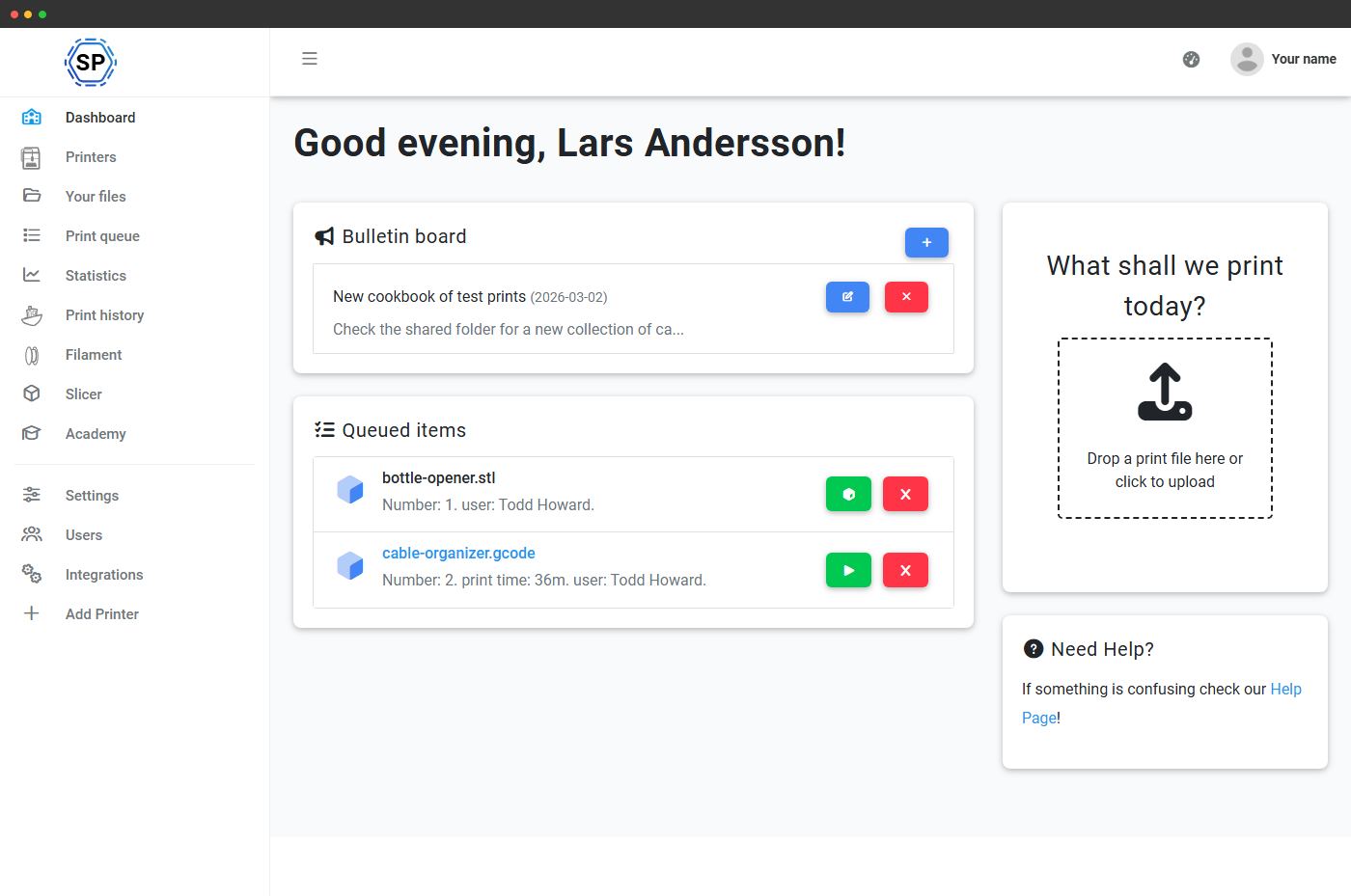
Lærer- og elevdashboards, designet til klasseværelset
Hver rolle får et dedikeret dashboard, og administratorer får en træk-og-slip-editor til at arrangere widgets pr. gruppe. Lærerdashboardet viser afventende køgodkendelser, kvoteanmodninger, der venter på afgørelse, klasseoversigten, seneste print, skolens opslagstavle og mere. Elevdashboardet viser deres egen kvote, afventende indsendelser, skolens opslagstavle og hurtige links til klasseressourcer. Layout konfigureres pr. brugergruppe, så administratorer, lærere, labassistenter og elever hver kan have forskellige standardvisninger.
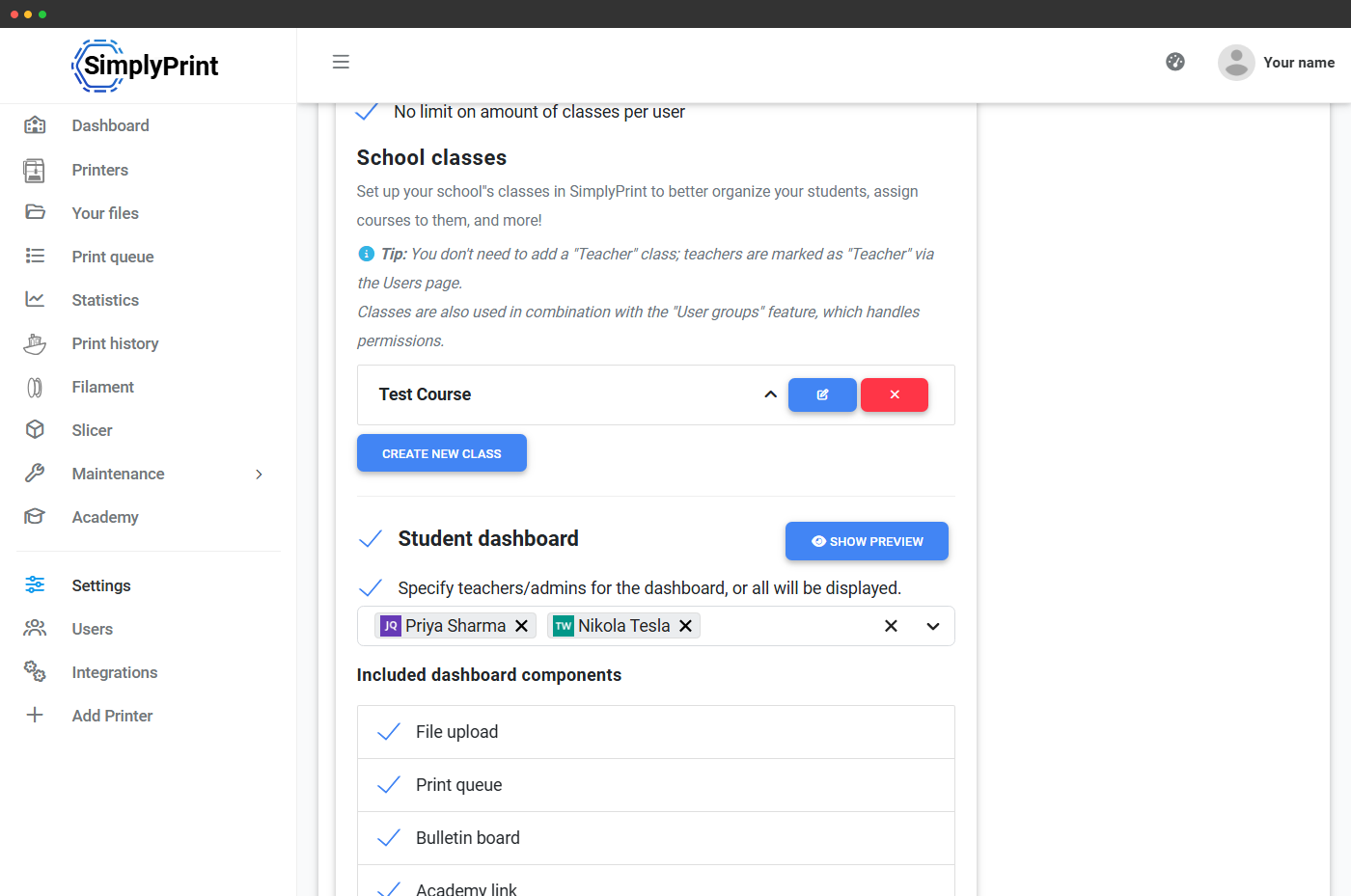
Mere om lærer- og elevdashboardsKlasser: organiser eleverne, som de faktisk er grupperet
Brugergrupper håndterer tilladelser, klasser håndterer, hvilke elever der går i hvilke faktiske klasser. Opret ubegrænset antal klasser ("Year 10 Design", "Engineering 101", "After-school Makers"), importér en klasseliste fra CSV, sæt en grænse for antal klasser pr. bruger, og vælg hvad der sker ved tilmelding: tildel en standardklasse, bed eleven vælge eller lad dem være utildelt. Lærere ser kun de klasser, de er knyttet til. Køgrupper og kvoter pr. klasse betyder, at hver klasse kan have sin egen produktionsbane og sit eget budget.
Læs funktionssiden om skoleklasser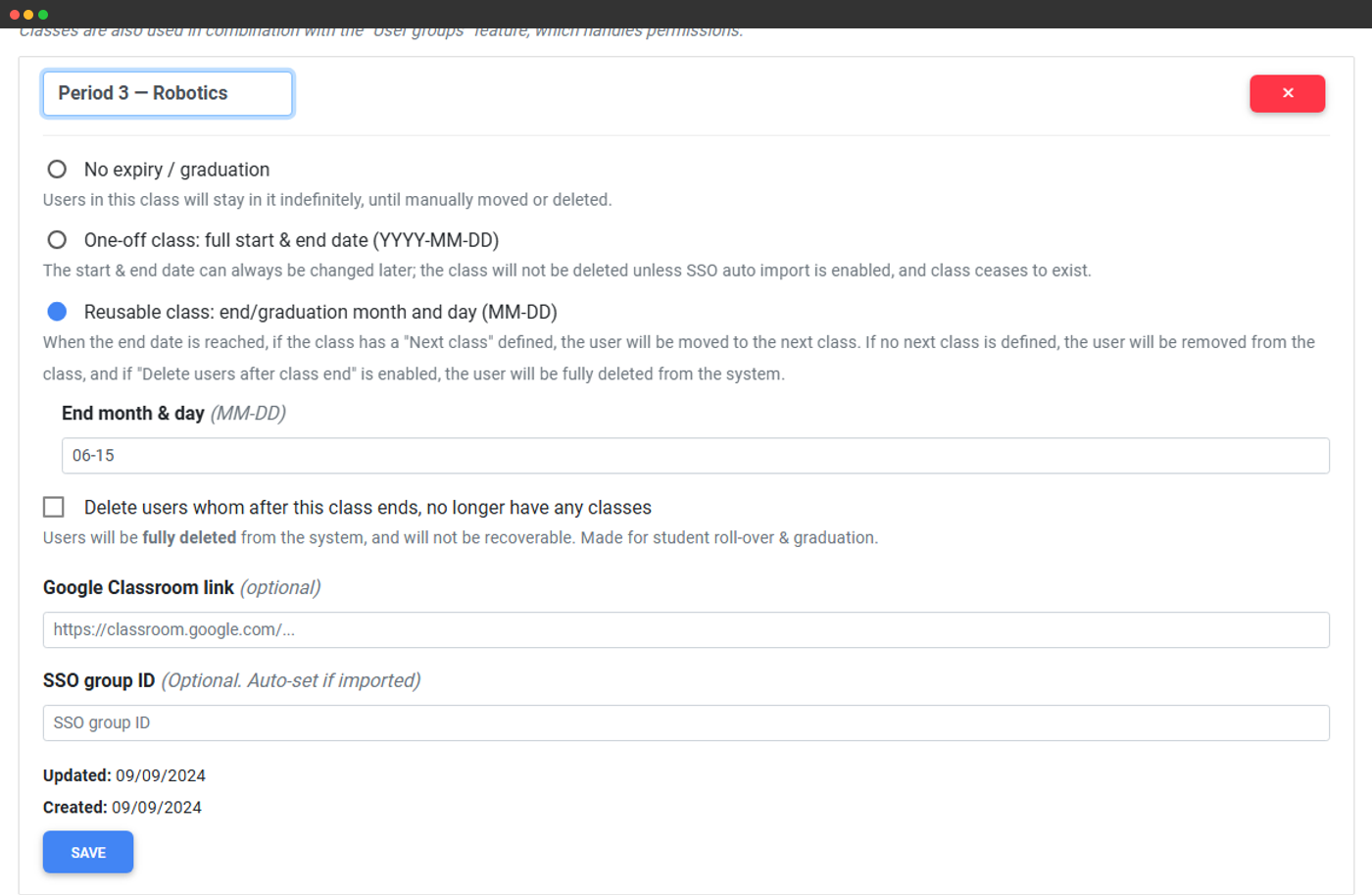
Printkøgodkendelse: hvert elevprint skal forbi en lærer først
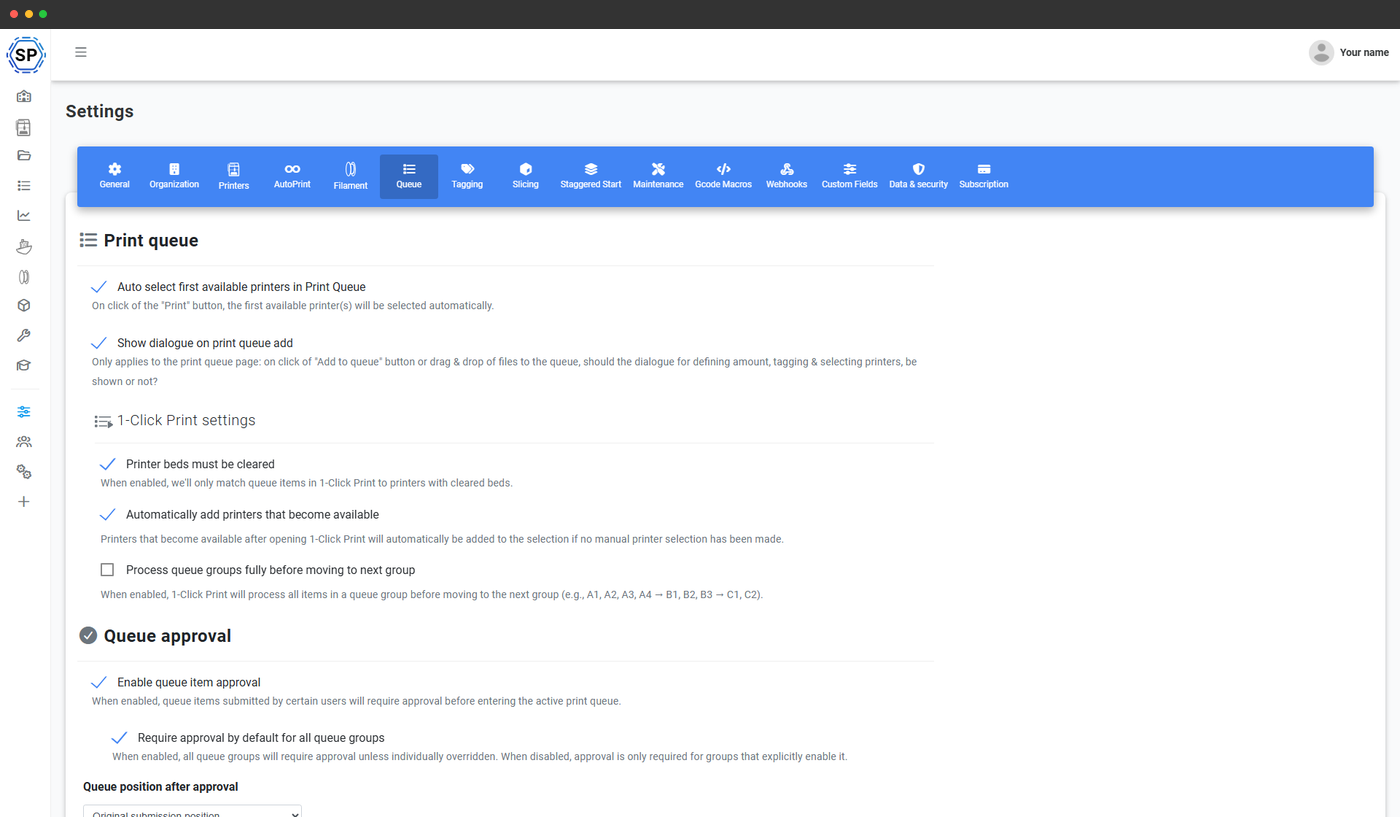
Slå printkø-godkendelse til på din skole, så enhver indsendelse fra en gruppe, der ikke er fritaget, lander i en ventende kø i stedet for den aktive printkø. Godkendere ser miniaturebillede, G-code-analyse, estimeret pris og indsenderens aktuelle kvoteforbrug og kan derefter godkende, afvise med en begrundelse, sende tilbage til rettelse eller printe og godkende med ét klik. Tilsidesættelser pr. gruppe lader dig kræve godkendelse kun for elevgrupper, mens personale kan indsende direkte til den aktive printkø. Kommentartråde, revisionslog med tilskrivning og notifikationsrouting er inkluderet.
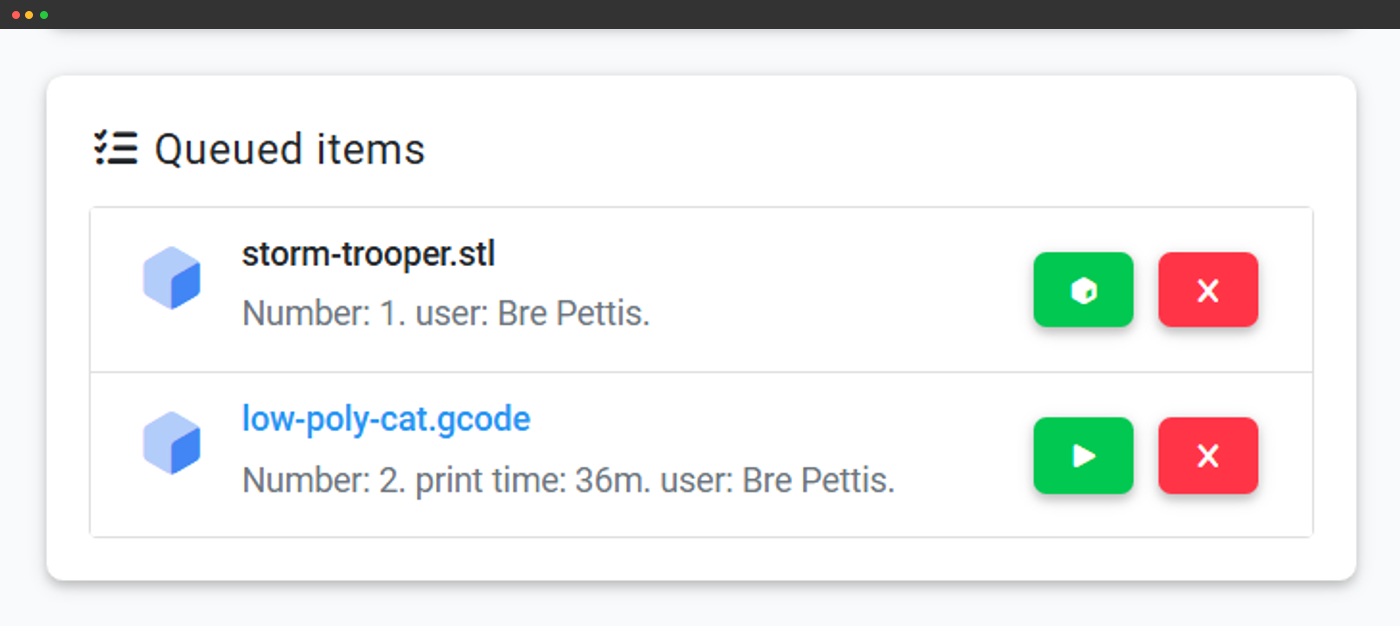
Indbakke til afventende godkendelser
Hver afventende indsendelse vises på lærerens dashboard med miniaturebillede, G-code-analyse og påvirkning af kvoten.
Spring godkendelse over pr. rang
Lærere, laboratorieassistenter og administratorer kan springe den afventende kø over via en tilladelse pr. rang.
Send tilbage til revision
Tilbagekald en tidligere godkendelse, skriv en kommentar med ændringsanmodningen, så indsender eleven samme element igen.
Print og godkend
En handling med ét klik, der både godkender og straks sender indsendelsen til printeren, når du har tillid til den.
Printkvoter, grænser pr. job og forudbetalt saldo pr. brugergruppe
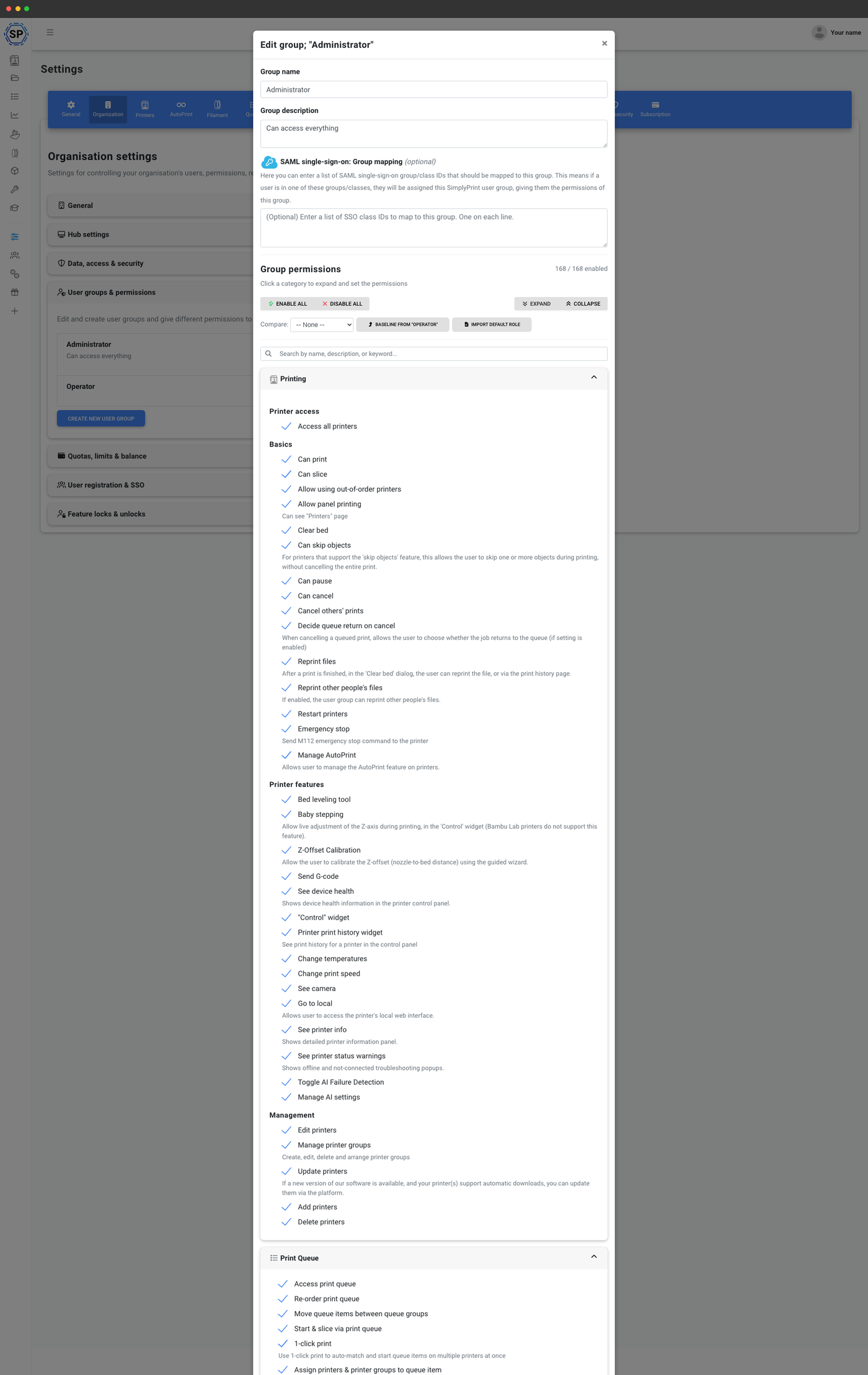
Klasseværelser kører på delte printere og begrænsede filamentbudgetter. Systemet til kvoter og grænser lader dig sætte fair use-regler per brugergruppe: begræns antal prints, gram materiale, printtimer, slicer-kreditter eller det pengebeløb, en gruppe kan bruge i en daglig, ugentlig, månedlig eller brugerdefineret periode. Valgfri overførsel med et overførselsloft. Læg samtidighedsgrænser oveni (maks. antal printere en elev kan optage ad gangen, maks. antal køemner per elev) og per-job-grænser (maks. printvarighed, maks. XYZ-dimensioner, med valgfrie tilsidesættelser per printermodel).
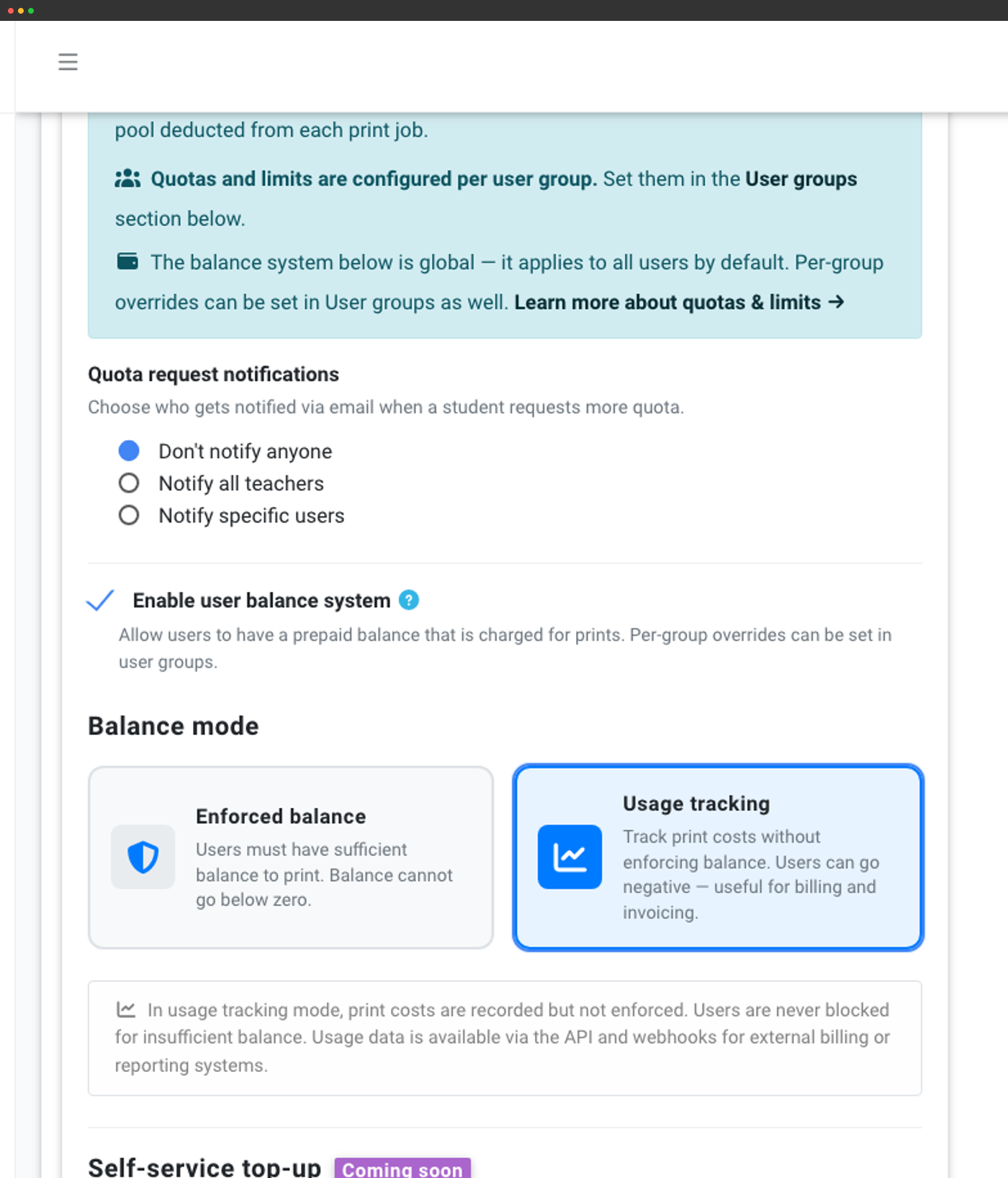
Det forudbetalte saldosystem giver hver elev en kreditpulje, som print trækker fra. Vælg håndhævet tilstand for at blokere print, når saldoen løber tør, eller tilstand for brugsregistrering for aldrig at blokere og i stedet registrere omkostninger til fakturering, tænk intern afregning mellem afdelinger. Opsæt automatisk genopfyldning efter en tidsplan, undtag lærere globalt, indstil rabatregler med valgfri start- og slutdatoer, og send notifikationer om kvoteanmodninger til en bestemt lærer eller administrator.
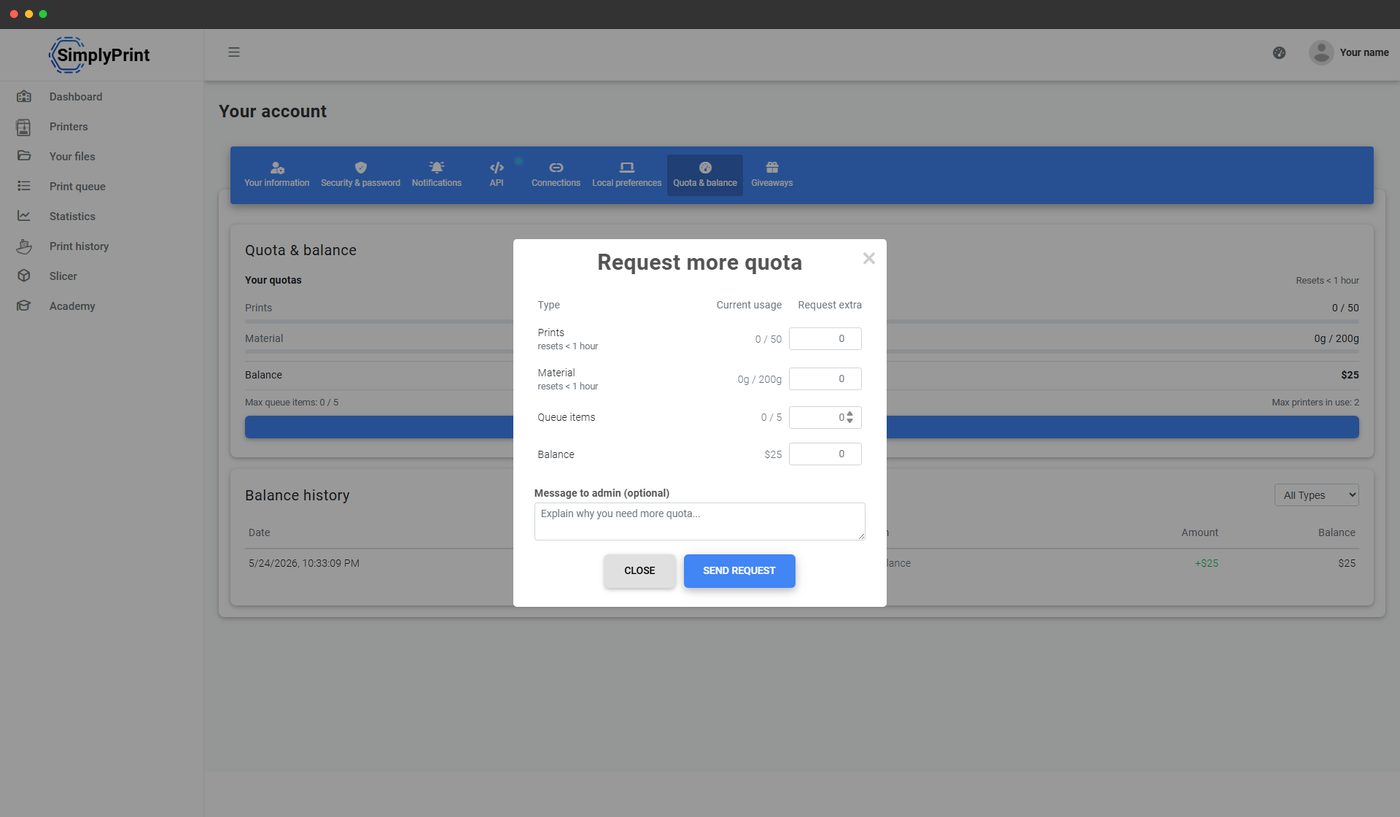
Elever anmoder om mere kvote, lærere godkender fra dashboardet
Når en elev når en kvotegrænse eller løber tør for saldo, kan eleven sende en Bed om mere fra topbjælken, køsiden, slicerens velkomstskærm eller modalvinduet for blokerede print. Anmodningen lander i lærerens Indbakke for kvoteanmodninger på dashboardet. Lærere ser hver anmodning med elevens aktuelle forbrug, kan justere anmodningen op eller ned, skrive en besked og godkende eller afvise flere på én gang. Notifikationer kan sendes til alle lærere eller bestemte administratorer, og eleven får en notifikation, når anmodningen er behandlet.
SAML-enkeltlogon til Google Workspace, Microsoft Entra ID og Auth0
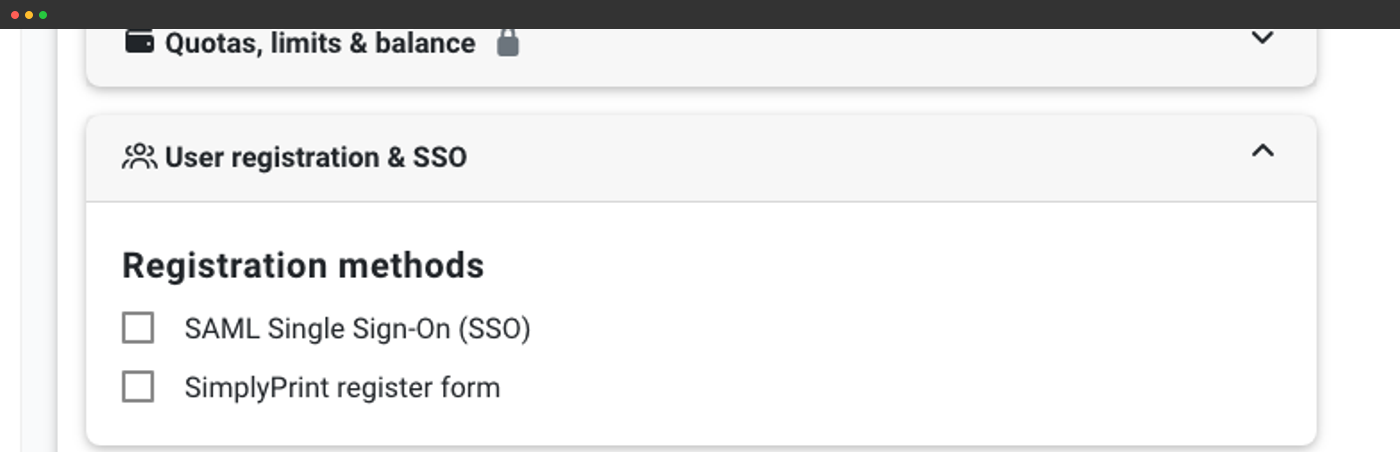
IT-teams på skoler og i skoledistrikter kræver næsten altid single sign-on. SimplyPrint understøtter SAML 2.0 på tværs af de store identitetsudbydere, skoler rent faktisk bruger:
- Google Workspace - den mest udbredte K-12-IdP
- Microsoft Entra ID (tidligere Azure AD) - almindeligt i større distrikter og på universiteter
- Auth0, fleksibel IdP til virksomheder
- Federationsbaseret SAML: for distrikter, der bruger deres eget federationslag
- Enhver SAML 2.0 IdP, generisk udbyderkonfiguration til alt andet
Indsæt en Google Classroom-URL, når du opsætter SSO-gruppe → klassemapping; SimplyPrint henter klassemedlemskab fra Classroom ved hver synkronisering. SSO-opsætningsguides til Google, Microsoft, Auth0 og SAML
GDPR, SDPC og den sikkerhedsdokumentation, dit it-team vil bede om
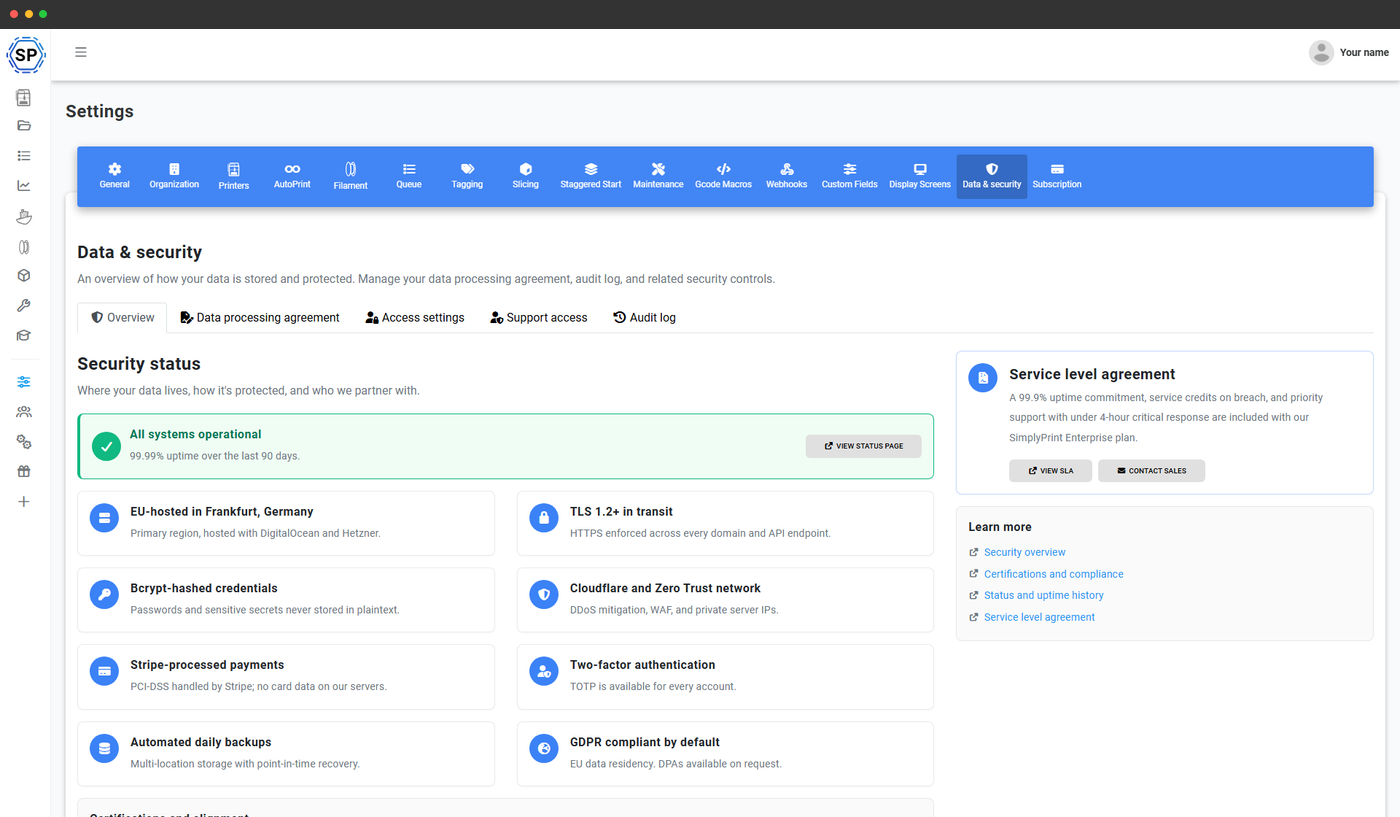
SimplyPrint er udviklet i Danmark og kører på EU-hostet infrastruktur, så GDPR er udgangspunktet, ikke et tilkøb. Med School-planen får du også:
- Databehandleraftale i produktet - underskriv DPA'en i panelet, uden at sende PDF'er frem og tilbage via e-mail
- Kontoens revisionslog - komplet historik over kontoens handlinger: godkendelser, ændringer af tilladelser, saldojusteringer, rolletildelinger
- IP-whitelisting - begræns paneladgang til skolens eller distriktets IP-intervaller
- SDPC Standard NDPA - SimplyPrint er underskriver af SDPC's flerstatslige K-12 NDPA. Skolekredse i dækkede stater kan tilslutte sig den eksisterende aftale via bilag E i stedet for at forhandle deres egen kontrakt.
Trinvis: kræv 2FA og begræns paneladgang via IP.
Skabt med skolebudgettet for øje
De fleste skoler ender med at stykke fire eller fem separate værktøjer sammen for at administrere deres 3D-printere: et værktøj til køstyring, en Chromebook-kompatibel slicer, et klasseværelsesdashboard til lærere, et revisionsspor til IT og fillagring til elevprojekter. SimplyPrint erstatter alle disse poster med én platform på én indkøbsordre. Når du præsenterer det for den budgetansvarlige, er indkøbsargumentet konsolidering: færre leverandører at vurdere, færre databehandleraftaler at indhente, én fornyelsescyklus, én supportkontakt og én regning.
Hub: en kioskagtig side til printerlaboratoriet
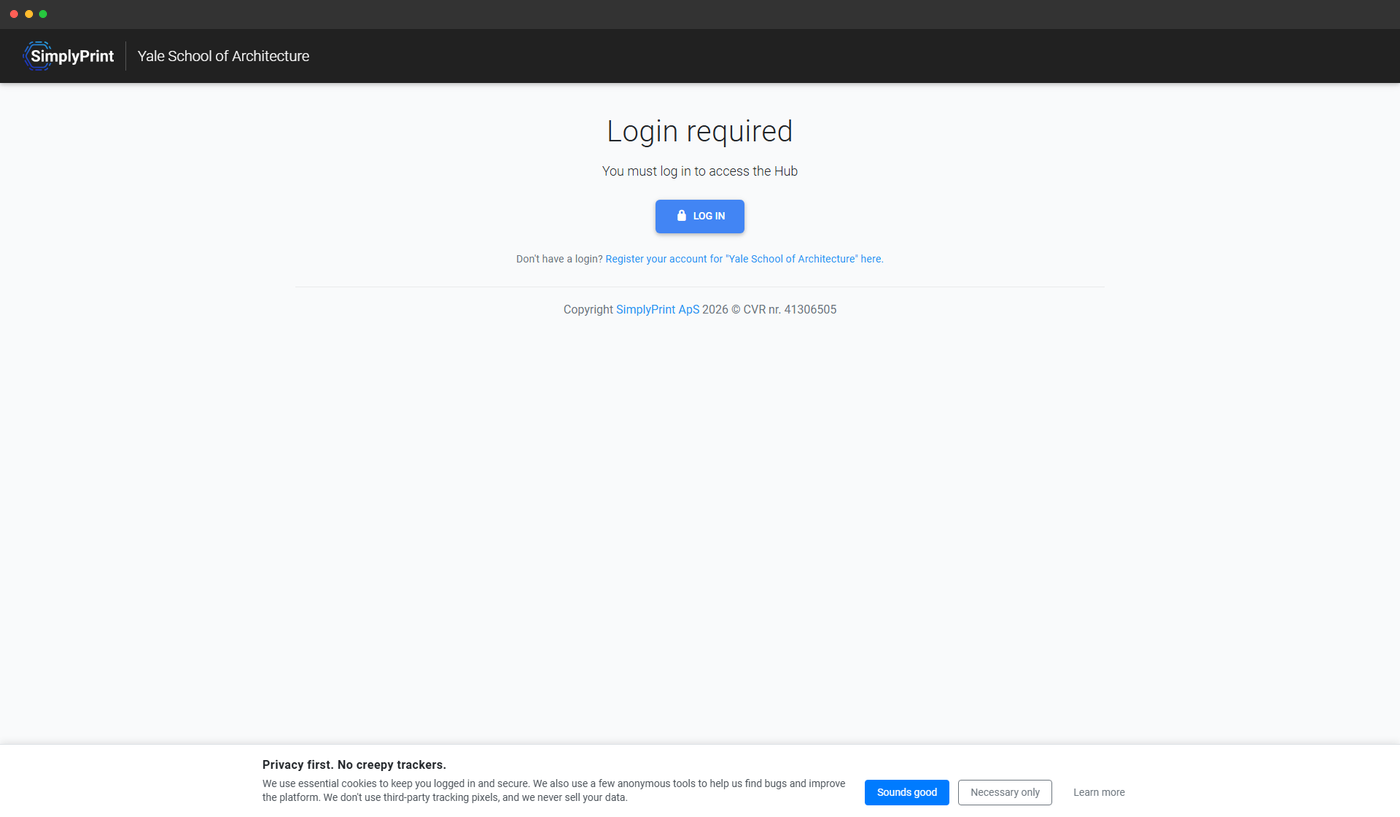
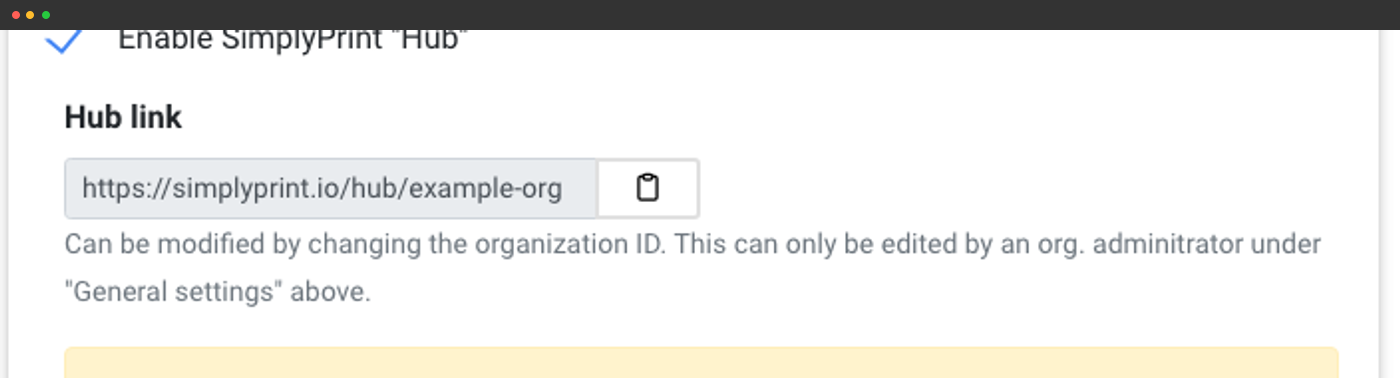
Din skole får en dedikeret offentlig Hub-side på simplyprint.io/hub/{your-school-id}, en forenklet grænseflade uden forstyrrelser, der er lavet til at køre på laboratoriecomputeren ved siden af printerne. Samme login som i hovedpanelet, langt mindre at klikke sig igennem. Lås den til bestemte IP-adresser eller computere, så kun laboratorieterminalen kan få adgang til den.
Printere grupperet efter klasse eller lokale
Statusmærker og hurtige handlinger, organiseret efter dine klasse- eller køgrupper.
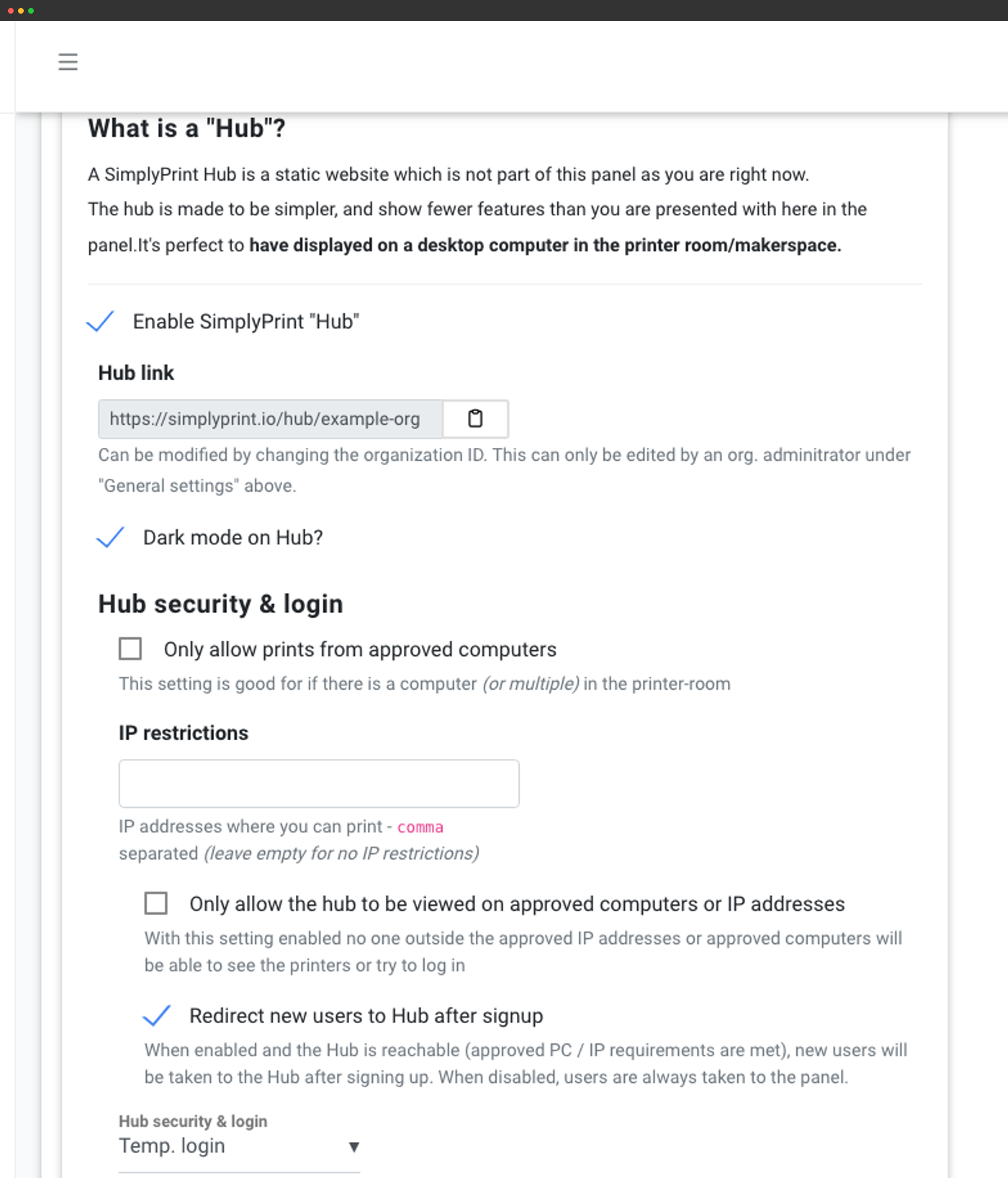
Lås til labbets IP'er og computere
Begræns print eller endda visning til godkendte IP-intervaller, afgørende på delte skolenetværk.
Automatisk log ud mellem timer
Midlertidig logintilstand, så hver lektion starter frisk i stedet for at arve den seneste elevs session.
Hvilke funktioner til klasseværelset følger med hvilket abonnement
School-abonnementet er lavet specifikt til klasseværelser og makerspaces. Samarbejde mellem flere brugere og Hub fås også med Print Farm og Enterprise. Køgodkendelse, kvoter og dashboards til lærere og elever fås kun med School og Enterprise, mens selve dashboardværten er forbeholdt School.
| Funktion/grænse | Gratis | Basic | Pro | Printfarm | Enterprise | Skole | Cloud Slicer | Filament Manager |
|---|---|---|---|---|---|---|---|---|
|
Flere brugere
Invitér lærere og elever med separate logins og tilladelser.
|
||||||||
|
Godkendelsesflow for printkø
Send hver elevindsendelse forbi en lærer, før den når den aktive kø.
|
||||||||
|
Kvoter, grænser og saldo
Periodiske kvoter, grænser pr. job, forudbetalt saldo med håndhævelses- eller sporingstilstand.
|
||||||||
|
Lærer- og elevdashboards
Dashboards for hver persona med afventende godkendelser og indbakker til kvoteanmodninger.
|
||||||||
|
SAML-enkeltlogon
Google Workspace, Microsoft Entra ID, Auth0, føderationsbaseret SAML eller enhver SAML 2.0-IdP.
|
||||||||
|
Revisionslog for kontoen
Fuld historik over organisationshandlinger til revisorer og it-gennemgang.
|
||||||||
|
Underskrivelse af databehandleraftale direkte i produktet
Underskriv databehandleraftalen direkte fra panelet.
|
||||||||
|
IP-hvidlistning
Lås panelet til skolens eller distriktets IP-intervaller.
|
Vil du vide mere om vores abonnementer?
Se fuld pris- og funktionssammenligning