Find guiden til din målgruppe
Klasseværelsesadministration og flådestyring er grundlæggende forskellige problemer. En skole har brug for køgodkendelse og elevkvoter; en printfarm har brug for saldo i forbrugssporingstilstand og en API. Hub'en nedenfor giver dig de universelle byggesten, invitationer, brugergrupper, kiosk-Hub'en. De to målgruppeguides dækker resten.
Skoler og uddannelse
Klasseværelsesdashboards, kvoter pr. elev, køgodkendelse, SAML SSO, der er kompatibel med Google/Microsoft/Auth0/Clever, samt overholdelse af GDPR og SDPC for K-12-skoledistrikter. Skoleguiden går i dybden med de dele, som School-planen er bygget til.
Åbn guiden til skolerPrintfarme og større virksomheder
Masseoprettelse af operatører, rangbaserede tilladelser på tværs af 168 kontroller, forbrugssaldo til afdelingsfakturering, API- og MCP-adgang, revisionslogs og (på Enterprise) SAML SSO og en underskrevet SLA. Guiden til printfarme/enterprise går i dybden med det, kommercielle operationer og IT-drevne købere faktisk går op i.
Åbn guiden til printfarme/enterprise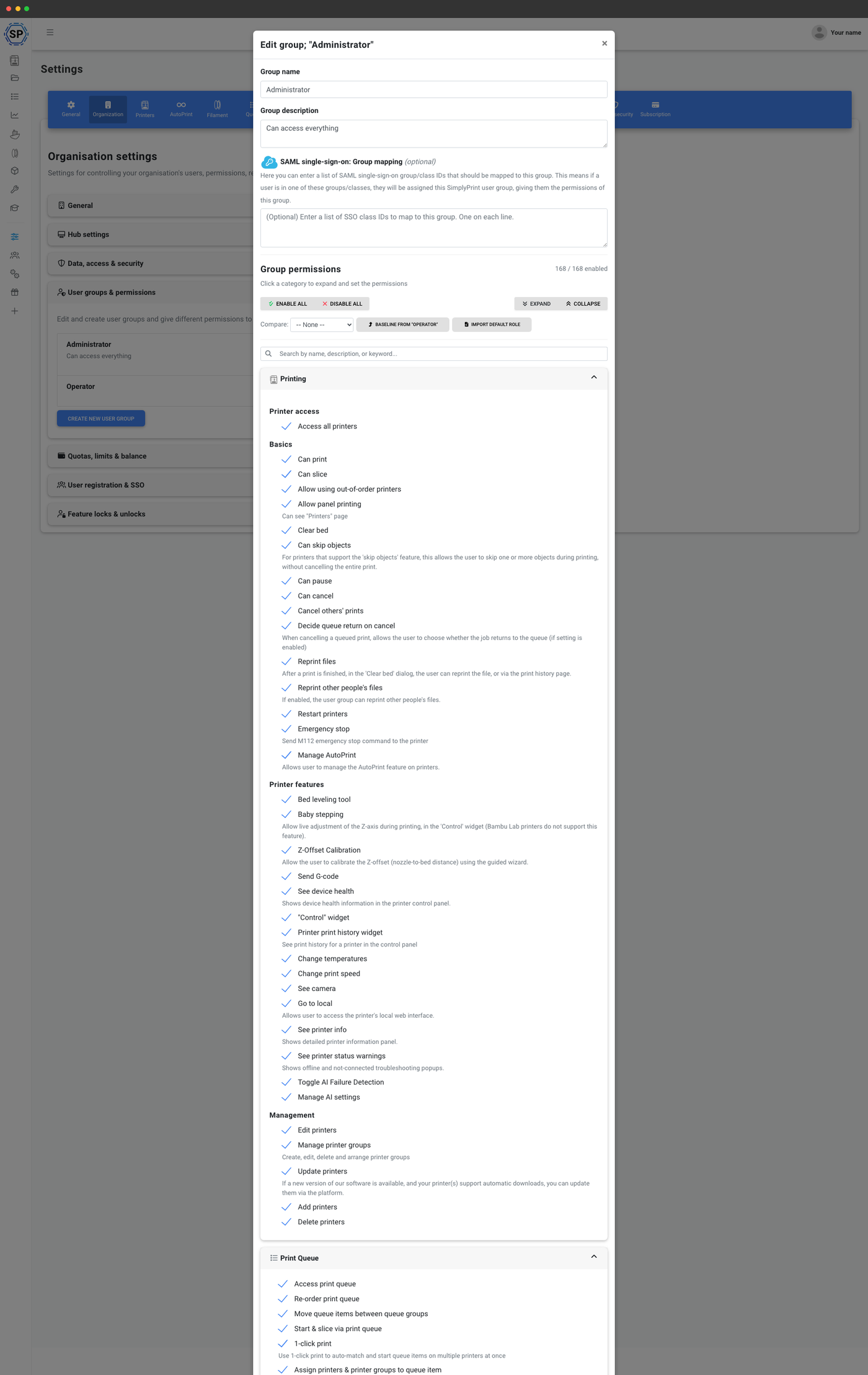
Generel teamside
Mindre teams, der deler en Pro- eller Print Farm-konto uden den omfattende klasseværelses- eller flådeadministration: den generelle funktionsside om flere brugere dækker invitationer, tilladelser og grundlæggende revisionsspor.
Åbn siden om flere brugereSeks sektioner, én indstillingsfane, hele din fælles drift
Fanen Organisation i dine kontoindstillinger er det samlede kontrolcenter for alt med flere brugere. Hvert afsnit nedenfor svarer til et reelt område i panelet, og målgruppevejledningerne ovenfor går mere i dybden med det, hver målgruppe faktisk har brug for.
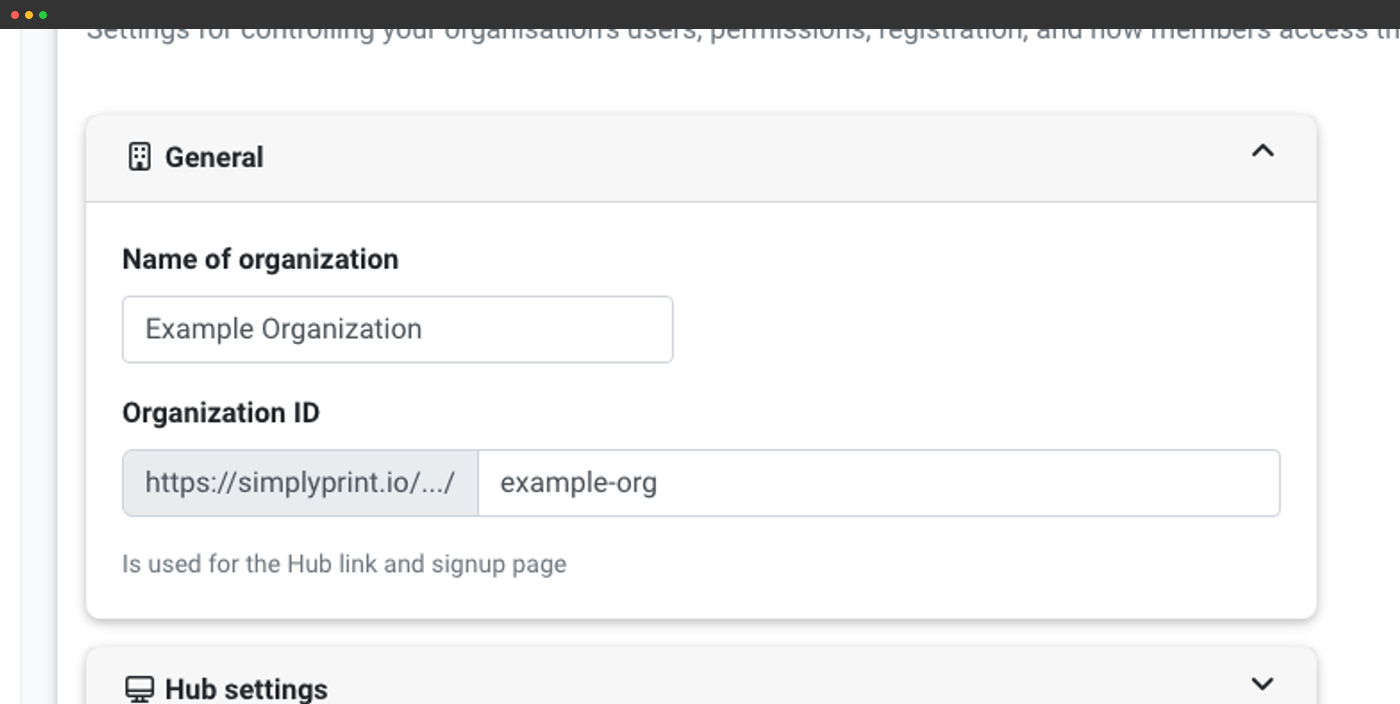
Navn, ID, skatte-/CVR-nummer og URL-slug til Hub og tilmeldinger.
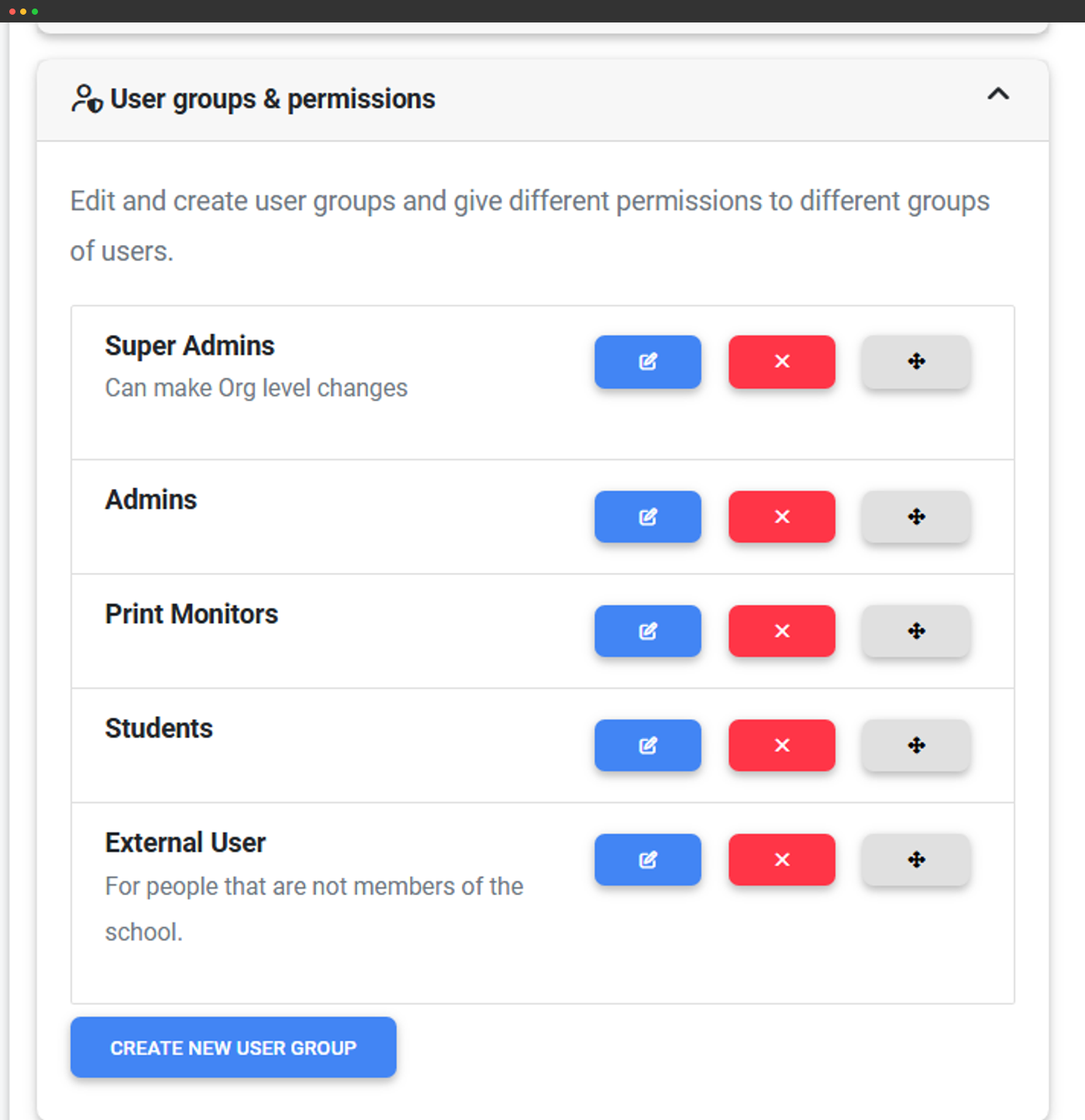
Ubegrænset antal grupper med tilladelser i 8 kategorier.
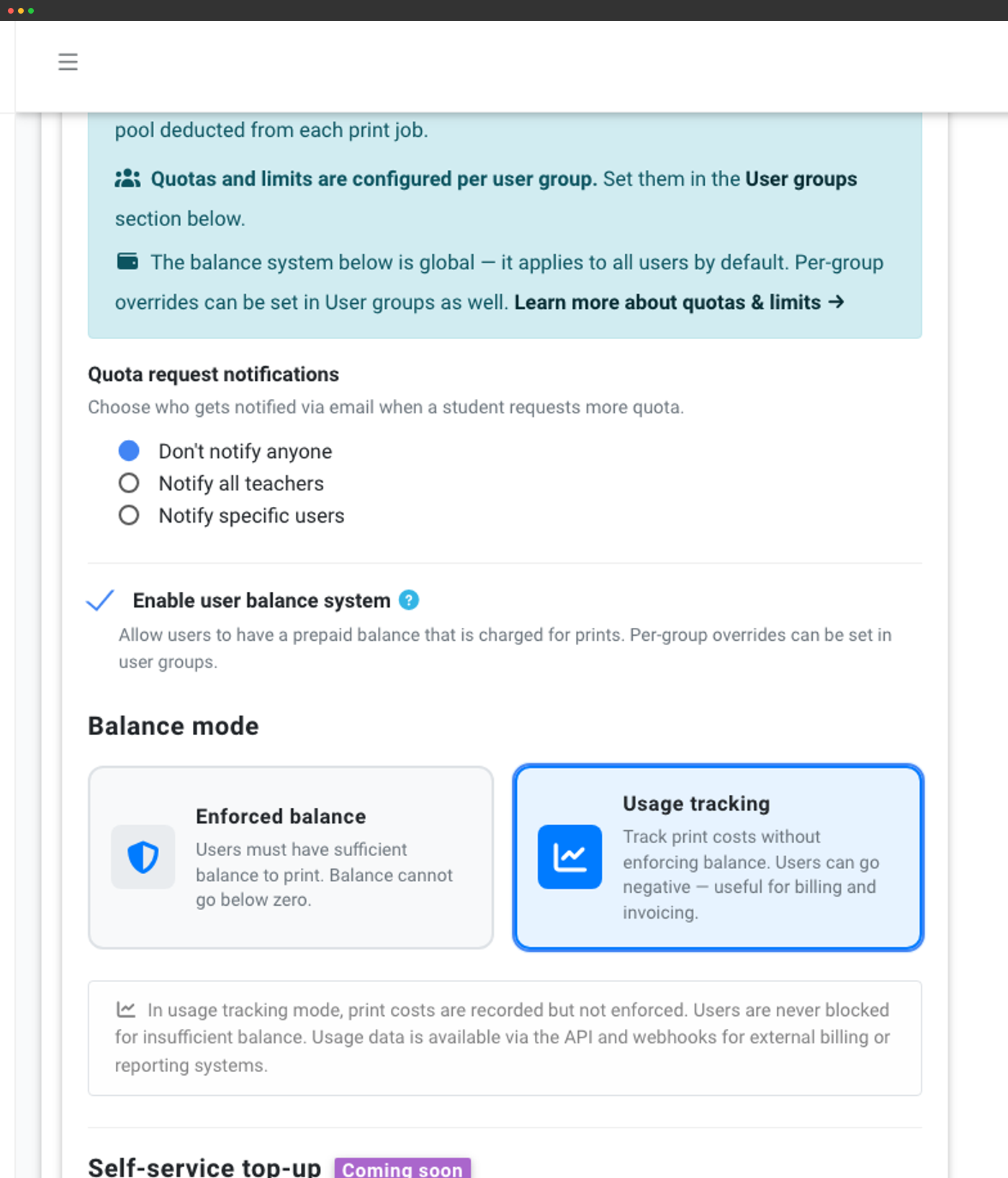
Periodiske kvoter og forudbetalt saldo (School og Enterprise).
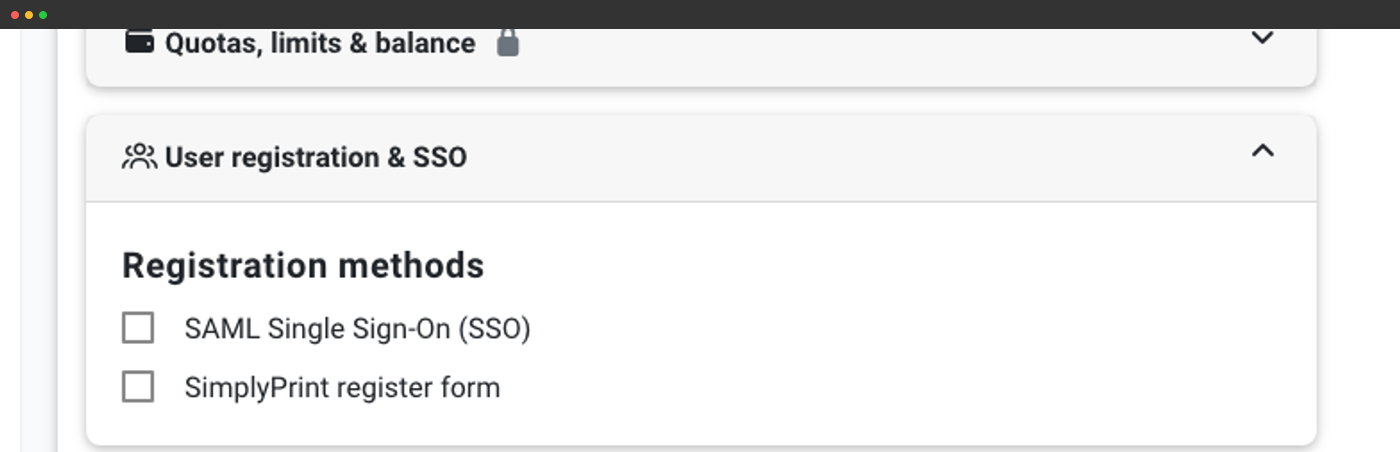
Selvtilmelding, domænelåsning, manuel godkendelse eller SAML SSO.
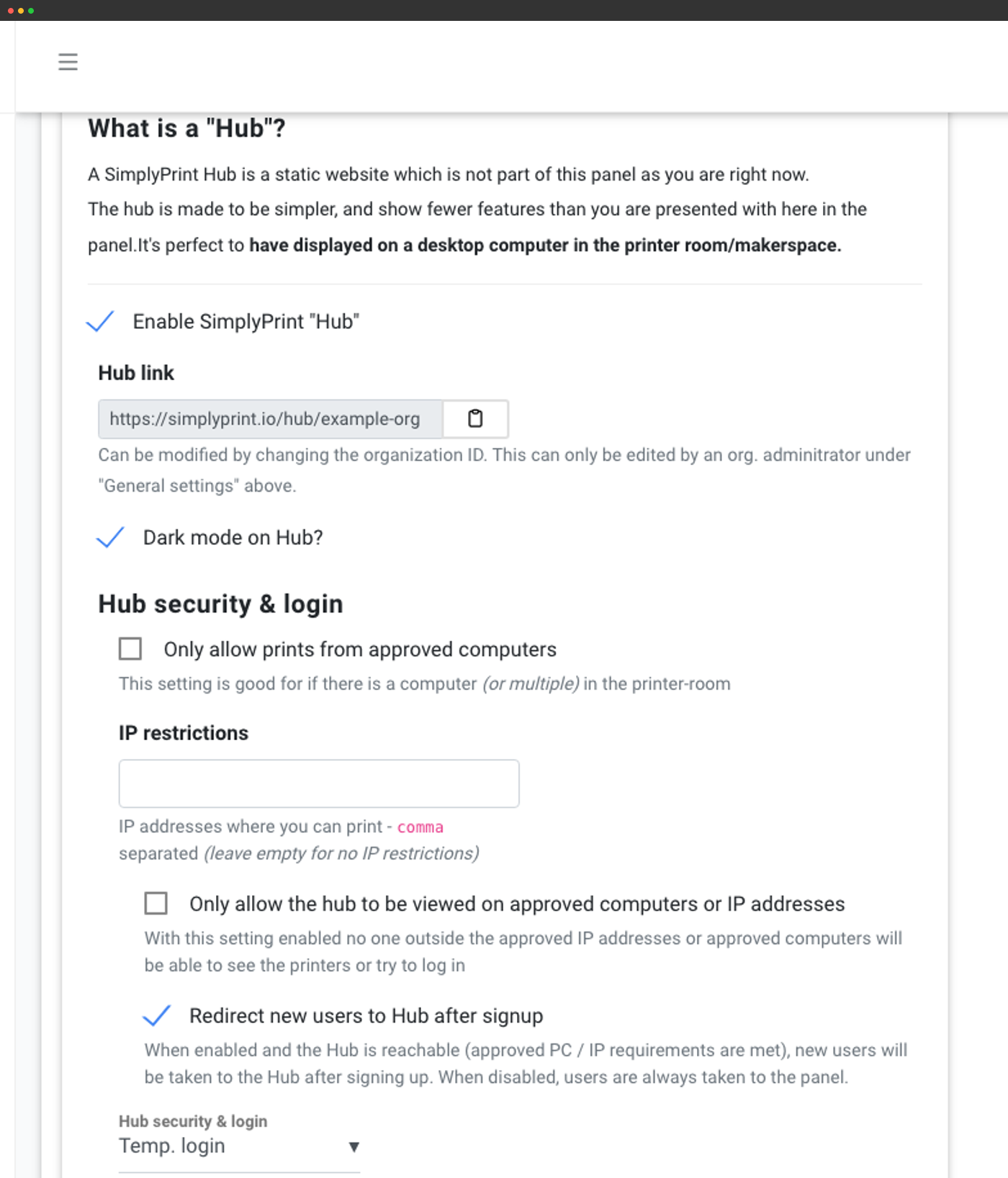
En kiosklignende side til printerrummet med IP-restriktioner og loginmetoder.
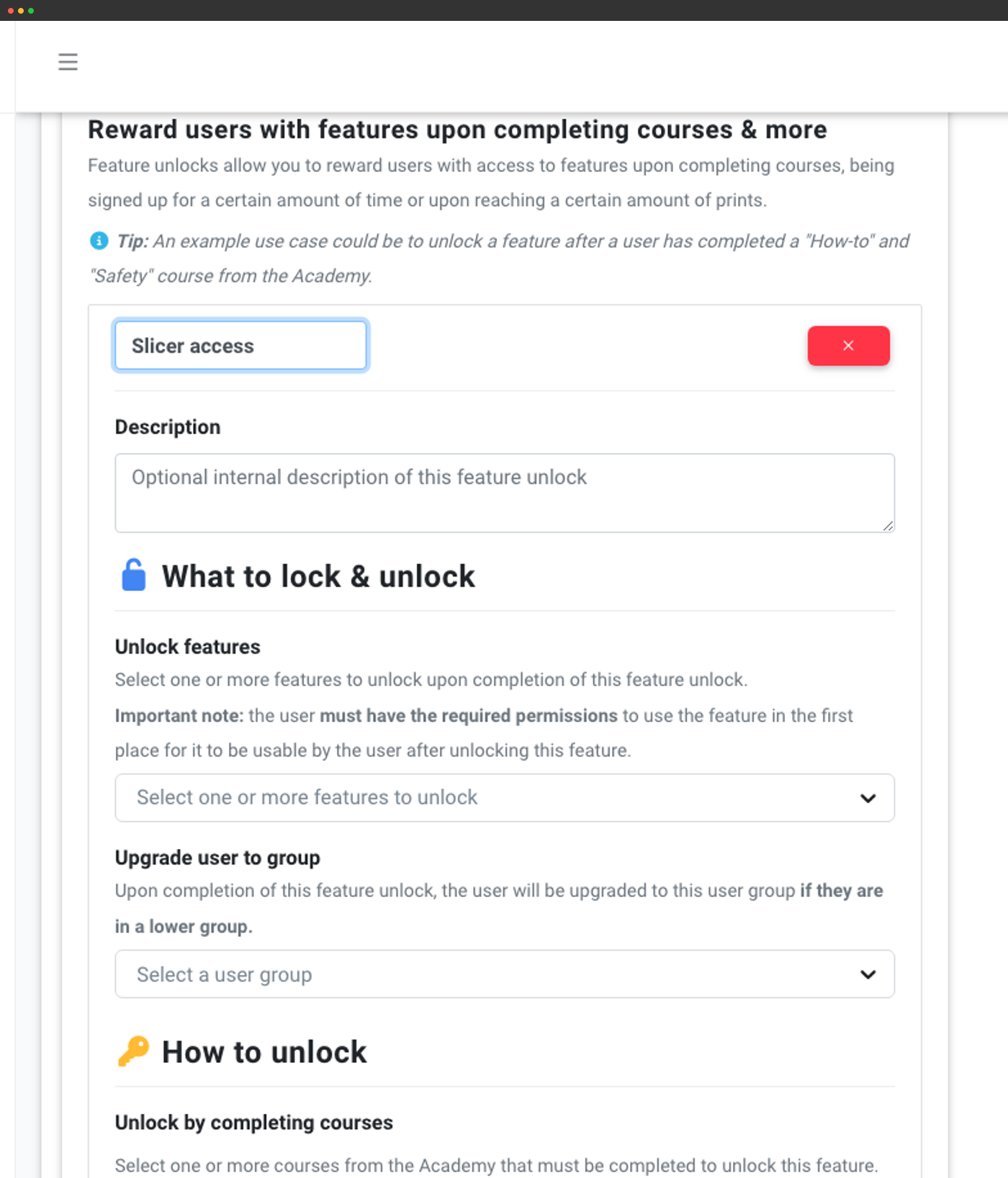
Giv nye tilladelser efter kurser, print eller tid i organisationen.
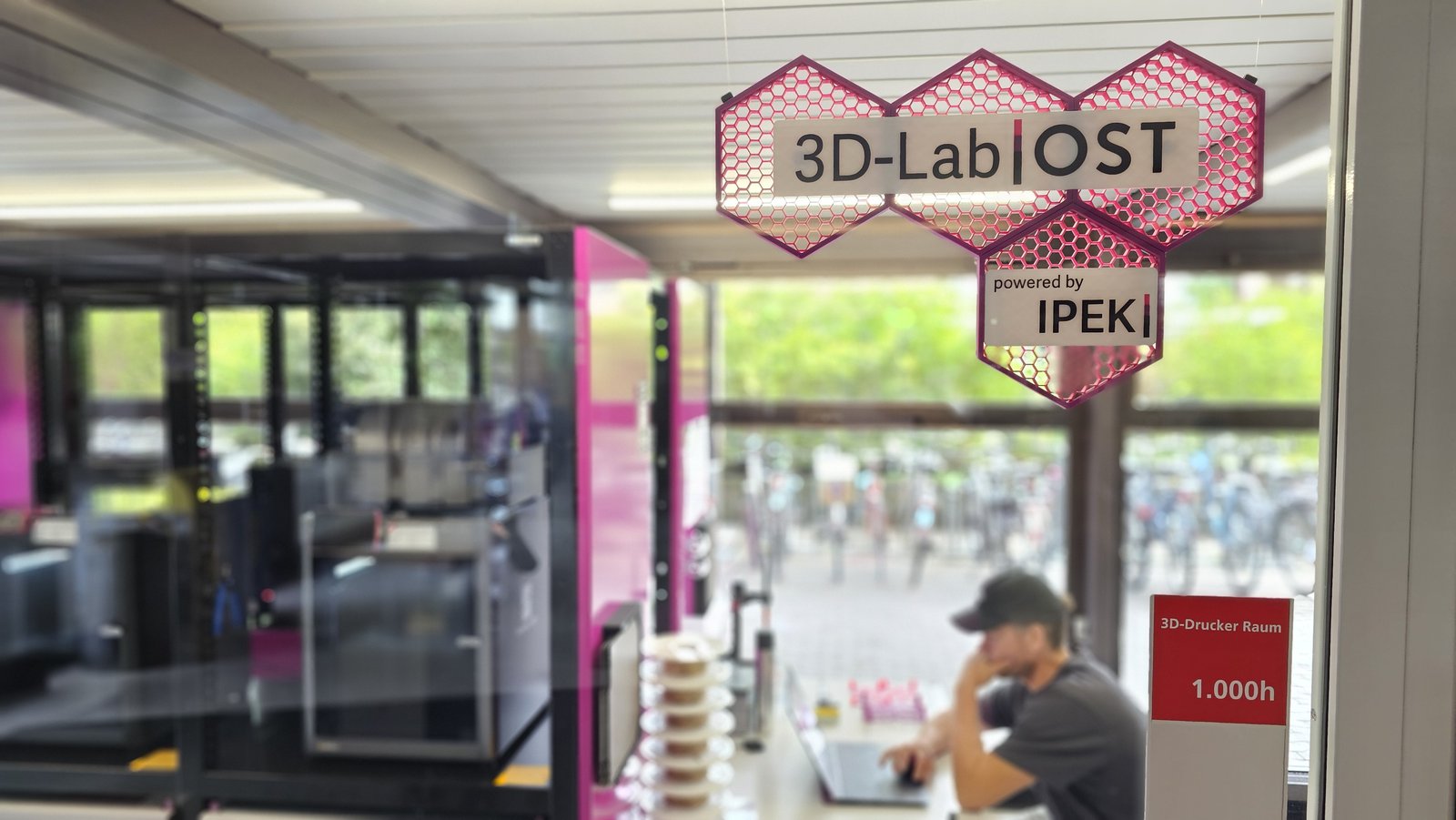
Se, hvordan OST 3D-Lab bruger Flere brugere til at styre 8 printers (expanding to 12)
Fair, automated cost-allocation across a whole university: OST wired the SimplyPrint API and custom fields into SAP so every print bills to the right module or person, and opened the lab from one department to all 2,200 students and staff.
Brugergrupper med 168 detaljerede tilladelser på tværs af 8 kategorier
Enhver delt organisation har brug for svaret på "hvem kan gøre hvad". SimplyPrint leveres med to startgrupper, Administrator og Operatør, og lader dig oprette ubegrænset antal brugerdefinerede grupper. Hver gruppe binder sig til en tilladelsesmatrix med 168 tilladelser fordelt på 8 kategorier: Printning, Printkø, Slicer, Kurser, Filamentsystem, Brugere, Organisationsstyring og Vedligeholdelse. Søg efter nøgleord, udvid en enkelt kategori, sammenlign to grupper side om side, eller basér en ny gruppe på en eksisterende.
For målgruppespecifikke tilladelsesmønstre (lærer vs. elev vs. laboratorieassistent til skoler, eller holdleder vs. operatør vs. kontraktør til printfarme), se målgruppeguiderne ovenfor. Vores hjælpecenterartikel brugergrupper og tilladelser: hvad hver enkelt styrer dokumenterer alle tilladelser i klart sprog.
Invitér brugere via e-mail eller delbart link
To invitationsveje passer til to driftsmæssige behov. Direkte e-mailinvitationer tildeler på forhånd gruppe, sprog og landestandard og lader derefter brugeren acceptere, når det passer. Invitationslinks er gode til ansættelsesbølger, klasselister og onboarding af konsulenter: Opret et link knyttet til en bestemt brugergruppe, angiv en udløbsdato, send det ud, og alle accepterede invitationer lander automatisk i den rette gruppe.
Trin for trin: sådan inviterer du brugere, godkendelse af nye medlemmer og import af brugere fra en CSV-fil eller en eksport fra et brugerkatalog.
Hub: en kioskagtig grænseflade til dit fælles printerrum
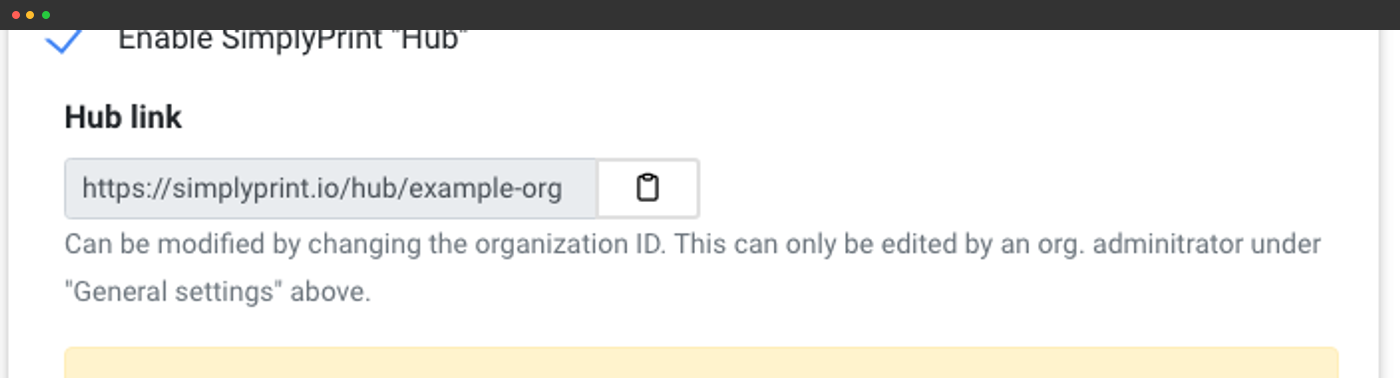
Din organisation får en dedikeret offentlig Hub-side på simplyprint.io/hub/{your-org-id}, en forenklet grænseflade uden forstyrrelser, der er lavet til at køre på en stationær computer i printerrummet eller makerspacet. Samme login som i hovedpanelet, langt mindre at klikke sig igennem. Fås med Print Farm-, School- og Enterprise-abonnementerne.
Din kioskklare Hub-URL
Hver konto får en Hub-URL knyttet til organisations-ID'et, klar til printerrummets terminal.
Lås til computere eller IP'er
Begræns print eller visning til godkendte computere og IP-intervaller.
Midlertidigt eller permanent login
Automatisk log ud for delte terminaler eller husk mig for personale.
Omdiriger automatisk nye tilmeldinger
Send førstegangsbrugere til den forenklede Hub i stedet for hele panelet.
Hvilke kontofunktioner følger med hvilket abonnement
Samarbejde mellem flere brugere med brugergrupper, niveauer og den fulde tilladelsesmatrix kommer med Print Farm-planen sammen med Hub, brugerdefinerede felter og funktionsoplåsninger. Godkendelse af printkøen, kvote- og saldosystemet, SSO og kontoens revisionslog er forbeholdt School- og Enterprise-planerne. Se målgruppeguiderne ovenfor for detaljer om hver af dem.
| Funktion/grænse | Gratis | Basic | Pro | Printfarm | Enterprise | Skole | Cloud Slicer | Filament Manager |
|---|---|---|---|---|---|---|---|---|
|
Flere brugere
Invitér teammedlemmer, elever eller eksterne samarbejdspartnere til din konto.
|
||||||||
|
Offentlig Hub-grænseflade
Din printerrumsside i kioskstil på simplyprint.io/hub/{your-id}.
|
||||||||
|
Brugerdefinerede felter
Registrer vilkårlige metadata på print, køelementer, brugere og mere.
|
||||||||
|
Funktionsoplåsninger
Beløn brugere med nye tilladelser efter kurser, print eller tidsgrænser.
|
||||||||
|
Godkendelsesflow for printkø
Send hver indsendelse forbi en lærer eller godkender, før den når den aktive kø.
|
||||||||
|
Kvoter, grænser og saldo
Periodiske kvoter, grænser pr. job, forudbetalt saldo med håndhævelses- eller sporingstilstand.
|
||||||||
|
SAML-enkeltlogon
Google Workspace, Microsoft Entra ID, Auth0, føderationsbaseret SAML eller enhver SAML 2.0-IdP.
|
||||||||
|
Lærer- og elevdashboards
Kun til skoler: personabaserede dashboards med klasser, ventende godkendelser og indbakker til kvoteanmodninger.
|
||||||||
|
Revisionslog for kontoen
Fuld historik over handlinger på kontoen: godkendelser, ændringer af tilladelser og saldojusteringer.
|
Vil du vide mere om vores abonnementer?
Se fuld pris- og funktionssammenligning