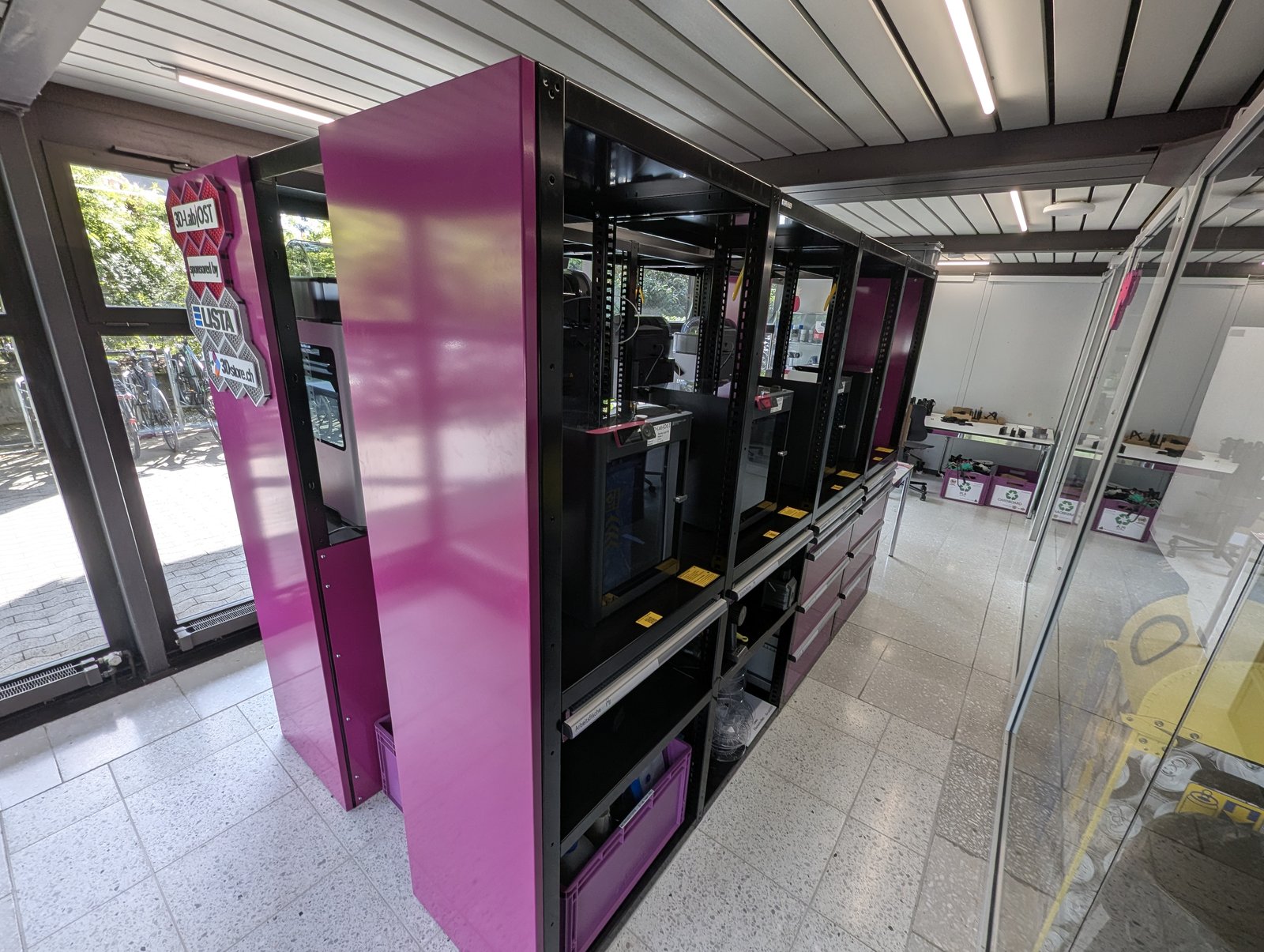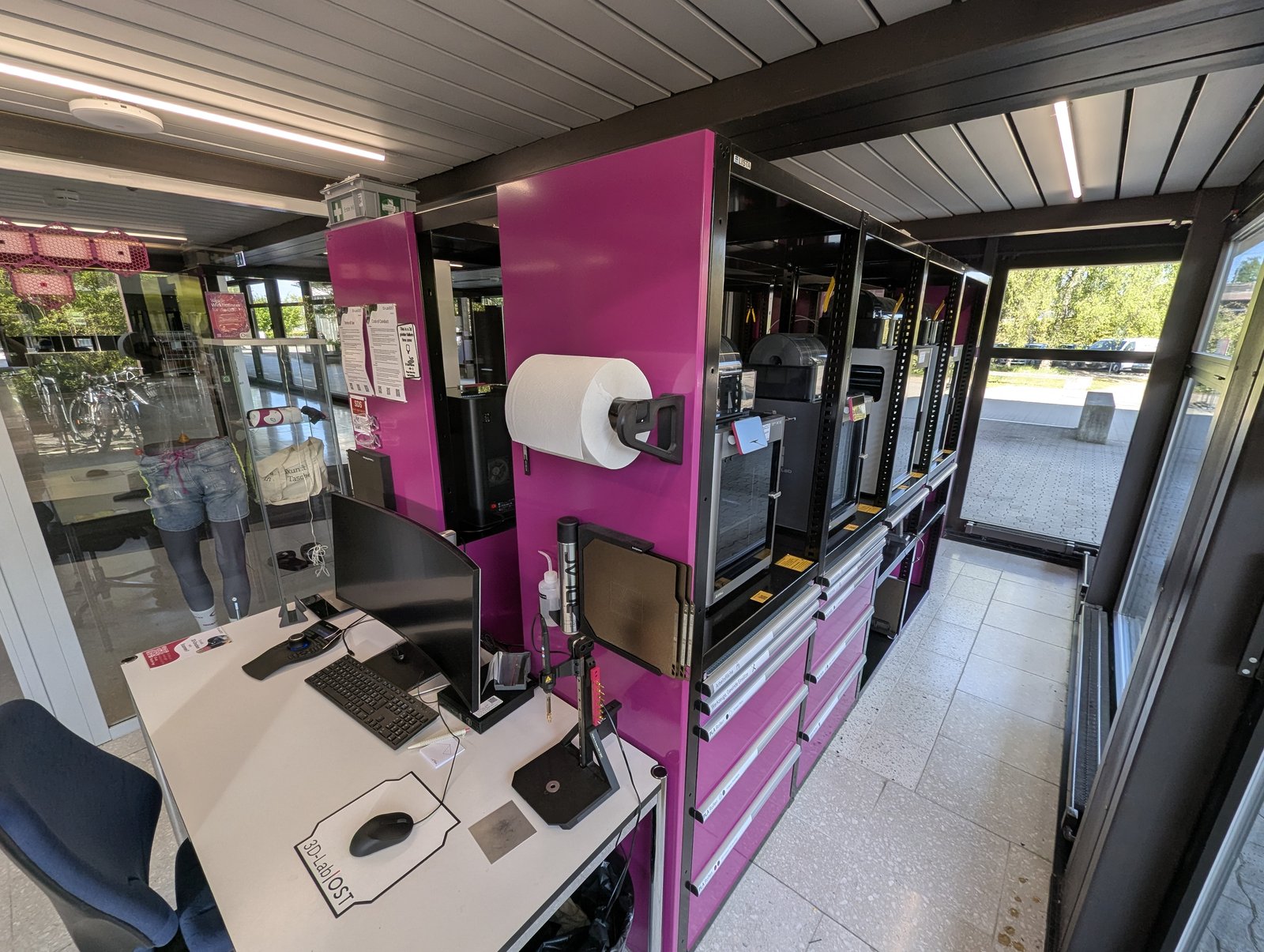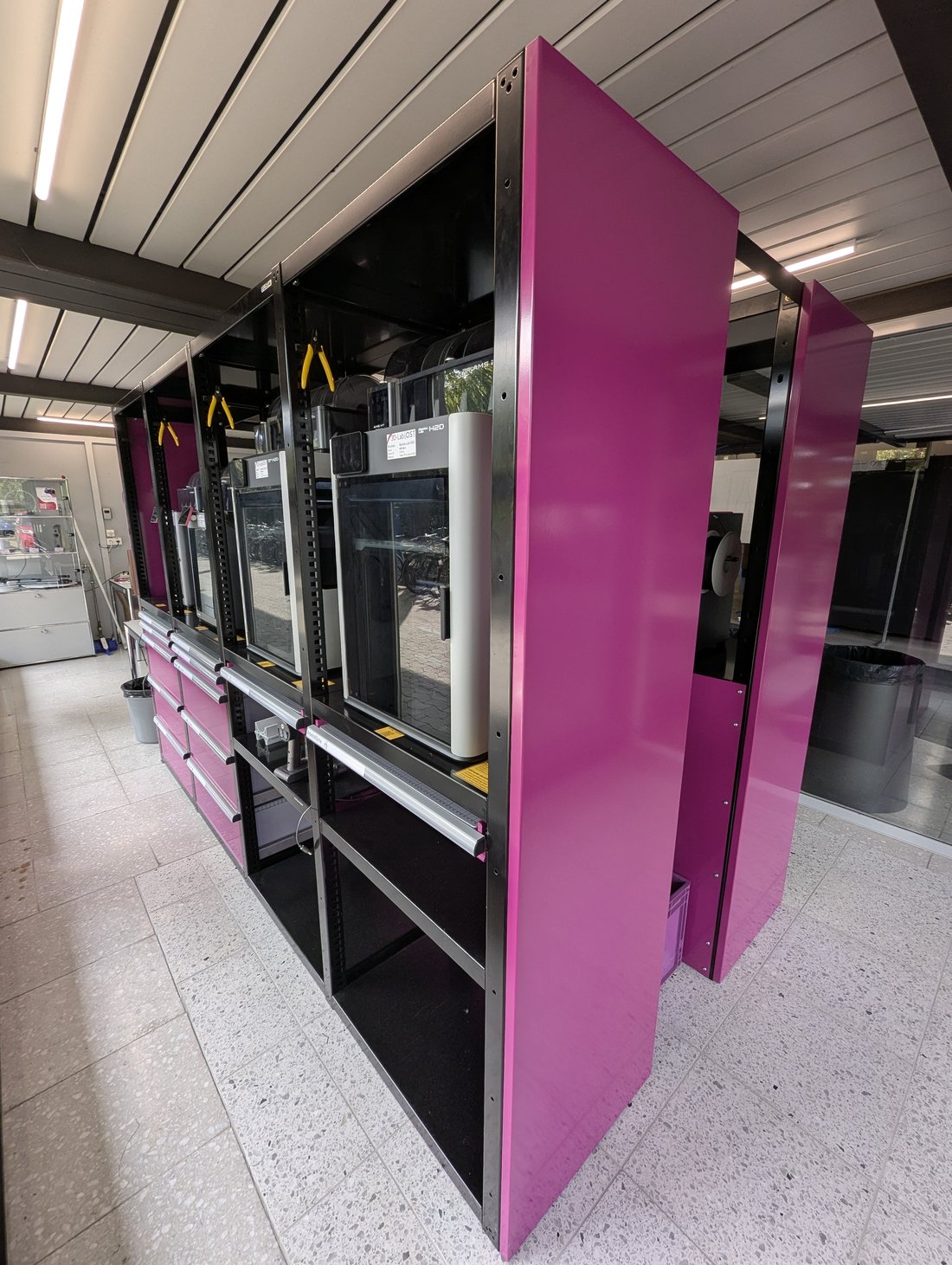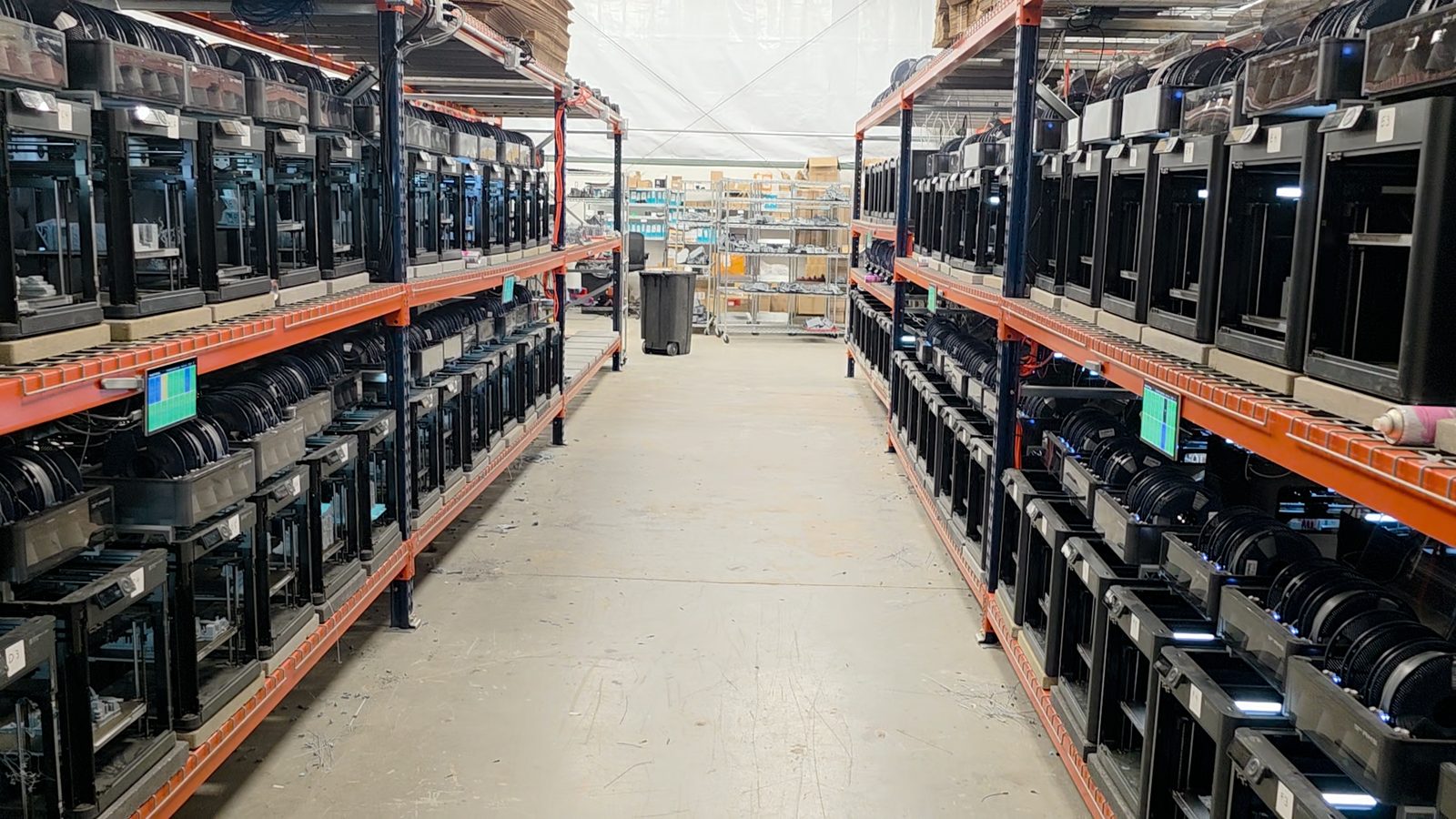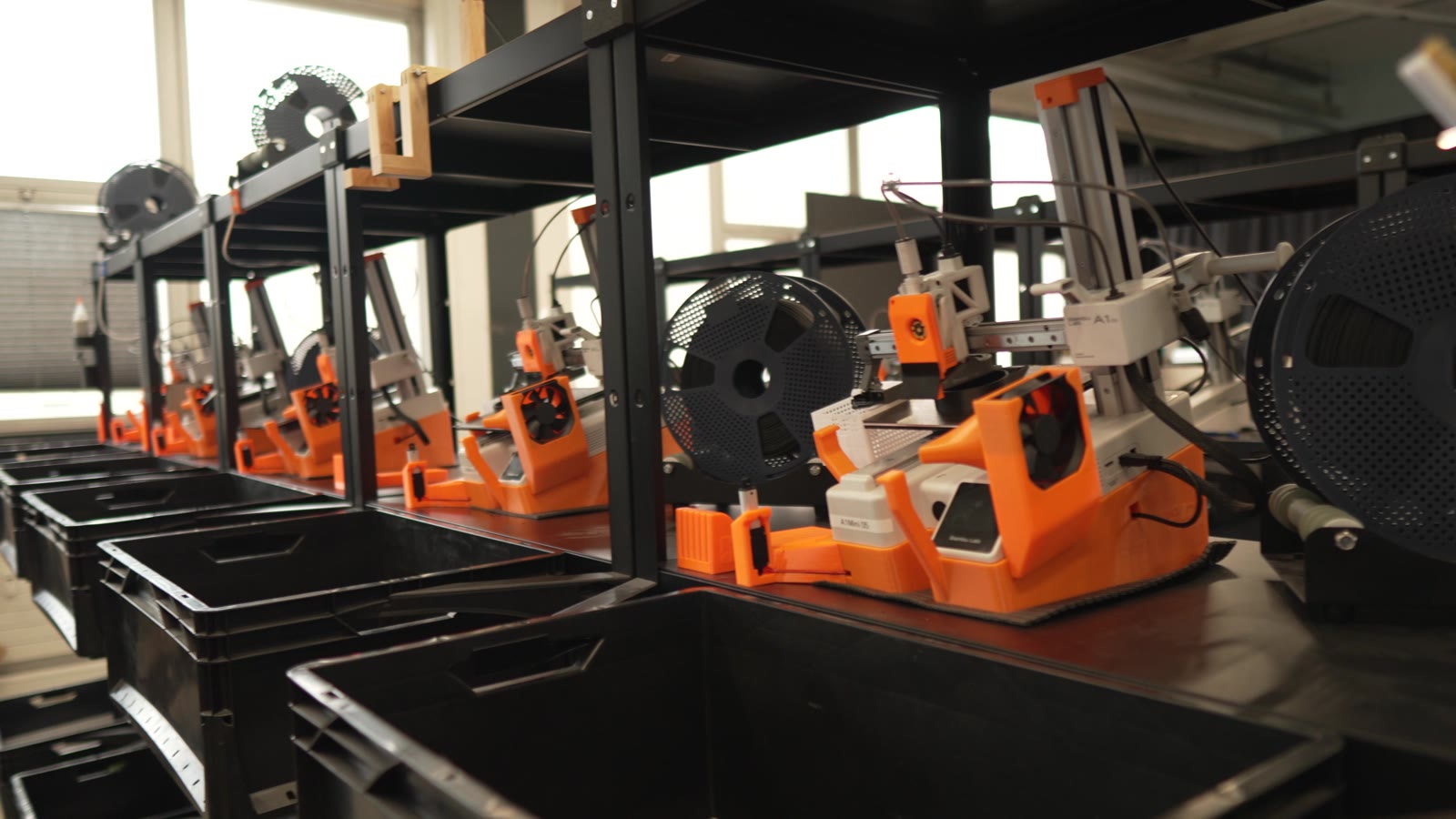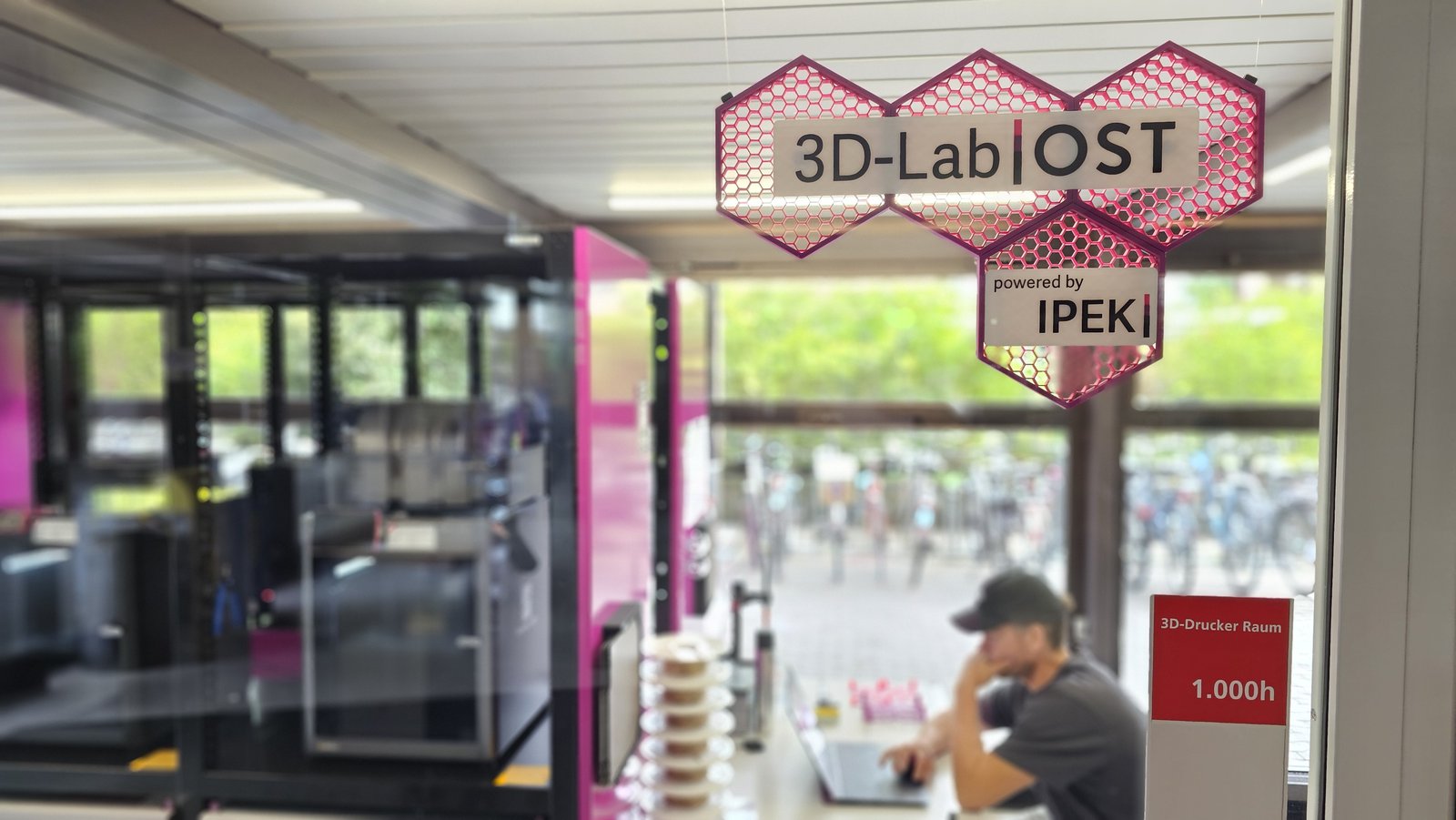
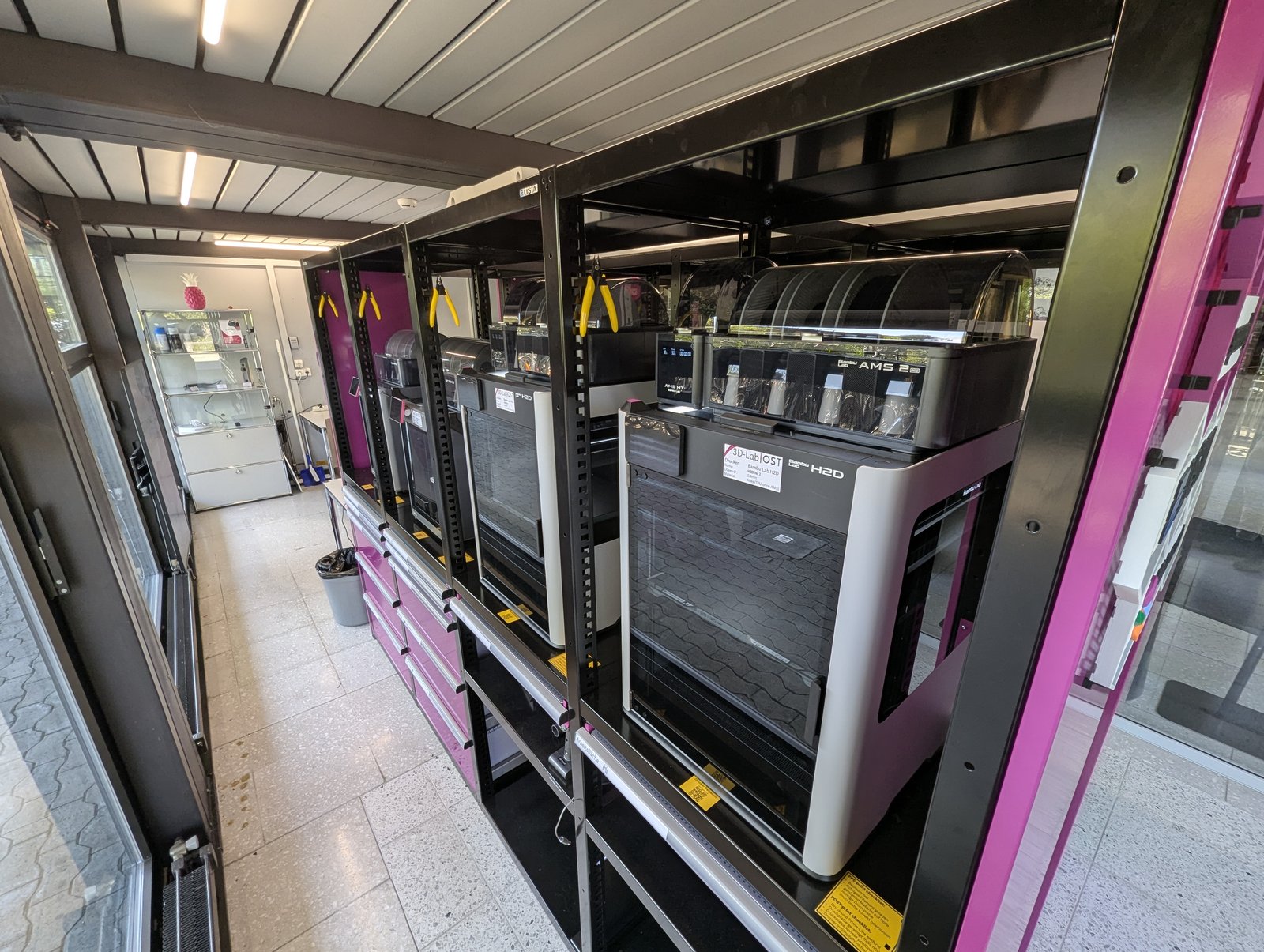
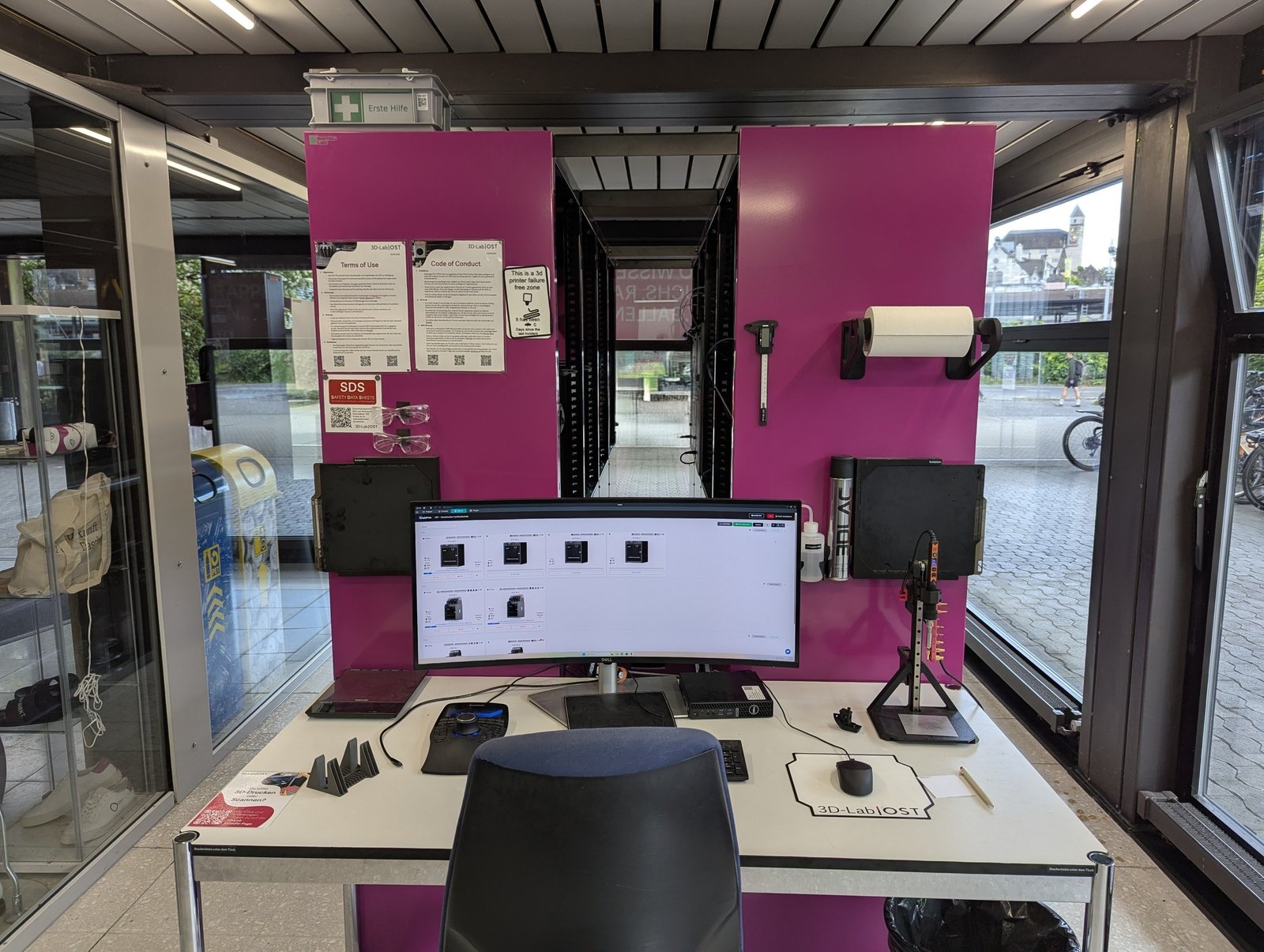
The OST 3D-Lab sits in a glass pavilion on the Rapperswil-Jona campus of OST, the Eastern Switzerland University of Applied Sciences. It started life in 2016 as a service for mechanical-engineering students. In 2024 it opened its doors to everyone, and that is where the interesting problem began.
The 3D-Lab is located at OST (Eastern Switzerland University of Applied Sciences) in Rapperswil-Jona, Switzerland. The main goal with its creation in 2016 was to provide the possibility for mechanical-engineering students to have a hands-on experience with FFF 3D-printing. In 2024 we decided to expand the service to all students and employees of all study programmes and institutes.
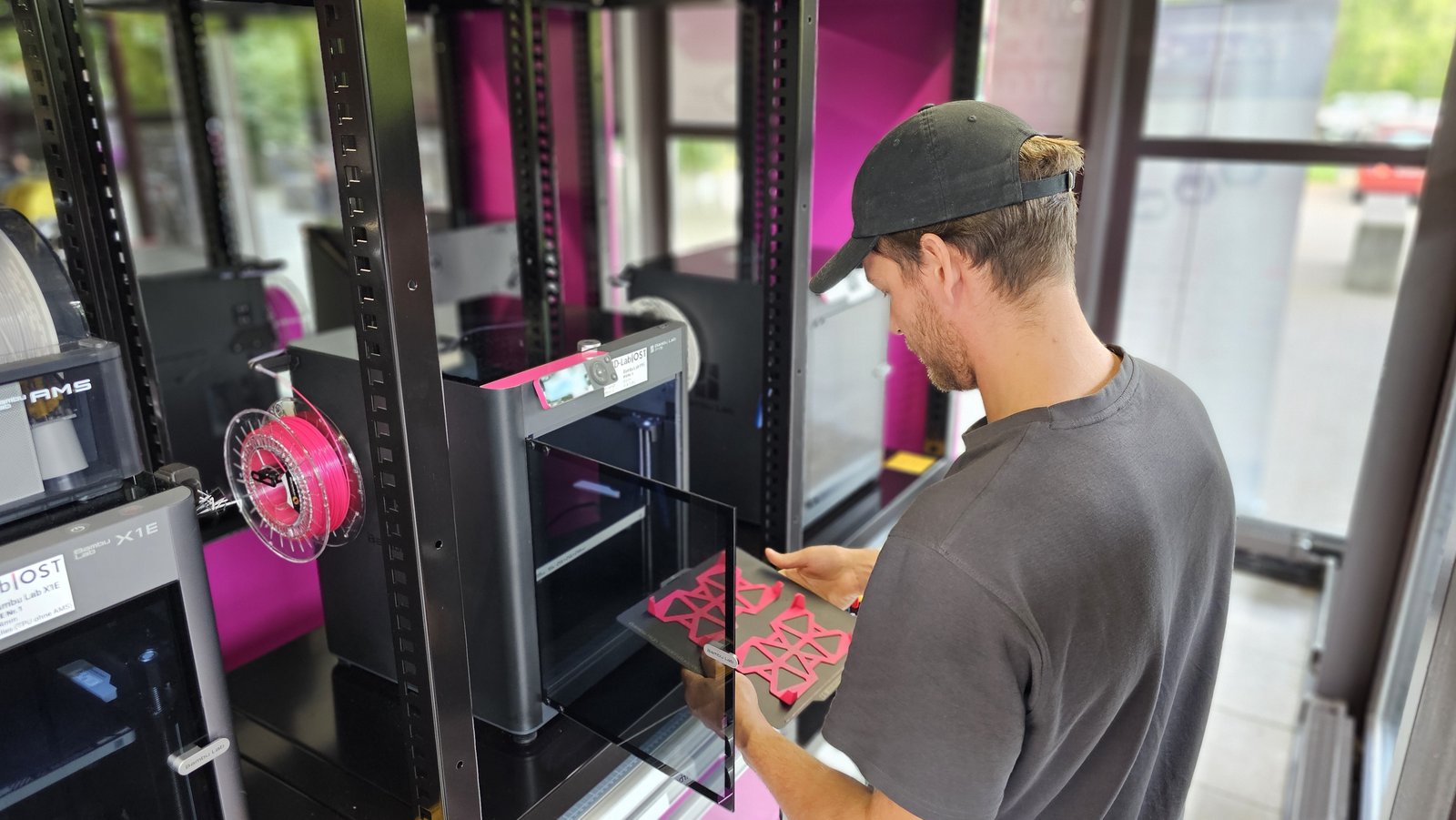
From one department to all 2,200 students and staff#
Opening a lab to a whole university sounds like a simple toggle. It isn't. Two things had to be true first: the printers had to be usable by people who'd never touched one, and there had to be a sane way to run the place. The hardware solved the first half. The software they were using did not solve the second.
A big reason was surely the advent of easy-to-use 3D-printers. This meant that also people with no prior 3D-printing experience would be able to use the hardware side of things without understanding the detailed working principle of an FFF printer. However, this did not solve the usability side of using the 3D-Lab. Before SimplyPrint we used a scheduling program which you would normally use for a hair saloon, where people could reserve 1, 3, 6 or 12 hours of a printer with a fixed price attached. This was barely working before and would not be feasible for a good user experience in the long run.
This is when we did our research and found SimplyPrint among all the other print-management software companies. SimplyPrint basically checked all our requirement boxes with its academic features, and with its young and dynamic team was open to work together with us to develop a solution to our billing problem. We needed to see who printed what, for how long, and how much material was used. This would allow us to bill the prints fairly to the different study courses and projects of the school.
The reach changed completely. A service for a single department became something the whole campus quietly relies on.
Before the reopening there were about 40 people, from the mechanical-engineering department and the institute for product development IPEK (where I work), using the 3D-Lab - and only the ones who already had some 3D-printing experience from home or a prior job. Now there are about 350 users, and I think every study course and institute has at some point had a print allocated to it. Even a janitor once printed a birthday present for his son.
"Who pays?" - a SAP cost-code before every print#
This is the part almost no institution gets right, and the reason OST's story is worth telling. A shared lab across sixteen institutes runs into one hard question immediately: when a print costs time and material, whose budget does it come out of? OST answered it by capturing the cost at the source - a custom field the user fills in before the print even starts, carrying a code from SAP, the enterprise finance system that universities and large companies run their budgets on.
I guess mostly because of bureaucracy. We run on the SAP-System at our university; we needed a way to allocate the print cost to the specific modules and projects. Thanks to the custom fields feature, which SimplyPrint developed (mostly) for us, we are able to do that. Before a print is started you must enter the specific SAP-number, or label the print as private. If it's for an internal cost location, this is forwarded to the finance department, which bills the cost to the corresponding module. If the print is for private use, the user gets an automated bill at the end of the month with all the details of their prints.
The mechanism is genuinely clever, and it leans on the API to pull everything together at month-end. SSO is doing quiet work here too: because each person logs in with the same university account they use everywhere else, the bill always finds the right inbox.
The first point is the regex format control of the custom fields feature. This only allows SAP-codes with the right format - a first line of defence, so to speak. At the end of a month, we request all the relevant data via the SimplyPrint API. This gets processed with some Python scripts; we compare the SAP-codes to our whitelist to rule out typos and fantasy numbers. Everything which is internal use gets forwarded to the finance department so they can move the correct amount of money. All the prints marked private are handled separately: with the print data from SimplyPrint we compile an automatic invoice and send it with a payment link. Because the user has the same SSO login for SimplyPrint as for all the other university logins, we get the correct email address matched to the user.
Half a day by hand, now 15 minutes a month#
Here is the number that makes the case. The old way wasn't just clunky; at the new scale it would be flatly impossible. Daniel is blunt about the before and after.
As only students from the mechanical-engineering department were able to print before, this was handled internally with the hair-saloon reservation tool. It was a completely manual process, copy-pasting into an Excel. This could have taken like half a day for a handful of prints. Now, with 400 prints or more per month and the ability to use the infrastructure for private prints too, a manual process would be completely impossible. For us it's just a few clicks with our scripts, a short check that things look right, and a whole bunch of emails get sent automatically. This takes maybe 15 minutes.
Half a day for a handful of prints, then. About fifteen minutes for four hundred. That gap is the whole reason the lab could open to everyone without drowning the finance team.
30 minutes from "I want to print this" to a running print#
Billing fairly only matters if people can actually get a print going. The other half of opening the lab to 2,200 people was making the first print painless - no install, no manual, for someone who has never sliced anything in their life. That's the Cloud Slicer.
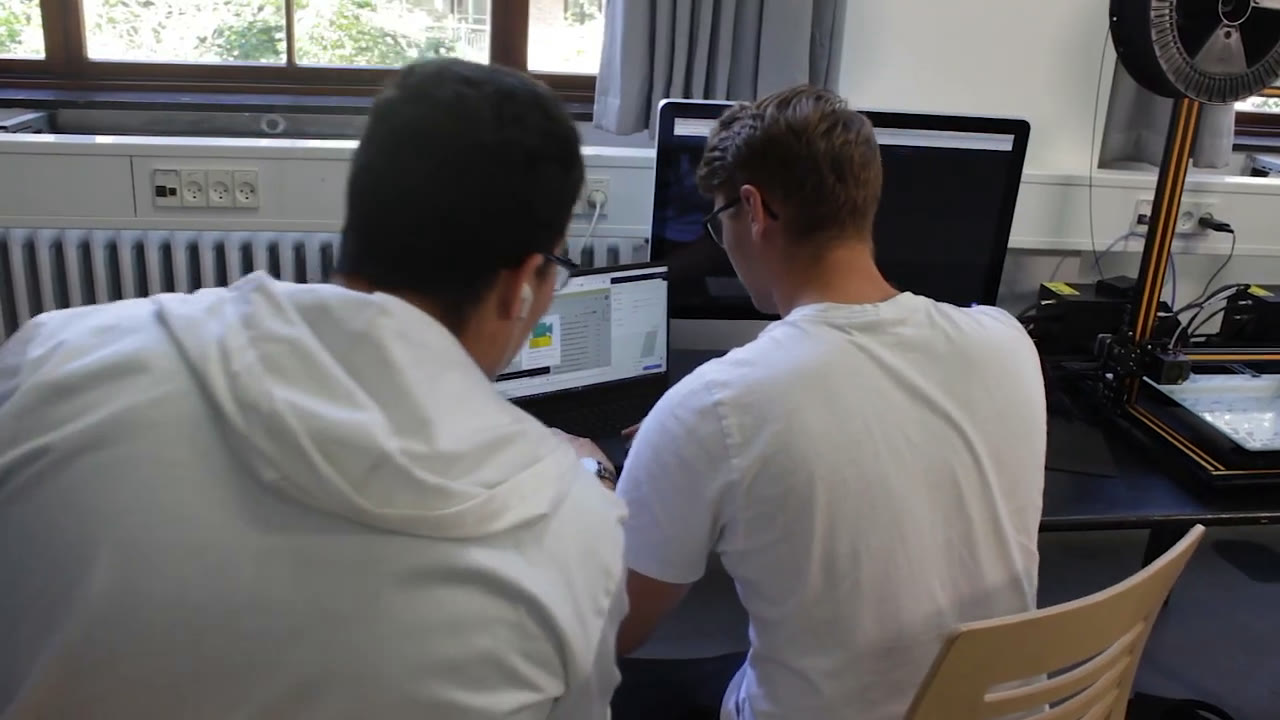
We have a separate Moodle site where users sign on - we use Moodle for all our teaching courses too. There they find all the relevant information for the 3D-Lab, including interactive manuals for first-time users, and they're guided through the initial SSO-login for SimplyPrint. For a first-time user the Cloud-Slicer is ideal for the first 3D-print of their life. Yes, there are limitations on the model, but we show in our manuals what can be printed and what can't. If the print is sliced without any warnings, it can be started on one of our printers and monitored via SimplyPrint throughout the printing process, until the user can take the finished model off the print plate. For bigger projects and advanced users we recommend OrcaSlicer.
The honest part, and what's next#
Daniel didn't pitch it as flawless, which is exactly why it's believable. They came in early, and the relationship has matured.
We started with a closed beta version back in our testing phase in 2024. Let's just say I was sometimes hesitant to install the newest update right away - I'd wait a day and check the SimplyPrint Discord first. In those cases the support (aka Javad) was extremely fast and responsive, and bugs were fixed in no time at all. Today, in mid-2026, there are almost no such cases - just minor quality-of-life things. On the user side, I haven't had a complaint in a long time.
With demand pushing the lab from eight printers to twelve, the setup is built to come along for the ride - the billing doesn't care whether it's reconciling forty prints or four hundred.
TL;DR#
OST (Eastern Switzerland University of Applied Sciences, Rapperswil-Jona) opened its 3D-Lab from a single-department service to all ~2,200 students and staff across 16 institutes. The hard part of a shared university lab is "who pays?" - and OST solved it by wiring the SimplyPrint API and custom fields into their SAP finance system. Before each print the user enters a SAP cost-code or marks it private; the cost auto-allocates to the right module, or the person gets an automated monthly bill. What once took half a day of copy-pasting into Excel for a handful of prints now takes about 15 minutes a month for 400+. With the Cloud Slicer, a complete beginner prints in about 30 minutes, nothing installed.