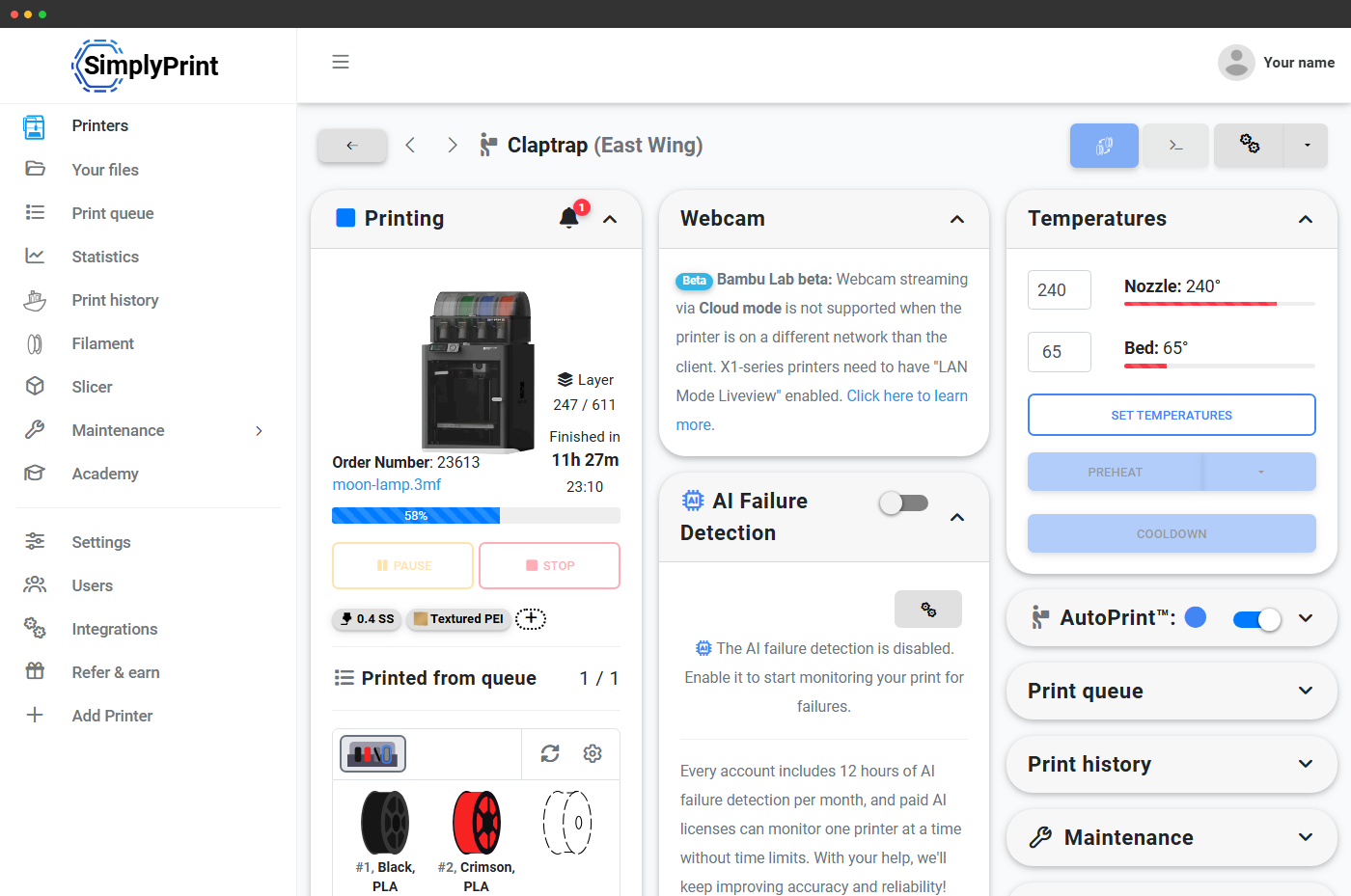
Læser spolestatus direkte fra printerens hub
Filamentmanager læser spoletilstand direkte fra printerens hub, så det, du ser i SimplyPrint, matcher det, der reelt er isat. Hver spole, du isætter, spores. Hvert slot har en farve. Hvert multifarveprint sendes automatisk til den rette maskine.
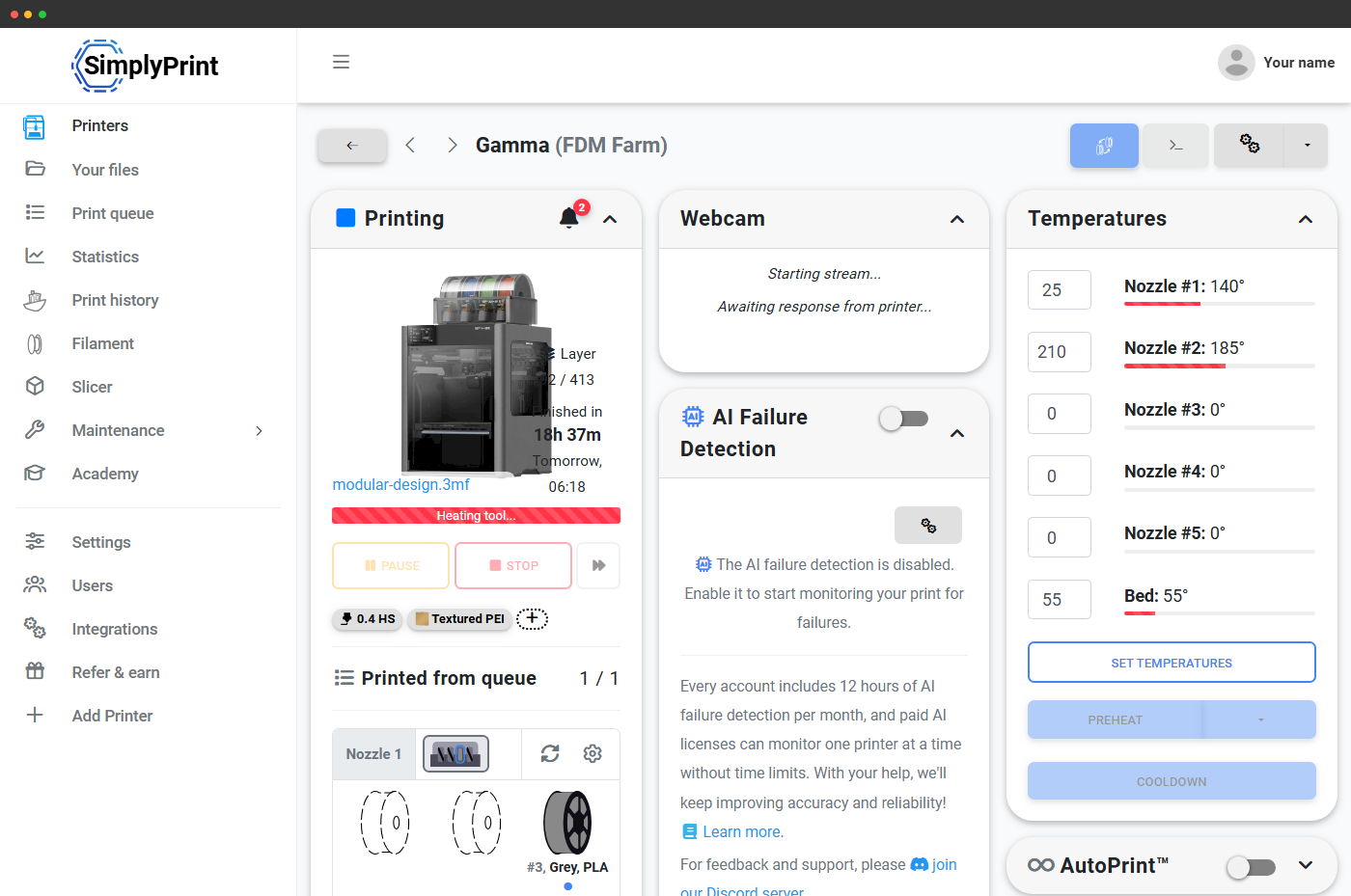
Se hvert slot på hver printer live
Hver multimaterialeprinter får en live-pladsrække i sit panel: én række pr. dyse og én flise pr. plads med den ilagte spoles farve, mærke, materialetype og pladsnummer vist direkte. Tomme pladser vises som stiplede pladsholdere, så du straks kan se, hvad der er ilagt, og hvad der er ledigt. Sammenkædede enheder (AMS Hubs, ACE-kæder, CFS-kæder) vises alle som én sammenhængende række pr. dyse.
Kortlæg automatisk slicerens ekstrudere til fysiske slots
Har du slicet en fil med flere farver til ekstruderne 1, 2, 3 og 4, men din printer har de tilsvarende filamenter i slots 3, 1, 4 og 2? SimplyPrint mapper for dig. Vores farvematcher gennemgår spolerne i hvert slot, sammenligner dem med filamenterne, din slicer forventer, og laver en mapping, så den rigtige farve kommer ud af den rigtige dyse, uden at du slicer igen.
Til systemer der accepterer mapping-G-code (Bambu Lab AMS, AMS 2 Pro, AMS HT, AMS Lite, BoxTurtle) sendes mappingen til printeren ved printstart. Til systemer der ikke gør endnu (Anycubic ACE Pro, Creality CFS) beregnes mappingen til sporing og Filament Manager-fradrag, du lægger slottene i vilkårlig rækkefølge, vi ved stadig hvilken spole der printede hvad.
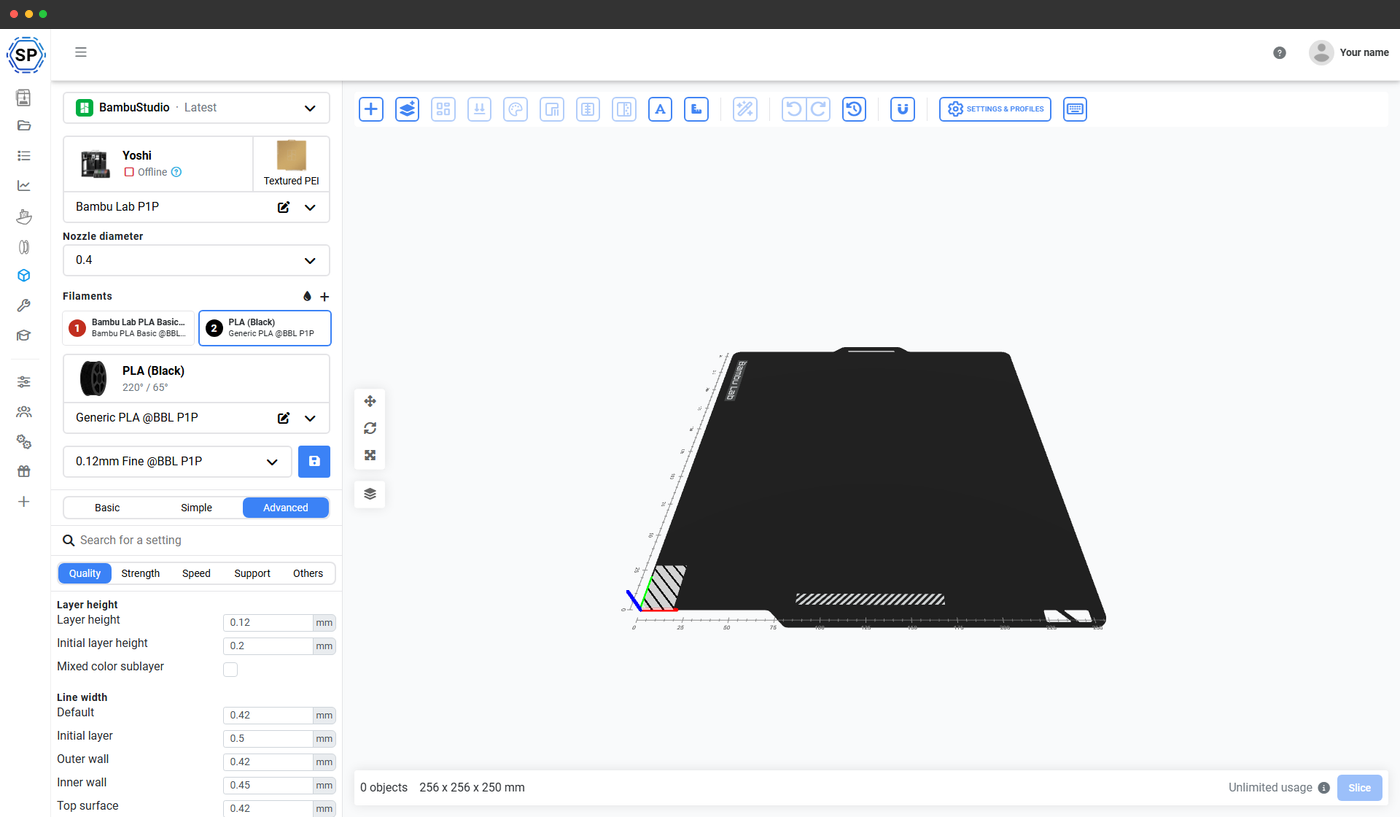
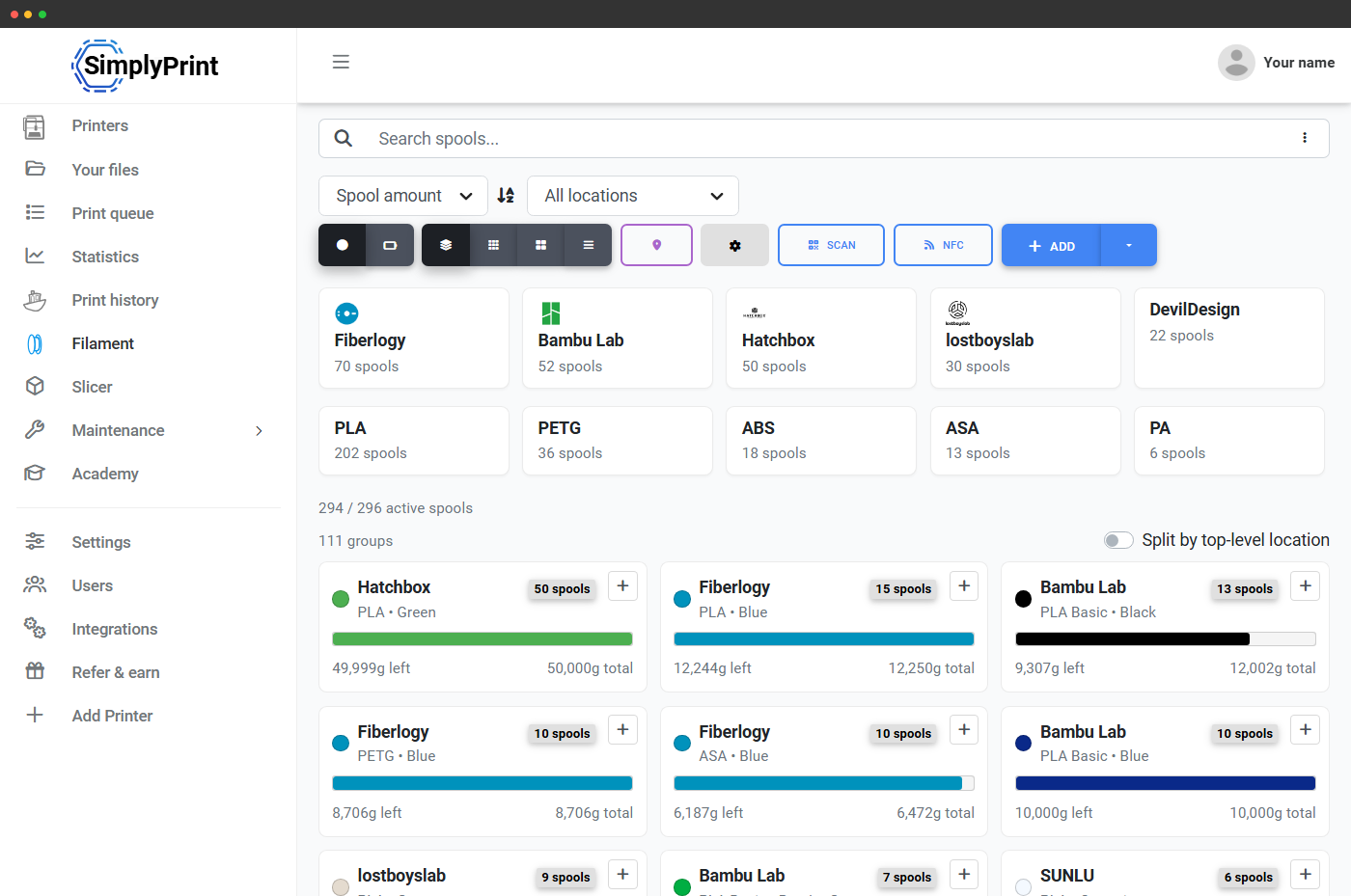
Tovejs materialesynkronisering mellem printer og SimplyPrint
Skift en spole ved printeren, og SimplyPrint opfanger det. Skift materialedata i SimplyPrint, og printeren opfanger det. Hver printer har en synkroniseringstilstand: printer til SimplyPrint, SimplyPrint til printer, begge veje (seneste ændring vinder) eller slået fra. Automatisk oprettelse af spoler og automatisk tildeling til slot er begge valgfri indstillinger, så en ny filamentfarve i AMS vises som en ny spole i din Filament Manager, uden manuel dataindtastning.
Understøttet på Bambu Lab-printere via SimplyPrint Bambu-integrationen og på Prusa-printere via Direct Prusa Integration.
Alle større multimaterialesystemer understøttes
SimplyPrint har førsteklasses understøttelse af alle relevante multi-materialesystemer samt en generisk "Custom"-tilstand til nicheopsætninger. Kædebegrænsninger, understøttelse af G-code-mapping og materialesynkronisering varierer efter system. Se undersiderne for detaljer om hvert system. Hvert system har sit eget antal slots, mappingadfærd og særegenheder, det håndterer vi for dig.
AMS, AMS Lite, AMS 2 Pro og AMS HT kan sammenkobles og håndtere op til 16 farver.
4 pladser pr. enhed. Op til 4 enheder kan kædes sammen med live-sporing.
4 pladser pr. enhed. Op til 4 enheder kan kædes sammen med live-sporing.
Multimaterialesystem med 5 slots til Prusa og fuld sporing af slots.
Palette 2/2S er filamentsplejsere med en enkelt ekstruder, ikke slot-hubs, SimplyPrint sporer indgangsspolen, der fodrer splejseren.
Open source-AFC-skifter med fuld understøttelse af mapping med G-code.
Universel 4-filamentskifter til printere med én extruder.
Til multimaterialeopsætninger, som SimplyPrint ikke har en indbygget integration til, kan du stadig spore spoler manuelt i Filament Manager og bruge multimaterialeprofiler i sliceren, bare uden live-synkronisering.
Flerfarveslicing, online i browseren
SimplyPrints online slicer med PrusaSlicer, OrcaSlicer, BambuStudio, ElegooSlicer, CrealityPrint, Cura & Kiri:Moto-motorer understøtter fuldt ud slicing med flere materialer. Tilføj et filament, vælg en farve, tildel det til en modeldel eller modifikator, og slice, alt fra din browser på enhver enhed. Den slicede fil beholder sine ekstrudertildelinger i printkøen, og mappingen ved printstart forbinder de virtuelle ekstrudere med de fysiske slots, der er fyldt.
Læs mere om onlineslicerenMulti-material-systemer i detaljer
Hvert større system har sin egen side med detaljerne: antal pladser, kædeadfærd, understøttede materialer, understøttelse af mapping og hvordan det vises i SimplyPrint.
Understøttelse af Bambu Lab AMS
AMS, AMS Lite, AMS 2 Pro og AMS HT, mappet, sporet, synkroniseret
Understøttelse af Anycubic ACE Pro
Automated Color Engine med 4 slots, som spores og sammenkædes i SimplyPrint
Creality CFS-understøttelse
4-slots Creality Filament System med sporing og sammenkædning i SimplyPrint
Pr. print: brug AMS, eller spring det over
Ikke alle print kræver AMS. SimplyPrints startdialog respekterer hver printermodels egne startindstillinger, herunder kontakten Brug AMS på Bambu Lab-printere, så du kan blande print med én spole og flerfarvede print på samme maskine uden at skulle konfigurere noget igen. Standardindstillingerne huskes pr. printermodel.
Køen ved, hvilket filament der er ilagt, og ruter derefter
Slip en flerfarvet fil i printkøen, og SimplyPrint matcher den med en printer, hvis fyldte slots kan opfylde farvelisten. Et 4-farveprint sendes ikke til en printer, der kun har sort PLA ilagt. Det venter eller sendes til en maskine med den rigtige kombination af materialer i pladserne. Det gør print med flere materialer brugbart på en printfarm, ikke kun på én hobbyprinter.
Læs mere om smart routing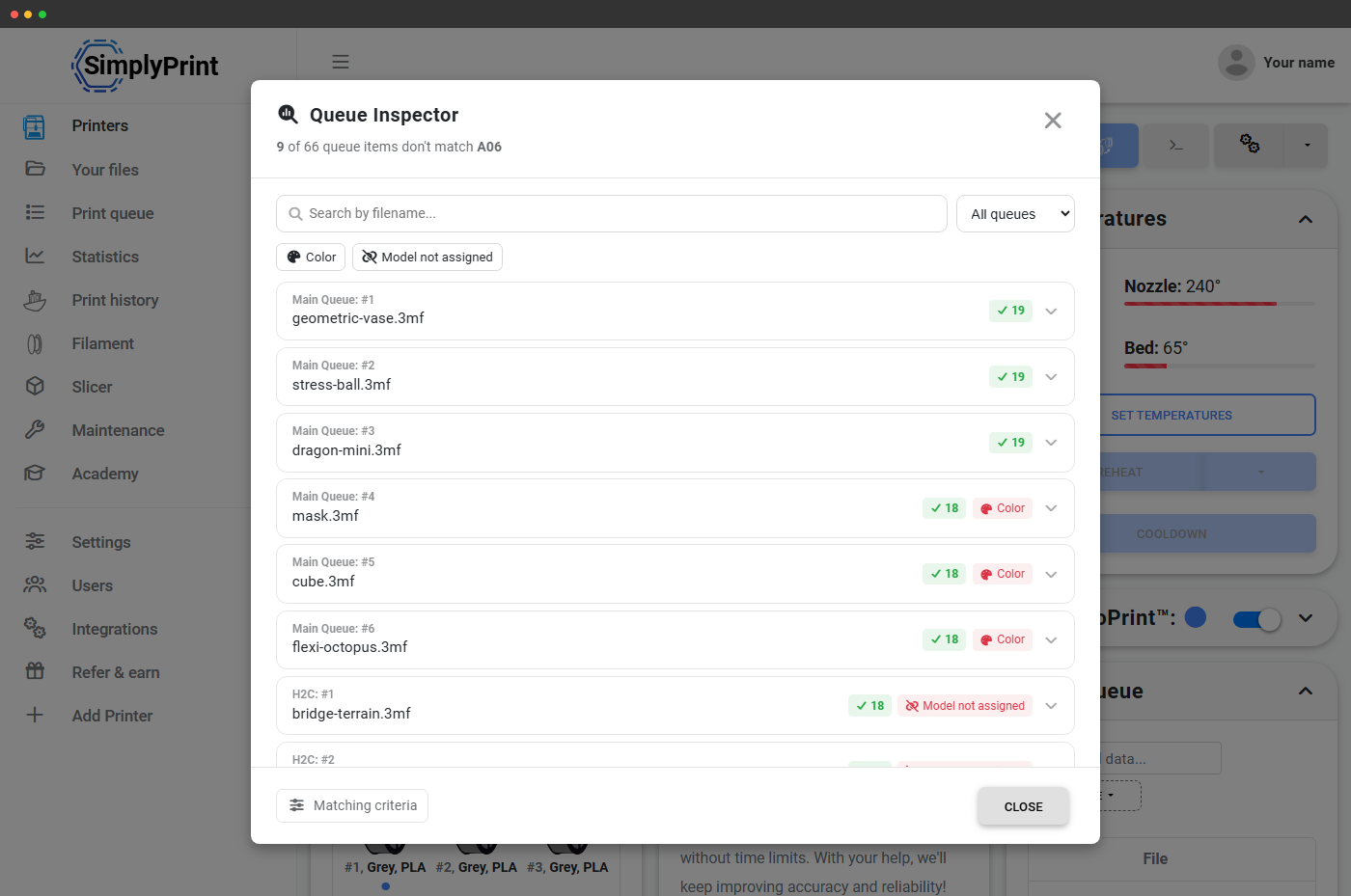
Abonnementsadgang: hvad kræves for at bruge print med flere materialer?
Selve multi-material-print, slotbjælken, livevisningen af spoler, automatisk mapping og slicing af flerfarvefiler, er inkluderet i alle abonnementer, også Free. De avancerede funktioner til filamentstyring (automatisk fratrækning, NFC / RFID, brugerdefinerede felter) følger abonnementstrinene i Filament Manager.
| Funktion/grænse | Gratis | Basic | Pro | Printfarm | Enterprise | Skole | Cloud Slicer | Filament Manager |
|---|---|---|---|---|---|---|---|---|
|
Filament Manager
Spolebeholdning, slotsporing, farveprøver og forbrugsfratræk. Tilgængelig på alle planer, også Free.
|
||||||||
|
Udskift filament
Udskubning og indføring pr. slot, med en ekstrudervælger til printere med flere materialer. Tilgængelig på alle abonnementer, også Free.
|
||||||||
|
Automatisk udskubning og automatisk indføring
Materialeafhængige temperaturer, brugerdefinerede længder og finjusteringsknapper under slot-skift. Inkluderet i Basic, Pro, Print Farm, Enterprise og School.
|
||||||||
|
Onlineslicer (flerfarvet)
Slice filer med flere farver online med PrusaSlicer, OrcaSlicer, BambuStudio, ElegooSlicer, CrealityPrint, Cura & Kiri:Moto-motorerne. Med kvote på Free- og Filament Manager-abonnementerne, ubegrænset fra Basic og op.
|
15 | 15 | ||||||
|
Printkø med automatisk routing
Flerfarvede printjob matches automatisk med printere, der har spoler med de rigtige farver ilagt. Inkluderet fra Pro og op.
|
Vil du vide mere om vores abonnementer?
Se fuld pris- og funktionssammenligning