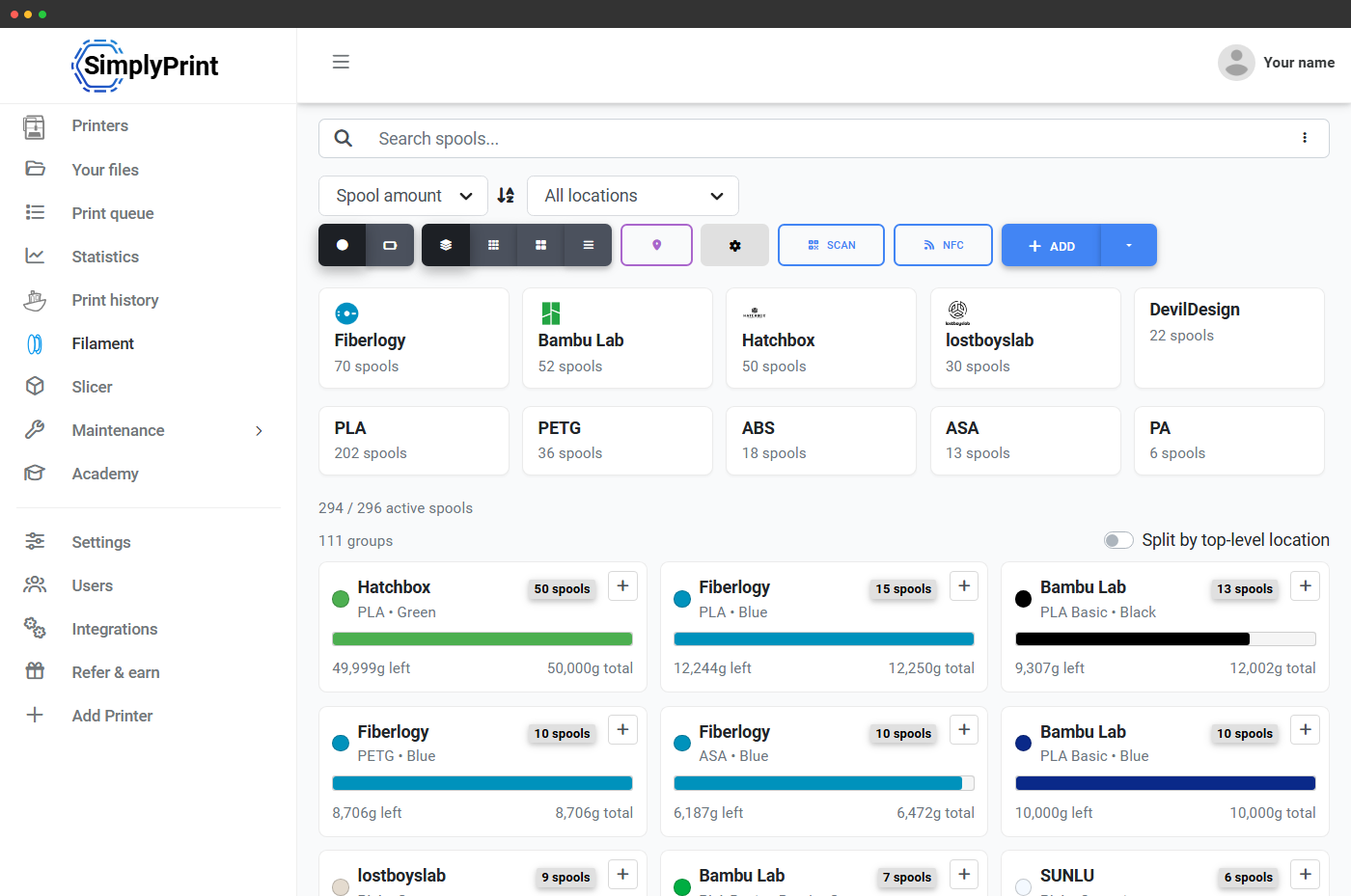
Crealitys egne NFC/RFID-spoletags
Creality udgiver sin egen NFC-/RFID-standard for materialetags til CFS, og SimplyPrint læser og skriver den direkte. Scan en Creality-tagget spole med SimplyPrint-scanneren (eller opret dine egne tags med materialedata), så lander spolen direkte i din Filament Manager, klar til at blive tildelt en CFS-plads. Du behøver ikke gentaste mærke, materiale eller farve, tagget indeholder det hele. Creality-spoler, der leveres med materialestandarden, er tagget fra fabrikken. Til tredjepartsspoler kan du oprette dine egne tags i SimplyPrint-appen. Og fordi et tag, du opretter via SimplyPrint, indeholder spolens eget ID, kan CFS automatisk oprette eller tildele spolen uden manuel indsats, når den synkroniserer. Fabrikstagged og utaggede spoler synkroniseres kun som materiale og farve.
Opsæt din Creality-printerCreality Filament System i dit SimplyPrint-panel
Creality CFS er Crealitys automatiske filamentstyringsenhed, med 4 slots pr. CFS og sammenkædning af op til 4 enheder til 16 farver på kompatible printere. SimplyPrint læser, hvilken spole der sidder i hvert slot, og viser live-slotstriben i printerpanelet, så du altid ved, hvad der er ilagt, og hvad der er ledigt.
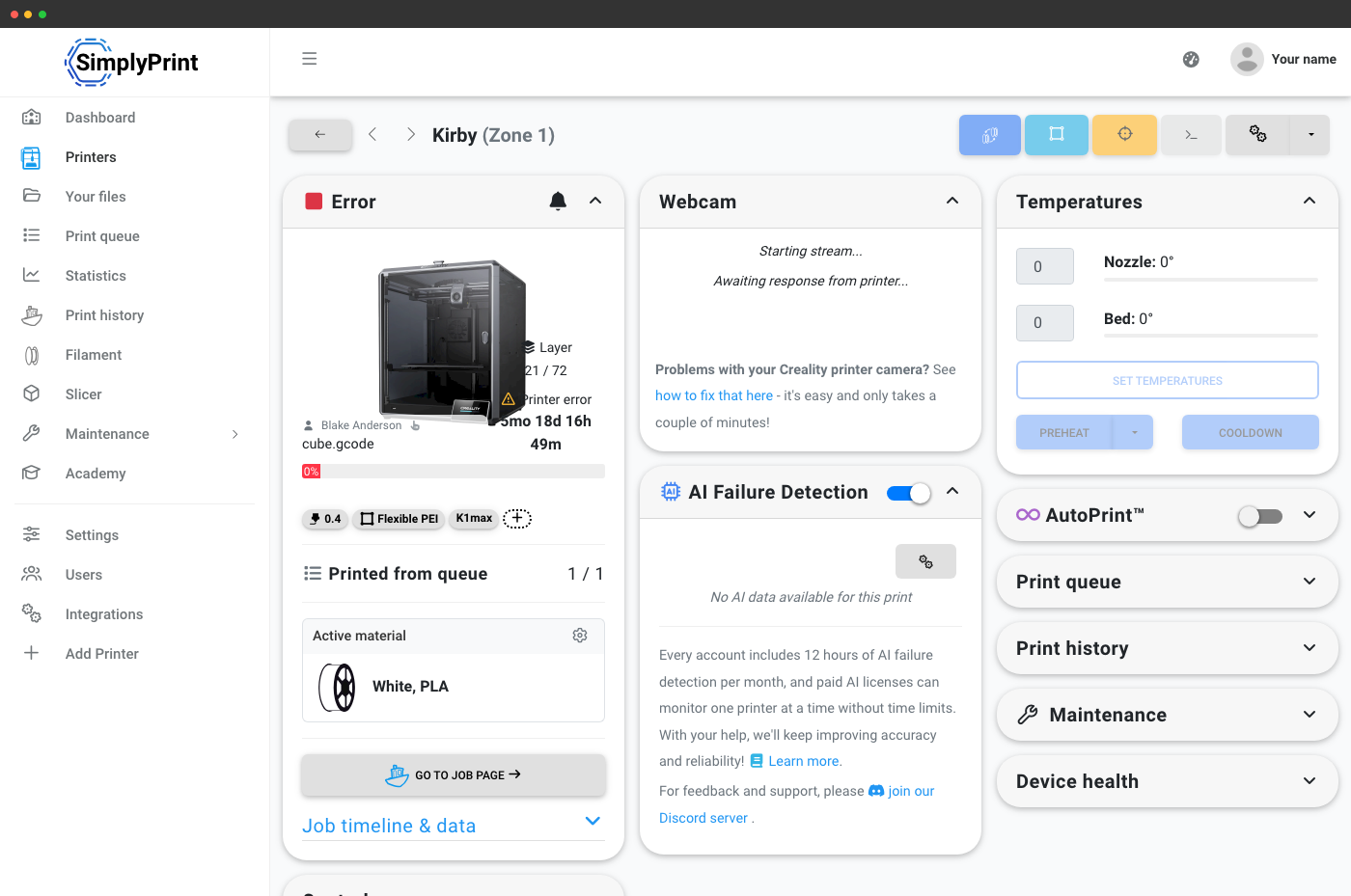
Hver plads sporet, hver spole talt
Hver CFS-plads i SimplyPrint indeholder den ilagte spoles farve, mærke, materialetype og resterende vægt. Flerfarvede print trækker fra de rigtige spoler, når de afsluttes, så din beholdning forbliver præcis, selv ved lange, ubemandede kørsler.
Slice filer med flere farver online, på enhver enhed
SimplyPrints online slicer håndterer slicing i flere farver for printere med CFS. Tilføj op til 4 filamenter pr. CFS, 16 i en sammenkædet x4-opsætning, tildel farver til dele eller modifikatorer, slice i din browser og sæt i kø. Den slicede fils ekstrudertildelinger overføres til printkøen og panelet.
Læs mere om onlinesliceren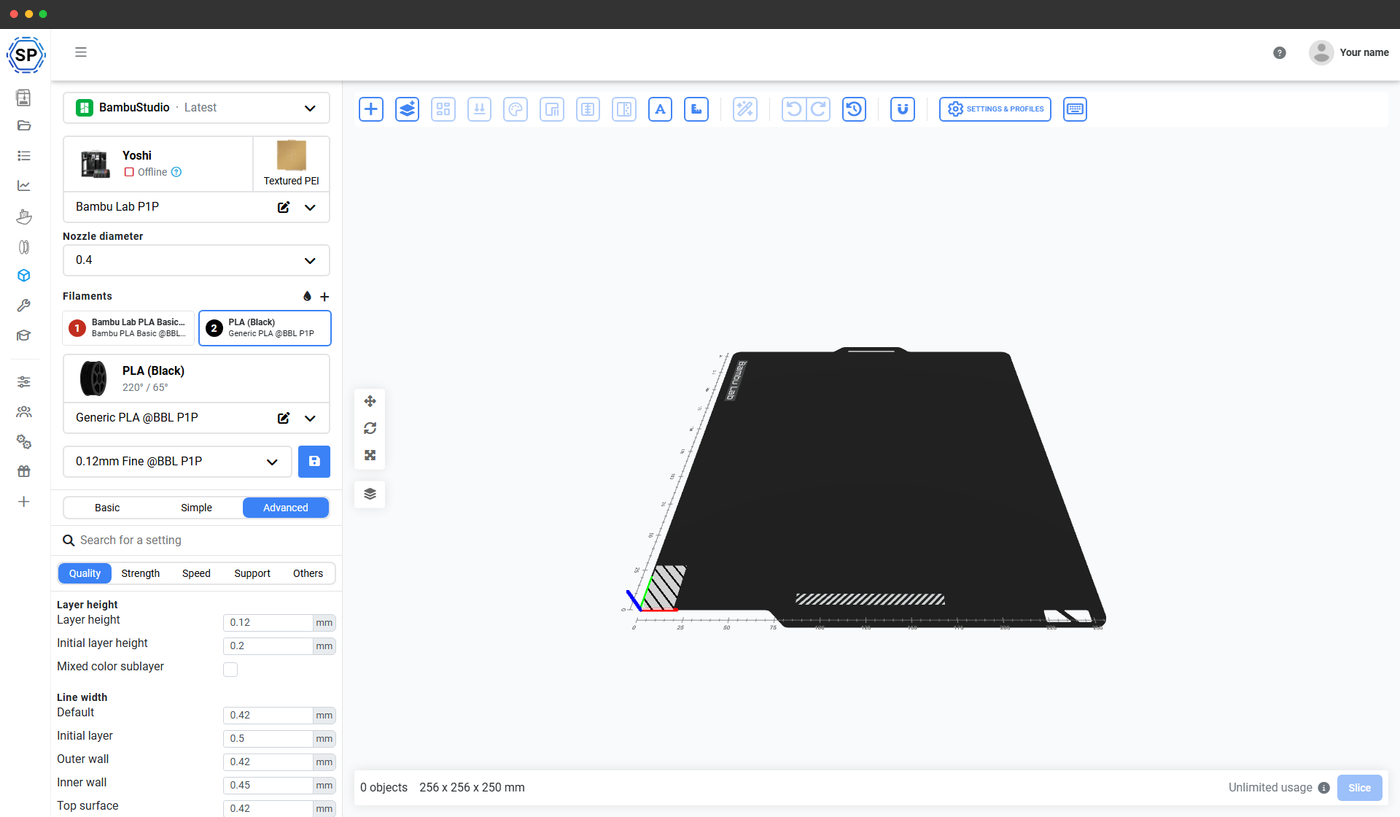
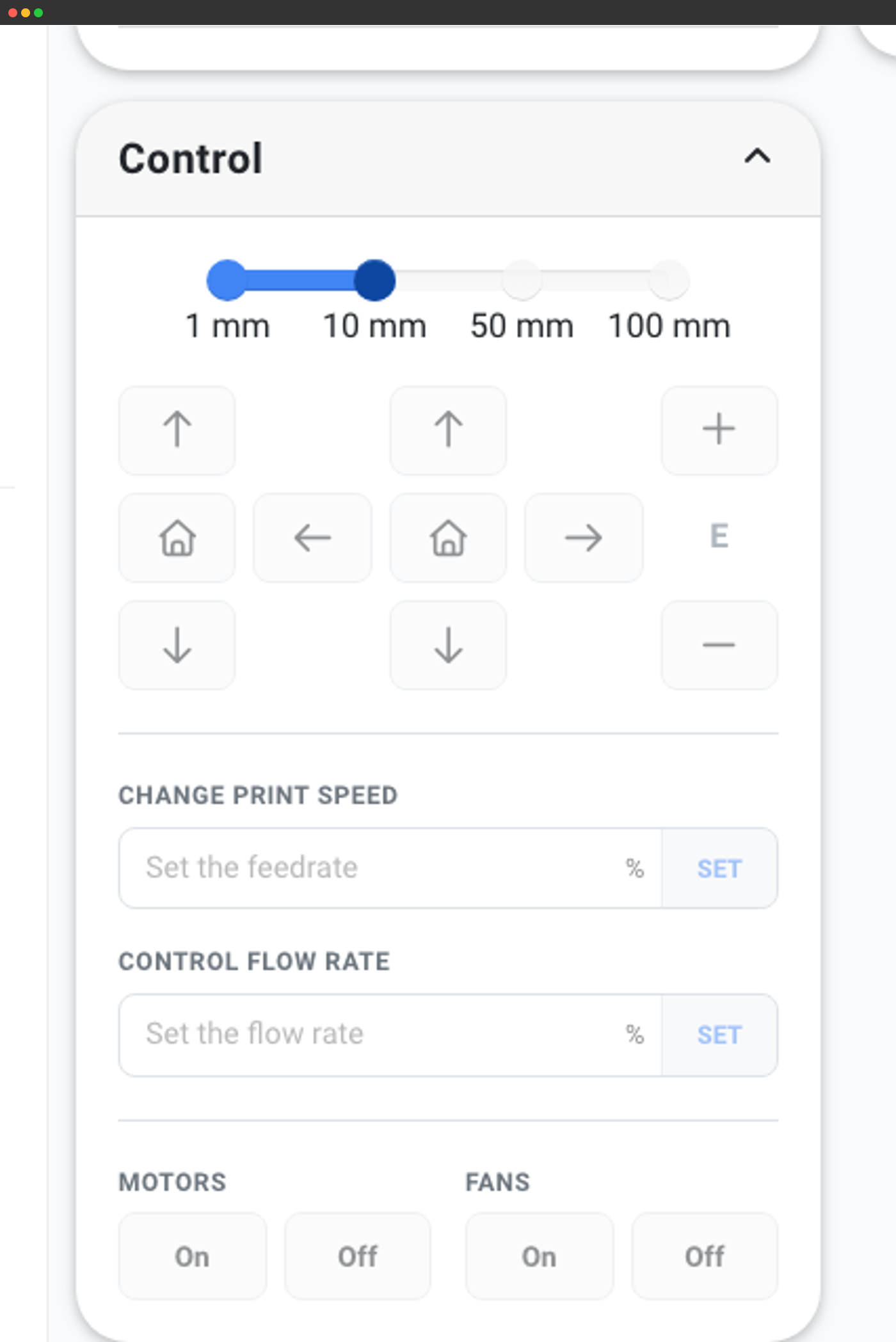
Mappingunderstøttelse i dag og fremover
SimplyPrint holder i øjeblikket styr på, hvilken slot der har hvilken spole, og bruger det til visning i realtid, fradrag i Filament Manager og routing af printkøen, så et 4-farveprint ikke sendes til en CFS-udstyret printer, der ikke har alle 4 farver ilagt. At sende mapping-G-code, så du ikke fysisk skal omplacere spolerne i en bestemt rækkefølge, er på planen. Det kommer, når Creality offentliggør eller stabiliserer CFS-mappinggrænsefladen.
Indtil da viser slotstrimlen i panelet præcis, hvilken farve der sidder i hvilket slot, så du hurtigt kan matche din slicer-tildeling med den fysiske rækkefølge.
Virker med alle CFS-kompatible Creality-printere
CFS tilsluttes Creality-printere med indbygget CFS-understøttelse, K2 Plus og andre CFS-klare modeller. SimplyPrint understøtter CFS på dem alle med den samme live-pladsrække, scanning af NFC-tags og sporing i Filament Manager.

Sermoon V1 Pro
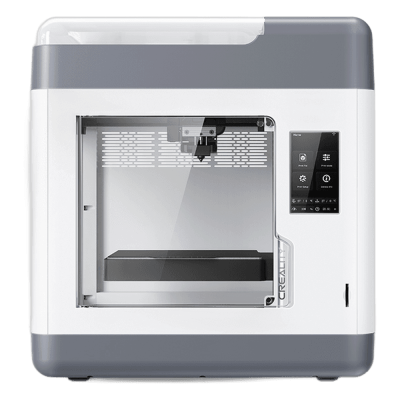
Sermoon V1
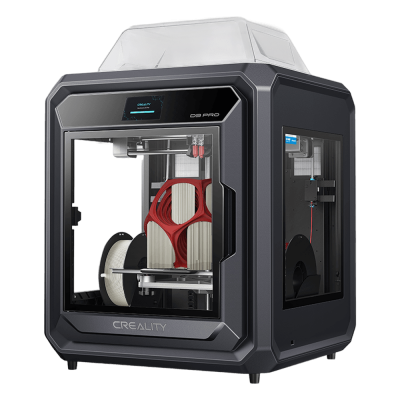
Sermoon D3 Pro
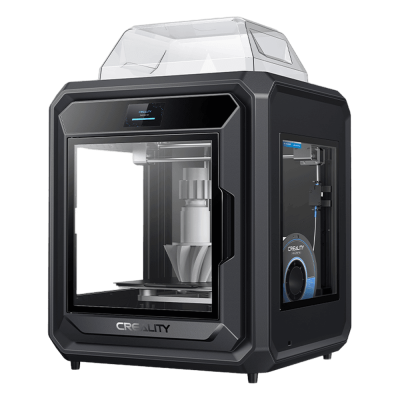
Sermoon D3

K3
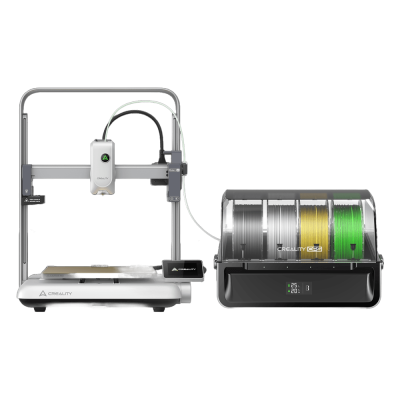
Ender-3 V4 Combo
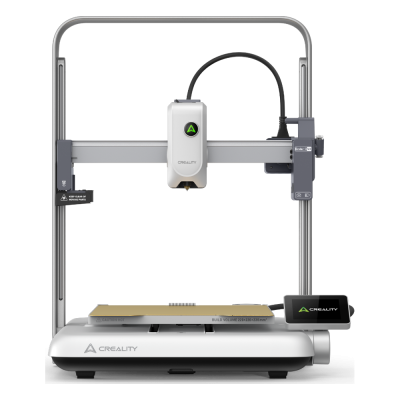
Ender-3 V4
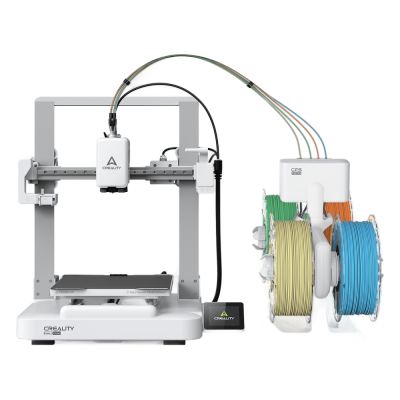
Ender-3 V3 Neo Combo
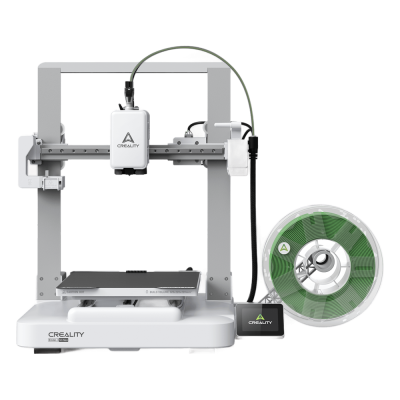
Ender-3 V3 Neo
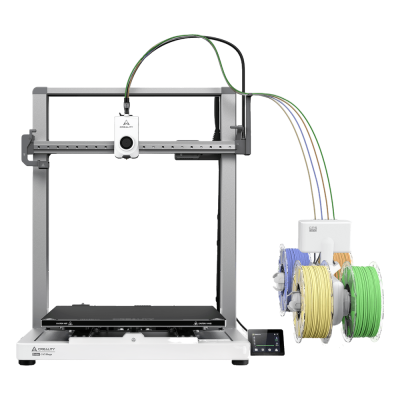
Ender-3 V3 Mega Combo
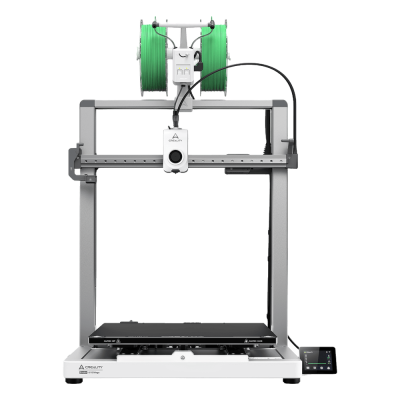
Ender-3 V3 Mega

Ender-3 V3
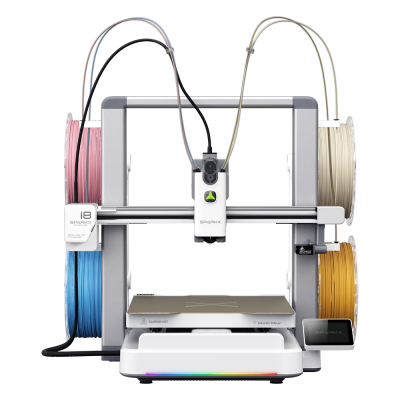
SPARKX i8 Combo

SPARKX i8
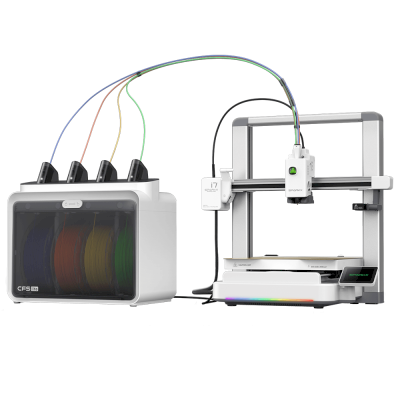
SPARKX i7 Combo
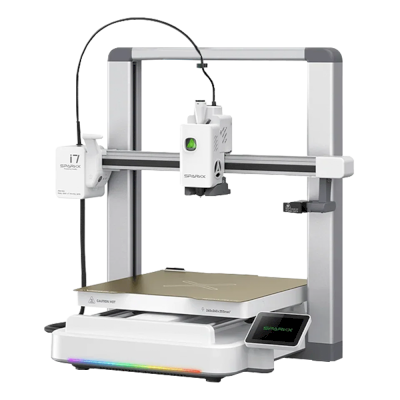
SPARKX i7

K2 SE
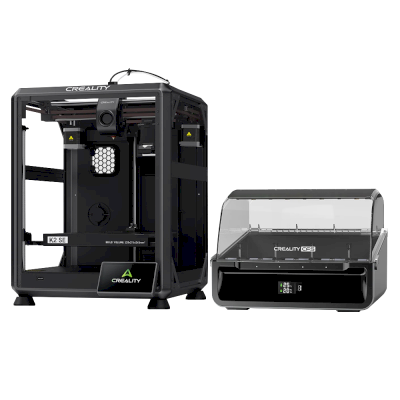
K2 SE Combo
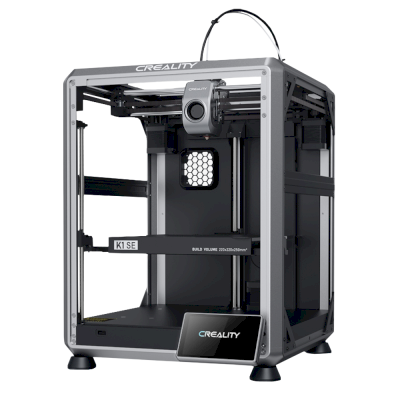
K1 SE
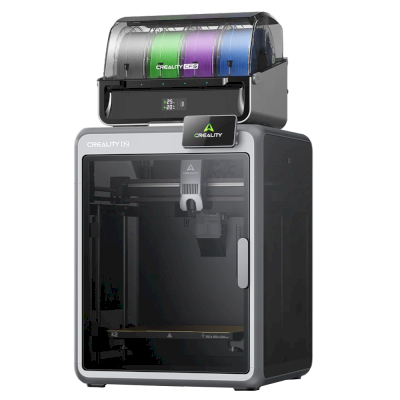
K2 Combo
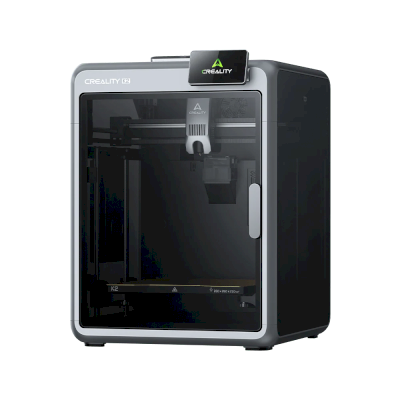
K2
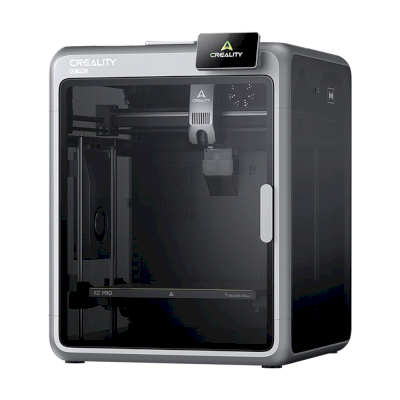
K2 Pro
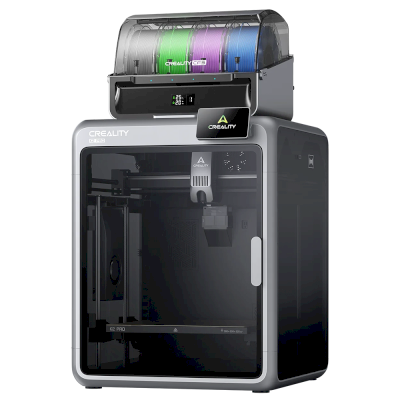
K2 Pro Combo
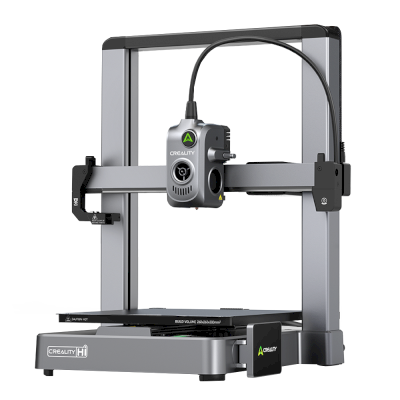
Hi
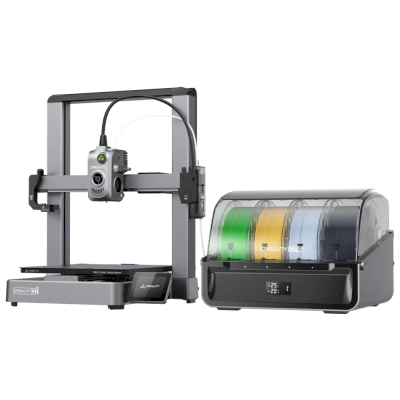
Hi Combo
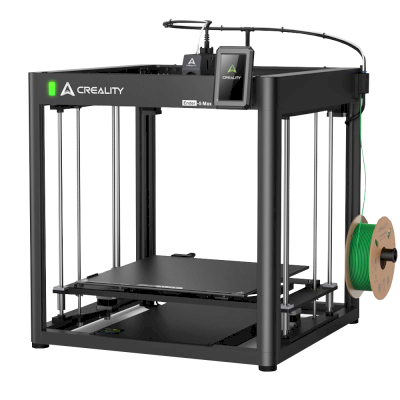
Ender 5 Max
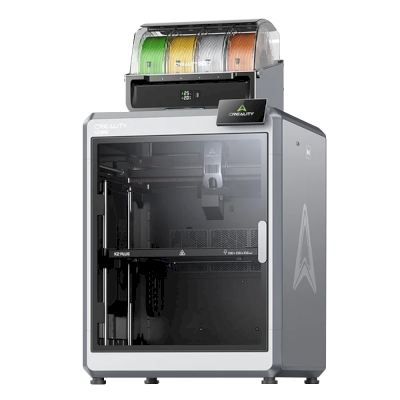
K2 Plus Combo
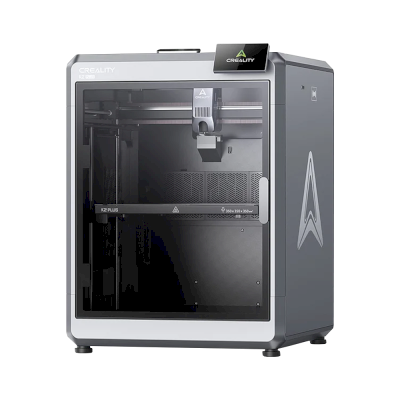
K2 Plus
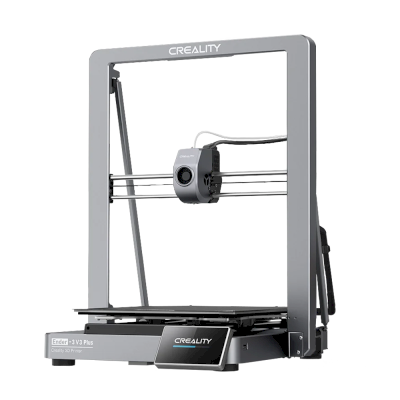
Ender-3 V3 Plus
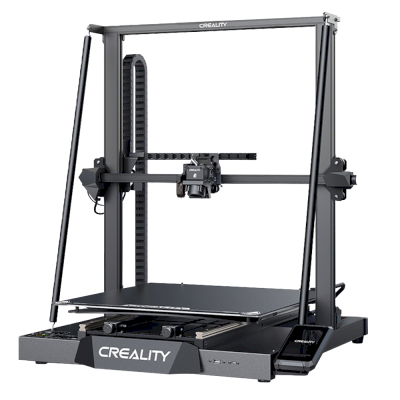
CR-M4
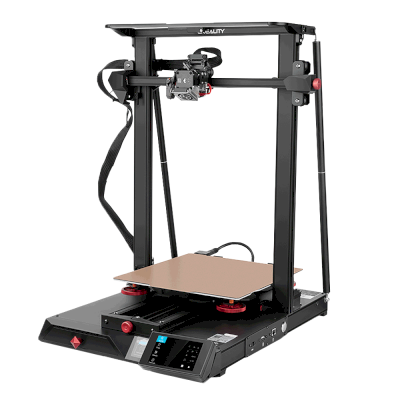
CR-10 Smart Pro

K1C
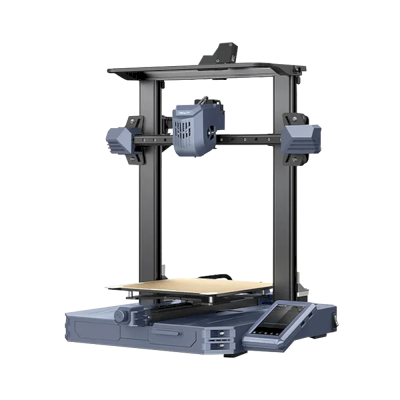
CR-10 SE
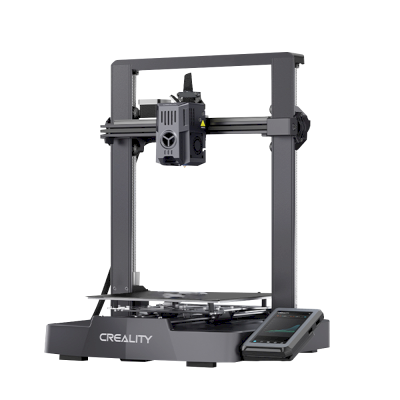
Ender-3 V3 KE
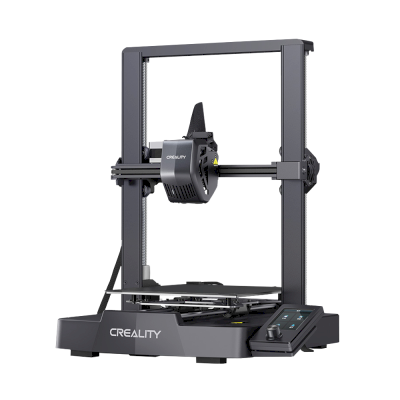
Ender-3 V3 SE

K1 Max
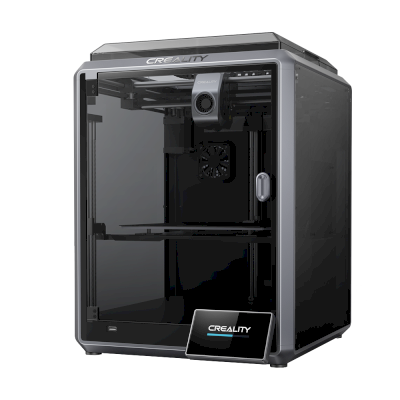
K1
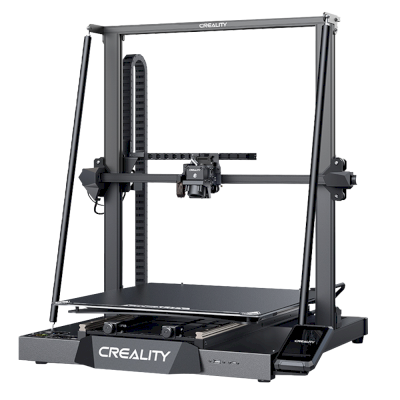
CR-M4
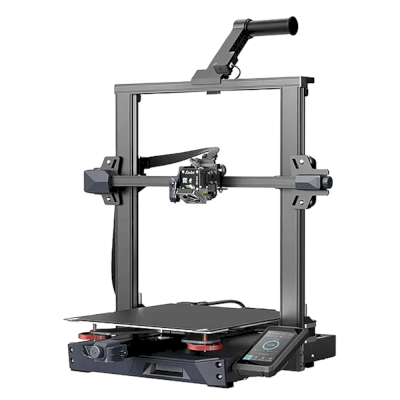
Ender-3 S1 Plus
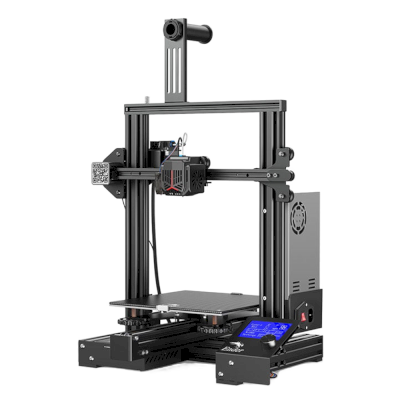
Ender-3 Neo
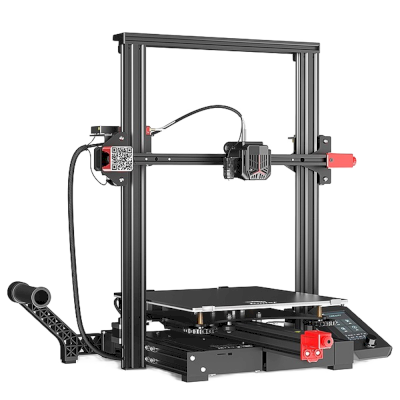
Ender-3 Max Neo
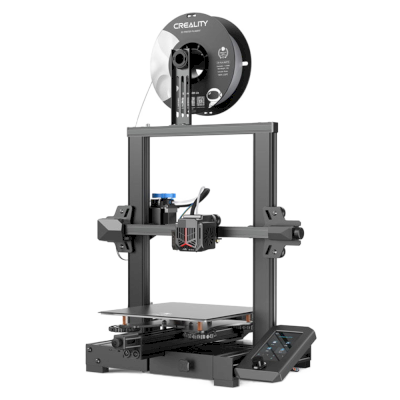
Ender-3 V2 Neo
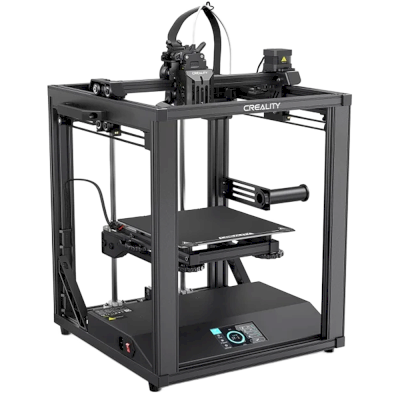
Ender-5 S1
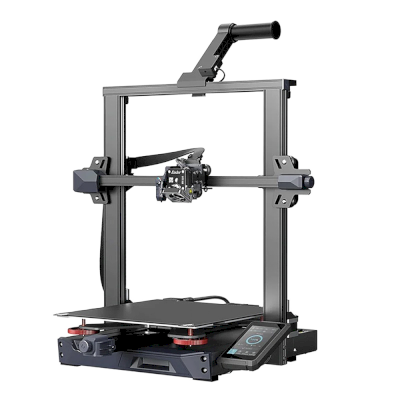
Ender-3 S1 Pro
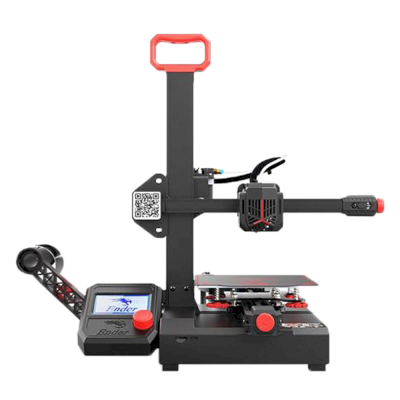
Ender-2 Pro
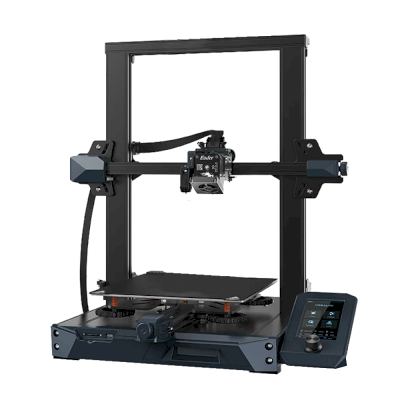
Ender 3 S1
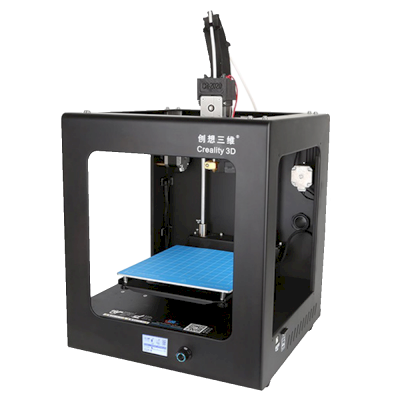
CR-2020
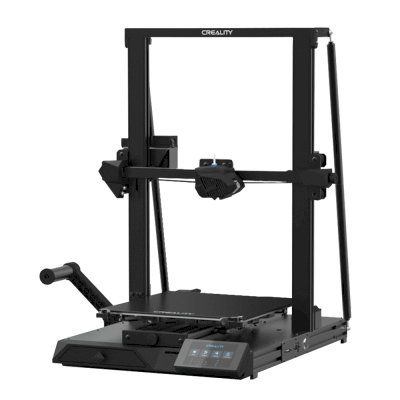
CR-10 Smart
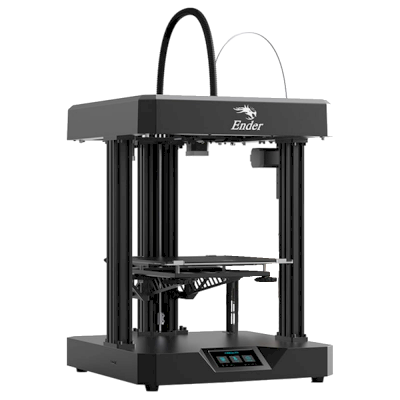
Ender 7
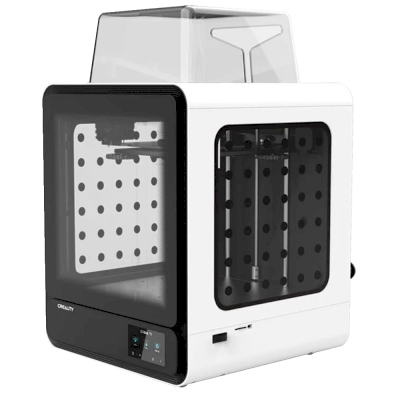
CR-200B
Læs mere om multimaterialeprint og andre systemer
Creality CFS er et af flere multi-materialesystemer, som SimplyPrint understøtter. Udforsk hovedfunktionssiden for at få hele billedet og de andre undersider om Bambu Lab AMS, Anycubic ACE Pro, Prusa MMU, Mosaic Palette og mere.
3D-print med flere materialer
AMS, ACE, CFS, MMU, Palette og mere, ét samlet workflow
Se oversigt over 3D-print med flere materialer