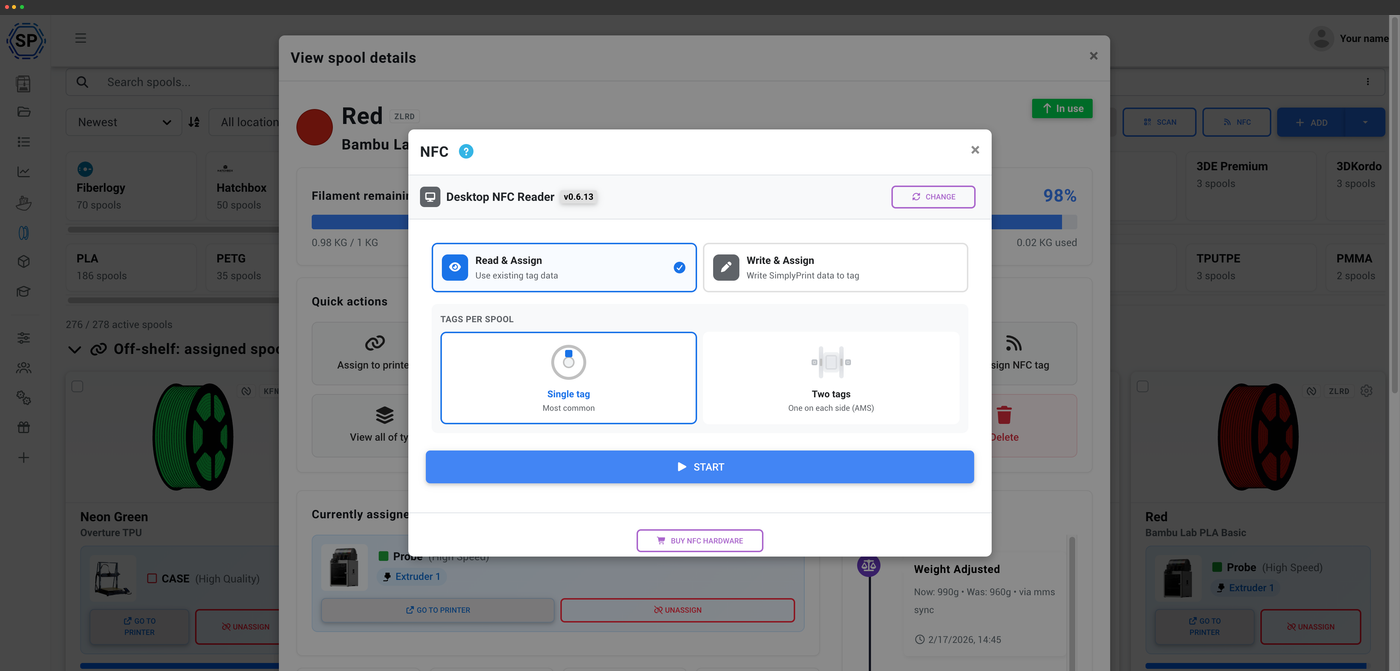
Én filamentmanager, alle NFC-standarder
De fleste NFC-værktøjer taler kun ét mærkes sprog. SimplyPrint læser og skriver Bambu Lab, Creality CFS, Prusa OpenPrintTag, OpenSpool og OpenTag fra ét fælles lager, så både en blandet printerflåde og filament er samlet ét sted. Da forbruget alligevel spores automatisk fra G-code, er NFC en bekvemmelighed, aldrig et krav.
Hvad NFC-filamenttracking er
Et NFC-tag er en lille chip klistret på en spole, der gemmer dens identitet, mærke, materiale, farve og resterende vægt. Scan det med en telefon, browser eller USB-læser, og SimplyPrint henter (eller opretter) den matchende spole øjeblikkeligt. Skriv til tagget, så følger dataene spolen, så enhver printer eller platform, der læser det, ved, hvad der er isat. Det er den hurtigste måde at identificere en spole og holde dens registrering synkroniseret.
Læs et NFC-tag via din telefon, browser eller en NFC-læser til computeren
Uanset om du bruger mobilappen, Web NFC direkte i browseren eller en USB-læser på computeren, indlæses oplysningerne om en spole på et sekund, når du scanner dens tag.
Alle NFC-filamentstandarder, side om side
Vælg din printers økosystem, eller kombinér frit på tværs af dem alle. SimplyPrint læser fra og skriver til hvert af dem fra samme lager.
Tre måder at læse og skrive et tag
Brug det, du allerede har. Hver metode læser fra og skriver til den samme SimplyPrint-beholdning.
Sådan opretter du et NFC-tag til en spole
Til de skrivbare standarder tager det tre trin i SimplyPrint at kode en spoles data på et tag.
Ingen leverandørlåsning
Andre økosystemer genkender kun deres egne tags. SimplyPrint behandler alle standarder som ligeværdige, så en Bambu-spole, en Prusament med OpenPrintTag og et DIY OpenSpool-tag alle ligger i den samme beholdning og spores på samme måde. Tildeler du et NFC-id, der allerede tilhører en anden spole, løses konflikten automatisk, så du aldrig ender med to spoler, der gør krav på det samme tag.
Du behøver ikke engang NFC
NFC gør det hurtigere at identificere en spole, men det er aldrig påkrævet. SimplyPrint trækker automatisk filamentforbruget fra lageret ud fra G-code-filen for hvert print, du starter, uanset om spolen har et tag eller ej. Tilføj NFC, hvor det hjælper, og spring det over, hvor det ikke gør. Din lagerbeholdning forbliver korrekt uanset hvad.
Sådan fungerer automatisk sporingUdforsk hver NFC-standard
Hver standard har sin egen dybdegående gennemgang af, hvad SimplyPrint kan læse og skrive.
Bambu Lab filamentstyring
AMS auto-synkronisering og sporing af Bambu Lab-spoler
Creality CFS-filamentstyring
Skriv Creality CFS-tags og spor alle mærker
Anycubic ACE-filamenthåndtering
Skriv Anycubic ACE-tags, og brug filament fra alle mærker
ELEGOO Canvas-filamentmanager
Læs ELEGOO-spoler og skriv ELEGOO Canvas-tags til alle mærker
QIDI Box filamentstyring
Skriv QIDI Box-tags og brug ethvert mærke
OpenPrintTag NFC
Læs og skriv Prusas åbne NFC-standard
OpenSpool NFC
Fællesskabets åbne NFC-standard til gør-det-selv
OpenTag-standard
Det åbne tagformat på tværs af mærker, tilgængeligt i dag
TigerTag-standard
Det åbne tagformat, der allerede leveres på rigtige spoler
Abonnementsadgang: hvad er inkluderet?
Selve filamentmanageren er med i alle planer, også Free. NFC-læsning og -skrivning er en funktion i betalte planer, og skrivning af tags bruger en månedlig NFC-skrivekvote, der vokser med din plan.
| Funktion/grænse | Gratis | Basic | Pro | Printfarm | Enterprise | Skole | Cloud Slicer | Filament Manager |
|---|---|---|---|---|---|---|---|---|
|
Filamentstyring
Spoleposter og automatisk forbrugsfratræk på alle planer, også Free.
|
||||||||
|
NFC-tag-skrivninger pr. måned
Hvor mange NFC-tags du kan skrive til spoler hver måned
|
10 | 30 | 100 | 10 | ||||
|
Stregkode- og QR-scanning
Til spoler uden NFC, scan et mærkat med en telefon, webcam eller USB-scanner.
|
Vil du vide mere om vores abonnementer?
Se fuld pris- og funktionssammenligningOfte stillede spørgsmål
Hvilke NFC-standarder understøtter SimplyPrint?
Kan jeg læse et Bambu-tag med et Creality CFS, eller omvendt?
Skal jeg bruge en særlig læser?
Hvorfor kan min iPhone ikke skrive Bambu Lab- eller Creality-tags?
Hvor meget koster blanke NFC-tags?
Skal jeg bruge NFC for at holde styr på filament?
NFC-hardware til din computer
Foretrækker du en USB-læser til computeren? Den gratis SimplyPrint NFC Agent med open source-kode kører på Windows, macOS og Linux og virker med alle disse læsere, fuld læse- og skrivefunktion uden leverandørlås.
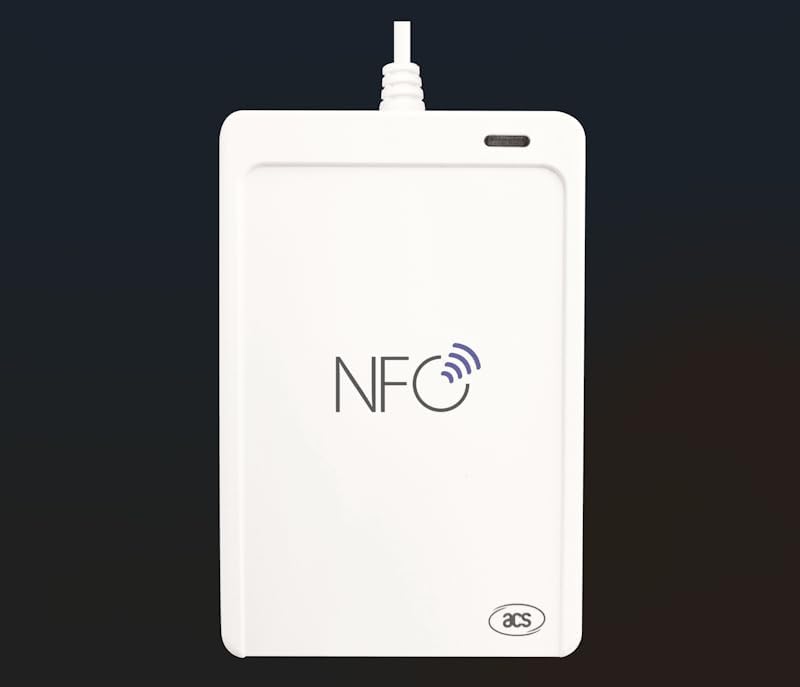
ACS ACR1552U (USB-C)
Den rigtige læser: USB-C og den eneste desktopløsning, der læser iCode SLIX2 / OpenPrintTag.
Se produktet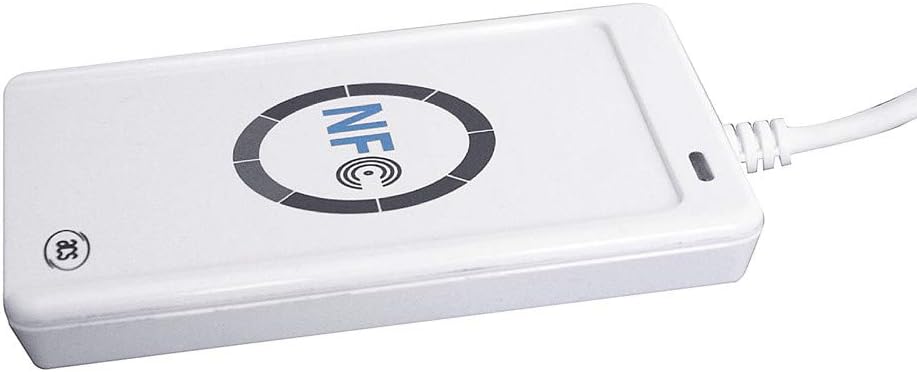
ACS ACR122U
Populær, prisvenlig USB-A-læser. Et godt budgetvalg til daglig NFC-scanning.
Se produktet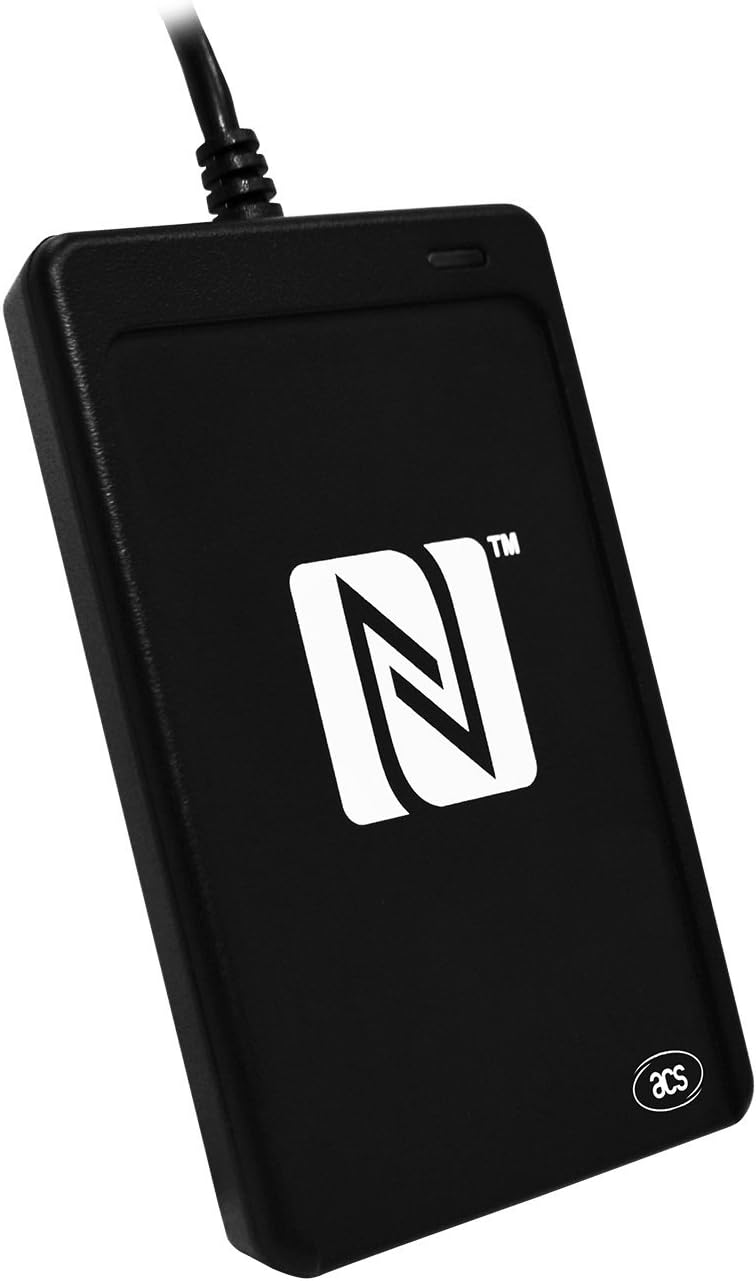
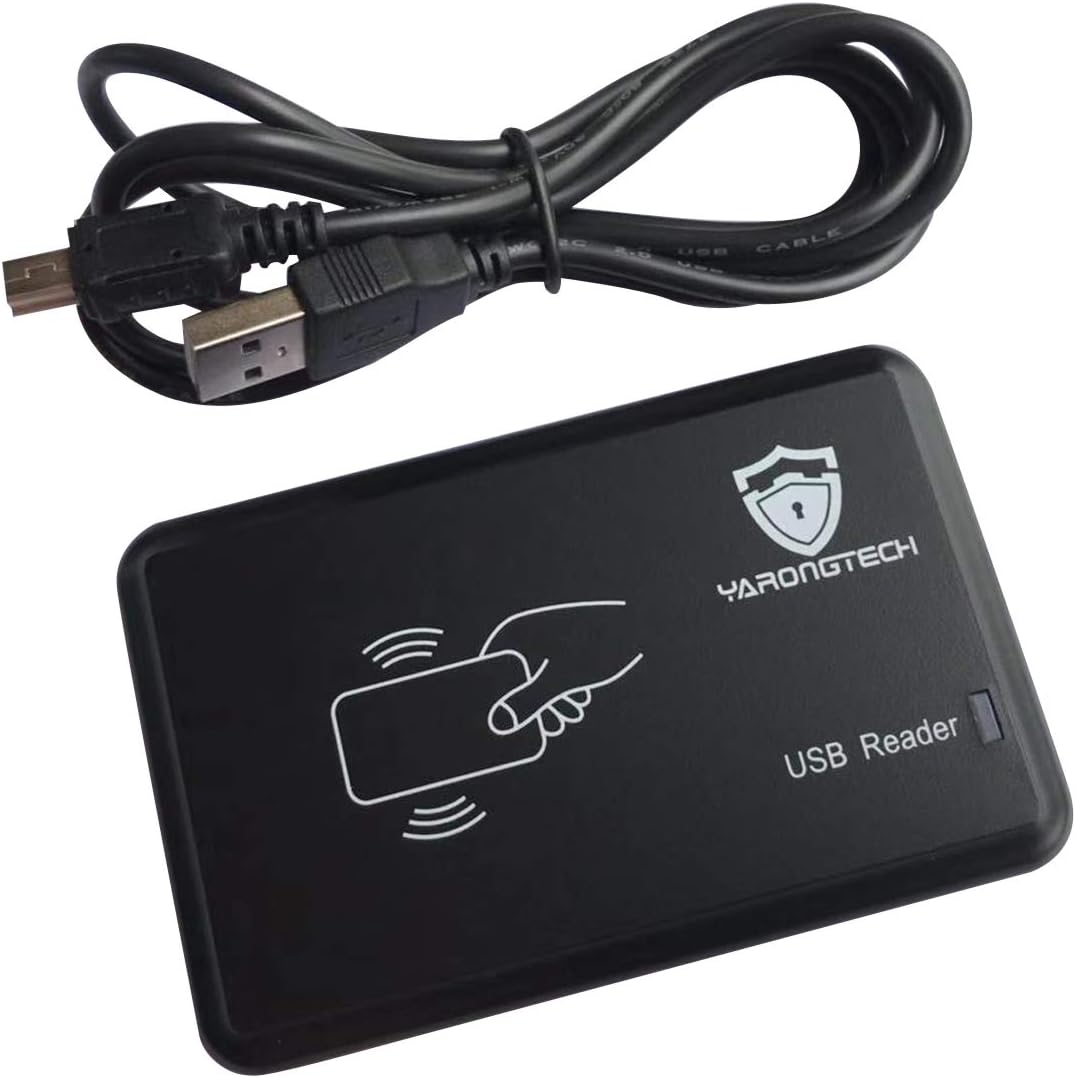
YARONGTECH RFID USB reader
Skrivebeskyttet: Indtaster tag-ID'et som et tastatur, ingen software nødvendig. God til at forbinde forprogrammerede tags.
Se produktetAlle nævnte læsere fungerer med SimplyPrint NFC Agent. Kun ACR1552U kan læse iCode SLIX2 / OpenPrintTag.
Nogle links er partnerlinks. SimplyPrint kan få provision uden omkostning for dig.
NFC-tags til dine spoler
Tomme mærkater, du skriver én gang og sætter på en spole. Vælg den standard, din printer forventer, eller et tag med høj kapacitet til at gemme fulde filamentdata.
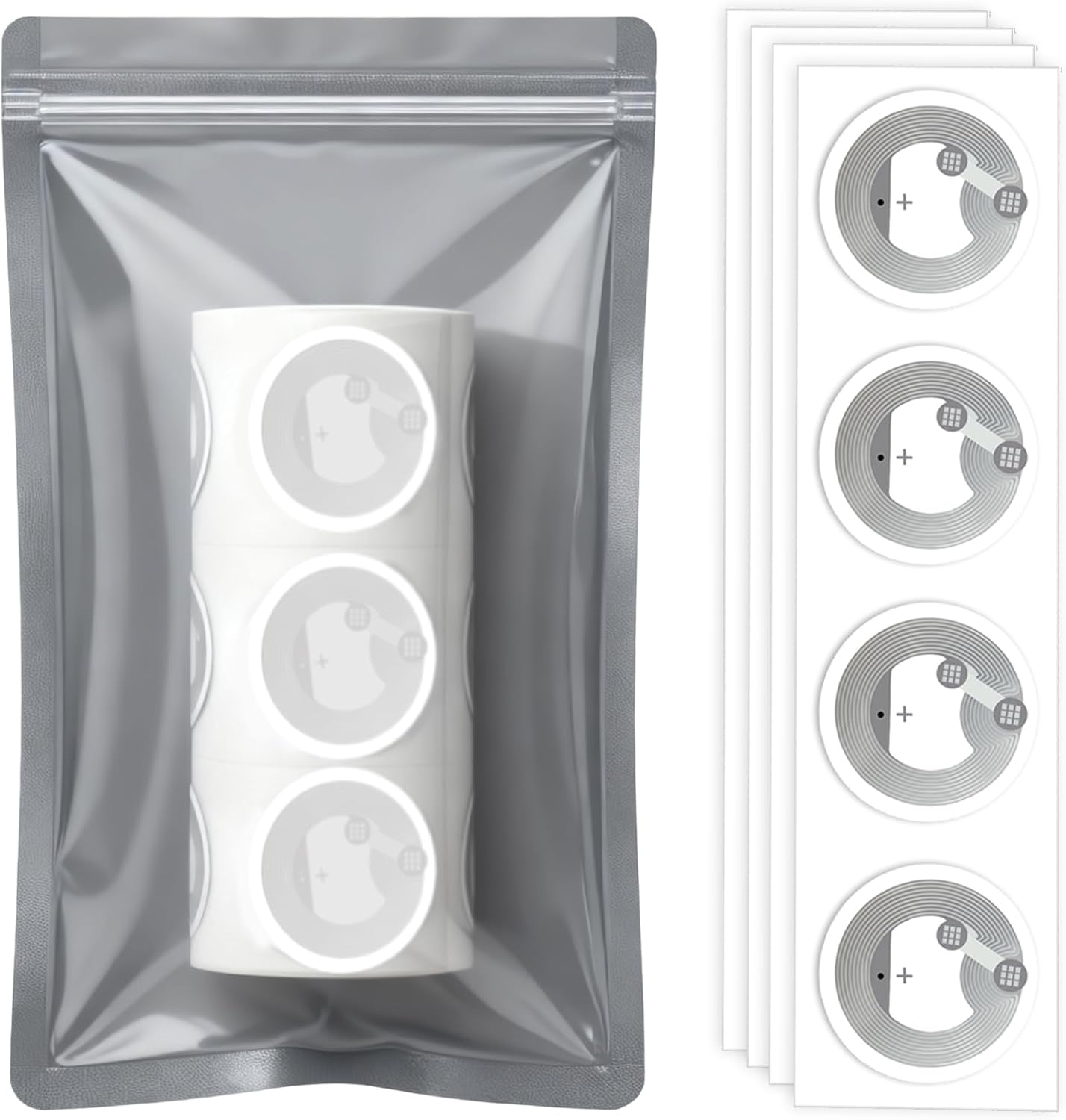
NTAG215 sticker tags
God kapacitet på 504 byte til lagring af komplette filamentdata. Vores anbefalede allrounder.
Se produktet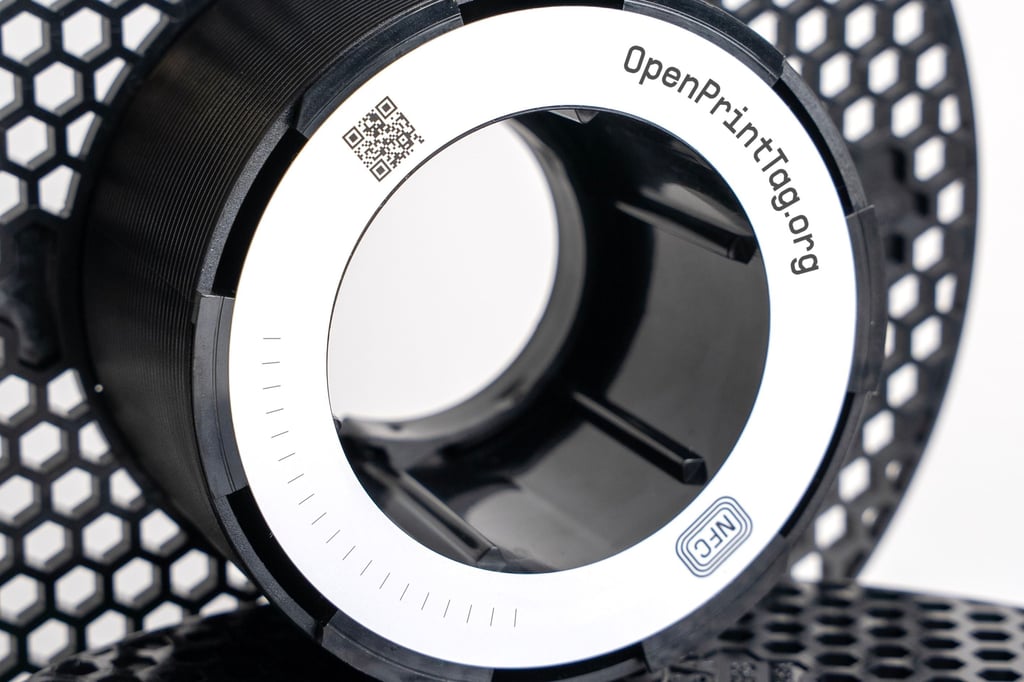
Prusa OpenPrintTag
Officielle OpenPrintTag-tags fra Prusa, den åbne, leverandørneutrale NFC-standard for filament.
Se produktet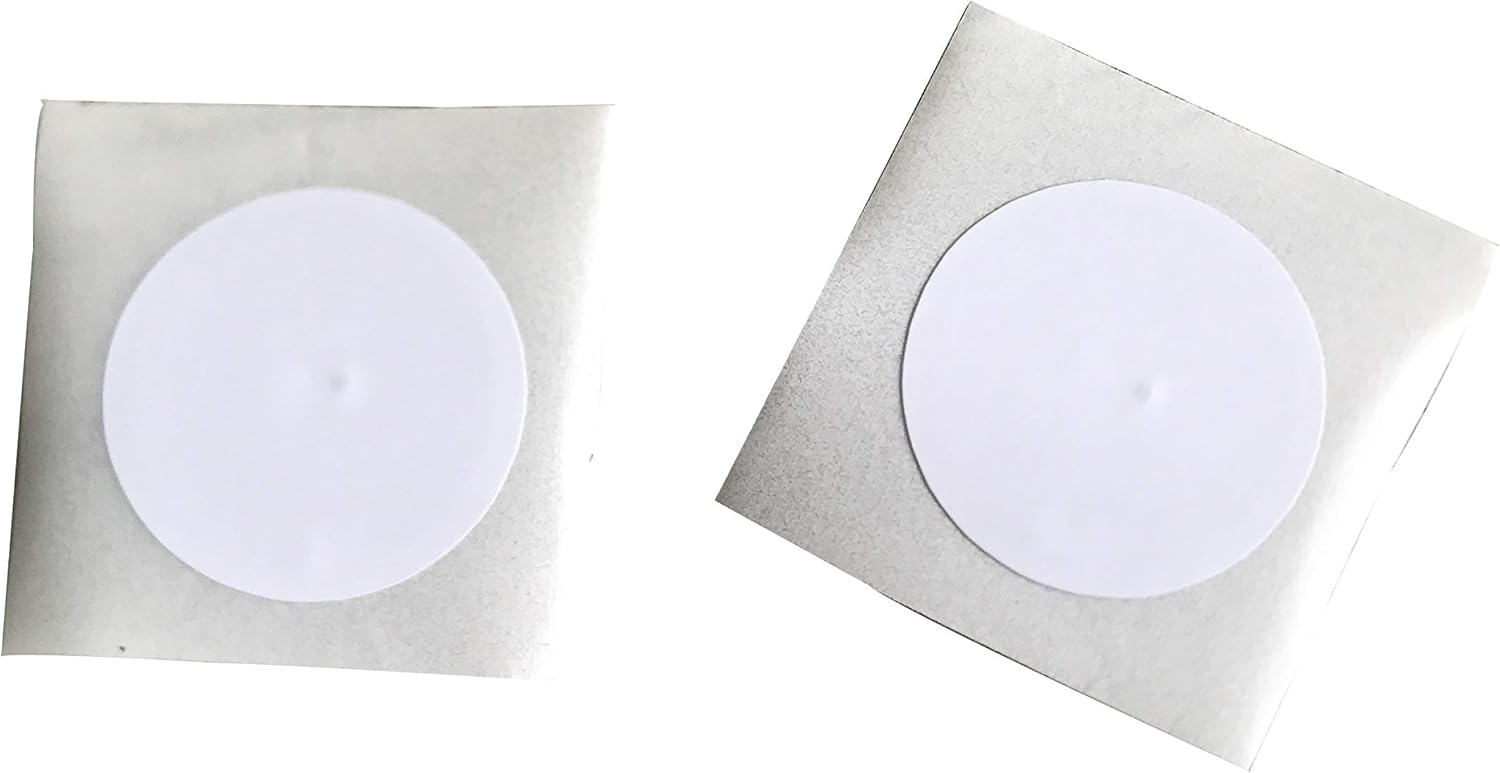
iCode SLIX2 sticker tags
ISO 15693-tags kompatible med OpenPrintTag-standarden (kræver ACR1552U på computer).
Se produktet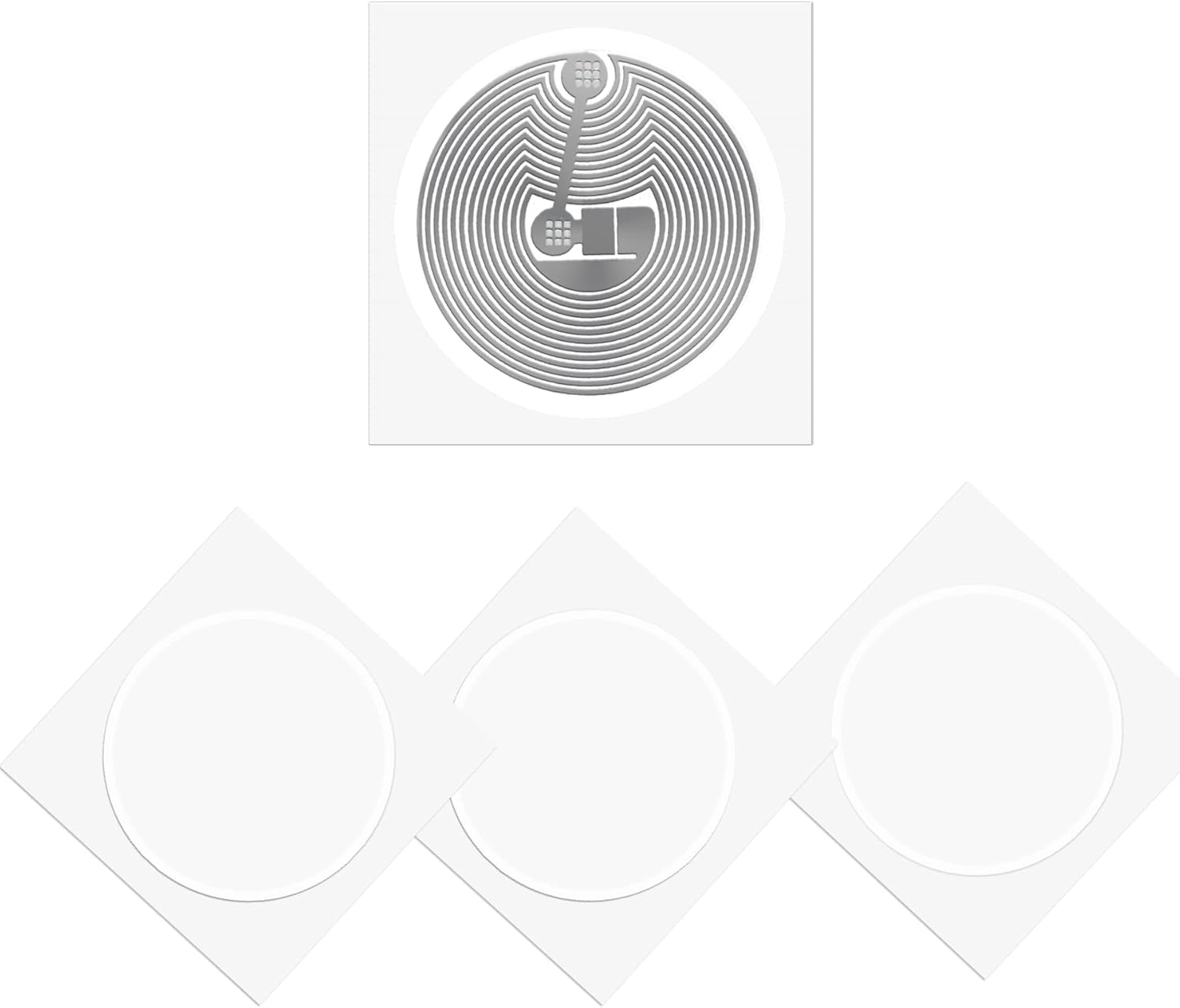
MIFARE Classic 1K sticker tags
Formatet, der bruges af Creality CFS, QiDi og Anycubic. Skriv tags fra Android eller NFC Agent til computer.
Se produktet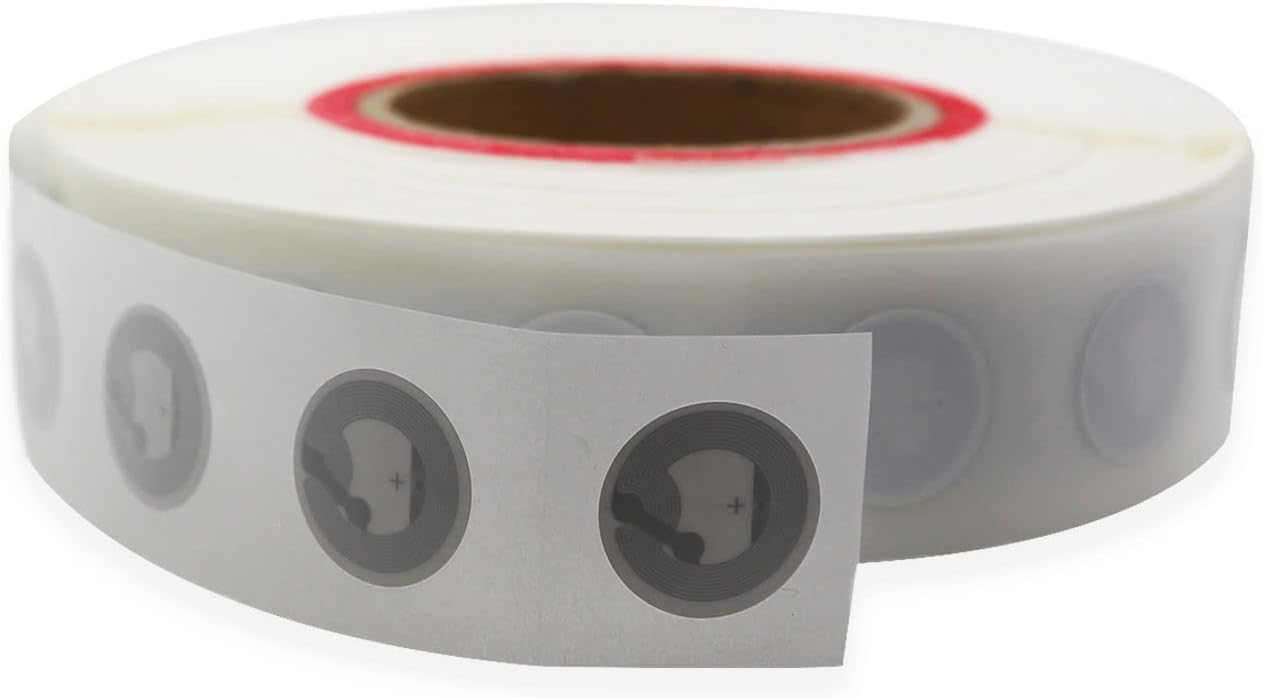
NTAG213 sticker tags
Budget-tags på 144 byte, ideelt til URL-only eller minimal datalinkning.
Se produktetNogle links er partnerlinks. SimplyPrint kan få provision uden omkostning for dig.