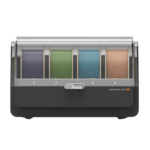
Anycubic Automated Color Engine i dit SimplyPrint-panel
ACE Pro er for Anycubic, hvad AMS er for Bambu Lab, en slot-hub til ubemandet print med flere farver. SimplyPrint sporer hvert slot og hver sammenkædet enhed i realtid på tværs af din flåde. Anycubic ACE Pro er Anycubics officielle multimaterialesystem med 4 slots pr. enhed, indbygget filamenttørring og mulighed for at kæde op til 4 enheder sammen for 16 farver på understøttede Anycubic-printere. SimplyPrint læser, hvilket slot der har hvilken spole, viser den aktuelle slotstrimmel i printerpanelet og lader dig spore hver spole gennem din Filament Manager.
Hver plads sporet, hver spole talt
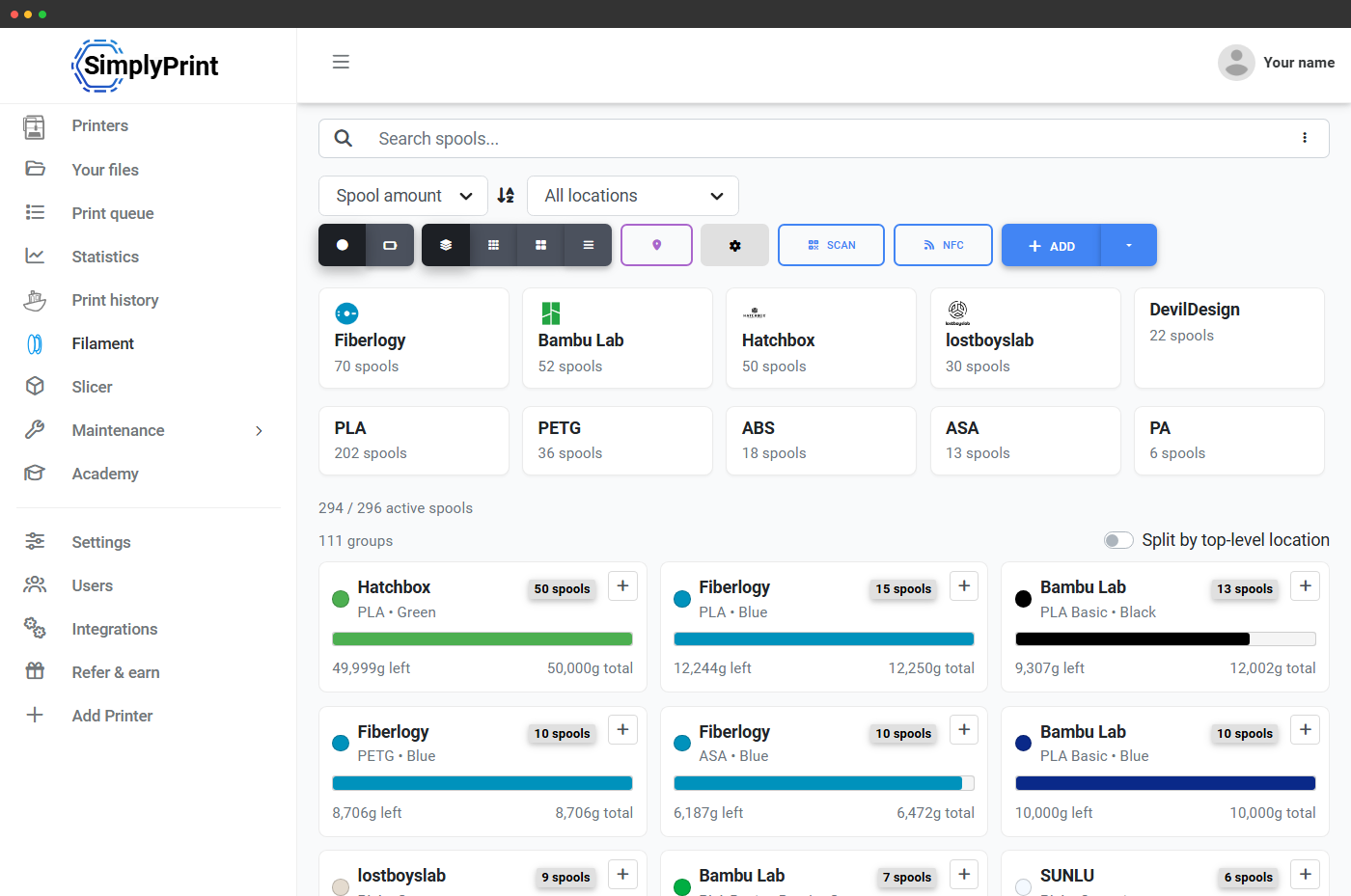
Hver ACE-plads i SimplyPrint indeholder den ilagte spoles farve, mærke, materialetype og resterende vægt. Når et flerfarvet print er færdigt, trækkes den rette mængde fra den rigtige spole i din filamentmanager, så din beholdning forbliver præcis, selv når ACE skifter farver midt i printet. Ingen regneark, ingen "hvilken brugte jeg".
Slice filer med flere farver online, på enhver enhed
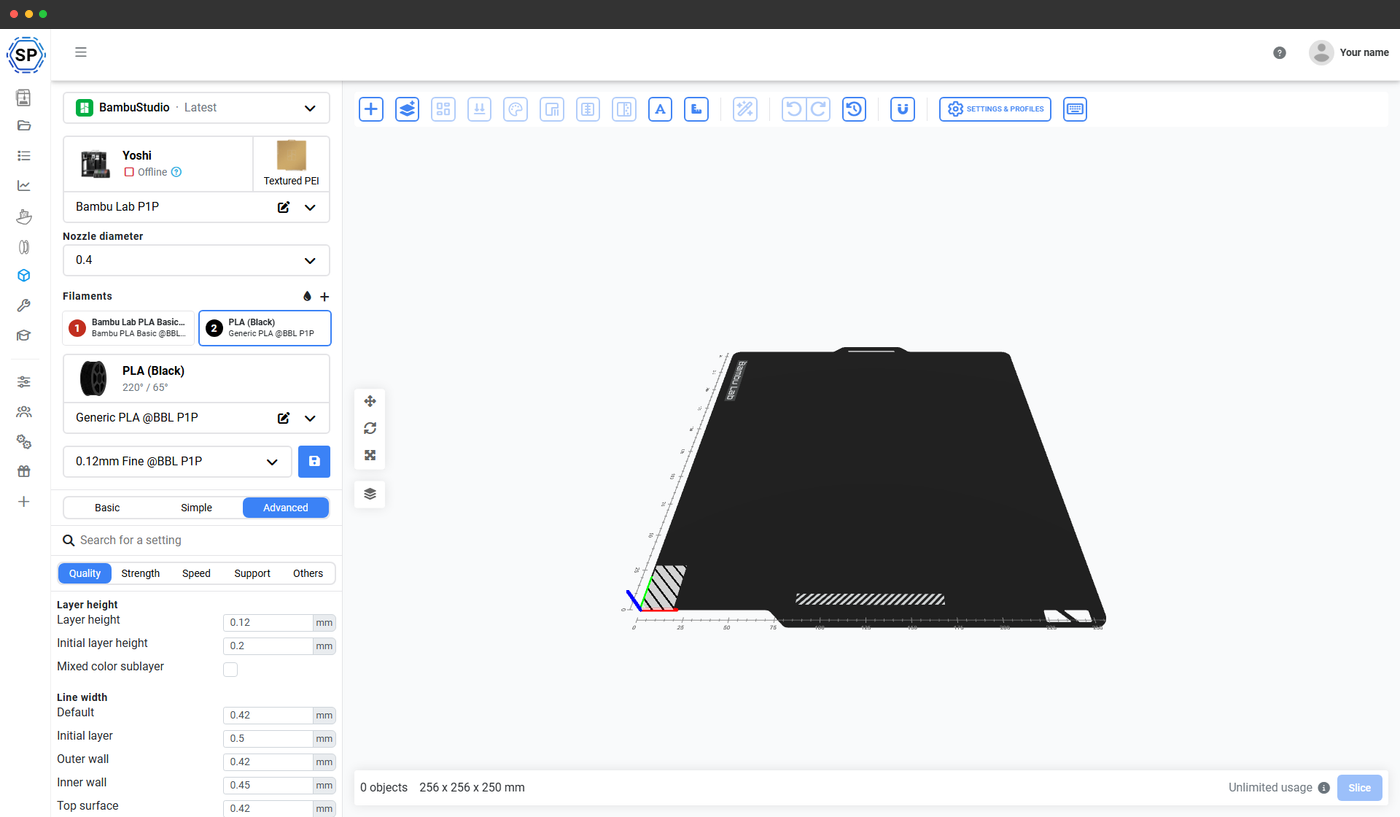
SimplyPrints online slicer med OrcaSlicer-, BambuStudio- og PrusaSlicer-motorer håndterer slicing i flere farver for printere med ACE. Tilføj op til 4 filamenter pr. ACE, 16 i en sammenkædet x4-opsætning, tildel farver til dele eller modifikatorer, slice og sæt i kø, alt fra din browser på enhver enhed. Selv en Chromebook klarer det.
Læs mere om onlineslicerenKæd op til 4 ACE'er sammen, én samlet slotliste
SimplyPrint behandler en kædet ACE-opsætning som én sammenhængende slotliste pr. dyse. To kædede ACE'er viser 8 slots i panelet, fire kædede ACE'er viser 16. Flerfarvejob kan referere til ethvert slot på tværs af kæden, og livevisningen af slots forbliver synkroniseret med de spoler, der faktisk er ilagt.
Slottilknytning ved printstart
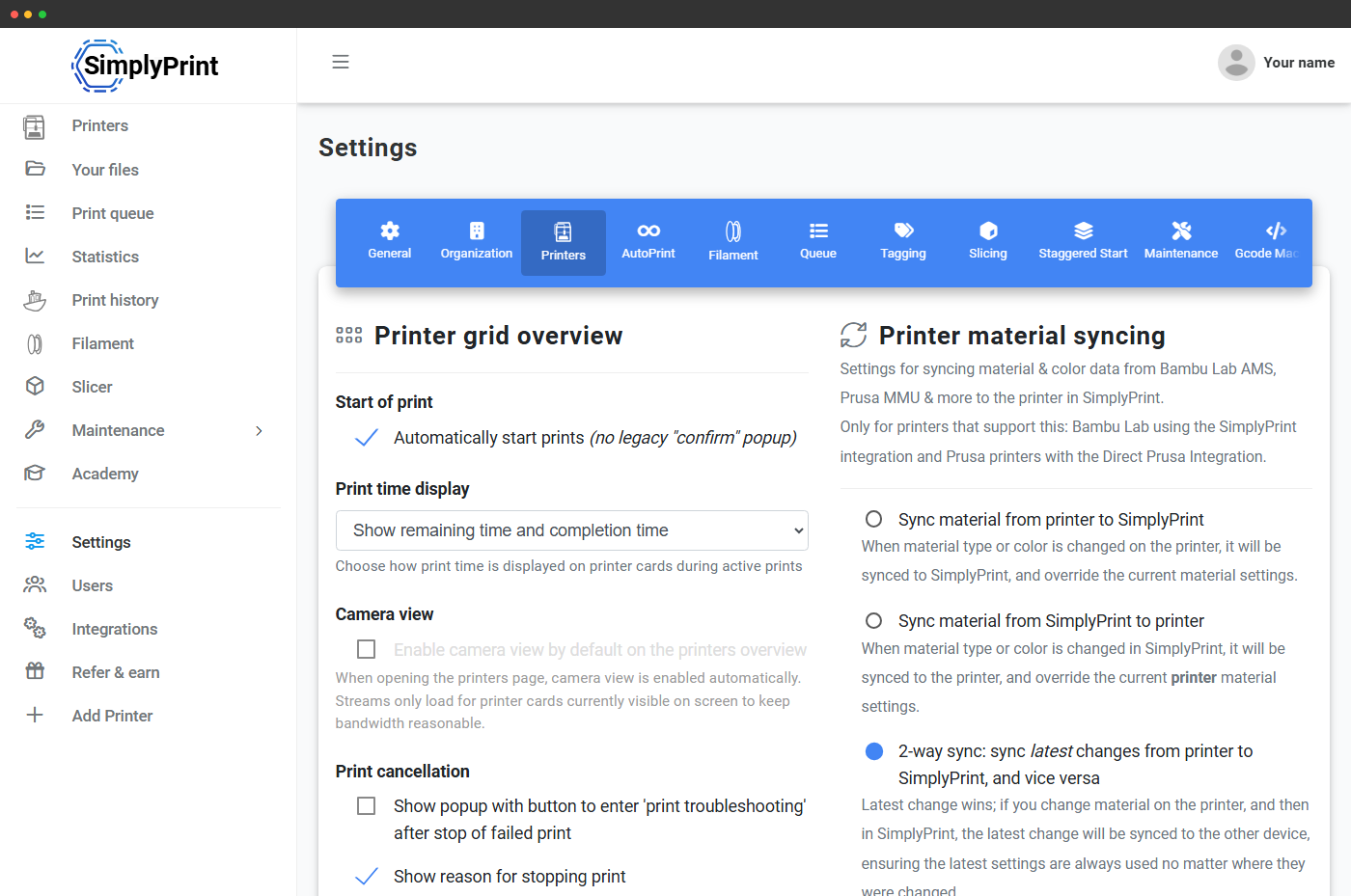
ACE-slotmapping sendes ved printstart, når din printer er tilsluttet via SimplyPrint Client. SimplyPrint sender din slicers slottildeling sammen med printet, ligesom det gør for Bambu AMS. På en Klipper/Moonraker-forbindelse sendes mappingen ikke til printeren; slotstrimlen i panelet viser dig præcis, hvilken farve der sidder i hvilket slot, så du kan matche din slicertildeling på få sekunder, og fradraget i Filament Manager forbliver præcist i begge tilfælde.
Virker med alle ACE-kompatible Anycubic-printere
ACE Pro passer ind i Anycubic-serien, hvor end printeren er ACE-klar. SimplyPrint understøtter ACE på hver af dem, med samme live slotstrimmel og filamentsporing.
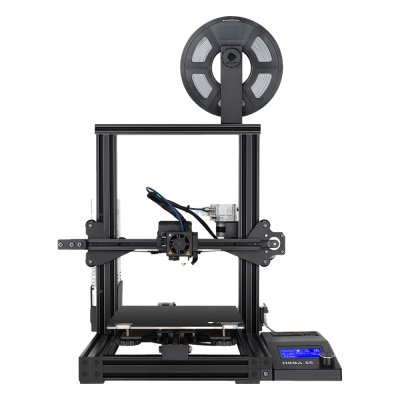
Mega SE
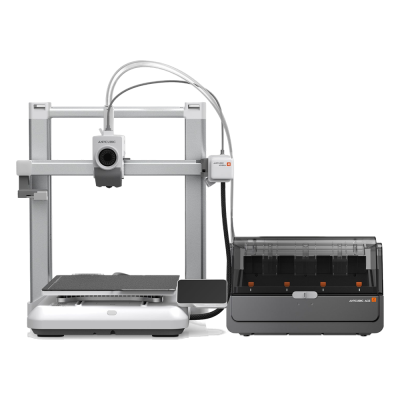
Kobra 4 Combo
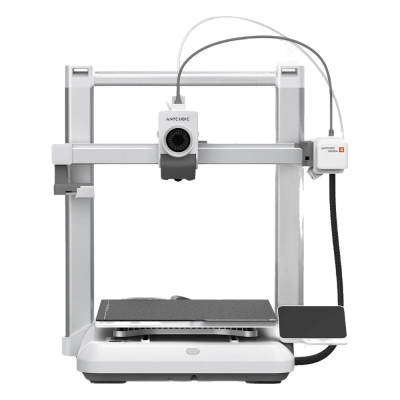
Kobra 4

Kobra 3 Max V2 Combo
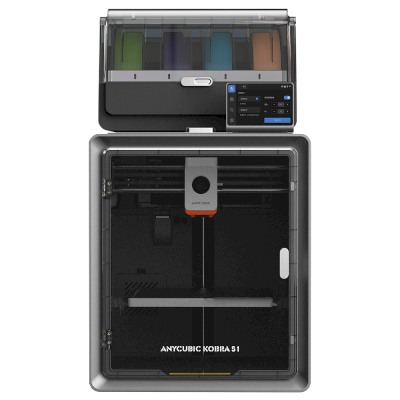
Kobra S1 Combo
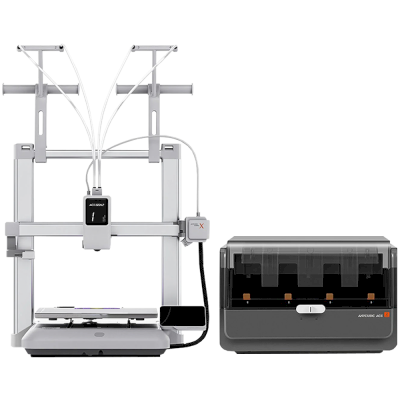
Kobra X Combo
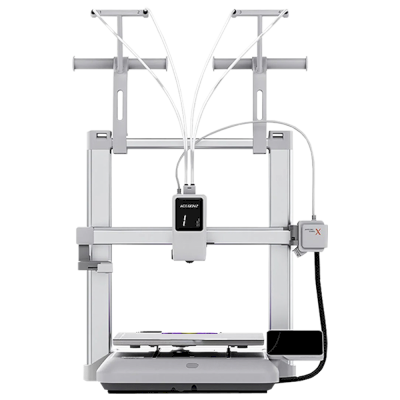
Kobra X
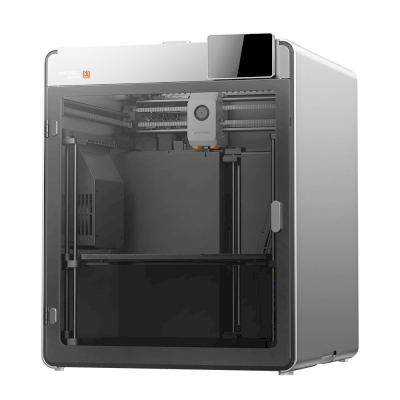
Kobra S1 Max
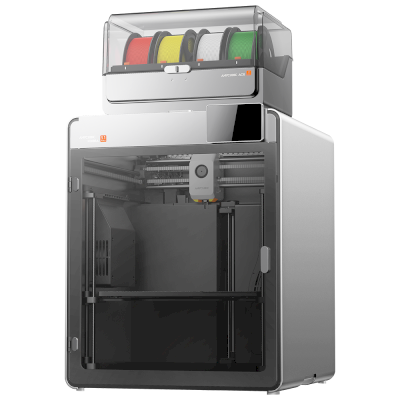
Kobra S1 Max Combo
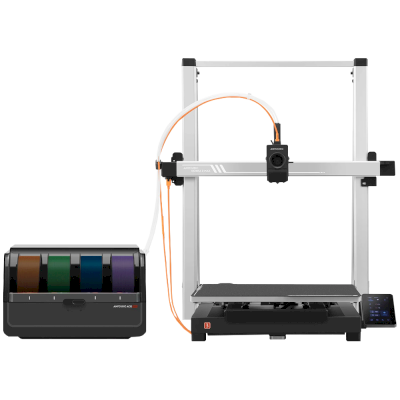
Kobra 3 Max Combo
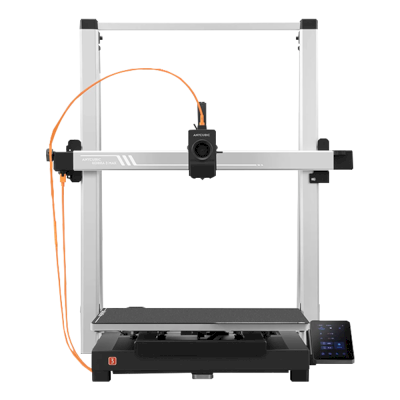
Kobra 3 Max
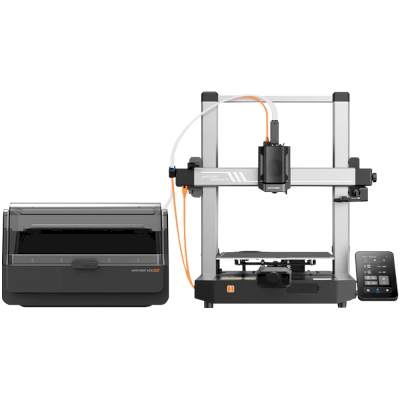
Kobra 3 V2 Combo
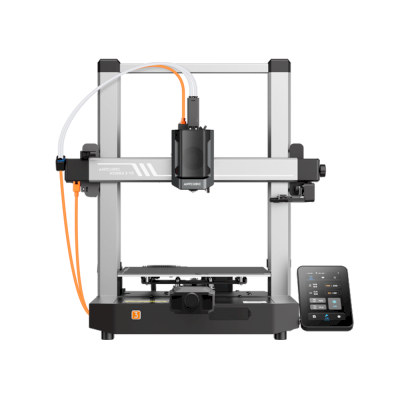
Kobra 3 V2
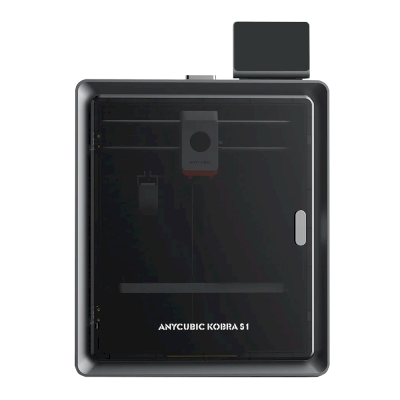
Kobra S1
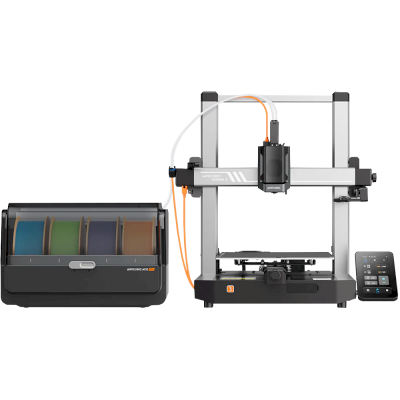
Kobra 3 Combo
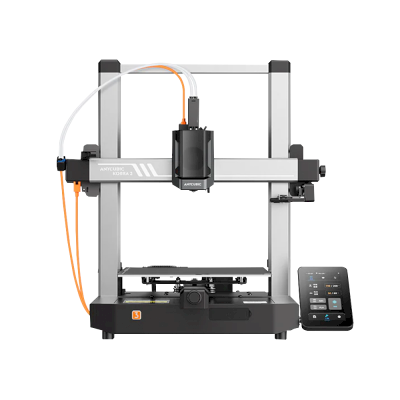
Kobra 3
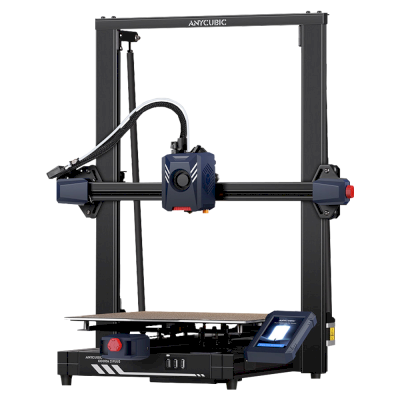
Kobra 2 Plus
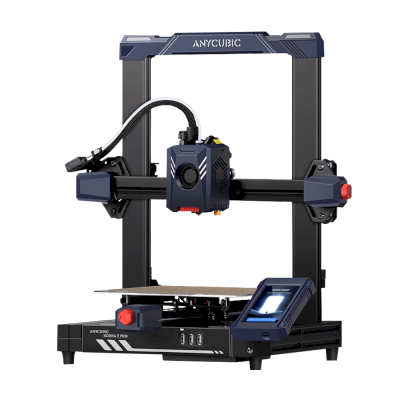
Kobra 2 Pro
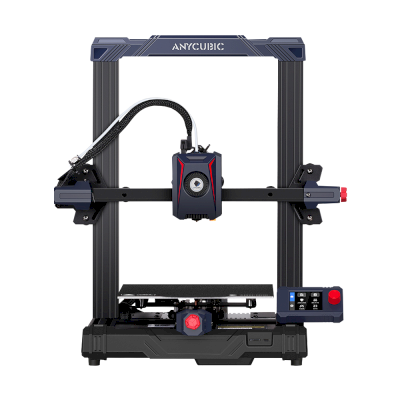
Kobra 2 Neo
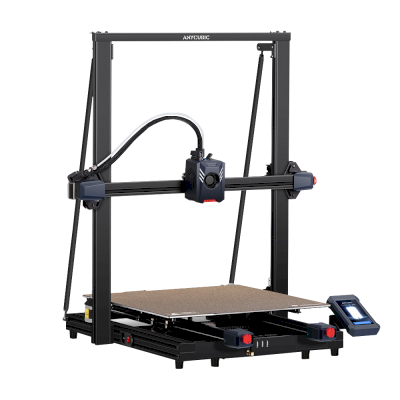
Kobra 2 Max
/product_photo_md.png?cacheid=652d2d24a731c)
Kossel (Pulley)
/product_photo_md.png?cacheid=652d18d120e93)
Kossel (Linear Plus)
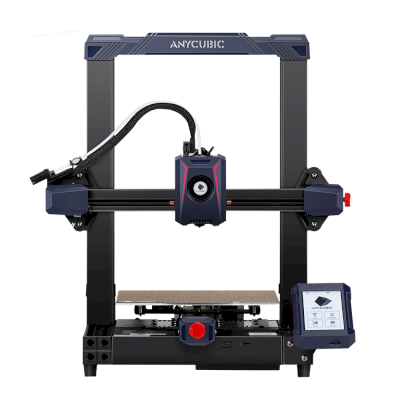
Kobra 2
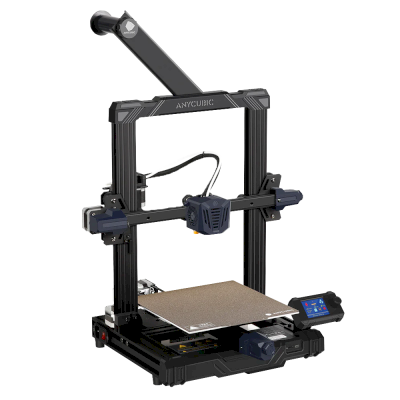
Kobra Go
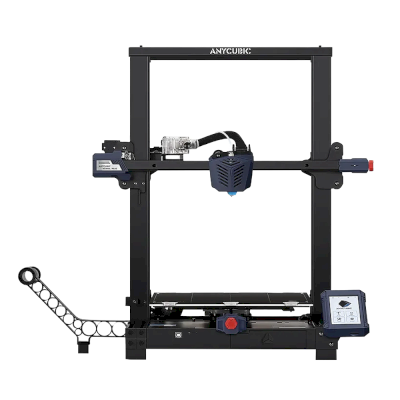
Kobra Plus
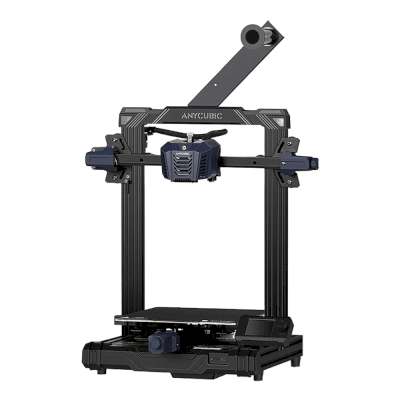
Kobra Neo
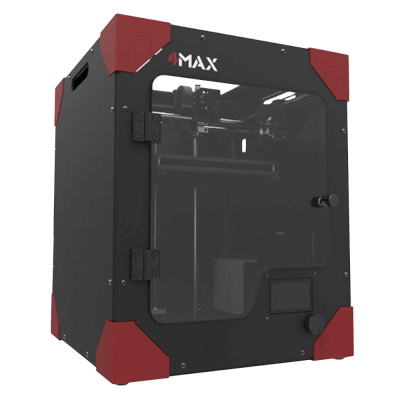
4Max
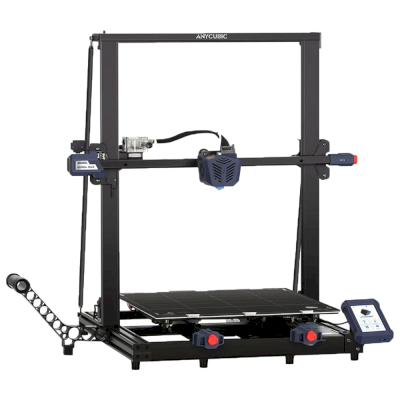
Kobra Max
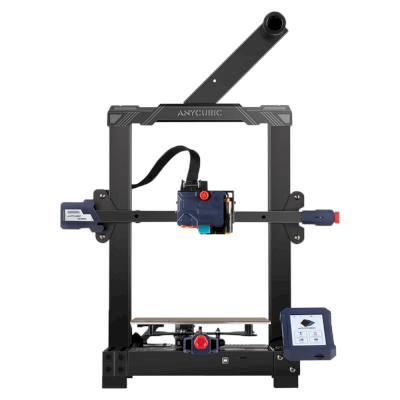
Kobra
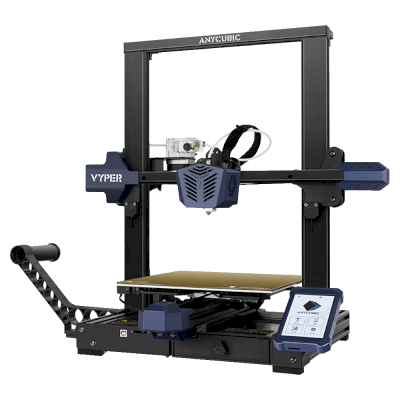
Vyper
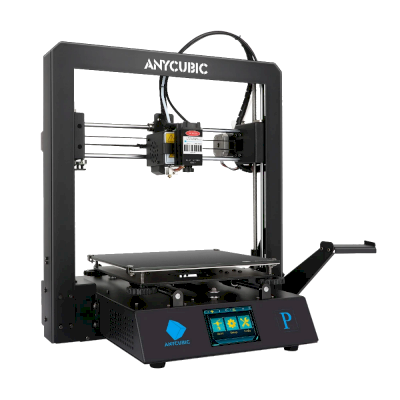
Mega Pro
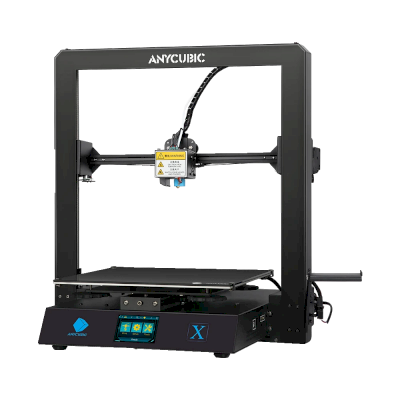
Mega X
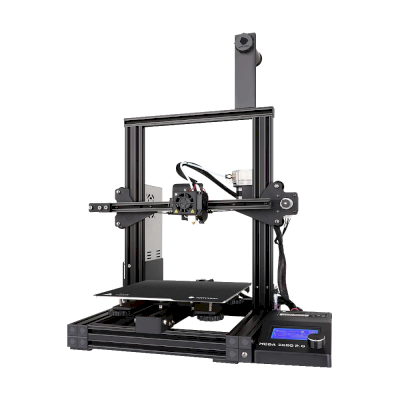
Mega Zero 2.0
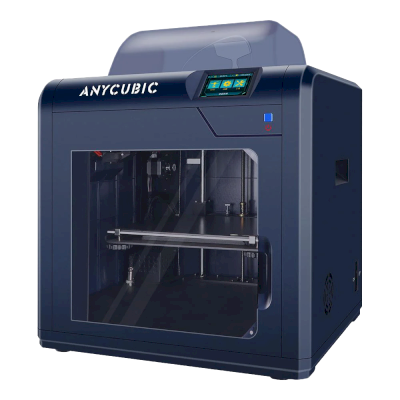
4Max Pro
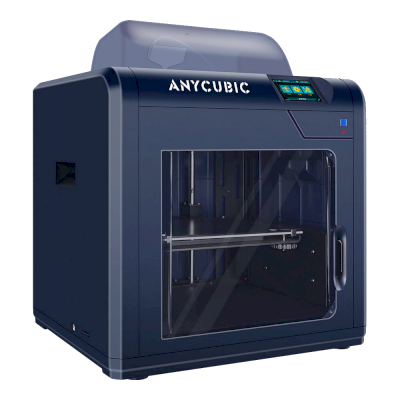
4Max Pro 2.0
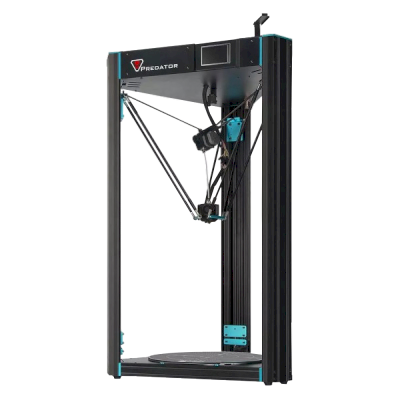
Predator
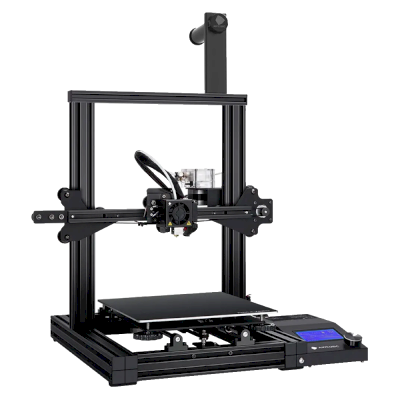
Mega Zero
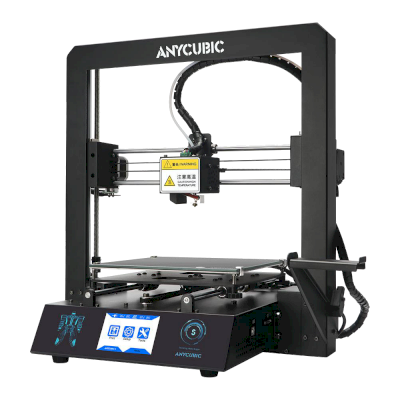
i3 Mega S
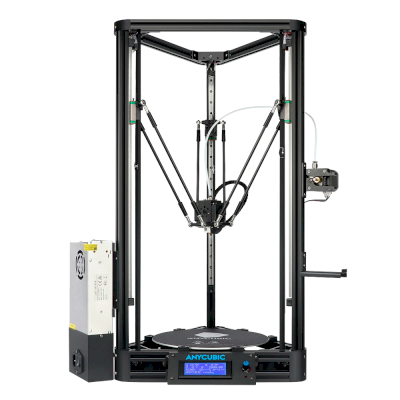
Kossel
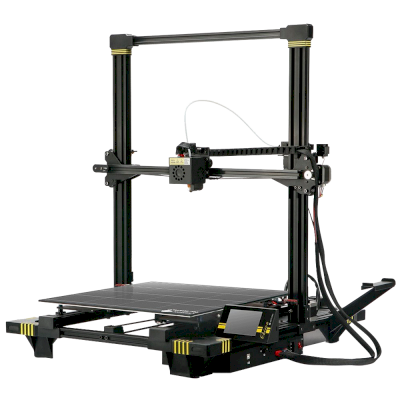
Chiron
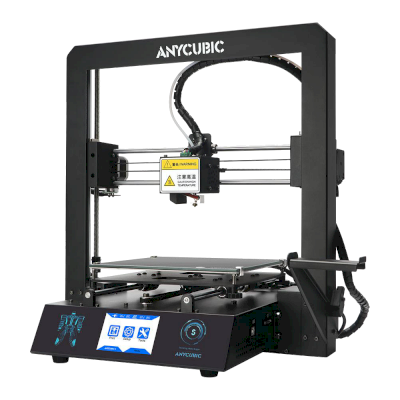
i3 Mega
Læs mere om multimaterialeprint og andre systemer
Anycubic ACE Pro er ét af flere multimaterialesystemer, som SimplyPrint understøtter. Se hovedsiden om funktionen for at få det fulde overblik og undersiderne om Bambu Lab AMS, Creality CFS, Prusa MMU, Mosaic Palette med flere.
3D-print med flere materialer
AMS, ACE, CFS, MMU, Palette og mere, ét samlet workflow
Se oversigt over 3D-print med flere materialer