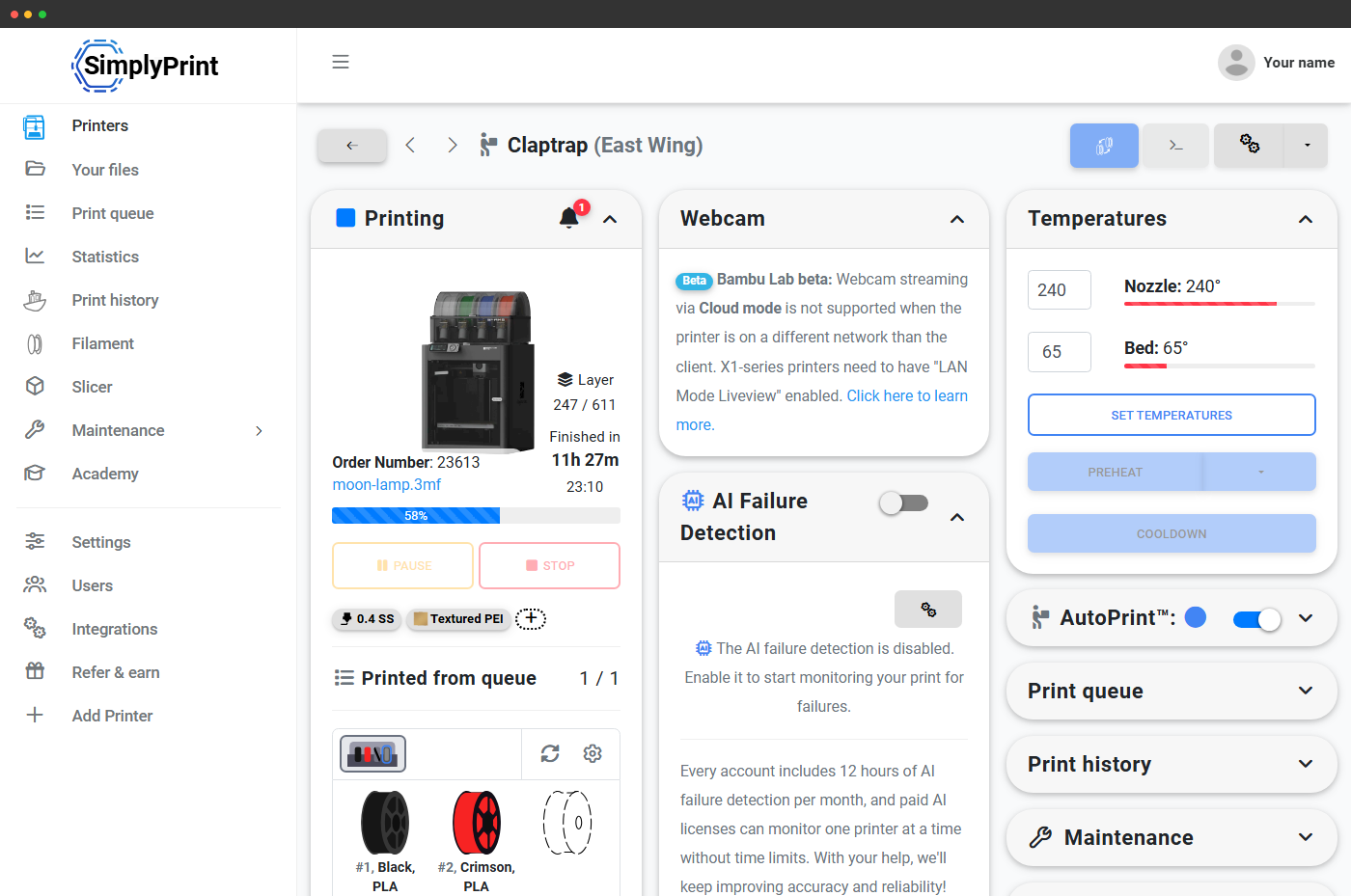
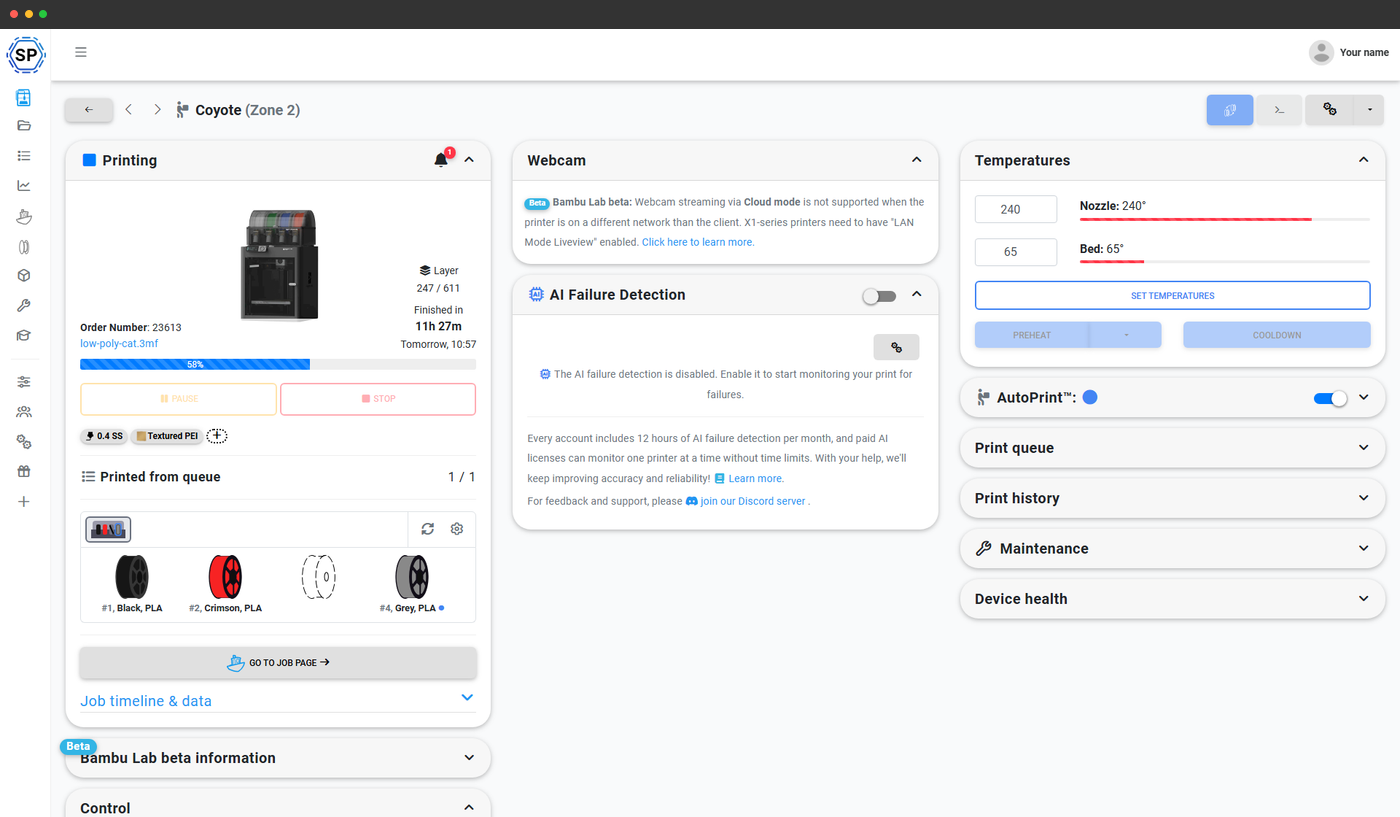
Den live AMS-linje på alle Bambu Lab-printere
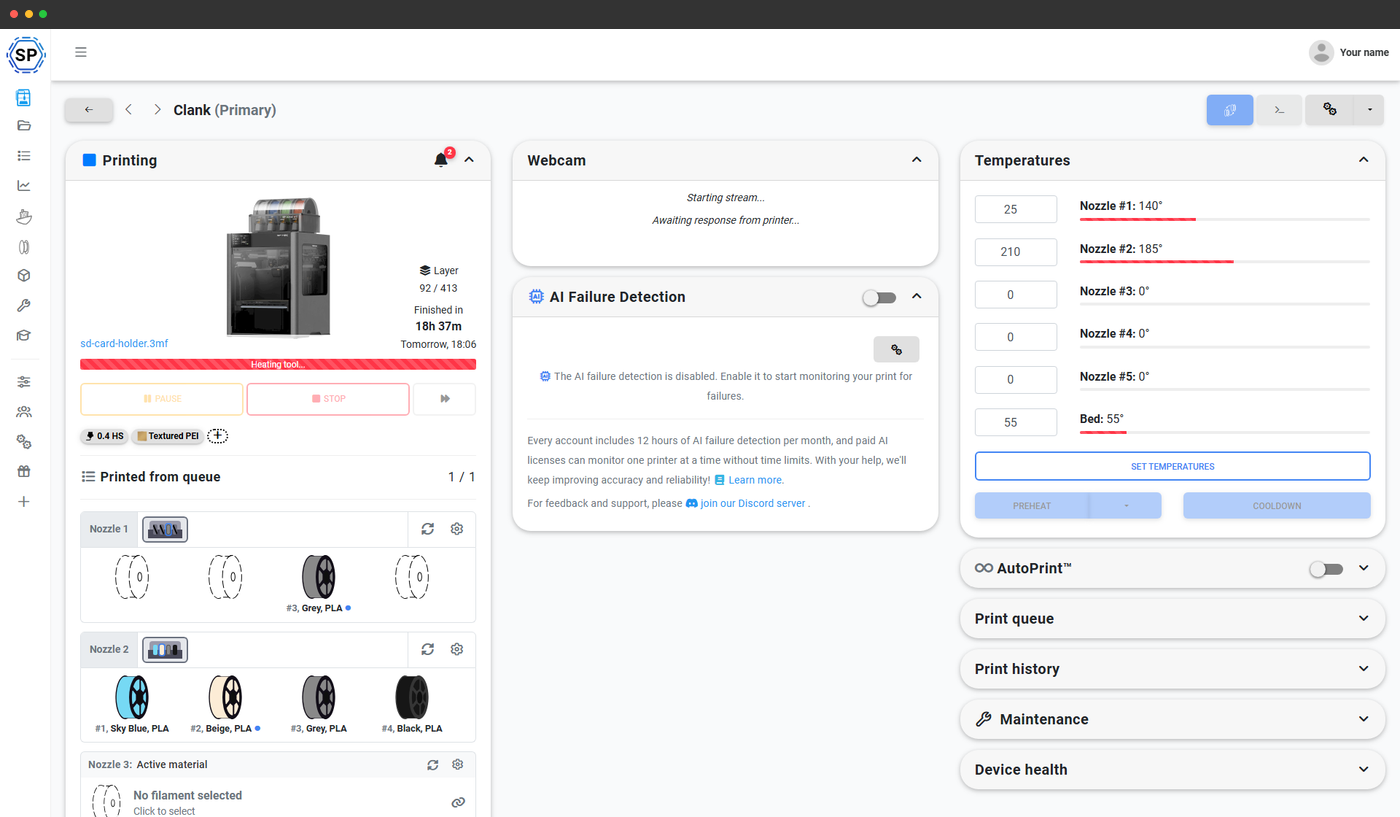
Åbn kontrolpanelet for en vilkårlig Bambu Lab-printer i SimplyPrint, og du ser AMS'et vist slot for slot: #1 Sky Blue PLA, #2 Beige PLA, #3 Grey PLA, #4 Black PLA, med den rigtige farveprøve, mærket på den ilagte spole og den aktuelle materialetype. Tomme slots vises som stiplede pladsholdere, så du med det samme kan se, hvilke der er ledige.
Til H2D og H2C med to uafhængige dyser får hver dyse sin egen række, dyse 1 med sine slots og sit aktive materiale, dyse 2 med sine egne. Det slot, der lige nu fodrer printet, er fremhævet i striben.
Alle AMS-varianter er dækket
SimplyPrint understøtter hele AMS-familien. Vælg den, der fulgte med din printer, eller som du senere har tilføjet, og SimplyPrint håndterer automatisk antal slots, kædegrænse og mappingadfærd.
AMS
4 slots pr. enhed, kæd op til 4 enheder for 16 farver.
AMS Lite
4 slots til A1 og A1 Mini, uden sammenkædning.
AMS 2 Pro
4 slots med forbedret fremføring og tørring, op til 4 enheder kan kædes sammen.
AMS HT
Højtemperaturenhed med én spole til tekniske materialer.
Kæd AMS HT sammen med standard-AMS til hybridprint
AMS HT håndterer højtemperaturmaterialer (PA, PC, fiberfyldte), mens standard-AMS-enheder håndterer PLA/PETG/TPU. Kæd dem sammen på samme printer til job, der kombinerer højtemperaturmateriale med almindelige supports.
Vi sender tilknytningen til printeren, så du ikke skal lægge spolerne i igen
Slice en fil med 4 farver i OrcaSlicer eller BambuStudio med filamenterne 1, 2, 3, 4, men har din AMS spolerne med disse farver i slots 3, 1, 4, 2? SimplyPrints farvematcher finder mappingen ved printstart og sender mapping-G-code direkte til Bambu-printeren. Printet kører med den rigtige farve fra hvert slot, uden at lægge dem i igen og uden at slice igen.
Det virker på tværs af alle AMS-varianter (AMS, AMS Lite, AMS 2 Pro, AMS HT) og sammenkædede AMS Hubs, så et print i 16 farver på tværs af fire sammenkædede enheder kortlægges fra ende til anden.
Skift en spole ved printeren, SimplyPrint opfanger det
Materialesynkronisering er tovejs for Bambu Lab-printere (via SimplyPrint Bambu-integrationen). Vælg din tilstand:
- Printer til SimplyPrint - ændringer i AMS opdaterer din beholdning
- SimplyPrint til printer - ændringer i SimplyPrint overføres til AMS
- 2-vejs (seneste ændring vinder), begge retninger med konflikthåndtering
- Fra - kun manuelt
Pr. print: Brug AMS, eller spring det over
Alle dialogbokse til printstart på en Bambu Lab-printer bruger modellens egne startvalg. Kontakten Brug AMS står sammen med Nivellering af printplade, Flowkalibrering og Timelapse. Standardindstillingerne gemmes pr. printermodel i dine kontoindstillinger, så du kun skal indstille dem én gang for din P1S og én gang for din A1 Mini.
AMS auto-genopfyldningssporing, og fradrag i Filamentmanager
Bambu Labs AMS understøtter automatisk genopfyldning på tværs af slots med samme materiale - AMS'en skifter automatisk til et backup-slot, når det primære løber tør. SimplyPrint læser det aktive slotindeks direkte fra Bambu Lab-printerens API i realtid, så skift ved automatisk genopfyldning afspejles, så snart printeren rapporterer dem. SimplyPrint følger det aktive slot gennem genopfyldningen og trækker filamentforbruget fra den rigtige spole i din beholdning. Kombineret med notifikationer om manglende filament får du et komplet revisionsspor over, hvilken spole der printede hvad, selv under lange, uovervågede kørsler på printfarmen.
Læs helpdesk-artiklen om automatisk genopfyldning i AMSVirker med alle Bambu Lab-printere, som SimplyPrint understøtter
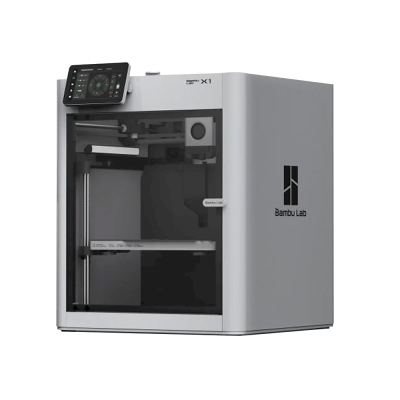
AMS-familien fra Bambu Lab fungerer på tværs af hele printerserien: X1 Carbon, P1S, P1P, A1, A1 Mini, H2D og H2C, uanset hvilken AMS-variant der er tilsluttet.
X1
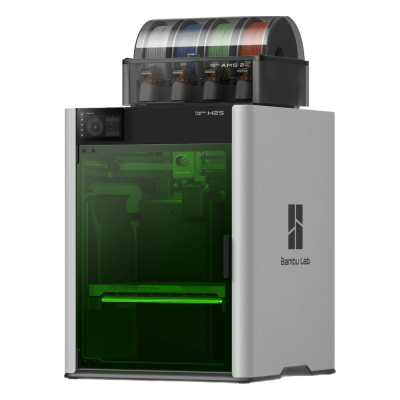
H2S Laser Full Combo

A2L Combo

A2L
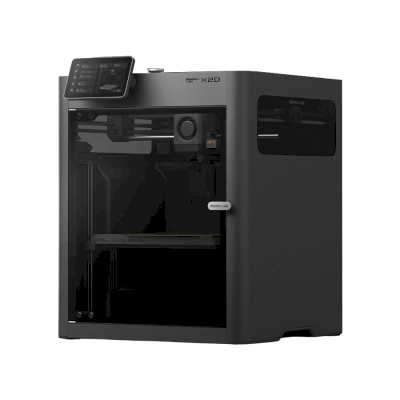
X2D
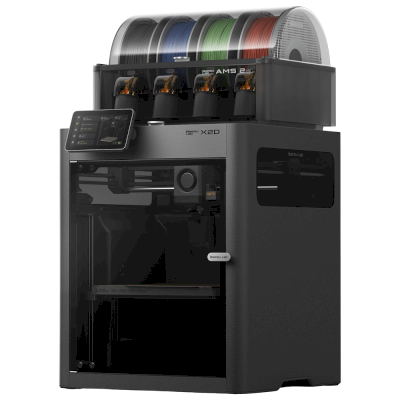
X2D Combo
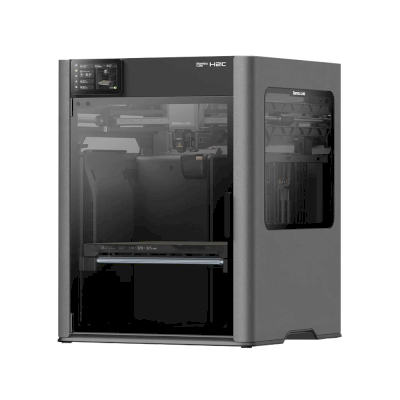
H2C
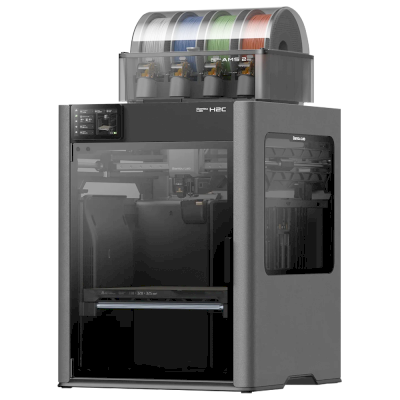
H2C Combo
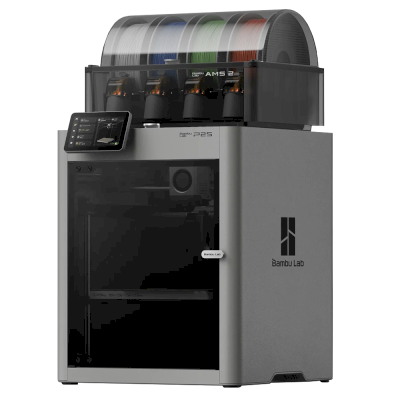
P2S Combo
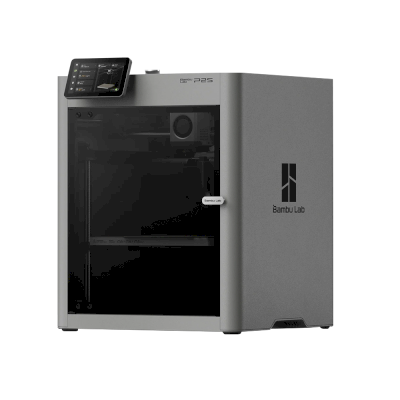
P2S
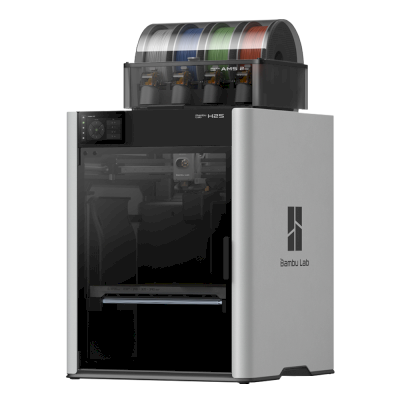
H2S Combo
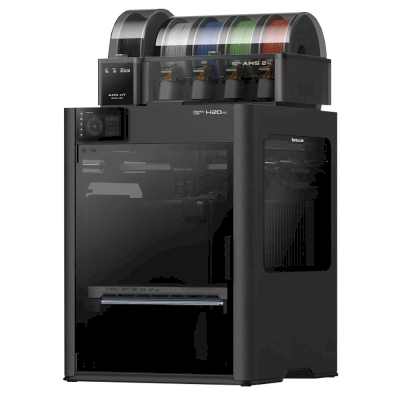
H2D Pro Combo
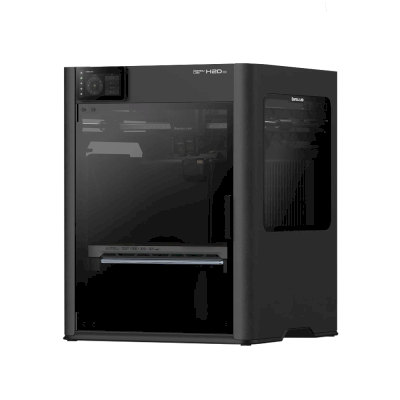
H2D Pro
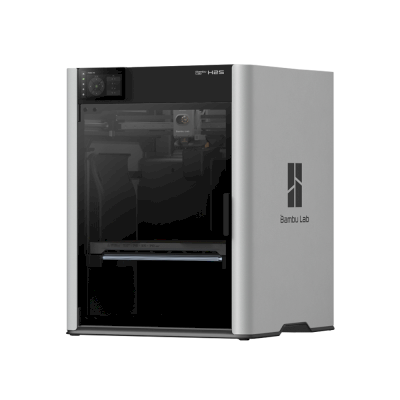
H2S
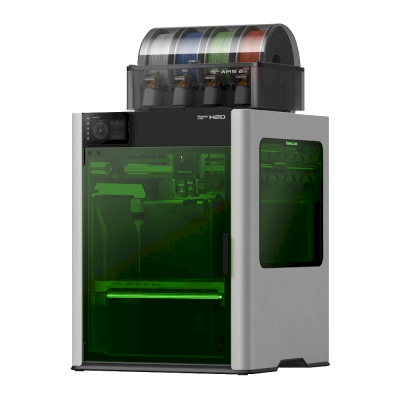
H2D Laser Combo
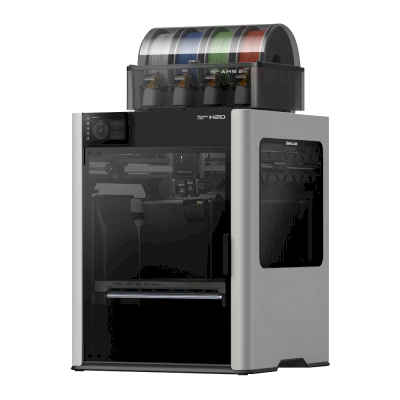
H2D Combo
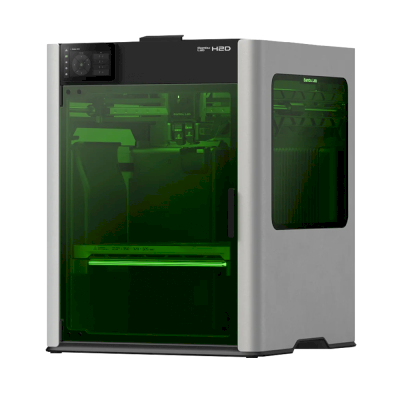
H2D Laser
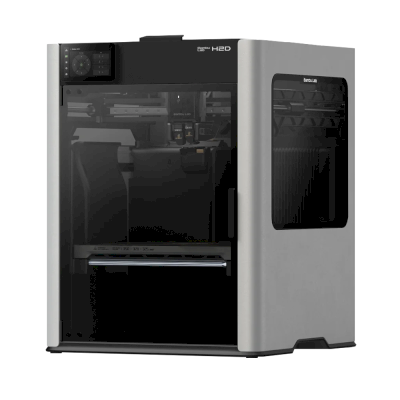
H2D
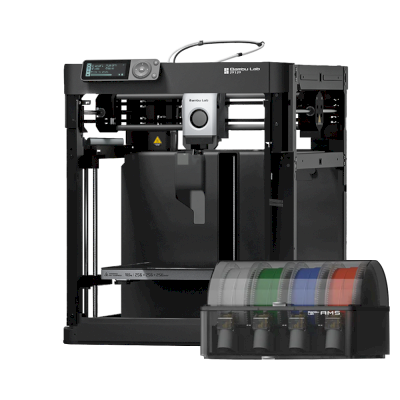
P1P + AMS
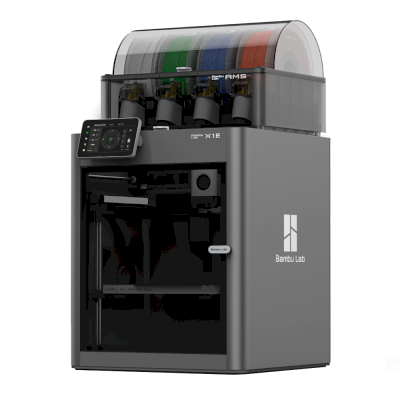
X1E Combo
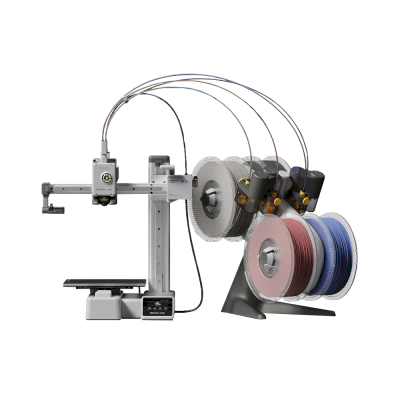
A1 Mini Combo
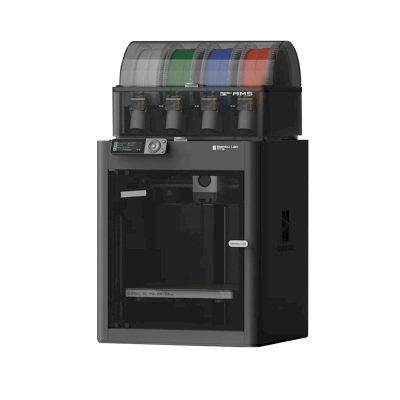
P1S Combo
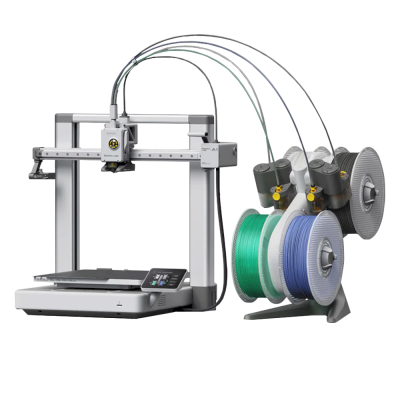
A1 Combo
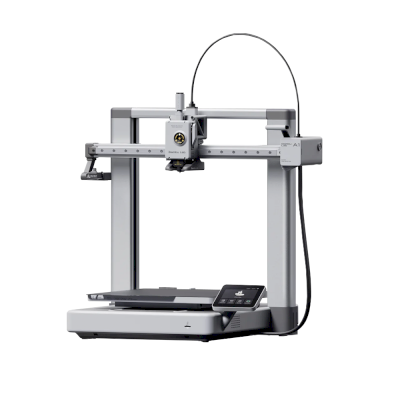
A1
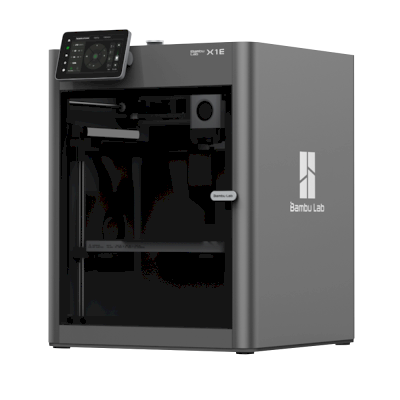
X1E
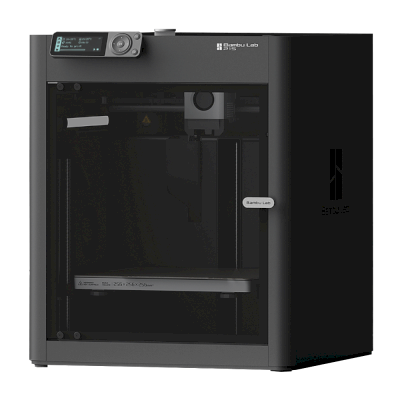
P1S
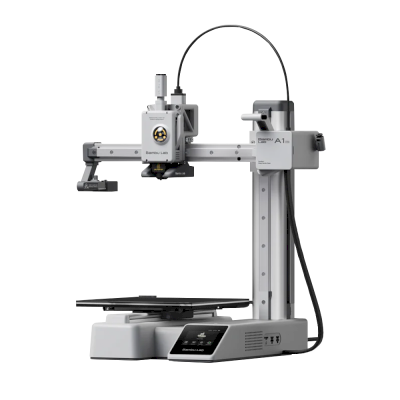
A1 Mini
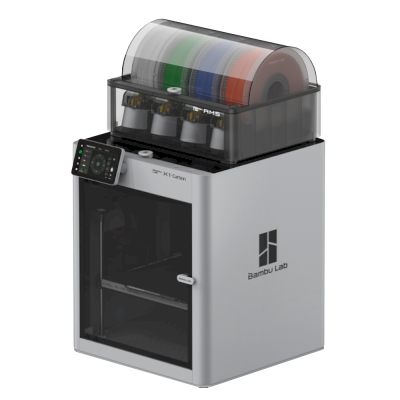
X1-Carbon Combo
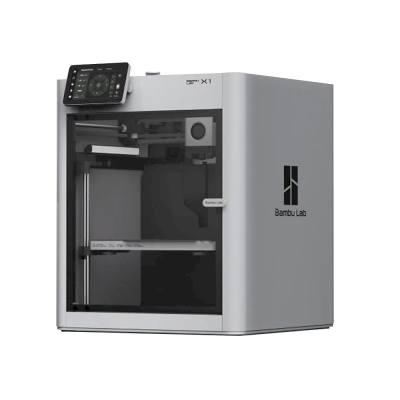
X1-Carbon
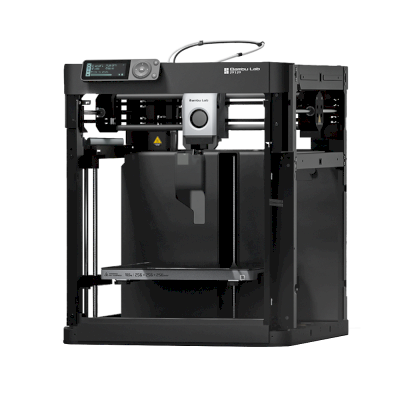
P1P
Læs mere om multimaterialeprint og andre systemer
Bambu Lab AMS er ét af flere multimaterial-systemer, SimplyPrint understøtter. Udforsk den overordnede funktionsside for hele billedet og de andre undersider for Anycubic ACE Pro, Creality CFS, Prusa MMU, Mosaic Palette med mere.
3D-print med flere materialer
AMS, ACE, CFS, MMU, Palette og mere, ét samlet workflow
Se oversigt over 3D-print med flere materialer