Brukes av 500+ printfarmer og bedrifter over hele verden




















Startede utskrifter
0
Materialforbruk
0
Timer printet
0
Drift av printerfarmer siden 2020
Utviklet internt av våre egne utviklere i Danmark, som lanserer oppdateringer nesten hver uke og også svarer på brukerstøttespørsmål.
Les historien vår og møt teametEkte printfarmer kjører på SimplyPrint
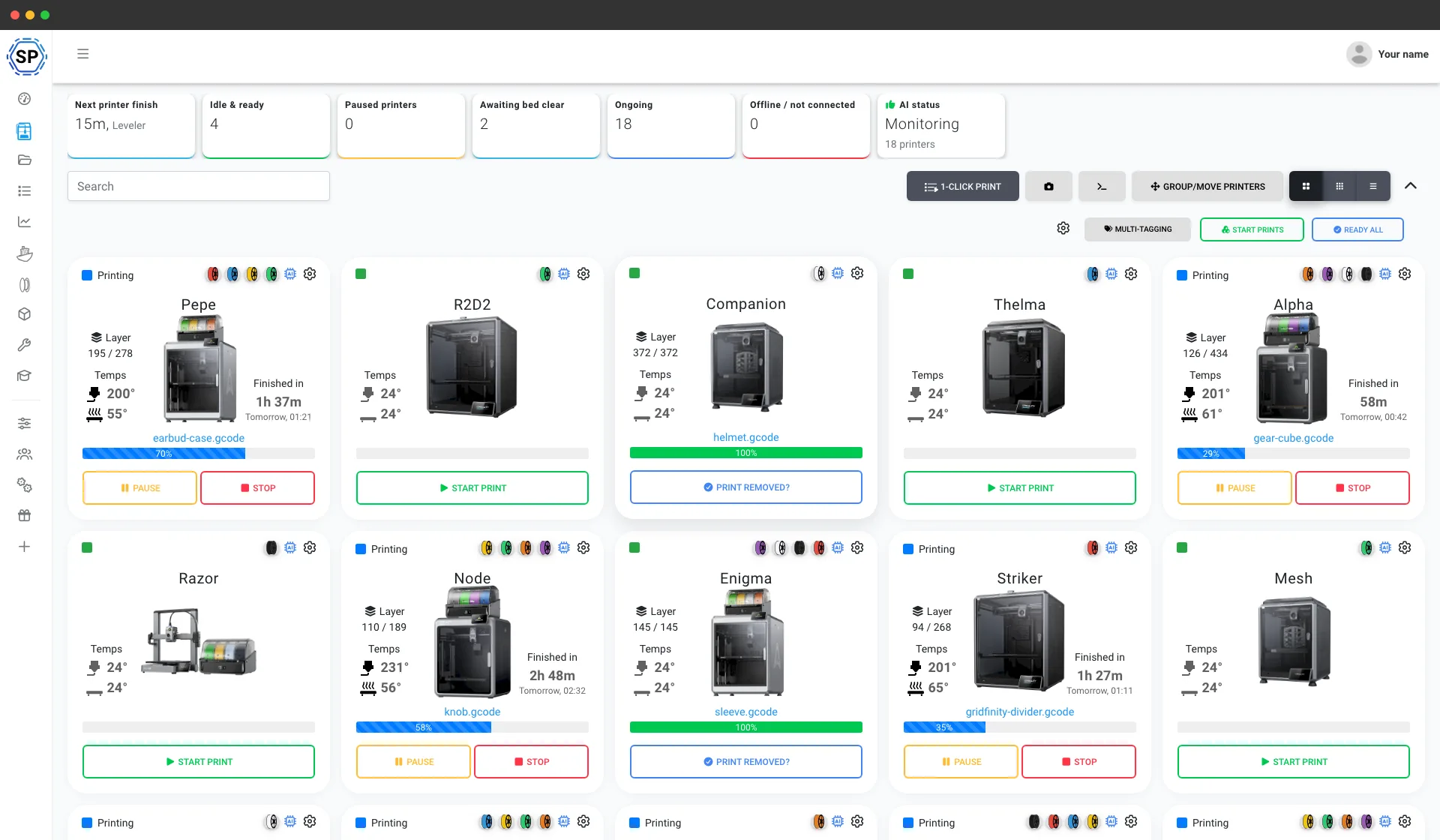
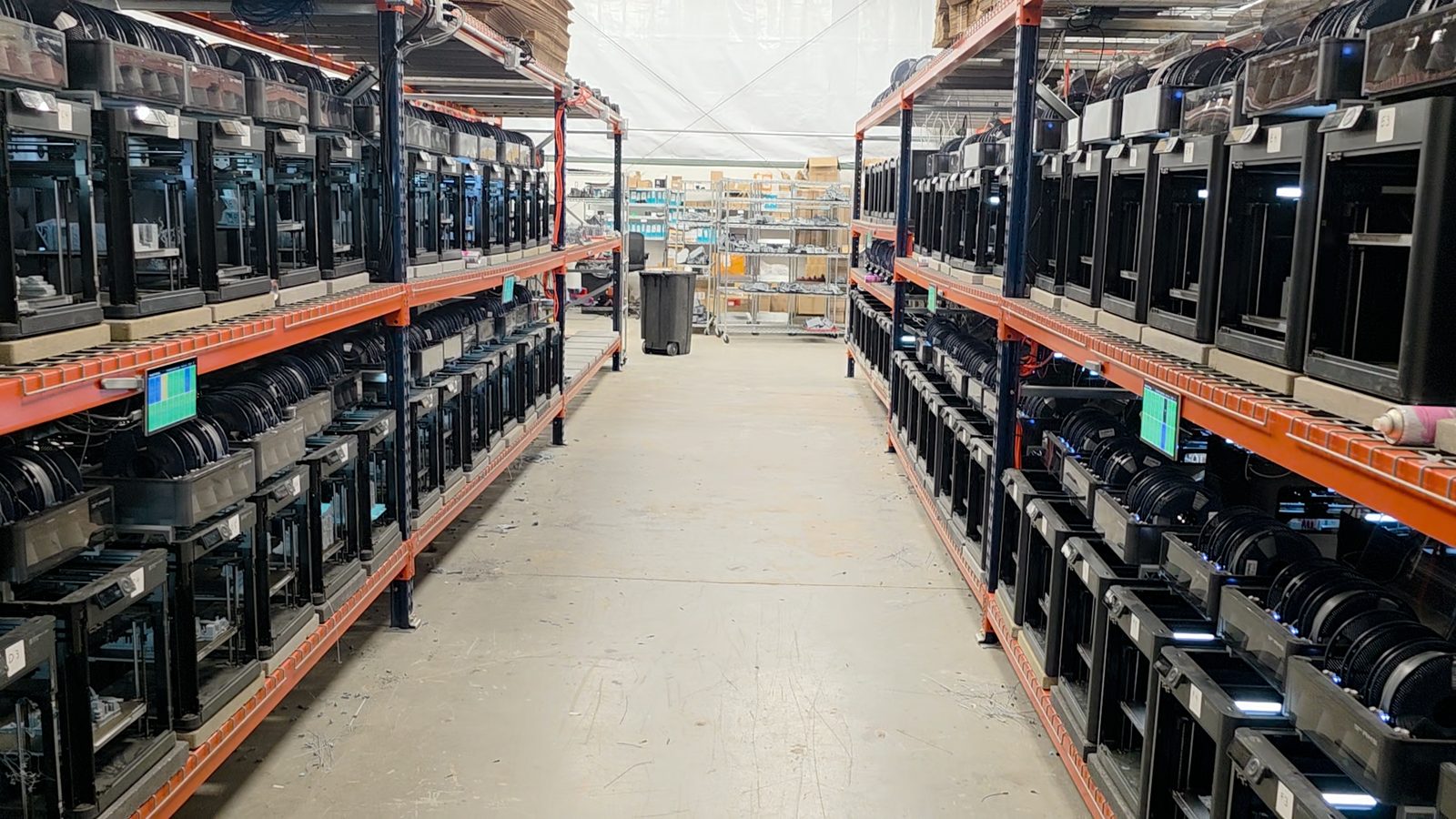
Fra en benk med fem printere til et lager med over 150. Dette er ekte printfarmer som driver hele virksomheten fra én skjerm og sparer flere timer hver uke.
"Trying to do it now without SimplyPrint would be insane." Les historien deres
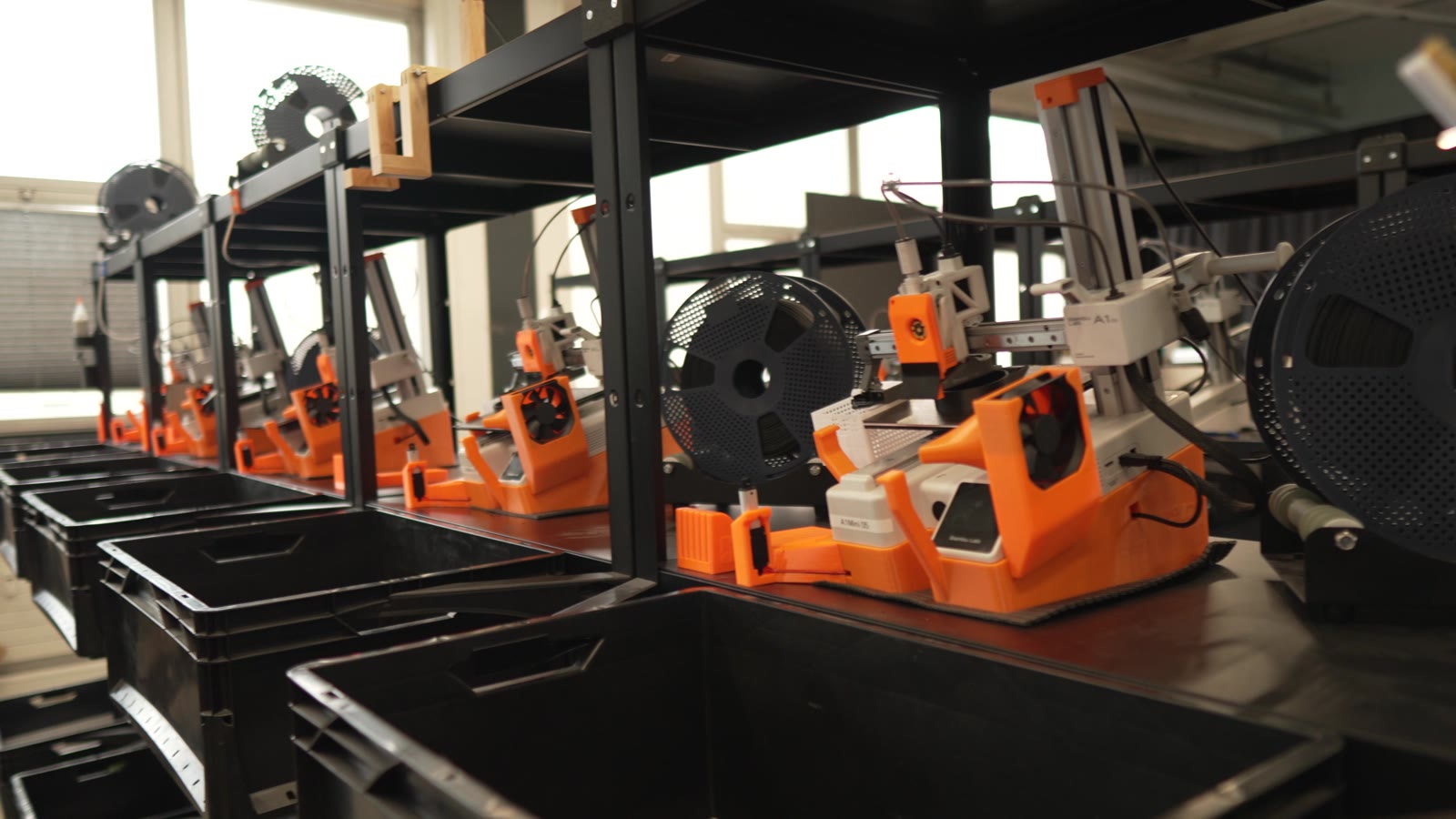
"Without automation, we would simply never be profitable here." Les historien deres
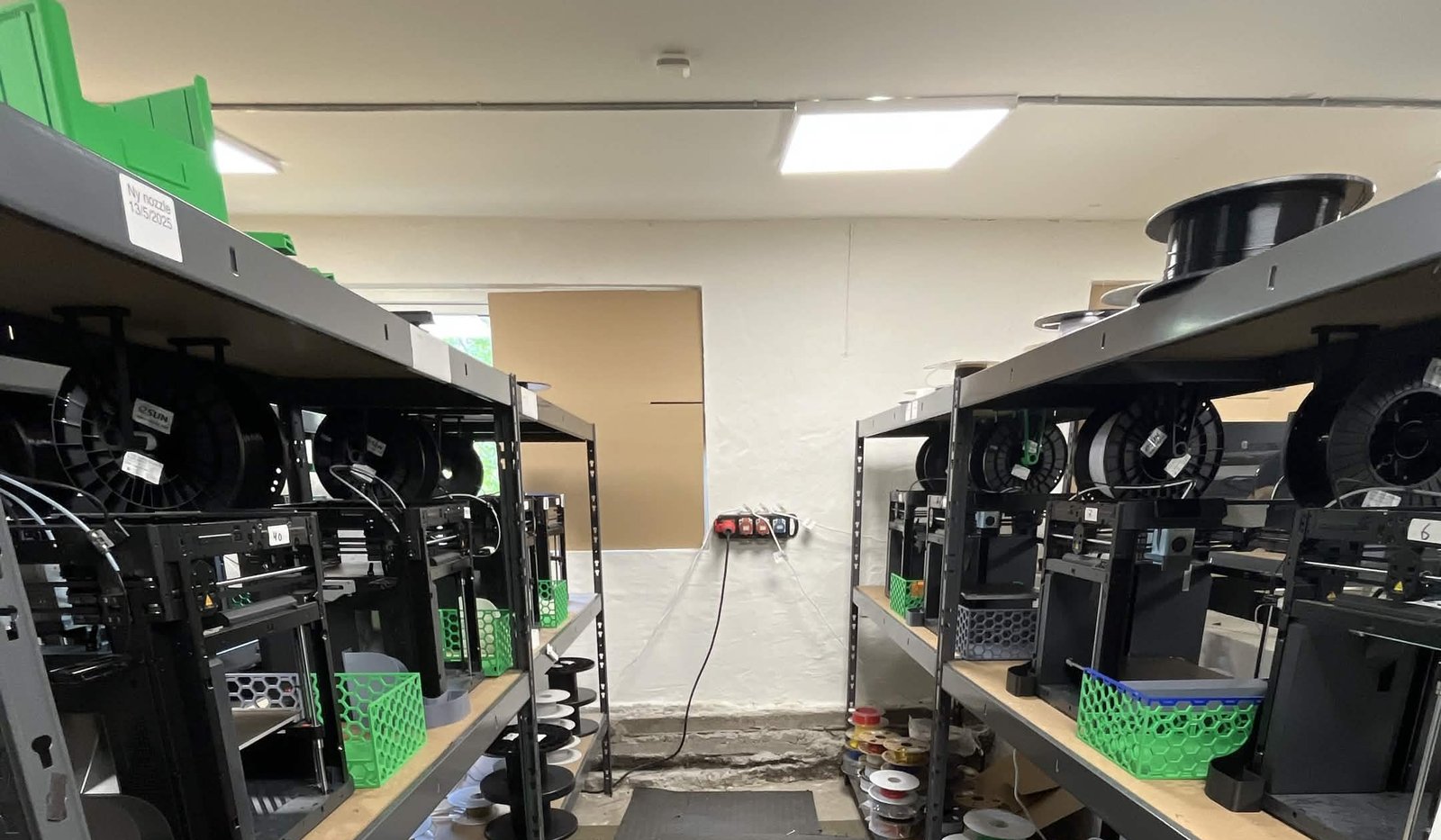
"We have always had the approach that the farm should be able to run even when we are not there." Les historien deres
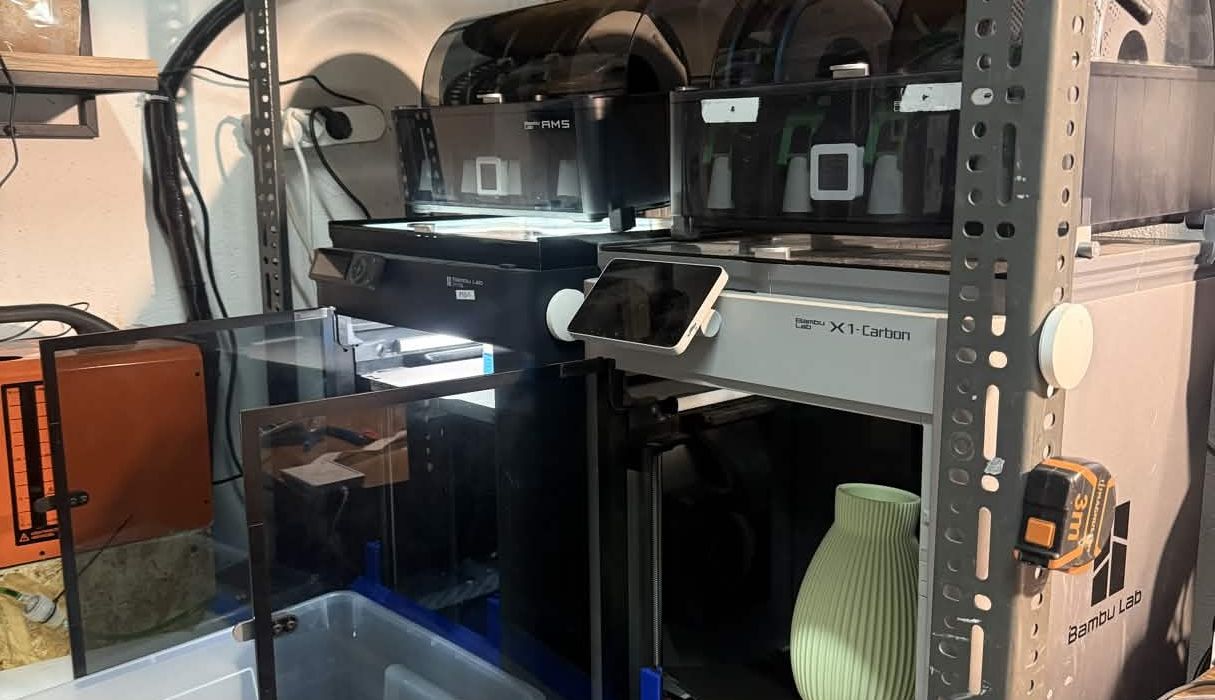
"Without software, the operator becomes the system. That might work with one printer, but it doesn't scale well." Les historien deres
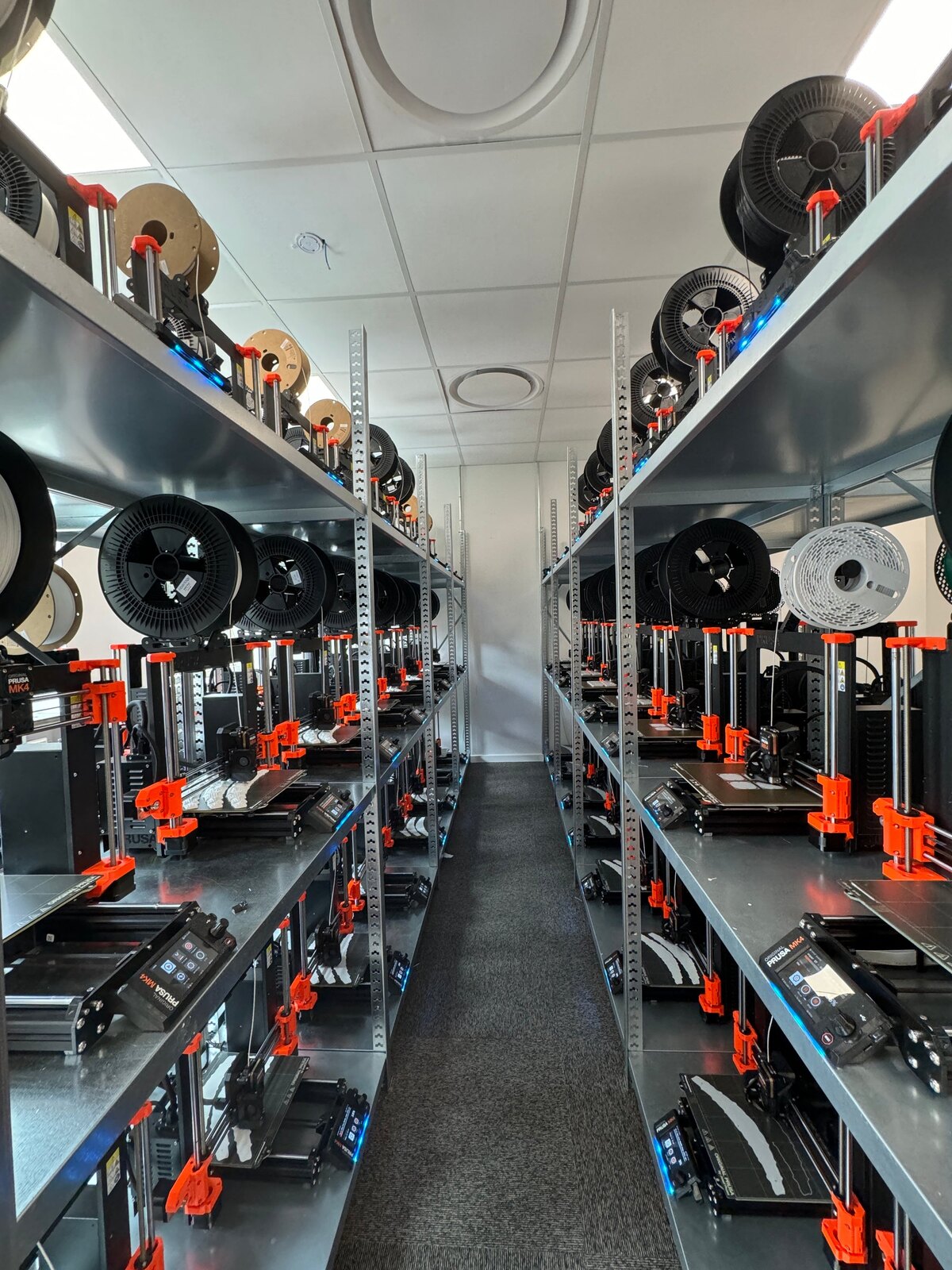
"It'd literally be impossible to run our farm at this scale without SimplyPrint." Les historien deres
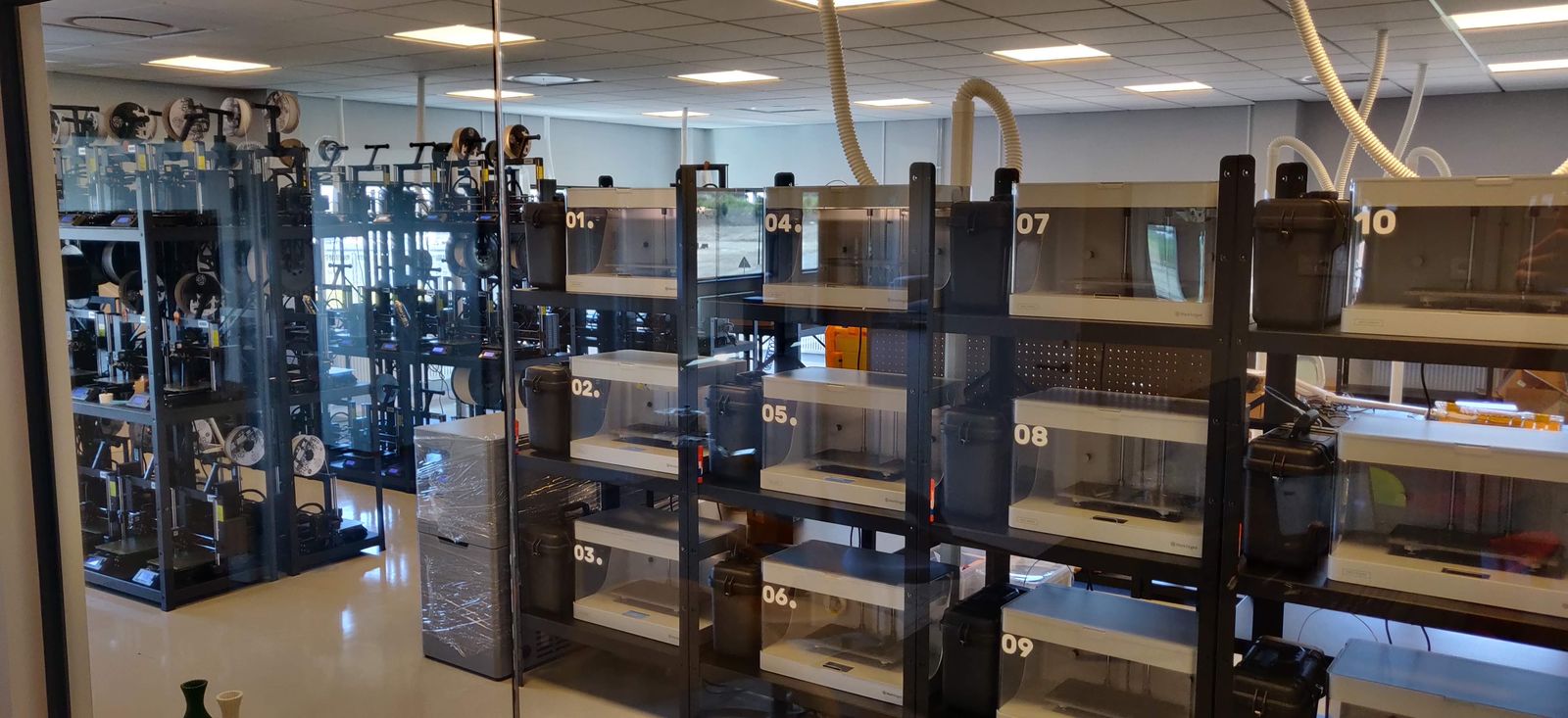
"We don't just know which material went into a part. We know the exact spool, on the exact print, at the exact time - and that's what makes a product passport real instead of a slogan." Les historien deres
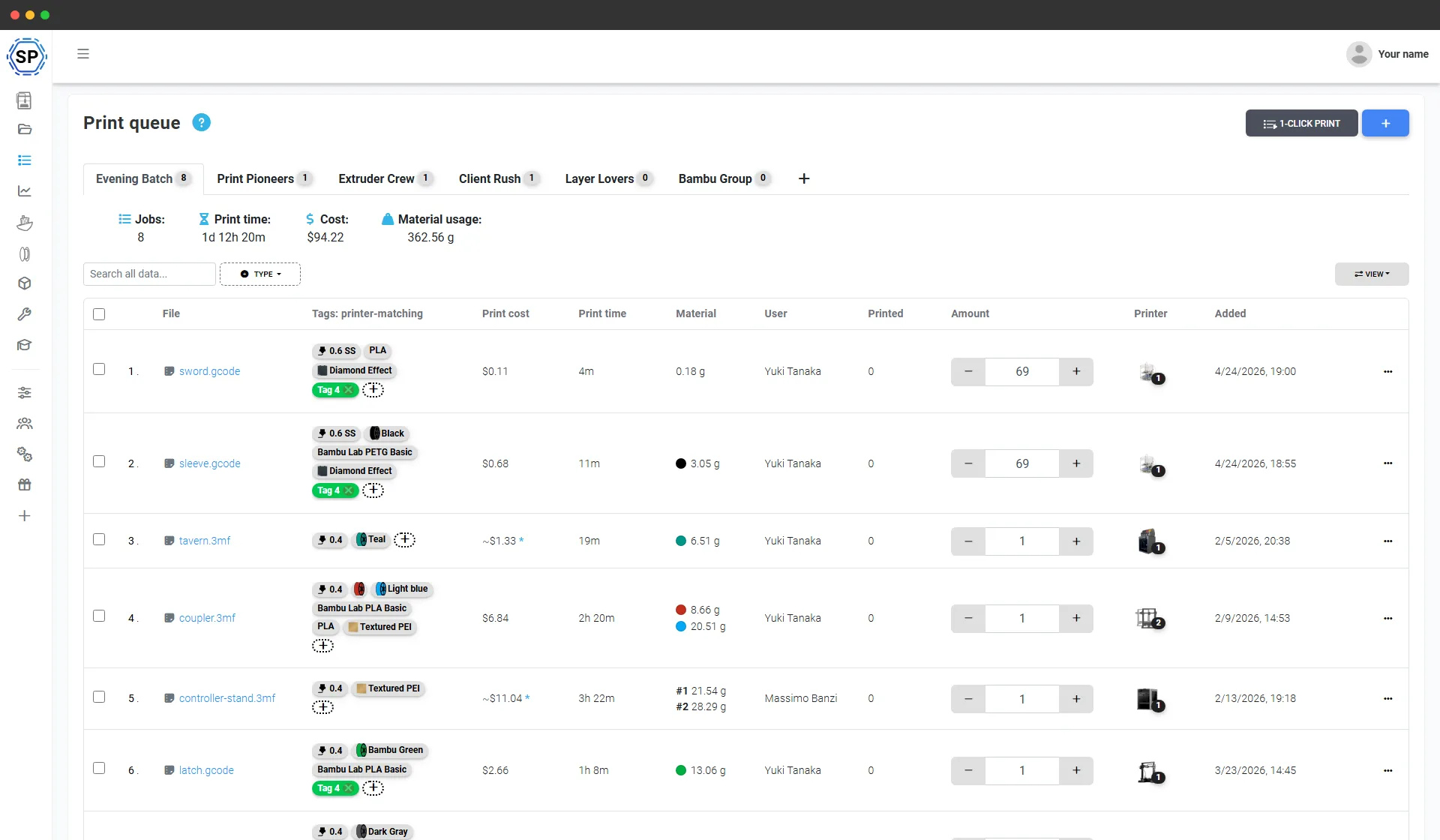
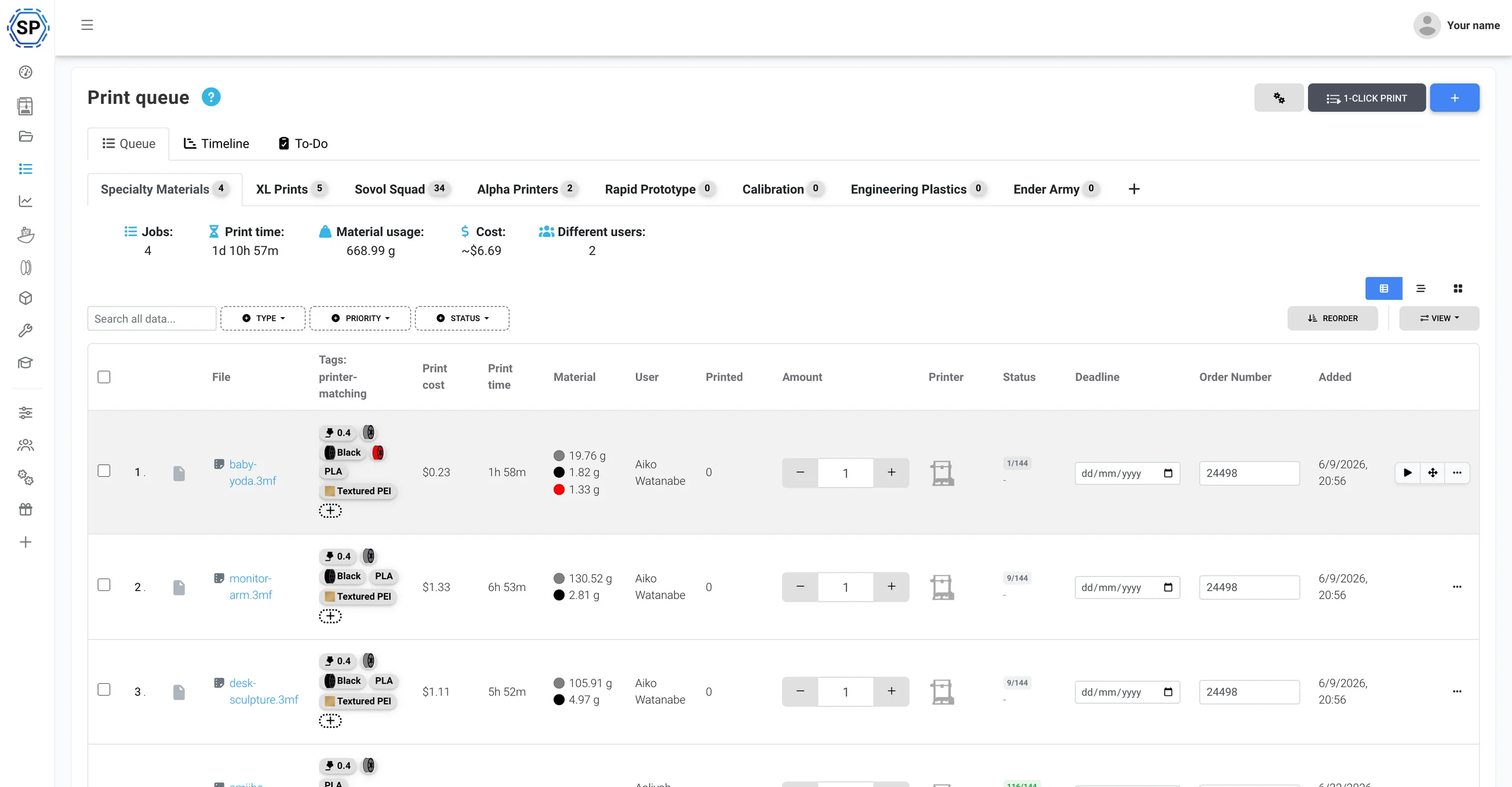
Én utskriftskø for hele Creality-flåten
Legg inn alt du skal lage, og angi antallet av hver. SimplyPrint sender hver jobb til en Creality-printer som kan kjøre den, ved å sammenligne materiale, dyse og printplate (inkludert CFS-farger) med hver maskins sanntidsstatus. Ett klikk starter et helt parti på tvers av printerveggen. Ingen SD-kort, ingen eksport plate for plate og ingen oversikt over hvem som skrev ut hva.
Tett integrert med Creality
SimplyPrint administrerer Creality-printere i skyen og støtter økosystemet direkte: CFS, Klipper på K-serien, NFC-filamentbrikker og komplett printerfarmstyring, ett panel for alt.
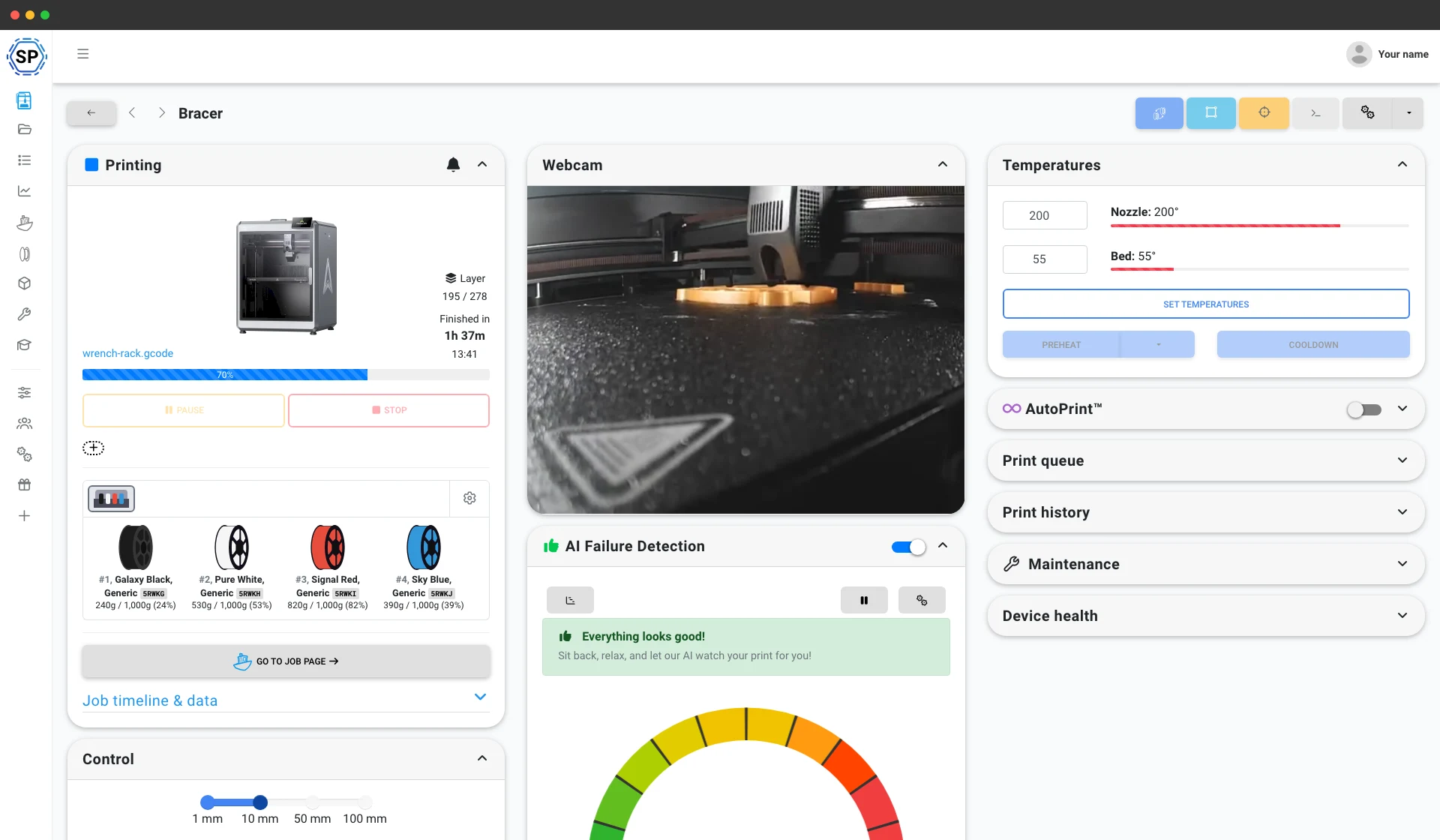
Koble til via SimplyPrint Client, så leser SimplyPrint av hvert CFS-spor live, alle fire sporene og opptil fire sammenkoblede enheter (16 farger), synkroniserer materialet og fargen til hver spole med filamentlageret ditt, og knytter CFS-spor automatisk til utskriften når en jobb starter. Førsteklasses håndtering av flere materialer, slik vi håndterer Bambu AMS. Utforsk CFS-integrasjonen
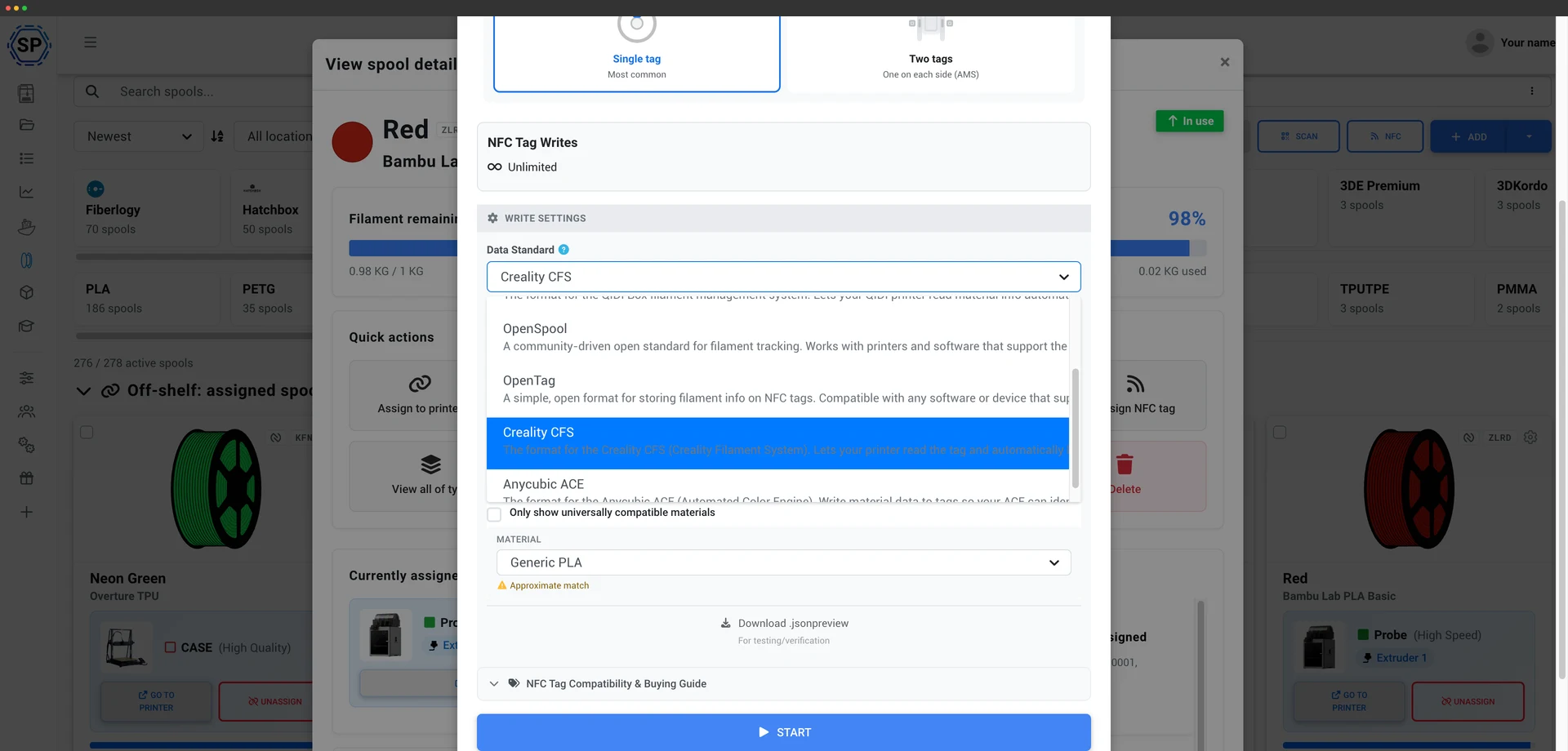
SimplyPrint leser og skriver CFSs NFC-brikker direkte, og går et steg videre enn den skrivebeskyttede håndteringen Bambu-brikker tillater. Det betyr at du kan merke dine egne spoler, også med filament som ikke er fra Creality, slik at CFS leser brikkene og laster riktig materialprofil automatisk i stedet for at du angir hvert spor manuelt. Skriv en brikke direkte fra filamentlageret med Android-appen eller en USB NFC-leser. Slik fungerer CFS-brikker
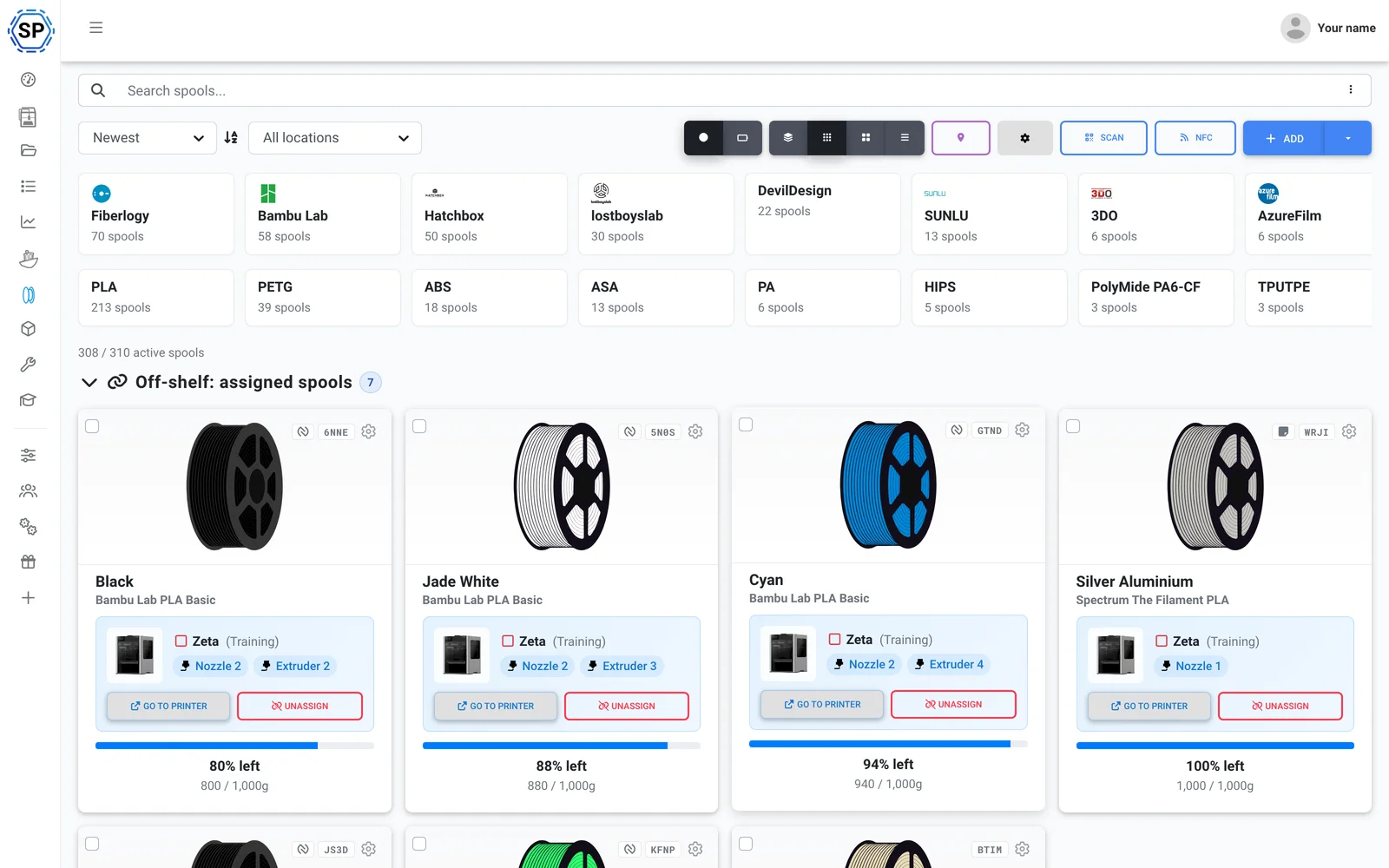
Bruk filamentet du vil. SimplyPrint sporer forbruk fra selve G-code og trekker nøyaktig det hver utskrift brukte fra spolen som er lastet inn, så lagerbeholdningen holder seg nøyaktig i hele printerflåten: Creality Hyper-spoler, generisk PLA eller noe imellom. Se filamentadministrasjon
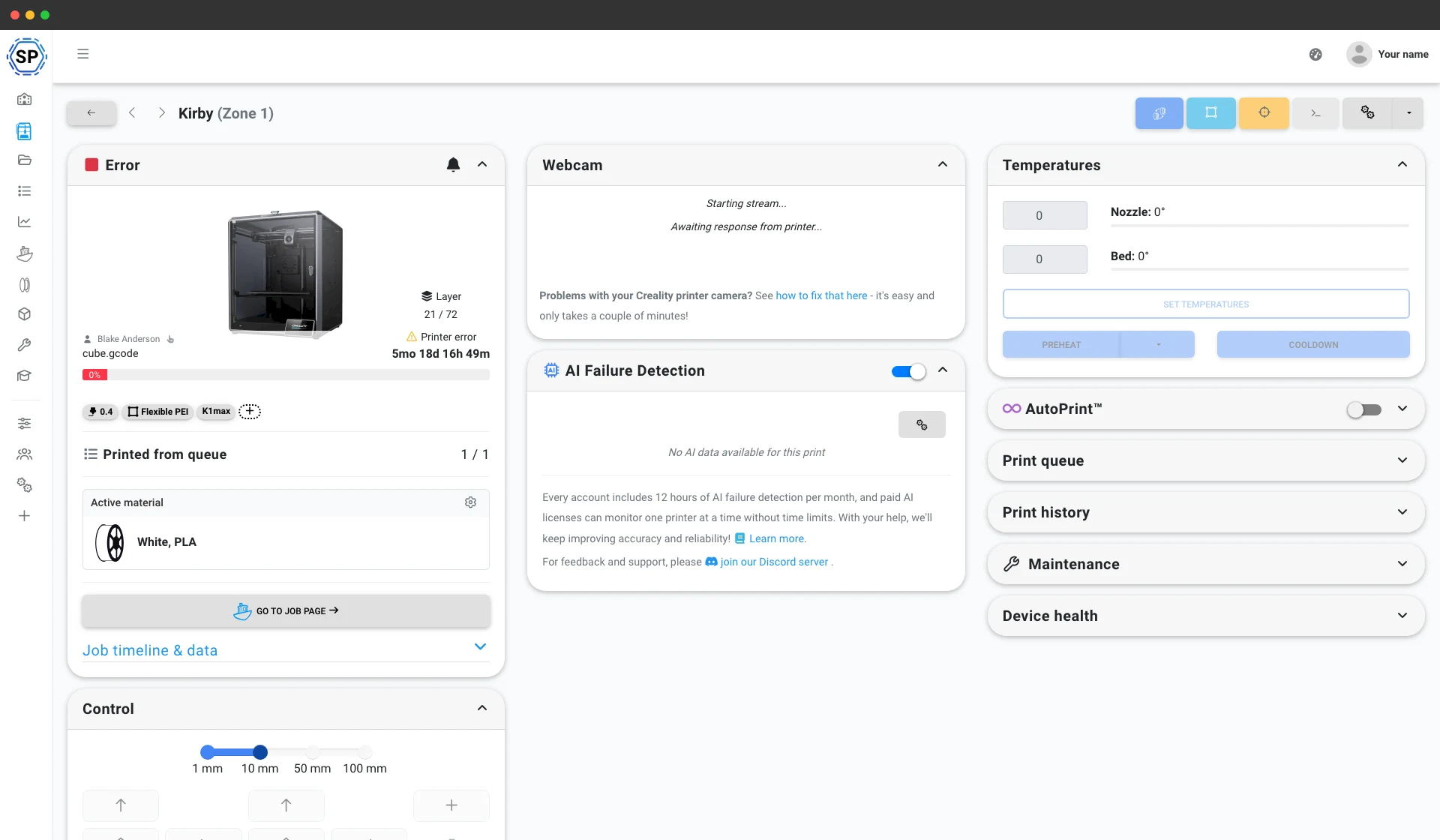
K1, K1 Max, K1C, K2 og Hi kjører Klipper, så SimplyPrint kobler til dem via Klipper/Moonraker eller SimplyPrint Client, med full webcam-støtte, kontroller, makroer og utskriftsstart fra en hvilken som helst nettleser. Ender- og CR-maskinene dine kobles til på samme måte, eller med en direkte installasjon. Se printerstyring
Også inkludert: CrealityPrint online (Crealitys offisielle OrcaSlicer-baserte motor i nettleseren), vedlikehold og brukssporing per printer, massehandlinger for hele flåten og hele farmen på én skjerm.
I gang på en ettermiddag
SimplyPrint installeres raskt i en hel printfarm, uten nytt maskinvarekjøp. Legg til printerne dine, så vises hele flåten i ett panel samme dag.
Bygget for Creality, alle modeller støttes, fra Ender-3 til K1 Max-, K2- og Hi-serien. Blandet printfarm? 150+ merker fungerer side om side.
Opprett en konto
Koble til printerne dine
Klipper/Moonraker, SimplyPrint-klienten eller direkte installasjon
Fyll utskriftskøen

Skriv ut med full kapasitet
En farm kun med Creality? Creality er det mest brukte merket på SimplyPrint
Creality er det klart vanligste printermerket på SimplyPrint, 10,100+ tilkoblede, flere enn noe annet merke, og SimplyPrint kjører den utmerket. Det er ikke bare for Creality, legg til en Bambu, Prusa eller Elegoo senere, så havner den også i samme panel, 150+ merker kjører side om side, samme kø, samme skjerm. Se den komplette plattformen for printfarmer.
Creality-printere kobles til via Klipper/Moonraker (K1, K2 og Hi leveres med Klipper), SimplyPrint Client eller en direkte installasjon på eldre Ender- og CR-maskiner. Ingen bestemt maskinvare og ingen leverandørbinding.
Alt annet en Creality-farm trenger
Vedlikehold, automatisering, filament, statistikk og mer, tilgjengelig idet du trenger det.
Utforsk alle funksjoner
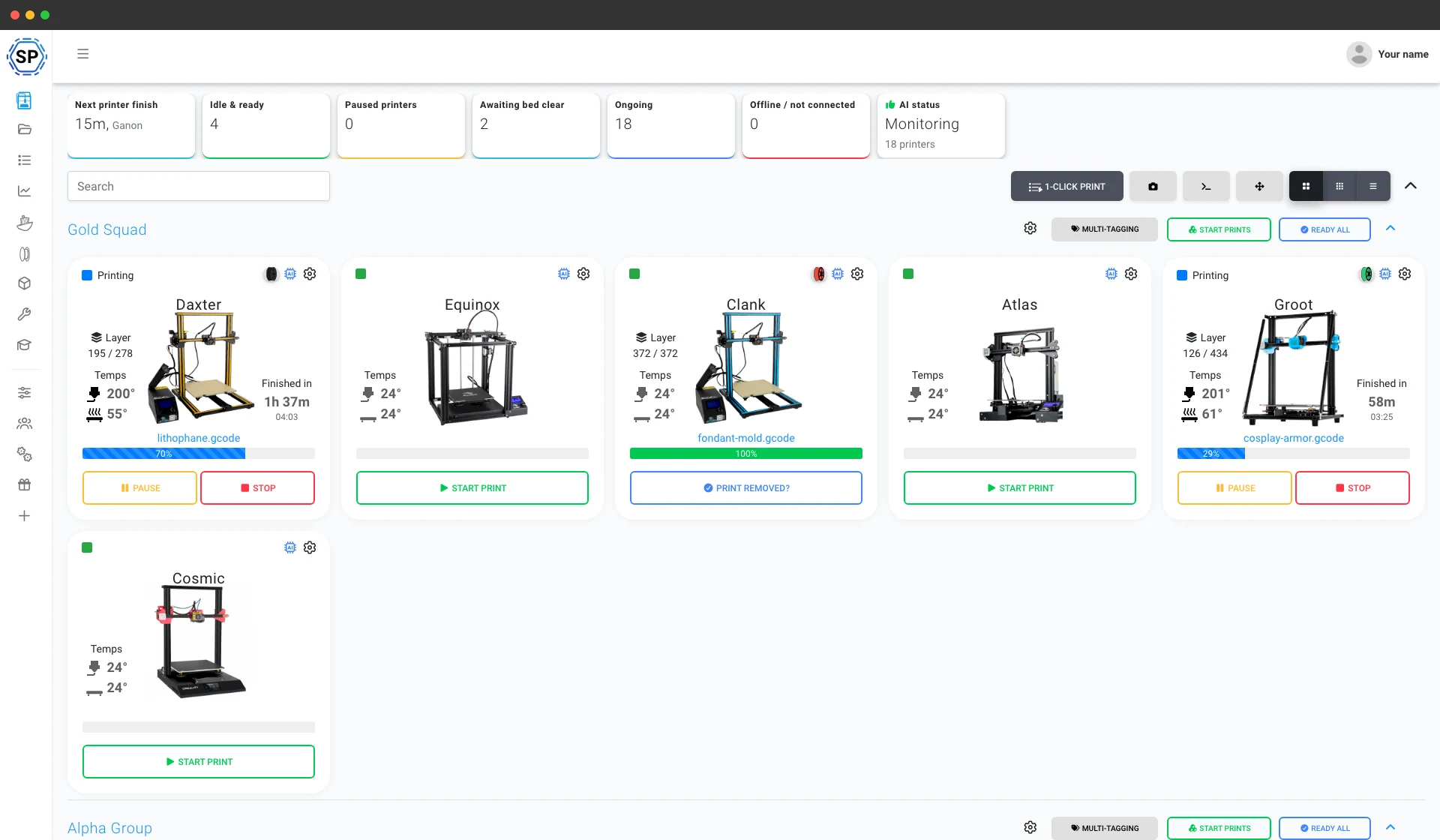
Massestart med 1 klikk
Start hver samsvarende jobb på en hel vegg med Creality-printere med ett klikk. Ingen SD-kort, ingen runder på gulvet.
Les mer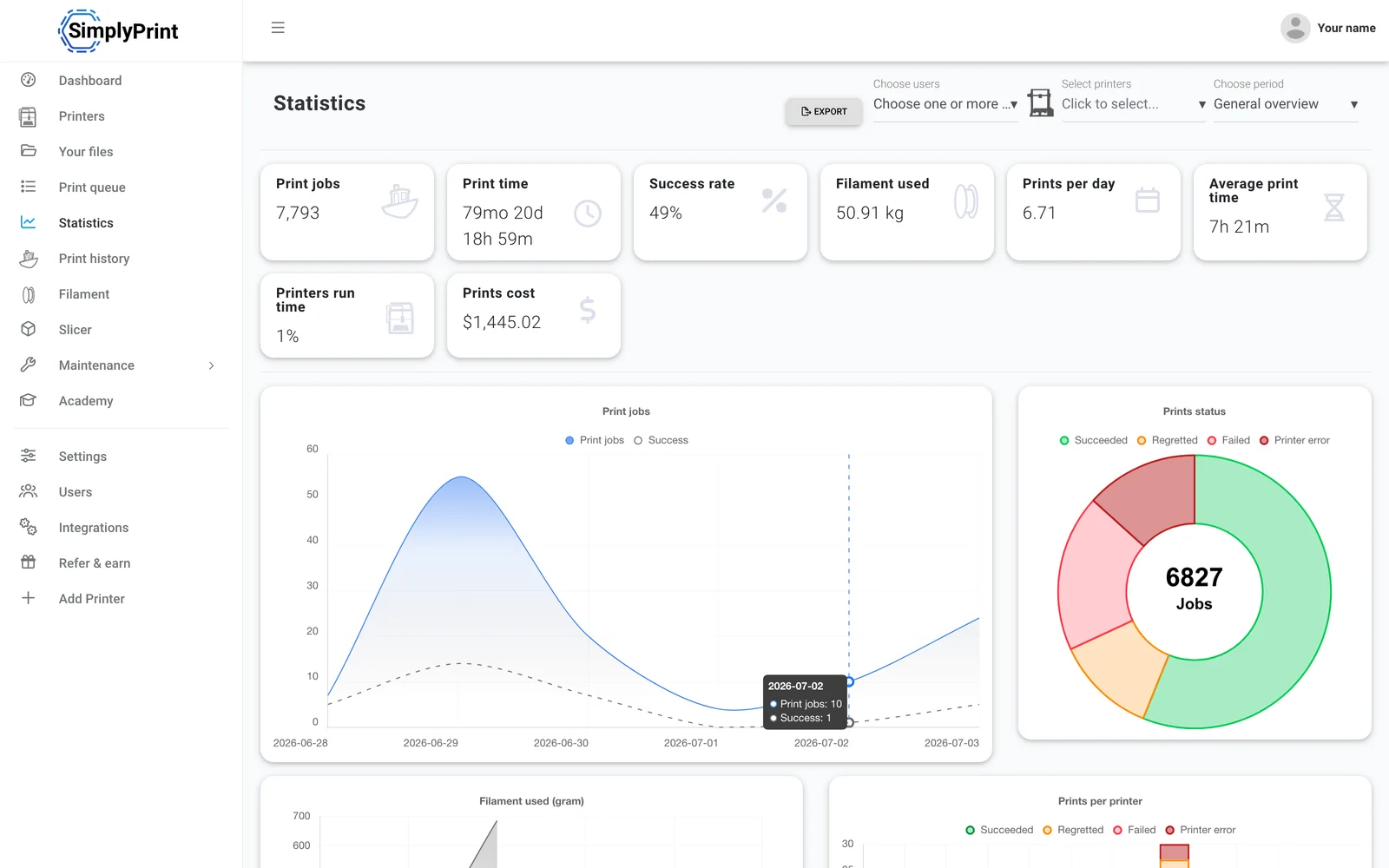
Statistikk
Utskriftstimer, suksessrater, filamentforbruk og kostnader, tallene du trenger for å drive en virksomhet.
Les mer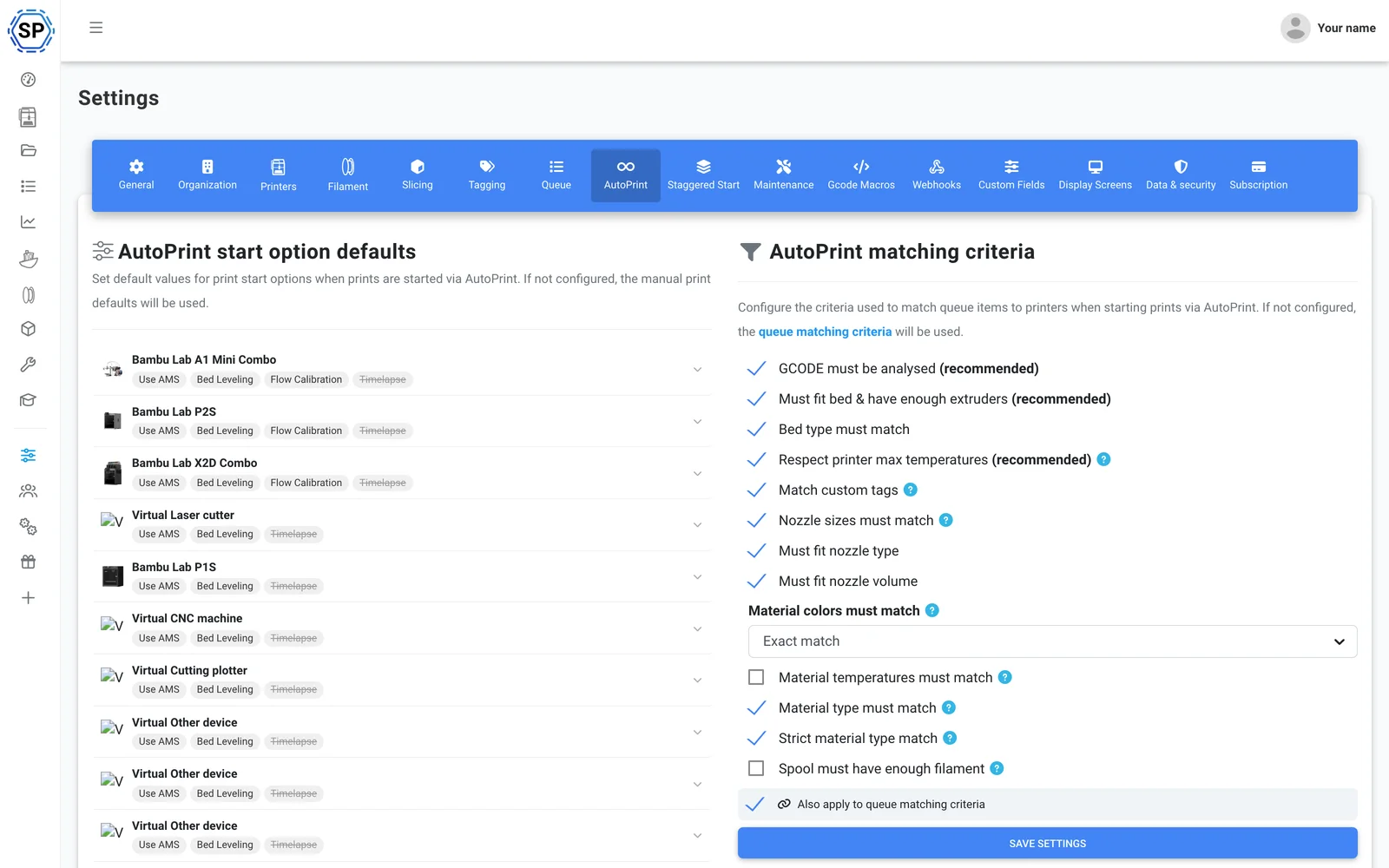
AutoPrint
Kontinuerlig utskrift uten inngrep: SimplyPrint rydder printplaten etter hver ferdige utskrift og starter selv neste passende jobb.
Les mer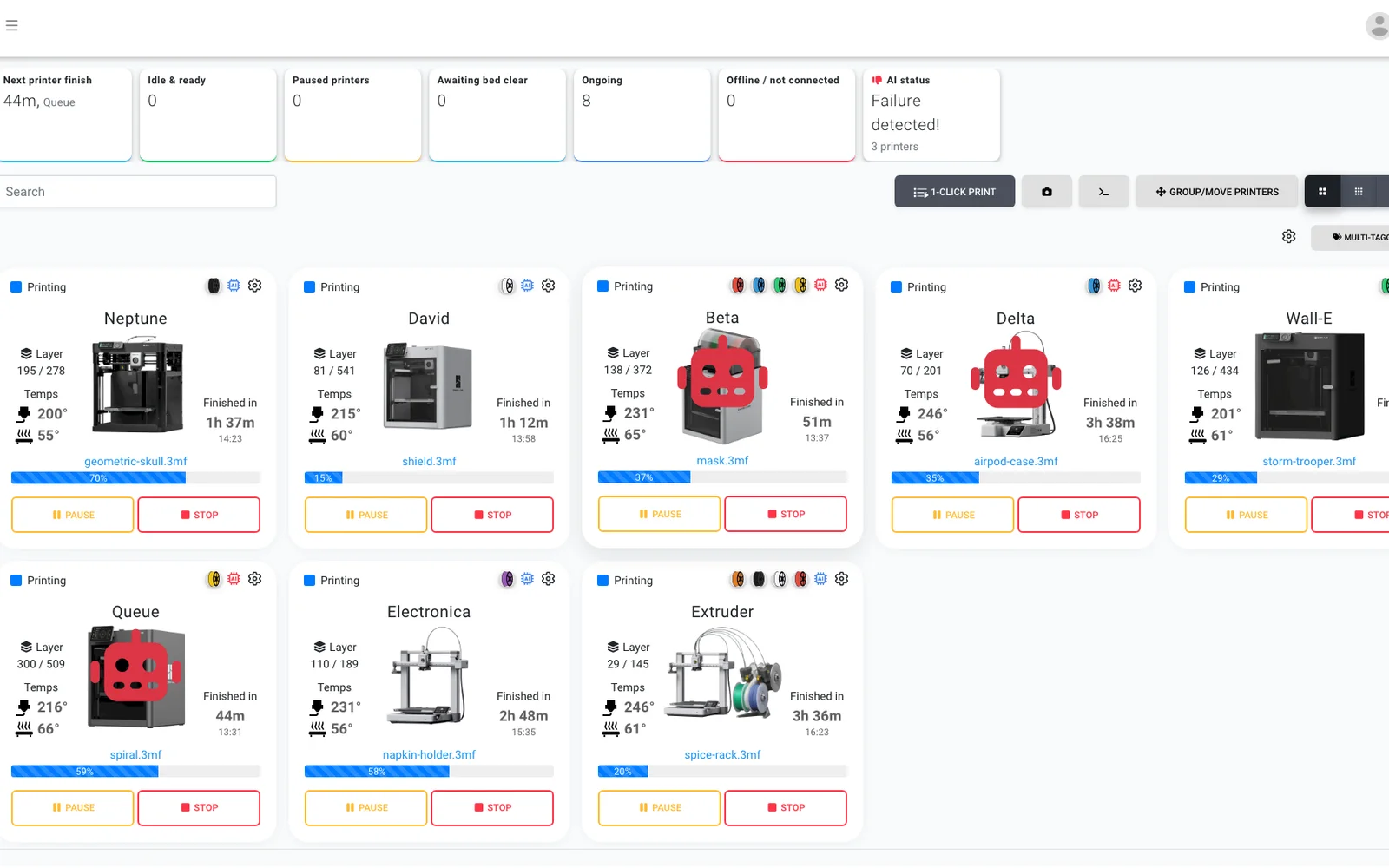
AI-feildeteksjon
Et ekstra par øyne på hvert kamera, på enhver Creality-printer, slik at selv en Ender uten innebygd AI får feildeteksjon, og AI-en bekrefter at hver printplate er tom før neste jobb starter.
Les mer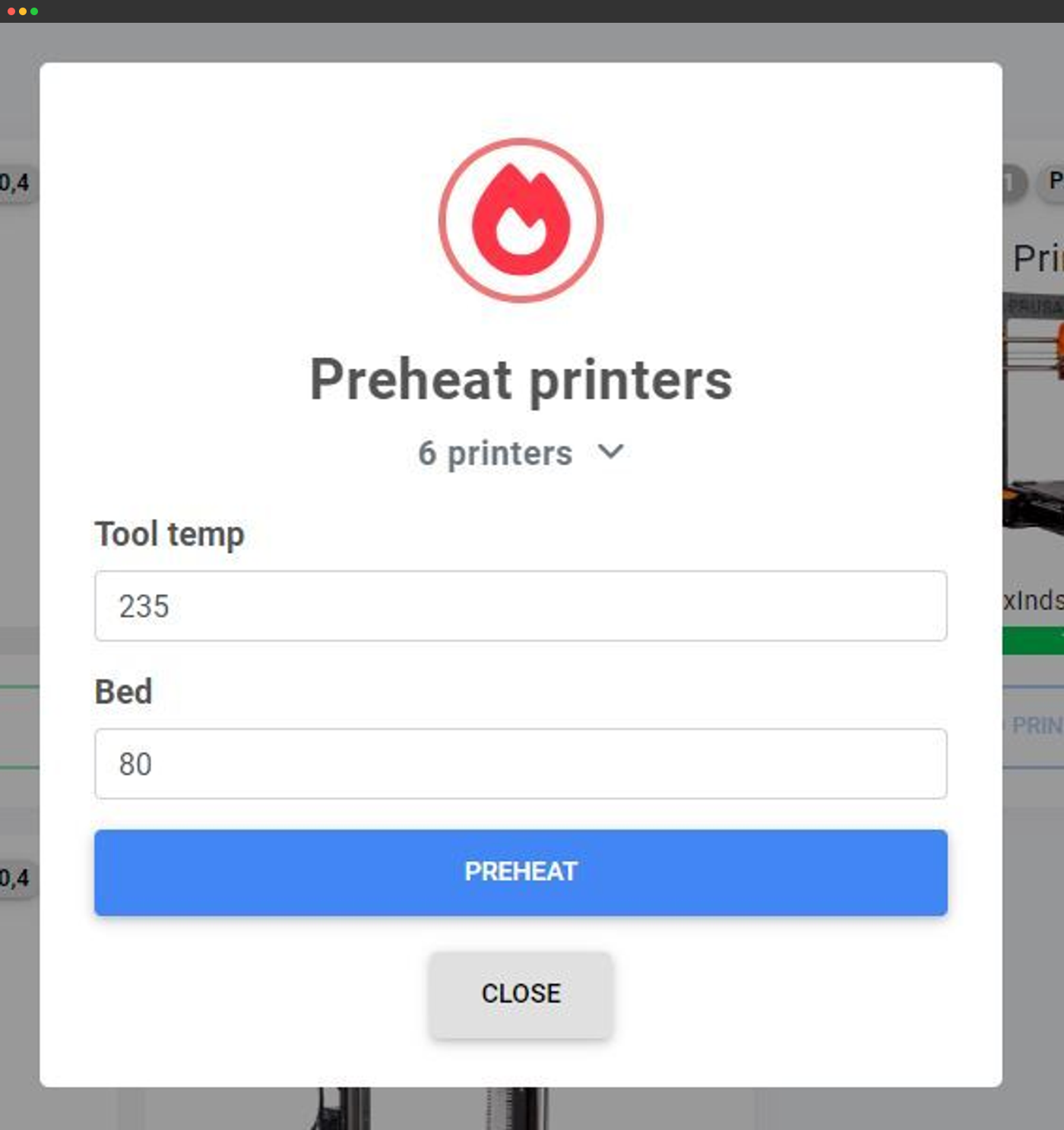
Massehandlinger
Forvarm, send G-code eller utfør handlinger på dusinvis av printere samtidig fra én skjerm.
Les mer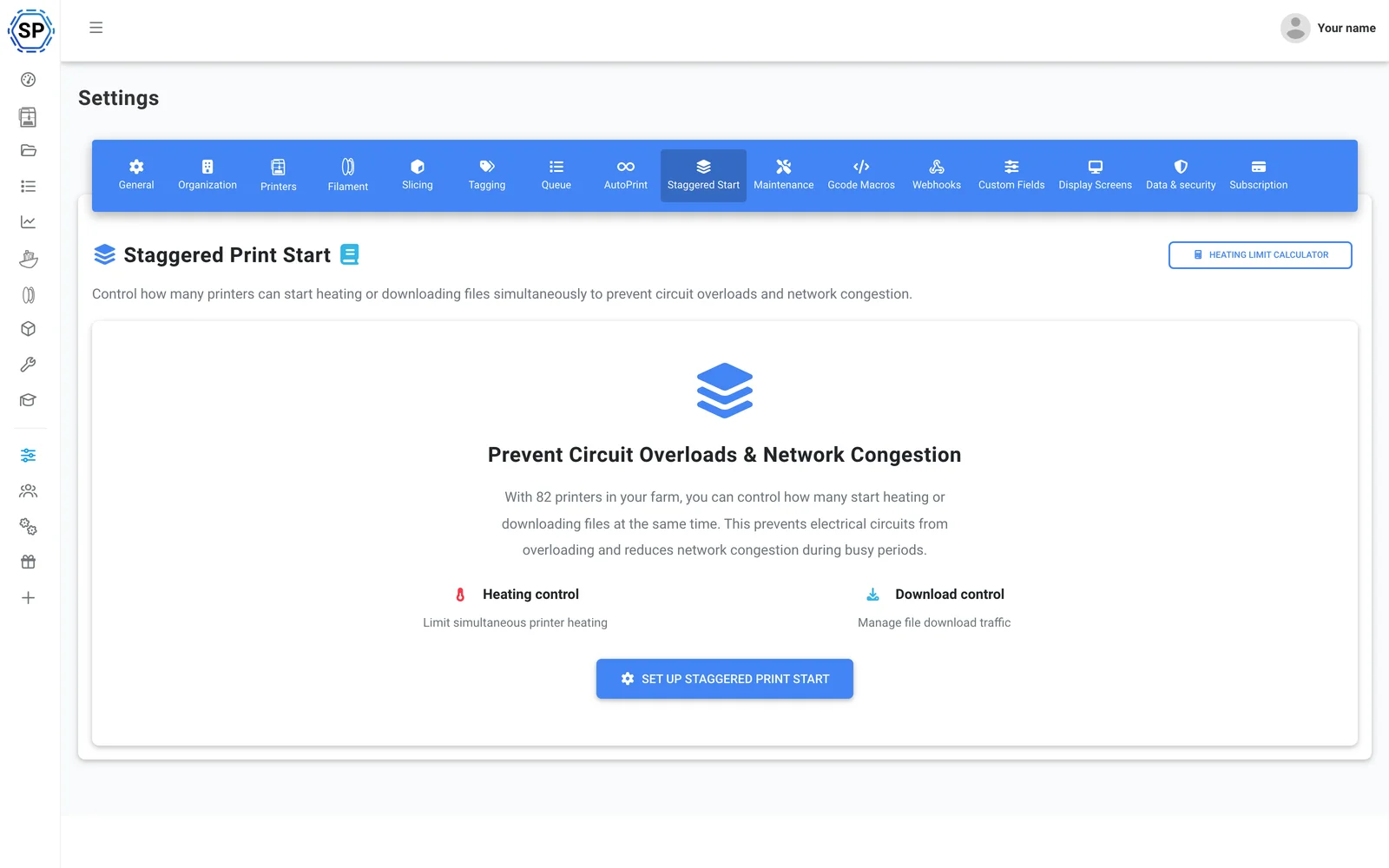
Forskjøvet start
Mange printere per kurs? Begrens hvor mange som forvarmer samtidig, så et fullt stativ aldri slår ut sikringen.
Les mer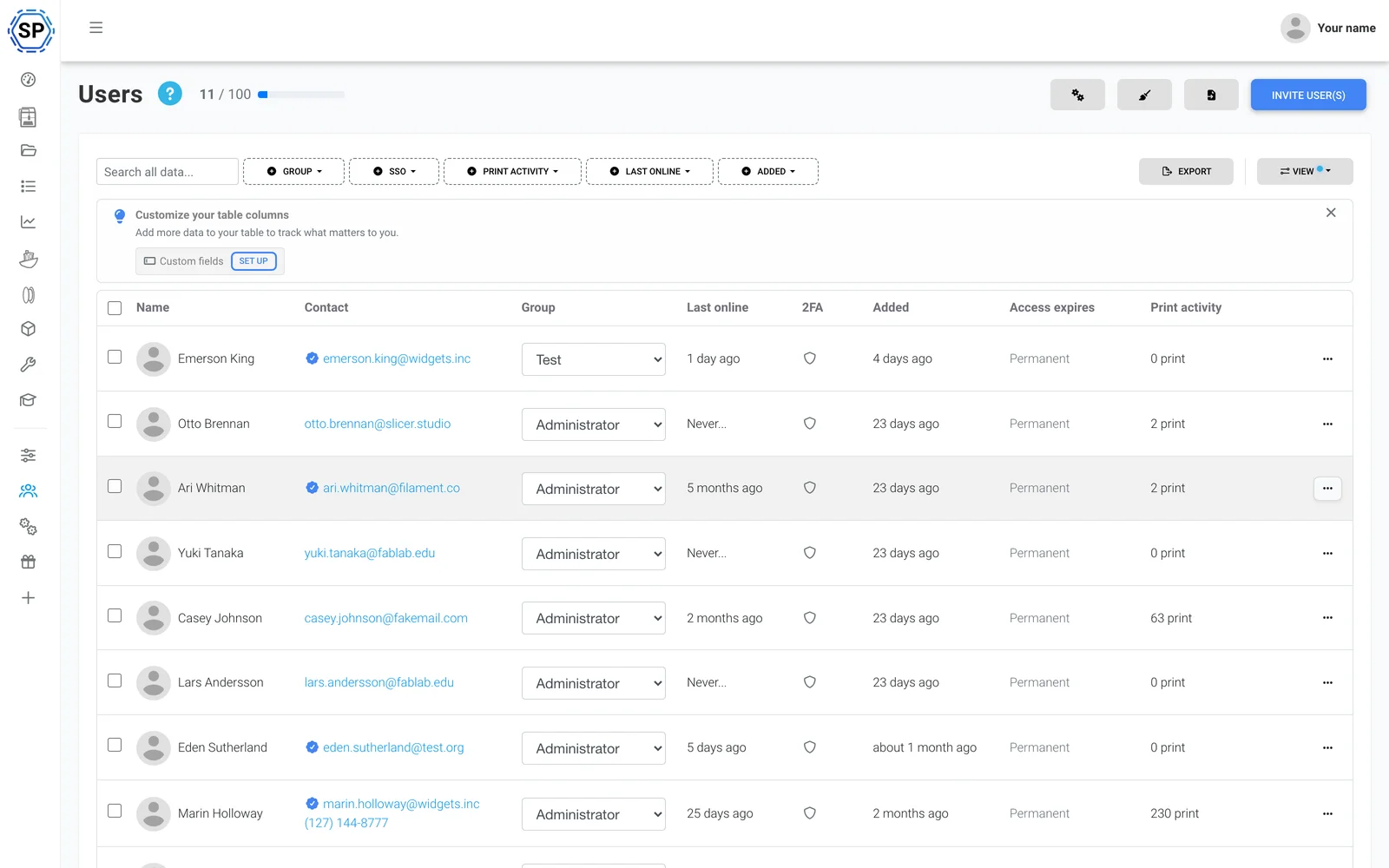
Team og tillatelser
Drift farmen sammen med kollegene dine, med tilpassede tillatelser per bruker eller gruppe.
Les mer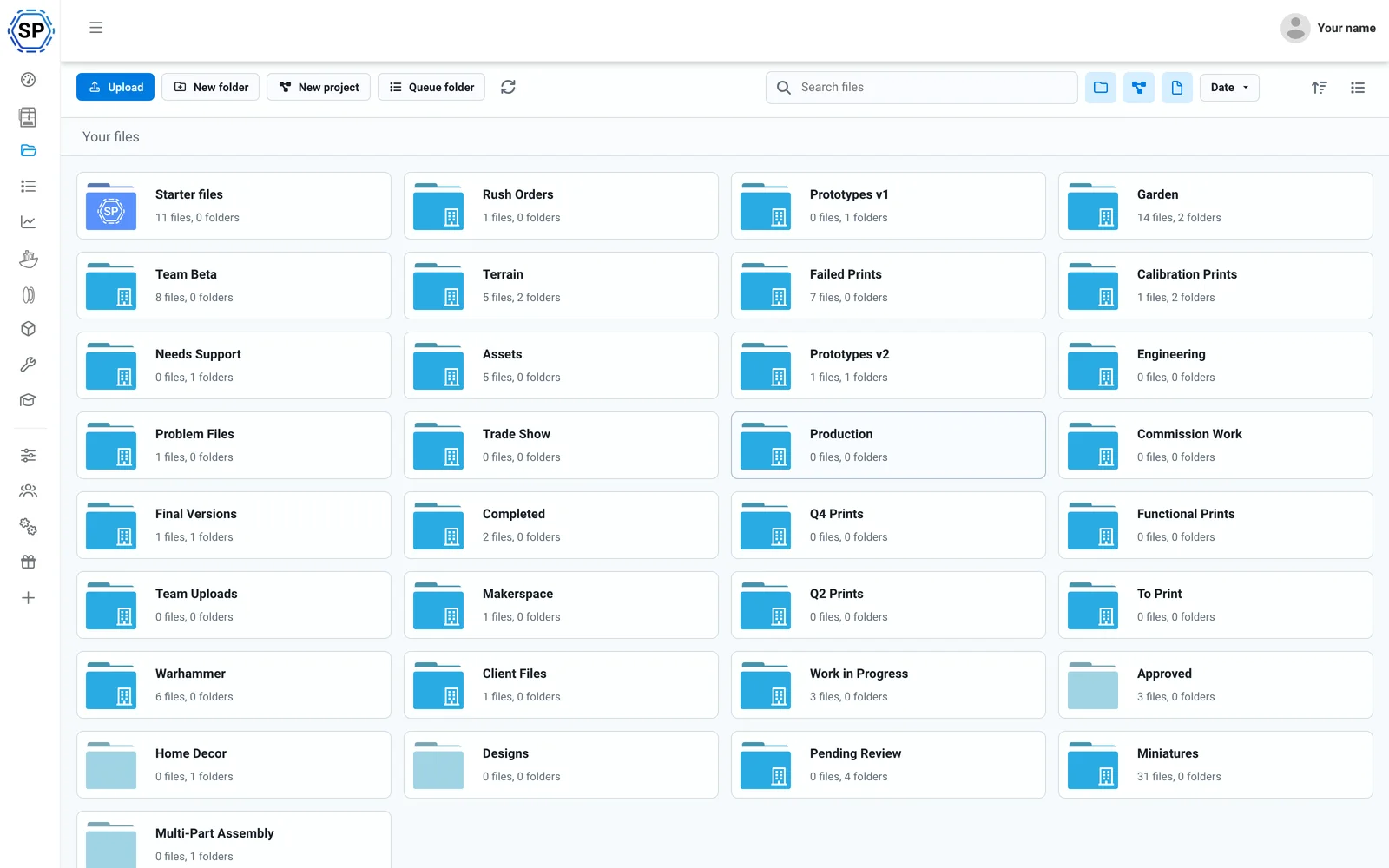
Skyfiler og historikk
All G-code i én delt sky, med utskriftsantall, delte mapper og en fullstendig historikklogg.
Les mer
Filamenthåndterer
Automatisk sporing av forbruk og lagerbeholdning, med støtte for CFS og nøyaktig selv med spoler fra andre produsenter.
Les mer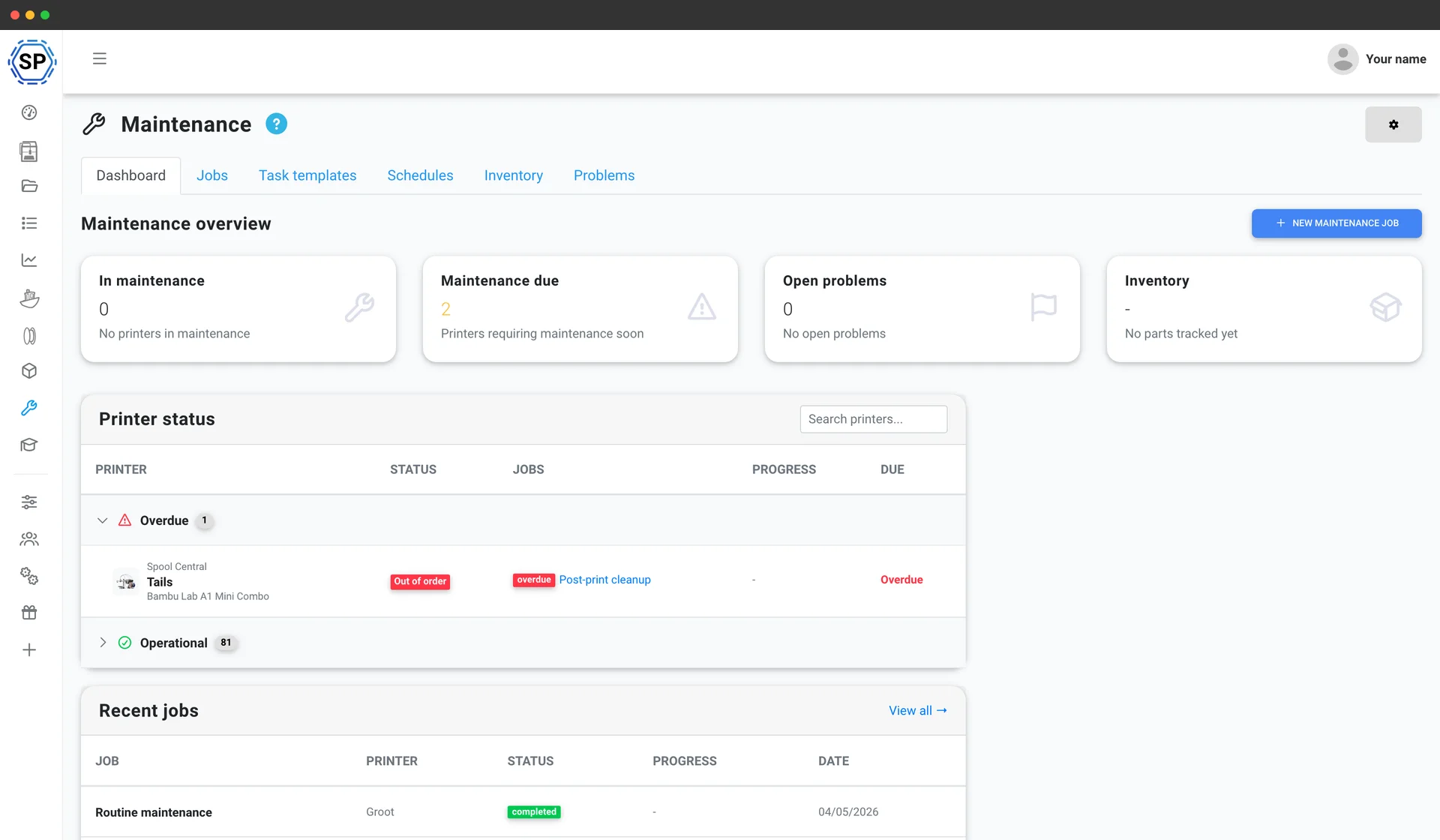
Printervedlikehold
Bruksbaserte serviceplaner, reservedelslager og en helhetsoversikt for hver maskin, slik at flåten aldri stopper opp.
Les mer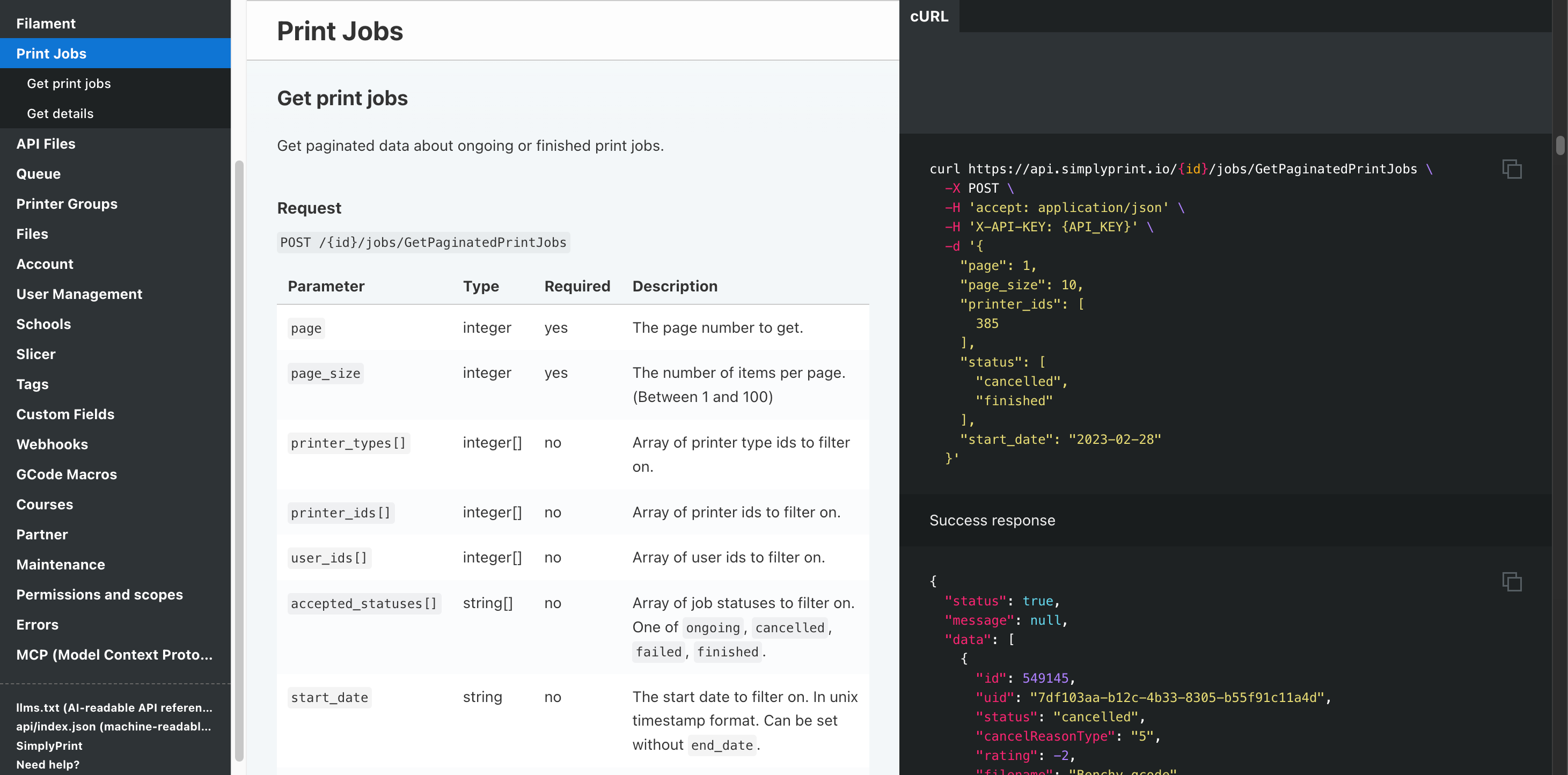
Automatisering og API
Send bestillinger fra nettbutikken din til køen via REST API, få en webhook når hver jobb er ferdig, og la Zapier, n8n eller en KI-assistent ta seg av rutinearbeidet.
Les merStøtte for alle Creality-printere
Det nåværende Creality-sortimentet: K1- og K2-seriene, Hi, Sermoon, CR-serien og hele Ender-familien. Klikk på en modell for kompatibilitetsdetaljer og oppsettsveiledningen.

Sermoon V1 Pro
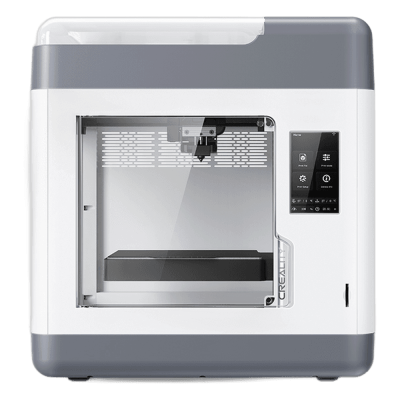
Sermoon V1
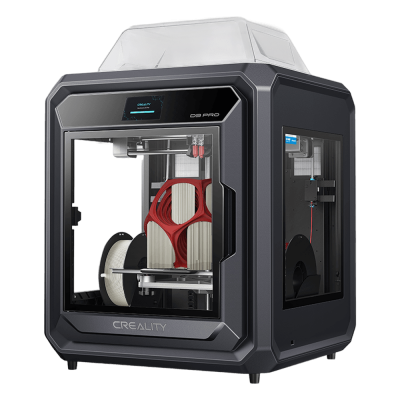
Sermoon D3 Pro
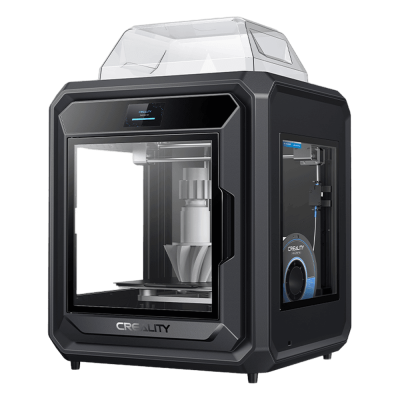
Sermoon D3

K3
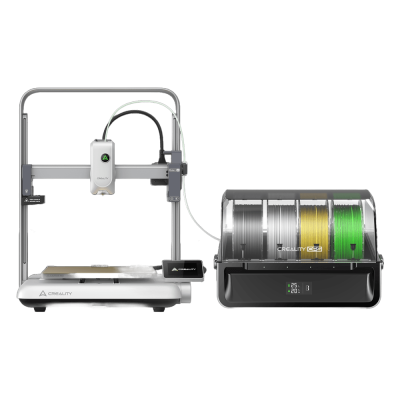
Ender-3 V4 Combo
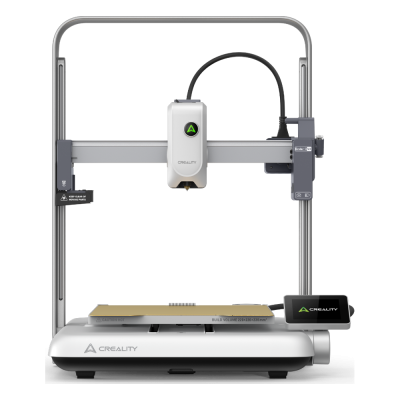
Ender-3 V4
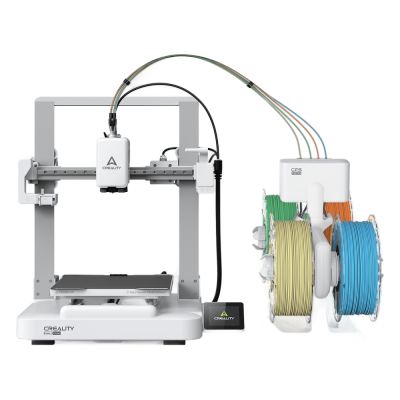
Ender-3 V3 Neo Combo
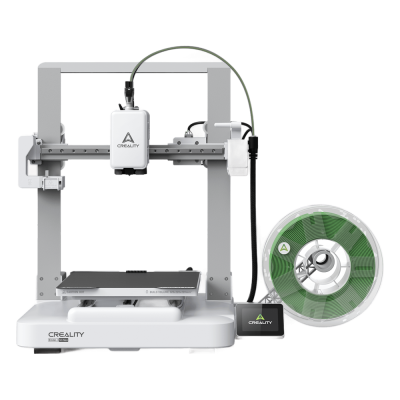
Ender-3 V3 Neo
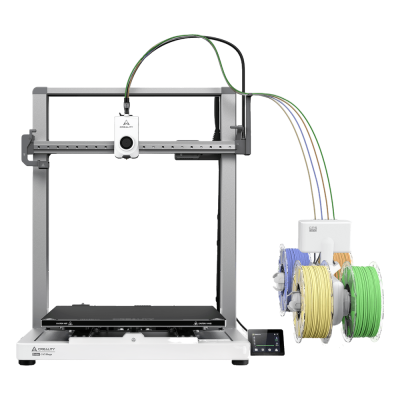
Ender-3 V3 Mega Combo
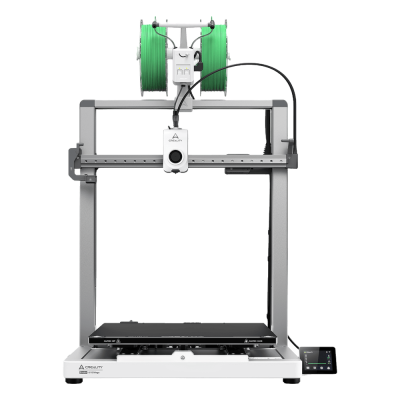
Ender-3 V3 Mega

Ender-3 V3
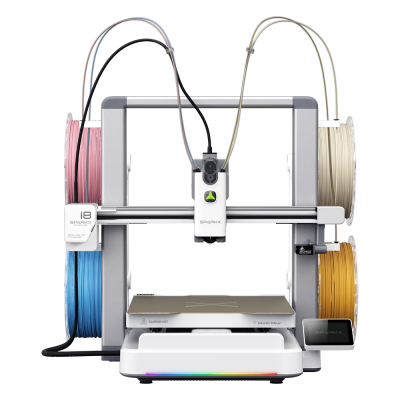
SPARKX i8 Combo

SPARKX i8
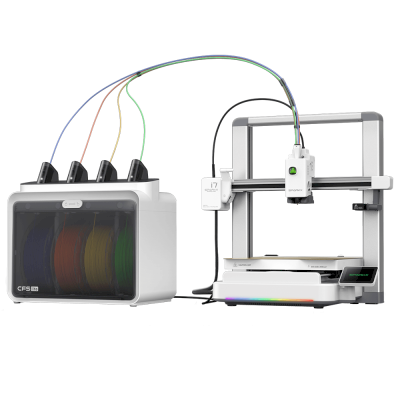
SPARKX i7 Combo
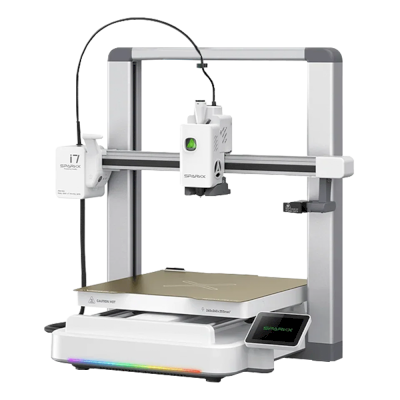
SPARKX i7

K2 SE
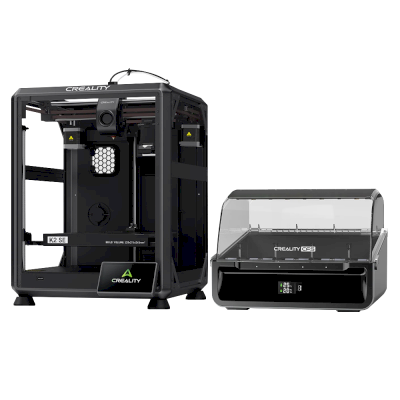
K2 SE Combo
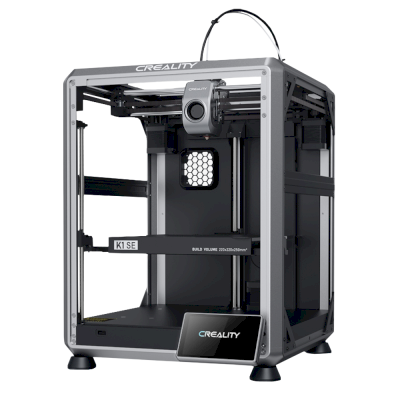
K1 SE
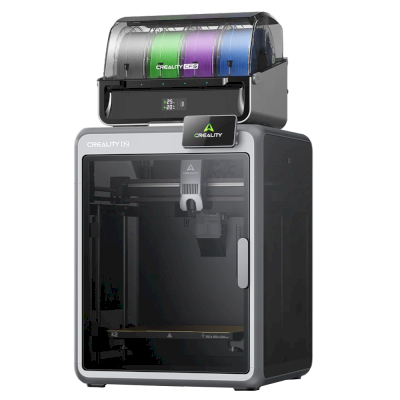
K2 Combo
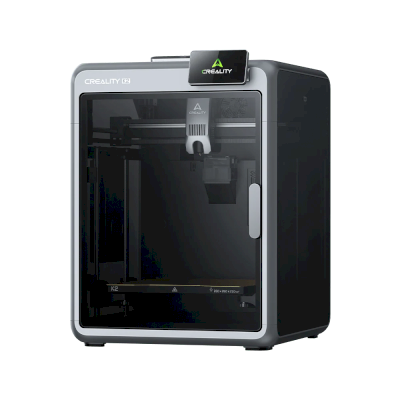
K2
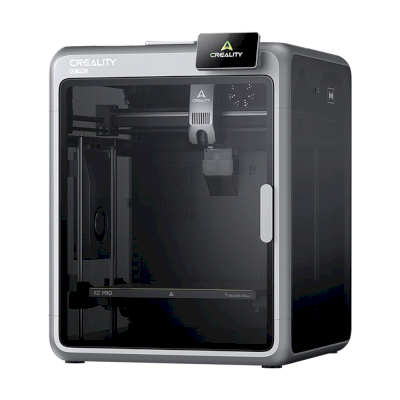
K2 Pro
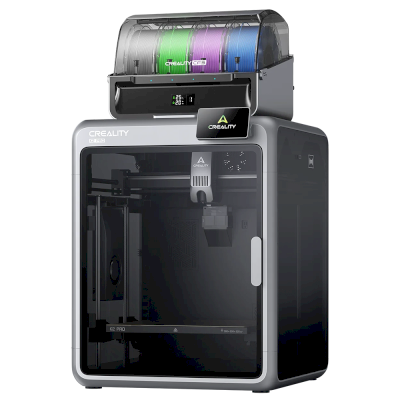
K2 Pro Combo
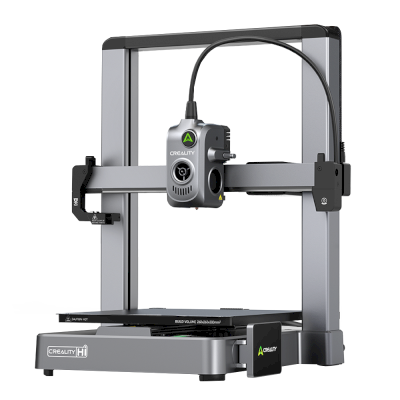
Hi
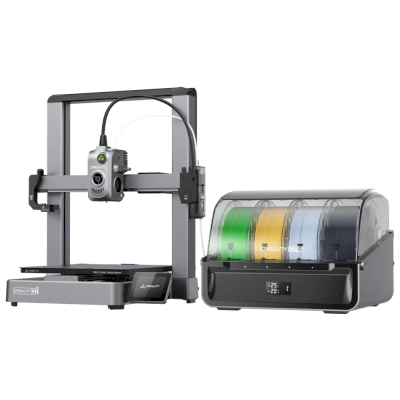
Hi Combo
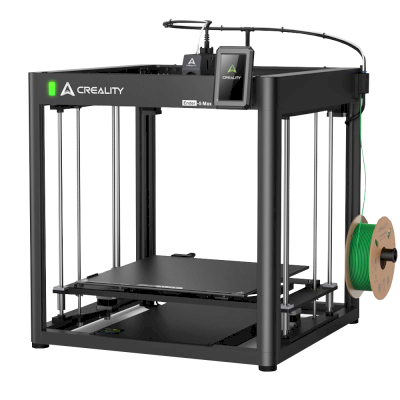
Ender 5 Max
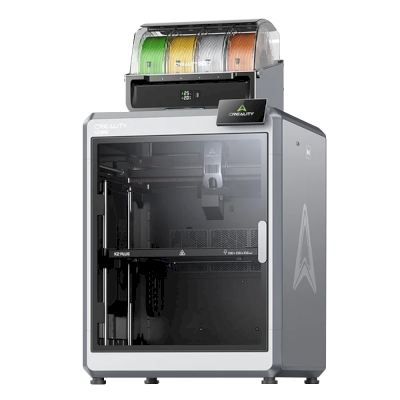
K2 Plus Combo
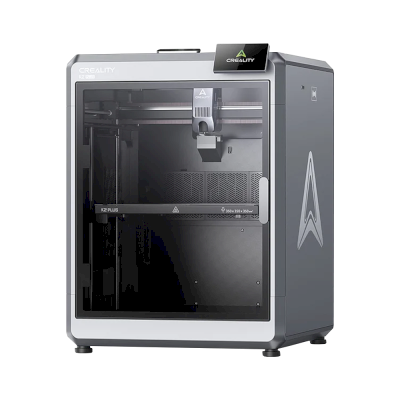
K2 Plus
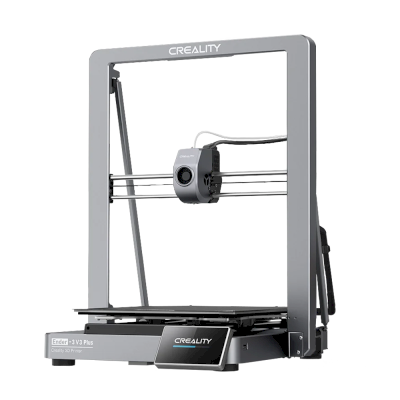
Ender-3 V3 Plus
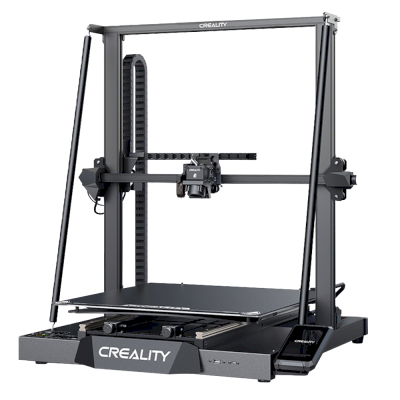
CR-M4
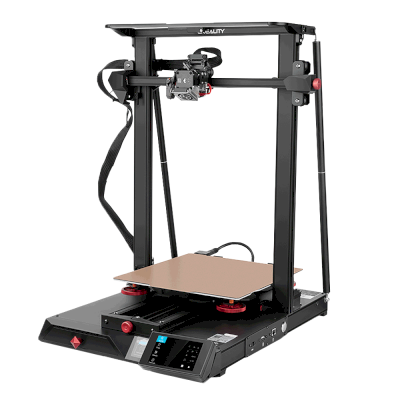
CR-10 Smart Pro

K1C
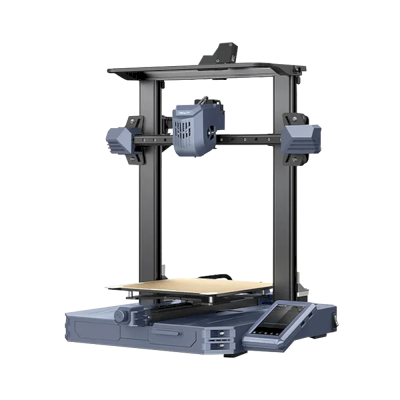
CR-10 SE
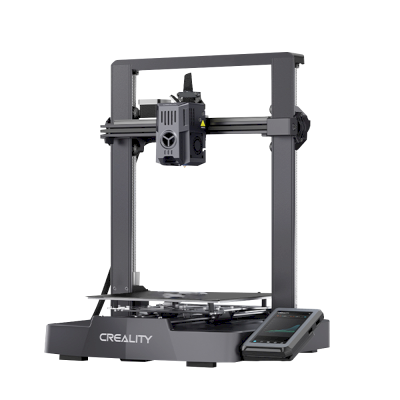
Ender-3 V3 KE
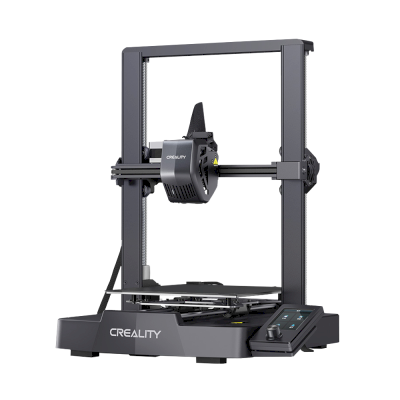
Ender-3 V3 SE

K1 Max
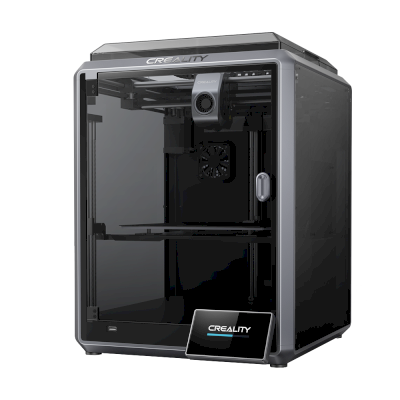
K1
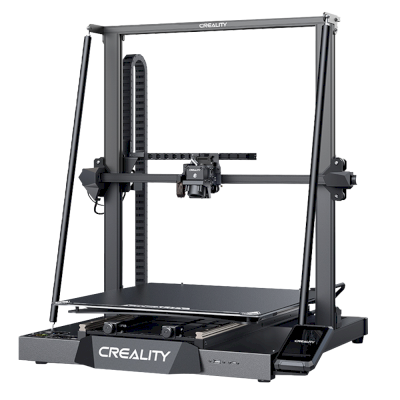
CR-M4
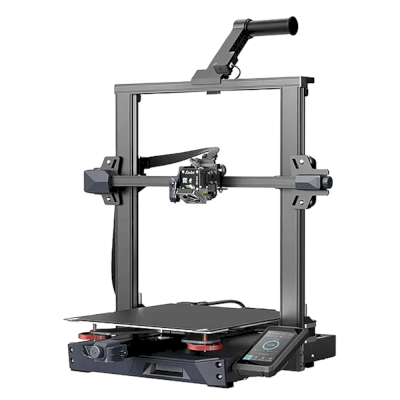
Ender-3 S1 Plus
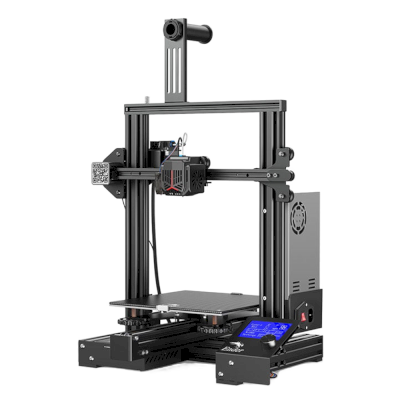
Ender-3 Neo
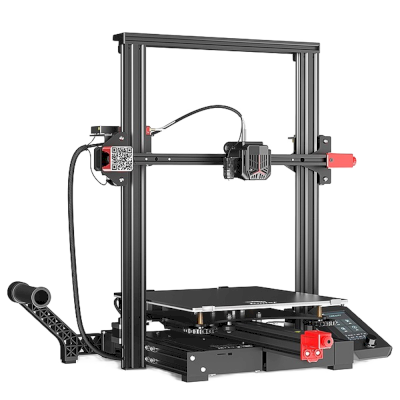
Ender-3 Max Neo
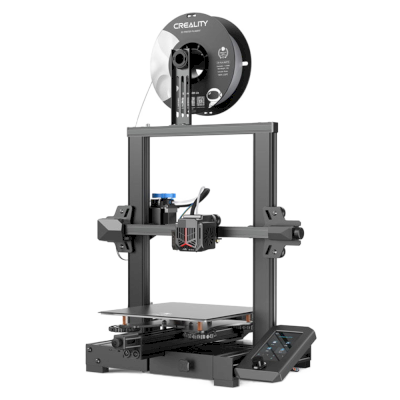
Ender-3 V2 Neo
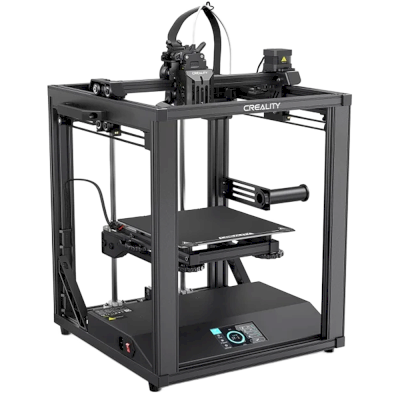
Ender-5 S1
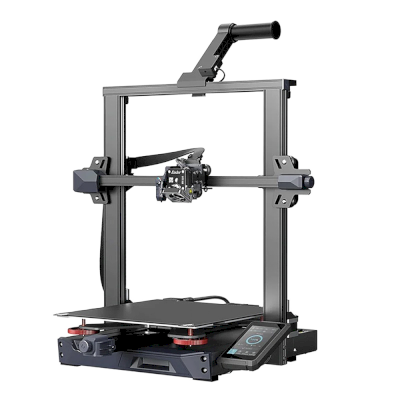
Ender-3 S1 Pro
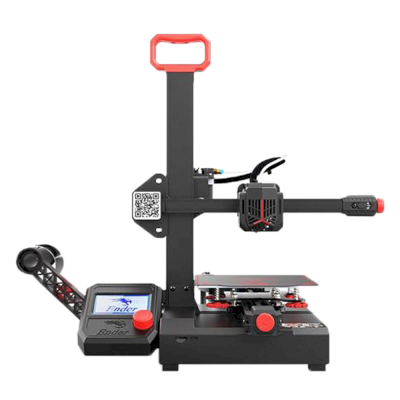
Ender-2 Pro
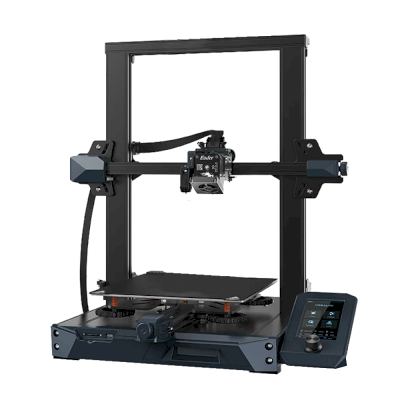
Ender 3 S1
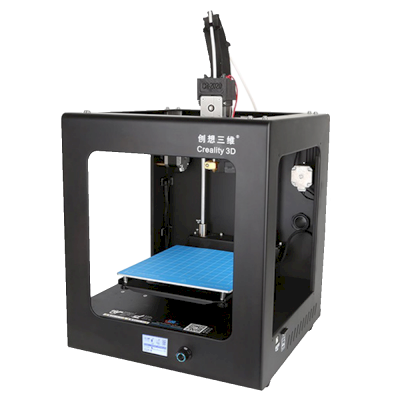
CR-2020
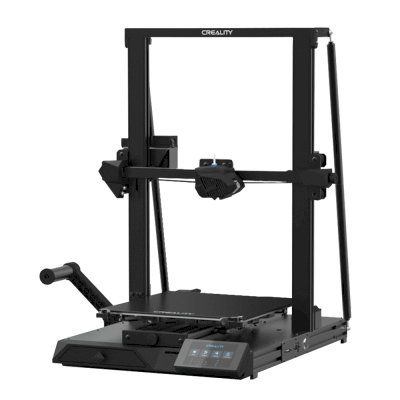
CR-10 Smart
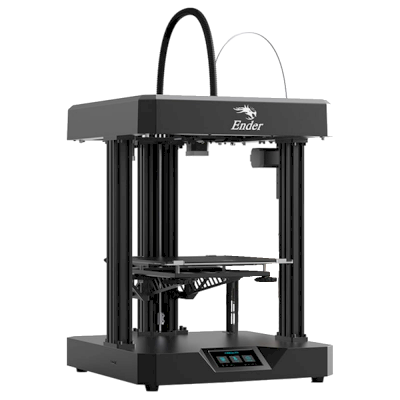
Ender 7
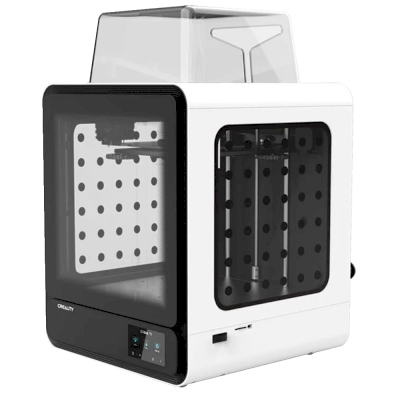
CR-200B
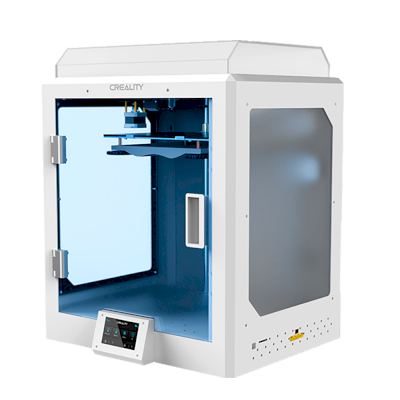
CR-5 Pro H
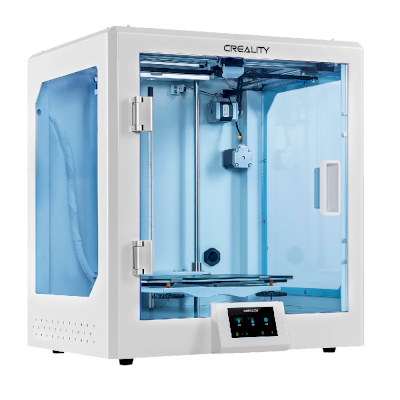
CR-5 Pro
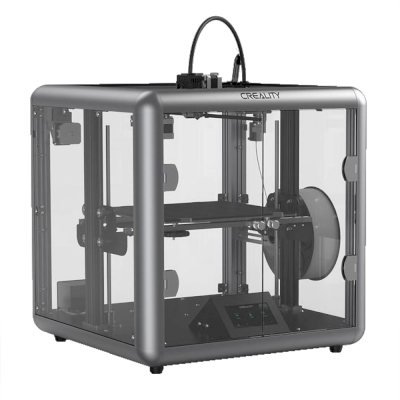
Sermoon D1
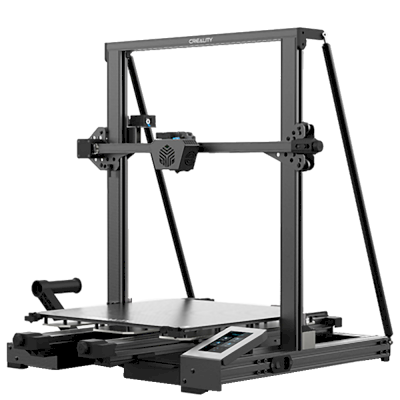
CR-6 Max
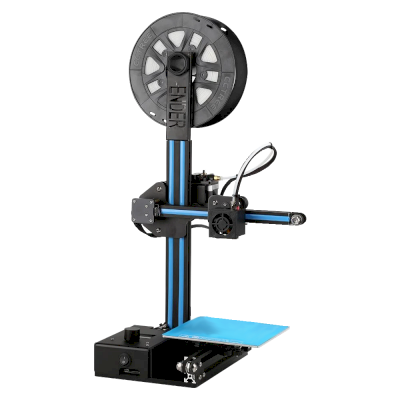
Ender-2
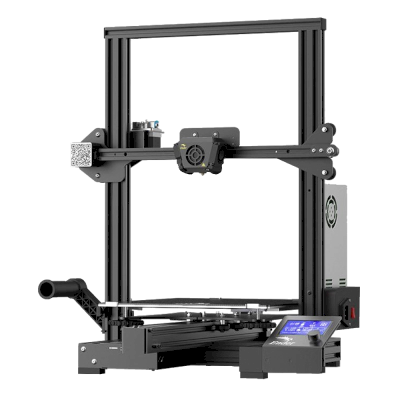
Ender-3 Max
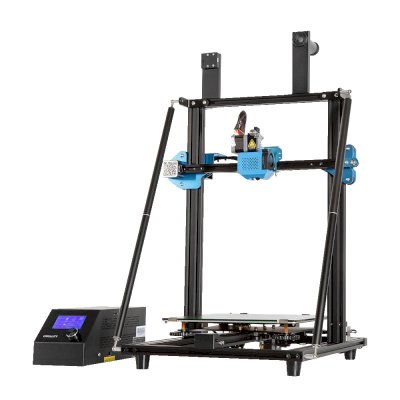
CR-10 V3
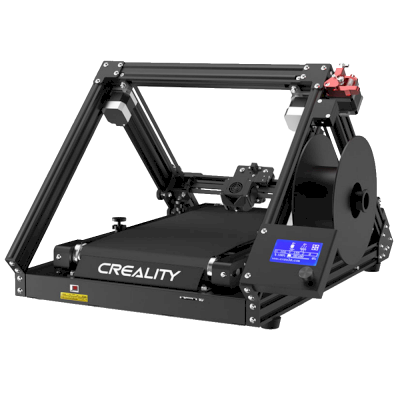
CR-30
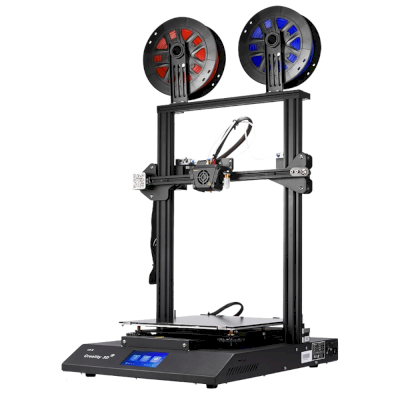
CR-X

Ender-6
Ikke bare Creality? SimplyPrint kjører 150+ merker og 770+ printermodeller side om side. Se hele kompatibilitetslisten, eller se printfarmplattformen.
Kundenes design forblir private
Filer i skyen din er bare synlige for teamet ditt og eksponeres aldri på internett. SimplyPrint er GDPR-kompatibel, driftes i EU og er bygget på infrastruktur med SOC 2- og ISO 27001-sertifiseringer, med 99,9 %+ oppetid.


Sertifiseringer og standarder som gjelder for SimplyPrint og hostinginfrastrukturen.
Detaljer om sikkerhet og samsvarFå oppdateringer underveis
Driv printfarmen fra lommen. Få varsel når en jobb er ferdig, settes på pause eller går tom for filament, se kameraet til enhver printer og stopp en jobb uansett hvor du er.


SimplyPrint ⚫ Nå
Print startet på Printer 1
Estimert utskriftstid er 3d 4h
SimplyPrint ⚫ Nå
Feil oppdaget på printer 2!
Vil du sette på pause eller avbryte?

Ikke bare ta oss på ordet
Blandet flåte eller et annet merke? Den komplette printfarmplattformen · Bambu Lab · Prusa · Anycubic · ELEGOO · Flashforge
SimplyPrint kjører Creality side om side med 150+ merker og 770+ printermodeller, i én kø og på én skjerm. Sjekk printerne dine.