En åben standard, fuldt understøttet
OpenPrintTag er tænkt til at være fri for binding: ethvert mærke kan tage den i brug, og ethvert værktøj kan læse eller skrive den. SimplyPrint behandler den som en fuldgyldig standard og læser og skriver den på alle platforme, så dataene du sætter på en spole, følger den spole, uanset hvor den ender.
Hvad OpenPrintTag er
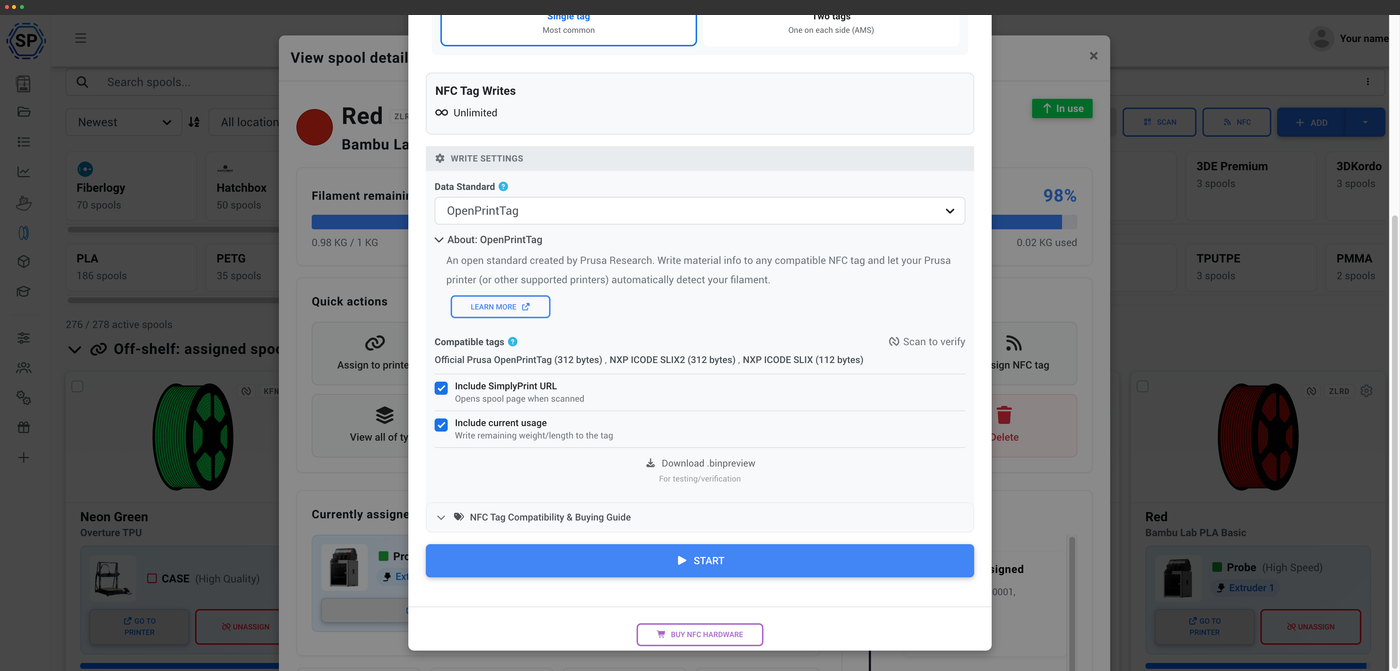
OpenPrintTag er en åben NFC-standard fra Prusa til at gemme filamentdata på et tag. Det er genskrivbart og leverandørneutralt, bygget på NDEF og ICODE SLIX, så det ikke er bundet til ét bestemt printer- eller filamentmærke. Nye Prusament-spoler leveres med et OpenPrintTag, og du kan skrive dit eget tag til enhver spole.
Sådan bruger du OpenPrintTag med SimplyPrint
Tre trin fra et tomt tag til en spole, din printer genkender.
Opret et OpenPrintTag til enhver spole
OpenPrintTag er leverandørneutral, så du behøver ikke købe Prusa-filament for at bruge den. Skriv en OpenPrintTag til en hvilken som helst spole, du ejer, i SimplyPrint, og enhver OpenPrintTag-kompatibel printer eller ethvert værktøj, herunder Prusa-printere, kan læse præcis, hvad der er ilagt.
Læs og skriv på enhver platform
OpenPrintTag er NDEF-baseret, så den virker lige godt på iPhone, Android og NFC Agent på computeren. Her er ingen MIFARE-begrænsninger. På en computer kræver læsning af OpenPrintTags ICODE SLIX-tags en læser, der understøtter dem, f.eks. ACS ACR1552U. NFC Agent er den eneste metode, der håndterer ICODE SLIX.
Om desktop-NFC-agenten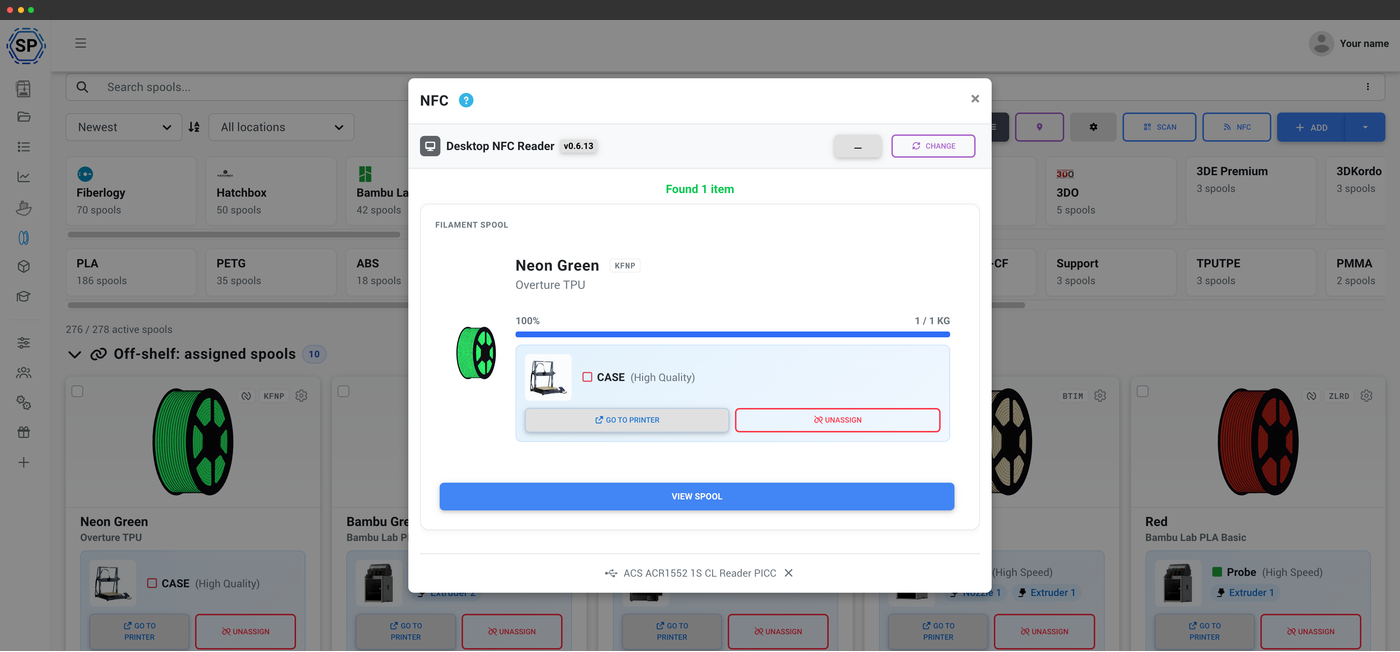
Scan en mærket spole, og se den med det samme
Desktoplæseren identificerer spolen på få sekunder
Hold en mærket spole op mod en USB-læser, der kører SimplyPrint NFC Agent, så dukker den matchende spole straks op, med mærke, materiale, diameter og restvægt, klar til at blive tildelt en printer eller vist med alle detaljer. Ingen indtastning, ingen manuel søgning i din beholdning.
Åben standard, ingen binding
Fordi OpenPrintTag er åben og leverandørneutral, er det, du skriver, ikke låst til én virksomheds app. Mærk en spole én gang, så kan ethvert OpenPrintTag-kompatibelt værktøj, inklusive SimplyPrint, læse tagget. Det er hele pointen med en åben standard: Spolen bærer sin egen identitet, ikke en leverandørs.
Følger med ny Prusament og spores automatisk
Nye Prusament-spoler leveres med et OpenPrintTag, der allerede er kodet, så SimplyPrint straks kan hente spolens identitet. Derefter fratrækkes forbruget automatisk ud fra G-code for hvert print, du starter, så den registrerede restvægt forbliver korrekt uden brug af en vægt.
Sådan fungerer automatisk sporingOpenPrintTag er ikke OpenSpool
Det er nemt at forveksle navnene, men det er separate standarder. OpenPrintTag er Prusas standard baseret på NDEF og ICODE SLIX. OpenSpool er en DIY-standard fra fællesskabet, der bruger NDEF på NTAG-tags. SimplyPrint understøtter begge, så du behøver ikke vælge, men de kan ikke bruges i stedet for hinanden.
OpenSpool-understøttelseAbonnementsadgang: hvad er inkluderet?
Læsning af OpenPrintTag og filamentstyring er med i alle abonnementer. Skrivning af tags bruger din månedlige NFC-skrivekvote.
| Funktion/grænse | Gratis | Basic | Pro | Printfarm | Enterprise | Skole | Cloud Slicer | Filament Manager |
|---|---|---|---|---|---|---|---|---|
|
Filamentstyring
Spoleposter og automatisk forbrugsfratræk på alle planer, også Free.
|
||||||||
|
NFC-tag-skrivninger pr. måned
Hvor mange NFC-tags du kan skrive til spoler hver måned
|
10 | 30 | 100 | 10 |
Vil du vide mere om vores abonnementer?
Se fuld pris- og funktionssammenligningOfte stillede spørgsmål
Hvordan bruger jeg OpenPrintTag med SimplyPrint?
Kan jeg oprette OpenPrintTag-tags til spoler fra andre mærker end Prusament?
Kan jeg skrive OpenPrintTag fra en iPhone?
Skal jeg bruge en særlig læser til OpenPrintTag på computer?
Er OpenPrintTag det samme som OpenSpool?
Har nye Prusament-spoler et tag?
Kan OpenPrintTag overskrives?
Kompatibel OpenPrintTag-hardware
OpenPrintTag bruger iCode SLIX2-tags. På desktop er ACS ACR1552U den eneste læser, der håndterer dem. Kombiner den med den gratis SimplyPrint NFC-agent for at kunne læse og skrive.
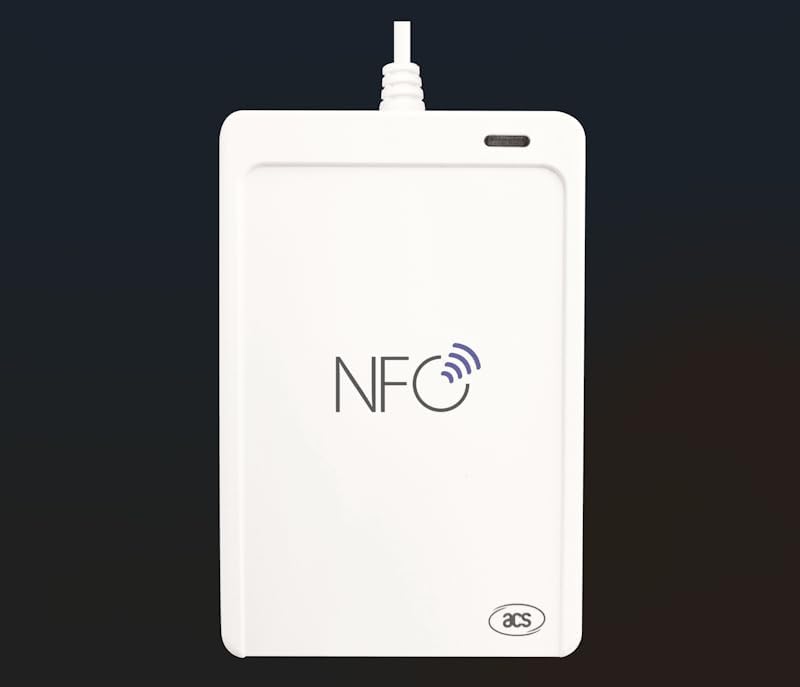
ACS ACR1552U (USB-C)
Den eneste desktoplæser, der læser iCode SLIX2 / OpenPrintTag. USB-C, virker på Windows, macOS og Linux.
Se produktet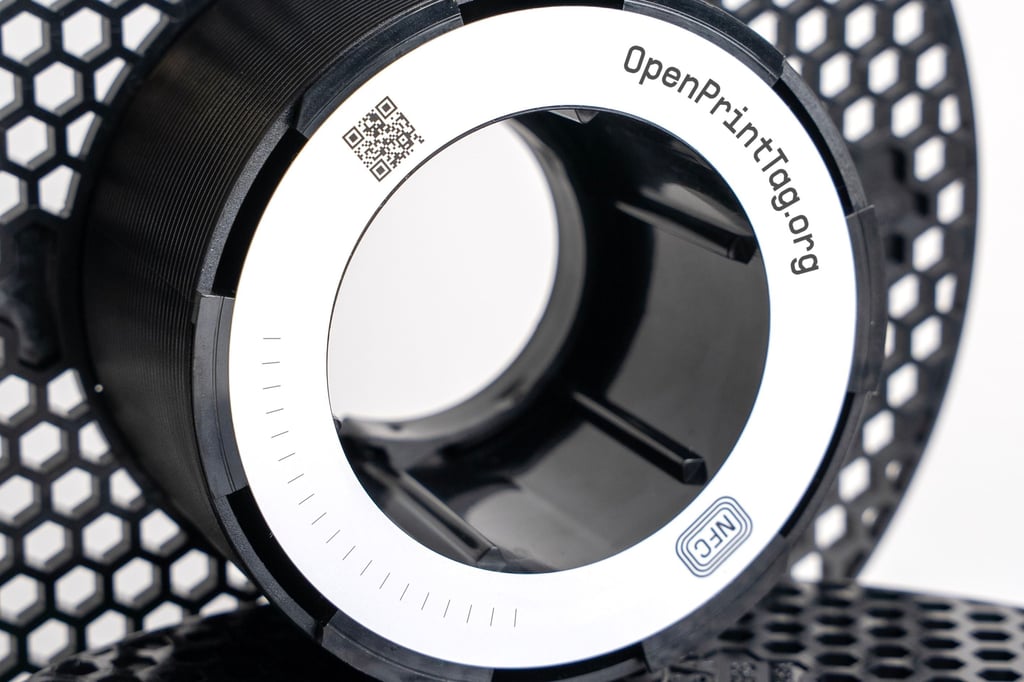
Prusa OpenPrintTag
Officielle OpenPrintTag-tags fra Prusa, standarden for åbne filament-NFC-data.
Se produktet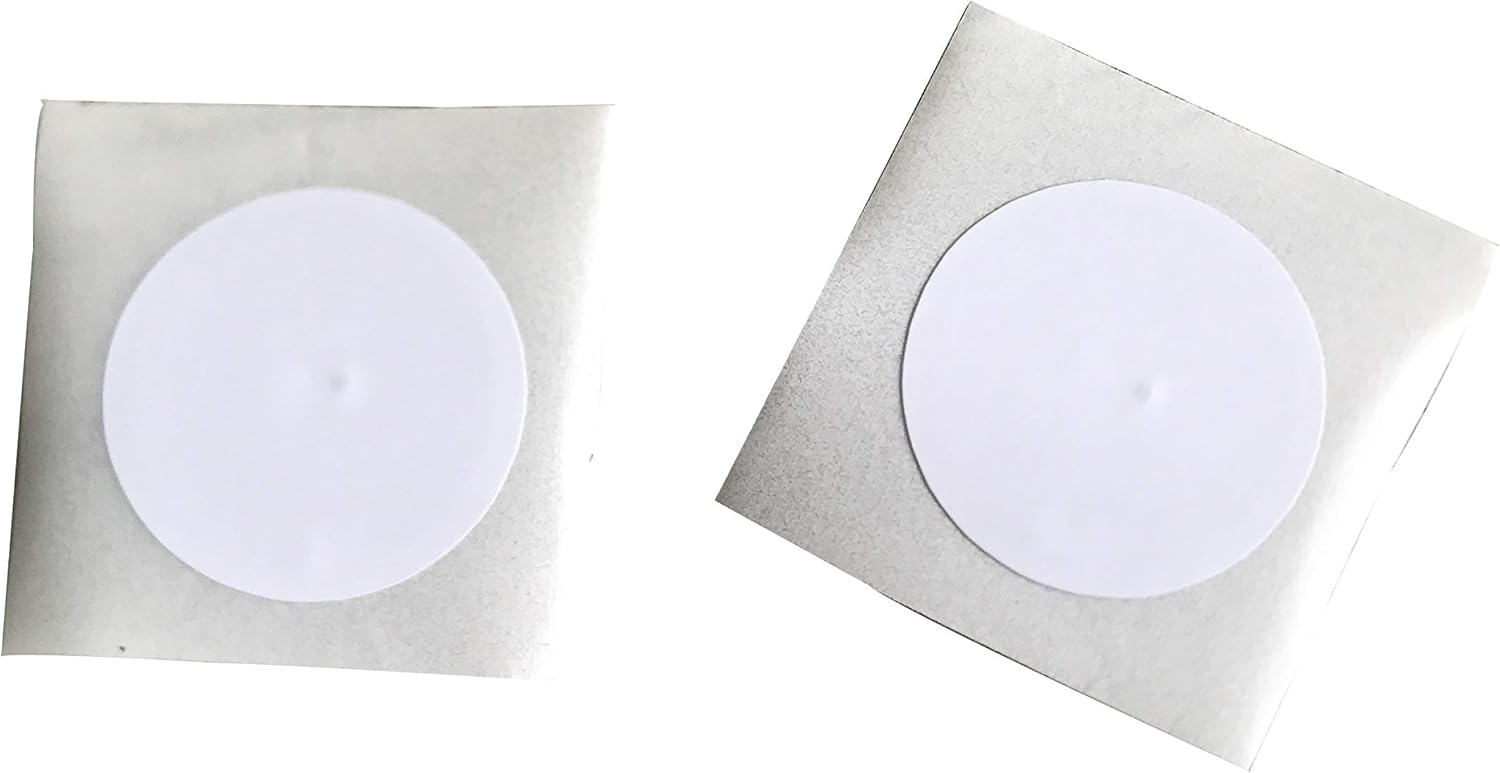
iCode SLIX2 sticker tags
Tomme iCode SLIX2-mærkater, kompatible med OpenPrintTag-standarden. Programmér tags til dine egne spoler.
Se produktetPå en telefon virker OpenPrintTag på både iPhone og Android, uden læser. Læseren nedenfor er til brug på computer.
Nogle links er partnerlinks. SimplyPrint kan få provision uden omkostning for dig.