 Alternativ til OctoPrint API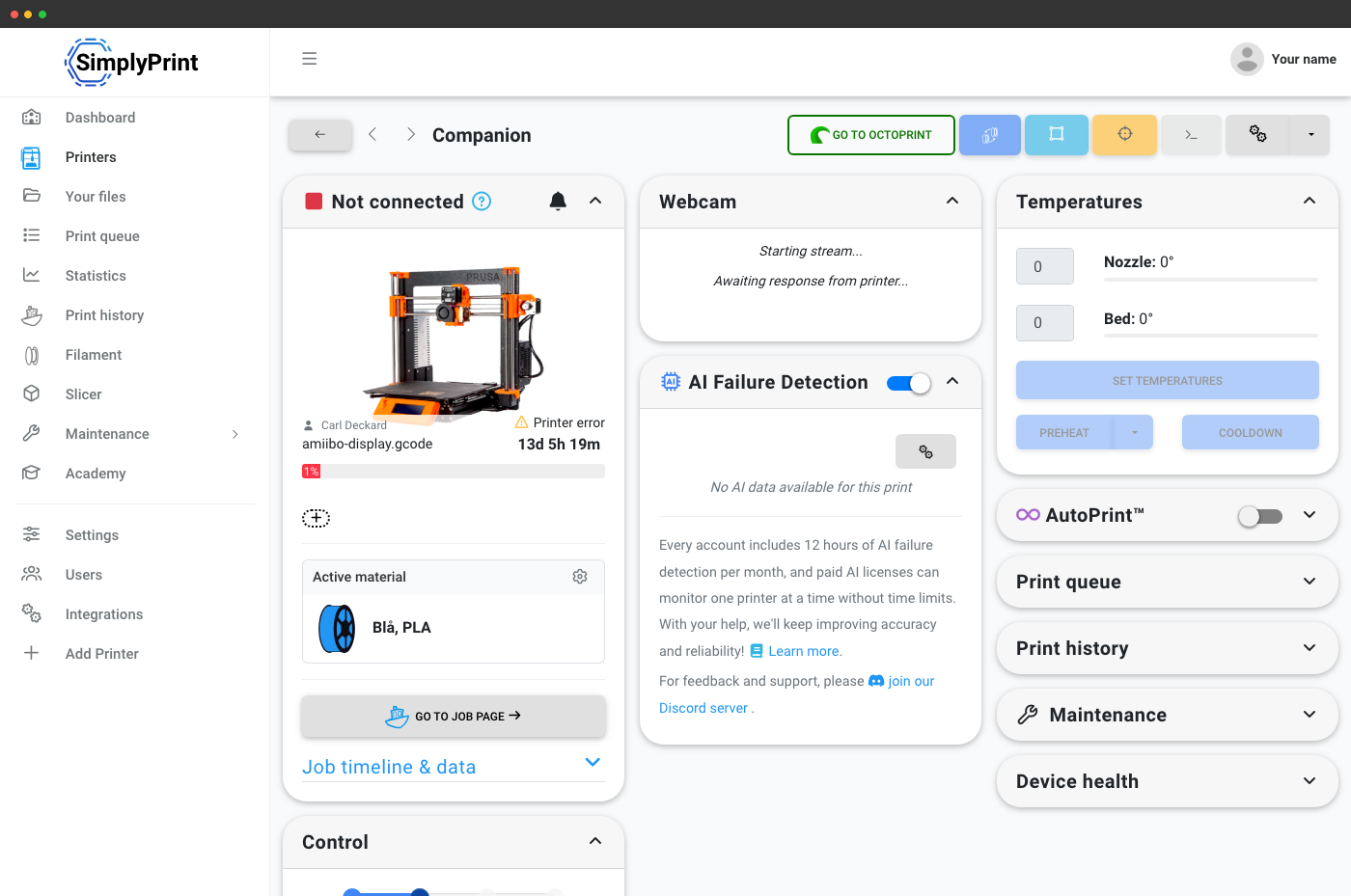
OctoPrint + SimplyPrint = et cloudbaseret REST-API for hele flåden
SimplyPrint kører sammen med OctoPrint. Det erstatter ikke OctoPrint lokalt på din Pi. OctoPrint-pluginet fra SimplyPrint forbinder dine eksisterende OctoPrint-hosts med vores cloud, og dine eksisterende OctoPrint-API-integrationer på disse hosts fungerer fortsat. Fordelen er REST på tværs af flåden: én basis-URL for alle printere.
Ét REST-API til hver printer, ikke ét pr. Pi
Hvis du har talt med http://pi-1.local/api/printer, http://pi-2.local/api/printer og så videre, kender du smerten: godkendelse pr. host, firewall-huller pr. host, SSL pr. host, ingen fælles printkø, ingen fælles filamentbeholdning. SimplyPrint erstatter det med ét cloud-REST-API for hele flåden.
# Queue a print on a printer connected via the SimplyPrint OctoPrint plugin
curl -X POST "https://api.simplyprint.io/{companyId}/queue/AddItem" \
  -H "X-API-KEY: your_api_key_here" \
  -H "Content-Type: application/json" \
  -d '{
    "fileId": "your_gcode_file_id",
    "amount": 1,
    "for_printers": "17",
    "position": "top"
}'Sådan fungerer forbindelsen: SimplyPrint OctoPrint-plugin'et
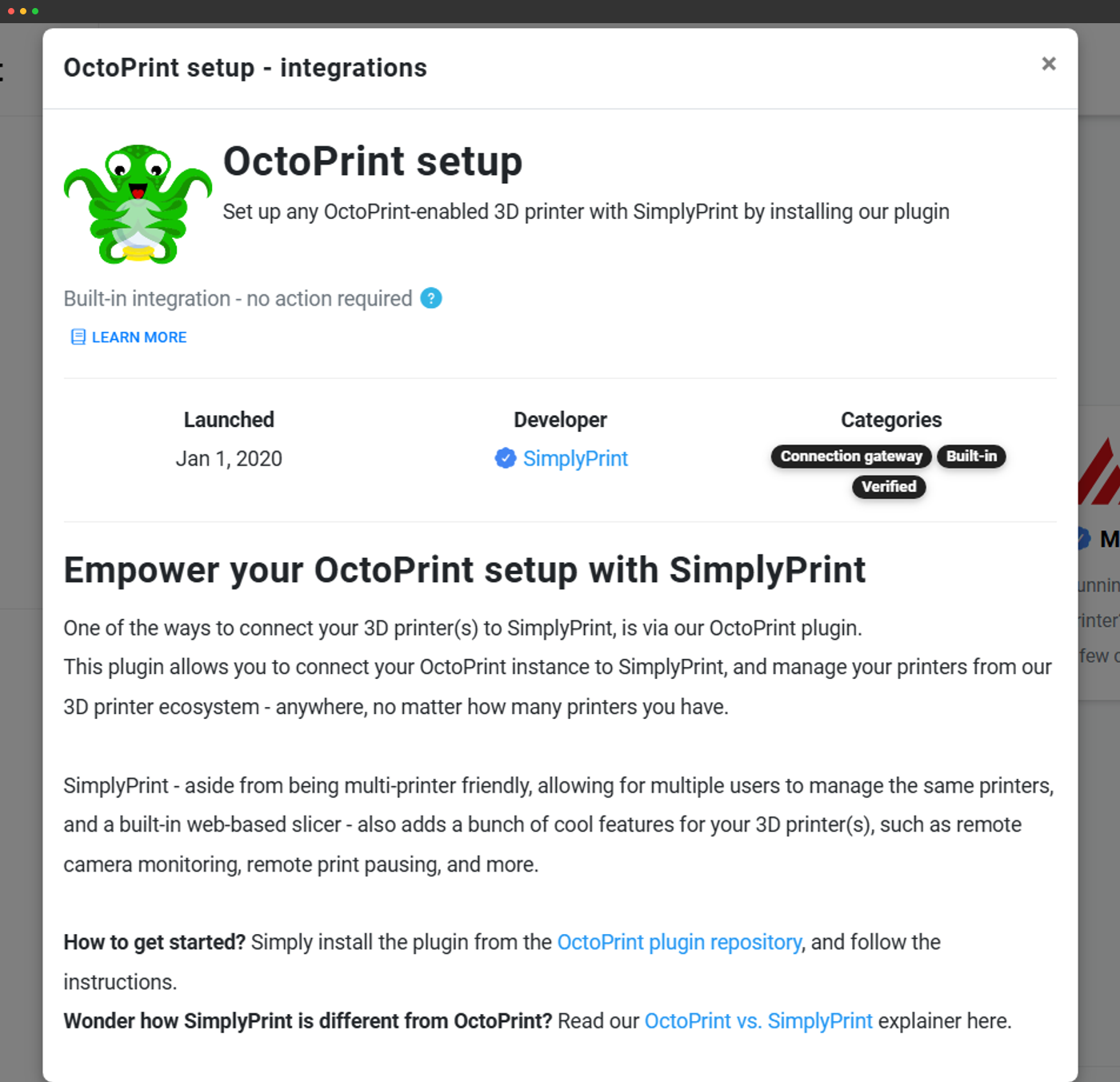
SimplyPrint forbinder til OctoPrint-hostede printere via vores officielle OctoPrint-plugin. Installer det én gang pr. vært. Pluginnet forbinder printeren med din konto i SimplyPrint, og derefter vises printeren som et standardprinterobjekt i SimplyPrint API.
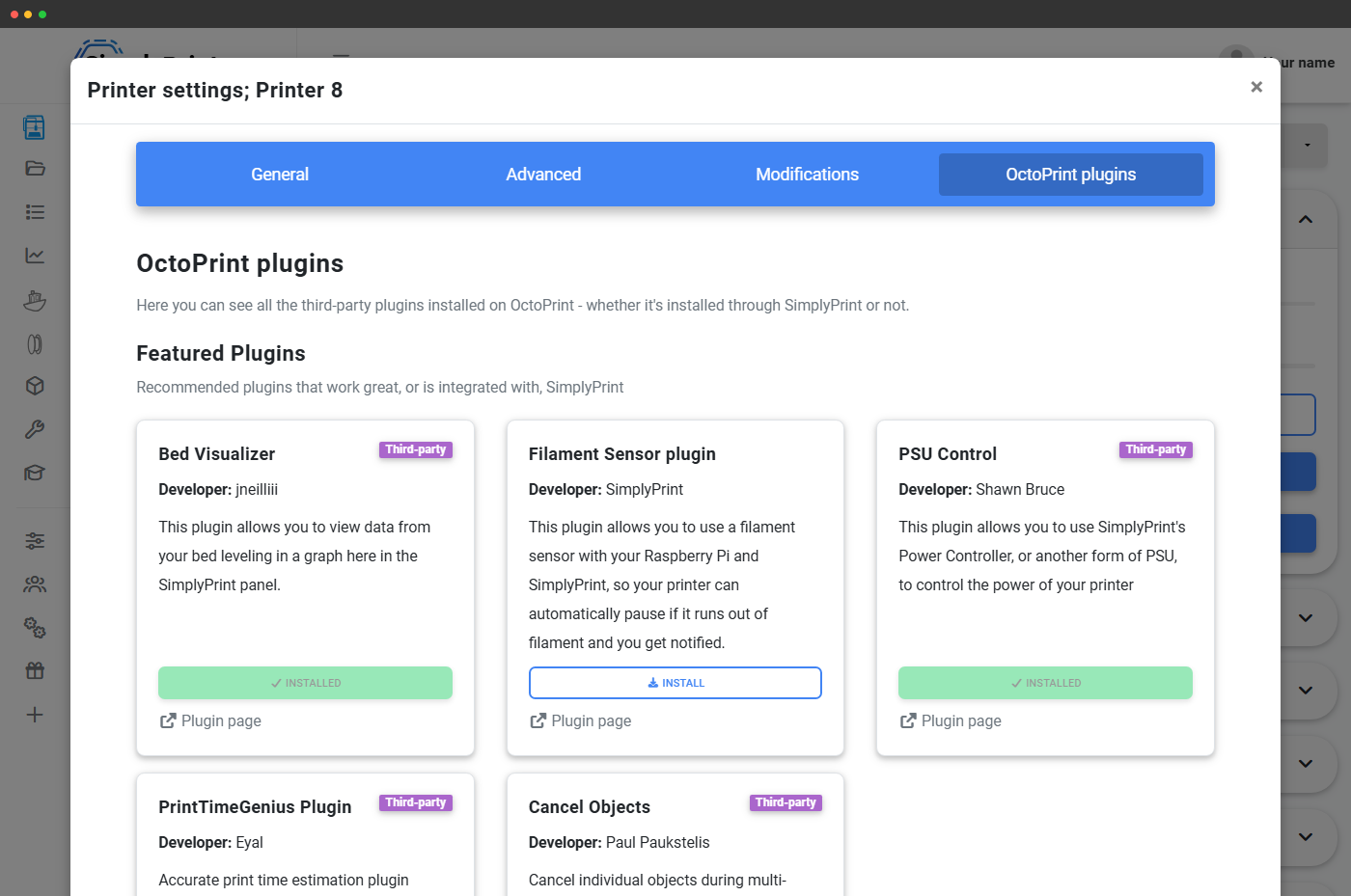
- OctoPrint fortsætter med at køre: dit eksisterende OctoPrint-UI, dine eksisterende OctoPrint-plugins og dine eksisterende OctoPrint REST-integrationer på den host fungerer fortsat.
- SimplyPrint tilføjer et flådelag: cloud-panelet, cloud REST API'et, OAuth2, webhooks, fillagring, kø til flere printere. Intet af det kræver ændringer af OctoPrints egen konfiguration.
- Undgå OctoPrint, hvor det understøttes: Prusa MK4-familiens printere kan bruge SimplyPrints open source-firmwarepakke (i øjeblikket i beta, endnu intet webcam), og Klipper-printere forbindes via Moonraker på den eksisterende Klipper-vært i stedet for OctoPrint. Uanset hvad behandler API'et dem som det samme printerobjekt.
Læs printerstatus, send kommandoer
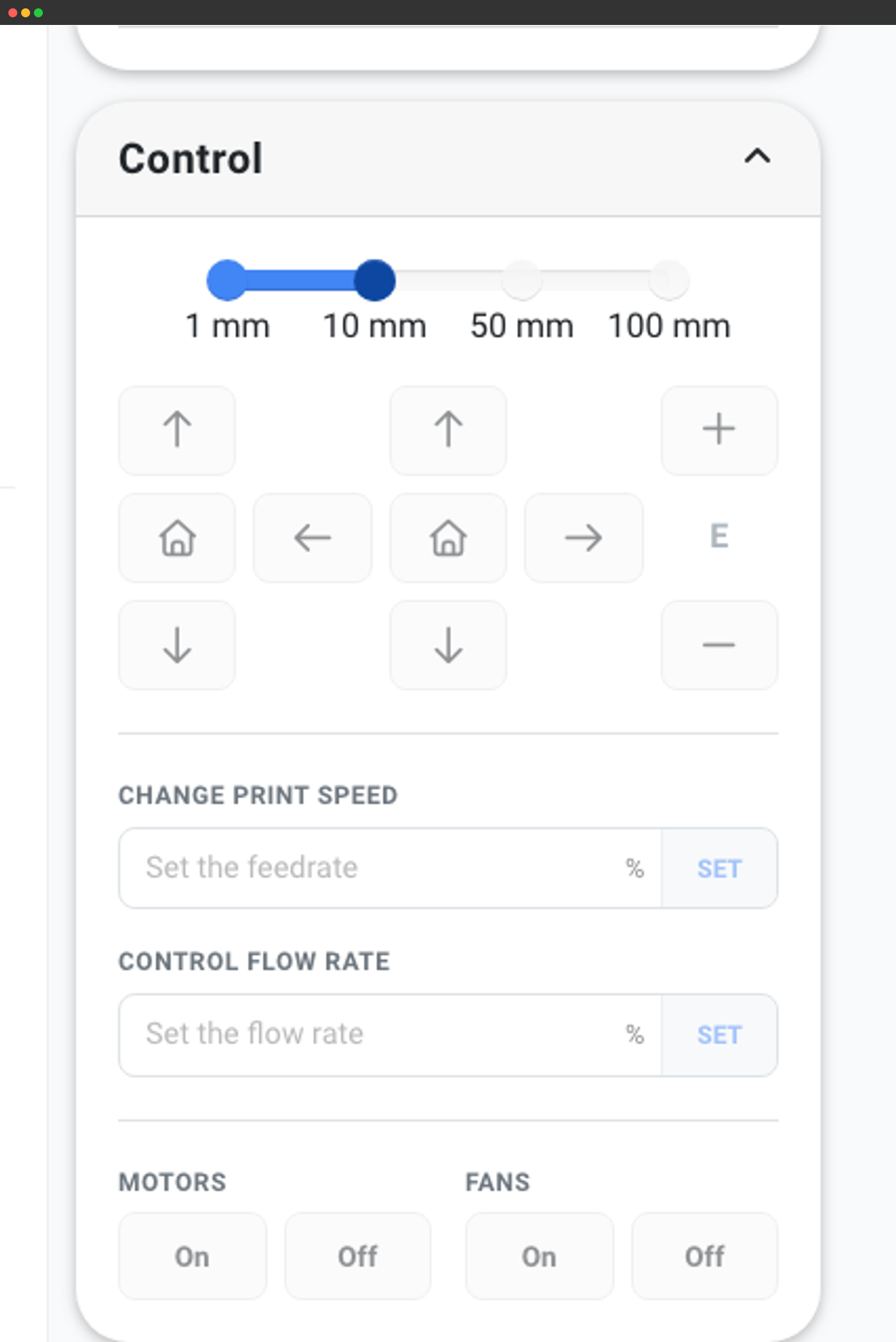
Alle printerstyrings-endpoints fungerer på samme måde, uanset om printeren er hostet af OctoPrint eller tilsluttet via en anden vej. Send printer-ID'et, få JSON tilbage.
# List every printer in the account - identical shape regardless of host
curl "https://api.simplyprint.io/{companyId}/printers/Get" \
-H "X-API-KEY: your_api_key_here"# Send a one-off G-code line through the SimplyPrint OctoPrint plugin
curl -X POST "https://api.simplyprint.io/{companyId}/printers/actions/SendGcode" \
-H "X-API-KEY: your_api_key_here" \
-H "Content-Type: application/json" \
-d '{ "pid": 17, "gcode": "M115" }'Hvad SimplyPrint tilføjer ud over OctoPrints REST API
OctoPrints REST er pr. host og fokuseret på printeren. SimplyPrint tilføjer byggesten til flådestyring. Printkø til flere printere, webhooks og vedvarende jobhistorik er de tre mest brugte SimplyPrint-funktioner, som ikke findes i OctoPrints REST API:
- Printkø til flere printere med godkendelse og routing: /queue/AddItem vælger automatisk en kompatibel printer, eller du vælger en bestemt. Ikke mere skræddersyet "hvilken Pi er ledig"-kode.
- Webhook-pushhændelser: SimplyPrint sender POST-anmodninger med kø-, fil-, printer-, job- og filamenthændelser til din URL, så snart de sker. Ingen pollingloops, ingen mistede hændelser.
- OAuth2-flow til partnerapps: Lad andre værksteder forbinde deres egen SimplyPrint-konto til dit værktøj via en samtykkeskærm. Det er ikke en brugbar model med en separat OctoPrint REST API for hver host.
- Filamentstyring: læs hver spole på dit værksted, ikke kun det filament, der er ført ind i printerens hotend. Vægtsporing pr. print, mærke/materiale/farve, tørrestatus.
- Endepunkter til jobhistorik og statistik: filtrer tidligere job, arkivér dem, og hent pris- og tidsdata for hele flåden, ikke pr. host.
- MCP-server til AI-agenter: den samme printerflåde eksponeret for Claude, ChatGPT og Gemini som et indbygget værktøjsinterface.
Migrering fra en OctoPrint REST-integration
Hvis du har fungerende OctoPrint REST-kode i dag, sker migreringen trinvist: Begge kan køre side om side, mens du skifter over:
- 1. Installér SimplyPrint OctoPrint-pluginet på hver vært, der allerede kører OctoPrint. Pluginnet deaktiverer ikke OctoPrints REST, begge grænseflader forbliver aktive.
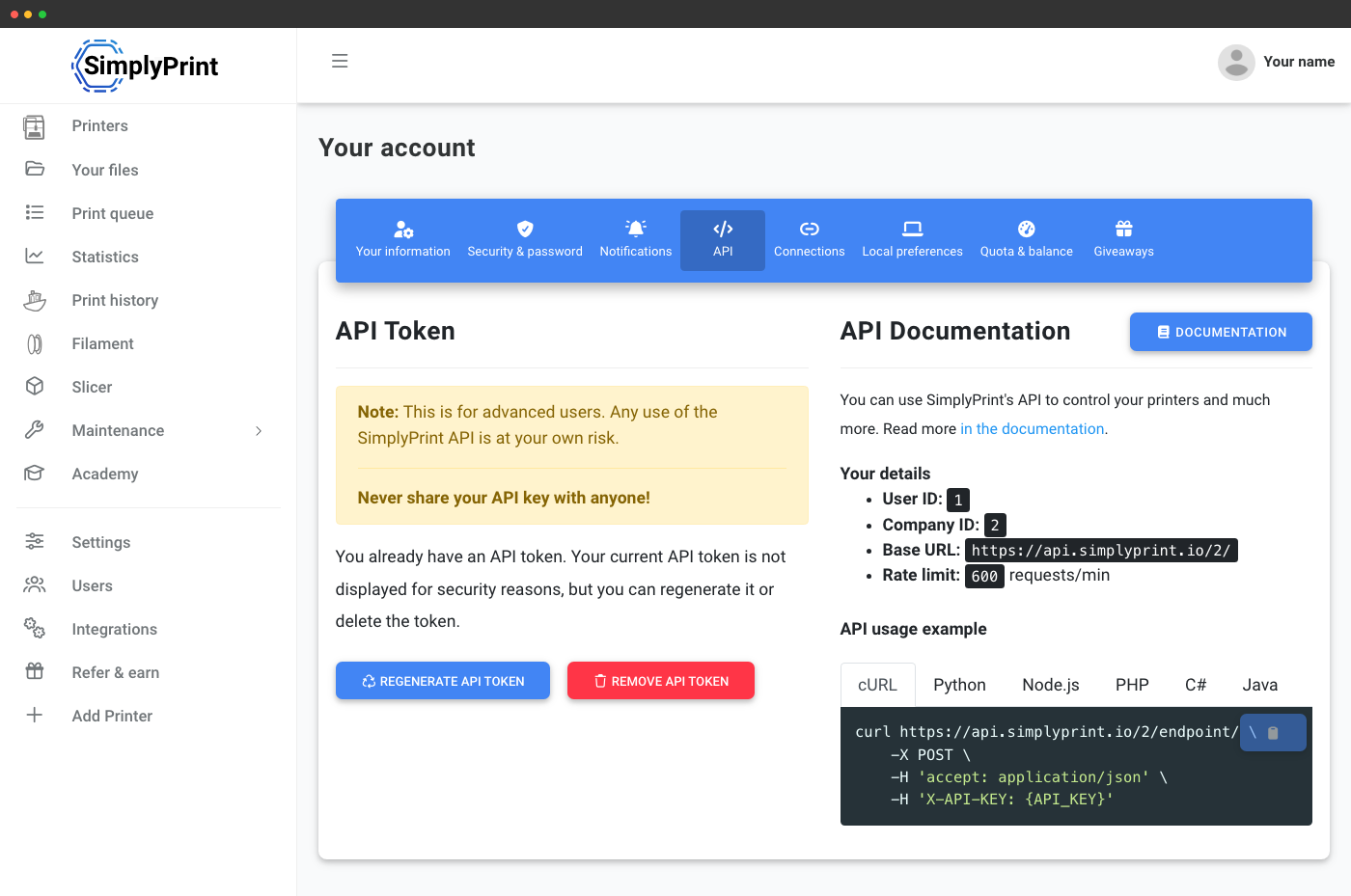
- 2. Opret en SimplyPrint API-nøgle fra kontoindstillinger → API.
- 3. Portér ét endpoint ad gangen: Start med skrivebeskyttede endpoints (/printers/Get, /queue/GetItems), før du går videre til skriveoperationer.
- 4. Opsæt Webhooks som erstatning for dit OctoPrint-mønster med hændelseslyttere, SimplyPrint sender hændelser til din URL i stedet for at køre et pluginloop på hver Pi.
- 5. Fjern endepunkter pr. vært, når din kode læser og skriver via det centrale SimplyPrint-API.
Abonnementsadgang til SimplyPrints cloud REST API
Samme abonnementsbegrænsninger som for SimplyPrints primære API. Free- og Basic-abonnementer giver ikke adgang til et API; Pro og derover låser Basic API op; Print Farm og derover låser Enhanced op (skriverettigheder til køændringer og start af print).
| Funktion/grænse | Gratis | Basic | Pro | Printfarm | Enterprise | Skole | Cloud Slicer | Filament Manager |
|---|---|---|---|---|---|---|---|---|
|
API-forespørgsler pr. minut
Glidende grænse pr. minut, fælles for alle API-kald på kontoen.
|
- | - | 60 | 180 | 600 | 180 | - | - |
|
Grundlæggende API-adgang
Læs printerstatus, kø, jobs og historik for hver tilsluttet printer.
|
||||||||
|
Udvidet API (start print, send G-code)
Giver adgang til filuploads, ændringer i printkøen, der starter print, og direkte afsendelse af G-code.
|
||||||||
|
Webhooks (erstatter OctoPrint-eventlyttere)
Print Farm og derover. Push-hændelser for kø, filer, printere, jobs og filament.
|
Vil du vide mere om vores abonnementer?
Se fuld pris- og funktionssammenligning