Usado por 500+ print farms e empresas no mundo todo
















Impressões iniciadas
0
Uso de material
0
Horas impressas
0
Gerenciando print farms desde 2020
Desenvolvido internamente por nossa própria equipe na Dinamarca, que lança atualizações quase toda semana e também responde a dúvidas de suporte.
Leia nossa história e conheça a equipePrint farms de verdade funcionam no SimplyPrint
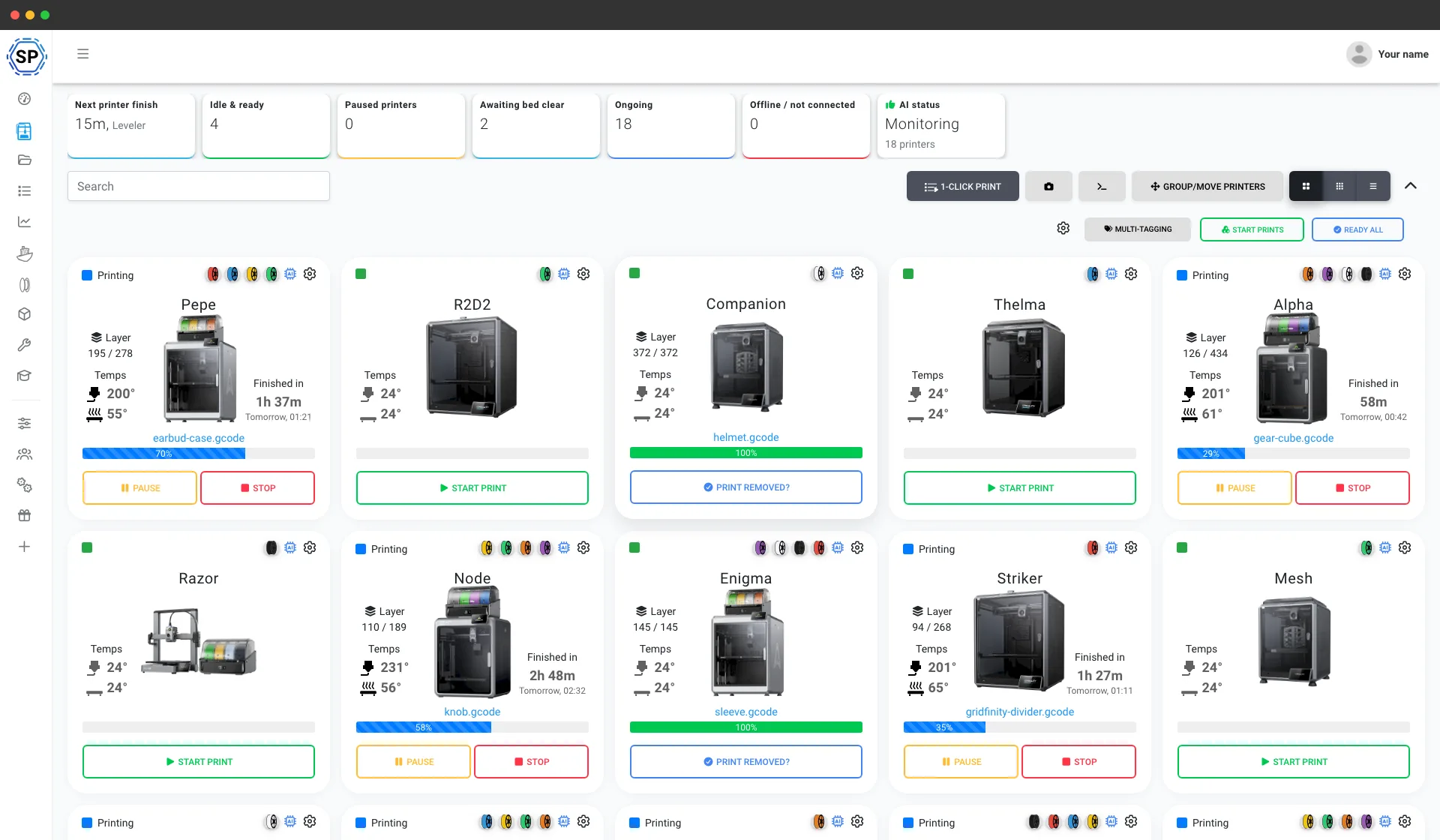
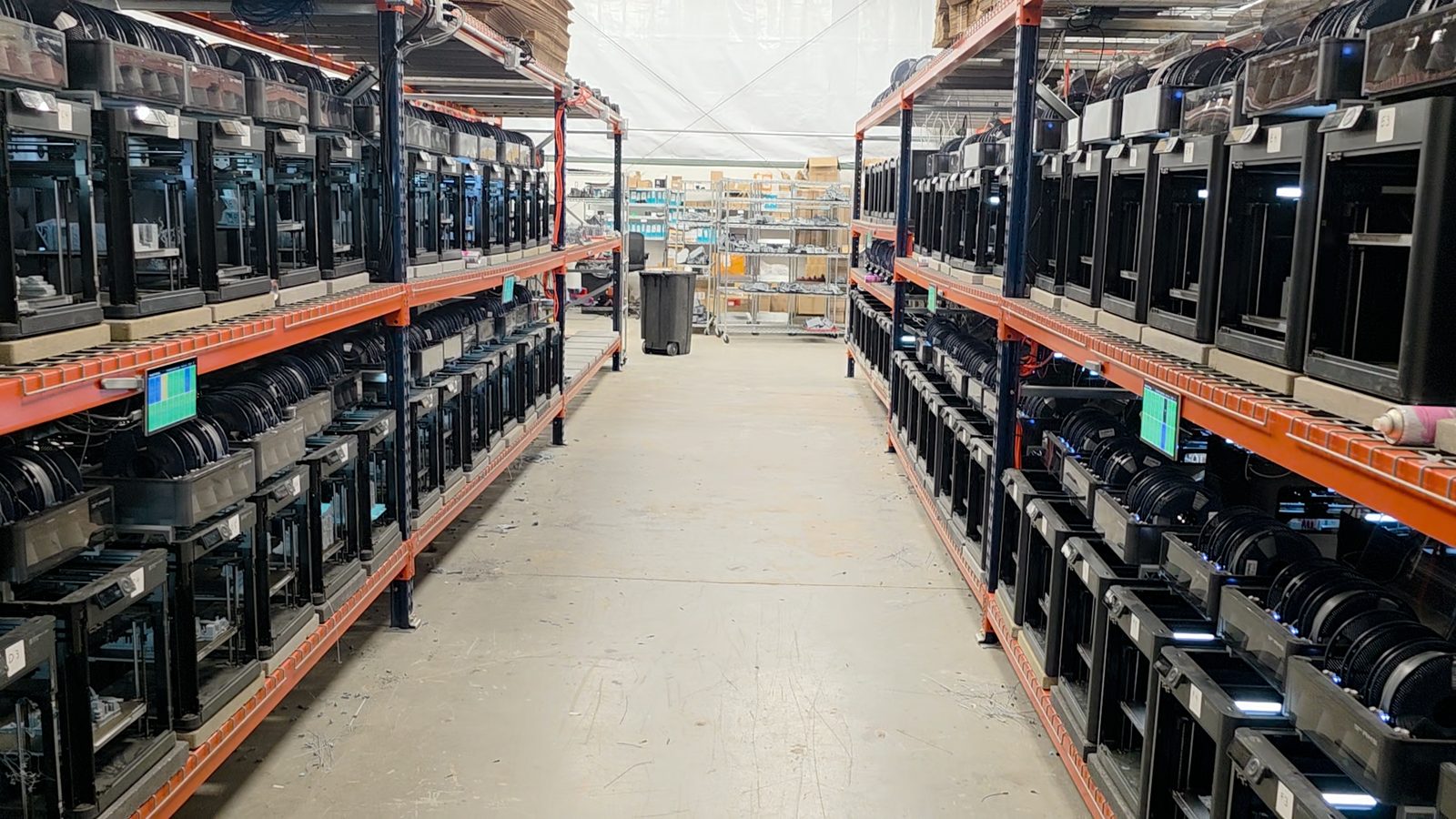
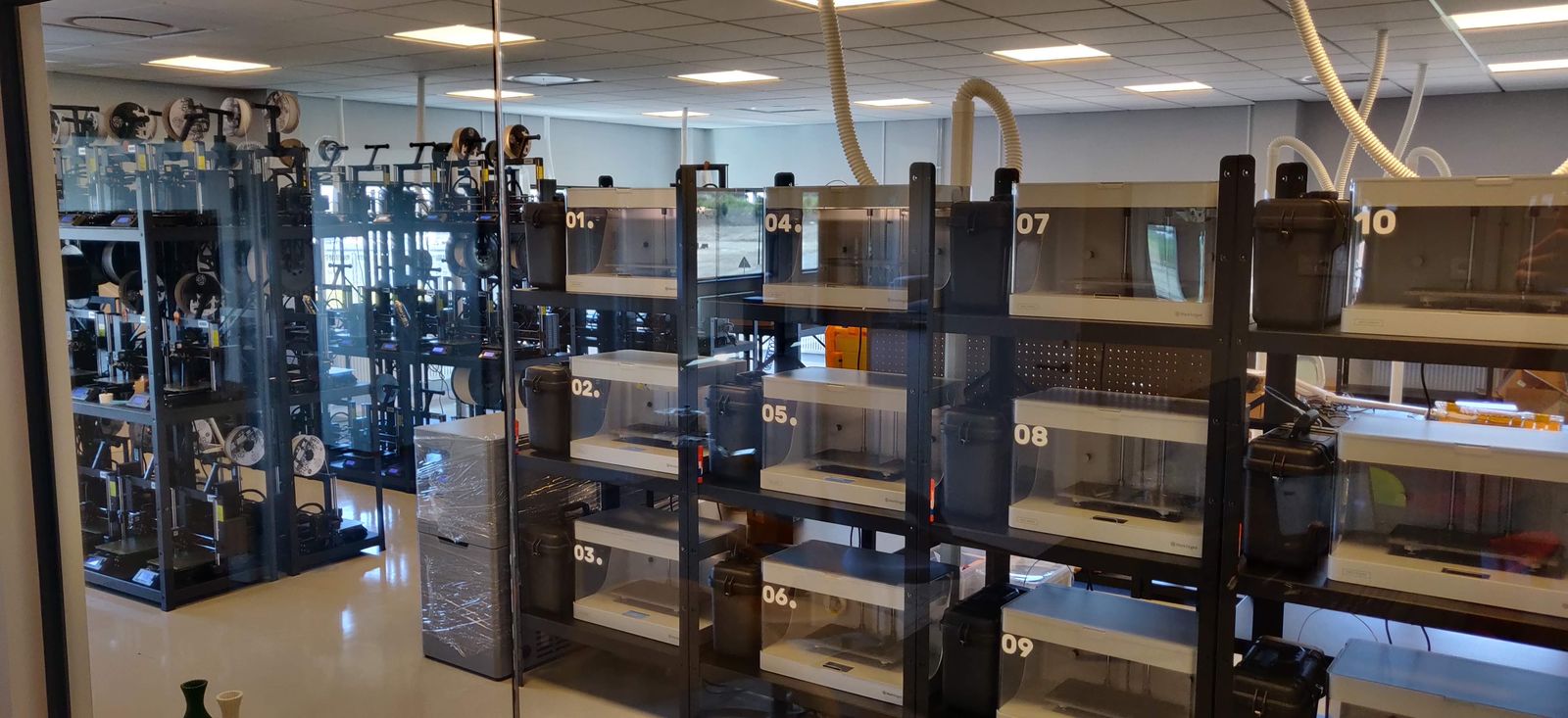
De uma bancada com cinco impressoras a um galpão com mais de 150, estas são print farms reais que gerenciam toda a operação em uma única tela e recuperam horas toda semana.
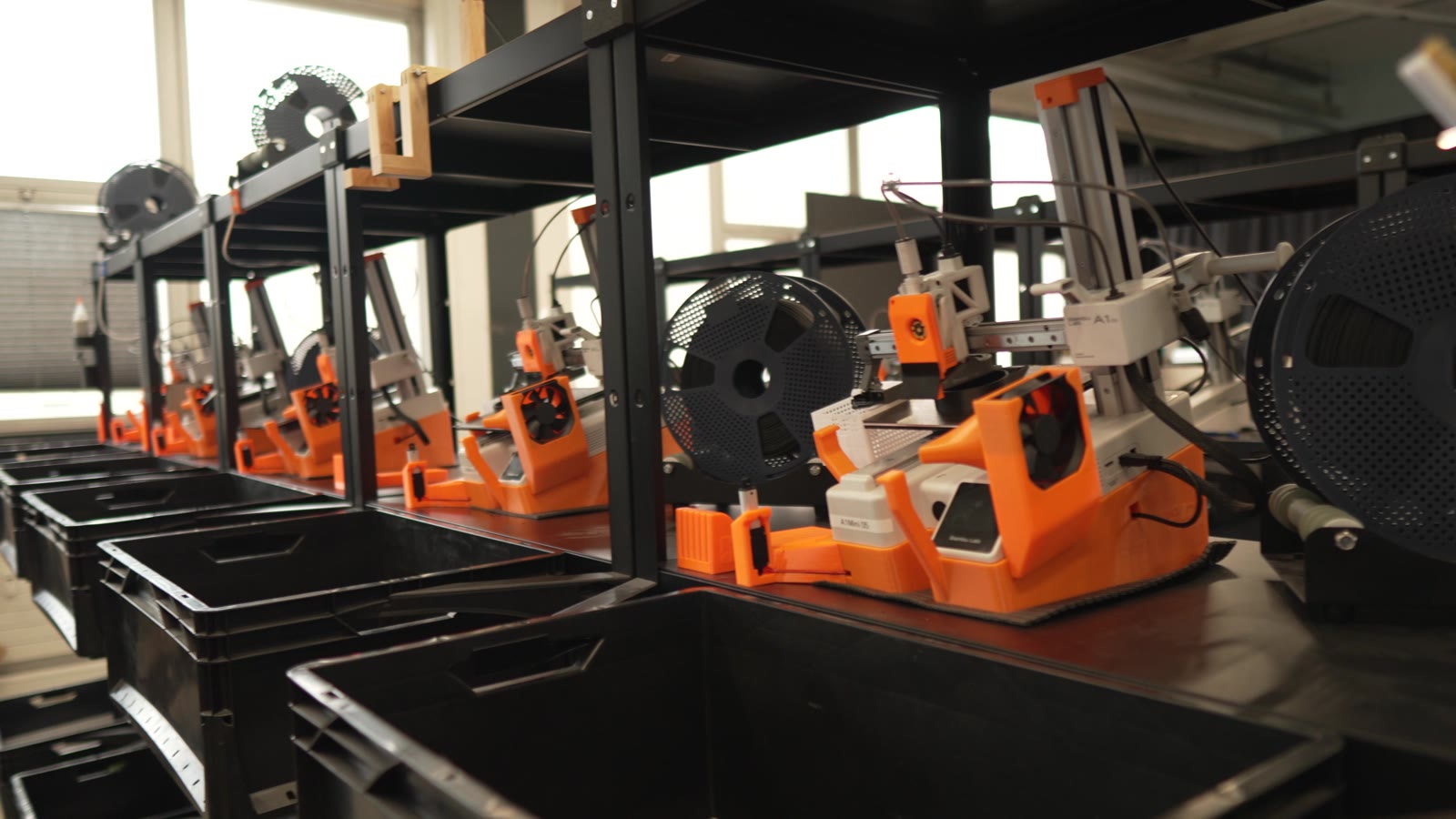
"Trying to do it now without SimplyPrint would be insane." Ler a história deles
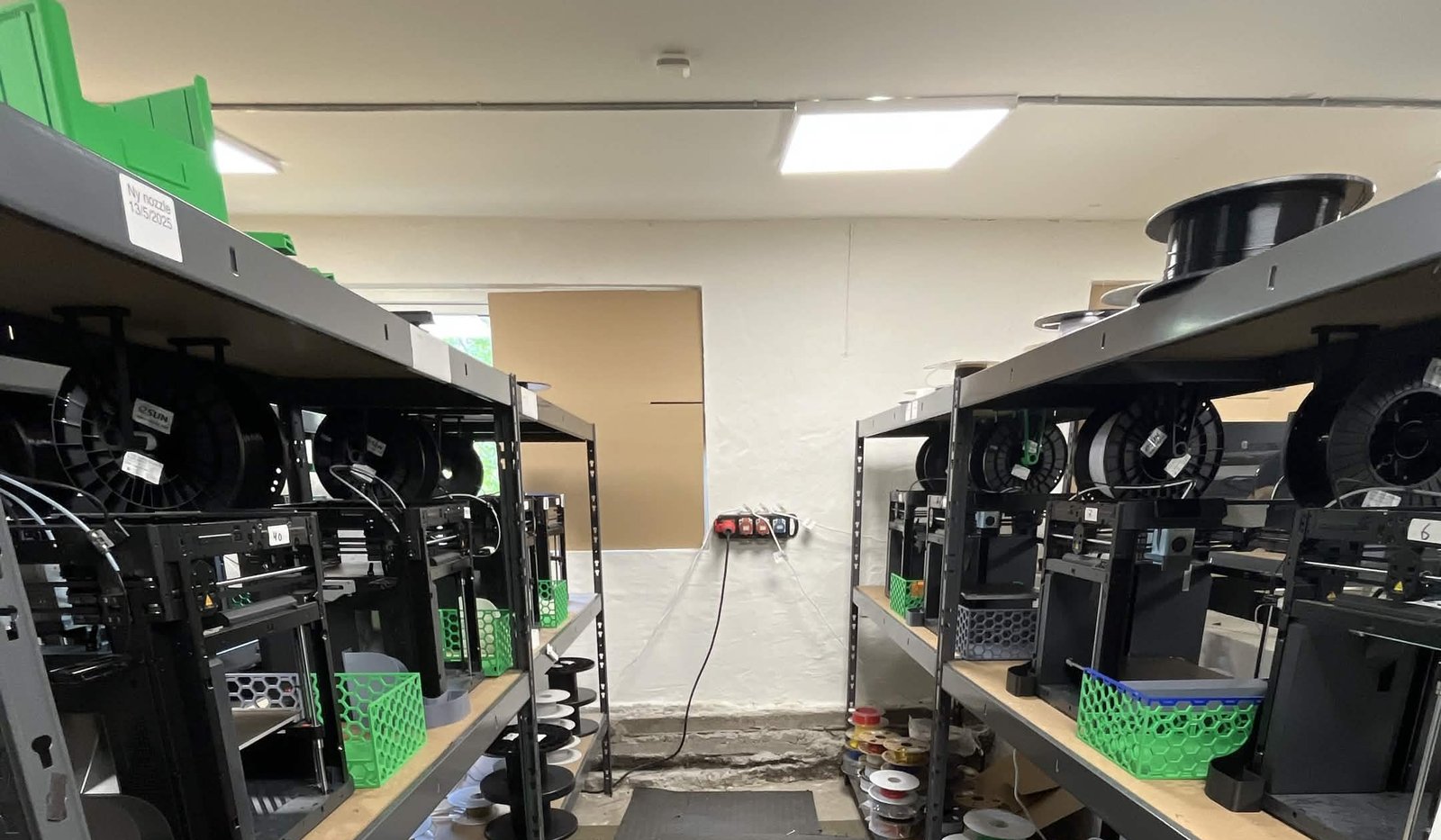
"Without automation, we would simply never be profitable here." Ler a história deles
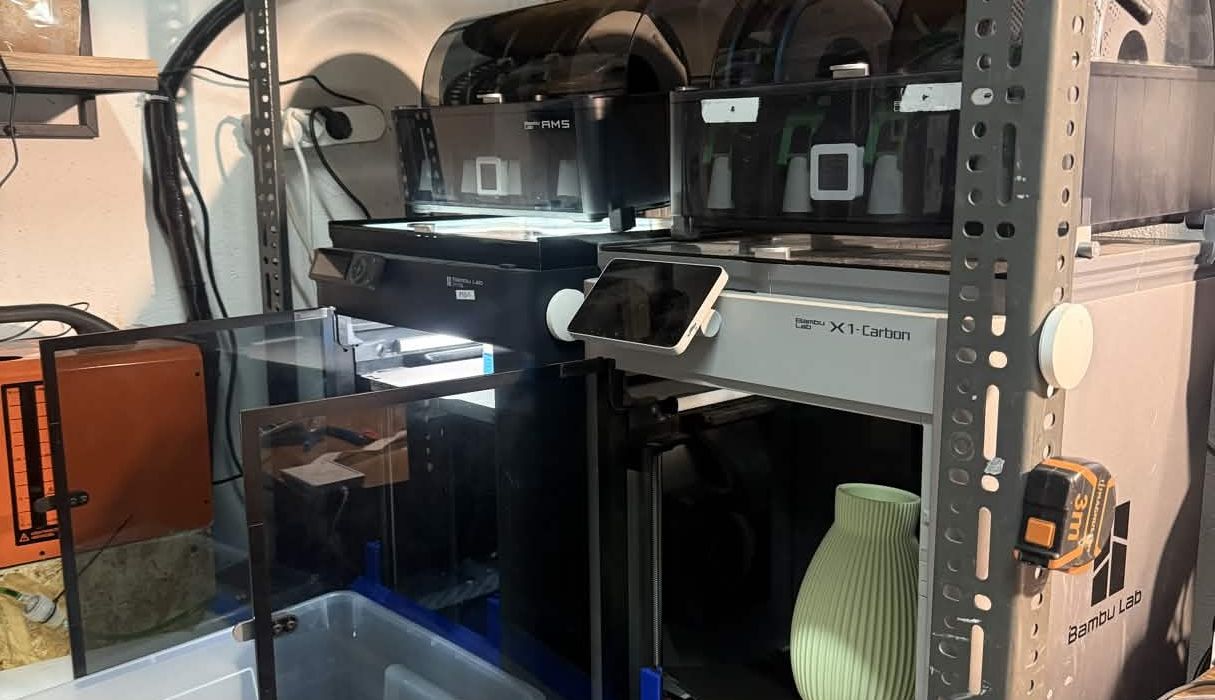
"We have always had the approach that the farm should be able to run even when we are not there." Ler a história deles
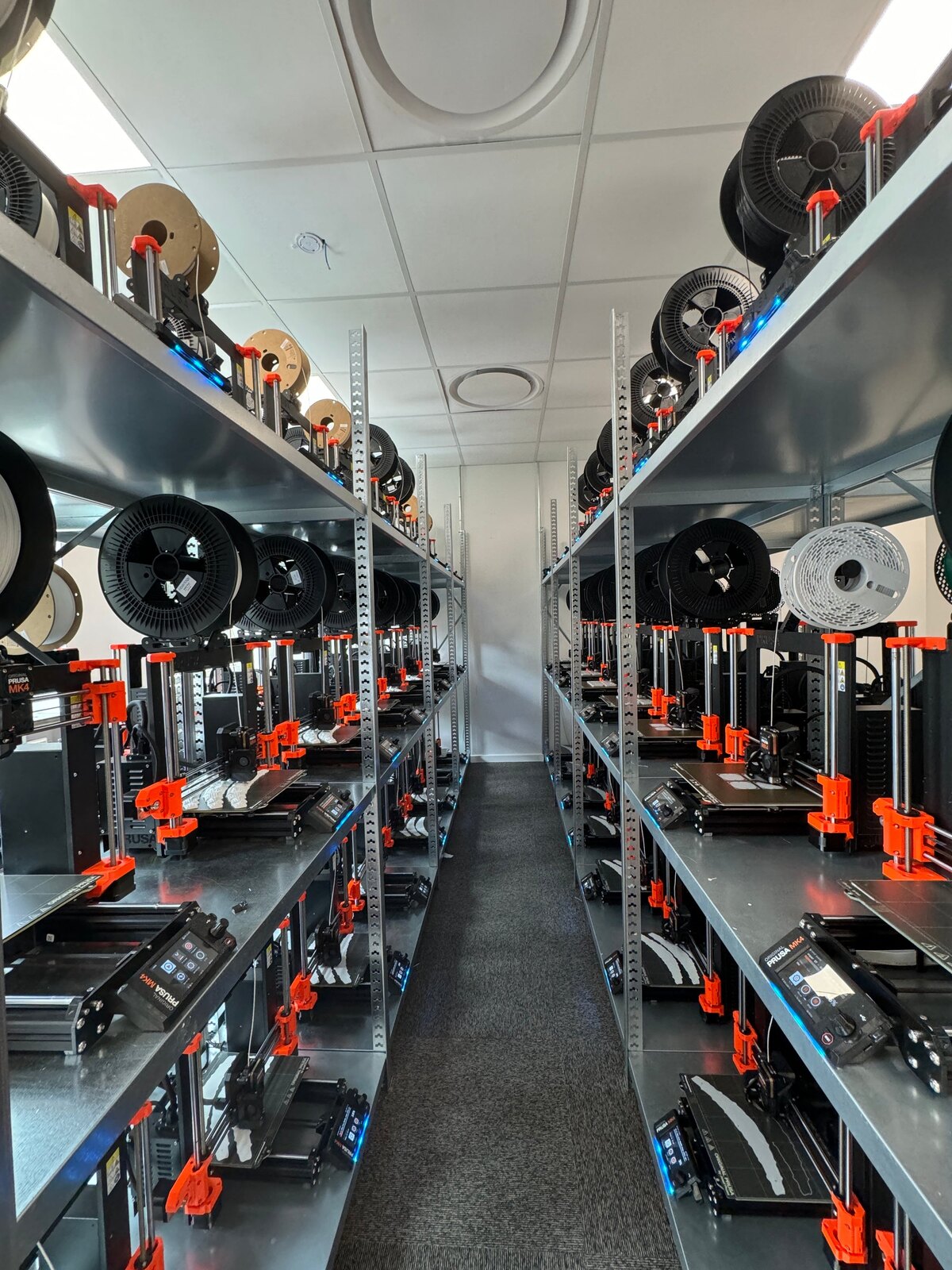
"Without software, the operator becomes the system. That might work with one printer, but it doesn't scale well." Ler a história deles
"It'd literally be impossible to run our farm at this scale without SimplyPrint." Ler a história deles
"We don't just know which material went into a part. We know the exact spool, on the exact print, at the exact time - and that's what makes a product passport real instead of a slogan." Ler a história deles
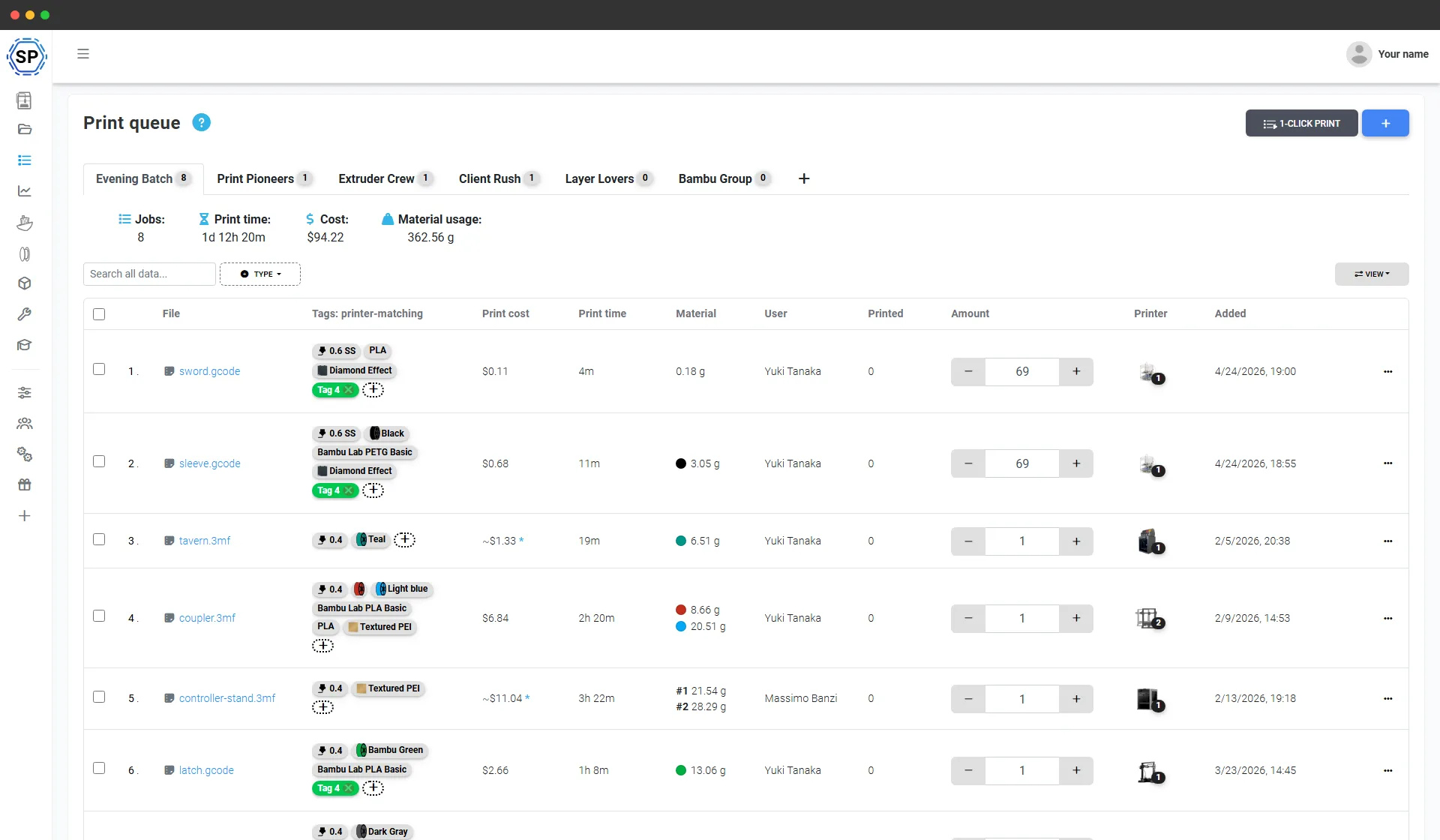
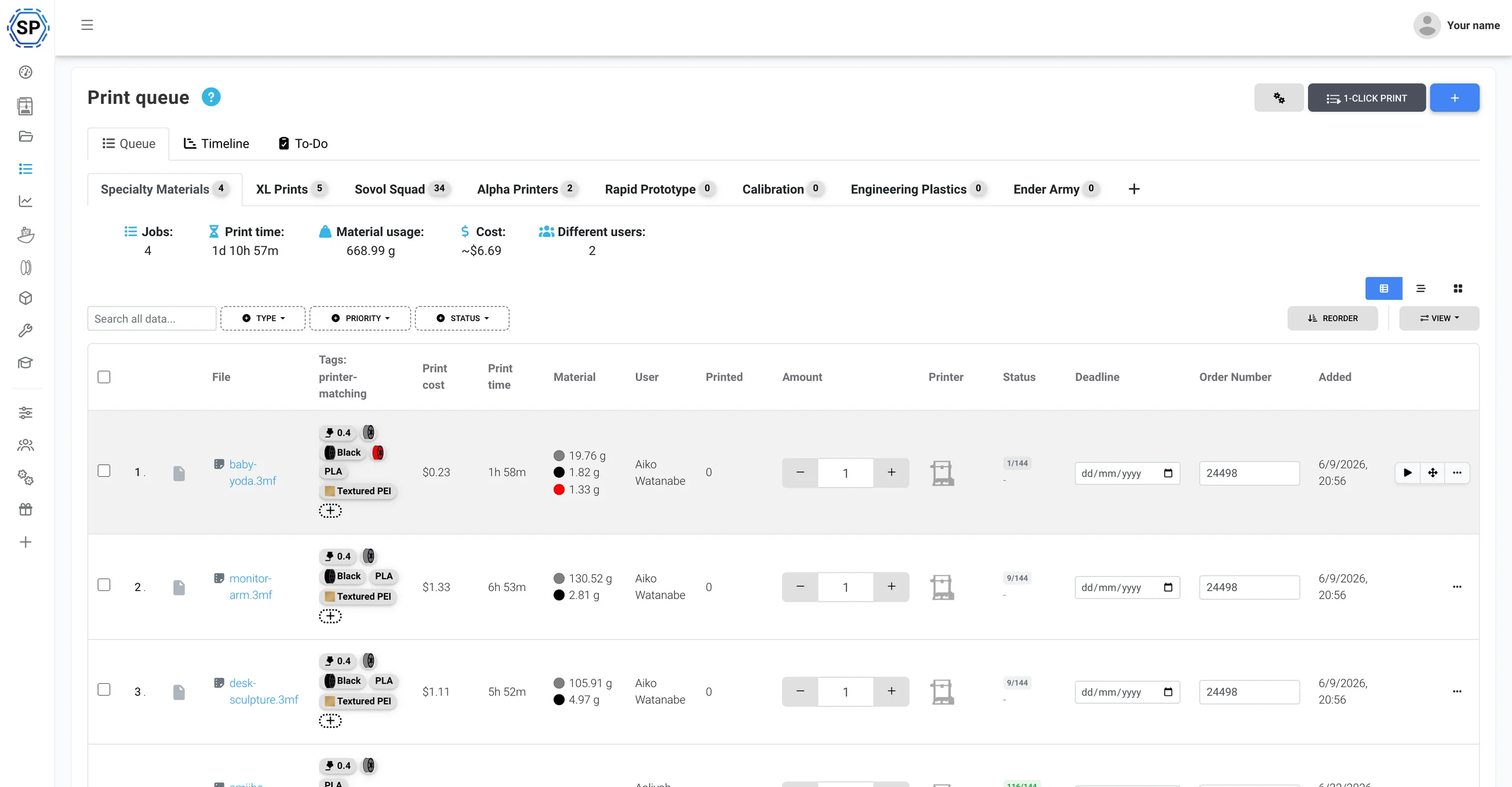
Uma fila de impressão para toda a frota Creality
Adicione tudo o que precisa produzir e defina a quantidade de cada item. O SimplyPrint envia cada trabalho a uma impressora Creality capaz de executá-lo, comparando material, bico e mesa (incluindo as cores do CFS) com o estado atual de cada máquina. Um clique inicia um lote inteiro em toda a fileira. Sem cartões SD, sem exportar placa por placa e sem planilhas para controlar quem imprimiu o quê.
Integração profunda com Creality
SimplyPrint gerencia impressoras Creality na nuvem e oferece suporte nativo ao ecossistema: CFS, Klipper nas séries K, etiquetas NFC de filamento e controle completo da frota, um painel para tudo isso.
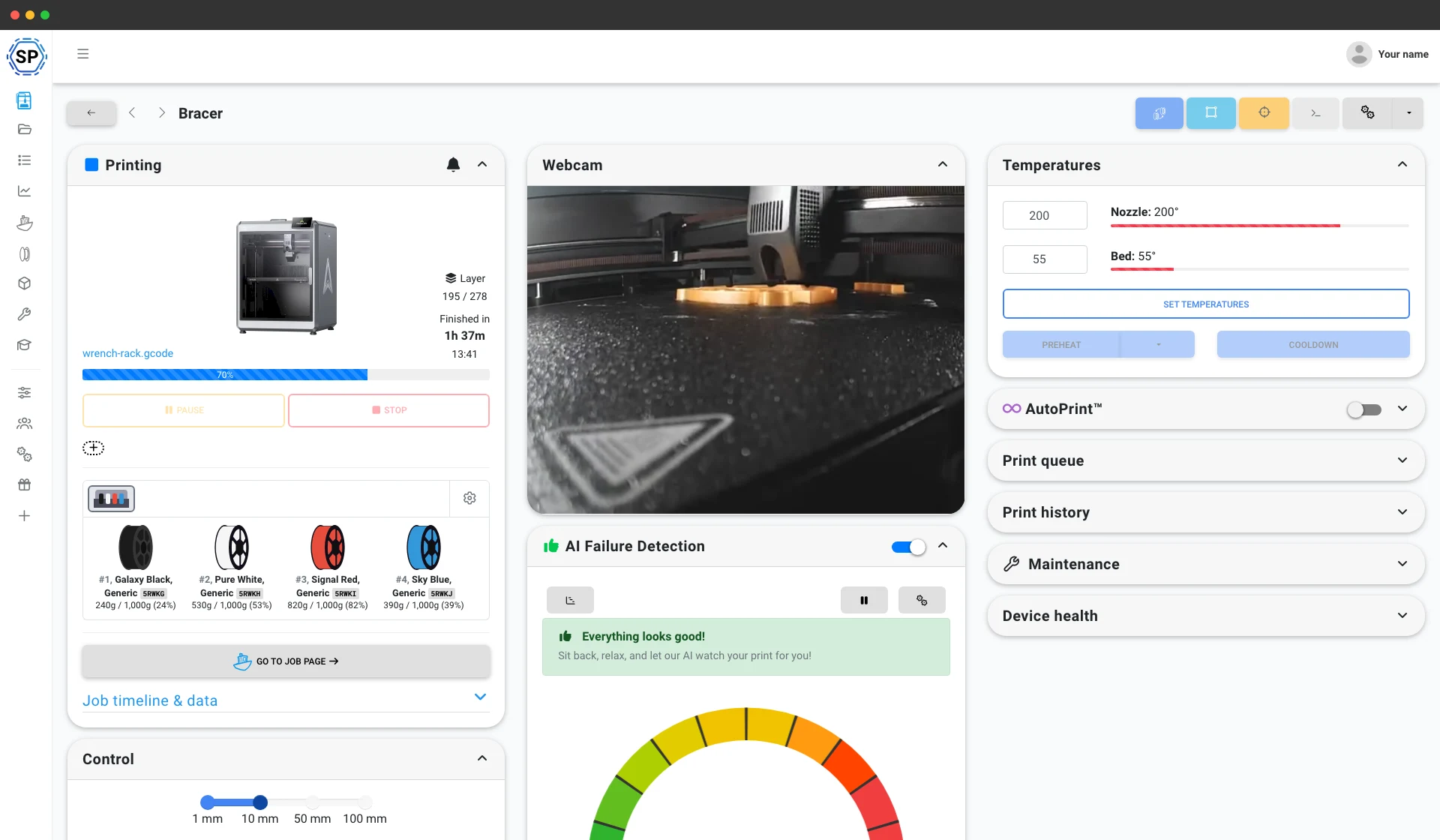
Conecte pelo SimplyPrint Client e o SimplyPrint lê em tempo real todos os slots do CFS, os quatro de cada unidade e até quatro unidades encadeadas (16 cores), sincroniza o material e a cor de cada bobina com seu inventário de filamentos e associa automaticamente os slots do CFS à sua impressão quando um trabalho começa. Gerenciamento de multimaterial de primeira linha, como fazemos com o AMS da Bambu. Explorar a integração com CFS
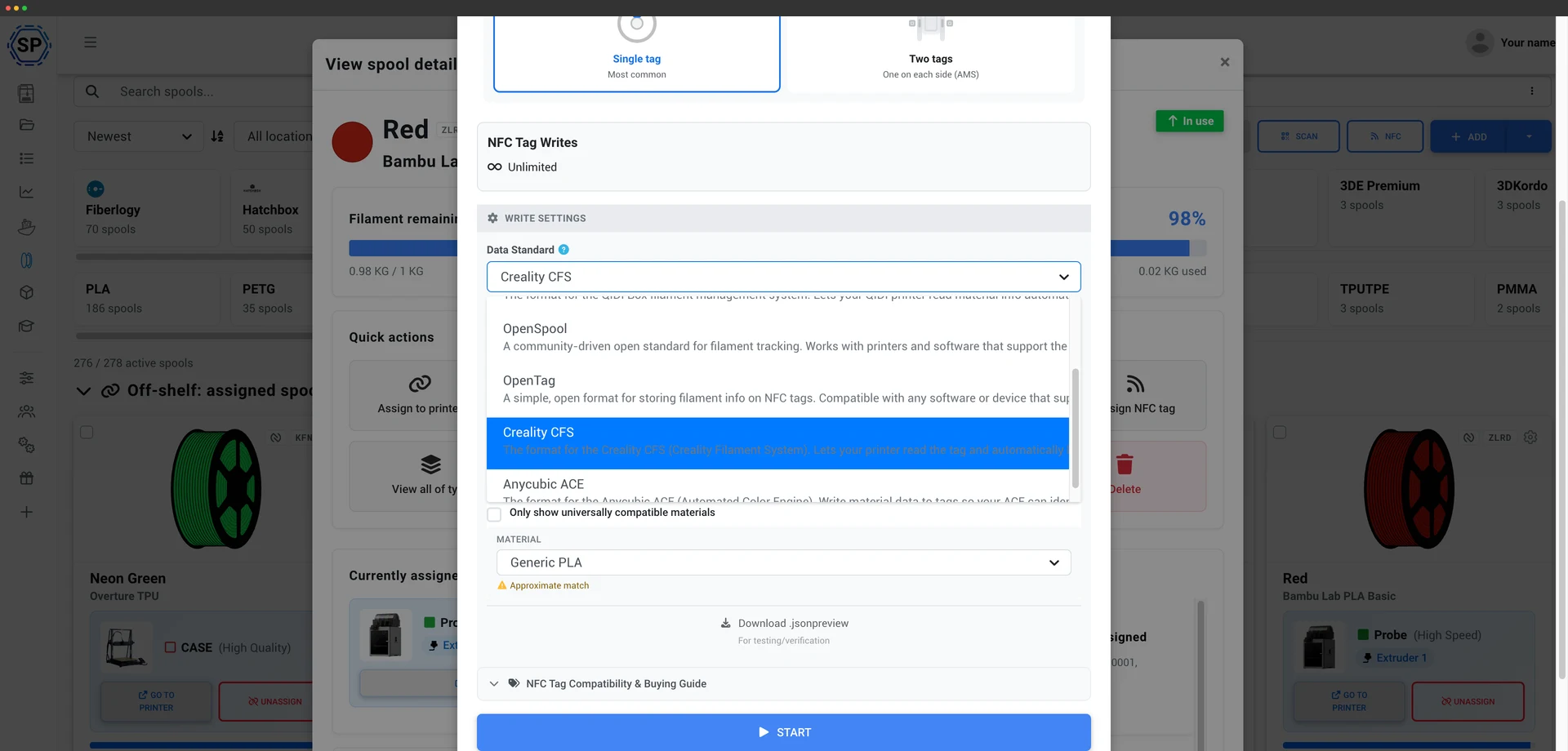
SimplyPrint lê e grava nativamente as etiquetas NFC do CFS, indo além do tratamento somente leitura que as etiquetas Bambu permitem. Isso significa que você pode etiquetar suas próprias bobinas, inclusive com filamento que não seja Creality, para que o CFS as leia e carregue automaticamente o perfil de material correto em vez de configurar cada slot manualmente. Grave uma etiqueta direto do seu inventário de filamento, com o app Android ou um leitor NFC USB. Como funcionam as etiquetas CFS
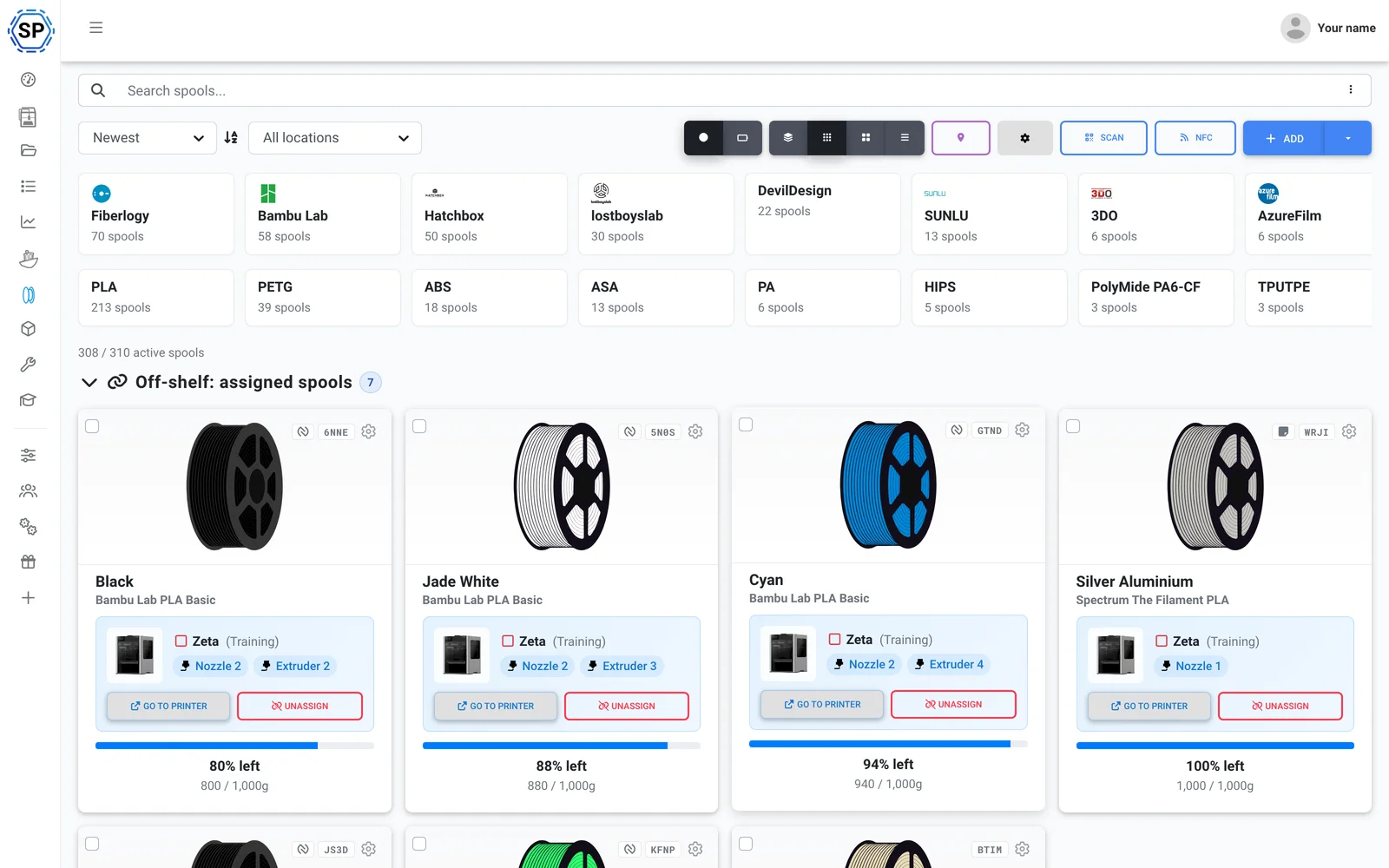
Use o filamento que quiser. SimplyPrint rastreia o uso pelo próprio G-code e desconta da bobina carregada exatamente o que cada impressão usou, para que o estoque fique preciso em toda a frota, com bobinas Creality Hyper, PLA genérico ou qualquer opção entre eles. Ver gestão de filamentos
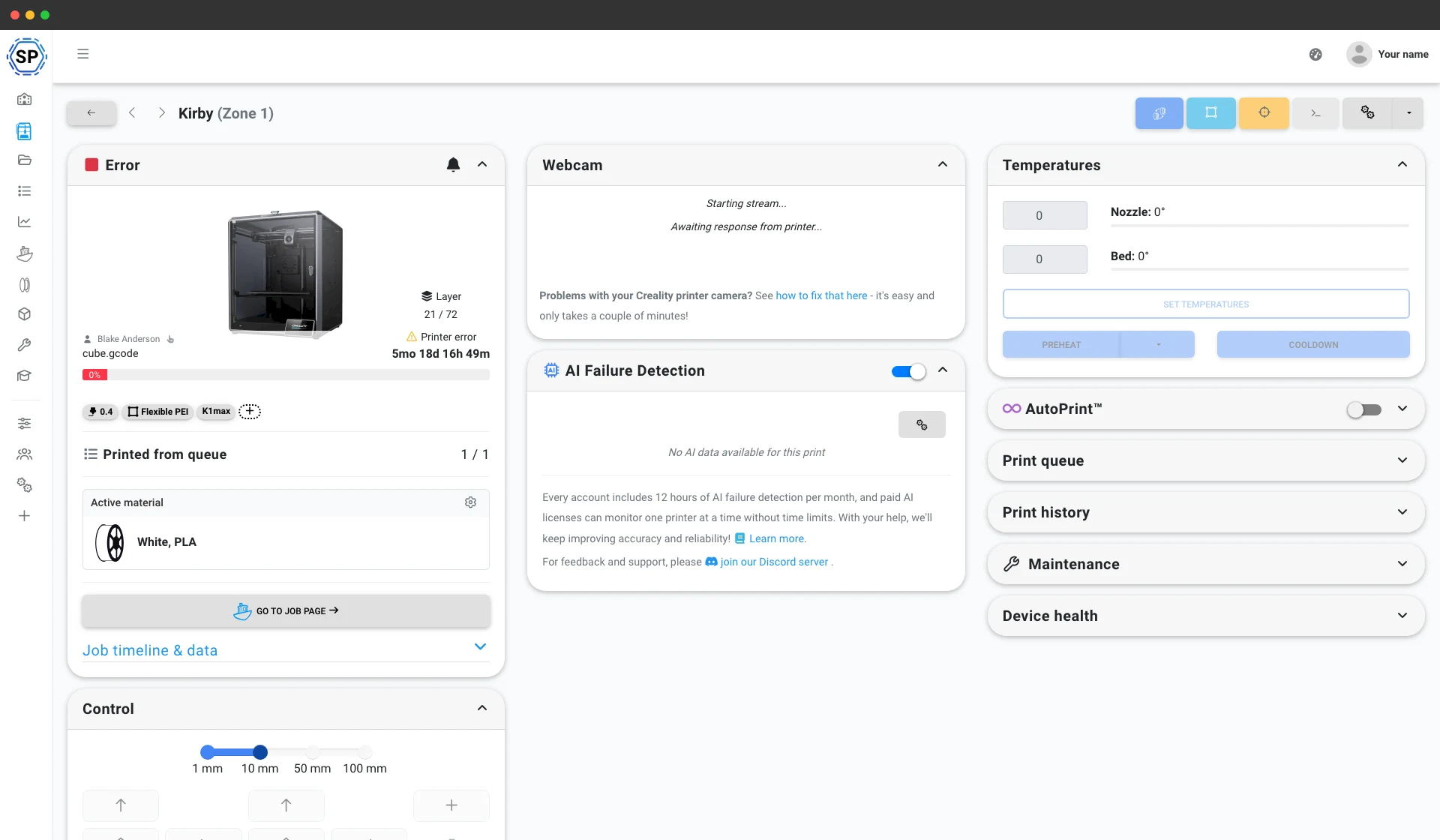
As K1, K1 Max, K1C, K2 e Hi executam Klipper, então o SimplyPrint se conecta a elas por Klipper/Moonraker ou SimplyPrint Client, com acesso completo à webcam, controles, macros e início de impressões em qualquer navegador. Suas máquinas Ender e CR se conectam da mesma forma ou por instalação direta. Veja o controle da impressora
Também inclui: CrealityPrint online, o mecanismo oficial da Creality baseado no OrcaSlicer no seu navegador, manutenção e rastreamento de uso por impressora, ações em massa na frota e toda a print farm em uma tela.
Pronto para usar em uma tarde
O SimplyPrint é instalado rapidamente em toda uma print farm, sem precisar comprar hardware novo. Adicione suas impressoras e toda a frota aparece em um único painel no mesmo dia.
Feito para Creality, com suporte a todos os modelos, do Ender-3 ao K1 Max, K2 e à série Hi. Tem uma frota mista? Mais de 150 marcas funcionam lado a lado.
Criar conta
Conecte suas impressoras
Klipper/Moonraker, o cliente do SimplyPrint ou instalação direta
Preencha a fila

Imprima com capacidade máxima
Uma print farm só de Creality? Creality é a marca mais usada no SimplyPrint
A Creality é a marca de impressoras mais comum no SimplyPrint: 10,100+ conectadas, mais que qualquer outra marca, e o SimplyPrint funciona perfeitamente com elas. Mas não é só para Creality: adicione uma Bambu, Prusa ou Elegoo depois, e ela também entra no mesmo painel. 150+ marcas funcionam lado a lado, com a mesma fila, na mesma tela. Veja a plataforma completa de print farm.
As impressoras Creality se conectam pelo Klipper/Moonraker (a K1, K2 e Hi vêm com Klipper), pelo cliente SimplyPrint ou por uma instalação direta nas máquinas Ender e CR mais antigas. Sem hardware específico e sem dependência de fornecedor.
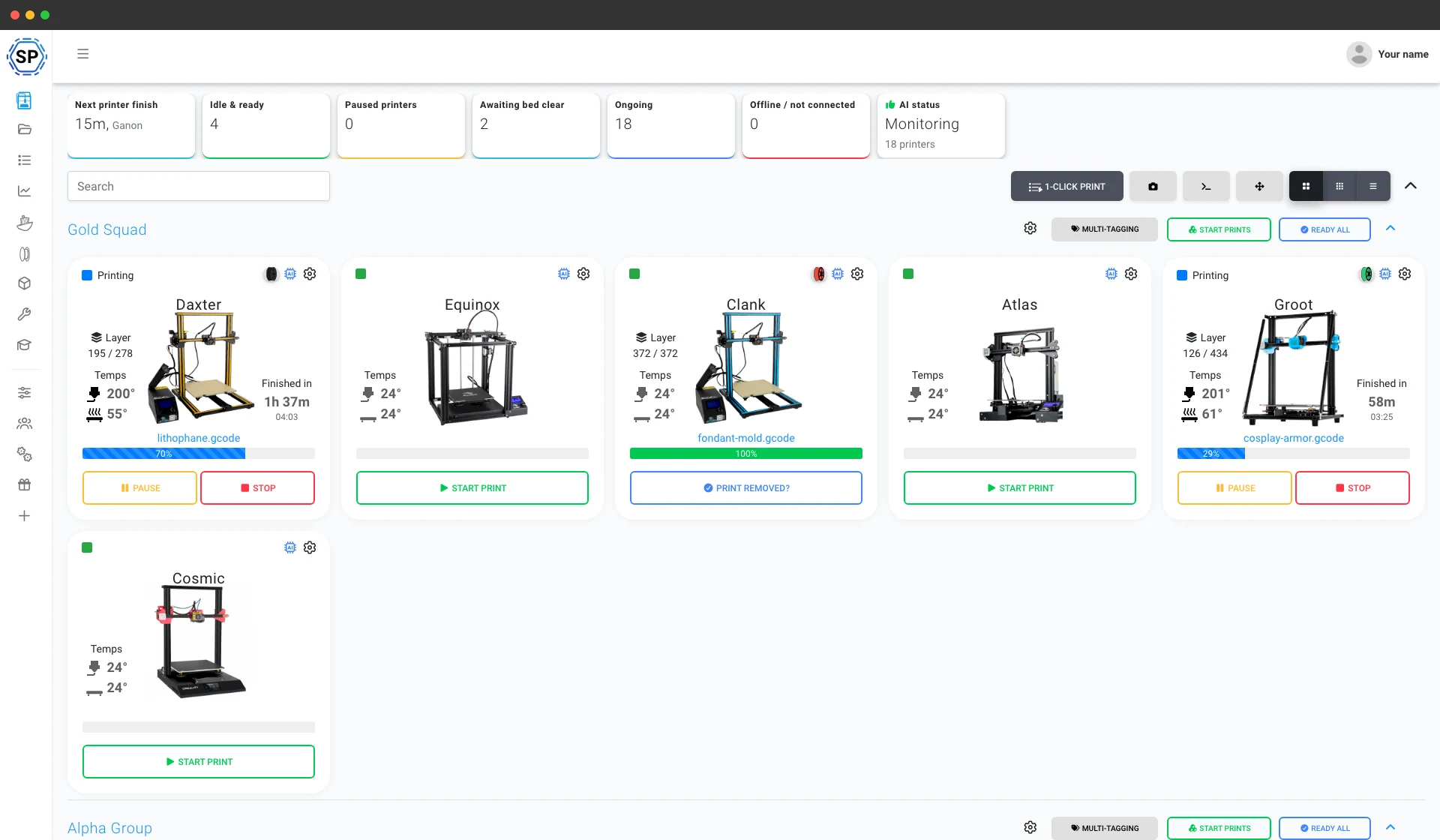
Tudo mais que mantém uma print farm Creality funcionando
Manutenção, automação, filamento, estatísticas e muito mais, disponíveis no momento em que você precisar.
Explorar todos os recursos
Início em massa com 1 clique
Inicie todos os trabalhos correspondentes em uma parede inteira de impressoras Creality com um clique. Sem cartões SD nem andar pelo local.
Saiba mais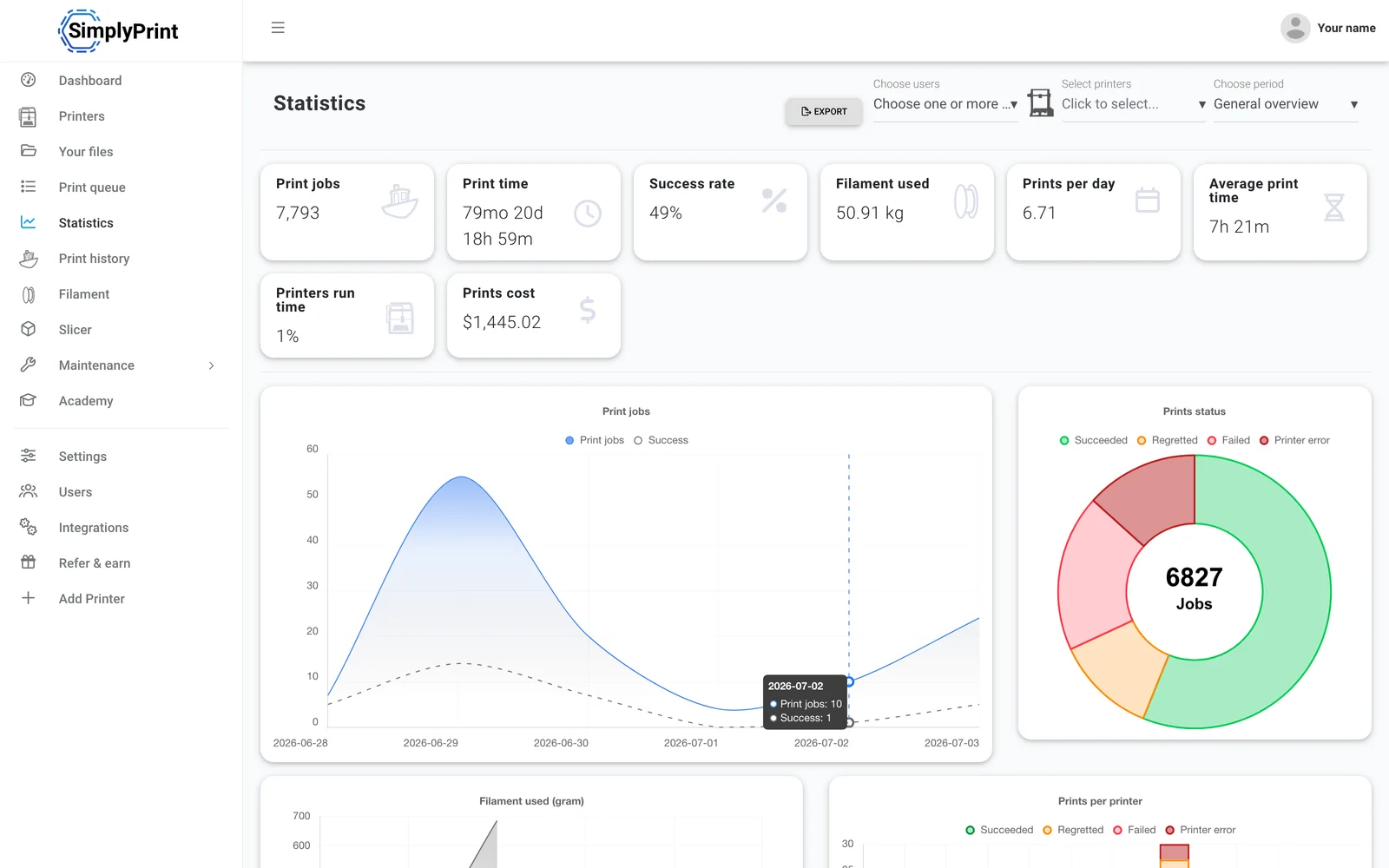
Estatísticas
Horas de impressão, taxas de sucesso, uso de filamento e custos: os números para administrar uma empresa.
Saiba mais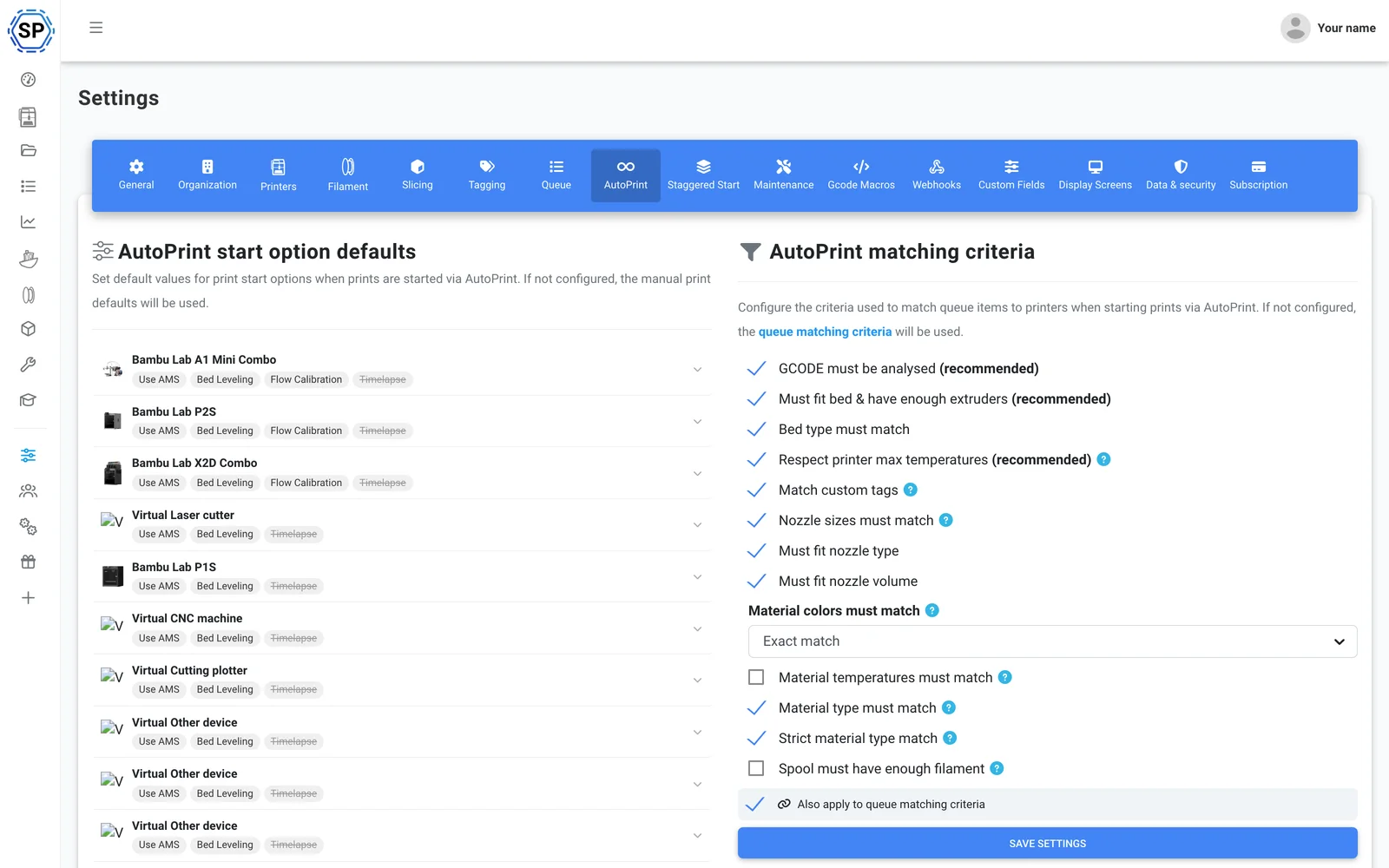
AutoPrint
Impressão contínua, sem intervenção: SimplyPrint remove cada impressão concluída da mesa e inicia sozinho o próximo trabalho compatível.
Saiba mais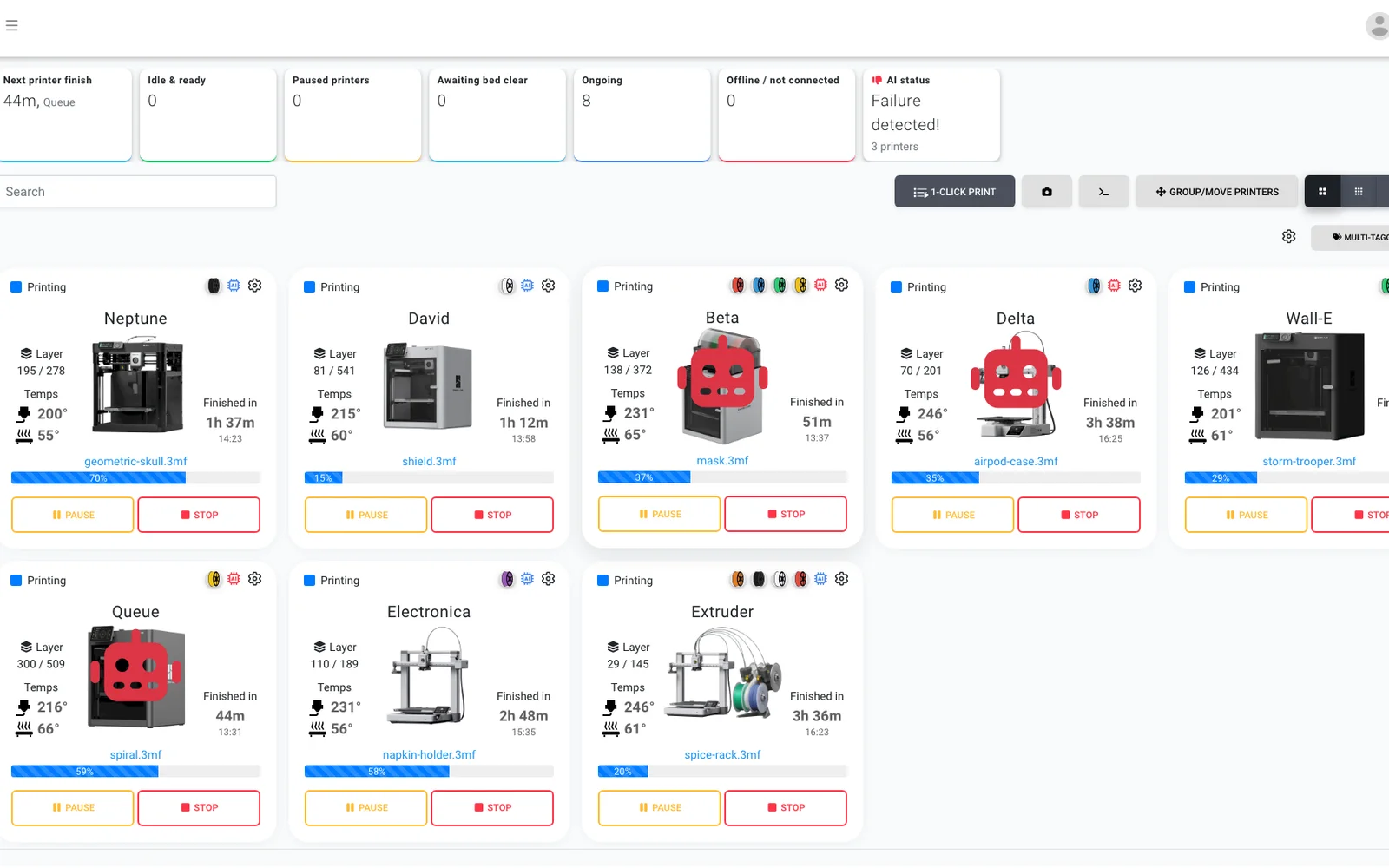
Detecção de falhas com IA
Um segundo par de olhos em cada câmera, em qualquer impressora Creality, para que até uma Ender sem IA integrada tenha detecção de falhas e a IA confirme que cada mesa esteja livre antes de o próximo trabalho começar.
Saiba mais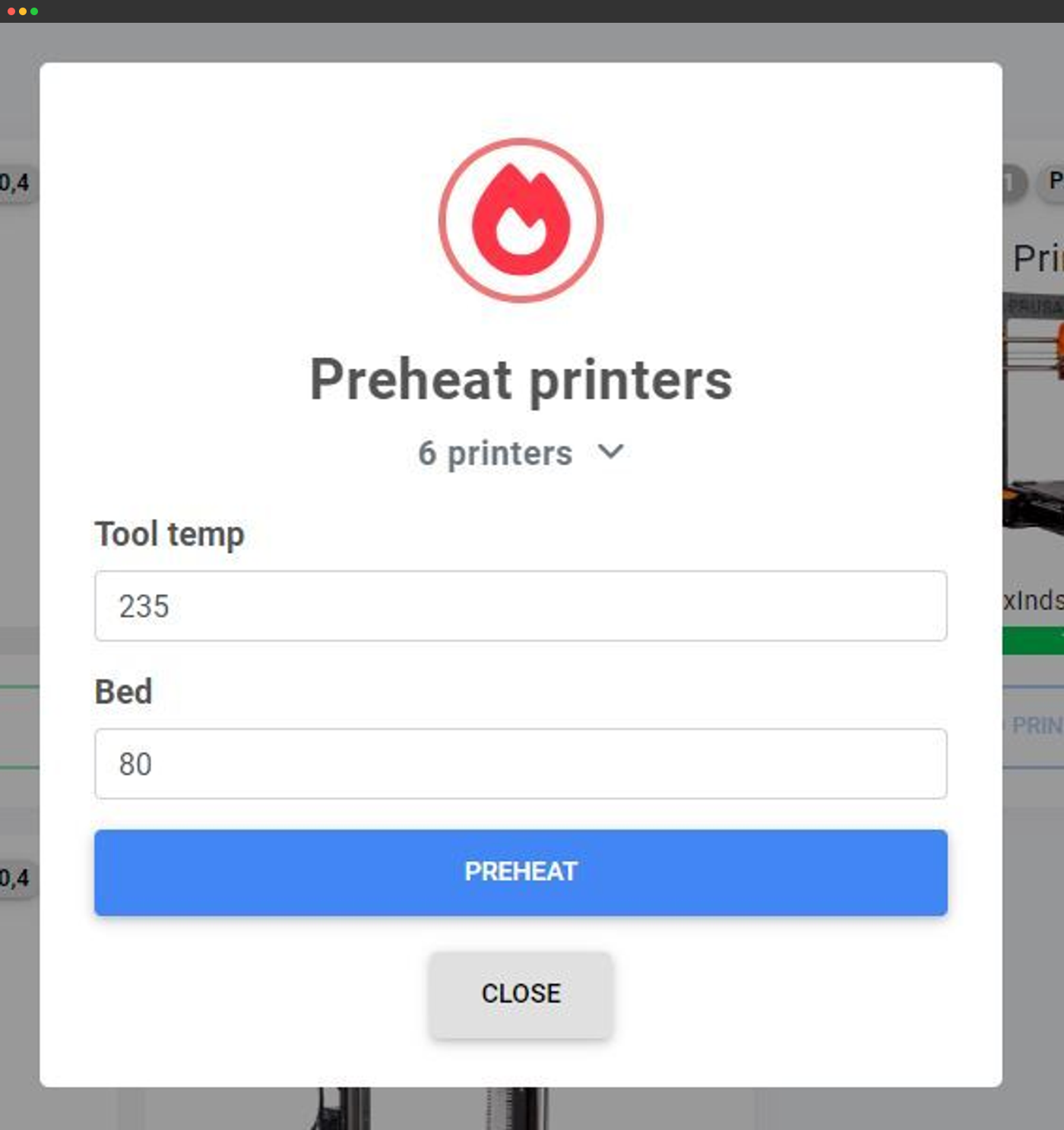
Ações em massa
Pré-aqueça, envie G-code ou execute ações em dezenas de impressoras de uma só tela.
Saiba mais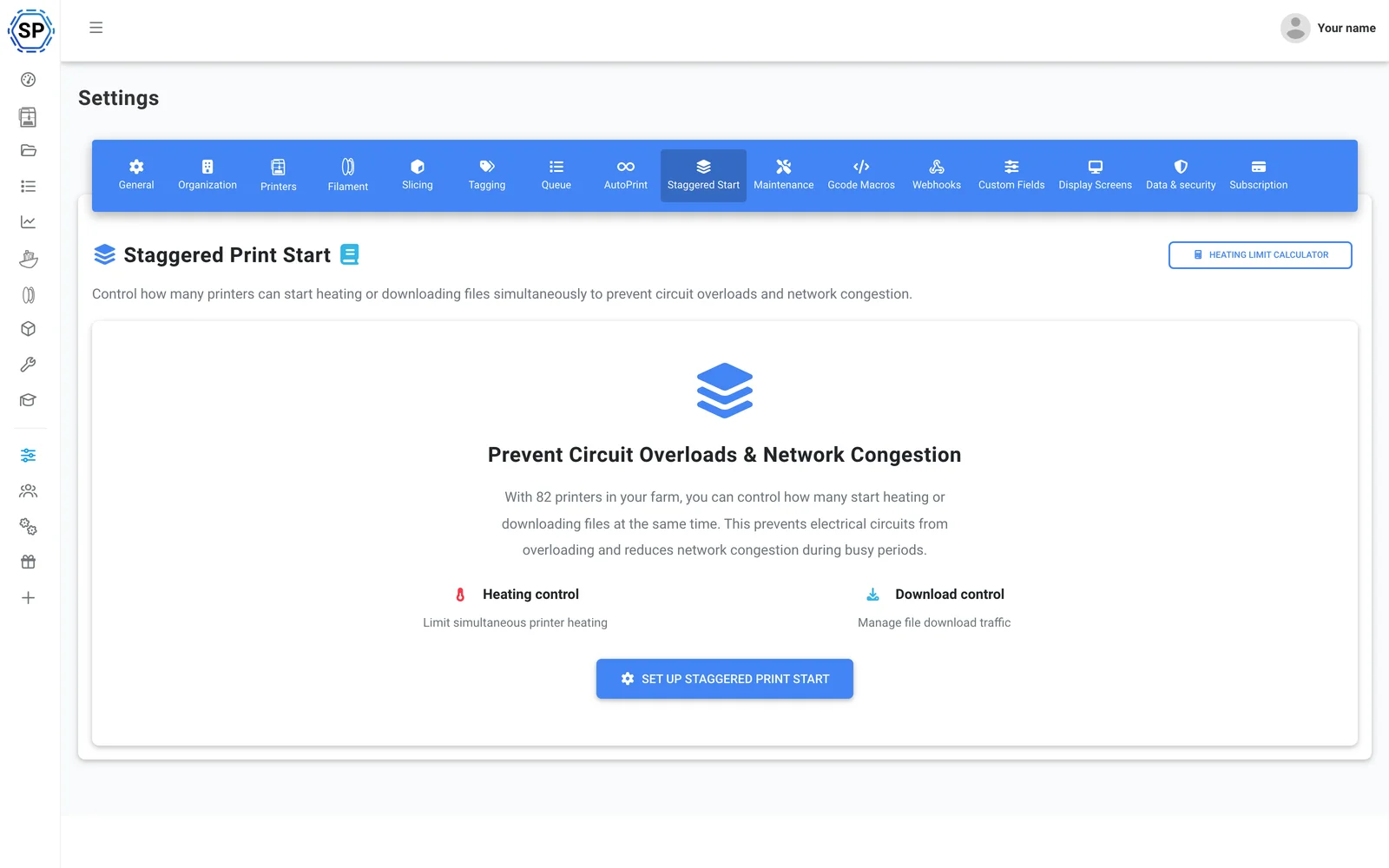
Início escalonado
Muitas impressoras por circuito? Limite quantas fazem o pré-aquecimento ao mesmo tempo para que um rack cheio não desarme o disjuntor.
Saiba mais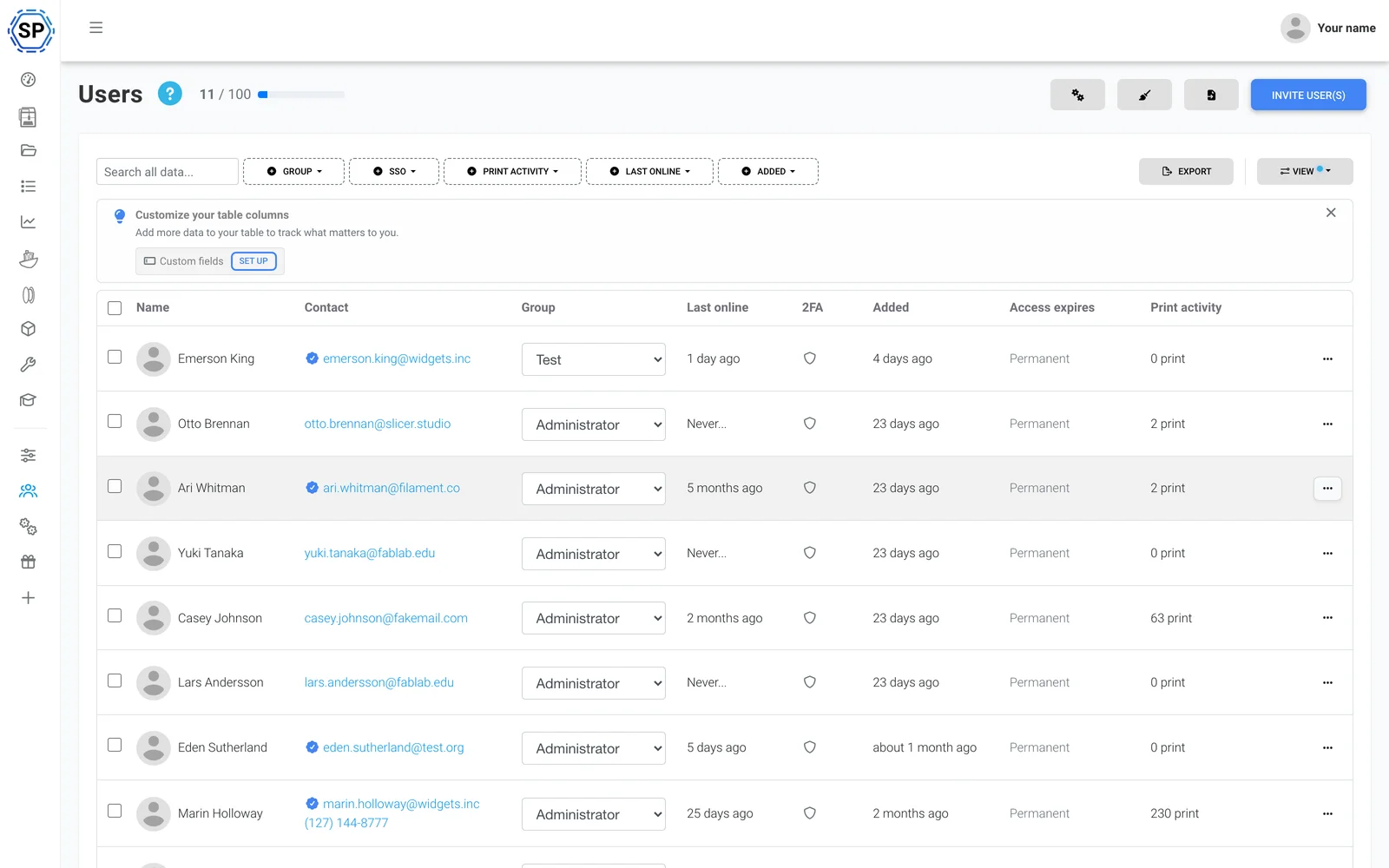
Equipe e permissões
Gerencie a print farm com seus colegas, com permissões personalizadas por usuário ou grupo.
Saiba mais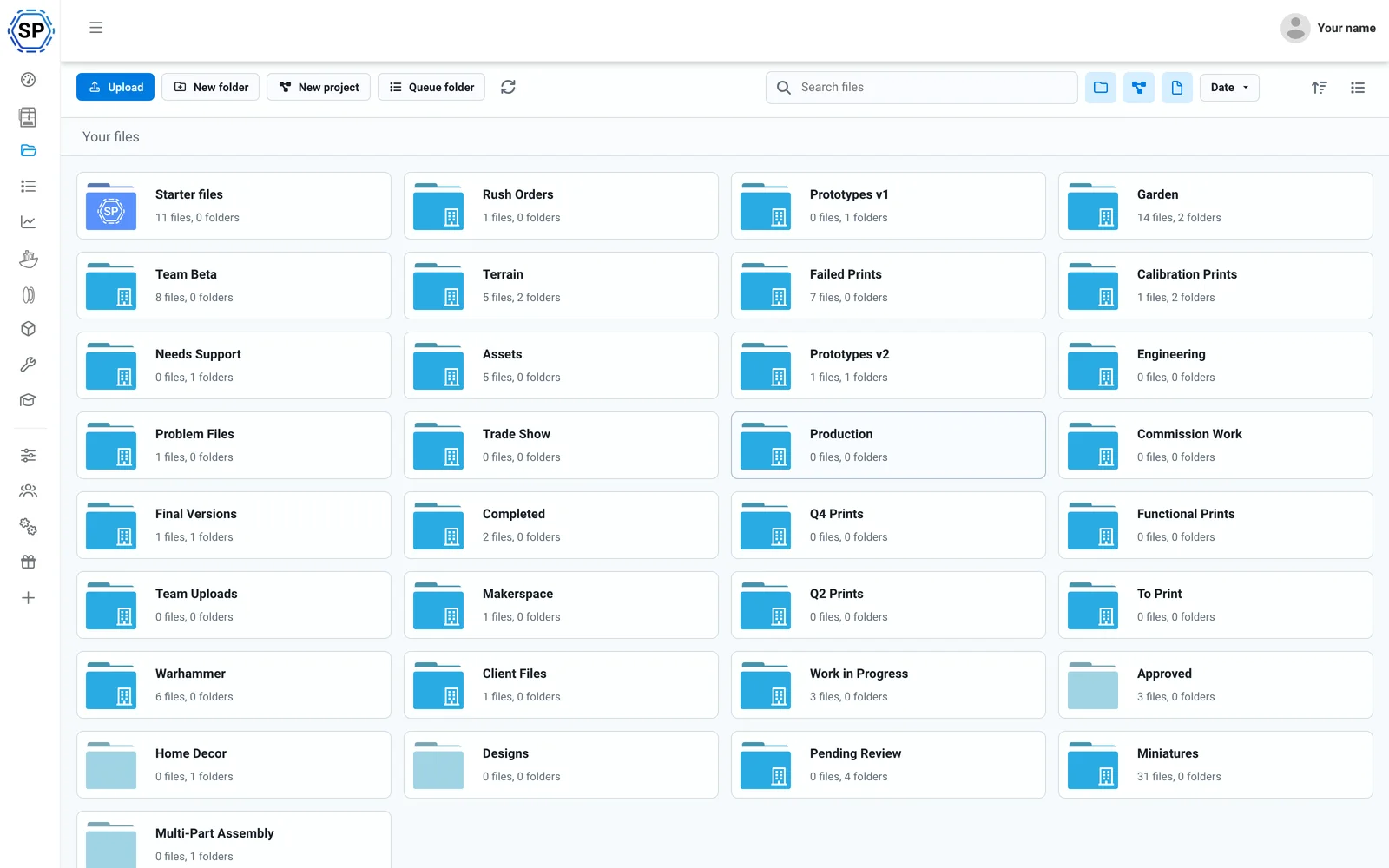
Arquivos e histórico na nuvem
Todo G-code em uma nuvem compartilhada, com contagem de impressões, pastas compartilhadas e um histórico completo.
Saiba mais
Gerenciador de filamento
Rastreamento automático de uso e inventário, compatível com CFS e preciso mesmo com bobinas de terceiros instaladas.
Saiba mais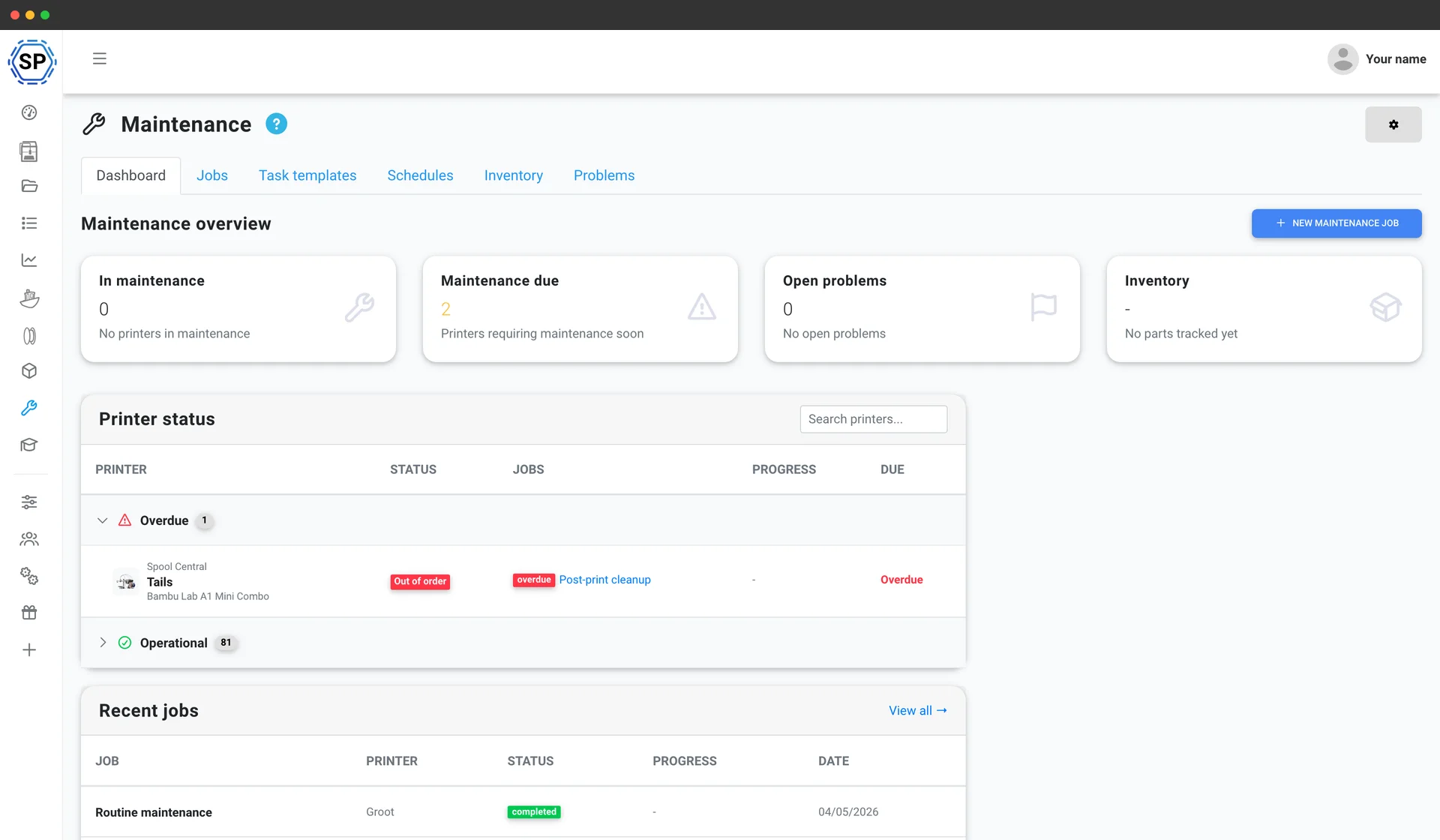
Manutenção de impressoras
Cronogramas de manutenção baseados no uso, inventário de peças de reposição e uma visão geral do estado de cada máquina, para que a frota nunca pare.
Saiba mais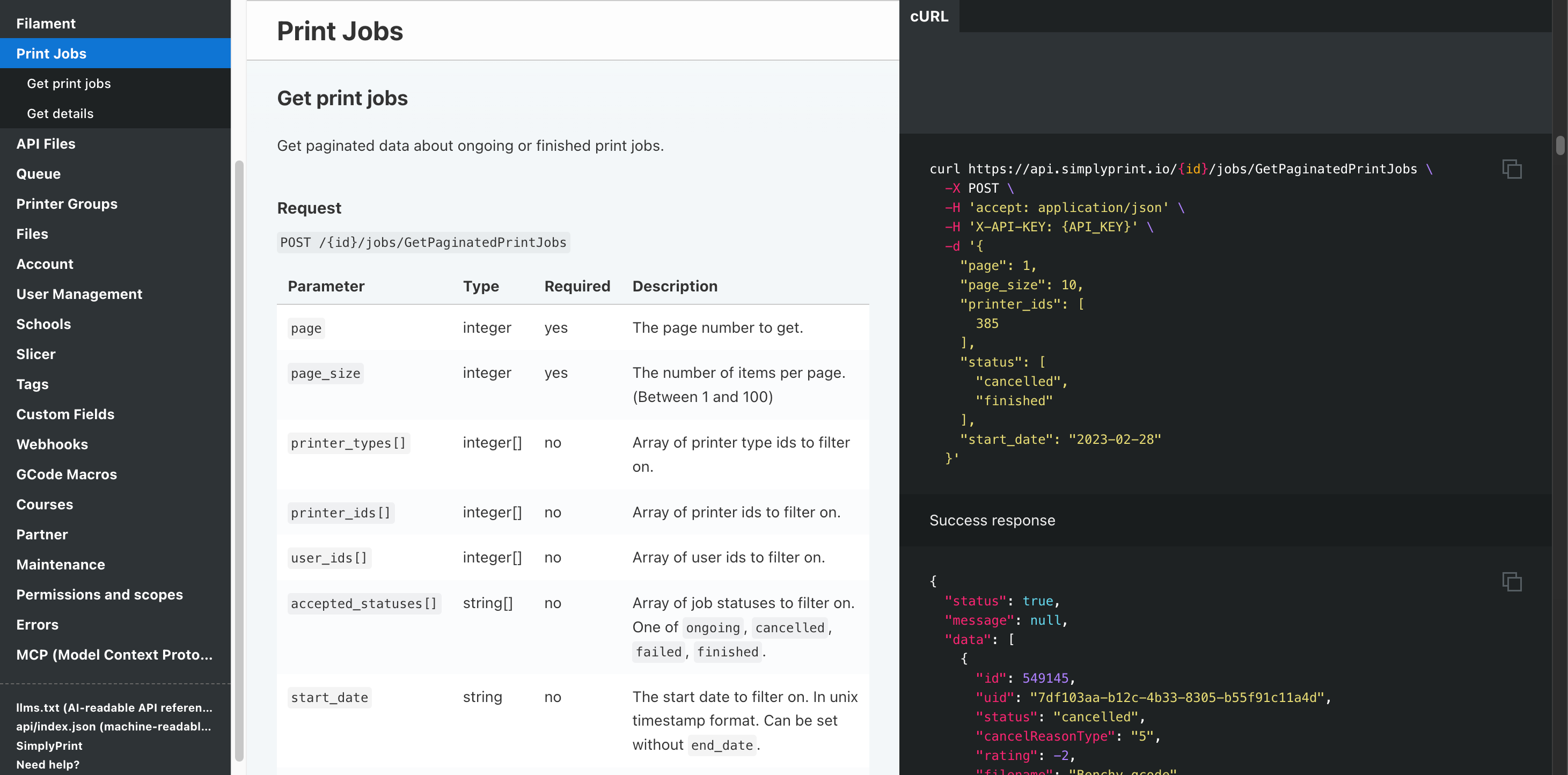
Automação e API
Envie pedidos da sua loja virtual para a fila de impressão via API REST, receba um webhook quando cada trabalho terminar e deixe o Zapier, n8n ou um assistente de IA cuidar das tarefas repetitivas.
Saiba maisCompatibilidade com todas as impressoras Creality
A linha atual da Creality: séries K1 e K2, Hi, Sermoon, linha CR e toda a família Ender. Clique em um modelo para ver detalhes de compatibilidade e o guia de configuração.

Sermoon V1 Pro
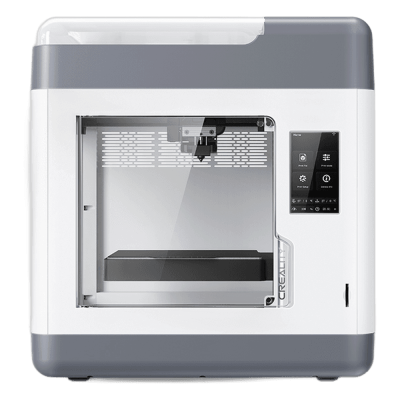
Sermoon V1
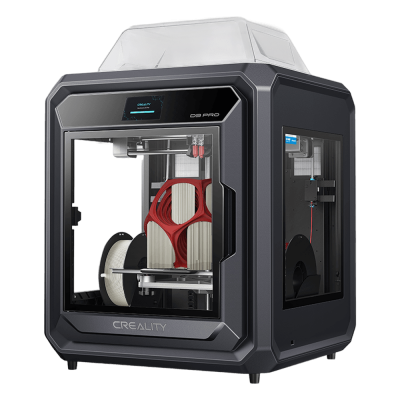
Sermoon D3 Pro
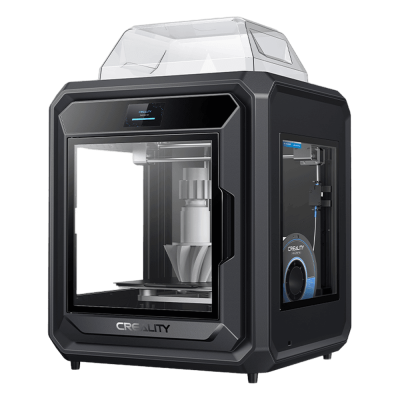
Sermoon D3

K3
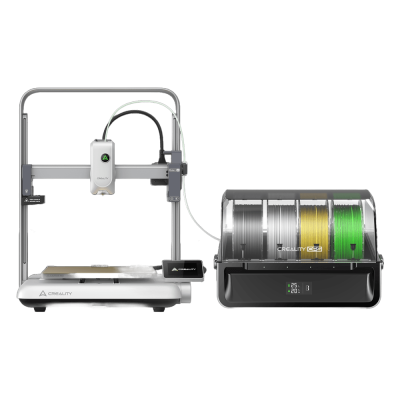
Ender-3 V4 Combo
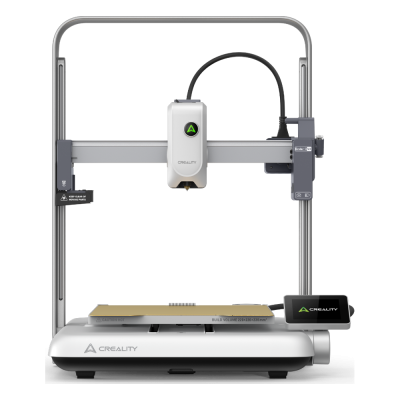
Ender-3 V4
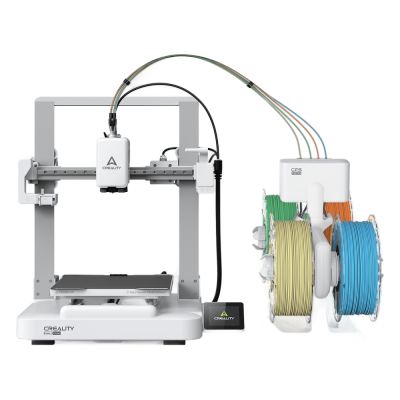
Ender-3 V3 Neo Combo
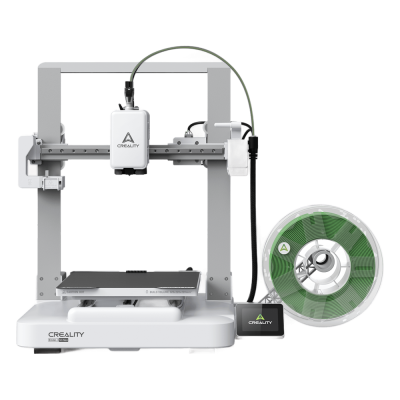
Ender-3 V3 Neo
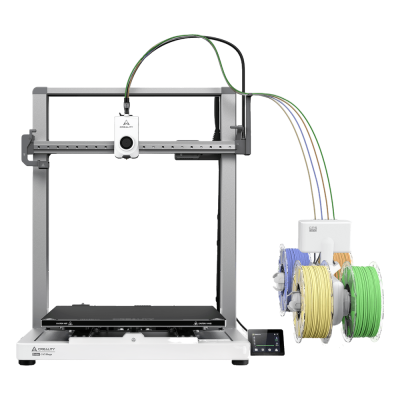
Ender-3 V3 Mega Combo
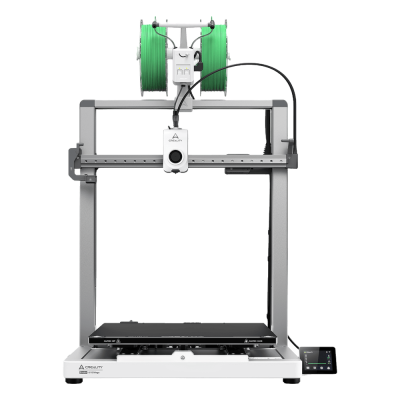
Ender-3 V3 Mega

Ender-3 V3
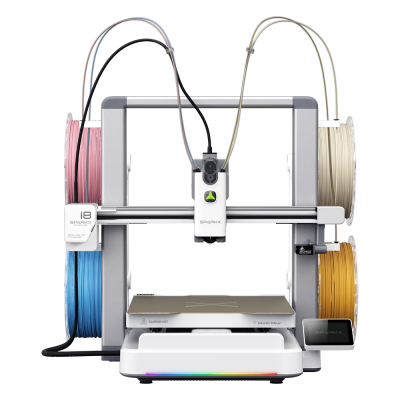
SPARKX i8 Combo

SPARKX i8
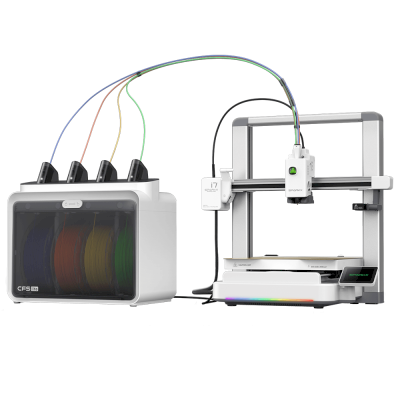
SPARKX i7 Combo
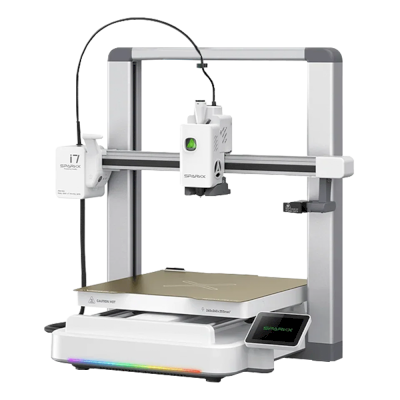
SPARKX i7

K2 SE
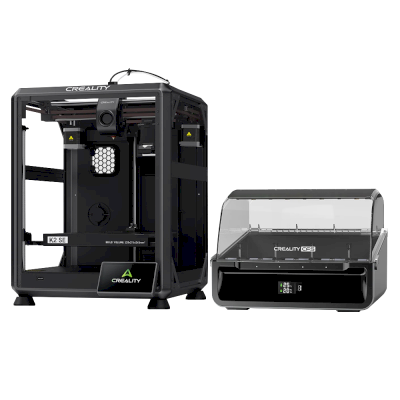
K2 SE Combo
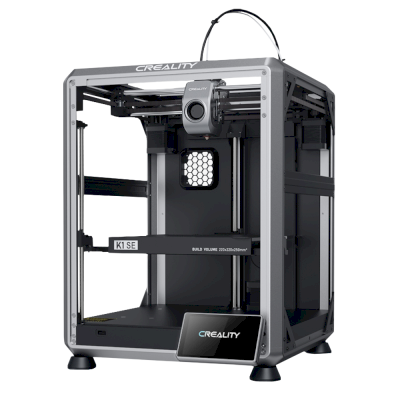
K1 SE
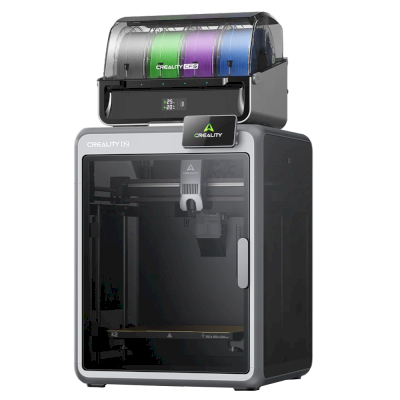
K2 Combo
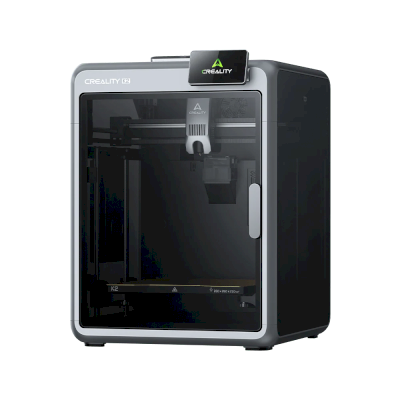
K2
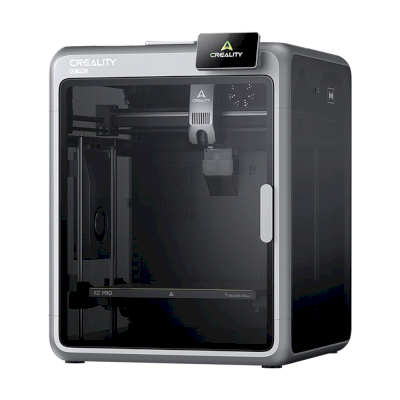
K2 Pro
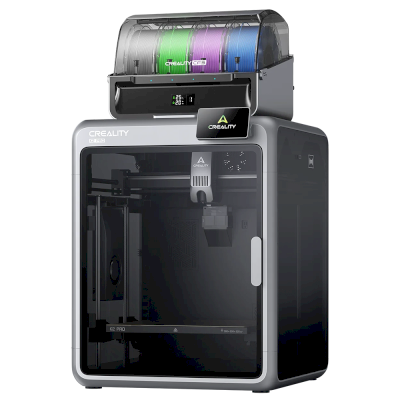
K2 Pro Combo
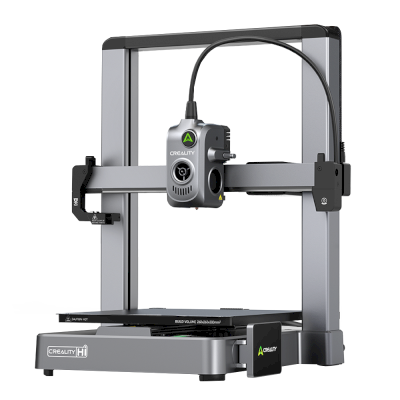
Hi
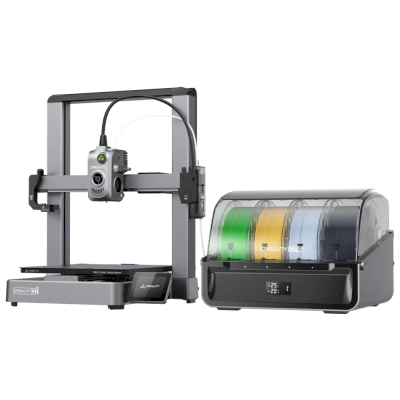
Hi Combo
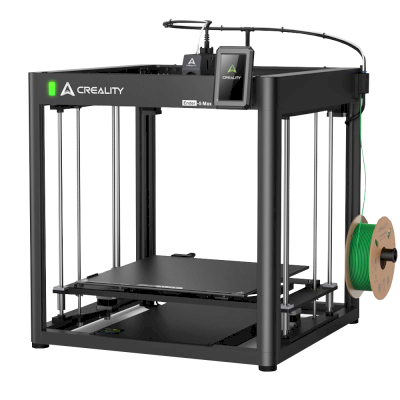
Ender 5 Max
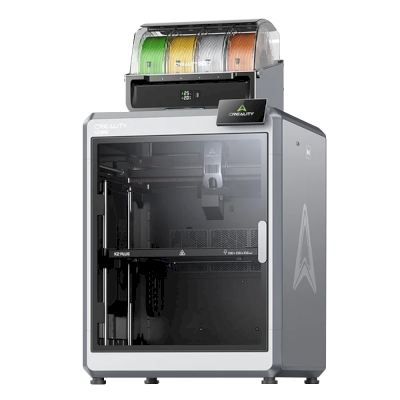
K2 Plus Combo
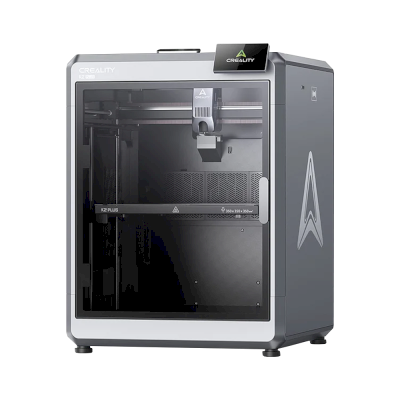
K2 Plus
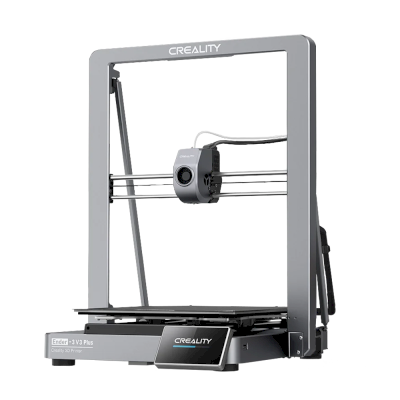
Ender-3 V3 Plus
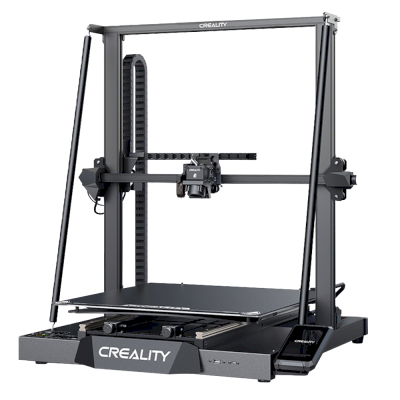
CR-M4
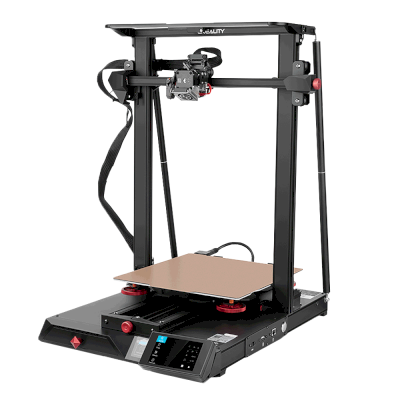
CR-10 Smart Pro

K1C
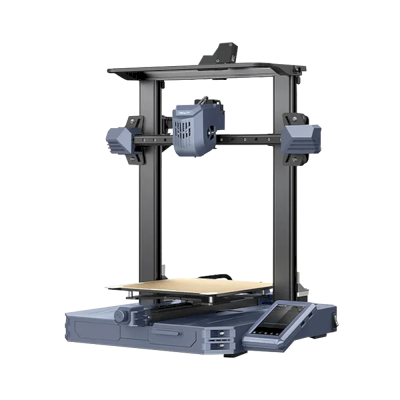
CR-10 SE
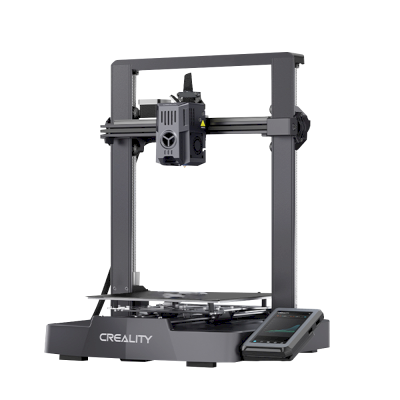
Ender-3 V3 KE
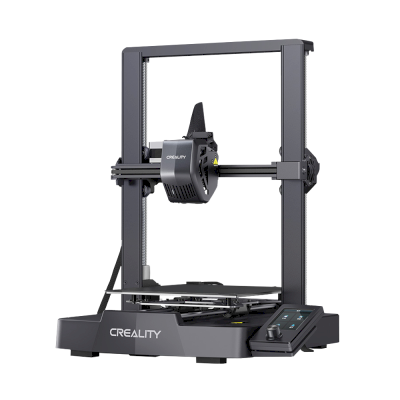
Ender-3 V3 SE

K1 Max
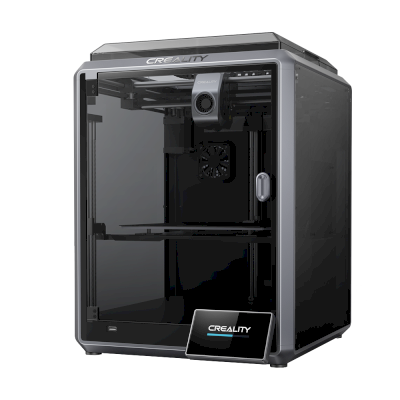
K1
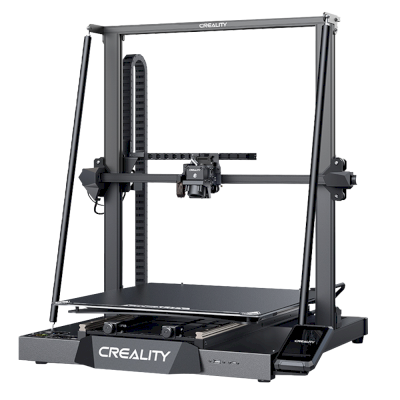
CR-M4
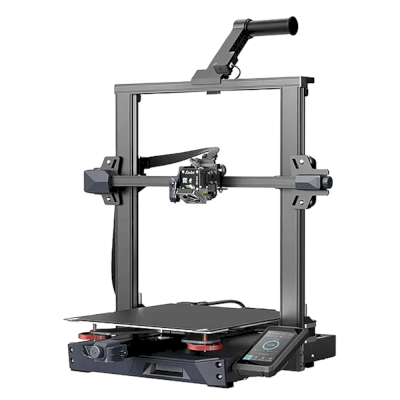
Ender-3 S1 Plus
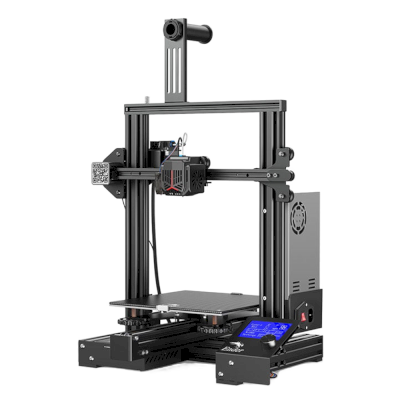
Ender-3 Neo
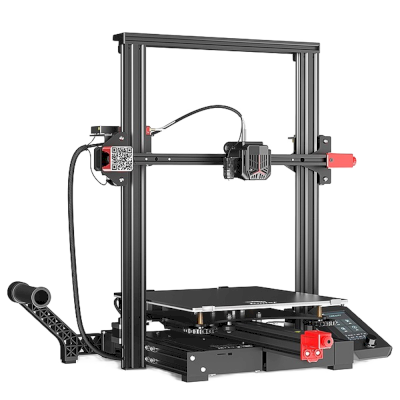
Ender-3 Max Neo
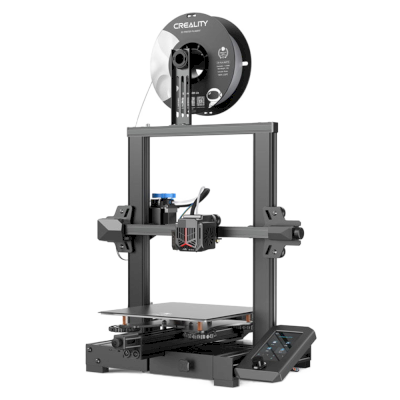
Ender-3 V2 Neo
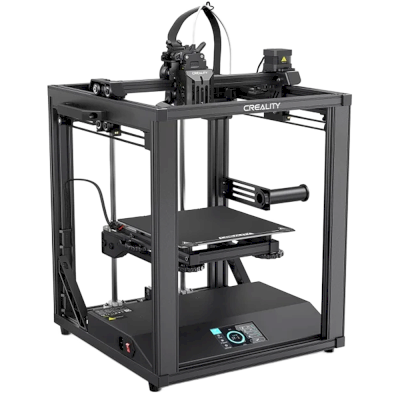
Ender-5 S1
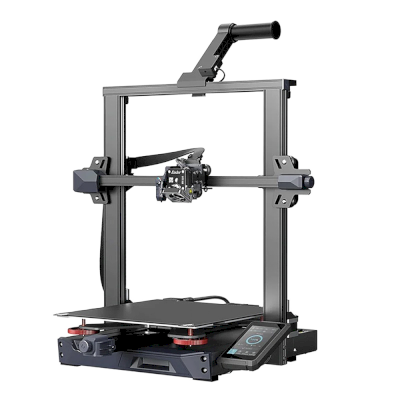
Ender-3 S1 Pro
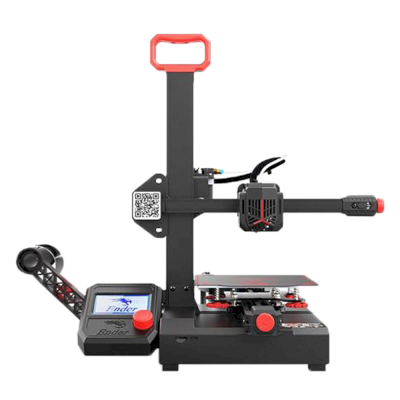
Ender-2 Pro
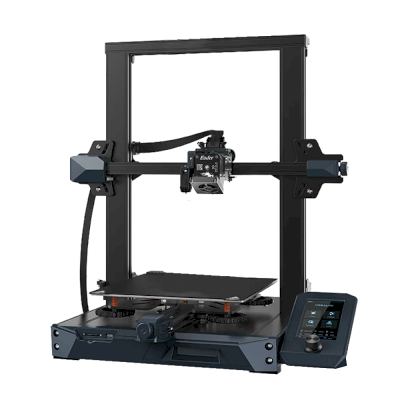
Ender 3 S1
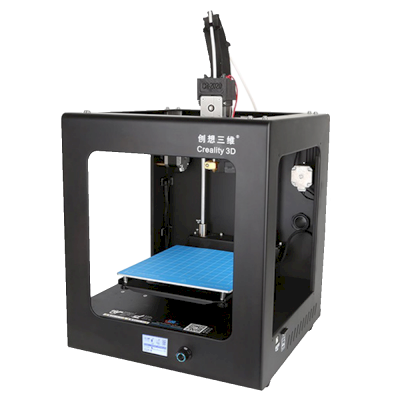
CR-2020
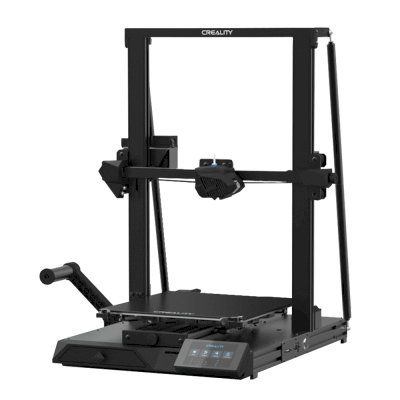
CR-10 Smart
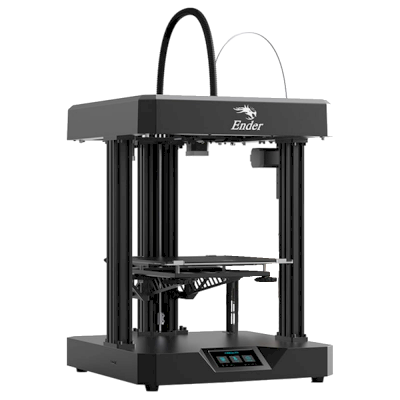
Ender 7
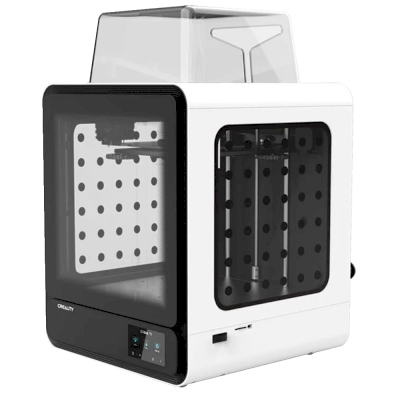
CR-200B
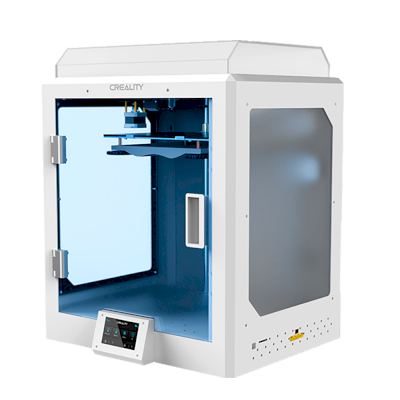
CR-5 Pro H
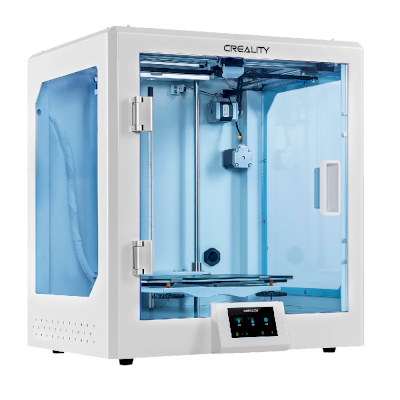
CR-5 Pro
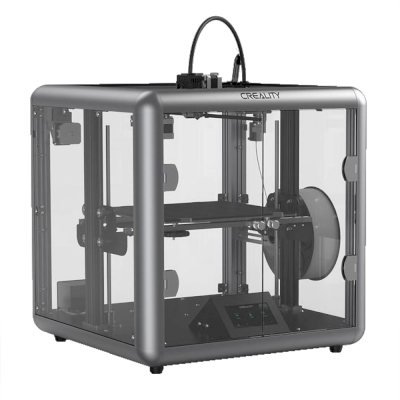
Sermoon D1
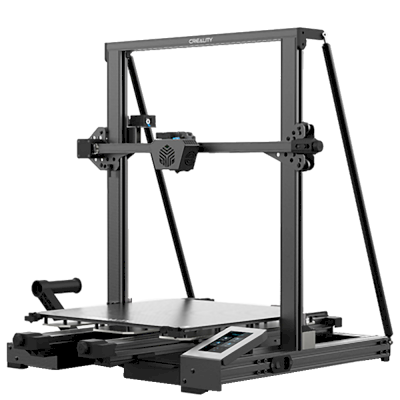
CR-6 Max
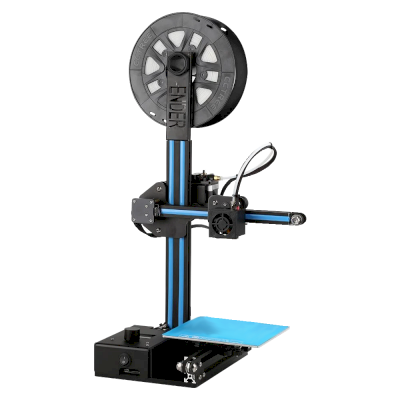
Ender-2
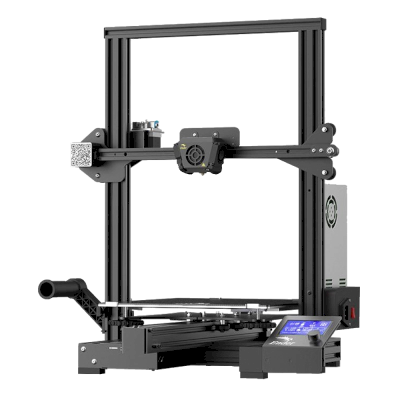
Ender-3 Max
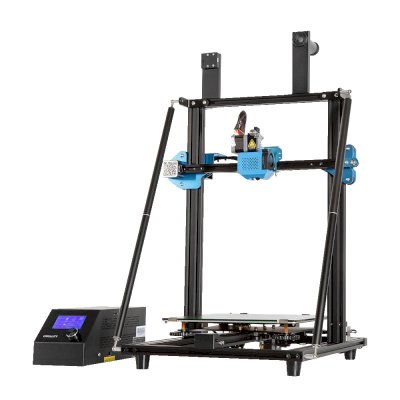
CR-10 V3
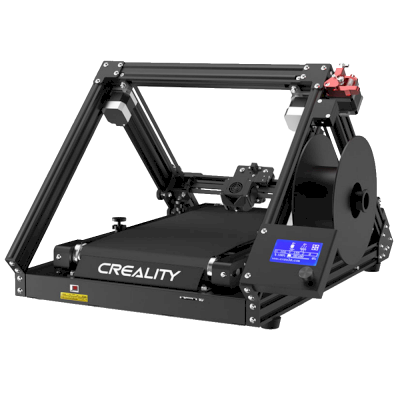
CR-30
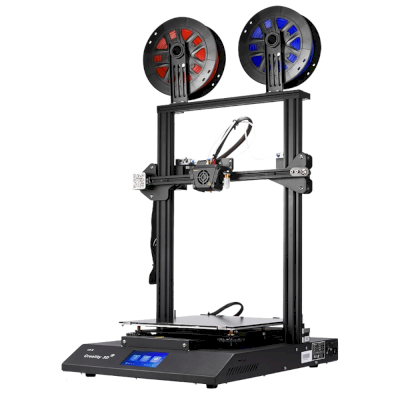
CR-X

Ender-6
Não usa apenas Creality? O SimplyPrint opera 150+ marcas e 770+ modelos de impressoras lado a lado. Veja a lista completa de compatibilidade ou conheça a plataforma para print farms.
Os designs dos seus clientes permanecem privados
Arquivos na sua nuvem são visíveis apenas para sua equipe, nunca expostos à internet. SimplyPrint está em conformidade com o RGPD, é hospedado na UE e desenvolvido em infraestrutura com certificações SOC 2 e ISO 27001, com disponibilidade superior a 99,9%.


Certificações e padrões aos quais o SimplyPrint e sua infraestrutura de hospedagem atendem.
Detalhes de segurança e conformidadeReceba atualizações das suas impressões pelo caminho
Gerencie a print farm do seu bolso. Receba notificações quando uma impressão terminar, for pausada ou ficar sem filamento, veja a câmera de qualquer impressora e interrompa um trabalho de onde estiver.


SimplyPrint ⚫ Agora
Impressão iniciada na Impressora 1
O tempo de impressão estimado é de 3d 4h
SimplyPrint ⚫ Agora
Falha detectada na impressora 2!
Quer pausar ou cancelar?

Não acredite só na nossa palavra
Frota mista ou outra marca? A plataforma completa para print farms · Bambu Lab · Prusa · Anycubic · ELEGOO · Flashforge
O SimplyPrint opera Creality junto com 150+ marcas e 770+ modelos de impressoras, em uma fila e uma tela. Verifique suas impressoras.