Utilisé par 500+ fermes d’impression et entreprises dans le monde

















Impressions lancées
0
Consommation de matériau
0
Heures d’impression
0
Gestion de fermes d’impression depuis 2020
Développé en interne par nos développeurs au Danemark, qui publient des mises à jour presque chaque semaine et répondent aussi aux questions d’assistance.
Découvrir notre histoire et l’équipeDe vraies fermes d’impression fonctionnent avec SimplyPrint
De cinq imprimantes sur un établi à un entrepôt de plus de 150 machines, ce sont de vraies fermes qui gèrent toute leur activité depuis un seul écran et gagnent des heures chaque semaine.
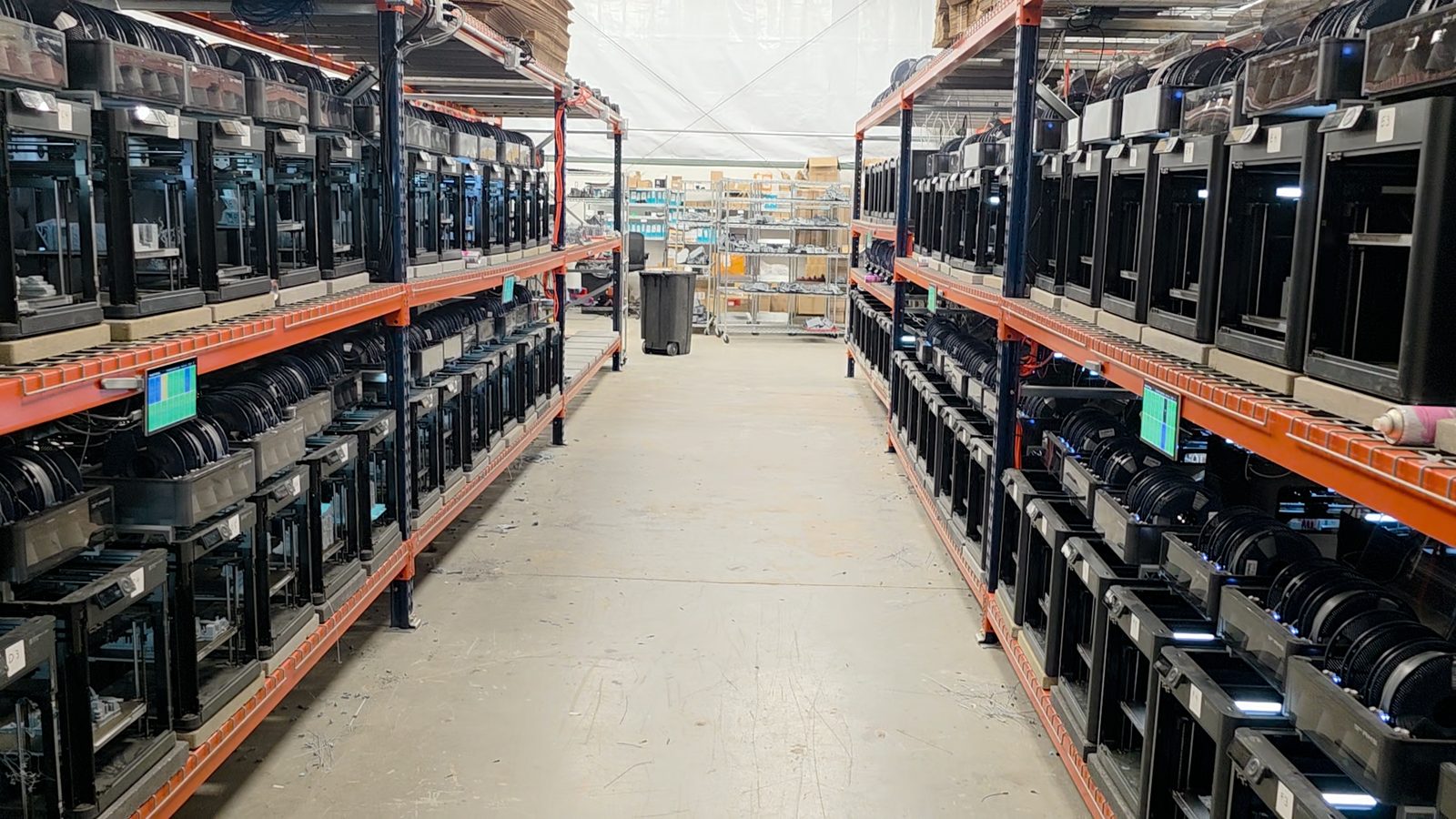
"Trying to do it now without SimplyPrint would be insane." Lire leur histoire
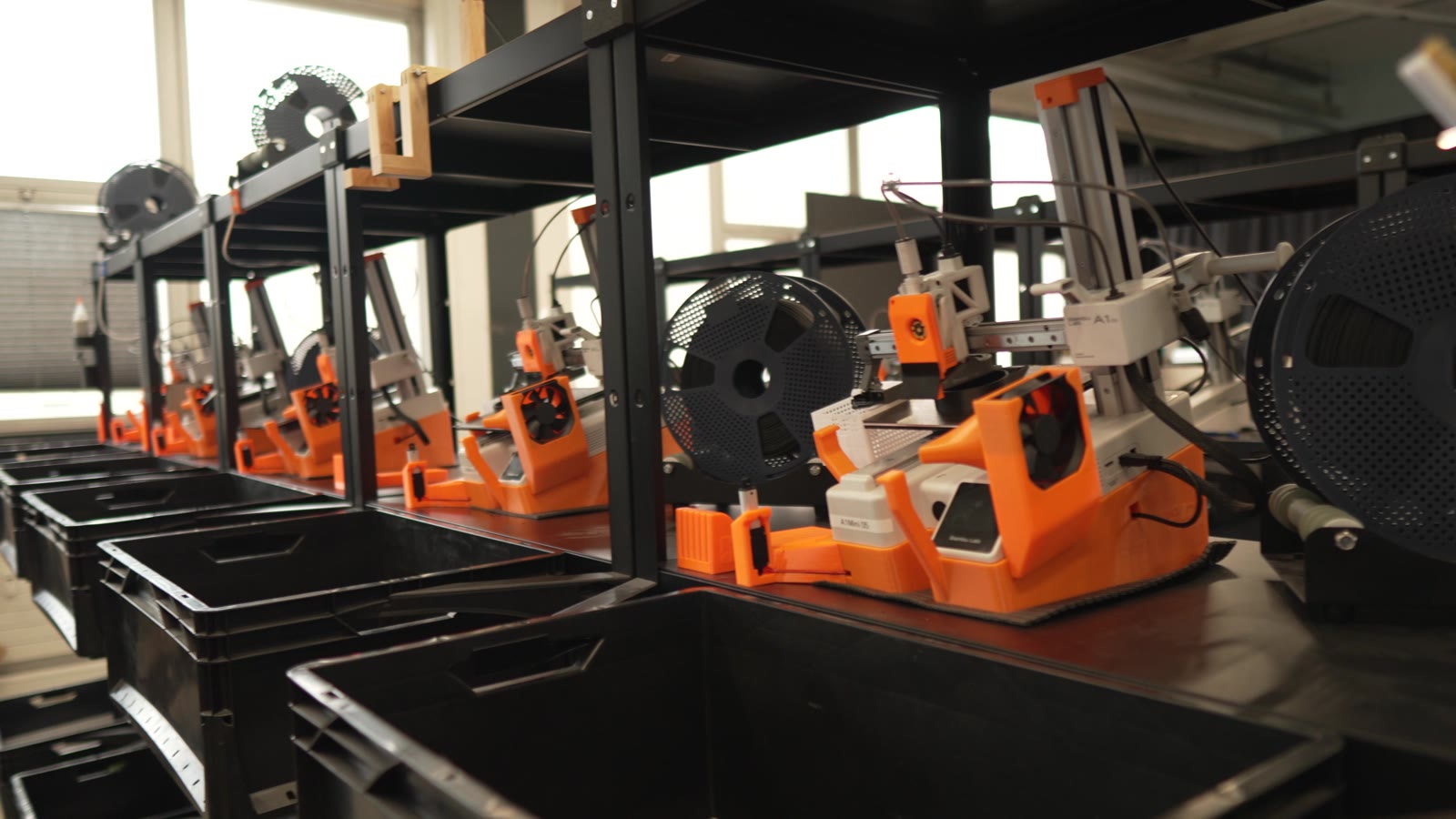
"Without automation, we would simply never be profitable here." Lire leur histoire
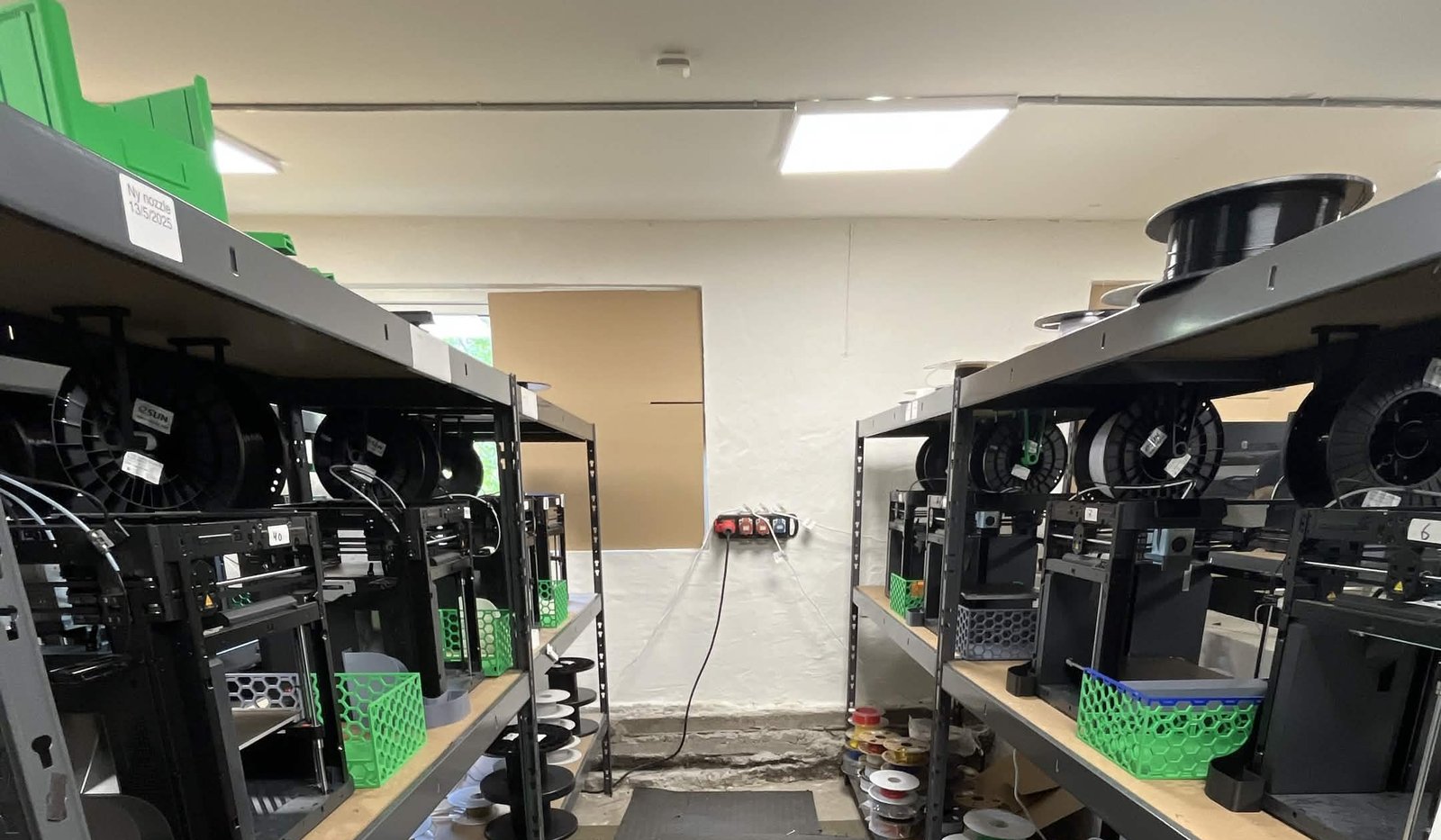
"We have always had the approach that the farm should be able to run even when we are not there." Lire leur histoire
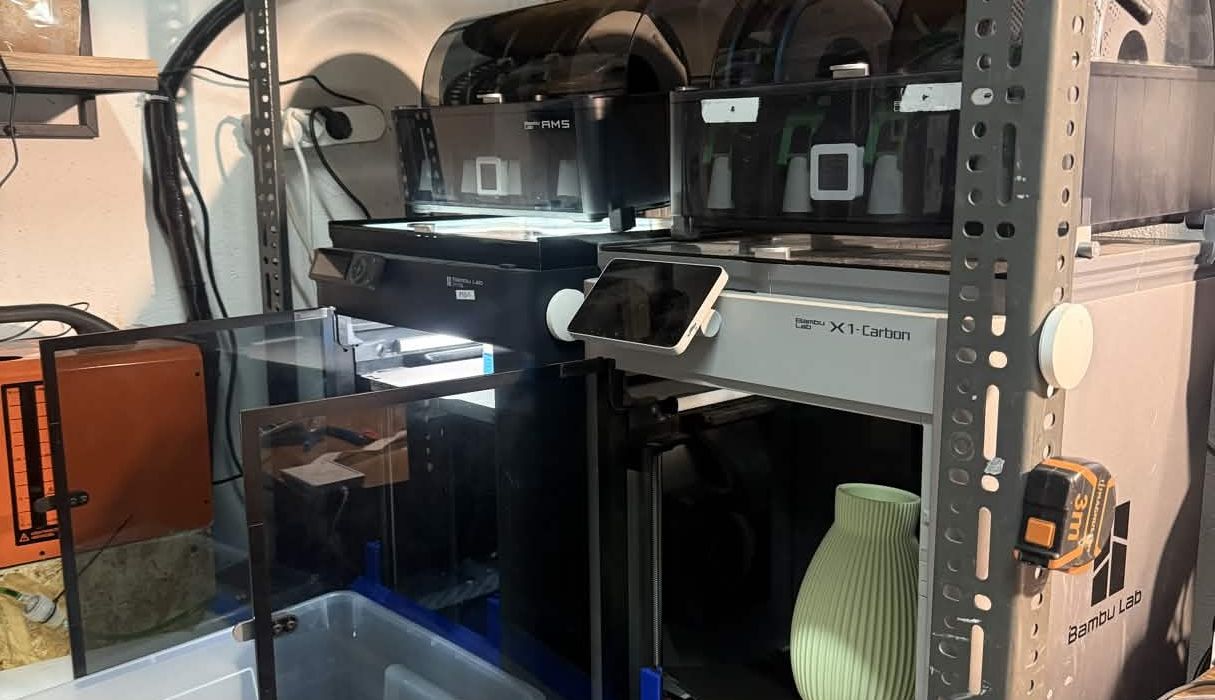
"Without software, the operator becomes the system. That might work with one printer, but it doesn't scale well." Lire leur histoire
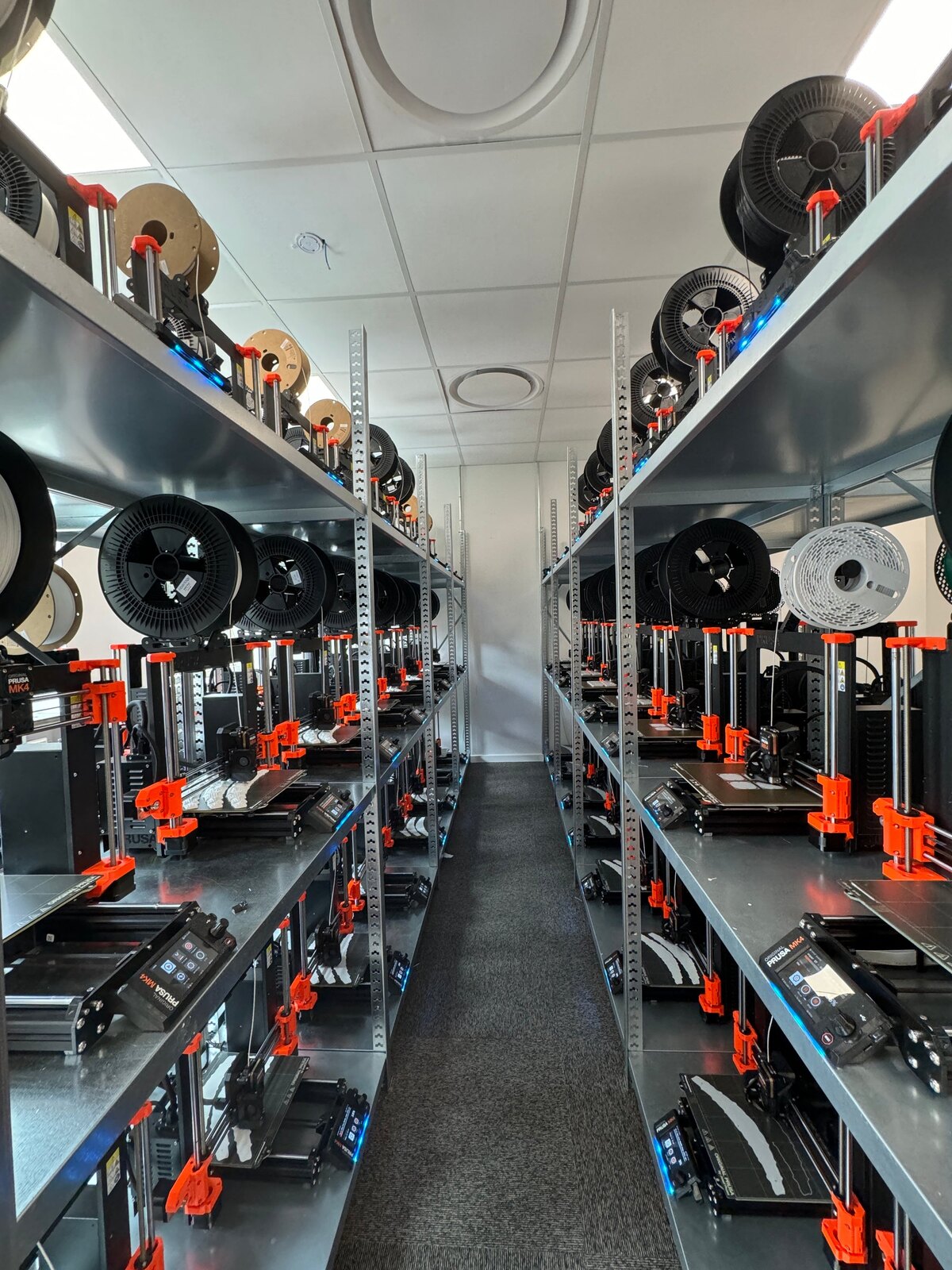
"It'd literally be impossible to run our farm at this scale without SimplyPrint." Lire leur histoire
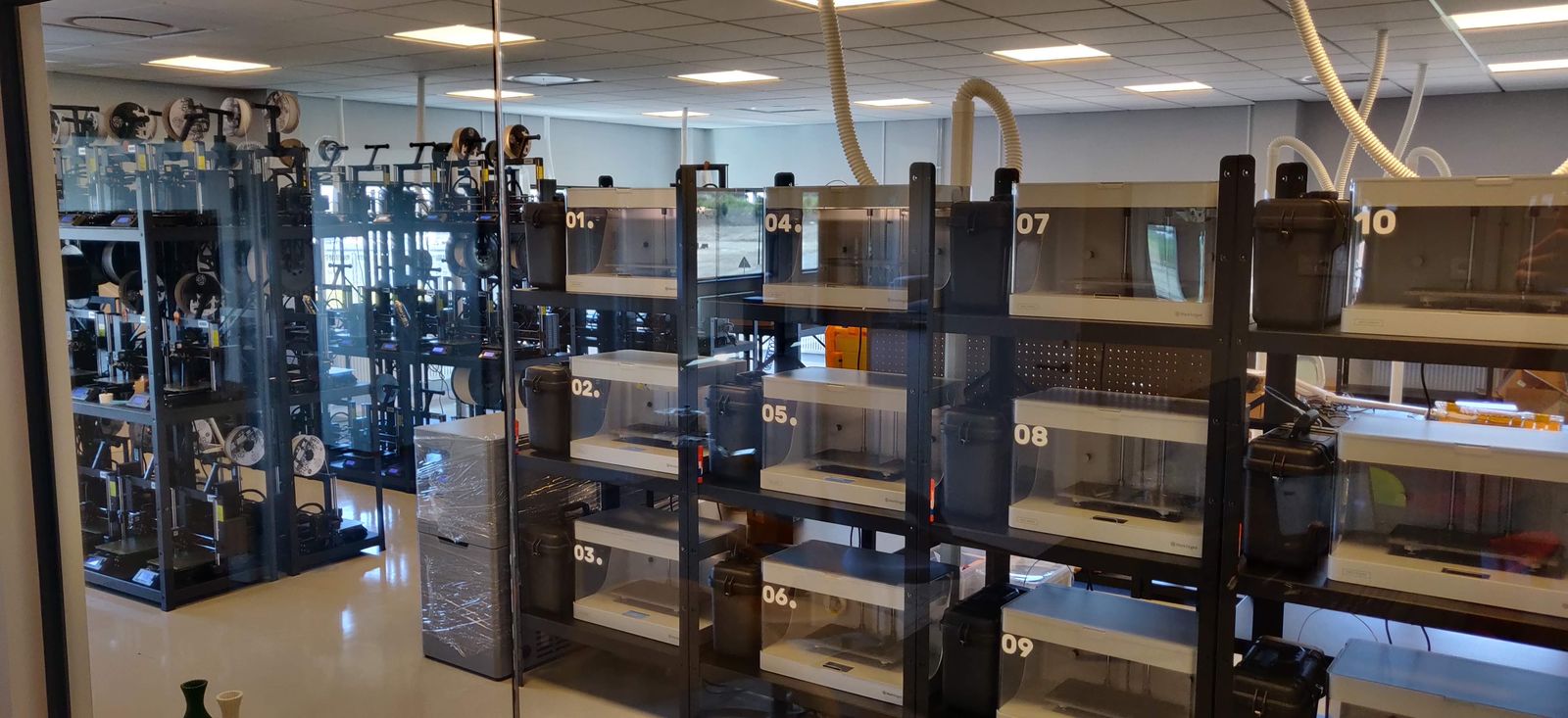
"We don't just know which material went into a part. We know the exact spool, on the exact print, at the exact time - and that's what makes a product passport real instead of a slogan." Lire leur histoire
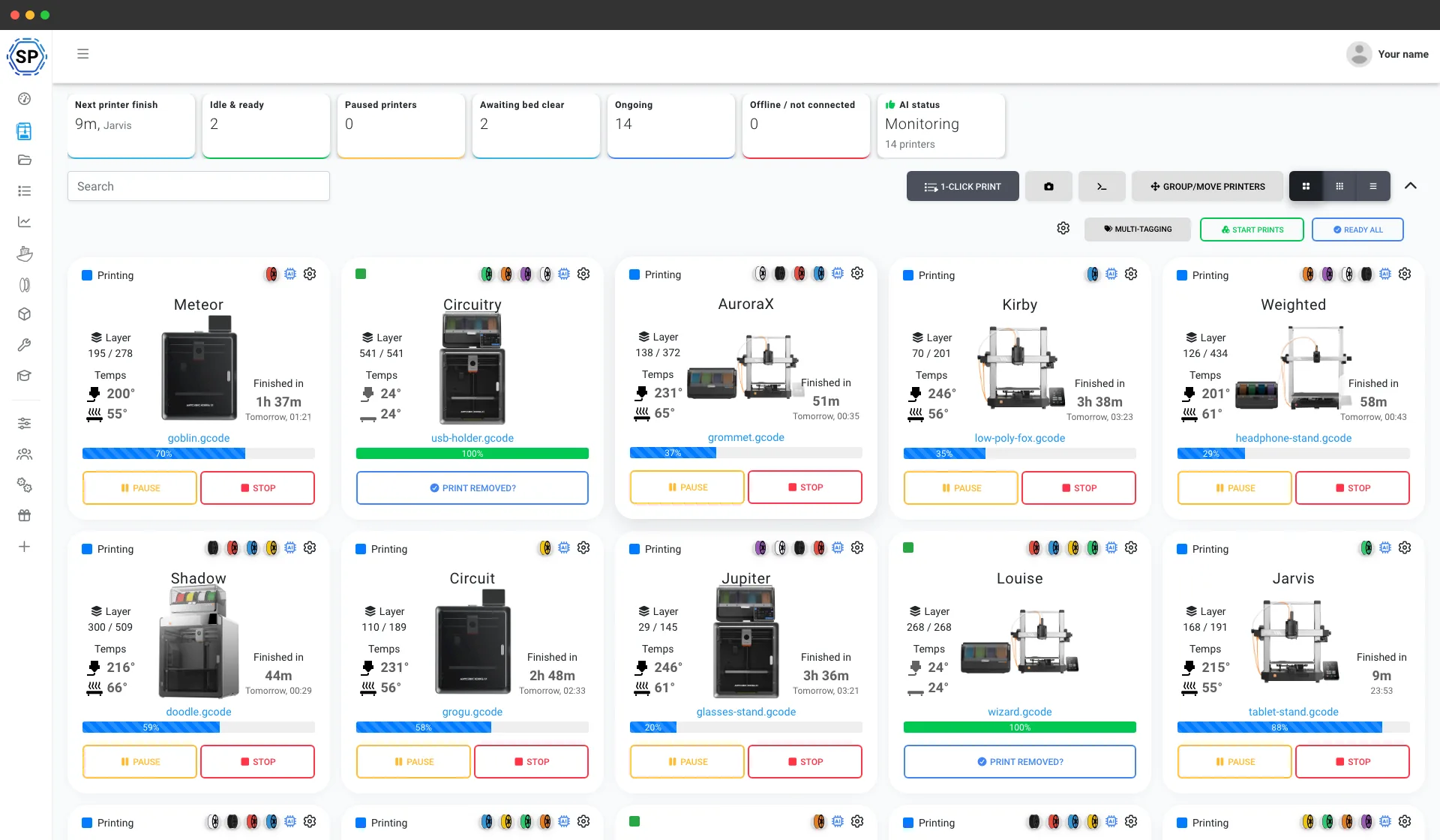
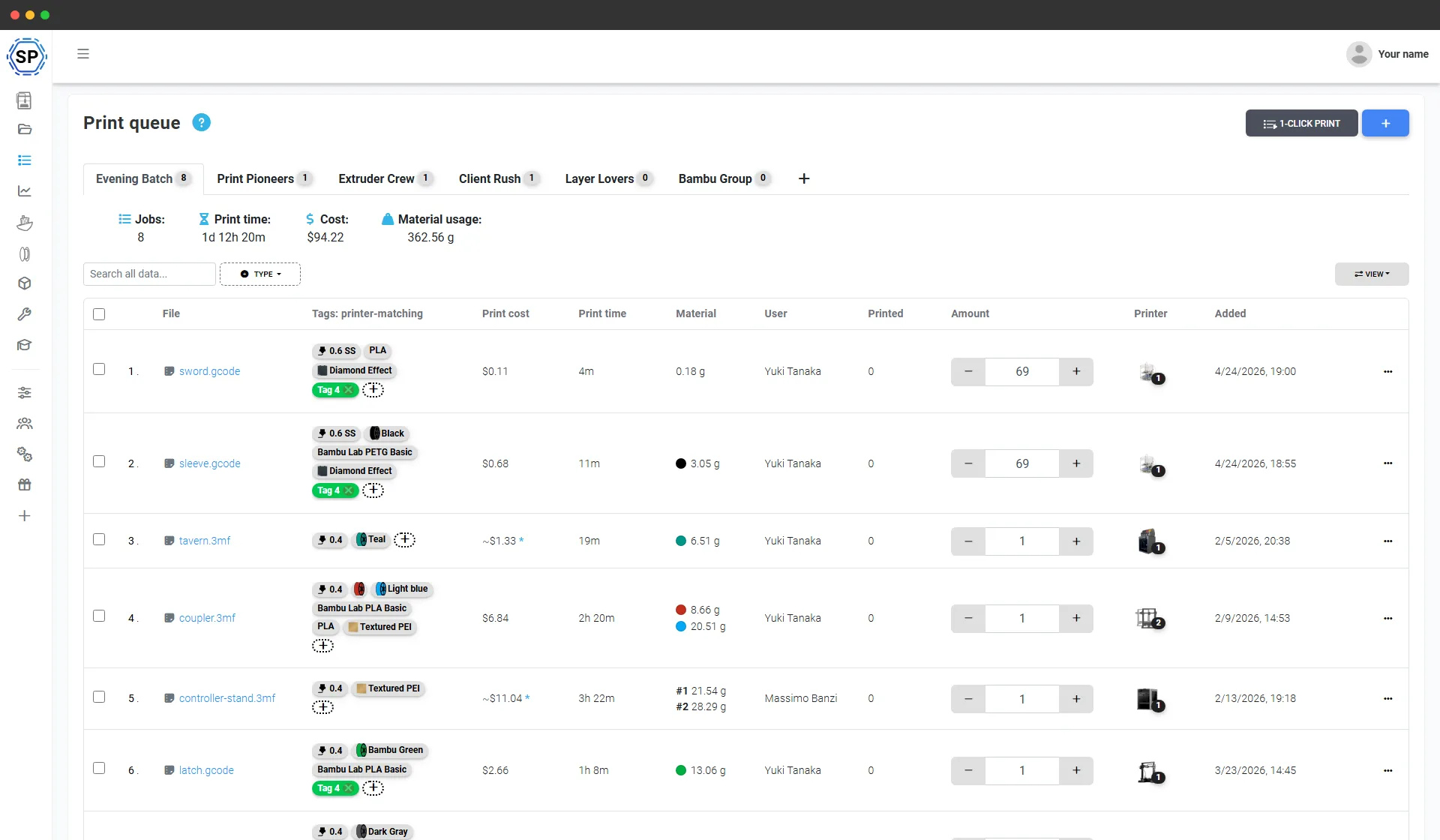
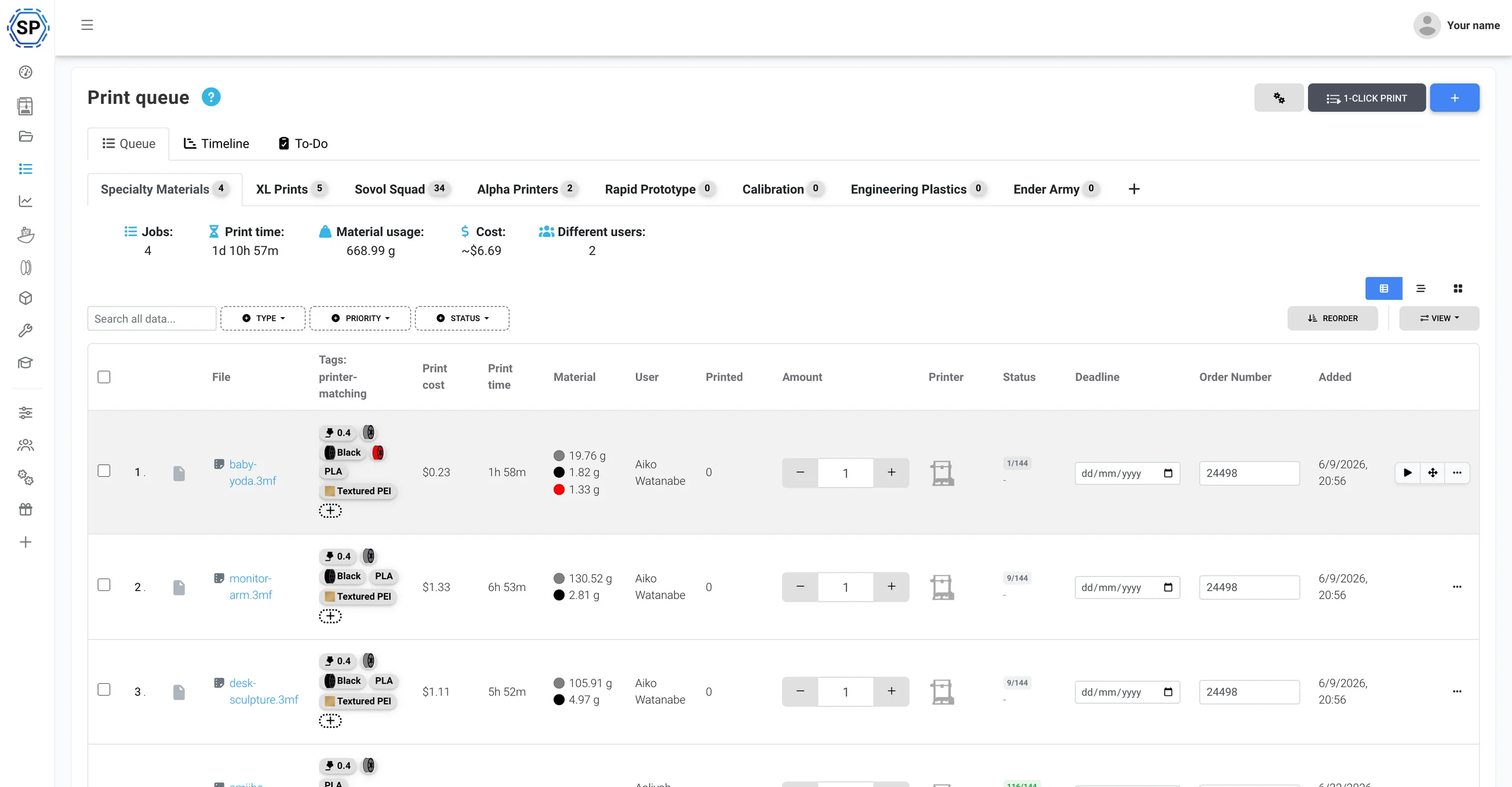
Une seule file d’impression pour tout le parc Anycubic
Ajoutez tout ce que vous devez fabriquer et indiquez la quantité de chaque élément. SimplyPrint attribue chaque impression à une imprimante Anycubic capable de l’exécuter, en comparant le matériau, la buse et le plateau à l’état en direct de chaque machine. Un clic lance tout un lot sur l’ensemble du parc. Aucune carte SD, aucun export plateau par plateau, aucun tableau de suivi des impressions.
Prise en charge native de l’Anycubic ACE Pro
SimplyPrint gère les imprimantes Anycubic dans le cloud et prend nativement en charge l’ACE Pro : vue en direct des 4 emplacements, suivi des bobines via votre inventaire de filaments et tags NFC ACE natifs que vous pouvez écrire pour toute bobine. Un seul panneau pour tout gérer.
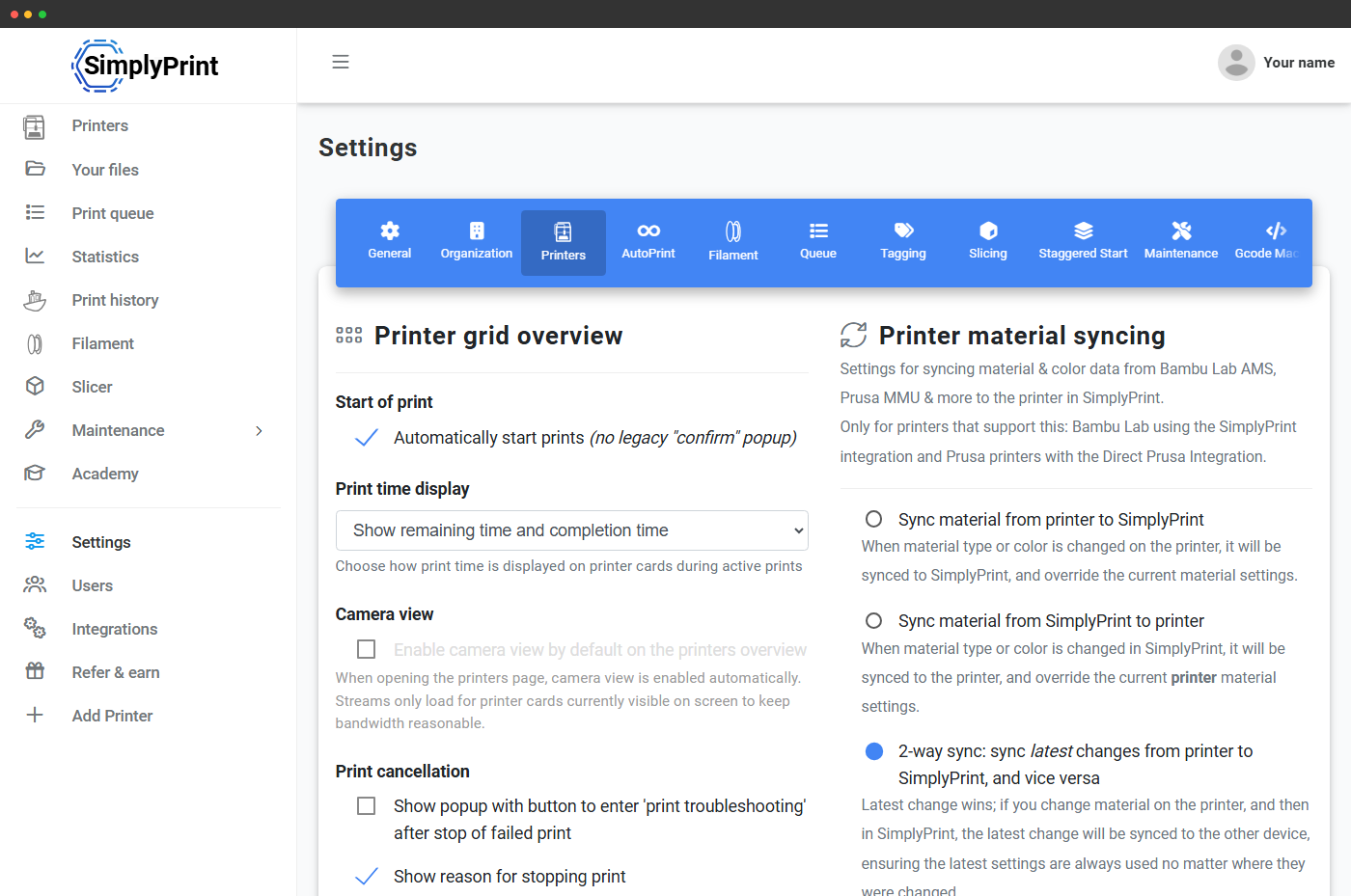
L’Anycubic ACE Pro (Automated Color Engine) est le système multi-matériau à 4 emplacements d’Anycubic, avec séchage intégré et la possibilité de chaîner jusqu’à 4 unités pour 16 couleurs. Connecté via le SimplyPrint Client, SimplyPrint lit chaque emplacement en direct, synchronise le matériau et la couleur chargés de chacun dans votre panneau et affiche une bande continue d’emplacements par buse sur toute la chaîne. Une gestion multi-matériau de premier ordre, comme celle de l’AMS Bambu. Découvrir l’intégration ACE Pro
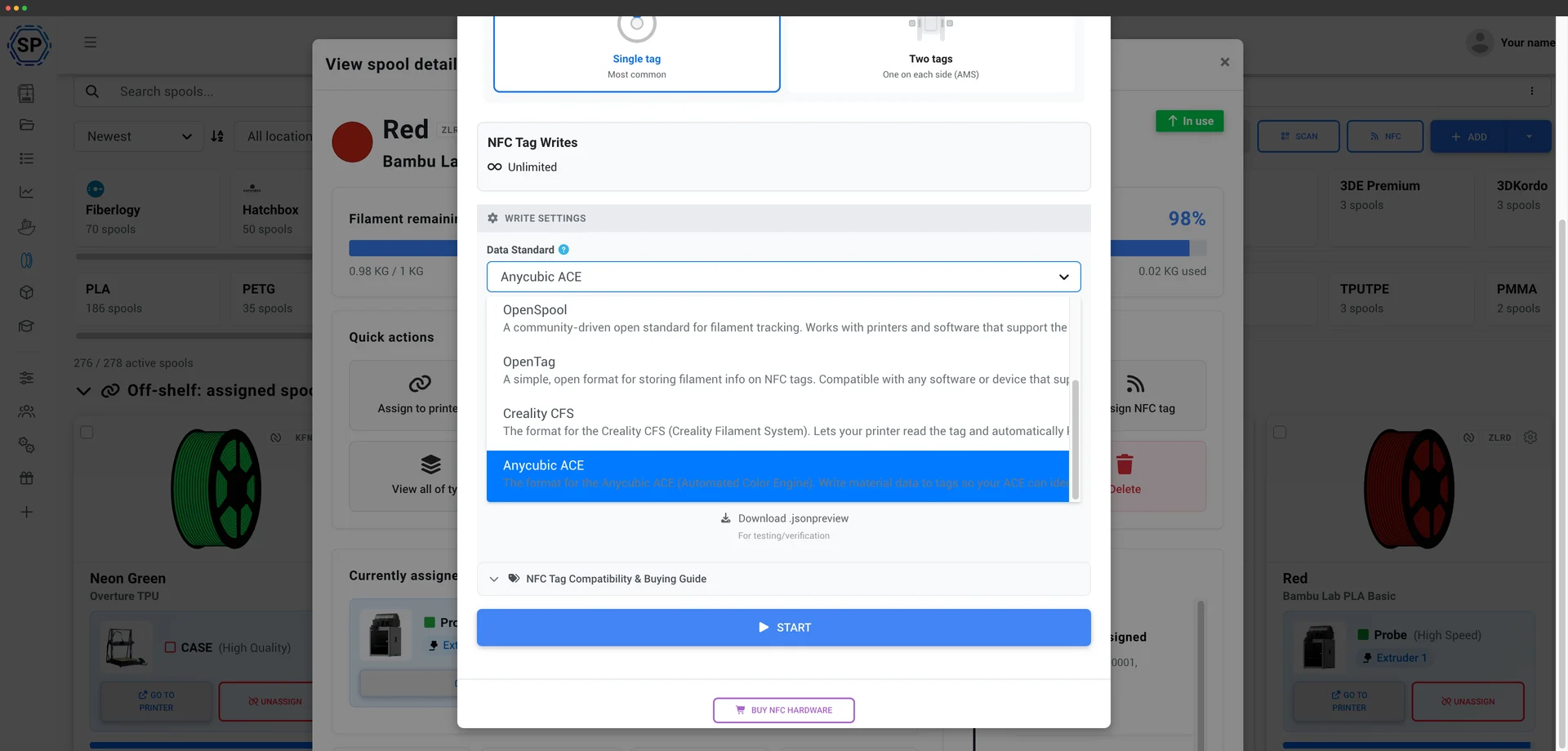
SimplyPrint lit et écrit nativement les tags NFC de l’ACE, comme pour le CFS de Creality. L’ACE Pro vérifie un champ SKU sur chaque tag et SimplyPrint en génère automatiquement une valeur valide. Vous pouvez donc étiqueter vos propres bobines, même avec du filament non Anycubic, et l’ACE les lit et charge le bon profil de matériau, sans régler chaque emplacement à la main. Écrivez un tag directement depuis votre inventaire de filaments avec l’application mobile ou un lecteur USB. Fonctionnement des tags ACE
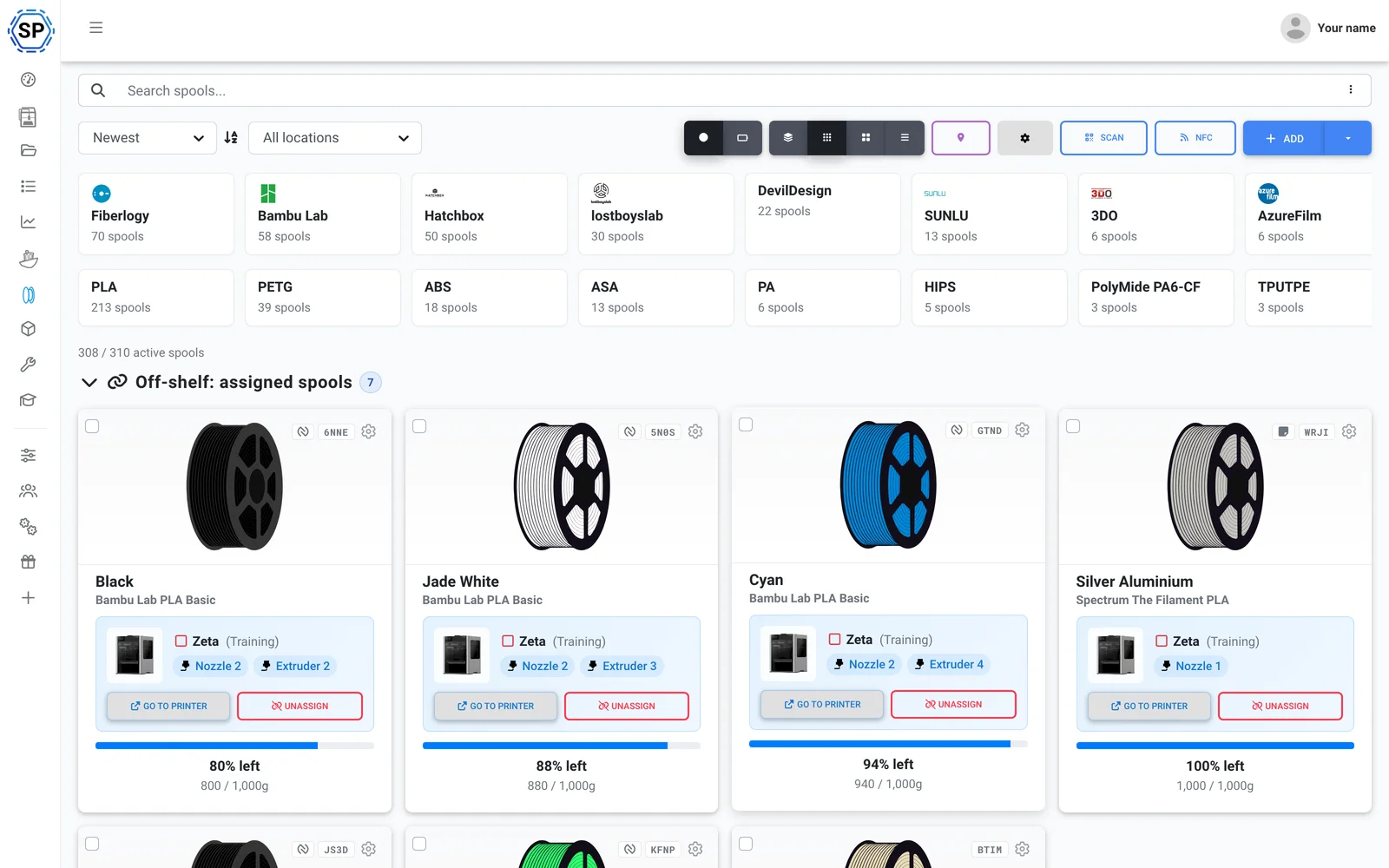
Utilisez le filament de votre choix. SimplyPrint suit la consommation depuis le G-code lui-même et déduit de la bobine chargée exactement ce que chaque impression a utilisé, même lorsque l’ACE change de couleur en cours d’impression. Votre inventaire reste ainsi précis sur toute la flotte, avec ou sans étiquette. Voir la gestion des filaments
Également inclus : slicing multicolore pour l’ACE dans le navigateur, avec les moteurs OrcaSlicer, BambuStudio et PrusaSlicer, maintenance et suivi de l’utilisation par imprimante, actions groupées sur la flotte, et toute la ferme sur un seul écran. La correspondance des emplacements ACE est envoyée au début de l’impression lorsque la connexion passe par SimplyPrint Client, voir la compatibilité actuelle.
Opérationnel en un après-midi
SimplyPrint s’installe rapidement dans toute une ferme, sans nouveau matériel à acheter. Ajoutez vos imprimantes et tout le parc apparaît dans un seul panneau le jour même.
Conçu pour Anycubic : tous les modèles FDM sont pris en charge, de la Kobra 3 aux Kobra S1 et Kobra S1 Max. Parc mixte ? Les imprimantes de plus de 150 marques fonctionnent côte à côte.
Créer un compte
Connectez vos imprimantes
Le Client SimplyPrint, Klipper/Moonraker (Rinkhals) ou OctoPrint
Remplir la file d’impression

Imprimer à pleine capacité
Un parc entièrement Anycubic ? Vous êtes couvert, sans jamais être limité
Anycubic est l’une des marques d’imprimantes les plus utilisées sur SimplyPrint, avec 2,400+ connectées, et SimplyPrint la prend en charge nativement, ACE Pro inclus. Mais la plateforme n’est pas réservée à Anycubic : ajoutez plus tard une Bambu, une Prusa ou une Creality, elles apparaîtront aussi dans la même interface. 150+ marques fonctionnent côte à côte, avec la même file d’impression et le même écran. Découvrir la plateforme complète pour fermes d’impression.
Les séries Kobra 3 et Kobra S1 se connectent via le Client SimplyPrint, avec webcam, commandes principales et lancement des impressions, sans flasher l’imprimante, ou via Klipper/Moonraker avec le firmware communautaire Rinkhals pour un contrôle Klipper complet. Les anciennes imprimantes Anycubic se connectent via OctoPrint ou une installation directe. Aucune passerelle propriétaire ni dépendance imposée.
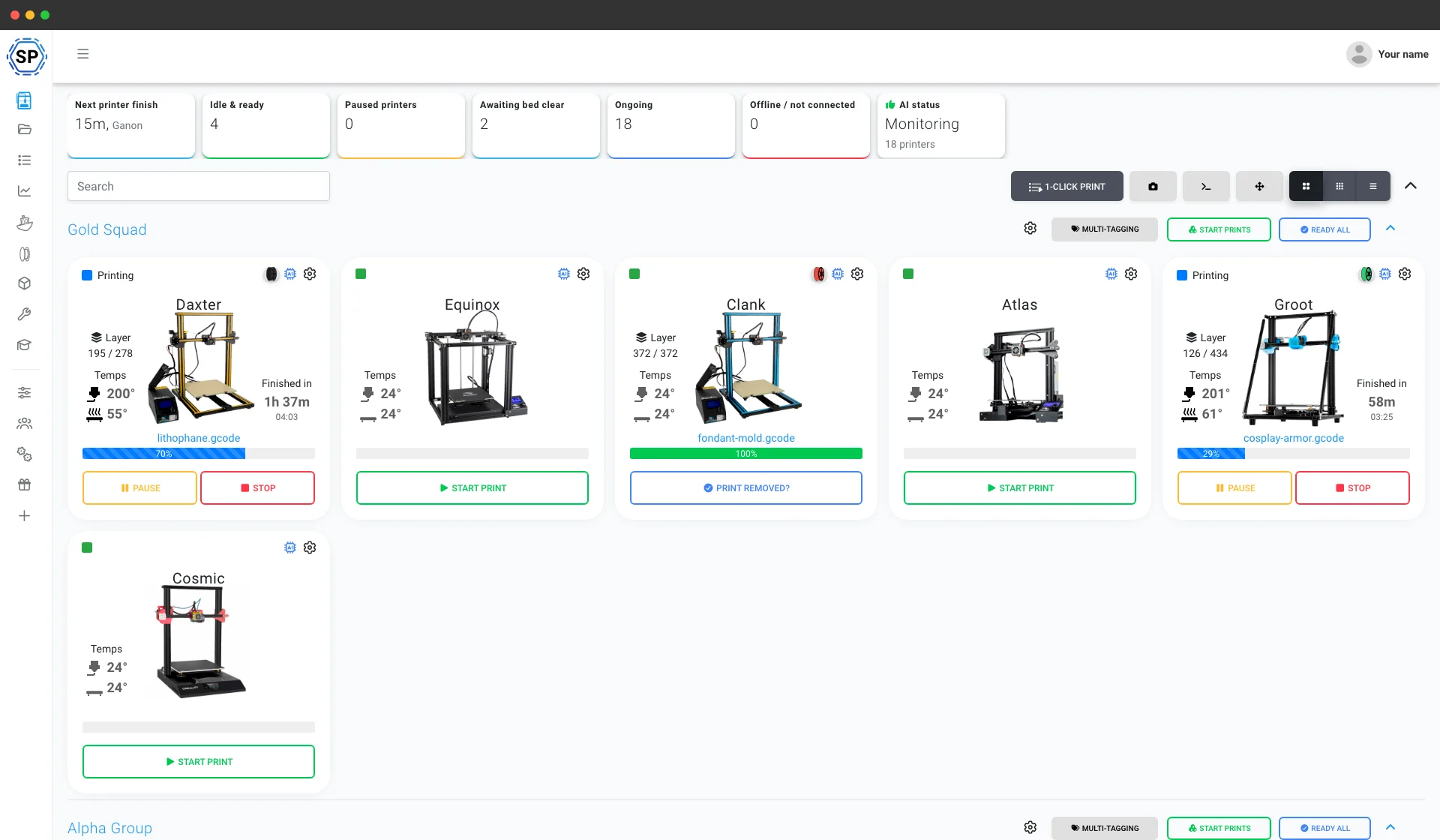
Tout le reste nécessaire à une ferme Anycubic
Maintenance, automatisation, filament, statistiques et plus encore, disponibles dès que vous en avez besoin.
Découvrir toutes les fonctionnalités
Démarrage groupé en 1 clic
Lancez en un clic chaque impression correspondante sur tout un rack d’imprimantes Anycubic. Pas de cartes SD, pas de déplacements dans l’atelier.
En savoir plus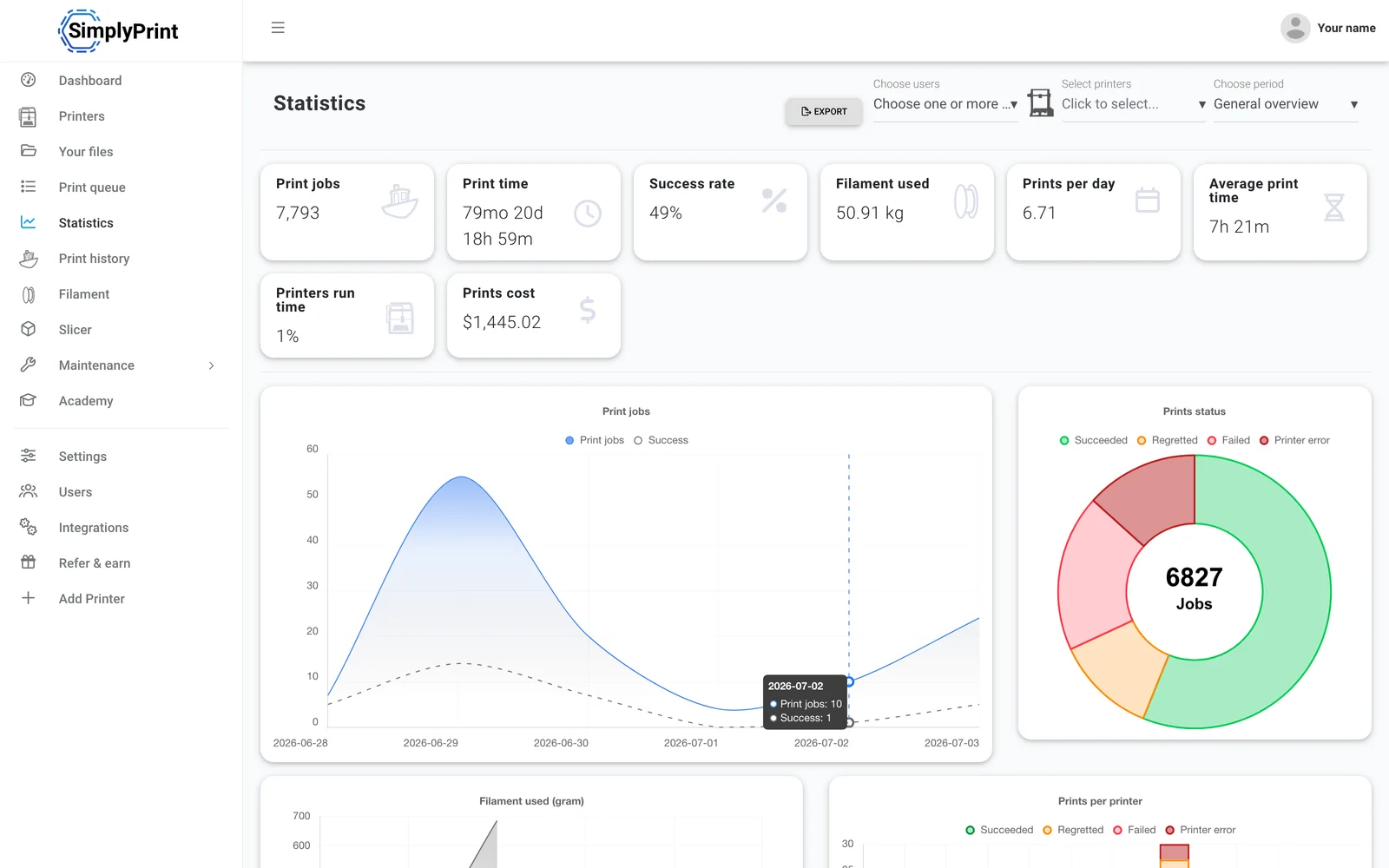
Statistiques
Heures d’impression, taux de réussite, consommation de filament et coûts, les chiffres pour piloter votre activité.
En savoir plus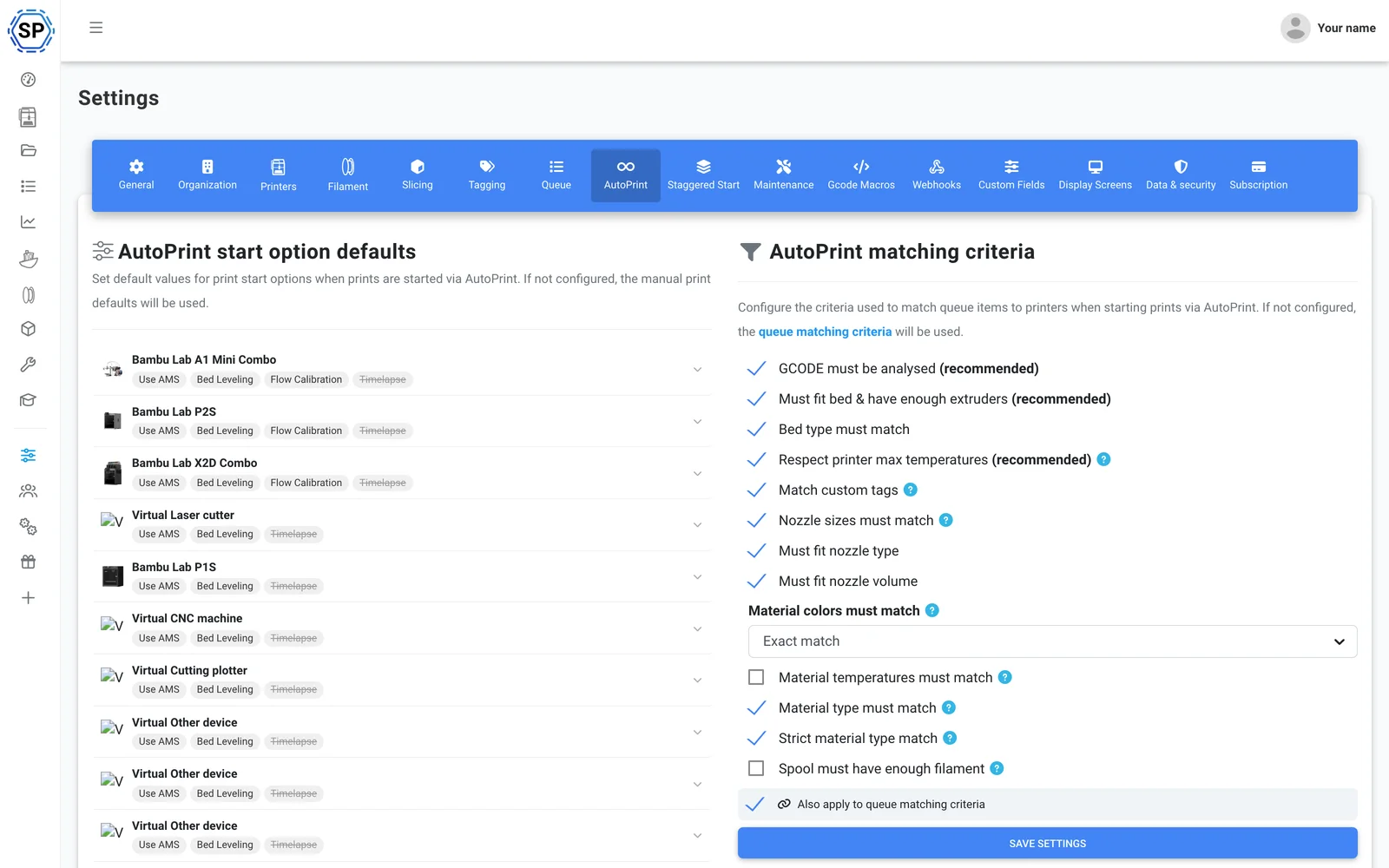
AutoPrint
Impression continue sans intervention : SimplyPrint libère chaque plateau après l’impression et lance automatiquement l’impression compatible suivante.
En savoir plus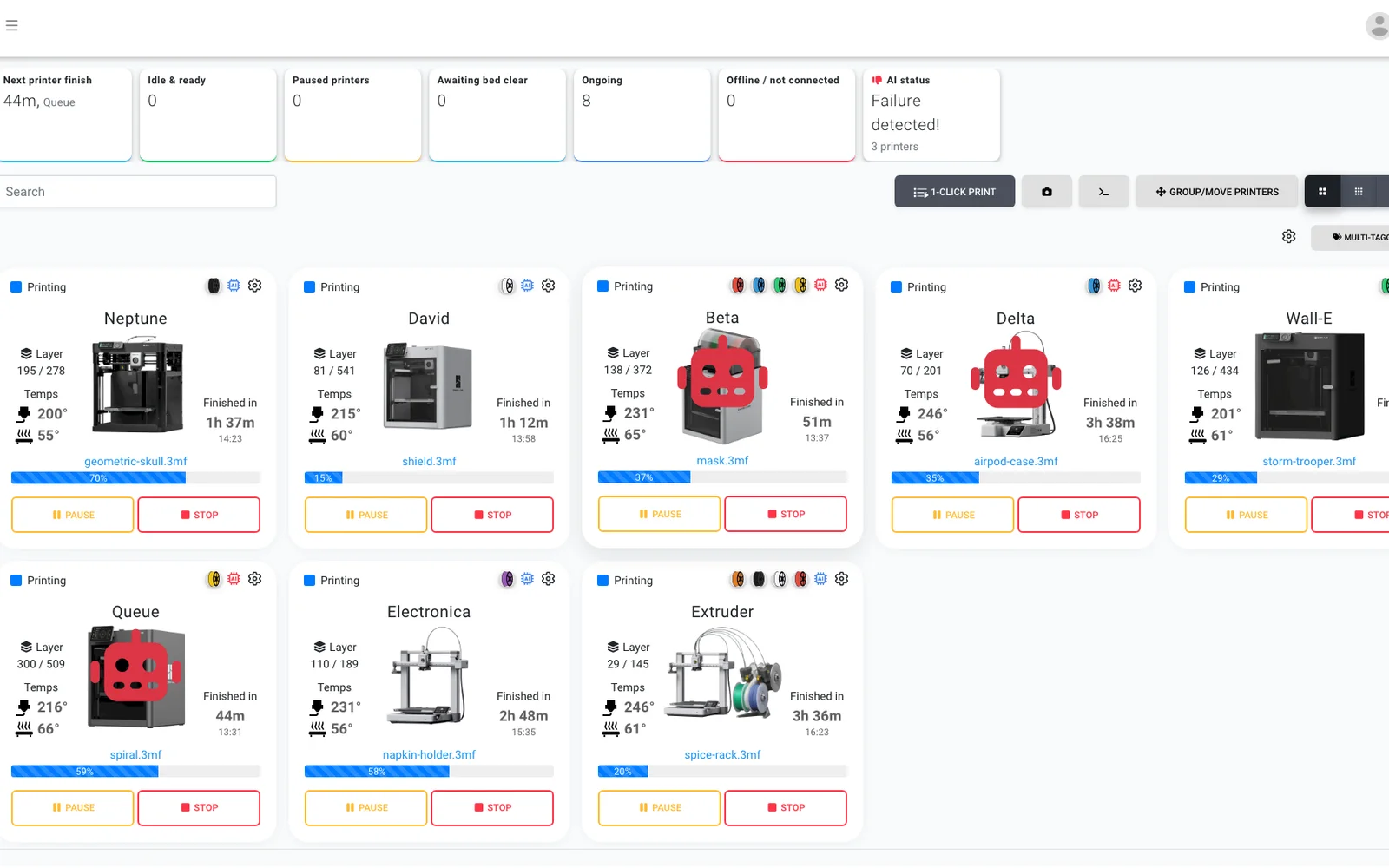
Détection des échecs par IA
Un second regard sur chaque caméra, pour toute imprimante Anycubic : même une Kobra sans IA embarquée bénéficie de la détection des échecs, et l’IA confirme que chaque plateau est dégagé avant le démarrage de l’impression suivante.
En savoir plus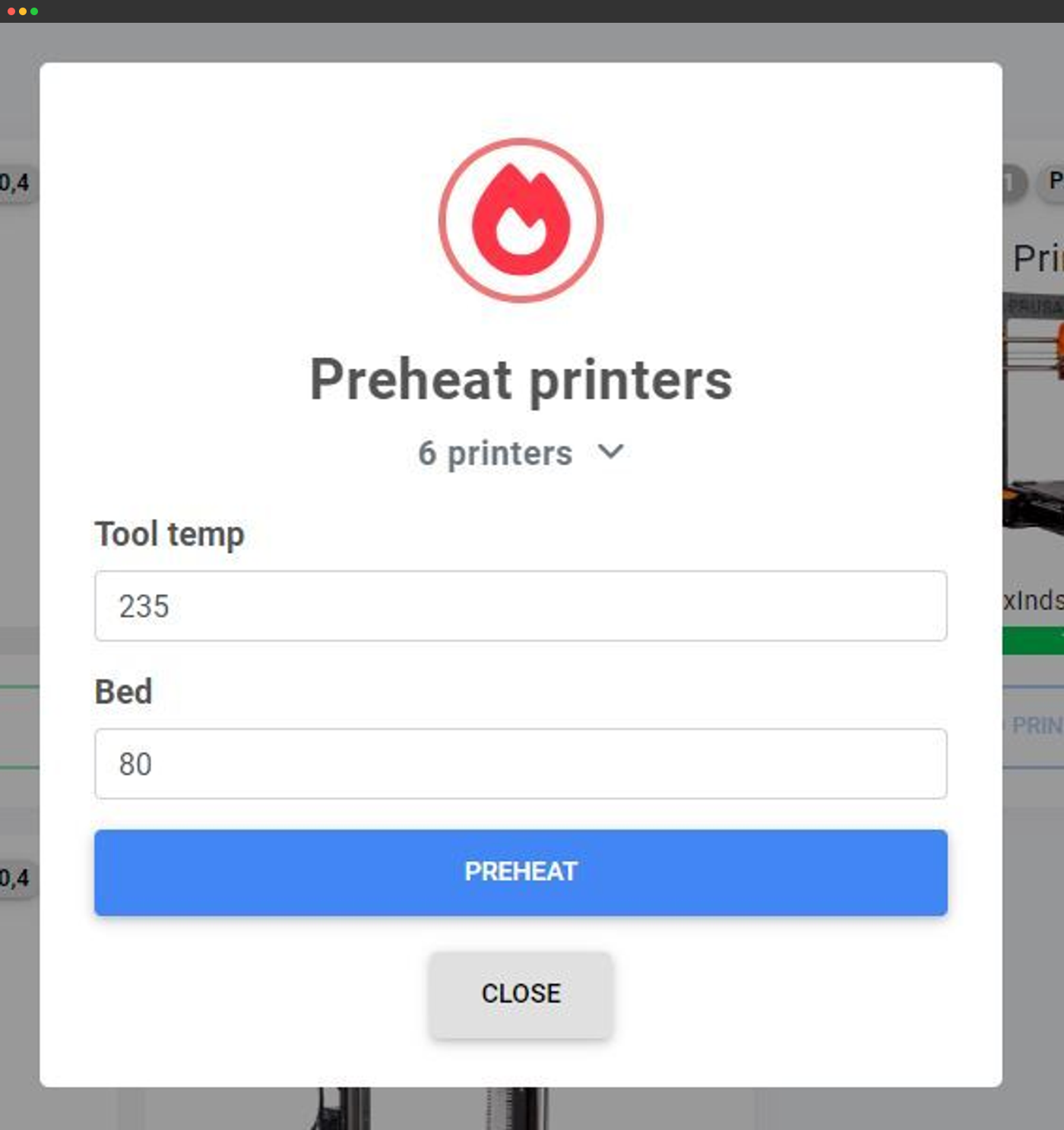
Actions groupées
Préchauffez, envoyez du G-code ou agissez sur des dizaines d’imprimantes à la fois depuis un seul écran.
En savoir plus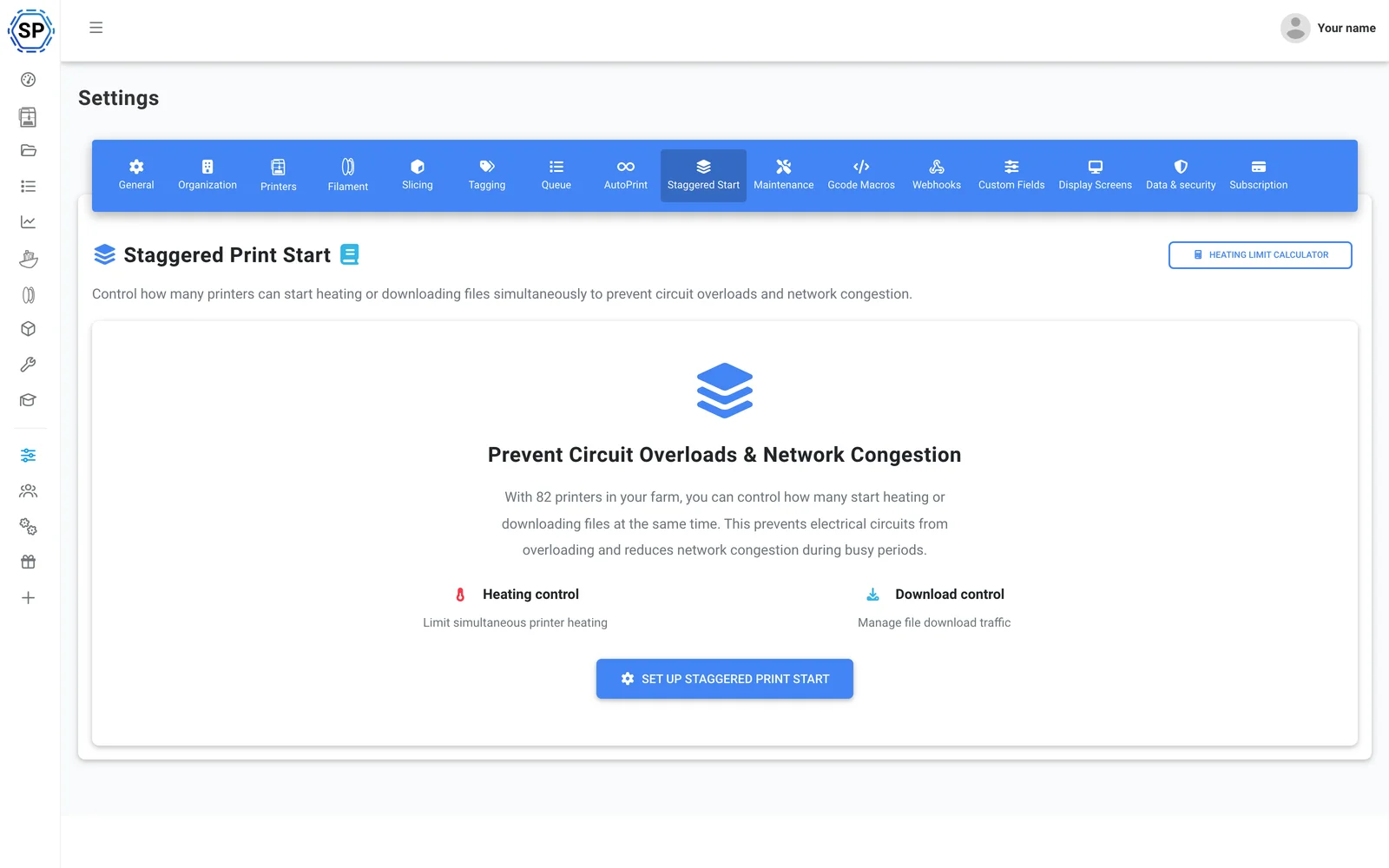
Démarrage échelonné
Beaucoup d’imprimantes sur un même circuit ? Limitez le nombre d’imprimantes en préchauffage simultané pour qu’un rack plein ne déclenche pas le disjoncteur.
En savoir plus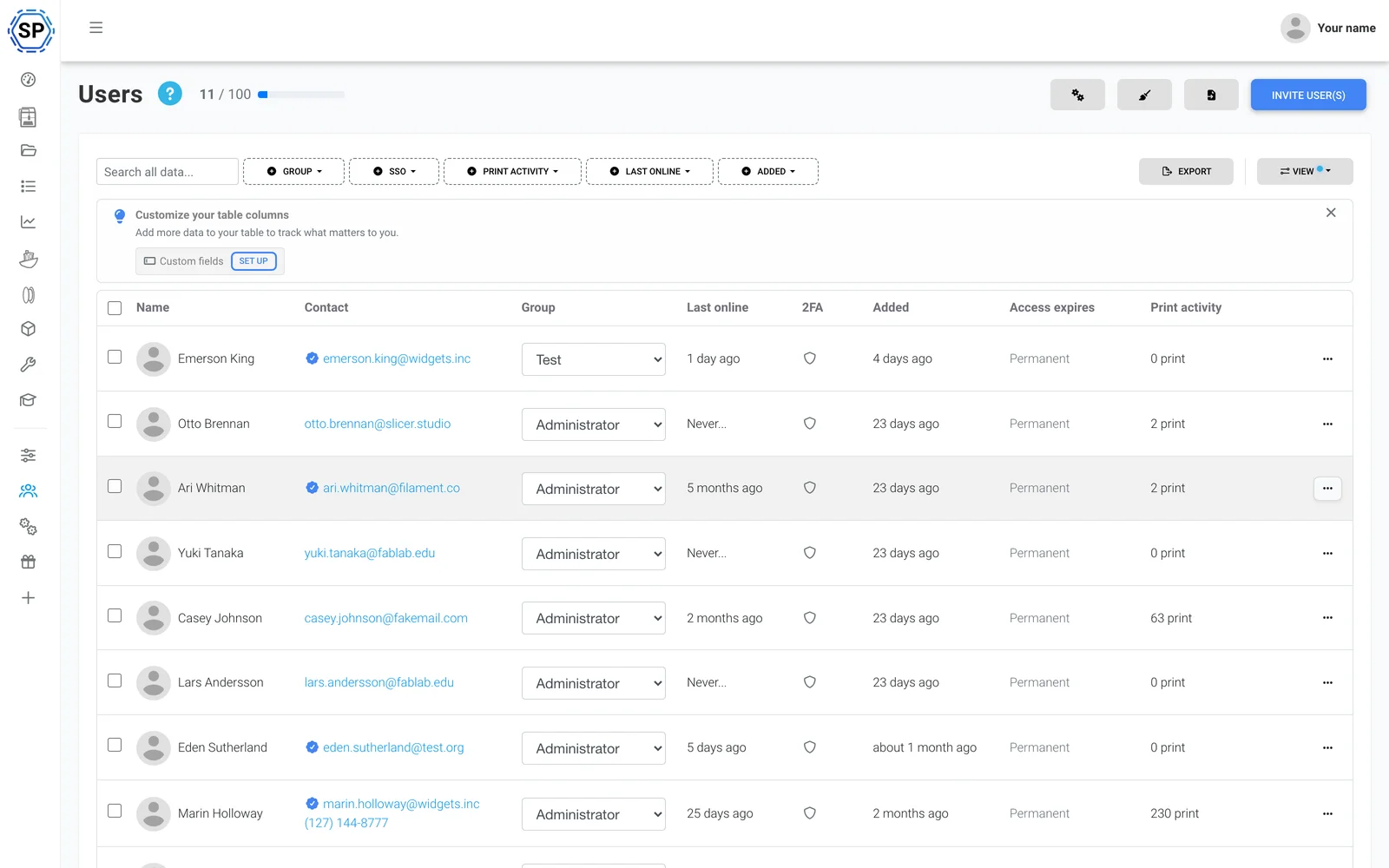
Équipe et autorisations
Gérez la ferme avec vos collègues, grâce à des autorisations adaptées à chaque utilisateur ou groupe.
En savoir plus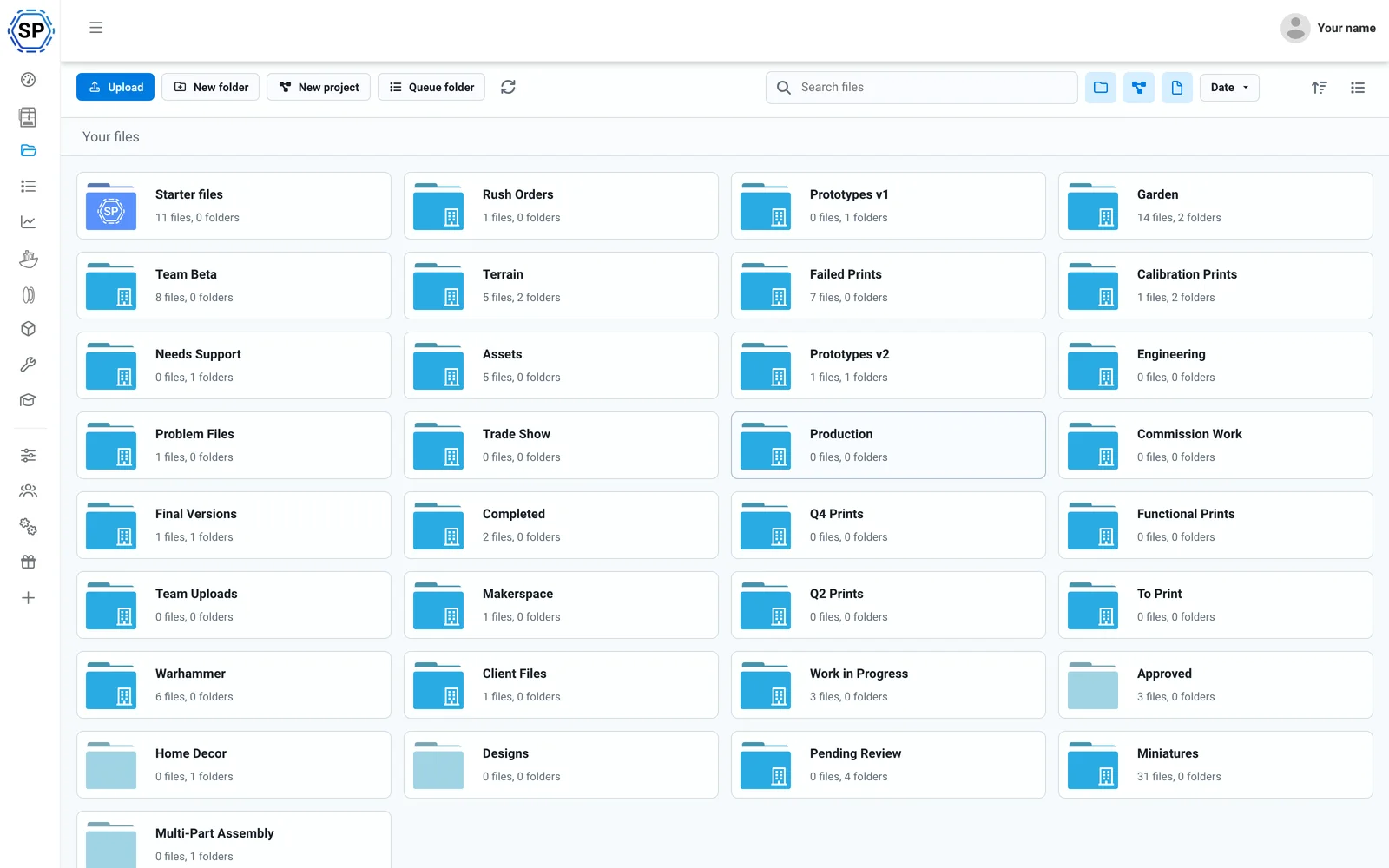
Fichiers et historique dans le cloud
Tous les G-code dans un cloud partagé, avec nombre d’impressions, dossiers partagés et journal d’historique complet.
En savoir plus
Gestionnaire de filament
Suivi automatique de la consommation et de l’inventaire, compatible ACE et précis même avec des bobines tierces chargées.
En savoir plus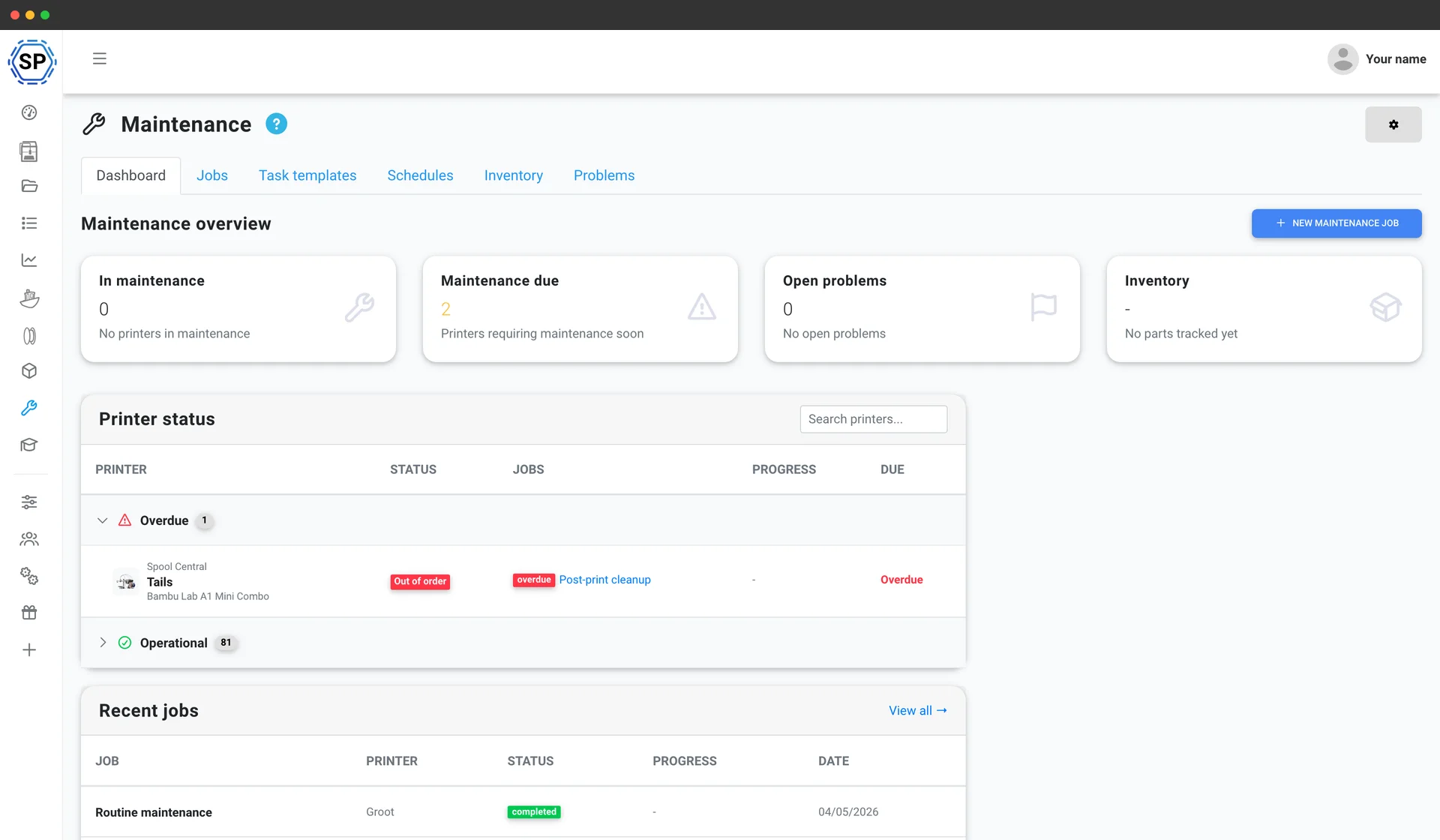
Maintenance des imprimantes
Des calendriers d’entretien basés sur l’utilisation, un inventaire des pièces détachées et une vue d’ensemble de l’état de chaque machine, pour que le parc ne soit jamais à l’arrêt.
En savoir plus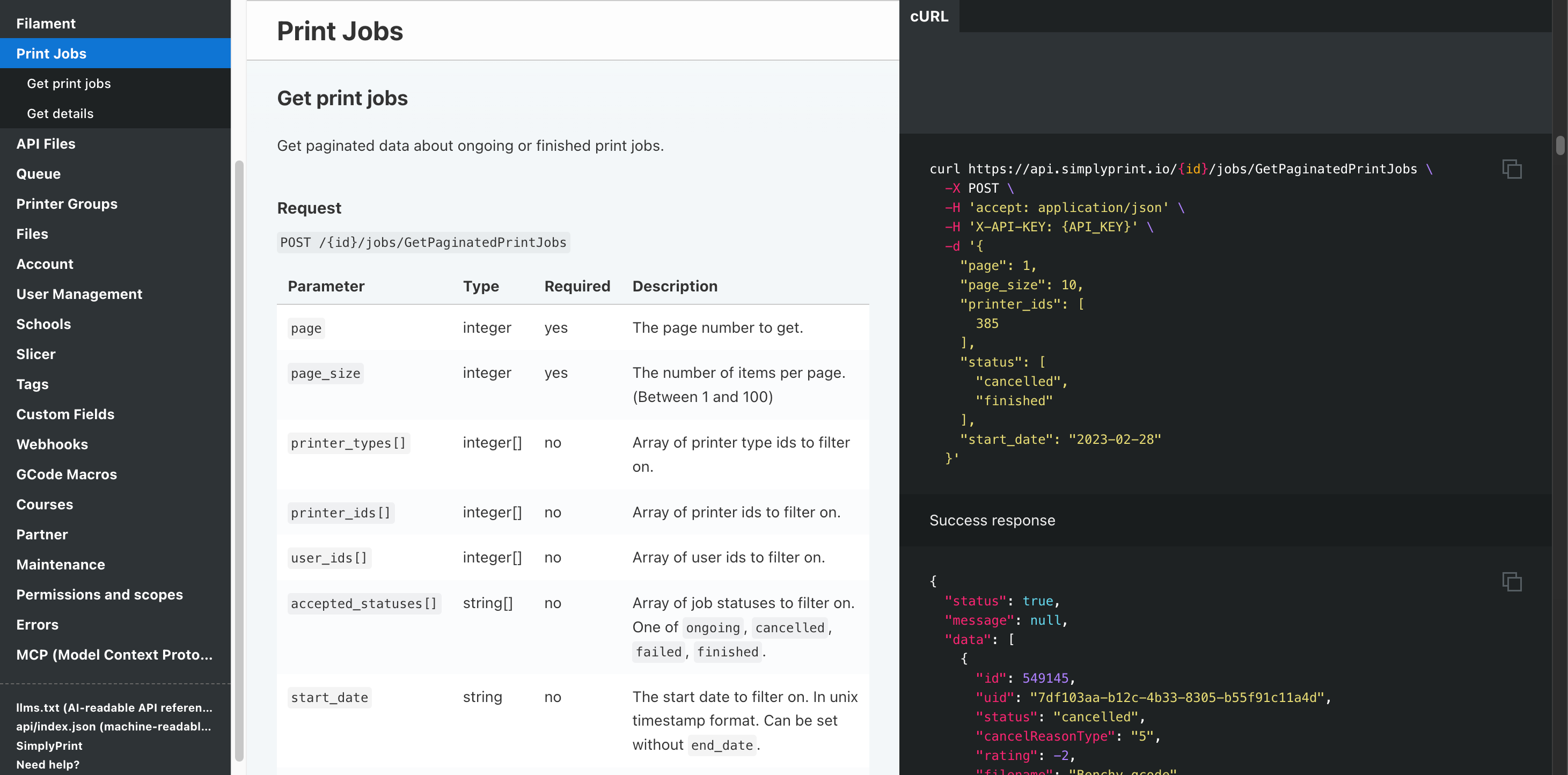
Automatisation et API
Envoyez les commandes de votre boutique en ligne vers la file d’impression via l’API REST, recevez un webhook à la fin de chaque tâche, et laissez Zapier, n8n ou un assistant IA gérer les tâches répétitives.
En savoir plusToutes les imprimantes FDM Anycubic sont prises en charge
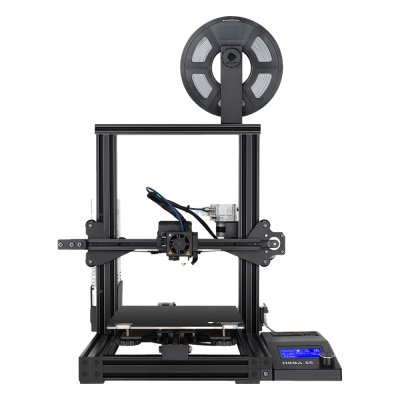
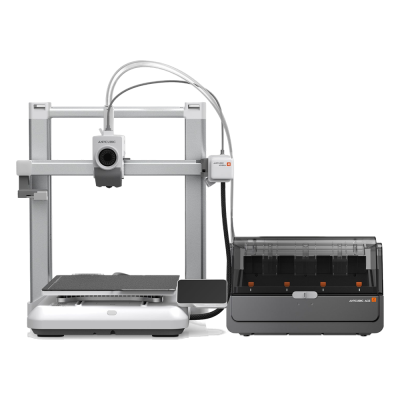
La gamme FDM Anycubic : les séries Kobra 3 et Kobra S1, les Kobra Max et Neo, ainsi que les gammes classiques Mega et i3. Cliquez sur un modèle pour consulter sa compatibilité et son guide de configuration.
Mega SE
Kobra 4 Combo
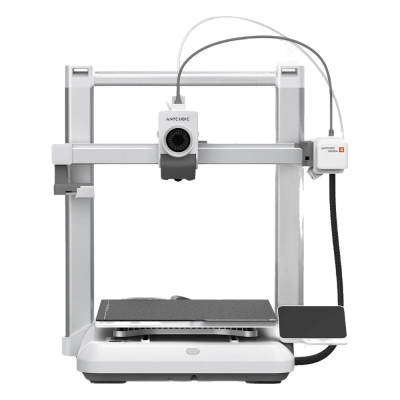
Kobra 4

Kobra 3 Max V2 Combo
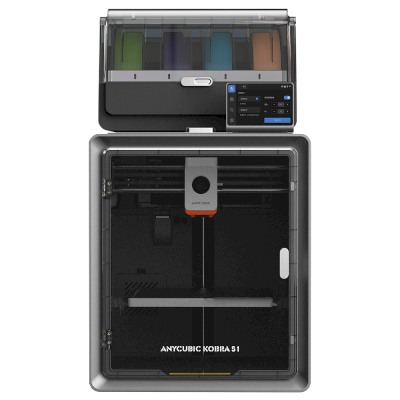
Kobra S1 Combo
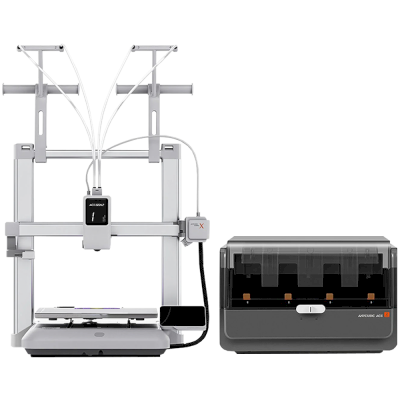
Kobra X Combo
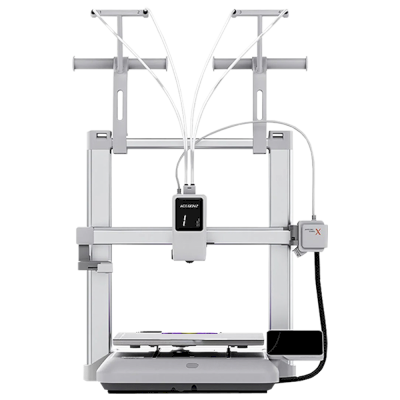
Kobra X
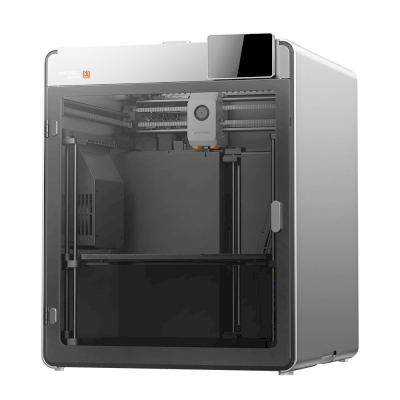
Kobra S1 Max
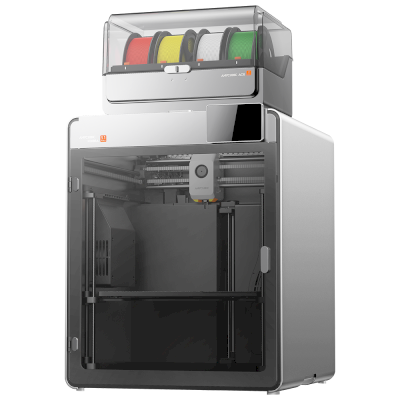
Kobra S1 Max Combo
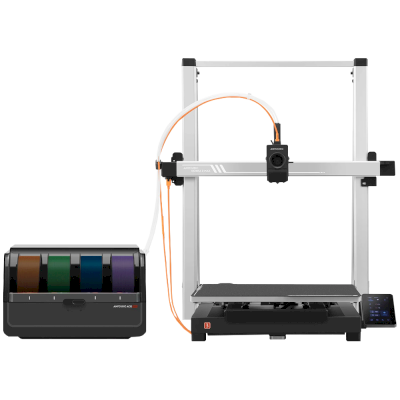
Kobra 3 Max Combo
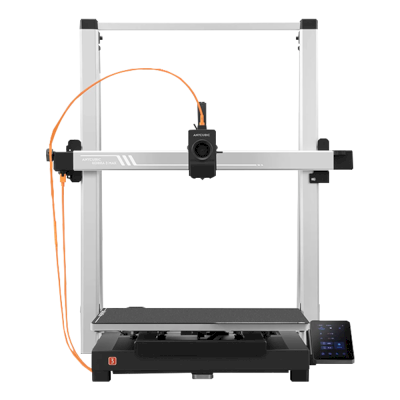
Kobra 3 Max
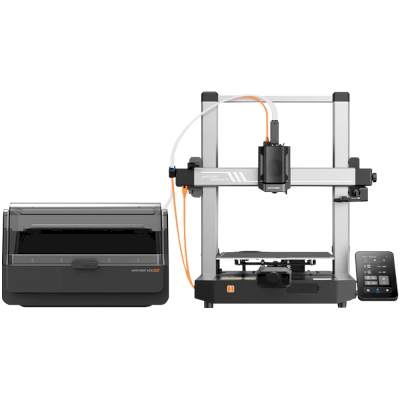
Kobra 3 V2 Combo
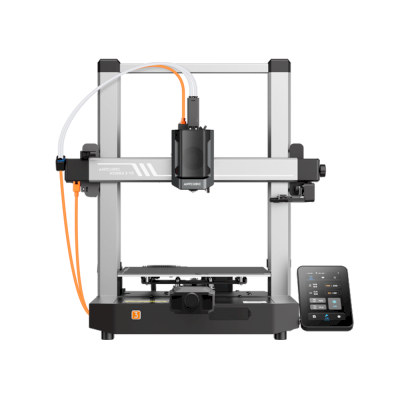
Kobra 3 V2
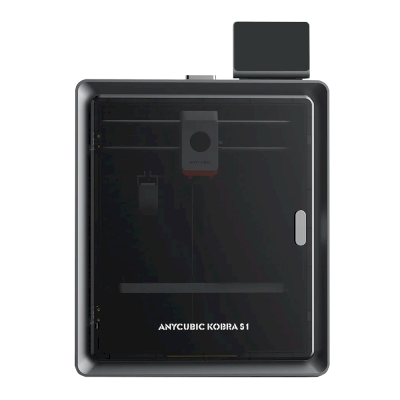
Kobra S1
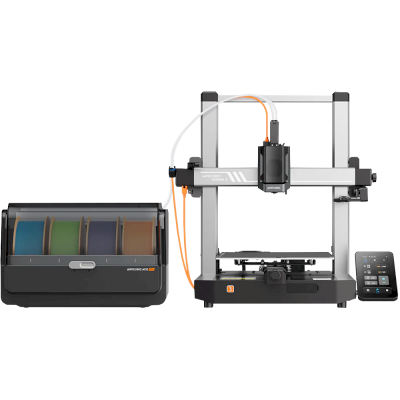
Kobra 3 Combo
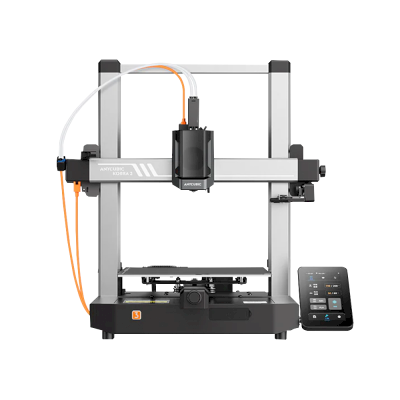
Kobra 3
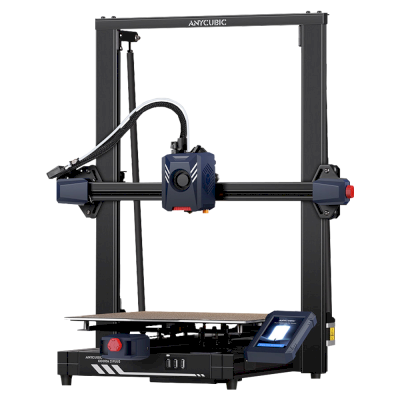
Kobra 2 Plus
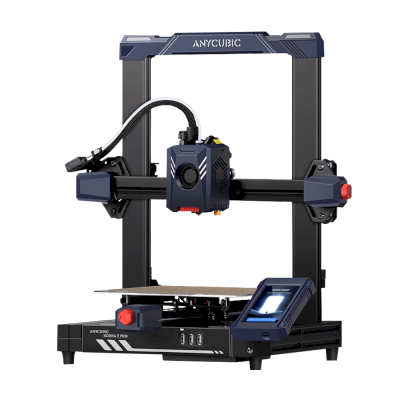
Kobra 2 Pro
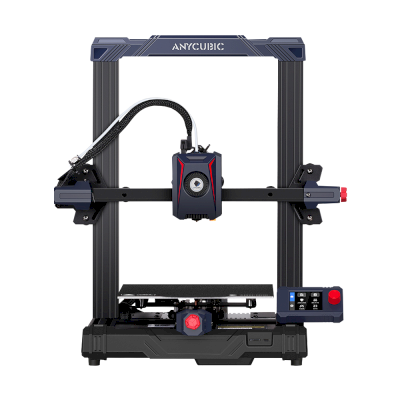
Kobra 2 Neo
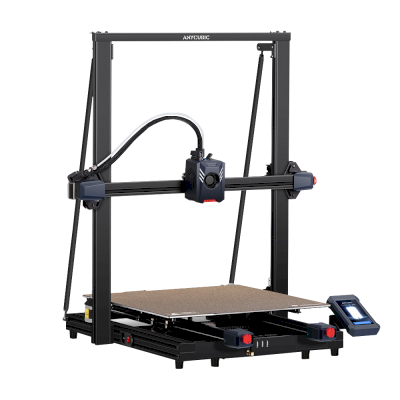
Kobra 2 Max
/product_photo_md.png?cacheid=652d2d24a731c)
Kossel (Pulley)
/product_photo_md.png?cacheid=652d18d120e93)
Kossel (Linear Plus)
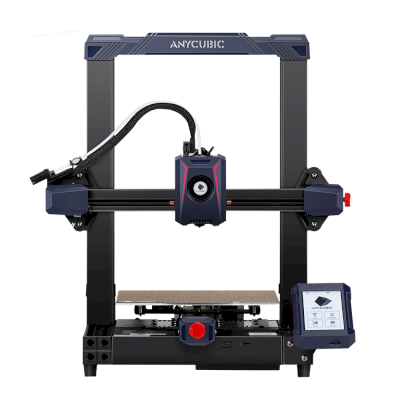
Kobra 2
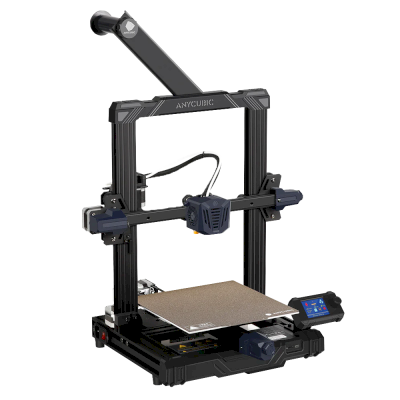
Kobra Go
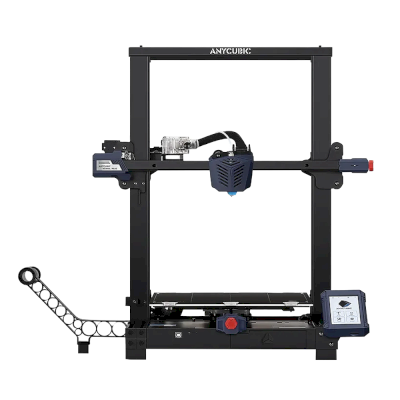
Kobra Plus
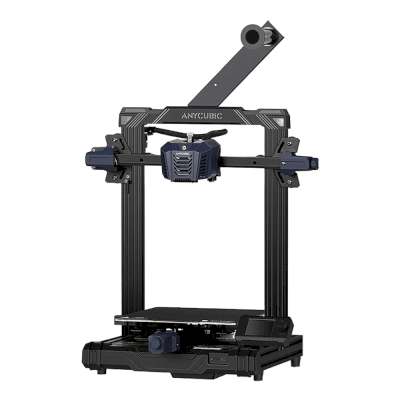
Kobra Neo
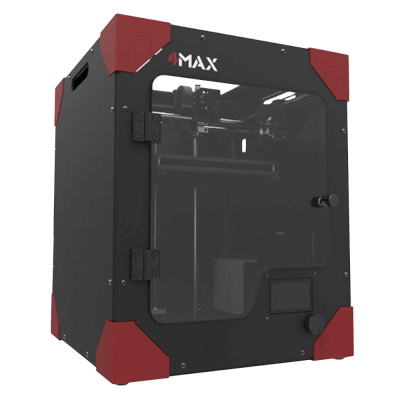
4Max
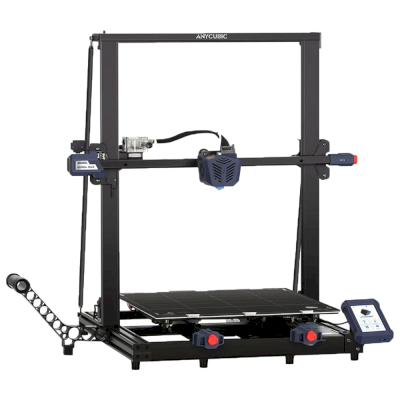
Kobra Max
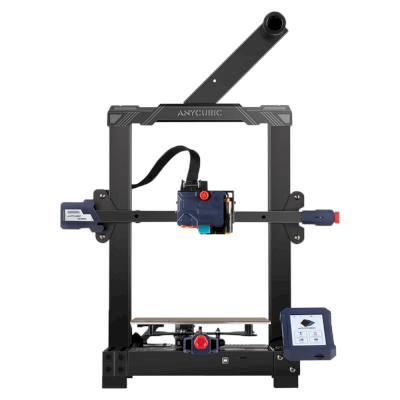
Kobra
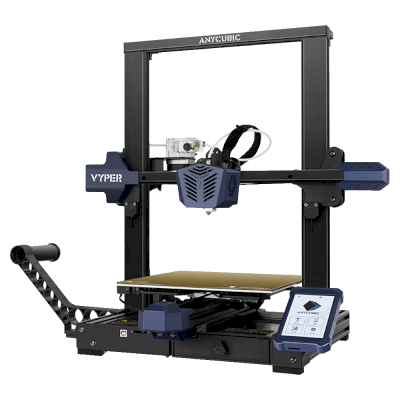
Vyper
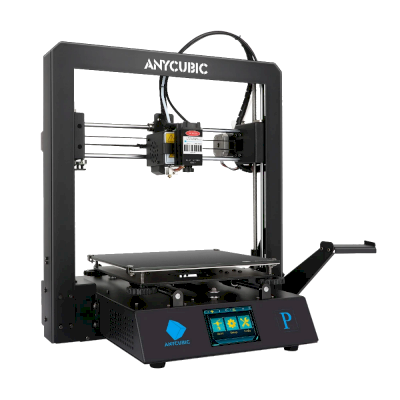
Mega Pro
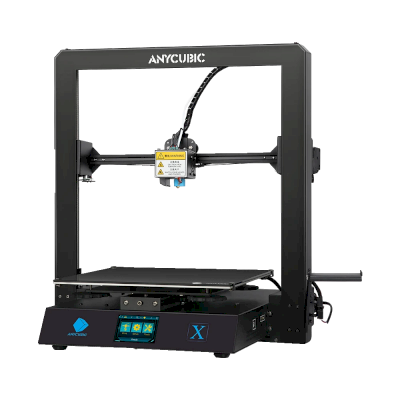
Mega X
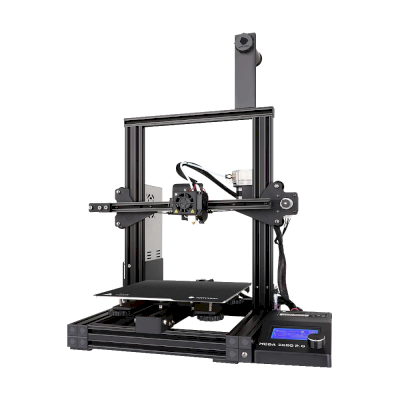
Mega Zero 2.0
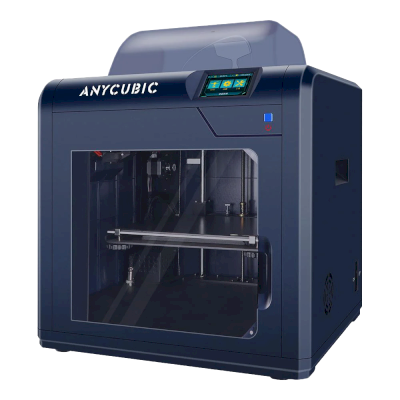
4Max Pro
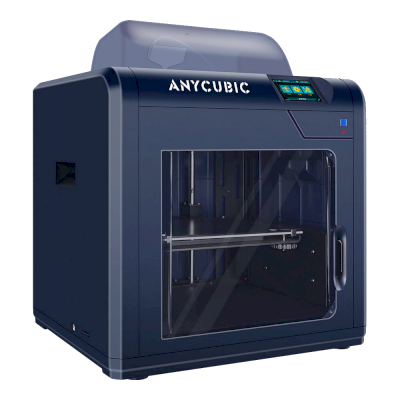
4Max Pro 2.0
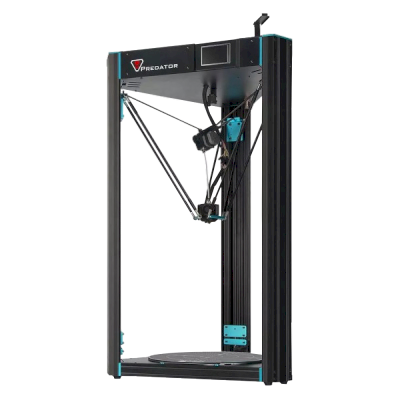
Predator
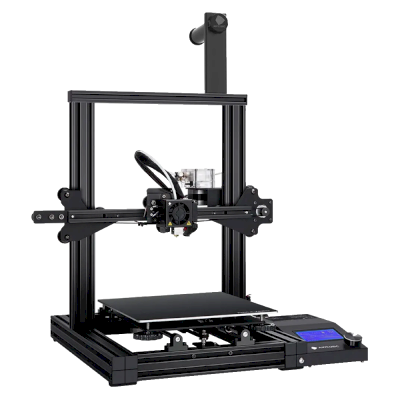
Mega Zero
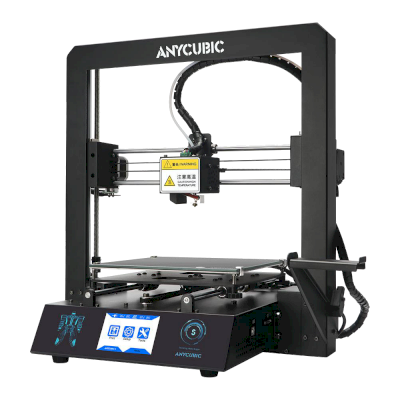
i3 Mega S
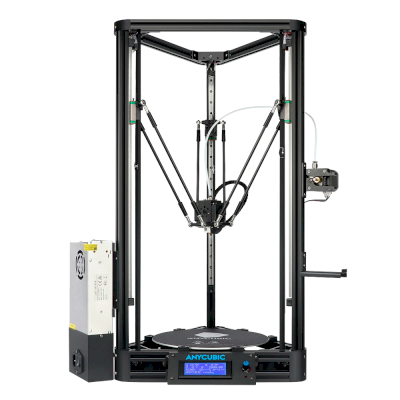
Kossel
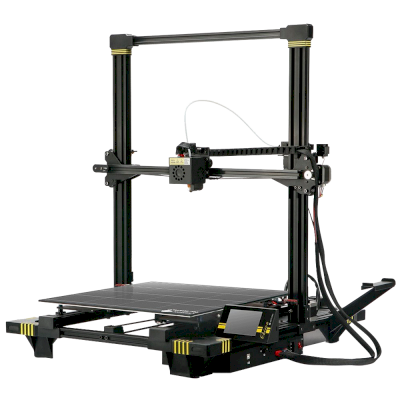
Chiron
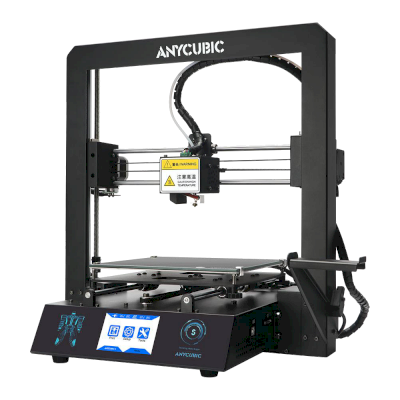
i3 Mega
Vous n’utilisez pas uniquement Anycubic ? SimplyPrint gère côte à côte plus de 150 marques et plus de 770 modèles d’imprimantes. Parcourir la liste complète de compatibilité ou voir la plateforme pour fermes d’impression.
Les modèles de vos clients restent privés
Les fichiers dans votre cloud ne sont visibles que par votre équipe, jamais exposés sur Internet. SimplyPrint est conforme au RGPD, hébergé dans l’UE et repose sur une infrastructure certifiée SOC 2 et ISO 27001, avec une disponibilité de plus de 99,9 %.


Certifications et normes couvrant SimplyPrint et son infrastructure d’hébergement.
Détails de sécurité et de conformitéDes mises à jour tout au long de l’impression
Gérez la ferme depuis votre poche. Recevez une notification à la fin ou à la mise en pause d’une impression et lorsque le filament est épuisé, consultez la caméra de n’importe quelle imprimante et arrêtez une tâche où que vous soyez.


SimplyPrint ⚫ Maintenant
Impression démarrée sur Imprimante 1
Le temps d’impression estimé est de 3 j 4 h
SimplyPrint ⚫ Maintenant
Échec détecté sur l’imprimante 2 !
Vous voulez mettre en pause ou annuler ?

Ne nous croyez pas sur parole
Parc mixte ou autre marque ? La plateforme complète pour fermes d’impression · Bambu Lab · Prusa · Creality · ELEGOO · Flashforge
SimplyPrint gère Anycubic aux côtés de plus de 150 marques et plus de 770 modèles d’imprimantes : une file, un écran. Vérifier vos imprimantes.