Bygget til at printe mange labels
SimplyPrint genererer en QR-kode- eller 1D-stregkodelabel (Code-128 eller Code-39) til enhver spole i din beholdning og sender den direkte til din Zebra. Hver label indeholder spolens mærke, materiale, farve og ID, så en hurtig scanning senere henter den præcise spole frem på skærmen, og du kan udskrive labels til en hel hylde i ét hug.
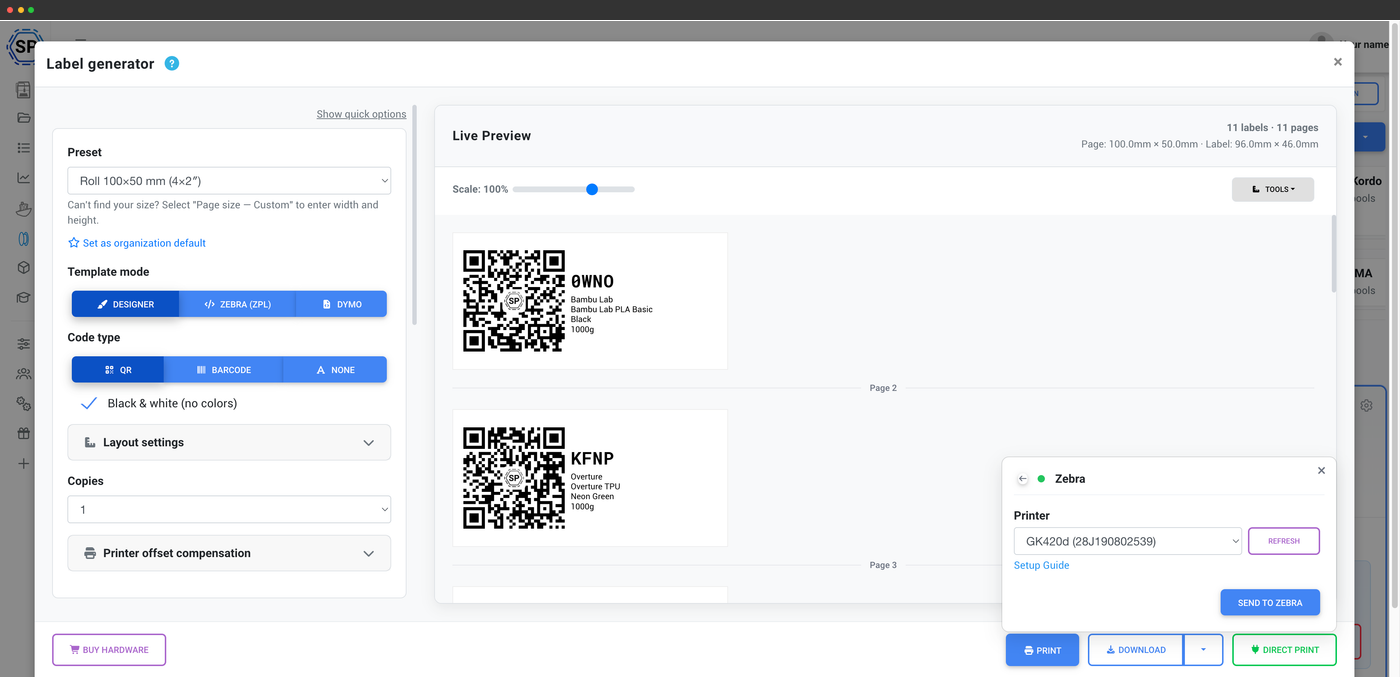
Sådan fungerer direkte print til en Zebra
En lille desktopklient bygger bro mellem browseren og USB-printeren
En almindelig webside kan ikke selv kommunikere med en USB-labelprinter. SimplyPrint løser det med Zebra Browser Print, en lille gratis desktopklient fra Zebra til Mac og Windows. Når Zebra Browser Print kører, sender SimplyPrint i din browser labelen direkte til din Zebra-printer via USB, så du bliver i lagerstyringen, og labelen printes med det samme uden download eller import.
En ZPL-skabeloneditor med live forhåndsvisning
Præcis kontrol over hvert element på etiketten
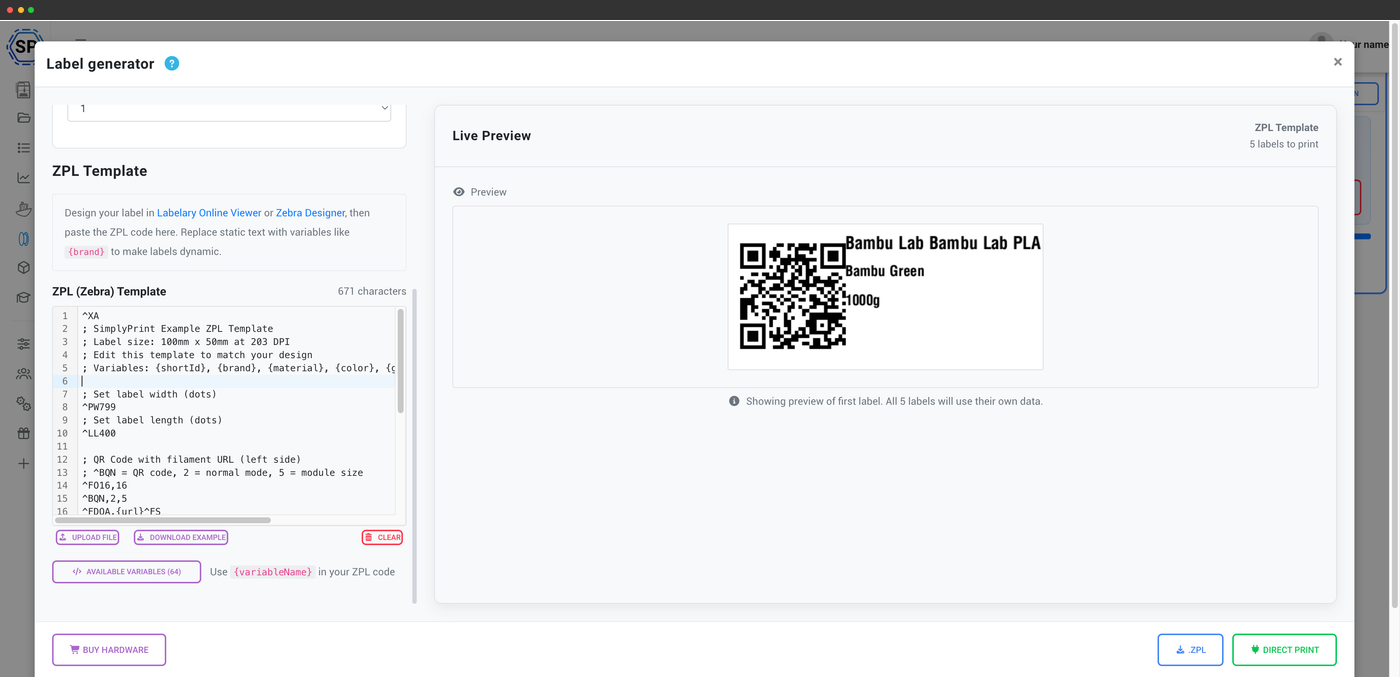
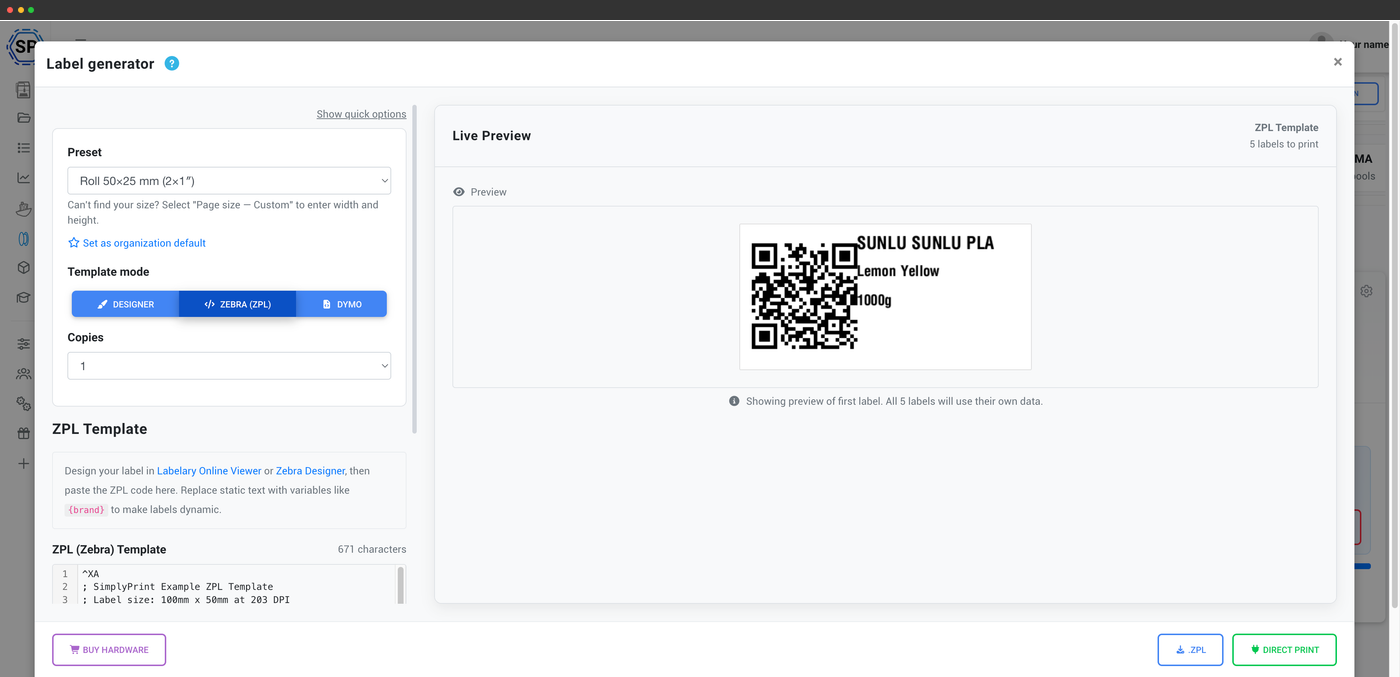
Design din label i en indbygget ZPL-skabeloneditor, og se den opdatere live, mens du redigerer. Placer QR-koden eller stregkoden, brandet, materialet, farven og vægten præcis, hvor du vil have dem, og forhåndsvisningen afspejler dit labelmateriale, så det, du ser, er det, der kommer ud af printeren. En kalibrering af printerforskydning (vandret, lodret og skala) justerer printet på plads, og du kan gemme resultatet som en forudindstilling.
Layouts til labelruller eller hele ark
Zebra-etiketruller eller A4-, A5-, Letter- eller brugerdefinerede ark
Print på en kontinuerlig Zebra-etiketrulle, eller fordel etiketterne på en A4-, A5-, Letter- eller brugerdefineret side, hvis du hellere vil printe dem samlet på et ark med en almindelig printer. Få plads til så mange etiketter, som du har brug for, og gem layoutet som en forudindstilling til næste batch.
Fra spoleskærmen direkte til Zebra-printeren
Klik på Send, så udskrives etiketten
Åbn en spole, klik på Send til Zebra, og en færdig etiket med QR-kode eller stregkode kommer ud, klar til at sætte på. Ingen PDF og ingen separat app til at styre printeren. Spoleskærmen kommunikerer direkte med printeren via Zebra Browser Print.
Print labels til en hel hylde i en fart
Zebra er valget til store mængder
Zebra-termoprintere er hurtige og bygget til store mængder, så de er ideelle, når du mærker en hel printfarms beholdning på én gang. Nedenfor: spoleetiketter med QR-koder, der printes efter hinanden på en Zebra.
Understøttede Zebra-modeller
Direkte print fungerer med den populære Zebra-desktopserie, herunder GK420D, GX420D, ZD410, ZD411, ZD420d, ZD421, ZD500t, ZD620d og ZD621. Hvis din Zebra fungerer med Zebra Browser Print, fungerer den med SimplyPrint.
Fleksibel i valg af labelmærke
I modsætning til DYMO er Zebra langt mindre kræsen med, hvilke etiketter du bruger. De fleste standardetiketter til direkte termotryk i den rette størrelse printer fint, så du har masser af muligheder for at vælge en rulle, der passer til dit budget og dine spoler. Printerens offsetkalibrering finjusterer placeringen, uanset hvad du ilægger.
Abonnementsadgang: hvad kræves til Zebra-print?
At generere og tilpasse labels låser op for editoren; direkte print til en Zebra-termoprinter er tilgængeligt på de højere abonnementstrin. Filamentmanageren bag det hele er gratis på alle SimplyPrint-abonnementer.
| Funktion/grænse | Gratis | Basic | Pro | Printfarm | Enterprise | Skole | Cloud Slicer | Filament Manager |
|---|---|---|---|---|---|---|---|---|
|
Labelgenerator: QR-tilpasning
Generer og tilpas QR-kode- og stregkodelabels til dine spoler.
|
||||||||
|
Labelgenerator: understøttelse af termoprintere
Print direkte til termiske etiketprintere som DYMO og Zebra.
|
Vil du vide mere om vores abonnementer?
Se fuld pris- og funktionssammenligningOfte stillede spørgsmål
Skal jeg bruge ekstra software for at udskrive til en Zebra?
Hvilke Zebra-modeller understøttes?
Kan jeg bruge tredjepartsetiketter i min Zebra?
Hvad er ZPL, og skal jeg kende det?
Hvad kodes på en Zebra-etiket?
Zebra-termoprintere og direkte termiske etiketter
Udskriv spoleetiketter direkte fra SimplyPrint i din browser på en af disse Zebra-termoprintere via den gratis Zebra Browser Print-klient. Zebra-printerne kan bruge etiketter fra mange producenter, så almindelige ruller til direkte termoprint fungerer fint.
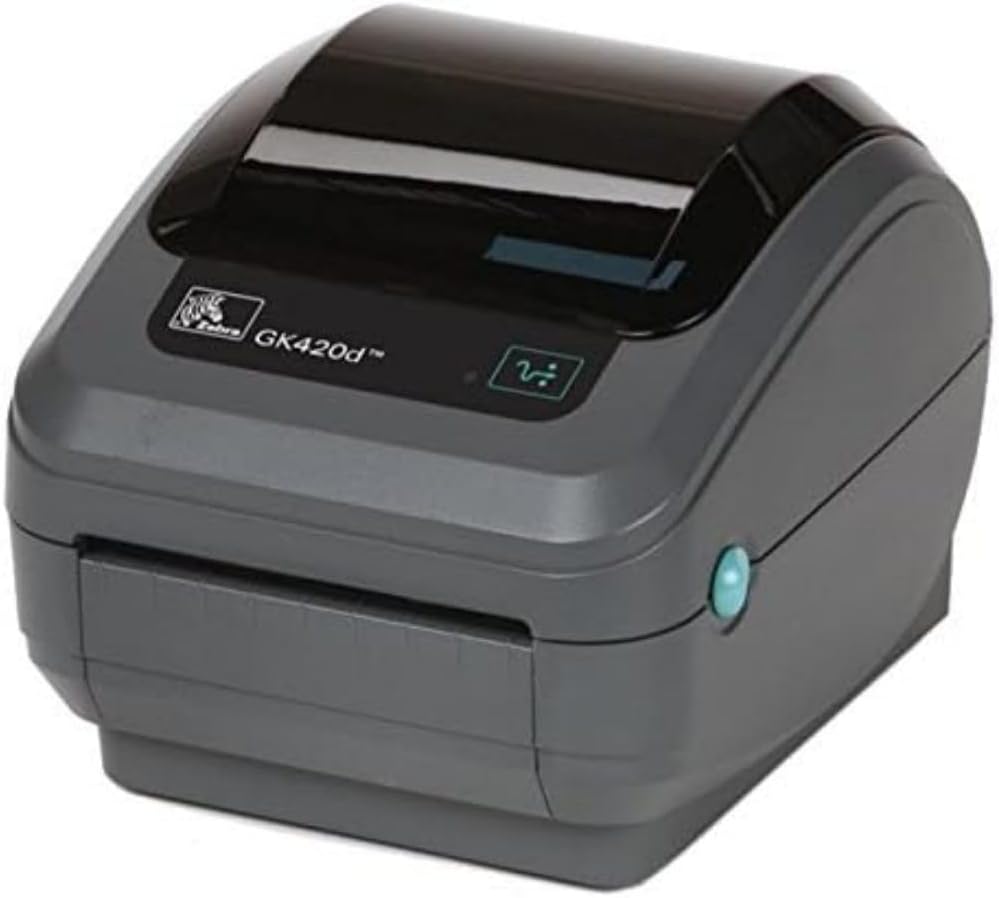
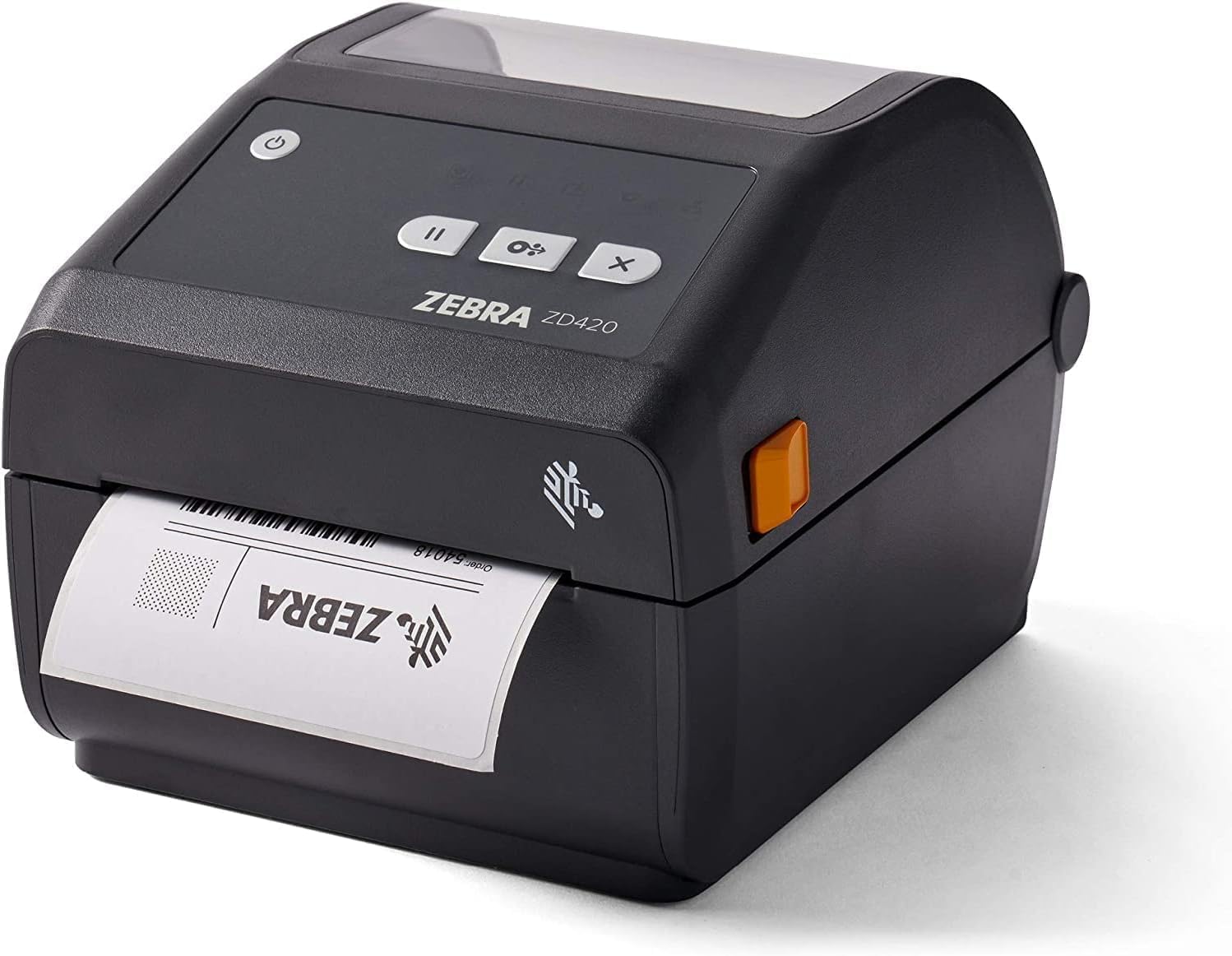
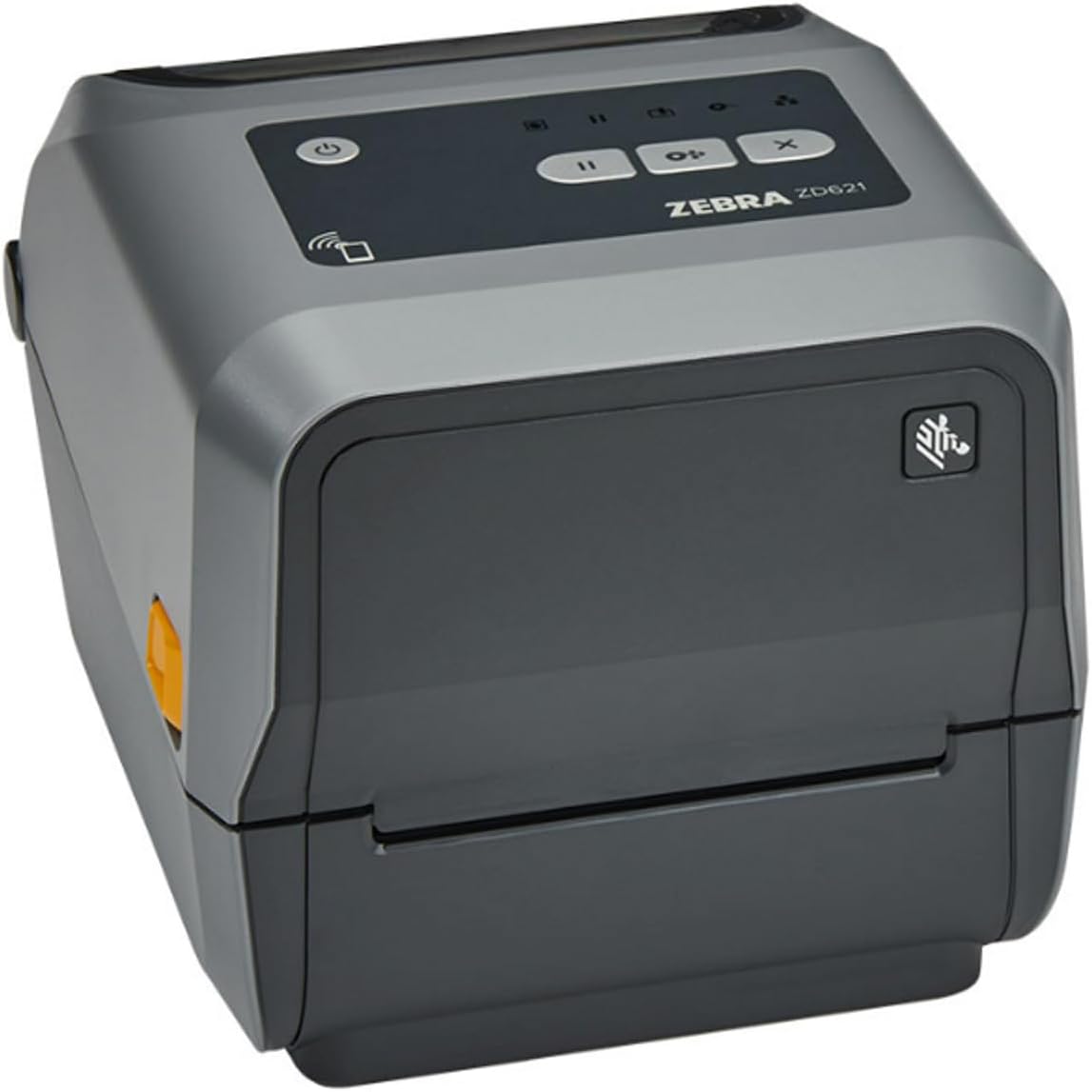
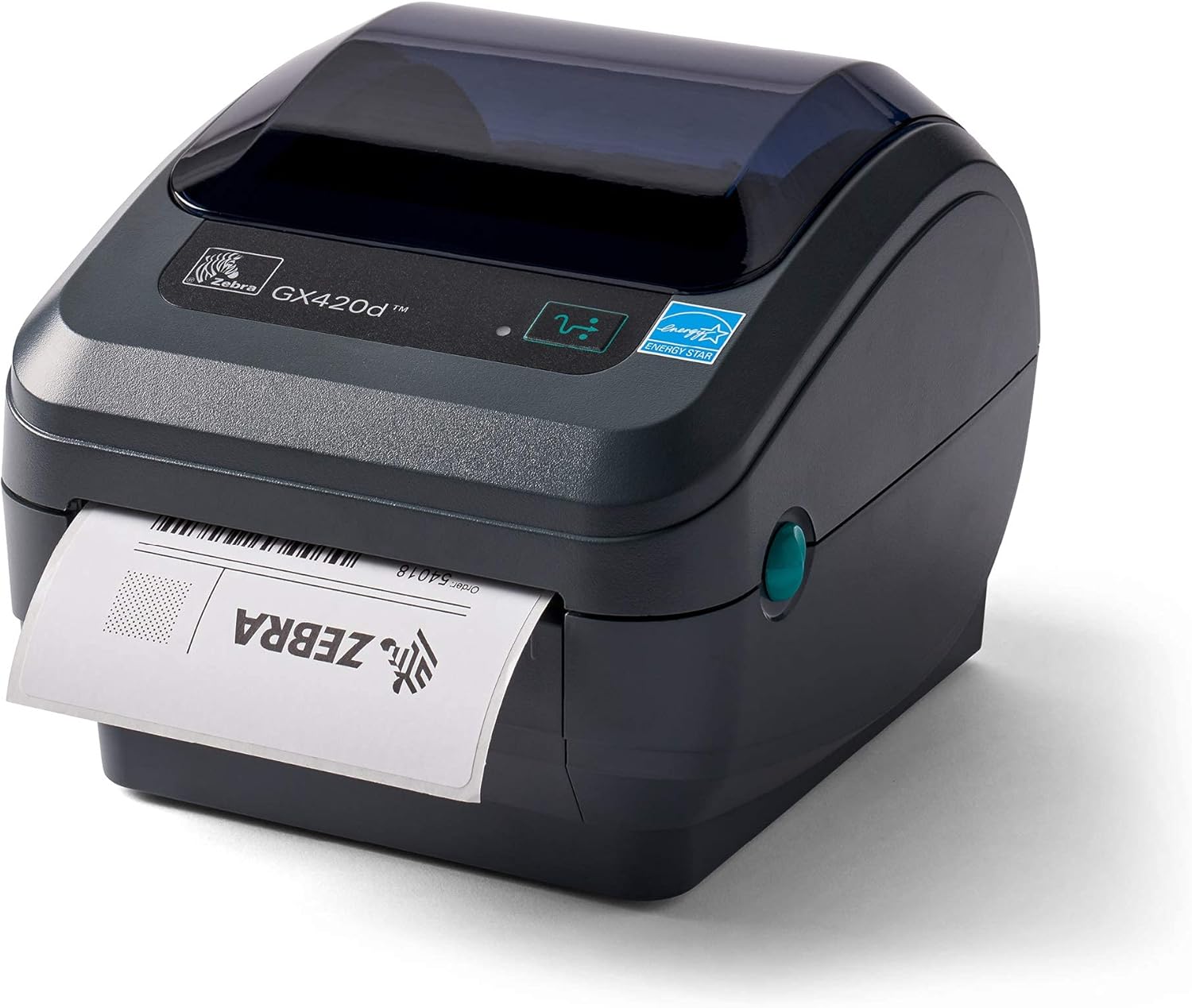
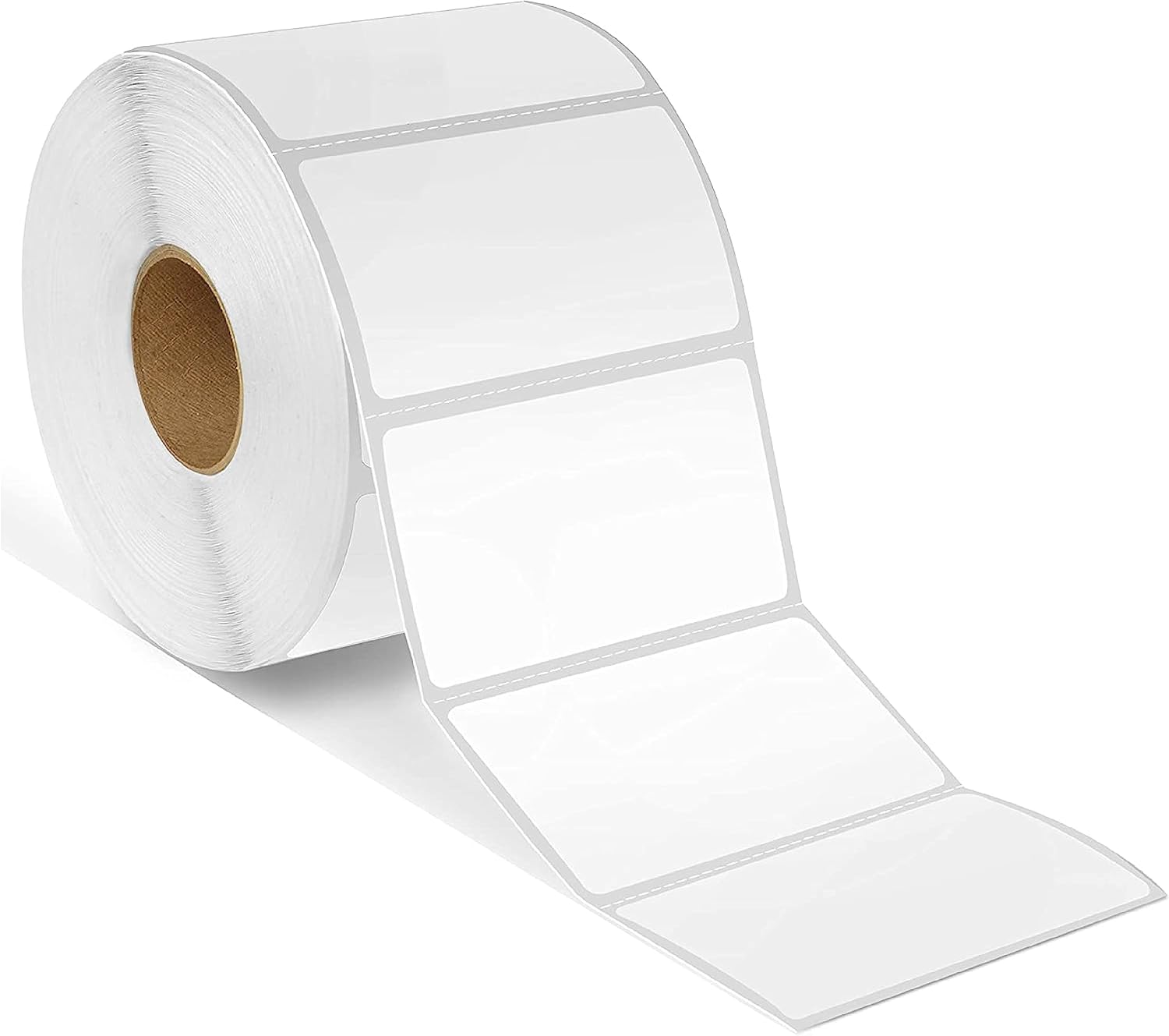
Zebra direct thermal labels (57x32mm)
En god standardstørrelse til spolelabels med QR-kode.
Se produktet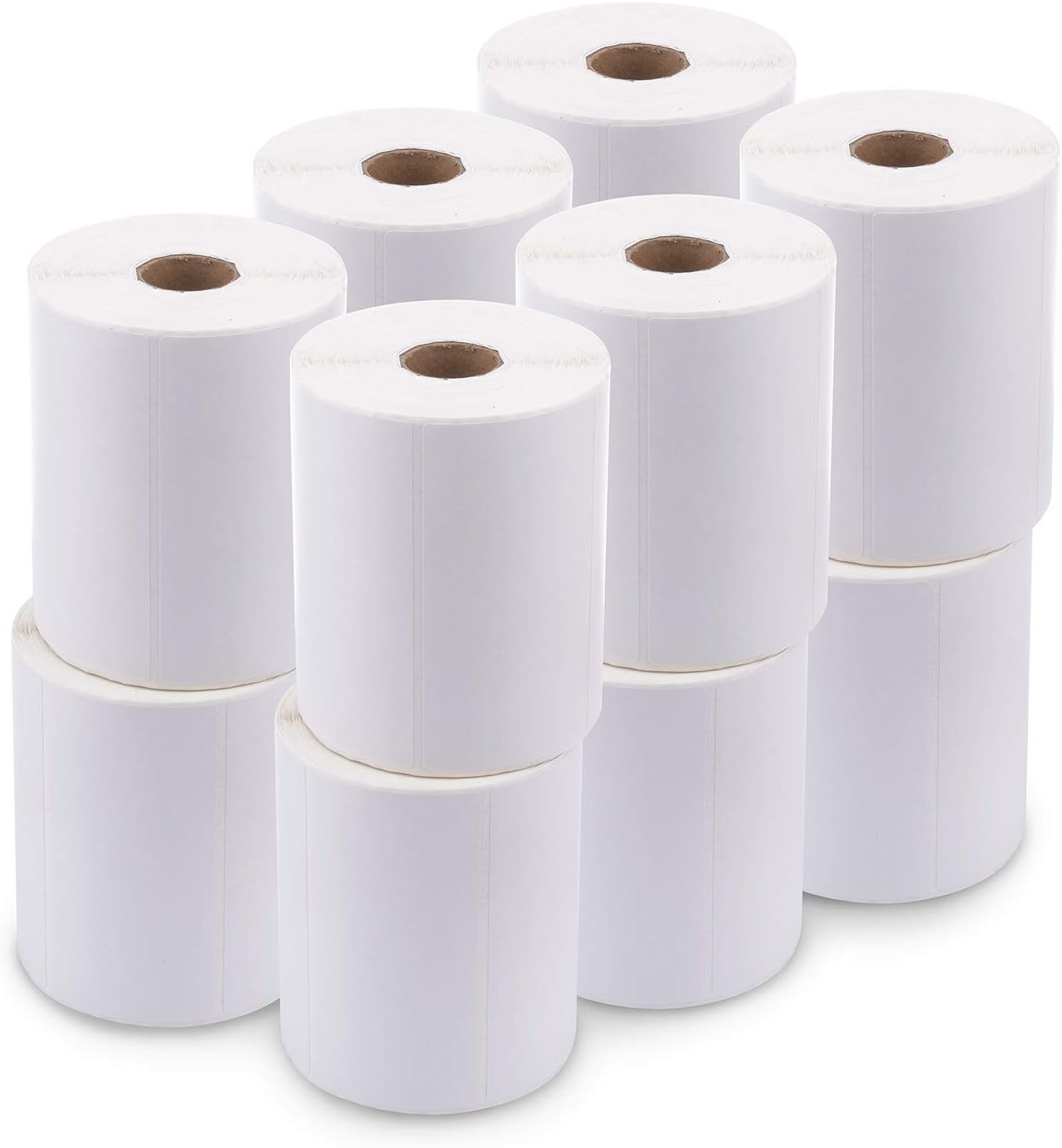
Zebra direct thermal labels (102x51mm)
Større direkte termiske labels til spoletags med flere detaljer.
Se produktetIngen labelprinter? Du kan stadig bruge labelgeneratoren og udskrive på en almindelig papirprinter.
Nogle links er partnerlinks. SimplyPrint kan få provision uden omkostning for dig.