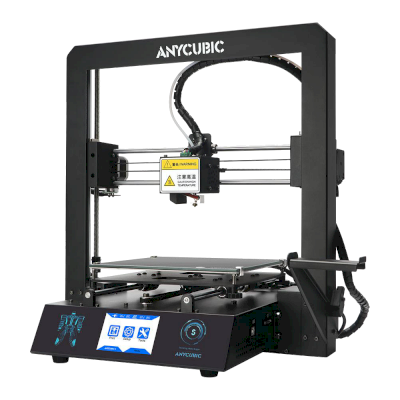
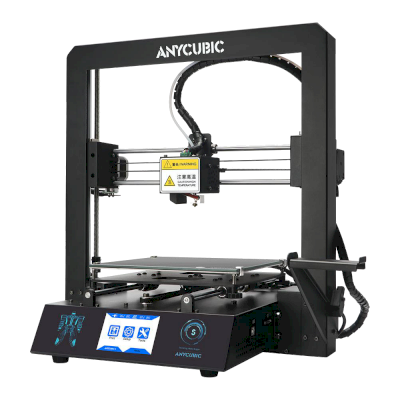
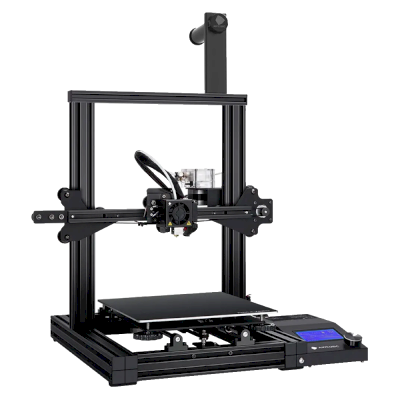
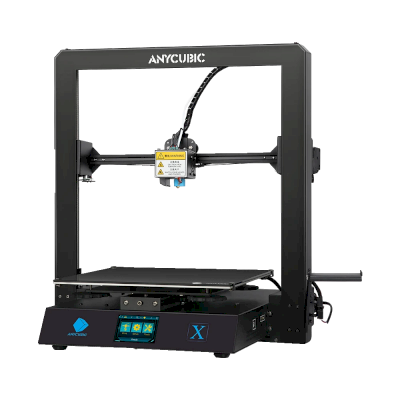
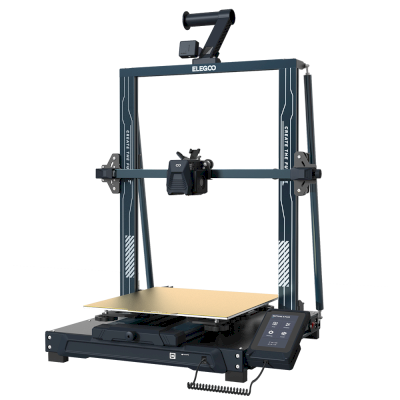
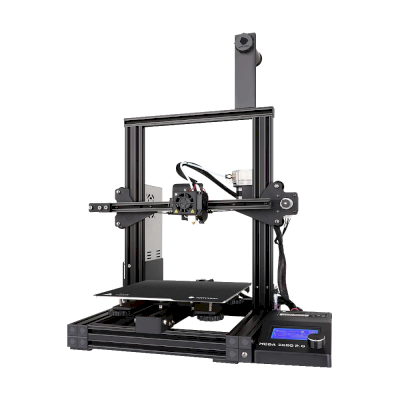
OctoPrintで接続すると、SimplyPrintはAnycubic Mega Zero 2.0が他のソフトウェアに許可するすべての操作に対応します:カメラとAIによる失敗検出, リモートプリント, 温度と動作の制御とAutoPrint。 3つの機能は設定に依存します。それぞれに必要な条件は表に記載されています。
SimplyPrintへの接続方法別のSimplyPrintの全機能
SimplyPrintへの接続方法
SimplyPrintの機能
OctoPrint
互換性あり
監視
リアルタイムの状態と進捗
はい
ウェブカメラ
はい1
AI失敗検出
はい1
残り時間
はい
レイヤー進行状況
はい
温度
はい
プリント
プリントの開始
はい
一時停止、再開、キャンセル
はい
オブジェクトをスキップ
状況次第2
ファイル
バイナリG-code(.bgcode)をプリント
状況次第3
プリンターの制御
温度を変更
はい
操作パネルでの移動
はい
原点復帰
はい
押し出しとリトラクト
はい
プリント速度を変更
はい
ファン速度
はい
ベビーステップ
はい
G-codeを送信する
はい
校正
フィラメントを変更
はい
ベッドレベリング
はい
Zオフセットの調整
はい
自動化
AutoPrint
Pro
はい
プリント開始前にファイルをダウンロード
状況次第4
OctoPrintでSimplyPrintに接続
互換性あり
監視
リアルタイムの状態と進捗はい
ウェブカメラはい1
AI失敗検出はい1
残り時間はい
レイヤー進行状況はい
温度はい
プリント
プリントの開始はい
一時停止、再開、キャンセルはい
オブジェクトをスキップ状況次第2
ファイル
バイナリG-code(.bgcode)をプリント状況次第3
プリンターの制御
温度を変更はい
操作パネルでの移動はい
原点復帰はい
押し出しとリトラクトはい
プリント速度を変更はい
ファン速度はい
ベビーステップはい
G-codeを送信するはい
校正
フィラメントを変更はい
ベッドレベリングはい
Zオフセットの調整はい
自動化
AutoPrint Proはい
プリント開始前にファイルをダウンロード状況次第4
動作する
状況次第
非対応
カメラが必要
OctoPrintプラグインCancel Objectsが必要
OctoPrintプラグインBGCodeが必要
SimplyPrintプラグインのバージョン4.2.0以降が必要
SimplyPrintのAnycubic Mega Zero 2.0所有者
10+台のプリンターでSimplyPrintを使用
Anycubic Mega Zero 2.0に使用するスライサー
SimplyPrintのクラウドにはAnycubic Mega Zero 2.0用の既成プロファイルはありませんが、標準のG-codeに対応しています。類似のプリンターのプロファイルをもとに、ベッドサイズ、高さ、ノズルを合わせて設定してください。
注意:Simplify3D、ideaMaker、SuperSlicer、KISSlicerなどのスライサーはクラウドに含まれていないため、そのプロファイルは管理していません。Anycubic Mega Zero 2.0で正常に動作する場合もあります。プロファイルについては、スライサーのドキュメントやフォーラムを確認してください。GitHubのオープンソースのスライサープロファイルデータベースにプロファイルを提供することもできます。
Anycubic Mega Zero 2.0用アプリ
SimplyPrintはAnycubic Mega Zero 2.0のアプリとして、スマートフォンやあらゆるブラウザーで使えます。クラウドスライサーも利用できます。
Anycubic Mega Zero 2.0のメーカーと、Anycubicのプリンターの自由度を紹介します。メーカーのクラウドなしで使えるか、フィラメントやスライサーを自由に選べるか、修理できるかを確認できます。各項目は公開情報に基づいて評価しています。
オープン性:混在(5点中3.0点)
混在
閉鎖的なエコシステム開く
Anycubic is a Chinese 3D printer maker founded in 2015. It sells the Kobra line of FDM printers, including the enclosed Kobra S1 and S1 Max, the large Kobra 3 Max and the low-cost Kobra X, the ACE Pro multi-material unit and Photon resin printers. Its printers are aimed at hobbyists and home users at budget to mid-range prices.
設立:
2015 ·
本社:
China (its global store is run by Hongkong Anycubic Technology Co., Limited) ·
ウェブサイト:www.anycubic.com
Anycubic is mixed: its printers work locally in LAN mode, take third-party filament and slicers, and have spare parts and guides, but its published firmware source leaves proprietary parts closed, custom firmware is unsupported, and its cloud had a security incident in 2024.
ファームウェアとカスタムファームウェア ●●●●●
The Kobra 3, 3 Max and S1 run Klipper-go, Anycubic's Go port of Klipper. Anycubic published its source with the kernel and U-Boot under GPL, for the Kobra 3 in October 2024 and for the wider family in October 2025, but says some proprietary features are kept closed, and that modifying the firmware voids the warranty. The community project Rinkhals adds Fluidd, Mainsail and SSH, and reports that the newer Kobra X only accepts signed updates.
[1][2][3]
ローカル制御と連携 ●●●●●
LAN mode lets Anycubic Slicer Next send prints, show progress and stream video on the local network without an account, and the S1's firmware 2.5.9.9 added sending from OrcaSlicer. With LAN mode on, the cloud, the app and AI failure detection are off, and the S1 must leave LAN mode and be bound to an account to update its firmware. Anycubic documents no local API for other software; Moonraker, Fluidd and Mainsail come only with the community firmware Rinkhals.
[4][5][3]
サードパーティー製フィラメント、スライサー、部品 ●●●●●
Third-party filament works. Anycubic Slicer Next is an open-source OrcaSlicer fork, and recent firmware accepts files sent from OrcaSlicer. Hotends, extruders and many other parts are model-specific Anycubic parts.
[6][5][7]
修理と交換部品 ●●●●●
Anycubic's store sells hotends, extruders, motherboards, heated beds, motors and screens, and its wiki has replacement guides for current models, for example the Kobra S1 Max XY motors and the Kobra X Y-axis motor.
[7][8][9]
データとプライバシー ●●●●●
LAN mode keeps data on the local network, but the app and cloud need an account. Anycubic's privacy policy allows broad collection, including product usage, device signals and nearby Wi-Fi access points, and storage in the United States. In February 2024 a flaw in its cloud MQTT server let a third party push a file to Kobra 2 printers; Anycubic apologised and patched it.
[10][11][4]
コミュニティとドキュメント ●●●●●
Active user community and a wiki with guides and error codes for each model. Source releases leave proprietary parts closed, and custom firmware is a community effort.
[4][2][3]
メリット
Budget to mid-range prices, with multi-colour Combo bundles.
LAN mode works without an account.
Spare parts and replacement guides for current models.
Open-source slicer, and third-party filament works.
デメリット
Published firmware source leaves some features closed; modifying firmware voids the warranty.
LAN mode turns off the app, cloud and AI failure detection, and firmware updates need the cloud.
The privacy policy allows broad data collection.
Its cloud was used to push files to printers in 2024 (fixed).
実績
10月 2025: Anycubic published Klipper-go, its Go port of Klipper, as a standalone project for the Kobra 3, Kobra 3 V2, Kobra 3 Max and Kobra S1, with the MCU firmware, Linux kernel and U-Boot sources, on GitHub under GPL-3.0. It says some proprietary features remain closed.
[2][12]
10月 2024: Anycubic published the Kobra 3 firmware sources (Klipper-go, MCU firmware, Linux kernel and U-Boot) on GitHub under GPL-3.0.
[1]
2月 2024: A third party used a vulnerability in Anycubic's cloud MQTT server to make Kobra 2 Pro/Plus/Max printers download a file named 'hacked_machine_readme.gcode'. Anycubic counted 237 affected printers and over 2,000 that received the file, apologised for its late response, tightened cloud authorisation and released a firmware fix.
[11]
 中国
中国
 OctoPrint


 PrusaSlicer
 OrcaSlicer
 BambuStudio
 ElegooSlicer
 CrealityPrint
 Cura
Cura Kiri:Moto